1www.esi-group.com
Copyright © ESI Group, 2018. All rights reserved.Copyright © ESI Group, 2018. All rights reserved.
www.esi-group.com
Implementation of a
converting toolbox
for Scilab for
transforming figures
from Scilab to
TikZ/LaTeX
Manuel-Tobias Csapo
10.11.2018
2www.esi-group.com
Copyright © ESI Group, 2018. All rights reserved.
2
What’s the motivation for a toolbox?
• Include graphs in scientific papers or articles
• LaTeX in scientific environment is de-facto standard
• MATLAB and Octave offer to convert figures to Tikz/LaTeX
• Scilab does not provide this functionality yet
Created toolbox prototype “xs2tikz” in Scilab
Project idea initiated by Professor Dr. Koch
3www.esi-group.com
Copyright © ESI Group, 2018. All rights reserved.
3
Agenda
1. Working Environment
• University of Applied Sciences Esslingen
• IT Designers Group
2. Target Software
• What’s LaTeX
• What’s PGFPlots
3. Converter Toolbox
• Implementation
• What’s currently there
• Examples
4. Outlook
• What’s missing / New features
4www.esi-group.com
Copyright © ESI Group, 2018. All rights reserved.
4
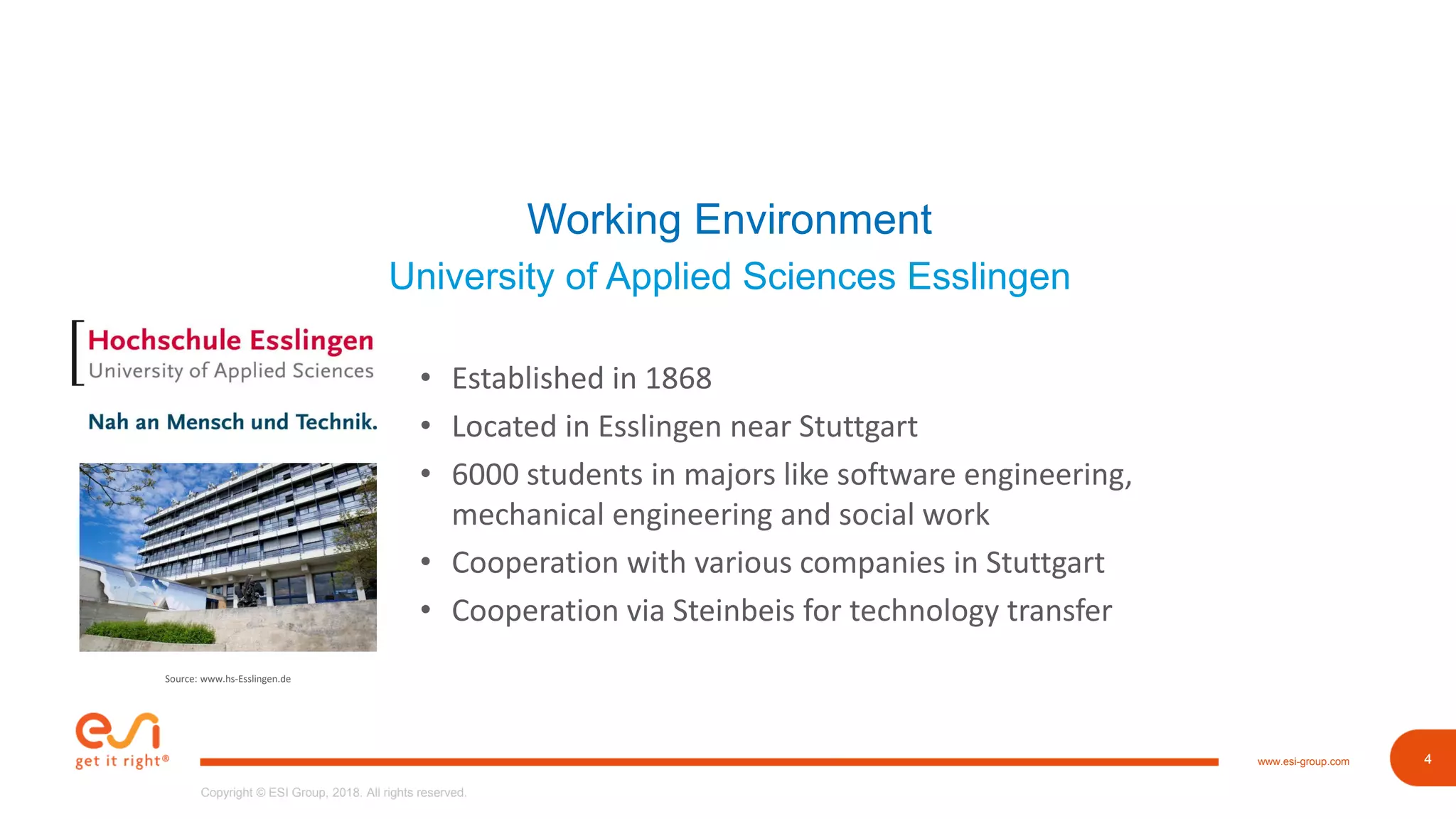
Working Environment
University of Applied Sciences Esslingen
• Established in 1868
• Located in Esslingen near Stuttgart
• 6000 students in majors like software engineering,
mechanical engineering and social work
• Cooperation with various companies in Stuttgart
• Cooperation via Steinbeis for technology transfer
Source: www.hs-Esslingen.de
5www.esi-group.com
Copyright © ESI Group, 2018. All rights reserved.
5
Working Environment
IT Designers Group
• Established in 1994 by Professor Dr. Joachim Goll from
University of Applied Sciences Esslingen via Steinbeis
• Located in Zell/Esslingen
• Nearly 150 employees
• Develops personalized software projects for customers
in automobile, finance, logistic and automation sector
• Provides support and setup of Application Lifecycle
Management
6www.esi-group.com
Copyright © ESI Group, 2018. All rights reserved.
6
Target Software
Components used
Source: de.wikipedia.org
• Typesetting language LaTeX
(Open Source)
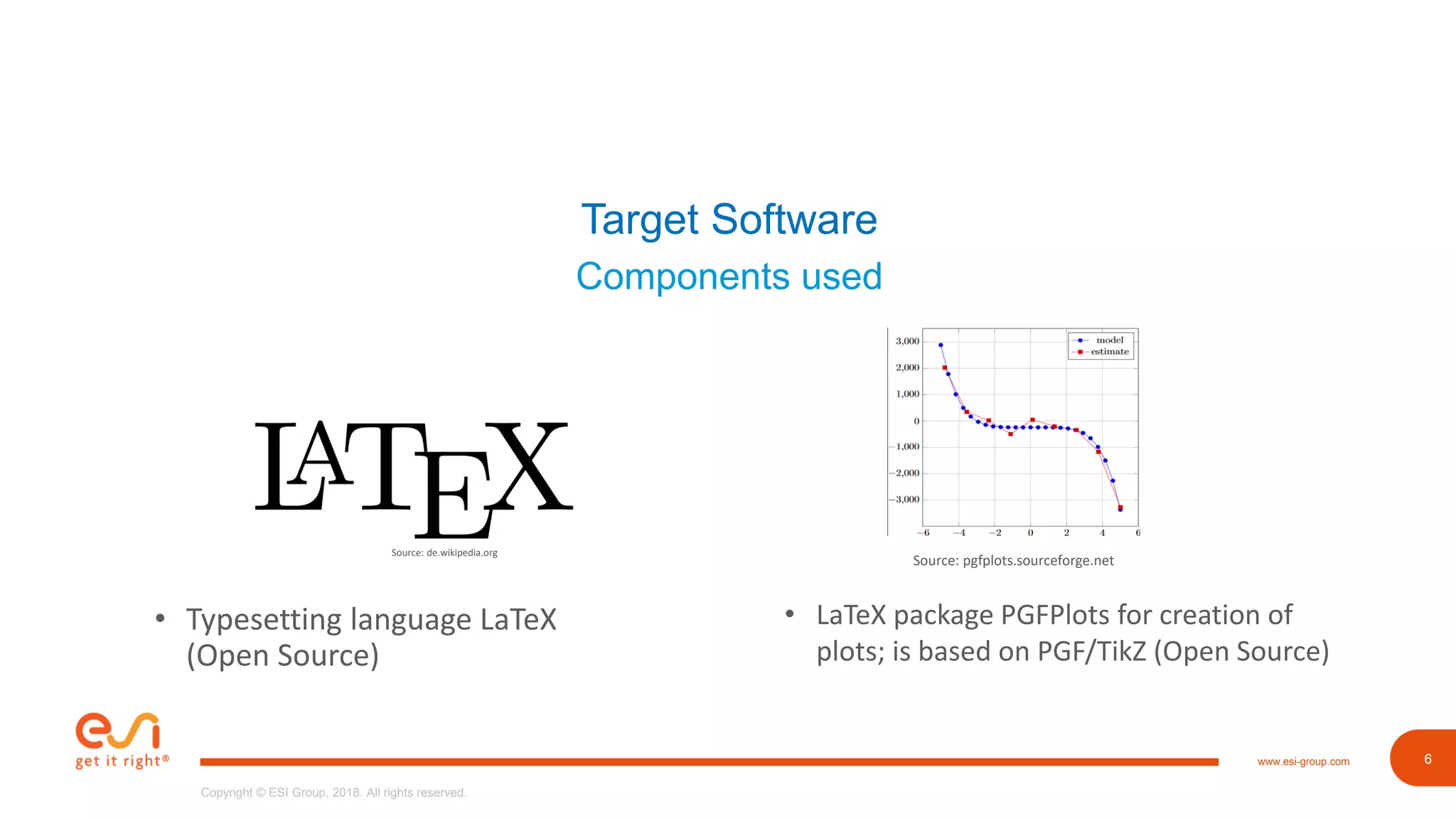
• LaTeX package PGFPlots for creation of
plots; is based on PGF/TikZ (Open Source)
Source: pgfplots.sourceforge.net
7www.esi-group.com
Copyright © ESI Group, 2018. All rights reserved.
7
Target Software
About LaTeX
Source: de.wikipedia.org
• High-quality typesetting system
• Used in scientific and educational environment
• Well-suited for typesetting mathematical formulas
• Principle: writers should focus on content, not design
• As opposed to Microsoft Word ;-)
documentclass{scrartcl}
title{Awesome article is awesome}
author{Manuel Csapo}
begin{document}
maketitle
end{document}
8www.esi-group.com
Copyright © ESI Group, 2018. All rights reserved.
8
Target Software
About PGFPlots
• Plot creation package for LaTeX
• Based on PGF/TikZ
• Supports normal/logarithmic plots in two and three
dimensions
begin{tikzpicture}
begin{axis}[xlabel=x, ylabel=f(x)]
addplot coordinates {
(0, 1)
(2,4)
};
end{axis}
end{tikzpicture}
Source: pgfplots.sourceforge.net
9www.esi-group.com
Copyright © ESI Group, 2018. All rights reserved.
9
Target Software
About PGF/TikZ
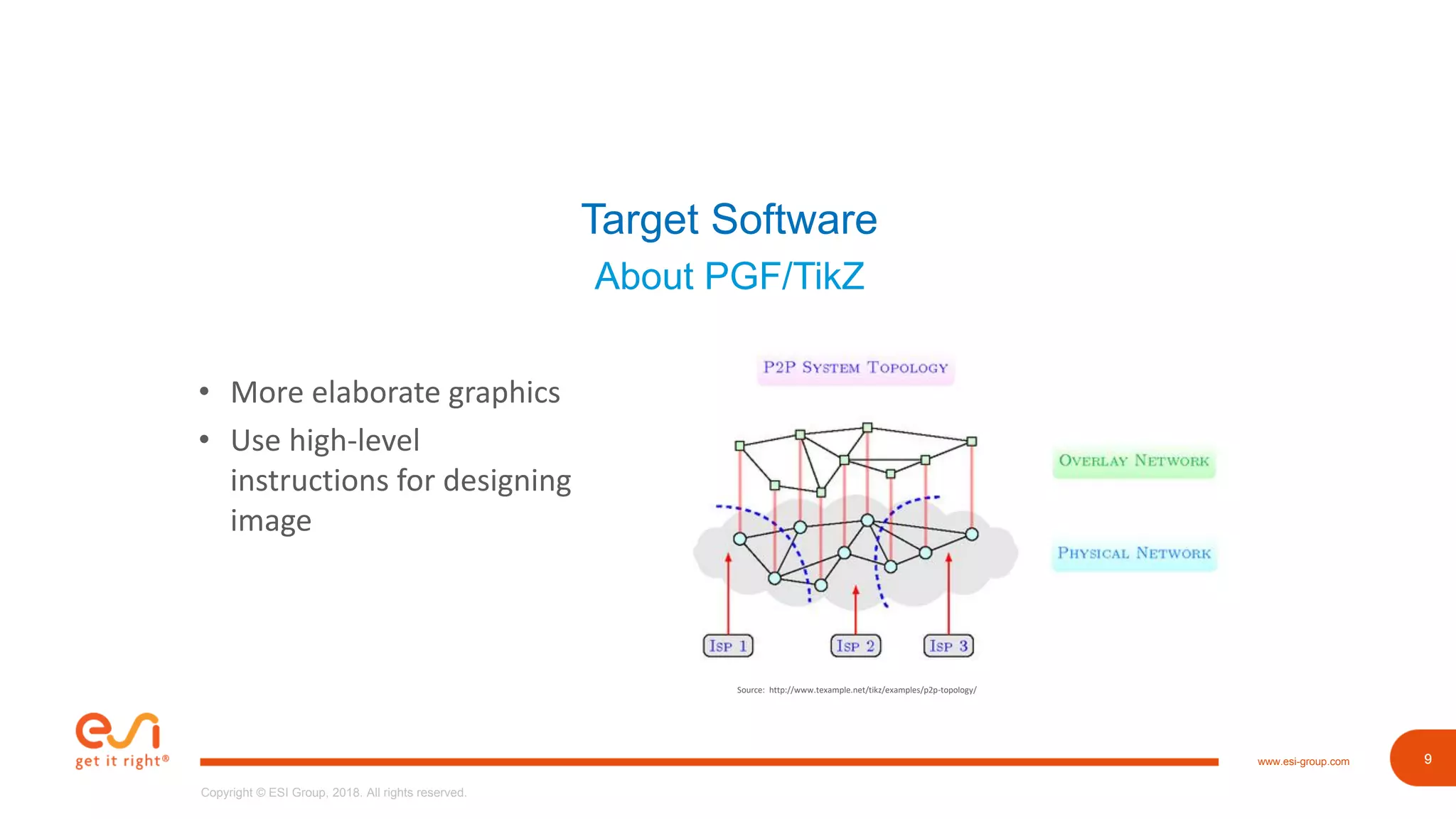
• More elaborate graphics
• Use high-level
instructions for designing
image
Source: http://www.texample.net/tikz/examples/p2p-topology/
10www.esi-group.com
Copyright © ESI Group, 2018. All rights reserved.
10
Converter Toolbox
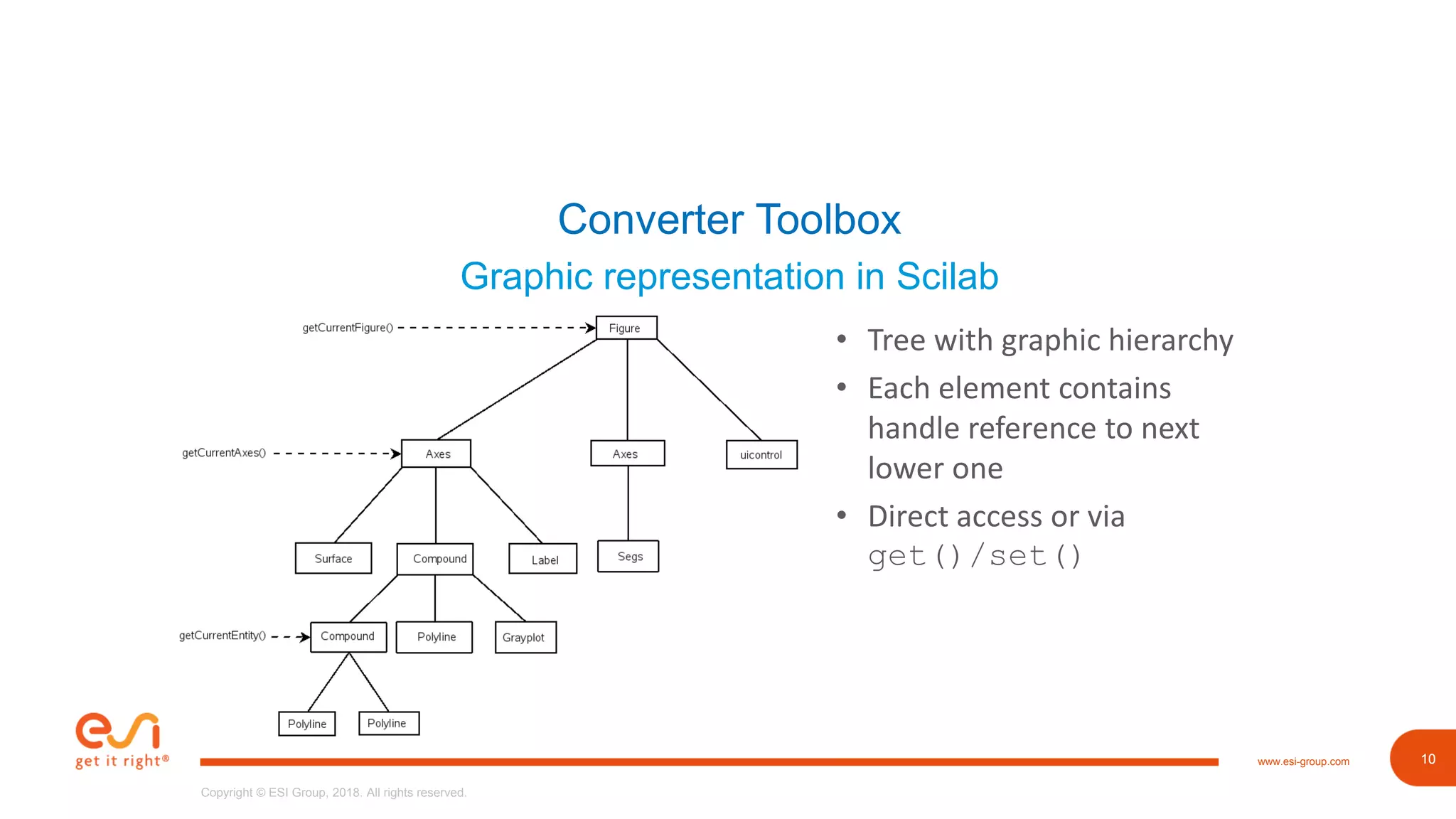
Graphic representation in Scilab
• Tree with graphic hierarchy
• Each element contains
handle reference to next
lower one
• Direct access or via
get()/set()
11www.esi-group.com
Copyright © ESI Group, 2018. All rights reserved.
11
Converter Toolbox
First Step: What’s out there?
• Matlab2Tikz package as base
• Has more functionality than needed
• E.g. Parsing additional arguments for creating more elements
• Quickly abandoned due single file provision with ~7000 lines of code, >
100 unprecise declared Functions
• Example: saveToFile()does gathering and calls functions for
generating of strings
12www.esi-group.com
Copyright © ESI Group, 2018. All rights reserved.
12
Converter Toolbox
Second Step: Designing
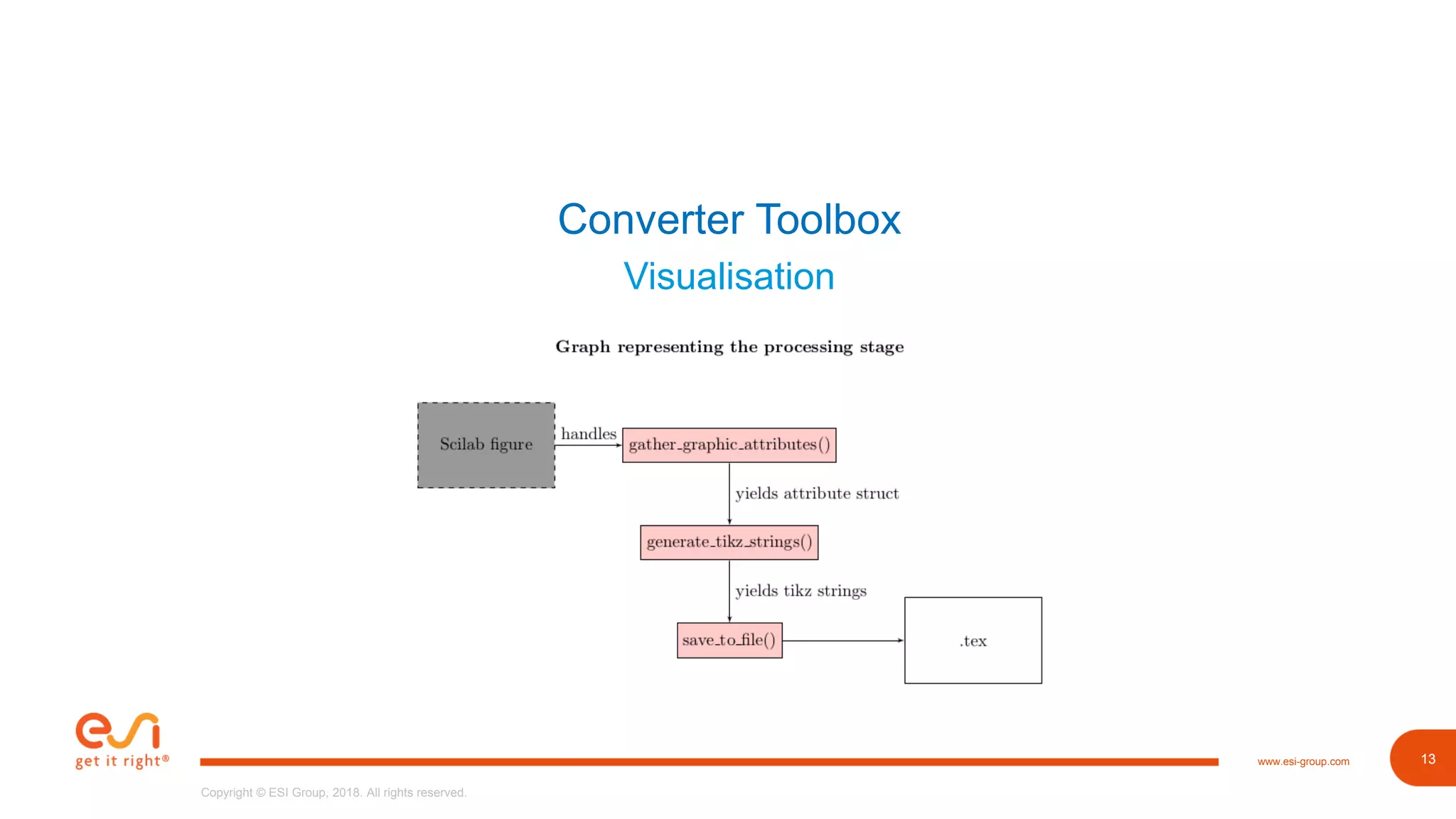
• Basic ideas taken: Gathering, Parsing, Writing to file
• Provide functionality as toolbox
• Solely written in Scilab
• gather_graphics_attributes for collecting figure data
• generate_tikz_strings for parsing data to PGFPlots
• xs2tikz provides simple interface
13www.esi-group.com
Copyright © ESI Group, 2018. All rights reserved.
13
Converter Toolbox
Visualisation
14www.esi-group.com
Copyright © ESI Group, 2018. All rights reserved.
14
Converter Toolbox
Third Step: Implementation of gather_graphic_attributes
• Traverse graphic hierarchy
• Collect necessary attributes
• Create cell for each type (figure, axes, polylines)
• Save them in struct attributes
15www.esi-group.com
Copyright © ESI Group, 2018. All rights reserved.
15
Converter Toolbox
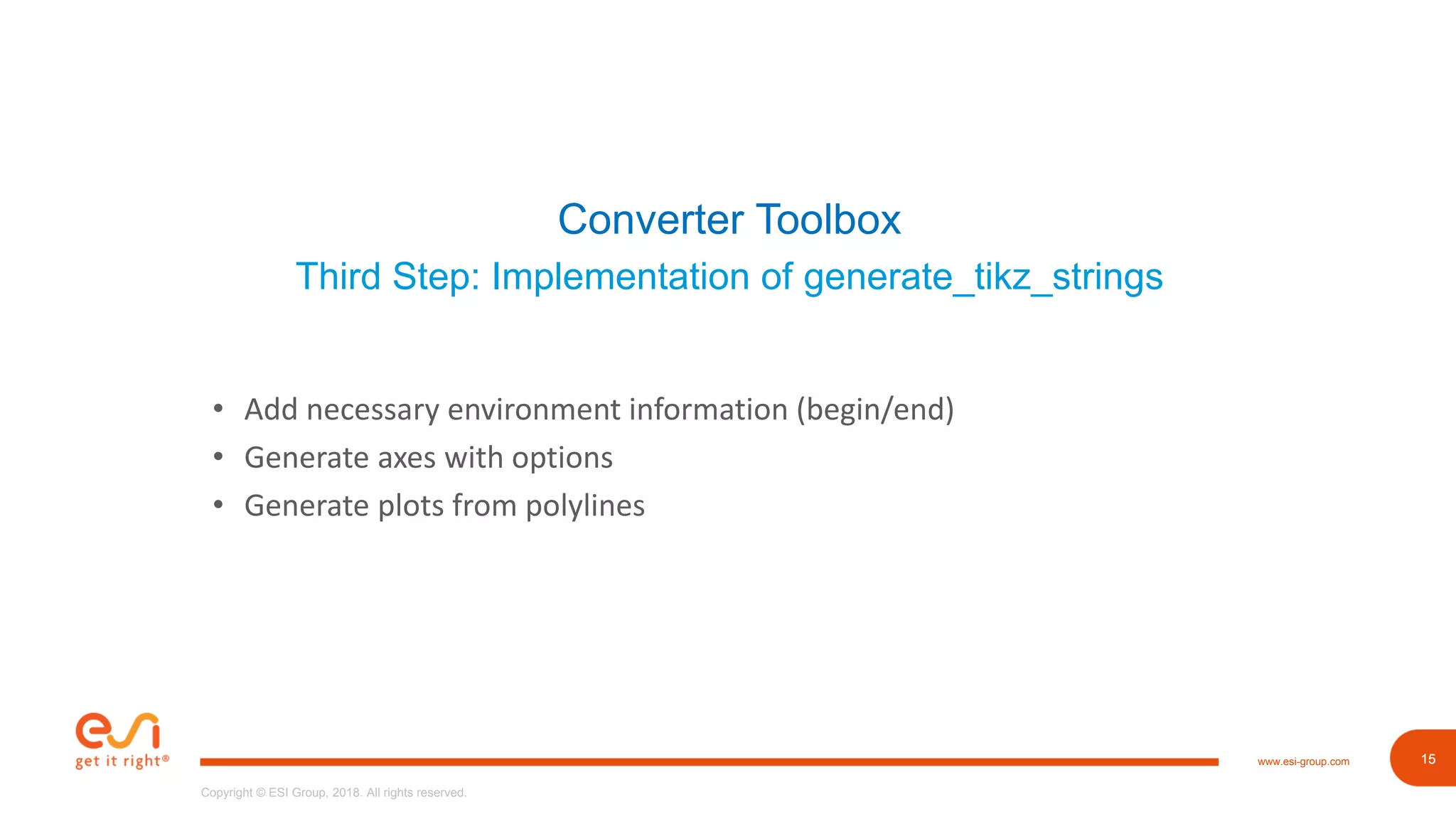
Third Step: Implementation of generate_tikz_strings
• Add necessary environment information (begin/end)
• Generate axes with options
• Generate plots from polylines
16www.esi-group.com
Copyright © ESI Group, 2018. All rights reserved.
16
Converter Toolbox
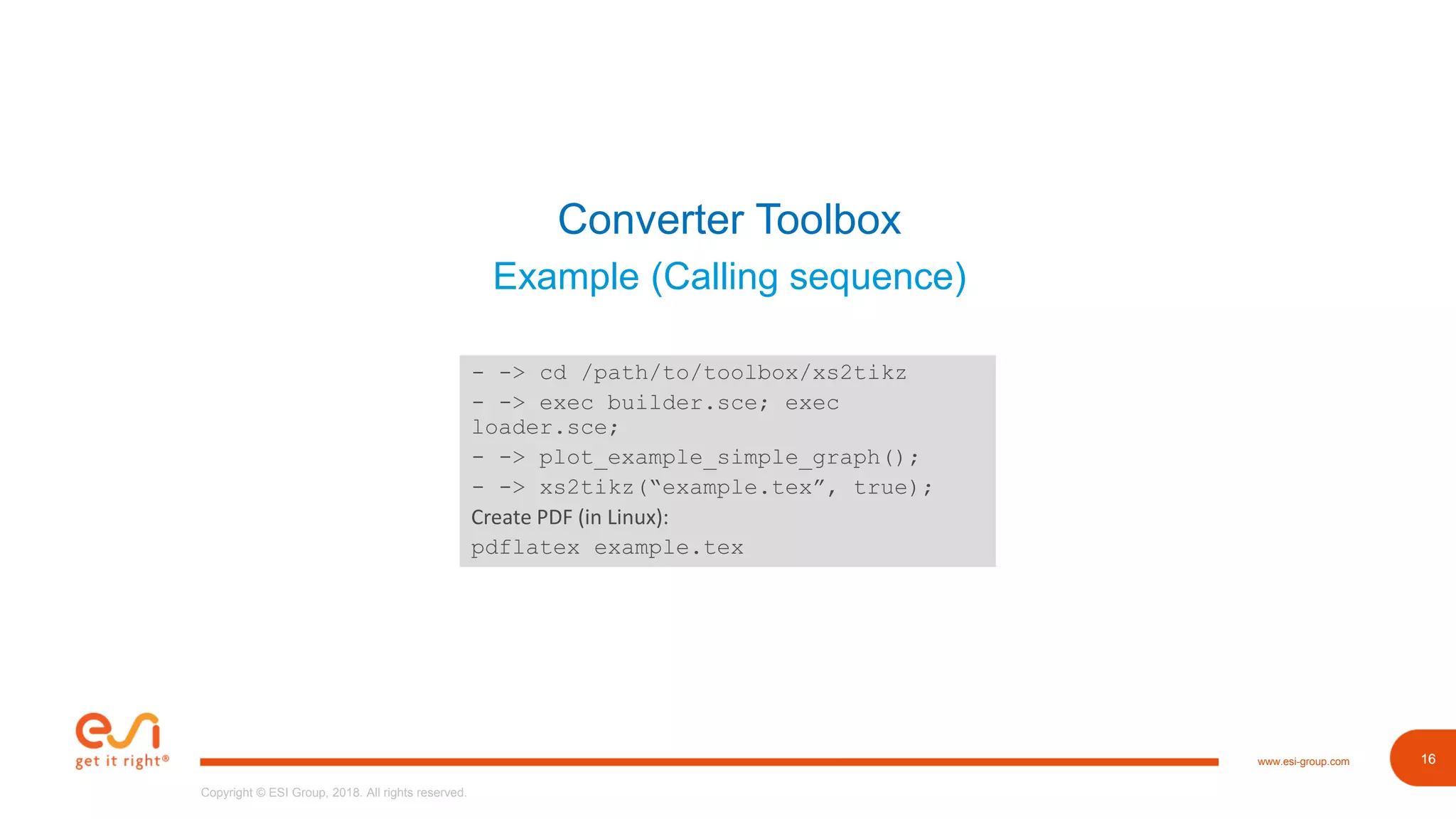
Example (Calling sequence)
- -> cd /path/to/toolbox/xs2tikz
- -> exec builder.sce; exec
loader.sce;
- -> plot_example_simple_graph();
- -> xs2tikz(“example.tex”, true);
Create PDF (in Linux):
pdflatex example.tex
17www.esi-group.com
Copyright © ESI Group, 2018. All rights reserved.
17
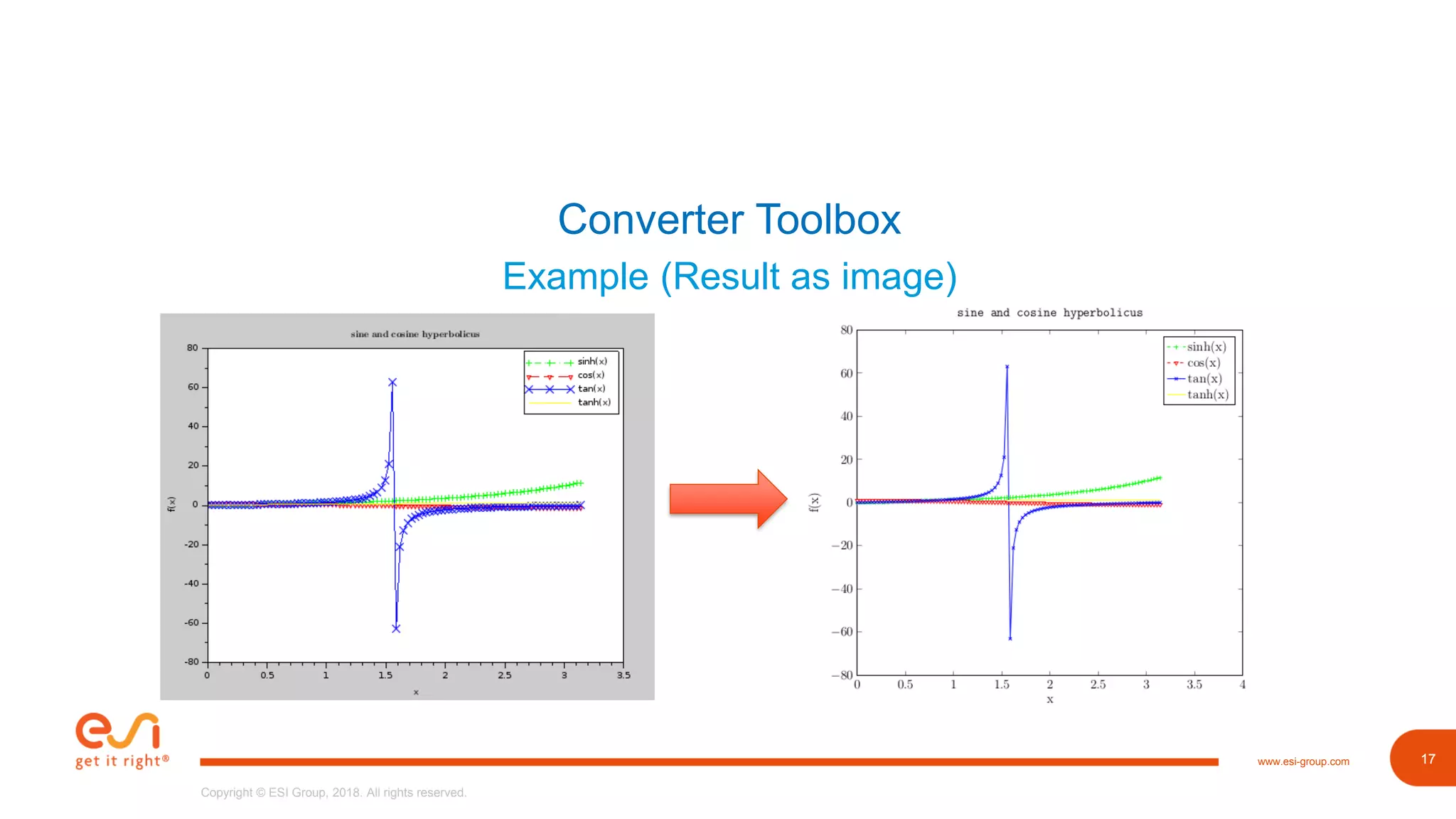
Converter Toolbox
Example (Result as image)
18www.esi-group.com
Copyright © ESI Group, 2018. All rights reserved.
18
Converter Toolbox
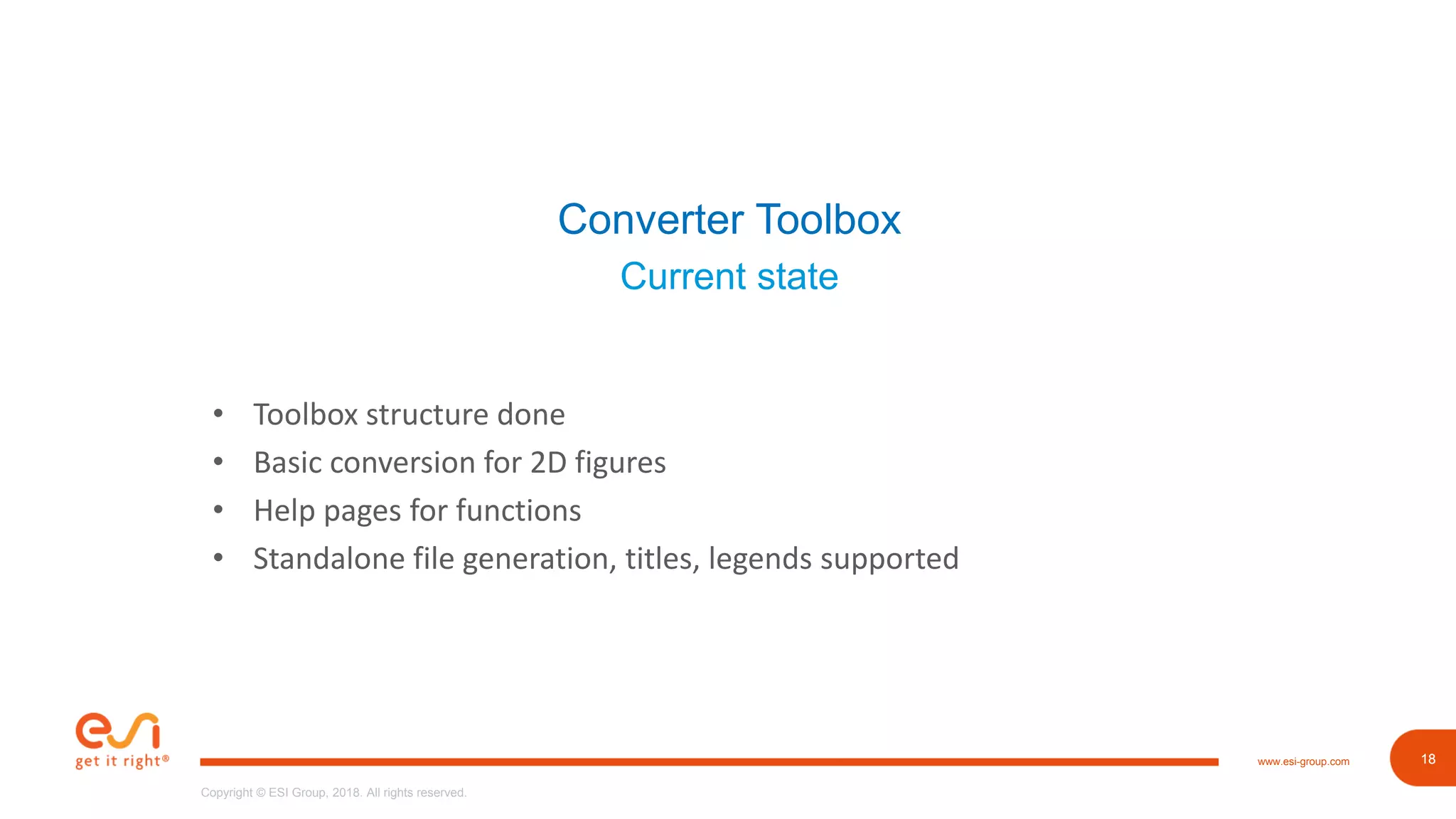
Current state
• Toolbox structure done
• Basic conversion for 2D figures
• Help pages for functions
• Standalone file generation, titles, legends supported
19www.esi-group.com
Copyright © ESI Group, 2018. All rights reserved.
19
Outlook
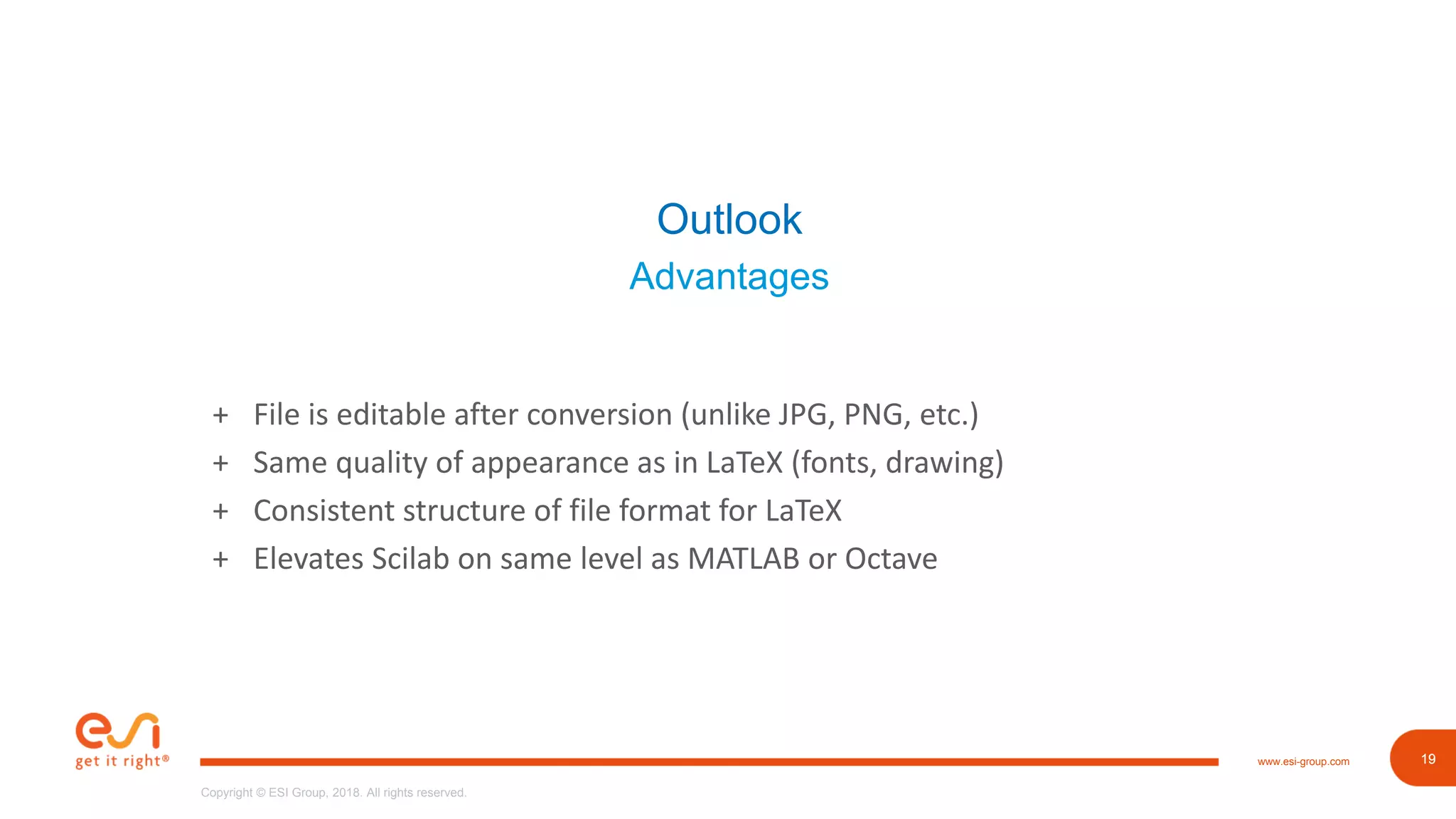
Advantages
+ File is editable after conversion (unlike JPG, PNG, etc.)
+ Same quality of appearance as in LaTeX (fonts, drawing)
+ Consistent structure of file format for LaTeX
+ Elevates Scilab on same level as MATLAB or Octave
20www.esi-group.com
Copyright © ESI Group, 2018. All rights reserved.
20
Outlook
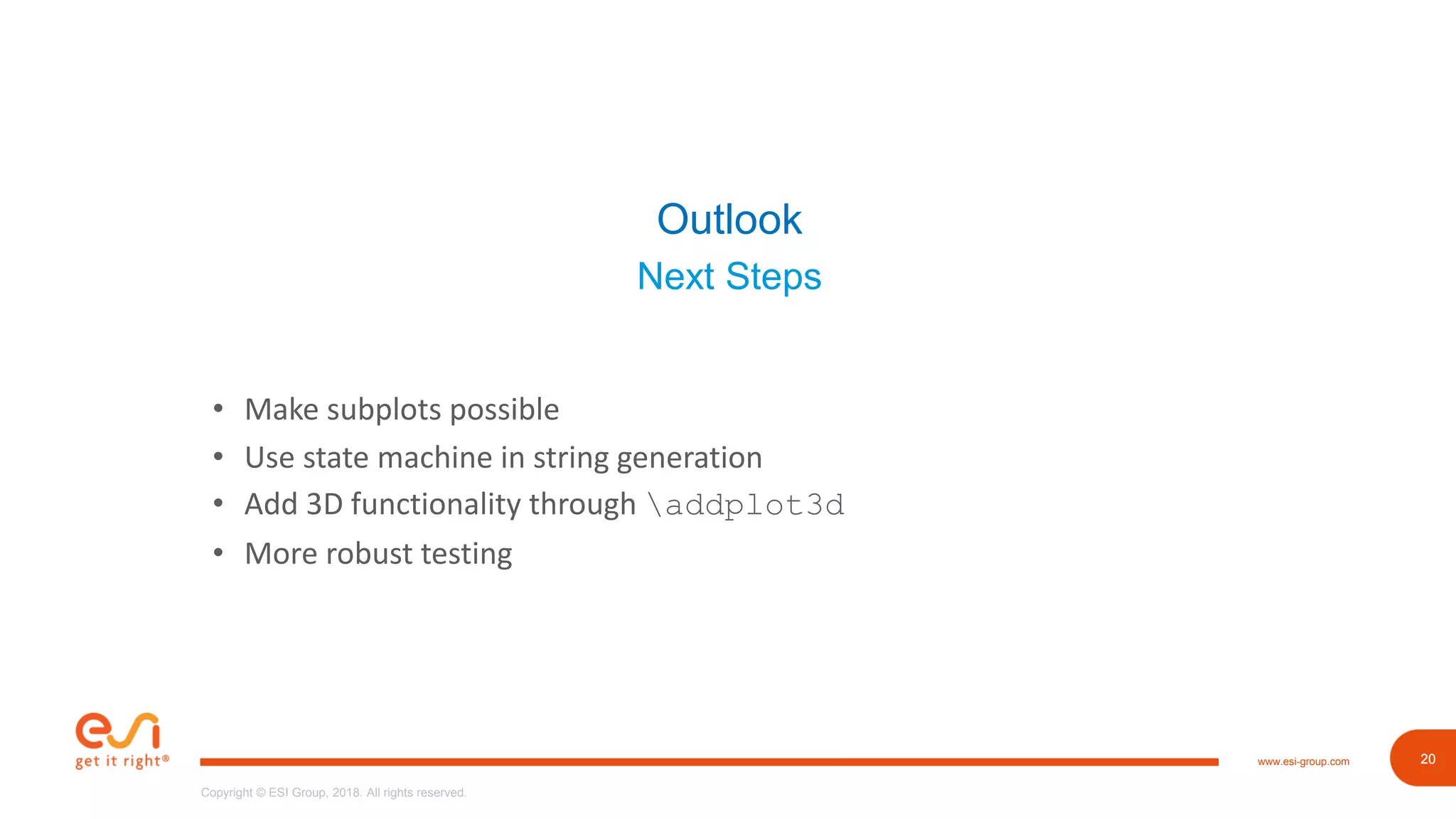
Next Steps
• Make subplots possible
• Use state machine in string generation
• Add 3D functionality through addplot3d
• More robust testing
21www.esi-group.com
Copyright © ESI Group, 2018. All rights reserved.
21
End of presentation
Thank you for your patience!

University of Applied Science Esslingen @ Scilab Conference 2018

  • 1.
    1www.esi-group.com Copyright © ESIGroup, 2018. All rights reserved.Copyright © ESI Group, 2018. All rights reserved. www.esi-group.com Implementation of a converting toolbox for Scilab for transforming figures from Scilab to TikZ/LaTeX Manuel-Tobias Csapo 10.11.2018
  • 2.
    2www.esi-group.com Copyright © ESIGroup, 2018. All rights reserved. 2 What’s the motivation for a toolbox? • Include graphs in scientific papers or articles • LaTeX in scientific environment is de-facto standard • MATLAB and Octave offer to convert figures to Tikz/LaTeX • Scilab does not provide this functionality yet Created toolbox prototype “xs2tikz” in Scilab Project idea initiated by Professor Dr. Koch
  • 3.
    3www.esi-group.com Copyright © ESIGroup, 2018. All rights reserved. 3 Agenda 1. Working Environment • University of Applied Sciences Esslingen • IT Designers Group 2. Target Software • What’s LaTeX • What’s PGFPlots 3. Converter Toolbox • Implementation • What’s currently there • Examples 4. Outlook • What’s missing / New features
  • 4.
    4www.esi-group.com Copyright © ESIGroup, 2018. All rights reserved. 4 Working Environment University of Applied Sciences Esslingen • Established in 1868 • Located in Esslingen near Stuttgart • 6000 students in majors like software engineering, mechanical engineering and social work • Cooperation with various companies in Stuttgart • Cooperation via Steinbeis for technology transfer Source: www.hs-Esslingen.de
  • 5.
    5www.esi-group.com Copyright © ESIGroup, 2018. All rights reserved. 5 Working Environment IT Designers Group • Established in 1994 by Professor Dr. Joachim Goll from University of Applied Sciences Esslingen via Steinbeis • Located in Zell/Esslingen • Nearly 150 employees • Develops personalized software projects for customers in automobile, finance, logistic and automation sector • Provides support and setup of Application Lifecycle Management
  • 6.
    6www.esi-group.com Copyright © ESIGroup, 2018. All rights reserved. 6 Target Software Components used Source: de.wikipedia.org • Typesetting language LaTeX (Open Source) • LaTeX package PGFPlots for creation of plots; is based on PGF/TikZ (Open Source) Source: pgfplots.sourceforge.net
  • 7.
    7www.esi-group.com Copyright © ESIGroup, 2018. All rights reserved. 7 Target Software About LaTeX Source: de.wikipedia.org • High-quality typesetting system • Used in scientific and educational environment • Well-suited for typesetting mathematical formulas • Principle: writers should focus on content, not design • As opposed to Microsoft Word ;-) documentclass{scrartcl} title{Awesome article is awesome} author{Manuel Csapo} begin{document} maketitle end{document}
  • 8.
    8www.esi-group.com Copyright © ESIGroup, 2018. All rights reserved. 8 Target Software About PGFPlots • Plot creation package for LaTeX • Based on PGF/TikZ • Supports normal/logarithmic plots in two and three dimensions begin{tikzpicture} begin{axis}[xlabel=x, ylabel=f(x)] addplot coordinates { (0, 1) (2,4) }; end{axis} end{tikzpicture} Source: pgfplots.sourceforge.net
  • 9.
    9www.esi-group.com Copyright © ESIGroup, 2018. All rights reserved. 9 Target Software About PGF/TikZ • More elaborate graphics • Use high-level instructions for designing image Source: http://www.texample.net/tikz/examples/p2p-topology/
  • 10.
    10www.esi-group.com Copyright © ESIGroup, 2018. All rights reserved. 10 Converter Toolbox Graphic representation in Scilab • Tree with graphic hierarchy • Each element contains handle reference to next lower one • Direct access or via get()/set()
  • 11.
    11www.esi-group.com Copyright © ESIGroup, 2018. All rights reserved. 11 Converter Toolbox First Step: What’s out there? • Matlab2Tikz package as base • Has more functionality than needed • E.g. Parsing additional arguments for creating more elements • Quickly abandoned due single file provision with ~7000 lines of code, > 100 unprecise declared Functions • Example: saveToFile()does gathering and calls functions for generating of strings
  • 12.
    12www.esi-group.com Copyright © ESIGroup, 2018. All rights reserved. 12 Converter Toolbox Second Step: Designing • Basic ideas taken: Gathering, Parsing, Writing to file • Provide functionality as toolbox • Solely written in Scilab • gather_graphics_attributes for collecting figure data • generate_tikz_strings for parsing data to PGFPlots • xs2tikz provides simple interface
  • 13.
    13www.esi-group.com Copyright © ESIGroup, 2018. All rights reserved. 13 Converter Toolbox Visualisation
  • 14.
    14www.esi-group.com Copyright © ESIGroup, 2018. All rights reserved. 14 Converter Toolbox Third Step: Implementation of gather_graphic_attributes • Traverse graphic hierarchy • Collect necessary attributes • Create cell for each type (figure, axes, polylines) • Save them in struct attributes
  • 15.
    15www.esi-group.com Copyright © ESIGroup, 2018. All rights reserved. 15 Converter Toolbox Third Step: Implementation of generate_tikz_strings • Add necessary environment information (begin/end) • Generate axes with options • Generate plots from polylines
  • 16.
    16www.esi-group.com Copyright © ESIGroup, 2018. All rights reserved. 16 Converter Toolbox Example (Calling sequence) - -> cd /path/to/toolbox/xs2tikz - -> exec builder.sce; exec loader.sce; - -> plot_example_simple_graph(); - -> xs2tikz(“example.tex”, true); Create PDF (in Linux): pdflatex example.tex
  • 17.
    17www.esi-group.com Copyright © ESIGroup, 2018. All rights reserved. 17 Converter Toolbox Example (Result as image)
  • 18.
    18www.esi-group.com Copyright © ESIGroup, 2018. All rights reserved. 18 Converter Toolbox Current state • Toolbox structure done • Basic conversion for 2D figures • Help pages for functions • Standalone file generation, titles, legends supported
  • 19.
    19www.esi-group.com Copyright © ESIGroup, 2018. All rights reserved. 19 Outlook Advantages + File is editable after conversion (unlike JPG, PNG, etc.) + Same quality of appearance as in LaTeX (fonts, drawing) + Consistent structure of file format for LaTeX + Elevates Scilab on same level as MATLAB or Octave
  • 20.
    20www.esi-group.com Copyright © ESIGroup, 2018. All rights reserved. 20 Outlook Next Steps • Make subplots possible • Use state machine in string generation • Add 3D functionality through addplot3d • More robust testing
  • 21.
    21www.esi-group.com Copyright © ESIGroup, 2018. All rights reserved. 21 End of presentation Thank you for your patience!