Collaboration and Social Media
Collaboration @Yale
Adriene Nazaretian Radcliffe
Collaboration and Social Media Evangelist
Office of the CIO
March 2014
a_radcliffe
linkedin.com/adrieneradcliffe
Topics Covered Today
• Overall Landscape
• Voice Conferencing and Telephony
• Video Conferencing
• Document Sharing and Team Sites
• e-Mail and Messaging
• Social Media
✔Meets Most Needs
Yale Service
External Service
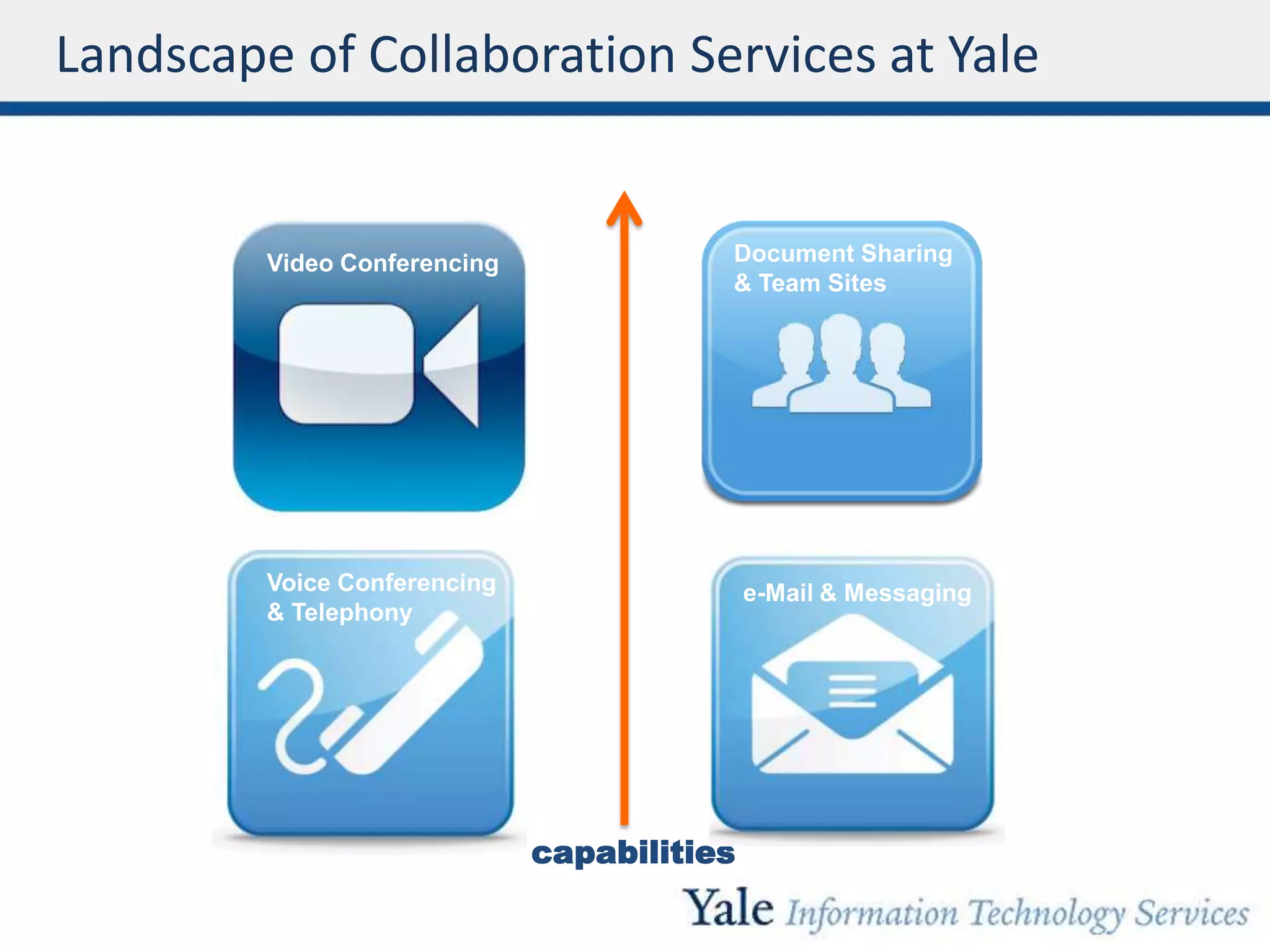
Landscape of Collaboration Services at Yale
Voice Conferencing
& Telephony
capabilities
Document Sharing
& Team Sites
e-Mail & Messaging
Video Conferencing
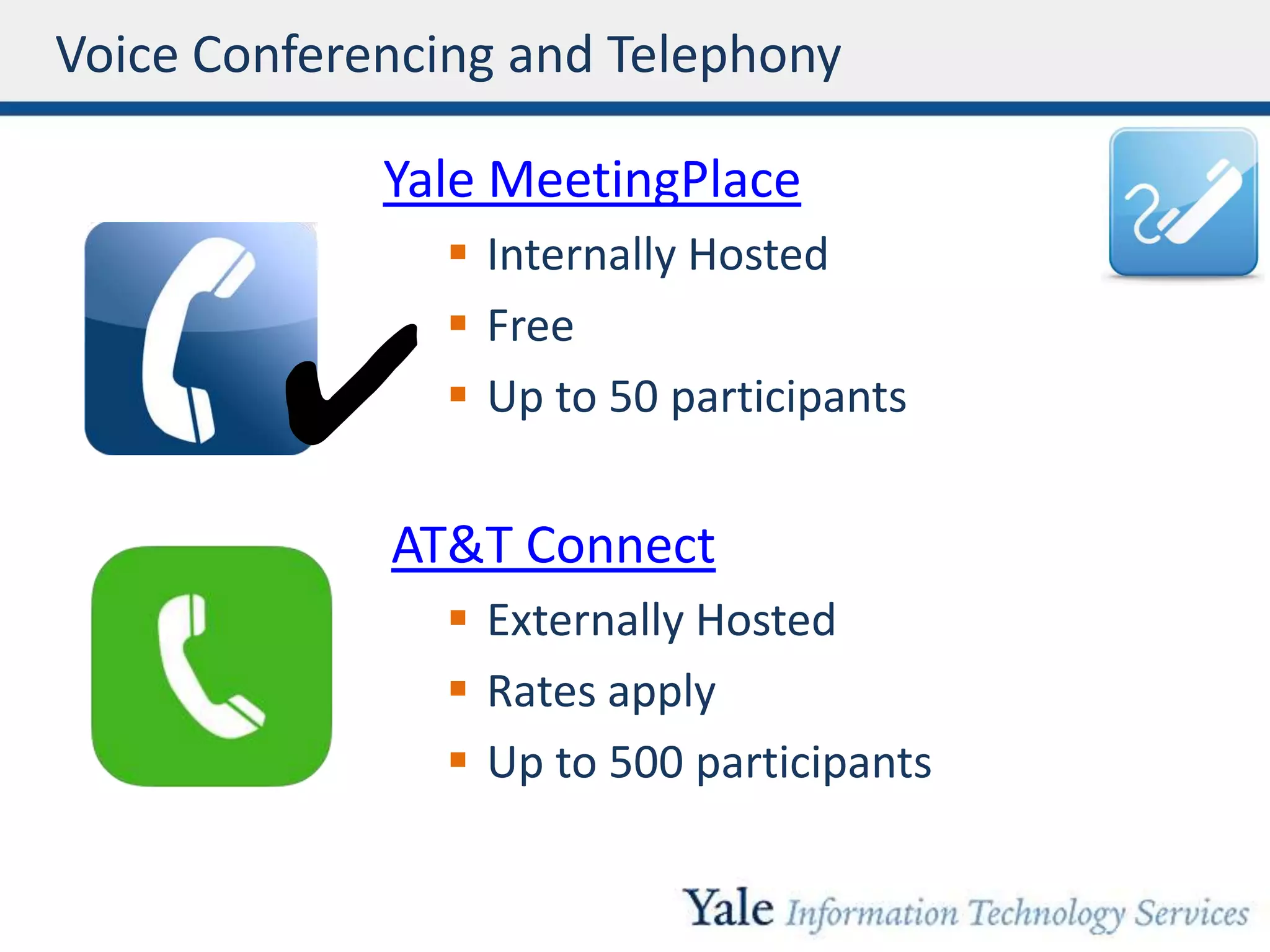
Voice Conferencing and Telephony
Yale MeetingPlace
 Internally Hosted
 Free
 Up to 50 participants
AT&T Connect
 Externally Hosted
 Rates apply
 Up to 500 participants
Voice Conferencing
✔
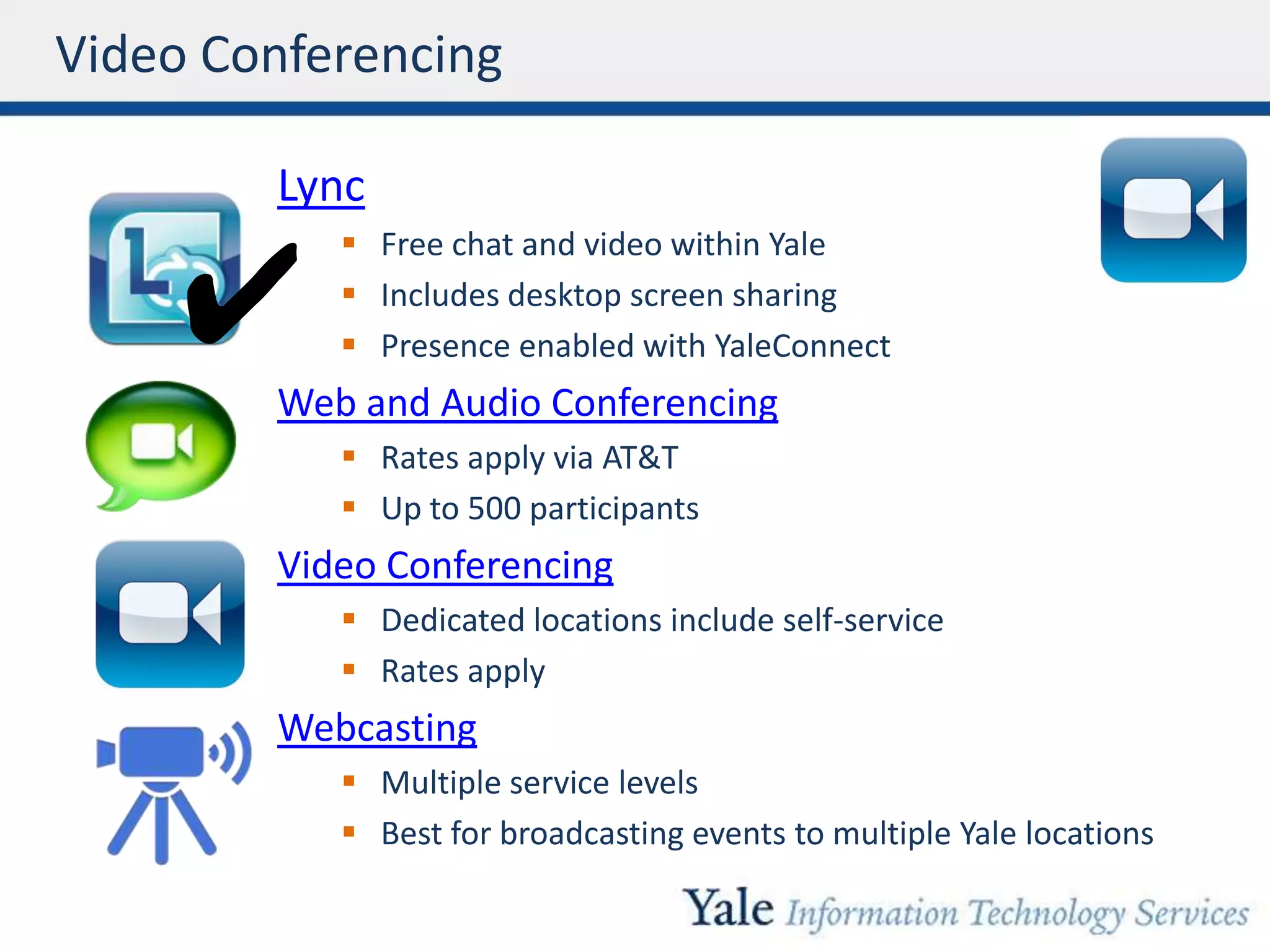
Video Conferencing
Lync
 Free chat and video within Yale
 Includes desktop screen sharing
 Presence enabled with YaleConnect
Web and Audio Conferencing
 Rates apply via AT&T
 Up to 500 participants
Video Conferencing
 Dedicated locations include self-service
 Rates apply
Webcasting
 Multiple service levels
 Best for broadcasting events to multiple Yale locations
✔
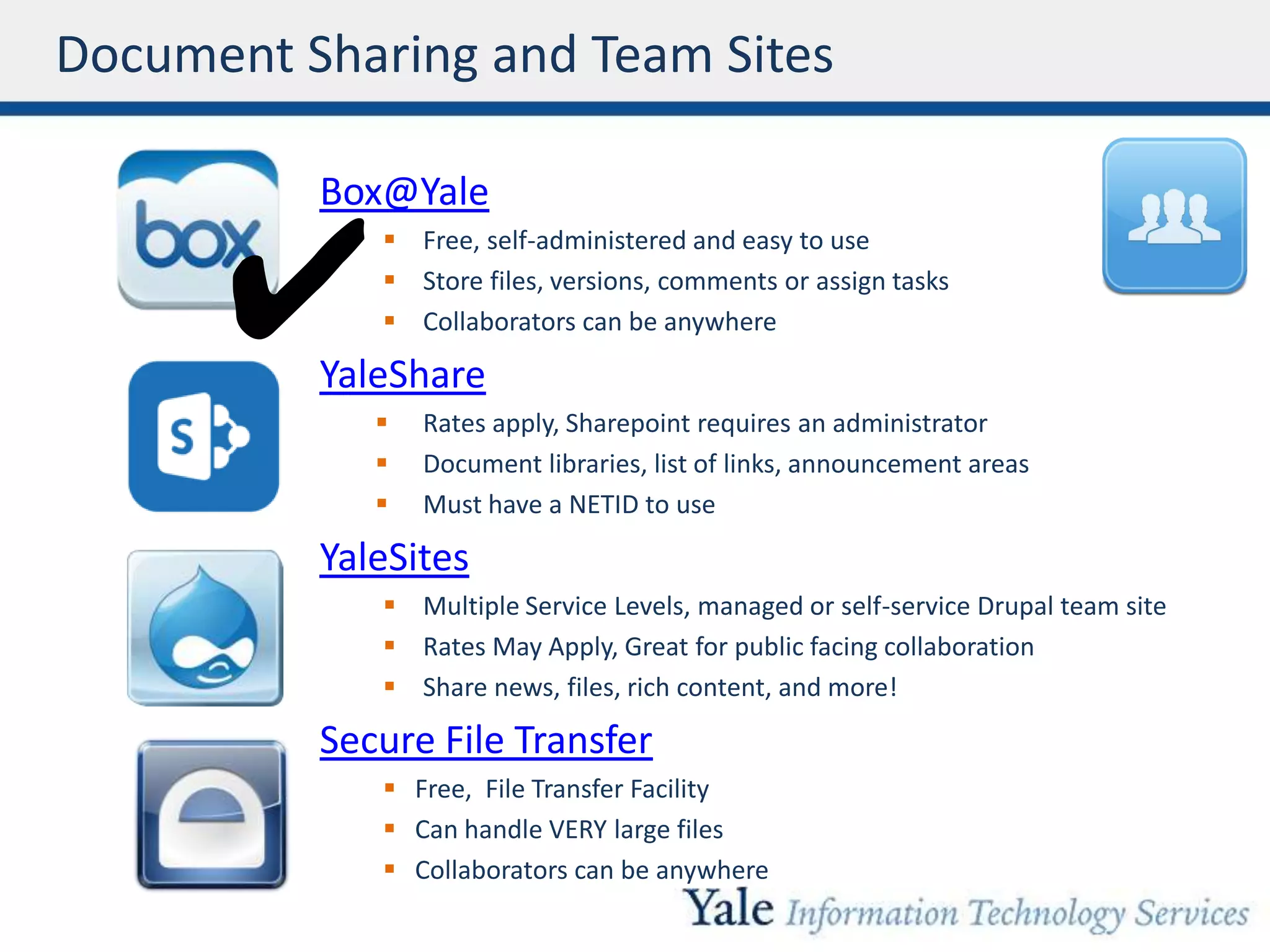
Document Sharing and Team Sites
Box@Yale
 Free, self-administered and easy to use
 Store files, versions, comments or assign tasks
 Collaborators can be anywhere
YaleShare
 Rates apply, Sharepoint requires an administrator
 Document libraries, list of links, announcement areas
 Must have a NETID to use
YaleSites
 Multiple Service Levels, managed or self-service Drupal team site
 Rates May Apply, Great for public facing collaboration
 Share news, files, rich content, and more!
Secure File Transfer
 Free, File Transfer Facility
 Can handle VERY large files
 Collaborators can be anywhere
✔
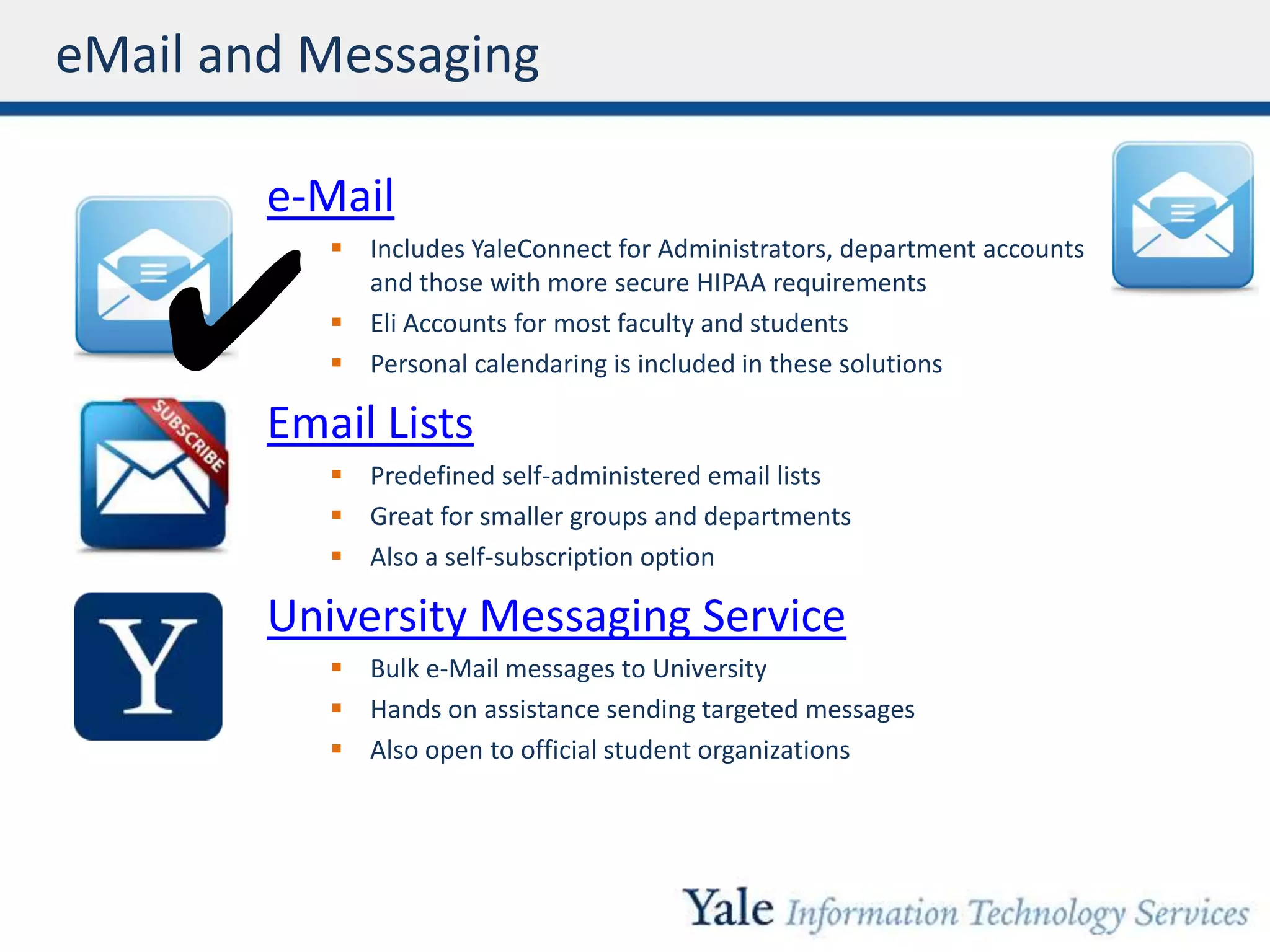
eMail and Messaging
e-Mail
 Includes YaleConnect for Administrators, department accounts
and those with more secure HIPAA requirements
 Eli Accounts for most faculty and students
 Personal calendaring is included in these solutions
Email Lists
 Predefined self-administered email lists
 Great for smaller groups and departments
 Also a self-subscription option
University Messaging Service
 Bulk e-Mail messages to University
 Hands on assistance sending targeted messages
 Also open to official student organizations
✔
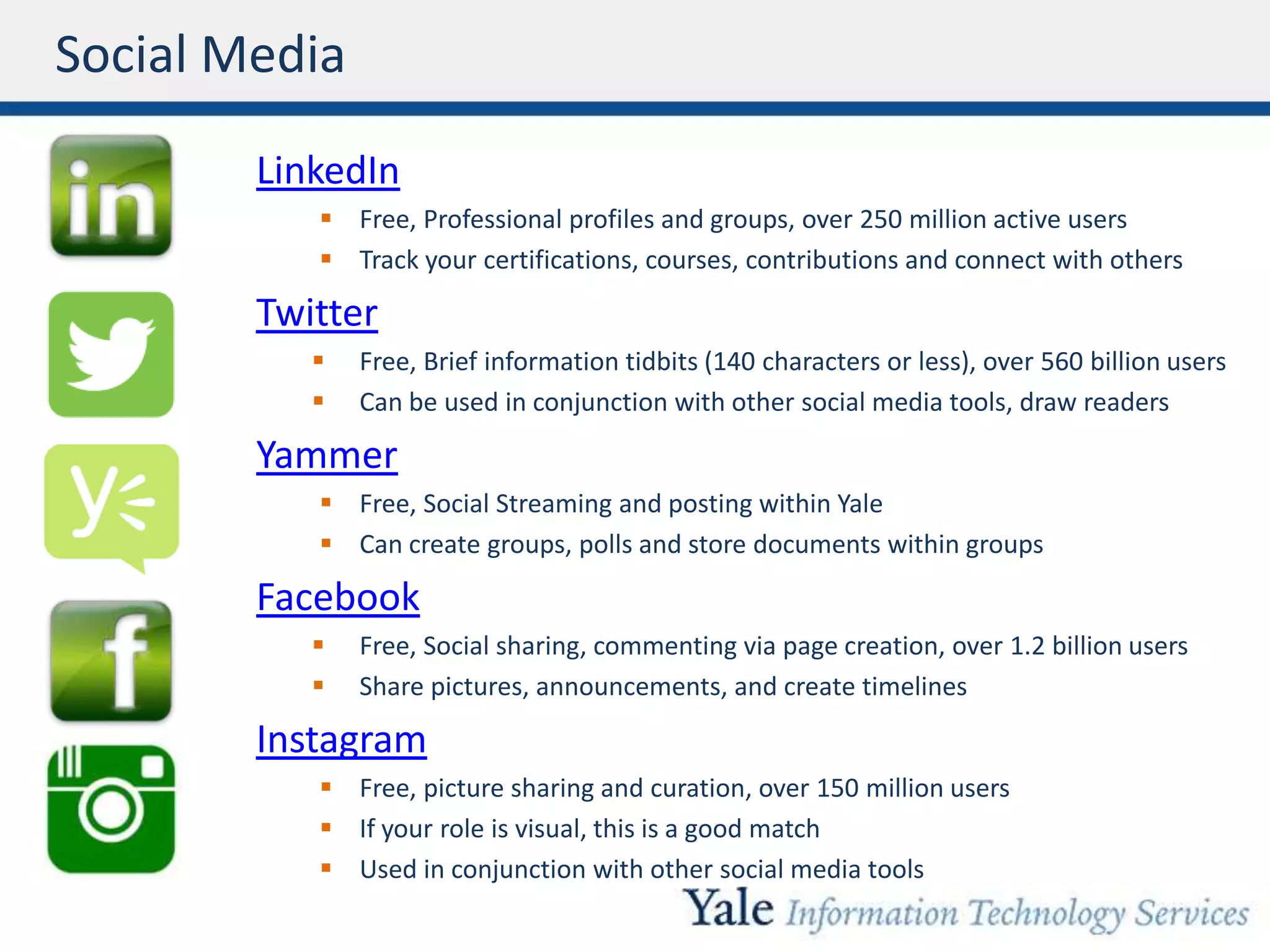
Social Media
LinkedIn
 Free, Professional profiles and groups, over 250 million active users
 Track your certifications, courses, contributions and connect with others
Twitter
 Free, Brief information tidbits (140 characters or less), over 560 billion users
 Can be used in conjunction with other social media tools, draw readers
Yammer
 Free, Social Streaming and posting within Yale
 Can create groups, polls and store documents within groups
Facebook
 Free, Social sharing, commenting via page creation, over 1.2 billion users
 Share pictures, announcements, and create timelines
Instagram
 Free, picture sharing and curation, over 150 million users
 If your role is visual, this is a good match
 Used in conjunction with other social media tools

Collaboration Landscape at Yale (C-level Executive presentation)

  • 1.
    Collaboration and SocialMedia Collaboration @Yale Adriene Nazaretian Radcliffe Collaboration and Social Media Evangelist Office of the CIO March 2014 a_radcliffe linkedin.com/adrieneradcliffe
  • 2.
    Topics Covered Today •Overall Landscape • Voice Conferencing and Telephony • Video Conferencing • Document Sharing and Team Sites • e-Mail and Messaging • Social Media ✔Meets Most Needs Yale Service External Service
  • 3.
    Landscape of CollaborationServices at Yale Voice Conferencing & Telephony capabilities Document Sharing & Team Sites e-Mail & Messaging Video Conferencing
  • 4.
    Voice Conferencing andTelephony Yale MeetingPlace  Internally Hosted  Free  Up to 50 participants AT&T Connect  Externally Hosted  Rates apply  Up to 500 participants Voice Conferencing ✔
  • 5.
    Video Conferencing Lync  Freechat and video within Yale  Includes desktop screen sharing  Presence enabled with YaleConnect Web and Audio Conferencing  Rates apply via AT&T  Up to 500 participants Video Conferencing  Dedicated locations include self-service  Rates apply Webcasting  Multiple service levels  Best for broadcasting events to multiple Yale locations ✔
  • 6.
    Document Sharing andTeam Sites Box@Yale  Free, self-administered and easy to use  Store files, versions, comments or assign tasks  Collaborators can be anywhere YaleShare  Rates apply, Sharepoint requires an administrator  Document libraries, list of links, announcement areas  Must have a NETID to use YaleSites  Multiple Service Levels, managed or self-service Drupal team site  Rates May Apply, Great for public facing collaboration  Share news, files, rich content, and more! Secure File Transfer  Free, File Transfer Facility  Can handle VERY large files  Collaborators can be anywhere ✔
  • 7.
    eMail and Messaging e-Mail Includes YaleConnect for Administrators, department accounts and those with more secure HIPAA requirements  Eli Accounts for most faculty and students  Personal calendaring is included in these solutions Email Lists  Predefined self-administered email lists  Great for smaller groups and departments  Also a self-subscription option University Messaging Service  Bulk e-Mail messages to University  Hands on assistance sending targeted messages  Also open to official student organizations ✔
  • 8.
    Social Media LinkedIn  Free,Professional profiles and groups, over 250 million active users  Track your certifications, courses, contributions and connect with others Twitter  Free, Brief information tidbits (140 characters or less), over 560 billion users  Can be used in conjunction with other social media tools, draw readers Yammer  Free, Social Streaming and posting within Yale  Can create groups, polls and store documents within groups Facebook  Free, Social sharing, commenting via page creation, over 1.2 billion users  Share pictures, announcements, and create timelines Instagram  Free, picture sharing and curation, over 150 million users  If your role is visual, this is a good match  Used in conjunction with other social media tools

Editor's Notes

  • #2 Connect with me on LinkedIn or twitter! This content will be posted to slideshare. You are welcome to re-use the content, please give credit to Adriene Radcliffe and Yale University
  • #3 Agenda
  • #4 How the landscape of collaboration is thought of in terms of unified communications. Discussion of unified communications committee
  • #5 Phone based conferencing – obviously we also have cell and desk phone services as well as ACD call centers. I am not covering those here.AT&T is an external to Yale service but available to us at a special rate
  • #6 For a large special event for example the honorable JudgeSotomayer visit, we would use webcasting to broadcast the vent.New technologies are being introduced, for example – Adobe Connect, we will likely replace one or more of the technologies listed here with this service offering.
  • #7 Use box unless it doesn’t meet your needs
  • #9 Let’s focus on our professional persona and use LinkedIn and pair it with other collaboration tools where you might store your media.