UI & UXIndustry Practices
kat sakata + @katroppi
tiffany higa + @thinktifferent
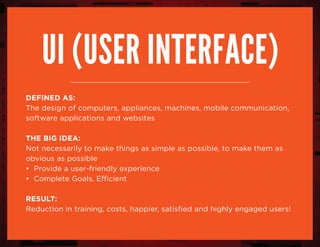
Ui (user interface)
DEFINED AS:
The design of computers, appliances, machines, mobile communication,
software applications and websites
the big idea:
Not necessarily to make things as simple as possible, to make them as
obvious as possible
• Provide a user-friendly experience
• Complete Goals, Efficient
RESULT:
Reduction in training, costs, happier, satisfied and highly engaged users!
“Don’t make me think.”
– Steve Krug, Usability Expert
the process
foundation is key!
the client
sitemap
grid & layout
wireframe
trends & inspirations
typography
tips & UI Recap
the client
sitemap
grid & layout
wireframe
trends & inspirations
typography
tips & UI Recap
the client
sitemap
grid & layout
wireframe
trends & inspirations
typography
tips & UI Recap
the client
sitemap
grid & layout
wireframe
trends & inspirations
typography
tips & UI Recap
the client
sitemap
grid & layout
wireframe
trends & inspirations
typography
tips & UI Recap
the client
sitemap
grid & layout
wireframe
trends & inspirations
typography
tips & UI Recap
the client
sitemap
grid & layout
wireframe
trends & inspirations
typography
tips & UI Recap
the client
sitemap
grid & layout
wireframe
trends & inspirations
typography
tips & UI Recap
the client
sitemap
grid & layout
wireframe
trends & inspirations
typography
tips & UI Recap
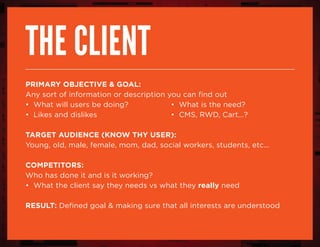
The client
Primary Objective & goal:
Any sort of information or description you can find out
• What will users be doing?			 • What is the need?
• Likes and dislikes						 • CMS, RWD, Cart...?
Target Audience (Know thy user):
Young, old, male, female, mom, dad, social workers, students, etc...
Competitors:
Who has done it and is it working?
• What the client say they needs vs what they really need
result: Defined goal & making sure that all interests are understood
“Obsess over customers...
Start with customers &
work backward.”
– Jeff Bezos, Founder & CEO of Amazon
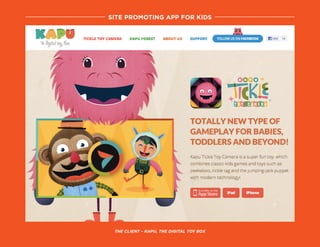
site promoting app for kids
The cLient – Kapu, The digital toy box
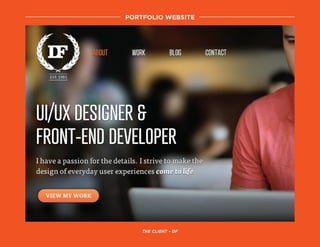
portfolio website
the client – DF
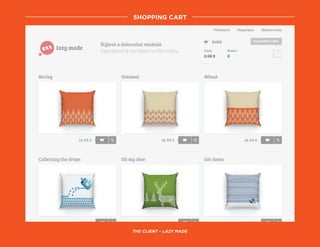
shopping cart
the client – Lazy made
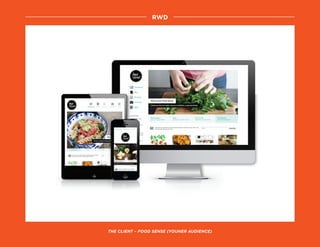
rwd
the client – food sense (youner audience)
the client
sitemap
grid & layout
wireframe
trends & inspirations
typography
tips & UI Recap
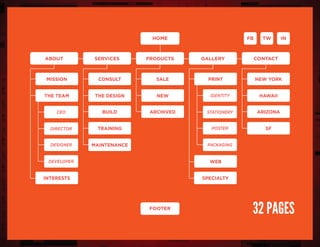
the sitemap
Defined as:
To organize the structure and layout of the website
Purpose:
• Lists all the pages
• To create reference materials for client signoff
• Knowing what you’re getting yourself into!
• Speak the user’s language
“If you think every pixel, every icon,
every typeface matters, then you also
need to believe every letter matters. ”
– Getting Real by 37 Signals
New york
arizona
SF
hawaii
Intwfb
mission
the team
interests specialty
ceo
designer
director
developer
print
web
identity
poster
stationery
packaging
Home
footer
productsservicesabout
consult
build
the design
training
maintenance
sale
archived
new
gallery contact
32 pages
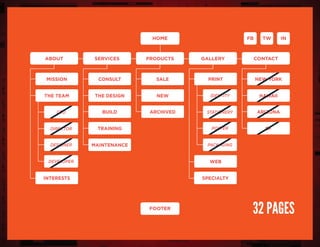
New york
arizona
SF
hawaii
Intwfb
mission
the team
interests specialty
ceo
designer
director
developer
print
web
identity
poster
stationery
packaging
Home
footer
productsservicesabout
consult
build
the design
training
maintenance
sale
archived
new
gallery contact
32 pages
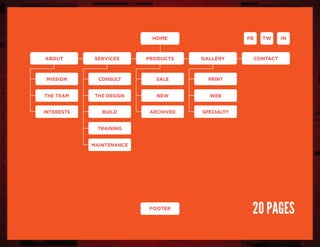
mission
the team
print
Home Intwfb
productsservicesabout
consult
buildinterests
the design
training
maintenance
sale
archived specialty
new web
gallery contact
footer
20 pages
slickplan
grid & layout
the client
sitemap
grid & layout
wireframe
trends & inspirations
typography
tips & UI Recap
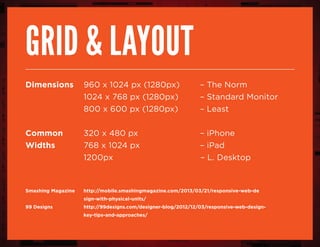
grid & layout
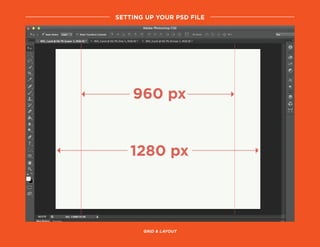
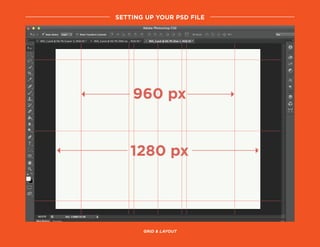
Dimensions	 960 x 1024 px (1280px)		 – The Norm
				 1024 x 768 px (1280px)		 – Standard Monitor		
				 800 x 600 px (1280px) 		 – Least
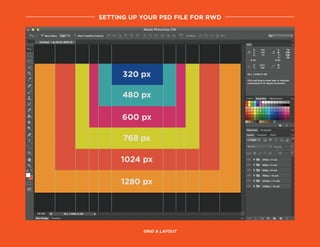
Common		 320 x 480 px					 – iPhone
Widths		768 x 1024 px					 – iPad	
				 1200px					 – L. Desktop
Smashing Magazine 	 http://mobile.smashingmagazine.com/2013/03/21/responsive-web-de
				sign-with-physical-units/
99 Designs 			 http://99designs.com/designer-blog/2012/12/03/responsive-web-design-
				key-tips-and-approaches/
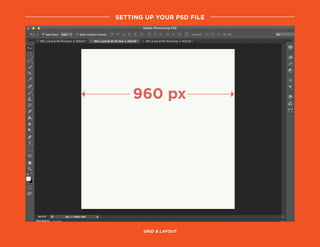
setting up your psd file
grid & layout
setting up your psd file
grid & layout
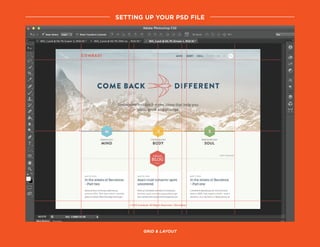
setting up your psd file
grid & layout
setting up your psd file
grid & layout
setting up your psd file for RWD
grid & layout
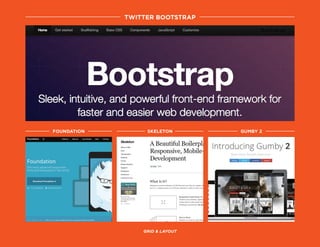
twitter bootstrap
foundation skeleton gumby 2
grid & layout
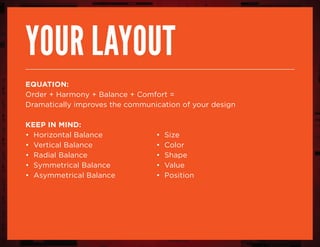
your layout
equation:
Order + Harmony + Balance + Comfort =
Dramatically improves the communication of your design
Keep in mind:
• Horizontal Balance				 • Size
• Vertical Balance					 • Color
• Radial Balance					 • Shape
• Symmetrical Balance				 • Value
• Asymmetrical Balance			 • Position
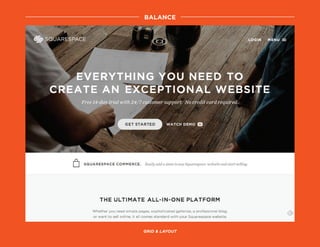
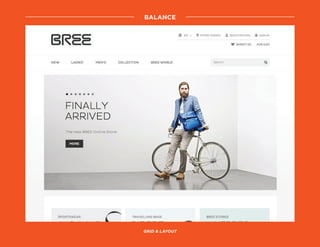
balance
grid & layout
balance
grid & layout
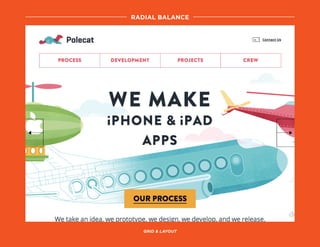
radial balance
grid & layout
the client
sitemap
grid & layout
wireframe
trends & inspirations
typography
tips & UI Recap
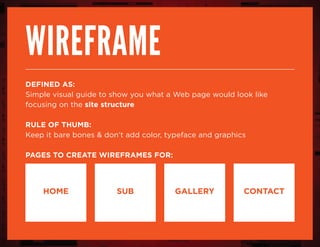
wireframe
Defined as:
Simple visual guide to show you what a Web page would look like
focusing on the site structure
Rule of thumb:
Keep it bare bones & don’t add color, typeface and graphics
Pages to create wireframes for:
HOME sub gallery contact
– Jakob Nielson, Web Usability Consultant
“The more users’ expectations
prove right, the more they will feel
in control of the system and the
more they will like it.”
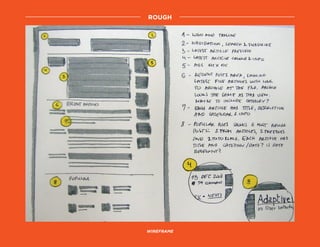
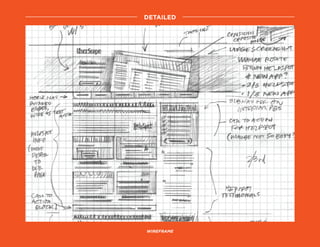
rough
wireframe
detailed
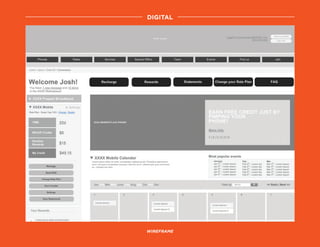
Wireframe
digital
wireframe
the client
sitemap
grid & layout
wireframe
trends & inspirations
typography
tips & UI Recap
the latest trends
keep in mind: trendy, doesn’t make it a great solution
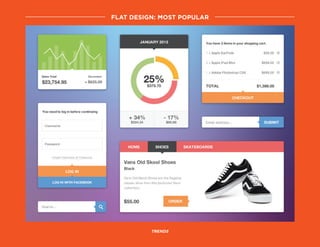
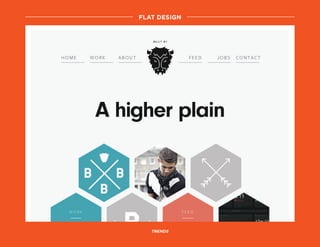
flat design: Most popular
trends
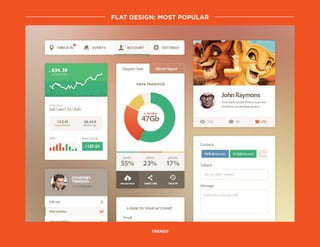
trends
flat design: Most popular
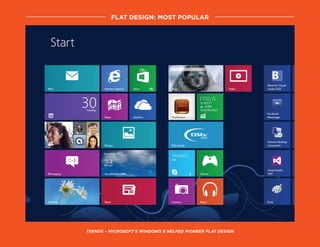
trends – microsoft’s windows 8 helped pioneer flat design
flat design: Most popular
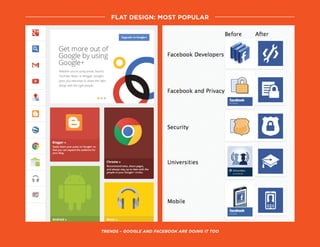
trends – Google and facebook are doing it too
flat design: Most popular
flat design
trends
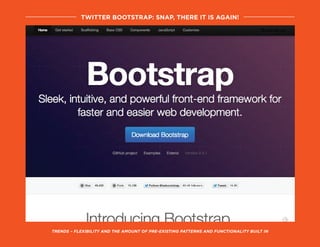
trends – flexibility and the amount of pre-existing patterns and functionality built in
twitter bootstrap: snap, there it is again!
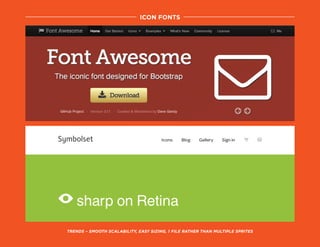
trends – Smooth scalability, easy sizing, 1 file rather than multiple sprites
icon fonts
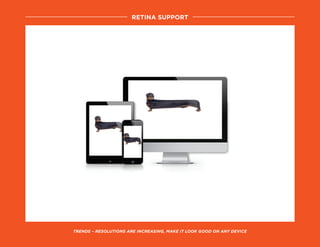
trends – resolutions are increasing, make it look good on any device
retina support
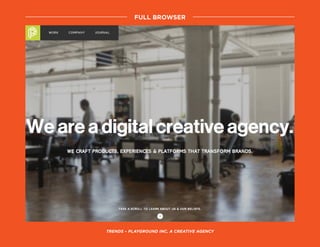
FULL BROWSER
TRENDS – PLAYGROUND INC, A CREATIVE AGENCY
trends – LEAN ANALYTICS
FULL BROWSER
the client
sitemap
grid & layout
wireframe
trends & inspirations
typography
tips & UI Recap
“we’ve been spoiled.”
– Jason Santa Maria, Co-Founder & Creative Director of Editorially
&
typography
basic guide to choosing your typefaces:
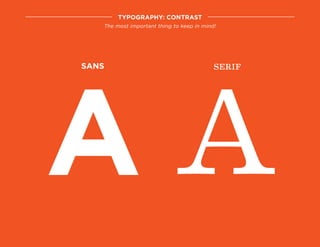
Contrast, Body Copy, Explore Different Styles
A A
Sans
typography: contrast
The most important thing to keep in mind!
serif
Lorem Ipsum is simply dummy text of the
printing and typesetting industry. Lorem
Ipsum has been the industry’s standard
dummy text ever since the 1500s, when an
unknown printer took a galley of type and
scrambled it to make a type specimen book.
It has survived not only five centuries, but
also the leap into electronic typesetting,
remaining essentially unchanged.
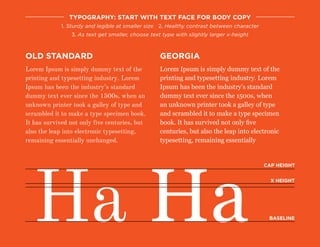
typography: start with text face for body copy
1. Sturdy and legible at smaller size 2. Healthy contrast between character
3. As text get smaller, choose text type with slightly larger x-height
old standard
Lorem Ipsum is simply dummy text of the
printing and typesetting industry. Lorem
Ipsum has been the industry’s standard
dummy text ever since the 1500s, when
an unknown printer took a galley of type
and scrambled it to make a type specimen
book. It has survived not only five
centuries, but also the leap into electronic
typesetting, remaining essentially
georgia
Ha Ha
cap height
X height
baseline
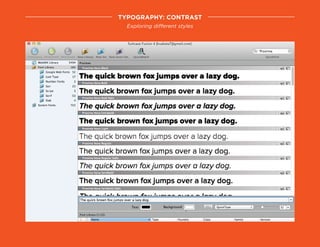
typography: contrast
Exploring different styles
the client
sitemap
grid & layout
wireframe
trends & inspirations
typography
tips & UI recap
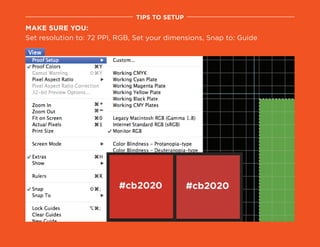
Make sure you:
Set resolution to: 72 PPI, RGB, Set your dimensions, Snap to: Guide
tips to setup
UI RECAP
NO WORRIES, ALMOST PAU!
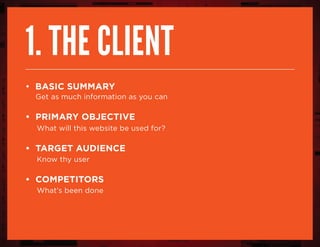
1. The client
• Basic summary
Get as much information as you can
• Primary objective
What will this website be used for?
• Target Audience
Know thy user
• Competitors
What’s been done
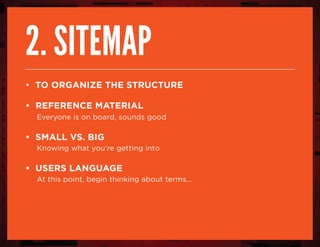
2. sitemap
• to organize the structure
• reference material
Everyone is on board, sounds good
• small vs. big
Knowing what you’re getting into
• users language
At this point, begin thinking about terms...
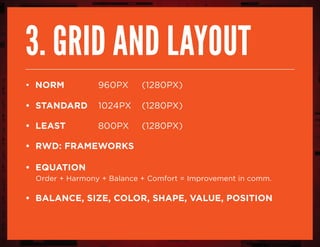
3. grid and layout
• norm 			 960px 	 (1280px)
• standard 	 1024px 	 (1280px)
• least	 		 800px 	 (1280px)
• RWD: frameworks
• equation
Order + Harmony + Balance + Comfort = Improvement in comm.
• Balance, size, color, shape, value, position
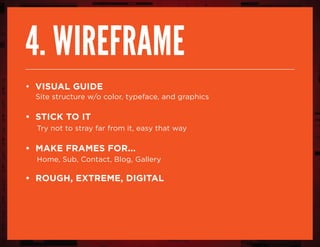
4. wireframe
• visual guide
Site structure w/o color, typeface, and graphics
• stick to it
Try not to stray far from it, easy that way
• make frames for...
Home, Sub, Contact, Blog, Gallery
• rough, extreme, digital
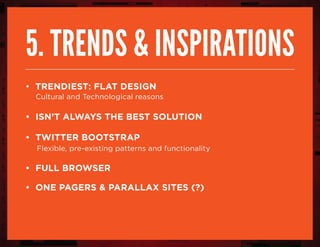
5. trends & inspirations
• trendiest: flat design
Cultural and Technological reasons
• isn’t always the best solution
• twitter bootstrap
Flexible, pre-existing patterns and functionality
• full browser
• one pagers & parallax sites (?)
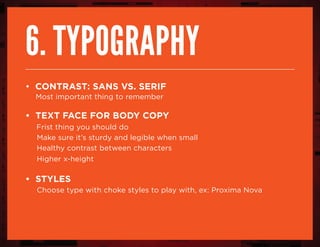
6. typography
• contrast: sans vs. serif
Most important thing to remember
• text face for body copy
Frist thing you should do
Make sure it’s sturdy and legible when small
Healthy contrast between characters
Higher x-height
• styles
Choose type with choke styles to play with, ex: Proxima Nova
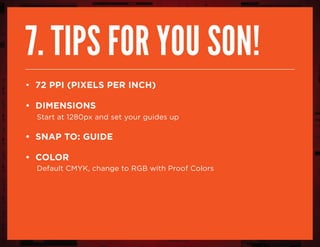
7. tips for you son!
• 72 PPI (Pixels per inch)
• dimensions
Start at 1280px and set your guides up
• snap to: guide
• Color
Default CMYK, change to RGB with Proof Colors
!inspirations
#cheehoo
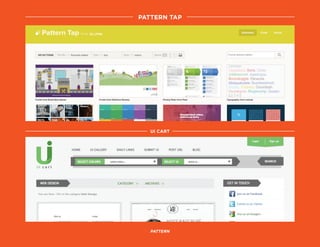
UI Cart
pattern
pattern tap
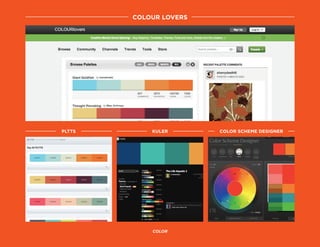
colour lovers
color
pltts kuler color scheme designer
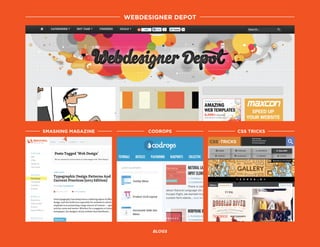
webdesigner depot
blogs
smashing magazine CODROPS css tricks
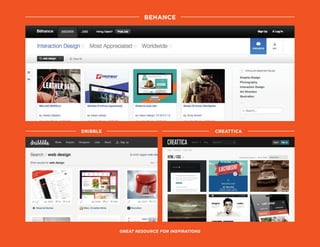
Behance
Great resource for inspirations
dribble creattica
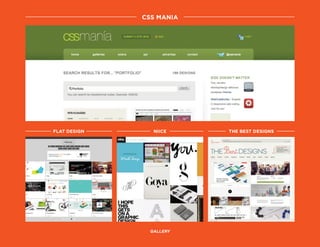
css mania
gallery
flat design niice the best designs
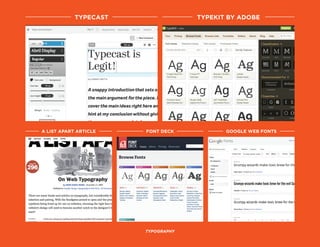
TYPECAST
typography
A LIST APART ARTICLE FONT DECK GOOGLE WEB FONTS
TYPEKIT BY ADOBE
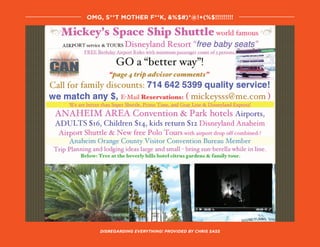
disregarding everything! Provided by Chris sass
OMG, S**t mother f**K, &%$#)*@!+(%$!!!!!!!!!
much
mahalos!

HICapacity UI talk by Kathryne Sakata