BAI SAGUIRA A. MALIK
CE Faculty
baisaguira@gmail.com
Module Outcome
Integrated media and technology in various
content areas
Described technology tools that are used in
group activities
Used technology tools to collaborate and
share resources among communities of
practice
Reflected on the use of technology an on its
relevance and appropriateness.
baisaguira@gmail.com
Lesson Outcome
Described the procedures for developing
conventional instructional materials
Developed instructional material based on a
given topic and strategy
Described the factors to consider in revising
media selections and delivery systems for
given instruction
baisaguira@gmail.com
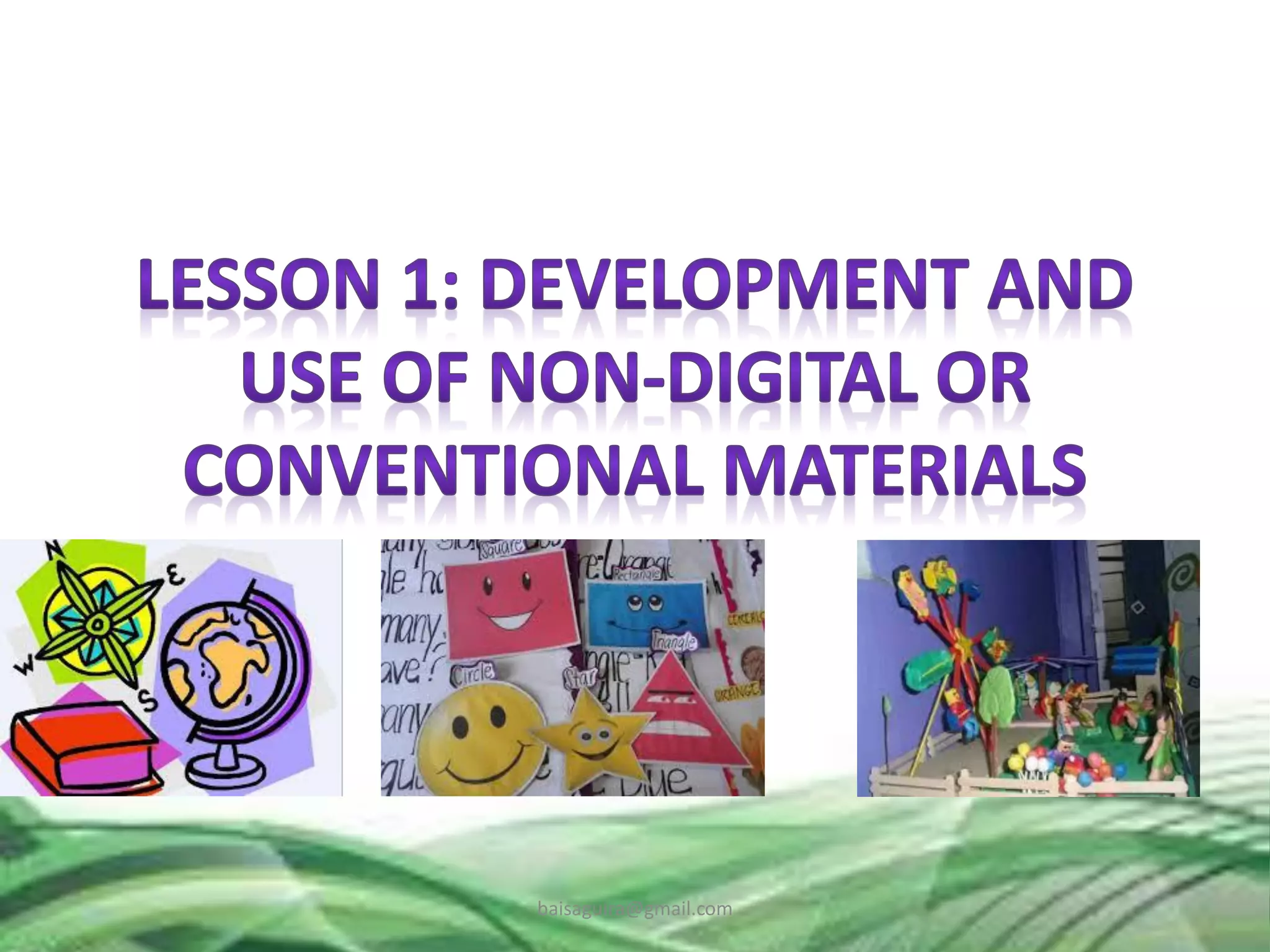
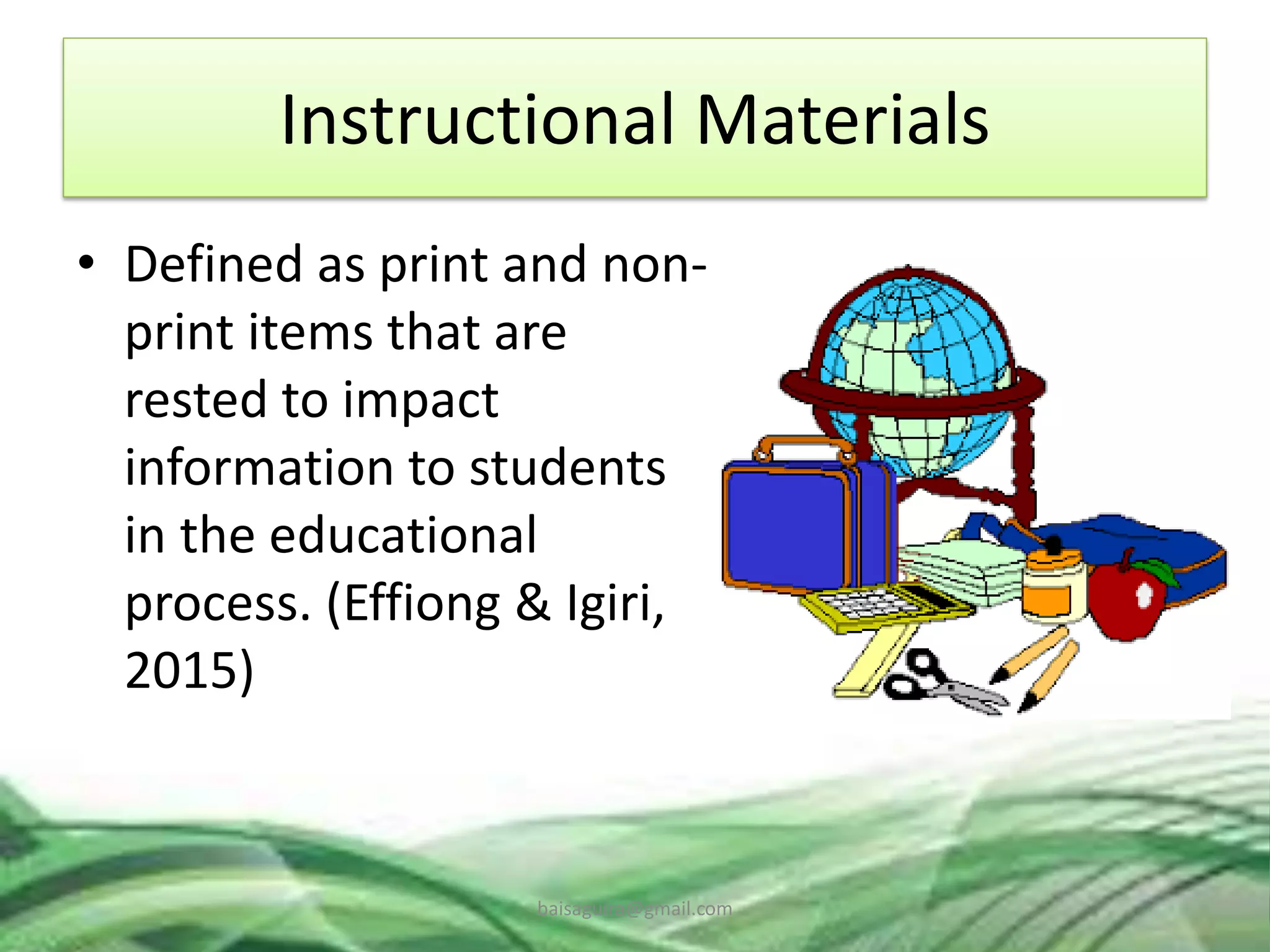
Instructional Materials
• Defined as print and non-
print items that are
rested to impact
information to students
in the educational
process. (Effiong & Igiri,
2015)
baisaguira@gmail.com
Roles of IM’s in Teaching and Learning
1. They promote meaningful communication and
effective learning;
2. They ensure better retention, thus making
learning more permanent;
3. They help to overcome the limited classroom by
making the inaccessible accessible;
4. They provide a common experience upon which
late learning can be developed;
5. They encourage participation especially if
students are allowed to manipulate materials.
(Brown et al., 2015; Effiong & Igiri, 2015)
baisaguira@gmail.com
• Low-Cost and Low-Tech Resources for the
Classroom videos3 Low-Cost & Low-Tech
Resources for the Classroom.mp4
baisaguira@gmail.com
How do your
develop simple
instructional
materials as shown
in the video?
baisaguira@gmail.com
Instructional Materials
Supplementary materials which help the
teaching to make his/her presentation
concrete, effective, interesting, meaningful
and inspiring.
The primary aim of teaching materials is to
provide the learners layout of the way for
teaching in the classroom.
baisaguira@gmail.com
Factors to Consider in Developing IM’s
(Haigler, 2014)
1. Develop a story board and working outline
based on the subject goals and objectives.
2. Identify existing institutional resources
including materials and teacher capability.
3. The teacher may research off the shelf
materials that have been develop by others
to determine if their approach could be
useful.
baisaguira@gmail.com
4. Explore the possibility of adapting concepts of
other teachers with infringing on anyone’s
copy protected design.
5. Modify existing materials based on the
objectives of the lesson.
6. If the IM’s are effective, you can share them
with the teachers.
7. The teacher developer can also sell her/his
materials available.
baisaguira@gmail.com
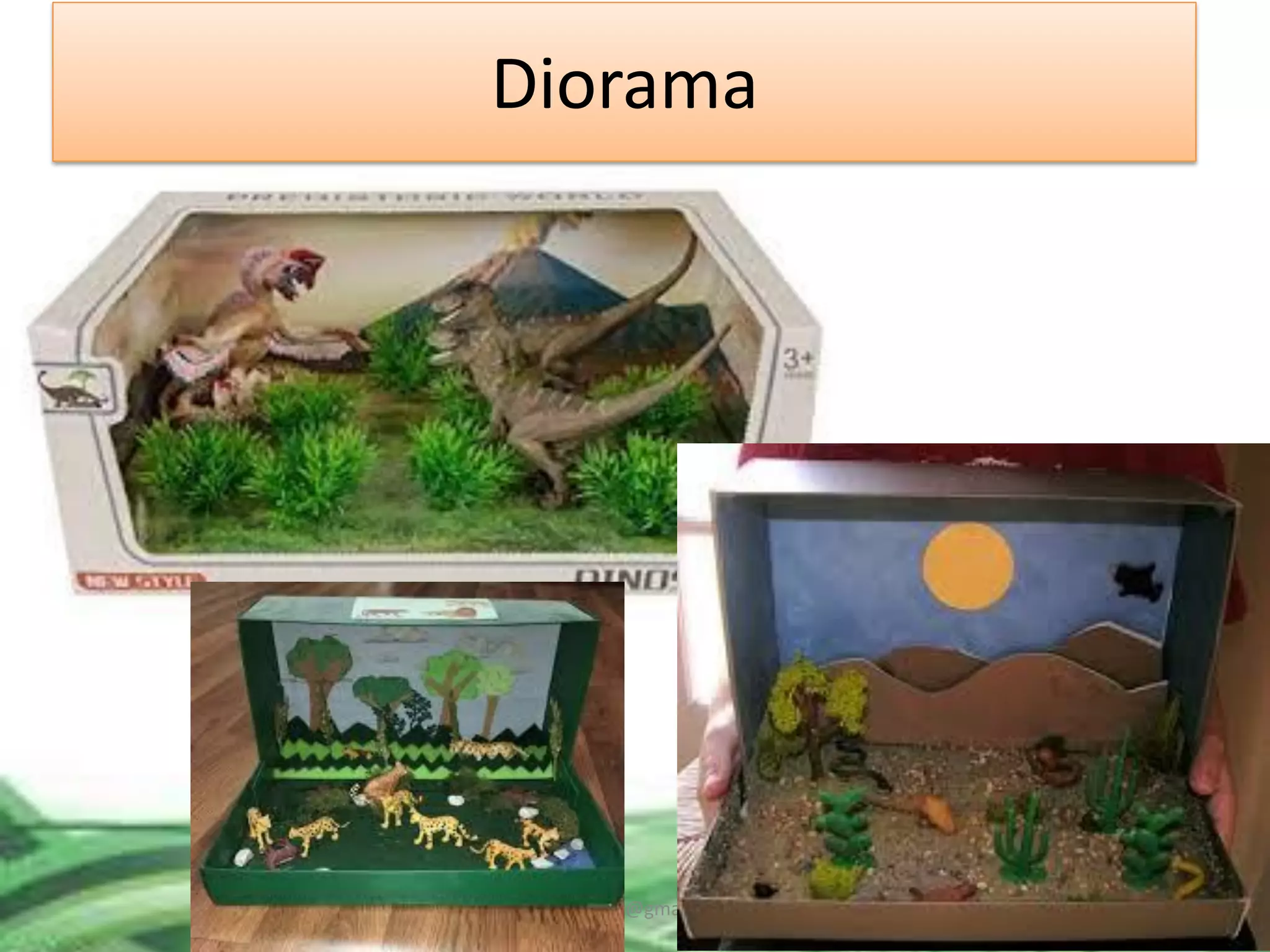
Diorama
baisaguira@gmail.com
Dioramas - are all small scenes created of layers
of materials, all depicting a similar concept of
theme. They usually display a historical time
period, a nature scene, or a fictional situation.
In developing diorama, you will
1. Choose a concept or theme
2. Research the subject
3. Make a rough sketch of your ideal diorama
4. Make a list of the items you’ll need and gather
your supplies.
5. Select a container or box
baisaguira@gmail.com
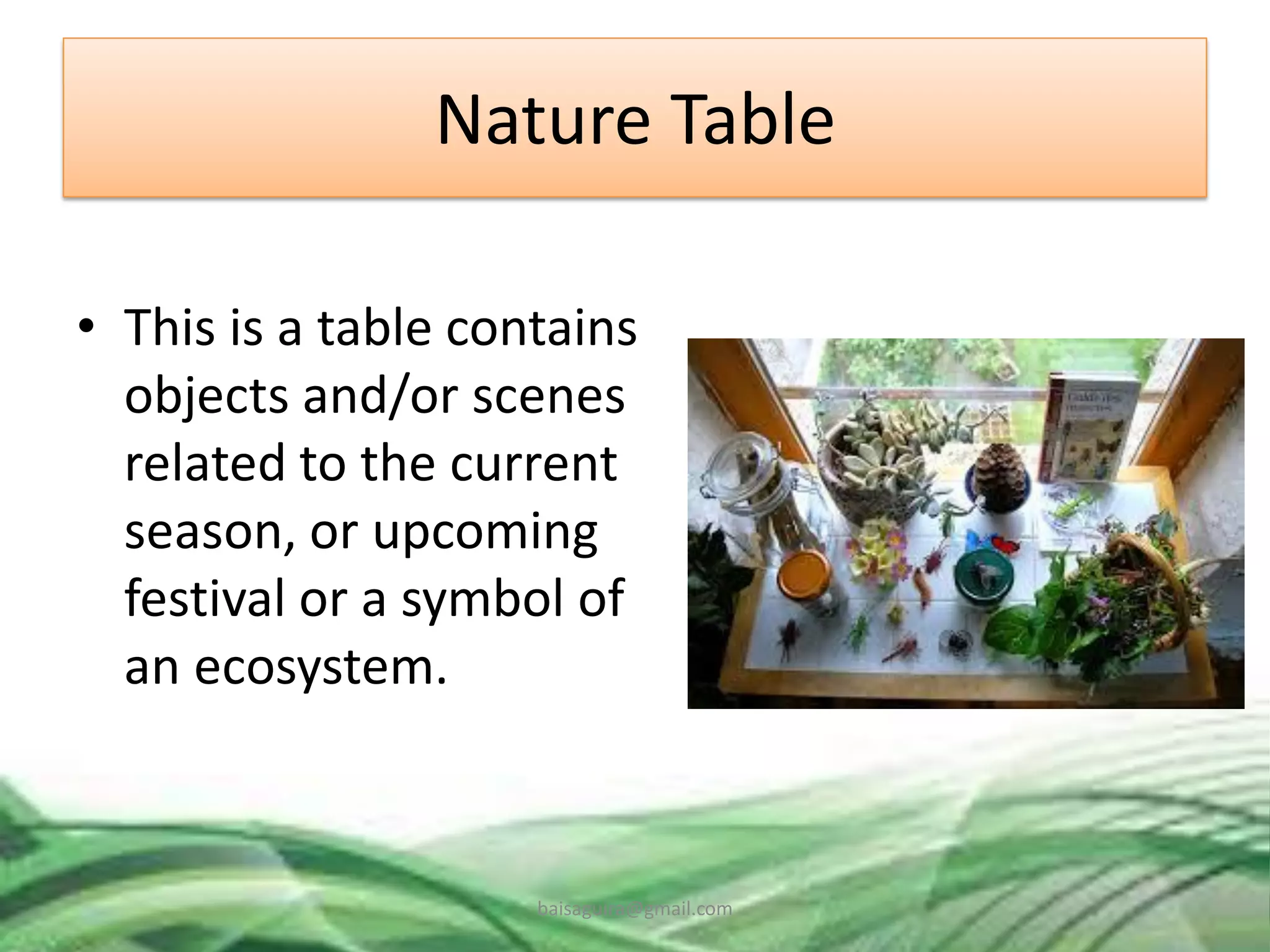
Nature Table
• This is a table contains
objects and/or scenes
related to the current
season, or upcoming
festival or a symbol of
an ecosystem.
baisaguira@gmail.com
Writing Board
• Writing board can
display information
written with chalk
(chalkboard or
blackboard) or special
pens (whiteboard).
baisaguira@gmail.com
Suggestions on Using the Writing Board:
1. Keep the board clean.
2. Use chalk or pens that contrast with the
background of the board so that students can
see the information clearly.
3. Make text and drawings large enough to be
seen from the back of the room.
4. Prepare complex drawings in advance (if very
complex, an overhead transparency or 35
mm slide may be preferable).
baisaguira@gmail.com
5. Underline headings and important or
unfamiliar words for emphasis.
6. Do not talk while facing the board.
7. Do not block the students’ view of the board;
stand aside when writing or drawing is
completed.
8. Allow sufficient time for students to copy the
information from the board.
baisaguira@gmail.com
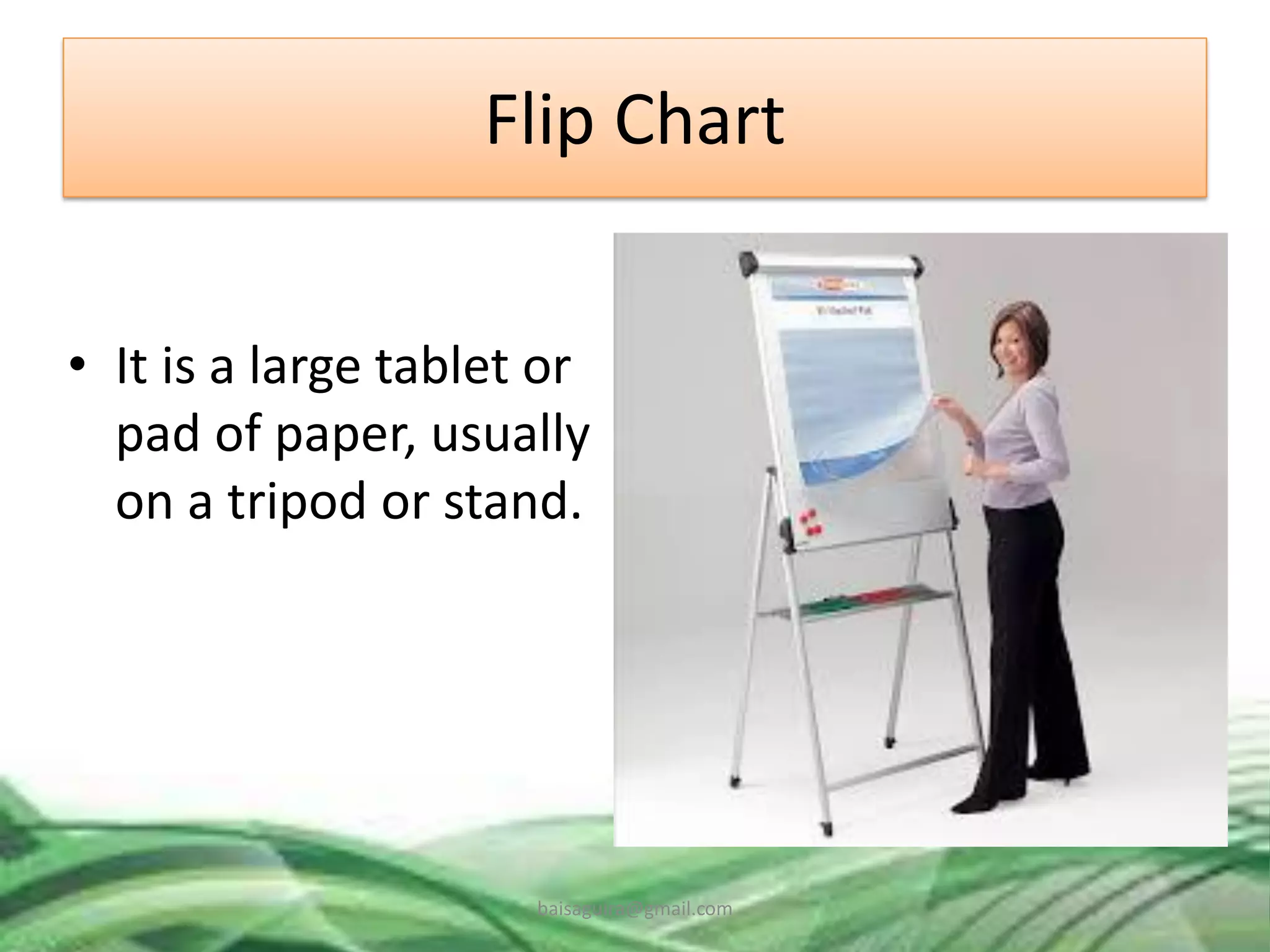
Flip Chart
• It is a large tablet or
pad of paper, usually
on a tripod or stand.
baisaguira@gmail.com
Suggestion on Using Flipchart:
1. Use wide-tipped pens or markers; markers
with narrow tips produce printing that is
difficult to read.
2. Print in block letters that are large enough to
be read easily from the back of the room.
3. Use different colored pens to provide
contrast; this makes pages visually attractive
and easier to read.
4. Use headings, boxes, cartoons and borders to
improve the appearance of the page.
baisaguira@gmail.com
5. Use bullets (●) to delineate items on page.
6. Leave plenty of “white space” and avoid
putting too much information on one page.
7. When pages are prepared in advance, use
every other page. If every page is used, colors
will show through and make text difficult to
read.
8. Have masking tape available to put pages up
around the room during brainstorming and
problem-solving activities.
baisaguira@gmail.com
9. To hide a portion of the page, fold up the
lower portion of the page and tape it. When
ready reveal the information, remove the
tape and let the page drop.
10. Face the student, not the flipchart while
talking.
baisaguira@gmail.com
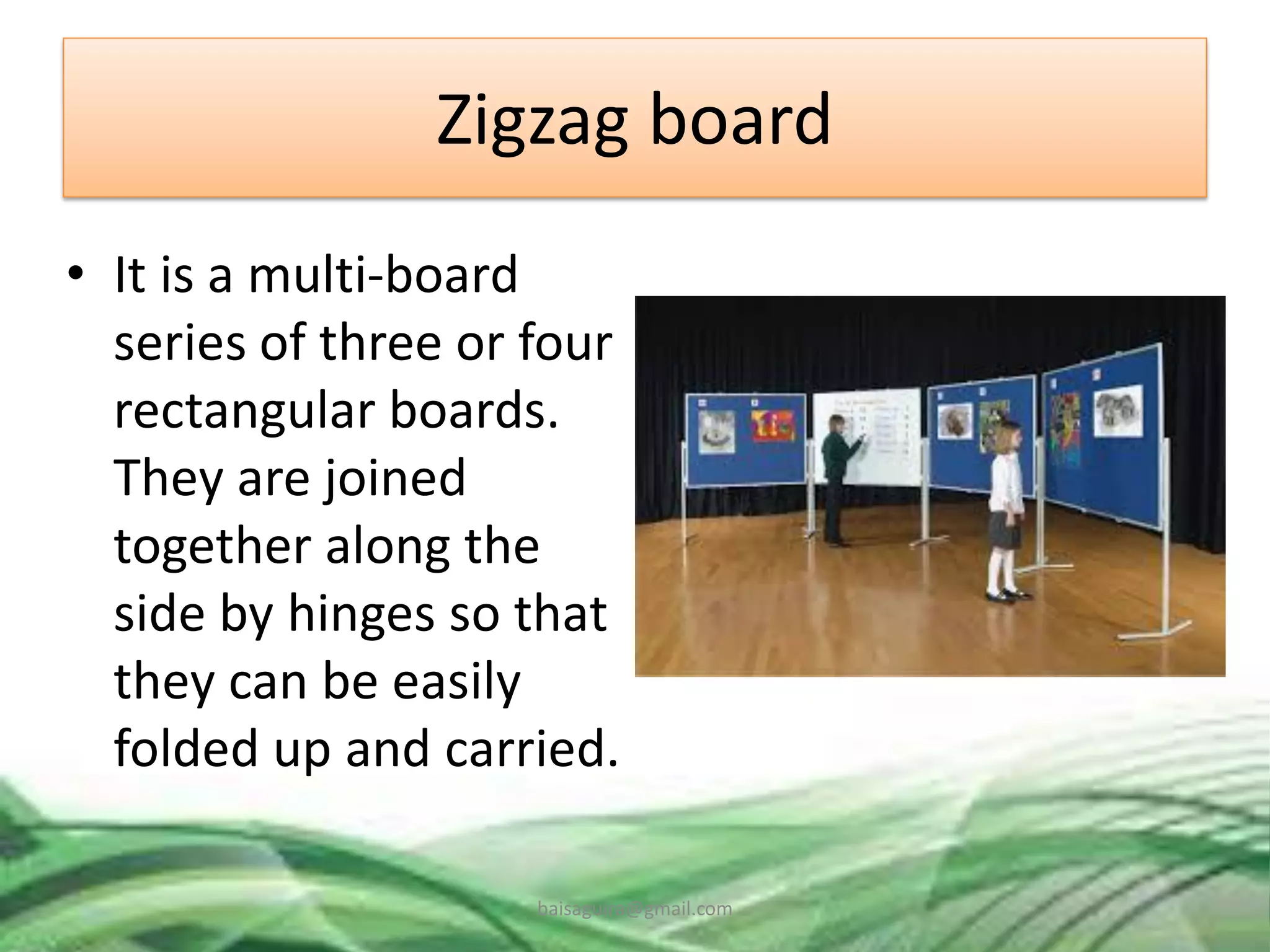
Zigzag board
• It is a multi-board
series of three or four
rectangular boards.
They are joined
together along the
side by hinges so that
they can be easily
folded up and carried.
baisaguira@gmail.com
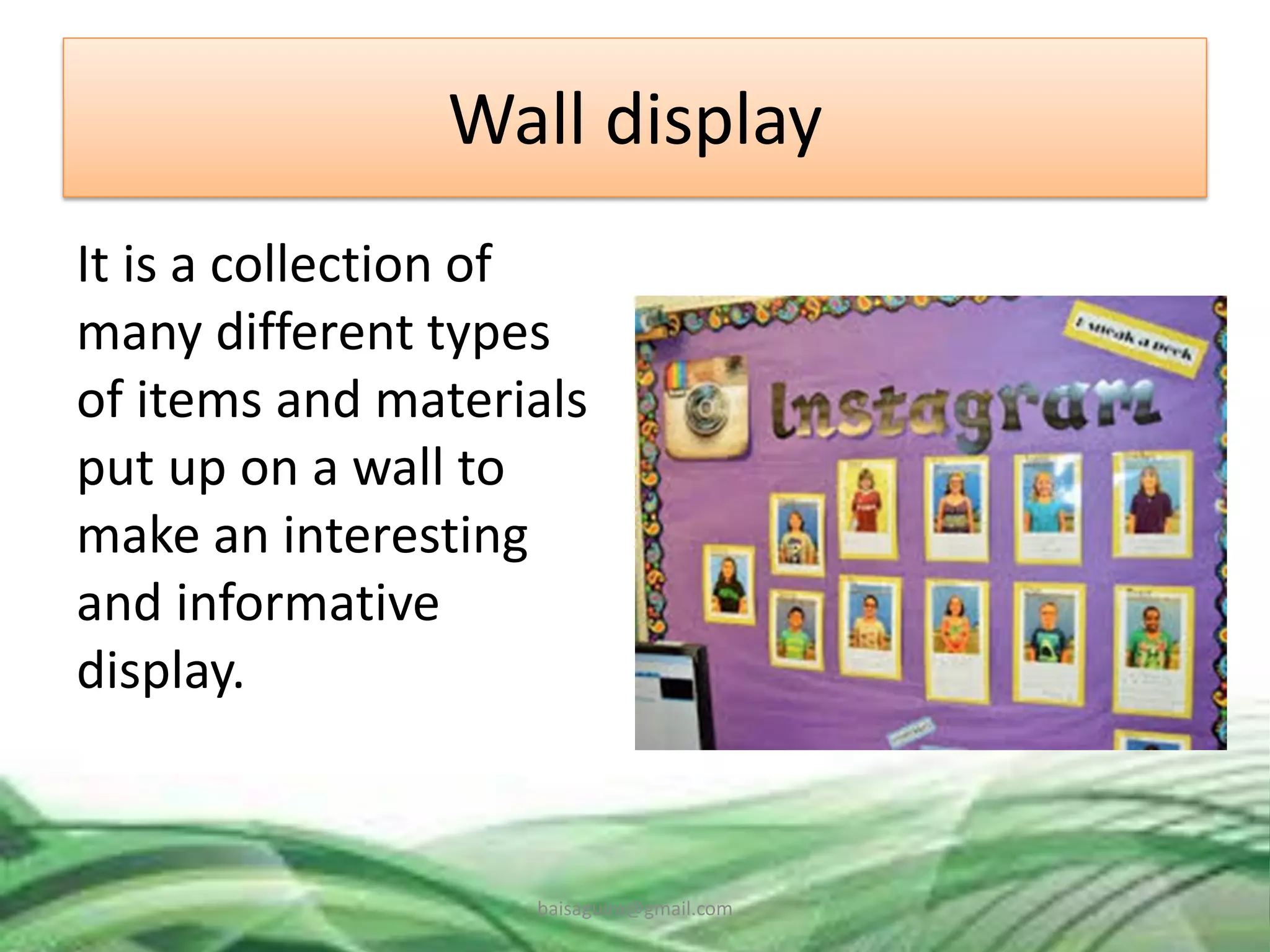
Wall display
It is a collection of
many different types
of items and materials
put up on a wall to
make an interesting
and informative
display.
baisaguira@gmail.com
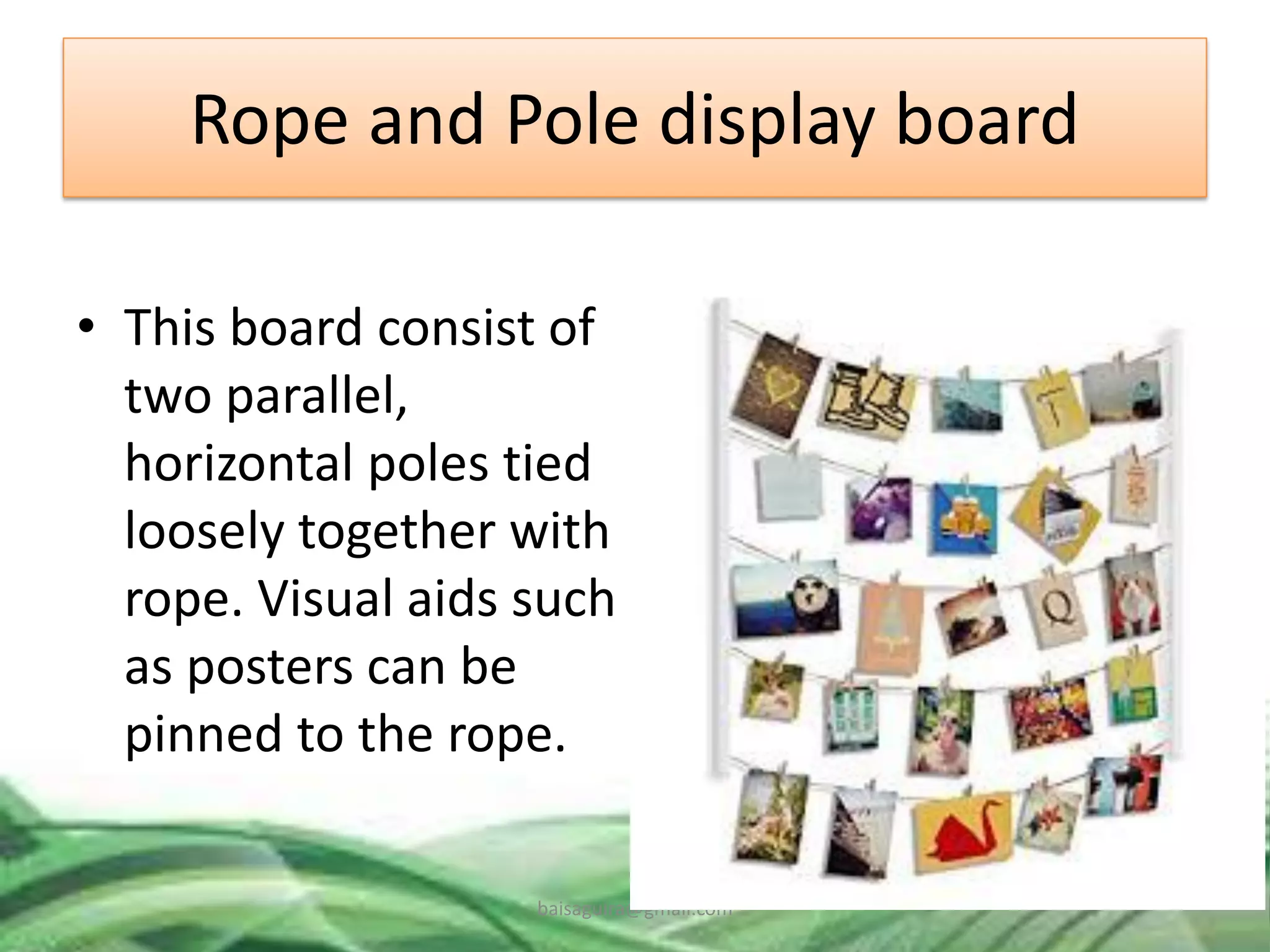
Rope and Pole display board
• This board consist of
two parallel,
horizontal poles tied
loosely together with
rope. Visual aids such
as posters can be
pinned to the rope.
baisaguira@gmail.com
Unity – Use only one idea for each visual aid
and include headline.
Simplicity – make ideas and relationships
simple and easy to recall. Avoid cluttering a
visual with too many words, numbers, or
graphics
Legibility – make letters big and readable for
all in the audience.
baisaguira@gmail.com
Consistency - use the same type style and art
style.
Clarity – avoid type that is too small to read;
avoid all caps.
Quality – make it neat and professional, and
remember to proofread.
baisaguira@gmail.com
• Suggested steps in developing instructional
materials:
1. Find existing materials that may be adopted or
amended to meet your needs
2. Use tools to create new instructional materials
that help plan and carry out the development
process
3. Implement preproduction activities before
materials are created
4. Schedule the crafting of story board
5. When developing content, provide
contextualizing elements (collaboration, role
play, case studies)
baisaguira@gmail.com
References
• Bilbao, et al. (2019). Technology for teaching
and learning 1. Quezon City, PH: Lorimar
Publishing Inc.
• Lucido, P. & Corpuz, B. (2012). Educational
technology 2. Quezon City. PH: Lorimar
Publishing Co.
baisaguira@gmail.com

TTL-! Module 3 lesson 1

  • 1.
    BAI SAGUIRA A.MALIK CE Faculty baisaguira@gmail.com
  • 2.
    Module Outcome Integrated mediaand technology in various content areas Described technology tools that are used in group activities Used technology tools to collaborate and share resources among communities of practice Reflected on the use of technology an on its relevance and appropriateness. baisaguira@gmail.com
  • 3.
  • 4.
  • 5.
    Lesson Outcome Described theprocedures for developing conventional instructional materials Developed instructional material based on a given topic and strategy Described the factors to consider in revising media selections and delivery systems for given instruction baisaguira@gmail.com
  • 6.
    Instructional Materials • Definedas print and non- print items that are rested to impact information to students in the educational process. (Effiong & Igiri, 2015) baisaguira@gmail.com
  • 7.
    Roles of IM’sin Teaching and Learning 1. They promote meaningful communication and effective learning; 2. They ensure better retention, thus making learning more permanent; 3. They help to overcome the limited classroom by making the inaccessible accessible; 4. They provide a common experience upon which late learning can be developed; 5. They encourage participation especially if students are allowed to manipulate materials. (Brown et al., 2015; Effiong & Igiri, 2015) baisaguira@gmail.com
  • 8.
    • Low-Cost andLow-Tech Resources for the Classroom videos3 Low-Cost & Low-Tech Resources for the Classroom.mp4 baisaguira@gmail.com
  • 9.
    How do your developsimple instructional materials as shown in the video? baisaguira@gmail.com
  • 10.
    Instructional Materials Supplementary materialswhich help the teaching to make his/her presentation concrete, effective, interesting, meaningful and inspiring. The primary aim of teaching materials is to provide the learners layout of the way for teaching in the classroom. baisaguira@gmail.com
  • 11.
    Factors to Considerin Developing IM’s (Haigler, 2014) 1. Develop a story board and working outline based on the subject goals and objectives. 2. Identify existing institutional resources including materials and teacher capability. 3. The teacher may research off the shelf materials that have been develop by others to determine if their approach could be useful. baisaguira@gmail.com
  • 12.
    4. Explore thepossibility of adapting concepts of other teachers with infringing on anyone’s copy protected design. 5. Modify existing materials based on the objectives of the lesson. 6. If the IM’s are effective, you can share them with the teachers. 7. The teacher developer can also sell her/his materials available. baisaguira@gmail.com
  • 13.
  • 14.
  • 15.
    Dioramas - areall small scenes created of layers of materials, all depicting a similar concept of theme. They usually display a historical time period, a nature scene, or a fictional situation. In developing diorama, you will 1. Choose a concept or theme 2. Research the subject 3. Make a rough sketch of your ideal diorama 4. Make a list of the items you’ll need and gather your supplies. 5. Select a container or box baisaguira@gmail.com
  • 16.
    Nature Table • Thisis a table contains objects and/or scenes related to the current season, or upcoming festival or a symbol of an ecosystem. baisaguira@gmail.com
  • 17.
    Writing Board • Writingboard can display information written with chalk (chalkboard or blackboard) or special pens (whiteboard). baisaguira@gmail.com
  • 18.
    Suggestions on Usingthe Writing Board: 1. Keep the board clean. 2. Use chalk or pens that contrast with the background of the board so that students can see the information clearly. 3. Make text and drawings large enough to be seen from the back of the room. 4. Prepare complex drawings in advance (if very complex, an overhead transparency or 35 mm slide may be preferable). baisaguira@gmail.com
  • 19.
    5. Underline headingsand important or unfamiliar words for emphasis. 6. Do not talk while facing the board. 7. Do not block the students’ view of the board; stand aside when writing or drawing is completed. 8. Allow sufficient time for students to copy the information from the board. baisaguira@gmail.com
  • 20.
    Flip Chart • Itis a large tablet or pad of paper, usually on a tripod or stand. baisaguira@gmail.com
  • 21.
    Suggestion on UsingFlipchart: 1. Use wide-tipped pens or markers; markers with narrow tips produce printing that is difficult to read. 2. Print in block letters that are large enough to be read easily from the back of the room. 3. Use different colored pens to provide contrast; this makes pages visually attractive and easier to read. 4. Use headings, boxes, cartoons and borders to improve the appearance of the page. baisaguira@gmail.com
  • 22.
    5. Use bullets(●) to delineate items on page. 6. Leave plenty of “white space” and avoid putting too much information on one page. 7. When pages are prepared in advance, use every other page. If every page is used, colors will show through and make text difficult to read. 8. Have masking tape available to put pages up around the room during brainstorming and problem-solving activities. baisaguira@gmail.com
  • 23.
    9. To hidea portion of the page, fold up the lower portion of the page and tape it. When ready reveal the information, remove the tape and let the page drop. 10. Face the student, not the flipchart while talking. baisaguira@gmail.com
  • 24.
    Zigzag board • Itis a multi-board series of three or four rectangular boards. They are joined together along the side by hinges so that they can be easily folded up and carried. baisaguira@gmail.com
  • 25.
    Wall display It isa collection of many different types of items and materials put up on a wall to make an interesting and informative display. baisaguira@gmail.com
  • 26.
    Rope and Poledisplay board • This board consist of two parallel, horizontal poles tied loosely together with rope. Visual aids such as posters can be pinned to the rope. baisaguira@gmail.com
  • 27.
    Unity – Useonly one idea for each visual aid and include headline. Simplicity – make ideas and relationships simple and easy to recall. Avoid cluttering a visual with too many words, numbers, or graphics Legibility – make letters big and readable for all in the audience. baisaguira@gmail.com
  • 28.
    Consistency - usethe same type style and art style. Clarity – avoid type that is too small to read; avoid all caps. Quality – make it neat and professional, and remember to proofread. baisaguira@gmail.com
  • 29.
    • Suggested stepsin developing instructional materials: 1. Find existing materials that may be adopted or amended to meet your needs 2. Use tools to create new instructional materials that help plan and carry out the development process 3. Implement preproduction activities before materials are created 4. Schedule the crafting of story board 5. When developing content, provide contextualizing elements (collaboration, role play, case studies) baisaguira@gmail.com
  • 30.
    References • Bilbao, etal. (2019). Technology for teaching and learning 1. Quezon City, PH: Lorimar Publishing Inc. • Lucido, P. & Corpuz, B. (2012). Educational technology 2. Quezon City. PH: Lorimar Publishing Co. baisaguira@gmail.com
  • 31.