
Transforming Language
Learning
With Augmented Reality
TESOL 2018
Presentation objectives
TESOL 2018
Tools to create
augmented reality
Concept of
augmented reality
Ideas to use AR
in language learning
Examples of
augmented reality
A type of technology
that superimposes
the virtual world
onto the physical
world.
What is 
augmented 
reality?
TESOL 2018
What is 
augmented 
reality?
TESOL 2018
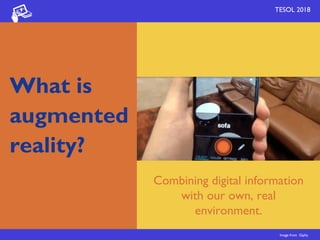
Combining digital information
with our own, real
environment.
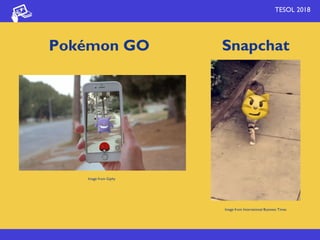
Image from Giphy
Pokémon GO
TESOL 2018
Image from Giphy
Image from International Business Times
Snapchat
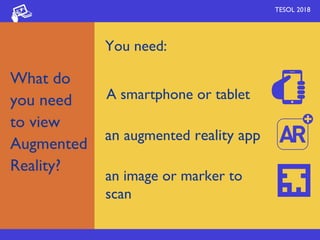
You need:
TESOL 2018
A smartphone or tablet
an augmented reality app
an image or marker to
scan
What do
you need
to view
Augmented
Reality?
What type
of content
can be 
used in AR?
TESOL 2018
Websites
Video
Audio
Images
TESOL 2018
3D objects and
animations
Games
QR codes
What type
of content
can be 
used in AR?
TESOL 2018
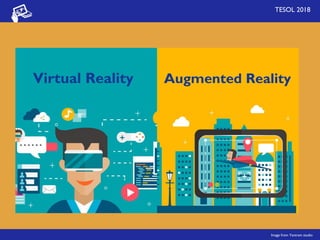
Virtual Reality Augmented Reality
Image from Yantram studio
TESOL 2018
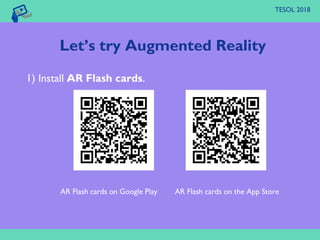
1) Install AR Flash cards.
AR Flash cards on Google Play AR Flash cards on the App Store
Let’s try Augmented Reality
TESOL 2018
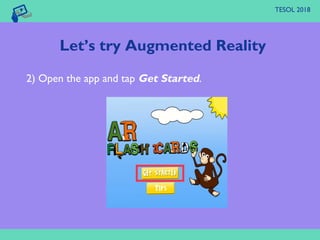
2) Open the app and tap Get Started.
Let’s try Augmented Reality
TESOL 2018
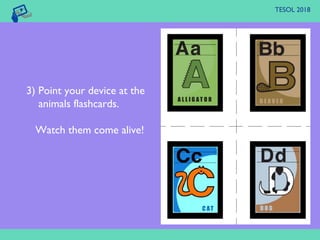
3) Point your device at the
animals flashcards.
Watch them come alive!
TESOL 2018
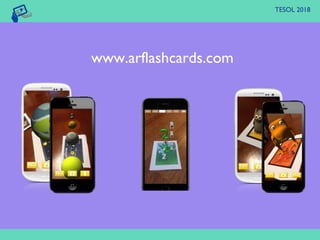
www.arflashcards.com
TESOL 2018
NMC Horizon Report > 2016 Higher
Education Edition
Johnson et al. (2016), p.40
AR’s responsive interactivity enables students to
construct broader understandings based on
interactions with virtual objects (…) bringing
learners to deeper levels of cognition as they
attain new perspectives on underlying data.
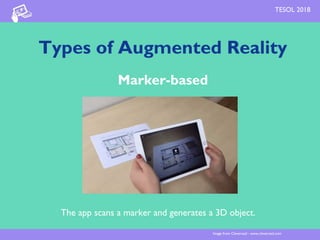
Types of Augmented Reality
Marker-based
The app scans a marker and generates a 3D object.
Image from Cleveroad - www.cleveroad.com
TESOL 2018
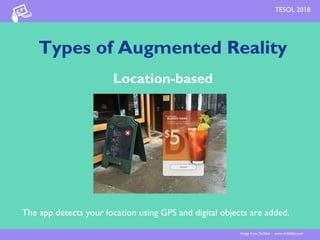
Types of Augmented Reality
Location-based
The app detects your location using GPS and digital objects are added.
Image from Dribble - www.dribbble.com
TESOL 2018
Types of Augmented Reality
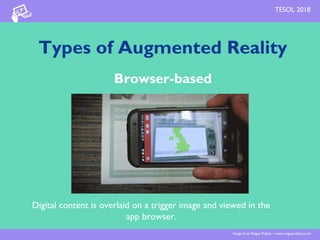
Browser-based
Digital content is overlaid on a trigger image and viewed in the
app browser.
Image from Rogue Robot – www.roguerobot.co.uk
TESOL 2018
Let’s explore more AR+
McCormick Place
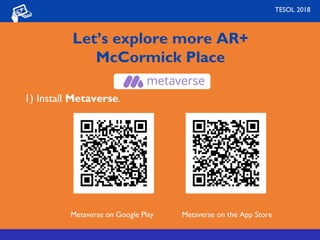
1) Install Metaverse.
Metaverse on Google Play Metaverse on the App Store
TESOL 2018
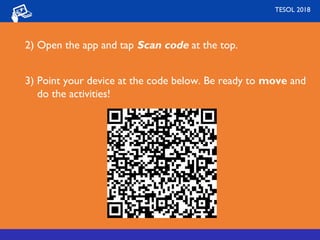
2) Open the app and tap Scan code at the top.
3) Point your device at the code below. Be ready to move and
do the activities!
TESOL 2018
Ideas to use
Augmented Reality
in the classroom
TESOL 2018
TESOL 2018
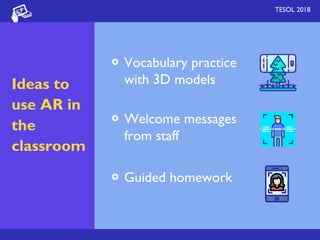
Ideas to
use AR in
the
classroom
Vocabulary practice
with 3D models
Welcome messages
from staff
Guided homework
TESOL 2018
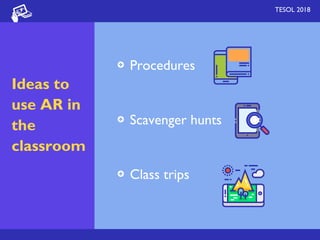
Ideas to
use AR in
the
classroom
Procedures
Scavenger hunts
Class trips
Students can also create
their own AR content!
TESOL 2018
When creating AR, students
develop not only language skills
but also digital skills.
TESOL 2018
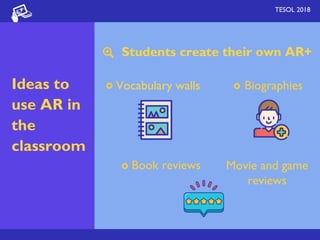
Students create their own AR+
TESOL 2018
Ideas to
use AR in
the
classroom
Vocabulary walls Biographies
Book reviews Movie and game
reviews
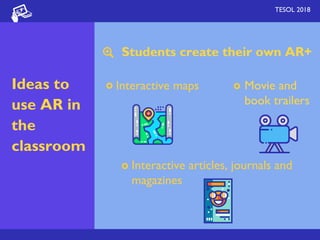
Students create their own AR+
TESOL 2018
Ideas to
use AR in
the
classroom
Interactive maps Movie and
book trailers
Interactive articles, journals and
magazines
AR+ created by students
TESOL 2018
Interactive vocabulary wall
Ways of touching
AR+ created by students
TESOL 2018
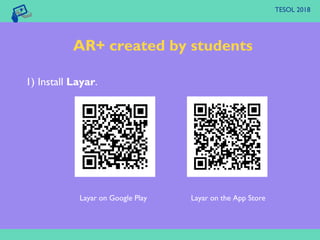
1) Install Layar.
Layar on Google Play Layar on the App Store
AR+ created by students
TESOL 2018
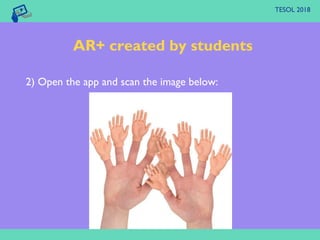
2) Open the app and scan the image below:
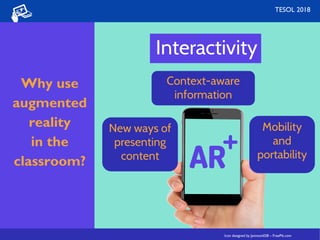
Interactivity
Icon designed by Jannoon028 – FreePik.com
New ways of
presenting
content
Mobility
and
portability
Context-aware
information
TESOL 2018
Why use 
augmented
reality
in the
classroom?
Icon designed by Jannoon028 – FreePik.com
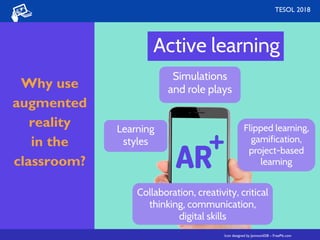
Active learning
Icon designed by Jannoon028 – FreePik.com
Collaboration, creativity, critical
thinking, communication,
digital skills
Learning
styles
TESOL 2018
Simulations
and role plays
Icon designed by Jannoon028 – FreePik.com
Flipped learning,
gamification,
project-based
learning
Why use 
augmented
reality
in the
classroom?
Tools to create
augmented reality
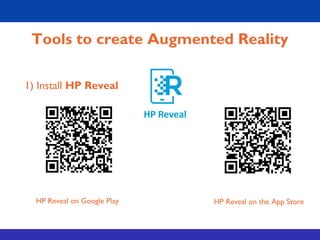
1) Install HP Reveal
HP Reveal on Google Play HP Reveal on the App Store
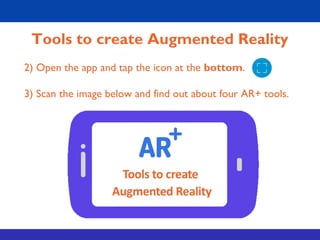
Tools to create Augmented Reality
2) Open the app and tap the icon at the bottom.
3) Scan the image below and find out about four AR+ tools.
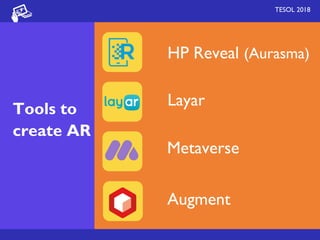
HP Reveal (Aurasma)
TESOL 2018
Tools to
create AR
Layar
Metaverse
Augment
TESOL 2018
To consider...
● Individual or shared use of devices?
● Augmented reality apps available for all
operating systems?
● Good wifi and Internet connection?
● Learning objectives
TESOL 2018
Pedagogy should always come
before technology. However,
technology opens up new
possibilities for changing our
pedagogical approaches and
transforming education.
La pedagogía necesita a la tecnología (2018, March 15)
www.educacionabierta.org
TESOL 2018TESOL 2018
Thank you!
mercedeskamijo@gmail.com
Handout and resources goo.gl/1yHWRq

Transforming Language Learning with Augmented Reality - TESOL 2018

  • 1.
  • 2.
    Presentation objectives TESOL 2018 Toolsto create augmented reality Concept of augmented reality Ideas to use AR in language learning Examples of augmented reality
  • 3.
    A type oftechnology that superimposes the virtual world onto the physical world. What is  augmented  reality? TESOL 2018
  • 4.
    What is  augmented  reality? TESOL 2018 Combiningdigital information with our own, real environment. Image from Giphy
  • 5.
    Pokémon GO TESOL 2018 Imagefrom Giphy Image from International Business Times Snapchat
  • 6.
    You need: TESOL 2018 Asmartphone or tablet an augmented reality app an image or marker to scan What do you need to view Augmented Reality?
  • 7.
    What type of content canbe  used in AR? TESOL 2018 Websites Video Audio Images
  • 8.
    TESOL 2018 3D objectsand animations Games QR codes What type of content can be  used in AR?
  • 9.
    TESOL 2018 Virtual RealityAugmented Reality Image from Yantram studio
  • 10.
    TESOL 2018 1) InstallAR Flash cards. AR Flash cards on Google Play AR Flash cards on the App Store Let’s try Augmented Reality
  • 11.
    TESOL 2018 2) Openthe app and tap Get Started. Let’s try Augmented Reality
  • 12.
    TESOL 2018 3) Pointyour device at the animals flashcards. Watch them come alive!
  • 13.
  • 14.
    TESOL 2018 NMC HorizonReport > 2016 Higher Education Edition Johnson et al. (2016), p.40 AR’s responsive interactivity enables students to construct broader understandings based on interactions with virtual objects (…) bringing learners to deeper levels of cognition as they attain new perspectives on underlying data.
  • 15.
    Types of AugmentedReality Marker-based The app scans a marker and generates a 3D object. Image from Cleveroad - www.cleveroad.com TESOL 2018
  • 16.
    Types of AugmentedReality Location-based The app detects your location using GPS and digital objects are added. Image from Dribble - www.dribbble.com TESOL 2018
  • 17.
    Types of AugmentedReality Browser-based Digital content is overlaid on a trigger image and viewed in the app browser. Image from Rogue Robot – www.roguerobot.co.uk TESOL 2018
  • 18.
    Let’s explore moreAR+ McCormick Place 1) Install Metaverse. Metaverse on Google Play Metaverse on the App Store TESOL 2018
  • 19.
    2) Open theapp and tap Scan code at the top. 3) Point your device at the code below. Be ready to move and do the activities! TESOL 2018
  • 20.
    Ideas to use AugmentedReality in the classroom TESOL 2018
  • 21.
    TESOL 2018 Ideas to useAR in the classroom Vocabulary practice with 3D models Welcome messages from staff Guided homework
  • 22.
    TESOL 2018 Ideas to useAR in the classroom Procedures Scavenger hunts Class trips
  • 23.
    Students can alsocreate their own AR content! TESOL 2018
  • 24.
    When creating AR,students develop not only language skills but also digital skills. TESOL 2018
  • 25.
    Students create theirown AR+ TESOL 2018 Ideas to use AR in the classroom Vocabulary walls Biographies Book reviews Movie and game reviews
  • 26.
    Students create theirown AR+ TESOL 2018 Ideas to use AR in the classroom Interactive maps Movie and book trailers Interactive articles, journals and magazines
  • 27.
    AR+ created bystudents TESOL 2018 Interactive vocabulary wall Ways of touching
  • 28.
    AR+ created bystudents TESOL 2018 1) Install Layar. Layar on Google Play Layar on the App Store
  • 29.
    AR+ created bystudents TESOL 2018 2) Open the app and scan the image below:
  • 30.
    Interactivity Icon designed byJannoon028 – FreePik.com New ways of presenting content Mobility and portability Context-aware information TESOL 2018 Why use  augmented reality in the classroom? Icon designed by Jannoon028 – FreePik.com
  • 31.
    Active learning Icon designedby Jannoon028 – FreePik.com Collaboration, creativity, critical thinking, communication, digital skills Learning styles TESOL 2018 Simulations and role plays Icon designed by Jannoon028 – FreePik.com Flipped learning, gamification, project-based learning Why use  augmented reality in the classroom?
  • 32.
  • 33.
    1) Install HPReveal HP Reveal on Google Play HP Reveal on the App Store Tools to create Augmented Reality
  • 34.
    Tools to createAugmented Reality 2) Open the app and tap the icon at the bottom. 3) Scan the image below and find out about four AR+ tools.
  • 35.
    HP Reveal (Aurasma) TESOL2018 Tools to create AR Layar Metaverse Augment
  • 36.
    TESOL 2018 To consider... ●Individual or shared use of devices? ● Augmented reality apps available for all operating systems? ● Good wifi and Internet connection? ● Learning objectives
  • 37.
    TESOL 2018 Pedagogy shouldalways come before technology. However, technology opens up new possibilities for changing our pedagogical approaches and transforming education. La pedagogía necesita a la tecnología (2018, March 15) www.educacionabierta.org
  • 38.
    TESOL 2018TESOL 2018 Thankyou! mercedeskamijo@gmail.com Handout and resources goo.gl/1yHWRq