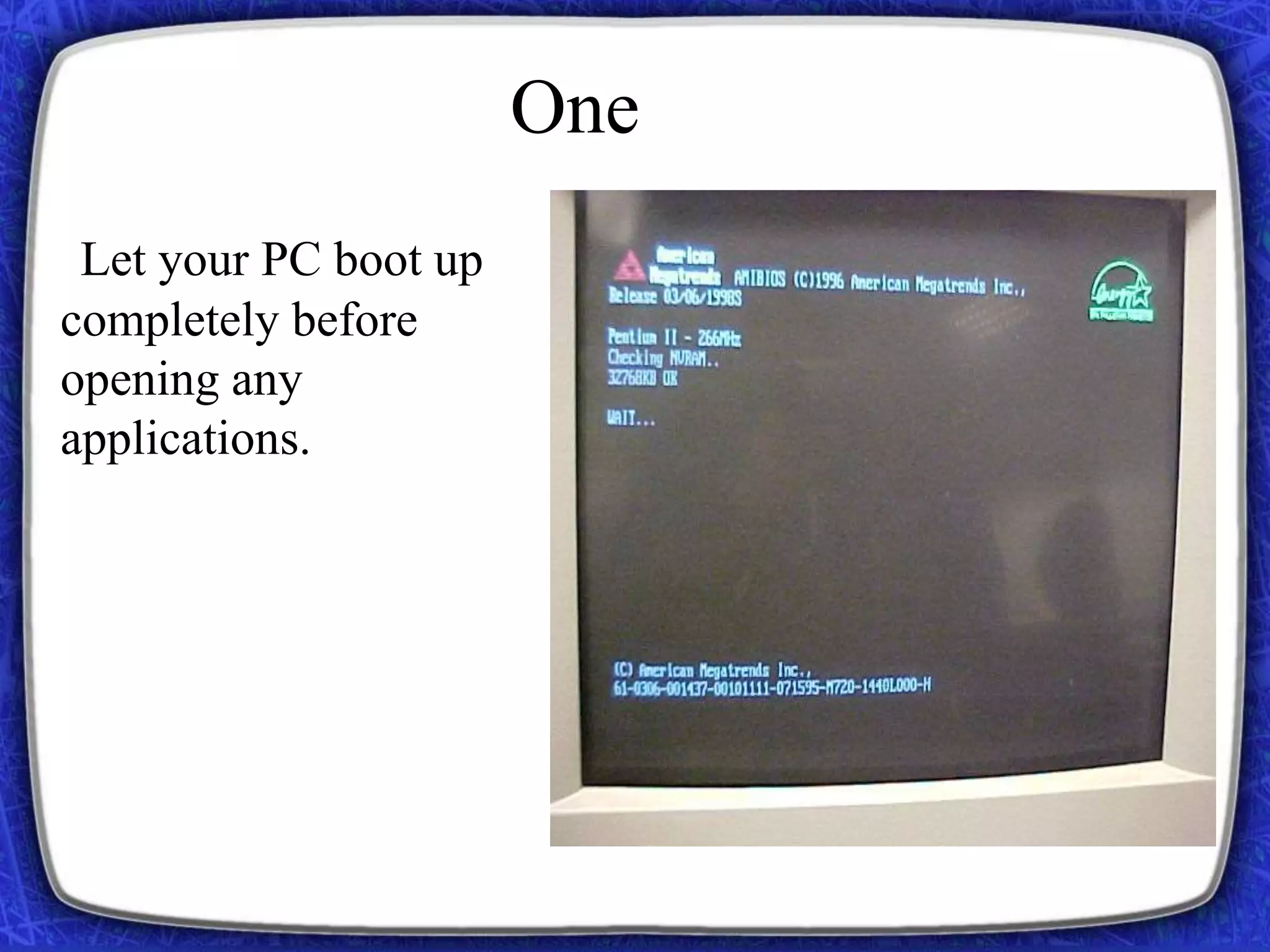
Let your PC boot up
completely before
opening any
applications.
One
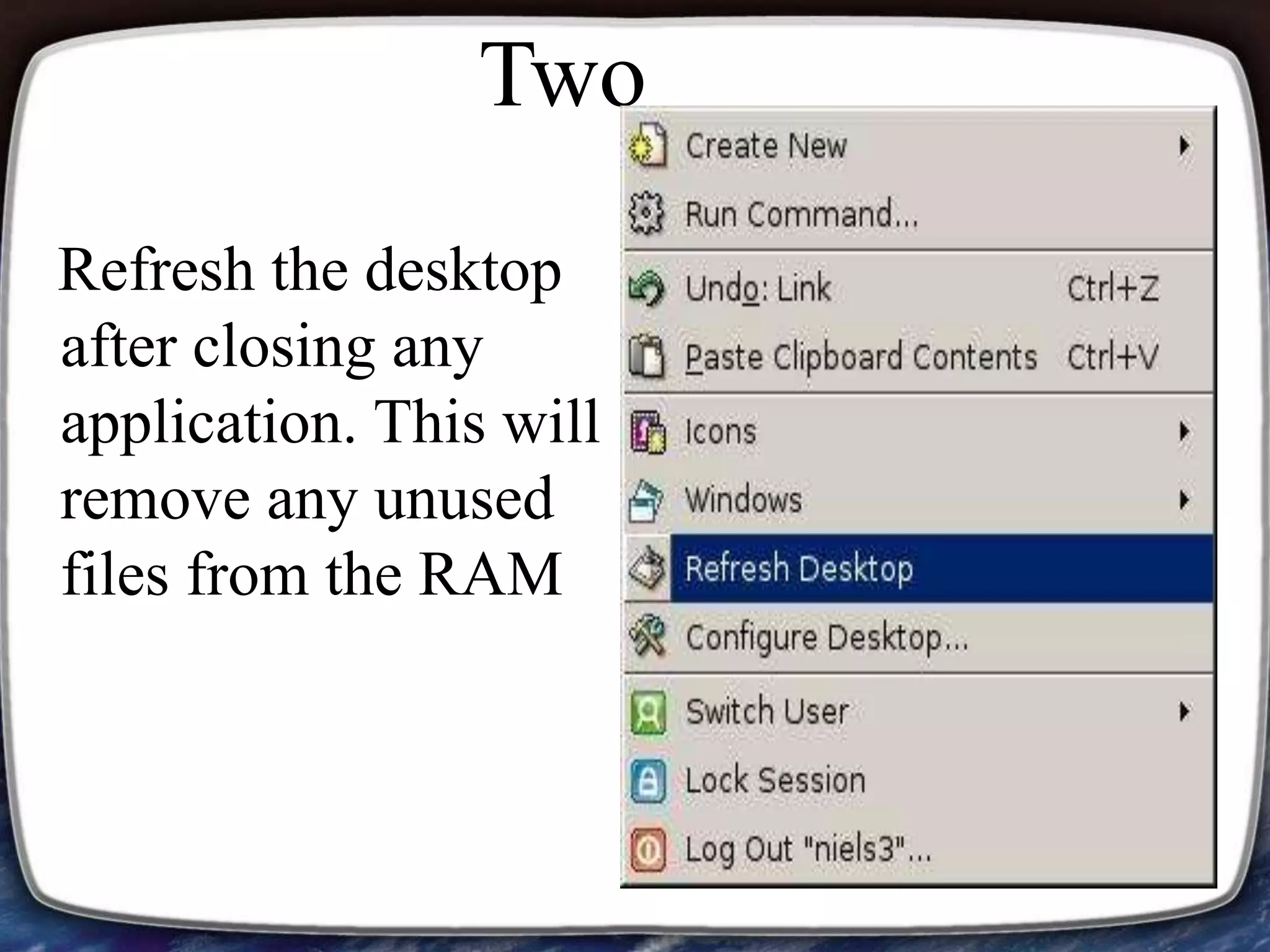
Refresh the desktop
after closing any
application. This will
remove any unused
files from the RAM
Two
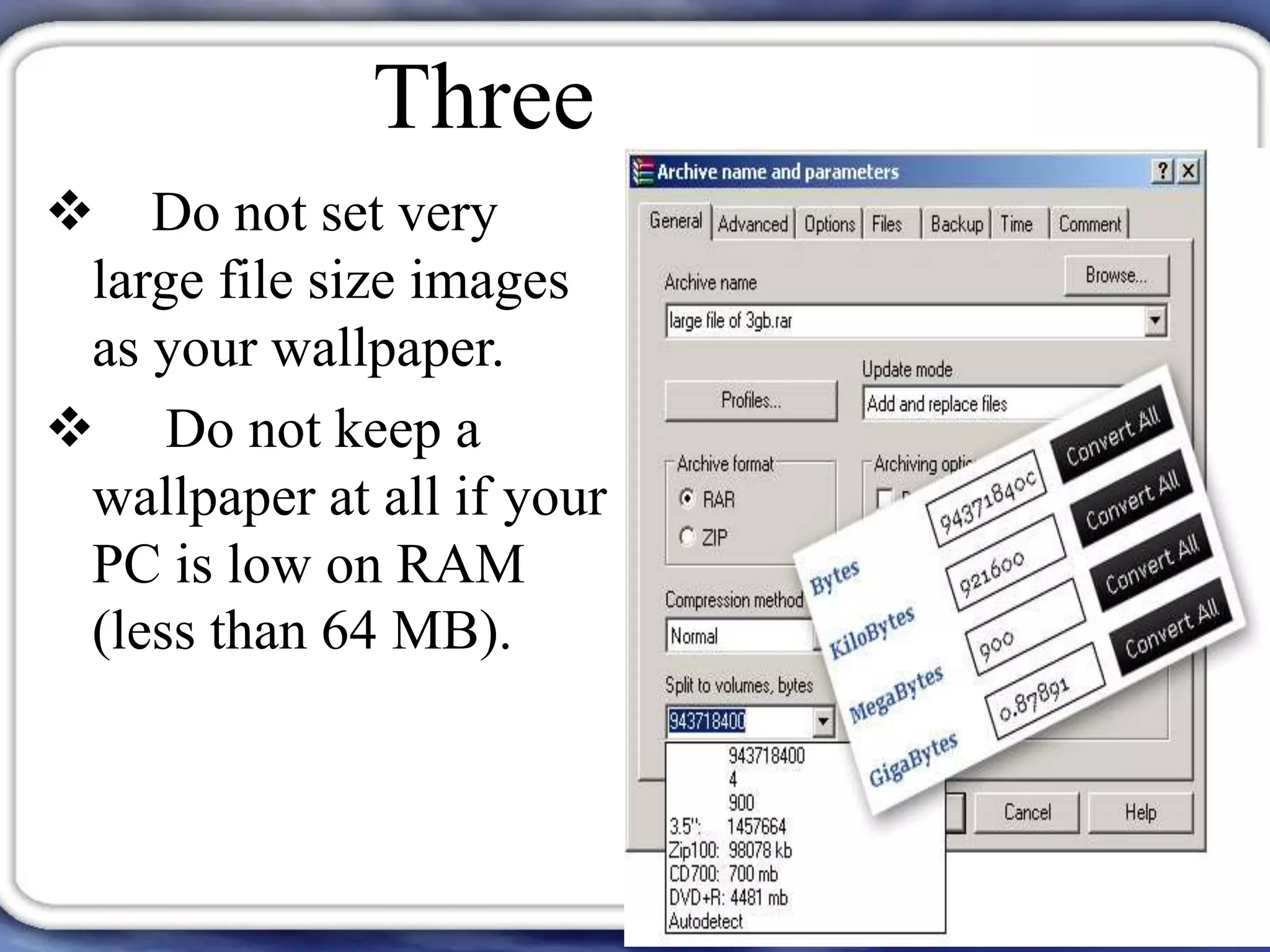
 Do not set very
large file size images
as your wallpaper.
 Do not keep a
wallpaper at all if your
PC is low on RAM
(less than 64 MB).
Three
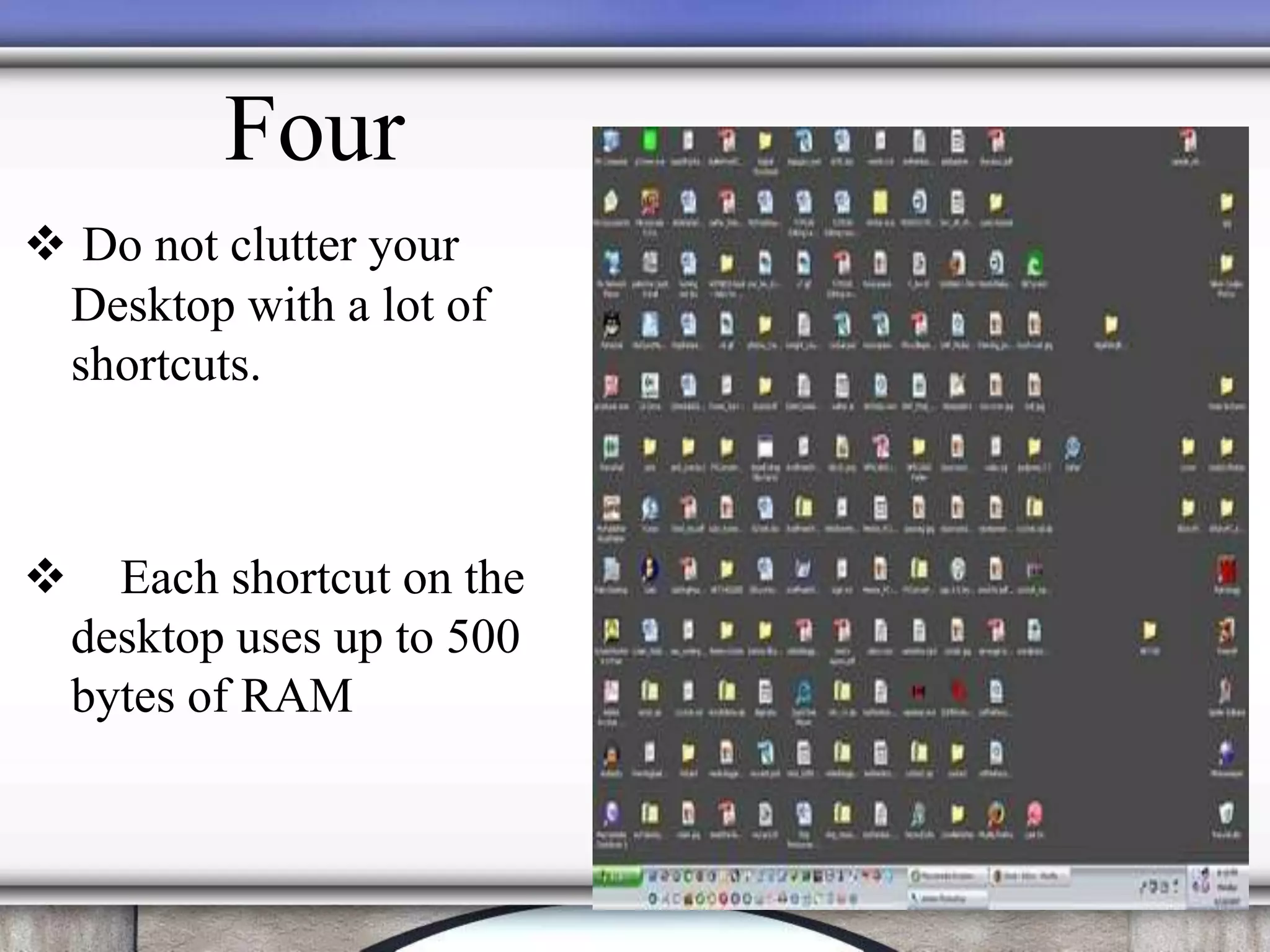
 Do not clutter your
Desktop with a lot of
shortcuts.
 Each shortcut on the
desktop uses up to 500
bytes of RAM
Four
FIVE
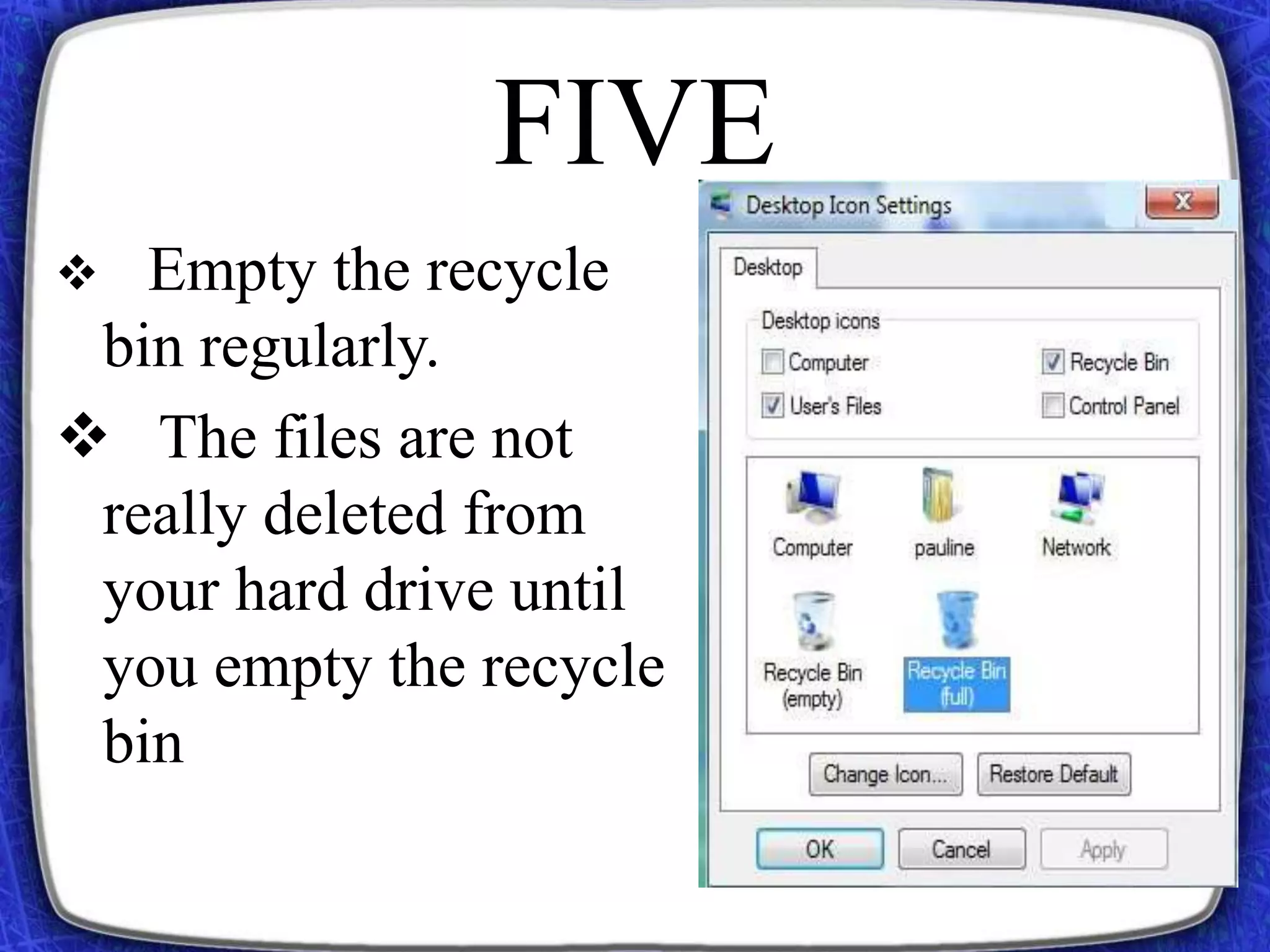
 Empty the recycle
bin regularly.
 The files are not
really deleted from
your hard drive until
you empty the recycle
bin
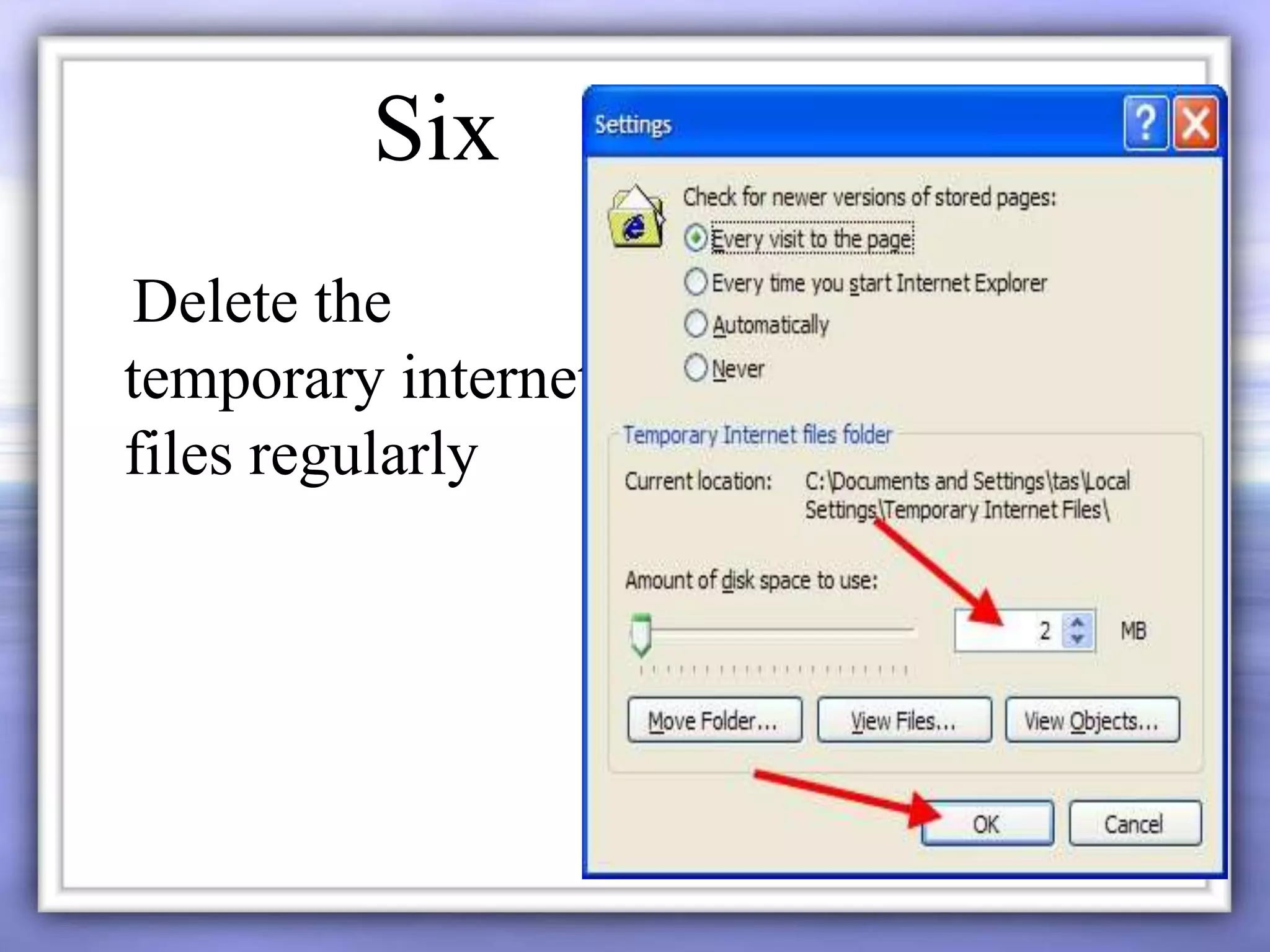
Delete the
temporary internet
files regularly
Six
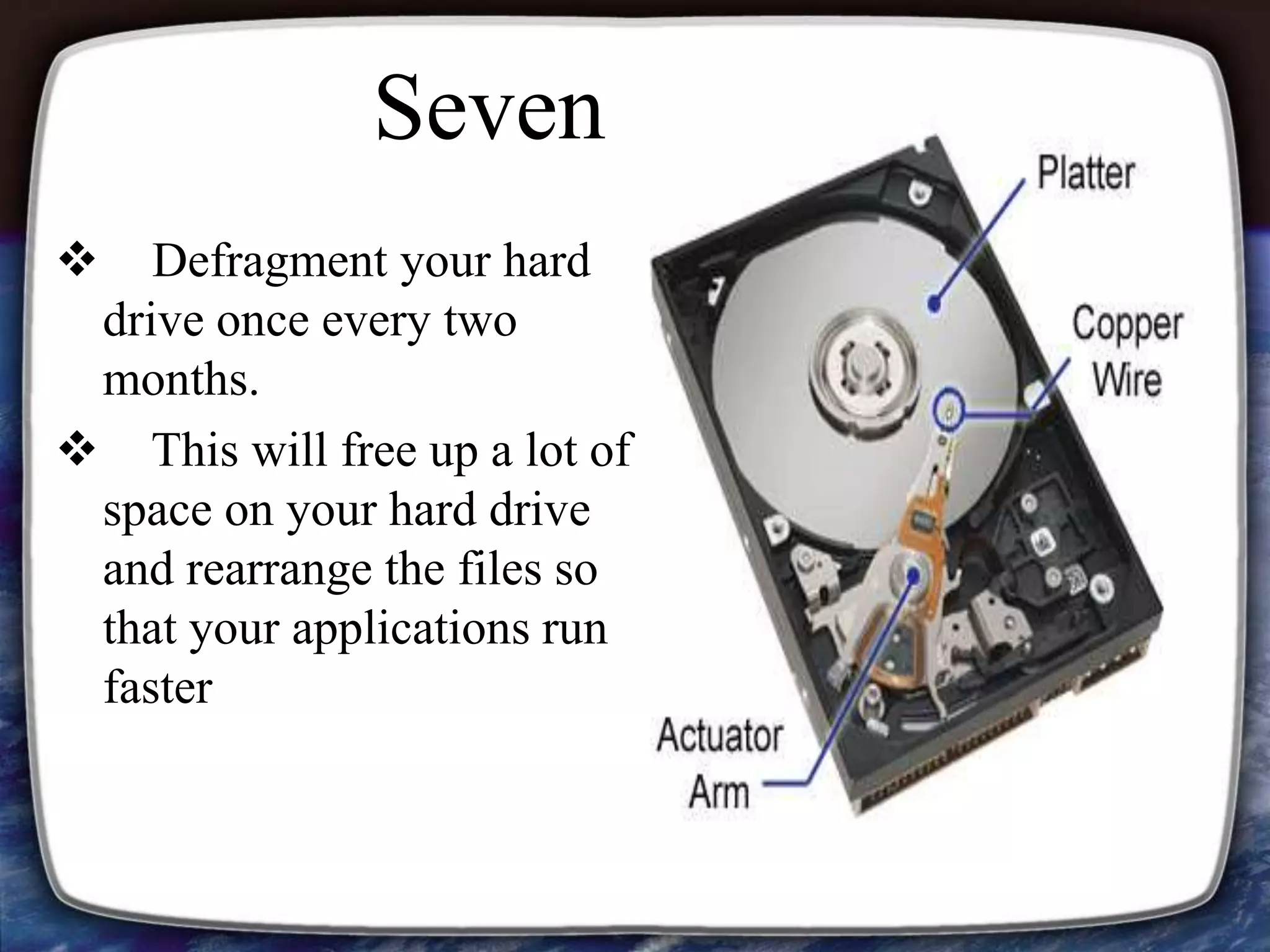
 Defragment your hard
drive once every two
months.
 This will free up a lot of
space on your hard drive
and rearrange the files so
that your applications run
faster
Seven
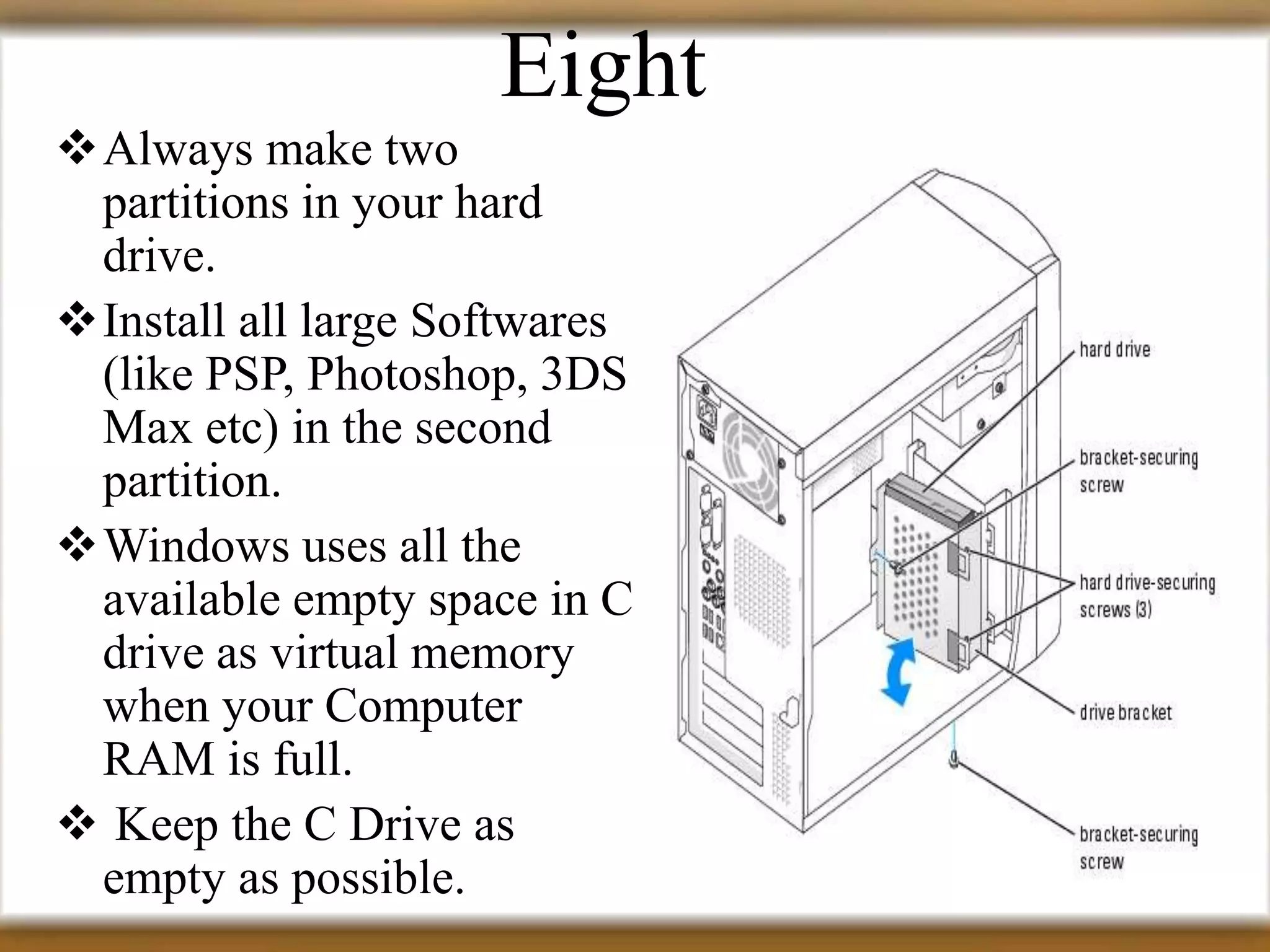
Always make two
partitions in your hard
drive.
Install all large Softwares
(like PSP, Photoshop, 3DS
Max etc) in the second
partition.
Windows uses all the
available empty space in C
drive as virtual memory
when your Computer
RAM is full.
 Keep the C Drive as
empty as possible.
Eight
 When installing new
Softwares disable the option
of having a tray icon.
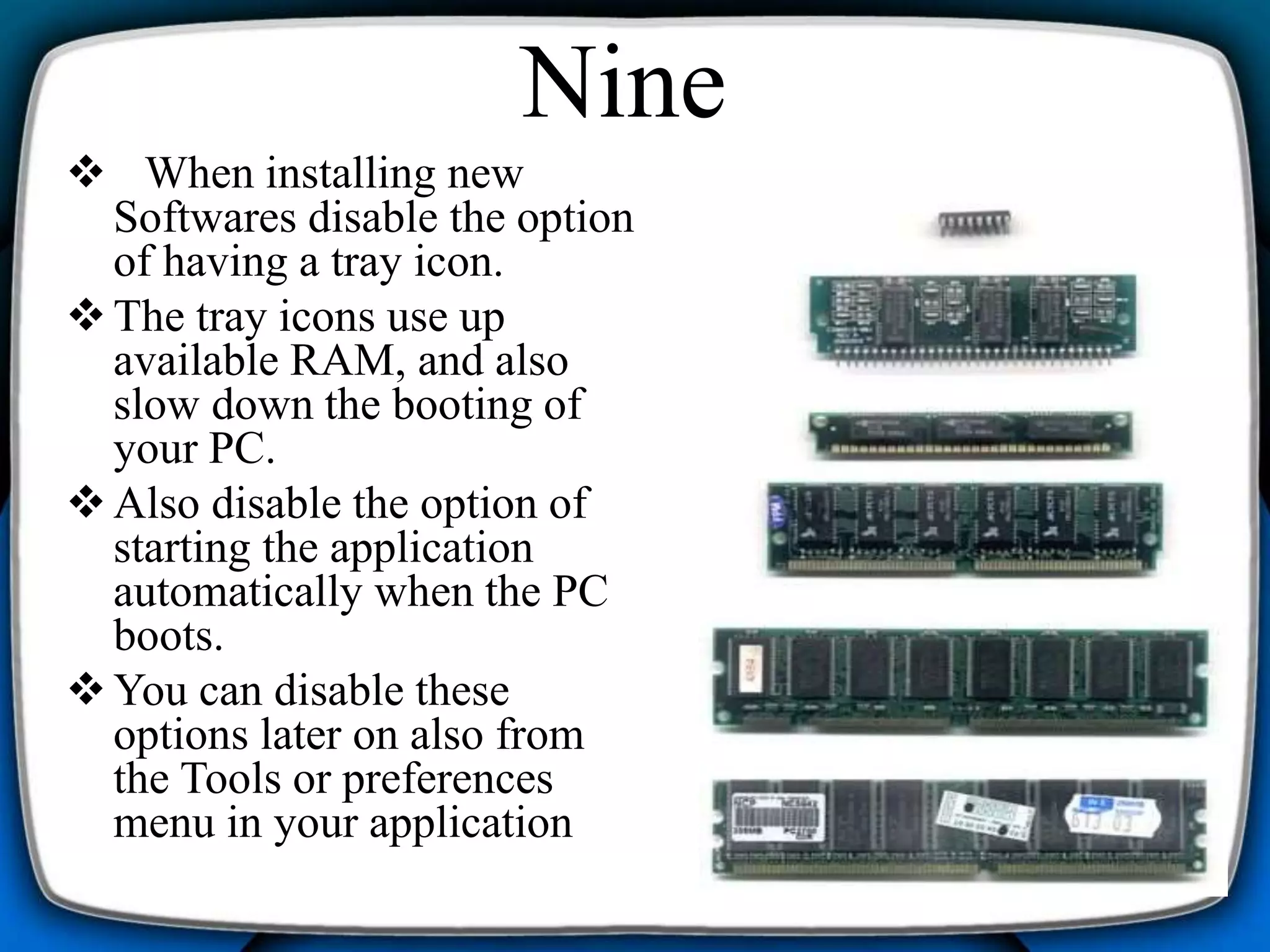
The tray icons use up
available RAM, and also
slow down the booting of
your PC.
Also disable the option of
starting the application
automatically when the PC
boots.
You can disable these
options later on also from
the Tools or preferences
menu in your application
Nine
 Protect your PC from dust.
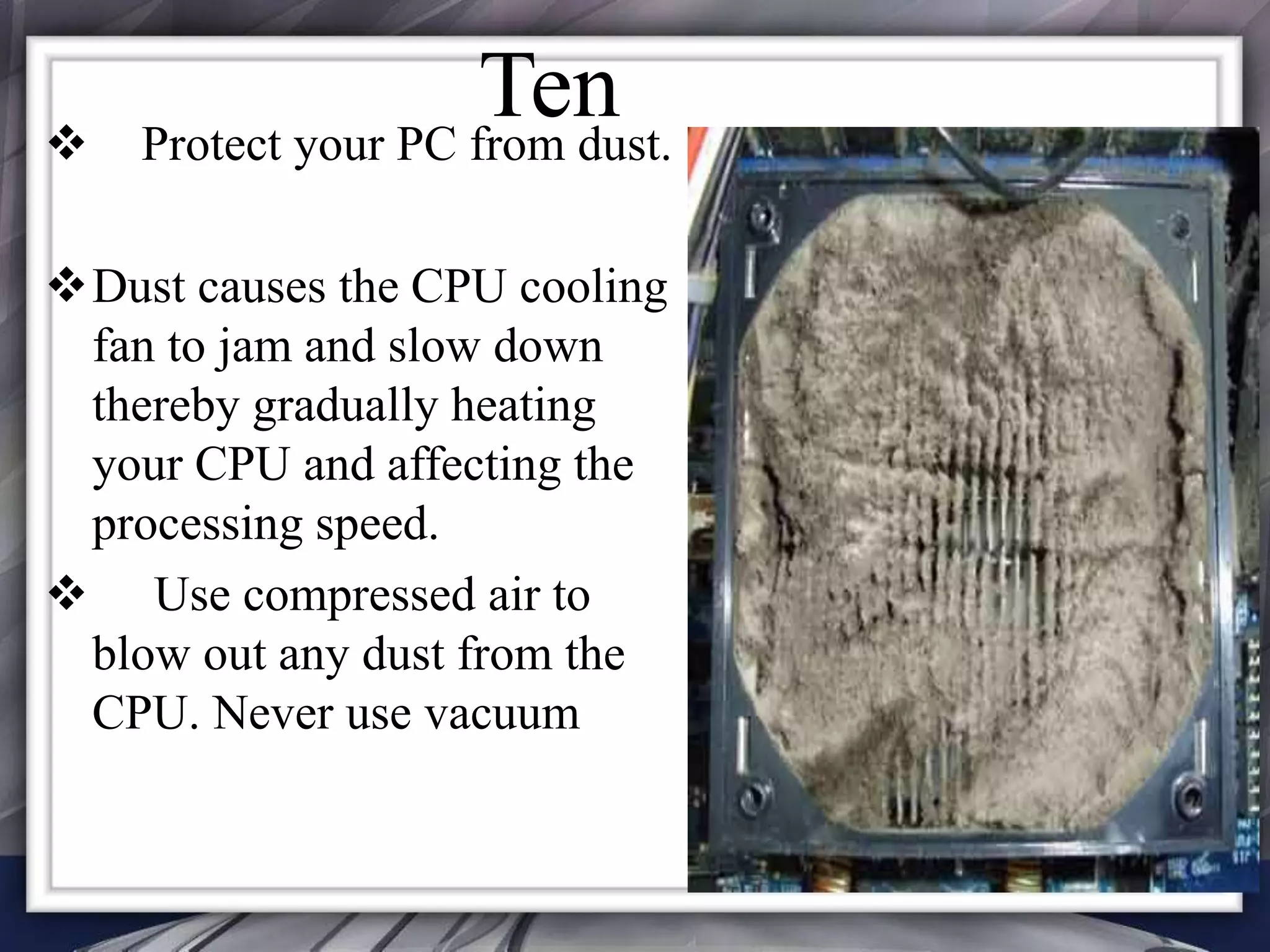
Dust causes the CPU cooling
fan to jam and slow down
thereby gradually heating
your CPU and affecting the
processing speed.
 Use compressed air to
blow out any dust from the
CPU. Never use vacuum
Ten
Top ten tips to improve system speed

Top ten tips to improve system speed

  • 2.
    Let your PCboot up completely before opening any applications. One
  • 3.
    Refresh the desktop afterclosing any application. This will remove any unused files from the RAM Two
  • 4.
     Do notset very large file size images as your wallpaper.  Do not keep a wallpaper at all if your PC is low on RAM (less than 64 MB). Three
  • 5.
     Do notclutter your Desktop with a lot of shortcuts.  Each shortcut on the desktop uses up to 500 bytes of RAM Four
  • 6.
    FIVE  Empty therecycle bin regularly.  The files are not really deleted from your hard drive until you empty the recycle bin
  • 7.
  • 8.
     Defragment yourhard drive once every two months.  This will free up a lot of space on your hard drive and rearrange the files so that your applications run faster Seven
  • 9.
    Always make two partitionsin your hard drive. Install all large Softwares (like PSP, Photoshop, 3DS Max etc) in the second partition. Windows uses all the available empty space in C drive as virtual memory when your Computer RAM is full.  Keep the C Drive as empty as possible. Eight
  • 10.
     When installingnew Softwares disable the option of having a tray icon. The tray icons use up available RAM, and also slow down the booting of your PC. Also disable the option of starting the application automatically when the PC boots. You can disable these options later on also from the Tools or preferences menu in your application Nine
  • 11.
     Protect yourPC from dust. Dust causes the CPU cooling fan to jam and slow down thereby gradually heating your CPU and affecting the processing speed.  Use compressed air to blow out any dust from the CPU. Never use vacuum Ten