Hyper-V IssuesThings I’ve EncounteredAidan Finn, MVP - MicroWarehouse
About Aidan FinnTechnical Sales Lead at MicroWarehouseWorking in IT since 1996MCSE & MVP (Virtual Machine)Experienced with Windows Server/Desktop, System Center, virtualisation, and IT infrastructure.Blog: http://www.aidanfinn.comTwitter: @joe_elway
AgendaDon’t know what new info you’ll get from thisBut at least you’ll find out what issues I’m seeing and reading aboutA lot of implementation issues are due to lack of education or documentation
Assessment“Measure twice – cut once”How can you do virtualisation without knowing what’s required?Gut feeling is insufficientMAP is a starting pointI keep encountering people who don’t do assessmentsAnd strangely they have issues later on!Indicator that there will be later implementation issuesAssess for as long as possible to size accurately.
Design Supervision... or lack there of.Typical scenarioCustomer divides up the virtualisation project to many service providersServers, storage, network, Hyper-V, VMM, OpsMgr, backup, etcService providers can/will not cooperateNo one has design oversightThings fall apart
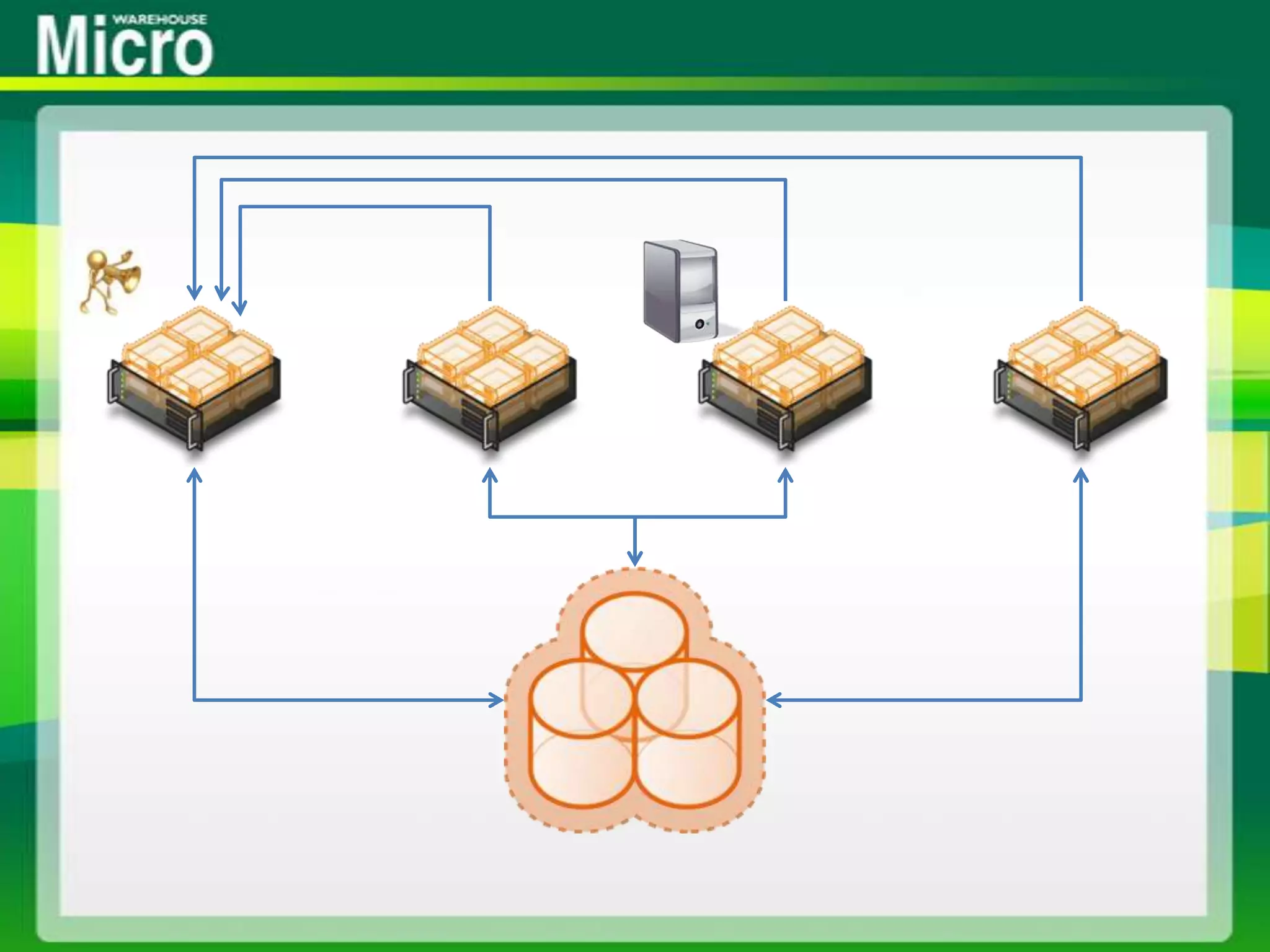
Persistent ReservationsStorage goes offlineNumber required = Hosts * CSV * Storage Channels/HostCheck with storage expertBeware systems like HP P4000Hosts have 2 channels to every node in storage clusterSolutions:Is the storage firmware up to date?Check storage design – all those CSVs required?
Storage Offline & Host 9e BSODCheck times of BSOD VS backup schedulesIf it happens at same time as CSV backup:Check the VSS providerIf it is Hardware VSS provider:Check for latest versionCheck for vendor support of CSV backupEven with support, can be flaky H/W VSS providerMay have to switch to:System VSS providerSerialized backup
Third Party Backup & ReplicationWatch out for 3rd party software storage with DR replication featureCSV backup will create snapshot on the replicated volumeWill cause replication/bandwidth issuesEncountered 3rd party backup with “2008 R2 Hyper-V support”Had no concept of cluster & VM placement awareness
Storage is Slow - BackupStorage is unexpectedly slow – Redirected ModeCheck the CSV backup strategyDoes it really need to be hourly?Are VMs with common backup strategy on the same CSV?Are VM VHDs placed on many CSVs?Strategy1 CSV : 1 backup policyInfrequent CSV backup (nightly/weekly/monthly)Frequent in-VM data backup (hourly, half day, etc)Remember: the entire CSV goes into redirected mode
Storage is Slow - RAIDAm seeing people go budget on their SAN disk to save moneySlower disk at RAID5 for all CSVsThey find VM storage is significantly slower than pre-P2V physical server storageComplicated with advanced storage concepts like disk groupsImplementers failing to grasp that virtual requirements are the same as physical requirements
Storage is Slow - VHDSome still advocating that Dynamic VHD is nearly as fast as Fixed VHDTrue in the perfect, small, short-lived labNot true in the real world:Fragmentation of dynamic VHDHave been told that some storage controllers don’t deal well with random nature of fragmented storageRapid data growth leads to storage latencyDynamic VHD on CSV can cause redirected I/O to grow if VM not on the CSV coordinator
AntivirusPeople are not following the guidance: http://support.microsoft.com/kb/961804They scan CSV, VHDs, config files and processesLack of awarenessThe security officer told them to “or else”VMs are corrupted or disappear0x800704C8, 0x80070037 or 0x800703E3I hate AV on Hyper-V hostsSystem, manual, or update errors
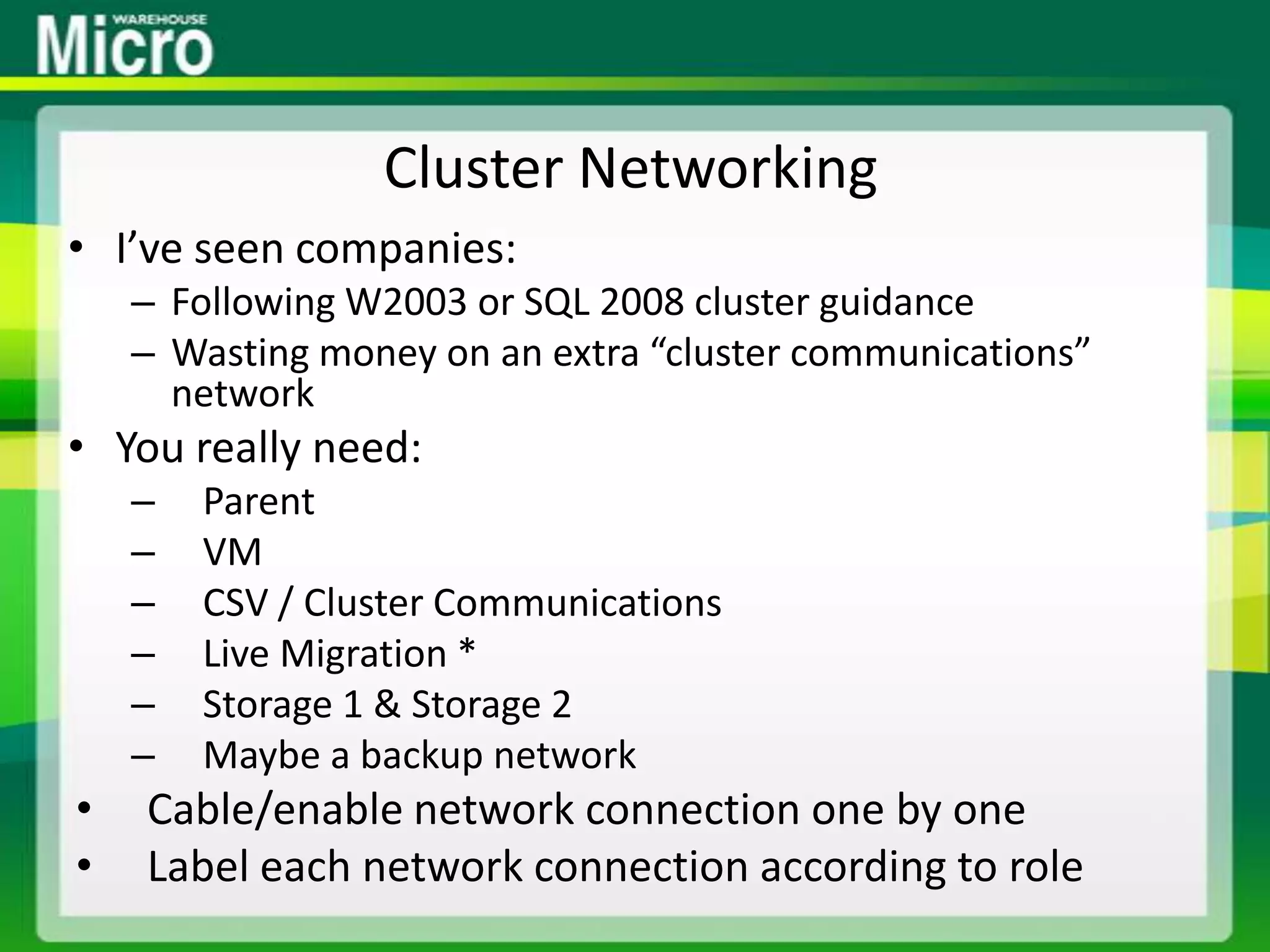
Cluster NetworkingI’ve seen companies:Following W2003 or SQL 2008 cluster guidanceWasting money on an extra “cluster communications” networkYou really need:ParentVMCSV / Cluster CommunicationsLive Migration *Storage 1 & Storage 2Maybe a backup networkCable/enable network connection one by oneLabel each network connection according to role
Multi-Site Clusters That Aren’tScenarioCompany has two offices near each otherOne will be DR for the other“Fast” 10MB+ linkThey tell the implementer that it is a single siteHyper-V and storage clusters are implemented as a single site cluster – but should be multi-siteSplit brain scenario when that link eventually failsFollow best practices: e.g. File share witness in 3rd siteActive-active sites & backup: VMs & CSVsRedirected I/O across WAN link!
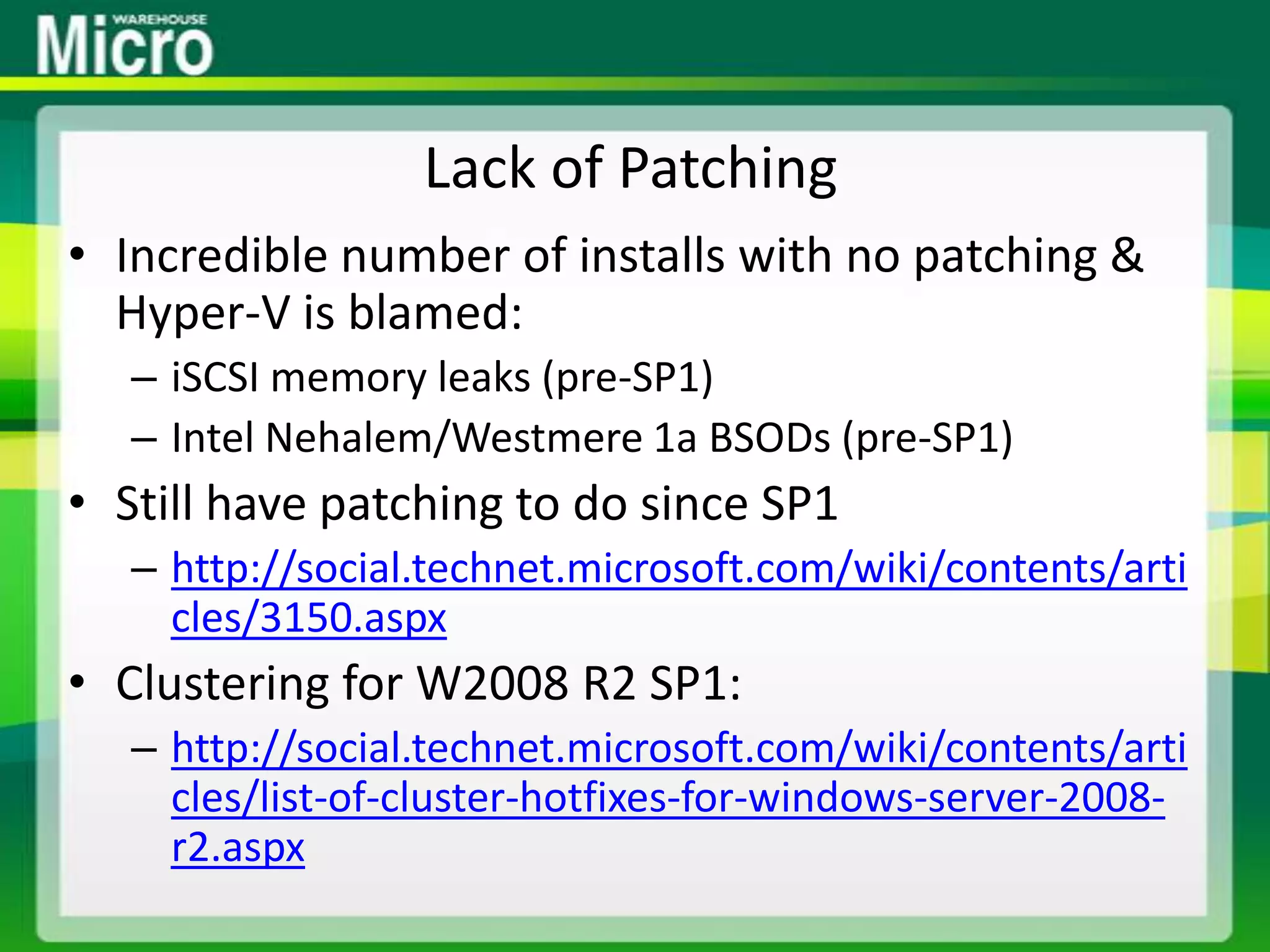
Lack of PatchingIncredible number of installs with no patching & Hyper-V is blamed:iSCSI memory leaks (pre-SP1)Intel Nehalem/Westmere 1a BSODs (pre-SP1)Still have patching to do since SP1http://social.technet.microsoft.com/wiki/contents/articles/3150.aspxClustering for W2008 R2 SP1:http://social.technet.microsoft.com/wiki/contents/articles/list-of-cluster-hotfixes-for-windows-server-2008-r2.aspx
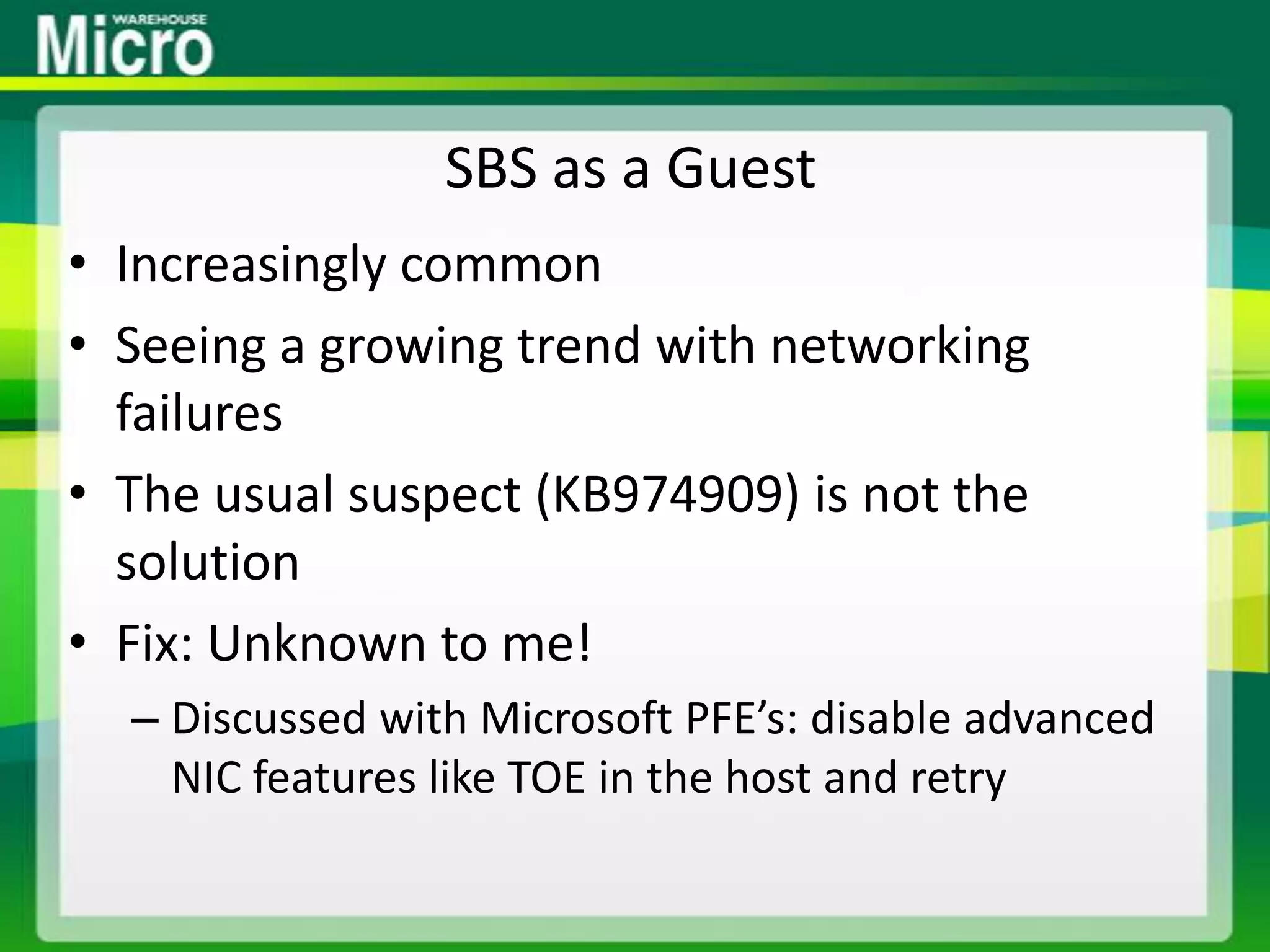
SBS as a GuestIncreasingly commonSeeing a growing trend with networking failuresThe usual suspect (KB974909) is not the solutionFix: Unknown to me!Discussed with Microsoft PFE’s: disable advanced NIC features like TOE in the host and retry
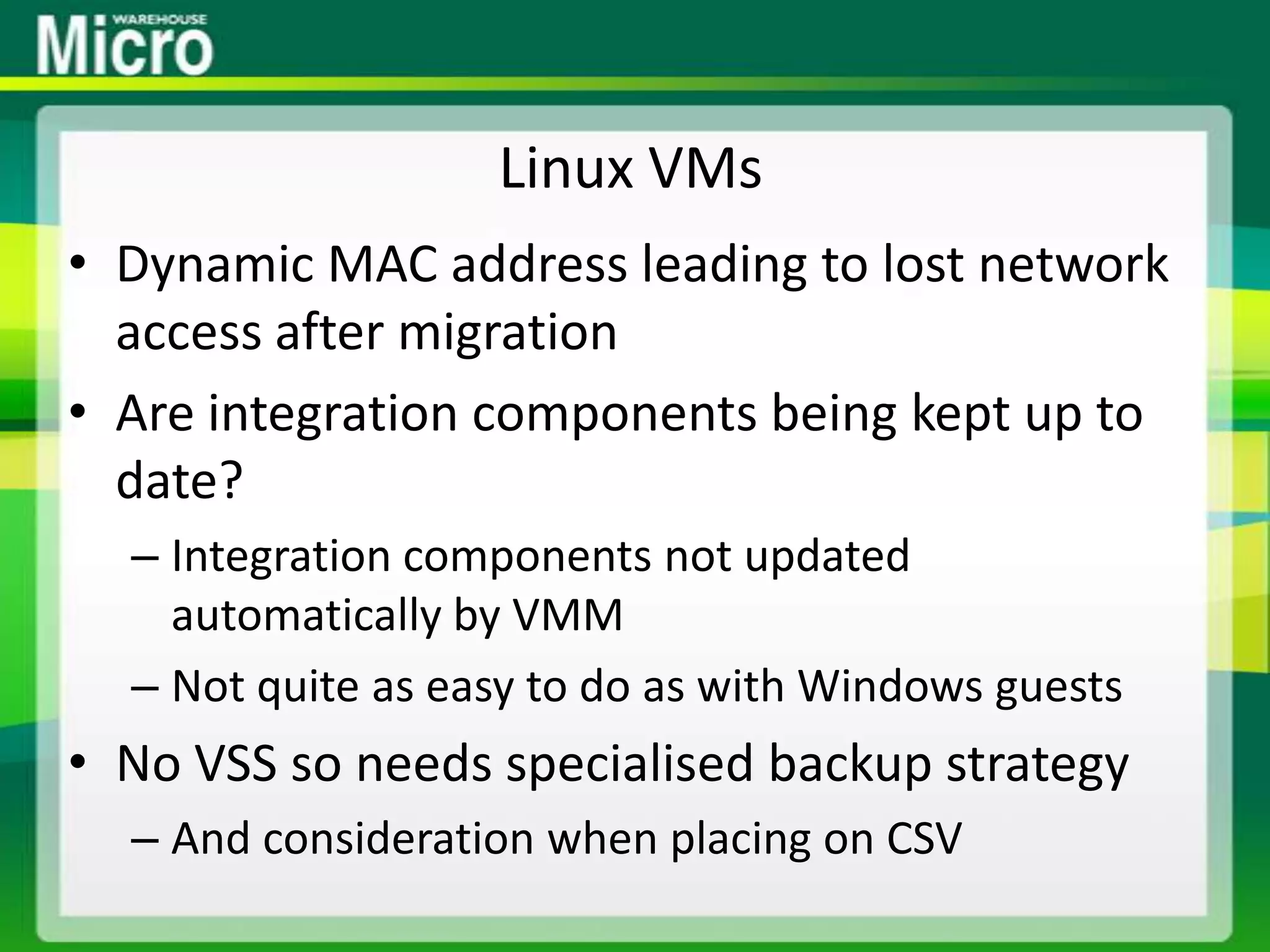
Linux VMsDynamic MAC address leading to lost network access after migrationAre integration components being kept up to date?Integration components not updated automatically by VMMNot quite as easy to do as with Windows guestsNo VSS so needs specialised backup strategyAnd consideration when placing on CSV
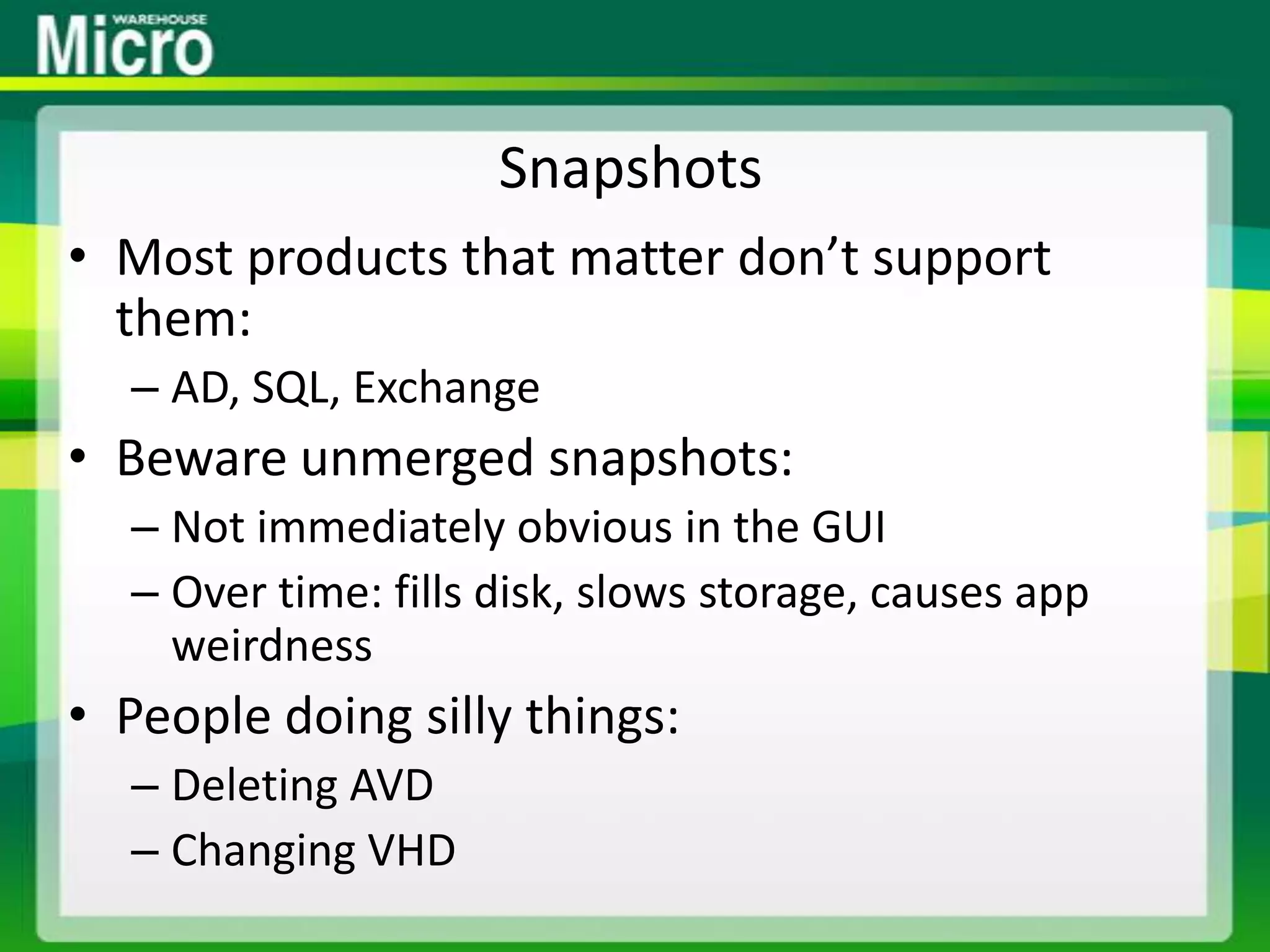
SnapshotsMost products that matter don’t support them:AD, SQL, ExchangeBeware unmerged snapshots:Not immediately obvious in the GUIOver time: fills disk, slows storage, causes app weirdnessPeople doing silly things:Deleting AVDChanging VHD
NIC Teaming & Network SecurityWe know the official line on supportBeware NIC teaming features and VLANs being used for network securityHP NCU & promiscuous mode:Page 24 on http://h20000.www2.hp.com/bc/docs/support/SupportManual/c02784628/c02784628.pdfRecommends NCU vNIC and Hyper-V vSwitch for each VLAN for network security
System Center as a VMFine in theoryHowever:Something should not monitor itselfHave seen SCVMM and OpsMgr as VMs on production Hyper-V clusterHow does this do PRO/alert you if the host they are on has networking issue?Maybe dedicated host/cluster for management VMs
Windows Server VM LicensingHUGELY common problem on clustersTypical after P2V or on VMware sitesP2V’d OEMOEM tied to original physical serverLicensing VMs with individual purchases of Standard editionAllowed to migrate once every 90 daysLicense 2 host cluster, 8 VMs, with 2 * EnterpriseNot legal when 5+ VMs on one host (failover)
Dynamic Memory.BIN file matches physical RAM allocationIs there enough room on disk to grow?People getting cute with applications that have configurable memory caching?Let apps work as normalSQL ServerCheck for edition support (Enterprise +)Set VM memory buffer to 5%NUMA – Is performance hit caused by NUMA spanning bad enough to disable NUMA spanning?Memory leaking apps will love Dynamic MemoryDefault maximum = 64 GB RAM
SnapshotsMaybe supported by Hyper-V PG but not supported by AD, SQL, ExchangeRequired shutdown/merge not obvious in GUIPeople finding all sorts of ways to ruin VMs, e.g. delete a VHD
Thank You!Aidan FinnMicroWarehouseEmail - AidanFinn@mhw.ieWeb - http://www.mwh.iePersonalTwitter - @joe_elwayBlog – http://www.aidanfinn.com

Top Hyper-V Implementation Issues

  • 1.
    Hyper-V IssuesThings I’veEncounteredAidan Finn, MVP - MicroWarehouse
  • 2.
    About Aidan FinnTechnicalSales Lead at MicroWarehouseWorking in IT since 1996MCSE & MVP (Virtual Machine)Experienced with Windows Server/Desktop, System Center, virtualisation, and IT infrastructure.Blog: http://www.aidanfinn.comTwitter: @joe_elway
  • 3.
    AgendaDon’t know whatnew info you’ll get from thisBut at least you’ll find out what issues I’m seeing and reading aboutA lot of implementation issues are due to lack of education or documentation
  • 4.
    Assessment“Measure twice –cut once”How can you do virtualisation without knowing what’s required?Gut feeling is insufficientMAP is a starting pointI keep encountering people who don’t do assessmentsAnd strangely they have issues later on!Indicator that there will be later implementation issuesAssess for as long as possible to size accurately.
  • 5.
    Design Supervision... orlack there of.Typical scenarioCustomer divides up the virtualisation project to many service providersServers, storage, network, Hyper-V, VMM, OpsMgr, backup, etcService providers can/will not cooperateNo one has design oversightThings fall apart
  • 6.
    Persistent ReservationsStorage goesofflineNumber required = Hosts * CSV * Storage Channels/HostCheck with storage expertBeware systems like HP P4000Hosts have 2 channels to every node in storage clusterSolutions:Is the storage firmware up to date?Check storage design – all those CSVs required?
  • 7.
    Storage Offline &Host 9e BSODCheck times of BSOD VS backup schedulesIf it happens at same time as CSV backup:Check the VSS providerIf it is Hardware VSS provider:Check for latest versionCheck for vendor support of CSV backupEven with support, can be flaky H/W VSS providerMay have to switch to:System VSS providerSerialized backup
  • 8.
    Third Party Backup& ReplicationWatch out for 3rd party software storage with DR replication featureCSV backup will create snapshot on the replicated volumeWill cause replication/bandwidth issuesEncountered 3rd party backup with “2008 R2 Hyper-V support”Had no concept of cluster & VM placement awareness
  • 9.
    Storage is Slow- BackupStorage is unexpectedly slow – Redirected ModeCheck the CSV backup strategyDoes it really need to be hourly?Are VMs with common backup strategy on the same CSV?Are VM VHDs placed on many CSVs?Strategy1 CSV : 1 backup policyInfrequent CSV backup (nightly/weekly/monthly)Frequent in-VM data backup (hourly, half day, etc)Remember: the entire CSV goes into redirected mode
  • 10.
    Storage is Slow- RAIDAm seeing people go budget on their SAN disk to save moneySlower disk at RAID5 for all CSVsThey find VM storage is significantly slower than pre-P2V physical server storageComplicated with advanced storage concepts like disk groupsImplementers failing to grasp that virtual requirements are the same as physical requirements
  • 11.
    Storage is Slow- VHDSome still advocating that Dynamic VHD is nearly as fast as Fixed VHDTrue in the perfect, small, short-lived labNot true in the real world:Fragmentation of dynamic VHDHave been told that some storage controllers don’t deal well with random nature of fragmented storageRapid data growth leads to storage latencyDynamic VHD on CSV can cause redirected I/O to grow if VM not on the CSV coordinator
  • 14.
    AntivirusPeople are notfollowing the guidance: http://support.microsoft.com/kb/961804They scan CSV, VHDs, config files and processesLack of awarenessThe security officer told them to “or else”VMs are corrupted or disappear0x800704C8, 0x80070037 or 0x800703E3I hate AV on Hyper-V hostsSystem, manual, or update errors
  • 15.
    Cluster NetworkingI’ve seencompanies:Following W2003 or SQL 2008 cluster guidanceWasting money on an extra “cluster communications” networkYou really need:ParentVMCSV / Cluster CommunicationsLive Migration *Storage 1 & Storage 2Maybe a backup networkCable/enable network connection one by oneLabel each network connection according to role
  • 16.
    Multi-Site Clusters ThatAren’tScenarioCompany has two offices near each otherOne will be DR for the other“Fast” 10MB+ linkThey tell the implementer that it is a single siteHyper-V and storage clusters are implemented as a single site cluster – but should be multi-siteSplit brain scenario when that link eventually failsFollow best practices: e.g. File share witness in 3rd siteActive-active sites & backup: VMs & CSVsRedirected I/O across WAN link!
  • 17.
    Lack of PatchingIncrediblenumber of installs with no patching & Hyper-V is blamed:iSCSI memory leaks (pre-SP1)Intel Nehalem/Westmere 1a BSODs (pre-SP1)Still have patching to do since SP1http://social.technet.microsoft.com/wiki/contents/articles/3150.aspxClustering for W2008 R2 SP1:http://social.technet.microsoft.com/wiki/contents/articles/list-of-cluster-hotfixes-for-windows-server-2008-r2.aspx
  • 18.
    SBS as aGuestIncreasingly commonSeeing a growing trend with networking failuresThe usual suspect (KB974909) is not the solutionFix: Unknown to me!Discussed with Microsoft PFE’s: disable advanced NIC features like TOE in the host and retry
  • 19.
    Linux VMsDynamic MACaddress leading to lost network access after migrationAre integration components being kept up to date?Integration components not updated automatically by VMMNot quite as easy to do as with Windows guestsNo VSS so needs specialised backup strategyAnd consideration when placing on CSV
  • 20.
    SnapshotsMost products thatmatter don’t support them:AD, SQL, ExchangeBeware unmerged snapshots:Not immediately obvious in the GUIOver time: fills disk, slows storage, causes app weirdnessPeople doing silly things:Deleting AVDChanging VHD
  • 21.
    NIC Teaming &Network SecurityWe know the official line on supportBeware NIC teaming features and VLANs being used for network securityHP NCU & promiscuous mode:Page 24 on http://h20000.www2.hp.com/bc/docs/support/SupportManual/c02784628/c02784628.pdfRecommends NCU vNIC and Hyper-V vSwitch for each VLAN for network security
  • 22.
    System Center asa VMFine in theoryHowever:Something should not monitor itselfHave seen SCVMM and OpsMgr as VMs on production Hyper-V clusterHow does this do PRO/alert you if the host they are on has networking issue?Maybe dedicated host/cluster for management VMs
  • 23.
    Windows Server VMLicensingHUGELY common problem on clustersTypical after P2V or on VMware sitesP2V’d OEMOEM tied to original physical serverLicensing VMs with individual purchases of Standard editionAllowed to migrate once every 90 daysLicense 2 host cluster, 8 VMs, with 2 * EnterpriseNot legal when 5+ VMs on one host (failover)
  • 24.
    Dynamic Memory.BIN filematches physical RAM allocationIs there enough room on disk to grow?People getting cute with applications that have configurable memory caching?Let apps work as normalSQL ServerCheck for edition support (Enterprise +)Set VM memory buffer to 5%NUMA – Is performance hit caused by NUMA spanning bad enough to disable NUMA spanning?Memory leaking apps will love Dynamic MemoryDefault maximum = 64 GB RAM
  • 25.
    SnapshotsMaybe supported byHyper-V PG but not supported by AD, SQL, ExchangeRequired shutdown/merge not obvious in GUIPeople finding all sorts of ways to ruin VMs, e.g. delete a VHD
  • 26.
    Thank You!Aidan FinnMicroWarehouseEmail- AidanFinn@mhw.ieWeb - http://www.mwh.iePersonalTwitter - @joe_elwayBlog – http://www.aidanfinn.com