Tips on Securing Drupal Sites
Greg Monroe
SolarWind MSP
Drupal Camp Ashville 2018
The information here is my own and not the views of my employer
Drupal Camp Ashville 2018
Security… the Final Frontier
This is a semi-case study based on my
experiences
Not a Deep Dive
Will be trying to walk the line between
DevOps and Site Admin / Builders
Pick the tips that can help you
Drupal Camp Ashville 2018
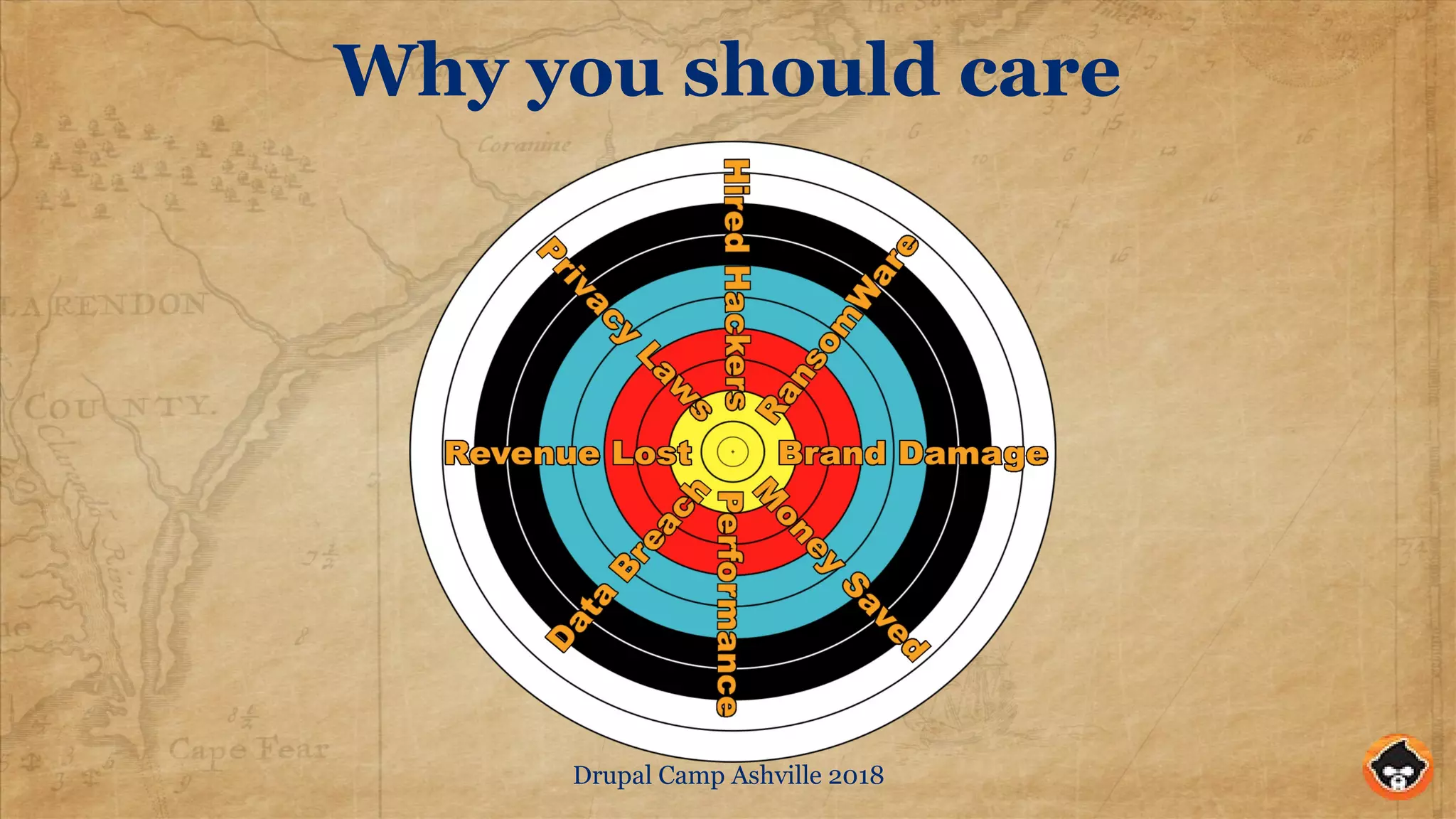
Why you should care
Drupal Camp Ashville 2018
Some Common Threat Vectors
Server Attacks, e.g. DDoS, SSL attacks, nuisance probes
Code Attacks, e.g. DrupalGeddon#, Contrib bugs, non-Drupal
code, Server bugs
User access attacks, e.g. Brute force, Social Eng., Phishing
"Internal" attacks, e.g. Valid users, Shared Resource Attacks
Drupal Camp Ashville 2018
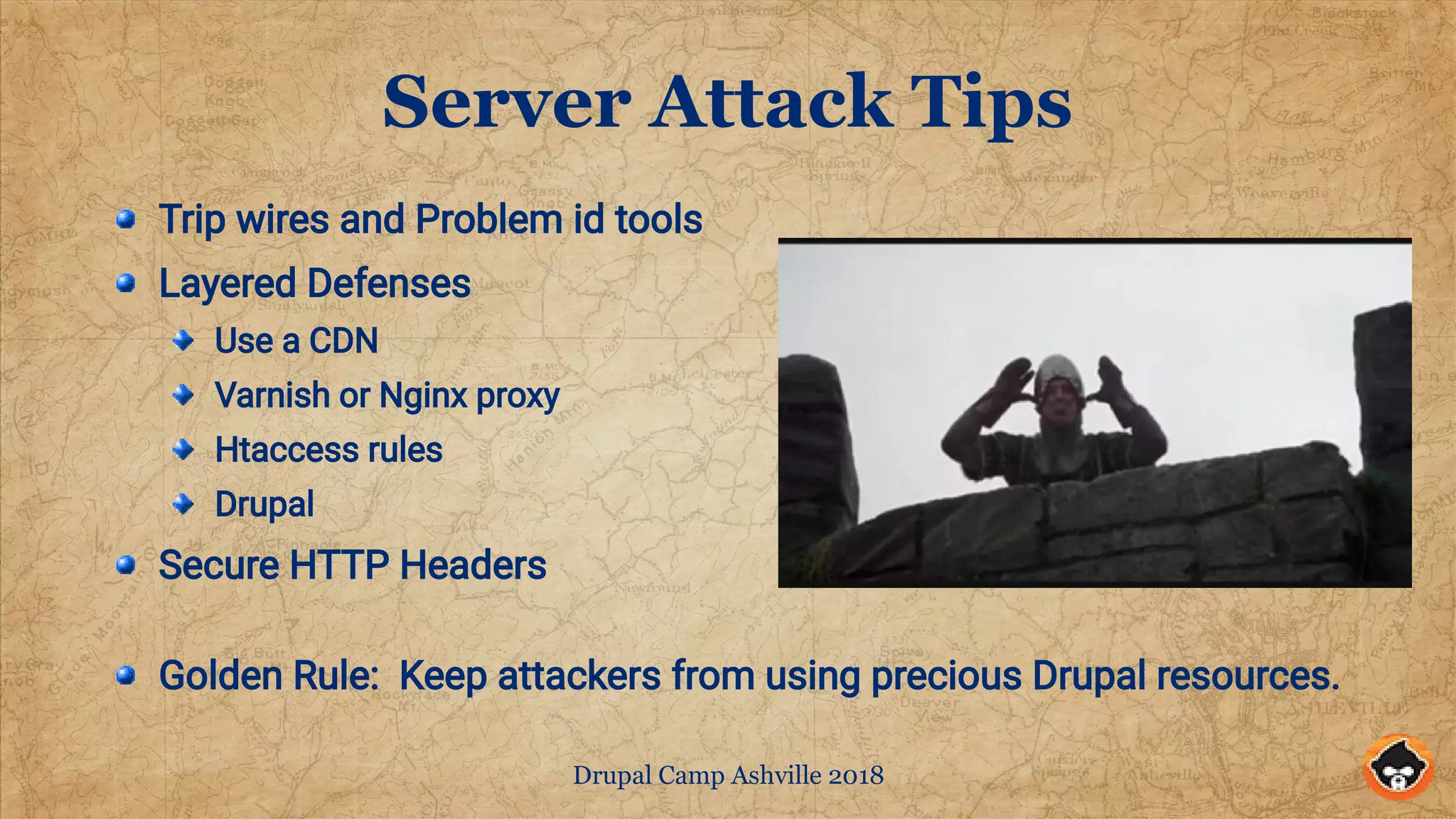
Server Attack Tips
Trip wires and Problem id tools
Layered Defenses
Use a CDN
Varnish or Nginx proxy
Htaccess rules
Drupal
Secure HTTP Headers
Golden Rule: Keep attackers from using precious Drupal resources.
Drupal Camp Ashville 2018
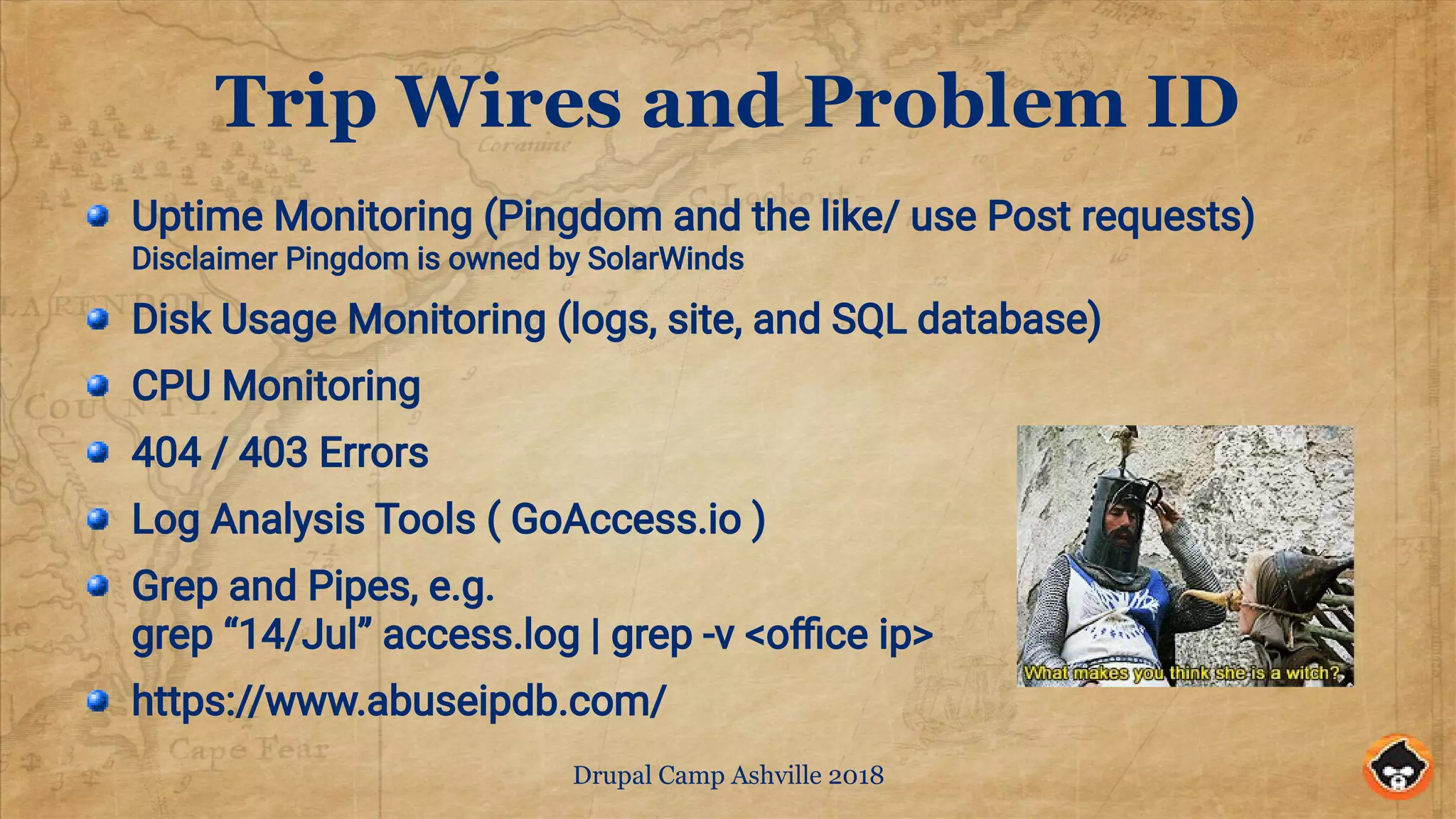
Trip Wires and Problem ID
Uptime Monitoring (Pingdom and the like/ use Post requests)
Disclaimer Pingdom is owned by SolarWinds
Disk Usage Monitoring (logs, site, and SQL database)
CPU Monitoring
404 / 403 Errors
Log Analysis Tools ( GoAccess.io )
Grep and Pipes, e.g.
grep “14/Jul” access.log | grep -v <office ip>
https://www.abuseipdb.com/
Drupal Camp Ashville 2018
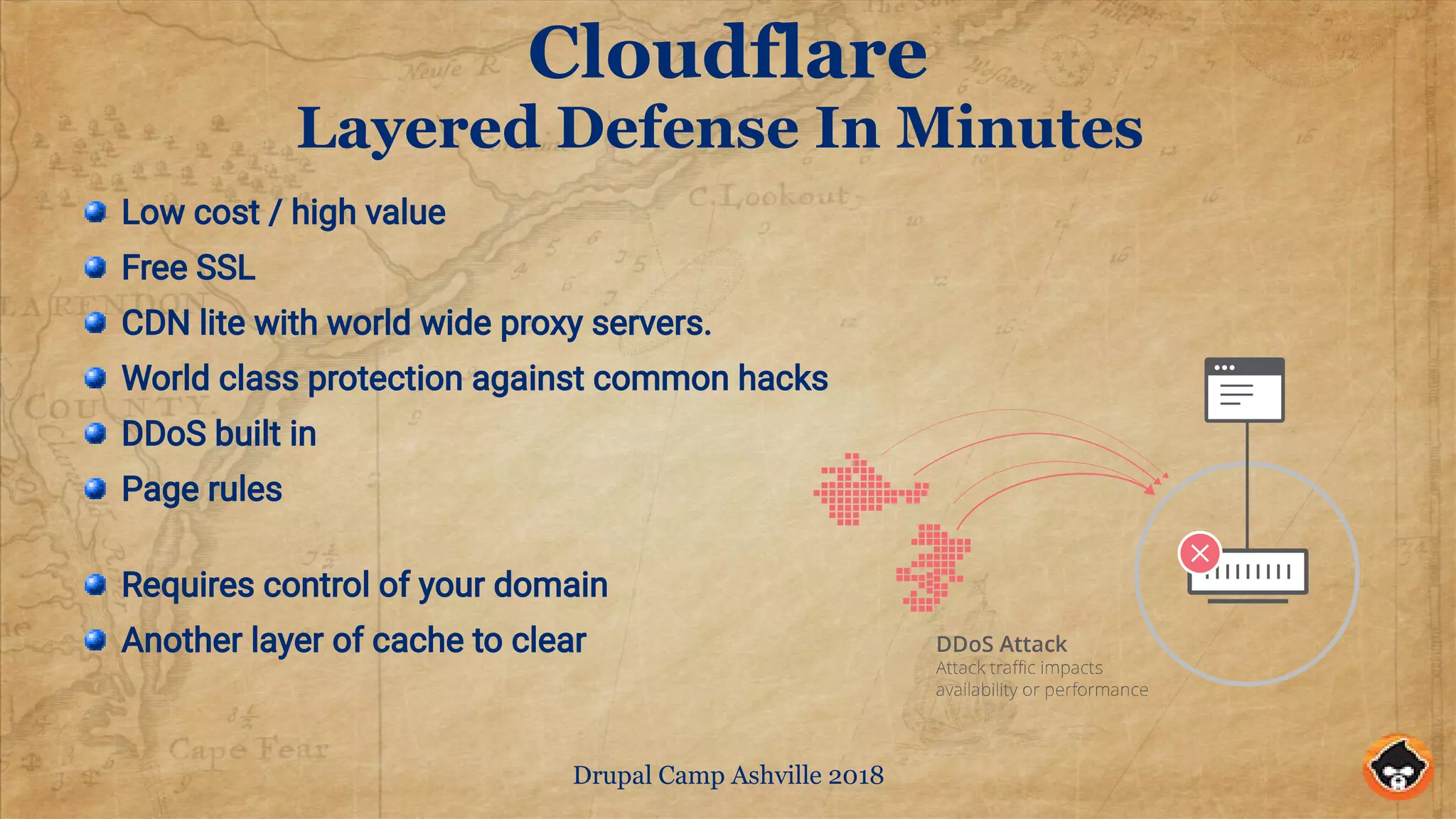
Cloudflare
Layered Defense In Minutes
Low cost / high value
Free SSL
CDN lite with world wide proxy servers.
World class protection against common hacks
DDoS built in
Page rules
Requires control of your domain
Another layer of cache to clear
Drupal Camp Ashville 2018
Traditional Alternatives
CDN like AWS Cloudfront or Verizon Edgecast
Varnish or Nginx caching front end
.htaccess rules
Deny unwanted crawlers
Block DdoS or nuisance URL requests
Drupal
Configure cache properly
Use Fast 404
Drupal Camp Ashville 2018
Some Sample .htaccess rules
# Stop some bad web crawlers
RewriteCond %{HTTP_USER_AGENT} AhrefsBot [NC,OR]
RewriteCond %{HTTP_USER_AGENT} spbot [NC,OR]
RewriteCond %{HTTP_USER_AGENT} DigExt [NC,OR]
RewriteCond %{HTTP_USER_AGENT} Sogou [NC,OR]
RewriteCond %{HTTP_USER_AGENT} MJ12 [NC,OR]
RewriteCond %{HTTP_USER_AGENT} majestic12 [NC,OR]
RewriteCond %{HTTP_USER_AGENT} 80legs [NC,OR]
RewriteCond %{HTTP_USER_AGENT} SISTRIX [NC,OR]
RewriteCond %{HTTP_USER_AGENT} HTTrack [NC,OR]
RewriteCond %{HTTP_USER_AGENT} Semrush [NC,OR]
RewriteCond %{HTTP_USER_AGENT} Ezooms [NC,OR]
RewriteCond %{HTTP_USER_AGENT} CCBot [NC,OR]
RewriteCond %{HTTP_USER_AGENT} TalkTalk [NC,OR]
RewriteCond %{HTTP_USER_AGENT} Ahrefs [NC]
RewriteRule !^robots.txt$ - [F,L]
# Stop problem URLs from flooding Drupal Log.
RewriteRule ^/?autodiscover/autodiscover.xml$ - [R=404,L,NC]
RewriteRule ^/?wp-login.php - [R=404,L,NC]
RewriteCond %{REQUEST_METHOD} POST
RewriteRule (^|/)events/ - [F,L]
# Deny post to site index.
RewriteCond %{REQUEST_METHOD} POST
RewriteCond %{REQUEST_URI} ^/$
RewriteRule ^ - [F,L]
Drupal Camp Ashville 2018
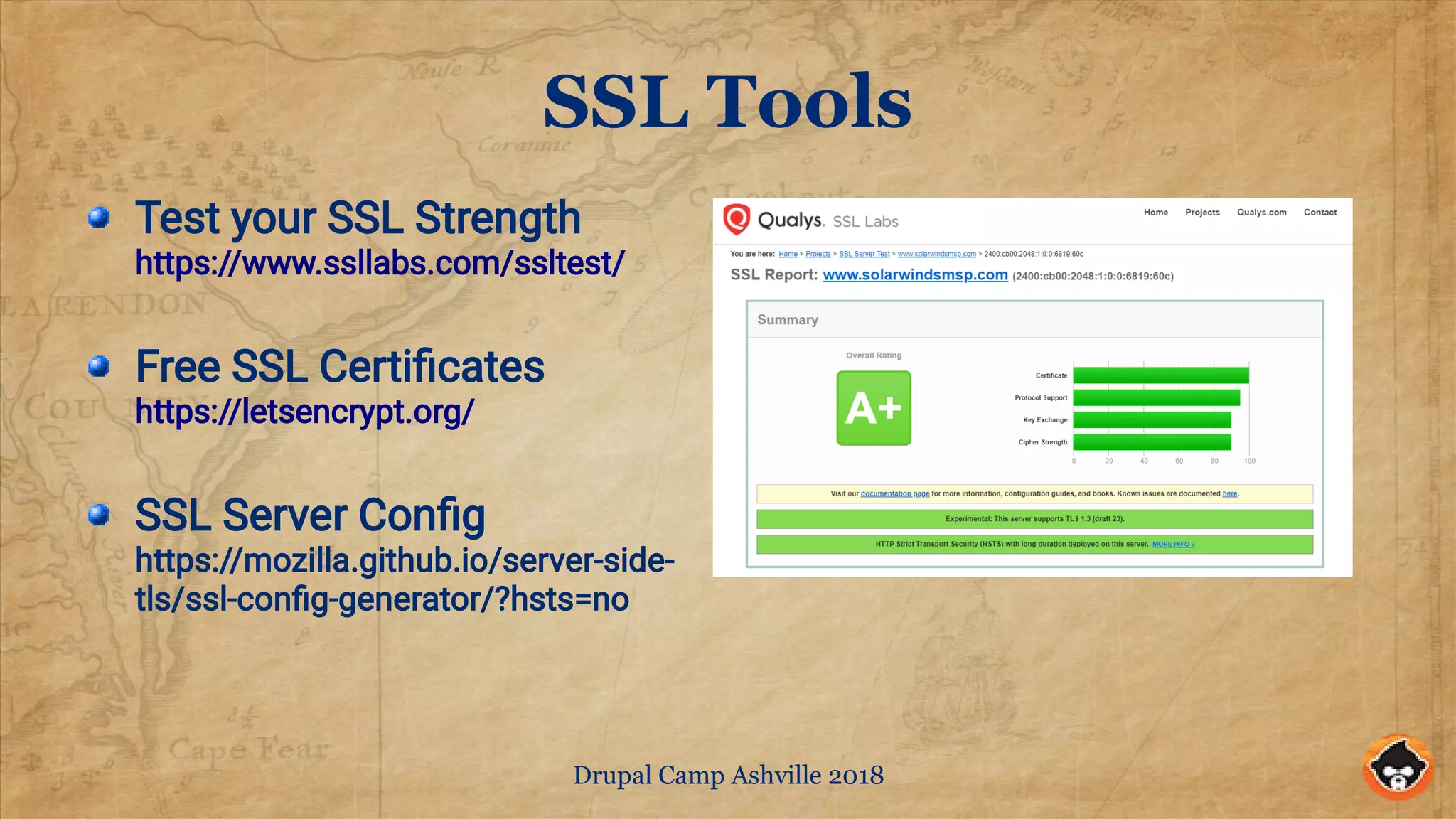
SSL Tools
Test your SSL Strength
https://www.ssllabs.com/ssltest/
Free SSL Certificates
https://letsencrypt.org/
SSL Server Config
https://mozilla.github.io/server-side-
tls/ssl-config-generator/?hsts=no
Drupal Camp Ashville 2018
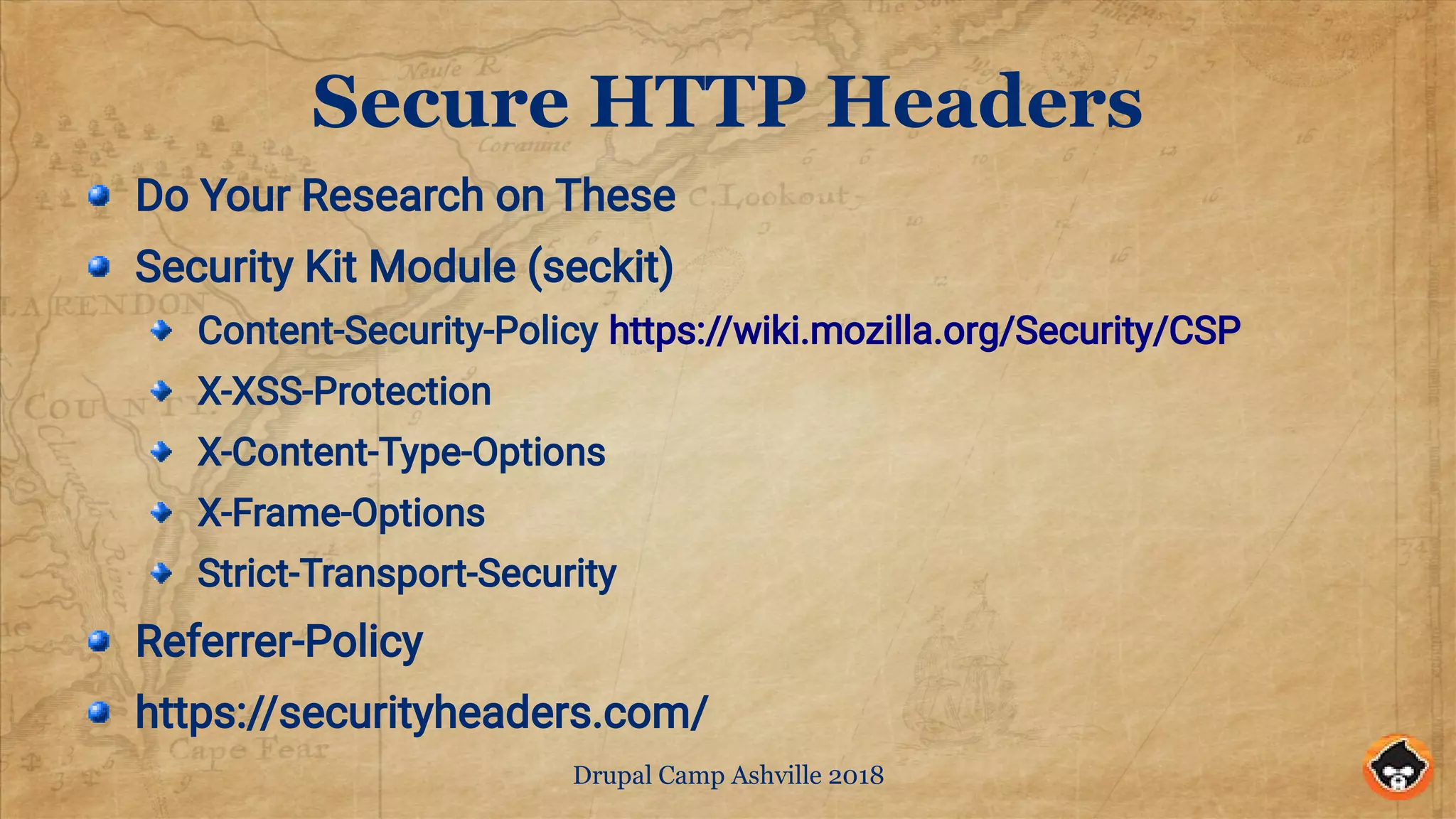
Secure HTTP Headers
Do Your Research on These
Security Kit Module (seckit)
Content-Security-Policy https://wiki.mozilla.org/Security/CSP
X-XSS-Protection
X-Content-Type-Options
X-Frame-Options
Strict-Transport-Security
Referrer-Policy
https://securityheaders.com/
Drupal Camp Ashville 2018
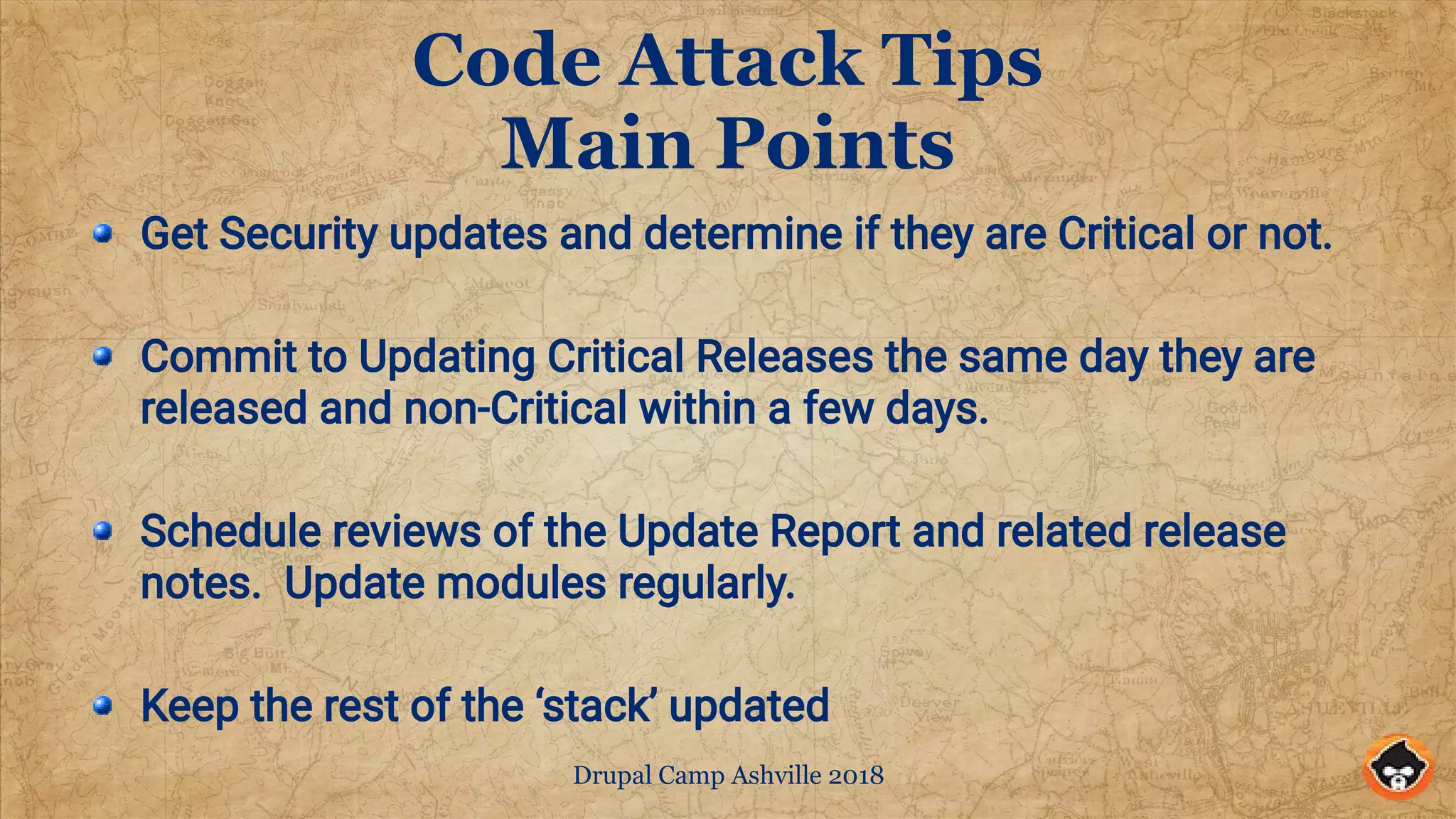
Code Attack Tips
Main Points
Get Security updates and determine if they are Critical or not.
Commit to Updating Critical Releases the same day they are
released and non-Critical within a few days.
Schedule reviews of the Update Report and related release
notes. Update modules regularly.
Keep the rest of the ‘stack’ updated
Drupal Camp Ashville 2018
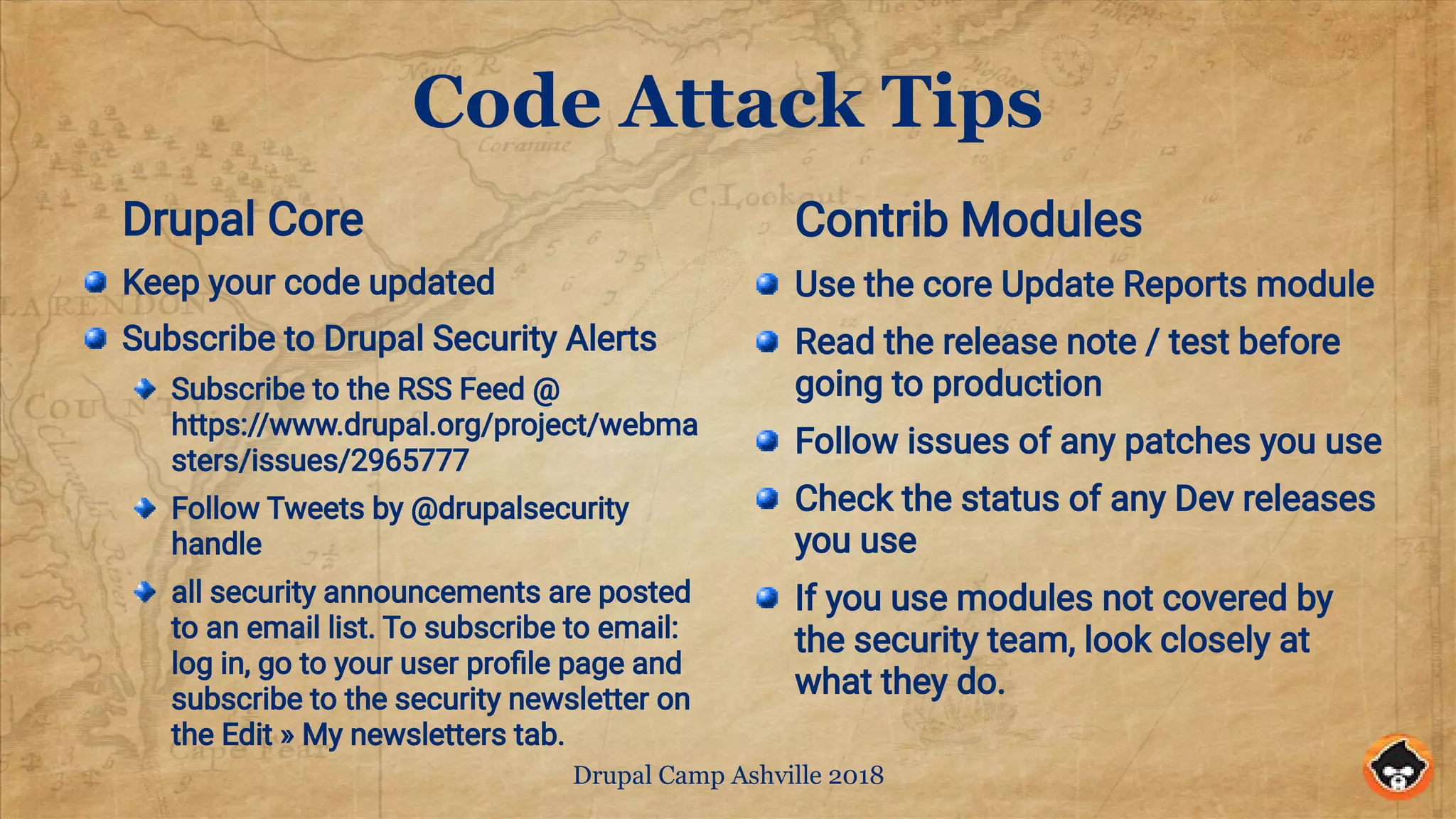
Code Attack Tips
Drupal Core
Keep your code updated
Subscribe to Drupal Security Alerts
Subscribe to the RSS Feed @
https://www.drupal.org/project/webma
sters/issues/2965777
Follow Tweets by @drupalsecurity
handle
all security announcements are posted
to an email list. To subscribe to email:
log in, go to your user profile page and
subscribe to the security newsletter on
the Edit » My newsletters tab.
Contrib Modules
Use the core Update Reports module
Read the release note / test before
going to production
Follow issues of any patches you use
Check the status of any Dev releases
you use
If you use modules not covered by
the security team, look closely at
what they do.
Drupal Camp Ashville 2018
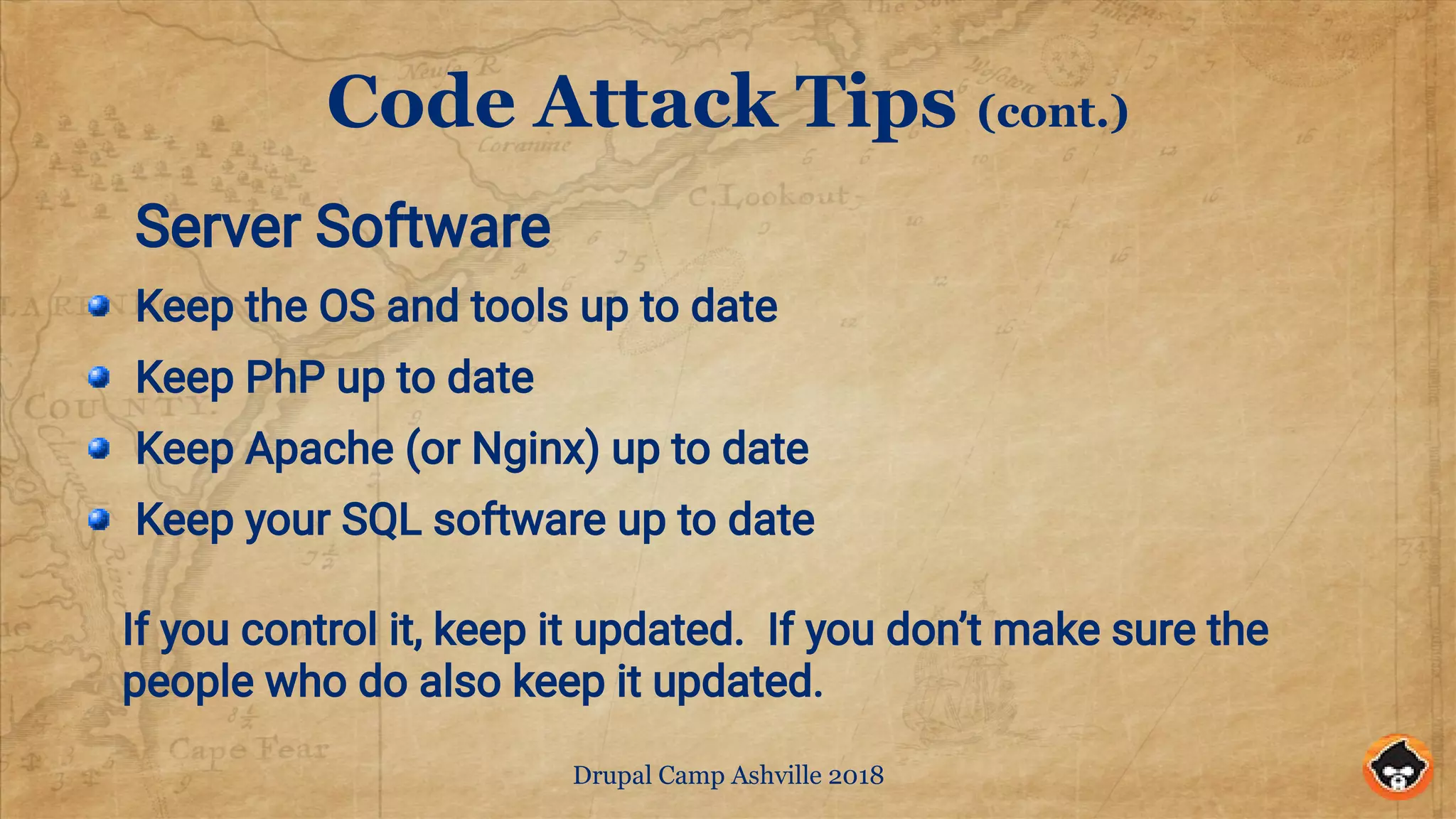
Code Attack Tips (cont.)
Server Software
Keep the OS and tools up to date
Keep PhP up to date
Keep Apache (or Nginx) up to date
Keep your SQL software up to date
If you control it, keep it updated. If you don’t make sure the
people who do also keep it updated.
Drupal Camp Ashville 2018
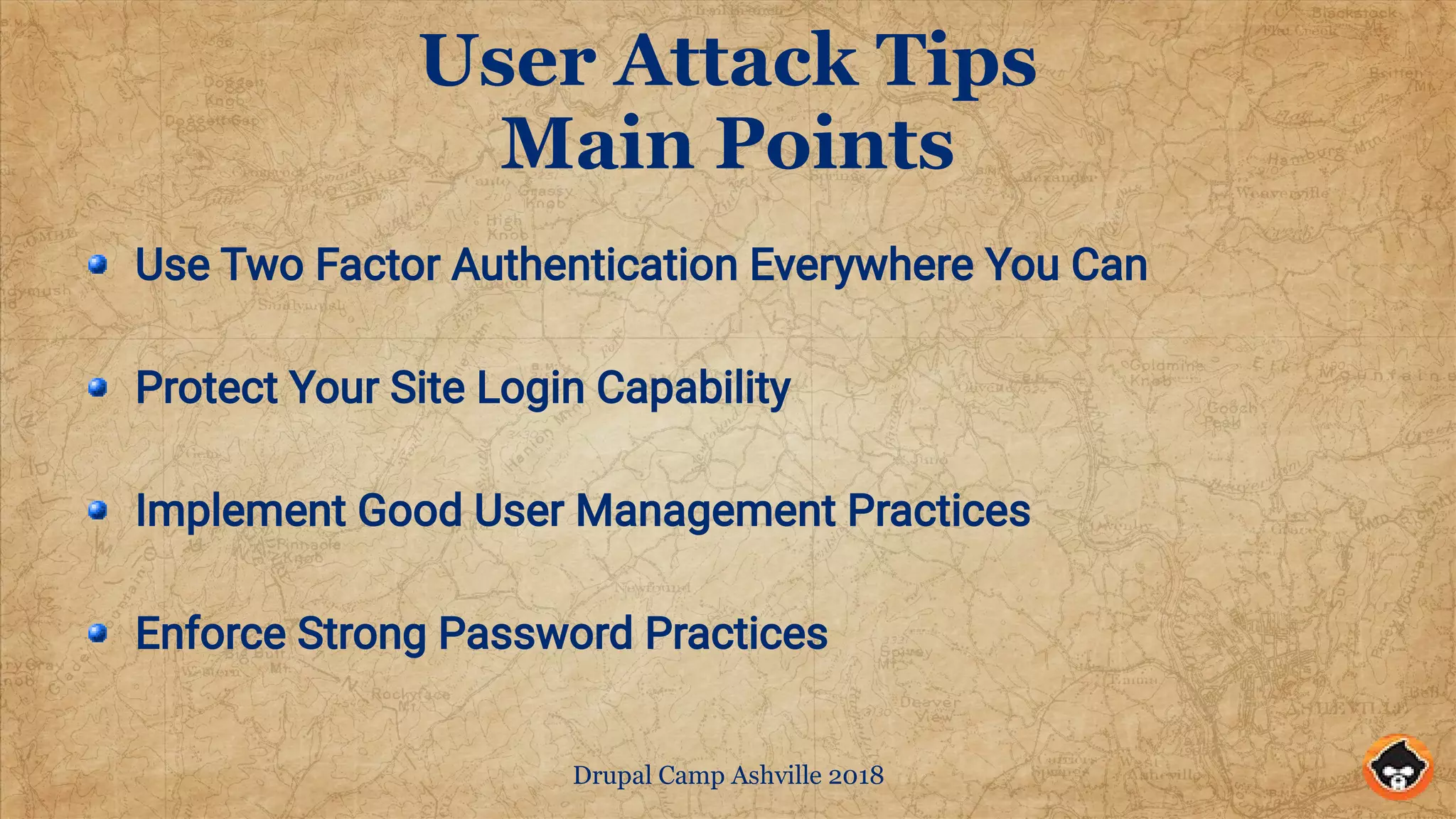
User Attack Tips
Main Points
Use Two Factor Authentication Everywhere You Can
Protect Your Site Login Capability
Implement Good User Management Practices
Enforce Strong Password Practices
Drupal Camp Ashville 2018
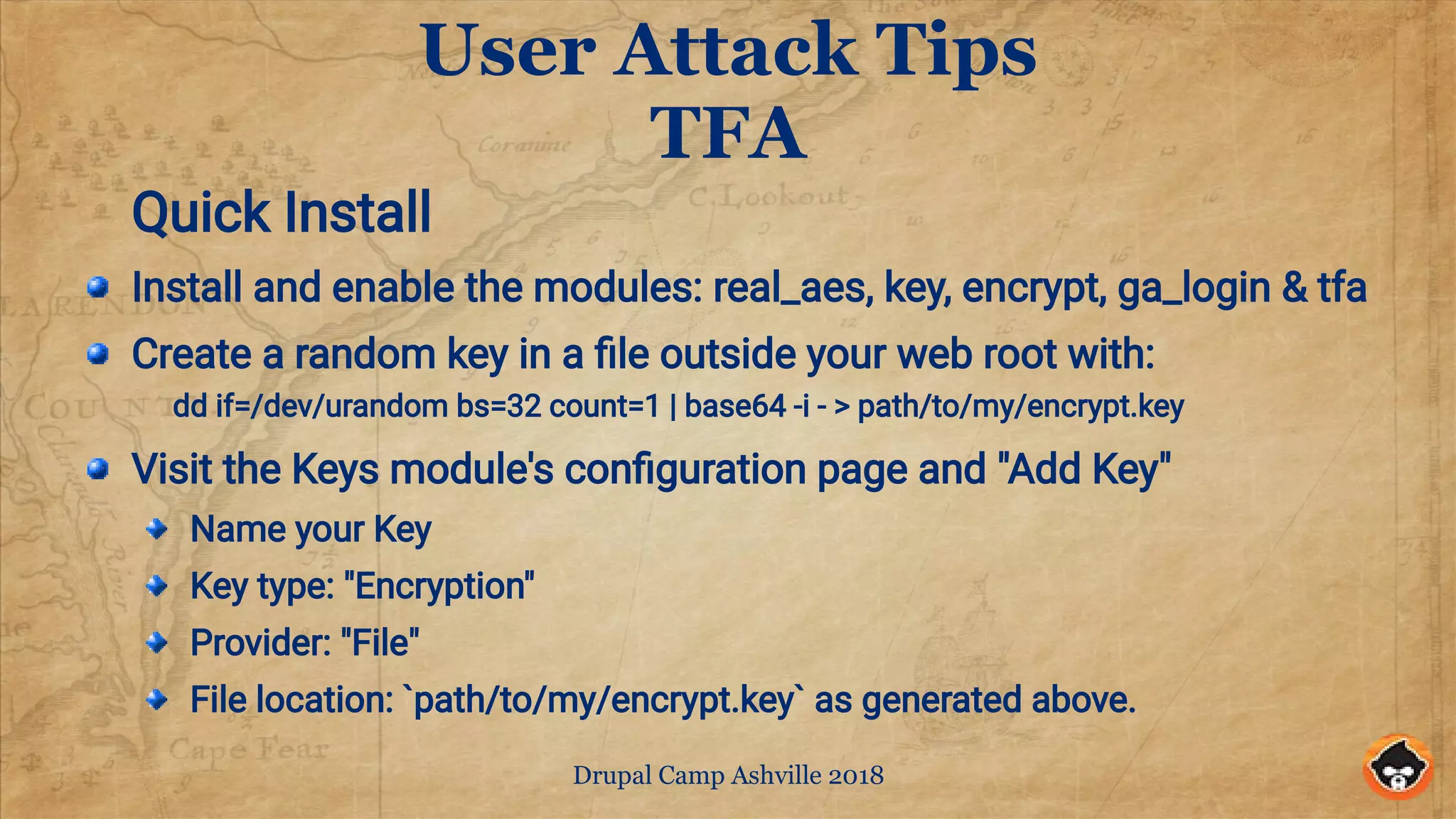
User Attack Tips
TFA
Quick Install
Install and enable the modules: real_aes, key, encrypt, ga_login & tfa
Create a random key in a file outside your web root with:
dd if=/dev/urandom bs=32 count=1 | base64 -i - > path/to/my/encrypt.key
Visit the Keys module's configuration page and "Add Key"
Name your Key
Key type: "Encryption"
Provider: "File"
File location: `path/to/my/encrypt.key` as generated above.
Drupal Camp Ashville 2018
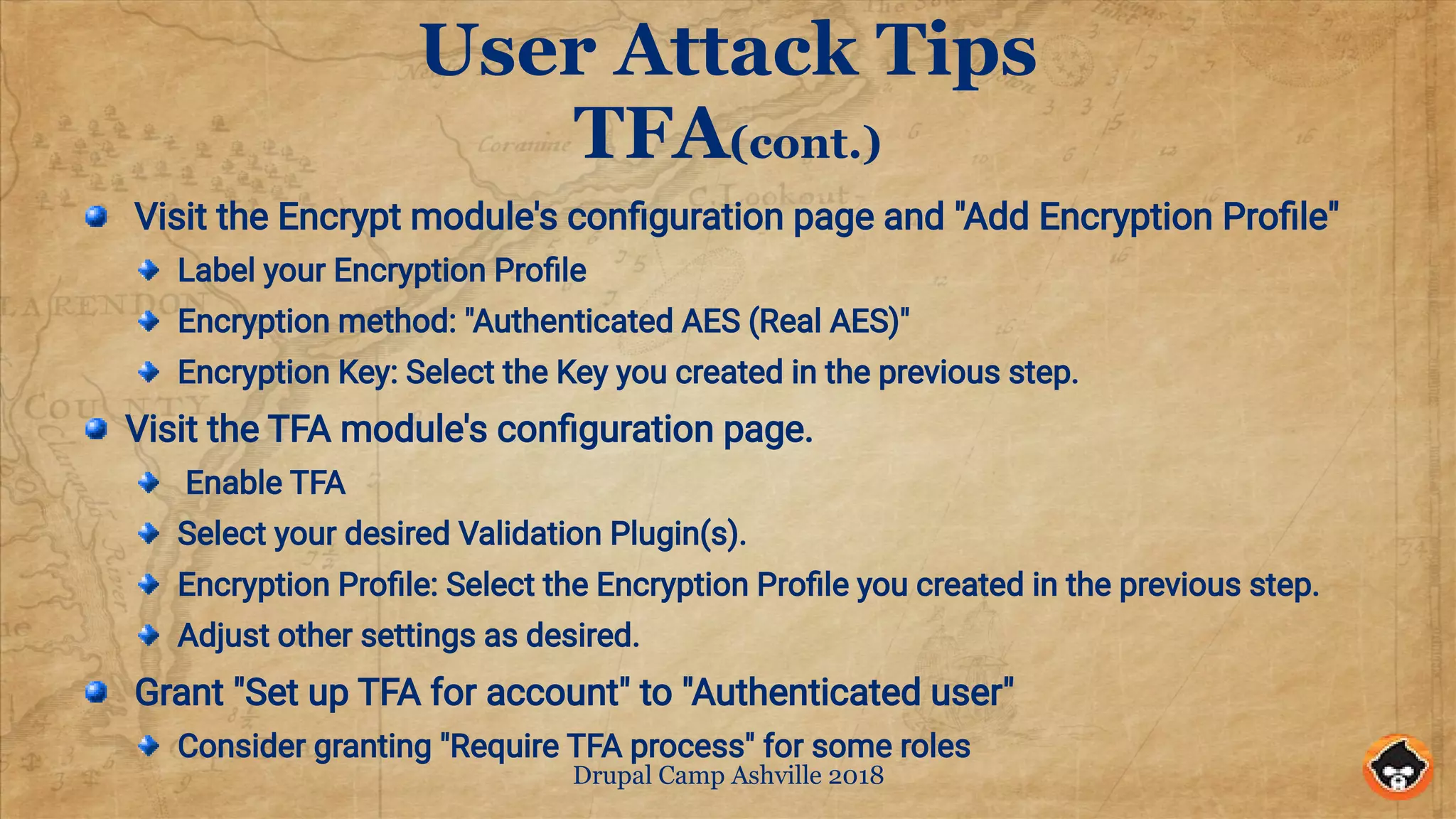
User Attack Tips
TFA(cont.)
Visit the Encrypt module's configuration page and "Add Encryption Profile"
Label your Encryption Profile
Encryption method: "Authenticated AES (Real AES)"
Encryption Key: Select the Key you created in the previous step.
Visit the TFA module's configuration page.
Enable TFA
Select your desired Validation Plugin(s).
Encryption Profile: Select the Encryption Profile you created in the previous step.
Adjust other settings as desired.
Grant "Set up TFA for account" to "Authenticated user"
Consider granting "Require TFA process" for some roles
Drupal Camp Ashville 2018
User Attack Tips
TFA(cont.)
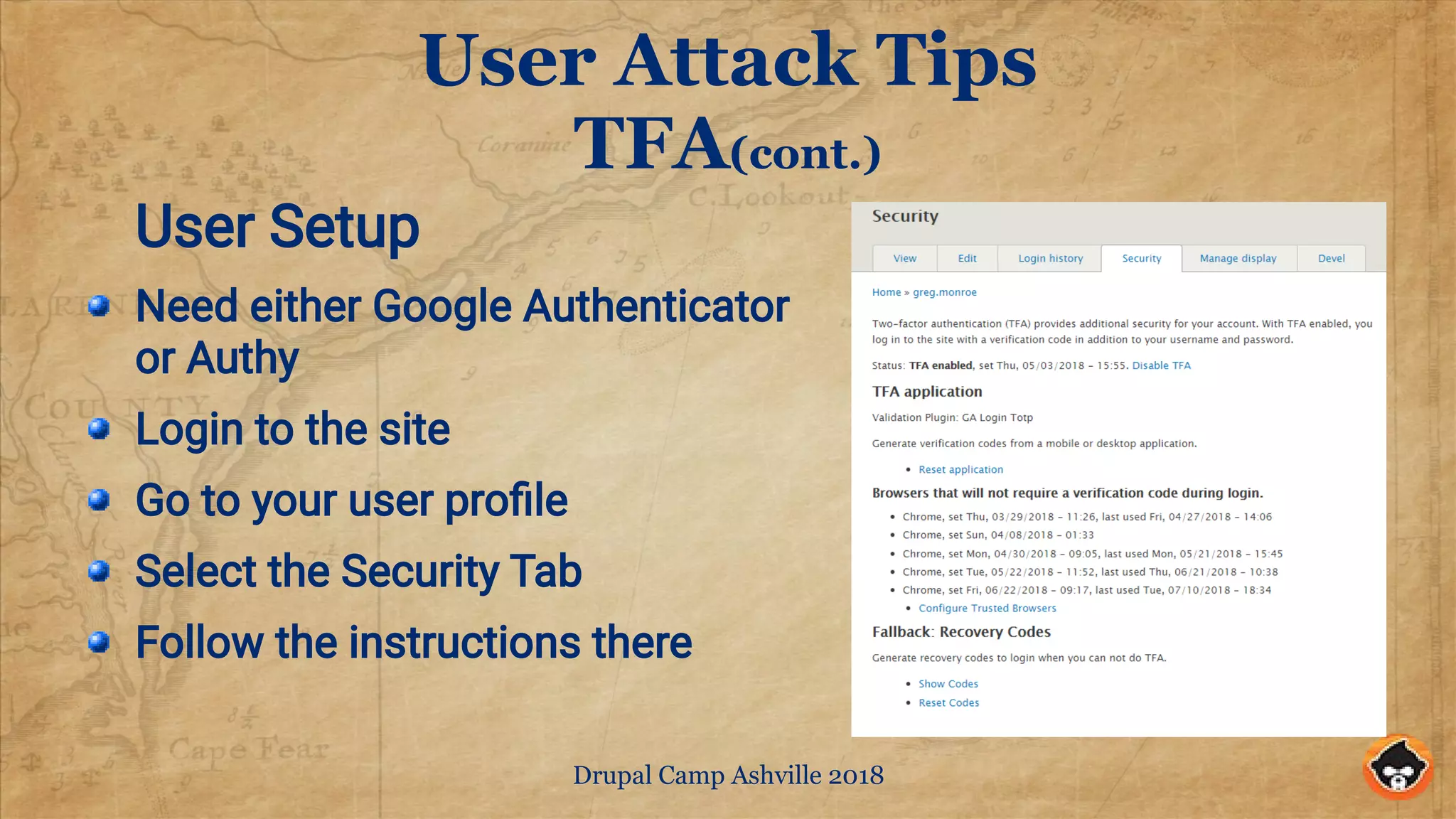
User Setup
Need either Google Authenticator
or Authy
Login to the site
Go to your user profile
Select the Security Tab
Follow the instructions there
Drupal Camp Ashville 2018
User Attack Tips
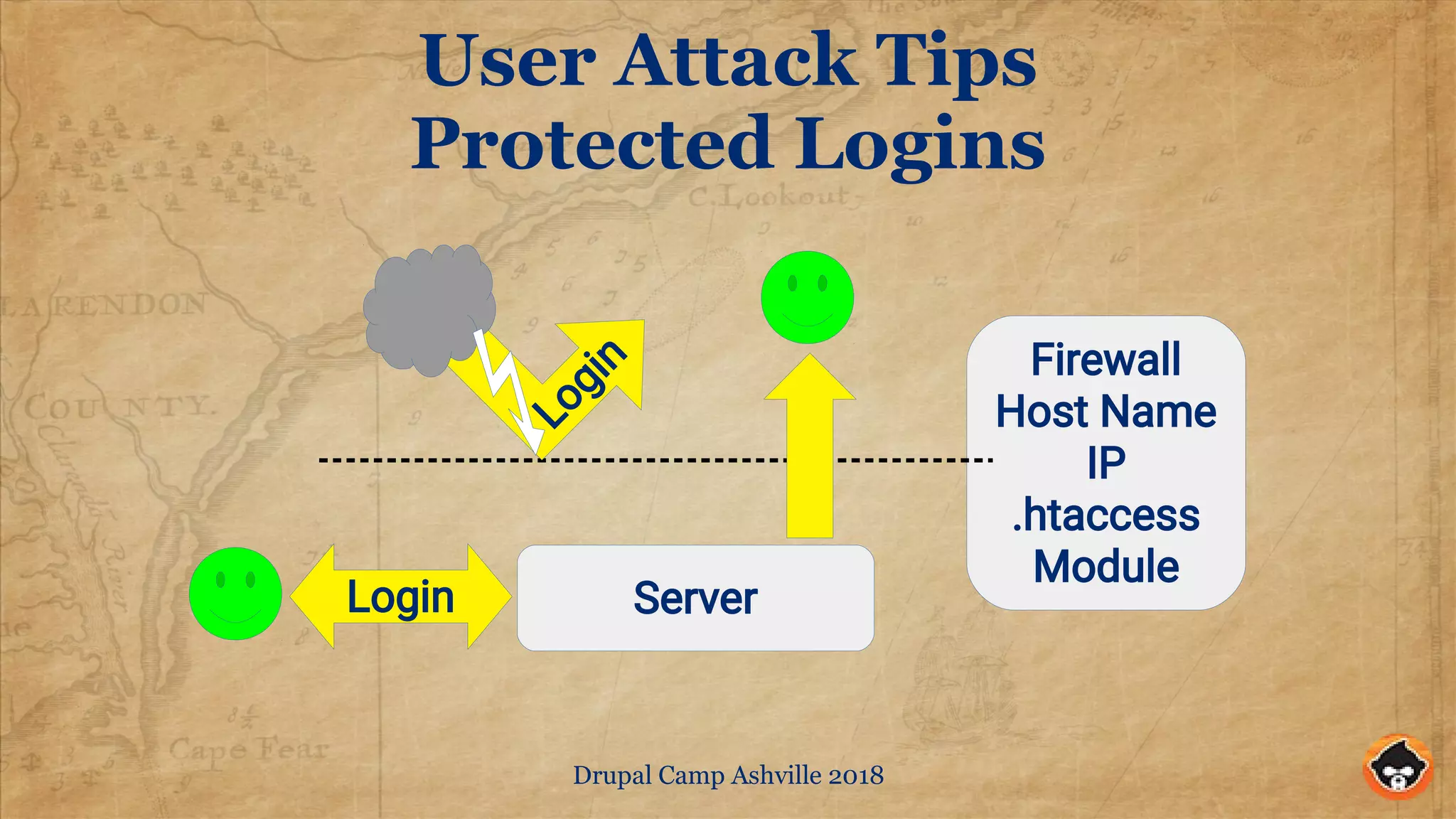
Protected Logins
Server
Firewall
Host Name
IP
.htaccess
Module
Login
Login
Drupal Camp Ashville 2018
User Attack Tips
Protected Logins
Set up an 'edit' host name that with the same IP as your site, e.g.
secret.example.com => www.example.com.
Allow this host name access to the site (settings.php trusted host
patterns)
Modify the .htaccess rules to only allow access to /user, /admin,
/devel, and node/*/* URLs from the edit host
Require login to edit site using require_login and require_login_by_site
See http://drupal.org/project/require_login_by_site for details
Drupal Camp Ashville 2018
User Attack Tips
Login Management
GUARDR Distro (www.drupal.org/project/guardr)
Monitor Login Access (login_report)
Block account after 5 invalid attempts ( login_security )
Login Screen should have an authorized only notice (modal
block)
Limit number of concurrent sessions ( session_limit )
Automatically log users out after a period of inactivity
(autologout)
Drupal Camp Ashville 2018
User Attack Tips
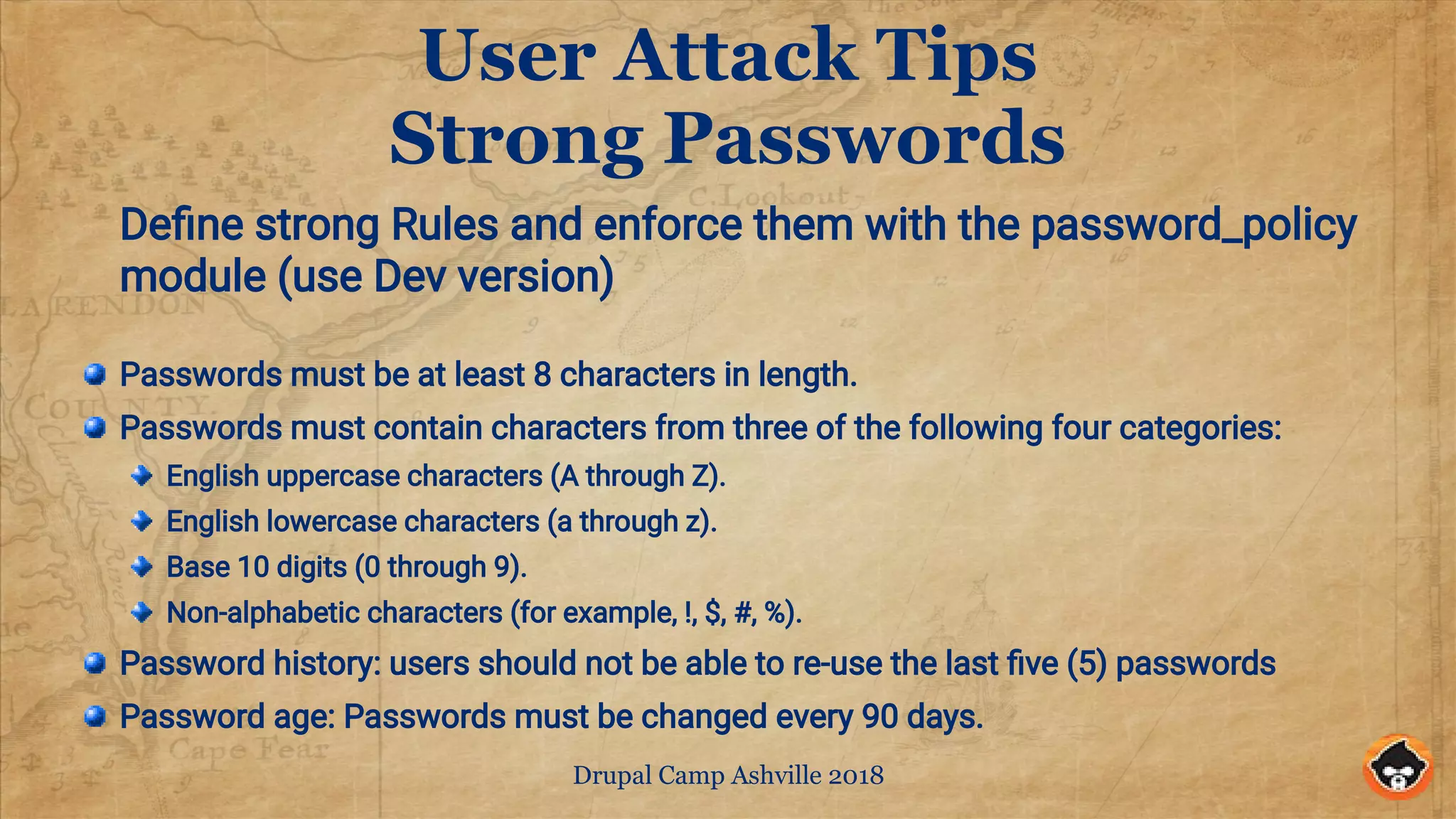
Strong Passwords
Define strong Rules and enforce them with the password_policy
module (use Dev version)
Passwords must be at least 8 characters in length.
Passwords must contain characters from three of the following four categories:
English uppercase characters (A through Z).
English lowercase characters (a through z).
Base 10 digits (0 through 9).
Non-alphabetic characters (for example, !, $, #, %).
Password history: users should not be able to re-use the last five (5) passwords
Password age: Passwords must be changed every 90 days.
Drupal Camp Ashville 2018
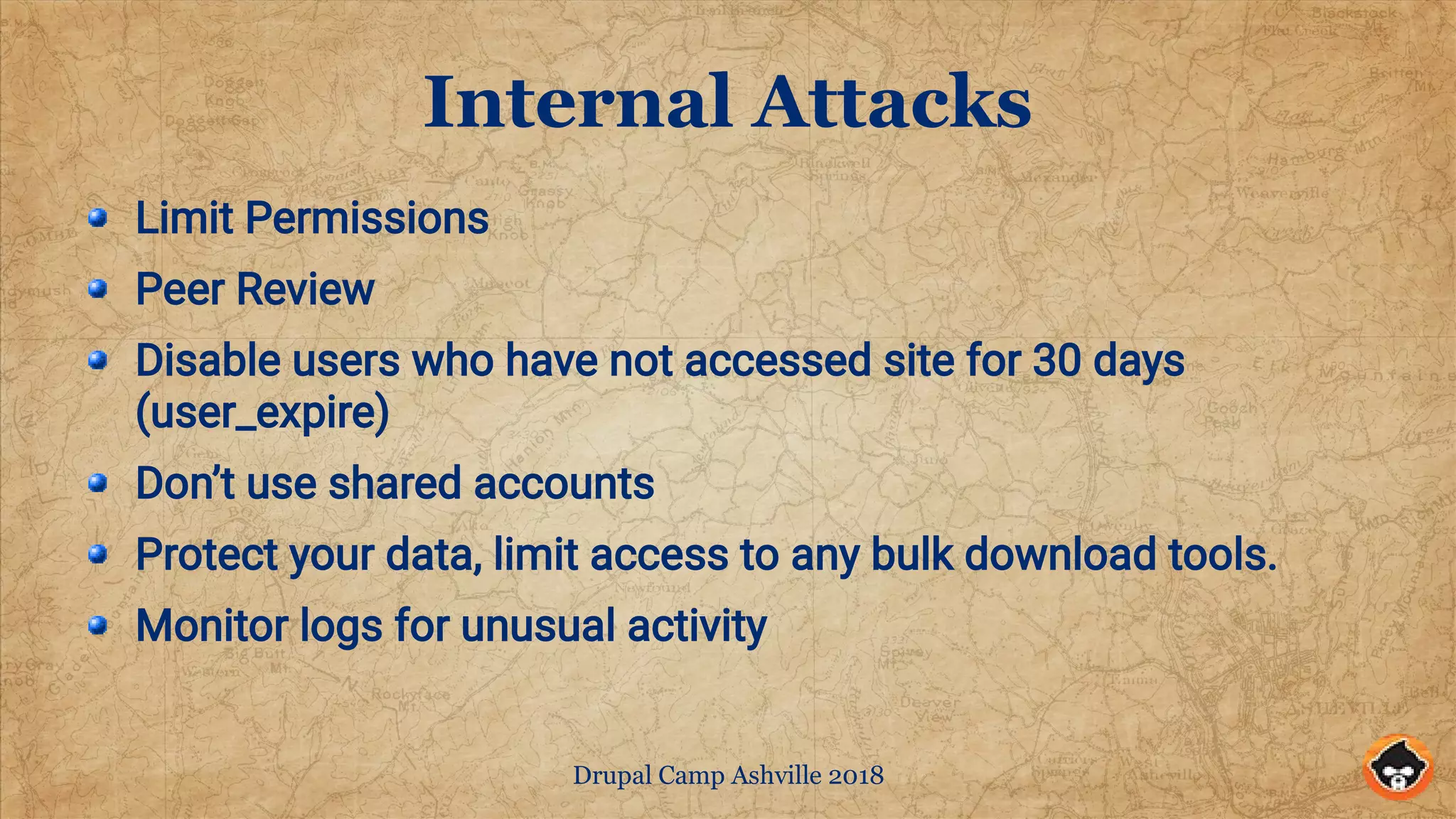
Internal Attacks
Limit Permissions
Peer Review
Disable users who have not accessed site for 30 days
(user_expire)
Don’t use shared accounts
Protect your data, limit access to any bulk download tools.
Monitor logs for unusual activity
Drupal Camp Ashville 2018
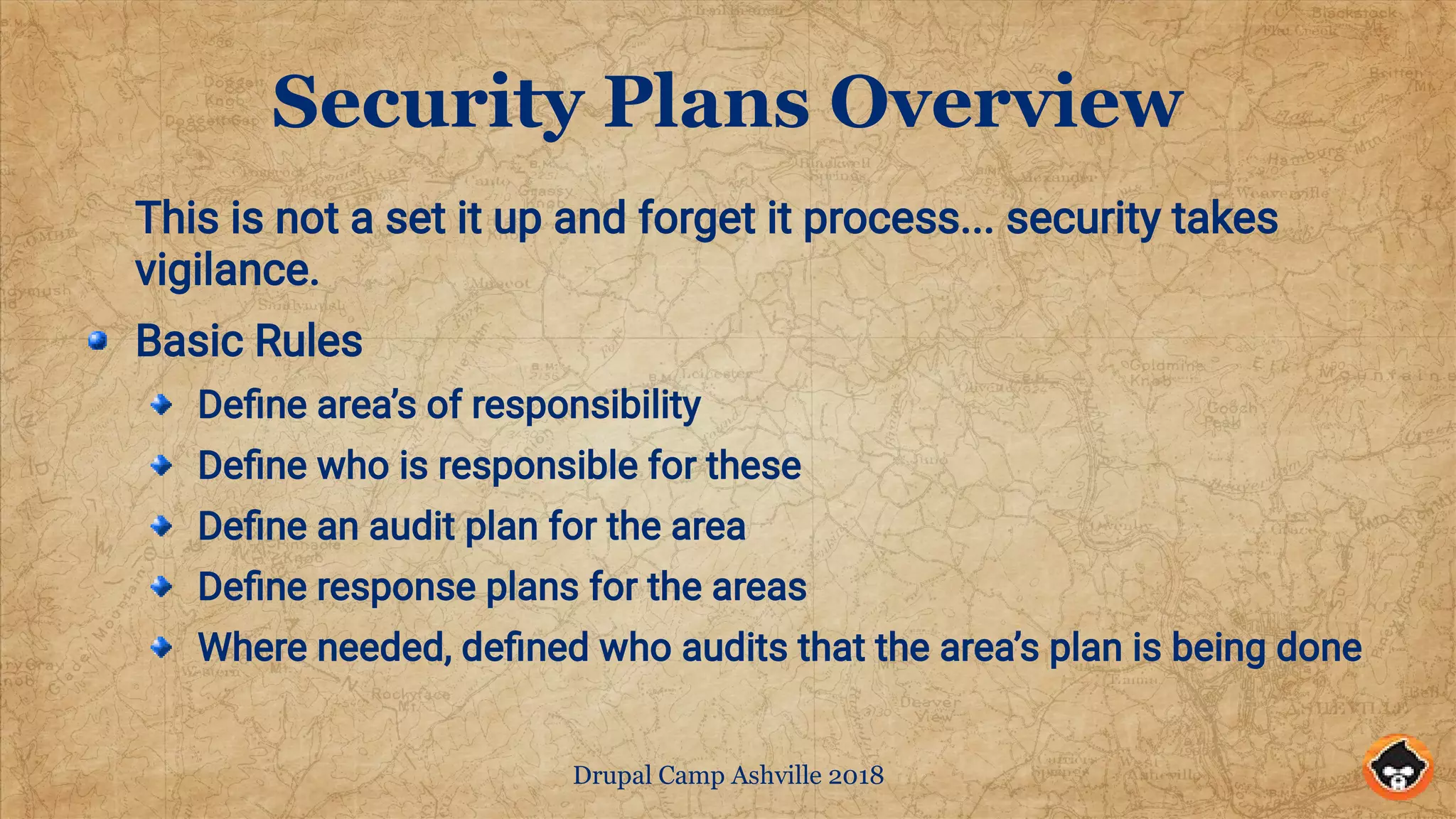
Security Plans Overview
This is not a set it up and forget it process... security takes
vigilance.
Basic Rules
Define area’s of responsibility
Define who is responsible for these
Define an audit plan for the area
Define response plans for the areas
Where needed, defined who audits that the area’s plan is being done
Drupal Camp Ashville 2018
Questions?
?And Thank You
Google: Slideshare CGMonroe Security Tips
Drupal.org/u/cgmonroe

Tips on Securing Drupal Sites

  • 1.
    Tips on SecuringDrupal Sites Greg Monroe SolarWind MSP Drupal Camp Ashville 2018 The information here is my own and not the views of my employer
  • 2.
    Drupal Camp Ashville2018 Security… the Final Frontier This is a semi-case study based on my experiences Not a Deep Dive Will be trying to walk the line between DevOps and Site Admin / Builders Pick the tips that can help you
  • 3.
    Drupal Camp Ashville2018 Why you should care
  • 4.
    Drupal Camp Ashville2018 Some Common Threat Vectors Server Attacks, e.g. DDoS, SSL attacks, nuisance probes Code Attacks, e.g. DrupalGeddon#, Contrib bugs, non-Drupal code, Server bugs User access attacks, e.g. Brute force, Social Eng., Phishing "Internal" attacks, e.g. Valid users, Shared Resource Attacks
  • 5.
    Drupal Camp Ashville2018 Server Attack Tips Trip wires and Problem id tools Layered Defenses Use a CDN Varnish or Nginx proxy Htaccess rules Drupal Secure HTTP Headers Golden Rule: Keep attackers from using precious Drupal resources.
  • 6.
    Drupal Camp Ashville2018 Trip Wires and Problem ID Uptime Monitoring (Pingdom and the like/ use Post requests) Disclaimer Pingdom is owned by SolarWinds Disk Usage Monitoring (logs, site, and SQL database) CPU Monitoring 404 / 403 Errors Log Analysis Tools ( GoAccess.io ) Grep and Pipes, e.g. grep “14/Jul” access.log | grep -v <office ip> https://www.abuseipdb.com/
  • 7.
    Drupal Camp Ashville2018 Cloudflare Layered Defense In Minutes Low cost / high value Free SSL CDN lite with world wide proxy servers. World class protection against common hacks DDoS built in Page rules Requires control of your domain Another layer of cache to clear
  • 8.
    Drupal Camp Ashville2018 Traditional Alternatives CDN like AWS Cloudfront or Verizon Edgecast Varnish or Nginx caching front end .htaccess rules Deny unwanted crawlers Block DdoS or nuisance URL requests Drupal Configure cache properly Use Fast 404
  • 9.
    Drupal Camp Ashville2018 Some Sample .htaccess rules # Stop some bad web crawlers RewriteCond %{HTTP_USER_AGENT} AhrefsBot [NC,OR] RewriteCond %{HTTP_USER_AGENT} spbot [NC,OR] RewriteCond %{HTTP_USER_AGENT} DigExt [NC,OR] RewriteCond %{HTTP_USER_AGENT} Sogou [NC,OR] RewriteCond %{HTTP_USER_AGENT} MJ12 [NC,OR] RewriteCond %{HTTP_USER_AGENT} majestic12 [NC,OR] RewriteCond %{HTTP_USER_AGENT} 80legs [NC,OR] RewriteCond %{HTTP_USER_AGENT} SISTRIX [NC,OR] RewriteCond %{HTTP_USER_AGENT} HTTrack [NC,OR] RewriteCond %{HTTP_USER_AGENT} Semrush [NC,OR] RewriteCond %{HTTP_USER_AGENT} Ezooms [NC,OR] RewriteCond %{HTTP_USER_AGENT} CCBot [NC,OR] RewriteCond %{HTTP_USER_AGENT} TalkTalk [NC,OR] RewriteCond %{HTTP_USER_AGENT} Ahrefs [NC] RewriteRule !^robots.txt$ - [F,L] # Stop problem URLs from flooding Drupal Log. RewriteRule ^/?autodiscover/autodiscover.xml$ - [R=404,L,NC] RewriteRule ^/?wp-login.php - [R=404,L,NC] RewriteCond %{REQUEST_METHOD} POST RewriteRule (^|/)events/ - [F,L] # Deny post to site index. RewriteCond %{REQUEST_METHOD} POST RewriteCond %{REQUEST_URI} ^/$ RewriteRule ^ - [F,L]
  • 10.
    Drupal Camp Ashville2018 SSL Tools Test your SSL Strength https://www.ssllabs.com/ssltest/ Free SSL Certificates https://letsencrypt.org/ SSL Server Config https://mozilla.github.io/server-side- tls/ssl-config-generator/?hsts=no
  • 11.
    Drupal Camp Ashville2018 Secure HTTP Headers Do Your Research on These Security Kit Module (seckit) Content-Security-Policy https://wiki.mozilla.org/Security/CSP X-XSS-Protection X-Content-Type-Options X-Frame-Options Strict-Transport-Security Referrer-Policy https://securityheaders.com/
  • 12.
    Drupal Camp Ashville2018 Code Attack Tips Main Points Get Security updates and determine if they are Critical or not. Commit to Updating Critical Releases the same day they are released and non-Critical within a few days. Schedule reviews of the Update Report and related release notes. Update modules regularly. Keep the rest of the ‘stack’ updated
  • 13.
    Drupal Camp Ashville2018 Code Attack Tips Drupal Core Keep your code updated Subscribe to Drupal Security Alerts Subscribe to the RSS Feed @ https://www.drupal.org/project/webma sters/issues/2965777 Follow Tweets by @drupalsecurity handle all security announcements are posted to an email list. To subscribe to email: log in, go to your user profile page and subscribe to the security newsletter on the Edit » My newsletters tab. Contrib Modules Use the core Update Reports module Read the release note / test before going to production Follow issues of any patches you use Check the status of any Dev releases you use If you use modules not covered by the security team, look closely at what they do.
  • 14.
    Drupal Camp Ashville2018 Code Attack Tips (cont.) Server Software Keep the OS and tools up to date Keep PhP up to date Keep Apache (or Nginx) up to date Keep your SQL software up to date If you control it, keep it updated. If you don’t make sure the people who do also keep it updated.
  • 15.
    Drupal Camp Ashville2018 User Attack Tips Main Points Use Two Factor Authentication Everywhere You Can Protect Your Site Login Capability Implement Good User Management Practices Enforce Strong Password Practices
  • 16.
    Drupal Camp Ashville2018 User Attack Tips TFA Quick Install Install and enable the modules: real_aes, key, encrypt, ga_login & tfa Create a random key in a file outside your web root with: dd if=/dev/urandom bs=32 count=1 | base64 -i - > path/to/my/encrypt.key Visit the Keys module's configuration page and "Add Key" Name your Key Key type: "Encryption" Provider: "File" File location: `path/to/my/encrypt.key` as generated above.
  • 17.
    Drupal Camp Ashville2018 User Attack Tips TFA(cont.) Visit the Encrypt module's configuration page and "Add Encryption Profile" Label your Encryption Profile Encryption method: "Authenticated AES (Real AES)" Encryption Key: Select the Key you created in the previous step. Visit the TFA module's configuration page. Enable TFA Select your desired Validation Plugin(s). Encryption Profile: Select the Encryption Profile you created in the previous step. Adjust other settings as desired. Grant "Set up TFA for account" to "Authenticated user" Consider granting "Require TFA process" for some roles
  • 18.
    Drupal Camp Ashville2018 User Attack Tips TFA(cont.) User Setup Need either Google Authenticator or Authy Login to the site Go to your user profile Select the Security Tab Follow the instructions there
  • 19.
    Drupal Camp Ashville2018 User Attack Tips Protected Logins Server Firewall Host Name IP .htaccess Module Login Login
  • 20.
    Drupal Camp Ashville2018 User Attack Tips Protected Logins Set up an 'edit' host name that with the same IP as your site, e.g. secret.example.com => www.example.com. Allow this host name access to the site (settings.php trusted host patterns) Modify the .htaccess rules to only allow access to /user, /admin, /devel, and node/*/* URLs from the edit host Require login to edit site using require_login and require_login_by_site See http://drupal.org/project/require_login_by_site for details
  • 21.
    Drupal Camp Ashville2018 User Attack Tips Login Management GUARDR Distro (www.drupal.org/project/guardr) Monitor Login Access (login_report) Block account after 5 invalid attempts ( login_security ) Login Screen should have an authorized only notice (modal block) Limit number of concurrent sessions ( session_limit ) Automatically log users out after a period of inactivity (autologout)
  • 22.
    Drupal Camp Ashville2018 User Attack Tips Strong Passwords Define strong Rules and enforce them with the password_policy module (use Dev version) Passwords must be at least 8 characters in length. Passwords must contain characters from three of the following four categories: English uppercase characters (A through Z). English lowercase characters (a through z). Base 10 digits (0 through 9). Non-alphabetic characters (for example, !, $, #, %). Password history: users should not be able to re-use the last five (5) passwords Password age: Passwords must be changed every 90 days.
  • 23.
    Drupal Camp Ashville2018 Internal Attacks Limit Permissions Peer Review Disable users who have not accessed site for 30 days (user_expire) Don’t use shared accounts Protect your data, limit access to any bulk download tools. Monitor logs for unusual activity
  • 24.
    Drupal Camp Ashville2018 Security Plans Overview This is not a set it up and forget it process... security takes vigilance. Basic Rules Define area’s of responsibility Define who is responsible for these Define an audit plan for the area Define response plans for the areas Where needed, defined who audits that the area’s plan is being done
  • 25.
    Drupal Camp Ashville2018 Questions? ?And Thank You Google: Slideshare CGMonroe Security Tips Drupal.org/u/cgmonroe