Mark Shaw
Consulting Manager
Presenter
mark@highwayt.org
Adam King
Technology Manager
adam@highwayt.org
1
Reminder to Mute
Mute *6 on your phone
Slides Available from…
http://www.slideshare.net/highwayt
These Slides are Numbered in case you need to follow that way
2
 Tech Support & Roles
 The Basics
 Maintenance
 Tips & Tricks
 Upgrades and New Purchases
 Tech Resources & Training
3
NonprofitTech Support
And Roles
4
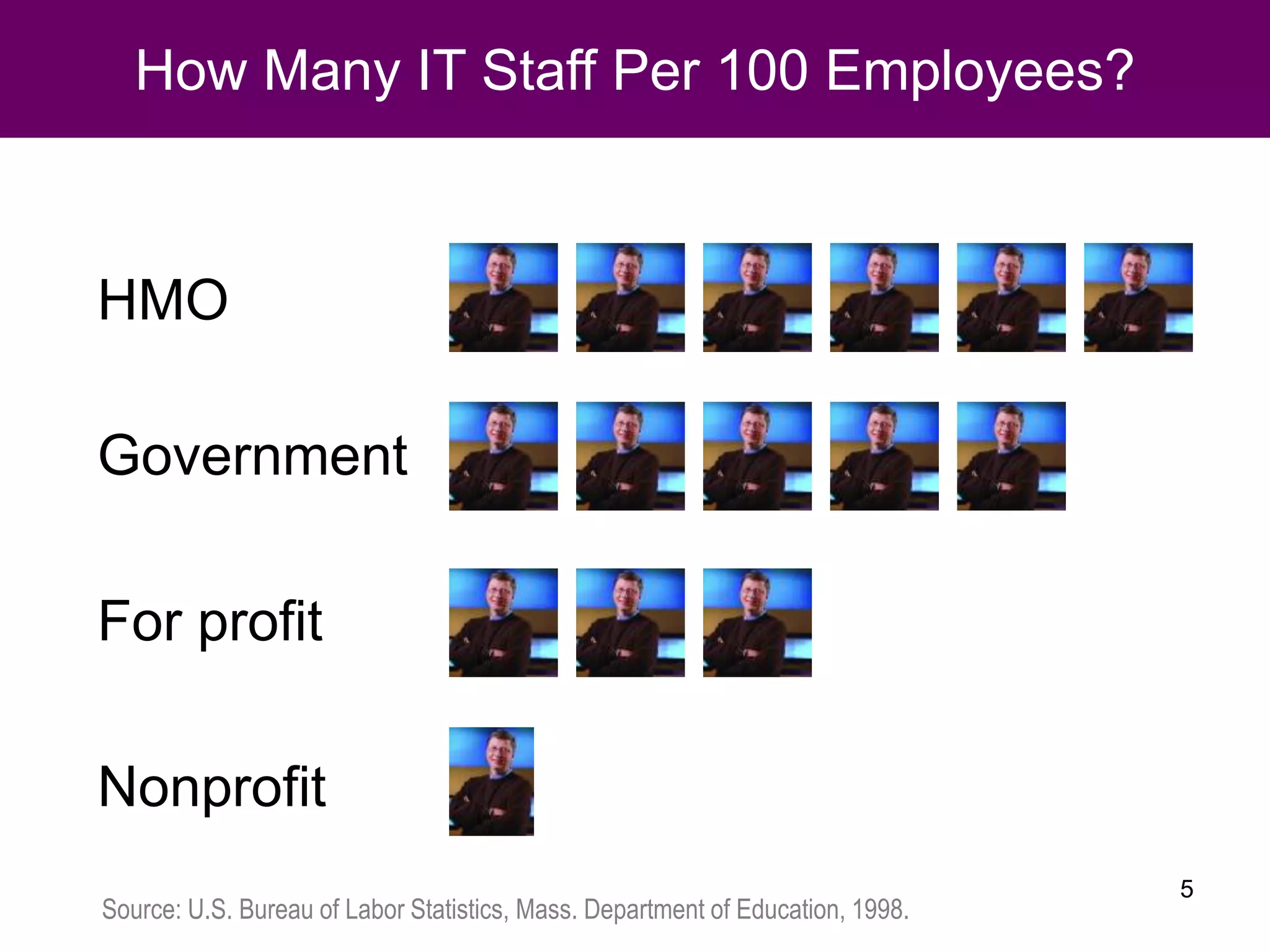
How Many IT Staff Per 100 Employees?
HMO
Government
For profit
Nonprofit
Source: U.S. Bureau of Labor Statistics, Mass. Department of Education, 1998.
5
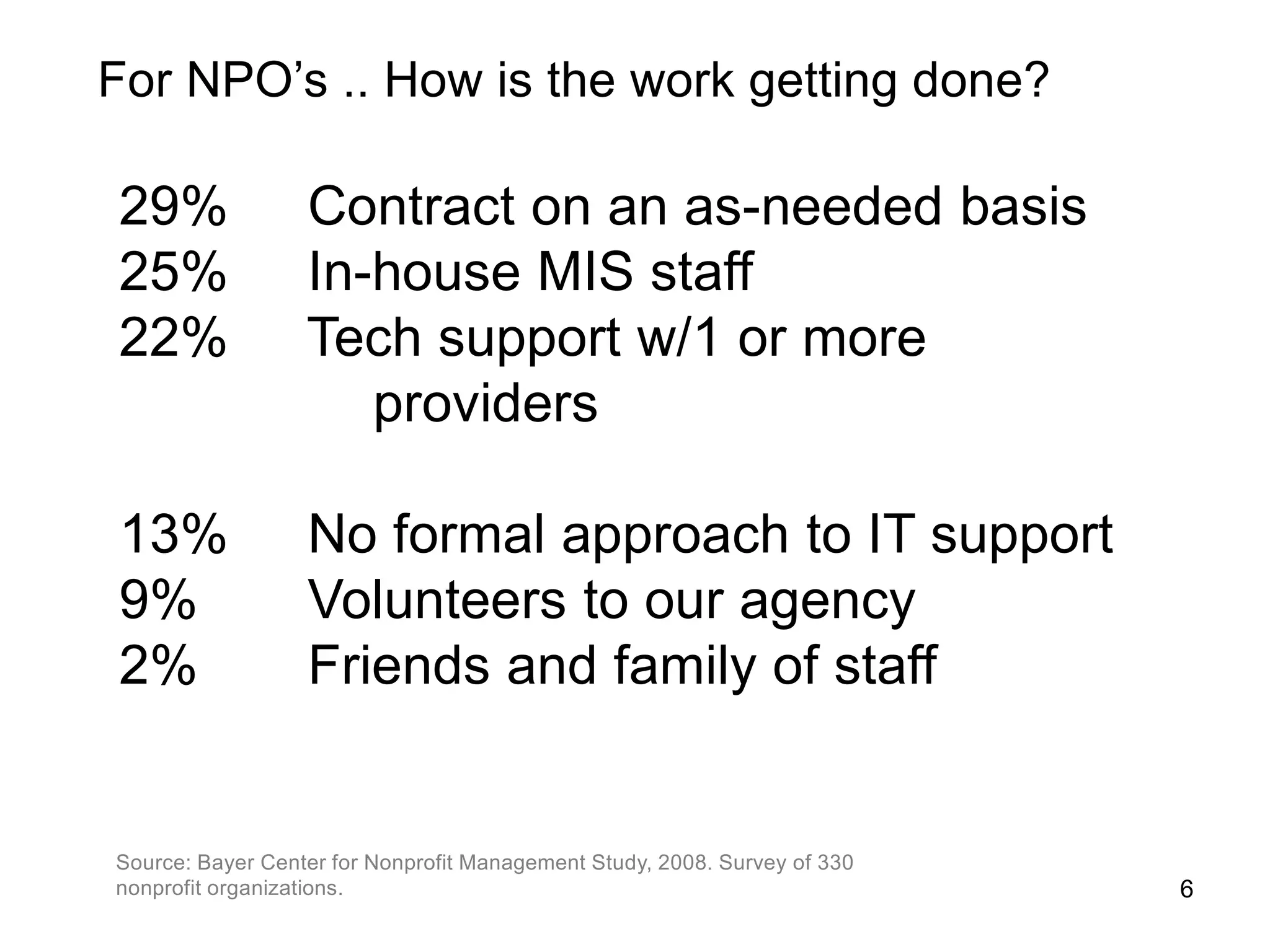
29% Contract on an as-needed basis
25% In-house MIS staff
22% Tech support w/1 or more
providers
13% No formal approach to IT support
9% Volunteers to our agency
2% Friends and family of staff
Source: Bayer Center for Nonprofit Management Study, 2008. Survey of 330
nonprofit organizations. 6
For NPO’s .. How is the work getting done?
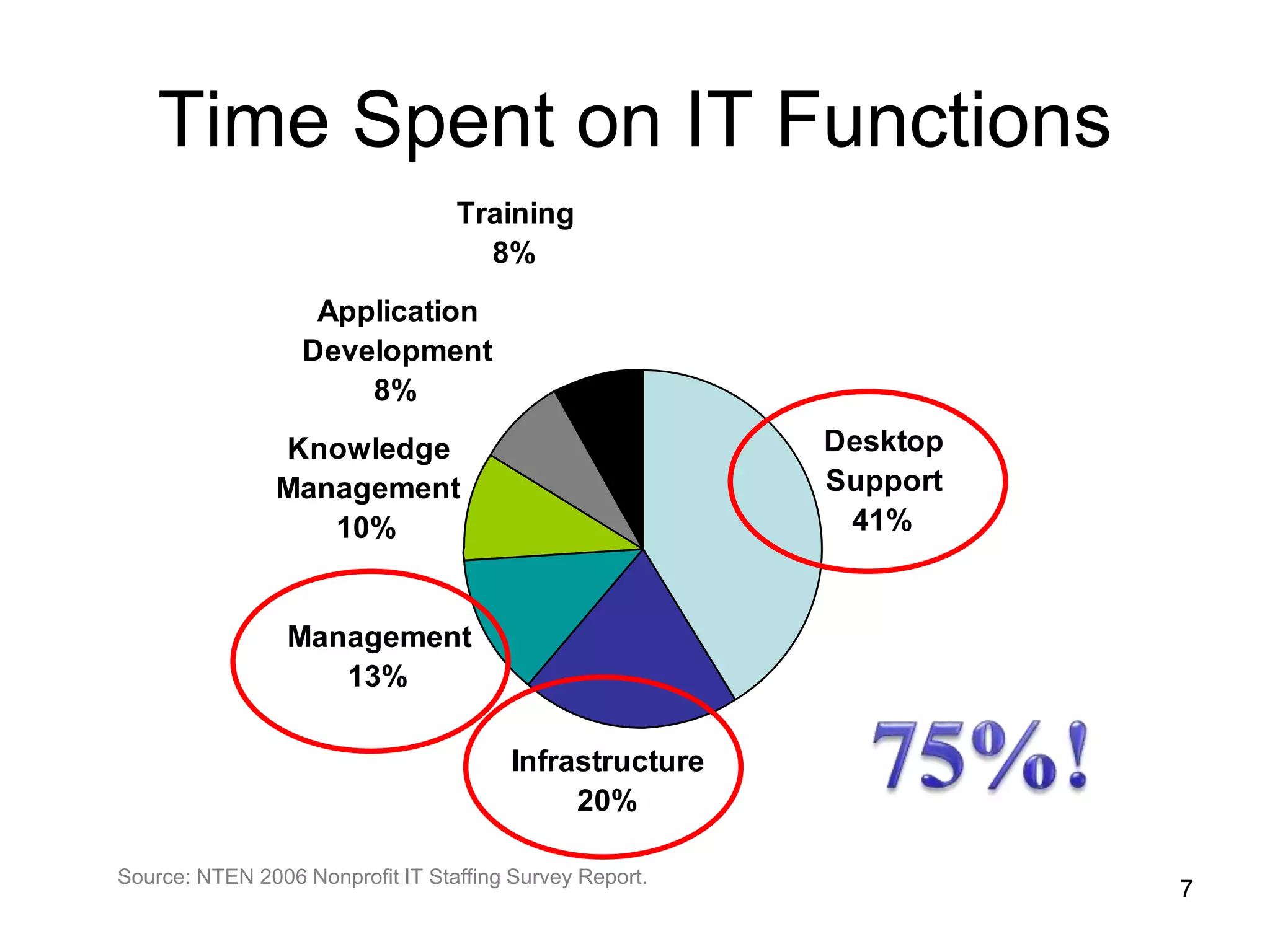
Time Spent on IT Functions
Desktop
Support
41%
Infrastructure
20%
Management
13%
Knowledge
Management
10%
Application
Development
8%
Training
8%
Source: NTEN 2006 Nonprofit IT Staffing Survey Report.
7
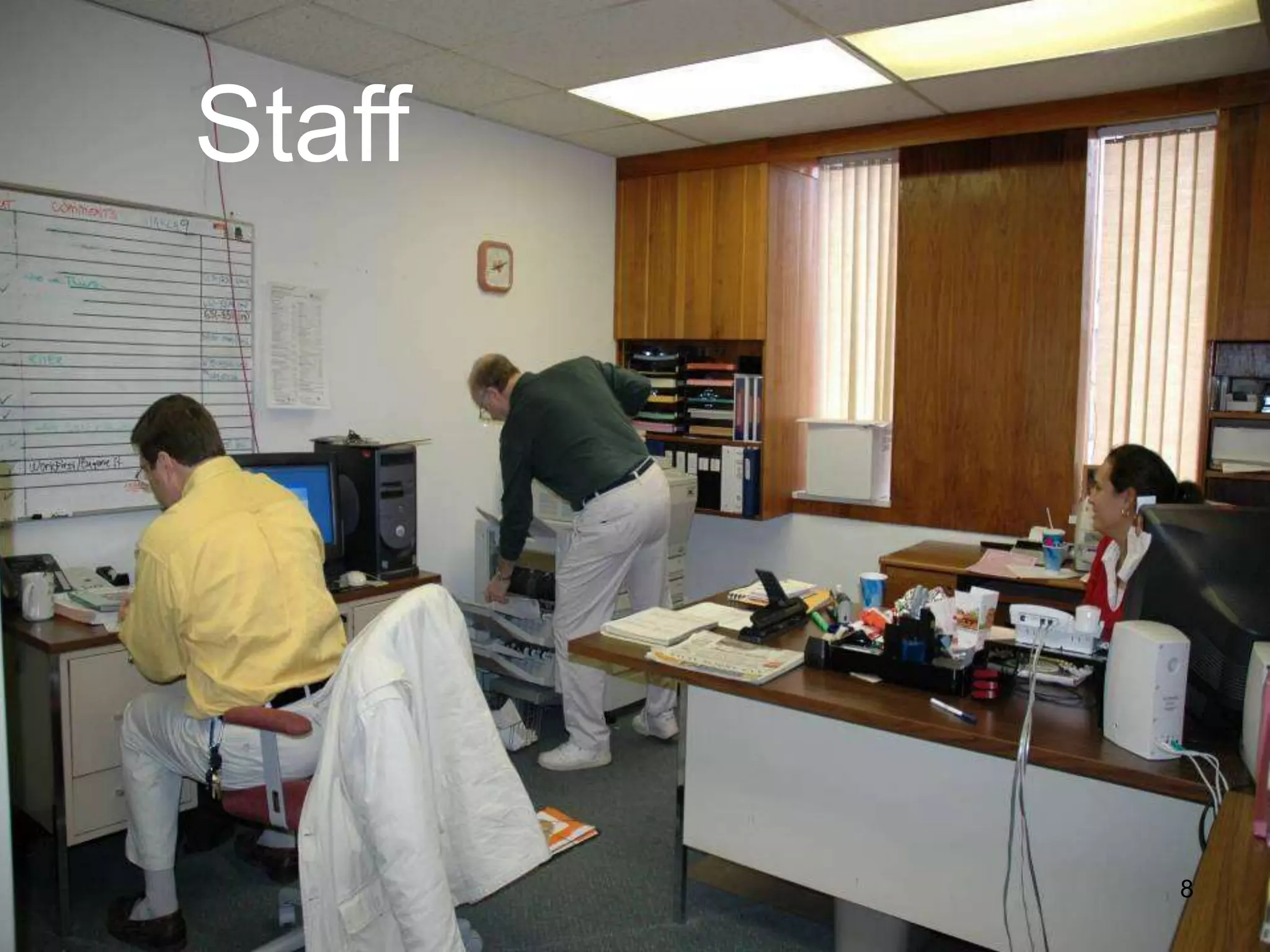
Staff
8
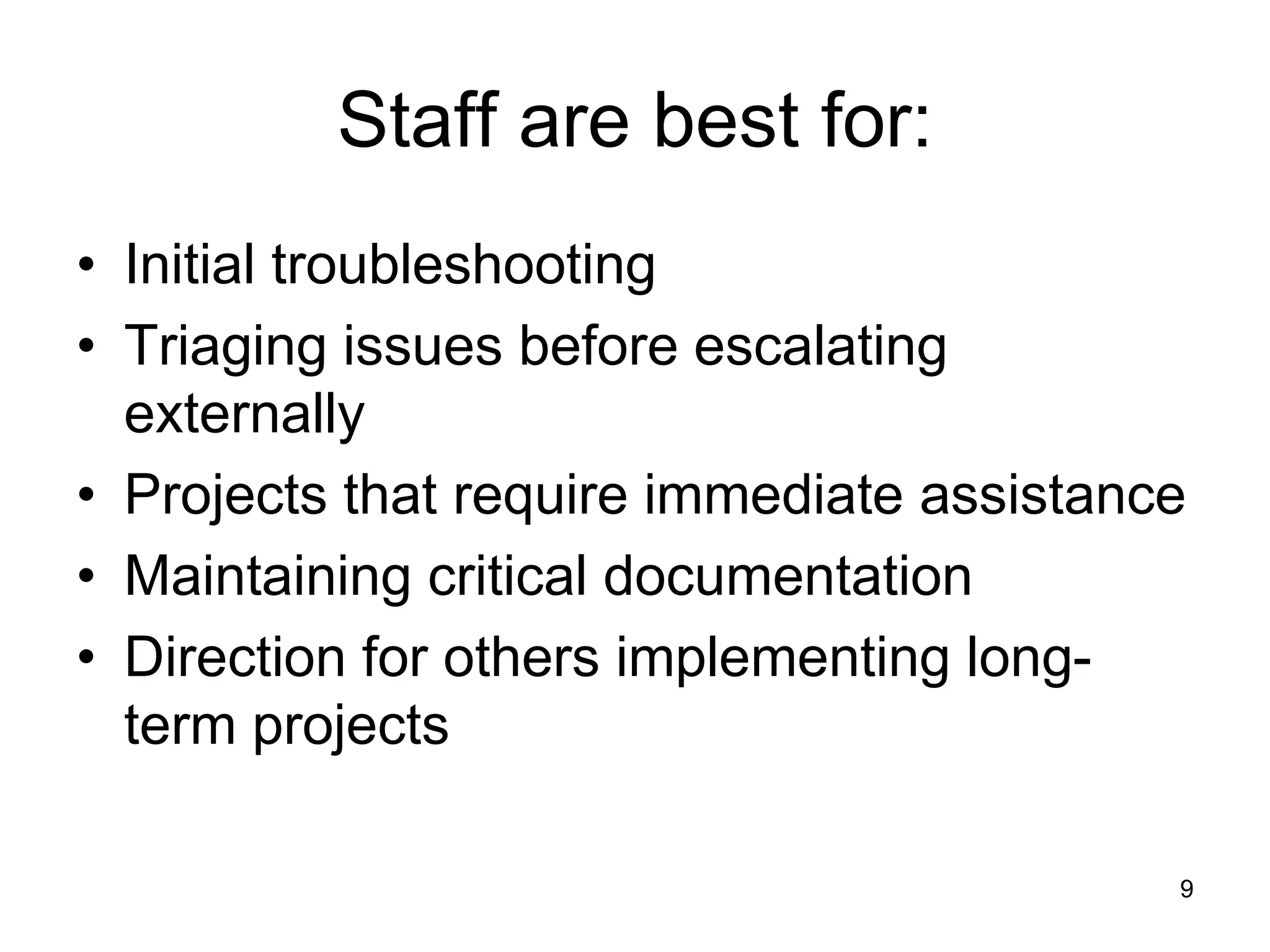
Staff are best for:
• Initial troubleshooting
• Triaging issues before escalating
externally
• Projects that require immediate assistance
• Maintaining critical documentation
• Direction for others implementing long-
term projects
9
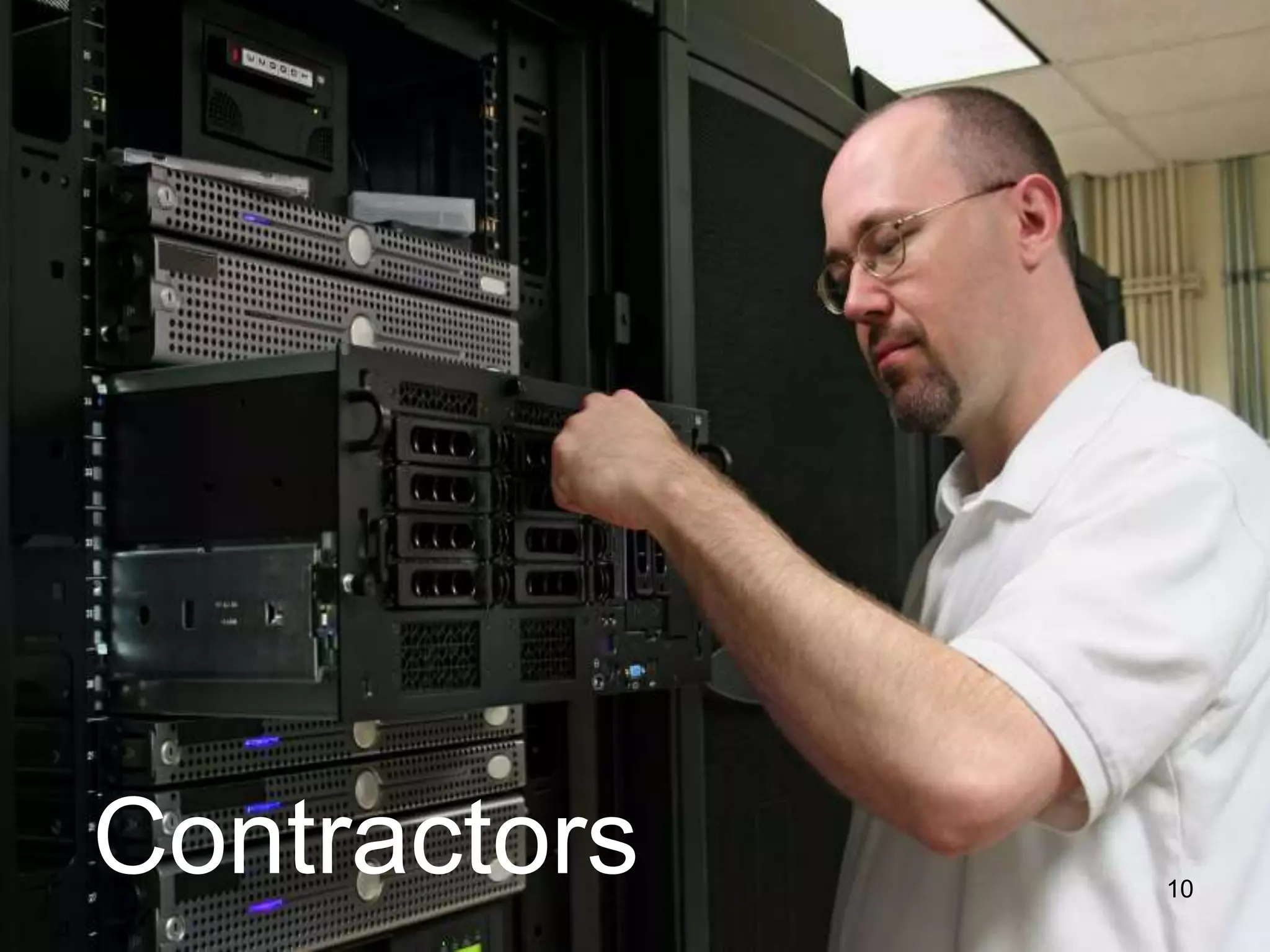
Contractors 10
Contractors are best for:
• Issues that require significant, rarely
needed expertise
• One-time projects
Server configuration / upgrade / migration
Database development
Multi-site integration
Phone system setup
11
Volunteers available
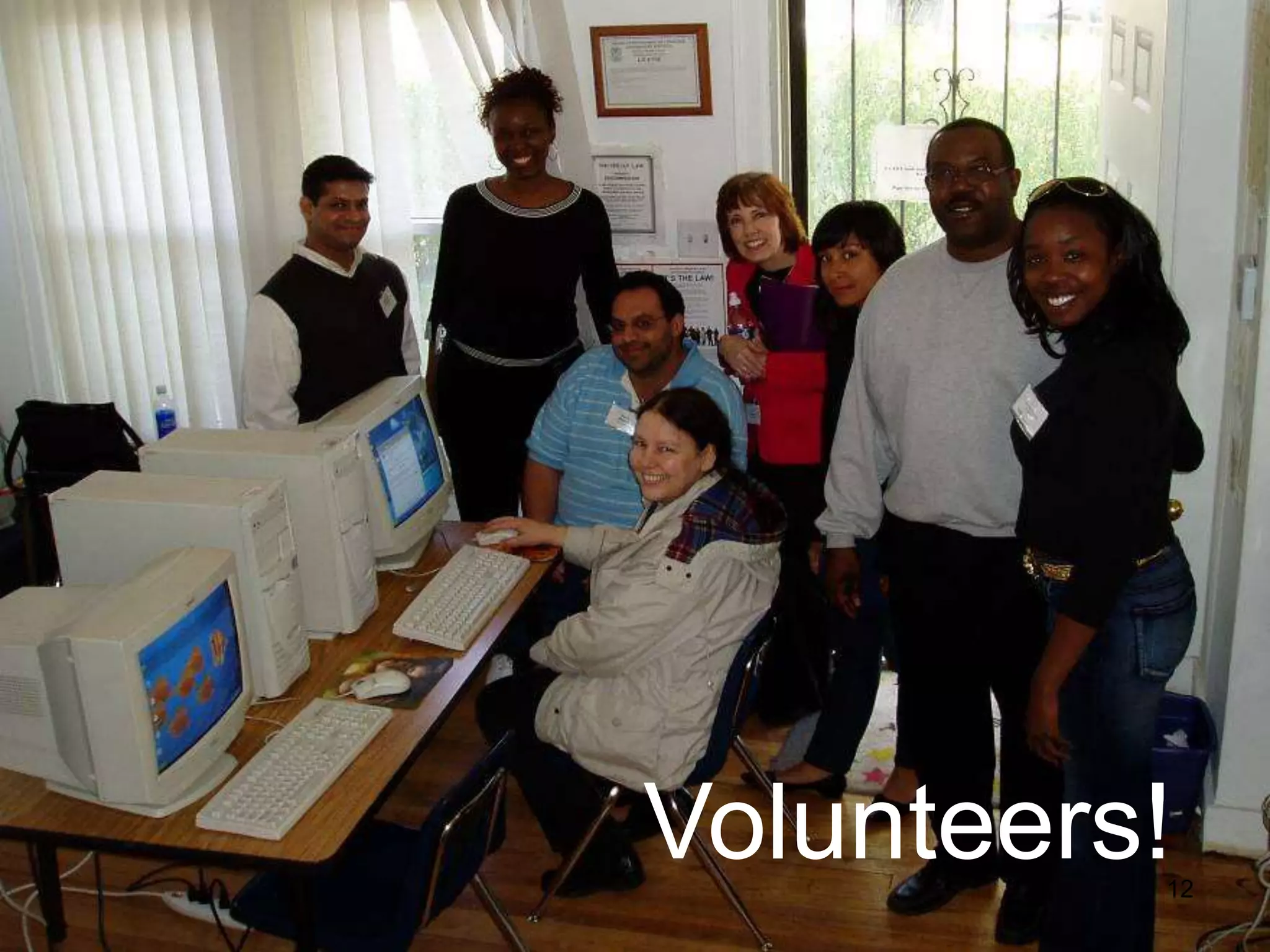
Volunteers!12
Volunteers are best for:
• Short term projects
• Projects that have an easily definable end
• Projects that aren’t time sensitive
• Projects that aren’t critical
13
The Basics
14
Data Ownership Issues
Tell staff that the organization owns the data
Including
Email
Financials
Documentation
Databases
Websites
Other
The Basics
15
${#}
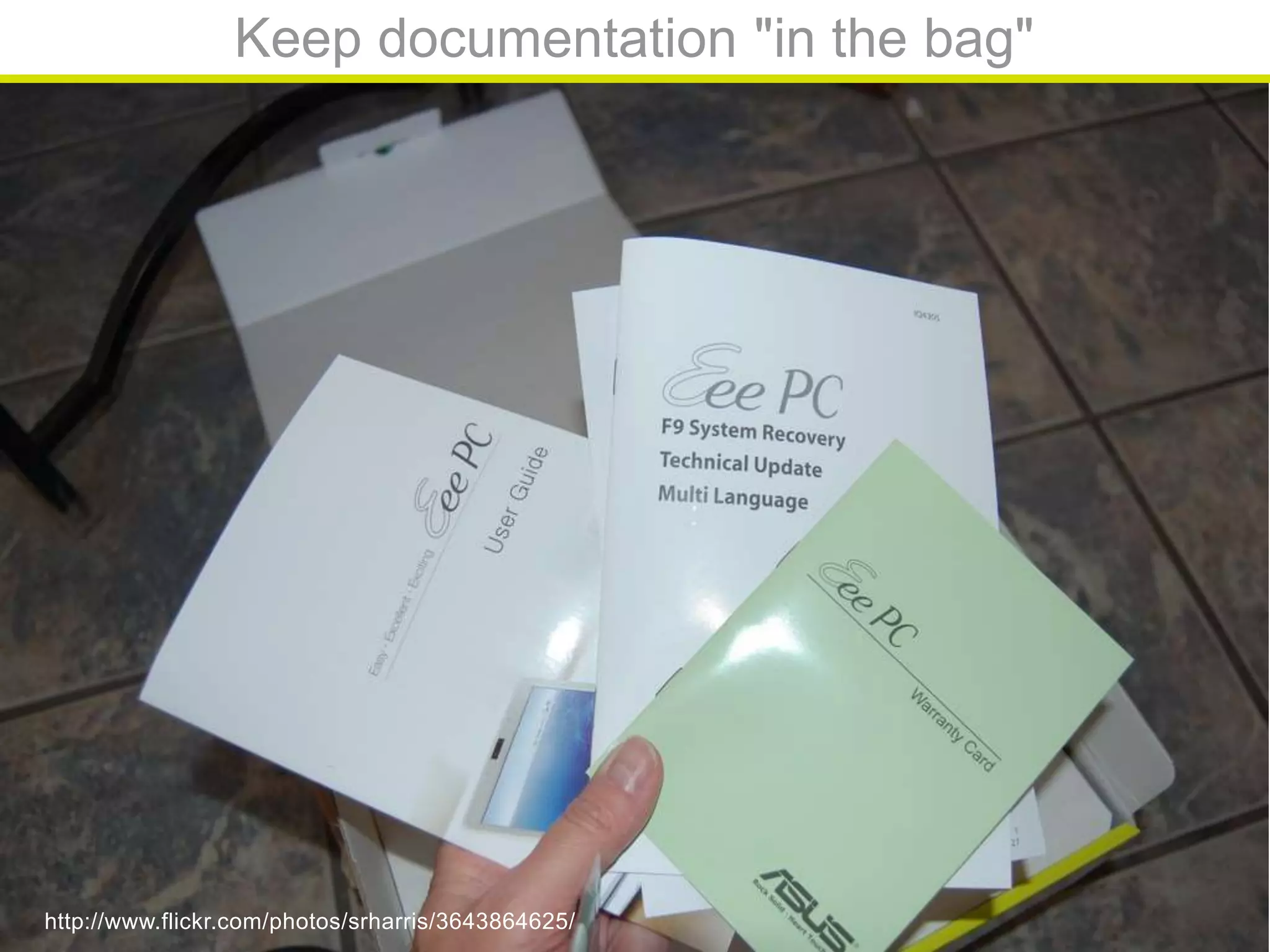
Keep documentation "in the bag"
http://www.flickr.com/photos/srharris/3643864625/
${#}
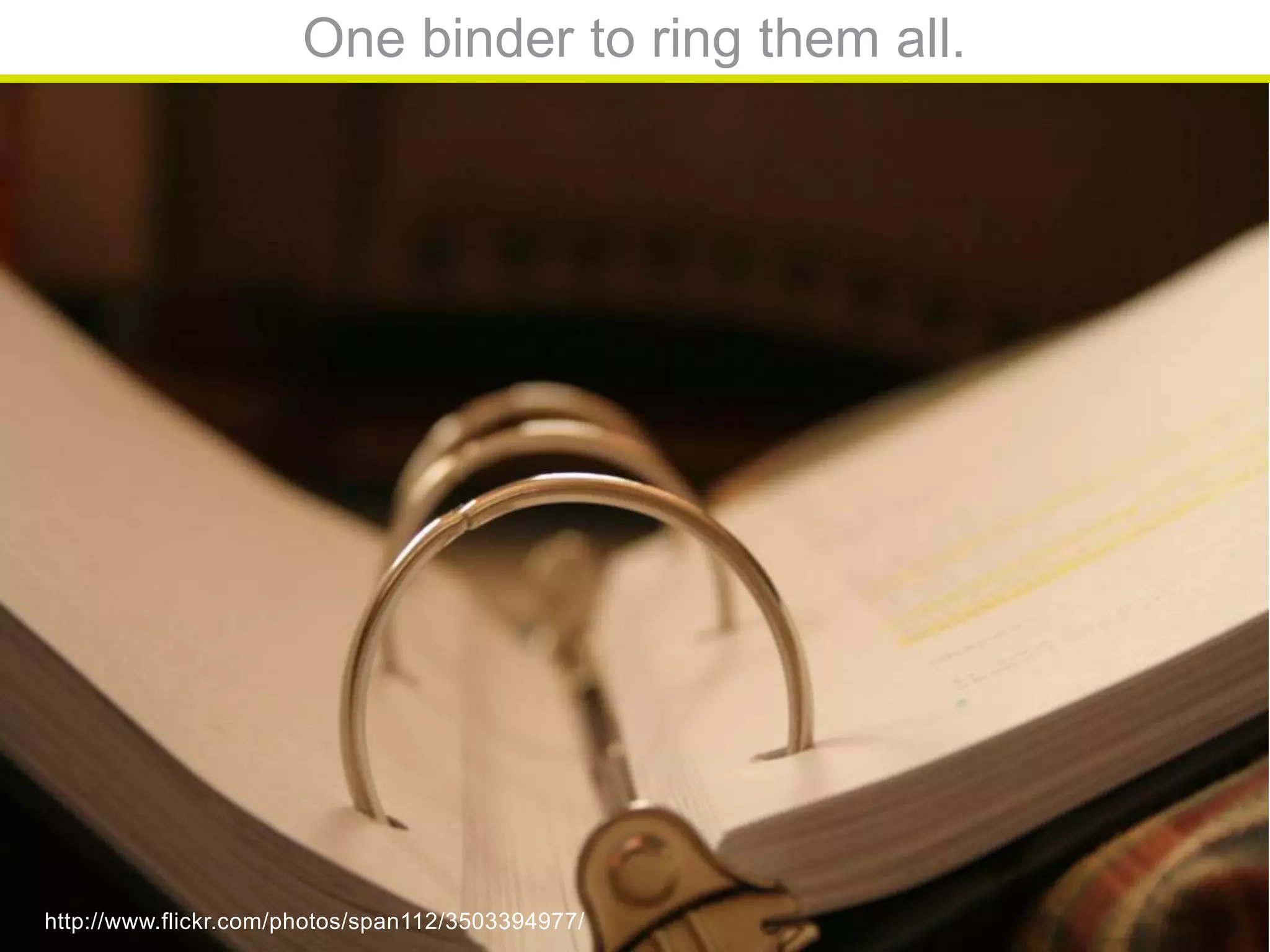
One binder to ring them all.
http://www.flickr.com/photos/span112/3503394977/
${#}
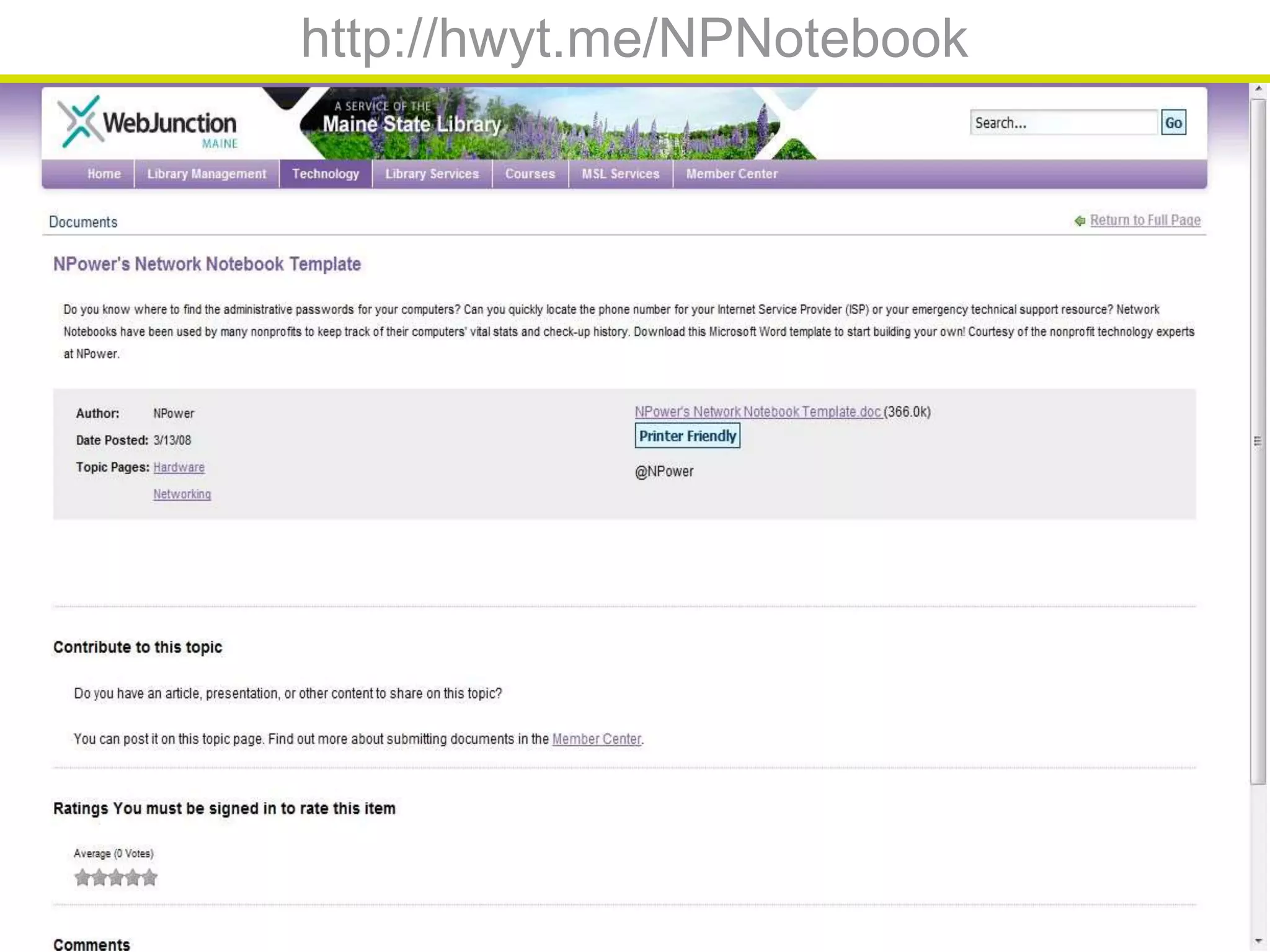
http://hwyt.me/NPNotebook
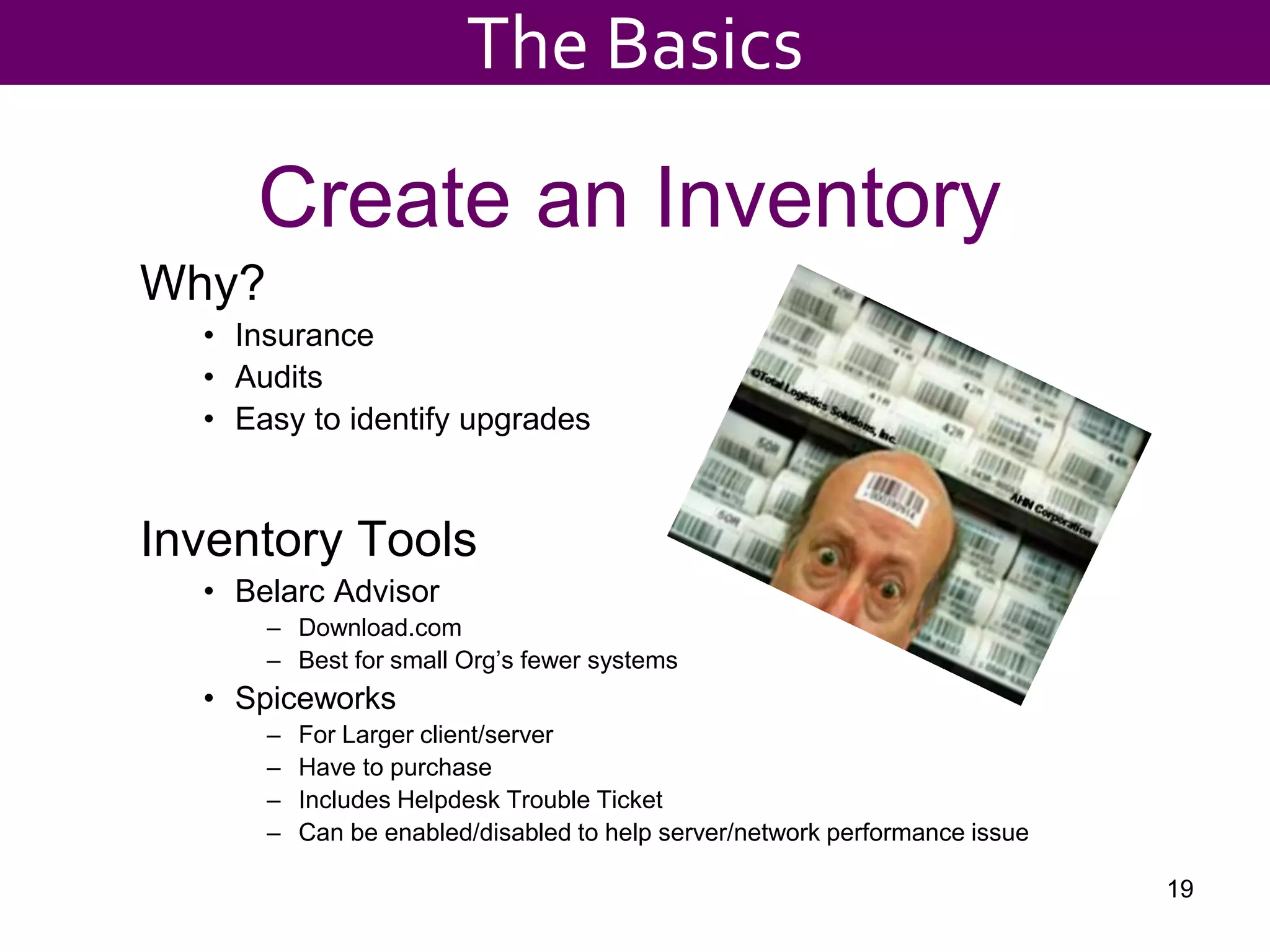
Create an Inventory
Why?
• Insurance
• Audits
• Easy to identify upgrades
Inventory Tools
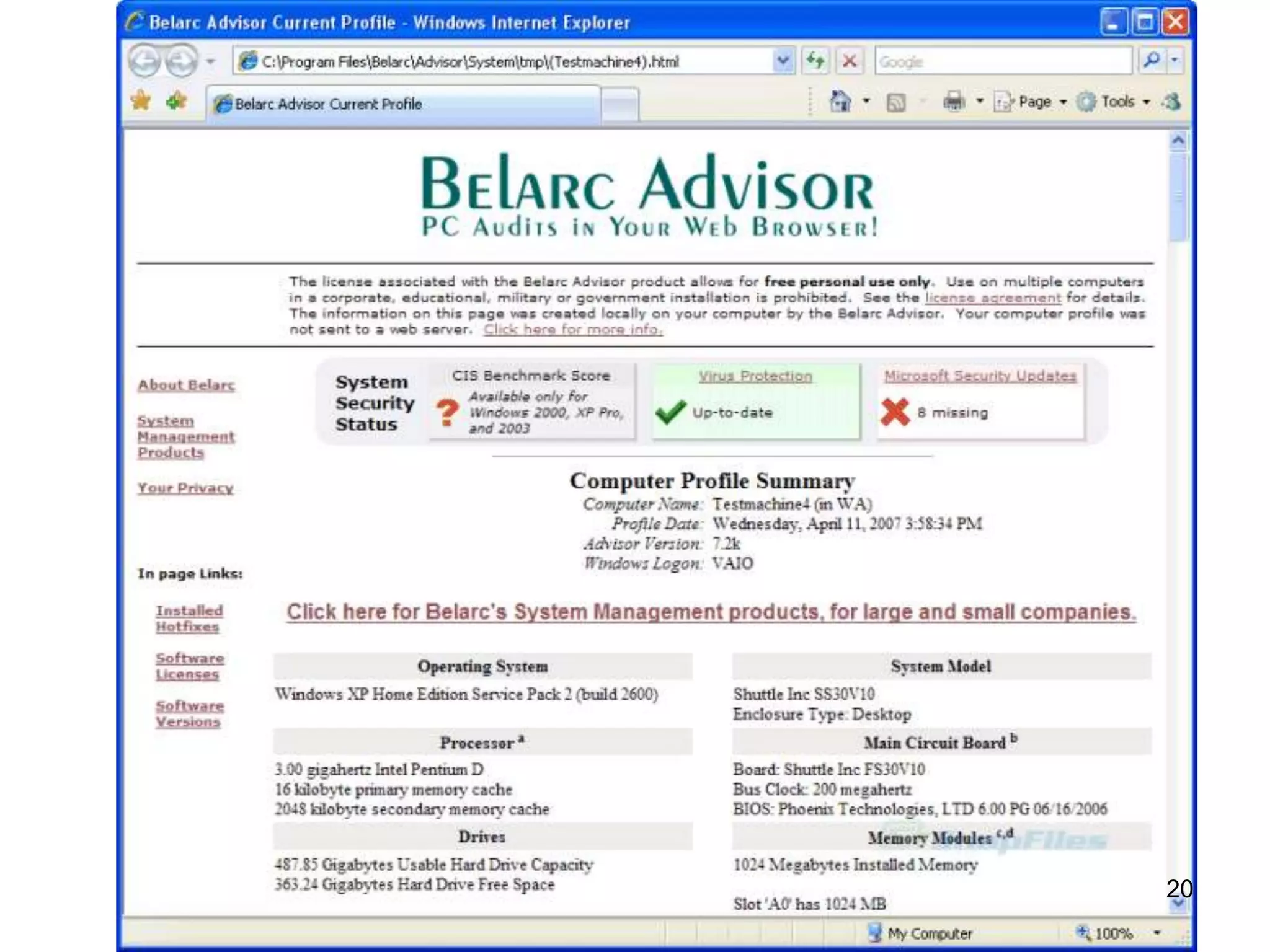
• Belarc Advisor
– Download.com
– Best for small Org’s fewer systems
• Spiceworks
– For Larger client/server
– Have to purchase
– Includes Helpdesk Trouble Ticket
– Can be enabled/disabled to help server/network performance issue
19
The Basics
20
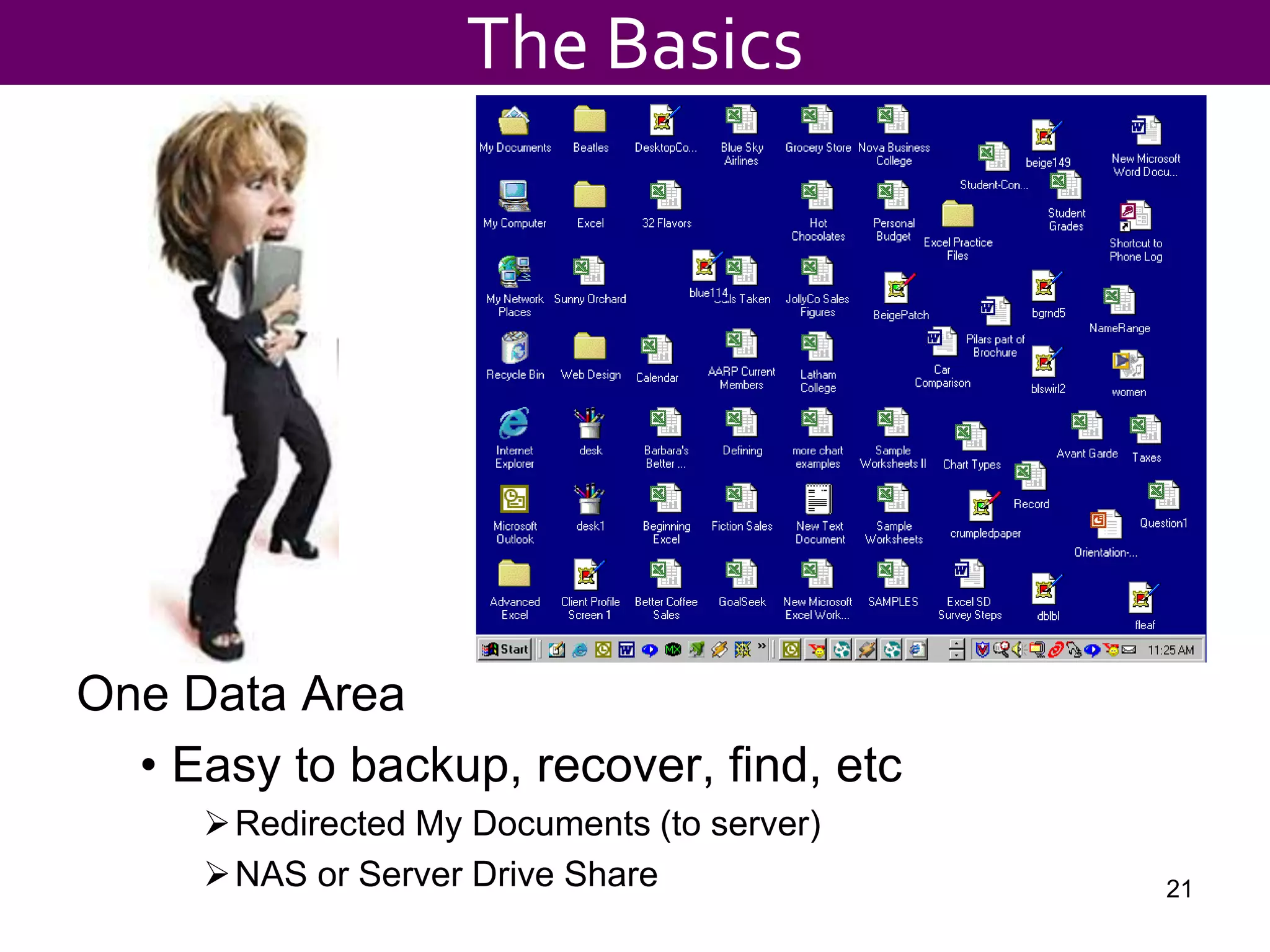
One Data Area
• Easy to backup, recover, find, etc
Redirected My Documents (to server)
NAS or Server Drive Share 21
The Basics
${#}
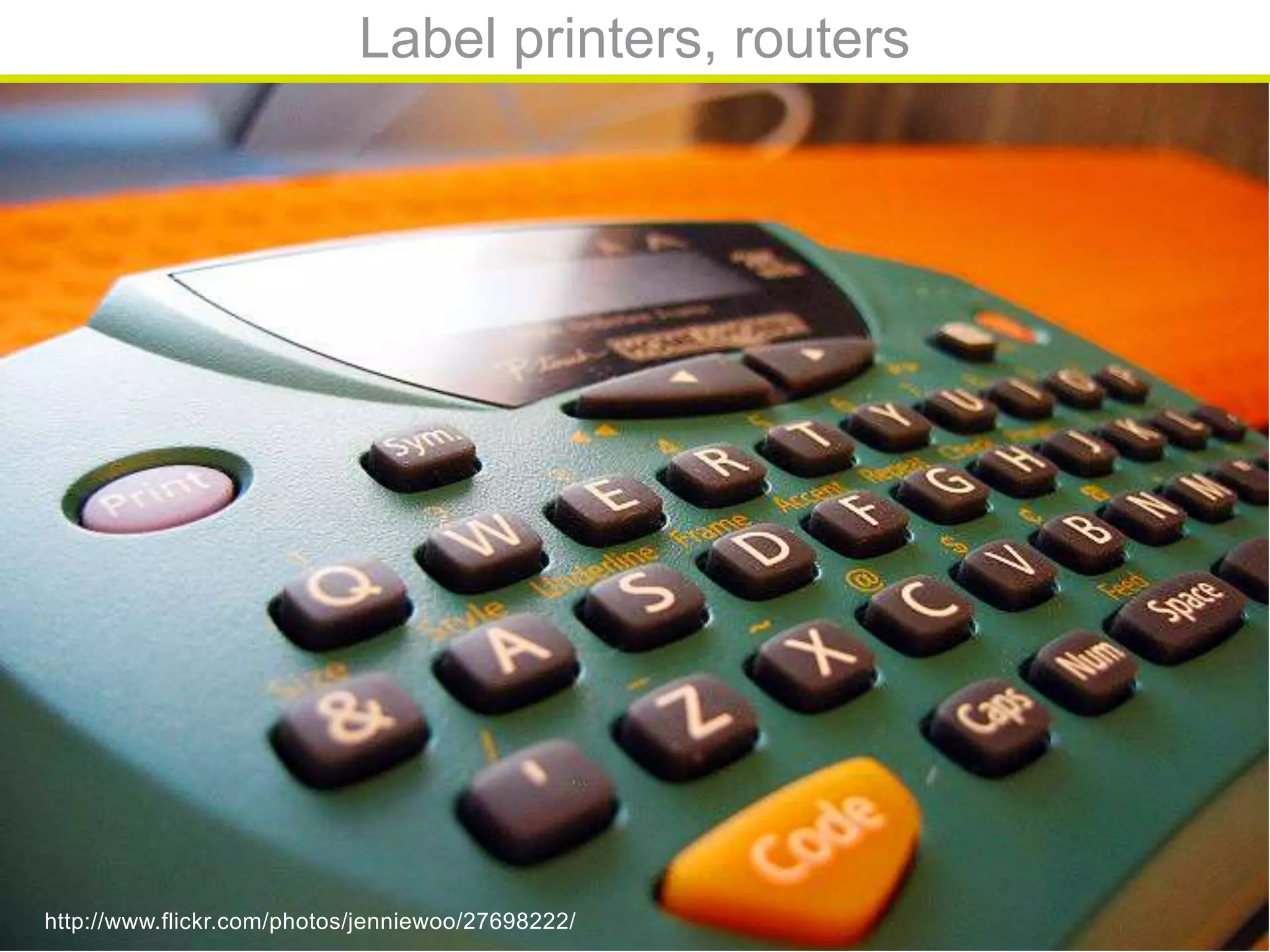
Label printers, routers
http://www.flickr.com/photos/jenniewoo/27698222/
${#}
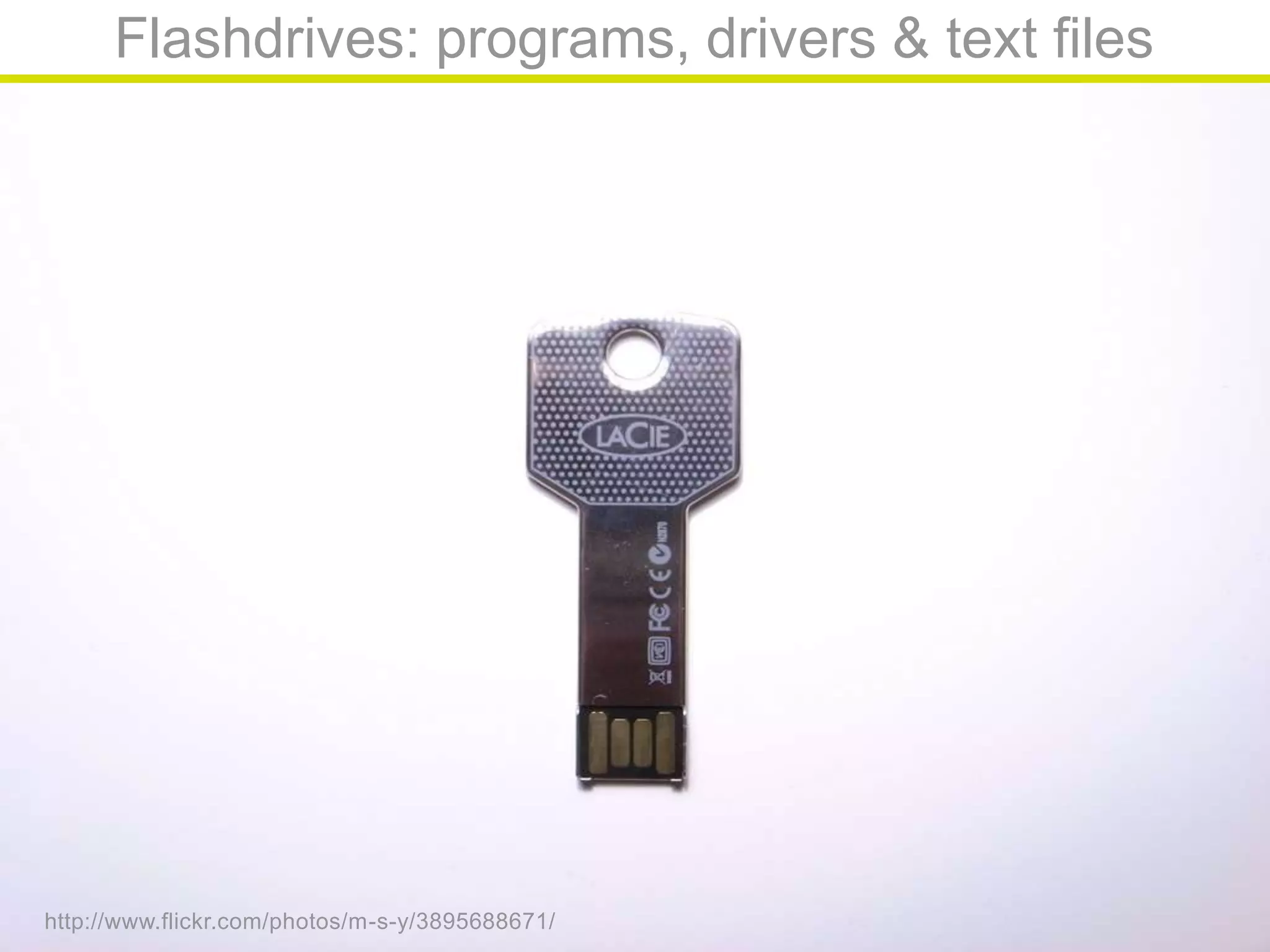
Flashdrives: programs, drivers & text files
http://www.flickr.com/photos/m-s-y/3895688671/
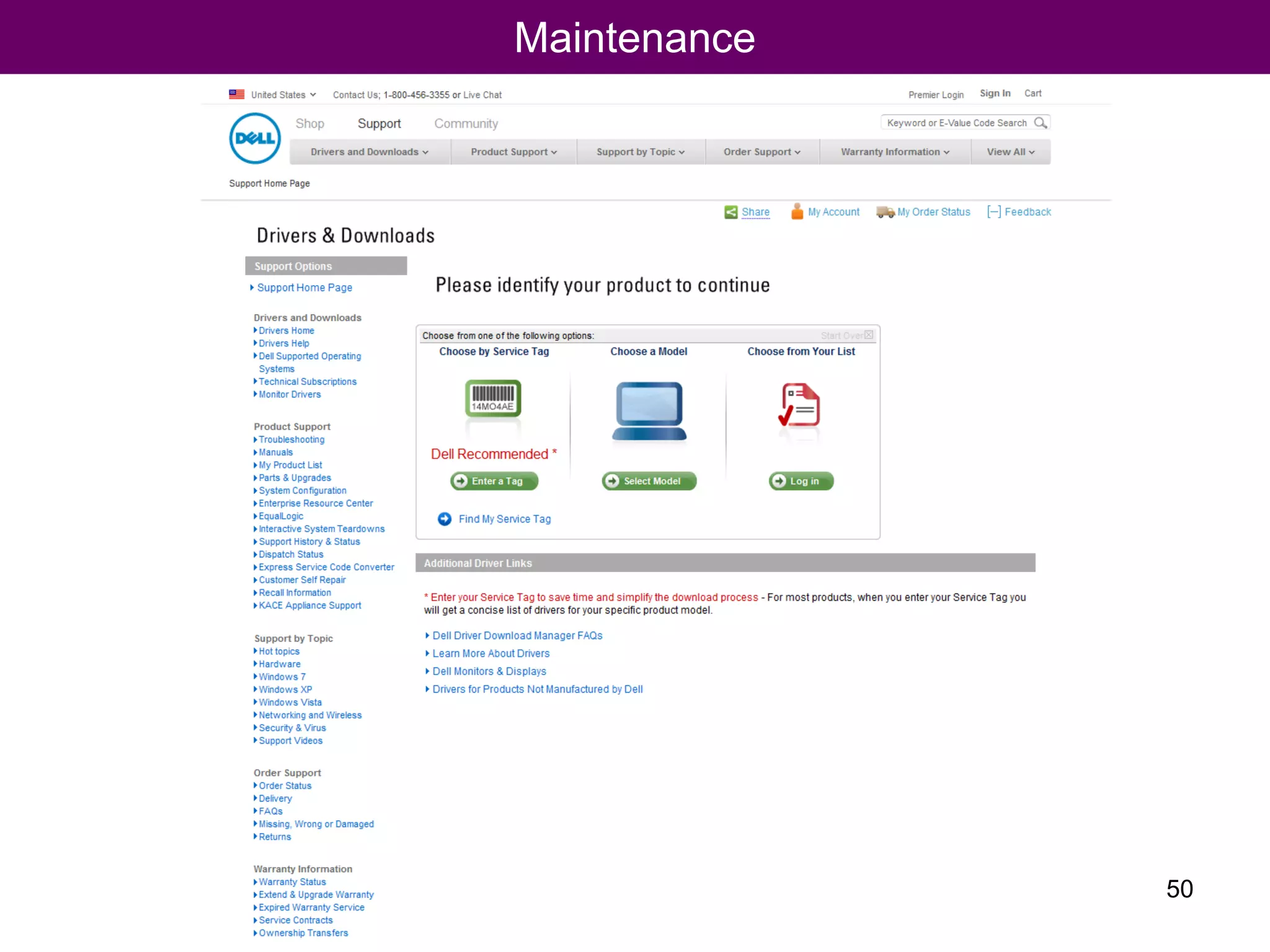
Maintenance
24
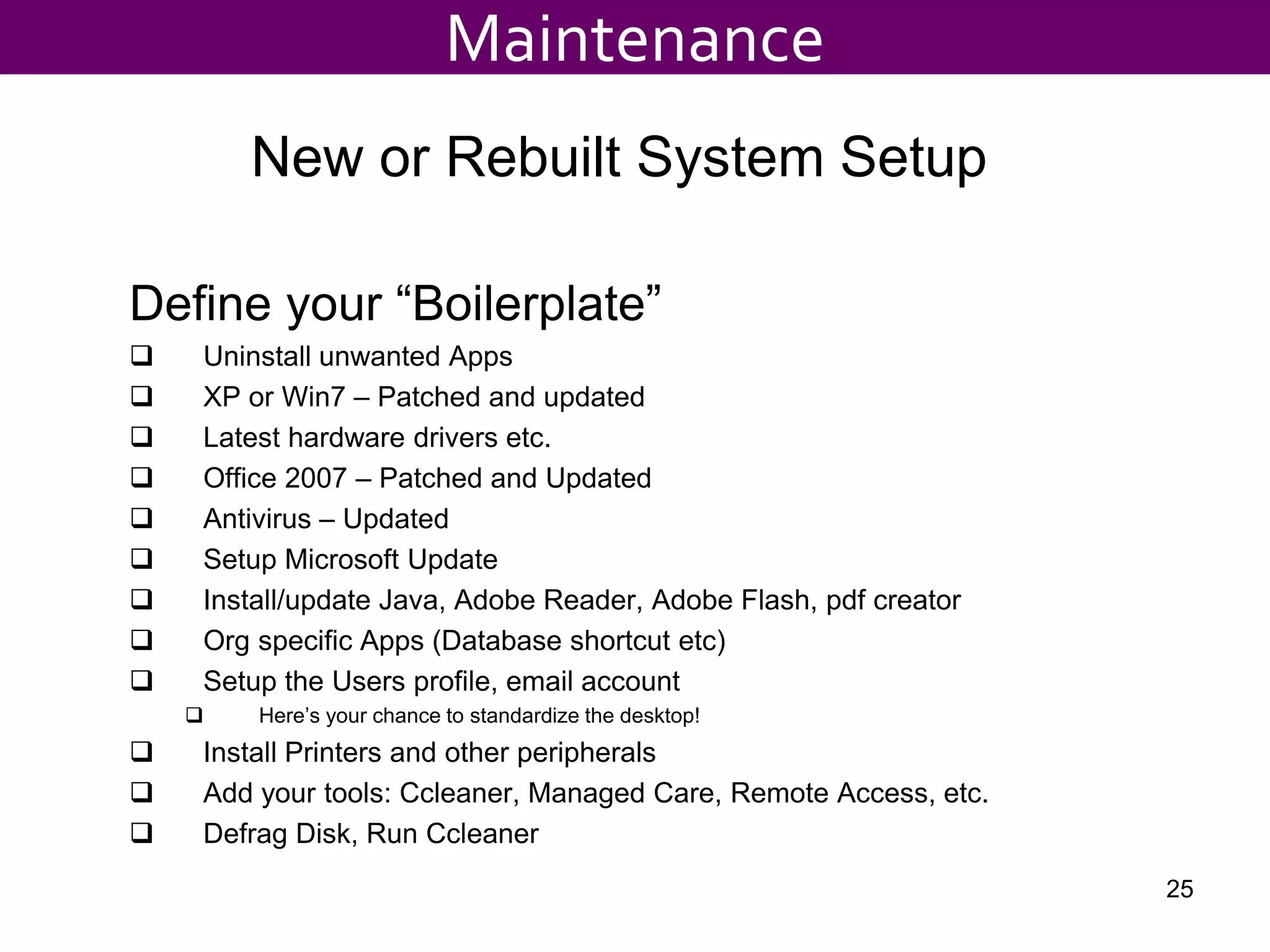
New or Rebuilt System Setup
Define your “Boilerplate”
 Uninstall unwanted Apps
 XP or Win7 – Patched and updated
 Latest hardware drivers etc.
 Office 2007 – Patched and Updated
 Antivirus – Updated
 Setup Microsoft Update
 Install/update Java, Adobe Reader, Adobe Flash, pdf creator
 Org specific Apps (Database shortcut etc)
 Setup the Users profile, email account
 Here’s your chance to standardize the desktop!
 Install Printers and other peripherals
 Add your tools: Ccleaner, Managed Care, Remote Access, etc.
 Defrag Disk, Run Ccleaner
25
Maintenance
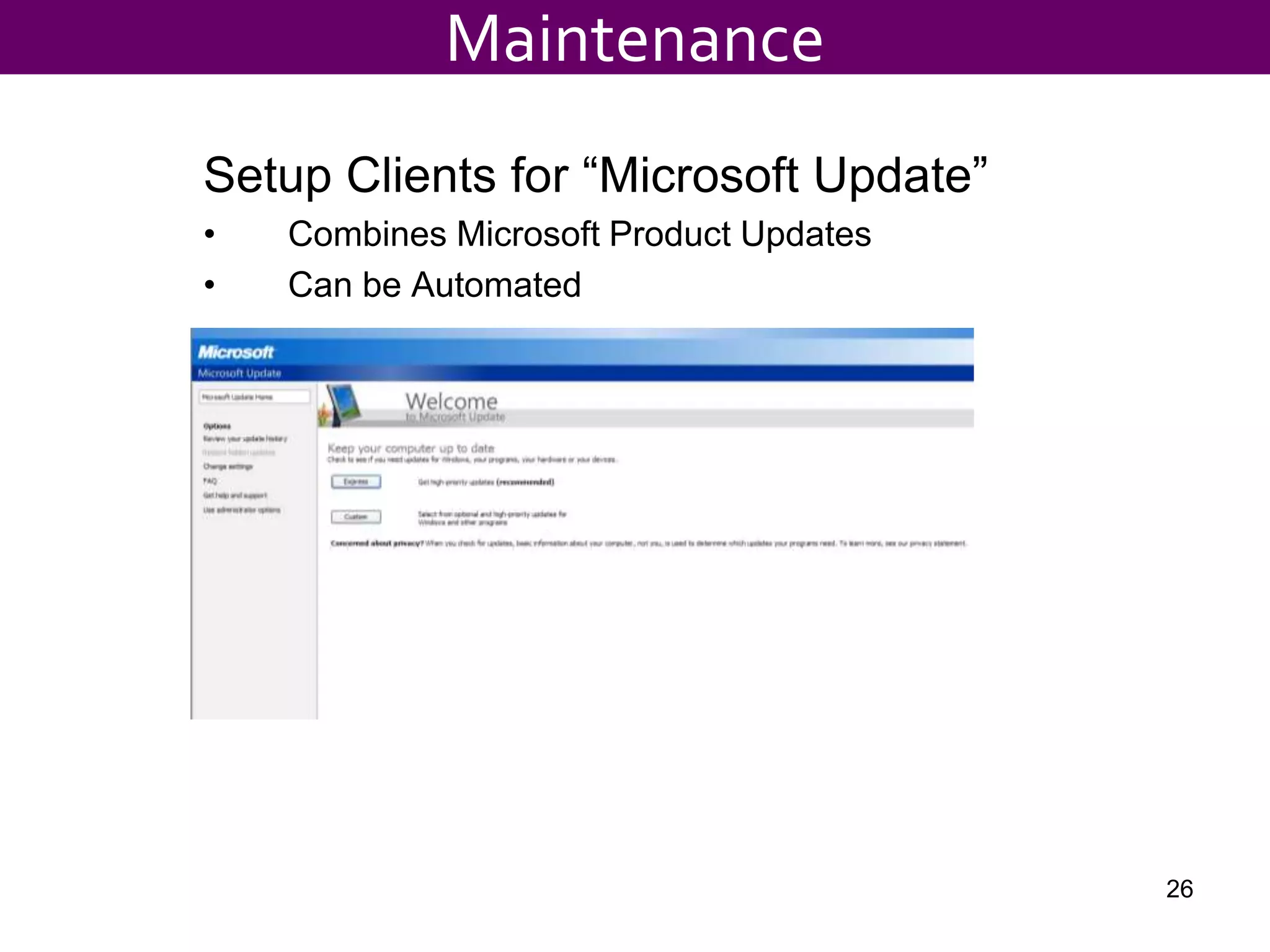
Setup Clients for “Microsoft Update”
• Combines Microsoft Product Updates
• Can be Automated
26
Maintenance
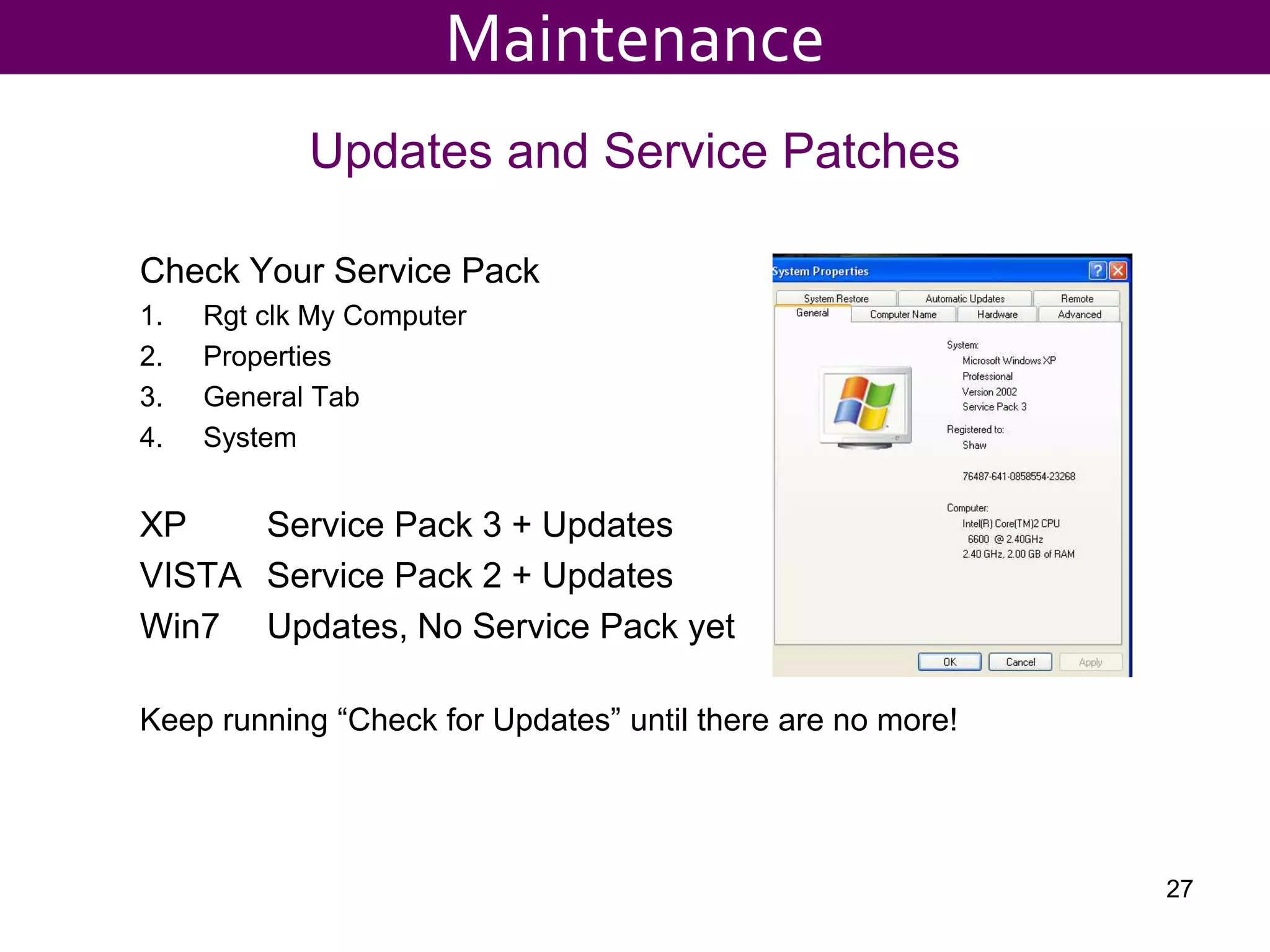
Updates and Service Patches
Check Your Service Pack
1. Rgt clk My Computer
2. Properties
3. General Tab
4. System
XP Service Pack 3 + Updates
VISTA Service Pack 2 + Updates
Win7 Updates, No Service Pack yet
Keep running “Check for Updates” until there are no more!
27
Maintenance
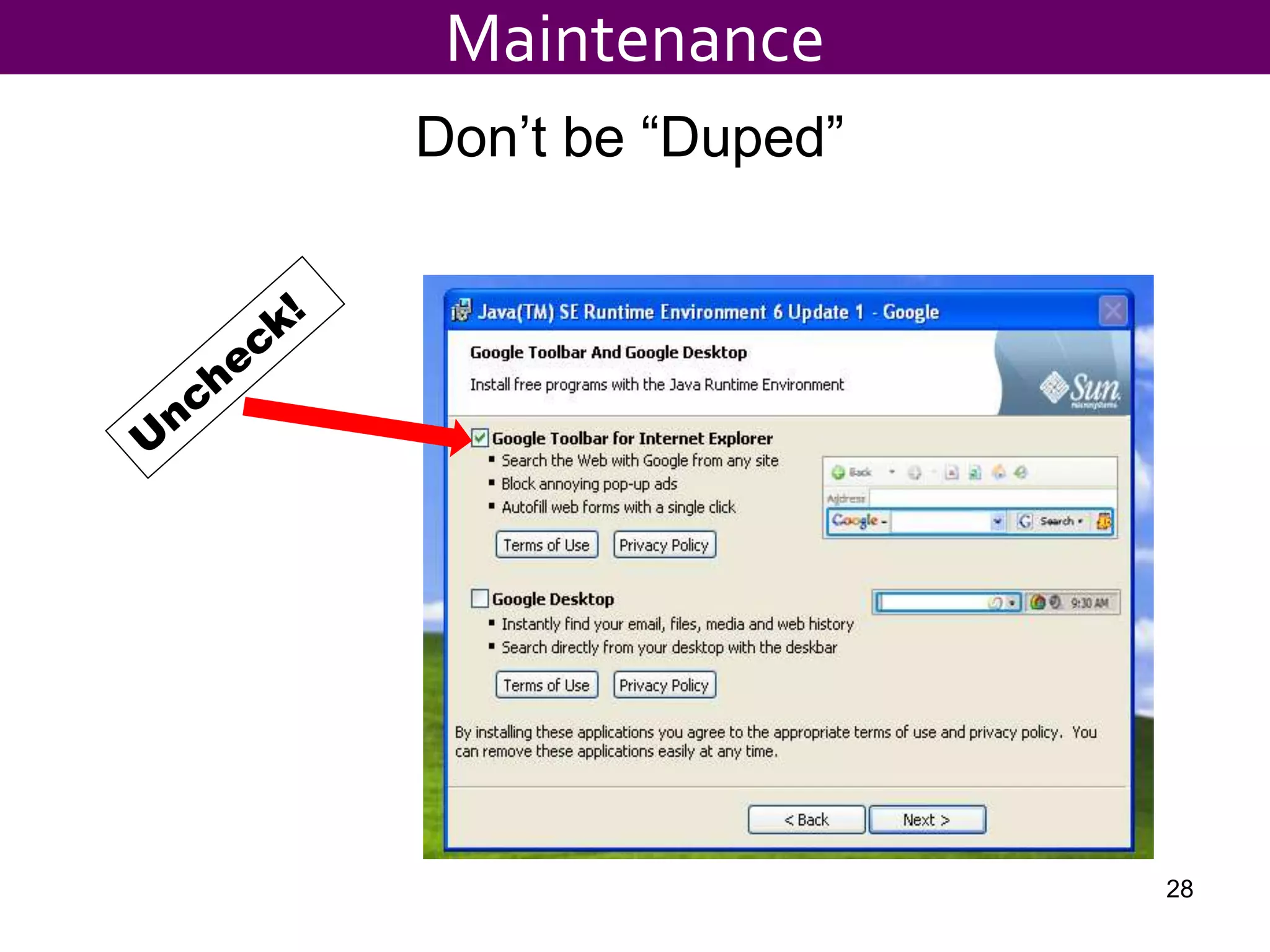
Don’t be “Duped”
28
Maintenance
Printers
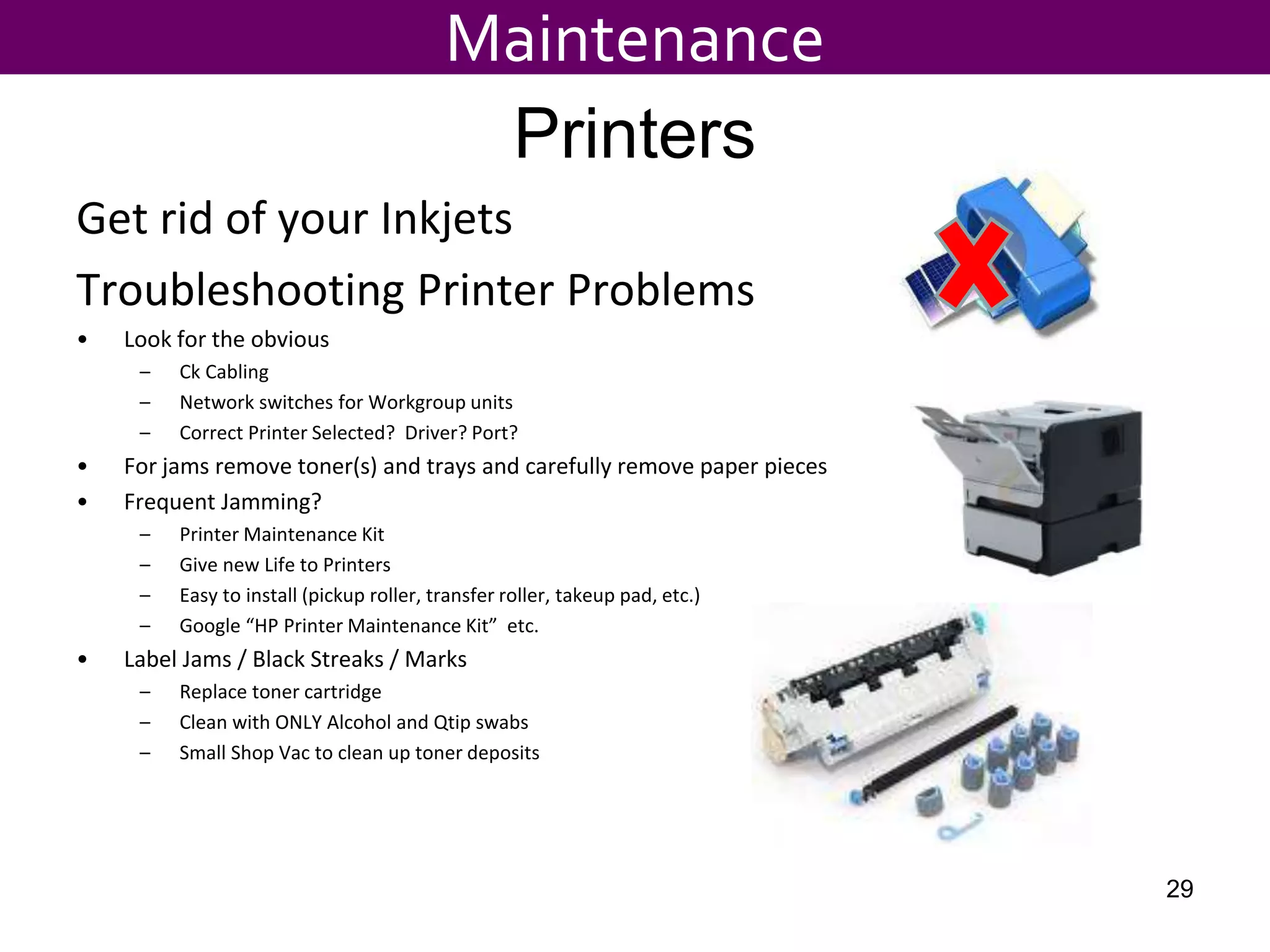
Get rid of your Inkjets
Troubleshooting Printer Problems
• Look for the obvious
– Ck Cabling
– Network switches for Workgroup units
– Correct Printer Selected? Driver? Port?
• For jams remove toner(s) and trays and carefully remove paper pieces
• Frequent Jamming?
– Printer Maintenance Kit
– Give new Life to Printers
– Easy to install (pickup roller, transfer roller, takeup pad, etc.)
– Google “HP Printer Maintenance Kit” etc.
• Label Jams / Black Streaks / Marks
– Replace toner cartridge
– Clean with ONLY Alcohol and Qtip swabs
– Small Shop Vac to clean up toner deposits
Maintenance
29
Backups
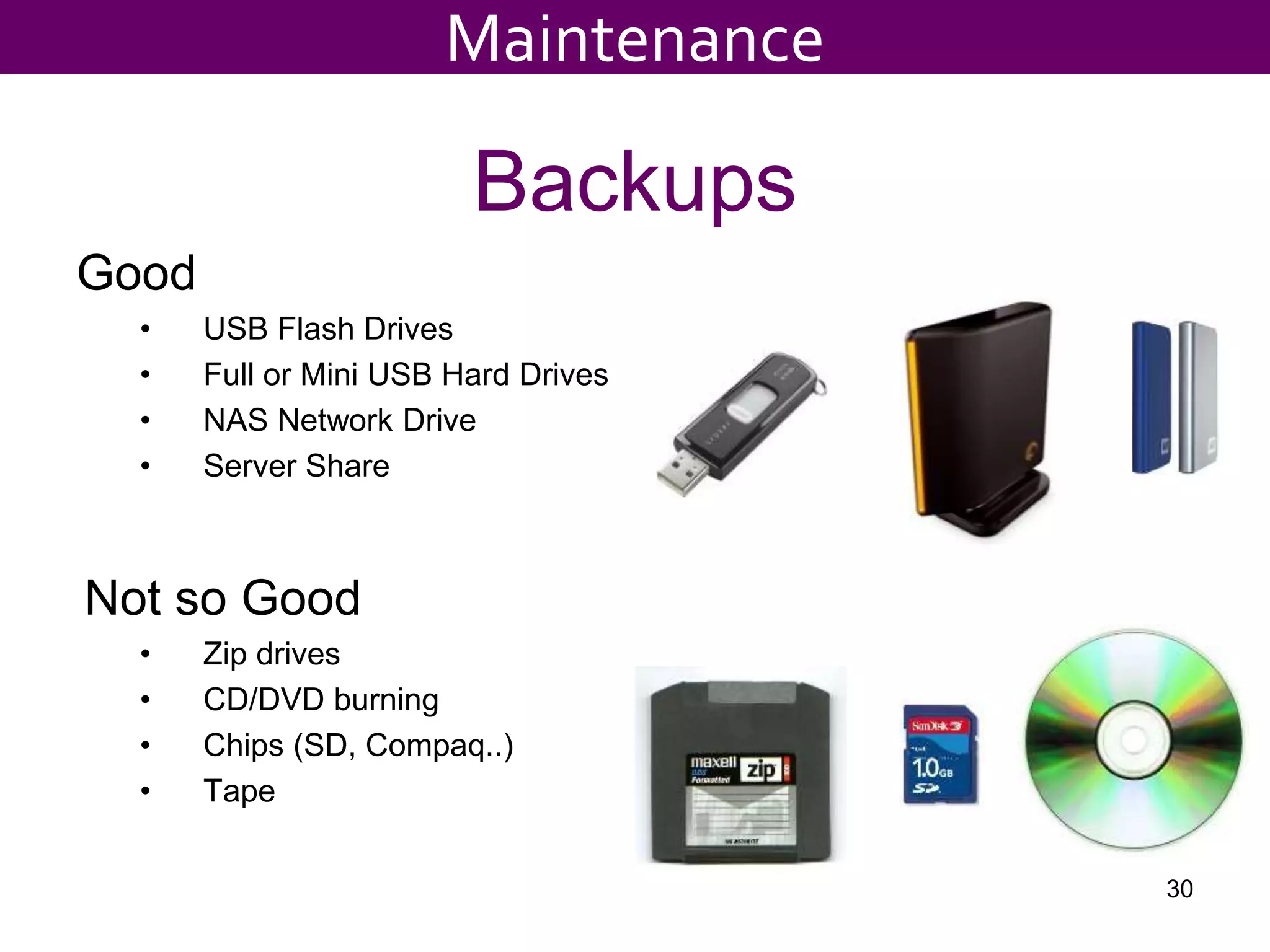
Good
• USB Flash Drives
• Full or Mini USB Hard Drives
• NAS Network Drive
• Server Share
Not so Good
• Zip drives
• CD/DVD burning
• Chips (SD, Compaq..)
• Tape
30
Maintenance
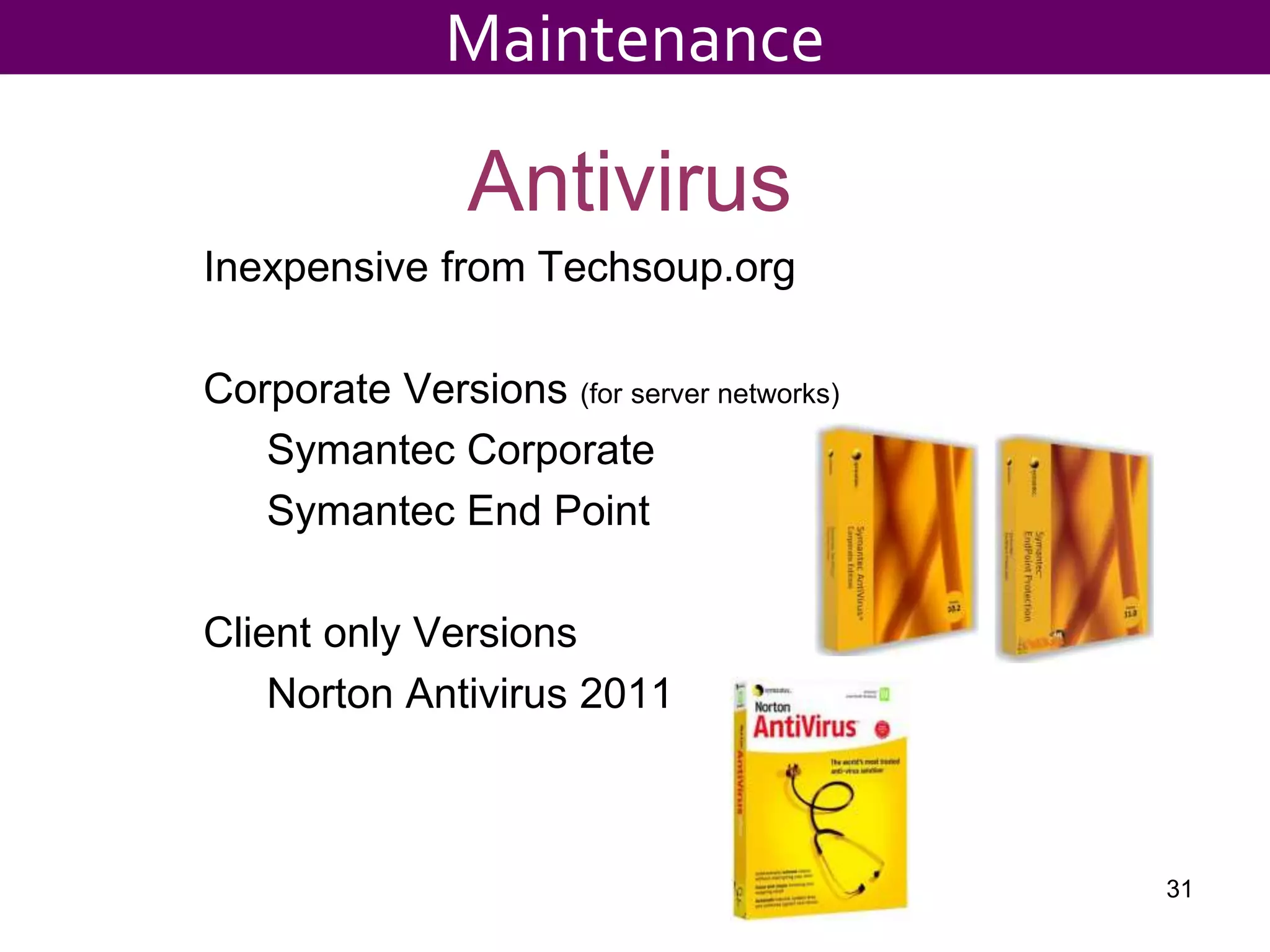
Antivirus
Inexpensive from Techsoup.org
Corporate Versions (for server networks)
Symantec Corporate
Symantec End Point
Client only Versions
Norton Antivirus 2011
31
Maintenance
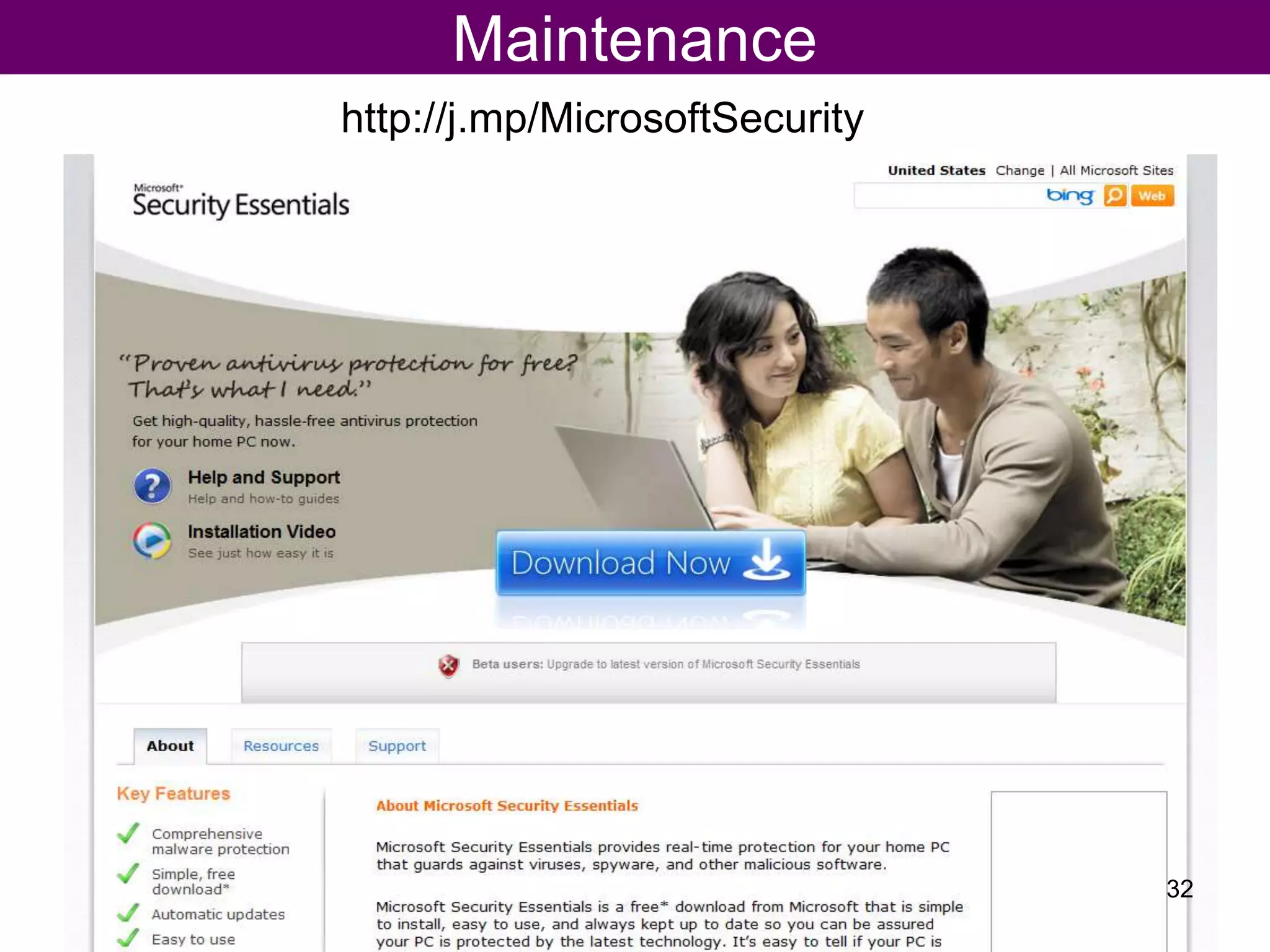
Maintenance
http://j.mp/MicrosoftSecurity
32
Maintenance
33
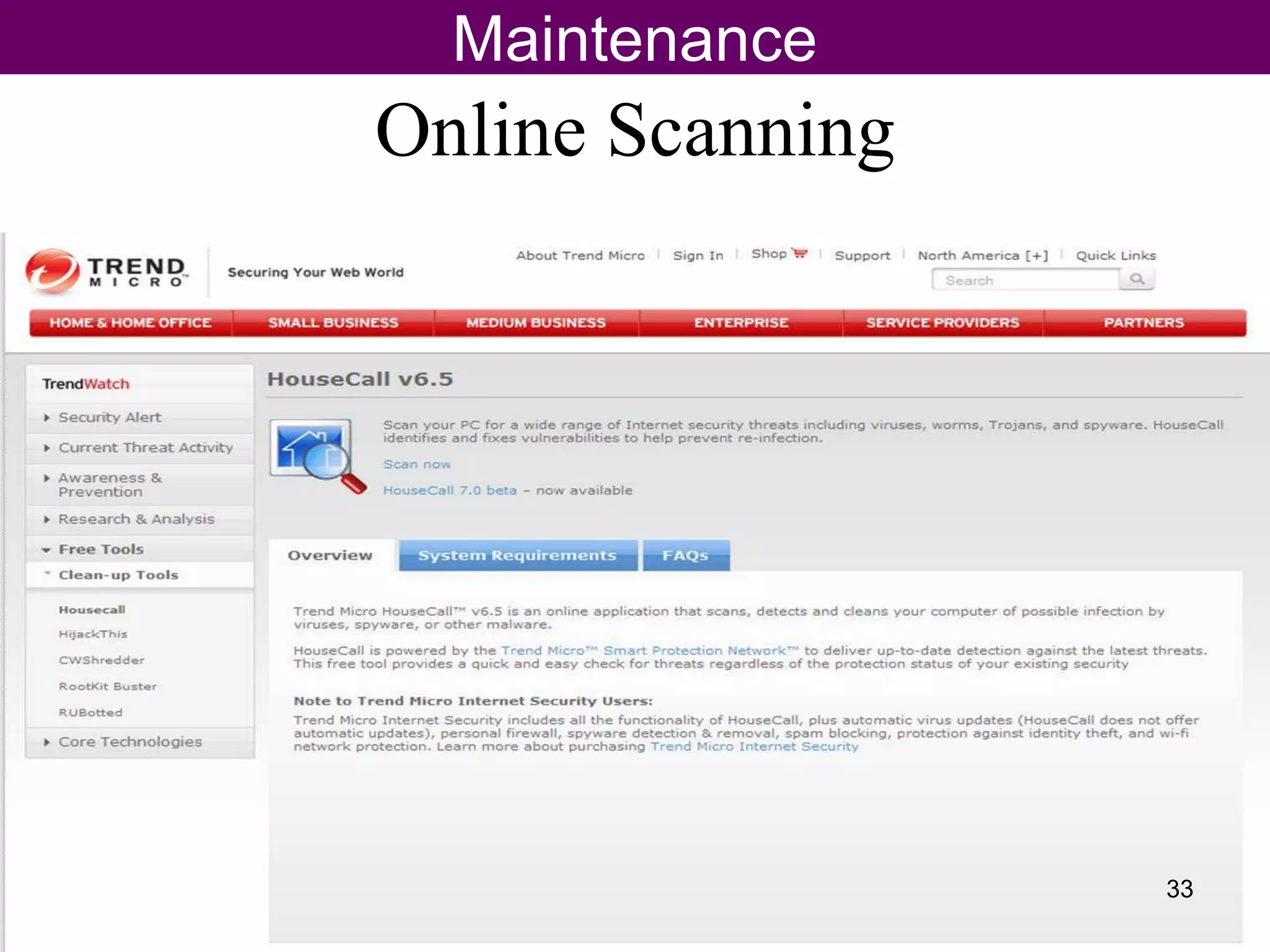
Online Scanning
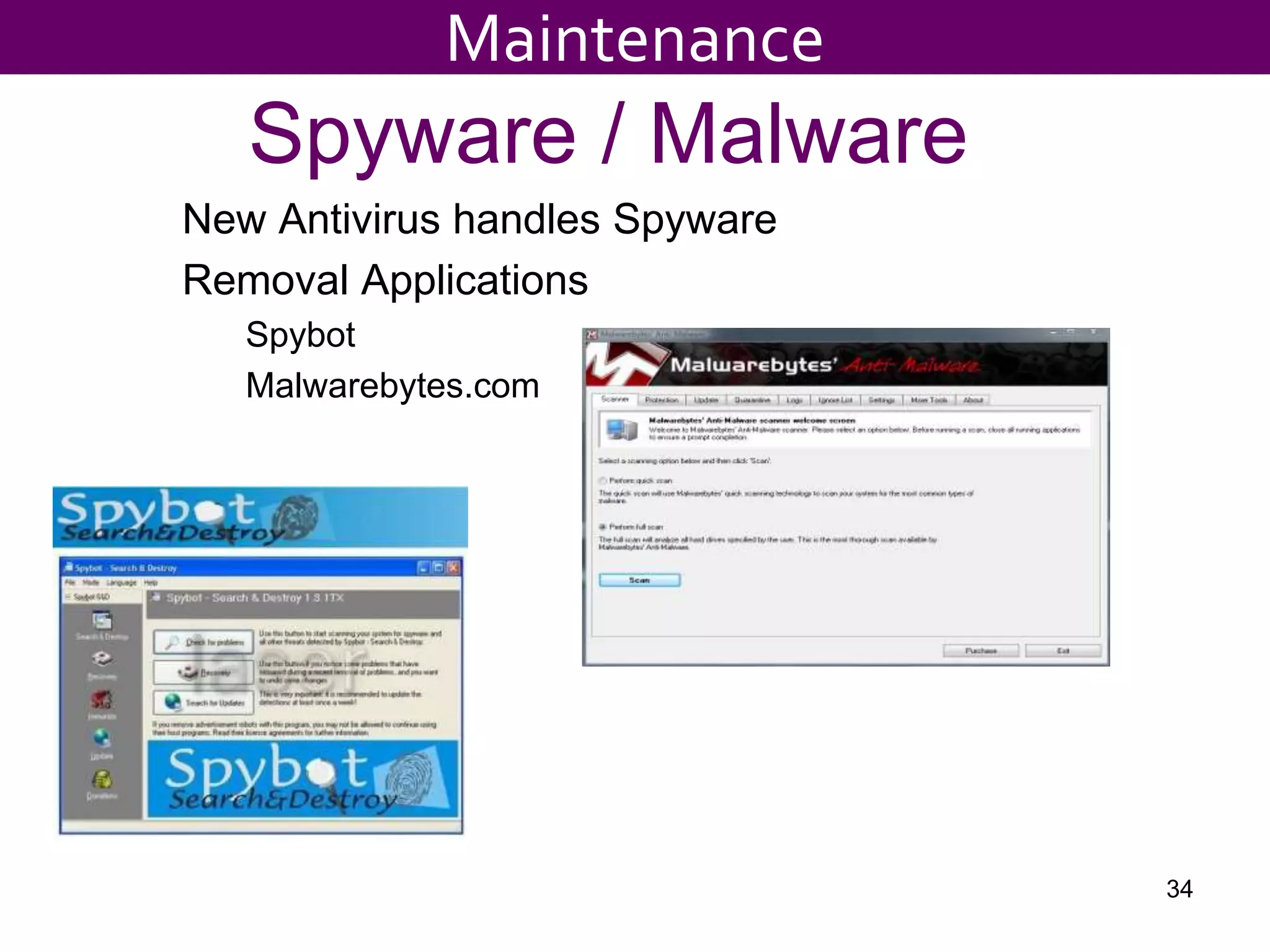
Spyware / Malware
New Antivirus handles Spyware
Removal Applications
Spybot
Malwarebytes.com
34
Maintenance
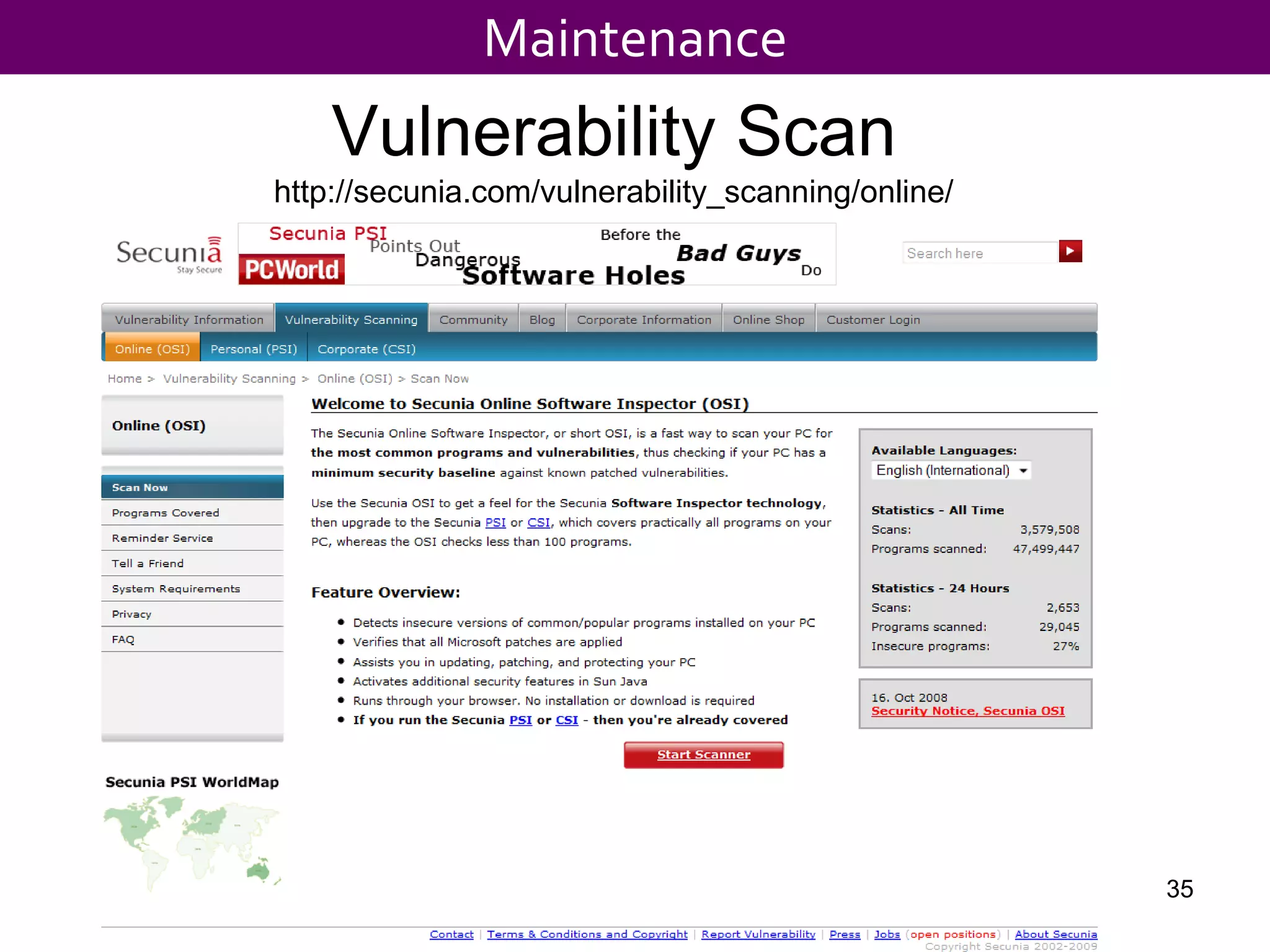
Vulnerability Scan
http://secunia.com/vulnerability_scanning/online/
Maintenance
35
${#}
Passwords: Alpha/Numeric/Case Mix
Largest Security Problem?
Security
Browser Cleanup
Internet Explorer 6
Tools, Internet Options
» Delete files (check box)
» Delete Cookies
» Clear History
Internet Explorer 7 or 8
Tools, Internet Options
» Delete
» Delete All (check box)
37
Maintenance
${#}
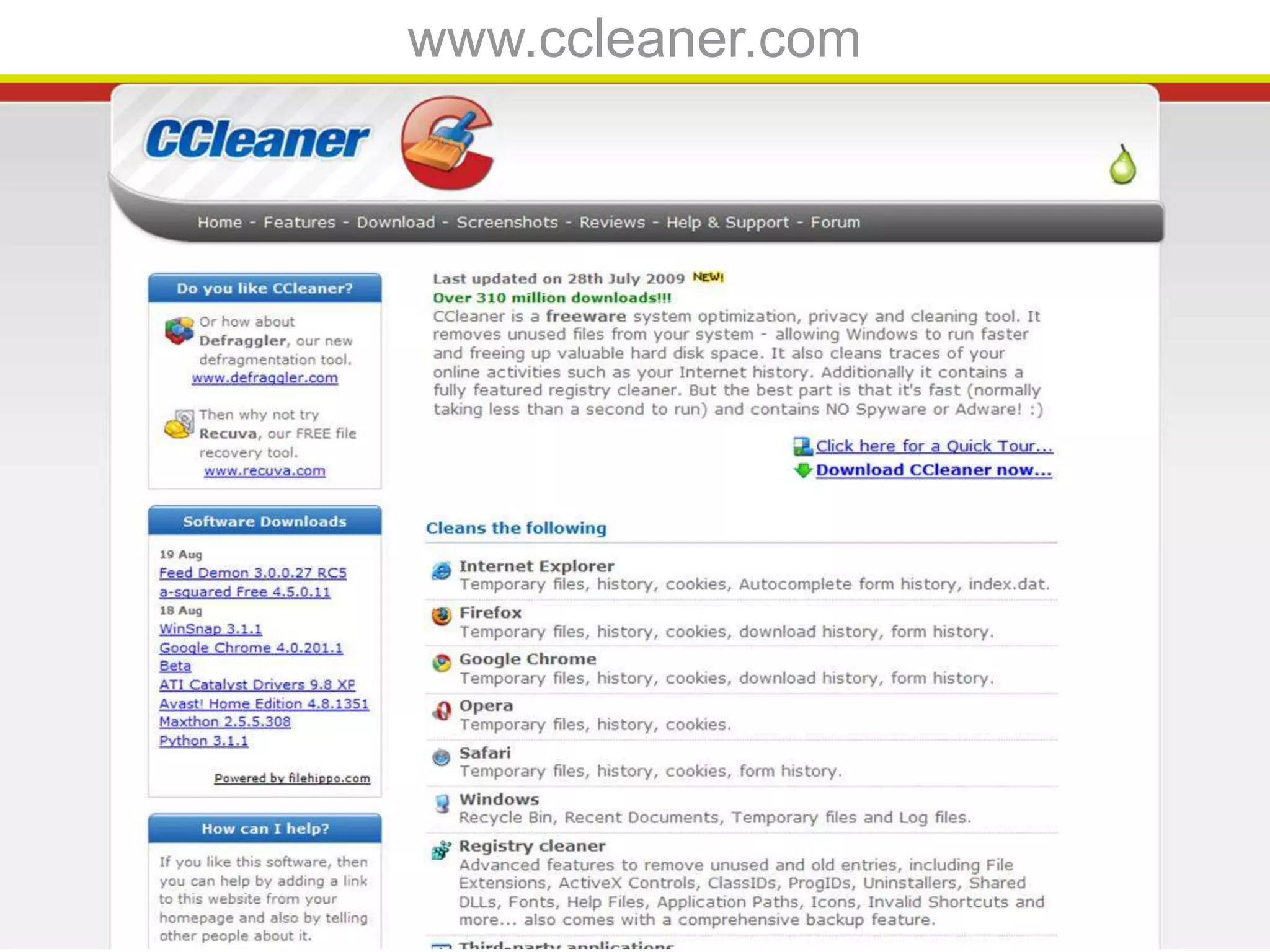
www.ccleaner.com
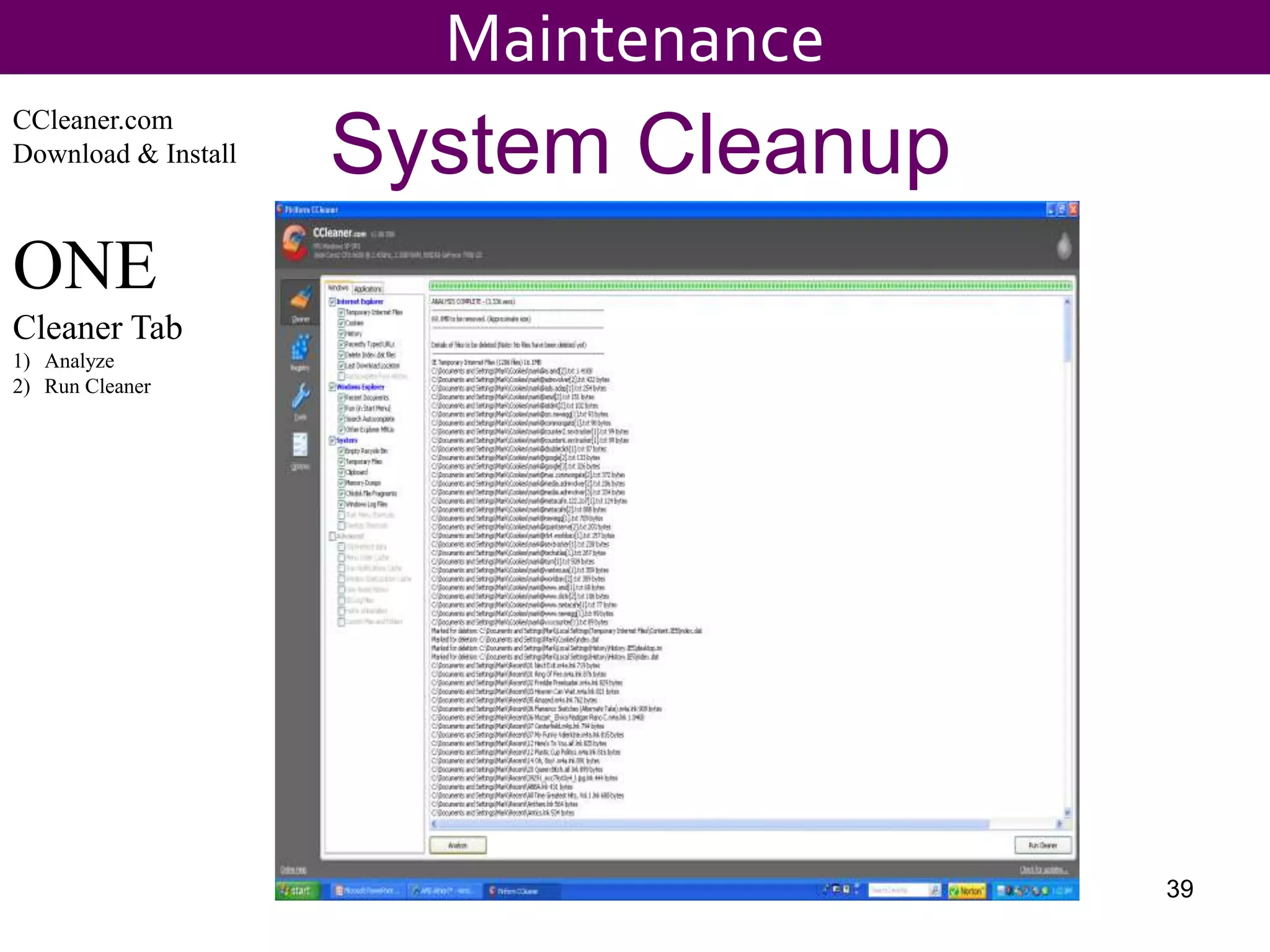
System Cleanup
CCleaner.com
Download & Install
ONE
Cleaner Tab
1) Analyze
2) Run Cleaner
39
Maintenance
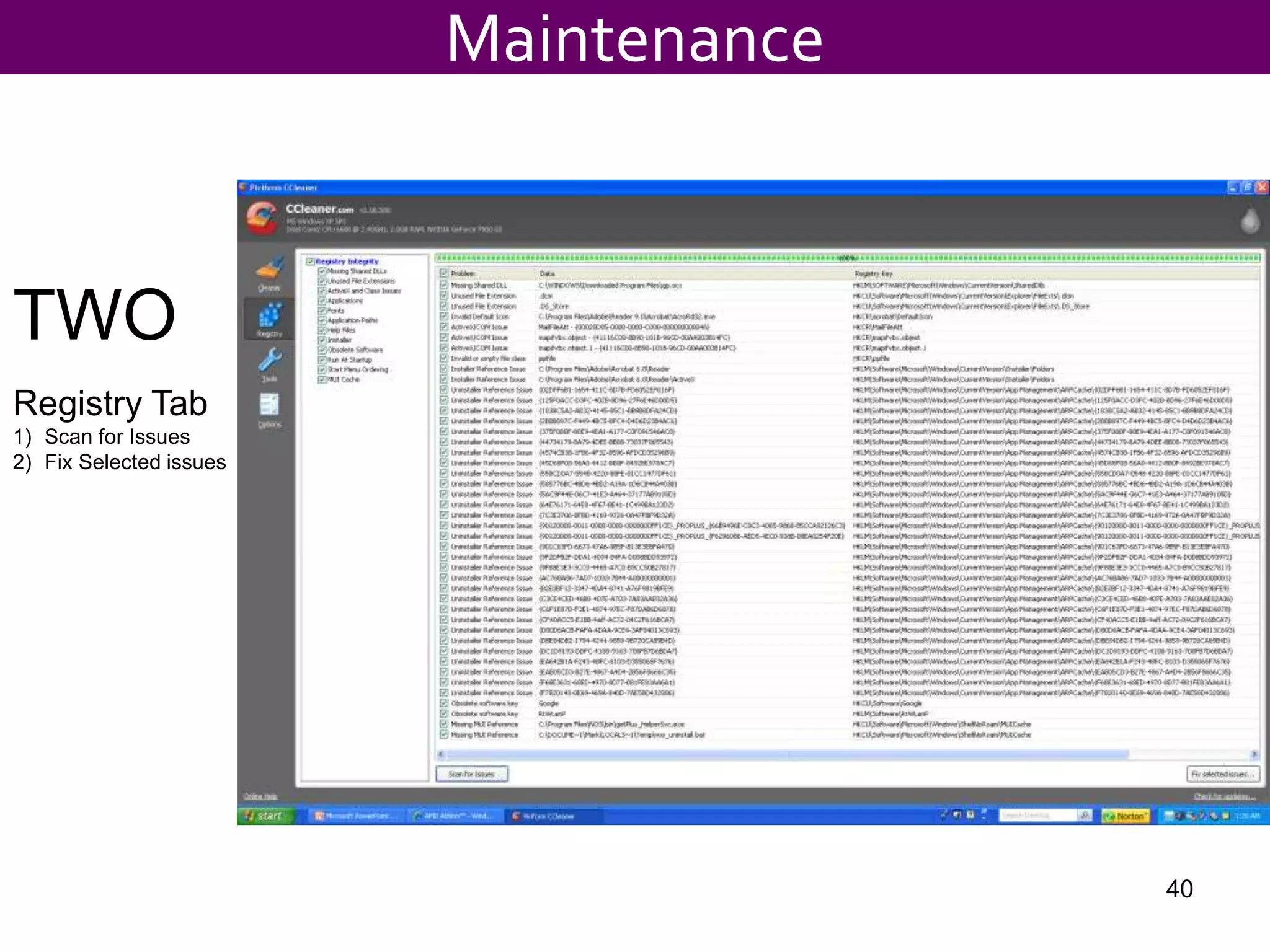
TWO
Registry Tab
1) Scan for Issues
2) Fix Selected issues
40
Maintenance
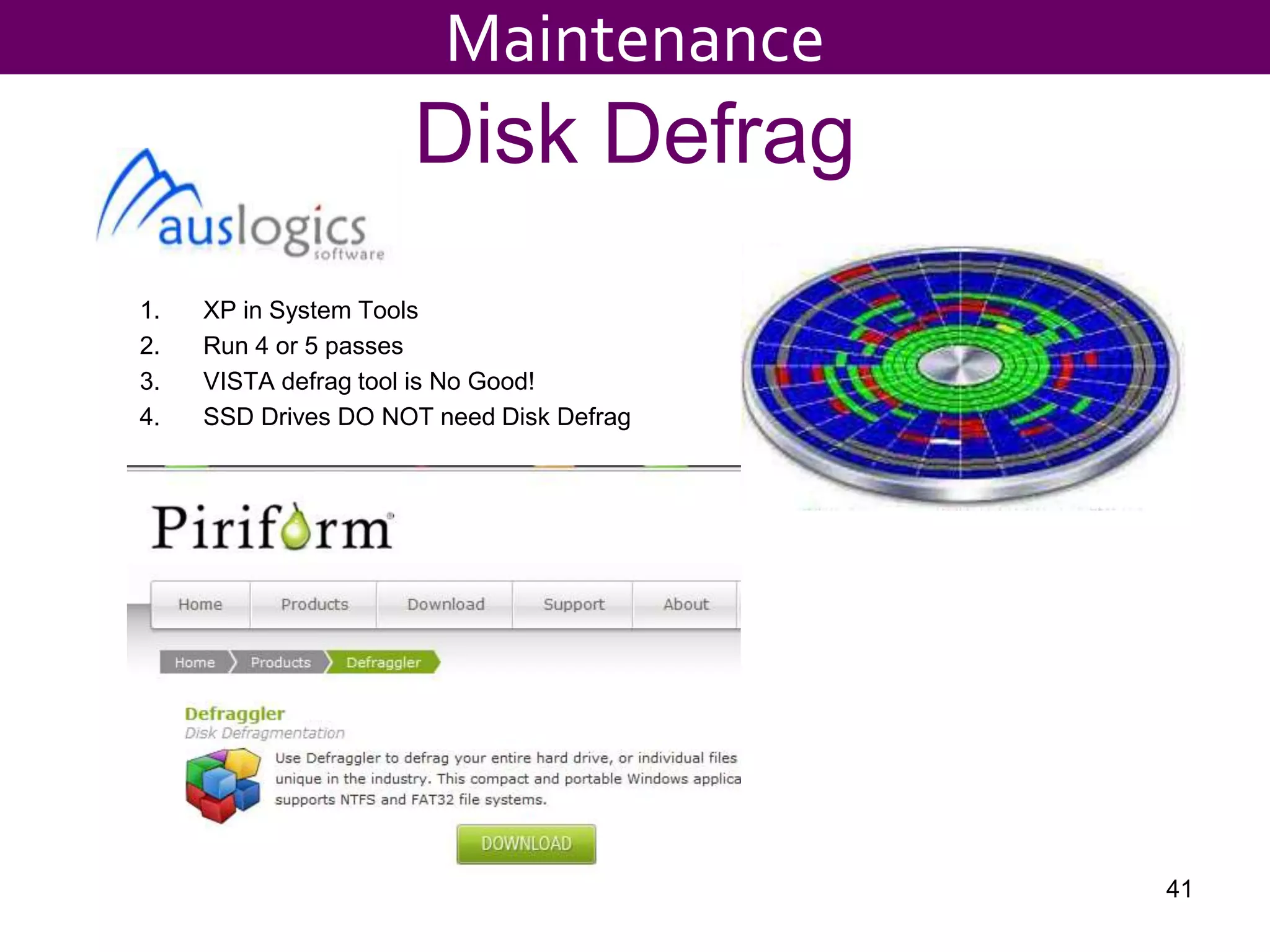
Disk Defrag
1. XP in System Tools
2. Run 4 or 5 passes
3. VISTA defrag tool is No Good!
4. SSD Drives DO NOT need Disk Defrag
41
Maintenance
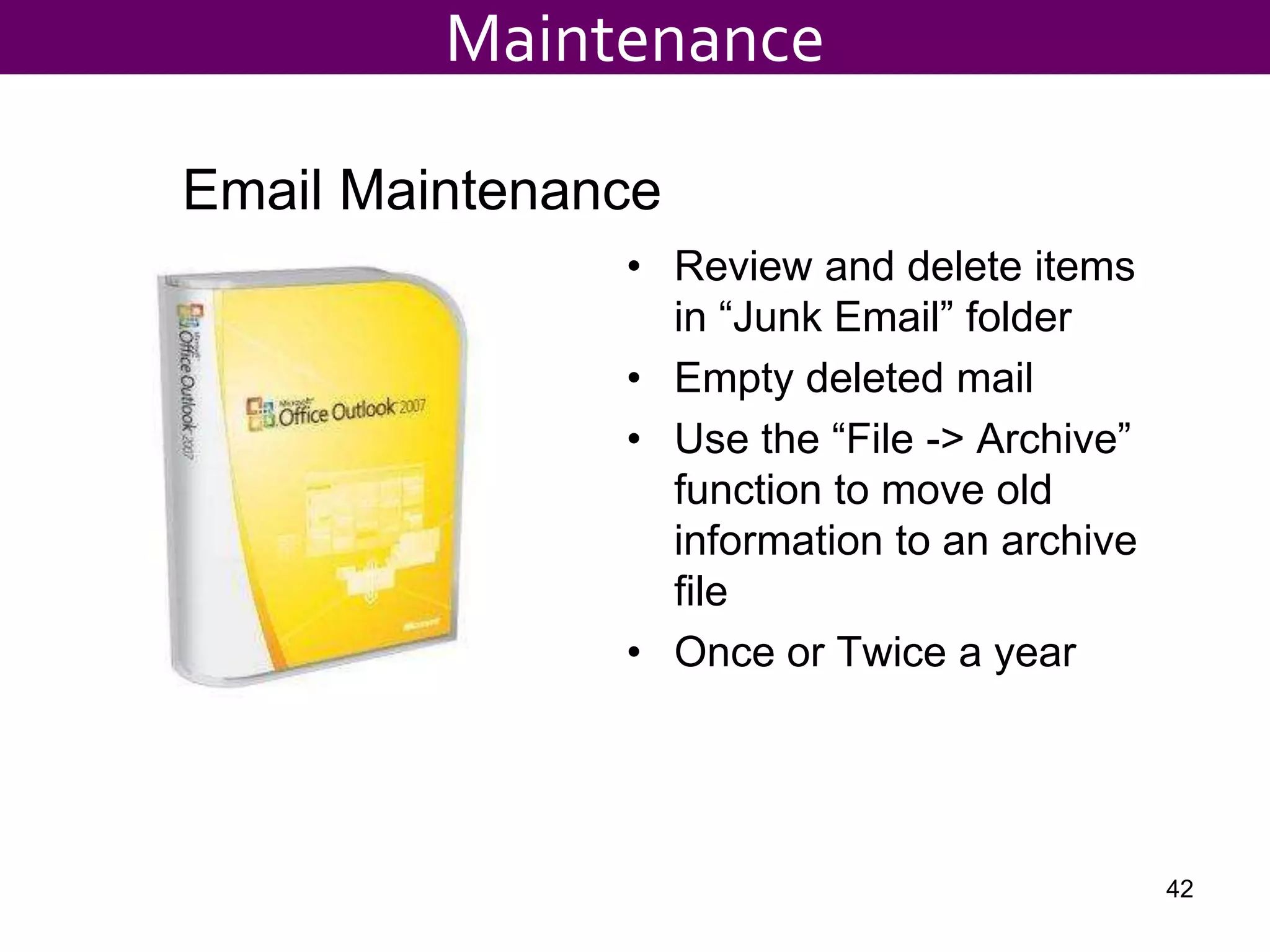
• Review and delete items
in “Junk Email” folder
• Empty deleted mail
• Use the “File -> Archive”
function to move old
information to an archive
file
• Once or Twice a year
Email Maintenance
Maintenance
42
Troubleshooting Tips
 Check the obvious FIRST
Cables, power cords, network devices, are other systems OK?, etc..
 Wait !! Don’t Change the settings
If it worked before it’s not probable it was changed “magically”
 Know your “Technical limits”
Make the Call.. Tech Support is standing by!
 Tech Support calls
 Be specific and clear
 Be prepared
 Serial Numbers, Make and Model, Account Info, Service Tag, Express
Service Code, … all before you pick up the phone!
43
Maintenance
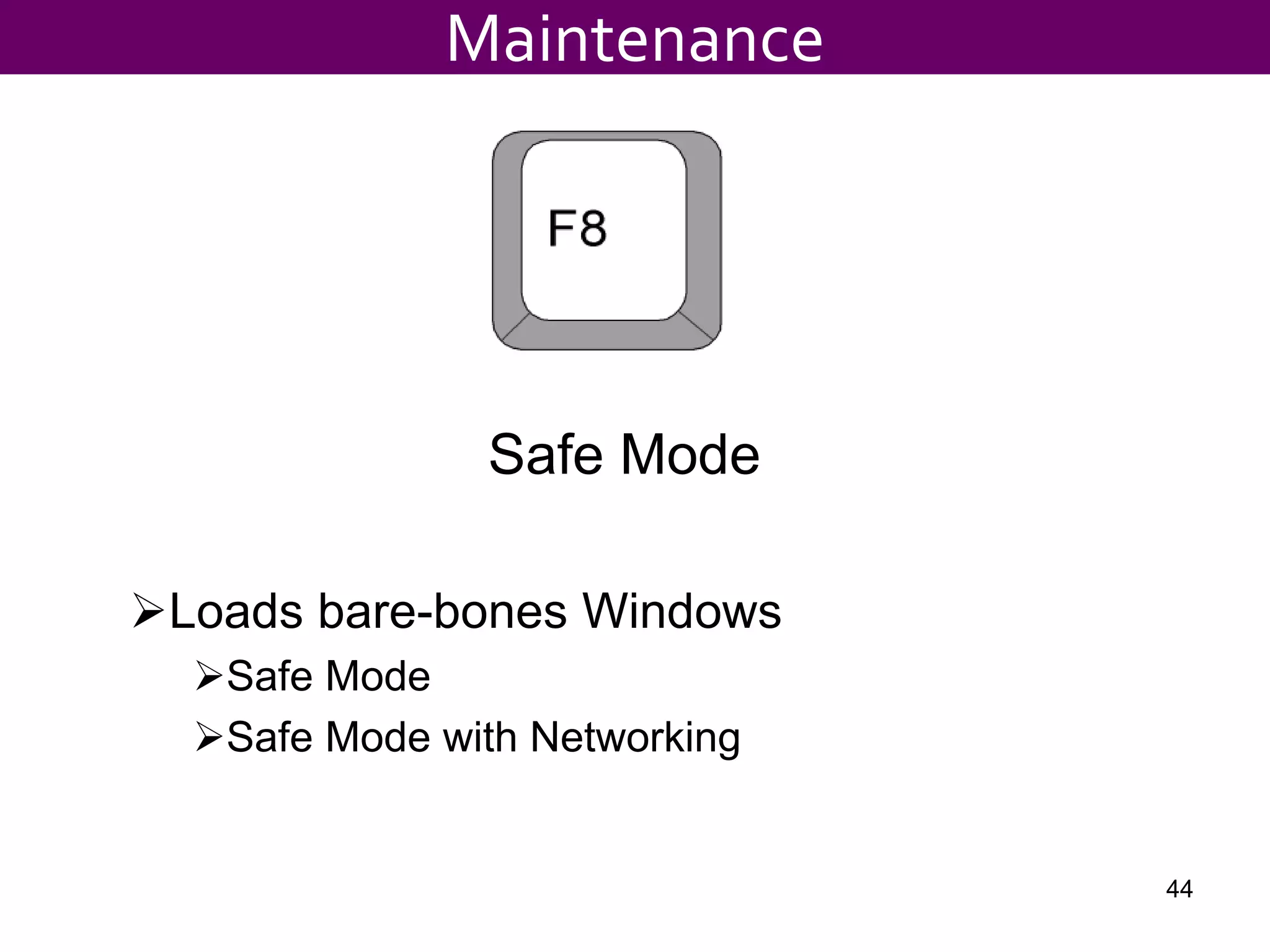
Safe Mode
Loads bare-bones Windows
Safe Mode
Safe Mode with Networking
Maintenance
44
Cleaning a system
• Uninstall unused
programs
• Uninstall toolbars
• Install all Microsoft
updates
• Update anti-virus & run a
full sys scan in Safe
Mode
• Run a scan using
housecall.trendmicro.com
• Update Spyware Malware
and scan in Safe Mode
• Turn on system firewall
• Install CCleaner (cleaner
and Registry tabs)
• Remove undesired start-
up group items
– Ck Startup Group
– Review Startup in
CCleaner
• Defrag the drive
• Minor optimizations: Turn
sounds off, Modify boot time,
Optimize visuals for best
performance, Make desktop
single color
Maintenance
45
Destructive Rebuild
• Should be worth the rebuild
• Great time to add more RAM, blowout dust, etc
• About 3 to 4 hrs for rebuild, updates and data migration.
• 1st! Backup Data, Email files, Favorites
– Remove HD
» Access as 2ndary on another system
» Vantec NexStar Hard Drive Dock
• Reload OS
– Save the Diagnostic Partition
– Delete (L) the Data Partition and reformat/install
• Reload drivers from Mfg website and build to Boilerplate
46
Maintenance
Maintenance
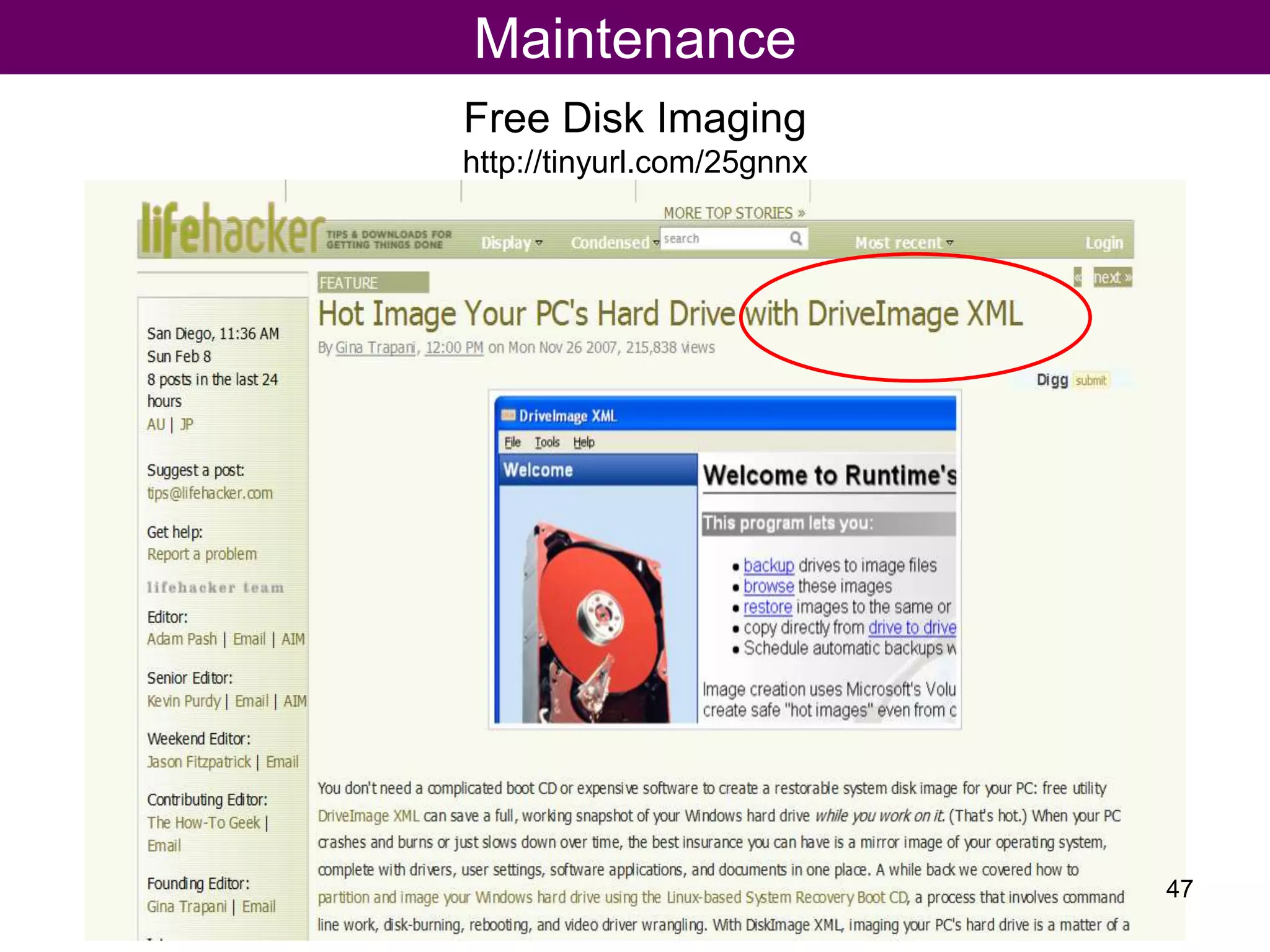
Free Disk Imaging
http://tinyurl.com/25gnnx
47
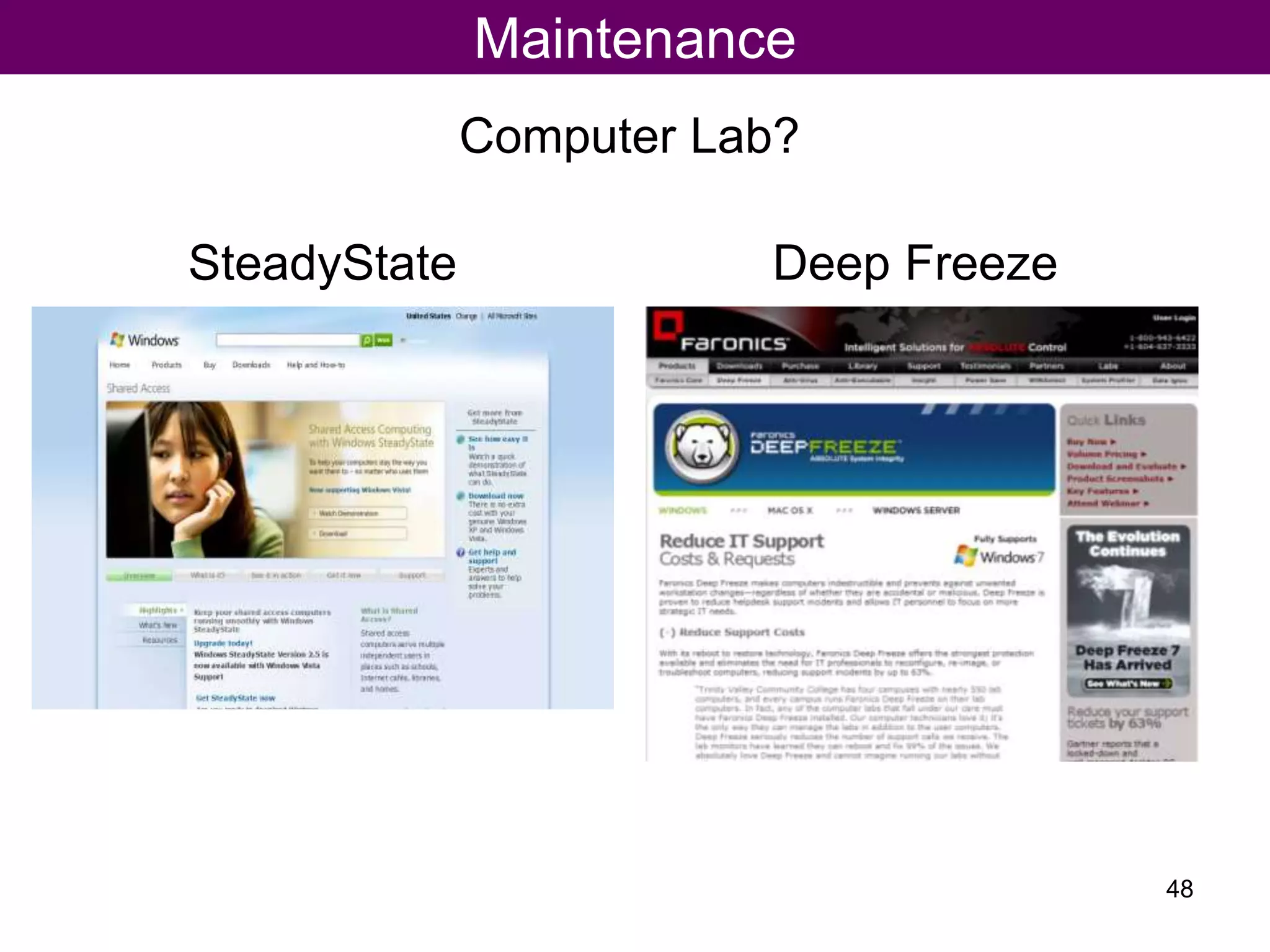
Computer Lab?
Maintenance
48
SteadyState Deep Freeze
Maintenance
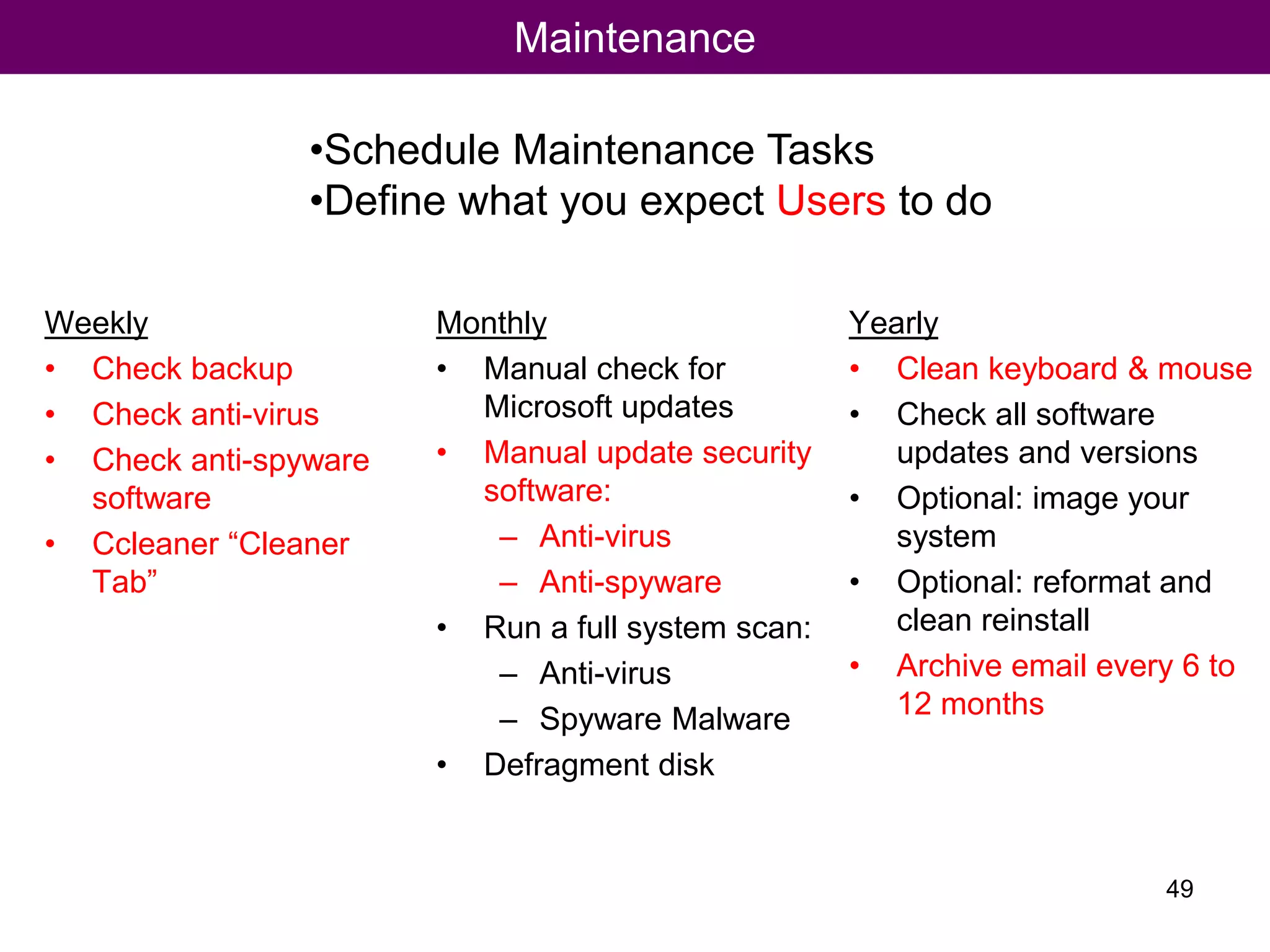
Weekly
• Check backup
• Check anti-virus
• Check anti-spyware
software
• Ccleaner “Cleaner
Tab”
Monthly
• Manual check for
Microsoft updates
• Manual update security
software:
– Anti-virus
– Anti-spyware
• Run a full system scan:
– Anti-virus
– Spyware Malware
• Defragment disk
Yearly
• Clean keyboard & mouse
• Check all software
updates and versions
• Optional: image your
system
• Optional: reformat and
clean reinstall
• Archive email every 6 to
12 months
•Schedule Maintenance Tasks
•Define what you expect Users to do
49
Maintenance
50
Lets Break!
Questions?
51
Tips andTricks
52
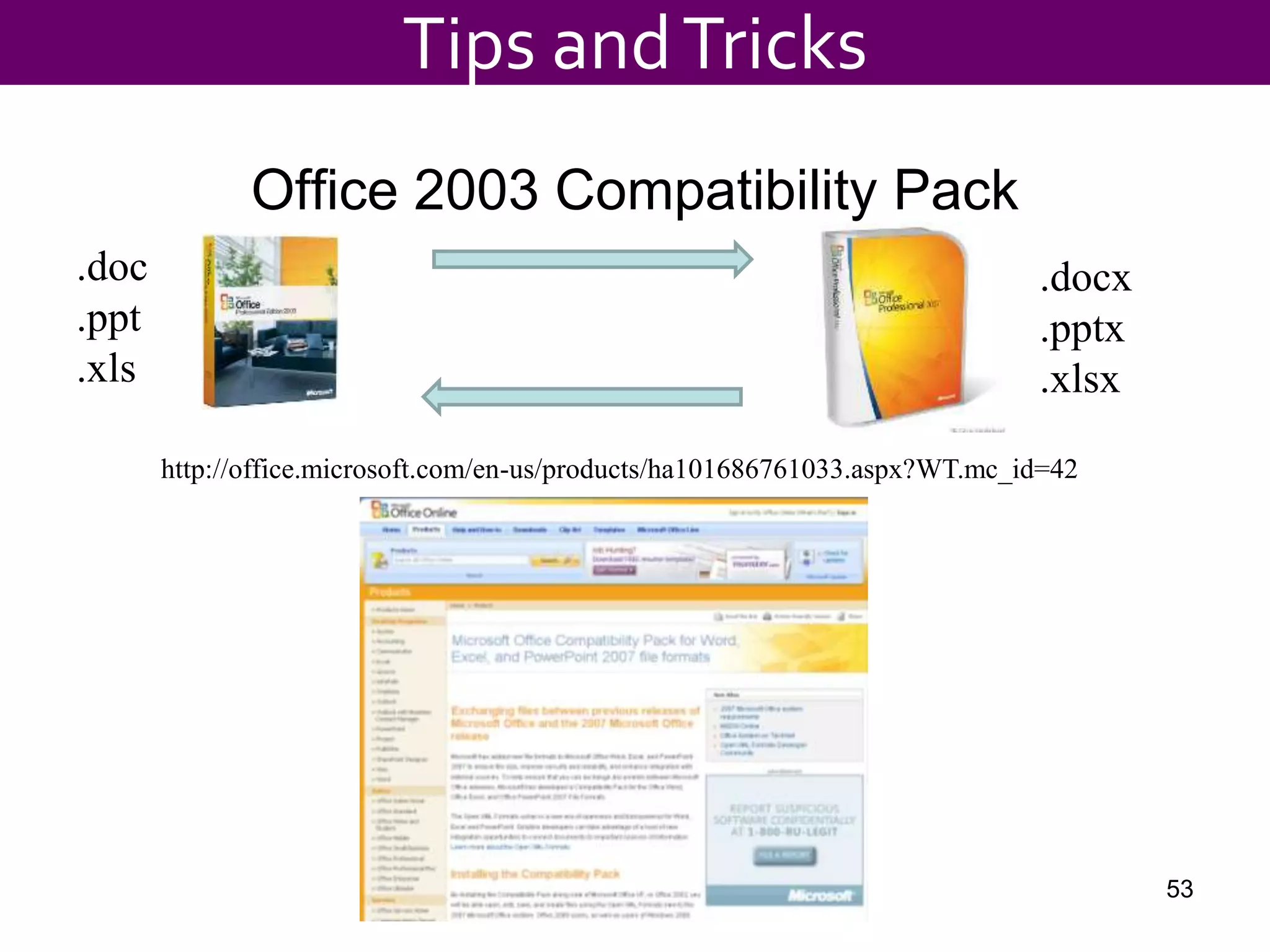
Office 2003 Compatibility Pack
Tips andTricks
53
.doc
.ppt
.xls
.docx
.pptx
.xlsx
http://office.microsoft.com/en-us/products/ha101686761033.aspx?WT.mc_id=42
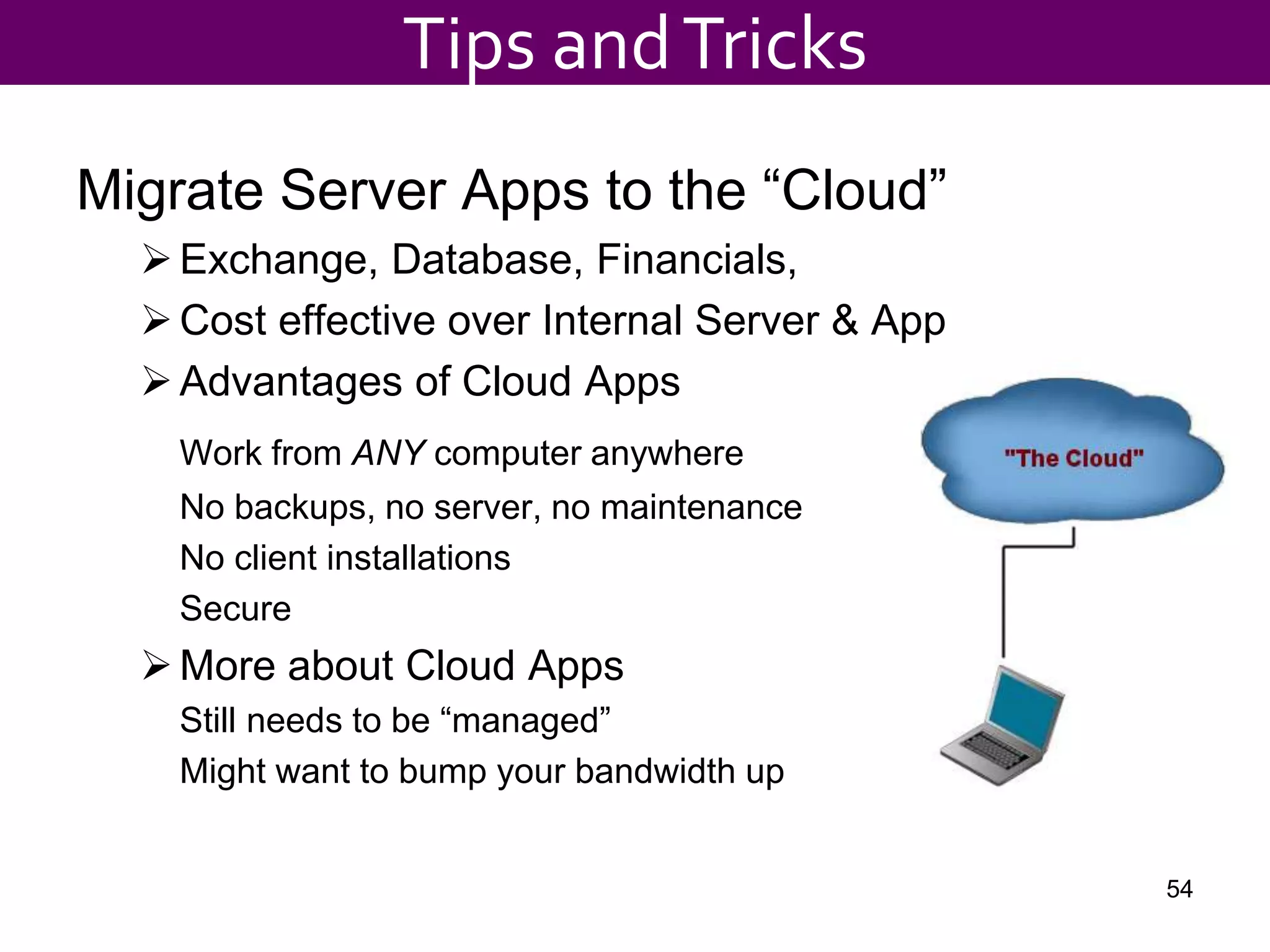
Migrate Server Apps to the “Cloud”
Exchange, Database, Financials,
Cost effective over Internal Server & App
Advantages of Cloud Apps
Work from ANY computer anywhere
No backups, no server, no maintenance
No client installations
Secure
More about Cloud Apps
Still needs to be “managed”
Might want to bump your bandwidth up
54
Tips andTricks
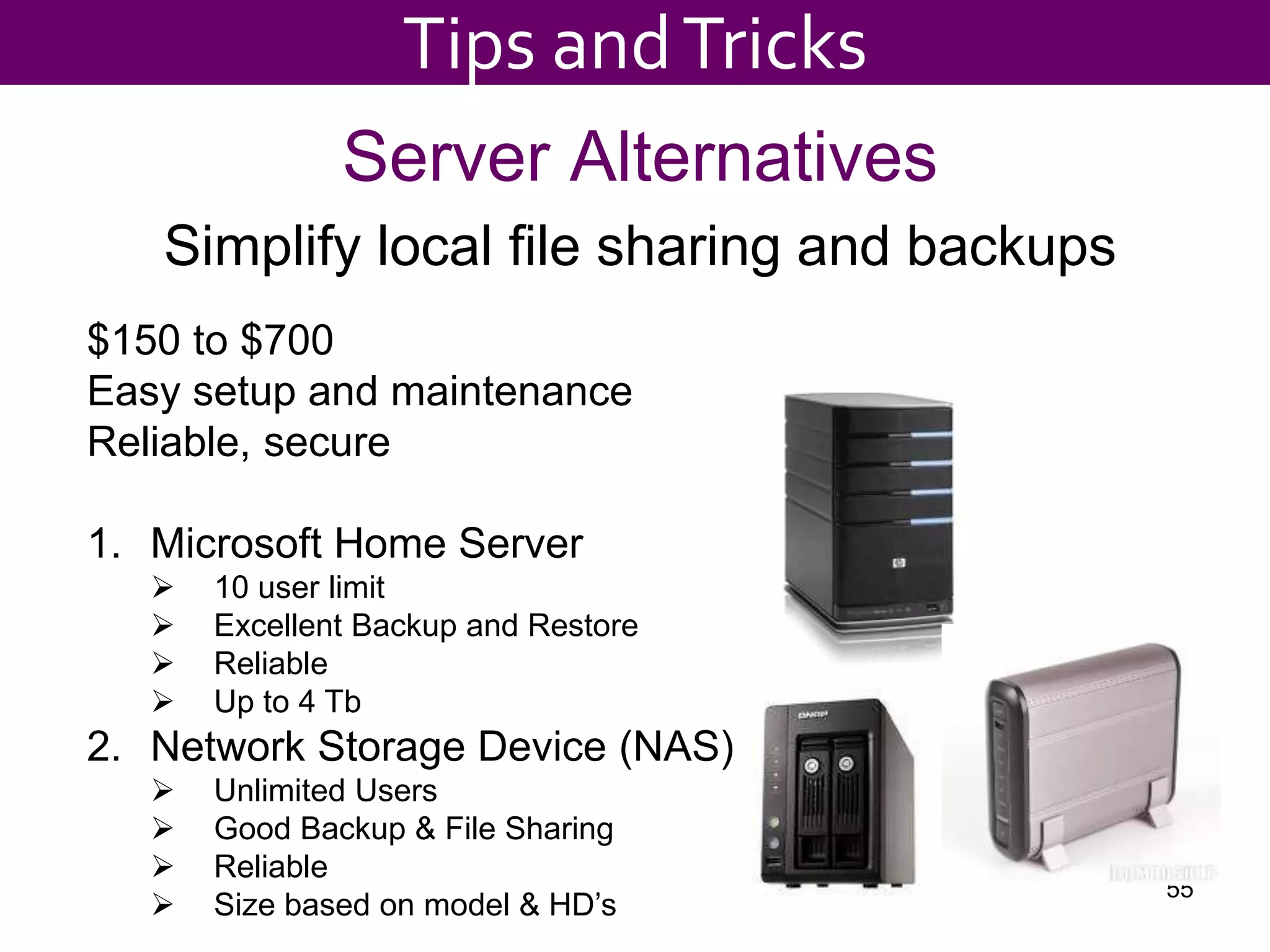
Server Alternatives
Simplify local file sharing and backups
55
$150 to $700
Easy setup and maintenance
Reliable, secure
1. Microsoft Home Server
 10 user limit
 Excellent Backup and Restore
 Reliable
 Up to 4 Tb
2. Network Storage Device (NAS)
 Unlimited Users
 Good Backup & File Sharing
 Reliable
 Size based on model & HD’s
Tips andTricks
${#}
Tips andTricks
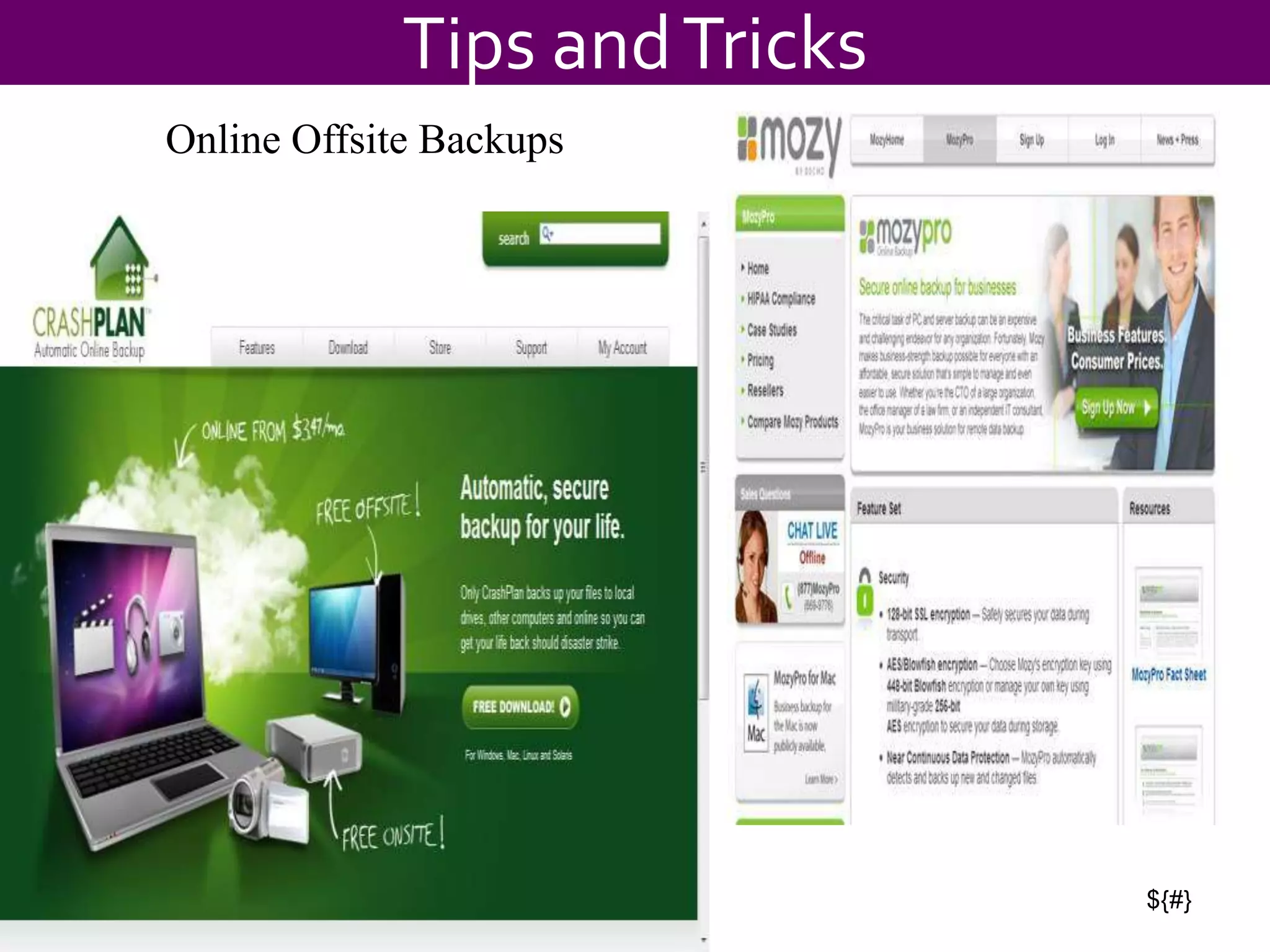
Online Offsite Backups
${#}
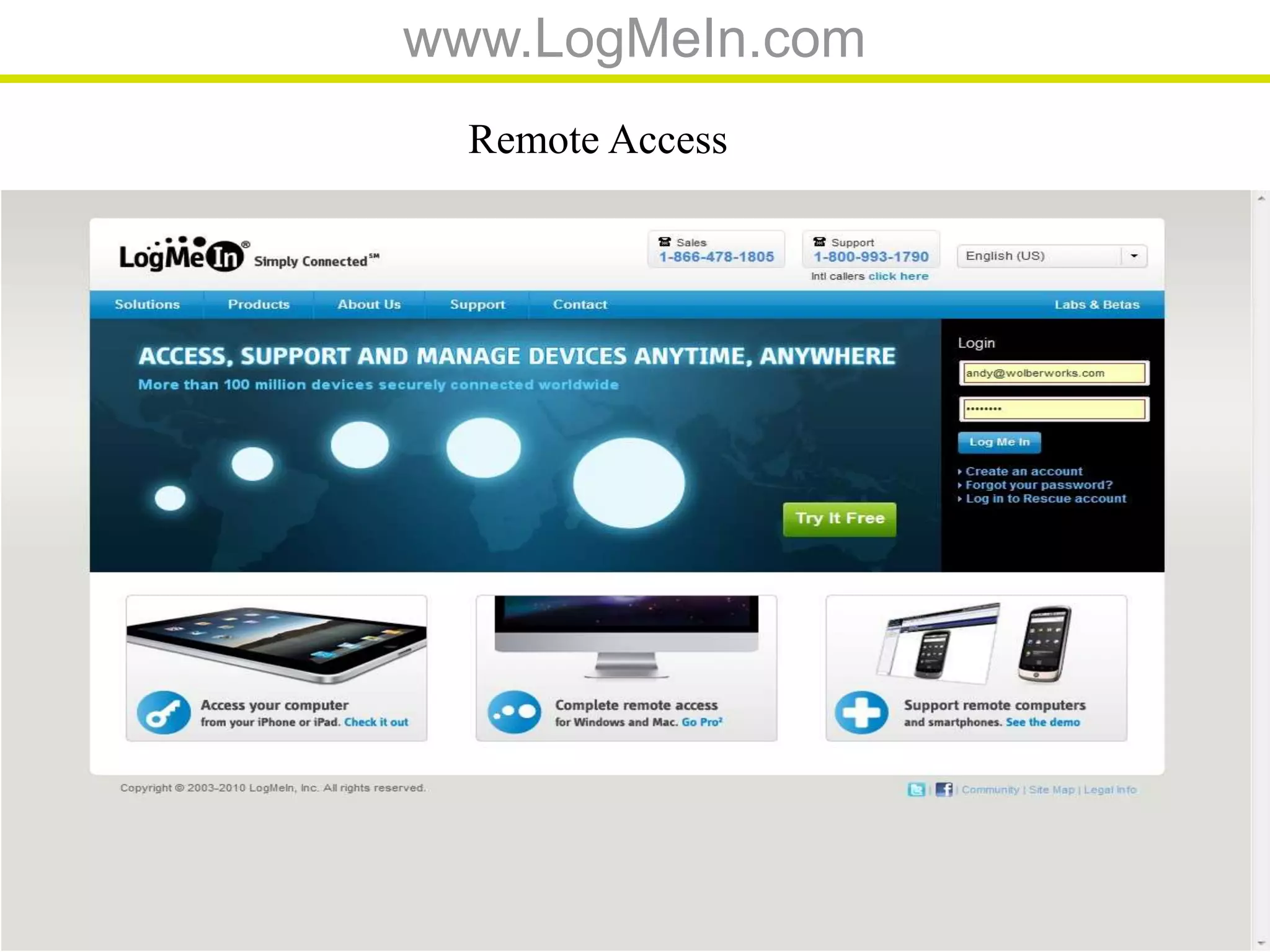
www.LogMeIn.com
Remote Access
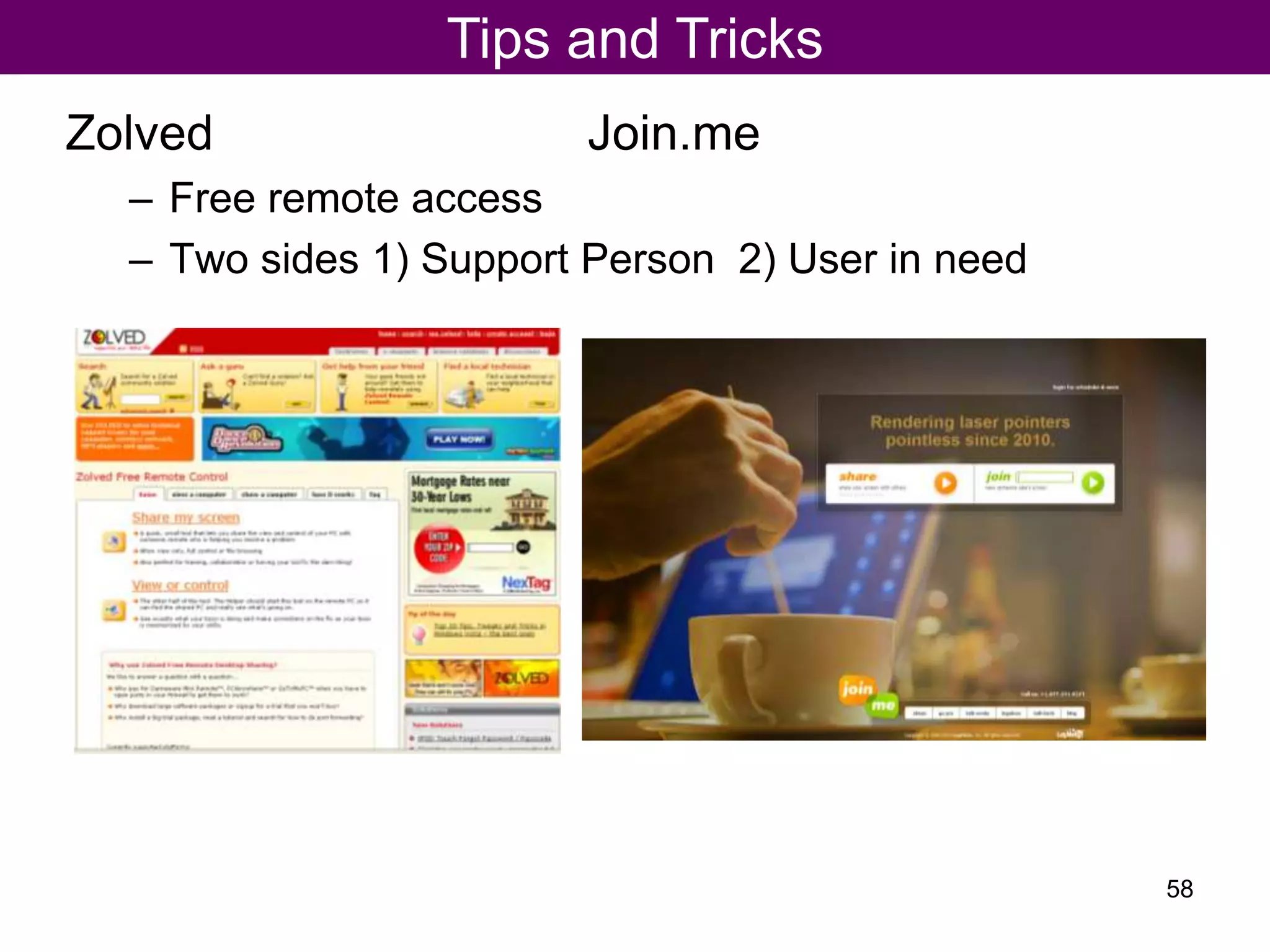
Zolved Join.me
– Free remote access
– Two sides 1) Support Person 2) User in need
Tips and Tricks
58
Adobe Acrobat 9 - $299
retail
Pdf File Creation
1. Generate from a “pdf printer”
2. Generate from a “Save as”
 PDF Creator - http://sourceforge.net/projects/pdfcreator/
 PDF 995 – http://www.pdf995.com
 SaveAsPDF for Office 2007 -- http://tinyurl.com/6lpoyd
 All Free!
Tips andTricks
59
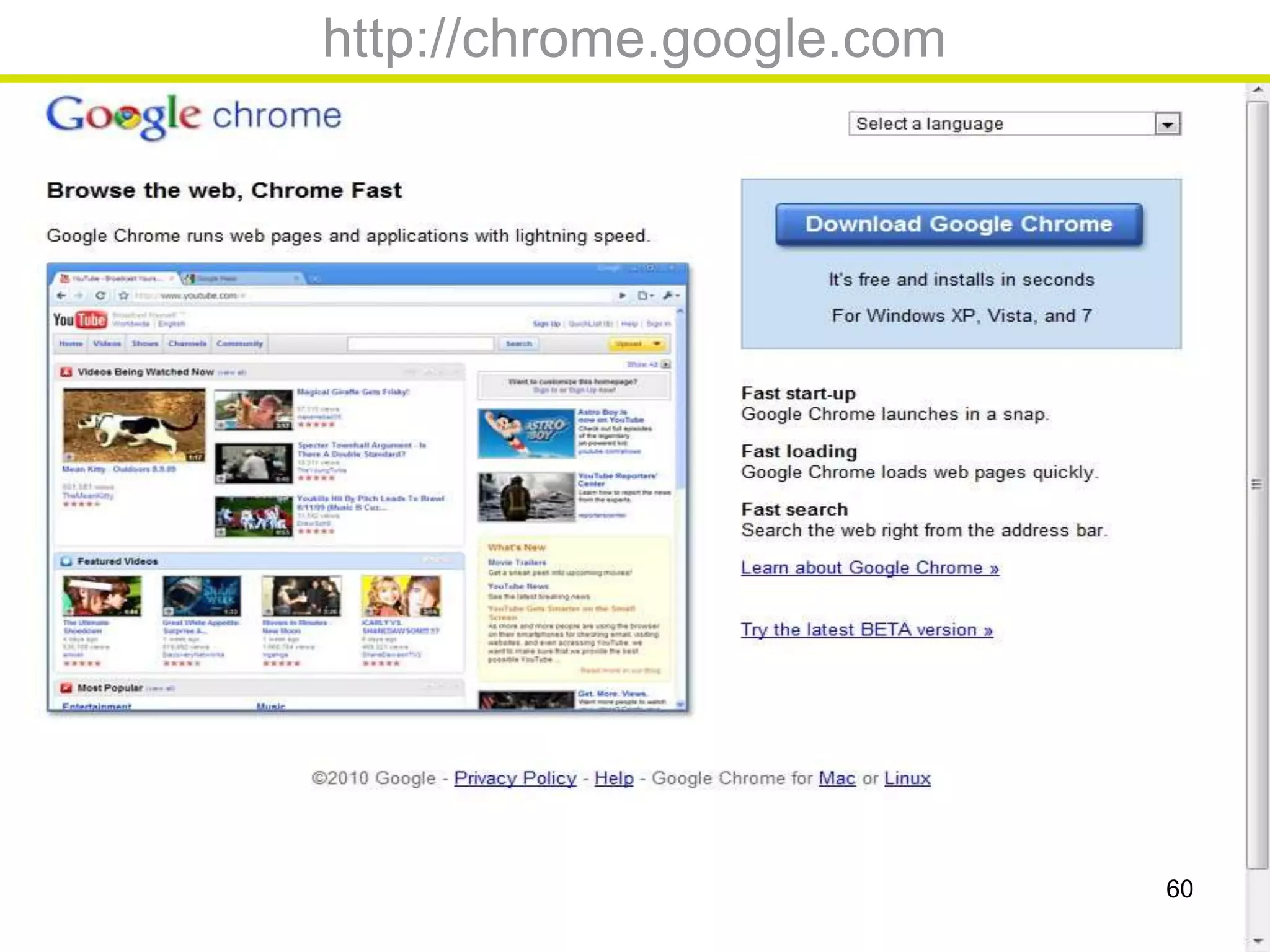
http://chrome.google.com
60
${#}
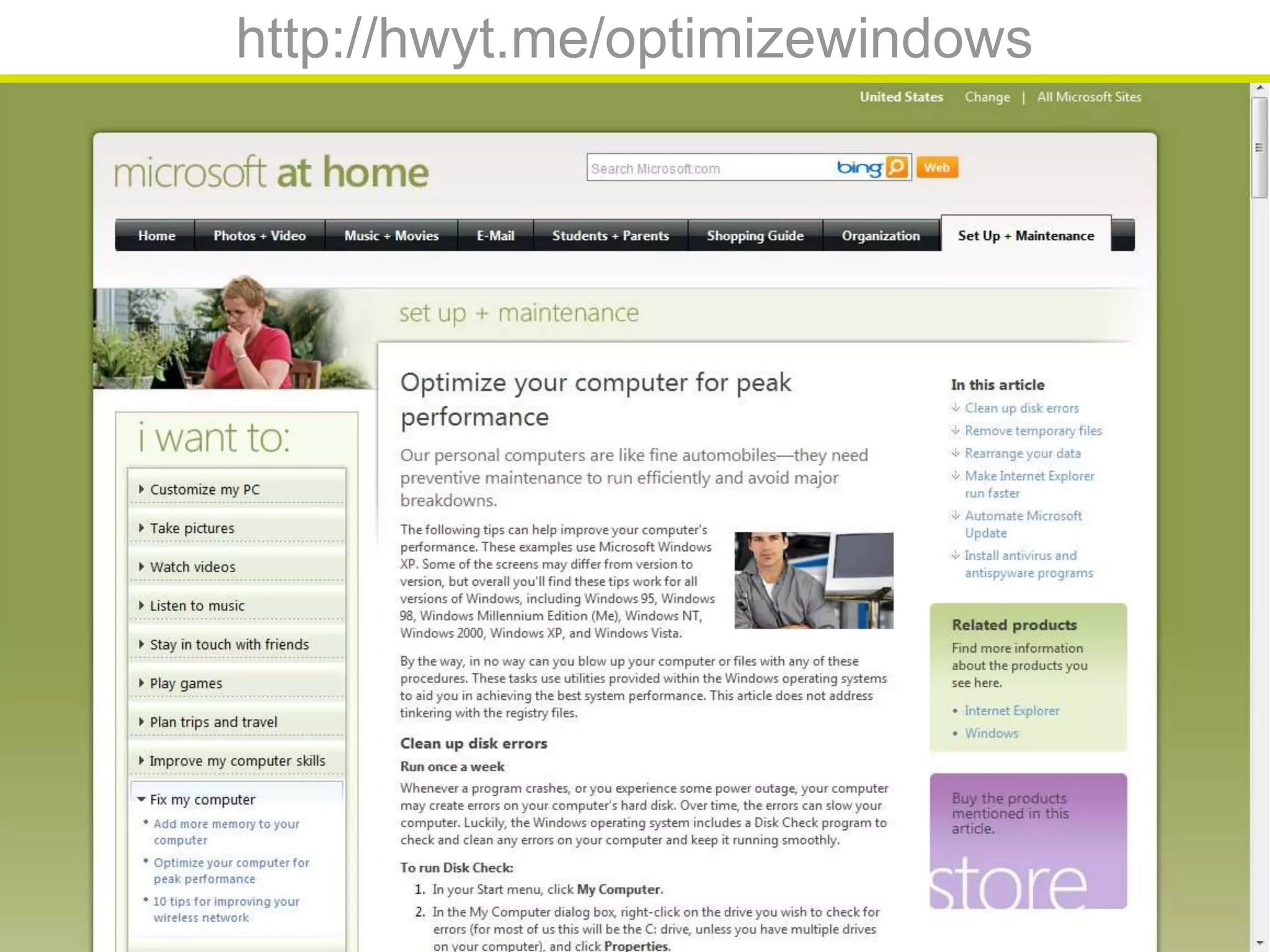
http://hwyt.me/optimizewindows
${#}
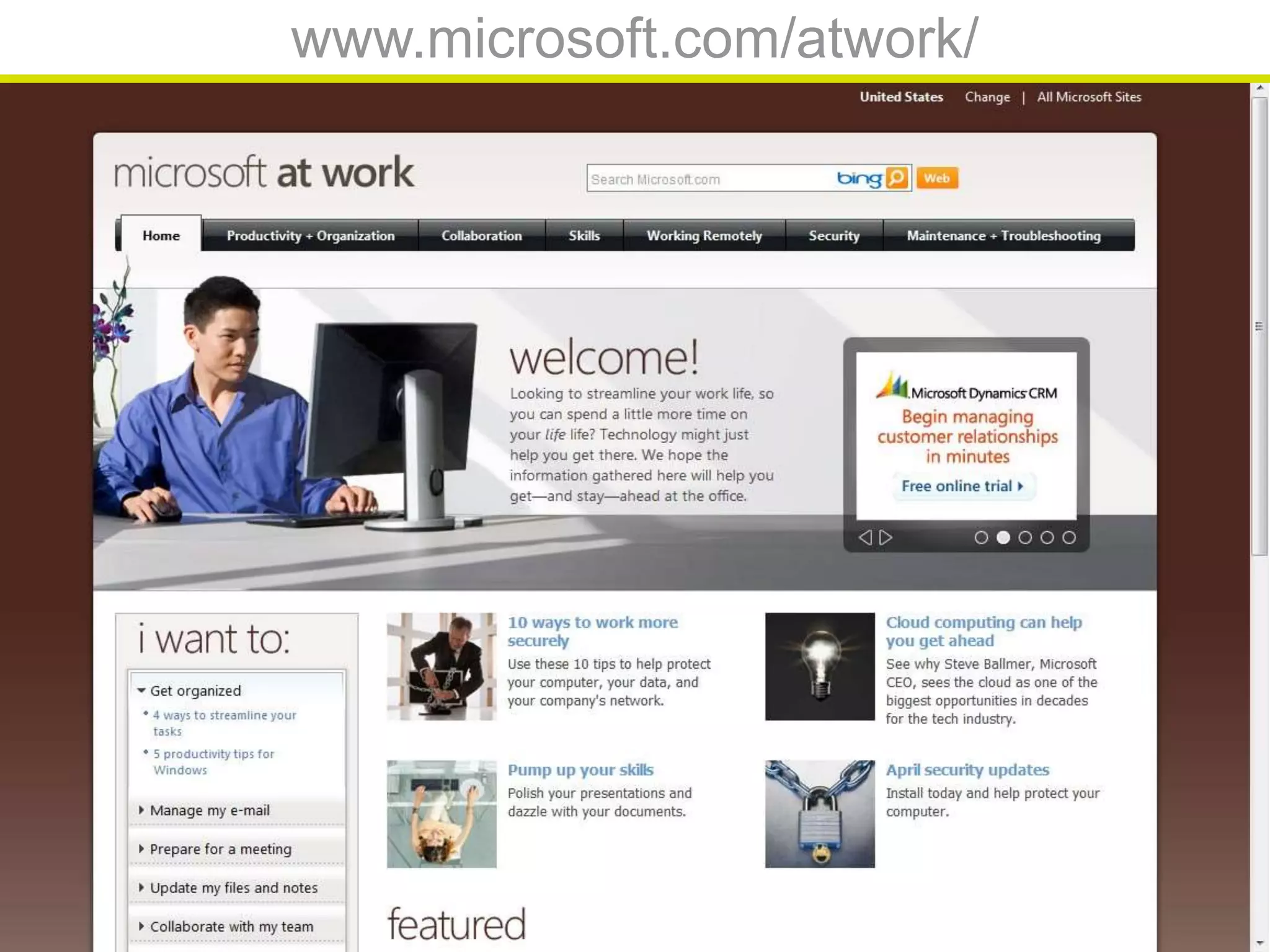
www.microsoft.com/atwork/
Upgrades and New
Purchases
63
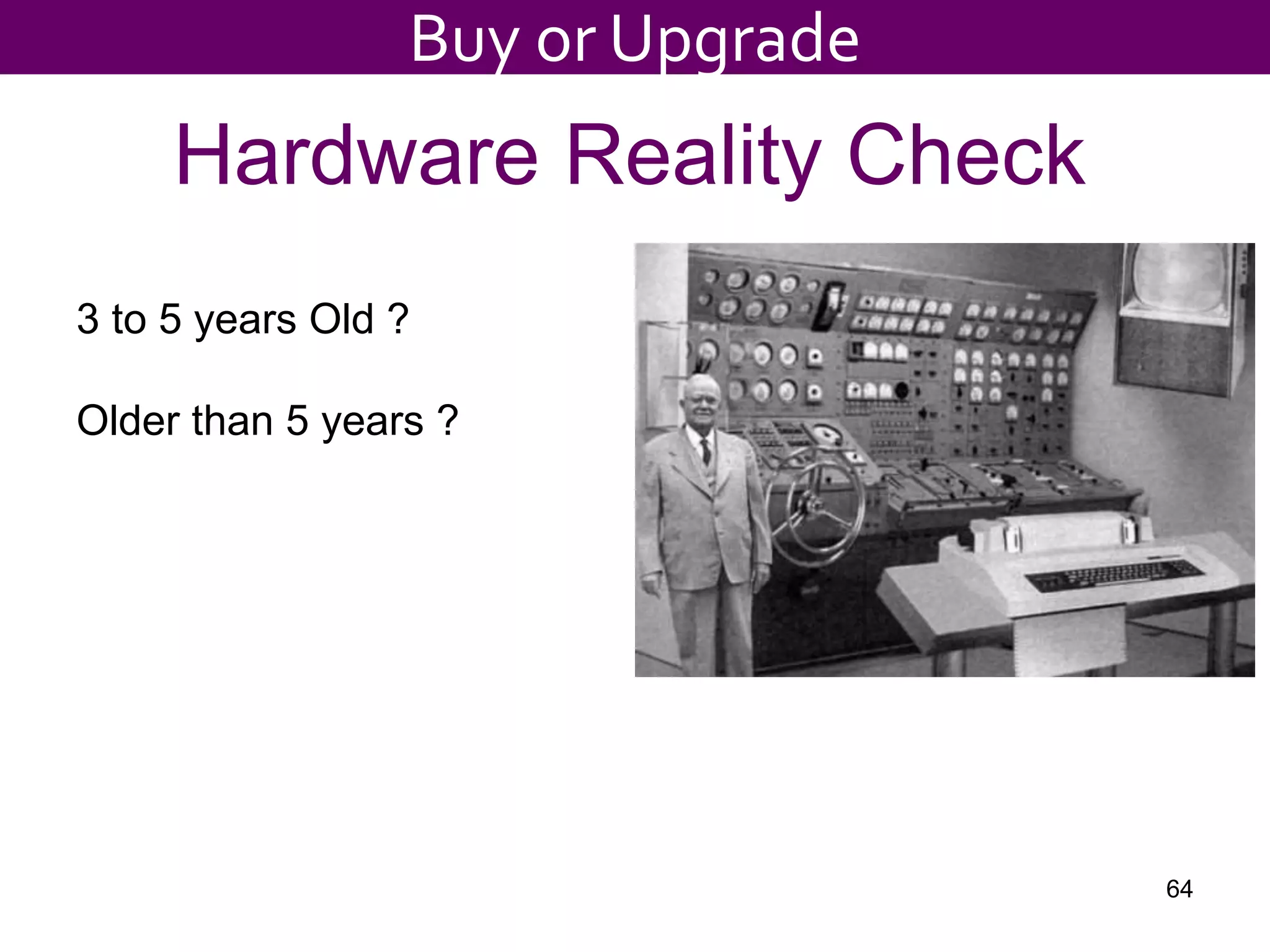
Hardware Reality Check
3 to 5 years Old ?
Older than 5 years ?
64
Buy or Upgrade
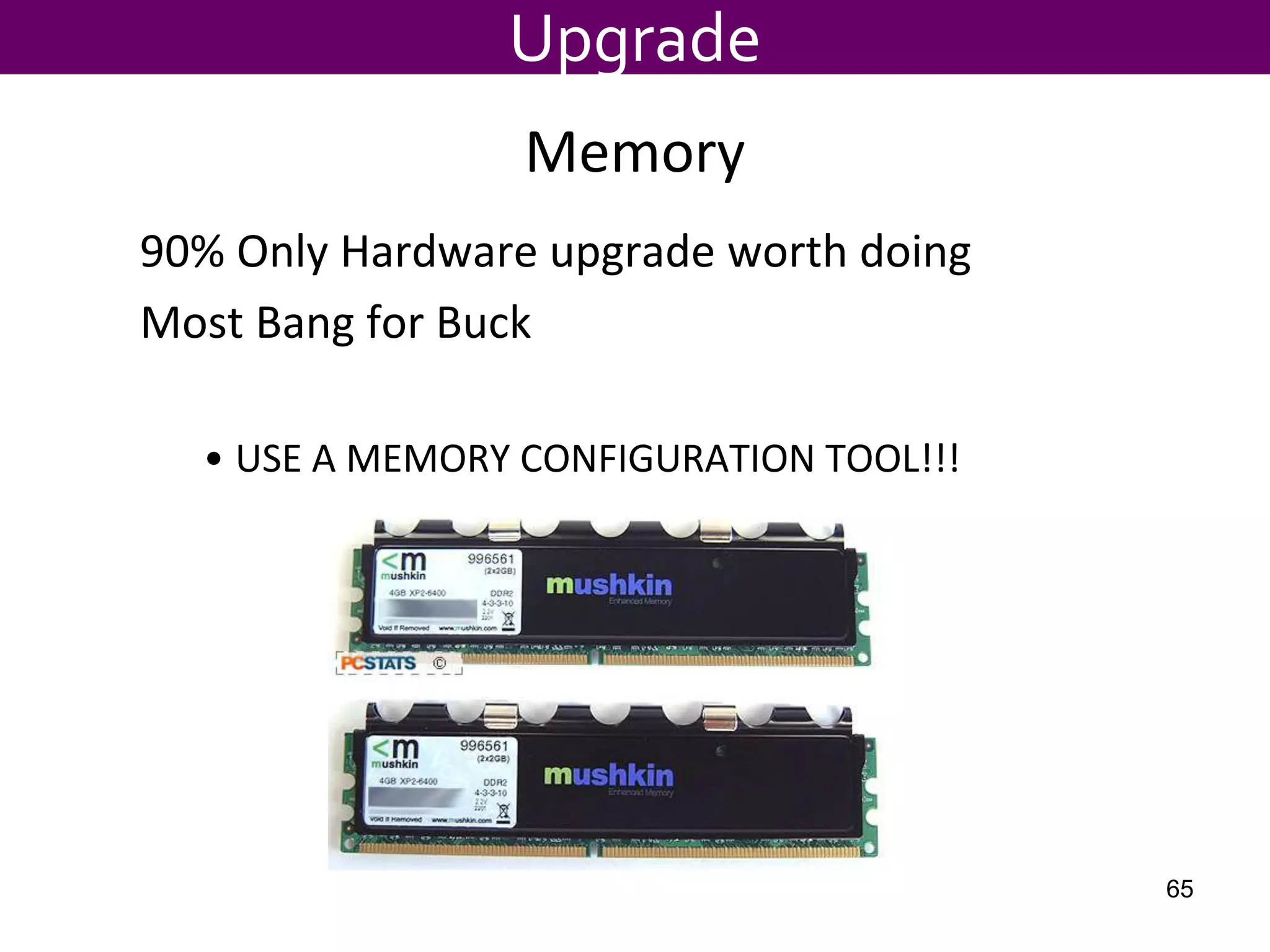
Memory
90% Only Hardware upgrade worth doing
Most Bang for Buck
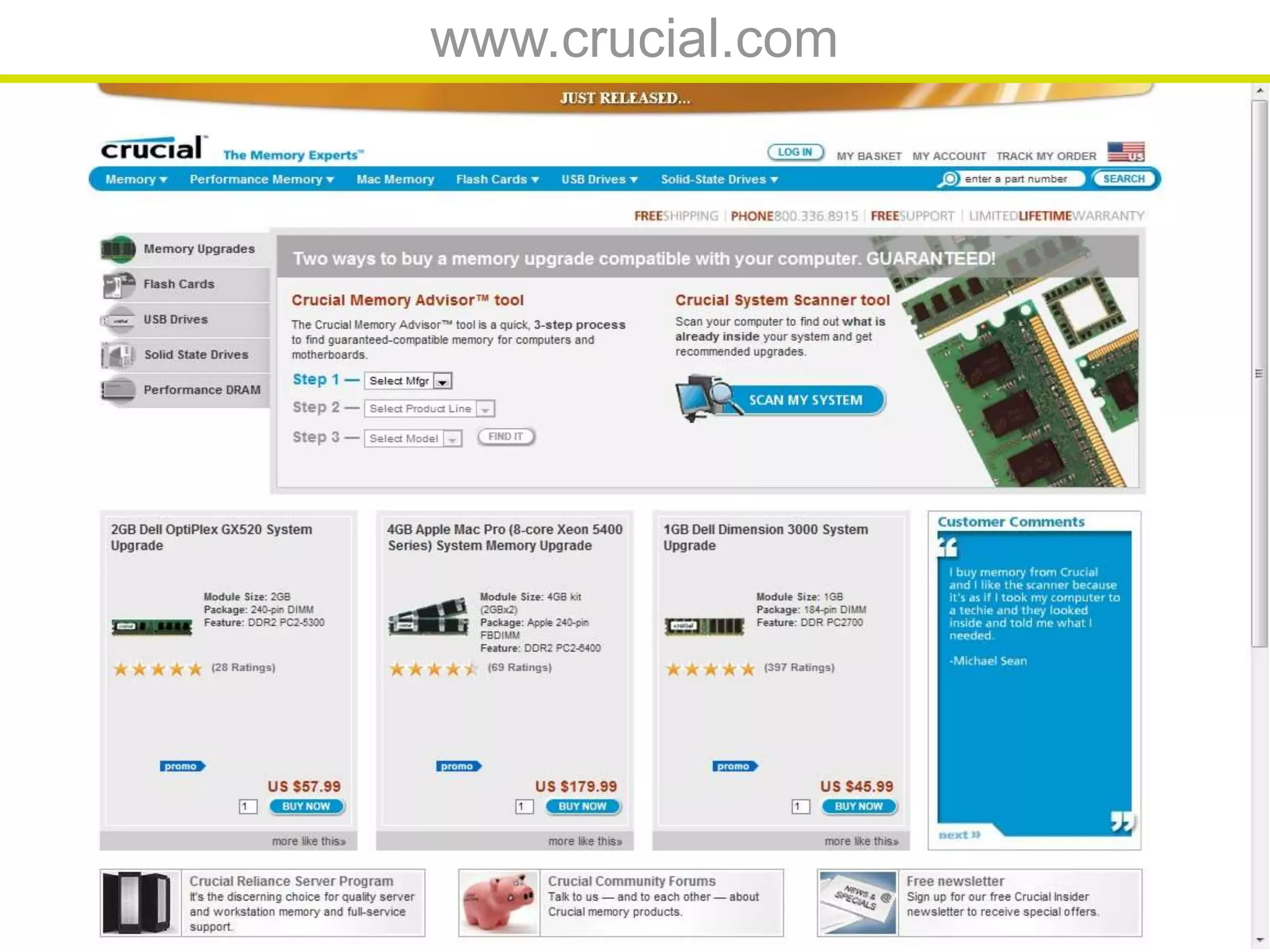
• USE A MEMORY CONFIGURATION TOOL!!!
Upgrade
65
${#}
www.crucial.com
${#}
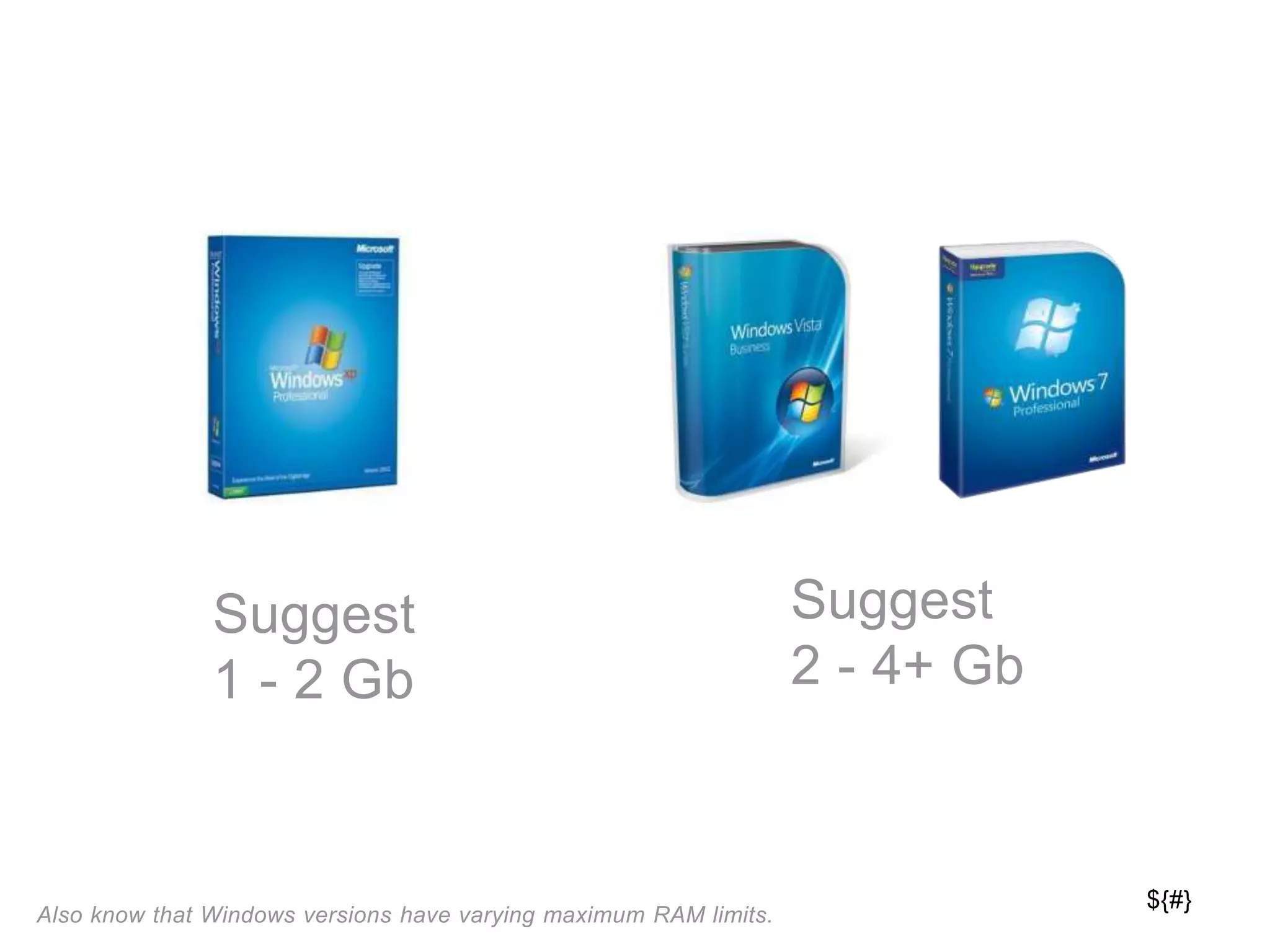
Suggest
1 - 2 Gb
Suggest
2 - 4+ Gb
Also know that Windows versions have varying maximum RAM limits.
${#}
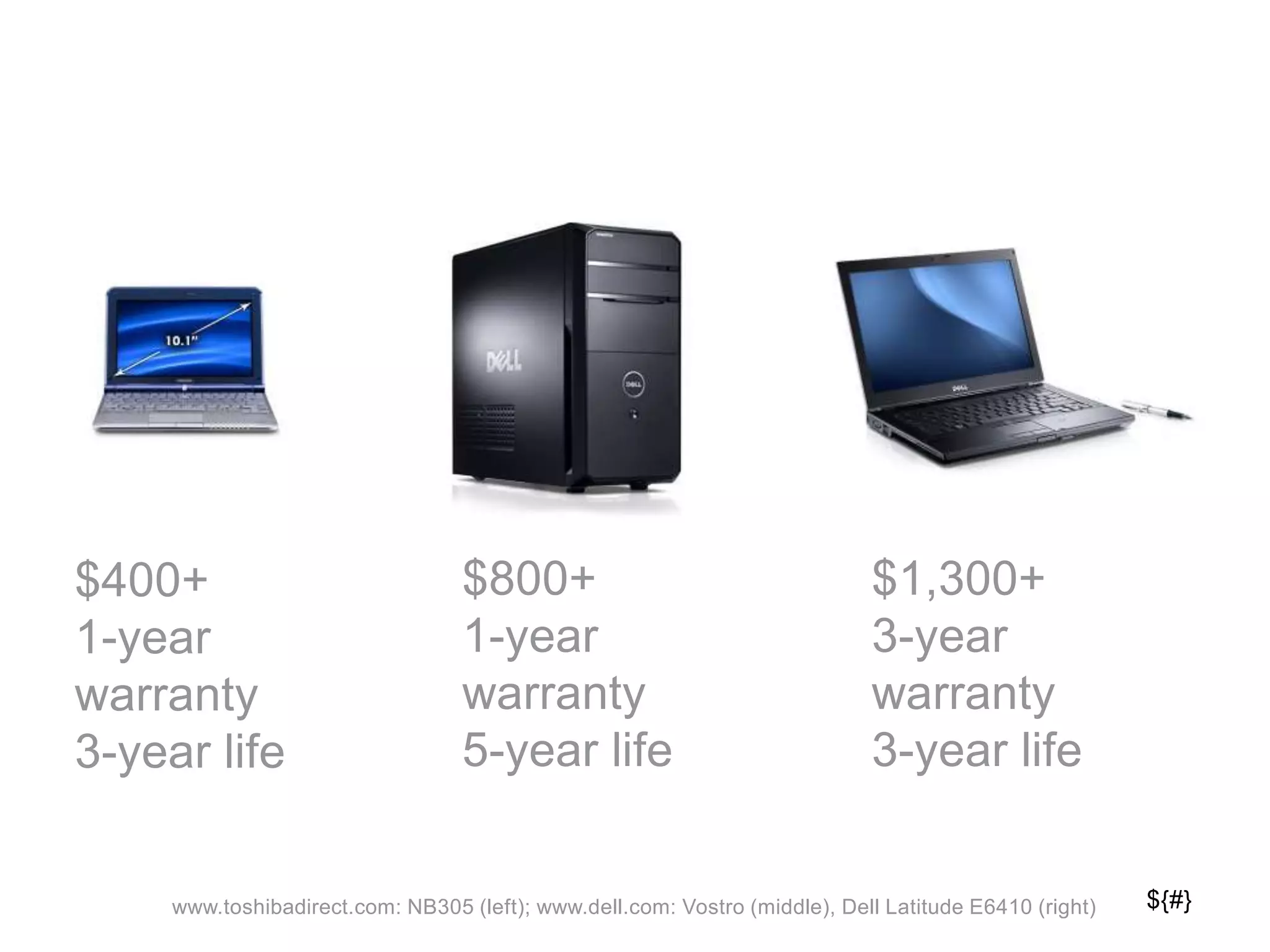
$800+
1-year
warranty
5-year life
$1,300+
3-year
warranty
3-year life
www.toshibadirect.com: NB305 (left); www.dell.com: Vostro (middle), Dell Latitude E6410 (right)
$400+
1-year
warranty
3-year life
${#}
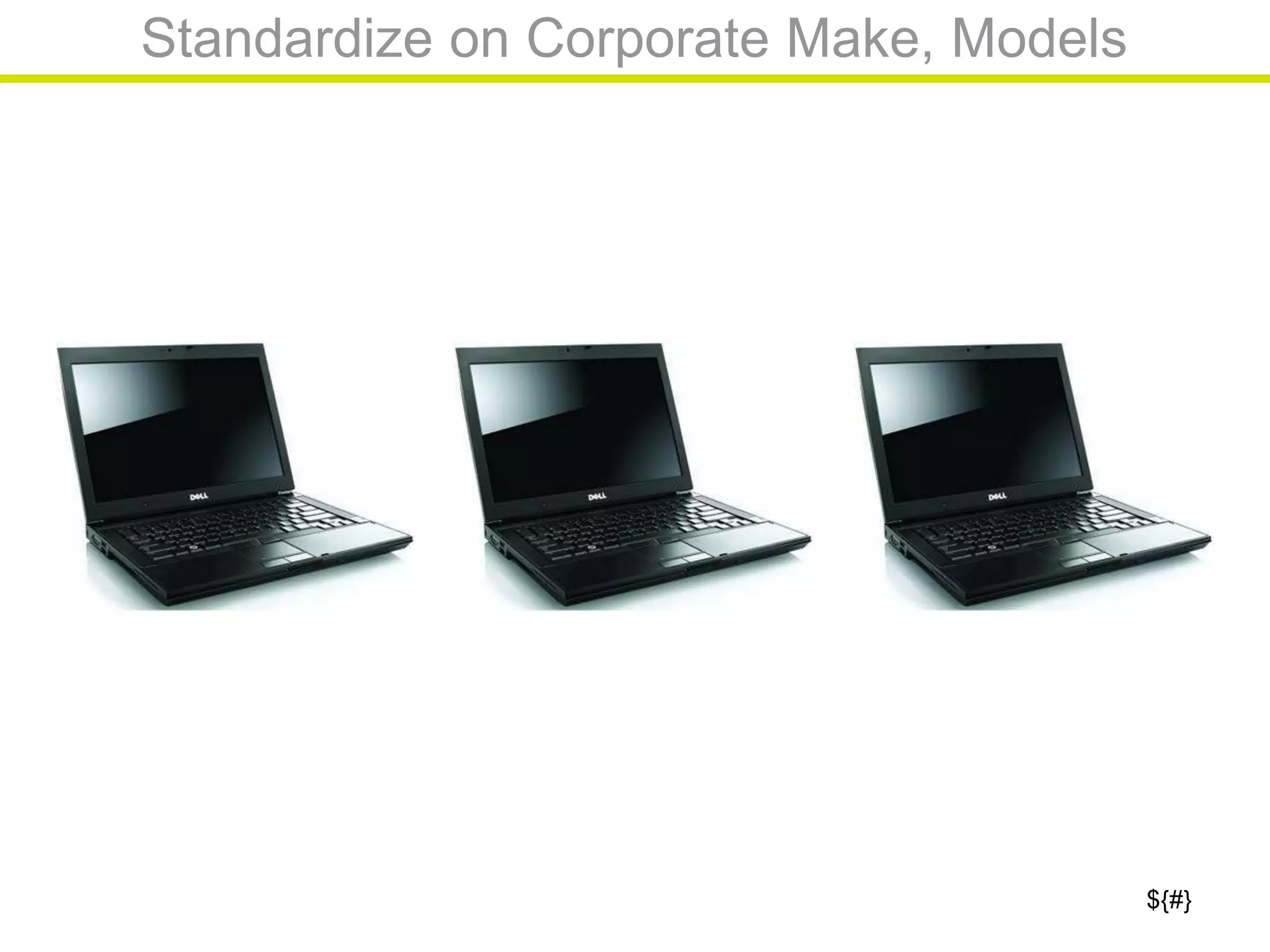
Standardize on Corporate Make, Models
${#}
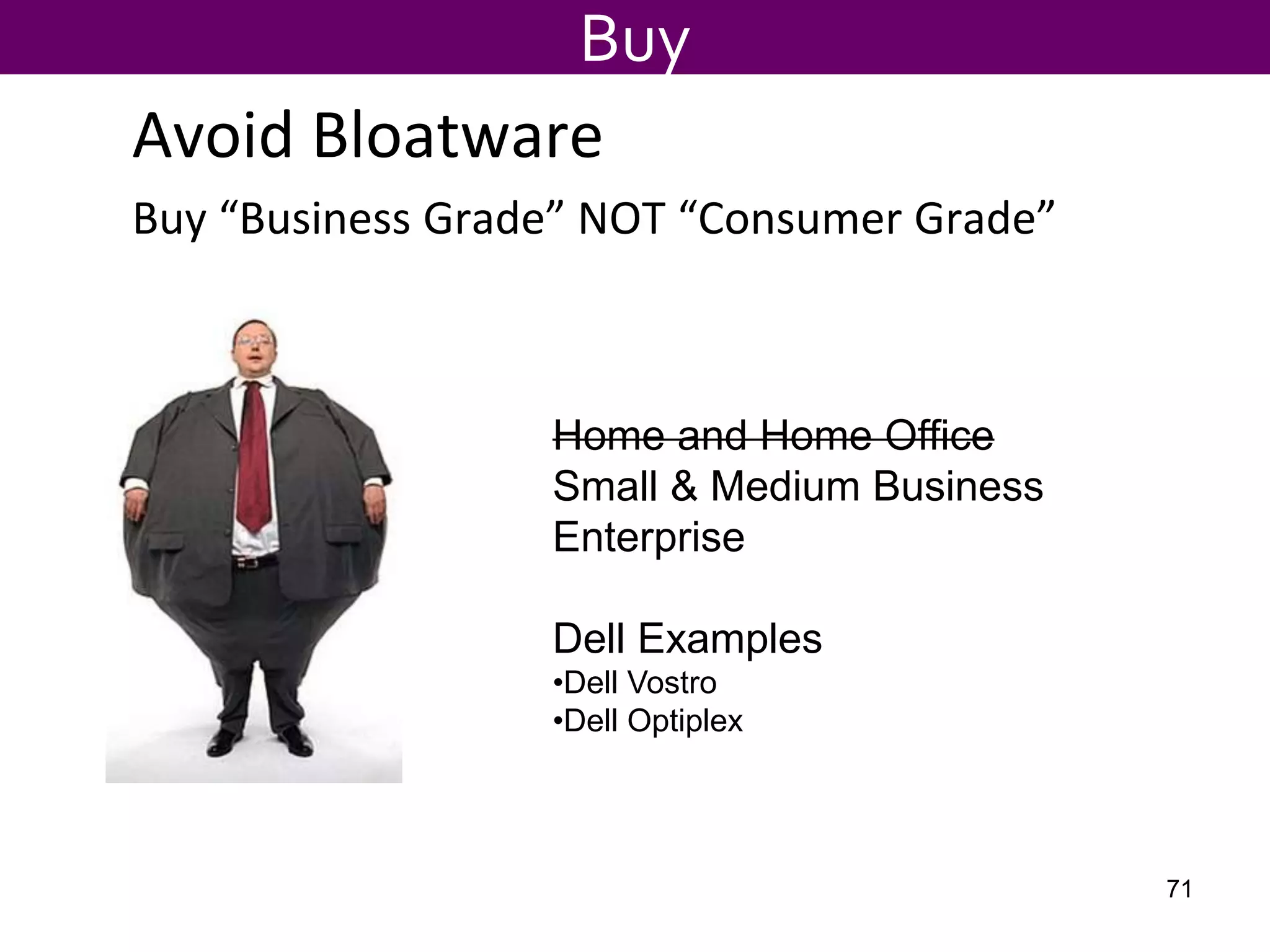
Avoid Bloatware
Buy “Business Grade” NOT “Consumer Grade”
Buy
Home and Home Office
Small & Medium Business
Enterprise
Dell Examples
•Dell Vostro
•Dell Optiplex
71
${#}
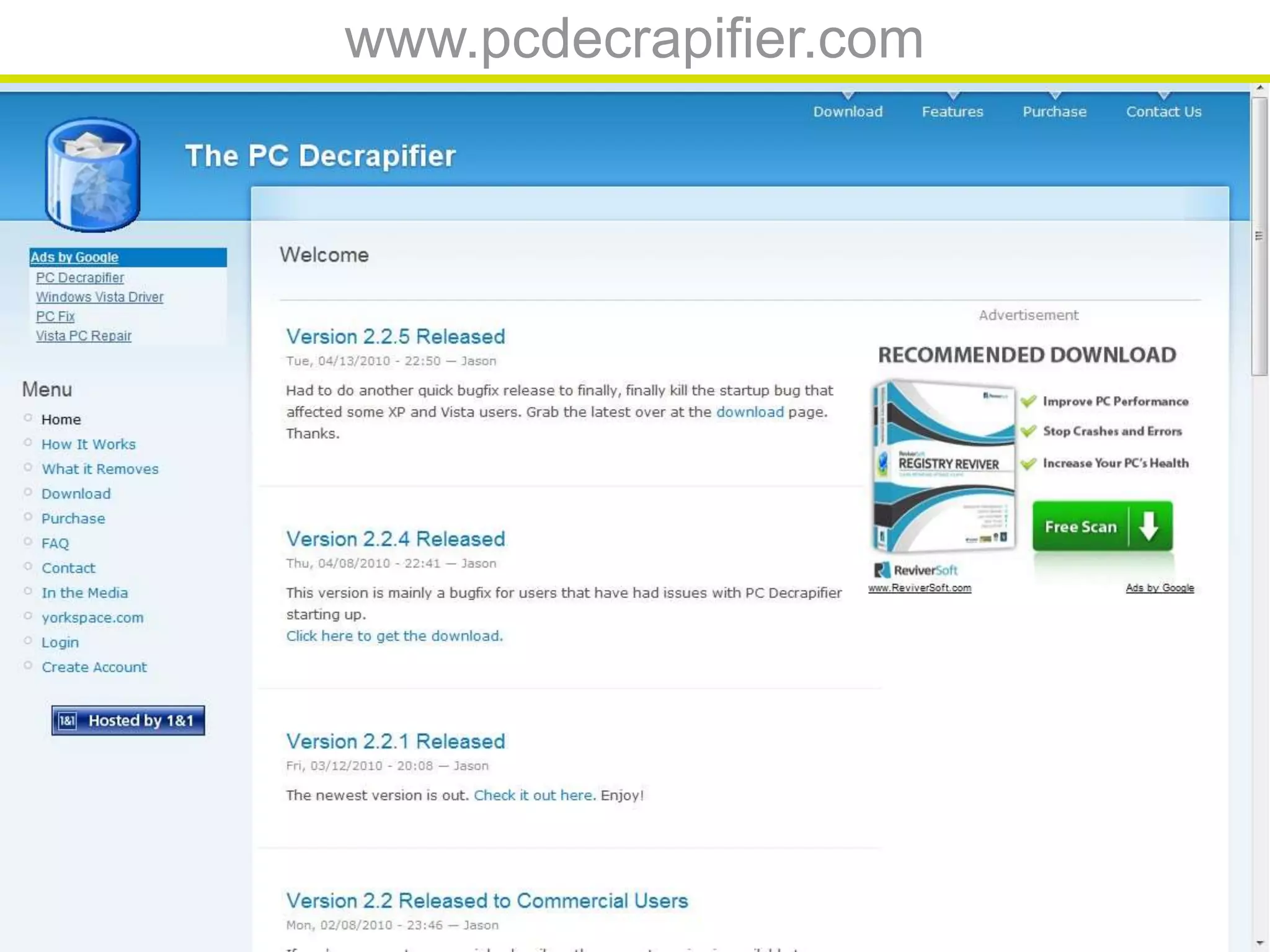
www.pcdecrapifier.com
Processor Components
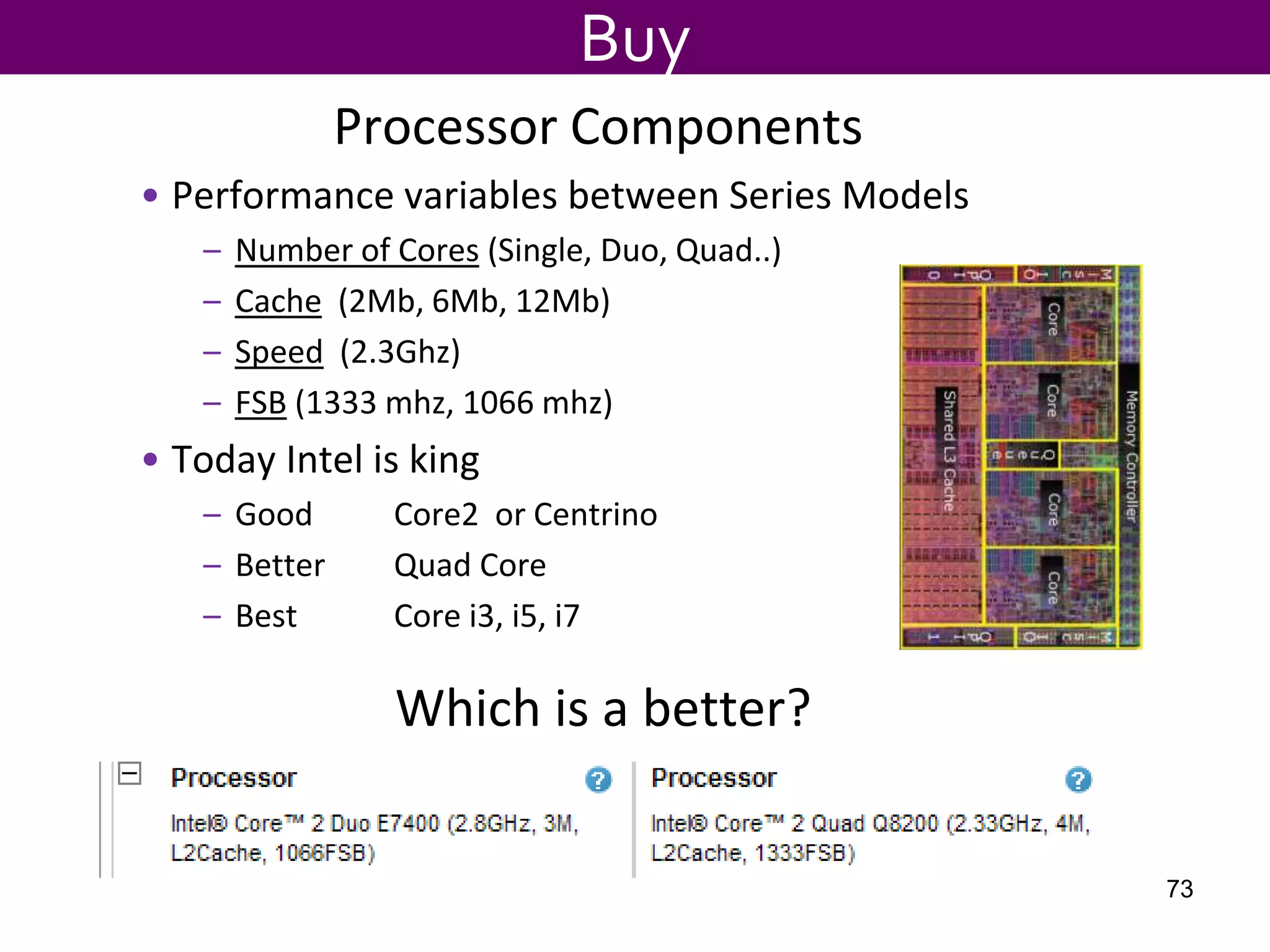
• Performance variables between Series Models
– Number of Cores (Single, Duo, Quad..)
– Cache (2Mb, 6Mb, 12Mb)
– Speed (2.3Ghz)
– FSB (1333 mhz, 1066 mhz)
• Today Intel is king
– Good Core2 or Centrino
– Better Quad Core
– Best Core i3, i5, i7
Buy
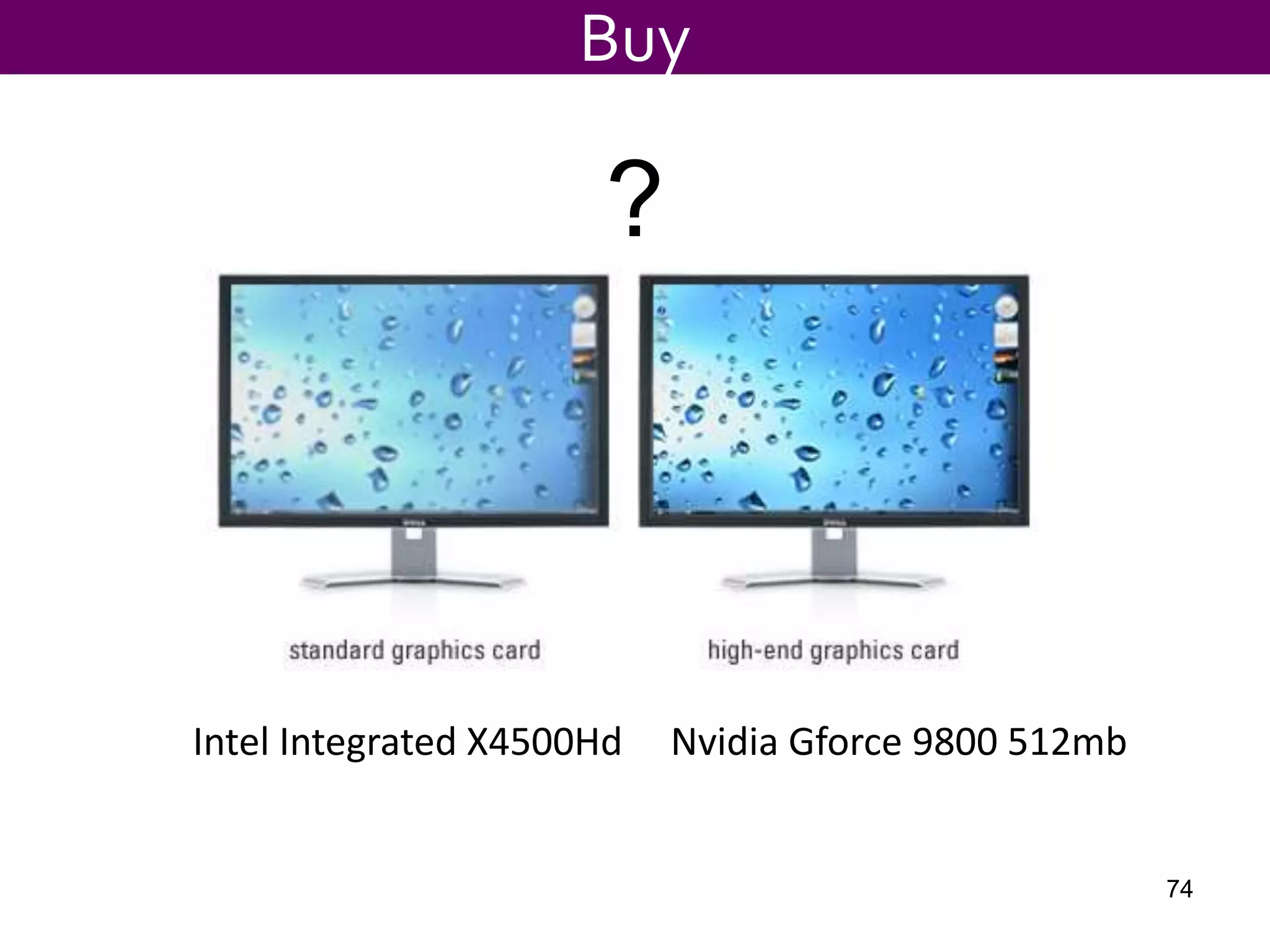
Which is a better?
73
?
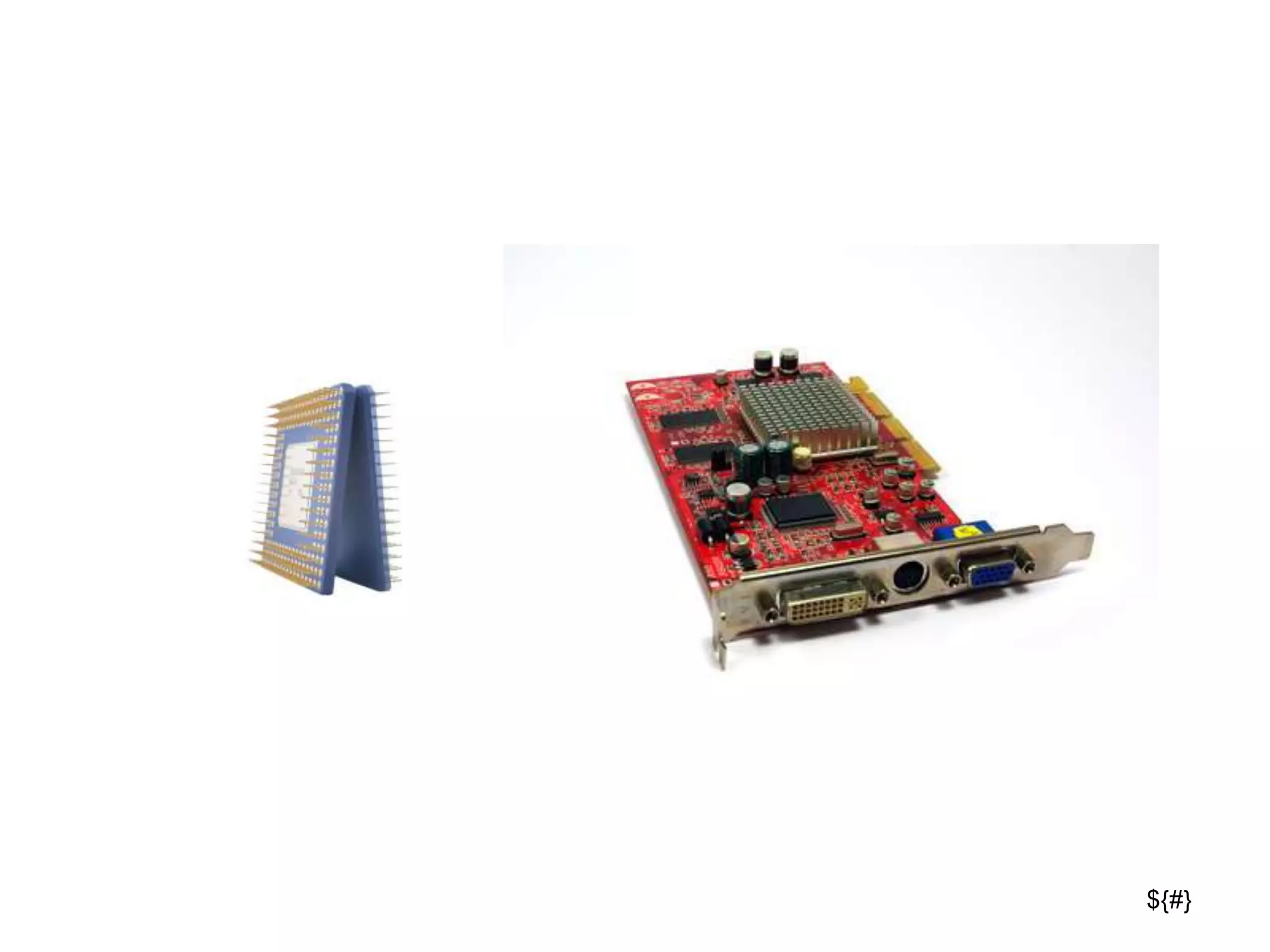
Intel Integrated X4500Hd Nvidia Gforce 9800 512mb
Buy
74
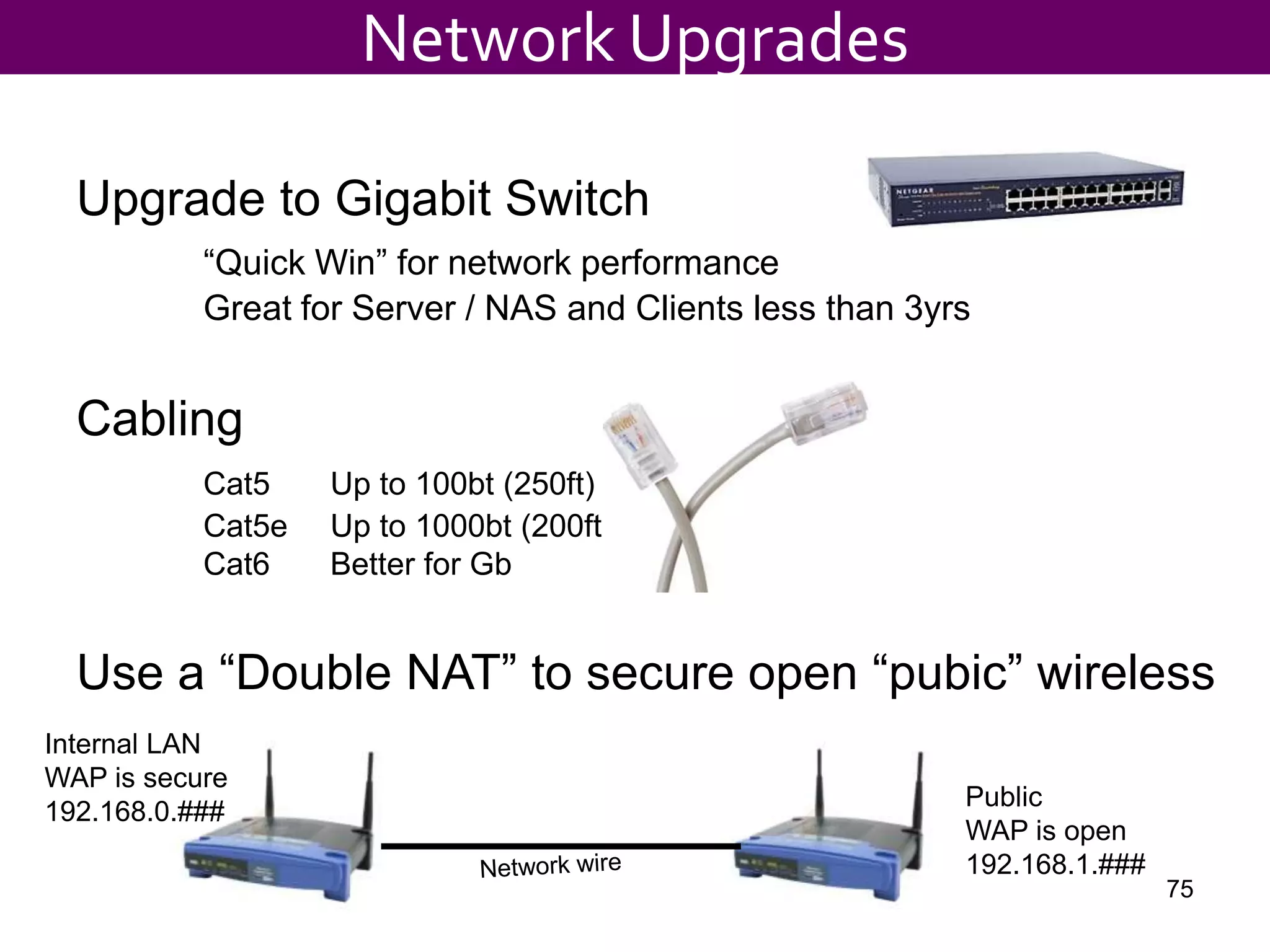
Upgrade to Gigabit Switch
“Quick Win” for network performance
Great for Server / NAS and Clients less than 3yrs
Cabling
Cat5 Up to 100bt (250ft)
Cat5e Up to 1000bt (200ft)
Cat6 Better for Gb
Use a “Double NAT” to secure open “pubic” wireless
Network Upgrades
Internal LAN
WAP is secure
192.168.0.###
Public
WAP is open
192.168.1.###
75
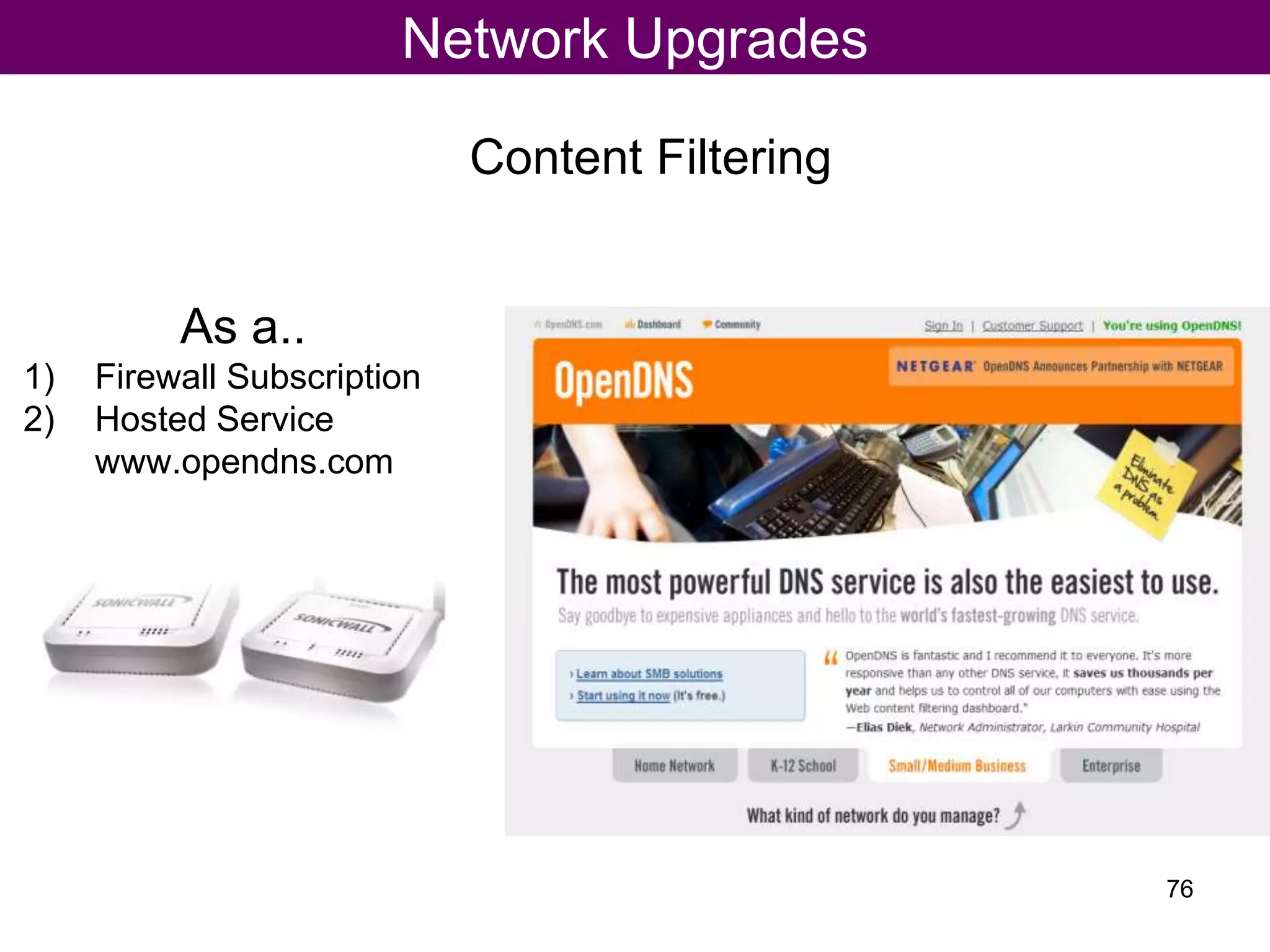
Content Filtering
Network Upgrades
As a..
1) Firewall Subscription
2) Hosted Service
www.opendns.com
76
${#}
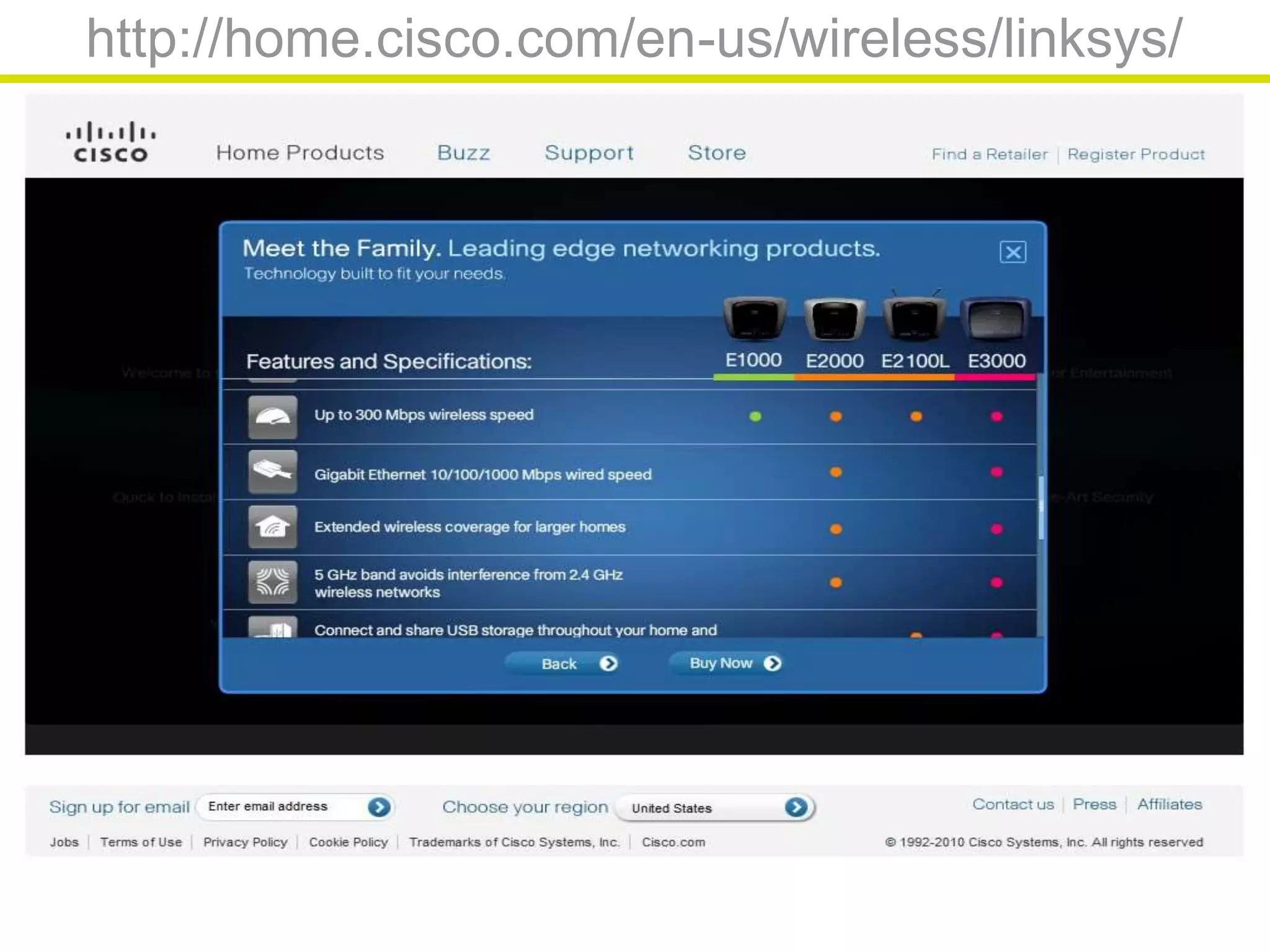
http://home.cisco.com/en-us/wireless/linksys/
Tech Resources
Training
78
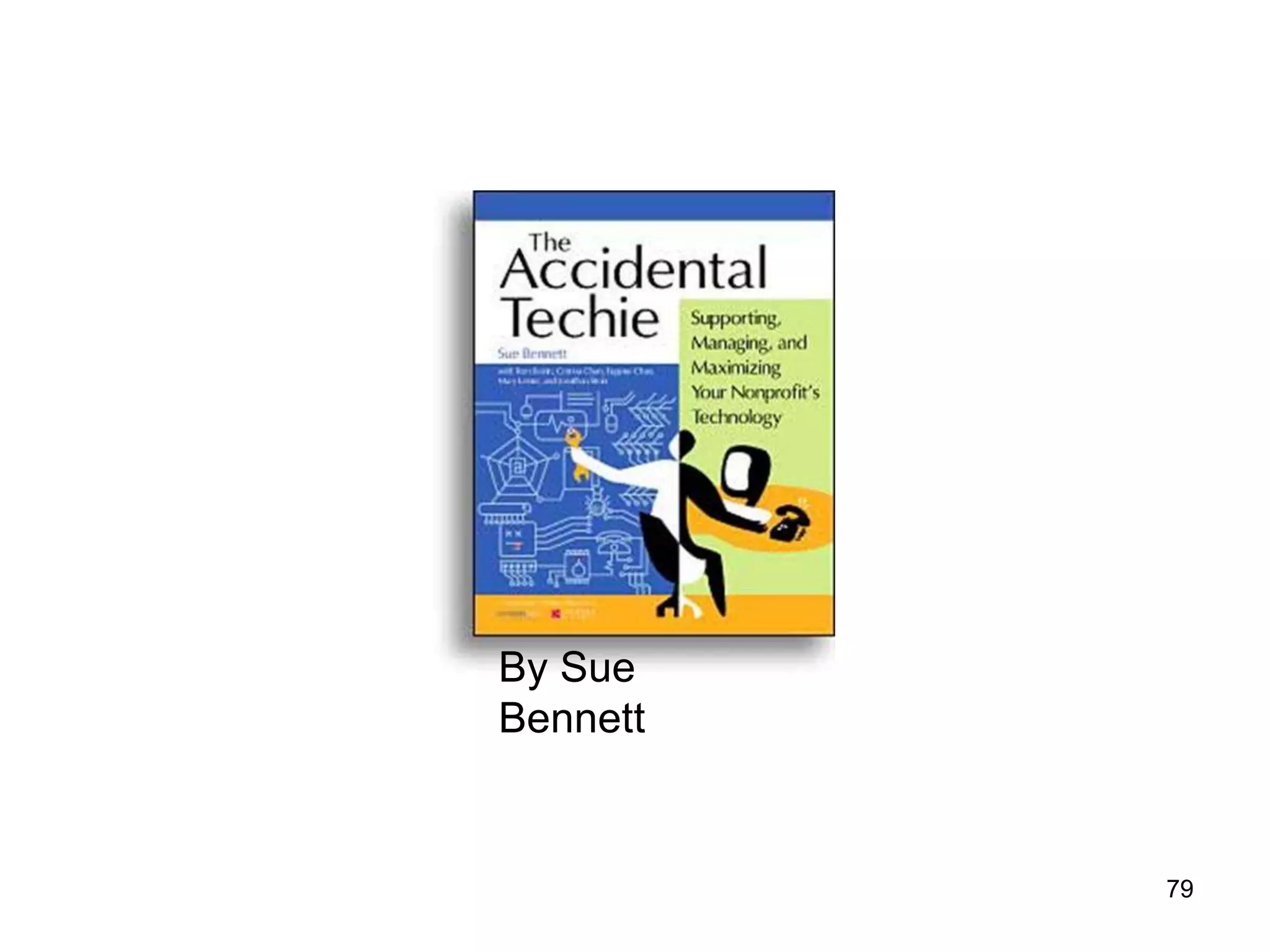
By Sue
Bennett
79
${#}
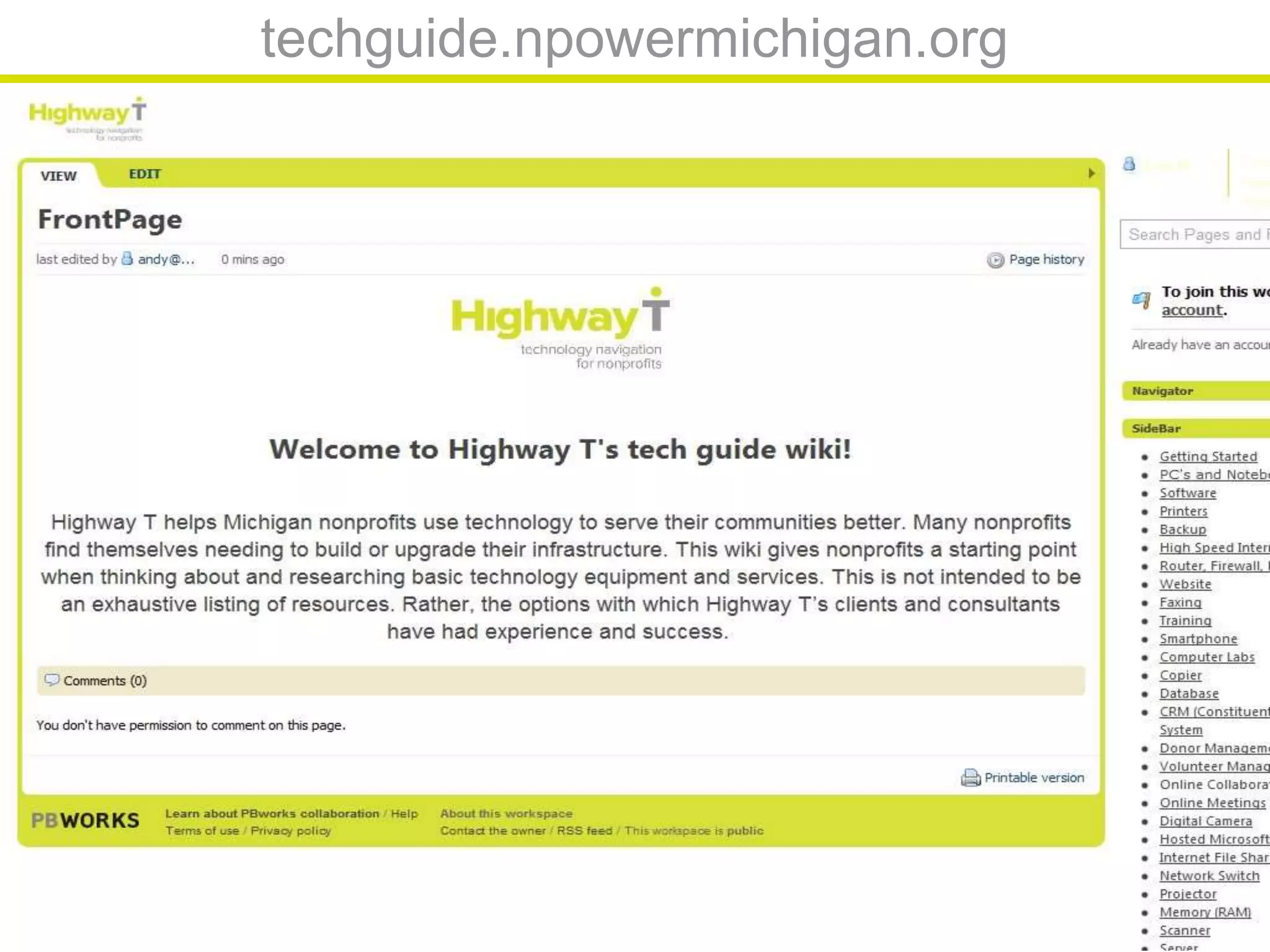
techguide.npowermichigan.org
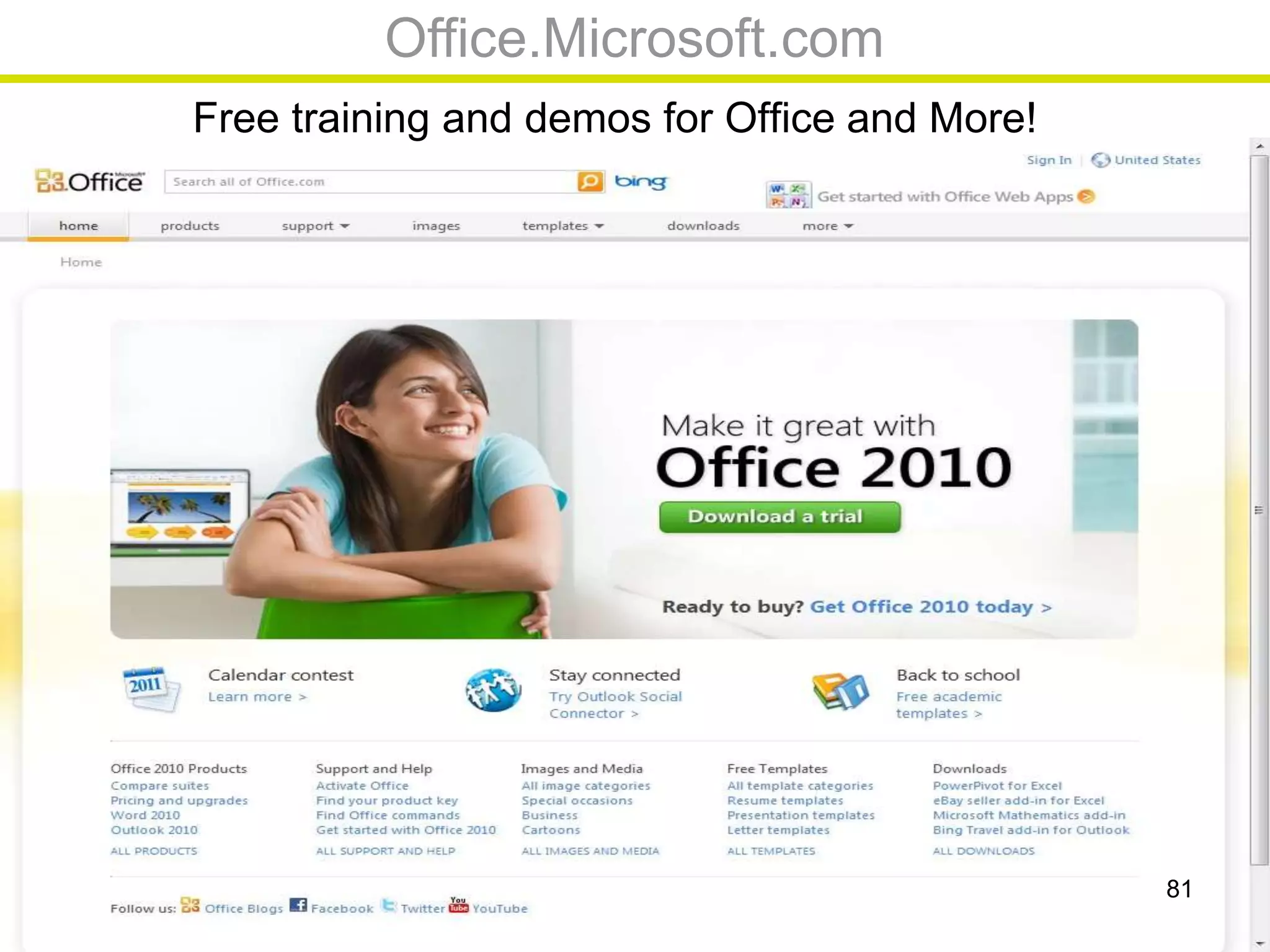
Office.Microsoft.com
Free training and demos for Office and More!
81
${#}
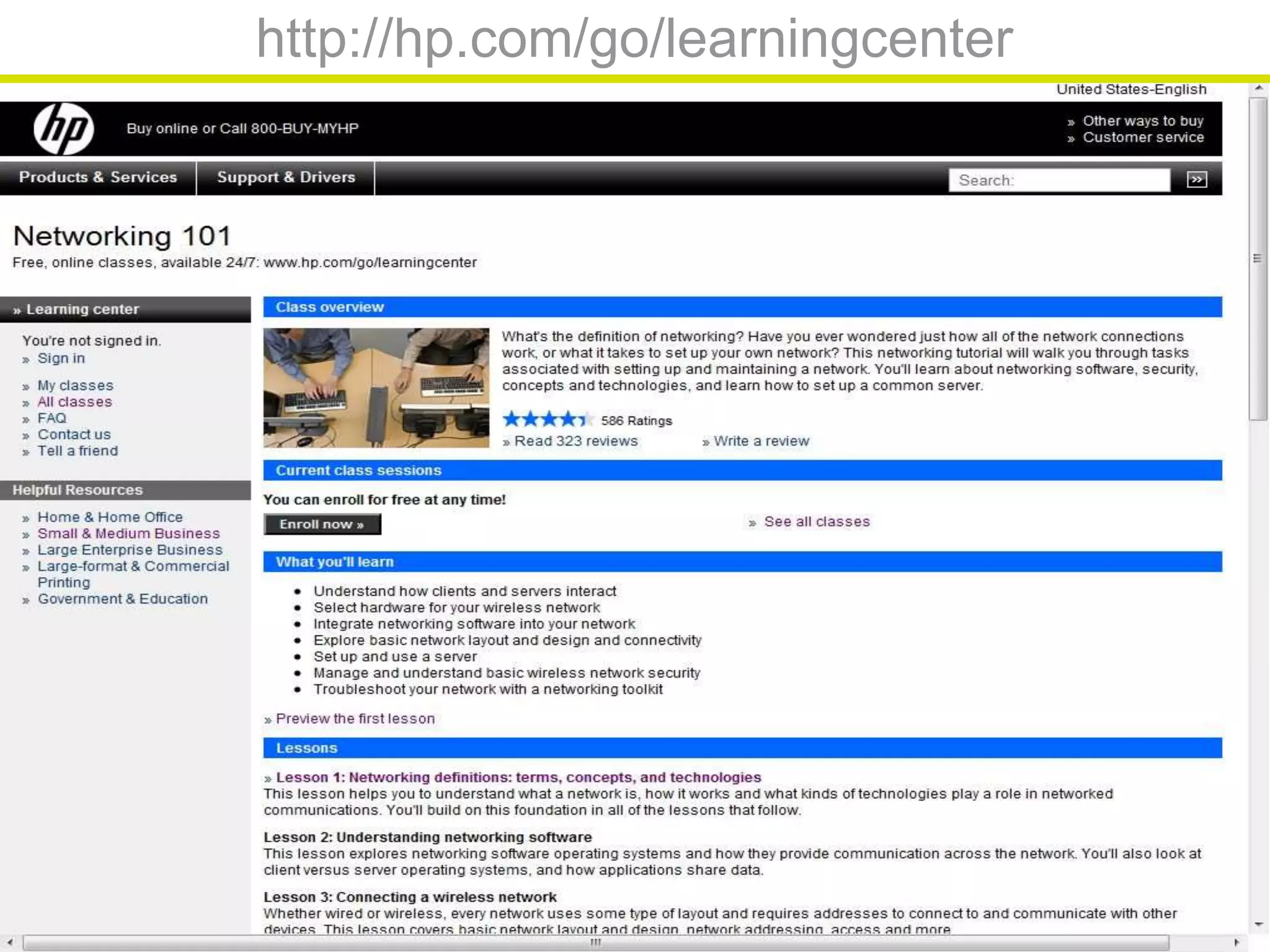
http://hp.com/go/learningcenter
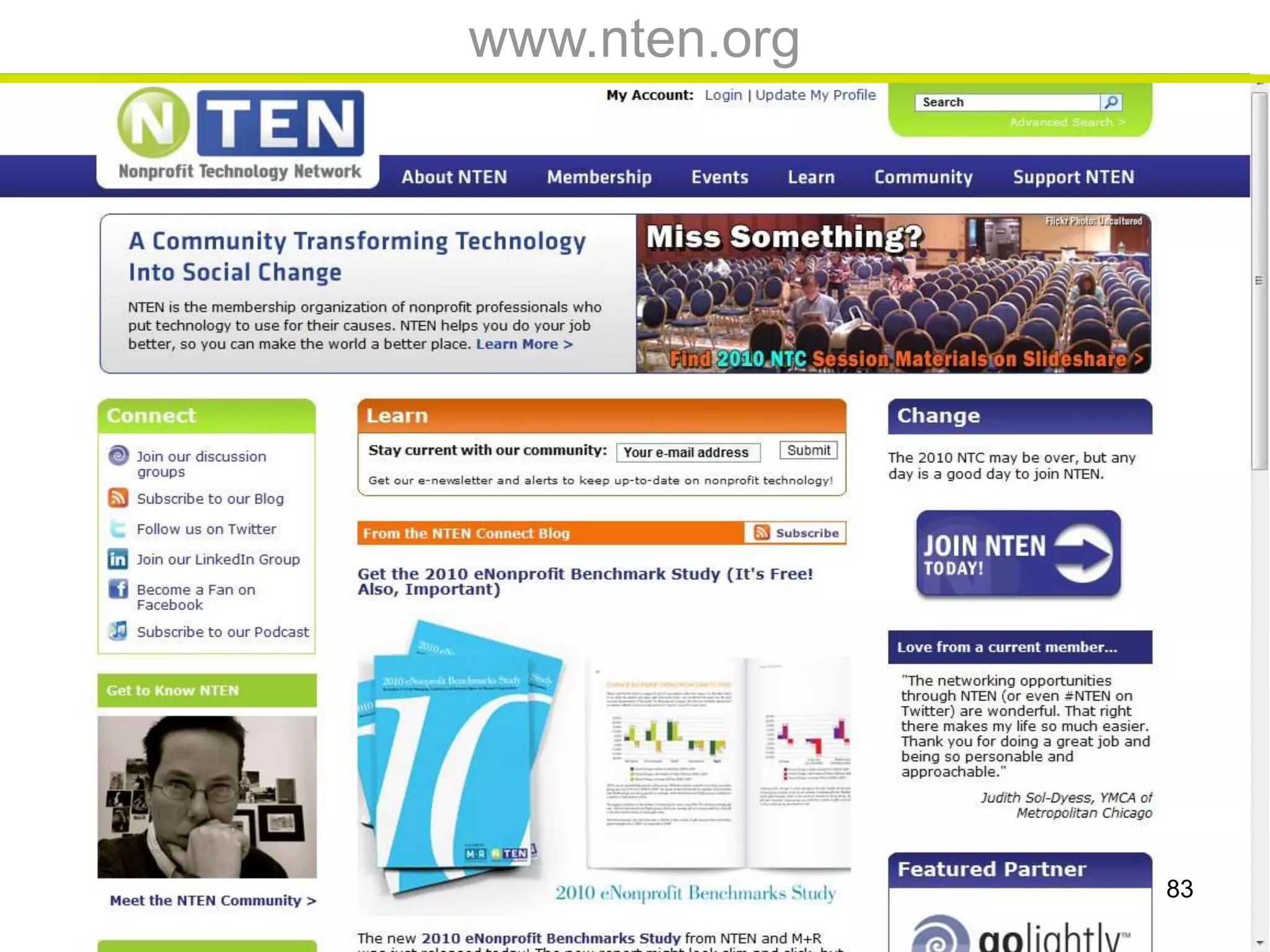
www.nten.org
83
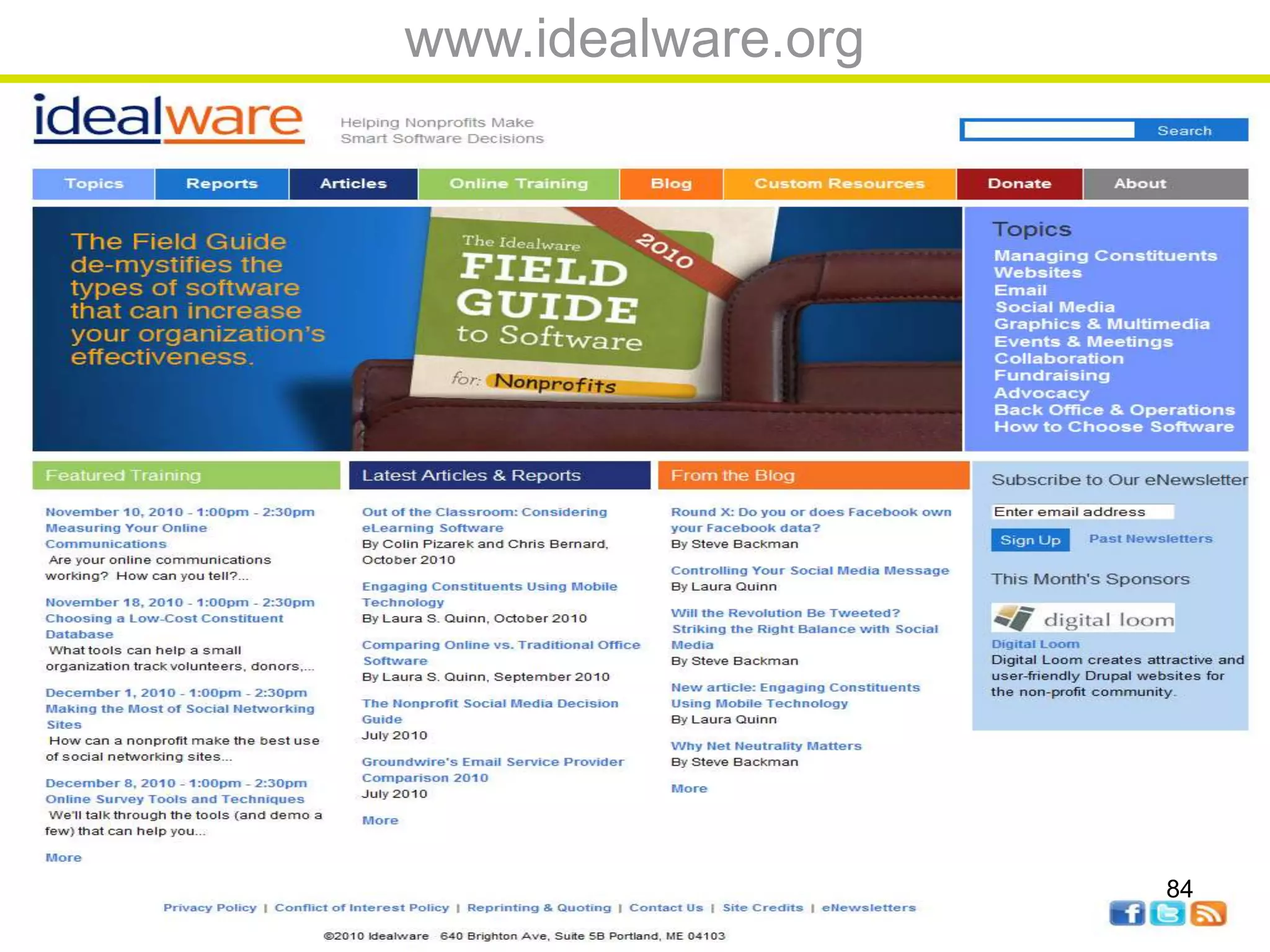
www.idealware.org
84
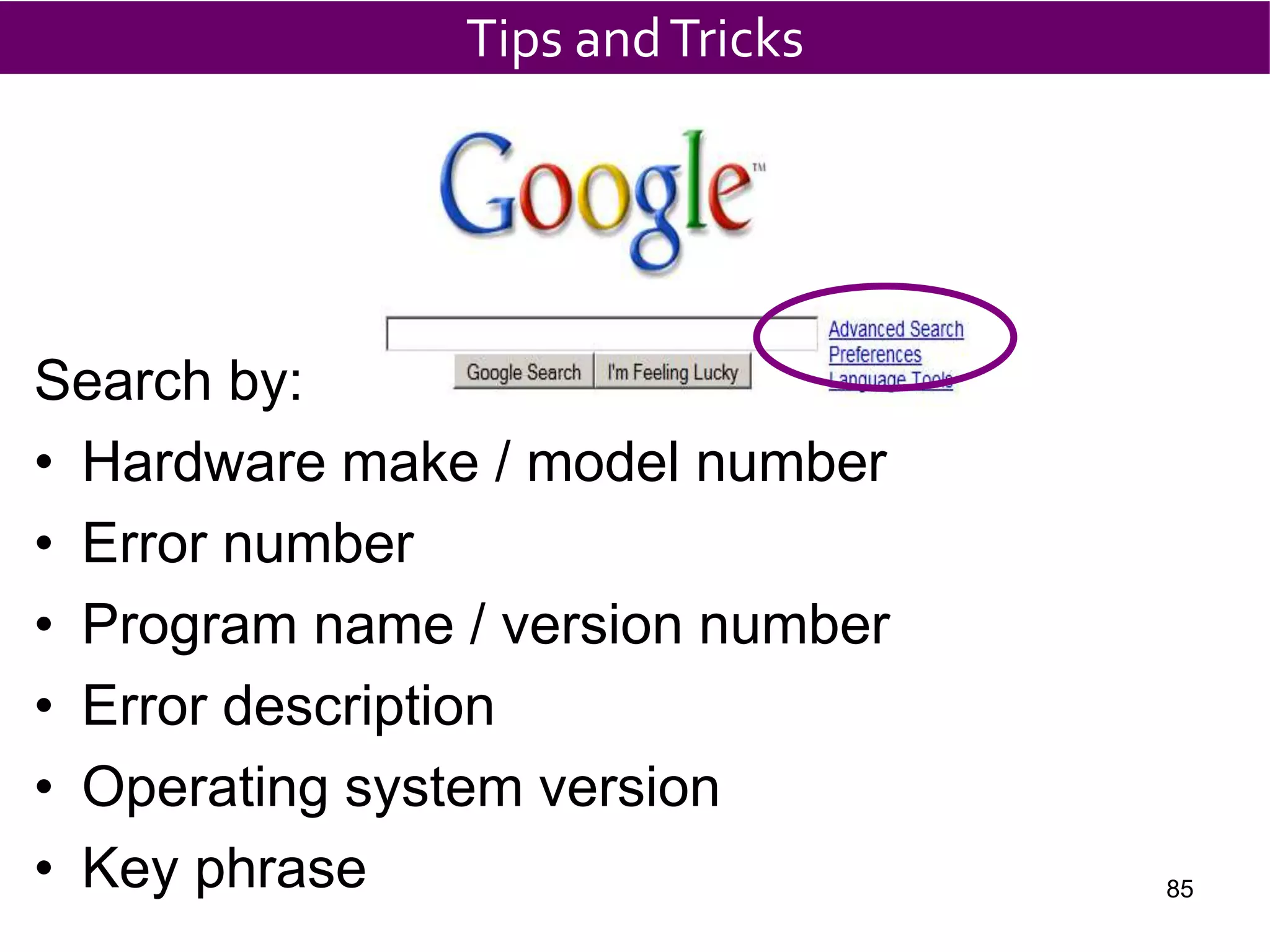
Search by:
• Hardware make / model number
• Error number
• Program name / version number
• Error description
• Operating system version
• Key phrase
Tips andTricks
85
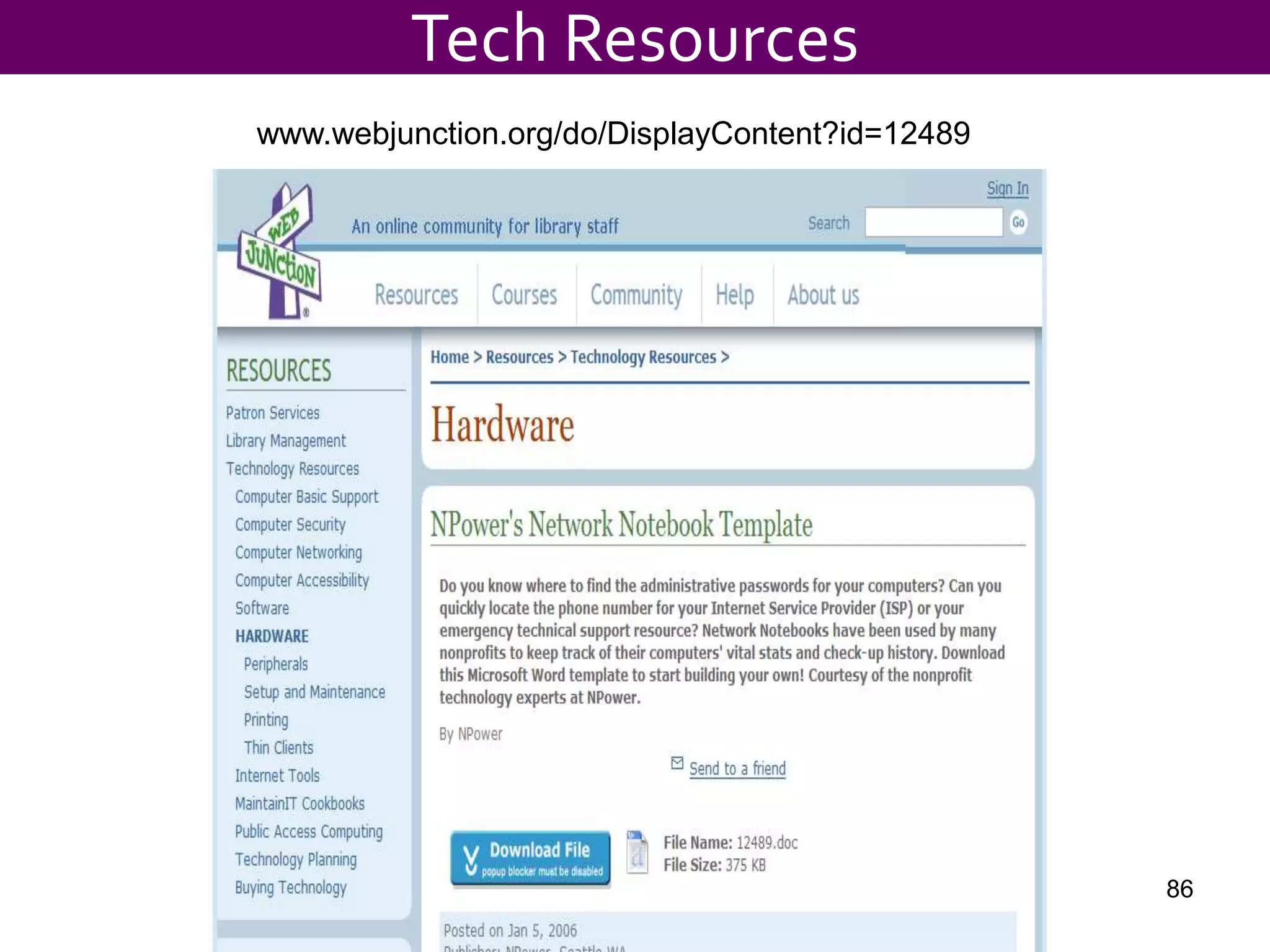
www.webjunction.org/do/DisplayContent?id=12489
Tech Resources
86
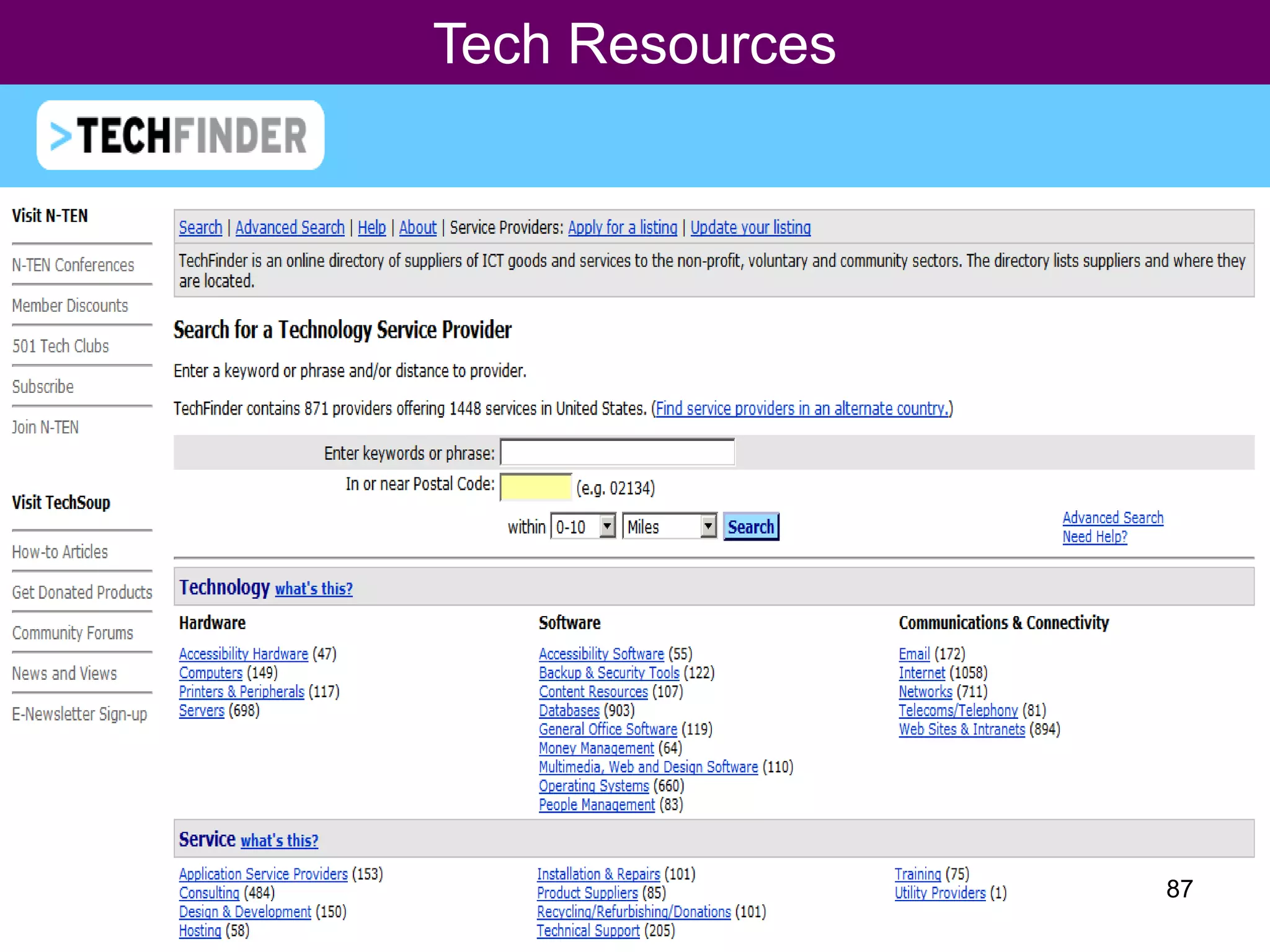
Tech Resources
87
${#}
${#}
Tech Resources
90
Great Tool to reach Staff
91
${#}

Accidental Techie 11 16-2010

Editor's Notes

  • #16 A lot of people are asking me about XP and Vista and a lot of people confuse Vista and the new version of Office
  • #54 A lot of people are asking me about XP and Vista and a lot of people confuse Vista and the new version of Office