Time’s Important
Let Task Management Save Yours
WordCamp Sunshine Coast
James Bundey
@jamesbundey
A bit about me
Studied marketing and have 19+ years in
marketing roles from development to
management and consultancy
Started Creative Approach a small digital
marketing agency in Melbourne in 2009
We offer a wide range of services including
developing custom WordPress websites
I’ve worked with WordPress for around 6 years
@jamesbundey
So what is task
management?
or more accurately what is a task runner
At it’s core it’s simply
utilising a JavaScript
based task runner to
automate the process of
repetitive and mundane
tasks.
Importantly it provides
speed not just in
development workflow,
but also in performance.
@jamesbundey
Who’s it for?
Anyone….well almost anyone
It’s easy to get started you don’t need to be a JS genius
You can use a task runner for any number of things
You could use one to automate the generation of a
complete WordPress installation
We typically use them to as part of our workflow
developing custom WordPress themes
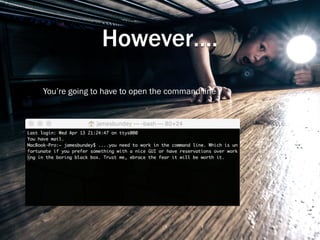
However….
You’re going to have to open the command line
@jamesbundey
Why?
Speed and simplicity was a big draw
but,
We found it forced us to honour our workflow and
standardise
Improved our file management & version control
Software/platform agnostic
@jamesbundey
Most Importantly
Prevented cowboy coding
@jamesbundey
Lets Choose
The two most common
http://gulpjs.comhttp://gruntjs.com
@jamesbundey
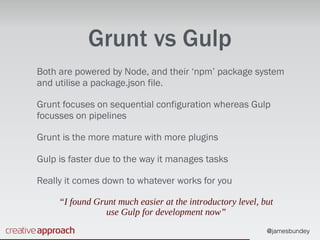
Grunt vs Gulp
Both are powered by Node, and their ‘npm’ package system
and utilise a package.json file.
Grunt focuses on sequential configuration whereas Gulp
focusses on pipelines
Grunt is the more mature with more plugins
Gulp is faster due to the way it manages tasks
Really it comes down to whatever works for you
“I found Grunt much easier at the introductory level, but
use Gulp for development now”
@jamesbundey
@jamesbundey
@jamesbundey
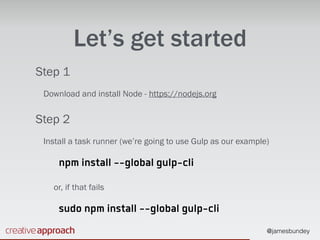
Let’s get started
Step 1
Download and install Node - https://nodejs.org
Step 2
Install a task runner (we’re going to use Gulp as our example)
npm install --global gulp-cli
or, if that fails
sudo npm install --global gulp-cli
@jamesbundey
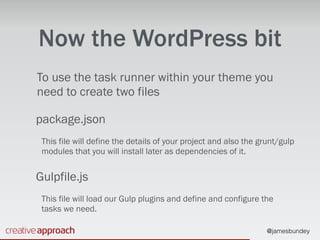
Now the WordPress bit
To use the task runner within your theme you
need to create two files
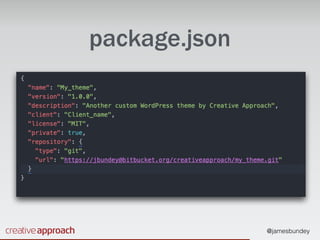
package.json
This file will define the details of your project and also the grunt/gulp
modules that you will install later as dependencies of it.
Gulpfile.js
This file will load our Gulp plugins and define and configure the
tasks we need.
@jamesbundey
package.json
@jamesbundey
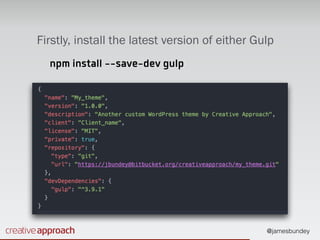
Firstly, install the latest version of either Gulp
npm install --save-dev gulp
@jamesbundey
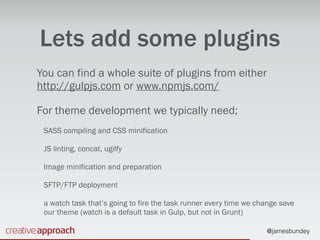
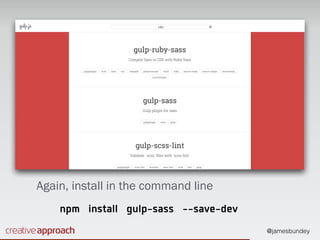
Lets add some plugins
You can find a whole suite of plugins from either
http://gulpjs.com or www.npmjs.com/
For theme development we typically need;
SASS compiling and CSS minification
JS linting, concat, ugilfy
Image minification and preparation
SFTP/FTP deployment
a watch task that’s going to fire the task runner every time we change save
our theme (watch is a default task in Gulp, but not in Grunt)
@jamesbundey
Again, install in the command line
npm install gulp-sass --save-dev
@jamesbundey
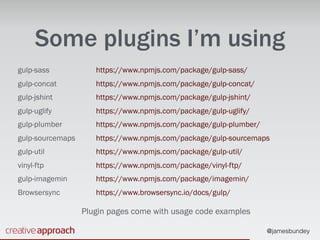
Some plugins I’m using
gulp-sass

gulp-concat

gulp-jshint

gulp-uglify

gulp-plumber

gulp-sourcemaps

gulp-util

vinyl-ftp

gulp-imagemin

Browsersync
https://www.npmjs.com/package/gulp-sass/

https://www.npmjs.com/package/gulp-concat/

https://www.npmjs.com/package/gulp-jshint/

https://www.npmjs.com/package/gulp-uglify/

https://www.npmjs.com/package/gulp-plumber/

https://www.npmjs.com/package/gulp-sourcemaps

https://www.npmjs.com/package/gulp-util/

https://www.npmjs.com/package/vinyl-ftp/

https://www.npmjs.com/package/imagemin/

https://www.browsersync.io/docs/gulp/
Plugin pages come with usage code examples
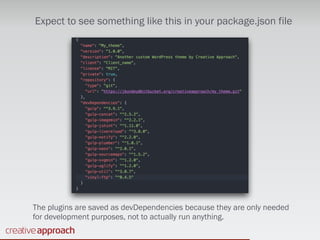
Expect to see something like this in your package.json file
The plugins are saved as devDependencies because they are only needed
for development purposes, not to actually run anything.
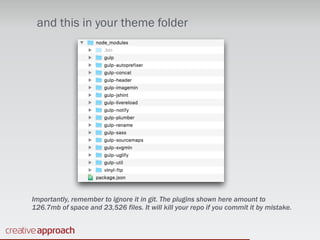
and this in your theme folder
Importantly, remember to ignore it in git. The plugins shown here amount to
126.7mb of space and 23,526 files. It will kill your repo if you commit it by mistake.
@jamesbundey
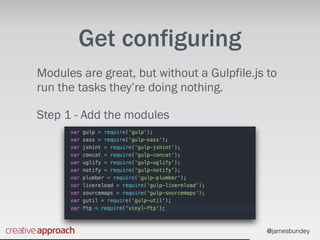
Get configuring
Modules are great, but without a Gulpfile.js to
run the tasks they’re doing nothing.
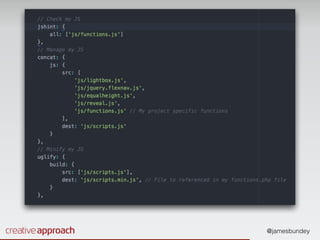
Step 1 - Add the modules
@jamesbundey
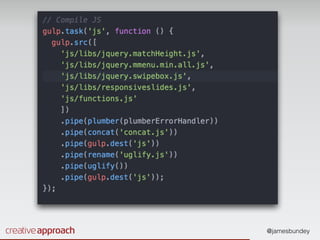
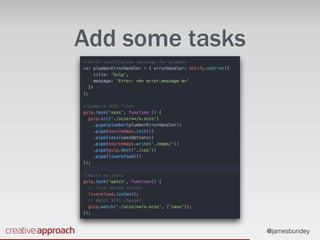
Add some tasks
@jamesbundey
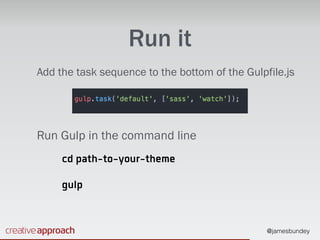
Run it
Add the task sequence to the bottom of the Gulpfile.js
Run Gulp in the command line
cd path-to-your-theme
gulp
@jamesbundey
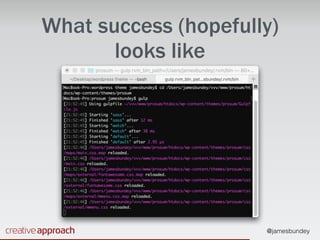
What success (hopefully)
looks like
@jamesbundey
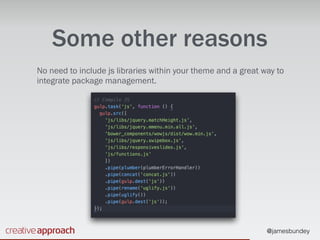
Some other reasons
No need to include js libraries within your theme and a great way to
integrate package management.
@jamesbundey
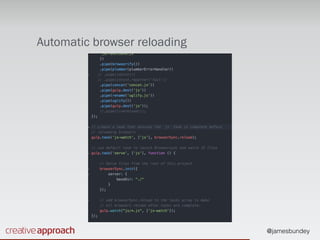
Automatic browser reloading
@jamesbundey
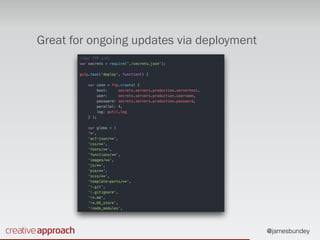
Great for ongoing updates via deployment
@jamesbundey
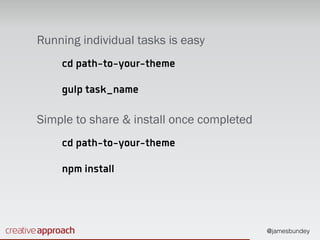
Running individual tasks is easy
cd path-to-your-theme
gulp task_name
Simple to share & install once completed
cd path-to-your-theme
npm install
@jamesbundey
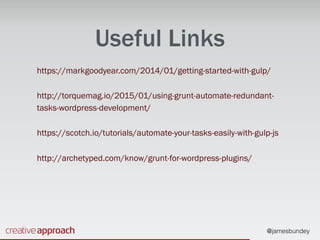
Useful Links
https://markgoodyear.com/2014/01/getting-started-with-gulp/
http://torquemag.io/2015/01/using-grunt-automate-redundant-
tasks-wordpress-development/
https://scotch.io/tutorials/automate-your-tasks-easily-with-gulp-js
http://archetyped.com/know/grunt-for-wordpress-plugins/
Thank You
Any Questions?
@jamesbundey

Time's Important - Let Task Management Save Yours