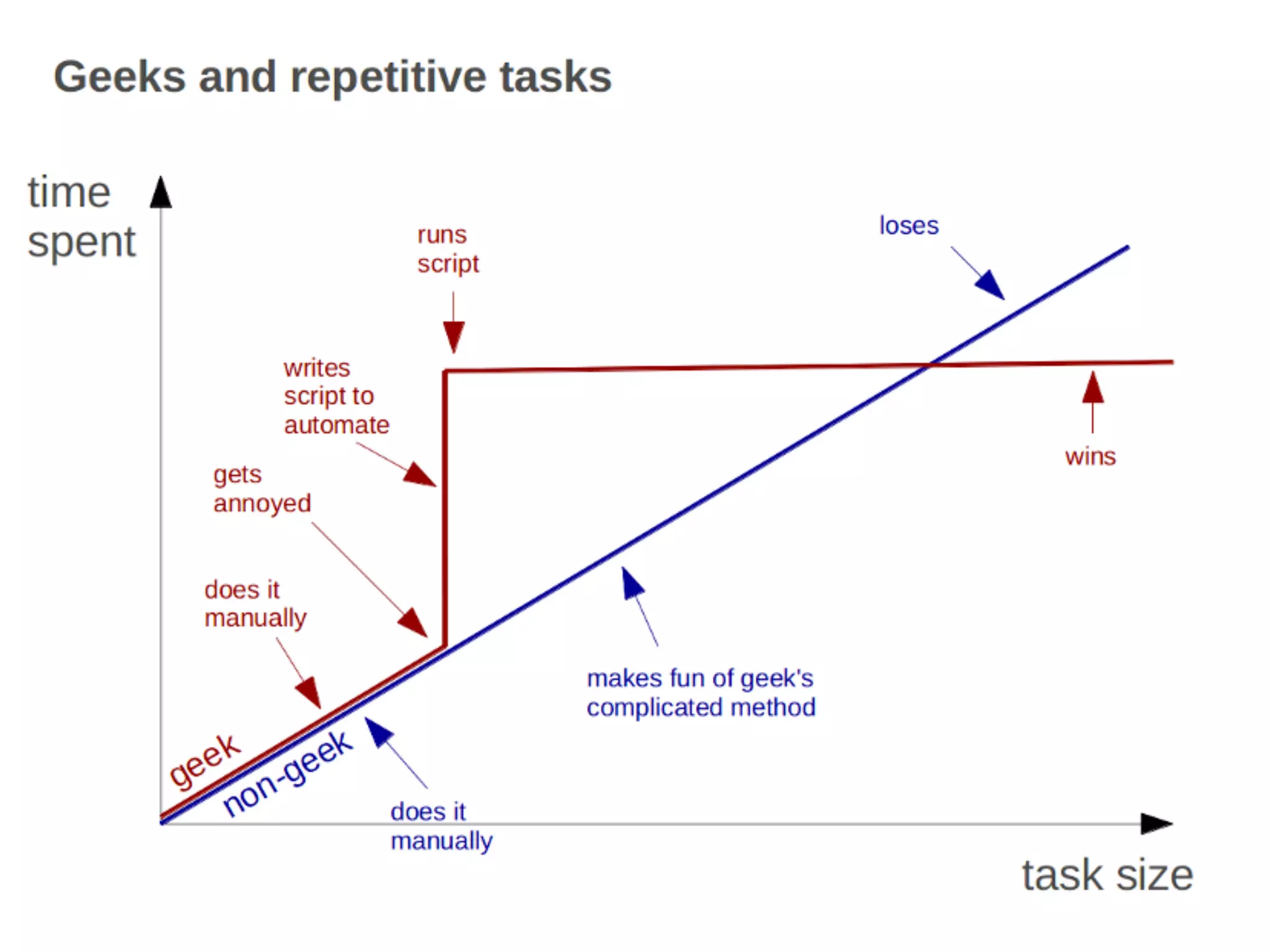
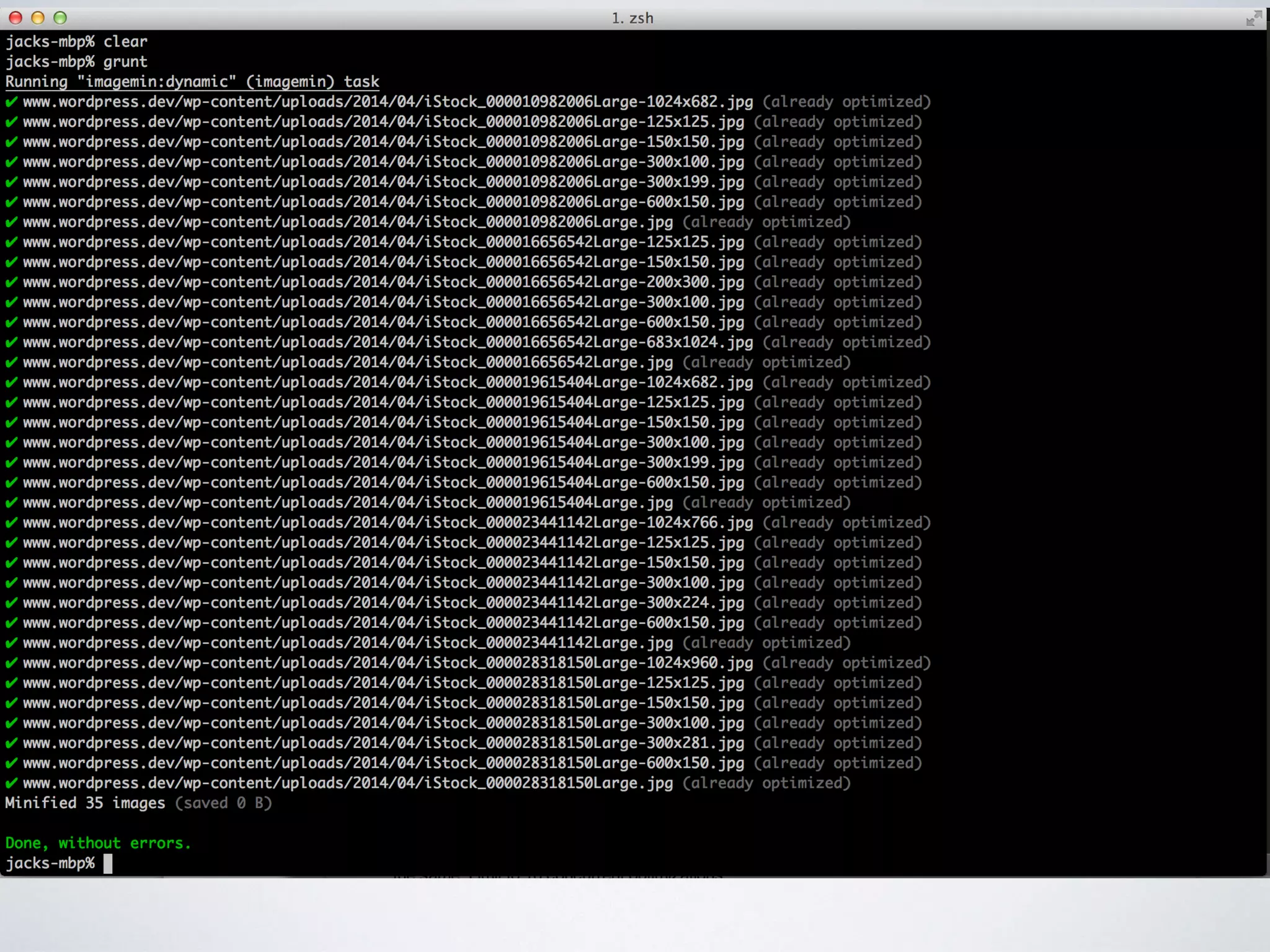
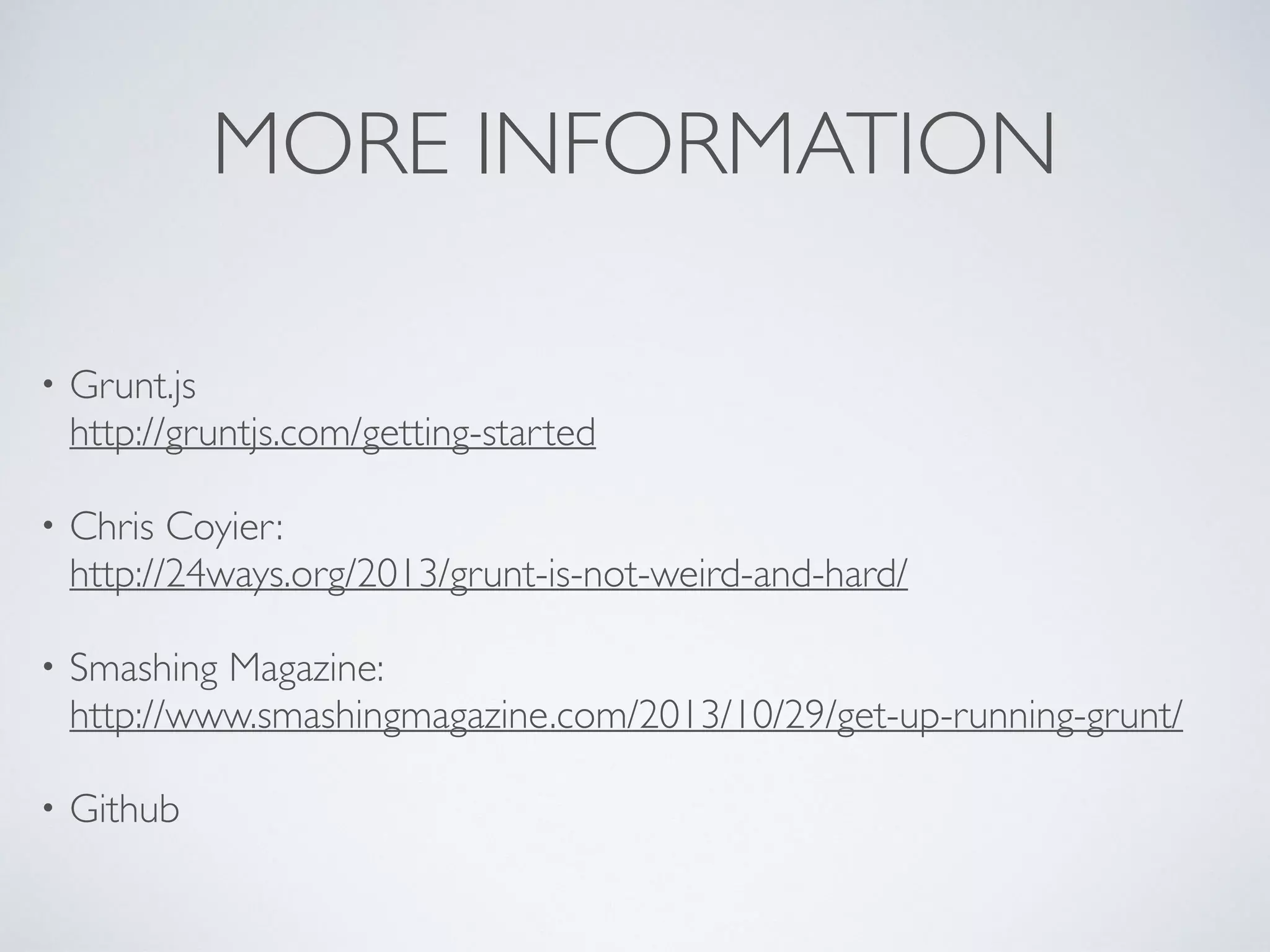
The document provides a guide on getting started with Grunt, a JavaScript task runner built on Node.js. It outlines essential steps for installation, project setup, and utilizing Grunt plugins for tasks such as minification and testing. Additionally, it references various resources for further information and example implementations.


![2. DECIDE WHERE TO
CREATE PROJECT
Project Root
Wordpress / public_html
wp_content
wp_config.php
[…etc]
package.json](https://image.slidesharecdn.com/gruntjs-140417002324-phpapp02/75/Grunt-js-and-WordPress-10-2048.jpg)
![3. CREATE NODE PROJECT
cd [your project root]
npm init
npm install grunt --save-dev
• Change directory;
• Node Package Manager;
Initialise a new project
• Node Package Manager;
Install grunt to our project; and
Add it to our list of project dependencies](https://image.slidesharecdn.com/gruntjs-140417002324-phpapp02/75/Grunt-js-and-WordPress-11-2048.jpg)
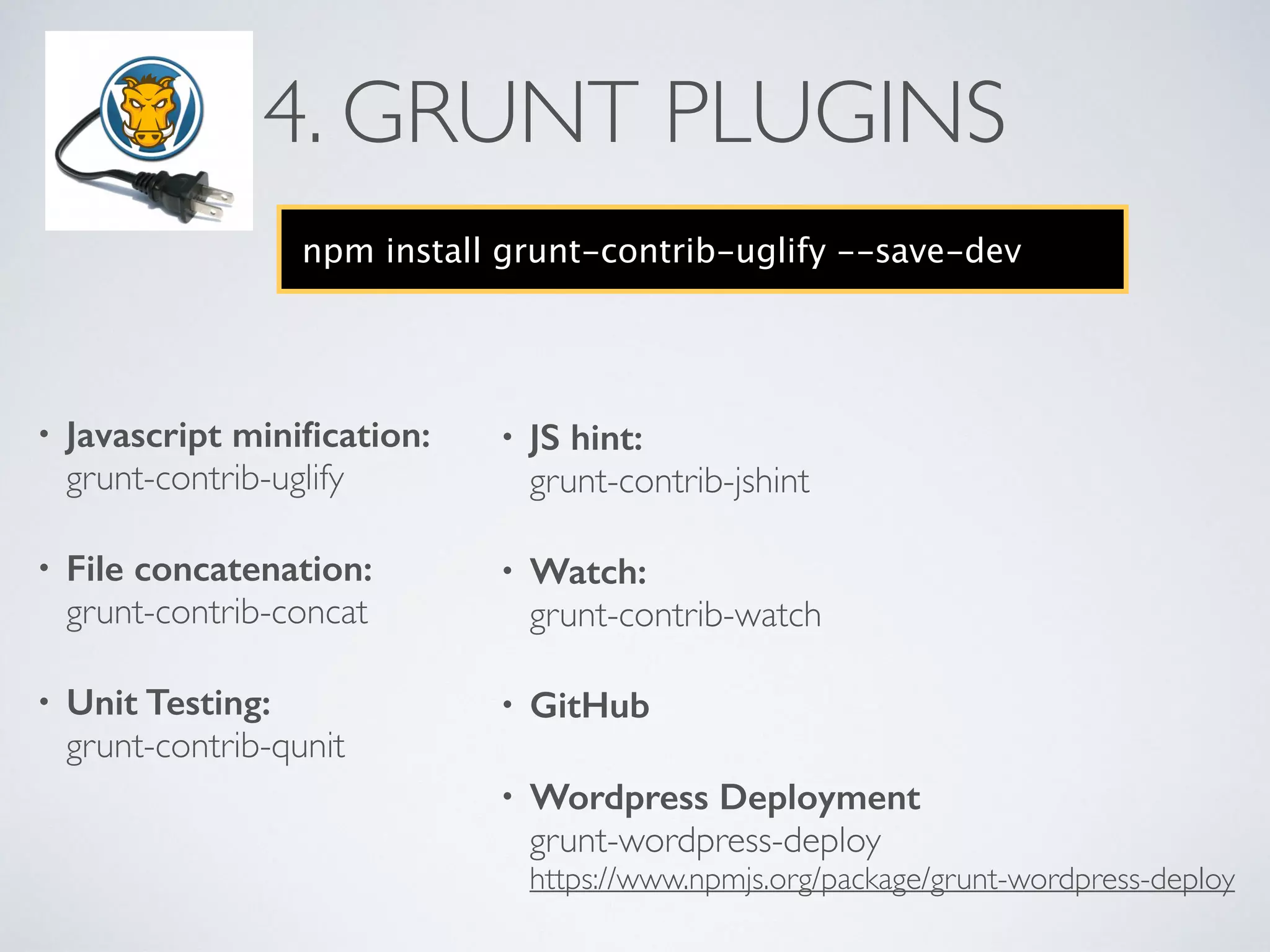
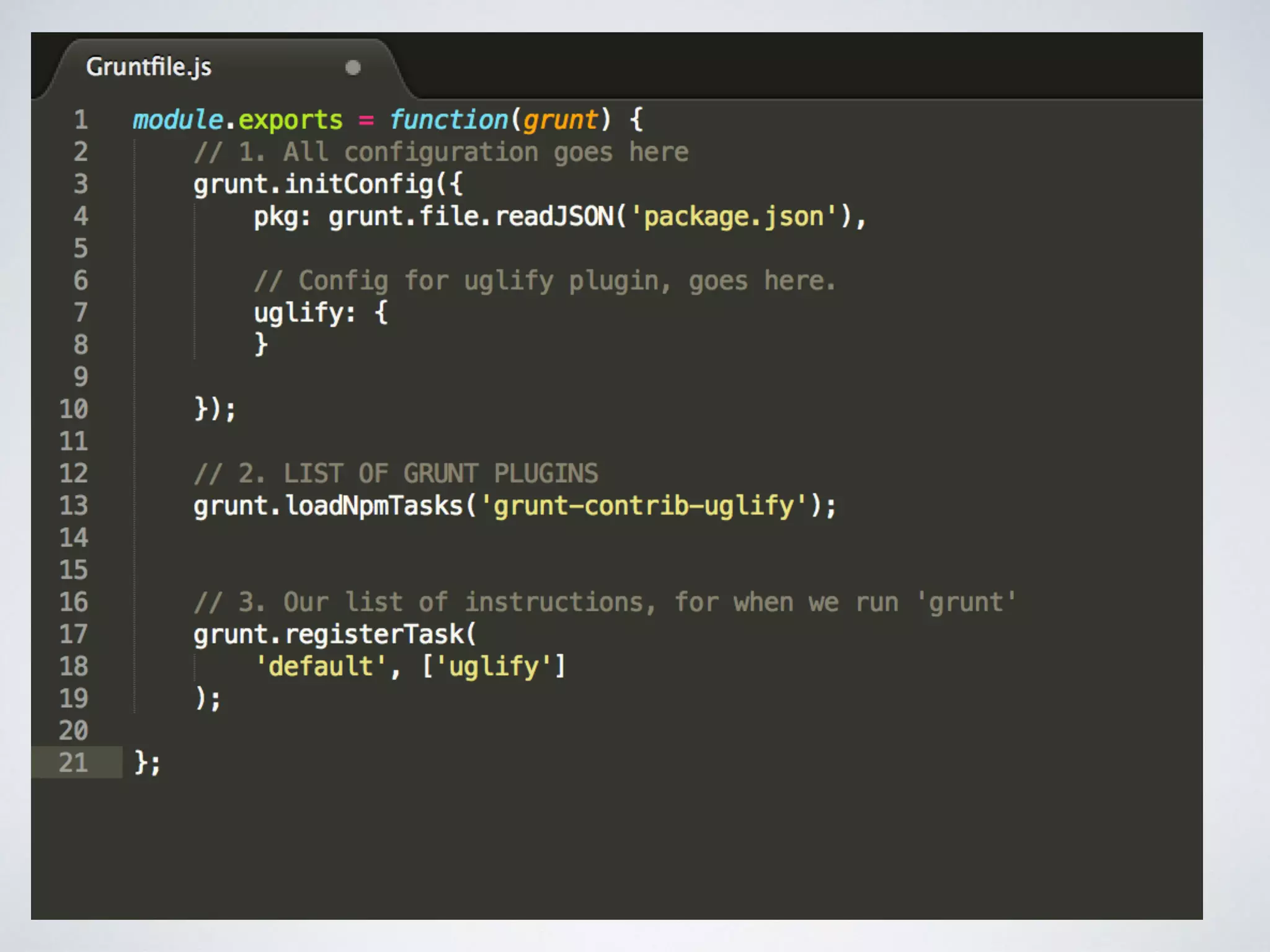
![5.WRITE OUR GRUNTFILE
Project Root
wordpress
wp_content
wp_config.php
[…etc]
Gruntfile.js
node_modules
package.json](https://image.slidesharecdn.com/gruntjs-140417002324-phpapp02/75/Grunt-js-and-WordPress-15-2048.jpg)


![Vibe Coding vs. Spec-Driven Development [Free Meetup]](https://cdn.slidesharecdn.com/ss_thumbnails/vibecodingvsspecdrivendevelopment-251209105622-43f455e7-thumbnail.jpg?width=640&height=640&fit=bounds)


