JAKARTA WORDPRESS
MEETUP #9
Local WordPress Development With VVV
WHO AM I?
My Name is Ivan Kristianto

Jakarta WordPress Meetup Organizer

WordPress Core Contributor

WordPress Plugin Author and Contributor

WordCamp Organizer
BEFORE WE START
Please visit our website: 

https://wp-id.org

Please join our Facebook
group:

https://www.facebook.com/
groups/WordPressDevID/

Please join our Slack:

https://chat.wp-id.org
OK, LET’S START
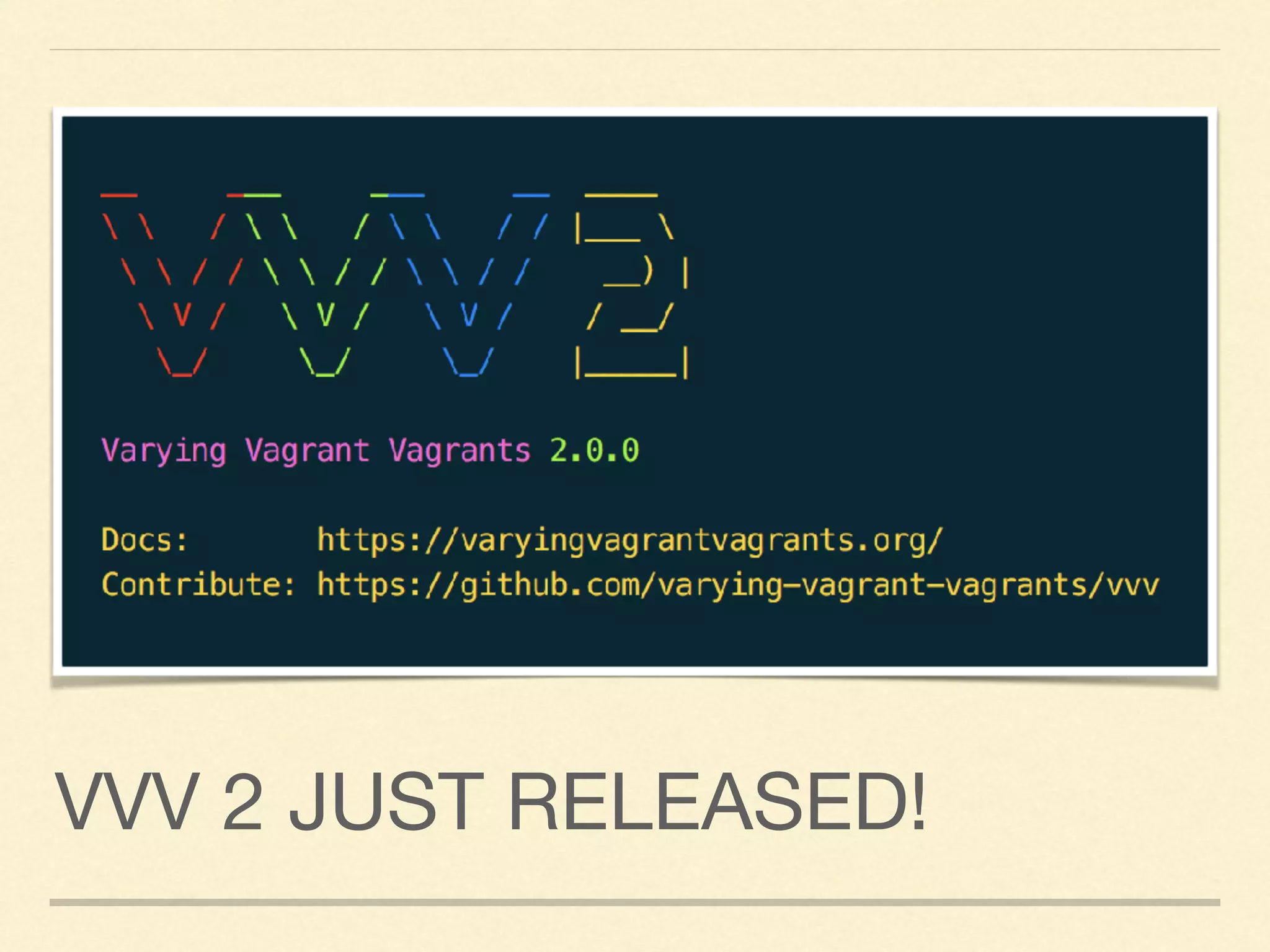
VVV 2 JUST RELEASED!
WHY USE VVV?
The XAMPP or MAMP? It’s limited
and complex setup for WordPress
development.
Ready out of the box, customized
and built for WordPress development
It has everythingYou need for
WordPress Development
A recommended setup for
WordPress Developer and for
WordPressVIP.
WHAT IS INCLUDED?
Nginx: The Web Server

MariaDB 10.1.x (drop-in replacement for MySQL): Database Server

php-fpm 7.0.x: Well You know it, to run PHP

WP-CLI: WordPress Command Line Tools

Memcached: Memory Caching System

PHPUnit: To Unit Test your code

Composer: Dependency Manager for PHP

NodeJs: Server-side Javascript environment

Mailcatcher: Catch mail and servers
SETTING UP VVV
1. Download & Install VirtualBox and Vagrant

2. Install vagrant host updater: 

vagrant plugin install vagrant-hostsupdater
3.Install vagrant triggers: 

vagrant plugin install vagrant-triggers
4. Clone VVV: 

git clone git://github.com/Varying-Vagrant-Vagrants/VVV.git vvv
5. Startup VVV: 

vagrant up
6. Get a cup of coffee, and listen to your favorite music! It will take a while to finish.
SETTING A NEW SITE
I recommend to setup a new site for each project You
work, for example: localdomain.dev

Setting up a new site is “tricky” at this time. We need a
workaround a little

I recommend to use: Variable VVV ( https://github.com/
bradp/vv )

Let’s create a new site.
WP-CLI IS THE BEST
WP-CLI is ready out of the box

It take sometime to learn, but when You know it, It is faster for
development

To use WP-CLI:

vagrant ssh

cd /srv/www/<yoursite>/htdocs

wp —version

Checkout WP-CLI available command: 

http://wp-cli.org/commands/
DEBUGGING WITH XDEBUG
Still using var_dump to debug your code? Let’s take debugging to
another level!

Debugging in WordPress is never been easier using XDebug

You can trace your code execution and do profiling as well

Setup your XDebug with PHPStorm

How to setup click here

Demo
CATCH EMAIL WITH
MAILCATCHER
Most of the time your website will send email. And to
debug it from your local env, you need to catch those
emails. This is what Mailcatcher for.

Go to: http://vvv.dev:1080

Just try to send any email, and You will see it will catch
there.

Demo
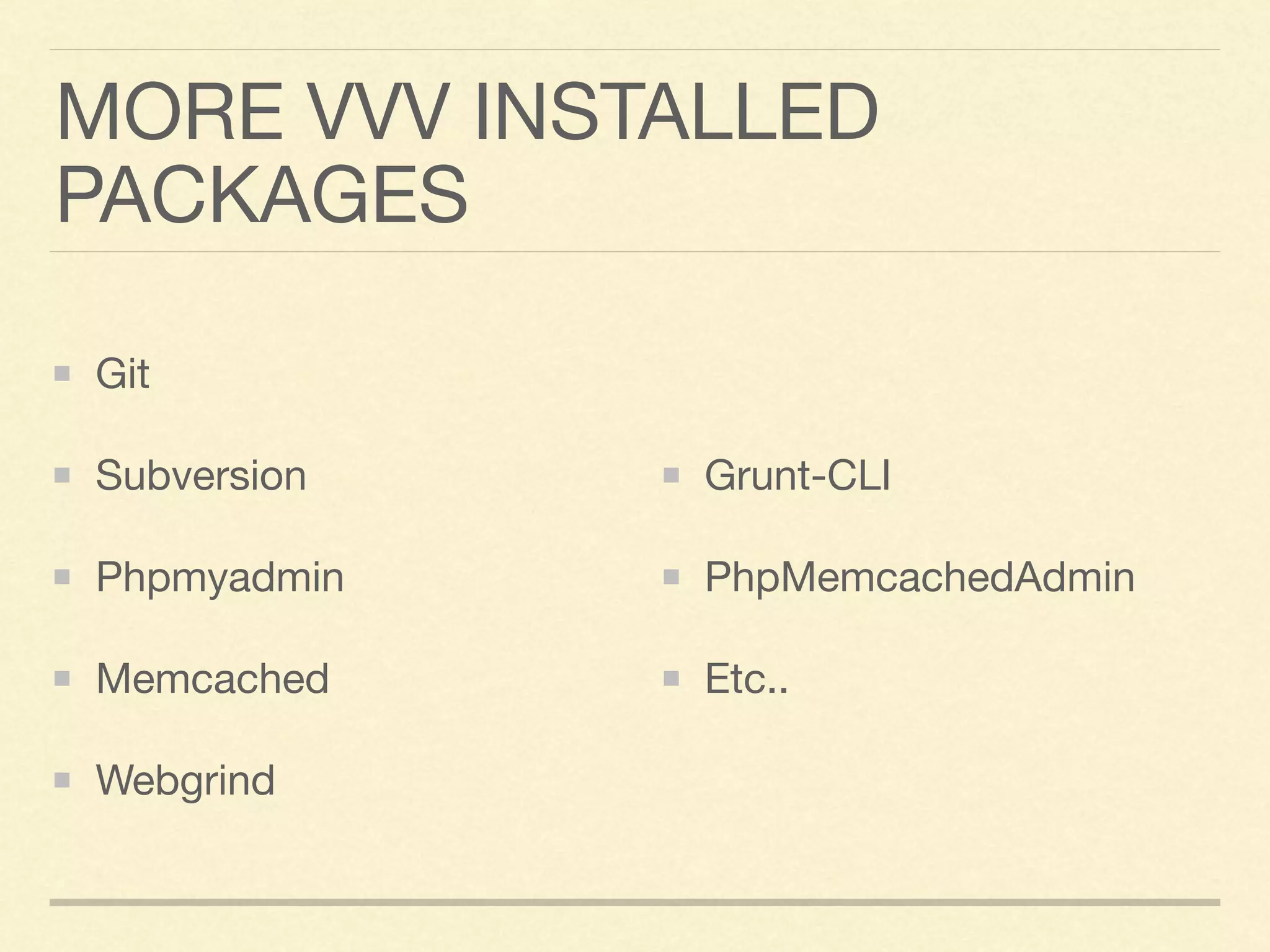
MORE VVV INSTALLED
PACKAGES
Git

Subversion

Phpmyadmin

Memcached

Webgrind

Grunt-CLI

PhpMemcachedAdmin

Etc..
–Ivan Kristianto
“HappyVVV!”

Jakarta WordPress Meetup #9: Introducing VVV 2

  • 1.
    JAKARTA WORDPRESS MEETUP #9 LocalWordPress Development With VVV
  • 2.
    WHO AM I? MyName is Ivan Kristianto Jakarta WordPress Meetup Organizer WordPress Core Contributor WordPress Plugin Author and Contributor WordCamp Organizer
  • 3.
    BEFORE WE START Pleasevisit our website: 
 https://wp-id.org Please join our Facebook group:
 https://www.facebook.com/ groups/WordPressDevID/ Please join our Slack:
 https://chat.wp-id.org
  • 5.
  • 6.
    VVV 2 JUSTRELEASED!
  • 7.
    WHY USE VVV? TheXAMPP or MAMP? It’s limited and complex setup for WordPress development. Ready out of the box, customized and built for WordPress development It has everythingYou need for WordPress Development A recommended setup for WordPress Developer and for WordPressVIP.
  • 8.
    WHAT IS INCLUDED? Nginx:The Web Server MariaDB 10.1.x (drop-in replacement for MySQL): Database Server php-fpm 7.0.x: Well You know it, to run PHP WP-CLI: WordPress Command Line Tools Memcached: Memory Caching System PHPUnit: To Unit Test your code Composer: Dependency Manager for PHP NodeJs: Server-side Javascript environment Mailcatcher: Catch mail and servers
  • 9.
    SETTING UP VVV 1.Download & Install VirtualBox and Vagrant 2. Install vagrant host updater: 
 vagrant plugin install vagrant-hostsupdater 3.Install vagrant triggers: 
 vagrant plugin install vagrant-triggers 4. Clone VVV: 
 git clone git://github.com/Varying-Vagrant-Vagrants/VVV.git vvv 5. Startup VVV: 
 vagrant up 6. Get a cup of coffee, and listen to your favorite music! It will take a while to finish.
  • 11.
    SETTING A NEWSITE I recommend to setup a new site for each project You work, for example: localdomain.dev Setting up a new site is “tricky” at this time. We need a workaround a little I recommend to use: Variable VVV ( https://github.com/ bradp/vv ) Let’s create a new site.
  • 12.
    WP-CLI IS THEBEST WP-CLI is ready out of the box It take sometime to learn, but when You know it, It is faster for development To use WP-CLI:
 vagrant ssh
 cd /srv/www/<yoursite>/htdocs
 wp —version Checkout WP-CLI available command: 
 http://wp-cli.org/commands/
  • 13.
    DEBUGGING WITH XDEBUG Stillusing var_dump to debug your code? Let’s take debugging to another level! Debugging in WordPress is never been easier using XDebug You can trace your code execution and do profiling as well Setup your XDebug with PHPStorm How to setup click here Demo
  • 14.
    CATCH EMAIL WITH MAILCATCHER Mostof the time your website will send email. And to debug it from your local env, you need to catch those emails. This is what Mailcatcher for. Go to: http://vvv.dev:1080 Just try to send any email, and You will see it will catch there. Demo
  • 15.
  • 16.