Matan Yungman
Microsoft Protection Services (via Log-On Software)
Blog: www.dbnewsfeed.com
Twitter: @MatanYungman
 What is the Plan Cache
 Ways to explore it
 How to successfully leverage it
 Querying it to identify problematic queries
 Querying Execution Plan XML
Parse


Bind

          Optimize
 Query Execution Time
 CPU
 Memory


           The Solution:
   Save plan for future reuse
 Built from 4 cache stores
  • CACHESTORE_OBJCP – Object Plans
  • CACHESTORE_SQLCP – Ad hoc and Prepared Plans
  • CACHESTORE_PHDR – Bound Trees
  • CACHESTORE_XPROC – Extended Procedures


 “Steals” its memory from the buffer pool
 Each store is basically a hash table
 Age-out algorithm
 sys.dm_exec_cached_plans
     One row per batch
     Use counts
     Object type, Cache object type
     Plan_handle
 sys.dm_exec_query_stats
     One row per statement in a batch
     Execution count, Plan generation count
     IO
     Duration
     Plan_handle, Sql_handle
     Query_hash and Query_plan_hash
 sys.dm_exec_sql_text
   Pass plan_handle/sql_handle to get batch text
   Use offsets to get query level text
 sys.dm_exec_query_plan
   Use to get the query plan
   Returns XML plan of all the statements in a batch
 sys.dm_exec_text_query_plan
   Use to get the plan at the statement level
   Returns nvarchar(max). Cast it to XML
 sys.dm_exec_plan_attributes
   Use to determine lack of reuse reasons
   All cache_key attributes must match for reuse to happen
 Objects (Stored Procedures, Functions, Triggers)
   (ObjectID * DB_ID) % (Hash Table Size)
 Ad-hoc and prepared statements
   Query Text Hash
   Exact text match is needed
 Also for reuse to be possible:
   Set Options
   User ID (Schema ID)
   DB_ID
   And More…
 Lots of plans with use count of 1
 Not necessarily user queries
   ADO.Net, EXEC(), System Queries
 How to identify:
   Search for ad-hoc plans with use count = 1
 Optimization options:
   Optimize for ad hoc workloads
   Switch to parameterized methods
   Turn on Forced Parameterization
      Try to test it’s appropriate for your system
      Can also be used selectively through plan guides
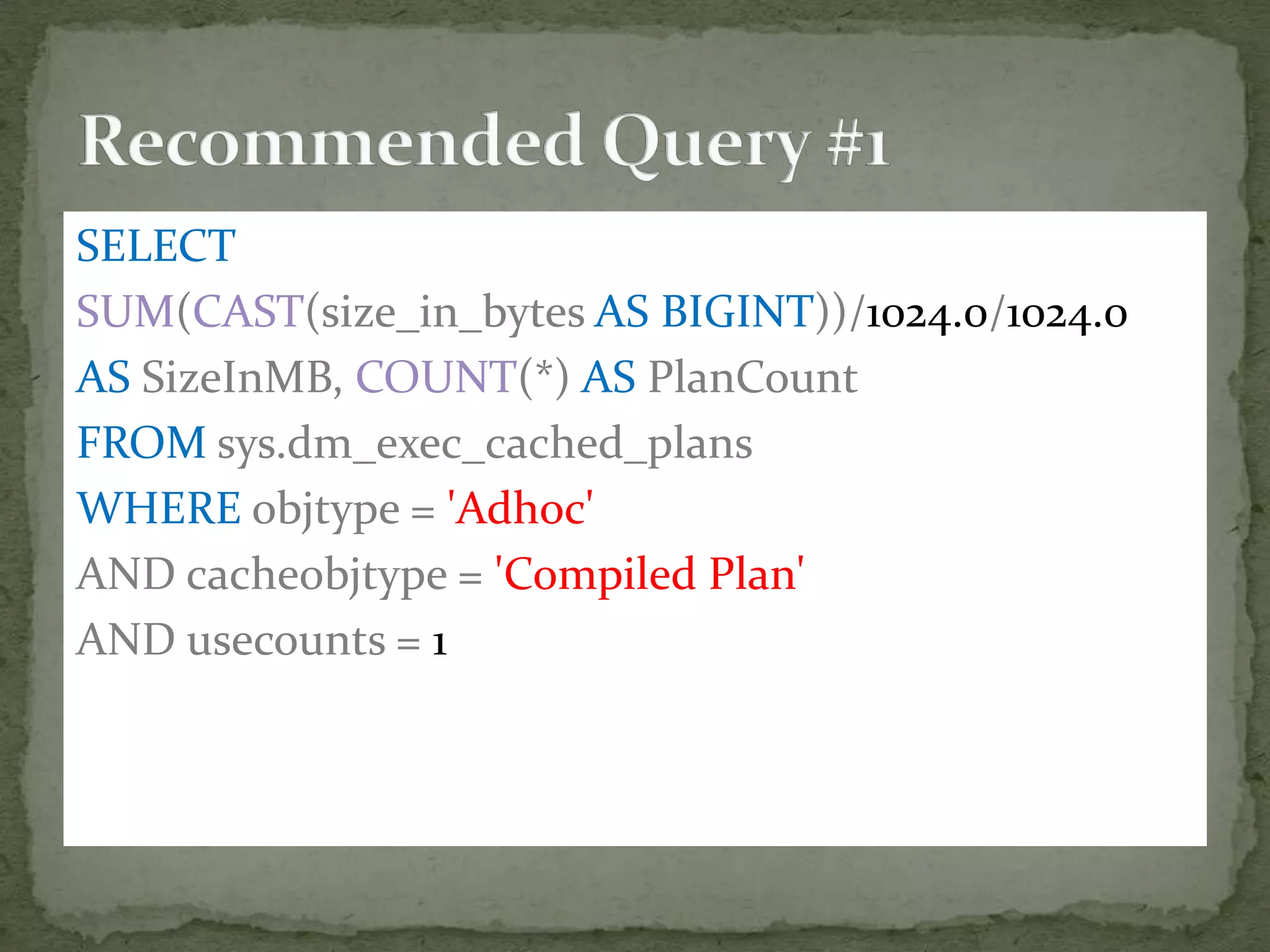
SELECT
SUM(CAST(size_in_bytes AS BIGINT))/1024.0/1024.0
AS SizeInMB, COUNT(*) AS PlanCount
FROM sys.dm_exec_cached_plans
WHERE objtype = 'Adhoc'
AND cacheobjtype = 'Compiled Plan'
AND usecounts = 1
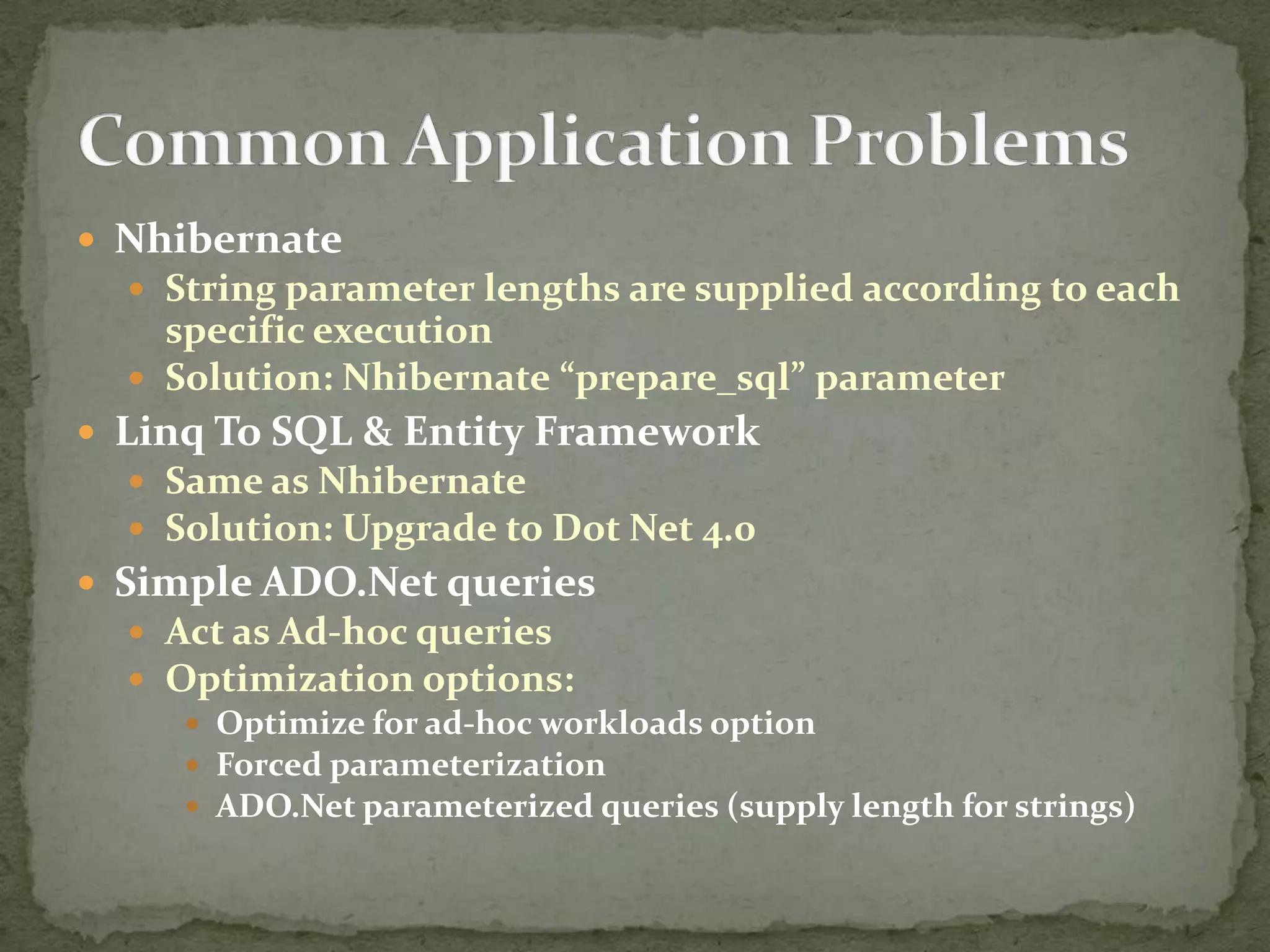
 Nhibernate
   String parameter lengths are supplied according to each
    specific execution
   Solution: Nhibernate “prepare_sql” parameter
 Linq To SQL & Entity Framework
   Same as Nhibernate
   Solution: Upgrade to Dot Net 4.0
 Simple ADO.Net queries
   Act as Ad-hoc queries
   Optimization options:
      Optimize for ad-hoc workloads option
      Forced parameterization
      ADO.Net parameterized queries (supply length for strings)
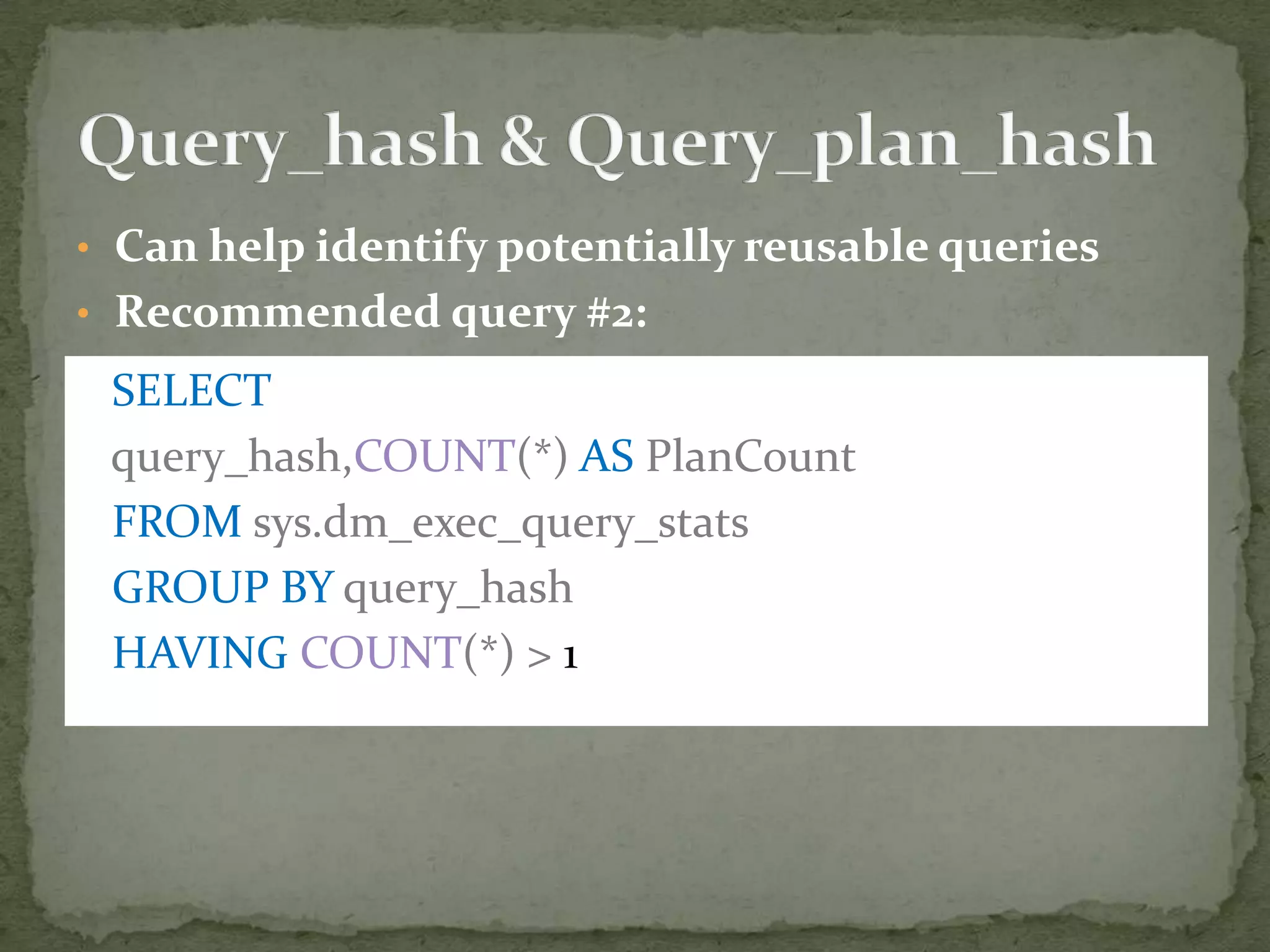
• Can help identify potentially reusable queries
• Recommended query #2:

 SELECT
 query_hash,COUNT(*) AS PlanCount
 FROM sys.dm_exec_query_stats
 GROUP BY query_hash
 HAVING COUNT(*) > 1
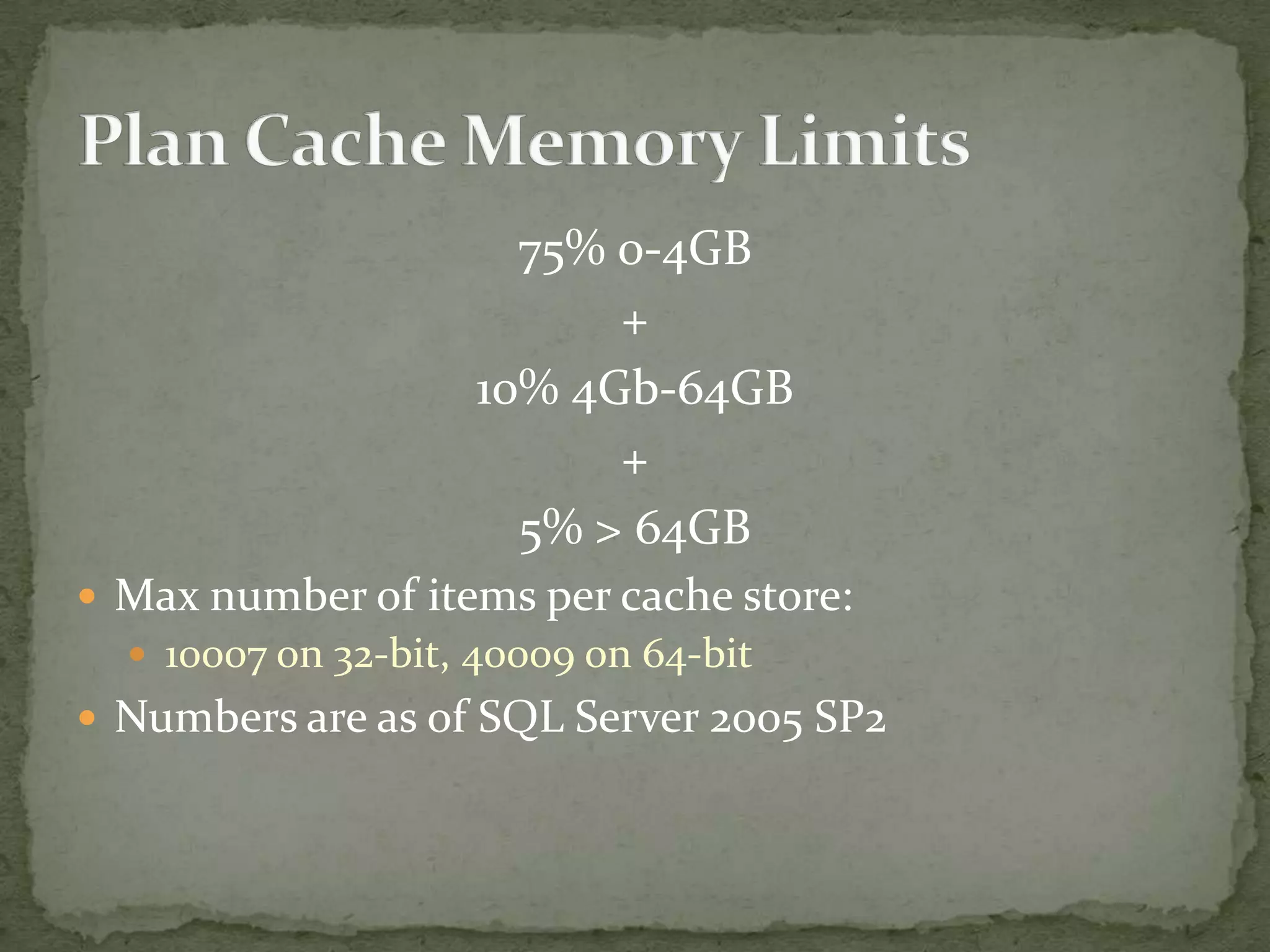
75% 0-4GB
                          +
                    10% 4Gb-64GB
                          +
                      5% > 64GB
 Max number of items per cache store:
   10007 on 32-bit, 40009 on 64-bit
 Numbers are as of SQL Server 2005 SP2
 Age-out algorithm based on:
   Plan generation cost
   Usage
 On memory pressure, all plan costs are decreased by 1
 Plans with cost = 0 can be evicted
 Ad-hoc plans always enter with cost = 0
   Cost incremented by 1 on each reuse
 For other plans
   Cost is reset to the original value on reuse
 Ad-hoc max cost = 16
 Prepared max cost = 256
 No max cost for stored procedures
 DBCC FREEPROCCACHE
   Clears all plans
 Can also be more specific
   plan_handle / sql_handle / pool_name
 DBCC FREESYSTEMCACHE
   Specific cache store: ‘SQL Plans’ / ‘Object Plans’
 Undocumented
   DBCC FLUSHPROCINDB – Specific database
 We can answer questions like:
   Which queries are most IO/CPU/Time intensive?
     Absolute numbers or per run
   Which database is the most resource intensive?
   What is the value a plan was optimized for?
   Which queries/objects are frequently recompiled?
   And more..
 Plan is optimized for first execution’s parameters
 Local variable values not known to the optimizer
 Possible solution: Recompile
   Stored procedure level:
      Create Procedure..With Recompile
      Exec..With Recompile
      sp_recompile
   Statement level:
      Option (Recompile)


 As we saw, it comes with a performance penalty
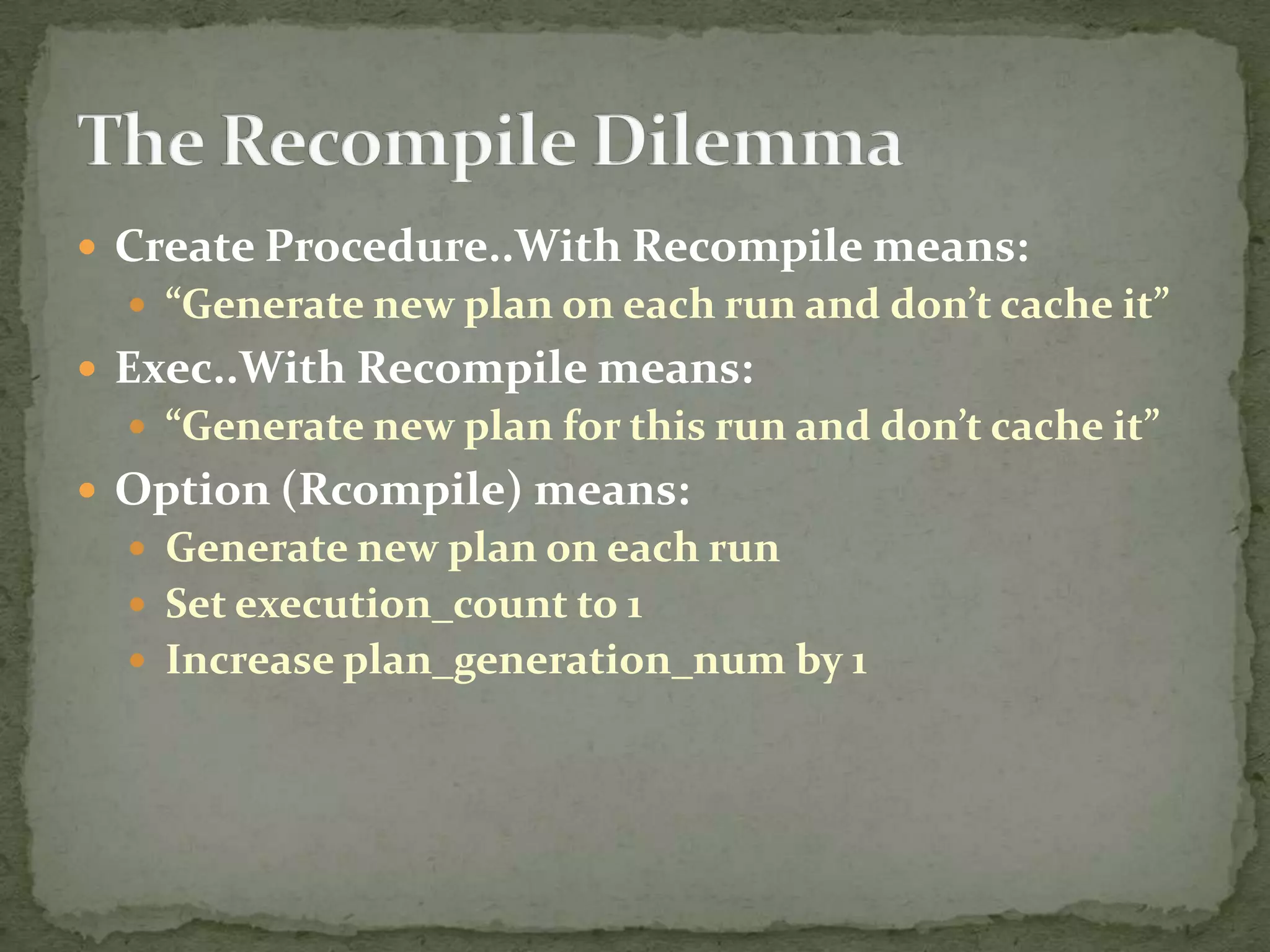
 Create Procedure..With Recompile means:
   “Generate new plan on each run and don’t cache it”
 Exec..With Recompile means:
   “Generate new plan for this run and don’t cache it”
 Option (Rcompile) means:
   Generate new plan on each run
   Set execution_count to 1
   Increase plan_generation_num by 1
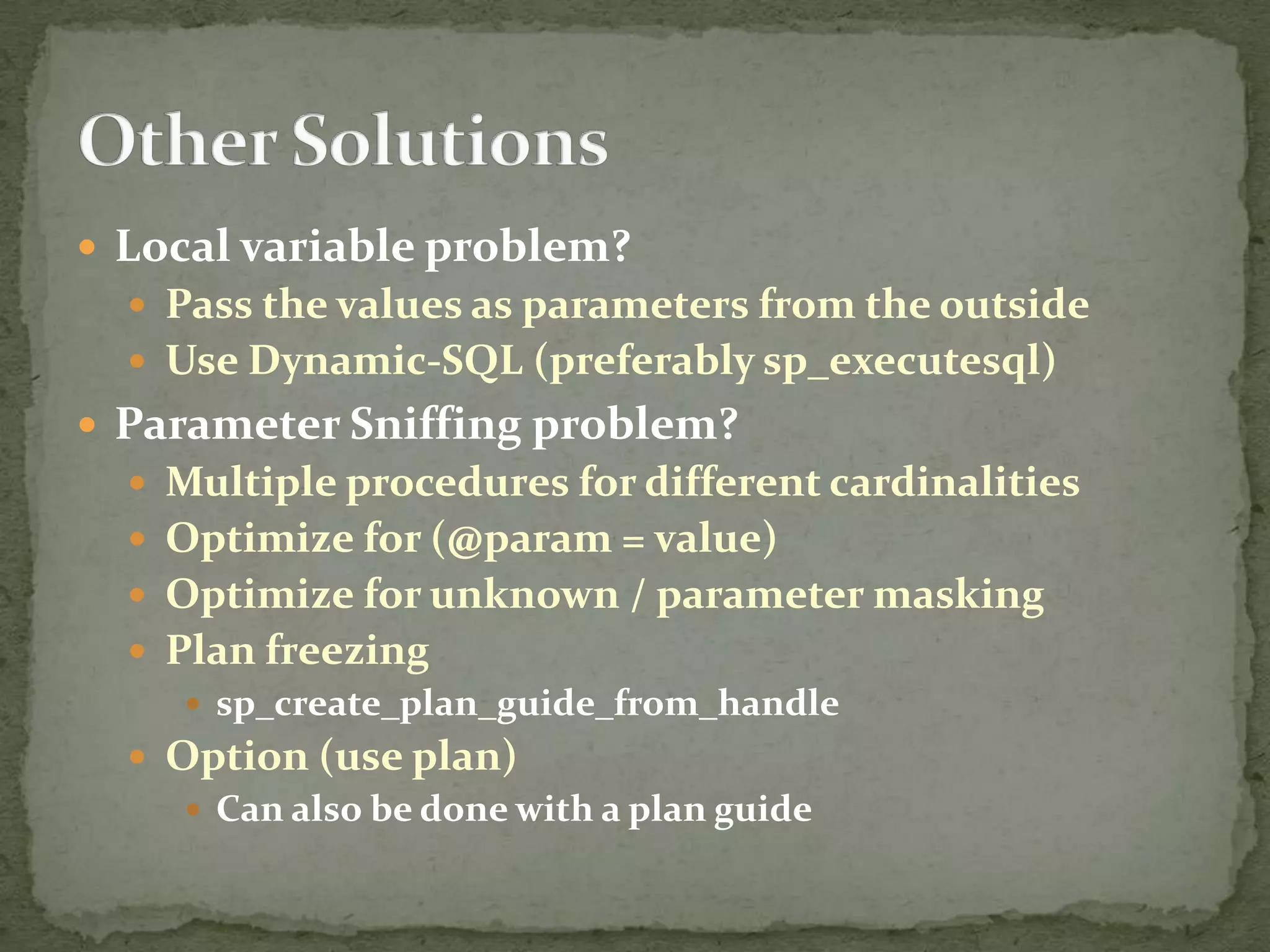
 Local variable problem?
   Pass the values as parameters from the outside
   Use Dynamic-SQL (preferably sp_executesql)
 Parameter Sniffing problem?
   Multiple procedures for different cardinalities
   Optimize for (@param = value)
   Optimize for unknown / parameter masking
   Plan freezing
      sp_create_plan_guide_from_handle
   Option (use plan)
      Can also be done with a plan guide
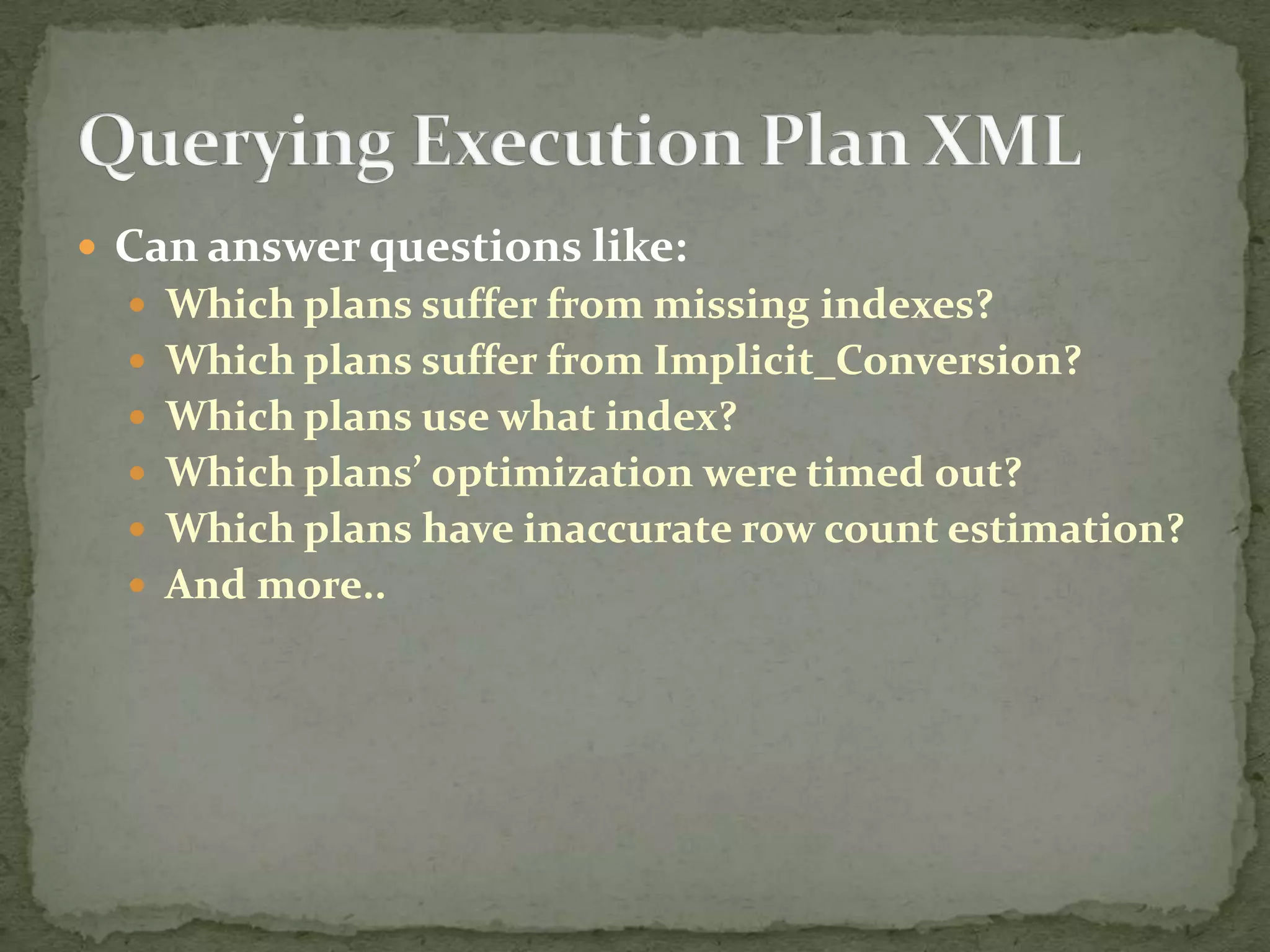
 Can answer questions like:
   Which plans suffer from missing indexes?
   Which plans suffer from Implicit_Conversion?
   Which plans use what index?
   Which plans’ optimization were timed out?
   Which plans have inaccurate row count estimation?
   And more..
 Further Learning:
   Brent Ozar’s sp_bliz procedure:
      http://www.brentozar.com/blitz/
   Jason Strate’s Plan Cache series
      http://www.jasonstrate.com/2011/02/can-you-dig-it-plan-
       cache-series/
   Jason Strate: Using XML to Query Execution Plans
      http://dba.sqlpass.org/MeetingArchive.aspx
 Reuse is almost always a good thing
 Try to prevent Plan Cache bloat
 Remember the effects of Recompile
 The Plan Cache is your workload – Get to know it
Things you can find in the plan cache

Things you can find in the plan cache

  • 1.
    Matan Yungman Microsoft ProtectionServices (via Log-On Software) Blog: www.dbnewsfeed.com Twitter: @MatanYungman
  • 2.
     What isthe Plan Cache  Ways to explore it  How to successfully leverage it  Querying it to identify problematic queries  Querying Execution Plan XML
  • 3.
    Parse Bind Optimize
  • 4.
     Query ExecutionTime  CPU  Memory The Solution: Save plan for future reuse
  • 5.
     Built from4 cache stores • CACHESTORE_OBJCP – Object Plans • CACHESTORE_SQLCP – Ad hoc and Prepared Plans • CACHESTORE_PHDR – Bound Trees • CACHESTORE_XPROC – Extended Procedures  “Steals” its memory from the buffer pool  Each store is basically a hash table  Age-out algorithm
  • 6.
     sys.dm_exec_cached_plans  One row per batch  Use counts  Object type, Cache object type  Plan_handle  sys.dm_exec_query_stats  One row per statement in a batch  Execution count, Plan generation count  IO  Duration  Plan_handle, Sql_handle  Query_hash and Query_plan_hash
  • 7.
     sys.dm_exec_sql_text  Pass plan_handle/sql_handle to get batch text  Use offsets to get query level text  sys.dm_exec_query_plan  Use to get the query plan  Returns XML plan of all the statements in a batch  sys.dm_exec_text_query_plan  Use to get the plan at the statement level  Returns nvarchar(max). Cast it to XML  sys.dm_exec_plan_attributes  Use to determine lack of reuse reasons  All cache_key attributes must match for reuse to happen
  • 8.
     Objects (StoredProcedures, Functions, Triggers)  (ObjectID * DB_ID) % (Hash Table Size)  Ad-hoc and prepared statements  Query Text Hash  Exact text match is needed  Also for reuse to be possible:  Set Options  User ID (Schema ID)  DB_ID  And More…
  • 9.
     Lots ofplans with use count of 1  Not necessarily user queries  ADO.Net, EXEC(), System Queries  How to identify:  Search for ad-hoc plans with use count = 1  Optimization options:  Optimize for ad hoc workloads  Switch to parameterized methods  Turn on Forced Parameterization  Try to test it’s appropriate for your system  Can also be used selectively through plan guides
  • 10.
    SELECT SUM(CAST(size_in_bytes AS BIGINT))/1024.0/1024.0 ASSizeInMB, COUNT(*) AS PlanCount FROM sys.dm_exec_cached_plans WHERE objtype = 'Adhoc' AND cacheobjtype = 'Compiled Plan' AND usecounts = 1
  • 11.
     Nhibernate  String parameter lengths are supplied according to each specific execution  Solution: Nhibernate “prepare_sql” parameter  Linq To SQL & Entity Framework  Same as Nhibernate  Solution: Upgrade to Dot Net 4.0  Simple ADO.Net queries  Act as Ad-hoc queries  Optimization options:  Optimize for ad-hoc workloads option  Forced parameterization  ADO.Net parameterized queries (supply length for strings)
  • 12.
    • Can helpidentify potentially reusable queries • Recommended query #2: SELECT query_hash,COUNT(*) AS PlanCount FROM sys.dm_exec_query_stats GROUP BY query_hash HAVING COUNT(*) > 1
  • 13.
    75% 0-4GB + 10% 4Gb-64GB + 5% > 64GB  Max number of items per cache store:  10007 on 32-bit, 40009 on 64-bit  Numbers are as of SQL Server 2005 SP2
  • 14.
     Age-out algorithmbased on:  Plan generation cost  Usage  On memory pressure, all plan costs are decreased by 1  Plans with cost = 0 can be evicted  Ad-hoc plans always enter with cost = 0  Cost incremented by 1 on each reuse  For other plans  Cost is reset to the original value on reuse  Ad-hoc max cost = 16  Prepared max cost = 256  No max cost for stored procedures
  • 15.
     DBCC FREEPROCCACHE  Clears all plans  Can also be more specific  plan_handle / sql_handle / pool_name  DBCC FREESYSTEMCACHE  Specific cache store: ‘SQL Plans’ / ‘Object Plans’  Undocumented  DBCC FLUSHPROCINDB – Specific database
  • 16.
     We cananswer questions like:  Which queries are most IO/CPU/Time intensive?  Absolute numbers or per run  Which database is the most resource intensive?  What is the value a plan was optimized for?  Which queries/objects are frequently recompiled?  And more..
  • 17.
     Plan isoptimized for first execution’s parameters  Local variable values not known to the optimizer  Possible solution: Recompile  Stored procedure level:  Create Procedure..With Recompile  Exec..With Recompile  sp_recompile  Statement level:  Option (Recompile)  As we saw, it comes with a performance penalty
  • 20.
     Create Procedure..WithRecompile means:  “Generate new plan on each run and don’t cache it”  Exec..With Recompile means:  “Generate new plan for this run and don’t cache it”  Option (Rcompile) means:  Generate new plan on each run  Set execution_count to 1  Increase plan_generation_num by 1
  • 21.
     Local variableproblem?  Pass the values as parameters from the outside  Use Dynamic-SQL (preferably sp_executesql)  Parameter Sniffing problem?  Multiple procedures for different cardinalities  Optimize for (@param = value)  Optimize for unknown / parameter masking  Plan freezing  sp_create_plan_guide_from_handle  Option (use plan)  Can also be done with a plan guide
  • 22.
     Can answerquestions like:  Which plans suffer from missing indexes?  Which plans suffer from Implicit_Conversion?  Which plans use what index?  Which plans’ optimization were timed out?  Which plans have inaccurate row count estimation?  And more..
  • 23.
     Further Learning:  Brent Ozar’s sp_bliz procedure:  http://www.brentozar.com/blitz/  Jason Strate’s Plan Cache series  http://www.jasonstrate.com/2011/02/can-you-dig-it-plan- cache-series/  Jason Strate: Using XML to Query Execution Plans  http://dba.sqlpass.org/MeetingArchive.aspx
  • 24.
     Reuse isalmost always a good thing  Try to prevent Plan Cache bloat  Remember the effects of Recompile  The Plan Cache is your workload – Get to know it

Editor's Notes

  • #9 Ad-hoc lookup demo
  • #17 Demoes all the way down until Querying execution plan xml.
  • #23 Demoes all the way down