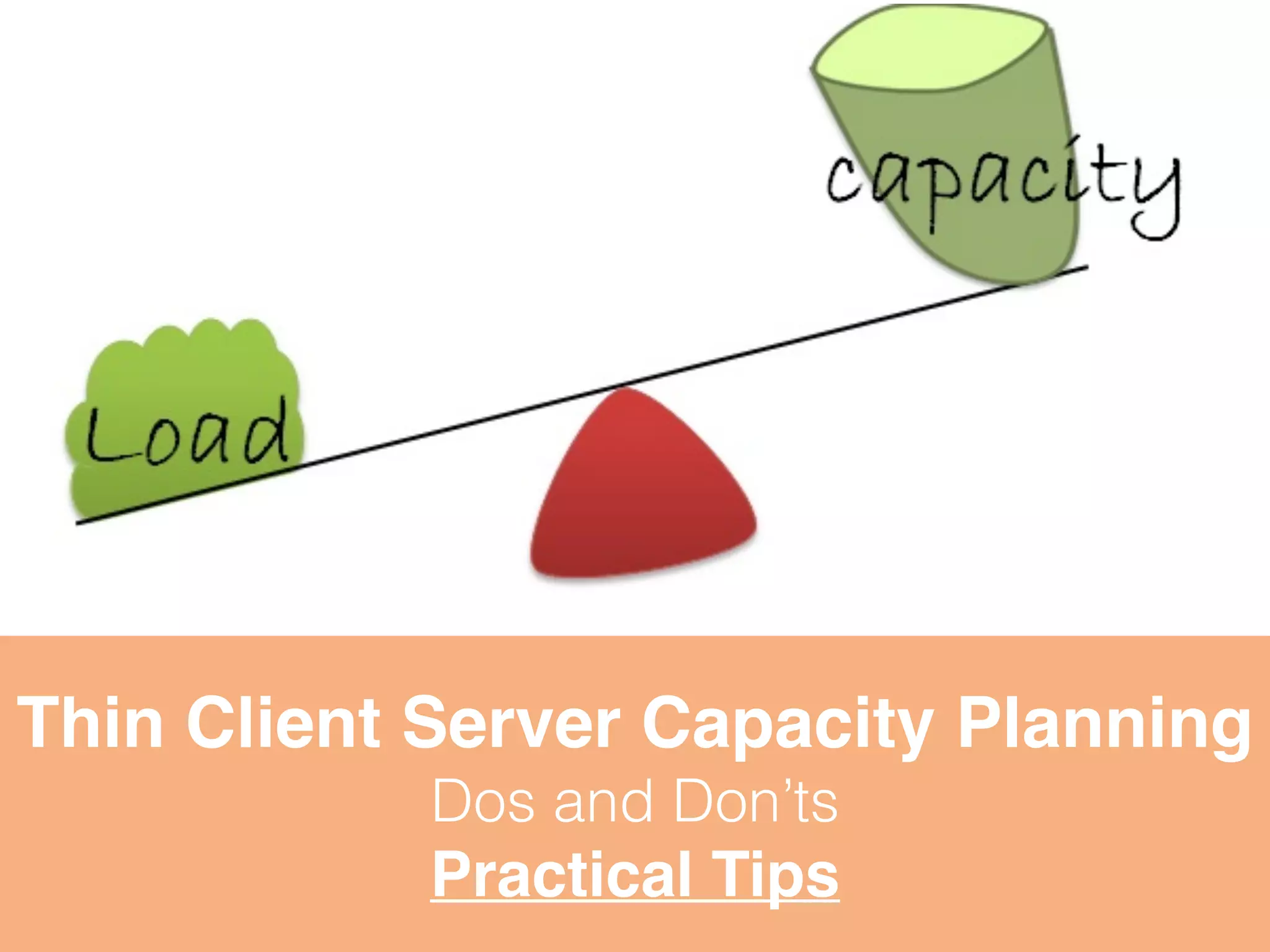
Thin Client Server Capacity Planning 
Dos and Don’ts 
Practical Tips
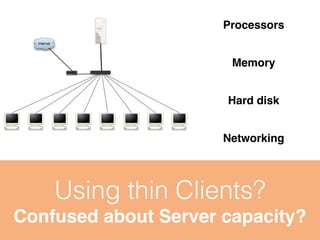
Processors 
Memory 
Operating System 
Hard disk 
Networking 
Using thin Clients? 
Confused about Server capacity?
Applicable to any Thin Client Server (Win/Lin) 
Applicable to any Technology RDP or vSpace 
Not applicable for DB or email Servers.
Can You spot the 
Planning problem 
in this pic? 
Wrongly planned server horrors 
Users think that Thin clients are slow or unstable, 
Where as culprit is Server or IT Infrastructure
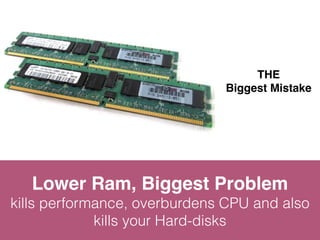
THE 
Biggest Mistake 
Lower Ram, Biggest Problem 
kills performance, overburdens CPU and also 
kills your Hard-disks
THE 
Deliberate Mistake 
Desktop OS is for Desktop 
Cannot efficiently manage multiple simultaneous 
users. Never use Desktop OS for Server.
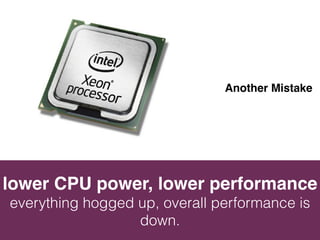
Another Mistake 
lower CPU power, lower performance 
everything hogged up, overall performance is 
down.
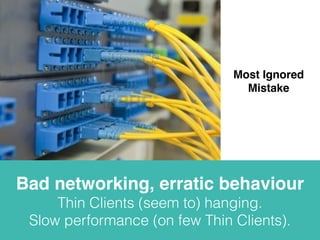
Most Ignored 
Mistake 
Bad networking, erratic behaviour 
Thin Clients (seem to) hanging. 
Slow performance (on few Thin Clients).
Most Common 
Mistake 
Cheap Motherboard, big Risk 
Wrong Motherboard cannot get best out of 
Best CPU or Best RAM.
Silly 
Mistakes 
Small mistakes, big disasters 
A bad Power supply, or chassis or air conditioning, 
Earthing (ground) can create big disaster
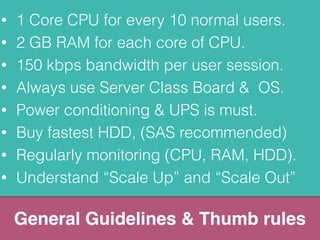
• 1 Core CPU for every 10 normal users. 
• 2 GB RAM for each core of CPU. 
• 150 kbps bandwidth per user session. 
• Always use Server Class Board & OS. 
• Power conditioning & UPS is must. 
• Buy fastest HDD, (SAS recommended) 
• Regularly monitoring (CPU, RAM, HDD). 
• Understand “Scale Up” and “Scale Out” 
General Guidelines & Thumb rules
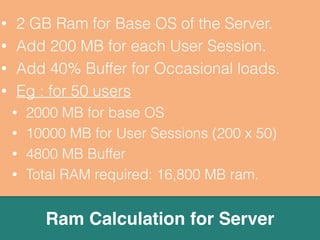
• 2 GB Ram for Base OS of the Server. 
• Add 200 MB for each User Session. 
• Add 40% Buffer for Occasional loads. 
• Eg : for 50 users 
• 2000 MB for base OS 
• 10000 MB for User Sessions (200 x 50) 
• 4800 MB Buffer 
• Total RAM required: 16,800 MB ram. 
Ram Calculation for Server
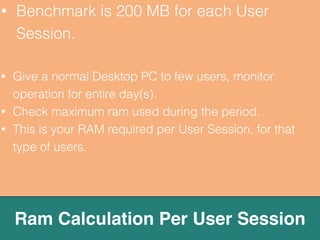
• Benchmark is 200 MB for each User 
Session. 
• Give a normal Desktop PC to few users, monitor 
operation for entire day(s). 
• Check maximum ram used during the period. 
• This is your RAM required per User Session, for that 
type of users. 
Ram Calculation Per User Session
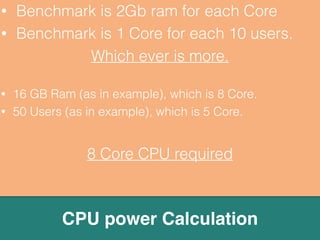
• Benchmark is 2Gb ram for each Core 
• Benchmark is 1 Core for each 10 users. 
Which ever is more. 
• 16 GB Ram (as in example), which is 8 Core. 
• 50 Users (as in example), which is 5 Core. 
8 Core CPU required 
CPU power Calculation
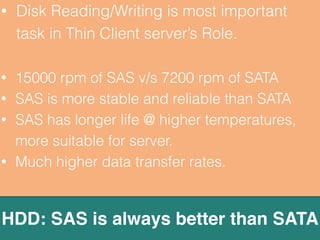
• Disk Reading/Writing is most important 
task in Thin Client server’s Role. 
• 15000 rpm of SAS v/s 7200 rpm of SATA 
• SAS is more stable and reliable than SATA 
• SAS has longer life @ higher temperatures, 
more suitable for server. 
• Much higher data transfer rates. 
HDD: SAS is always better than SATA
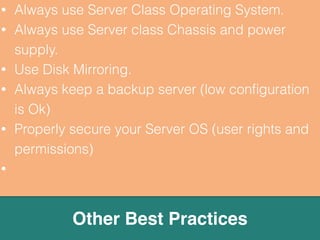
• Always use Server class Chassis and power 
supply. 
• Always use Server Operating System. 
• Use Disk Mirroring. 
• Always keep a backup server (low configuration 
is Ok) 
• Properly secure your Server OS (user rights and 
permissions) 
Other Best Practices
www.enjayworld.com 
Enjay Thin Clients 
The best Thin Clients in India

Thin client server capacity planning for sm es

  • 1.
    Thin Client ServerCapacity Planning Dos and Don’ts Practical Tips
  • 2.
    Processors Memory OperatingSystem Hard disk Networking Using thin Clients? Confused about Server capacity?
  • 3.
    Applicable to anyThin Client Server (Win/Lin) Applicable to any Technology RDP or vSpace Not applicable for DB or email Servers.
  • 4.
    Can You spotthe Planning problem in this pic? Wrongly planned server horrors Users think that Thin clients are slow or unstable, Where as culprit is Server or IT Infrastructure
  • 5.
    THE Biggest Mistake Lower Ram, Biggest Problem kills performance, overburdens CPU and also kills your Hard-disks
  • 6.
    THE Deliberate Mistake Desktop OS is for Desktop Cannot efficiently manage multiple simultaneous users. Never use Desktop OS for Server.
  • 7.
    Another Mistake lowerCPU power, lower performance everything hogged up, overall performance is down.
  • 8.
    Most Ignored Mistake Bad networking, erratic behaviour Thin Clients (seem to) hanging. Slow performance (on few Thin Clients).
  • 9.
    Most Common Mistake Cheap Motherboard, big Risk Wrong Motherboard cannot get best out of Best CPU or Best RAM.
  • 10.
    Silly Mistakes Smallmistakes, big disasters A bad Power supply, or chassis or air conditioning, Earthing (ground) can create big disaster
  • 11.
    • 1 CoreCPU for every 10 normal users. • 2 GB RAM for each core of CPU. • 150 kbps bandwidth per user session. • Always use Server Class Board & OS. • Power conditioning & UPS is must. • Buy fastest HDD, (SAS recommended) • Regularly monitoring (CPU, RAM, HDD). • Understand “Scale Up” and “Scale Out” General Guidelines & Thumb rules
  • 12.
    • 2 GBRam for Base OS of the Server. • Add 200 MB for each User Session. • Add 40% Buffer for Occasional loads. • Eg : for 50 users • 2000 MB for base OS • 10000 MB for User Sessions (200 x 50) • 4800 MB Buffer • Total RAM required: 16,800 MB ram. Ram Calculation for Server
  • 13.
    • Benchmark is200 MB for each User Session. • Give a normal Desktop PC to few users, monitor operation for entire day(s). • Check maximum ram used during the period. • This is your RAM required per User Session, for that type of users. Ram Calculation Per User Session
  • 14.
    • Benchmark is2Gb ram for each Core • Benchmark is 1 Core for each 10 users. Which ever is more. • 16 GB Ram (as in example), which is 8 Core. • 50 Users (as in example), which is 5 Core. 8 Core CPU required CPU power Calculation
  • 15.
    • Disk Reading/Writingis most important task in Thin Client server’s Role. • 15000 rpm of SAS v/s 7200 rpm of SATA • SAS is more stable and reliable than SATA • SAS has longer life @ higher temperatures, more suitable for server. • Much higher data transfer rates. HDD: SAS is always better than SATA
  • 16.
    • Always useServer class Chassis and power supply. • Always use Server Operating System. • Use Disk Mirroring. • Always keep a backup server (low configuration is Ok) • Properly secure your Server OS (user rights and permissions) Other Best Practices
  • 17.
    www.enjayworld.com Enjay ThinClients The best Thin Clients in India