the BROWSER the USER &  the LIBRARY
What are we going to do? This practical workshop will demonstrate the use of  Web 2.0 technology to empower users and librarians.  During a hands-on session, participants will work with these tools.  You will develop a library Toolbar, tailor-made services via personal start page software like Netvibes, making use of RSS-feeds, Widgets and Browser extensions
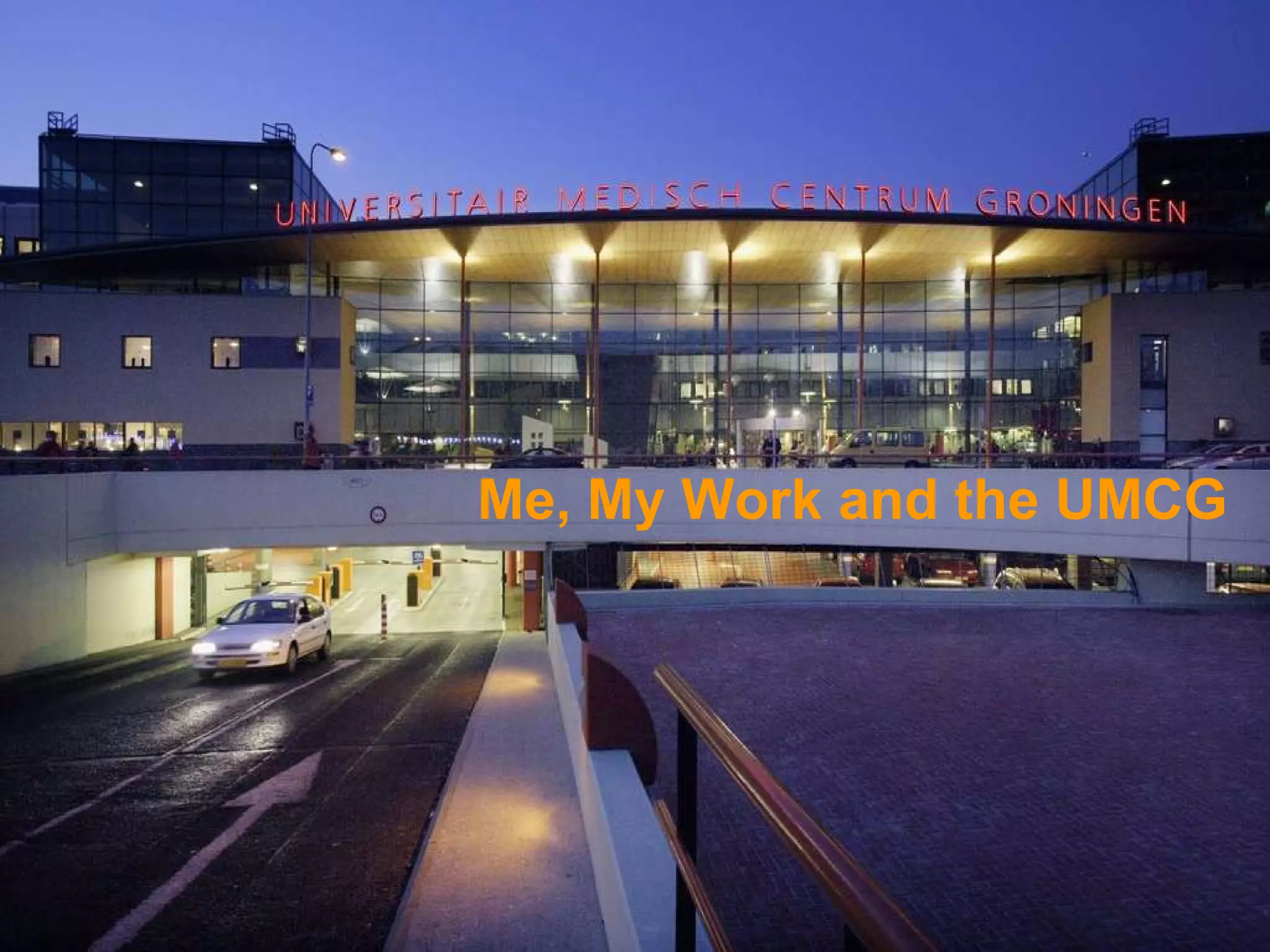
Me, My Work and the UMCG
 
Because everybody is using it ALL DAY! WHY the BROWSER?
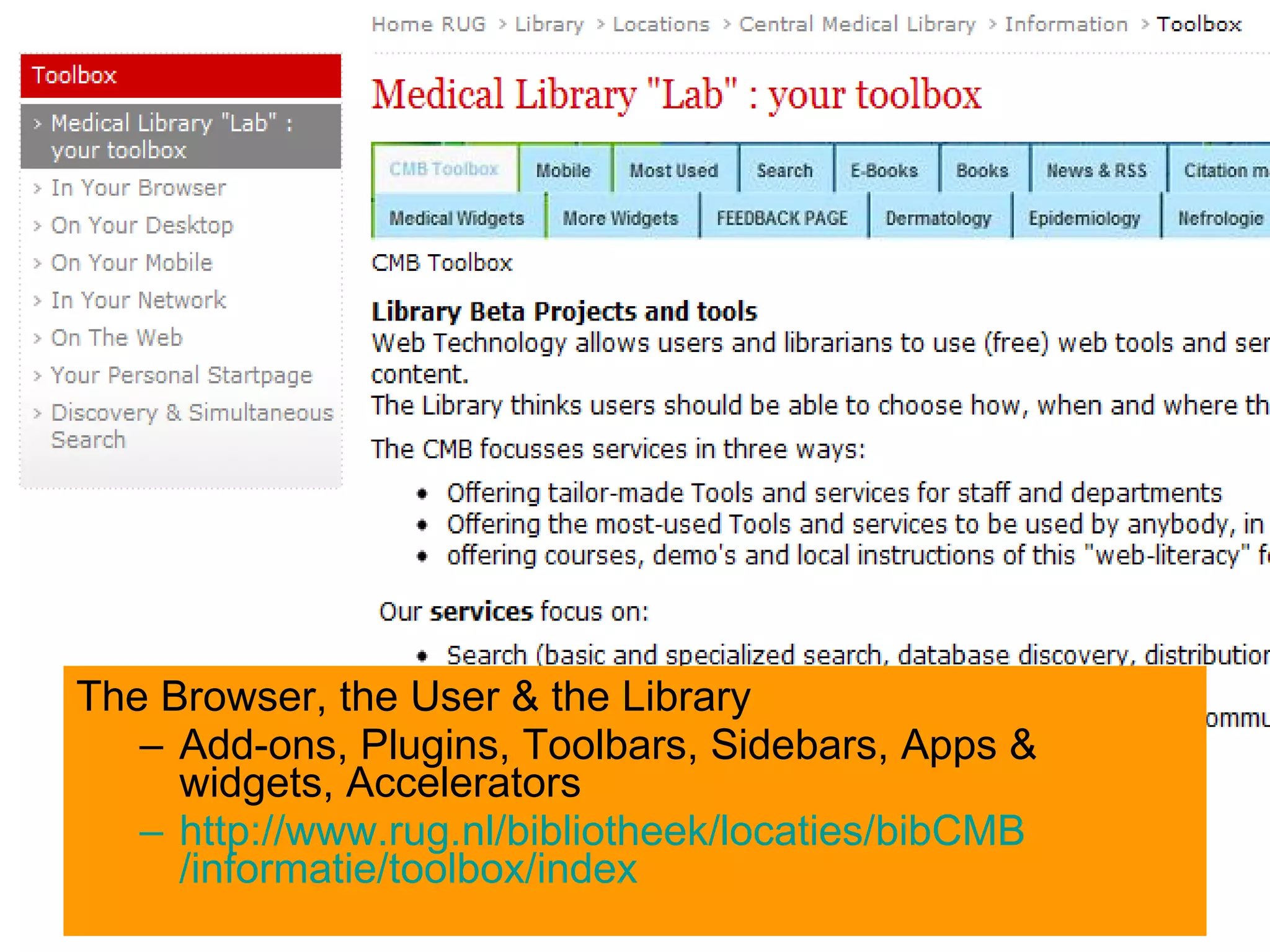
The Browser, the User & the Library Add-ons, Plugins, Toolbars, Sidebars, Apps & widgets, Accelerators http:// www.rug.nl /bibliotheek/locaties/ bibCMB /informatie/toolbox/index
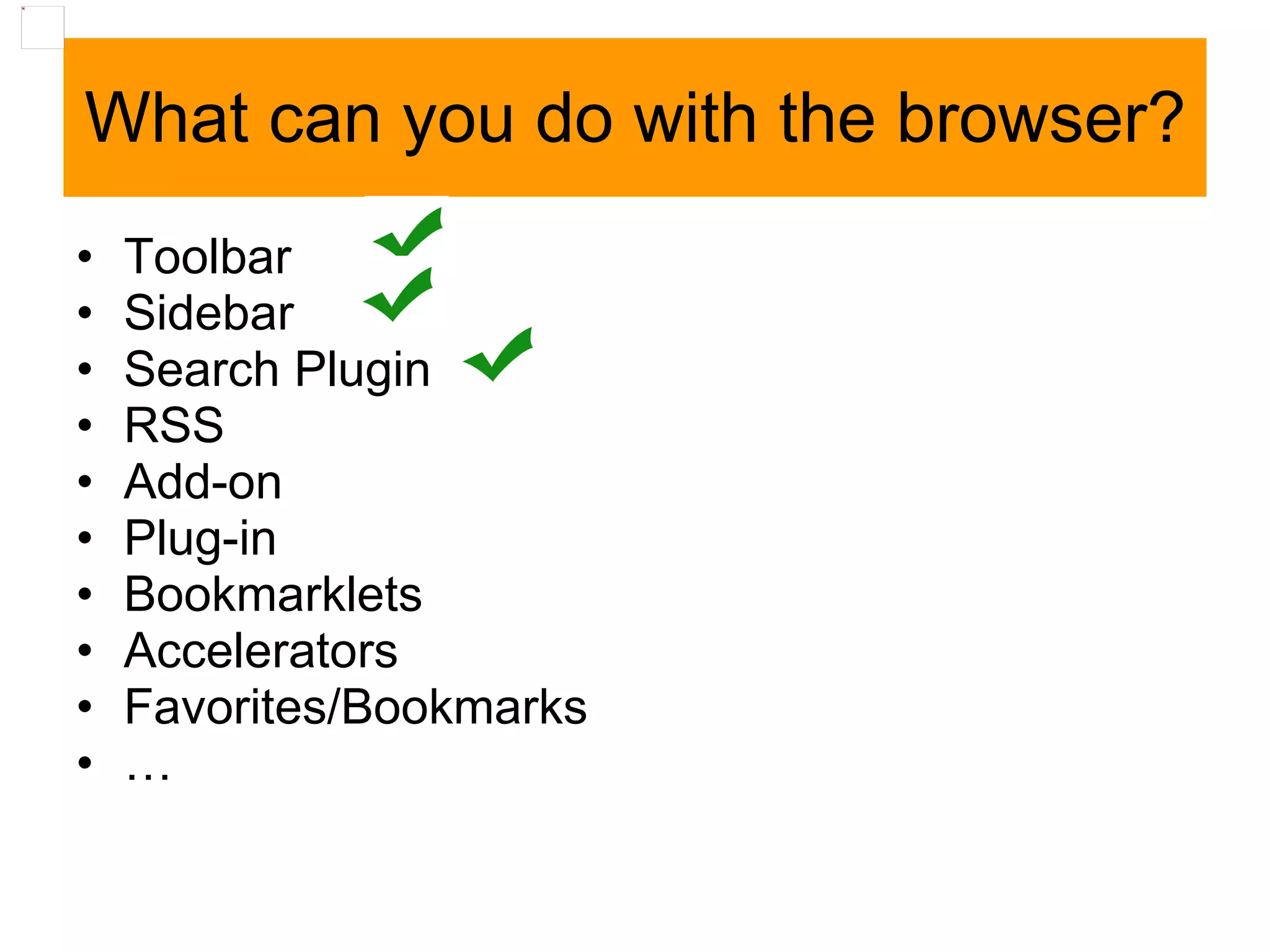
What can you do with the browser? Toolbar  Sidebar  Search Plugin  RSS  Add-on Plug-in Bookmarklets Accelerators Favorites/Bookmarks …
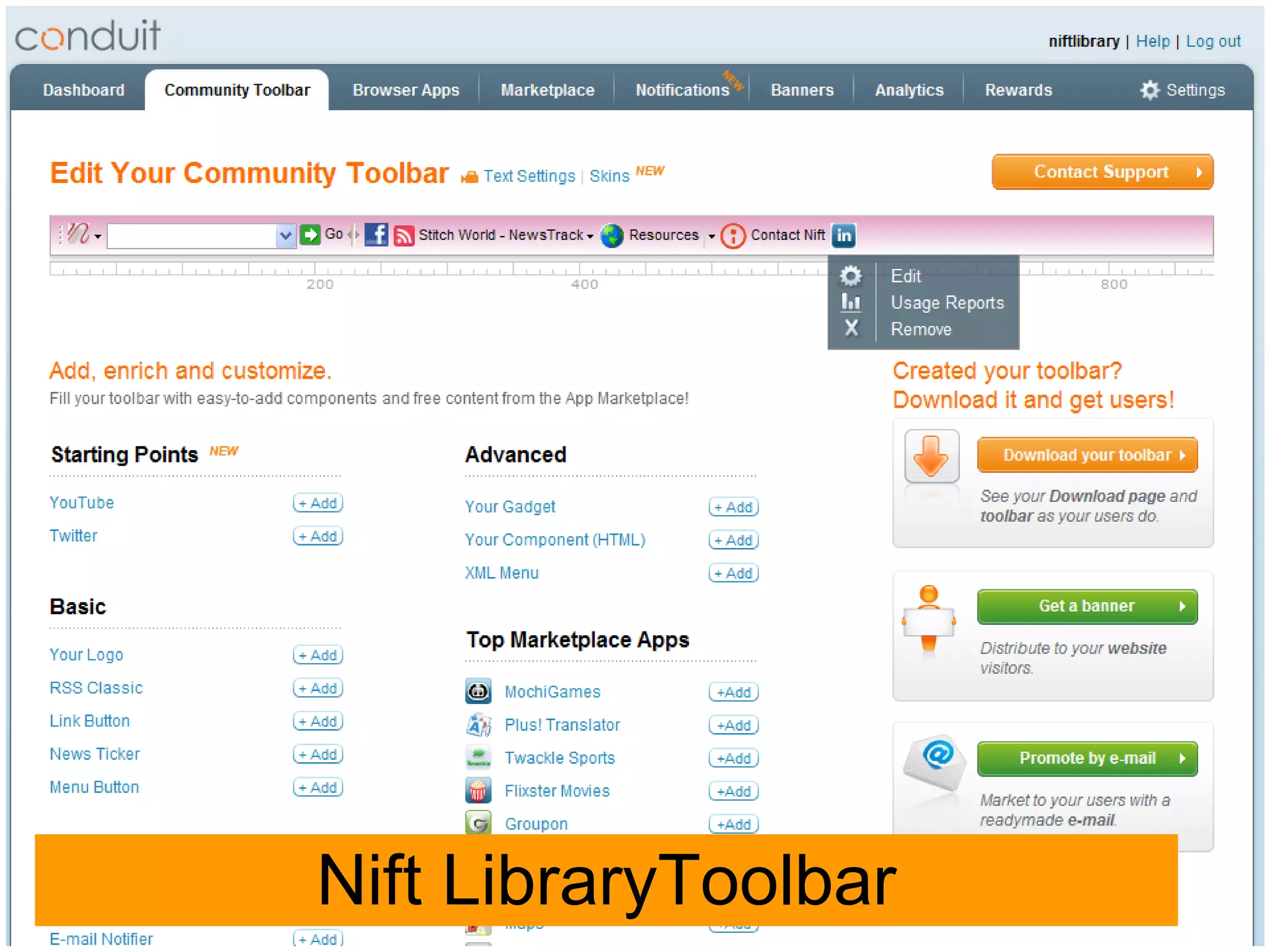
Toolbar Demo CMB LibraryToolbar   (the IE-version) www.conduit.com  Create your Own! Search , Rss, Gadget/Widgets, Menu’s etc
Nift LibraryToolbar
RSS “ Syndication” Read info everywhere, anytime, always when you need to Automatically Choose yourself Re-use of information, mash-up new services Alerts RSS : Really SIMPLE Syndication
From Search Box & RSS to “ Universal widgets” Widget: any platform,  Eco.netvibes.com + OpenSocial Widgetbox  www.widgetbox.com + Embed in website or blog
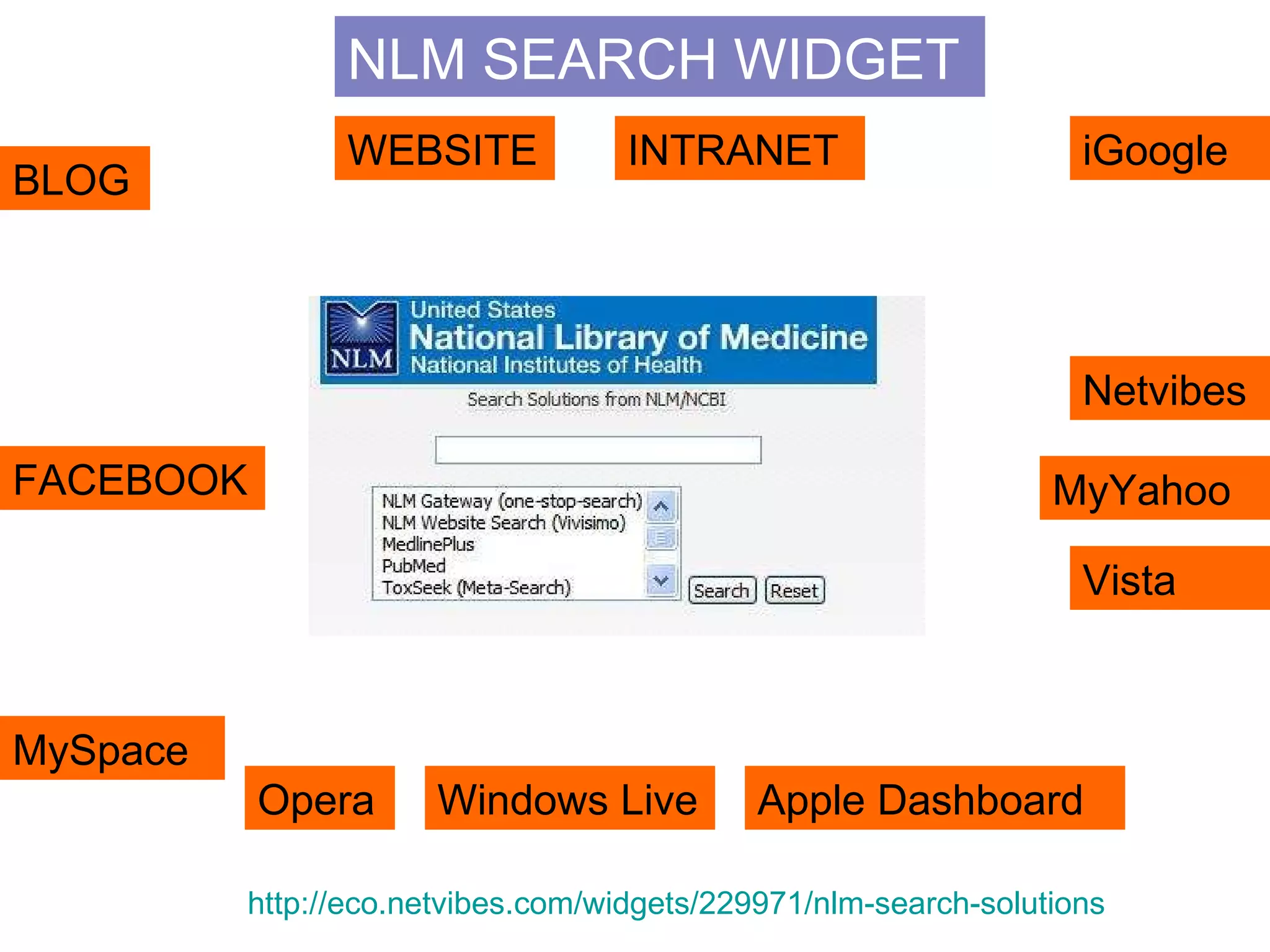
NLM SEARCH WIDGET BLOG WEBSITE iGoogle Netvibes MyYahoo FACEBOOK MySpace Opera Windows Live Apple Dashboard Vista INTRANET http://eco.netvibes.com/widgets/229971/nlm-search-solutions
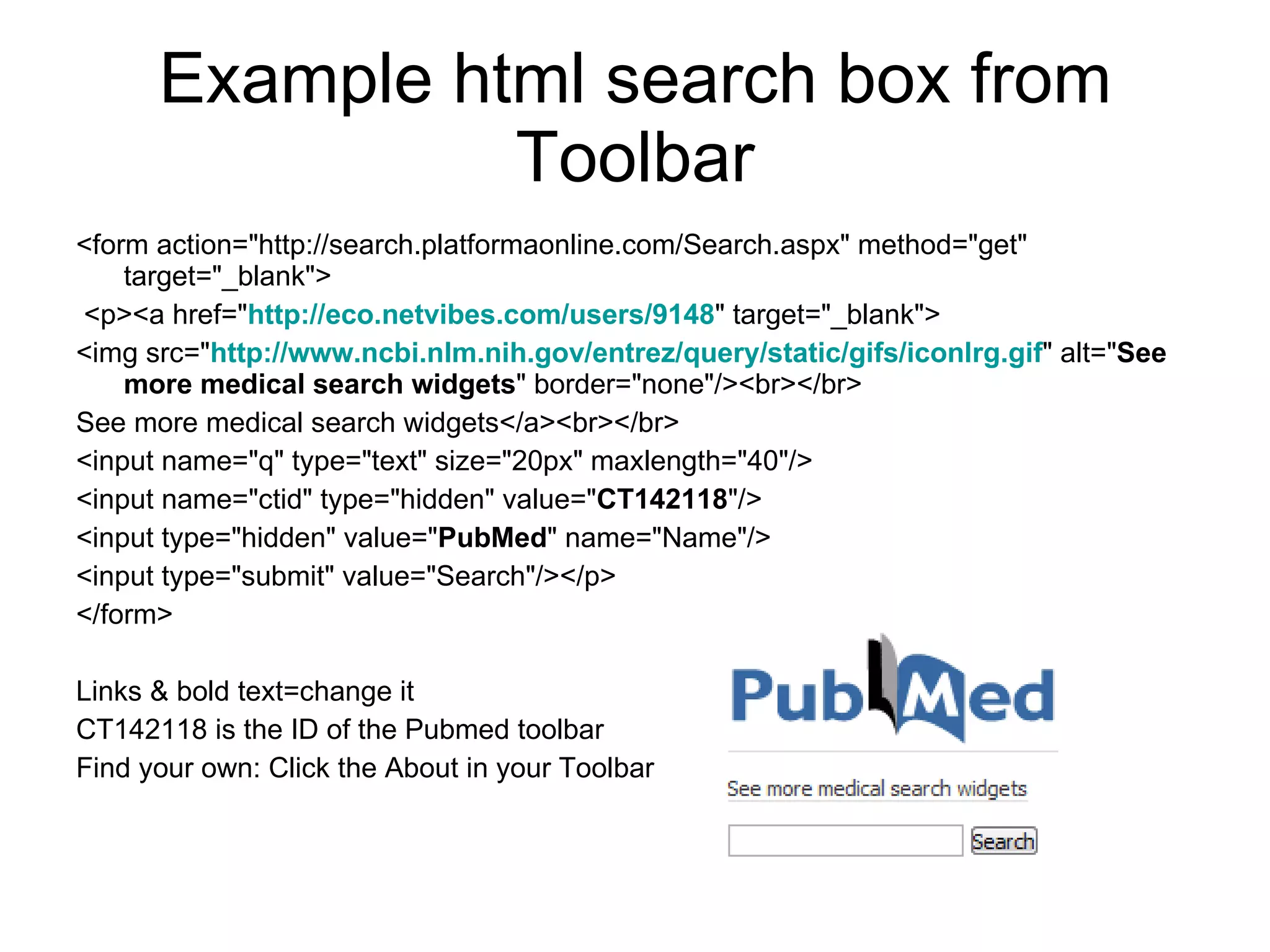
Example html search box from Toolbar <form action=&quot;http://search.platformaonline.com/Search.aspx&quot; method=&quot;get&quot; target=&quot;_blank&quot;> <p><a href=&quot; http:// eco.netvibes.com / users /9148 &quot; target=&quot;_blank&quot;> <img src=&quot; http:// www.ncbi.nlm.nih.gov / entrez /query/static/ gifs / iconlrg.gif &quot; alt=&quot; See more medical search widgets &quot; border=&quot;none&quot;/><br></br> See more medical search widgets</a><br></br>  <input name=&quot;q&quot; type=&quot;text&quot; size=&quot;20px&quot; maxlength=&quot;40&quot;/>  <input name=&quot;ctid&quot; type=&quot;hidden&quot; value=&quot; CT142118 &quot;/>  <input type=&quot;hidden&quot; value=&quot; PubMed &quot; name=&quot;Name&quot;/>  <input type=&quot;submit&quot; value=&quot;Search&quot;/></p> </form> Links & bold text=change it CT142118 is the ID of the Pubmed toolbar Find your own: Click the About in your Toolbar
From RSS & Widgets to personal start pages Netvibes, iGoogle or Protopage or Our Choice:  Netvibes http://www.netvibes.com Big extra:  Public Page
Basic Mindset … (Almost) everything is possible for users  á nd libraries The user (customer) decides and chooses which services & resources to use.  It is unimportant for him where they come from, the library, free web stuff from publishers or other commercial parties. Everything will keep changing
Not : Come and get it here. Yes : Choose yourself, take it with you, into your own environment Share, coolaborate, educate & training & pratice Stay alert & aware of what is possible, and what users are doing, engaging themselves in …   “ ToolBox” : Take-Away & Tailor-made”
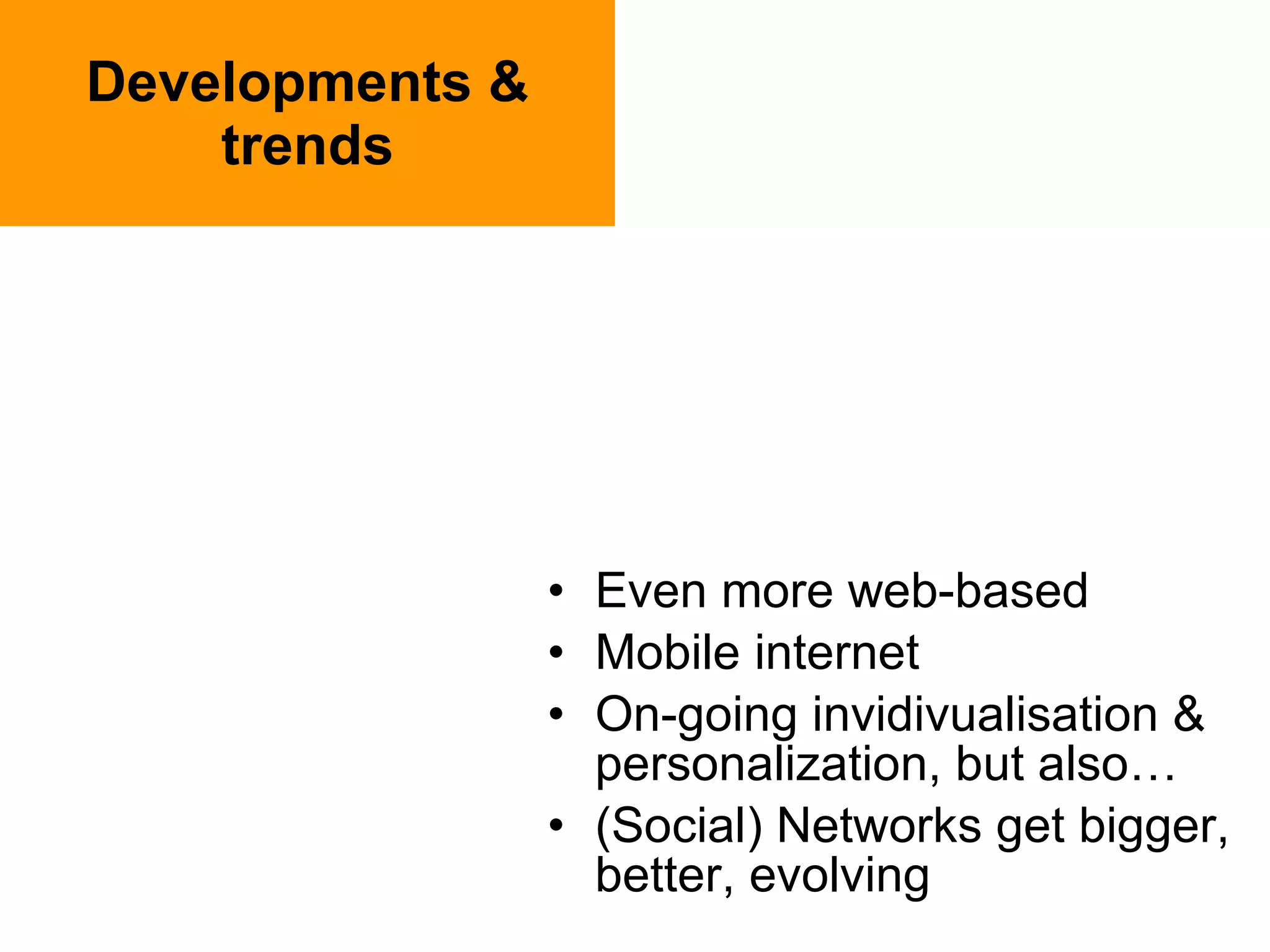
Developments & trends Even more web-based Mobile internet On-going invidivualisation & personalization, but also… (Social) Networks get bigger, better, evolving
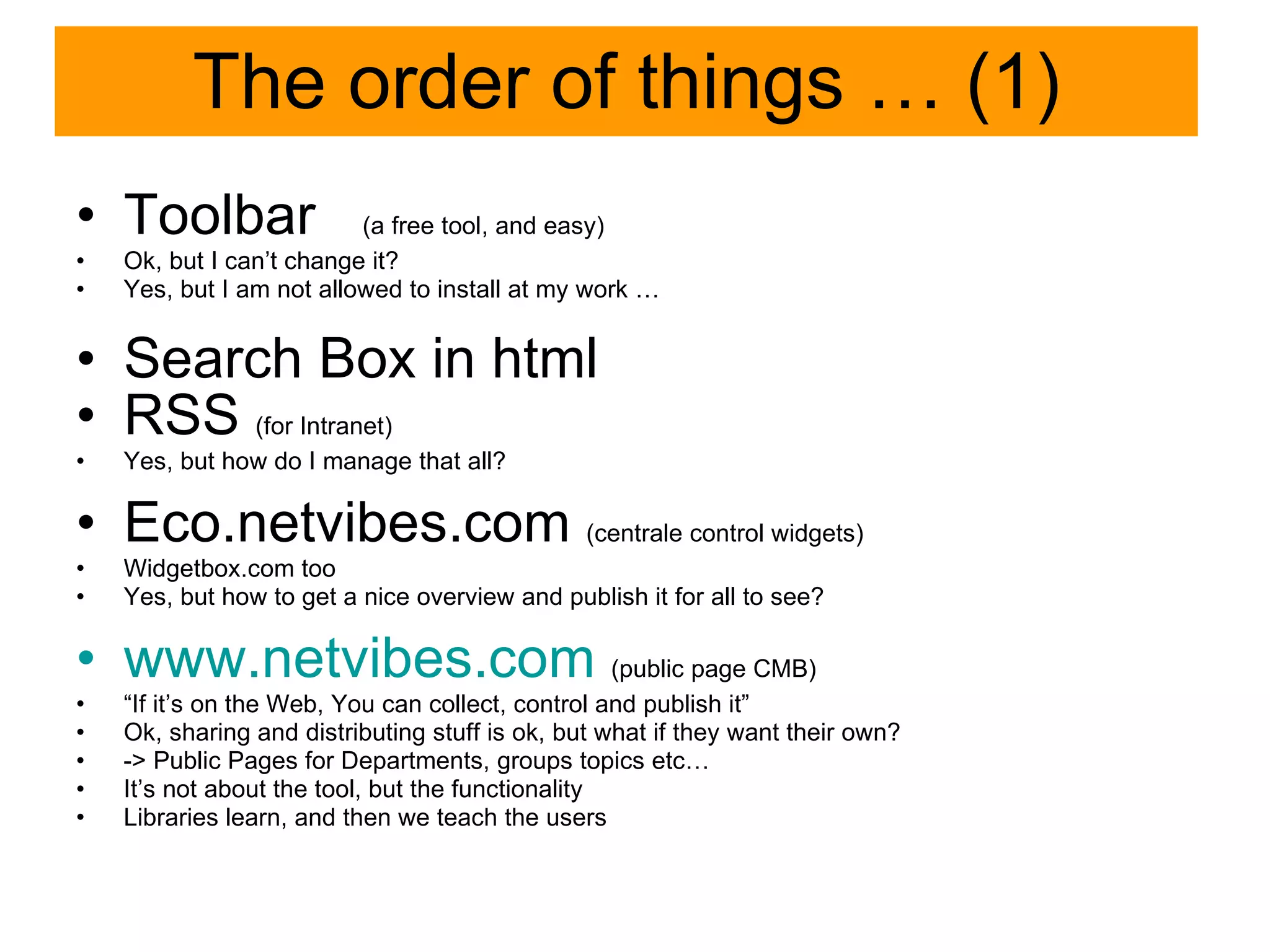
The order of things … (1) Toolbar  (a free tool, and easy) Ok, but I can’t change it? Yes, but I am not allowed to install at my work … Search Box in html  RSS  (for Intranet) Yes, but how do I manage that all? Eco.netvibes.com  (centrale control widgets) Widgetbox.com too Yes, but how to get a nice overview and publish it for all to see? www.netvibes.com   (public page CMB) “ If it’s on the Web, You can collect, control and publish it” Ok, sharing and distributing stuff is ok, but what if they want their own? -> Public Pages for Departments, groups topics etc… It’s not about the tool, but the functionality Libraries learn, and then we teach the users
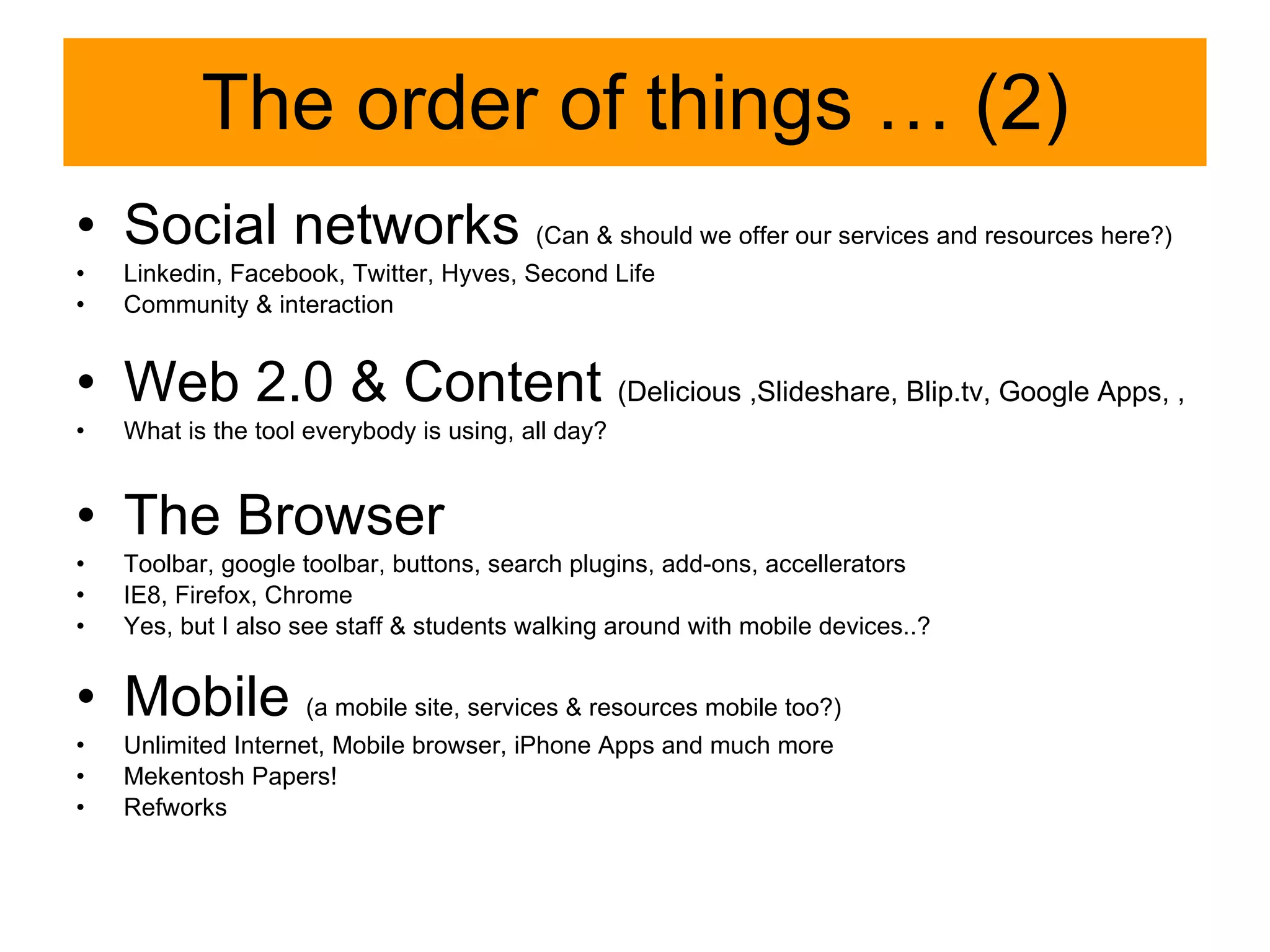
The order of things … (2) Social networks  (Can & should we offer our services and resources here ? ) Linkedin, Facebook, Twitter, Hyves, Second Life Community & interaction Web 2.0 & Content  (Delicious ,Slideshare, Blip.tv, Google Apps, ,  What is the tool everybody is using, all day? The Browser Toolbar, google toolbar, buttons, search plugins, add-ons, accellerators IE8, Firefox, Chrome Yes, but I also see staff & students walking around with mobile devices..? Mobile  (a mobile site, services & resources mobile too?) Unlimited Internet, Mobile browser, iPhone Apps and much more Mekentosh Papers! Refworks
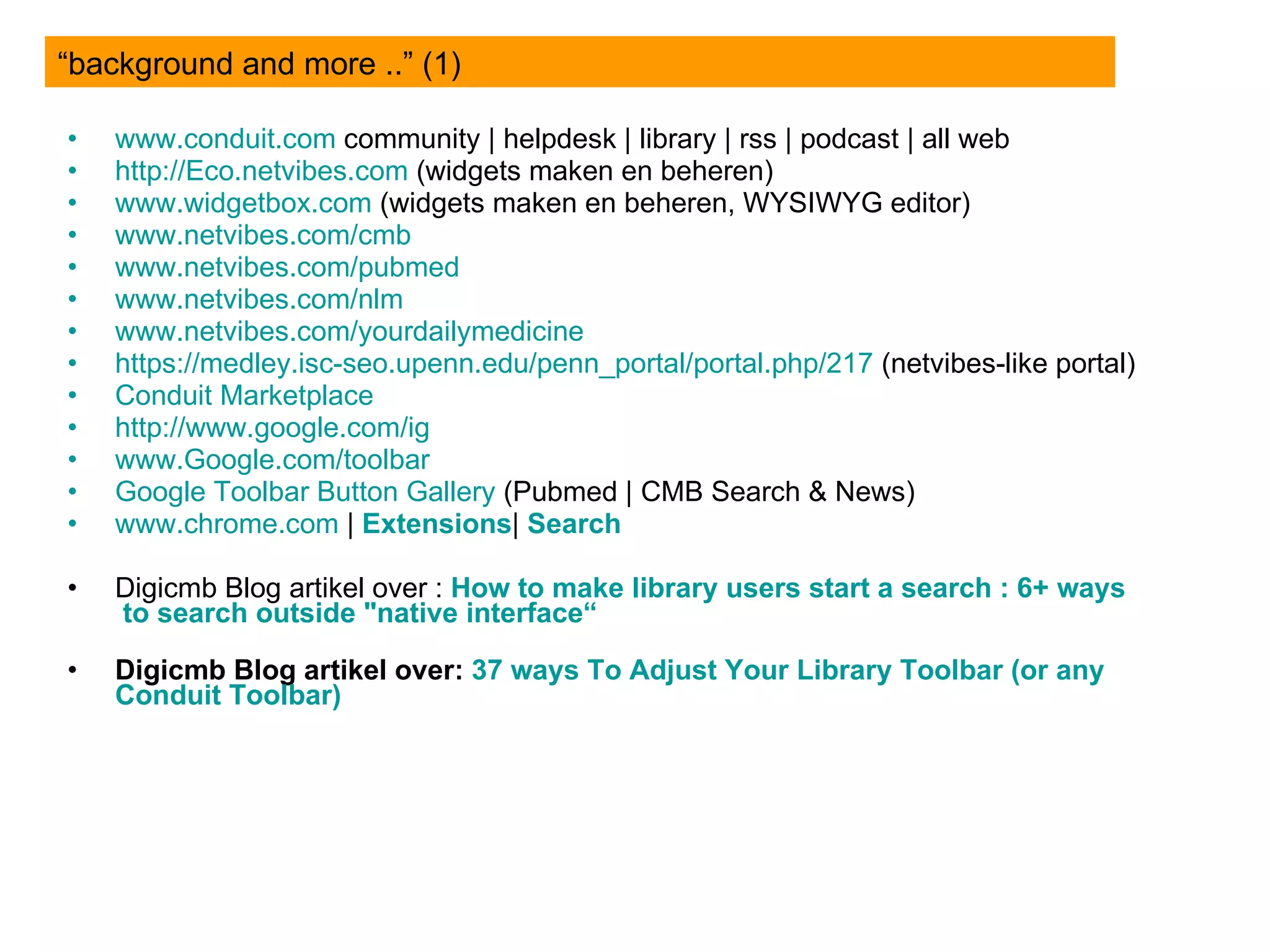
www.conduit.com  community | helpdesk | library | rss | podcast | all web http://Eco.netvibes.com  (widgets maken en beheren) www.widgetbox.com  (widgets maken en beheren, WYSIWYG editor) www.netvibes.com / cmb www.netvibes.com/pubmed www.netvibes.com/nlm www.netvibes.com / yourdailymedicine https://medley.isc-seo.upenn.edu/penn_portal/portal.php/217  (netvibes-like portal) Conduit  Marketplace  http:// www.google.com / ig   www.Google.com /toolbar Google Toolbar Button  Gallery  (Pubmed | CMB Search & News) www.chrome.com  |  Extensions |  Search   Digicmb Blog artikel over :  How  to  make   library   users  start a search : 6+  ways  to search  outside  &quot; native  interface“ Digicmb Blog artikel over:  37  ways  To  Adjust   Your   Library  Toolbar ( or   any   Conduit  Toolbar) “background and more ..” (1)
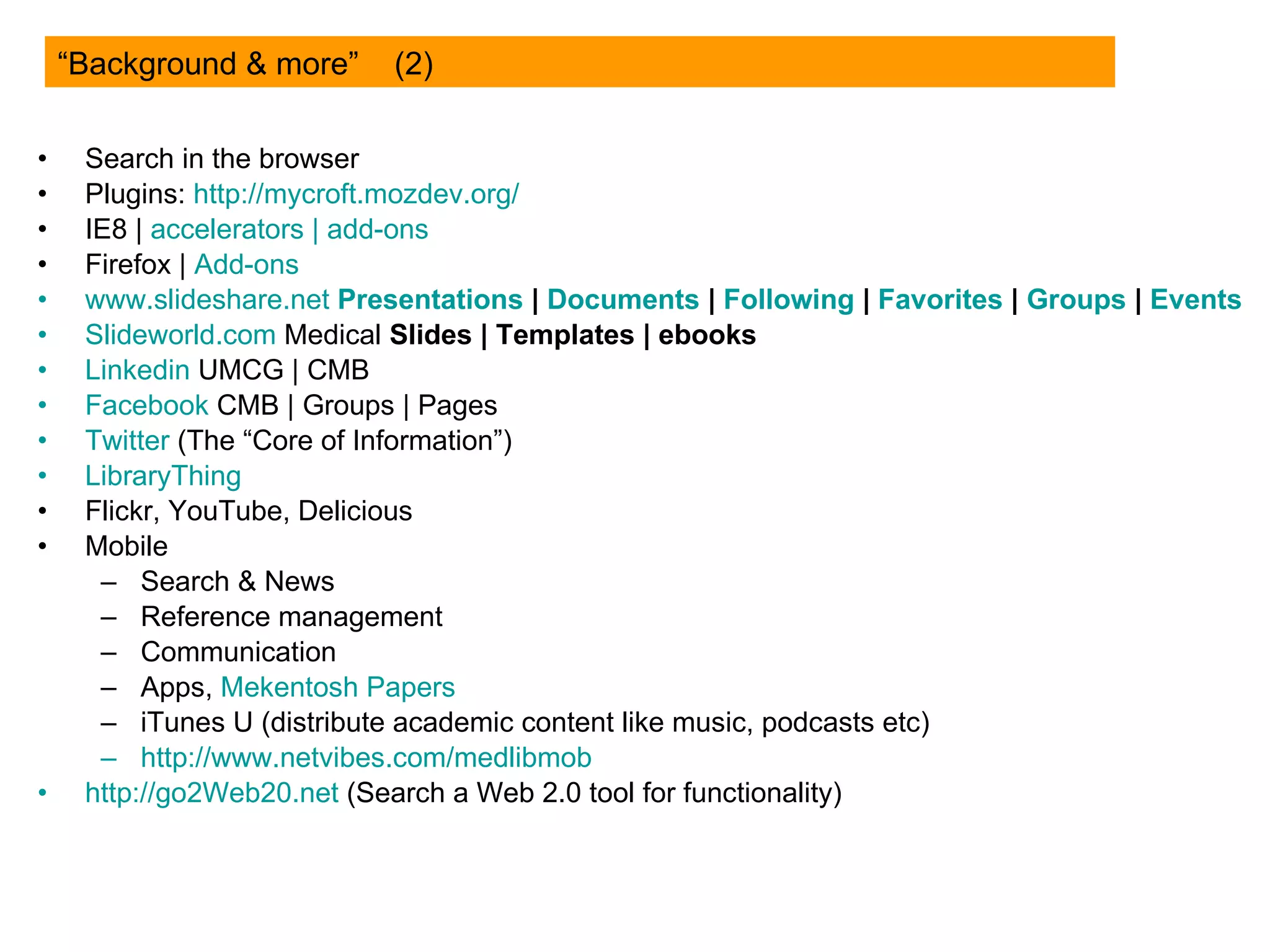
Search in the browser Plugins:  http://mycroft.mozdev.org/ IE8 |  accelerators  |  add-ons Firefox |  Add-ons www.slideshare.net   Presentations  |  Documents  |  Following  |  Favorites  |   Groups  |   Events   Slideworld.com  Medical  Slides |   Templates |   ebooks   Linkedin  UMCG | CMB Facebook   CMB | Groups | Pages Twitter   (The “Core of Information”) LibraryThing Flickr, YouTube, Delicious Mobile Search & News Reference management Communication Apps,  Mekentosh  Papers iTunes U (distribute academic content like music, podcasts etc) http:// www.netvibes.com/medlibmob http://go2Web20.net  (Search a Web 2.0 tool for functionality) “Background & more”  (2)
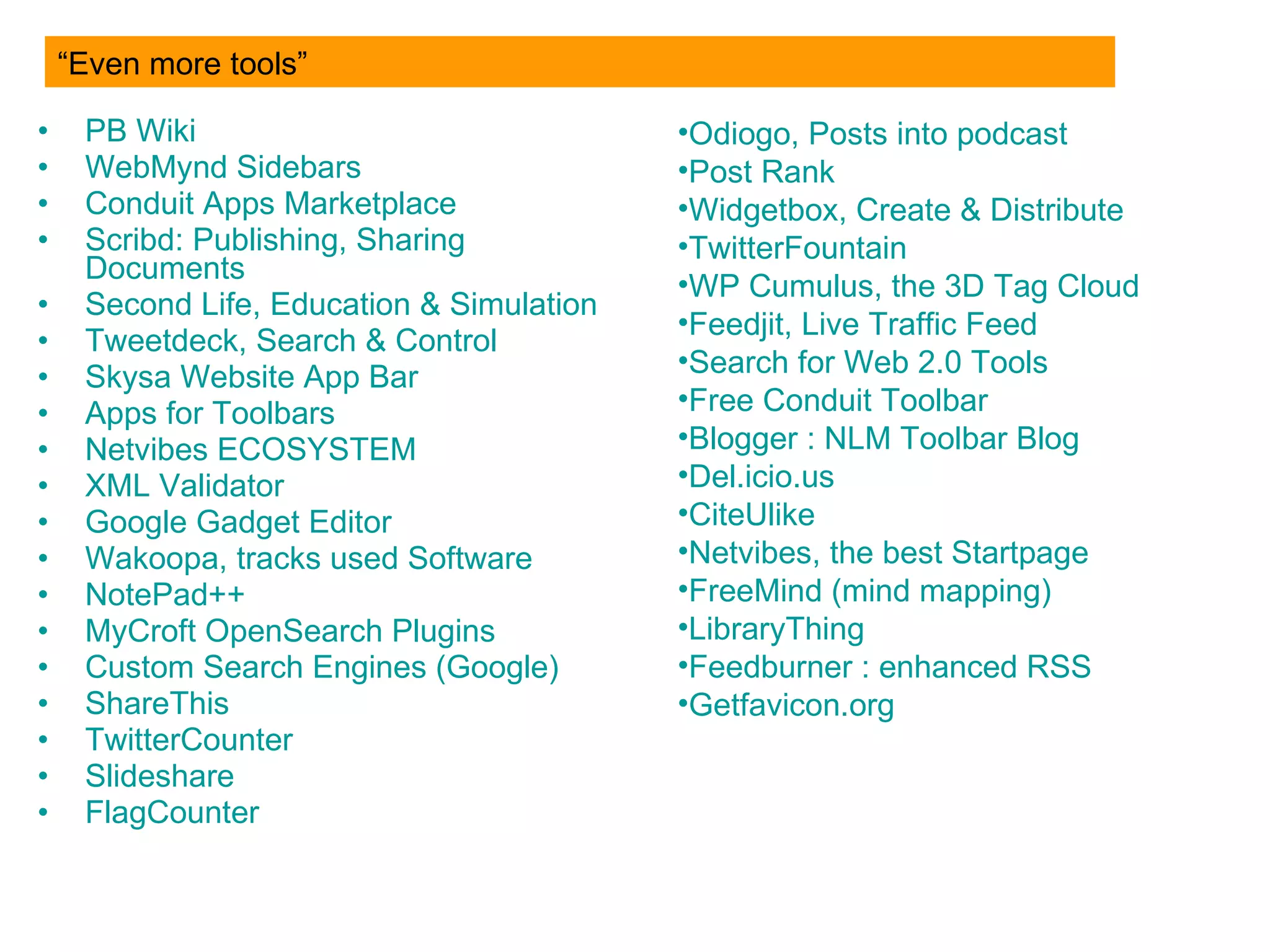
PB  Wiki WebMynd   Sidebars Conduit   Apps  Marketplace Scribd :  Publishing ,  Sharing   Documents Second  Life, Education &  Simulation Tweetdeck , Search &  Control Skysa  Website  App  Bar Apps   for  Toolbars Netvibes   ECOSYSTEM XML   Validator Google Gadget  Editor Wakoopa , tracks  used  Software NotePad ++ MyCroft   OpenSearch   Plugins Custom  Search Engines (Google) ShareThis TwitterCounter Slideshare FlagCounter “Even more tools” Odiogo ,  Posts   into   podcast Post Rank Widgetbox ,  Create  &  Distribute TwitterFountain WP  Cumulus, the  3D   Tag   Cloud Feedjit , Live  Traffic   Feed Search  for  Web 2.0 Tools Free  Conduit  Toolbar Blogger  :  NLM  Toolbar Blog Del.icio.us CiteUlike Netvibes , the best Startpage FreeMind  ( mind   mapping ) LibraryThing Feedburner  :  enhanced   RSS Getfavicon.org
Thank you for your attention! Guus van den Brekel Email:  [email_address]  / brekelajp@gmail.com Twitter: digicmb Blog:  digicmb.blogspot.com Netvibes:  www.netvibes.com/digicmb Slideshare:  www.slideshare.net/digicmb Facebook: http:// profile.to/guusvandenbrekel / Linkedin: www.linkedin.com/profile?viewProfile =&key=18148582 (see for bookmarks:  http://delicious.com/digicmb

The Browser, the User and the Library (How to to be in between)

  • 1.
    the BROWSER theUSER & the LIBRARY
  • 2.
    What are wegoing to do? This practical workshop will demonstrate the use of Web 2.0 technology to empower users and librarians. During a hands-on session, participants will work with these tools. You will develop a library Toolbar, tailor-made services via personal start page software like Netvibes, making use of RSS-feeds, Widgets and Browser extensions
  • 3.
    Me, My Workand the UMCG
  • 4.
  • 5.
    Because everybody isusing it ALL DAY! WHY the BROWSER?
  • 6.
    The Browser, theUser & the Library Add-ons, Plugins, Toolbars, Sidebars, Apps & widgets, Accelerators http:// www.rug.nl /bibliotheek/locaties/ bibCMB /informatie/toolbox/index
  • 7.
    What can youdo with the browser? Toolbar Sidebar Search Plugin RSS Add-on Plug-in Bookmarklets Accelerators Favorites/Bookmarks …
  • 8.
    Toolbar Demo CMBLibraryToolbar (the IE-version) www.conduit.com Create your Own! Search , Rss, Gadget/Widgets, Menu’s etc
  • 9.
  • 10.
    RSS “ Syndication”Read info everywhere, anytime, always when you need to Automatically Choose yourself Re-use of information, mash-up new services Alerts RSS : Really SIMPLE Syndication
  • 11.
    From Search Box& RSS to “ Universal widgets” Widget: any platform, Eco.netvibes.com + OpenSocial Widgetbox www.widgetbox.com + Embed in website or blog
  • 12.
    NLM SEARCH WIDGETBLOG WEBSITE iGoogle Netvibes MyYahoo FACEBOOK MySpace Opera Windows Live Apple Dashboard Vista INTRANET http://eco.netvibes.com/widgets/229971/nlm-search-solutions
  • 13.
    Example html searchbox from Toolbar <form action=&quot;http://search.platformaonline.com/Search.aspx&quot; method=&quot;get&quot; target=&quot;_blank&quot;> <p><a href=&quot; http:// eco.netvibes.com / users /9148 &quot; target=&quot;_blank&quot;> <img src=&quot; http:// www.ncbi.nlm.nih.gov / entrez /query/static/ gifs / iconlrg.gif &quot; alt=&quot; See more medical search widgets &quot; border=&quot;none&quot;/><br></br> See more medical search widgets</a><br></br> <input name=&quot;q&quot; type=&quot;text&quot; size=&quot;20px&quot; maxlength=&quot;40&quot;/> <input name=&quot;ctid&quot; type=&quot;hidden&quot; value=&quot; CT142118 &quot;/> <input type=&quot;hidden&quot; value=&quot; PubMed &quot; name=&quot;Name&quot;/> <input type=&quot;submit&quot; value=&quot;Search&quot;/></p> </form> Links & bold text=change it CT142118 is the ID of the Pubmed toolbar Find your own: Click the About in your Toolbar
  • 14.
    From RSS &Widgets to personal start pages Netvibes, iGoogle or Protopage or Our Choice: Netvibes http://www.netvibes.com Big extra: Public Page
  • 15.
    Basic Mindset …(Almost) everything is possible for users á nd libraries The user (customer) decides and chooses which services & resources to use. It is unimportant for him where they come from, the library, free web stuff from publishers or other commercial parties. Everything will keep changing
  • 16.
    Not : Comeand get it here. Yes : Choose yourself, take it with you, into your own environment Share, coolaborate, educate & training & pratice Stay alert & aware of what is possible, and what users are doing, engaging themselves in … “ ToolBox” : Take-Away & Tailor-made”
  • 17.
    Developments & trendsEven more web-based Mobile internet On-going invidivualisation & personalization, but also… (Social) Networks get bigger, better, evolving
  • 18.
    The order ofthings … (1) Toolbar (a free tool, and easy) Ok, but I can’t change it? Yes, but I am not allowed to install at my work … Search Box in html RSS (for Intranet) Yes, but how do I manage that all? Eco.netvibes.com (centrale control widgets) Widgetbox.com too Yes, but how to get a nice overview and publish it for all to see? www.netvibes.com (public page CMB) “ If it’s on the Web, You can collect, control and publish it” Ok, sharing and distributing stuff is ok, but what if they want their own? -> Public Pages for Departments, groups topics etc… It’s not about the tool, but the functionality Libraries learn, and then we teach the users
  • 19.
    The order ofthings … (2) Social networks (Can & should we offer our services and resources here ? ) Linkedin, Facebook, Twitter, Hyves, Second Life Community & interaction Web 2.0 & Content (Delicious ,Slideshare, Blip.tv, Google Apps, , What is the tool everybody is using, all day? The Browser Toolbar, google toolbar, buttons, search plugins, add-ons, accellerators IE8, Firefox, Chrome Yes, but I also see staff & students walking around with mobile devices..? Mobile (a mobile site, services & resources mobile too?) Unlimited Internet, Mobile browser, iPhone Apps and much more Mekentosh Papers! Refworks
  • 20.
    www.conduit.com community| helpdesk | library | rss | podcast | all web http://Eco.netvibes.com (widgets maken en beheren) www.widgetbox.com (widgets maken en beheren, WYSIWYG editor) www.netvibes.com / cmb www.netvibes.com/pubmed www.netvibes.com/nlm www.netvibes.com / yourdailymedicine https://medley.isc-seo.upenn.edu/penn_portal/portal.php/217 (netvibes-like portal) Conduit Marketplace http:// www.google.com / ig www.Google.com /toolbar Google Toolbar Button Gallery (Pubmed | CMB Search & News) www.chrome.com | Extensions | Search Digicmb Blog artikel over : How to make library users start a search : 6+ ways to search outside &quot; native interface“ Digicmb Blog artikel over: 37 ways To Adjust Your Library Toolbar ( or any Conduit Toolbar) “background and more ..” (1)
  • 21.
    Search in thebrowser Plugins: http://mycroft.mozdev.org/ IE8 | accelerators | add-ons Firefox | Add-ons www.slideshare.net Presentations | Documents | Following | Favorites | Groups | Events   Slideworld.com Medical Slides |   Templates |   ebooks Linkedin UMCG | CMB Facebook CMB | Groups | Pages Twitter (The “Core of Information”) LibraryThing Flickr, YouTube, Delicious Mobile Search & News Reference management Communication Apps, Mekentosh Papers iTunes U (distribute academic content like music, podcasts etc) http:// www.netvibes.com/medlibmob http://go2Web20.net (Search a Web 2.0 tool for functionality) “Background & more” (2)
  • 22.
    PB WikiWebMynd Sidebars Conduit Apps Marketplace Scribd : Publishing , Sharing Documents Second Life, Education & Simulation Tweetdeck , Search & Control Skysa Website App Bar Apps for Toolbars Netvibes ECOSYSTEM XML Validator Google Gadget Editor Wakoopa , tracks used Software NotePad ++ MyCroft OpenSearch Plugins Custom Search Engines (Google) ShareThis TwitterCounter Slideshare FlagCounter “Even more tools” Odiogo , Posts into podcast Post Rank Widgetbox , Create & Distribute TwitterFountain WP Cumulus, the 3D Tag Cloud Feedjit , Live Traffic Feed Search for Web 2.0 Tools Free Conduit Toolbar Blogger : NLM Toolbar Blog Del.icio.us CiteUlike Netvibes , the best Startpage FreeMind ( mind mapping ) LibraryThing Feedburner : enhanced RSS Getfavicon.org
  • 23.
    Thank you foryour attention! Guus van den Brekel Email: [email_address] / brekelajp@gmail.com Twitter: digicmb Blog: digicmb.blogspot.com Netvibes: www.netvibes.com/digicmb Slideshare: www.slideshare.net/digicmb Facebook: http:// profile.to/guusvandenbrekel / Linkedin: www.linkedin.com/profile?viewProfile =&key=18148582 (see for bookmarks: http://delicious.com/digicmb