Get the Most out of Quizlet
John Allan
November 5th 9 – 10 a.m.
Thumbs up if…
…you have used Quizlet with students?
Which Quizlet features have you used?
•Learn
•Diagrams
•Games
•Tests
•Speller
•Quizlet App
•Quizlet Live
•Classes
Why use Quizlet?
• Ubiquitous access
• Gamification
• Instant feedback
• Mastery learning
• Adaptive learning
• Media variation
• Record keeping
• Individualization
Photo by Wonderlane on Unsplash
Quizlet Again!
Photo by Ali Yahya on Unsplash
Photo by Siavash Ghanbari on Unsplash
Quizlet Again!
Quizlet App & website
• Website only today
Unleash Quizlet’s Potential
• Flashcards
• Quizlet Learn
• Quizlet Live
• Quizlet Diagrams
• Quizlet games
• Quizlet Tests
• Quizlet Learn App (Adaptive learning)
• Classes
• Speller
• Media (image, audio)
• Print Activities
• StudySet
• Creation
• Manipulation
• Acquisition
Photo by Ian Stauffer on Unsplash
Quizlet?
• Improve vocabulary
• Study subject content (questions)
• Assign work (mechanical)
• The more you know, the better the learning experience.
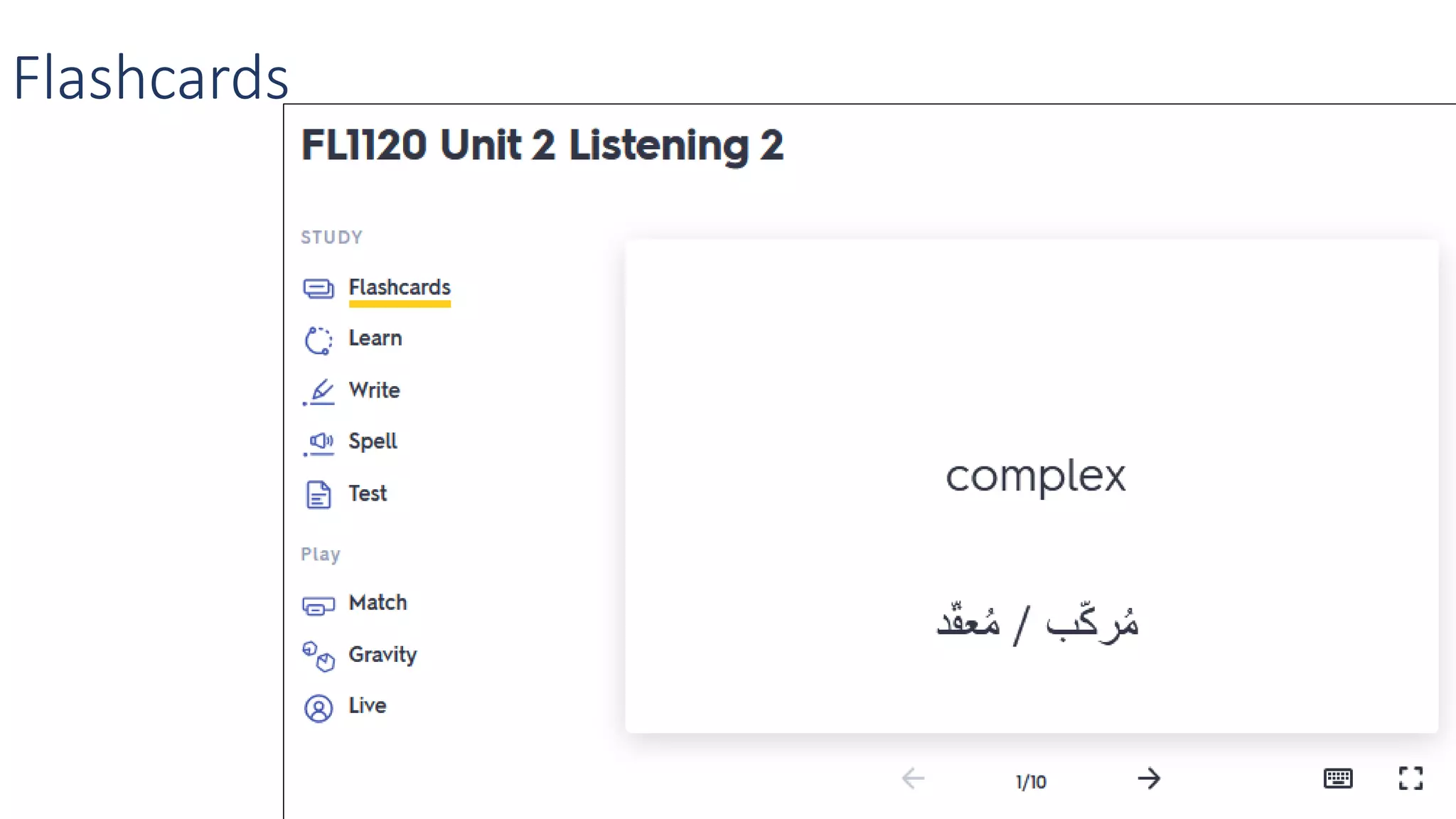
Flash cards - Memorize
Flashcards
Flashcards
Flashcards
Add text (not images) languages
• Quizlet handles many languages
• Allows the screen reader to read the text out loud
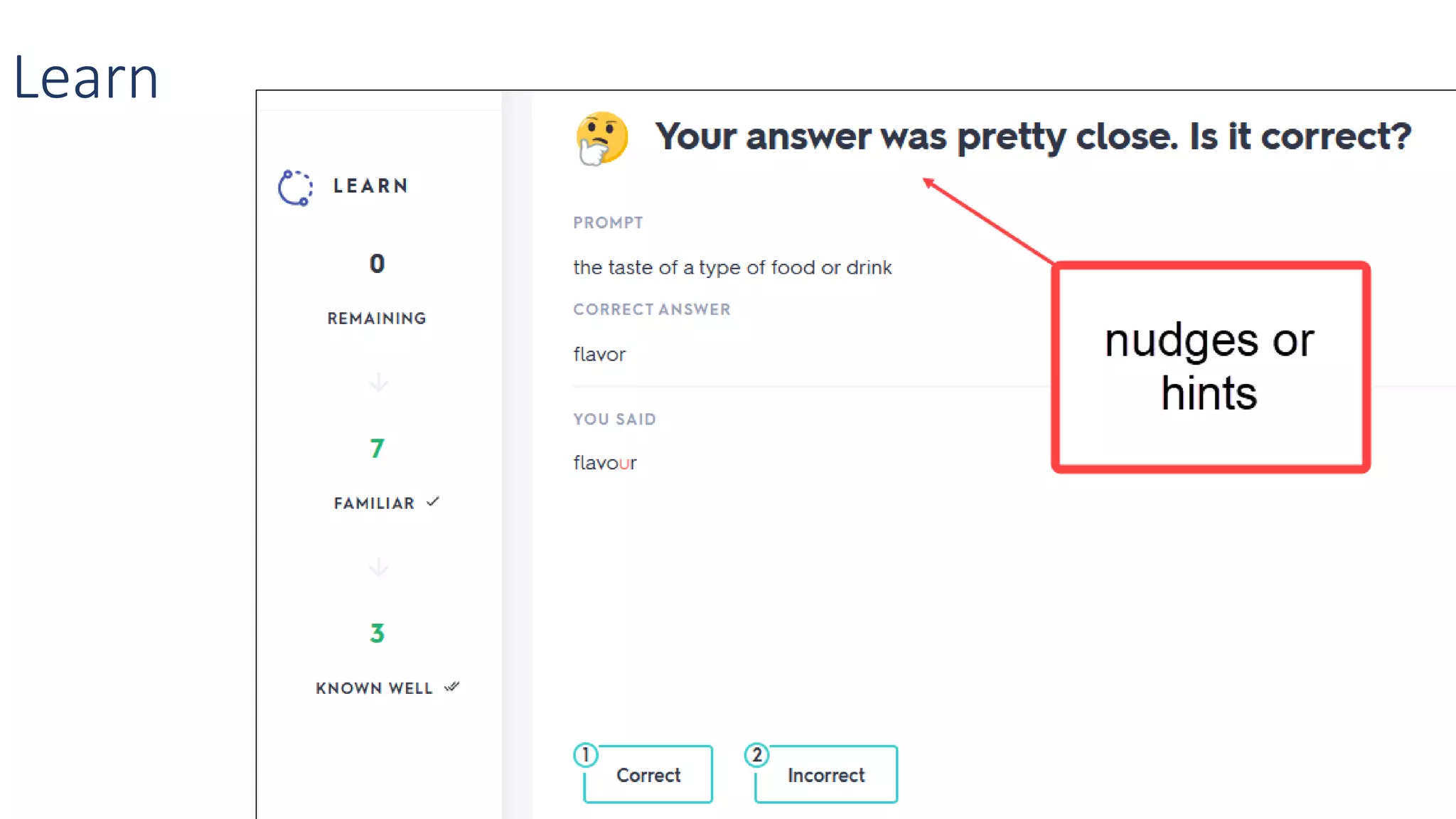
Learn – Mastery
Learn
Learn
Learn
Learn – PC - Mastery
Learn
Learn
Learn
Learn
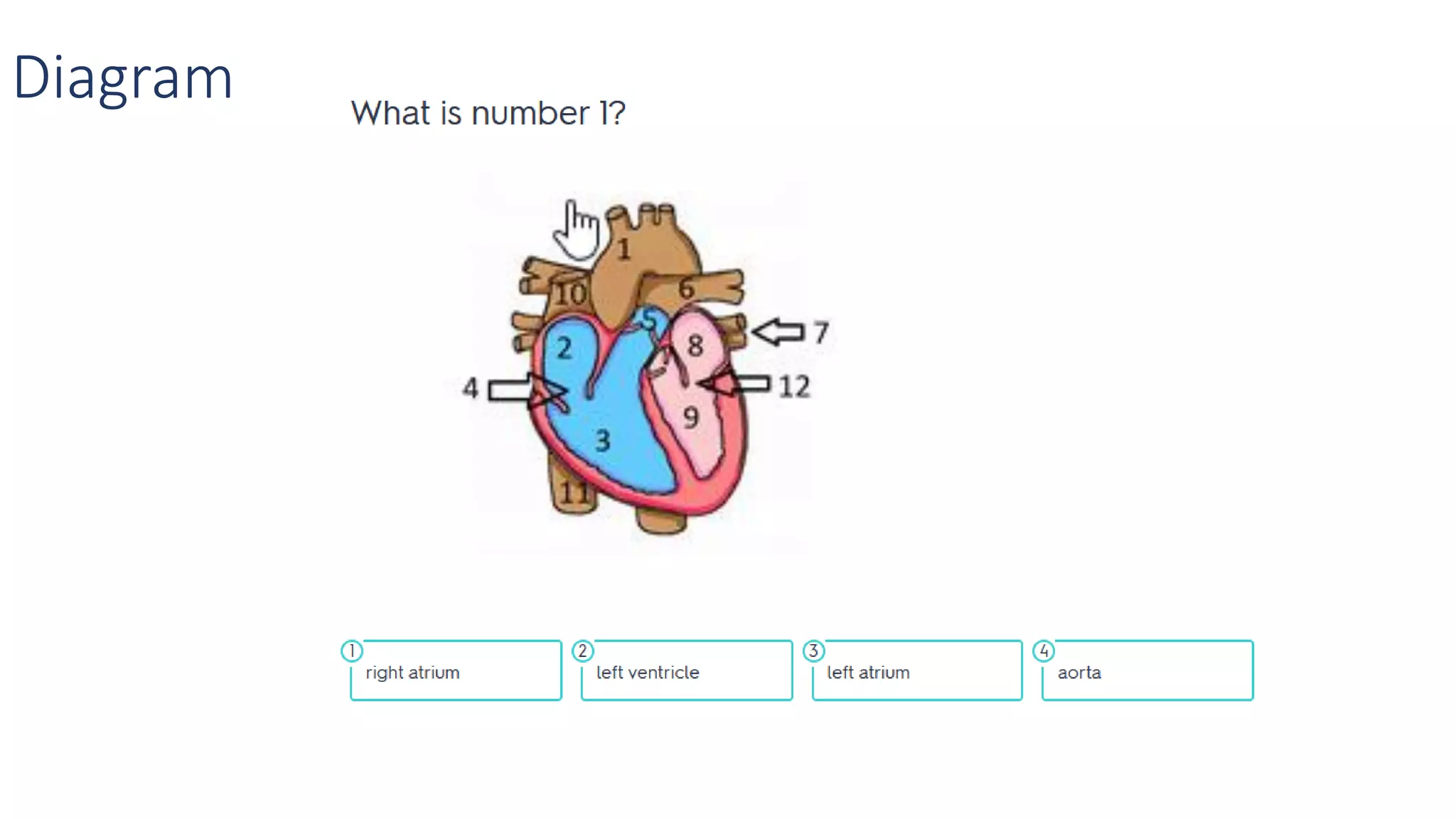
Diagram
Write – Mastery &
spelling
Write
Write
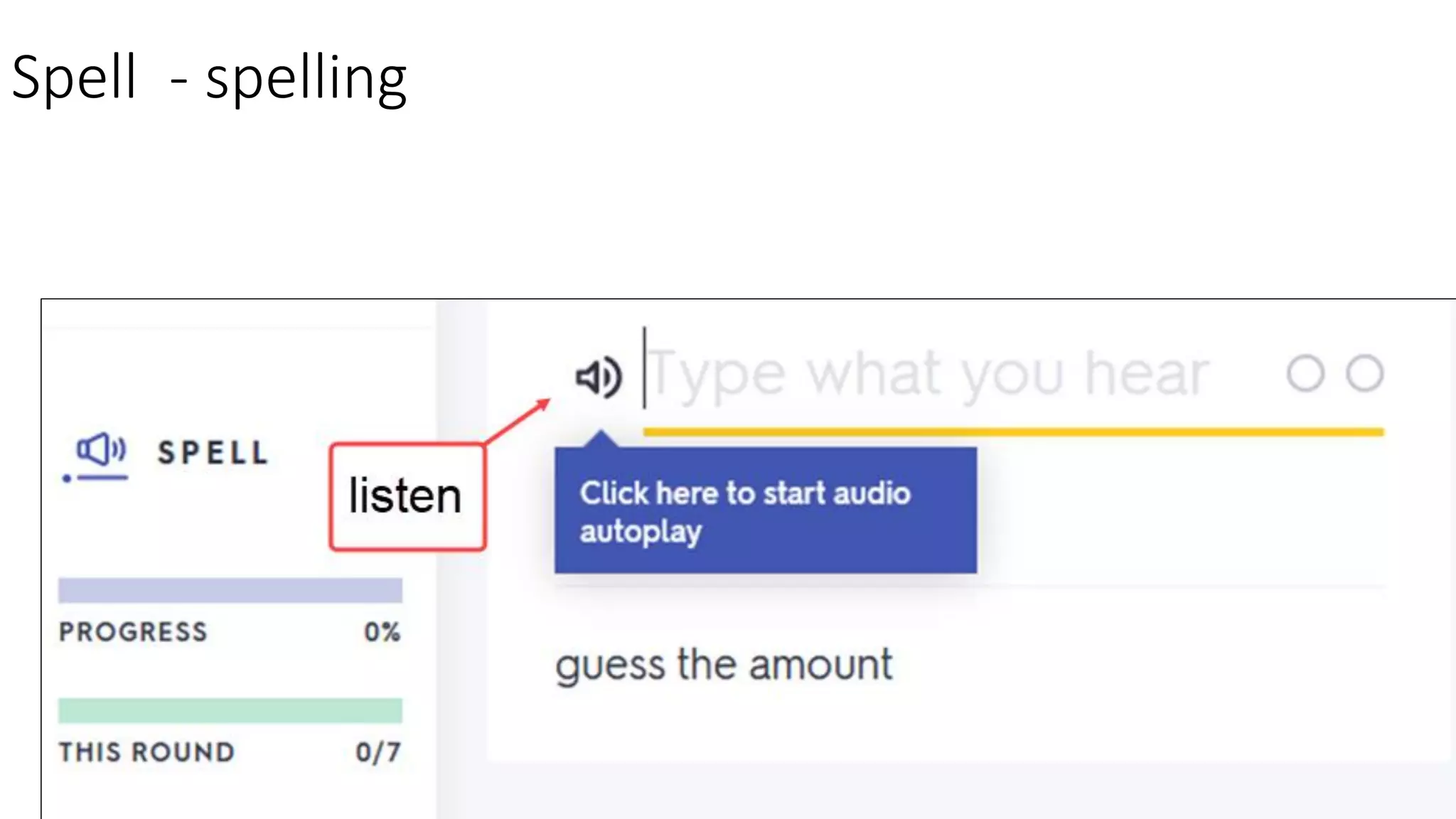
Spell – Listening & spelling
Spell - spelling
Spell - feedback
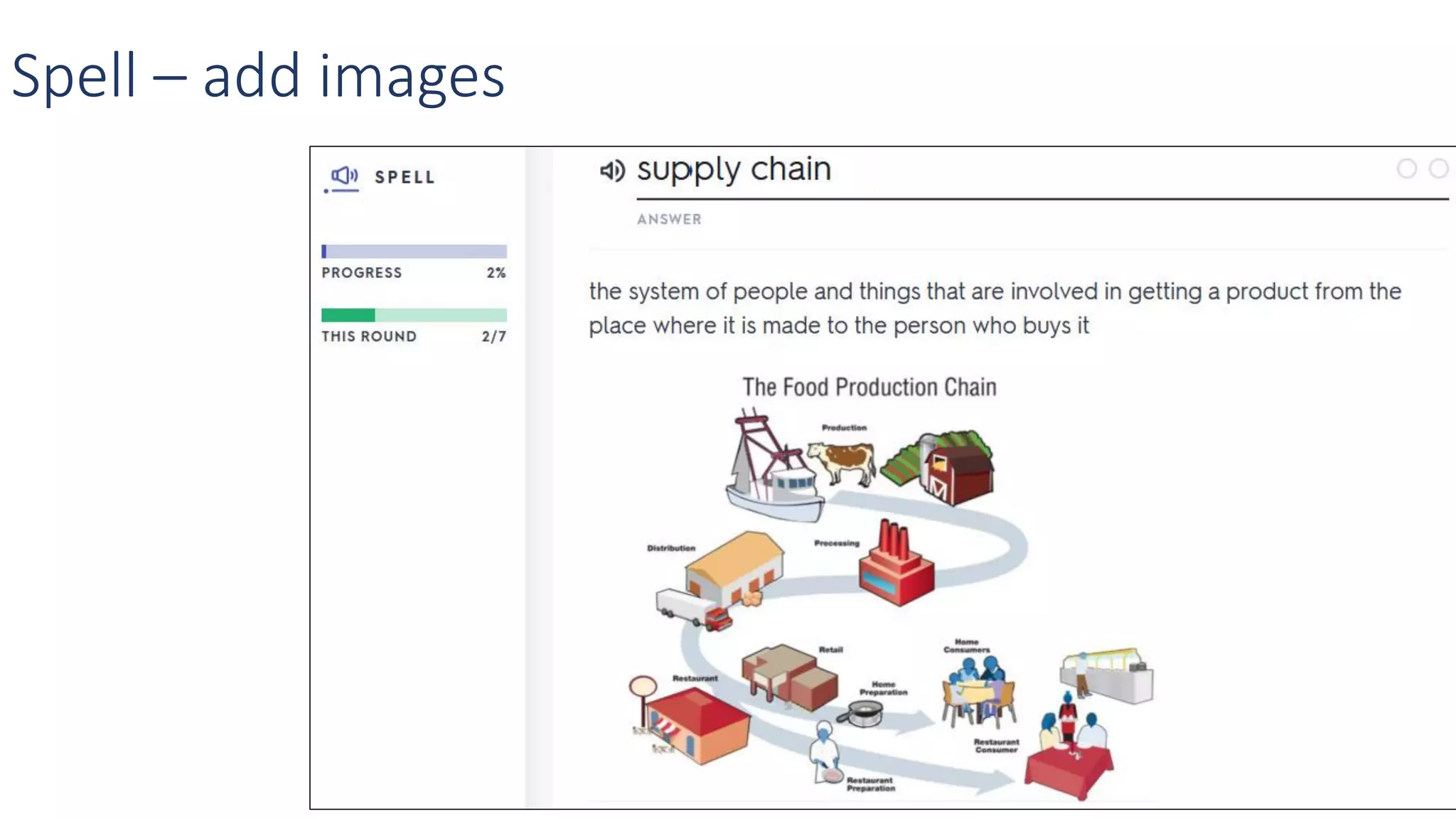
Spell – add images
Images already associated with the term
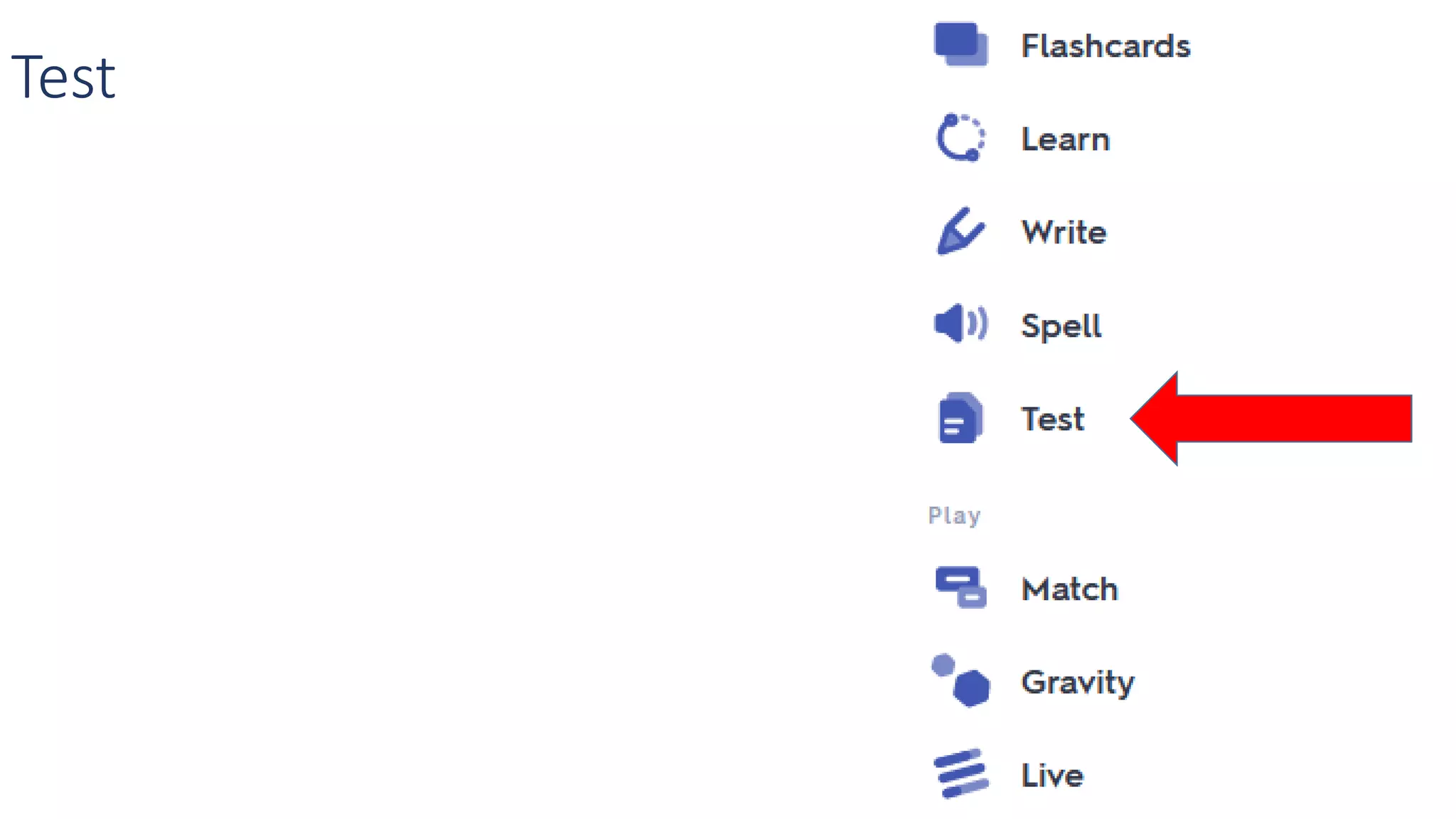
Test
Test
Test - print (PDF)
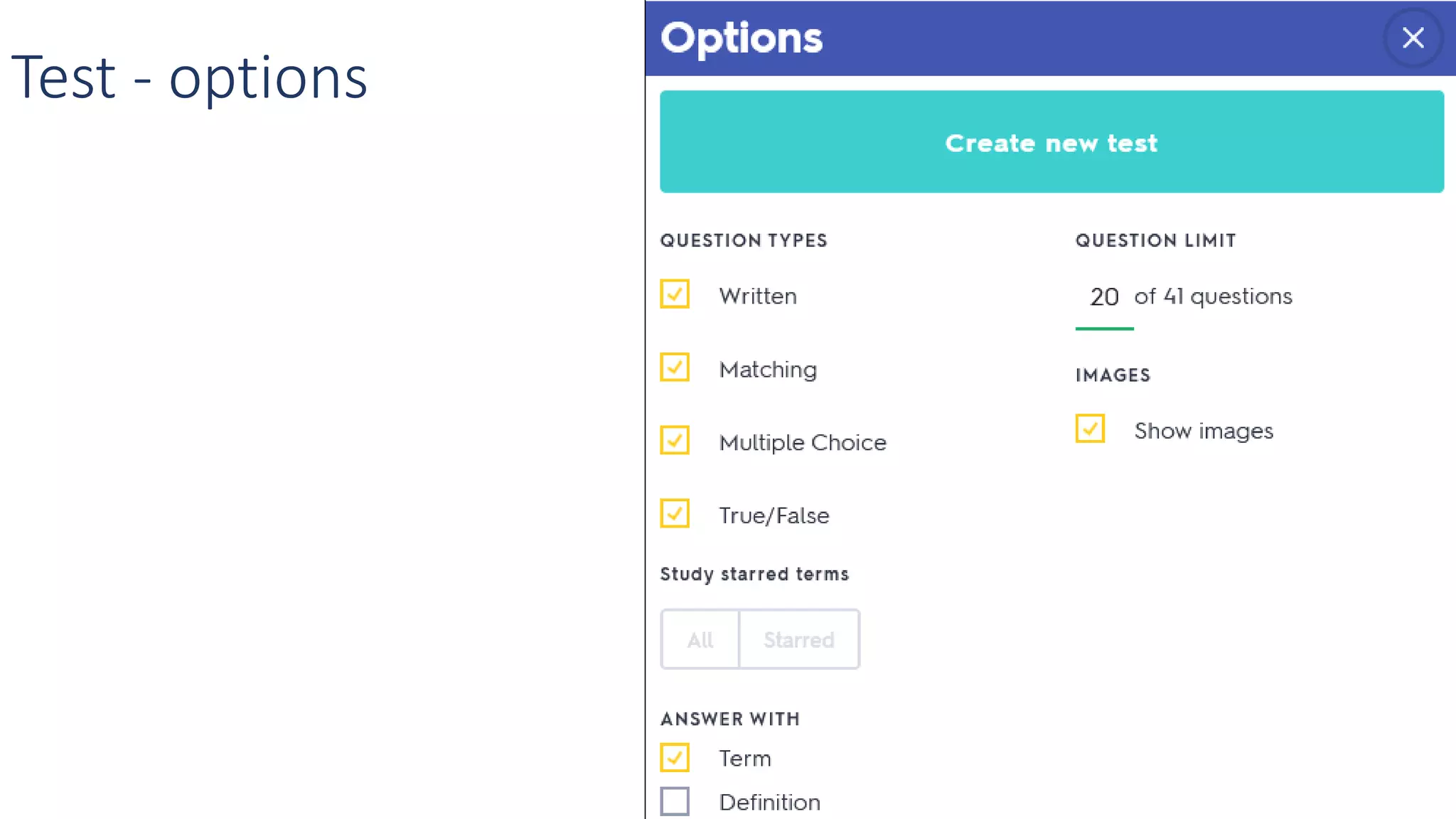
Test - options
Test example – matching questions only
Test
matching &
written response
questions
Test
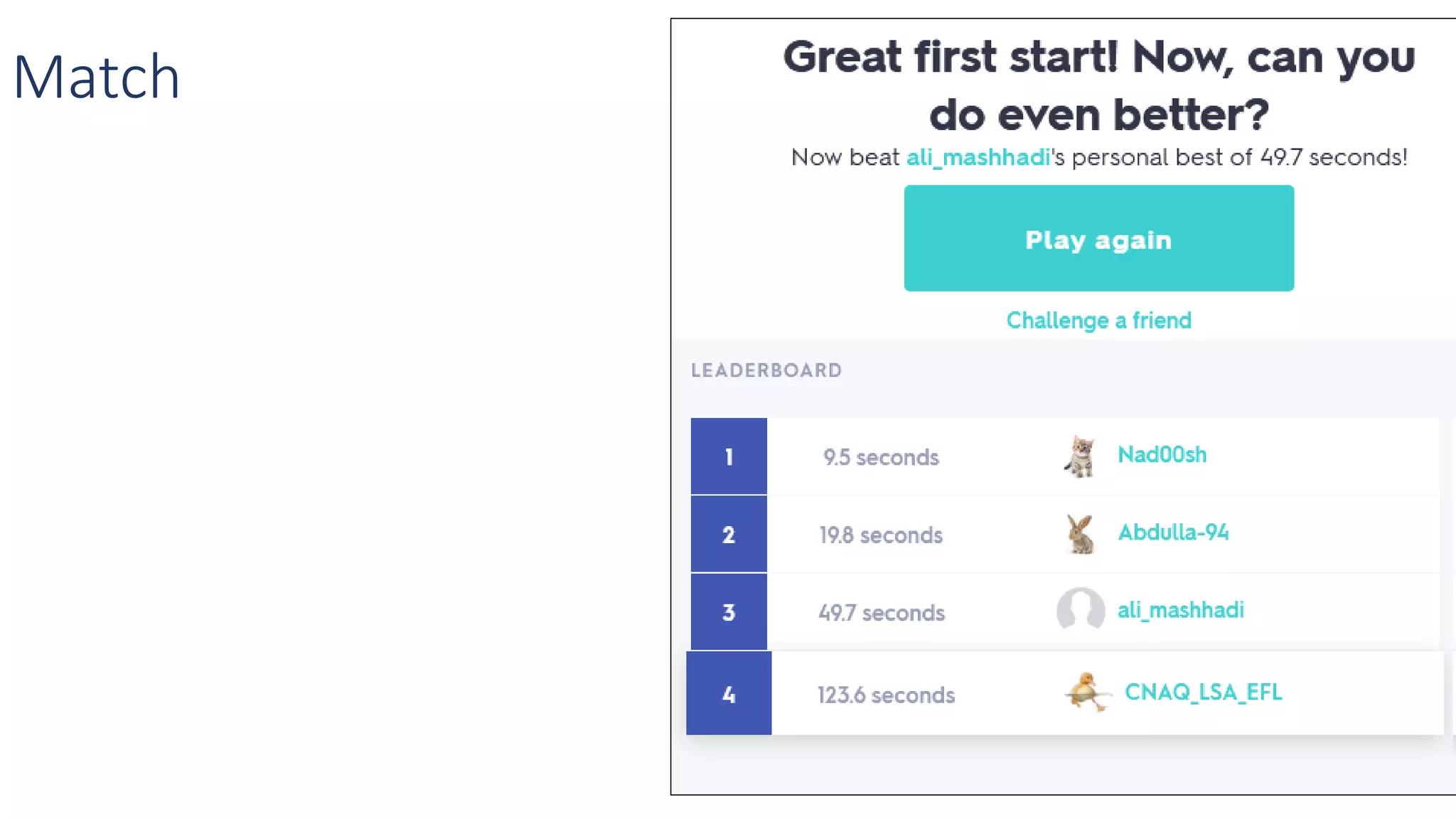
Match
Match
Test
Gravity
Gravity
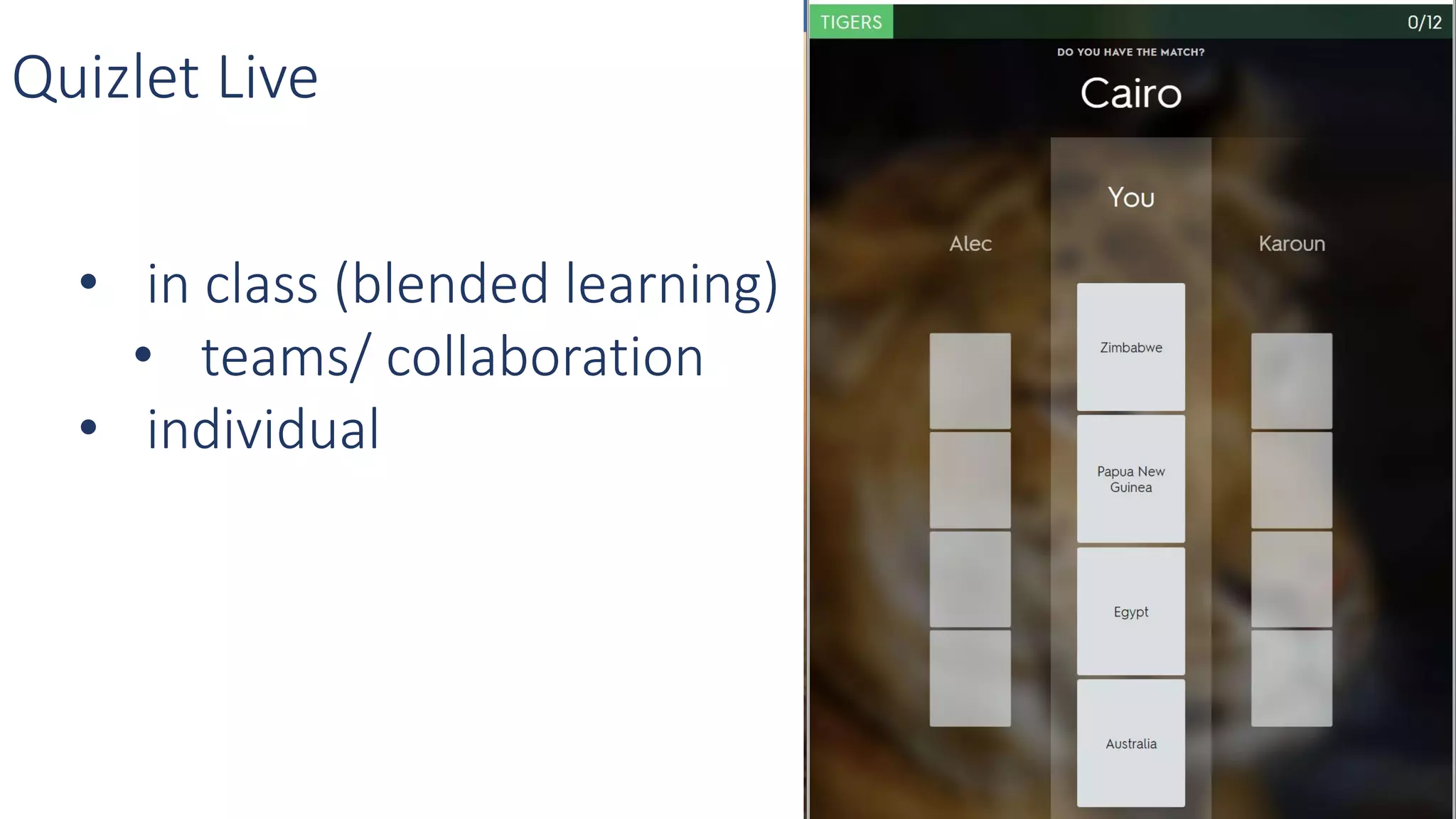
Quizlet Live
Quizlet Live
Quizlet Live
• in class (blended learning)
• teams/ collaboration
• individual
Quizlet Live
• Build StudySets
• Borrow StudySets from Quizlet and use
• Borrow StudySets and repurpose
• Combine StudySets
• Sharing StudySets
• Learning Management System
• Worksheets
• Classes
Quizlet Organization
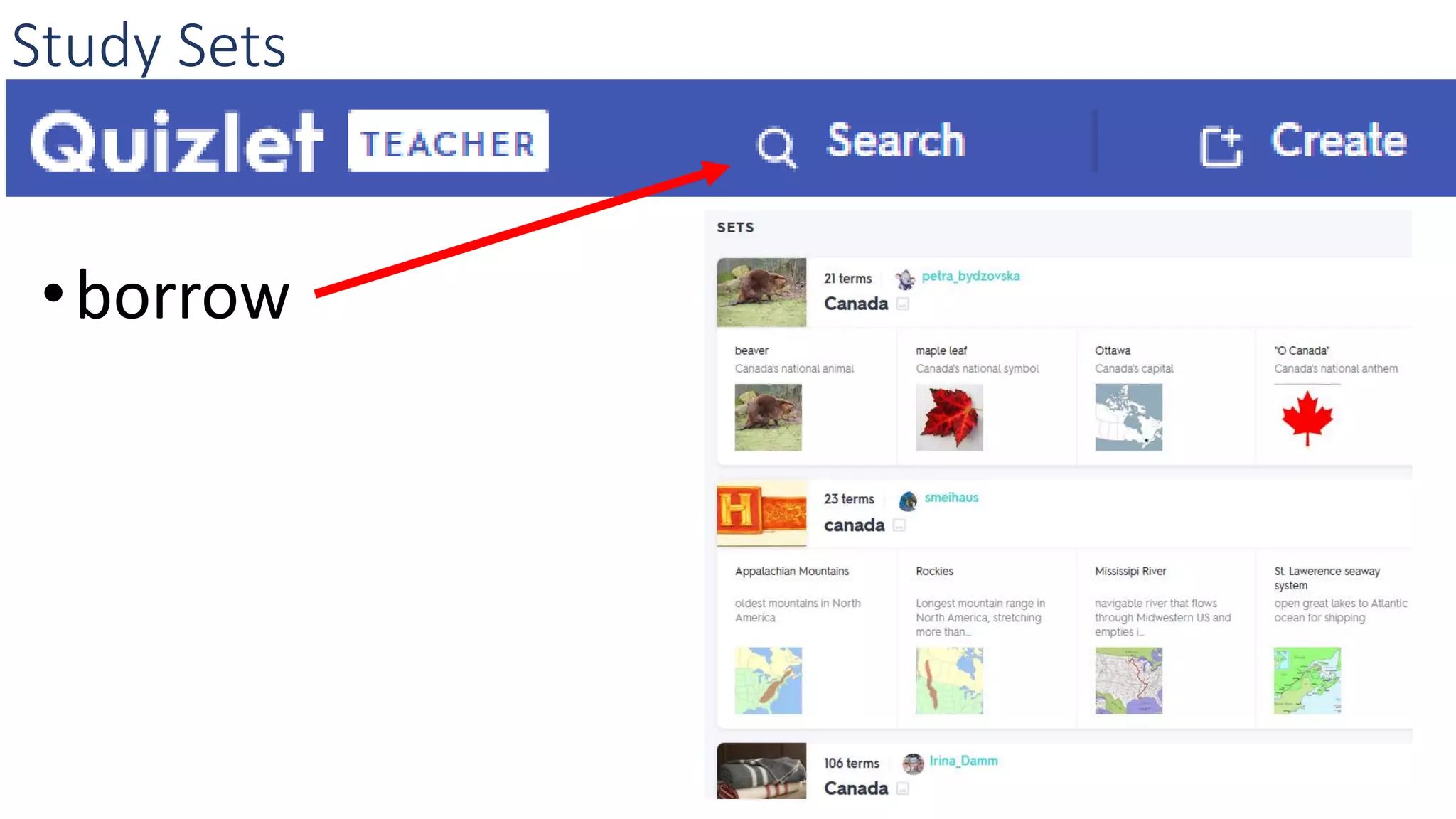
Study Sets
•borrow
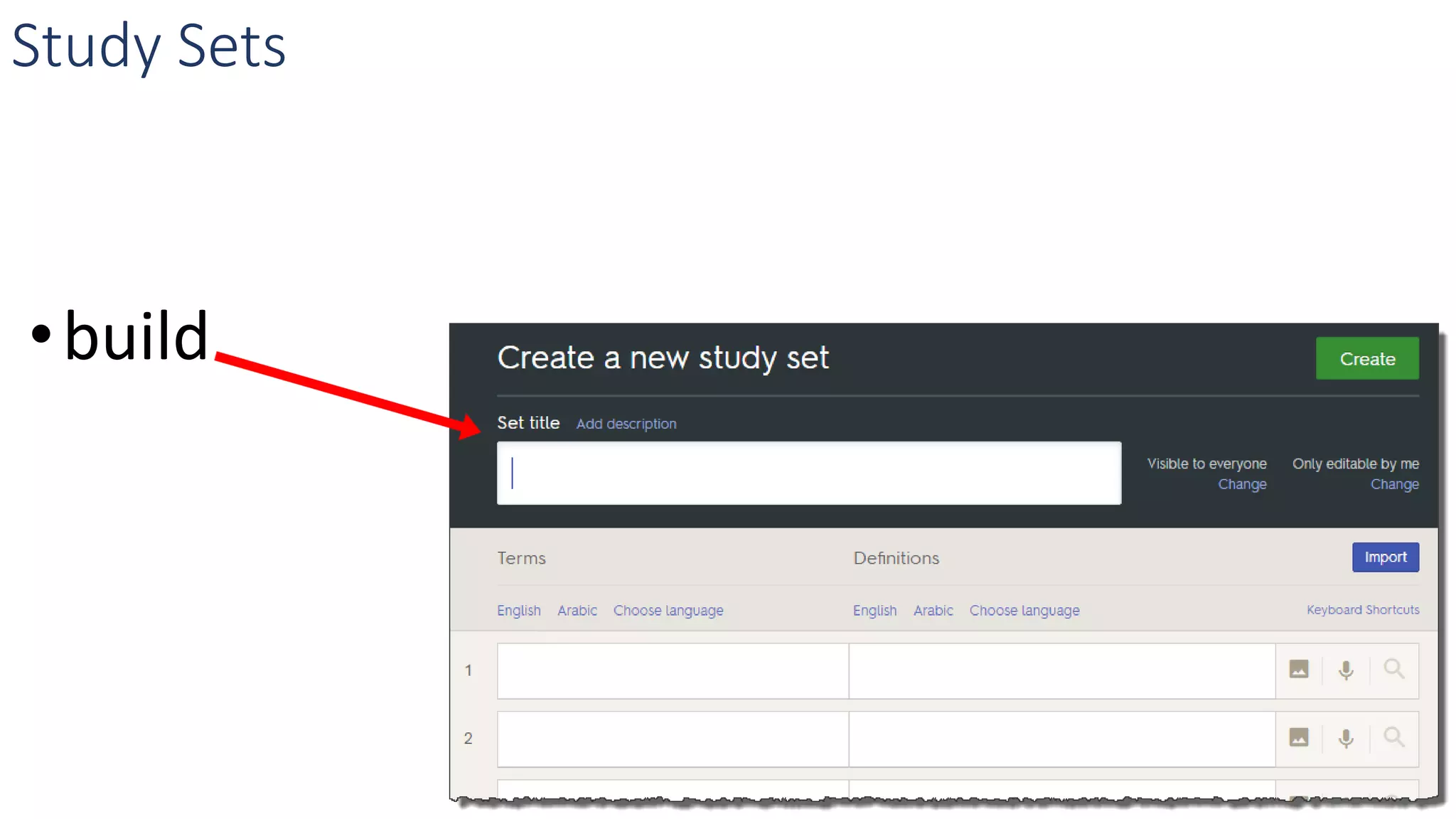
Study Sets
•build
Viewing Study Sets - Lists
Viewing Study Sets – class progress
Viewing Study Sets - scores
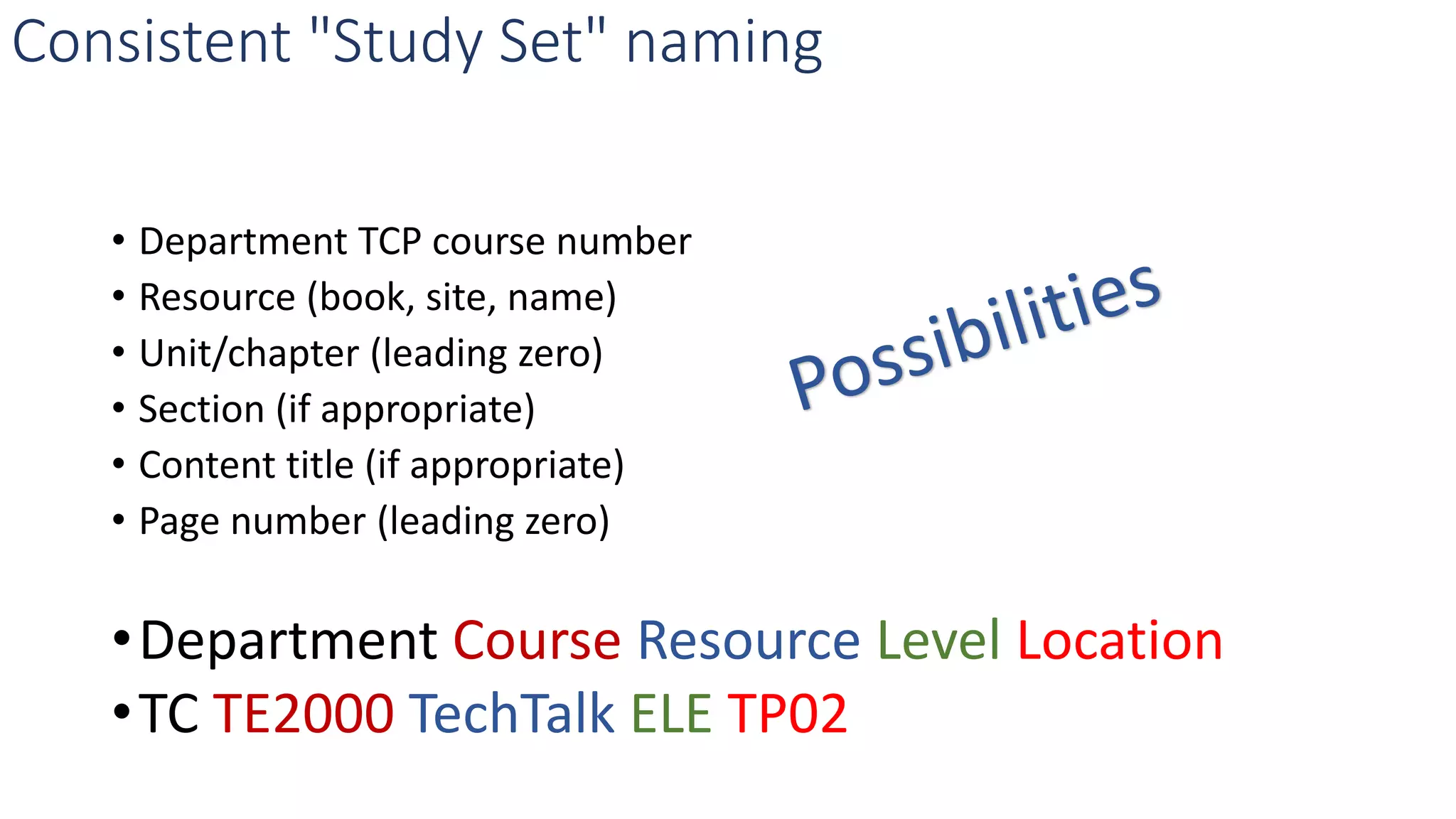
Consistent "Study Set" naming
• Department TCP course number
• Resource (book, site, name)
• Unit/chapter (leading zero)
• Section (if appropriate)
• Content title (if appropriate)
• Page number (leading zero)
•Department Course Resource Level Location
•TC TE2000 TechTalk ELE TP02
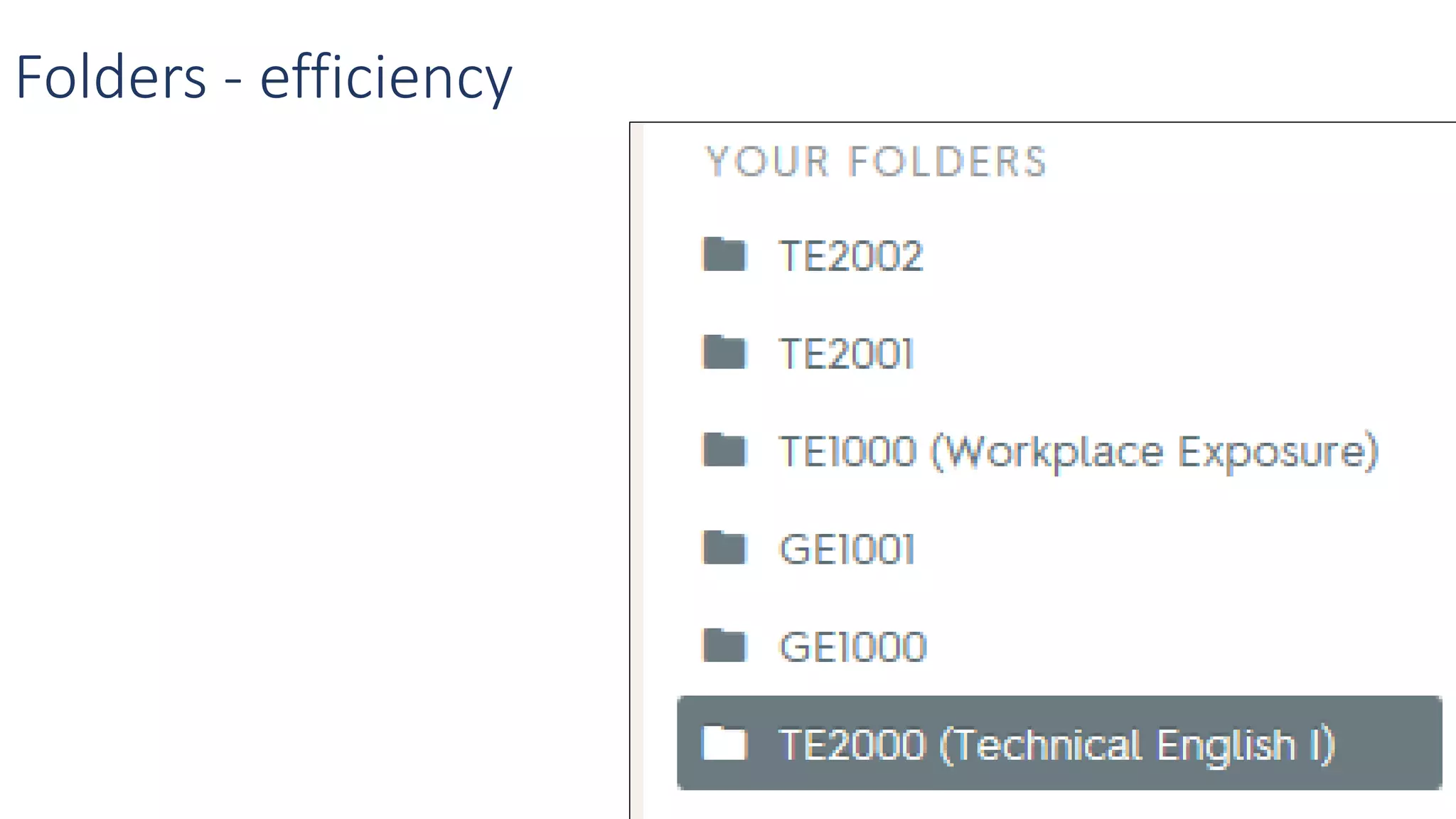
Folders - efficiency
Combining Study Sets
• Unit test practice
• Exam practice
• Original StudySets unchanged
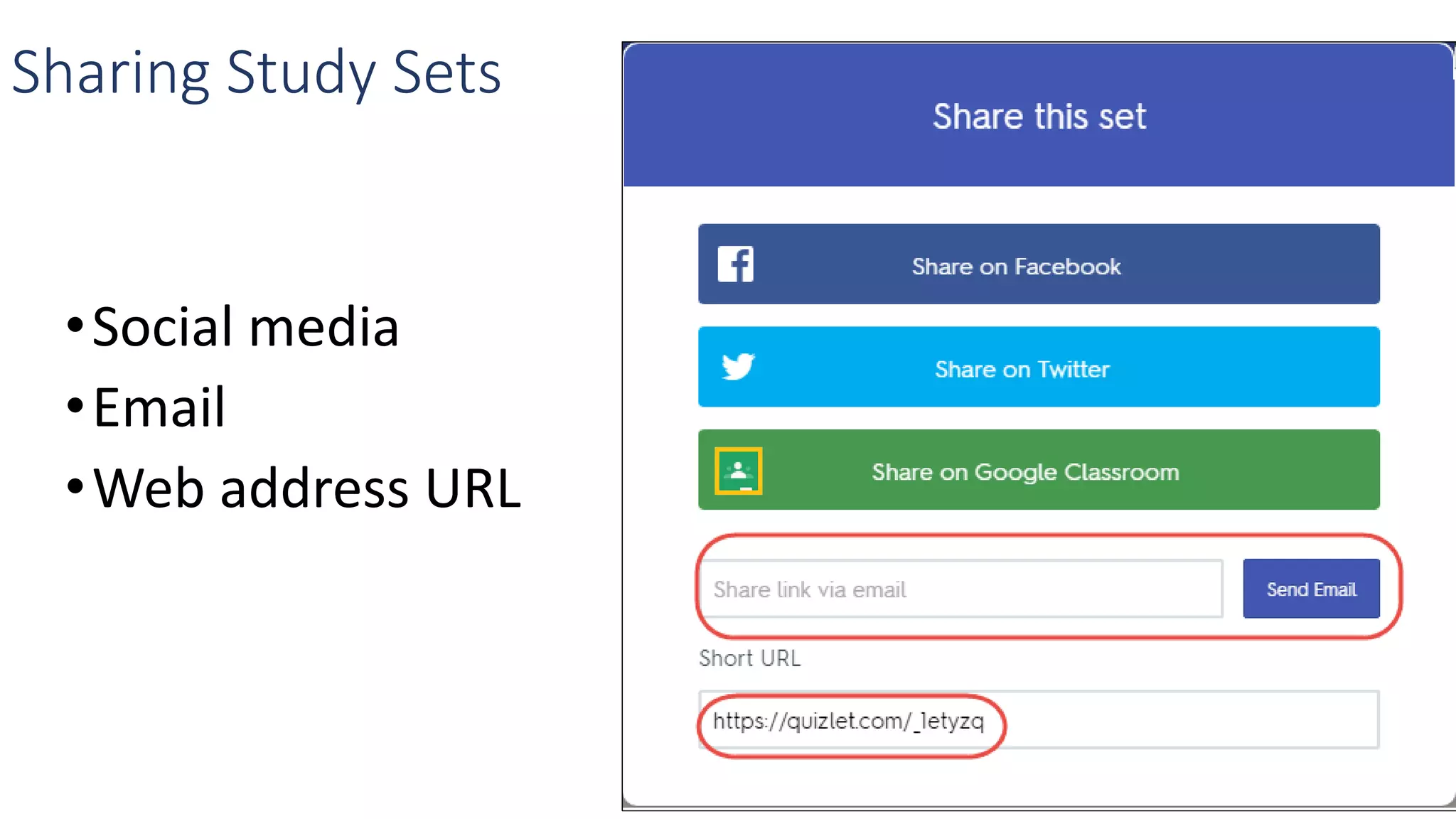
Sharing Study Sets
•Social media
•Email
•Web address URL
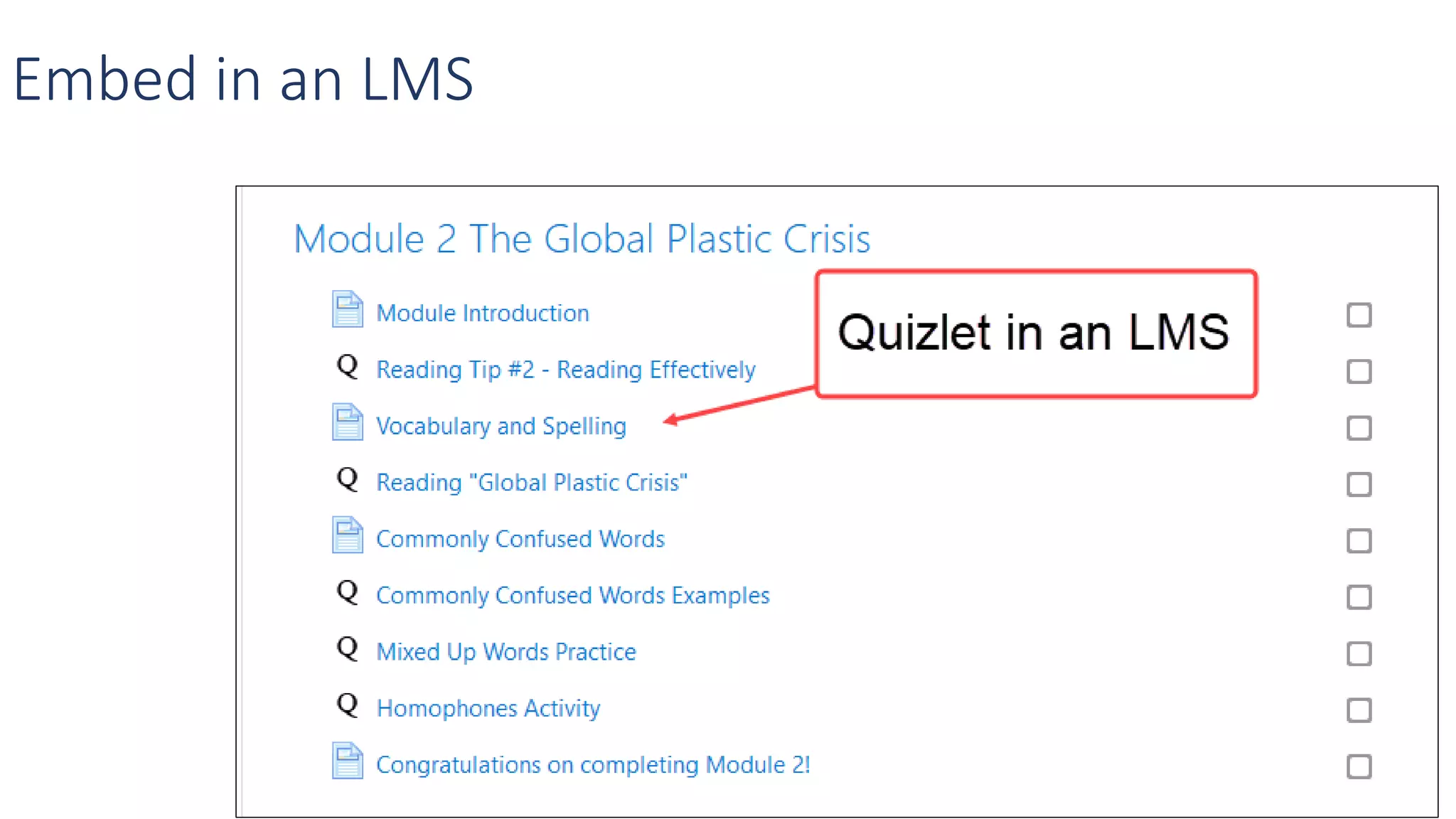
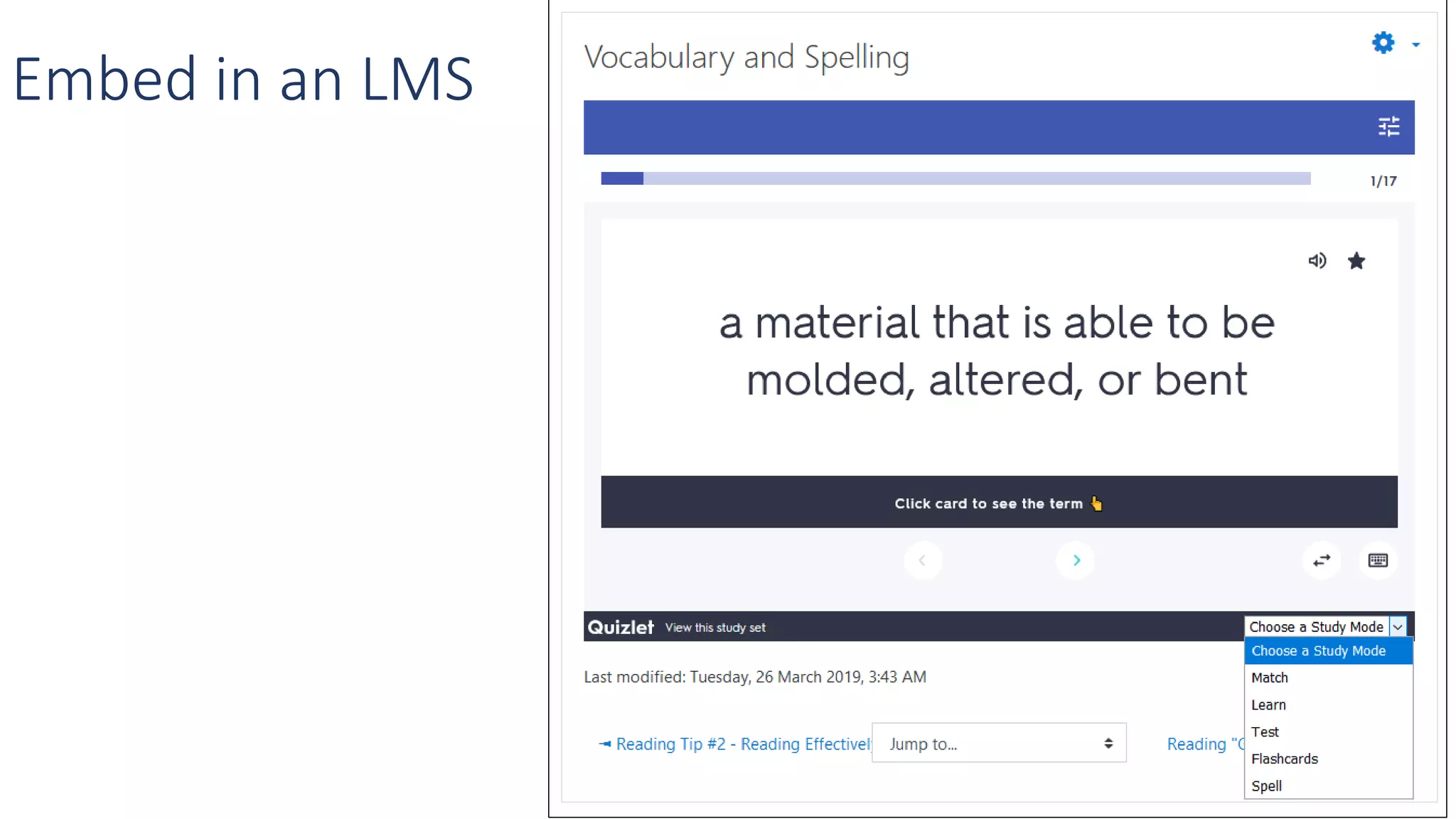
Embed in an LMS
Embed in an LMS
Study Sets on an LMS-- use hyperlinked text
•Students only see relevant Study Sets
•Organize student results
•participation
•Grades
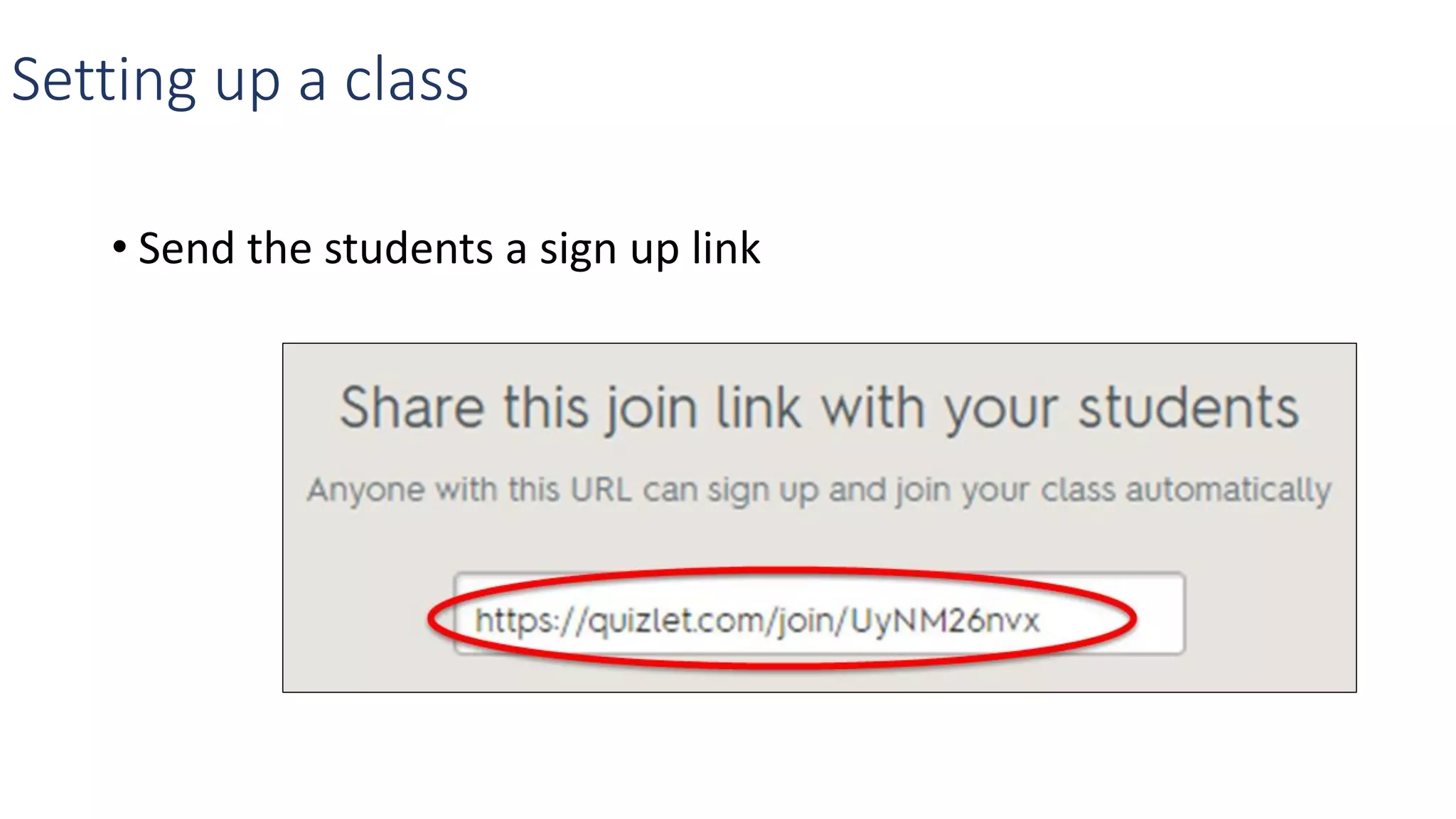
Setting up a class
Setting up a class…
• Name the Class
• Add study sets to the class
1. Click on Add a study set
2. Select SSs - Click ADD
Setting up a class
• Send the students a sign up link
Quizlet on student devices
• Avoid dead time by providing students access to study sets
quickly by:
• Providing the web address
https://quizlet.com/140661668/
unit-13-whats-it-for-flash-cards
Quizlet on student devices
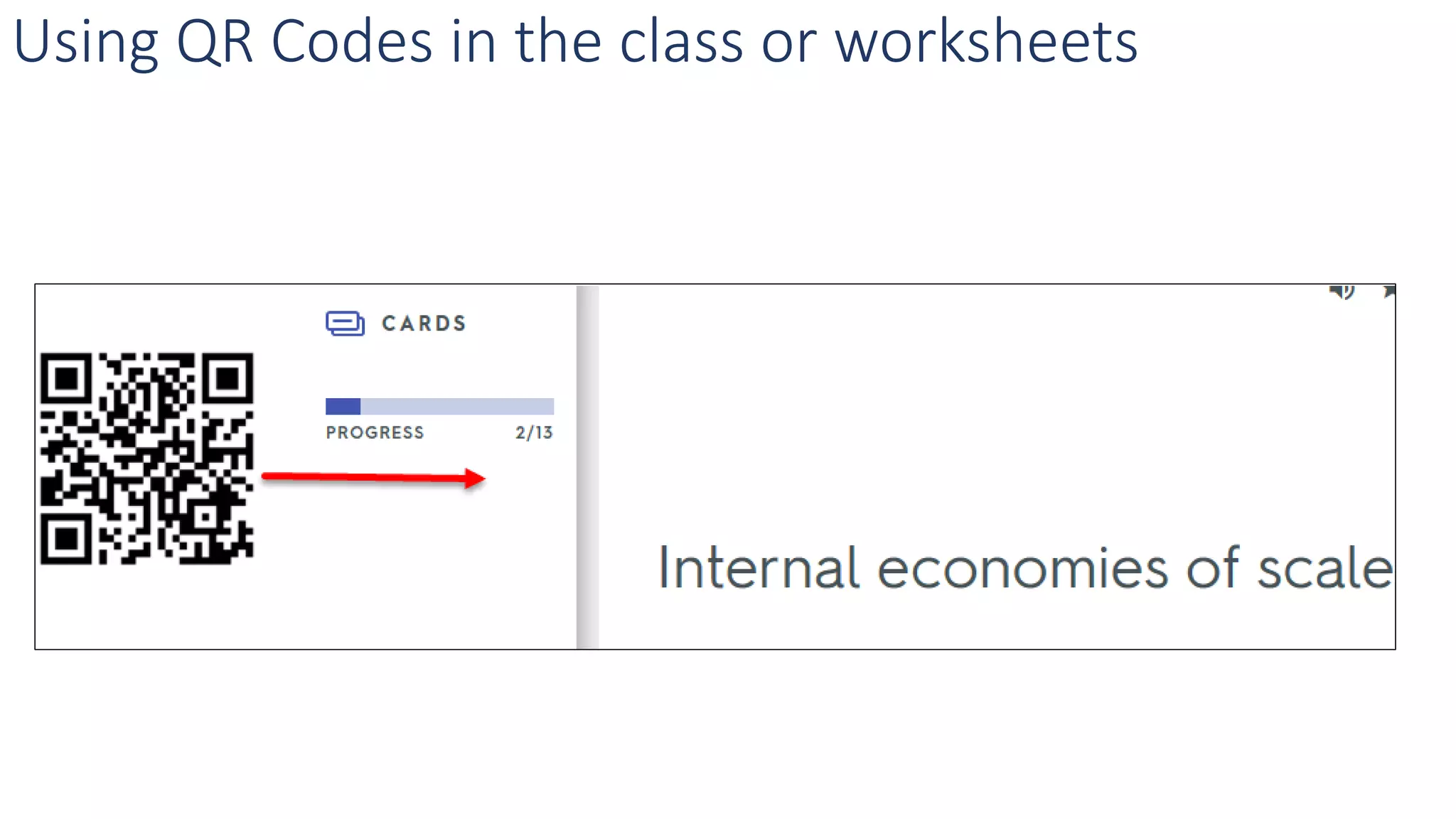
• Provide a QR code
Using QR Codes in the class or worksheets
Quizlet on student devices
•Providing them a search string
TE2000
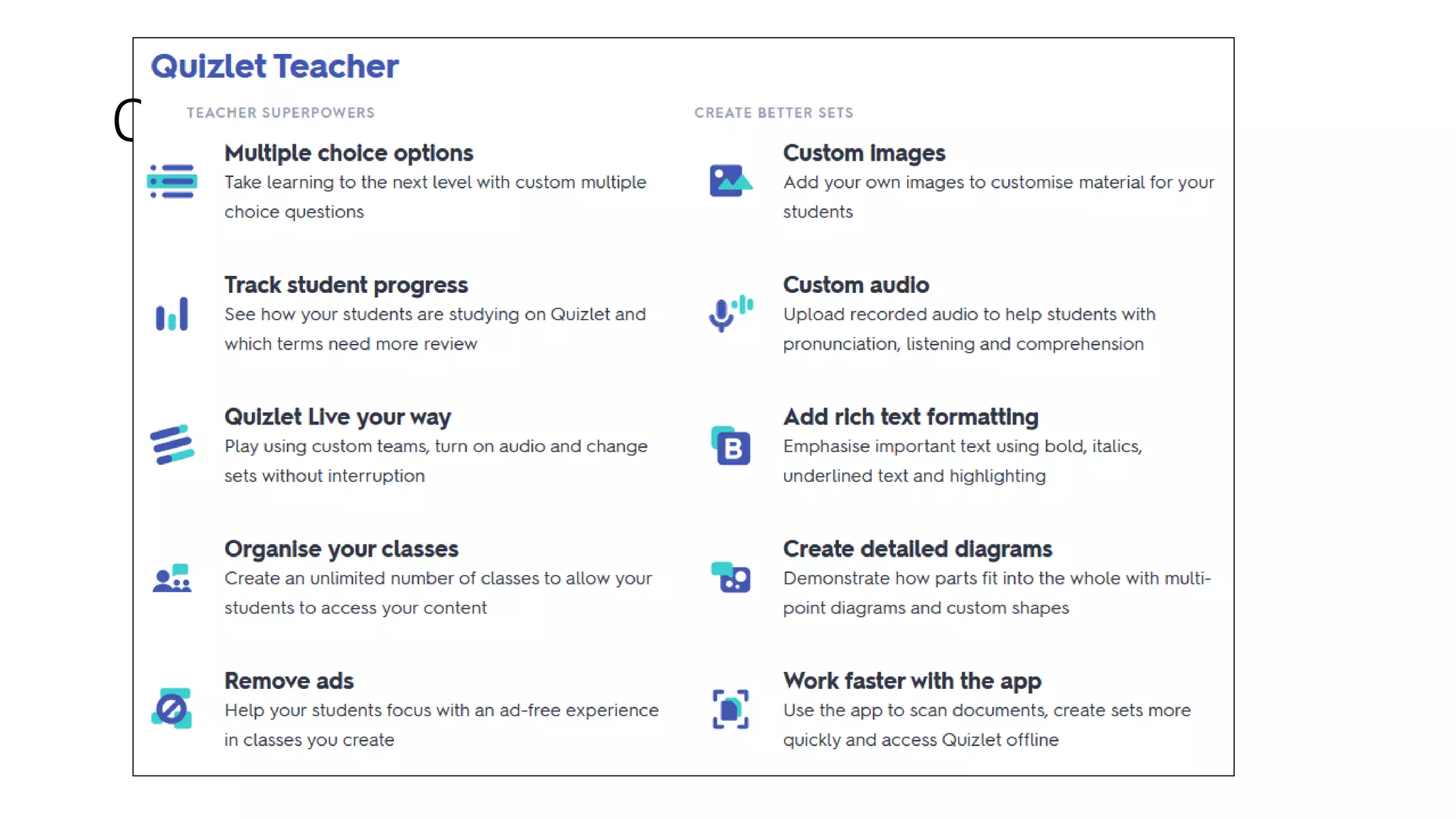
Quizlet Teacher
Resources
• https://www.eflmagazine.com/quizlet-create-engaging-vocabulary-study-sets
• https://www.eflmagazine.com/reconsidering-quizlet
• http://blog.teslontario.org/create-learning-objects-quickly-with-quizlet
• http://blog.teslontario.org/focusing-on-bring-your-own-device-or-b-y-o-d-
resources/#more-225
• http://blog.teslontario.org/add-fun-to-your-vocabulary-lessons-with-quizlet-live
• http://blog.teslontario.org/teach-verbs-with-animated-gifs-and-quizlet
How To Resources
• https://www.slideshare.net/mrpottz/quizlet-live-for-fully-online-courses
• https://www.slideshare.net/mrpottz/creating-a-quizlet-diagram-updated-2018
• https://www.slideshare.net/mrpottz/quizlet-workshop-centre-for-education-
and-training
• https://www.slideshare.net/mrpottz/quizlet-using-gifs-to-teach-verbs
• https://www.slideshare.net/mrpottz/quizlet-hot-to-worskhop-march-2017
• https://www.slideshare.net/mrpottz
Questions

TESL Ontario conference 2020 Quizlet Session