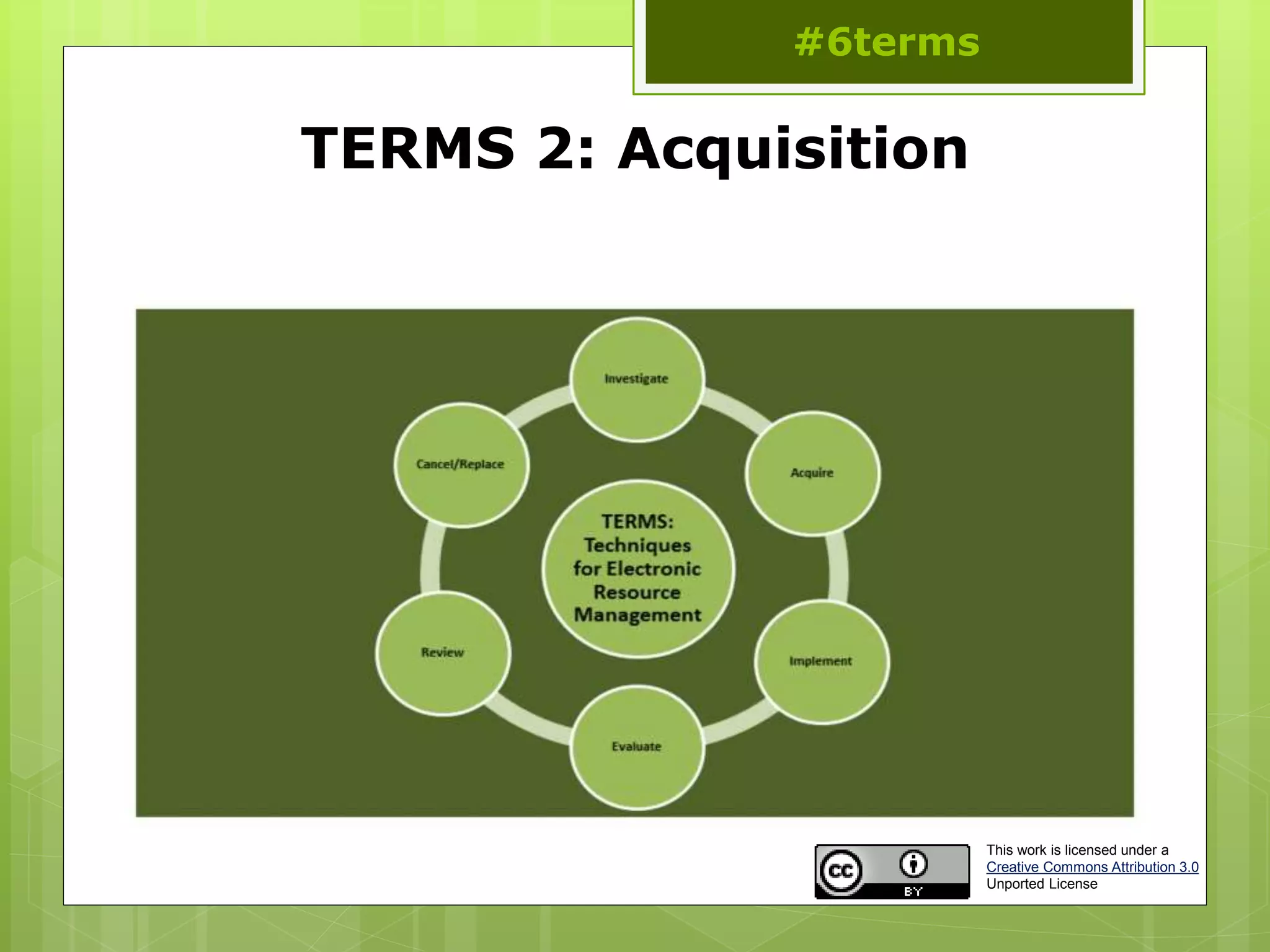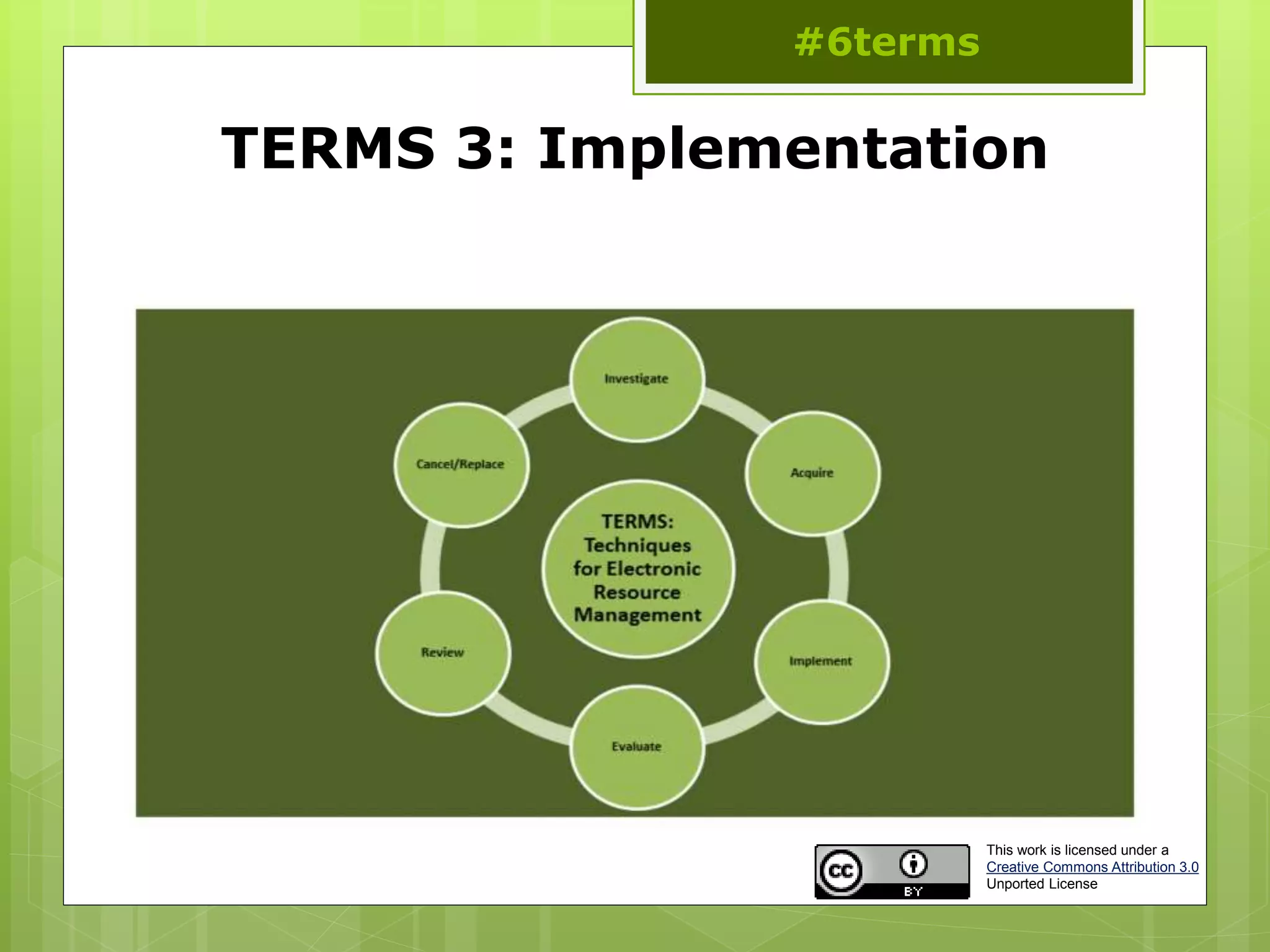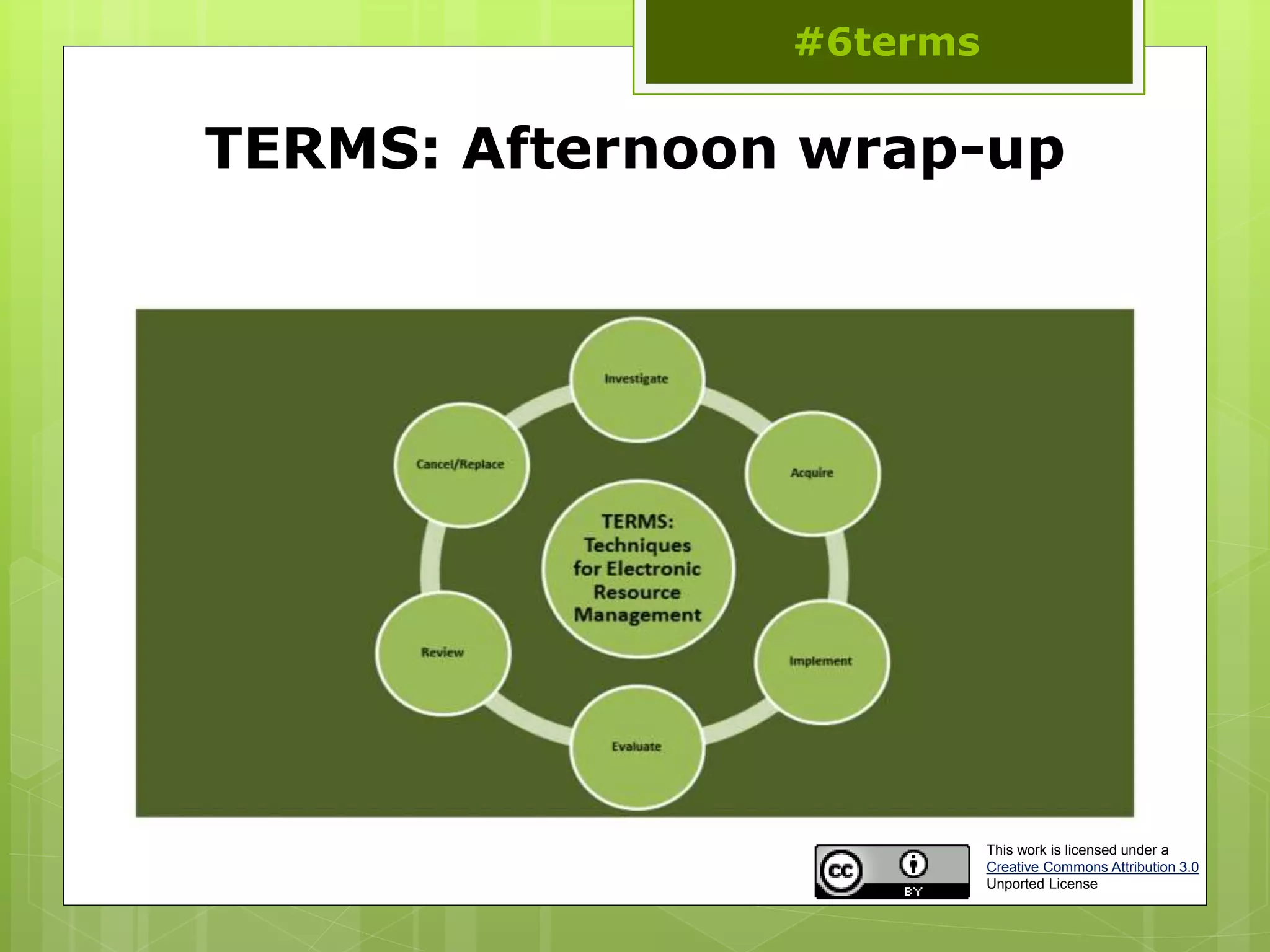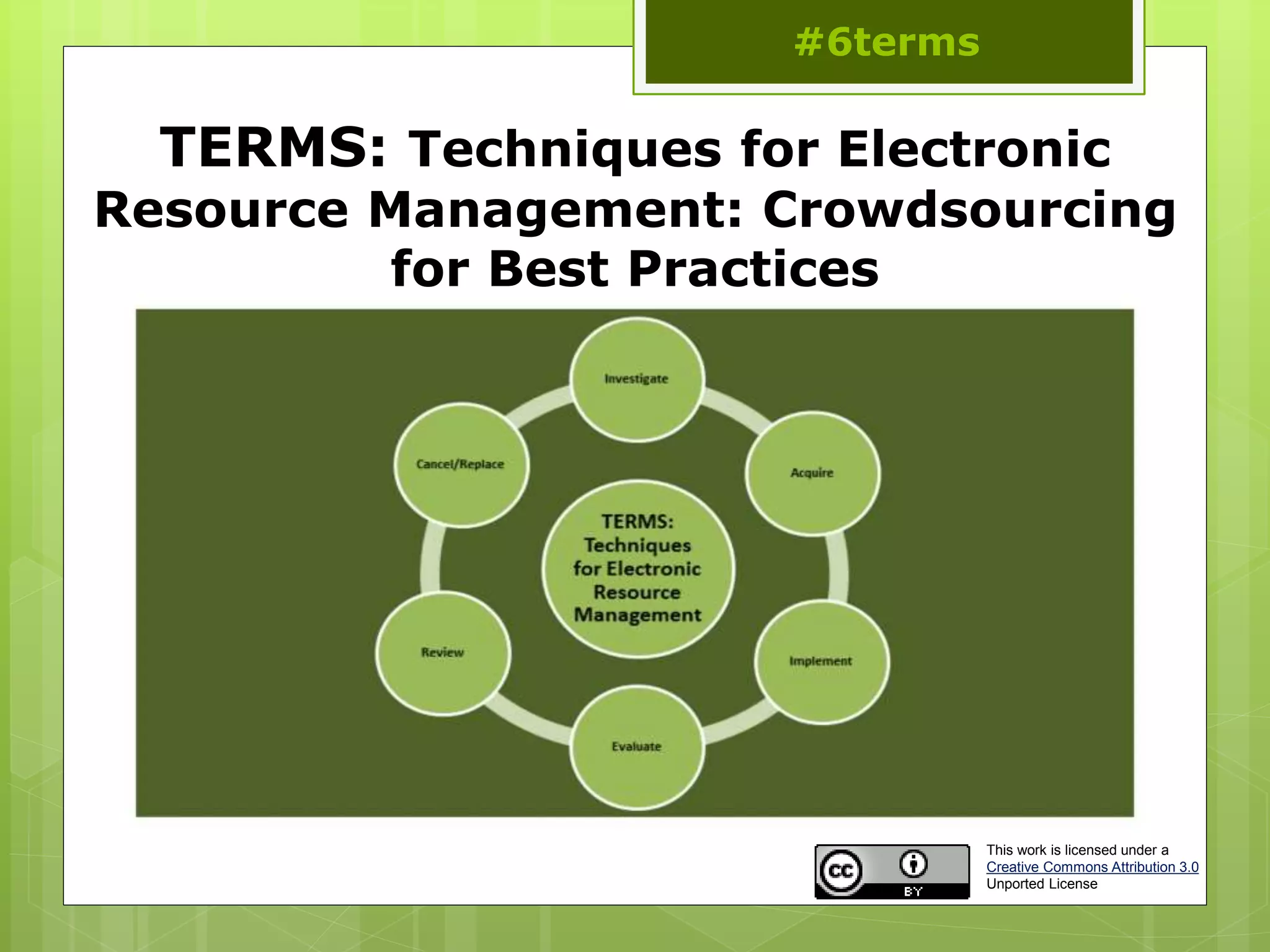
TERMS: Techniques for Electronic
Resource Management: Crowdsourcing
for Best Practices
#6terms
This work is licensed under a
Creative Commons Attribution 3.0
Unported License
Introducing TERMS
 Librarians and information specialists have been finding ways
to manage electronic resources for over a decade now.
However, much of this work has been an ad hoc and learn-
as-you-go process
 The literature on electronic resource management is
segmented into many different areas of traditional librarian
roles within the library
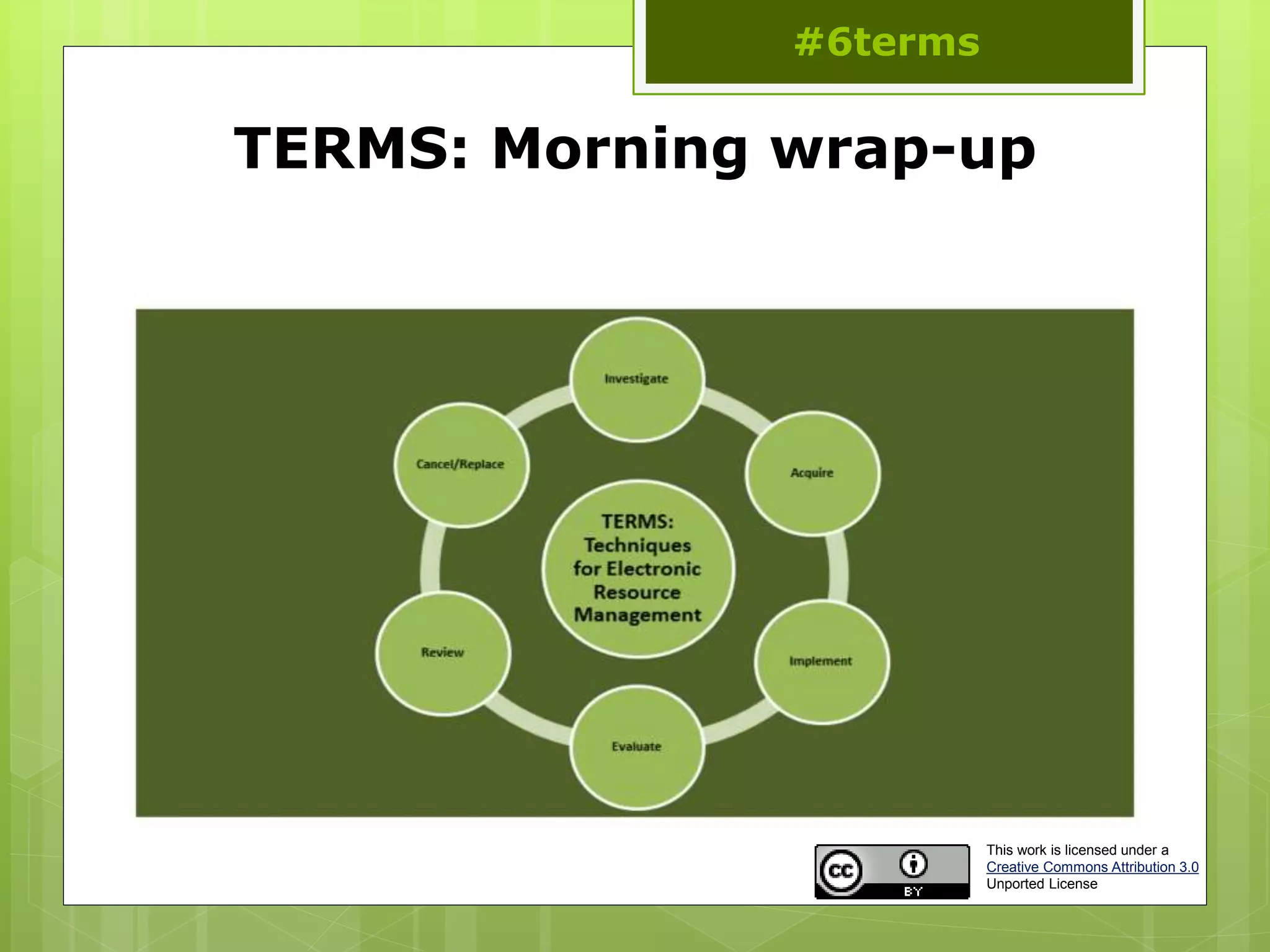
 Techniques in Electronic Resource Management (TERMS) is an
attempt to create an on-going and continually developing set
of management best practices for electronic resource
management in libraries
#6terms
Needs assessment
 Collection development
“Over half of the libraries tried to address ER [Electronic
Resources] in some way. However, most policies contain
traditional language with a section on library ER inserted into
the latter portion of the document”
Mangrum and Mary Ellen Pozzebon (2012)
“a lack of established policies and procedures for assessment
puts a library at risk for financial loss…”
Thomas (2012)
“Many procedures are not documented and rely on informal
channels of communication”
Adlington (2006)
#6terms
Needs assessment
 ERMs and workflows
“less like a silver bullet and more that a round of buckshot.”
Collins and Grogg (2011)
“[o]ver a third of librarians surveyed prioritized workflow or
communications management, and they called it one of the
biggest deficiencies (and disappointments) of ERMS
functionality.”
Collins and Grogg (2011)
“rethinking e-resources workflows and developing practical tools
to streamline and enhance various inelegant processes have
become the priorities.”
Han and Kerns (2011)
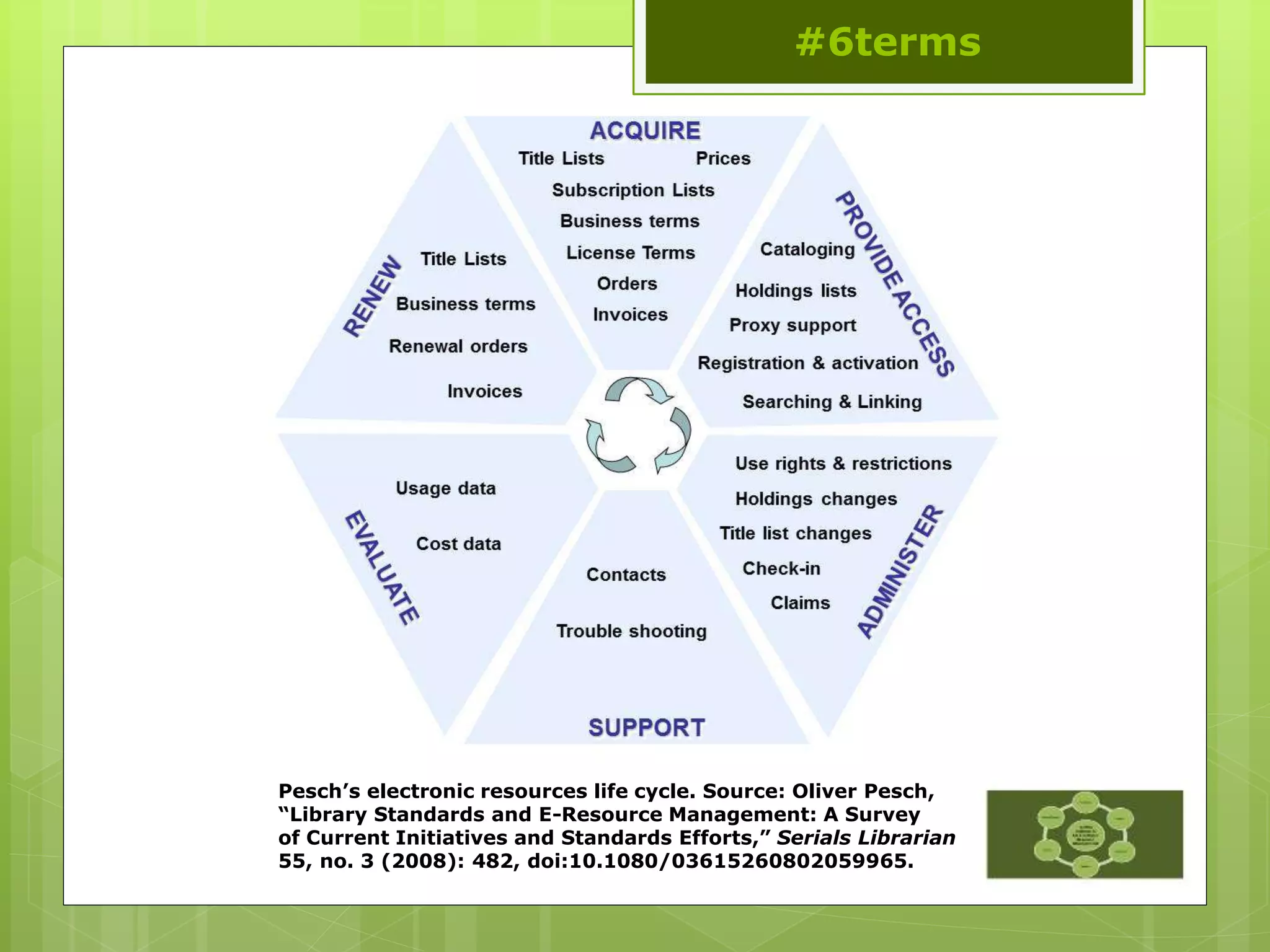
Pesch’s electronic resources life cycle. Source: Oliver Pesch,
“Library Standards and E-Resource Management: A Survey
of Current Initiatives and Standards Efforts,” Serials Librarian
55, no. 3 (2008): 482, doi:10.1080/03615260802059965.
#6terms
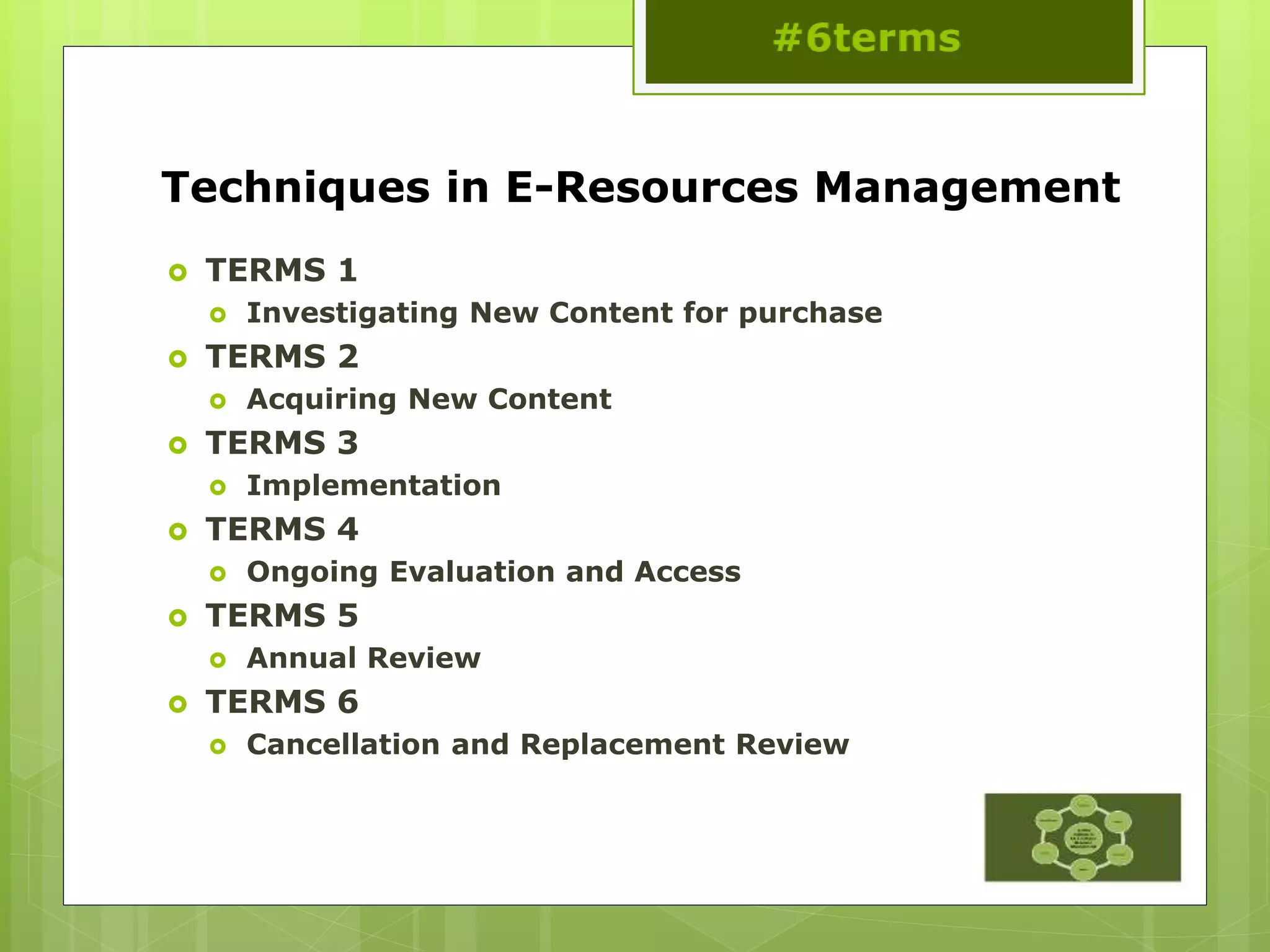
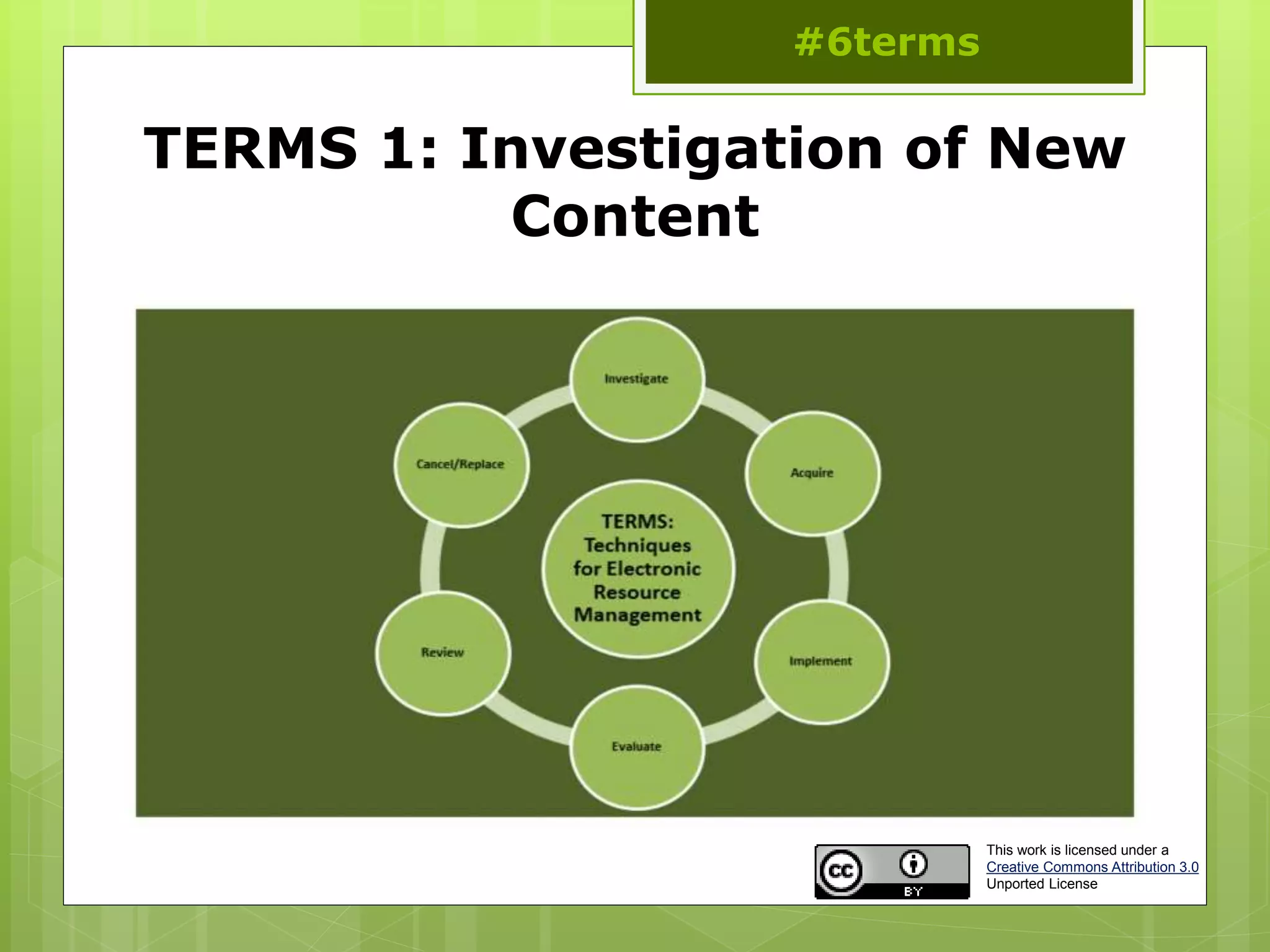
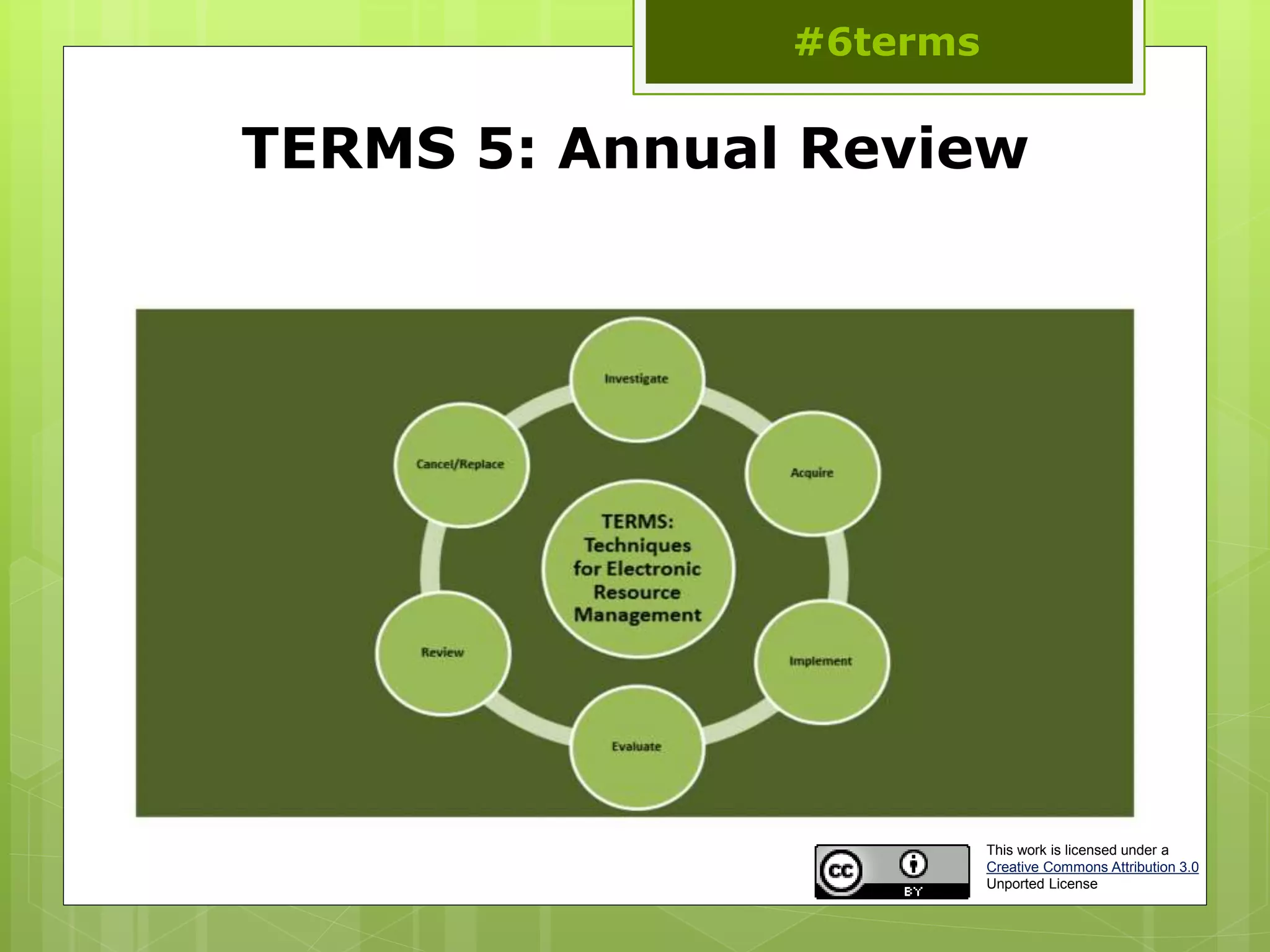
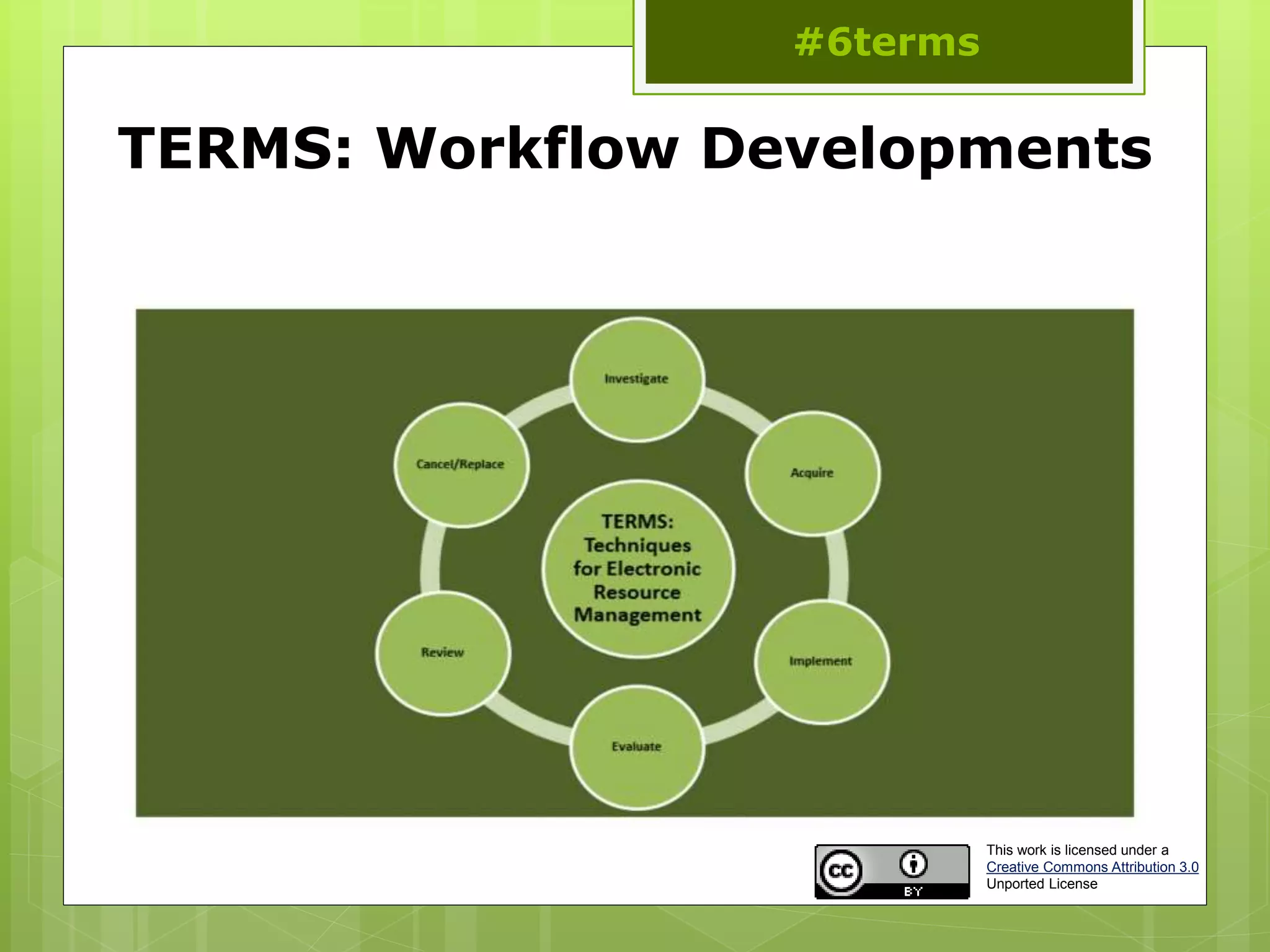
Techniques in E-Resources Management
 TERMS 1
 Investigating New Content for purchase
 TERMS 2
 Acquiring New Content
 TERMS 3
 Implementation
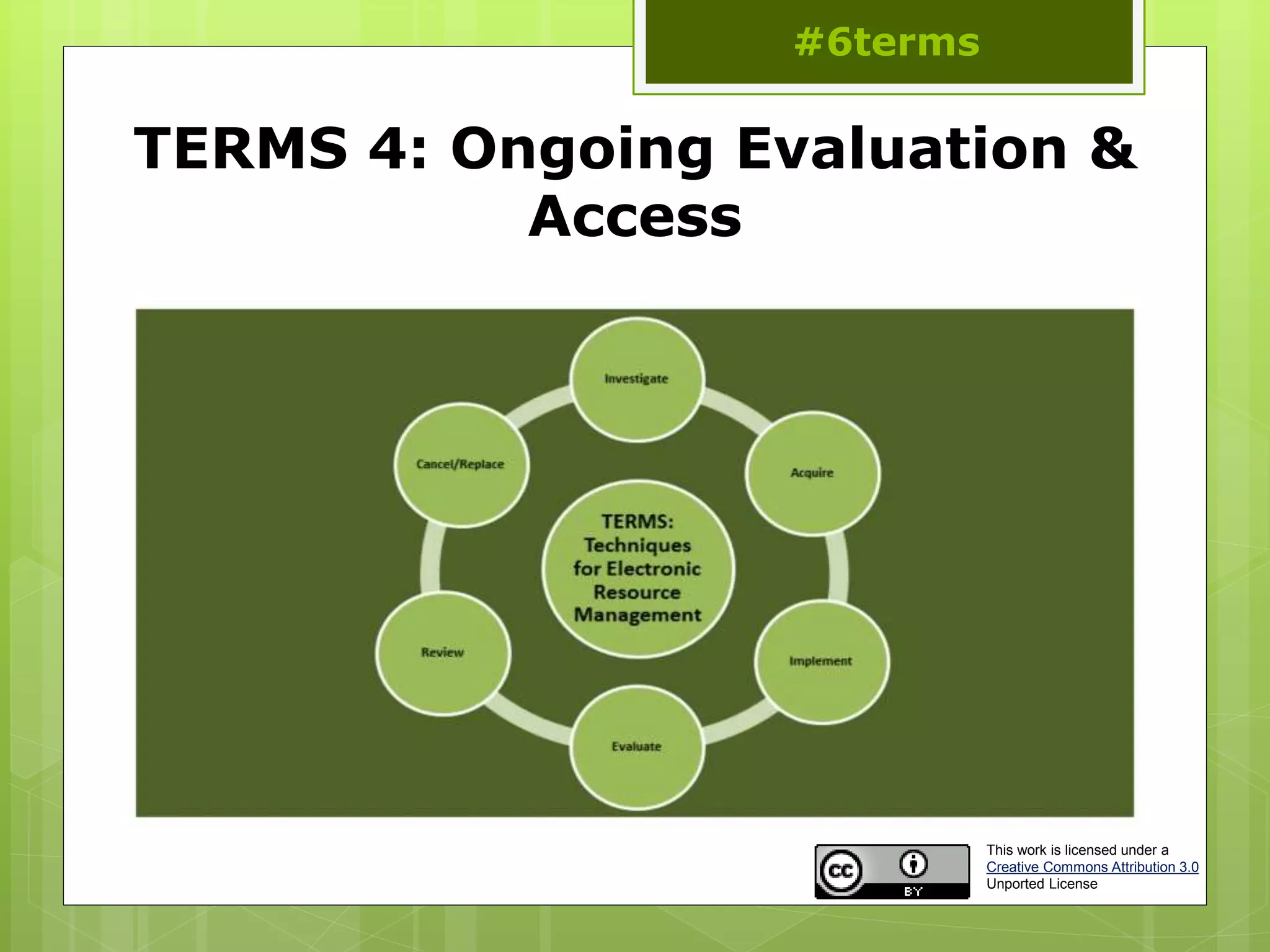
 TERMS 4
 Ongoing Evaluation and Access
 TERMS 5
 Annual Review
 TERMS 6
 Cancellation and Replacement Review
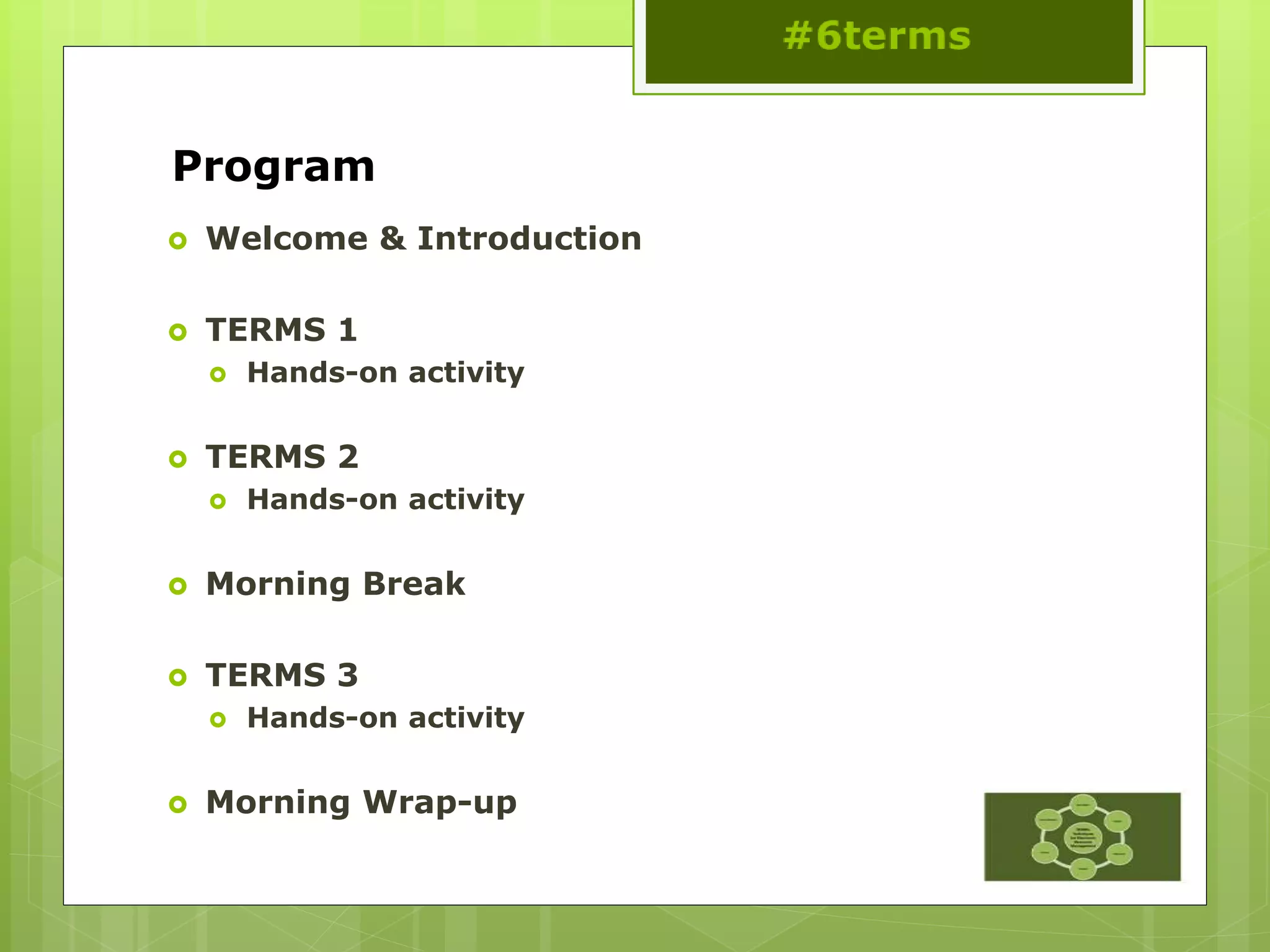
Program
 Welcome & Introduction
 TERMS 1
 Hands-on activity
 TERMS 2
 Hands-on activity
 Morning Break
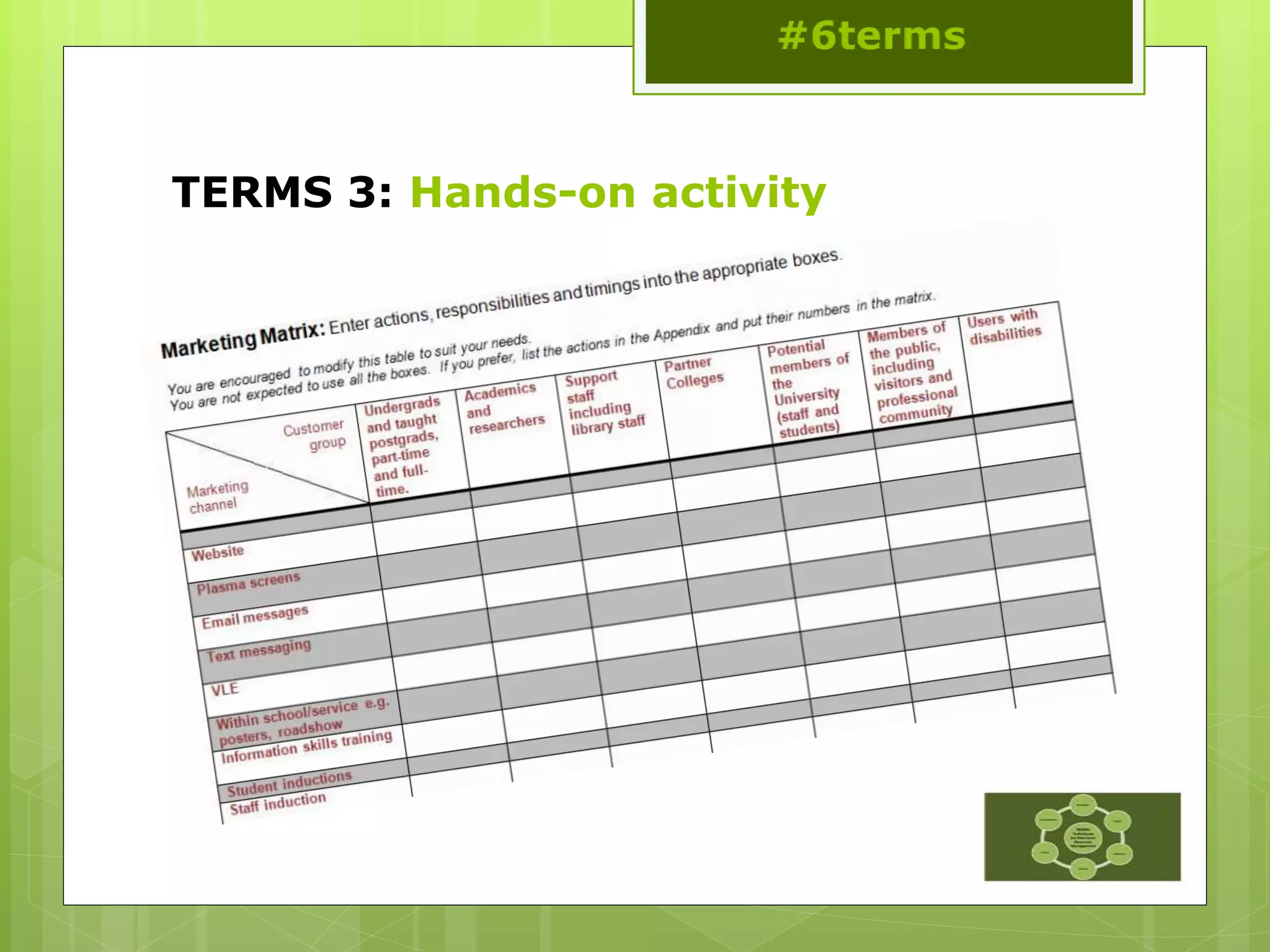
 TERMS 3
 Hands-on activity
 Morning Wrap-up
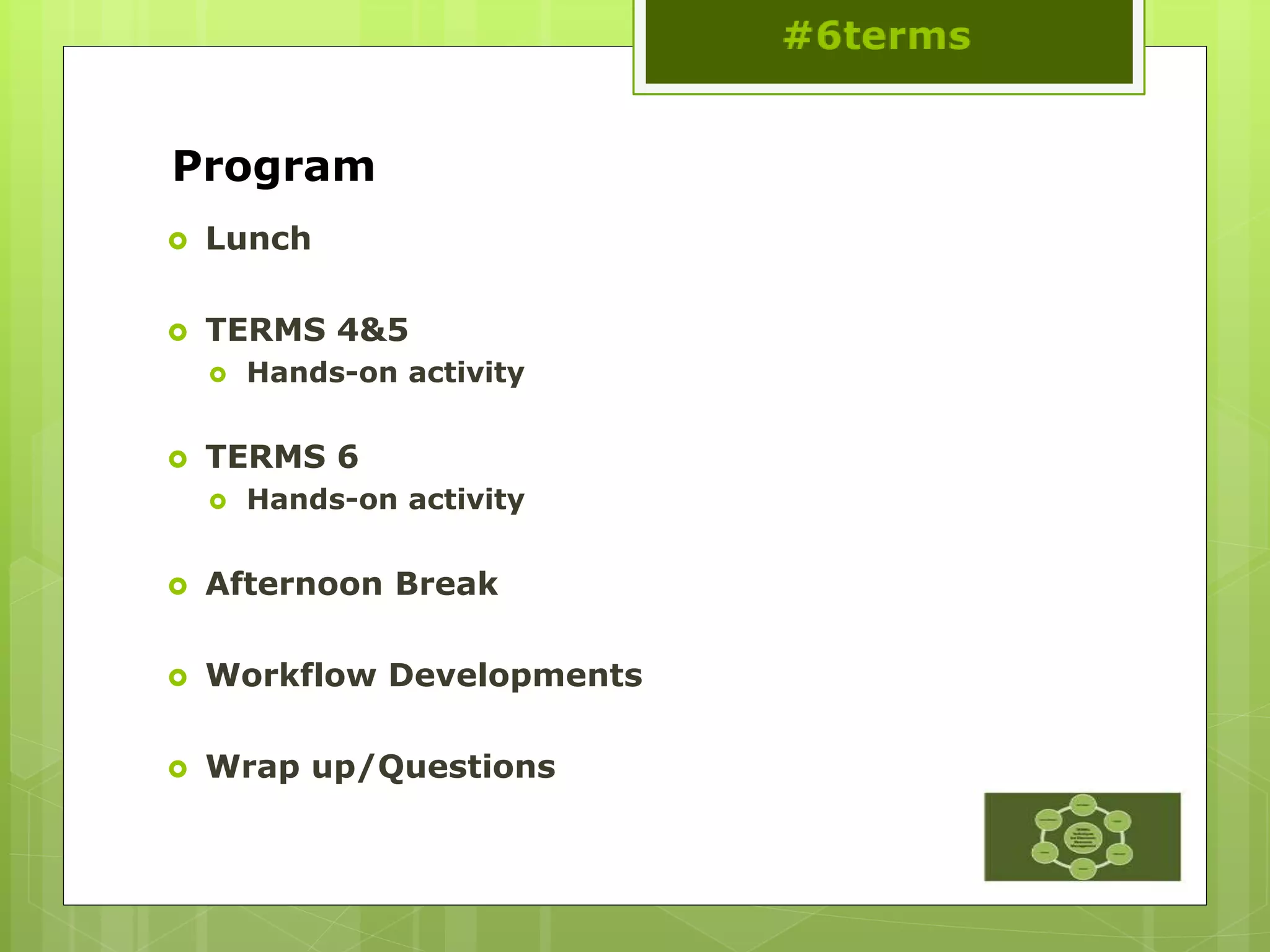
Program
 Lunch
 TERMS 4&5
 Hands-on activity
 TERMS 6
 Hands-on activity
 Afternoon Break
 Workflow Developments
 Wrap up/Questions
Introductions and hands-on activities
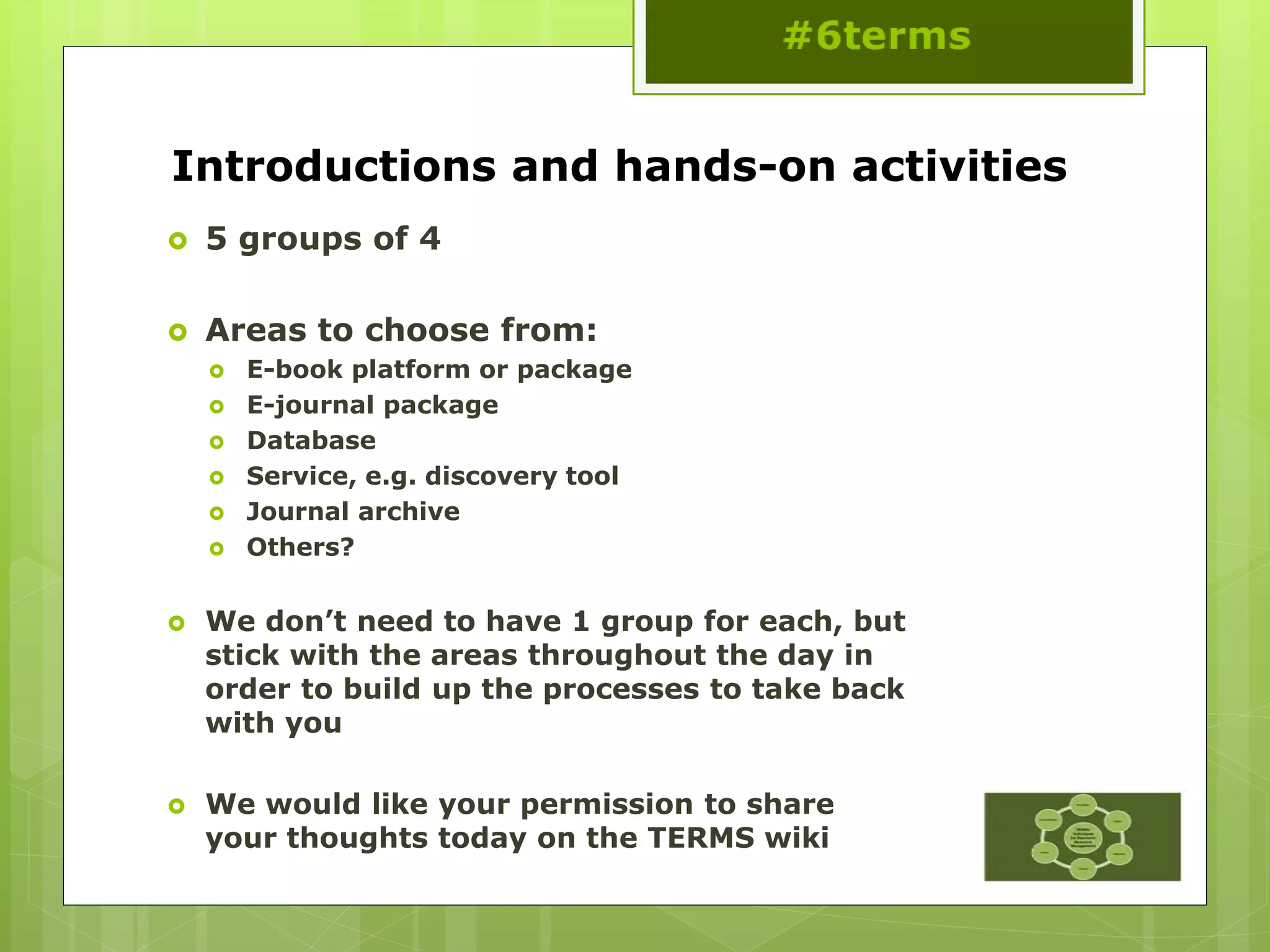
 5 groups of 4
 Areas to choose from:
 E-book platform or package
 E-journal package
 Database
 Service, e.g. discovery tool
 Journal archive
 Others?
 We don’t need to have 1 group for each, but
stick with the areas throughout the day in
order to build up the processes to take back
with you
 We would like your permission to share
your thoughts today on the TERMS wiki
TERMS 1: Investigation of New
Content
#6terms
This work is licensed under a
Creative Commons Attribution 3.0
Unported License
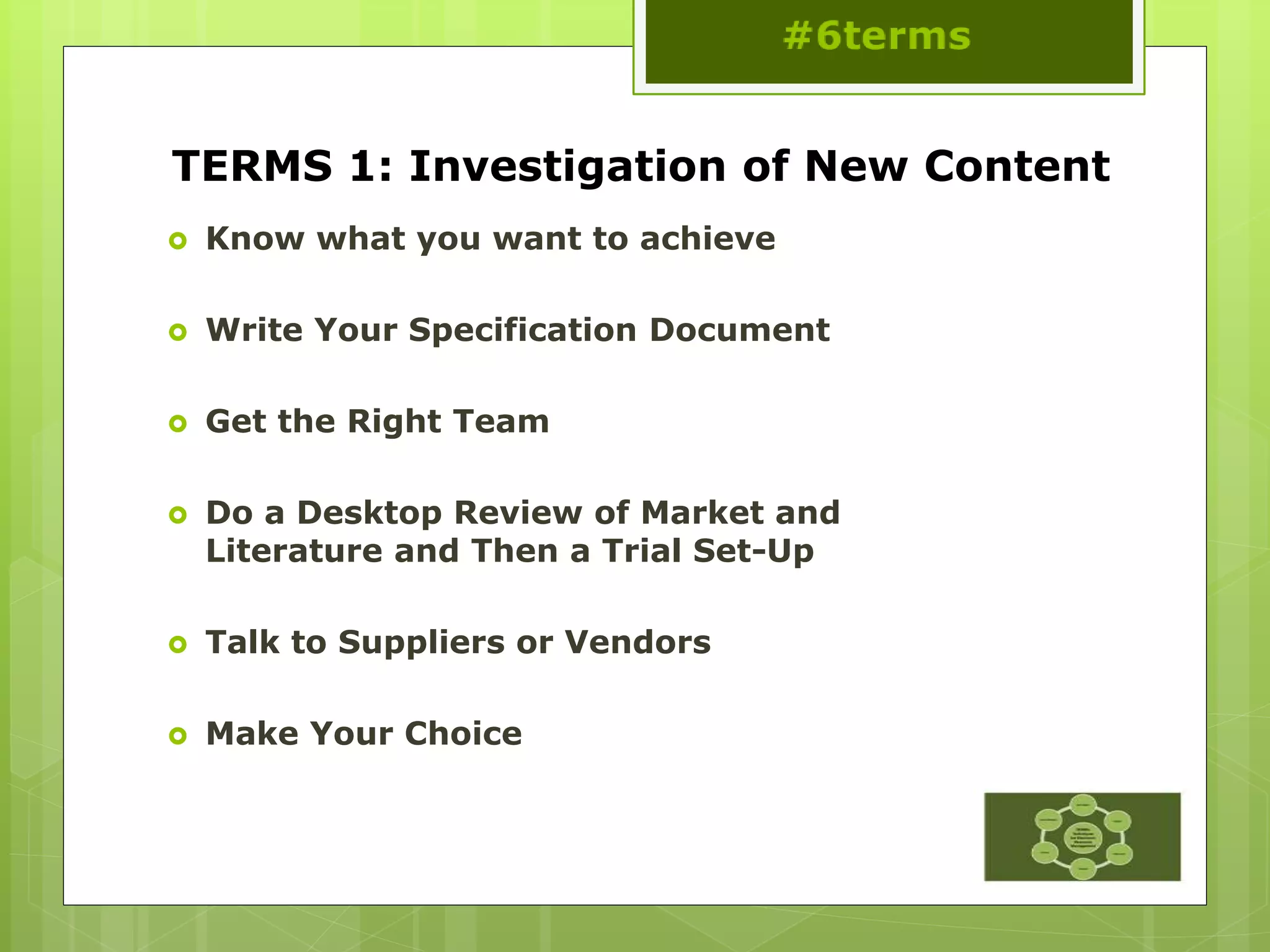
TERMS 1: Investigation of New Content
 Know what you want to achieve
 Write Your Specification Document
 Get the Right Team
 Do a Desktop Review of Market and
Literature and Then a Trial Set-Up
 Talk to Suppliers or Vendors
 Make Your Choice
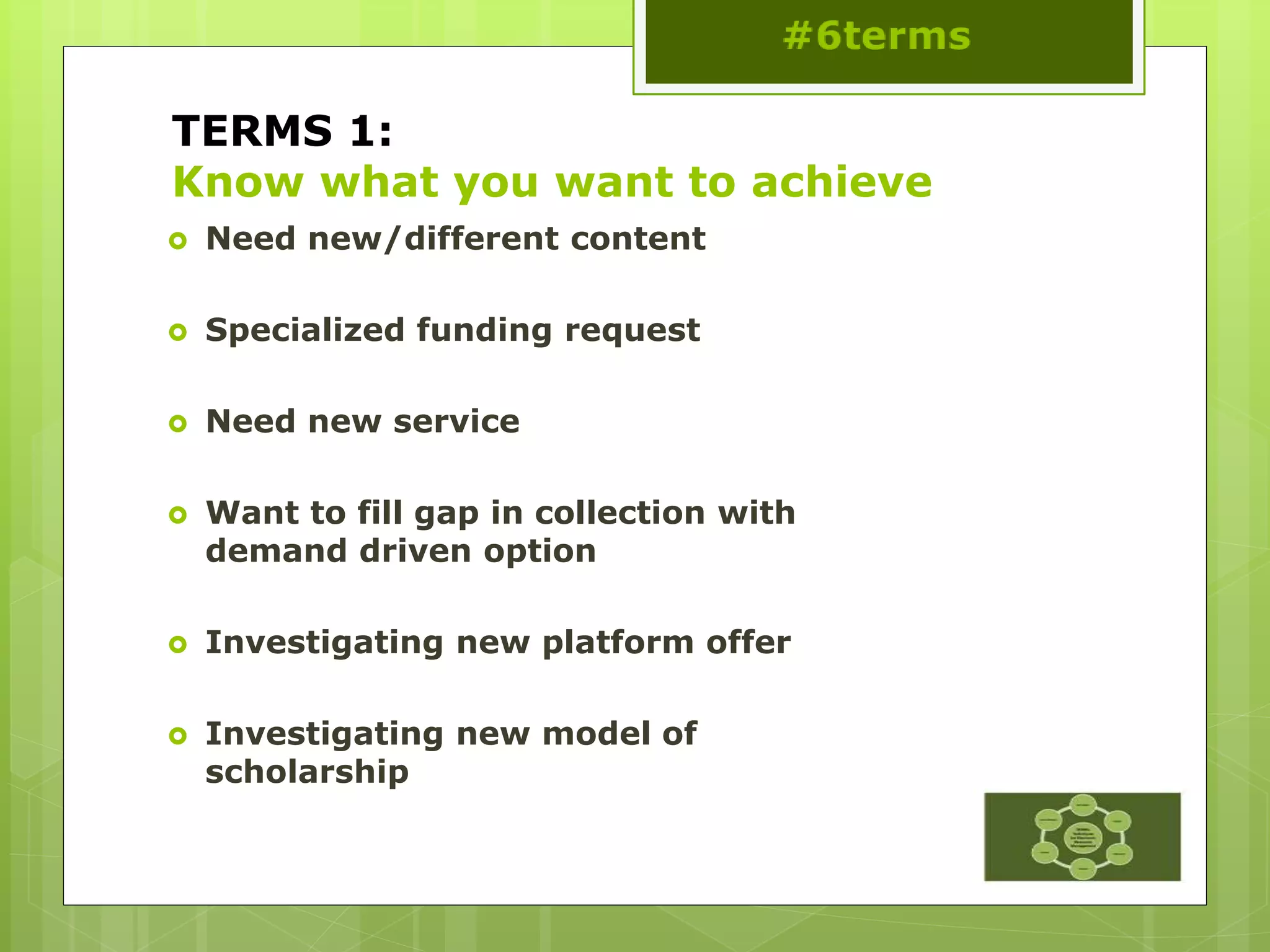
TERMS 1:
Know what you want to achieve
 Need new/different content
 Specialized funding request
 Need new service
 Want to fill gap in collection with
demand driven option
 Investigating new platform offer
 Investigating new model of
scholarship
TERMS 1:
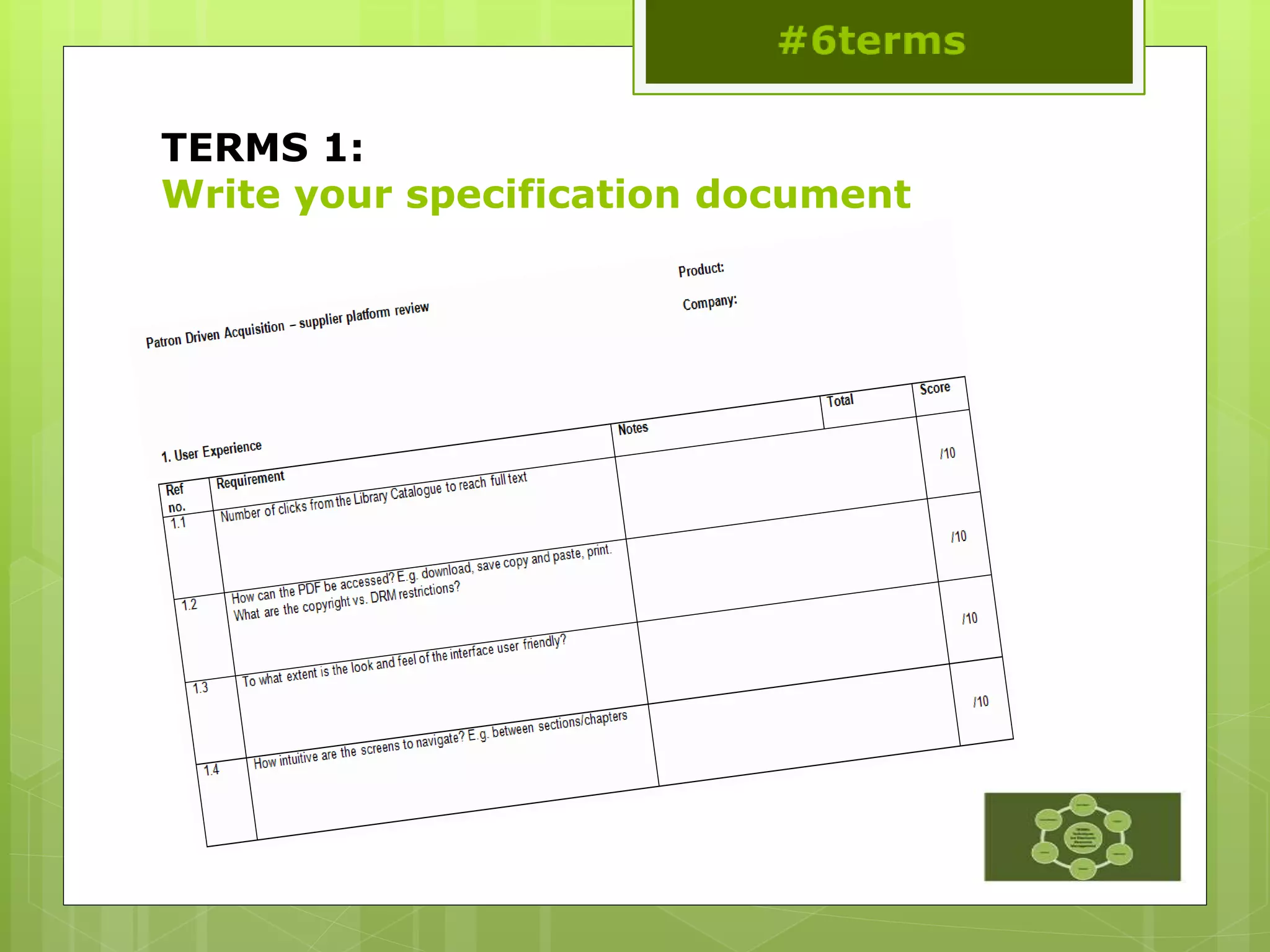
Write your specification document
TERMS 1:
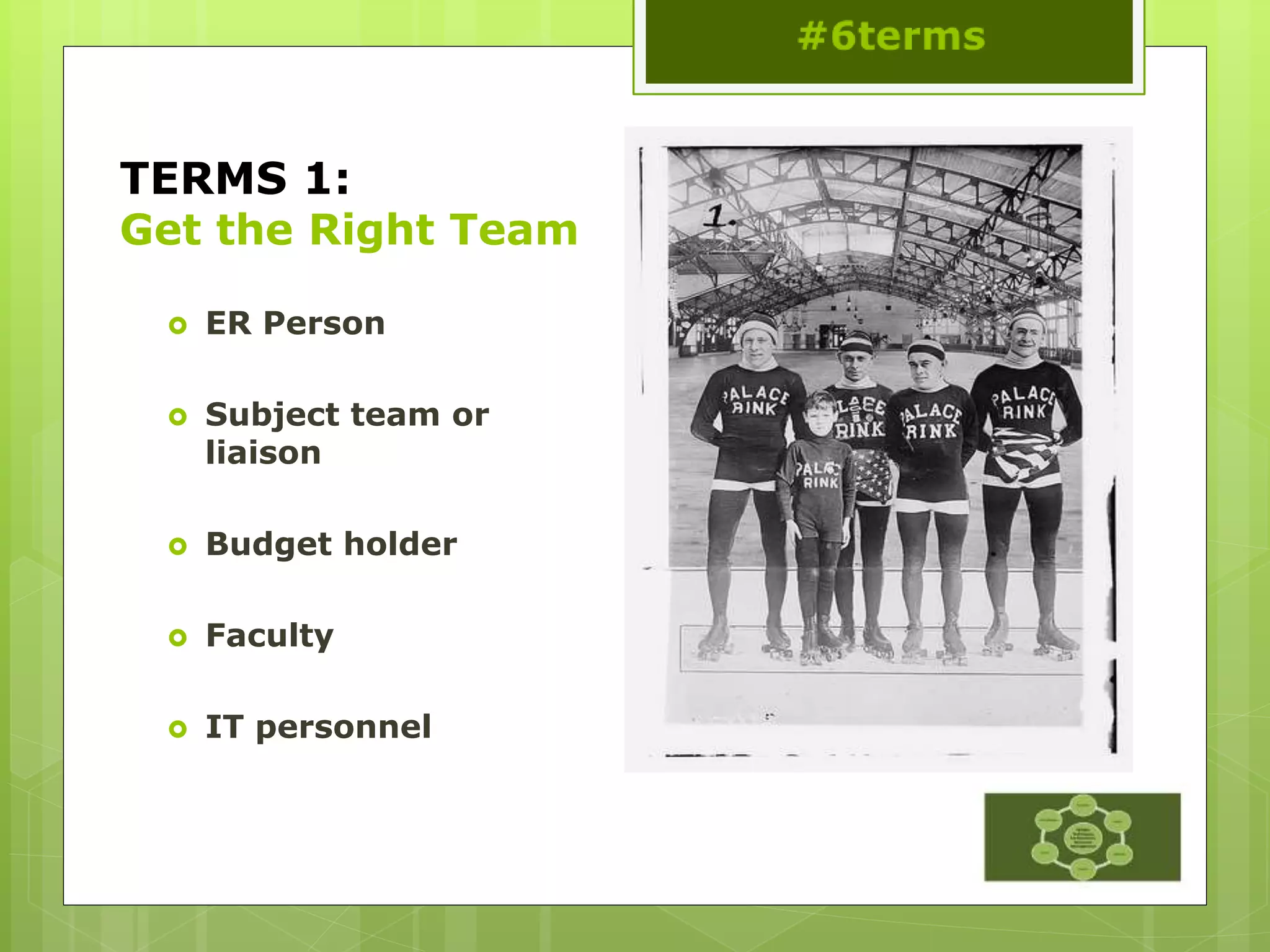
Get the Right Team
 ER Person
 Subject team or
liaison
 Budget holder
 Faculty
 IT personnel
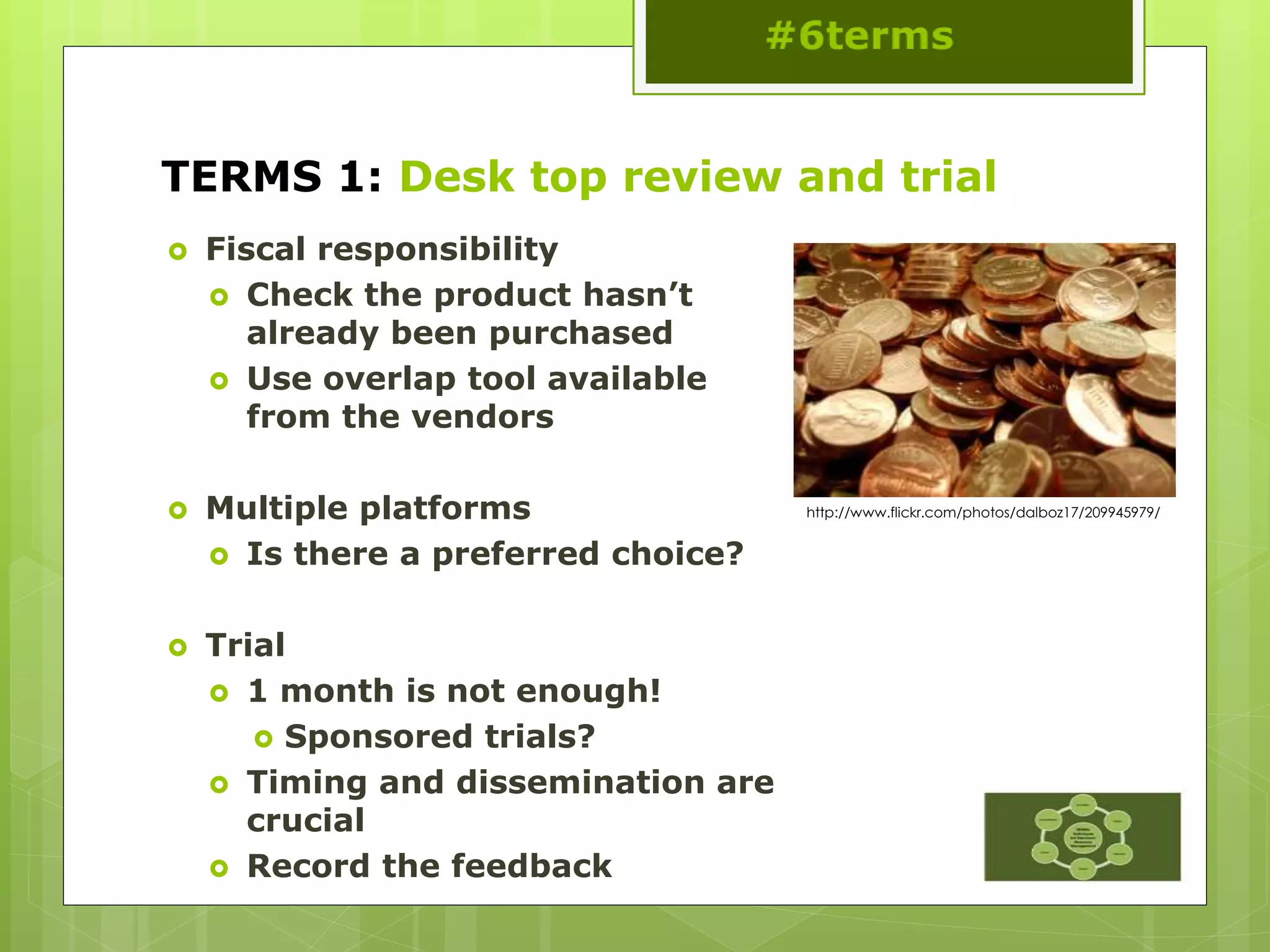
TERMS 1: Desk top review and trial
 Fiscal responsibility
 Check the product hasn’t
already been purchased
 Use overlap tool available
from the vendors
 Multiple platforms
 Is there a preferred choice?
 Trial
 1 month is not enough!
 Sponsored trials?
 Timing and dissemination are
crucial
 Record the feedback
http://www.flickr.com/photos/dalboz17/209945979/
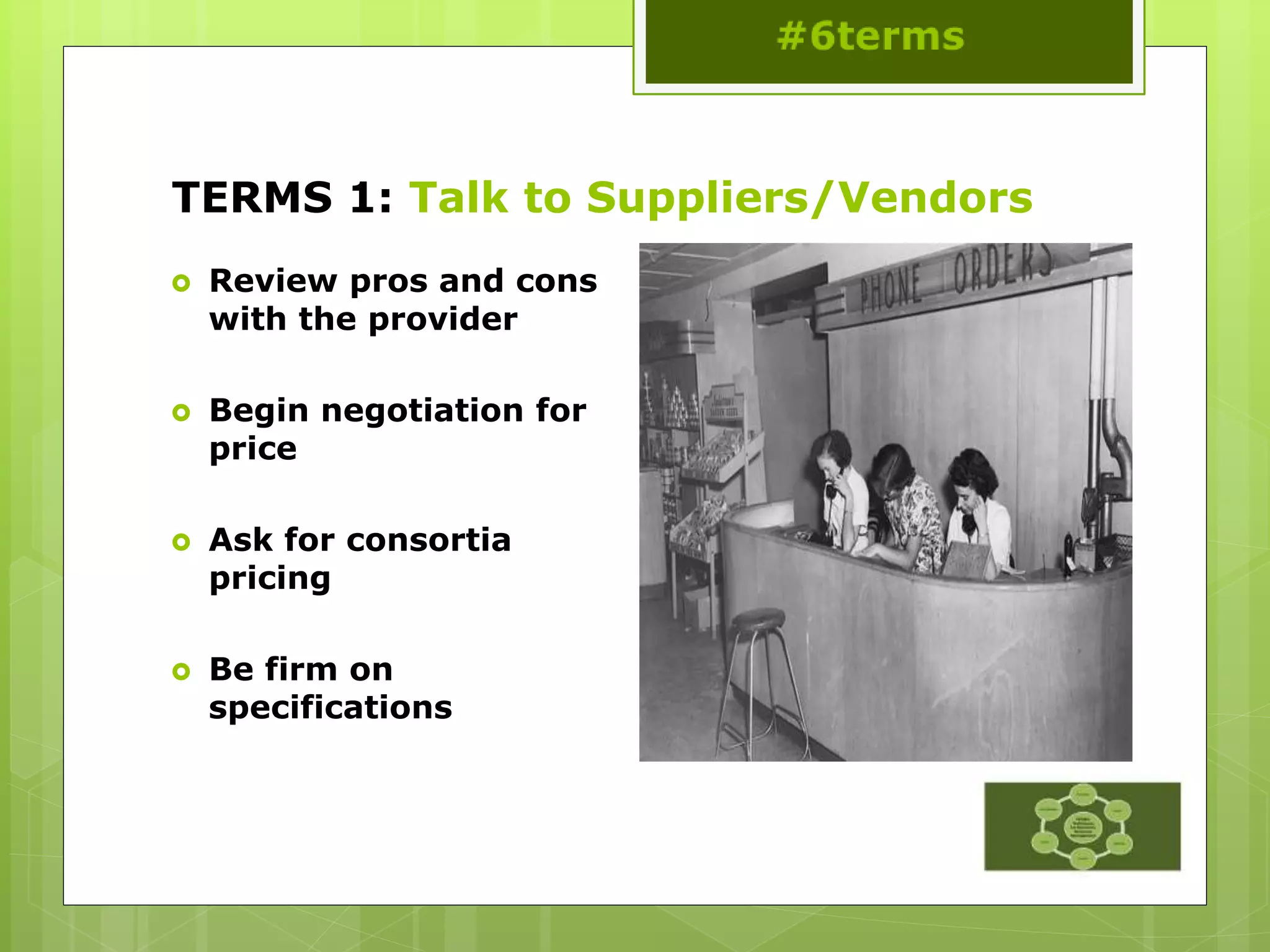
TERMS 1: Talk to Suppliers/Vendors
 Review pros and cons
with the provider
 Begin negotiation for
price
 Ask for consortia
pricing
 Be firm on
specifications
TERMS 1: Sustainability
 What kind of resource are you buying?
 Does it need to be sustainable?
 How do you measure sustainability
 Publisher platforms vs. aggregators
 Post cancellation access
 LOCKSS, CLOCKSS or Portico
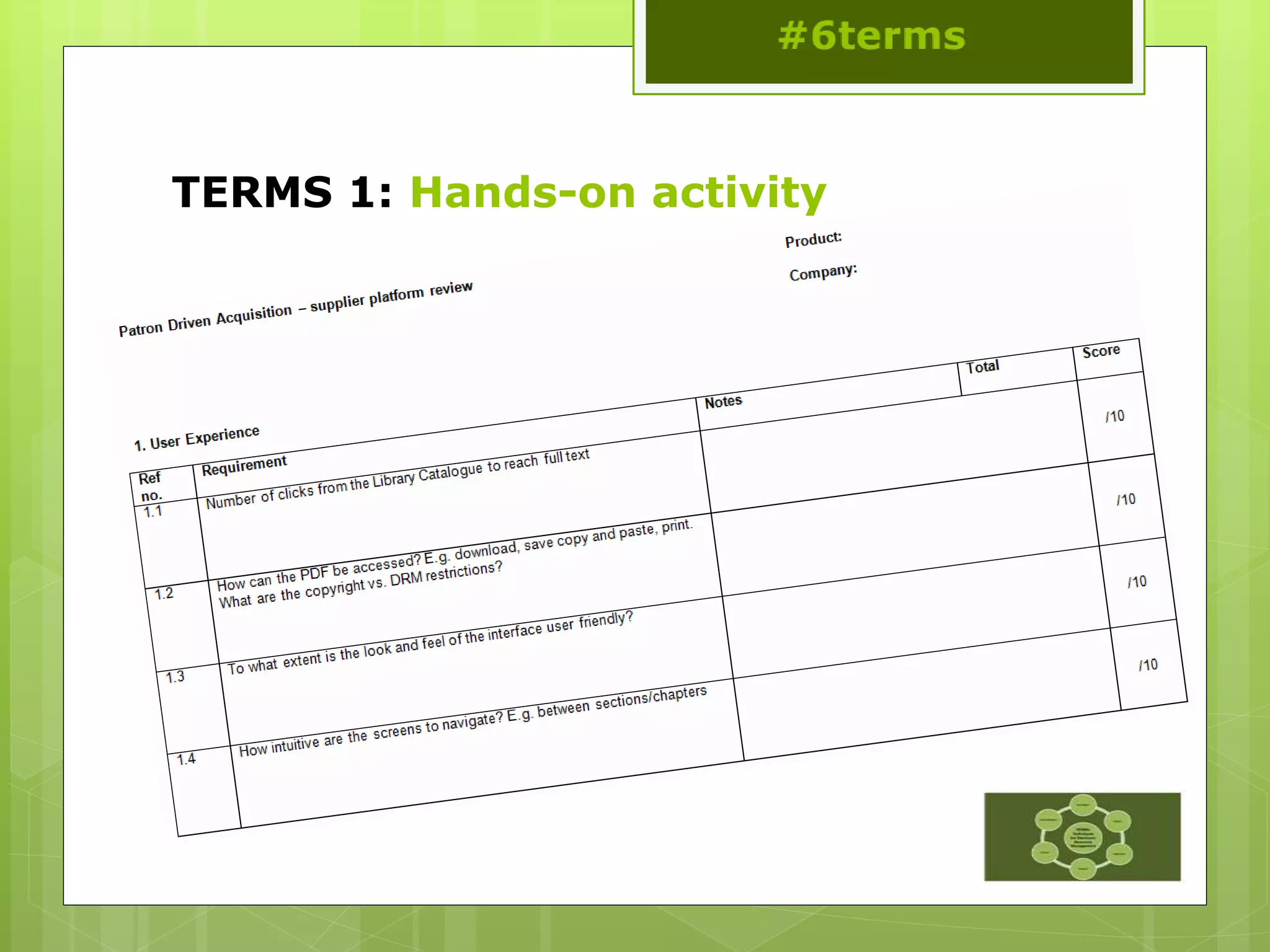
TERMS 1: Hands-on activity
TERMS 2: Acquisition
#6terms
This work is licensed under a
Creative Commons Attribution 3.0
Unported License
TERMS 2: Acquisition
 Compare specifications
 Negotiate license
 Review the license
 Renegotiate the license
 Sign the agreement
 Record metadata
TERMS 2: Compare Specifications
 Purchase order
needed for invoice?
 DDA-need a deposit
account?
 Contract that outlines
purchasing terms?
 Request a license for
review
 Annual review
process?
 Discounts for
multiyear deals?
TERMS 2: Negotiation Points
 Definition of site
 Definition of users
 Remote access
 IP authentication
 Article-level linking
 Mutual indemnification
 Privacy clauses
 Provision of usage
statistics
 Content transfer
 Use of third party
discovery tools
 Funding out clause
 Venue definition
 Perpetual access clause
 Price cap allowance
TERMS 2: License Review
 Have changes
incorporated into a
“clean copy”
 Always make sure to
have an out-clause
 Re-read entire
document
 Pay close attention to
addendums
“In the case of a significant
decline in financial support to
(X library) by their main funding
source, (X library) reserves the
right to cancel significant
portions and potentially cancel
this subscription with 30 day
notification.”
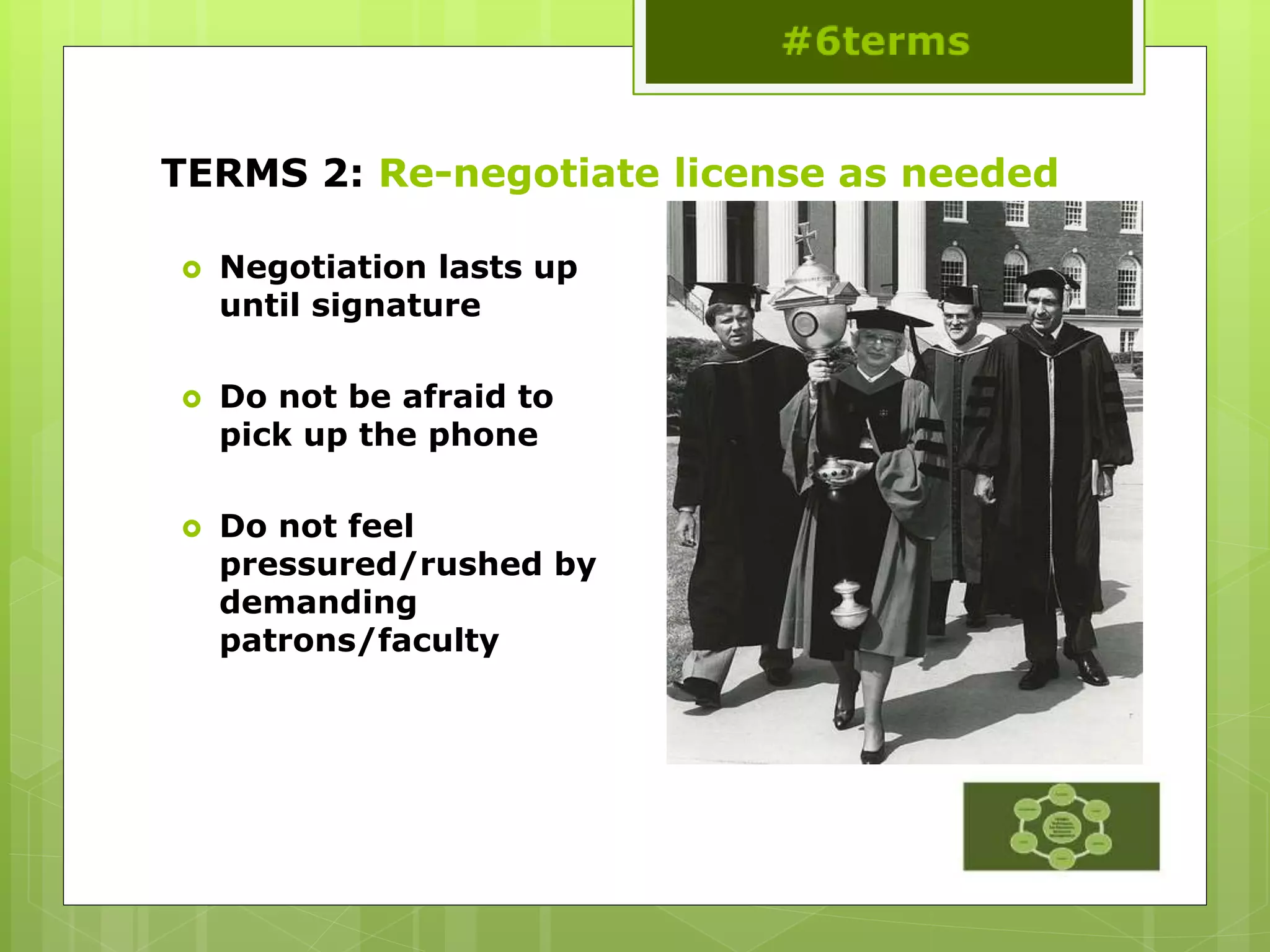
TERMS 2: Re-negotiate license as needed
 Negotiation lasts up
until signature
 Do not be afraid to
pick up the phone
 Do not feel
pressured/rushed by
demanding
patrons/faculty
TERMS 2:
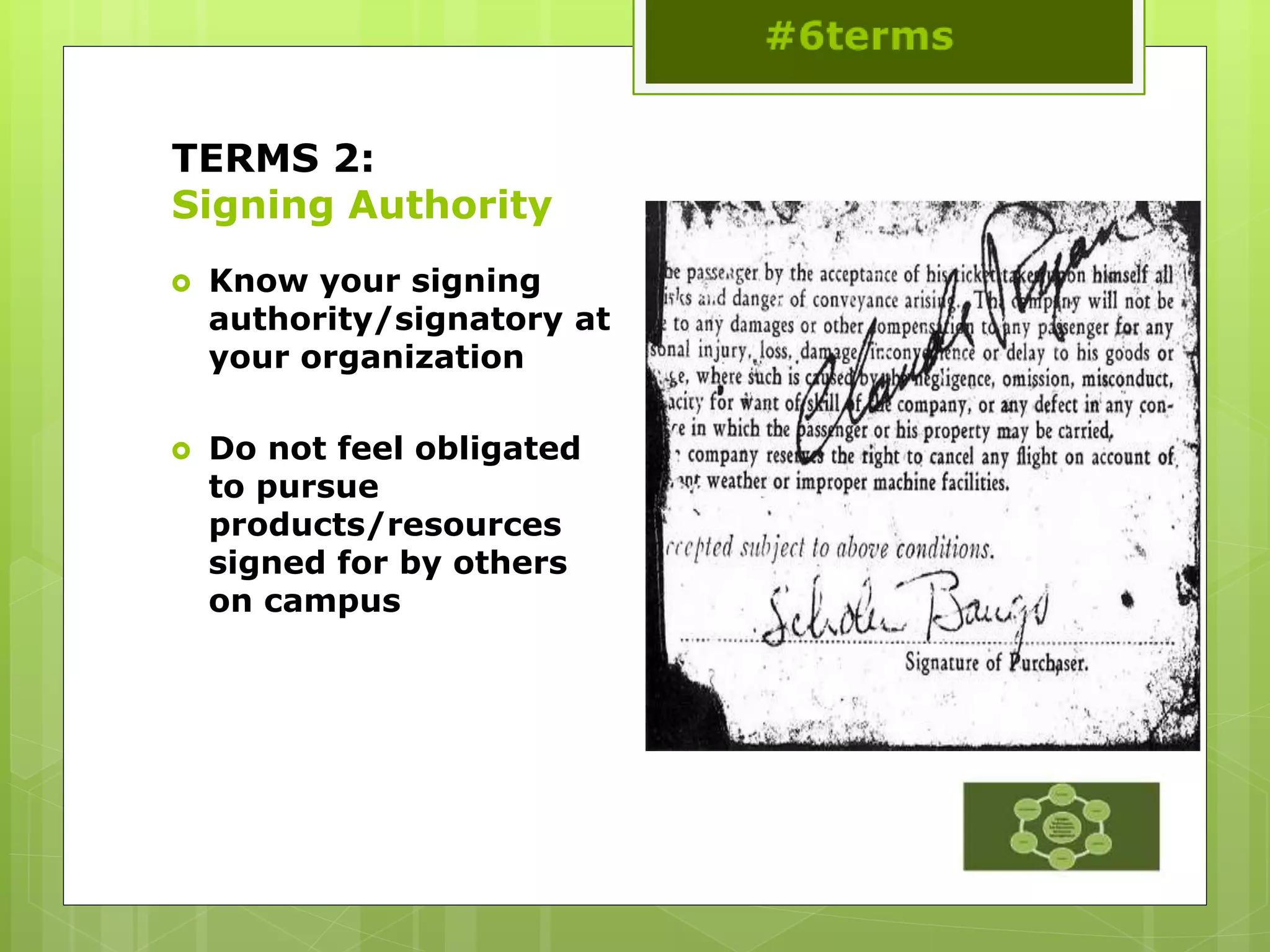
Signing Authority
 Know your signing
authority/signatory at
your organization
 Do not feel obligated
to pursue
products/resources
signed for by others
on campus
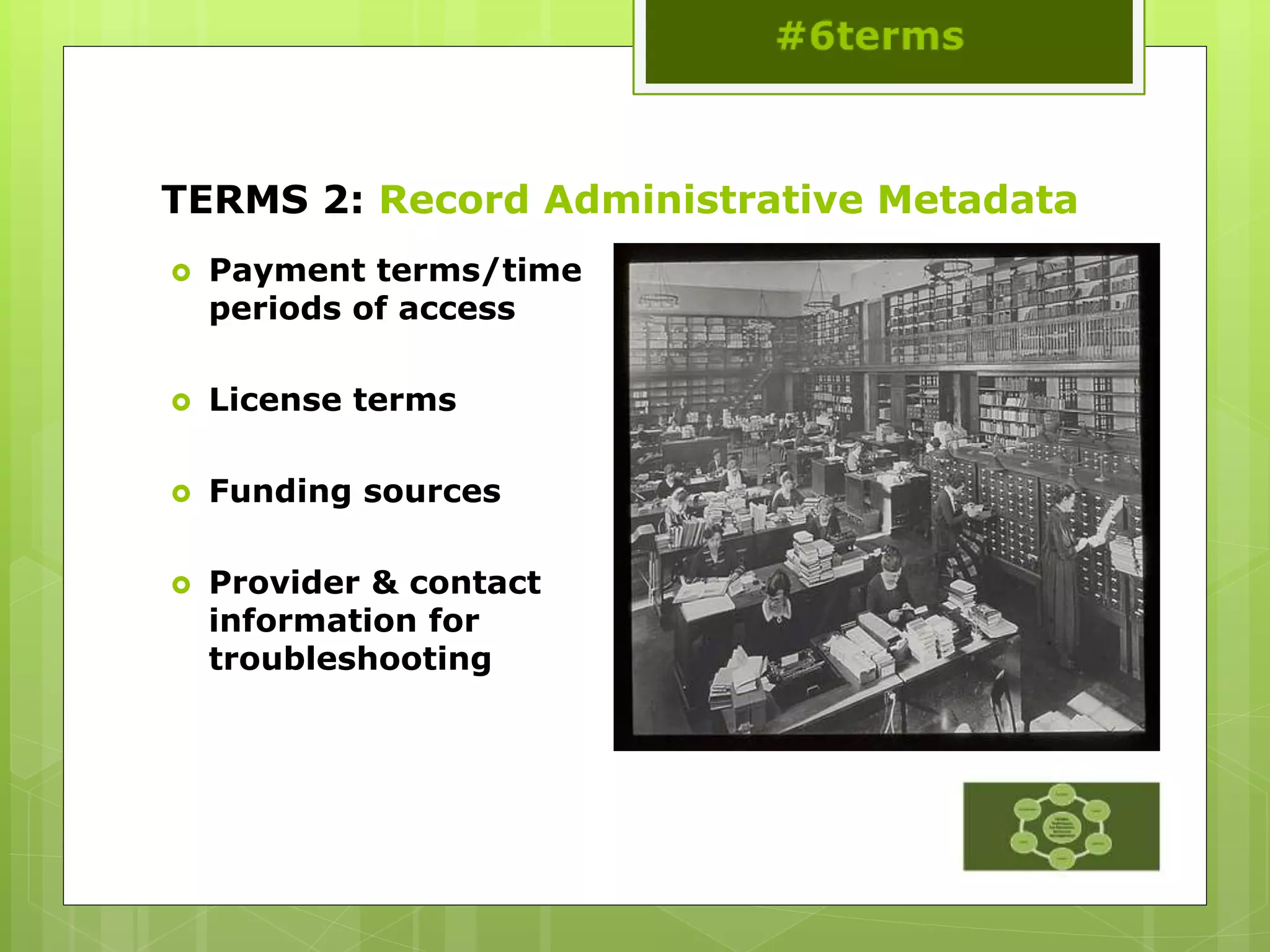
TERMS 2: Record Administrative Metadata
 Payment terms/time
periods of access
 License terms
 Funding sources
 Provider & contact
information for
troubleshooting
TERMS 2: Hands-on activity
 Top fourteen deal breakers for academic institutions
1. Definition of site
2. Definition of users
3. Remote access
4. Access should be IP
5. Ability to provide access and connectivity to other resources
6. Indemnification should be mutual
7. Restrictive privacy clauses
8. Usage statistics
9. Content transfer
10. Third party discovery tools
11. Loss of funding out clause.
12. Venue should be applicable to your location
13. Ability to maintain perpetual access to content.
14. Price cap allowance
TERMS: Morning break
http://www.flickr.com/photos/grahamstone/4946289210/sizes/o/in/photostream/
This work is licensed under a Creative Commons Attribution-NonCommercial-NoDerivs 2.0 Generic License
TERMS 3: Implementation
#6terms
This work is licensed under a
Creative Commons Attribution 3.0
Unported License
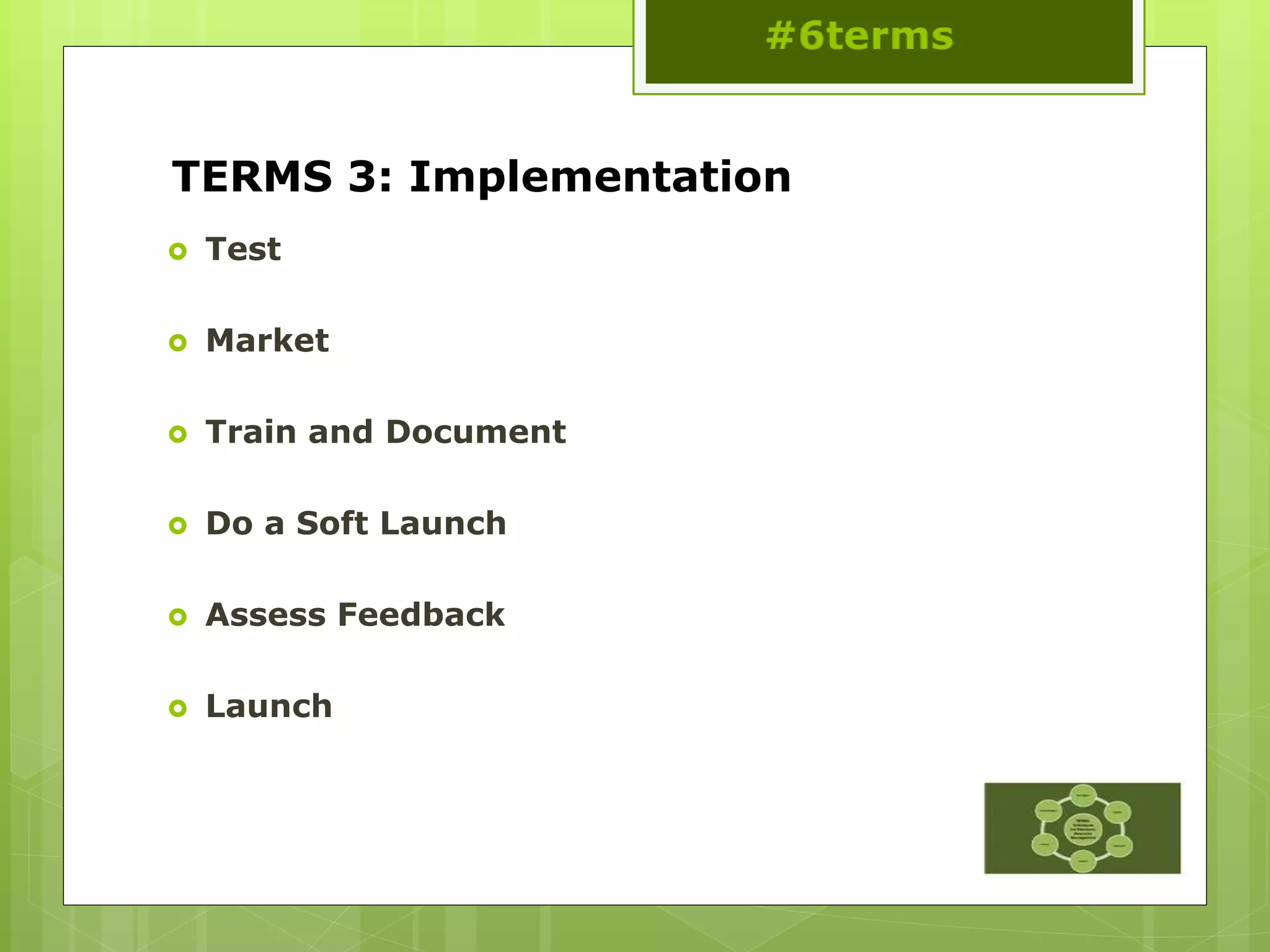
TERMS 3: Implementation
 Test
 Market
 Train and Document
 Do a Soft Launch
 Assess Feedback
 Launch
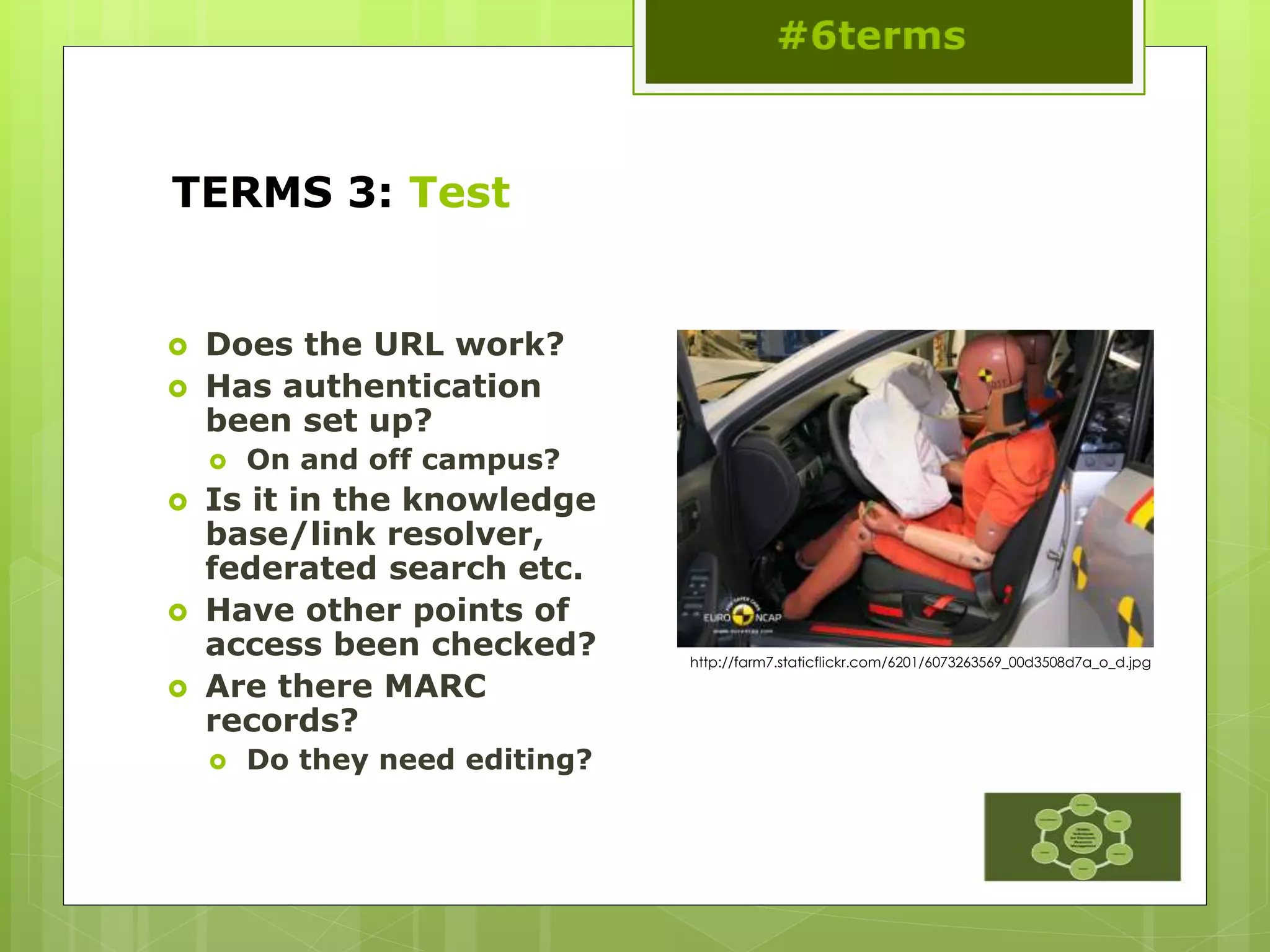
TERMS 3: Test
 Does the URL work?
 Has authentication
been set up?
 On and off campus?
 Is it in the knowledge
base/link resolver,
federated search etc.
 Have other points of
access been checked?
 Are there MARC
records?
 Do they need editing?
http://farm7.staticflickr.com/6201/6073263569_00d3508d7a_o_d.jpg
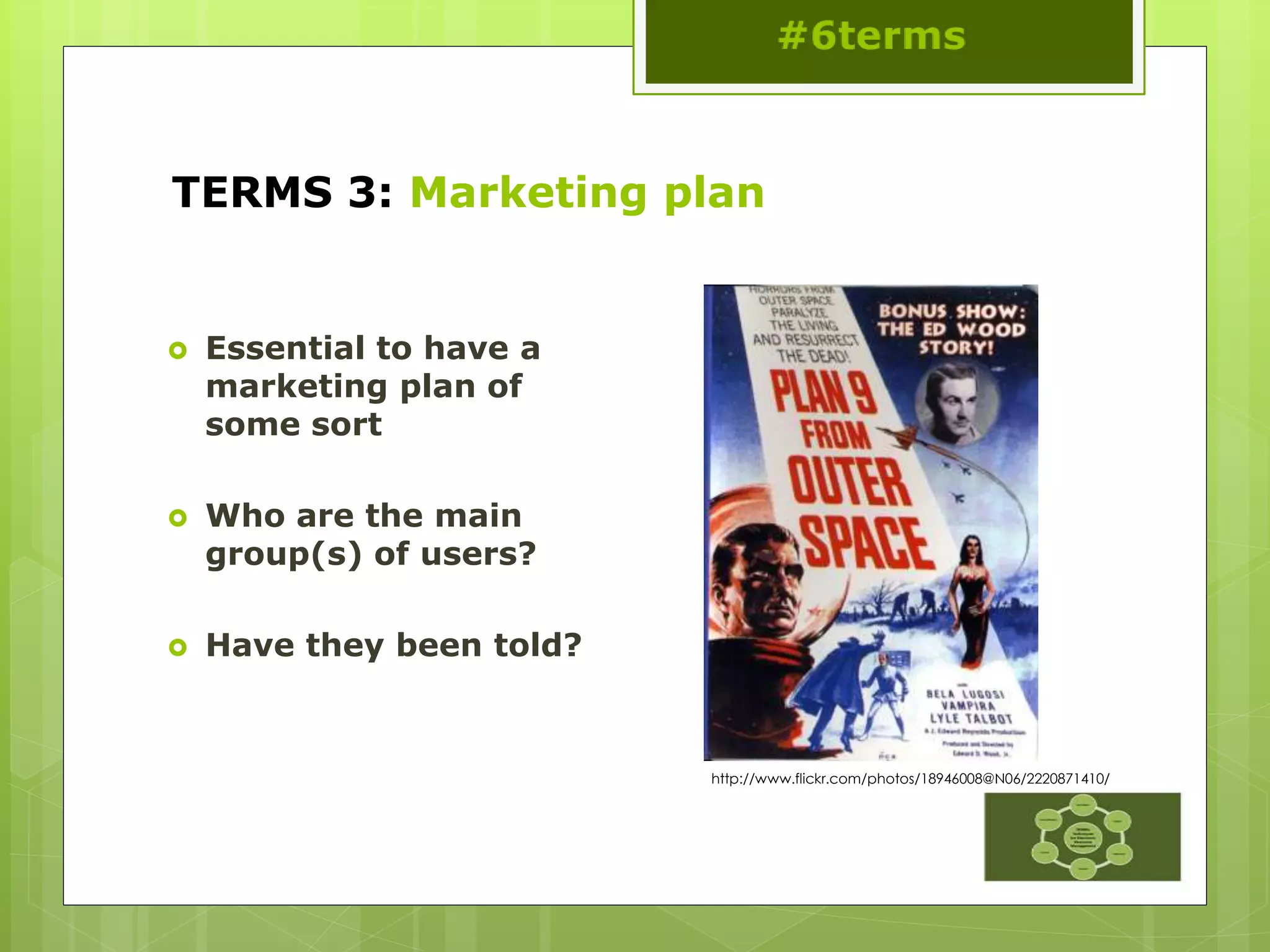
TERMS 3: Marketing plan
 Essential to have a
marketing plan of
some sort
 Who are the main
group(s) of users?
 Have they been told?
http://www.flickr.com/photos/18946008@N06/2220871410/
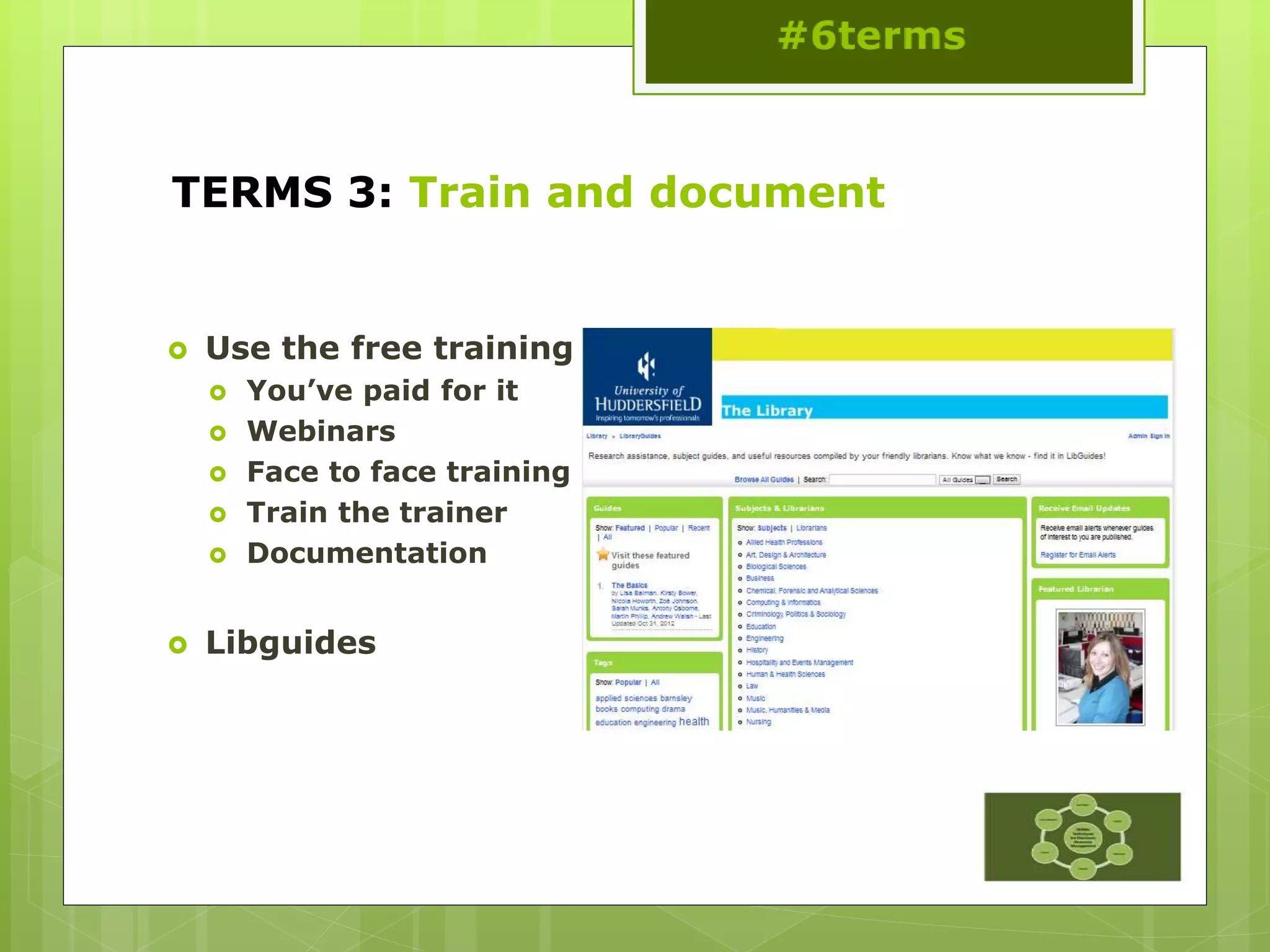
TERMS 3: Train and document
 Use the free training
 You’ve paid for it
 Webinars
 Face to face training
 Train the trainer
 Documentation
 Libguides
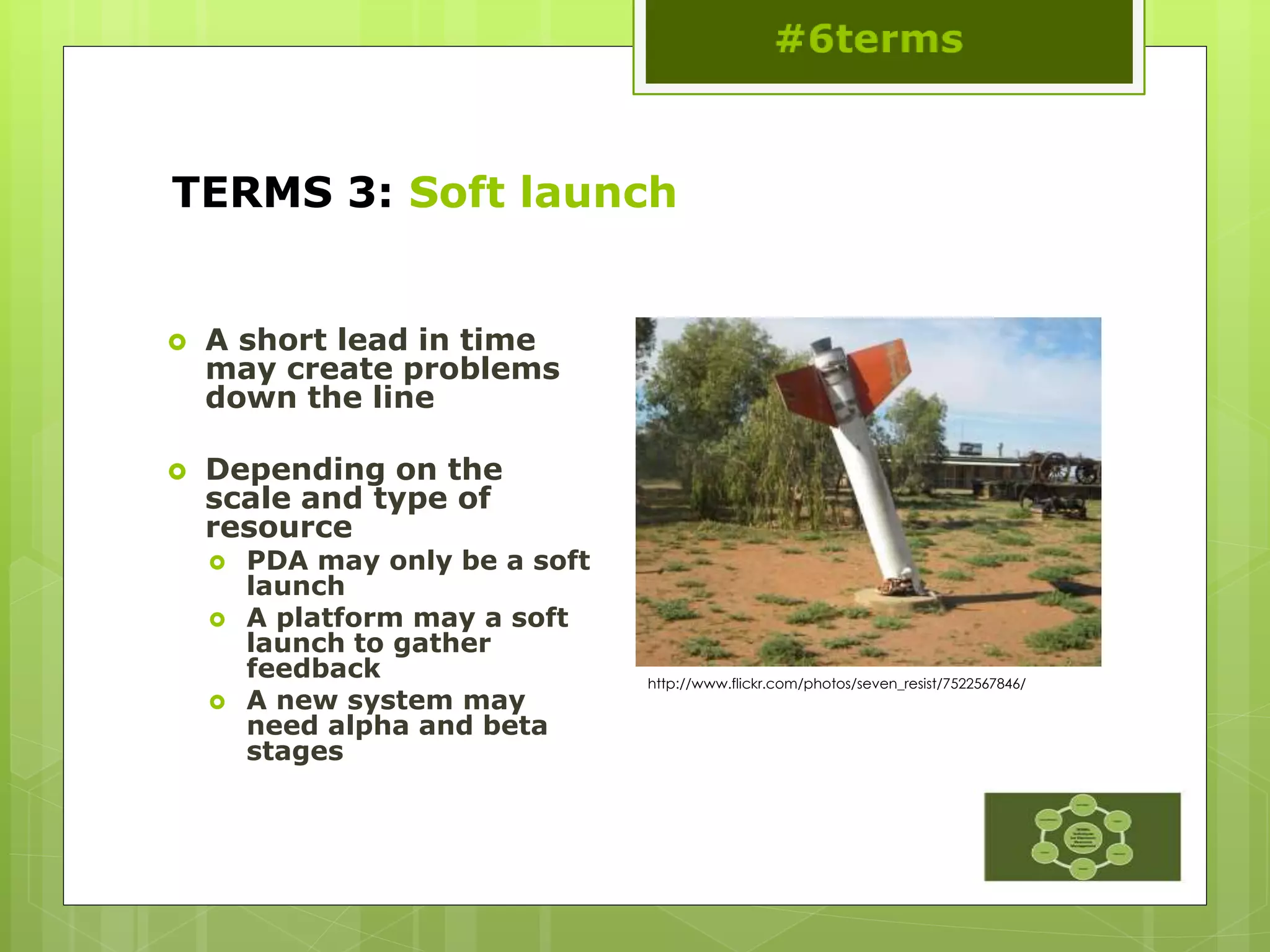
TERMS 3: Soft launch
 A short lead in time
may create problems
down the line
 Depending on the
scale and type of
resource
 PDA may only be a soft
launch
 A platform may a soft
launch to gather
feedback
 A new system may
need alpha and beta
stages
http://www.flickr.com/photos/seven_resist/7522567846/
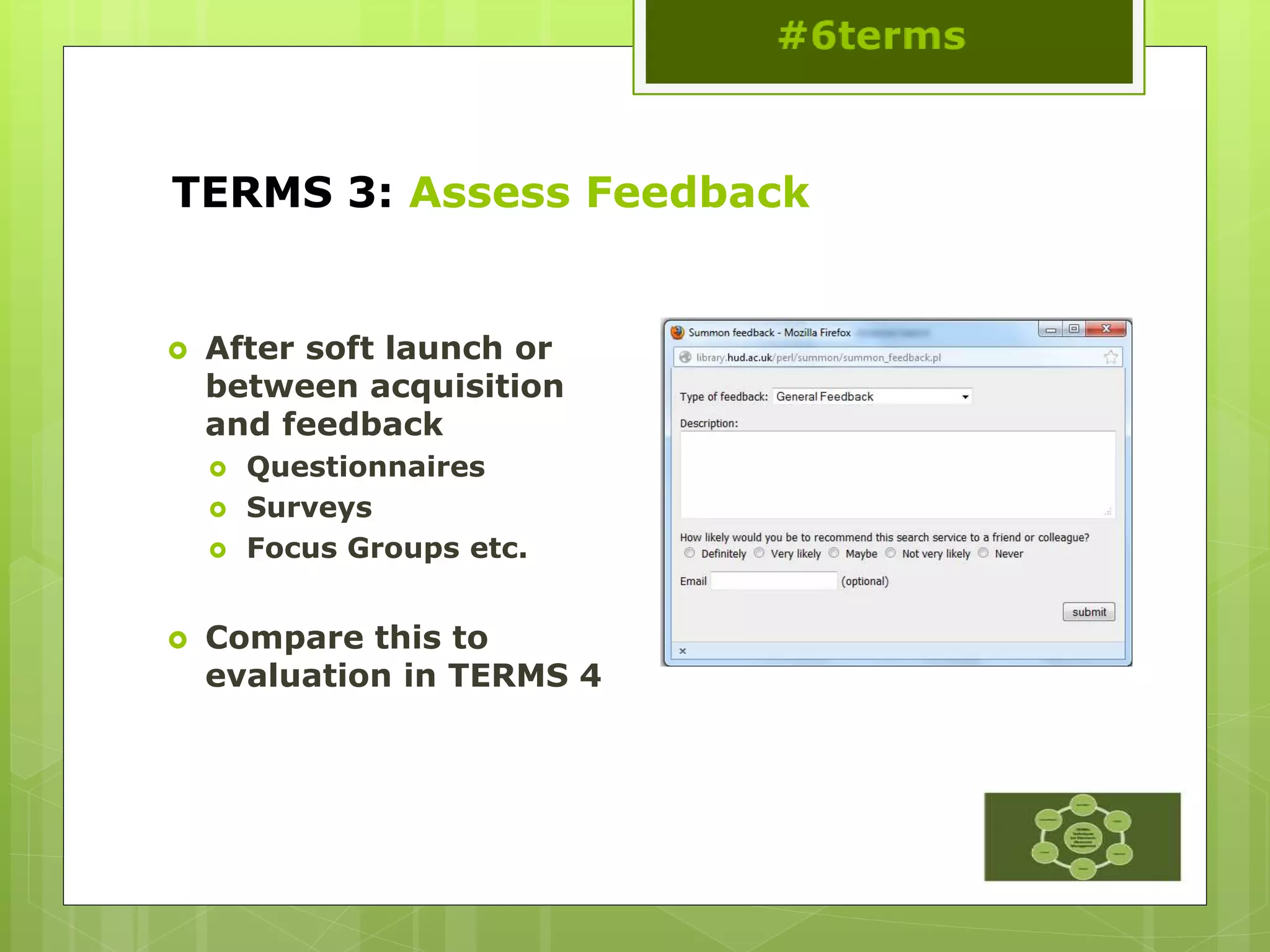
TERMS 3: Assess Feedback
 After soft launch or
between acquisition
and feedback
 Questionnaires
 Surveys
 Focus Groups etc.
 Compare this to
evaluation in TERMS 4
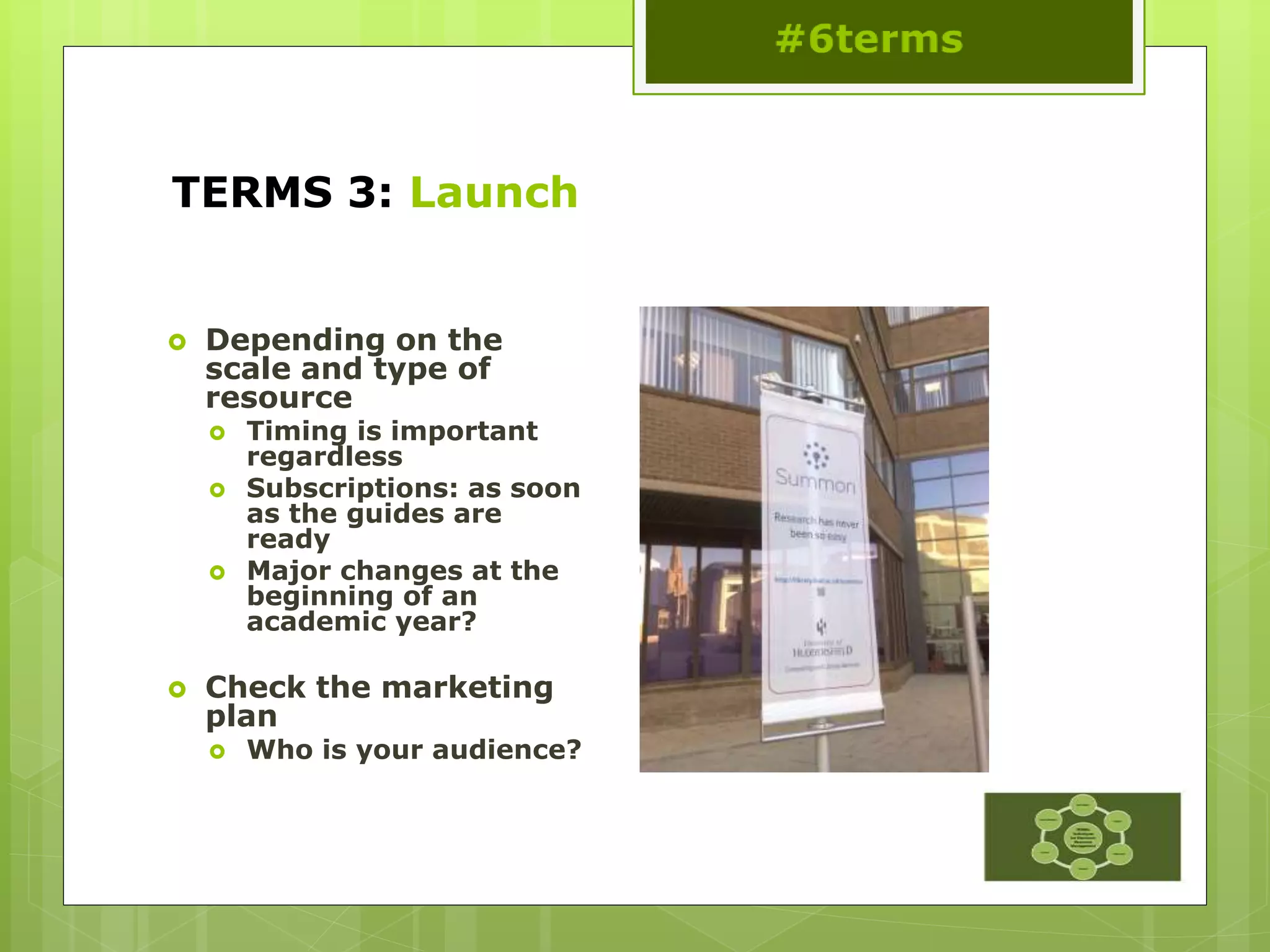
TERMS 3: Launch
 Depending on the
scale and type of
resource
 Timing is important
regardless
 Subscriptions: as soon
as the guides are
ready
 Major changes at the
beginning of an
academic year?
 Check the marketing
plan
 Who is your audience?
TERMS 3: Hands-on activity
TERMS: Morning wrap-up
#6terms
This work is licensed under a
Creative Commons Attribution 3.0
Unported License
TERMS: Morning wrap-up
 Any questions before lunch?
Thanks to Char for the photo!
http://www.flickr.com/photos/kstatelibrarian/9050728837/sizes/o/in/photostream/
TERMS 4: Ongoing Evaluation &
Access
#6terms
This work is licensed under a
Creative Commons Attribution 3.0
Unported License
TERMS 4: Ongoing Evaluation & Access
 Types of Evaluation
 Check the Implementation
 Ask Your Users
 Check Changes to Coverage of Resources
or Platform Migration
 Track Downtime and Availability
 Communicate with the Vendor
TERMS 4:
Types of evaluation
 COUNTER stats
 Impact Factors
 Altmetrics
 Web page stats,
discovery stats,
OpenURL stats
 User feedback
TERMS 4: Check the implementation
 Around 1 month in…
 Check the access
points including
remote access
 …then afterwards on a
monthly, quarterly or
half yearly basis
http://www.flickr.com/photos/vestman/3871170258/
TERMS 4: Ask your users
 Use evaluation tools
such as:
 LIBQUAL+, National
students Survey
results (UK) or other
survey techniques
 Record comments
and access queries
 Comments pages
 Emails
 Student panels
http://www.flickr.com/photos/gabenl/2617316249/
TERMS 4:
Changes to coverage/platform migration
 Annual content
migration
 A&I fulltext databases
 Tools from jisc:
http://adat.crl.edu/
 Tools from CUFTS:
 http://cufts2.lib.sfu.c
a/MaintTool/public/c
ompare
TERMS 4: Track Downtime/Availability
 Publisher reported
 Patron reported
 Spot checks
TERMS 4: Communicate with the vendor
 Keep a dossier of
correspondence
 Problems,
troubleshooting etc.
 Talk to the community
 Listservs
 Shared notes on KB+ or
consortia pages
 User Groups
 Find out if there is one
 Talk to colleagues at
regional and national
meetings
 Feed back ideas
http://www.flickr.com/photos/lenore-m/467996341/
TERMS 5: Annual Review
#6terms
This work is licensed under a
Creative Commons Attribution 3.0
Unported License
TERMS 5: Annual Review
 Schedule
 Confirm ongoing costs
 Usage statistics
 Report to
stakeholders
 Make choice
 Renew or cancel
TERMS 5: Set a Schedule
 August-October
 November-January
 February-April
 May-July
TERMS 5:
Confirm costs
 Statements
 Renewal Notices
 Upgrade access
 Content upgrade
 Multi-year options
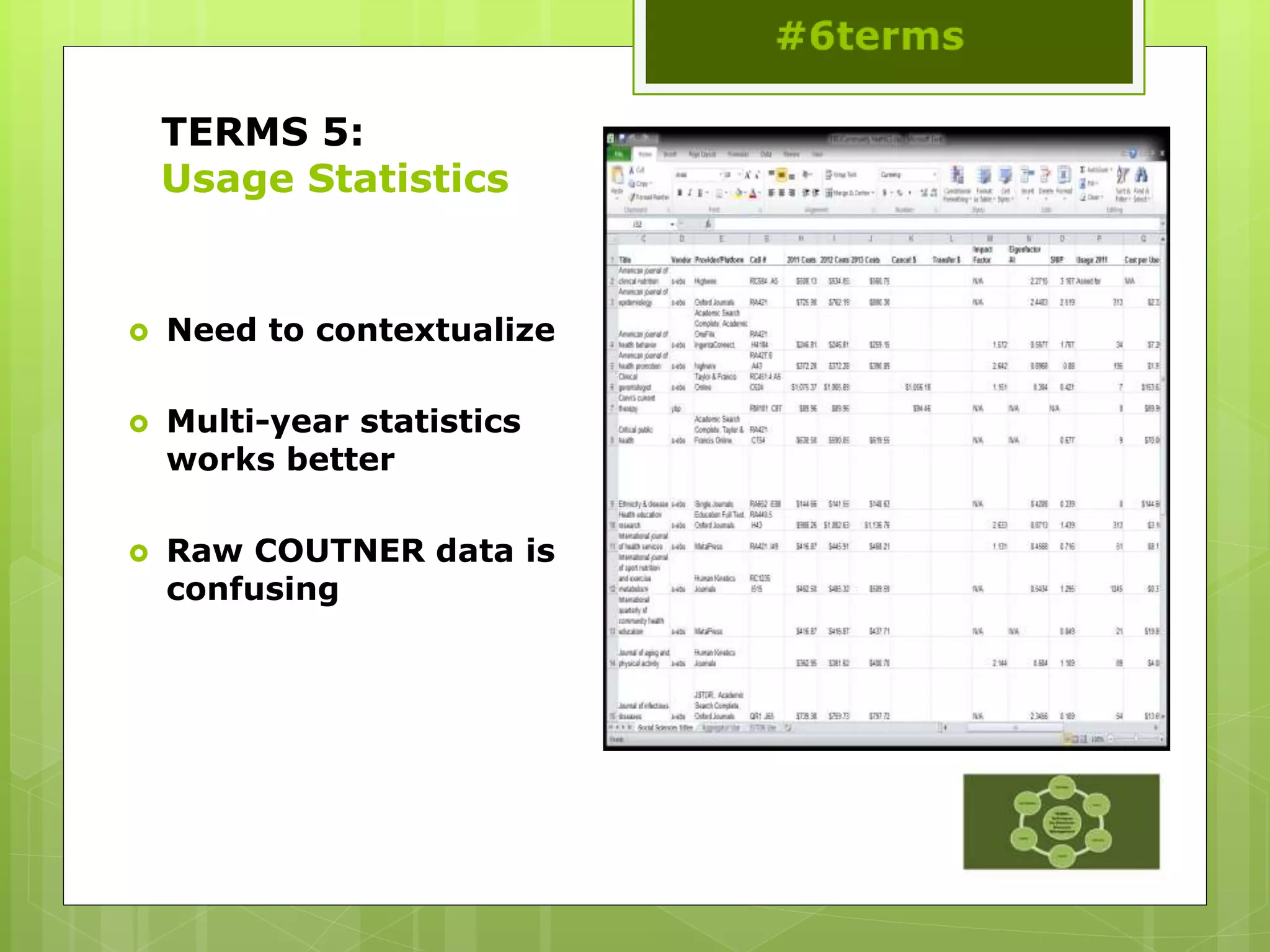
TERMS 5:
Usage Statistics
 Need to contextualize
 Multi-year statistics
works better
 Raw COUTNER data is
confusing
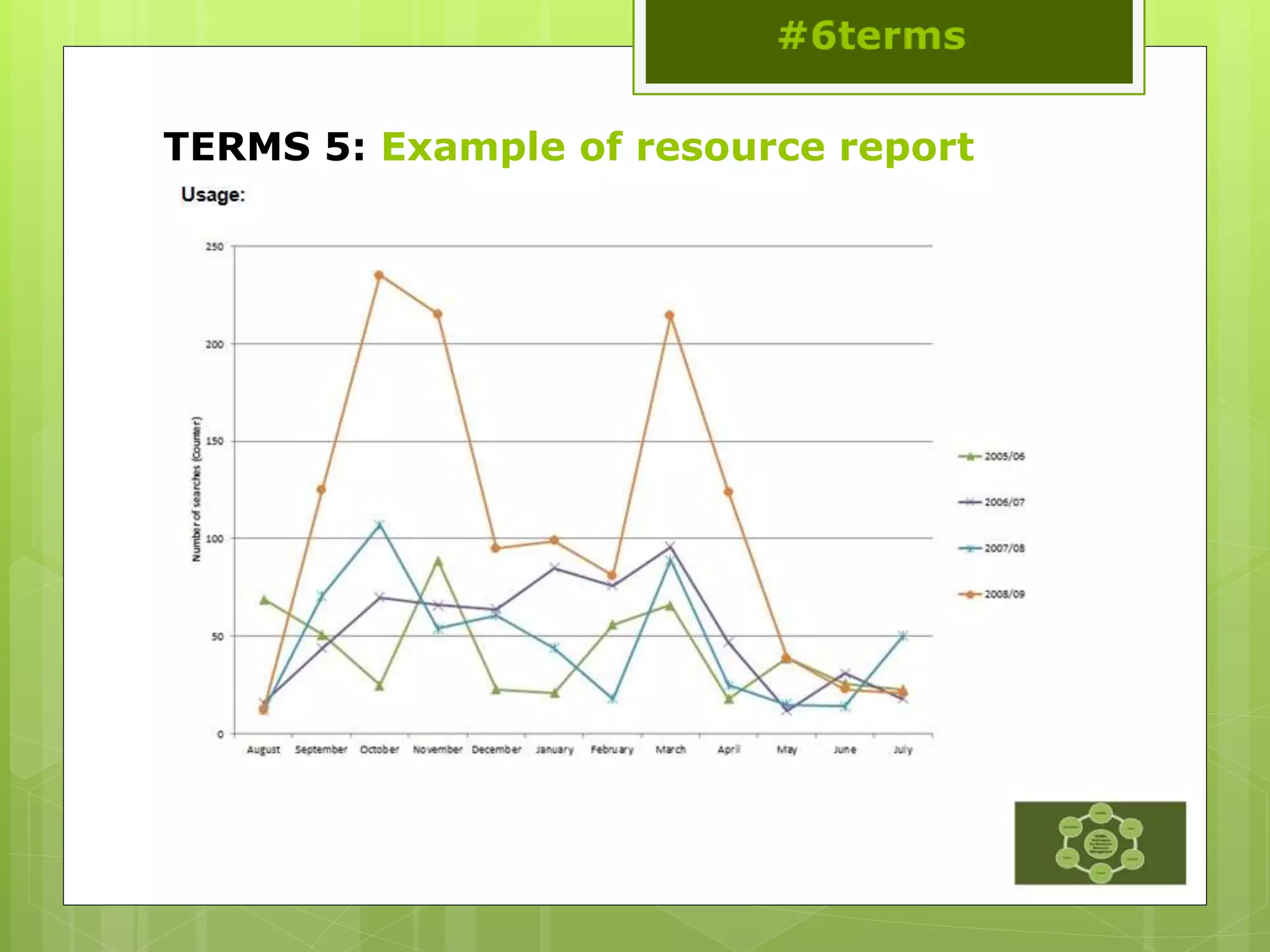
TERMS 5: Example of resource report
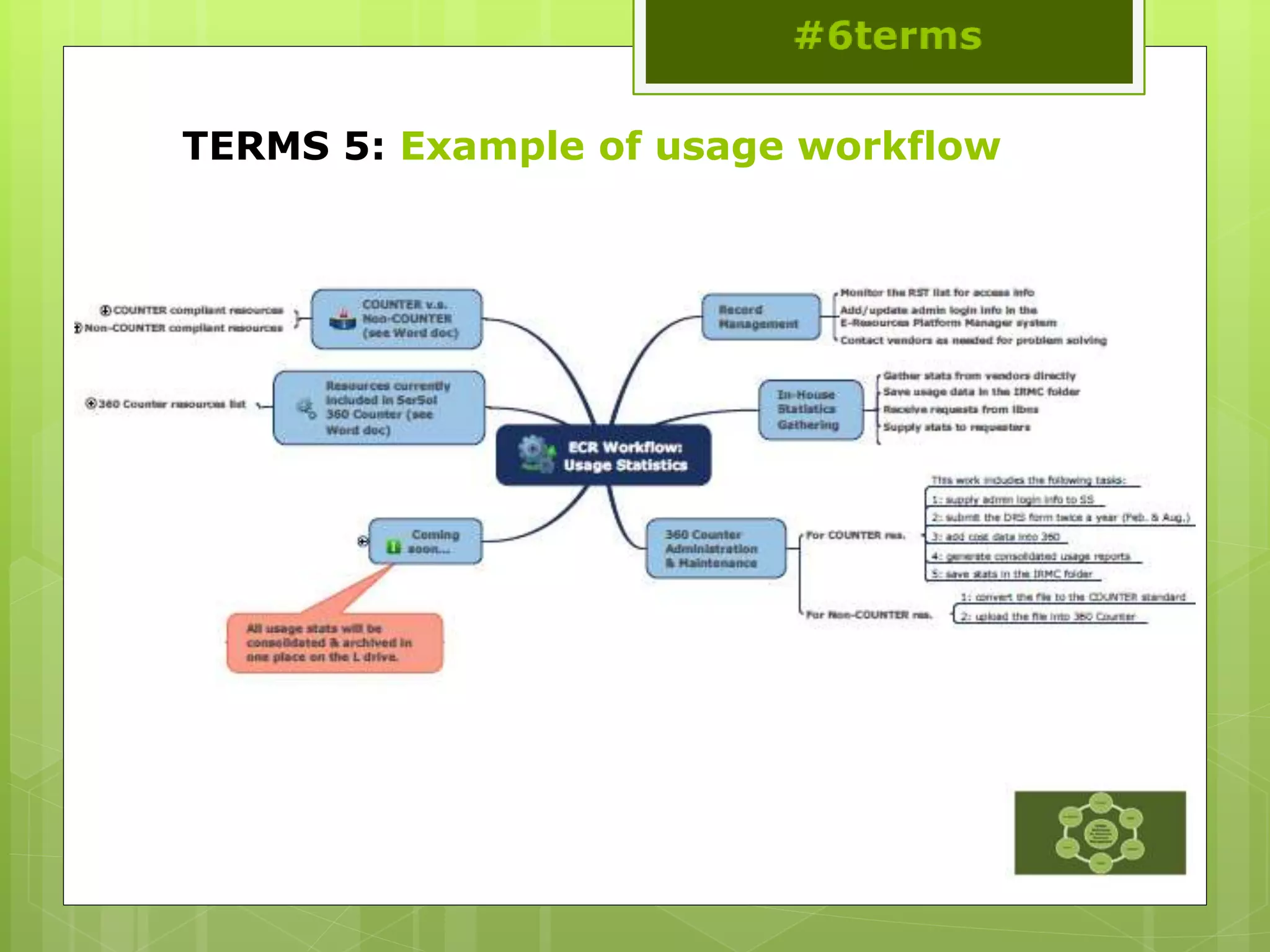
TERMS 5: Example of usage workflow
TERMS 5: Make choice/renegotiate or cancel
 Talk to provider
 Renegotiate
 Process renewal
 Cancel
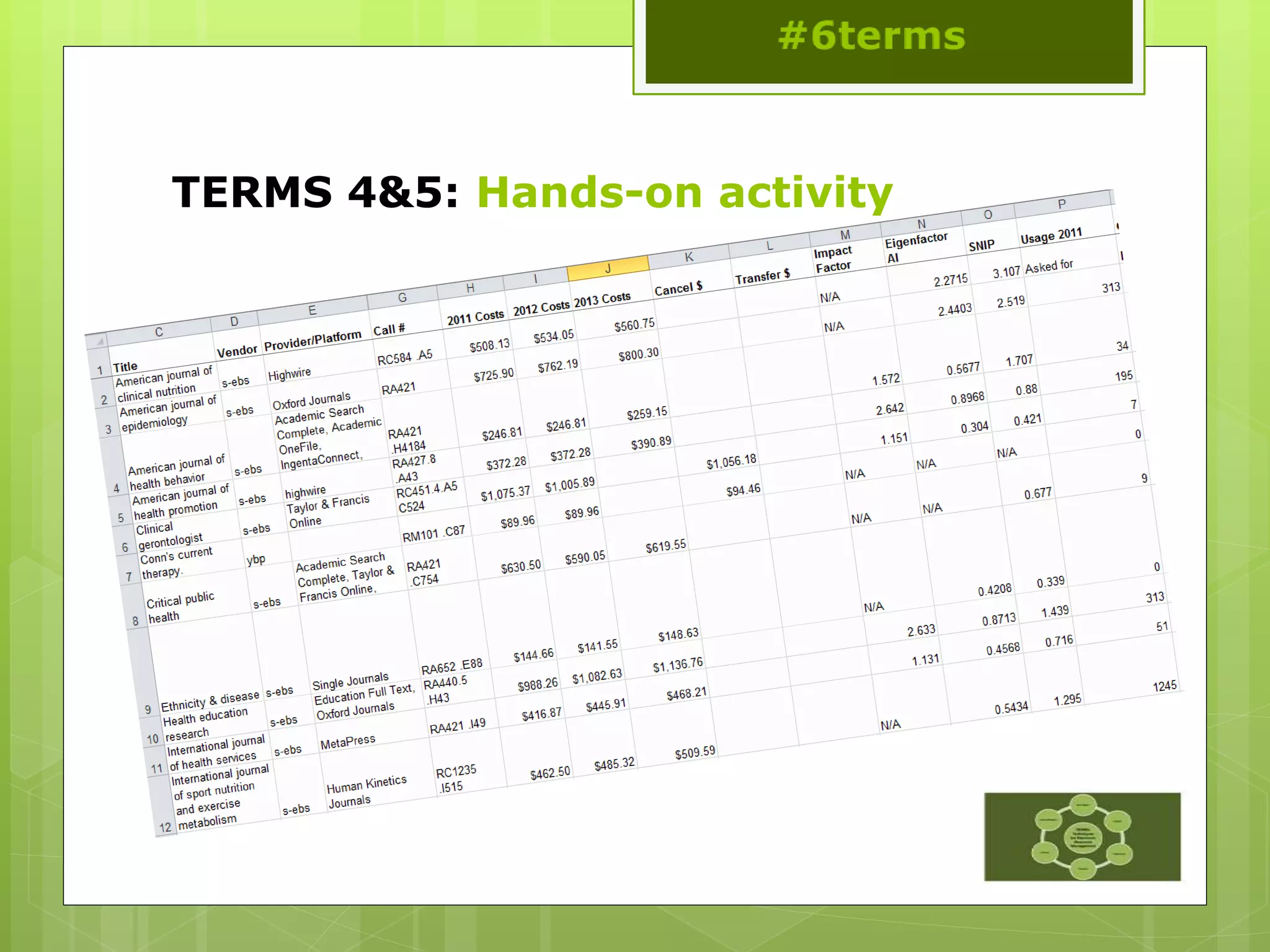
TERMS 4&5: Hands-on activity
TERMS 6: Cancellation &
Replacement
#6terms
This work is licensed under a
Creative Commons Attribution 3.0
Unported License
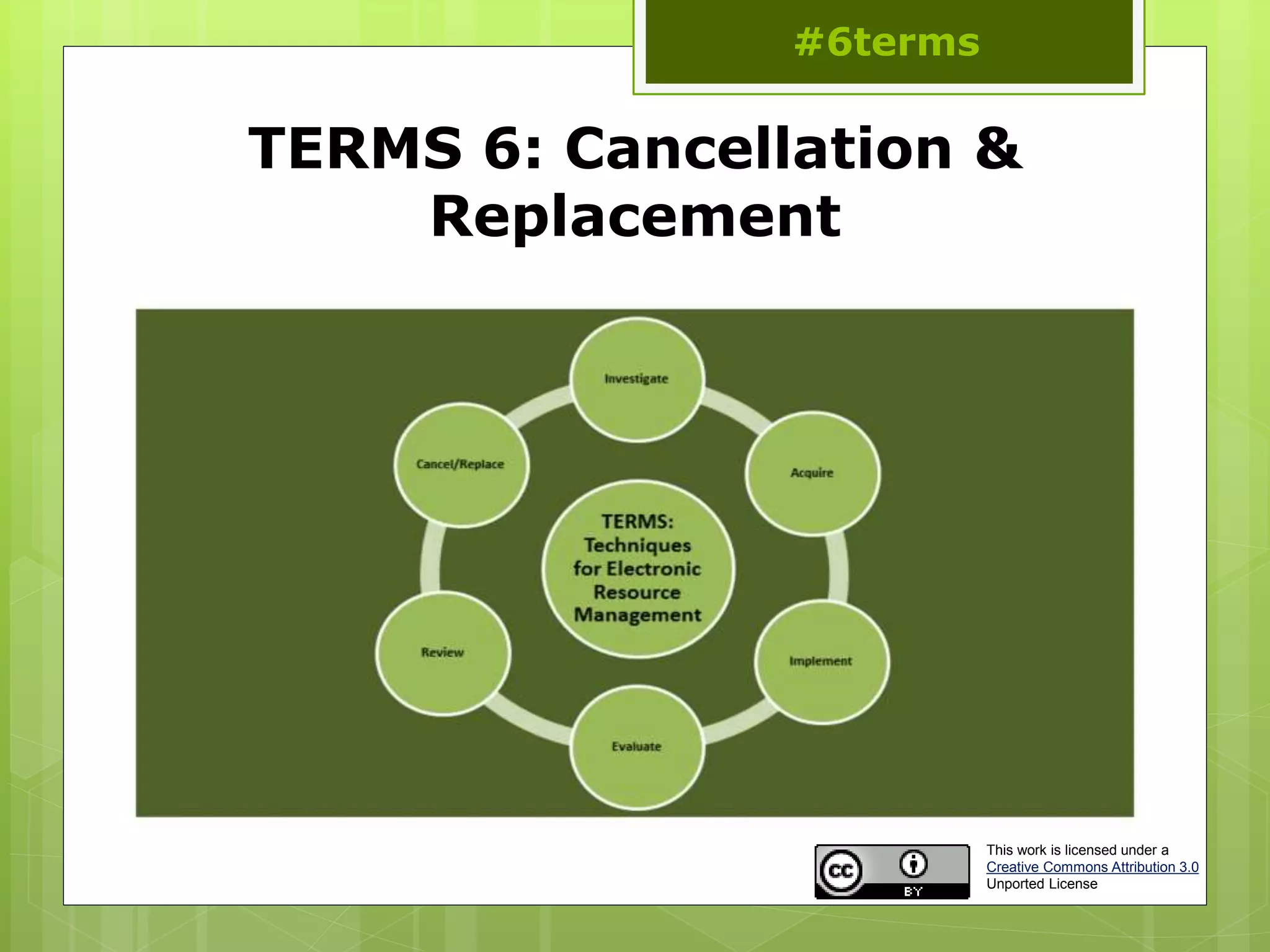
TERMS 6: Cancellation & Replacement
 Consult with stakeholders
 Notify provider/vendor
 Notify patron base
 Notate records
 Investigate open access
options
 Evaluate replacement
options
TERMS 6: Consult with stakeholders
 Get the wider view
 Share your reasons
for the decision
 If there is a vocal
minority
 Talk to the Dean
 Review board
 Include usage reports
and other access
issues
 Discuss post
cancellation rights
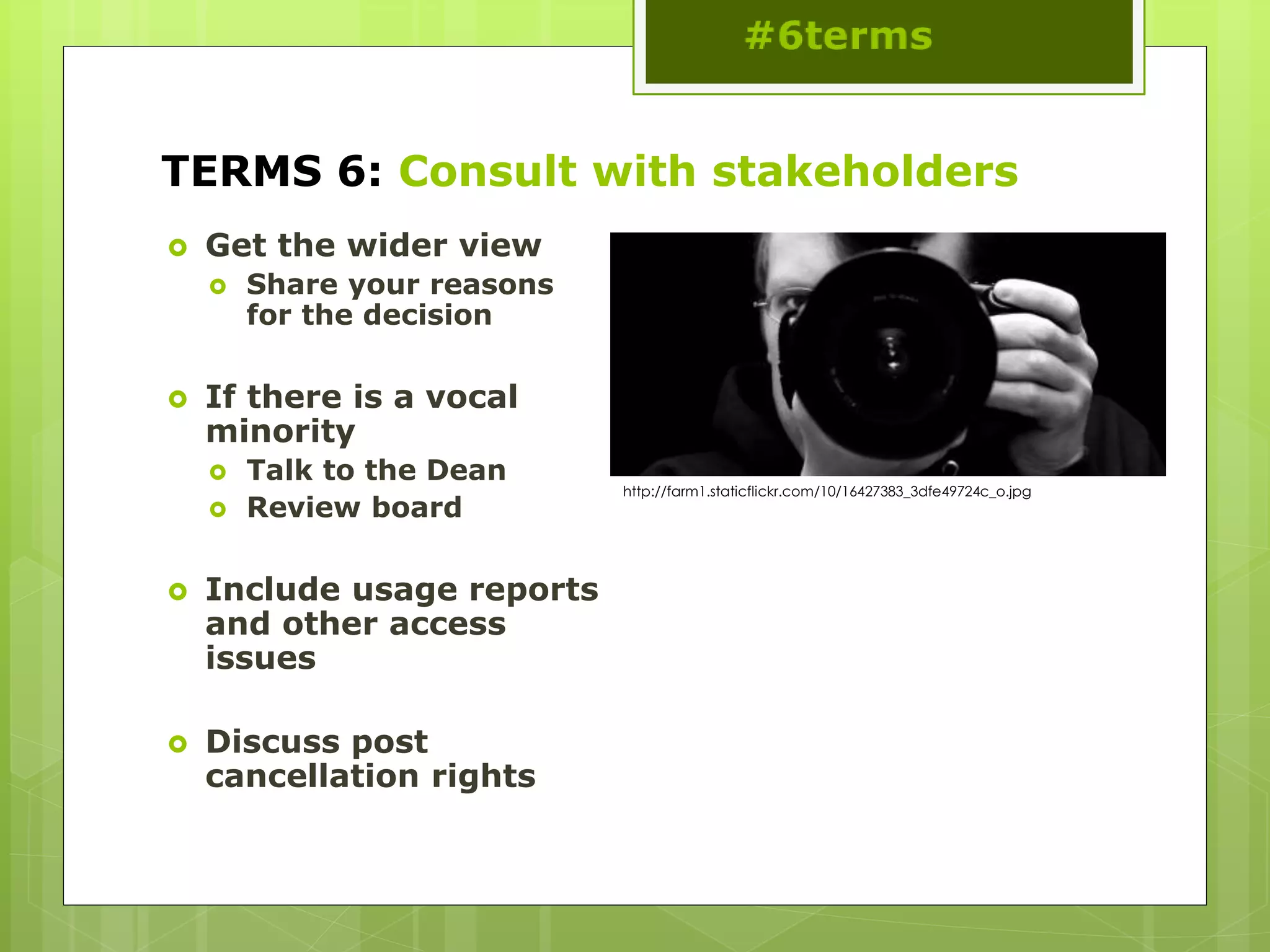
http://farm1.staticflickr.com/10/16427383_3dfe49724c_o.jpg
TERMS 6: Notify provider/vendor
 Inform the vendor as
soon as possible
 Explain why you are
cancelling
 Let them know if it is
down to cost
 You may get a better
deal!
 Don’t burn you
bridges!
 Understand you post
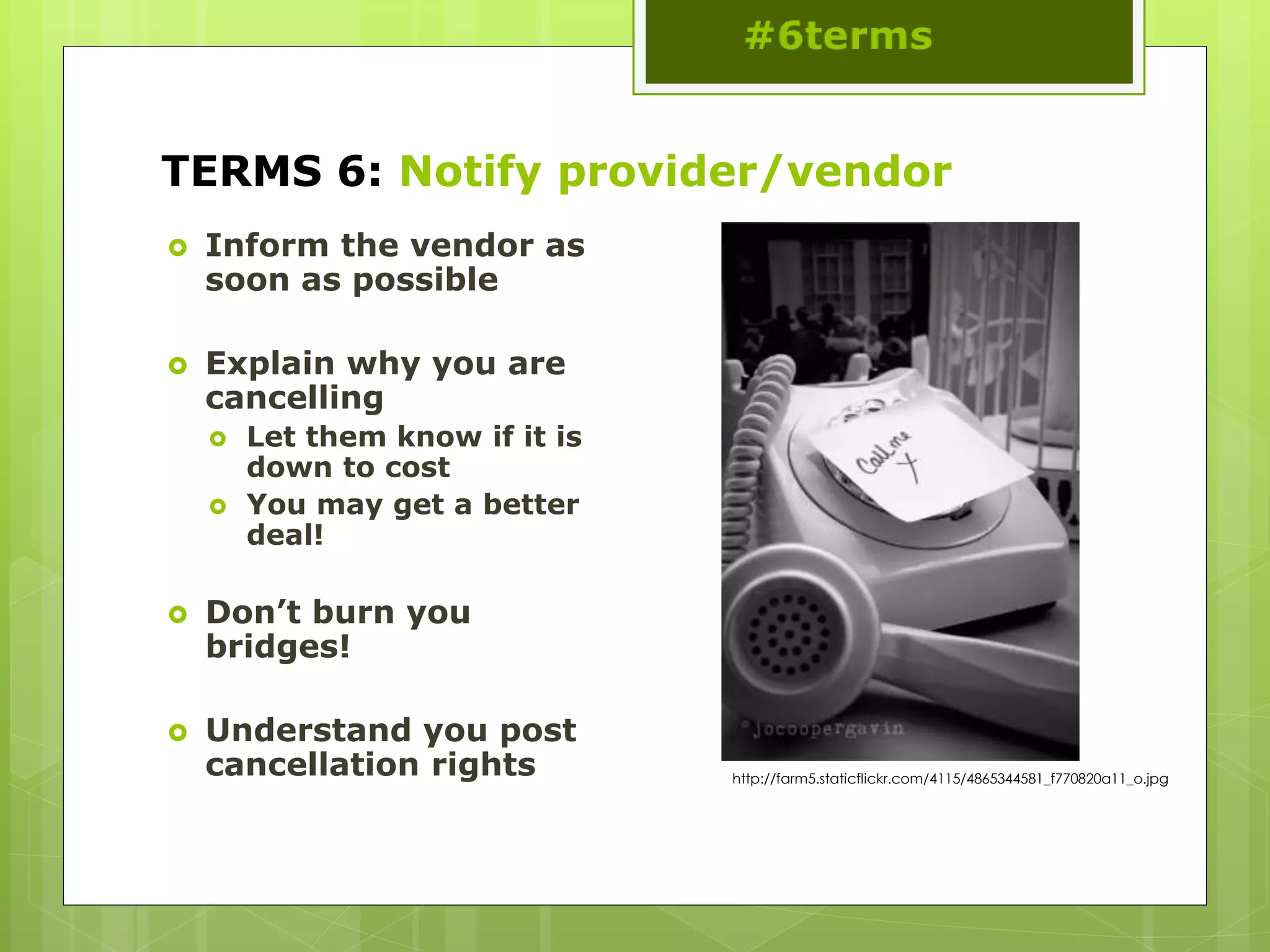
cancellation rights http://farm5.staticflickr.com/4115/4865344581_f770820a11_o.jpg
TERMS 6: Notify patron base
 Annotate holdings
records
 Provide a cancellation
list
 Do this in advance to
give your patrons
notice and allow them
to remove notes and
saved searches
 Offer alternatives if
possible
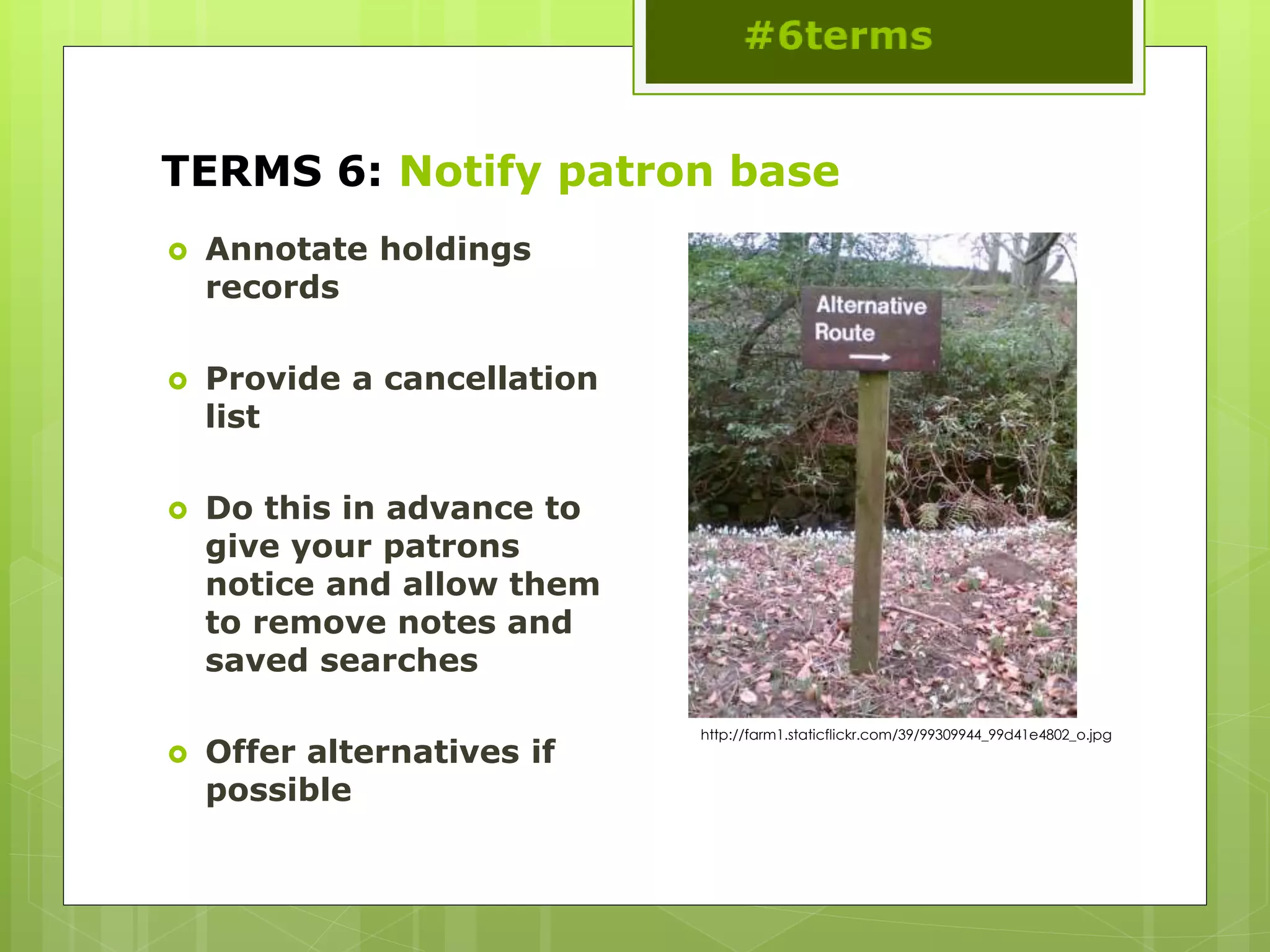
http://farm1.staticflickr.com/39/99309944_99d41e4802_o.jpg
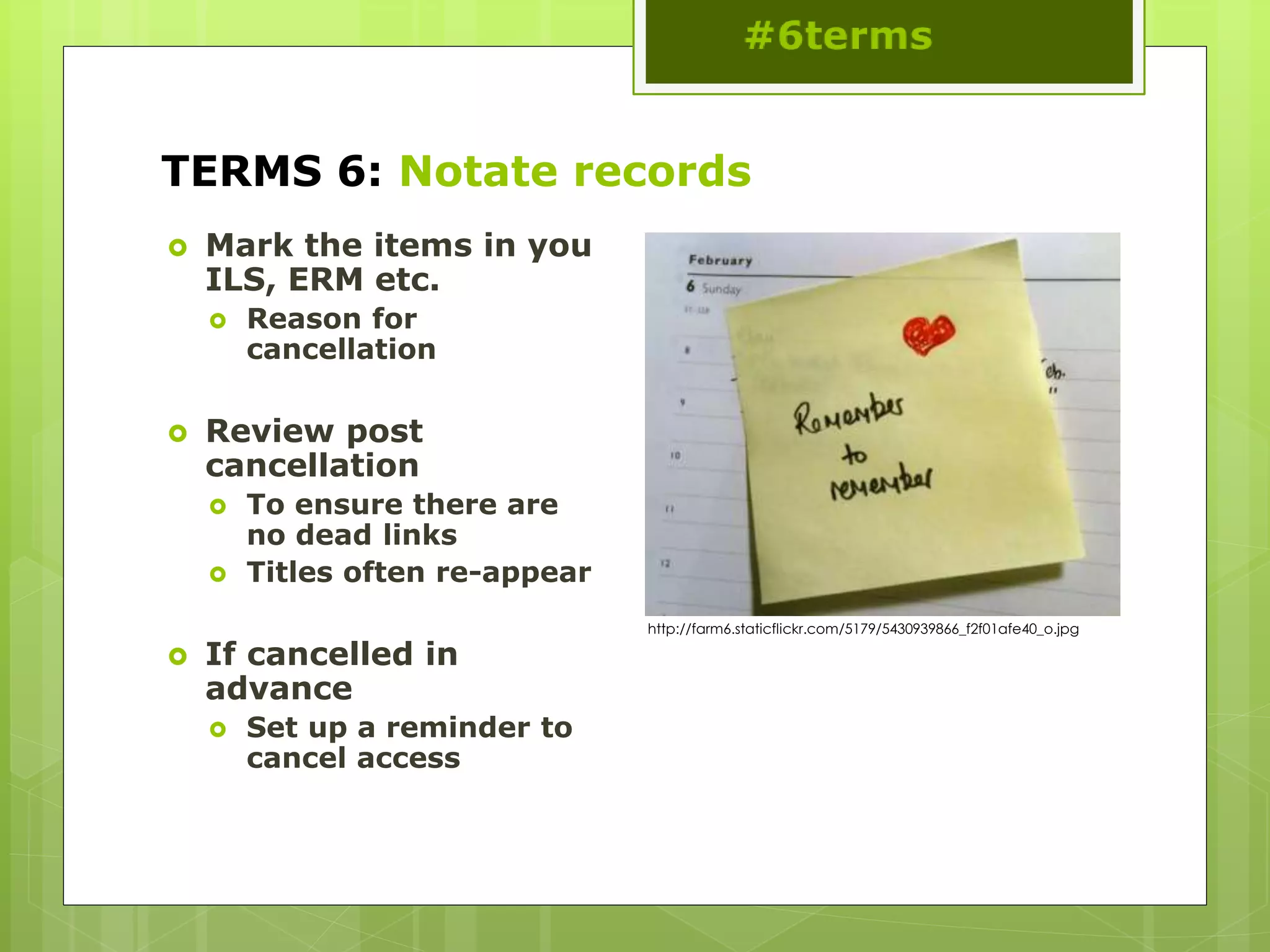
TERMS 6: Notate records
 Mark the items in you
ILS, ERM etc.
 Reason for
cancellation
 Review post
cancellation
 To ensure there are
no dead links
 Titles often re-appear
 If cancelled in
advance
 Set up a reminder to
cancel access
http://farm6.staticflickr.com/5179/5430939866_f2f01afe40_o.jpg
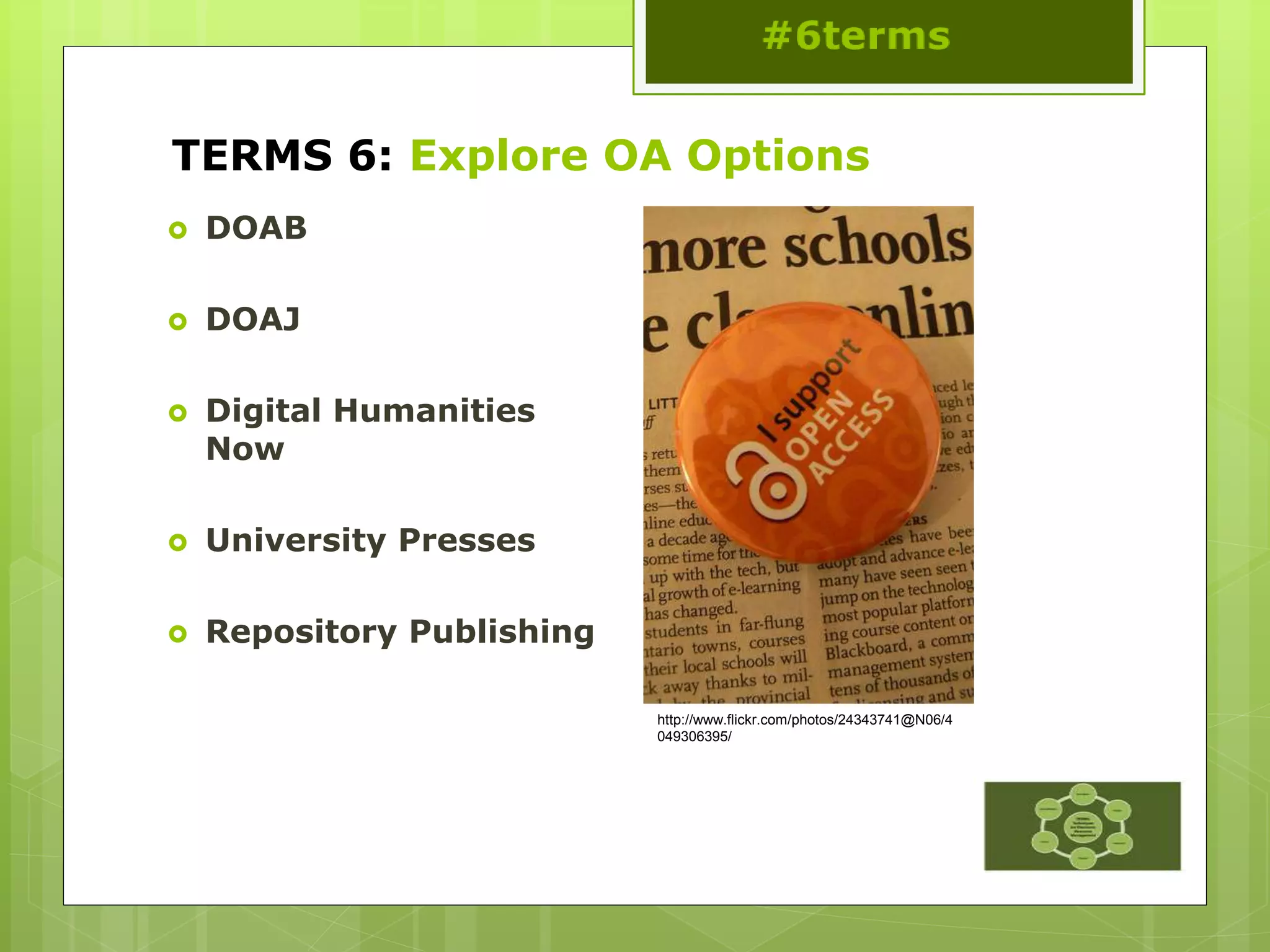
TERMS 6: Explore OA Options
 DOAB
 DOAJ
 Digital Humanities
Now
 University Presses
 Repository Publishing
http://www.flickr.com/photos/24343741@N06/4
049306395/
TERMS 6: Evaluate replacement options
 Now start all over again!
http://farm5.staticflickr.com/4089/5187736495_b2cf3087f7_o.jpg
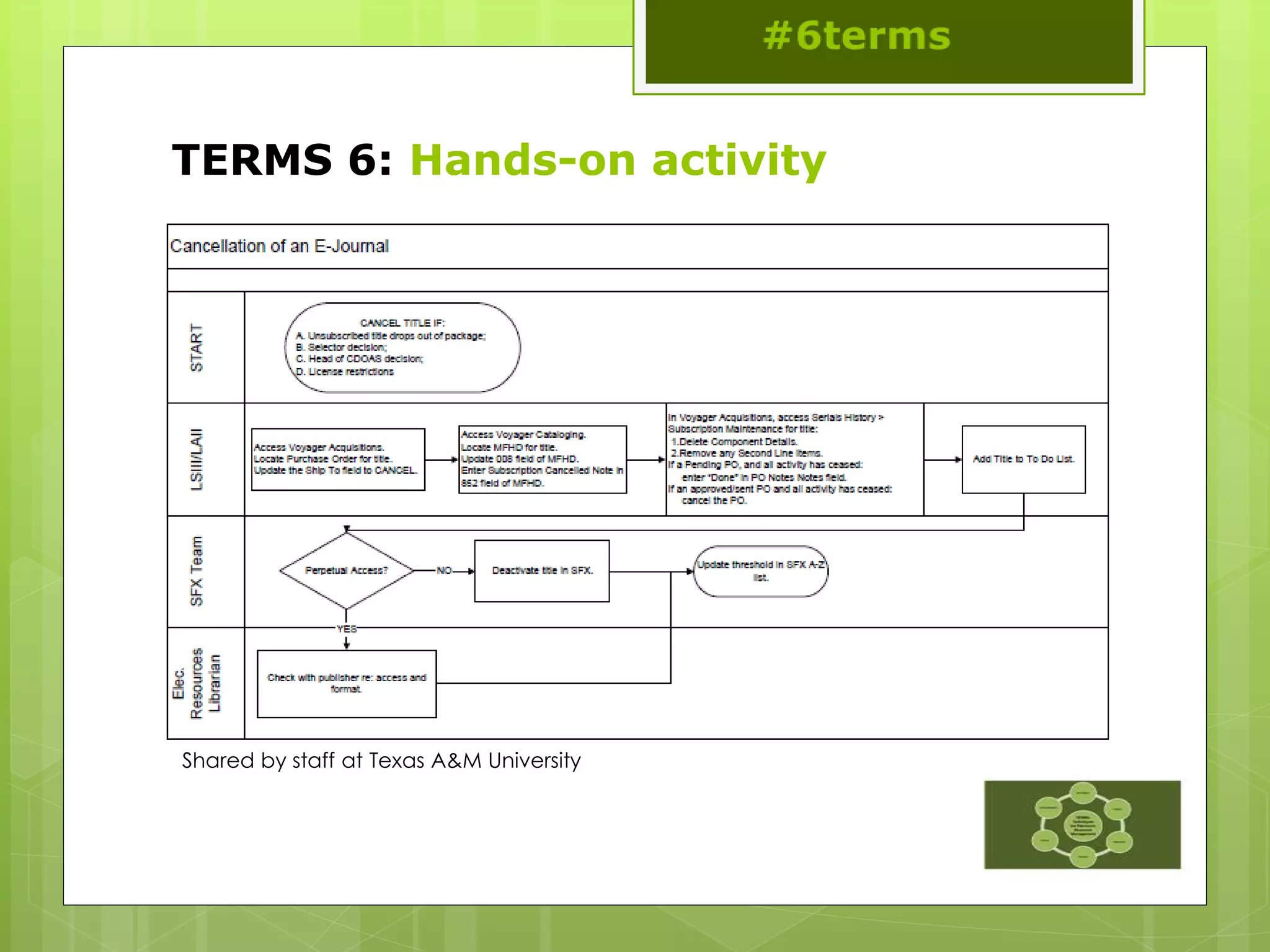
TERMS 6: Hands-on activity
Shared by staff at Texas A&M University
TERMS: Afternoon break
This work is licensed under a Creative Commons Attribution-NonCommercial-NoDerivs 2.0 Generic License
TERMS: Workflow Developments
#6terms
This work is licensed under a
Creative Commons Attribution 3.0
Unported License
TERMS: Workflow Developments
 Try to devise a workflow for your chosen area:
 E-book platform or package
 E-journal package
 Database
 Service, e.g. discovery tool
 Journal archive
 Others?
 Refer back to the 6 TERMS
TERMS: Workflow Developments
 We hope you can
further develop this
back at your home
institution
 Talk about these
workflows with your
team
 Identify the pressure
points in the system
 To help you manage
the change needed to
adopt to new systems
and work practices
http://farm9.staticflickr.com/8384/8528610850_3863e64a35_o.jpg
TERMS: Afternoon wrap-up
#6terms
This work is licensed under a
Creative Commons Attribution 3.0
Unported License
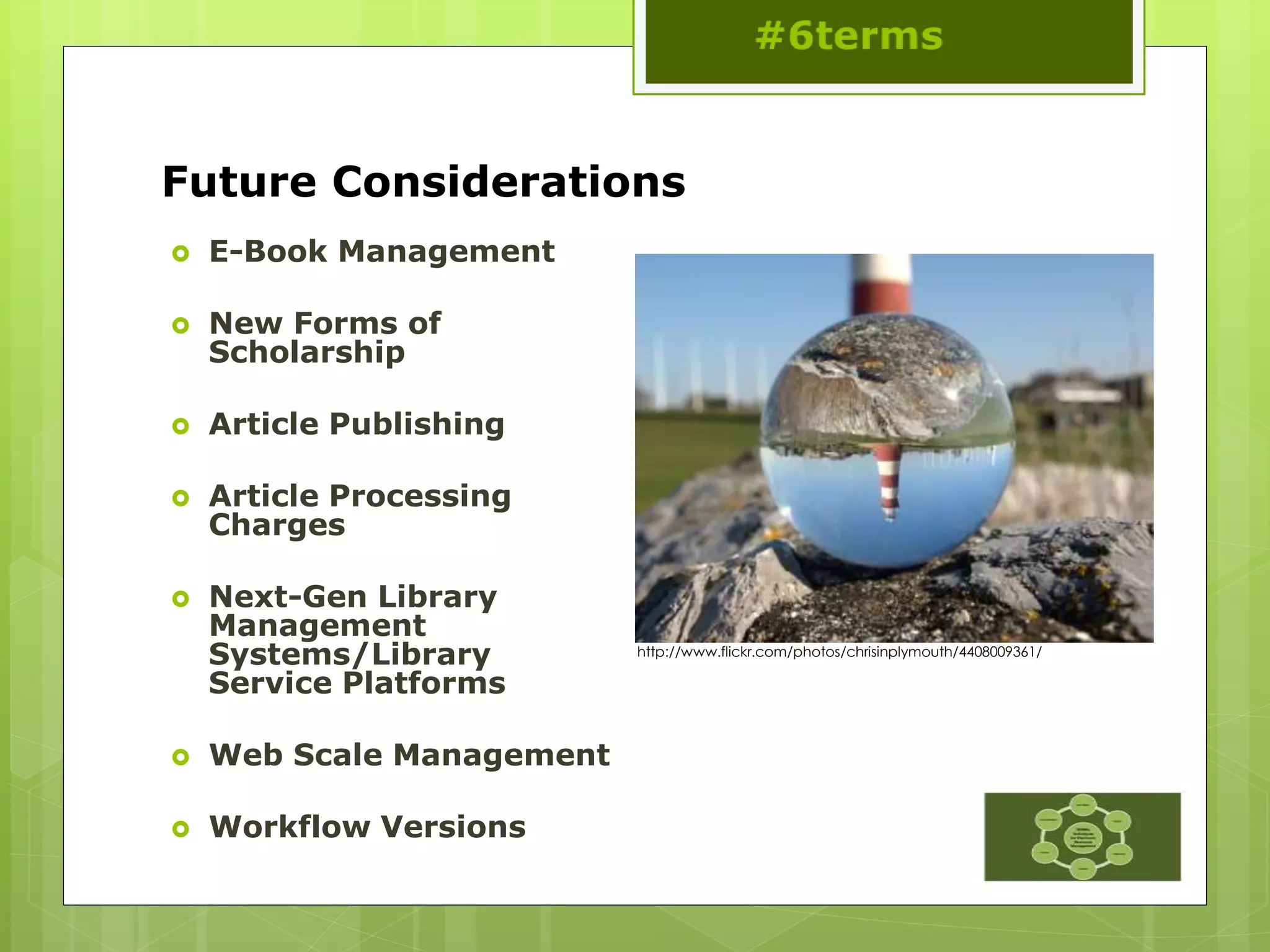
Future Considerations
 E-Book Management
 New Forms of
Scholarship
 Article Publishing
 Article Processing
Charges
 Next-Gen Library
Management
Systems/Library
Service Platforms
 Web Scale Management
 Workflow Versions
http://www.flickr.com/photos/chrisinplymouth/4408009361/
Contact Information
 TERMS1 EDITOR: Ann Kucera (akucer01@baker.edu)
 TERMS2 EDITOR: Nathan Hosburgh
(nathan.hosburgh@montana.edu)
 TERMS3 EDITOR: Stephen Buck (stephen.buck@dcu.ie)
 TERMS4 EDITOR Anita Wilcox (a.wilcox@ucc.ie)
 TERMS5 EDITOR: Anna Franca (anna.franca@kcl.ac.uk)
 TERMS6 EDITOR: Eugenia Beh (ebeh@library.tamu.edu)
 Jill Emery jemery@pdx.edu
 Graham Stone g.stone@hud.ac.uk
Where to find us
 TERMS Tumblr blog
 http://6terms.tumblr.com
 TERMS Facebook group
 https://www.facebook.com/groups/174086169332
439
 6TERMS on Twitter
 https://twitter.com/6terms
 TERMS Wiki: Main Page
 http://library.hud.ac.uk/wikiterms/Main_Page
 Library Technology Reports
 http://dx.doi.org/10.5860/ltr
References
 Suzanne Mangrum and Mary Ellen Pozzebon, "Use of collection
development policies in electronic resource management," Collection
Building 31, no.3 (2012: 113.
http://dx.doi.org/10.1108/01604951211243506.
 Marcia L. Thomas, “Disruption and Disintermediation: A Review of the
Collection Development and Management Literature, 2009–10,”
Library Resources and Technical Services 56, no. 3 (2012): 192.
 Janice Adlington, “Electronic Resources Management Systems:
Potentials for Eresource Management,” White paper to Vanderbilt
Library (Nashville, TN, Vanderbilt Library, 2006),
http://libstaff.library.vanderbilt.edu/rs/techserv/E-
Resources/ERMSystems_Jan2007.pdf
 Maria Collins and Jill E. Grogg, “Building a better ERMS,” Library
journal 136, no.4 (2011): 22.
 Ning Han and Rick Kerns, “Rethinking Electronic Resources
Workflows,” Serials Librarian, 61, no.2 (2011): 208.
http://dx.doi.org/10.1080/0361526X.2011.591042.
 This presentation: http://eprints.hud.ac.uk/17790
TERMS: Afternoon wrap-up
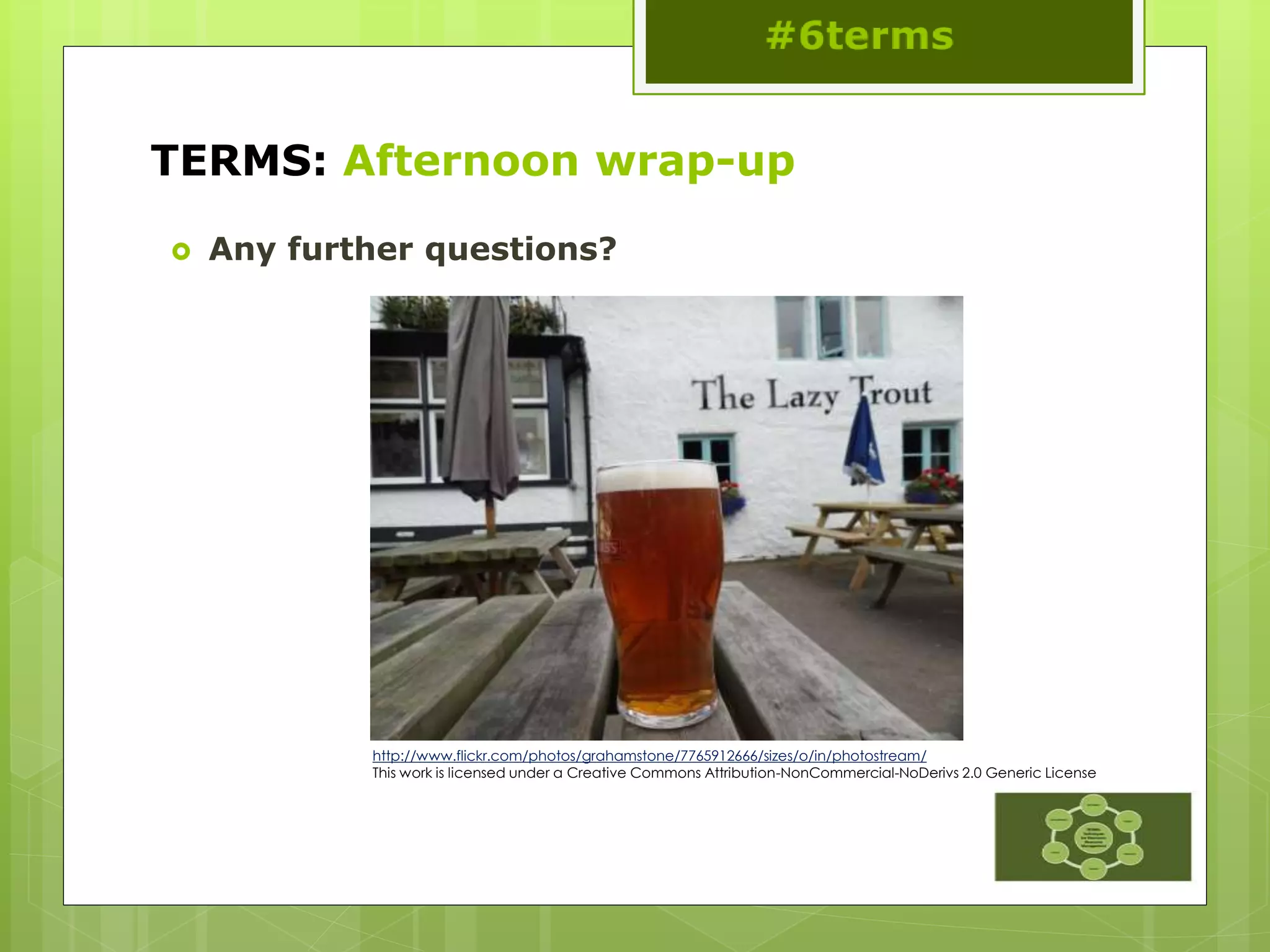
 Any further questions?
http://www.flickr.com/photos/grahamstone/7765912666/sizes/o/in/photostream/
This work is licensed under a Creative Commons Attribution-NonCommercial-NoDerivs 2.0 Generic License

Techniques for Electronic Resource Management: Crowdsourcing for Best Practices

  • 1.
    TERMS: Techniques forElectronic Resource Management: Crowdsourcing for Best Practices #6terms This work is licensed under a Creative Commons Attribution 3.0 Unported License
  • 2.
    Introducing TERMS  Librariansand information specialists have been finding ways to manage electronic resources for over a decade now. However, much of this work has been an ad hoc and learn- as-you-go process  The literature on electronic resource management is segmented into many different areas of traditional librarian roles within the library  Techniques in Electronic Resource Management (TERMS) is an attempt to create an on-going and continually developing set of management best practices for electronic resource management in libraries #6terms
  • 3.
    Needs assessment  Collectiondevelopment “Over half of the libraries tried to address ER [Electronic Resources] in some way. However, most policies contain traditional language with a section on library ER inserted into the latter portion of the document” Mangrum and Mary Ellen Pozzebon (2012) “a lack of established policies and procedures for assessment puts a library at risk for financial loss…” Thomas (2012) “Many procedures are not documented and rely on informal channels of communication” Adlington (2006) #6terms
  • 4.
    Needs assessment  ERMsand workflows “less like a silver bullet and more that a round of buckshot.” Collins and Grogg (2011) “[o]ver a third of librarians surveyed prioritized workflow or communications management, and they called it one of the biggest deficiencies (and disappointments) of ERMS functionality.” Collins and Grogg (2011) “rethinking e-resources workflows and developing practical tools to streamline and enhance various inelegant processes have become the priorities.” Han and Kerns (2011)
  • 5.
    Pesch’s electronic resourceslife cycle. Source: Oliver Pesch, “Library Standards and E-Resource Management: A Survey of Current Initiatives and Standards Efforts,” Serials Librarian 55, no. 3 (2008): 482, doi:10.1080/03615260802059965. #6terms
  • 6.
    Techniques in E-ResourcesManagement  TERMS 1  Investigating New Content for purchase  TERMS 2  Acquiring New Content  TERMS 3  Implementation  TERMS 4  Ongoing Evaluation and Access  TERMS 5  Annual Review  TERMS 6  Cancellation and Replacement Review
  • 7.
    Program  Welcome &Introduction  TERMS 1  Hands-on activity  TERMS 2  Hands-on activity  Morning Break  TERMS 3  Hands-on activity  Morning Wrap-up
  • 8.
    Program  Lunch  TERMS4&5  Hands-on activity  TERMS 6  Hands-on activity  Afternoon Break  Workflow Developments  Wrap up/Questions
  • 9.
    Introductions and hands-onactivities  5 groups of 4  Areas to choose from:  E-book platform or package  E-journal package  Database  Service, e.g. discovery tool  Journal archive  Others?  We don’t need to have 1 group for each, but stick with the areas throughout the day in order to build up the processes to take back with you  We would like your permission to share your thoughts today on the TERMS wiki
  • 10.
    TERMS 1: Investigationof New Content #6terms This work is licensed under a Creative Commons Attribution 3.0 Unported License
  • 11.
    TERMS 1: Investigationof New Content  Know what you want to achieve  Write Your Specification Document  Get the Right Team  Do a Desktop Review of Market and Literature and Then a Trial Set-Up  Talk to Suppliers or Vendors  Make Your Choice
  • 12.
    TERMS 1: Know whatyou want to achieve  Need new/different content  Specialized funding request  Need new service  Want to fill gap in collection with demand driven option  Investigating new platform offer  Investigating new model of scholarship
  • 13.
    TERMS 1: Write yourspecification document
  • 14.
    TERMS 1: Get theRight Team  ER Person  Subject team or liaison  Budget holder  Faculty  IT personnel
  • 15.
    TERMS 1: Desktop review and trial  Fiscal responsibility  Check the product hasn’t already been purchased  Use overlap tool available from the vendors  Multiple platforms  Is there a preferred choice?  Trial  1 month is not enough!  Sponsored trials?  Timing and dissemination are crucial  Record the feedback http://www.flickr.com/photos/dalboz17/209945979/
  • 16.
    TERMS 1: Talkto Suppliers/Vendors  Review pros and cons with the provider  Begin negotiation for price  Ask for consortia pricing  Be firm on specifications
  • 17.
    TERMS 1: Sustainability What kind of resource are you buying?  Does it need to be sustainable?  How do you measure sustainability  Publisher platforms vs. aggregators  Post cancellation access  LOCKSS, CLOCKSS or Portico
  • 18.
  • 19.
    TERMS 2: Acquisition #6terms Thiswork is licensed under a Creative Commons Attribution 3.0 Unported License
  • 20.
    TERMS 2: Acquisition Compare specifications  Negotiate license  Review the license  Renegotiate the license  Sign the agreement  Record metadata
  • 21.
    TERMS 2: CompareSpecifications  Purchase order needed for invoice?  DDA-need a deposit account?  Contract that outlines purchasing terms?  Request a license for review  Annual review process?  Discounts for multiyear deals?
  • 22.
    TERMS 2: NegotiationPoints  Definition of site  Definition of users  Remote access  IP authentication  Article-level linking  Mutual indemnification  Privacy clauses  Provision of usage statistics  Content transfer  Use of third party discovery tools  Funding out clause  Venue definition  Perpetual access clause  Price cap allowance
  • 23.
    TERMS 2: LicenseReview  Have changes incorporated into a “clean copy”  Always make sure to have an out-clause  Re-read entire document  Pay close attention to addendums “In the case of a significant decline in financial support to (X library) by their main funding source, (X library) reserves the right to cancel significant portions and potentially cancel this subscription with 30 day notification.”
  • 24.
    TERMS 2: Re-negotiatelicense as needed  Negotiation lasts up until signature  Do not be afraid to pick up the phone  Do not feel pressured/rushed by demanding patrons/faculty
  • 25.
    TERMS 2: Signing Authority Know your signing authority/signatory at your organization  Do not feel obligated to pursue products/resources signed for by others on campus
  • 26.
    TERMS 2: RecordAdministrative Metadata  Payment terms/time periods of access  License terms  Funding sources  Provider & contact information for troubleshooting
  • 27.
    TERMS 2: Hands-onactivity  Top fourteen deal breakers for academic institutions 1. Definition of site 2. Definition of users 3. Remote access 4. Access should be IP 5. Ability to provide access and connectivity to other resources 6. Indemnification should be mutual 7. Restrictive privacy clauses 8. Usage statistics 9. Content transfer 10. Third party discovery tools 11. Loss of funding out clause. 12. Venue should be applicable to your location 13. Ability to maintain perpetual access to content. 14. Price cap allowance
  • 28.
    TERMS: Morning break http://www.flickr.com/photos/grahamstone/4946289210/sizes/o/in/photostream/ Thiswork is licensed under a Creative Commons Attribution-NonCommercial-NoDerivs 2.0 Generic License
  • 29.
    TERMS 3: Implementation #6terms Thiswork is licensed under a Creative Commons Attribution 3.0 Unported License
  • 30.
    TERMS 3: Implementation Test  Market  Train and Document  Do a Soft Launch  Assess Feedback  Launch
  • 31.
    TERMS 3: Test Does the URL work?  Has authentication been set up?  On and off campus?  Is it in the knowledge base/link resolver, federated search etc.  Have other points of access been checked?  Are there MARC records?  Do they need editing? http://farm7.staticflickr.com/6201/6073263569_00d3508d7a_o_d.jpg
  • 32.
    TERMS 3: Marketingplan  Essential to have a marketing plan of some sort  Who are the main group(s) of users?  Have they been told? http://www.flickr.com/photos/18946008@N06/2220871410/
  • 33.
    TERMS 3: Trainand document  Use the free training  You’ve paid for it  Webinars  Face to face training  Train the trainer  Documentation  Libguides
  • 34.
    TERMS 3: Softlaunch  A short lead in time may create problems down the line  Depending on the scale and type of resource  PDA may only be a soft launch  A platform may a soft launch to gather feedback  A new system may need alpha and beta stages http://www.flickr.com/photos/seven_resist/7522567846/
  • 35.
    TERMS 3: AssessFeedback  After soft launch or between acquisition and feedback  Questionnaires  Surveys  Focus Groups etc.  Compare this to evaluation in TERMS 4
  • 36.
    TERMS 3: Launch Depending on the scale and type of resource  Timing is important regardless  Subscriptions: as soon as the guides are ready  Major changes at the beginning of an academic year?  Check the marketing plan  Who is your audience?
  • 37.
  • 38.
    TERMS: Morning wrap-up #6terms Thiswork is licensed under a Creative Commons Attribution 3.0 Unported License
  • 39.
    TERMS: Morning wrap-up Any questions before lunch? Thanks to Char for the photo! http://www.flickr.com/photos/kstatelibrarian/9050728837/sizes/o/in/photostream/
  • 40.
    TERMS 4: OngoingEvaluation & Access #6terms This work is licensed under a Creative Commons Attribution 3.0 Unported License
  • 41.
    TERMS 4: OngoingEvaluation & Access  Types of Evaluation  Check the Implementation  Ask Your Users  Check Changes to Coverage of Resources or Platform Migration  Track Downtime and Availability  Communicate with the Vendor
  • 42.
    TERMS 4: Types ofevaluation  COUNTER stats  Impact Factors  Altmetrics  Web page stats, discovery stats, OpenURL stats  User feedback
  • 43.
    TERMS 4: Checkthe implementation  Around 1 month in…  Check the access points including remote access  …then afterwards on a monthly, quarterly or half yearly basis http://www.flickr.com/photos/vestman/3871170258/
  • 44.
    TERMS 4: Askyour users  Use evaluation tools such as:  LIBQUAL+, National students Survey results (UK) or other survey techniques  Record comments and access queries  Comments pages  Emails  Student panels http://www.flickr.com/photos/gabenl/2617316249/
  • 45.
    TERMS 4: Changes tocoverage/platform migration  Annual content migration  A&I fulltext databases  Tools from jisc: http://adat.crl.edu/  Tools from CUFTS:  http://cufts2.lib.sfu.c a/MaintTool/public/c ompare
  • 46.
    TERMS 4: TrackDowntime/Availability  Publisher reported  Patron reported  Spot checks
  • 47.
    TERMS 4: Communicatewith the vendor  Keep a dossier of correspondence  Problems, troubleshooting etc.  Talk to the community  Listservs  Shared notes on KB+ or consortia pages  User Groups  Find out if there is one  Talk to colleagues at regional and national meetings  Feed back ideas http://www.flickr.com/photos/lenore-m/467996341/
  • 48.
    TERMS 5: AnnualReview #6terms This work is licensed under a Creative Commons Attribution 3.0 Unported License
  • 49.
    TERMS 5: AnnualReview  Schedule  Confirm ongoing costs  Usage statistics  Report to stakeholders  Make choice  Renew or cancel
  • 50.
    TERMS 5: Seta Schedule  August-October  November-January  February-April  May-July
  • 51.
    TERMS 5: Confirm costs Statements  Renewal Notices  Upgrade access  Content upgrade  Multi-year options
  • 52.
    TERMS 5: Usage Statistics Need to contextualize  Multi-year statistics works better  Raw COUTNER data is confusing
  • 53.
    TERMS 5: Exampleof resource report
  • 54.
    TERMS 5: Exampleof usage workflow
  • 55.
    TERMS 5: Makechoice/renegotiate or cancel  Talk to provider  Renegotiate  Process renewal  Cancel
  • 56.
  • 57.
    TERMS 6: Cancellation& Replacement #6terms This work is licensed under a Creative Commons Attribution 3.0 Unported License
  • 58.
    TERMS 6: Cancellation& Replacement  Consult with stakeholders  Notify provider/vendor  Notify patron base  Notate records  Investigate open access options  Evaluate replacement options
  • 59.
    TERMS 6: Consultwith stakeholders  Get the wider view  Share your reasons for the decision  If there is a vocal minority  Talk to the Dean  Review board  Include usage reports and other access issues  Discuss post cancellation rights http://farm1.staticflickr.com/10/16427383_3dfe49724c_o.jpg
  • 60.
    TERMS 6: Notifyprovider/vendor  Inform the vendor as soon as possible  Explain why you are cancelling  Let them know if it is down to cost  You may get a better deal!  Don’t burn you bridges!  Understand you post cancellation rights http://farm5.staticflickr.com/4115/4865344581_f770820a11_o.jpg
  • 61.
    TERMS 6: Notifypatron base  Annotate holdings records  Provide a cancellation list  Do this in advance to give your patrons notice and allow them to remove notes and saved searches  Offer alternatives if possible http://farm1.staticflickr.com/39/99309944_99d41e4802_o.jpg
  • 62.
    TERMS 6: Notaterecords  Mark the items in you ILS, ERM etc.  Reason for cancellation  Review post cancellation  To ensure there are no dead links  Titles often re-appear  If cancelled in advance  Set up a reminder to cancel access http://farm6.staticflickr.com/5179/5430939866_f2f01afe40_o.jpg
  • 63.
    TERMS 6: ExploreOA Options  DOAB  DOAJ  Digital Humanities Now  University Presses  Repository Publishing http://www.flickr.com/photos/24343741@N06/4 049306395/
  • 64.
    TERMS 6: Evaluatereplacement options  Now start all over again! http://farm5.staticflickr.com/4089/5187736495_b2cf3087f7_o.jpg
  • 65.
    TERMS 6: Hands-onactivity Shared by staff at Texas A&M University
  • 66.
    TERMS: Afternoon break Thiswork is licensed under a Creative Commons Attribution-NonCommercial-NoDerivs 2.0 Generic License
  • 67.
    TERMS: Workflow Developments #6terms Thiswork is licensed under a Creative Commons Attribution 3.0 Unported License
  • 68.
    TERMS: Workflow Developments Try to devise a workflow for your chosen area:  E-book platform or package  E-journal package  Database  Service, e.g. discovery tool  Journal archive  Others?  Refer back to the 6 TERMS
  • 69.
    TERMS: Workflow Developments We hope you can further develop this back at your home institution  Talk about these workflows with your team  Identify the pressure points in the system  To help you manage the change needed to adopt to new systems and work practices http://farm9.staticflickr.com/8384/8528610850_3863e64a35_o.jpg
  • 70.
    TERMS: Afternoon wrap-up #6terms Thiswork is licensed under a Creative Commons Attribution 3.0 Unported License
  • 71.
    Future Considerations  E-BookManagement  New Forms of Scholarship  Article Publishing  Article Processing Charges  Next-Gen Library Management Systems/Library Service Platforms  Web Scale Management  Workflow Versions http://www.flickr.com/photos/chrisinplymouth/4408009361/
  • 72.
    Contact Information  TERMS1EDITOR: Ann Kucera (akucer01@baker.edu)  TERMS2 EDITOR: Nathan Hosburgh (nathan.hosburgh@montana.edu)  TERMS3 EDITOR: Stephen Buck (stephen.buck@dcu.ie)  TERMS4 EDITOR Anita Wilcox (a.wilcox@ucc.ie)  TERMS5 EDITOR: Anna Franca (anna.franca@kcl.ac.uk)  TERMS6 EDITOR: Eugenia Beh (ebeh@library.tamu.edu)  Jill Emery jemery@pdx.edu  Graham Stone g.stone@hud.ac.uk
  • 73.
    Where to findus  TERMS Tumblr blog  http://6terms.tumblr.com  TERMS Facebook group  https://www.facebook.com/groups/174086169332 439  6TERMS on Twitter  https://twitter.com/6terms  TERMS Wiki: Main Page  http://library.hud.ac.uk/wikiterms/Main_Page  Library Technology Reports  http://dx.doi.org/10.5860/ltr
  • 74.
    References  Suzanne Mangrumand Mary Ellen Pozzebon, "Use of collection development policies in electronic resource management," Collection Building 31, no.3 (2012: 113. http://dx.doi.org/10.1108/01604951211243506.  Marcia L. Thomas, “Disruption and Disintermediation: A Review of the Collection Development and Management Literature, 2009–10,” Library Resources and Technical Services 56, no. 3 (2012): 192.  Janice Adlington, “Electronic Resources Management Systems: Potentials for Eresource Management,” White paper to Vanderbilt Library (Nashville, TN, Vanderbilt Library, 2006), http://libstaff.library.vanderbilt.edu/rs/techserv/E- Resources/ERMSystems_Jan2007.pdf  Maria Collins and Jill E. Grogg, “Building a better ERMS,” Library journal 136, no.4 (2011): 22.  Ning Han and Rick Kerns, “Rethinking Electronic Resources Workflows,” Serials Librarian, 61, no.2 (2011): 208. http://dx.doi.org/10.1080/0361526X.2011.591042.  This presentation: http://eprints.hud.ac.uk/17790
  • 75.
    TERMS: Afternoon wrap-up Any further questions? http://www.flickr.com/photos/grahamstone/7765912666/sizes/o/in/photostream/ This work is licensed under a Creative Commons Attribution-NonCommercial-NoDerivs 2.0 Generic License

Editor's Notes

  • #4 Librarians and information specialists have been finding ways to manage electronic resources for over a decade now. However, much of this work has been an ad hoc and learn-as-you-go process. Chapter 1 of Library Technology Reports (vol. 49, no. 2)”Techniques for Electronic Resource Management” shows that the literature on electronic resource management is segmented into many different areas of traditional librarian roles within the library. In addition, the literature shows how management of these resources has driven the development of various management tools in the market, as well as serving as the greatest need in the development of next-generation library systems. Techniques in Electronic Resource Management (TERMS) is an attempt to create an ongoing and continually developing set of management best practices for electronic resource management in libraries
  • #5 Librarians and information specialists have been finding ways to manage electronic resources for over a decade now. However, much of this work has been an ad hoc and learn-as-you-go process. Chapter 1 of Library Technology Reports (vol. 49, no. 2)”Techniques for Electronic Resource Management” shows that the literature on electronic resource management is segmented into many different areas of traditional librarian roles within the library. In addition, the literature shows how management of these resources has driven the development of various management tools in the market, as well as serving as the greatest need in the development of next-generation library systems. Techniques in Electronic Resource Management (TERMS) is an attempt to create an ongoing and continually developing set of management best practices for electronic resource management in libraries
  • #12 Chapter 2 of Library Technology Reports (vol. 49, no. 2) ”Techniques for Electronic Resource Management” presents a basic framework that should be considered with every new purchase or addition to content selected for inclusion in the twenty-first-century library. While collection management and development policies help outline the general aspects for collection purchase, in today’s libraries, many of the standard rules applied to print acquisition are no longer sufficient. This is especially true with the advent of patron-driven purchasing models for e-books. The selection of purchasing models in themselves now plays a role in how and why specific content is selected for inclusion in any given collection of library material. Before any e-resources are purchased or selected for addition, there are some basic guidelines to consider when making selection decisions for content.
  • #13 Chapter 2 of Library Technology Reports (vol. 49, no. 2) ”Techniques for Electronic Resource Management” presents a basic framework that should be considered with every new purchase or addition to content selected for inclusion in the twenty-first-century library. While collection management and development policies help outline the general aspects for collection purchase, in today’s libraries, many of the standard rules applied to print acquisition are no longer sufficient. This is especially true with the advent of patron-driven purchasing models for e-books. The selection of purchasing models in themselves now plays a role in how and why specific content is selected for inclusion in any given collection of library material. Before any e-resources are purchased or selected for addition, there are some basic guidelines to consider when making selection decisions for content.
  • #14 Chapter 2 of Library Technology Reports (vol. 49, no. 2) ”Techniques for Electronic Resource Management” presents a basic framework that should be considered with every new purchase or addition to content selected for inclusion in the twenty-first-century library. While collection management and development policies help outline the general aspects for collection purchase, in today’s libraries, many of the standard rules applied to print acquisition are no longer sufficient. This is especially true with the advent of patron-driven purchasing models for e-books. The selection of purchasing models in themselves now plays a role in how and why specific content is selected for inclusion in any given collection of library material. Before any e-resources are purchased or selected for addition, there are some basic guidelines to consider when making selection decisions for content.
  • #16 Chapter 2 of Library Technology Reports (vol. 49, no. 2) ”Techniques for Electronic Resource Management” presents a basic framework that should be considered with every new purchase or addition to content selected for inclusion in the twenty-first-century library. While collection management and development policies help outline the general aspects for collection purchase, in today’s libraries, many of the standard rules applied to print acquisition are no longer sufficient. This is especially true with the advent of patron-driven purchasing models for e-books. The selection of purchasing models in themselves now plays a role in how and why specific content is selected for inclusion in any given collection of library material. Before any e-resources are purchased or selected for addition, there are some basic guidelines to consider when making selection decisions for content.
  • #18 Chapter 2 of Library Technology Reports (vol. 49, no. 2) ”Techniques for Electronic Resource Management” presents a basic framework that should be considered with every new purchase or addition to content selected for inclusion in the twenty-first-century library. While collection management and development policies help outline the general aspects for collection purchase, in today’s libraries, many of the standard rules applied to print acquisition are no longer sufficient. This is especially true with the advent of patron-driven purchasing models for e-books. The selection of purchasing models in themselves now plays a role in how and why specific content is selected for inclusion in any given collection of library material. Before any e-resources are purchased or selected for addition, there are some basic guidelines to consider when making selection decisions for content.
  • #44 Chapter 2 of Library Technology Reports (vol. 49, no. 2) ”Techniques for Electronic Resource Management” presents a basic framework that should be considered with every new purchase or addition to content selected for inclusion in the twenty-first-century library. While collection management and development policies help outline the general aspects for collection purchase, in today’s libraries, many of the standard rules applied to print acquisition are no longer sufficient. This is especially true with the advent of patron-driven purchasing models for e-books. The selection of purchasing models in themselves now plays a role in how and why specific content is selected for inclusion in any given collection of library material. Before any e-resources are purchased or selected for addition, there are some basic guidelines to consider when making selection decisions for content.
  • #45 Chapter 2 of Library Technology Reports (vol. 49, no. 2) ”Techniques for Electronic Resource Management” presents a basic framework that should be considered with every new purchase or addition to content selected for inclusion in the twenty-first-century library. While collection management and development policies help outline the general aspects for collection purchase, in today’s libraries, many of the standard rules applied to print acquisition are no longer sufficient. This is especially true with the advent of patron-driven purchasing models for e-books. The selection of purchasing models in themselves now plays a role in how and why specific content is selected for inclusion in any given collection of library material. Before any e-resources are purchased or selected for addition, there are some basic guidelines to consider when making selection decisions for content.