
Technical SEO:
HTACCESS File
@Rob Bertholf
http://robbertholf.com
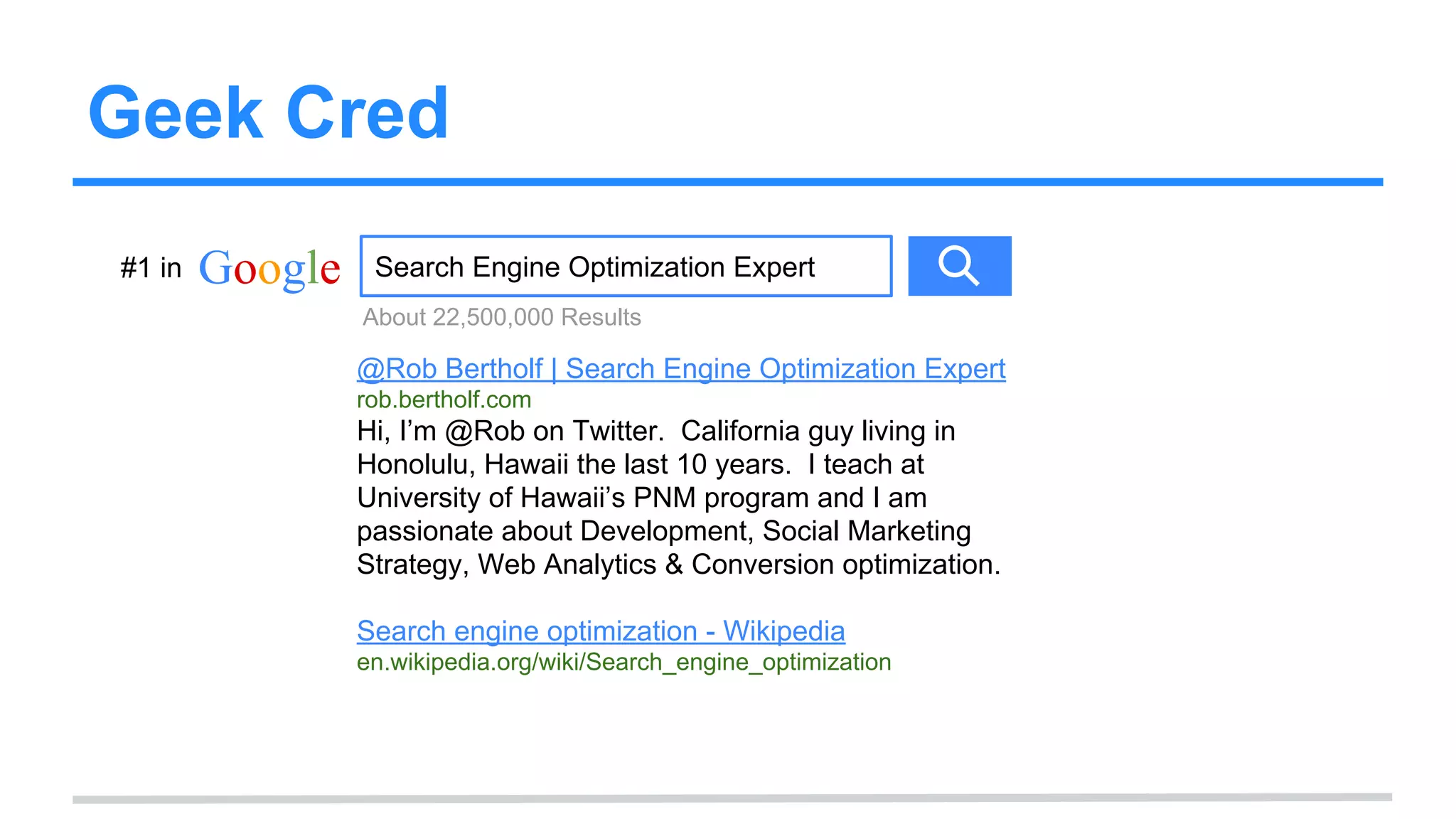
Geek Cred
Google Search Engine Optimization Expert
@Rob Bertholf | Search Engine Optimization Expert
rob.bertholf.com
Hi, I’m @Rob on Twitter. California guy living in
Honolulu, Hawaii the last 10 years. I teach at
University of Hawaii’s PNM program and I am
passionate about Development, Social Marketing
Strategy, Web Analytics & Conversion optimization.
Search engine optimization - Wikipedia
en.wikipedia.org/wiki/Search_engine_optimization
About 22,500,000 Results
#1 in
What is HTACCESS?
.htaccess files (or “distributed configuration files”) provide a
way to make configuration changes on a per-directory
basis. A file, containing one or more configuration
directives, is placed in a particular document directory, and
the directives apply to that directory, and all subdirectories
thereof.
- via Apache
What is HTACCESS?
The file you edit to manage redirects (and how page paths
are handled).
Vocabulary
● File Transfer Protocol (FTP): You will need to use an FTP
program (Such as FileZilla) to access your web server.
● Uniform Resource Locator (URL): This is just a long name
for your page path (e.g. /mypage.html)
(*For geeks out there more, I know it is technically a URI but I am trying to simplify this with more common terms)
● 404: This is the server response code for “Not Found”
● 301: This is the server response code for “Permanent Redirect”
Other Types of Redirects
Note: There are other ways to redirect pages
using Javascrip, ASP, PHP, etc.
THESE ARE NOT RECOMMENDED!
They feel spammy to the search engines.
Use 301 Redirects in your HTACCESS file (If
on Apache).
Reasons for
Redirecting Pages
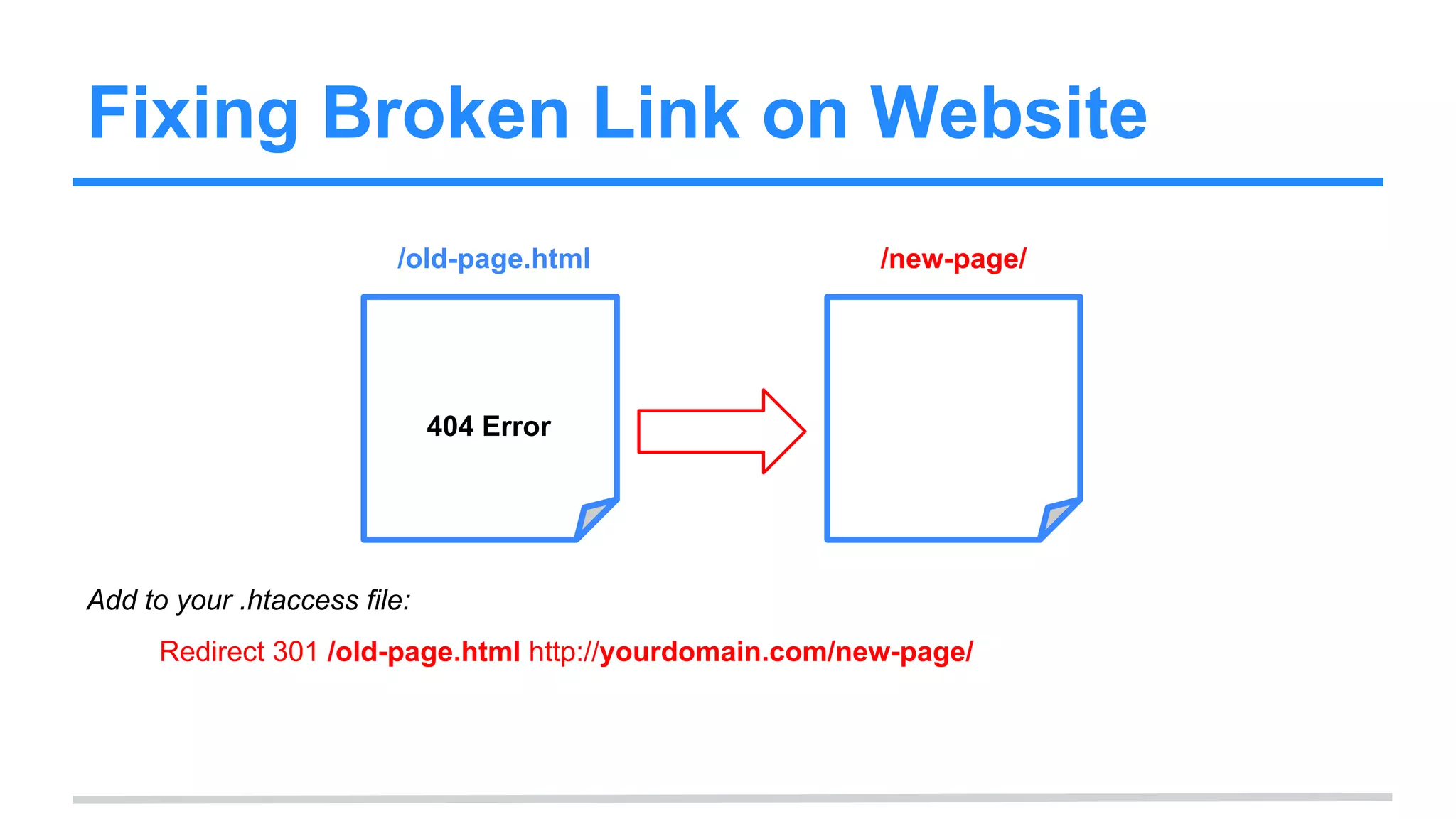
Fixing Broken Link on Website
/old-page.html /new-page/
404 Error
Add to your .htaccess file:
Redirect 301 /old-page.html http://yourdomain.com/new-page/
Redirecting to or from http://WWW.
http://mydomain.com http://www.mydomain.com
WWW.
Add to your .htaccess file:
RewriteEngine on
RewriteCond %{HTTP_HOST} !^www.domain.com$ [NC]
RewriteRule ^(.*)$ http://www.domain.com/$1 [R=301,L]
Redirecting to new domain
http://olddomain.com http://newdomain.com
Add to your .htaccess file:
RewriteEngine on
RewriteCond %{HTTP_HOST} ^olddomain.com$ [NC]
RewriteRule ^(.*)$ http://newdomain.com/$1 [R=301,L]
WordPress Rewrites
index.php?id=2 /my-path/
Add to your .htaccess file:
<IfModule mod_rewrite.c>
RewriteEngine On
RewriteBase /
RewriteCond %{REQUEST_FILENAME} !-f
RewriteCond %{REQUEST_FILENAME} !-d
RewriteRule . /index.php [L]
</IfModule>
Editing your
HTACCESS file
Prerequisite:
File Transfer Protocol
(FTP)
Learn how to use FTP before expecting
to edit your HTACCESS file.
Find or Create the File
You will want to edit it with a plain text editor
(notepad or similar, I like “Sublime Text” editor).
If the file is not there you can create one. Just
name it: “.htaccess”
WordPress “Redirection” Plugin
If you are using WordPress you can use a
plugin to manage your redirects. This is not as
powerful but is easier to use.
https://wordpress.org/plugins/redirection/
Website Redesign
Cleanup
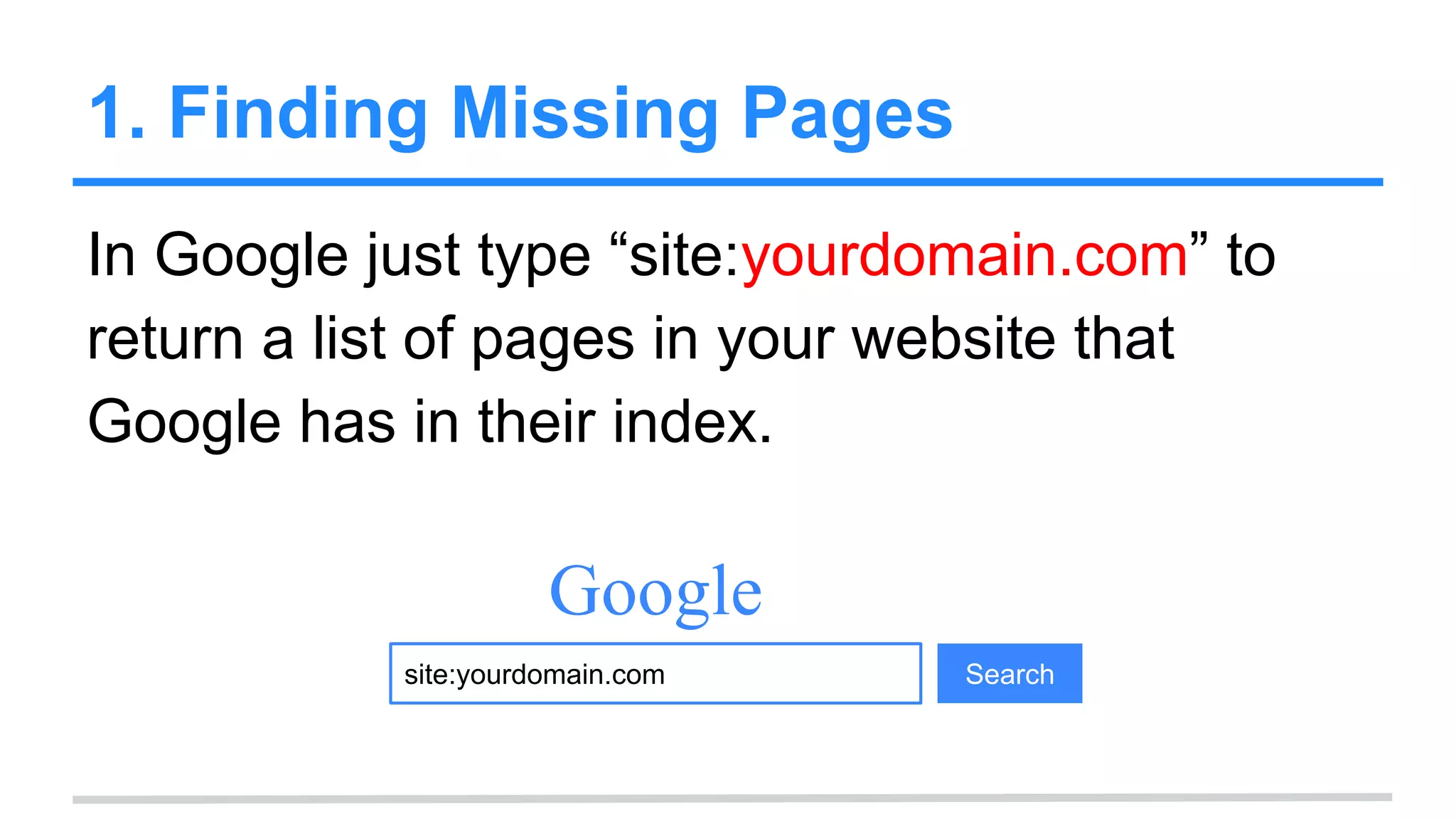
1. Finding Missing Pages
In Google just type “site:yourdomain.com” to
return a list of pages in your website that
Google has in their index.
site:yourdomain.com
Google
Search
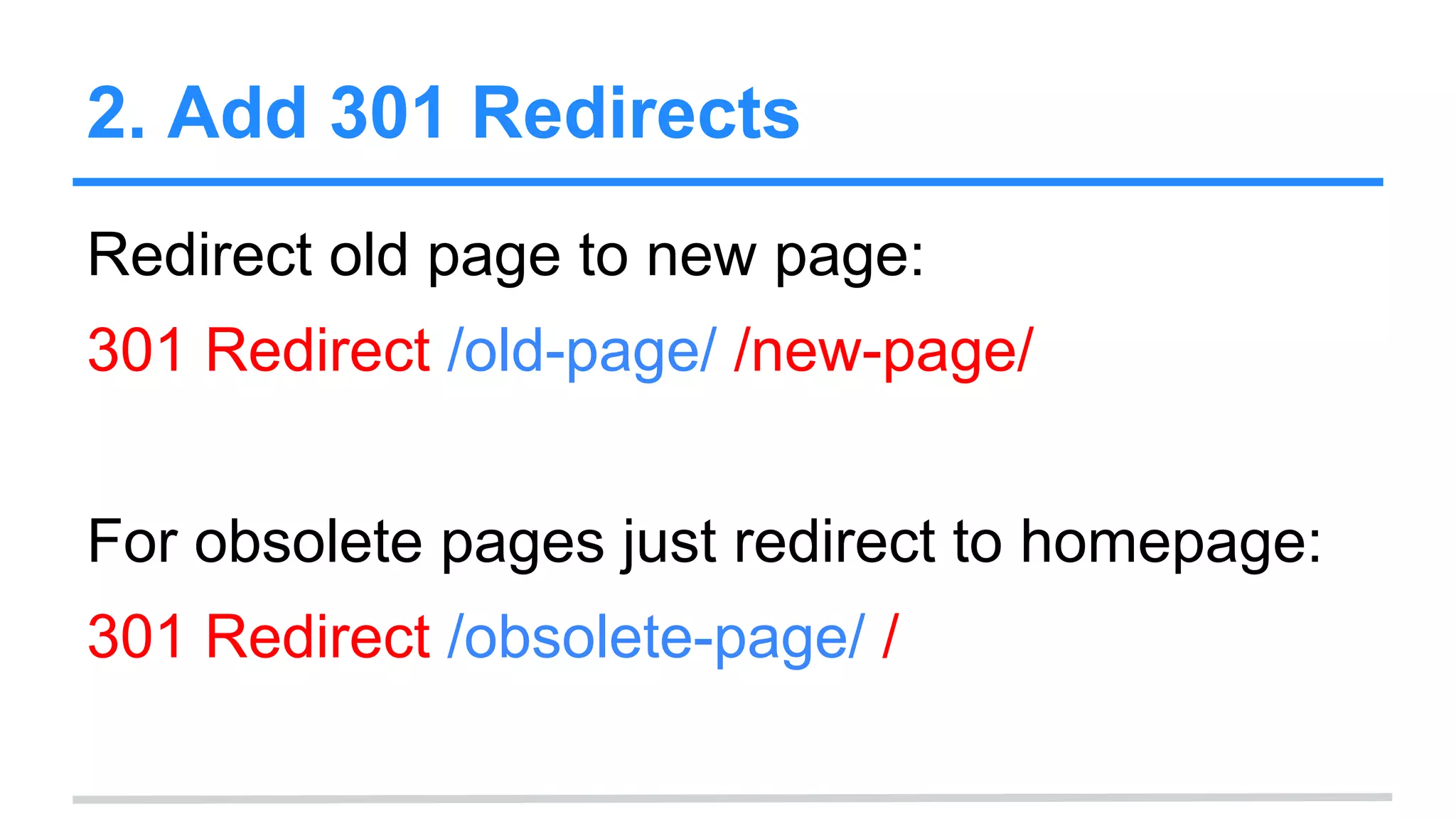
2. Add 301 Redirects
Redirect old page to new page:
301 Redirect /old-page/ /new-page/
For obsolete pages just redirect to homepage:
301 Redirect /obsolete-page/ /
Also learn about:
Google Webmaster
Tools
Learn about Google (and Bing’s)
Webmaster Tools to optimize your site.
Found this useful? Tell me!
Please tweet:
“.@Rob, just saw the #HTACCESS #SEO
tutorial and though it was _________”.
Aloha!
@Rob
http://robbertholf.com
rob@bertholf.com

Technical SEO: .htaccess & 301 Redirects

  • 1.
    Technical SEO: HTACCESS File @RobBertholf http://robbertholf.com
  • 2.
    Geek Cred Google SearchEngine Optimization Expert @Rob Bertholf | Search Engine Optimization Expert rob.bertholf.com Hi, I’m @Rob on Twitter. California guy living in Honolulu, Hawaii the last 10 years. I teach at University of Hawaii’s PNM program and I am passionate about Development, Social Marketing Strategy, Web Analytics & Conversion optimization. Search engine optimization - Wikipedia en.wikipedia.org/wiki/Search_engine_optimization About 22,500,000 Results #1 in
  • 3.
    What is HTACCESS? .htaccessfiles (or “distributed configuration files”) provide a way to make configuration changes on a per-directory basis. A file, containing one or more configuration directives, is placed in a particular document directory, and the directives apply to that directory, and all subdirectories thereof. - via Apache
  • 4.
    What is HTACCESS? Thefile you edit to manage redirects (and how page paths are handled).
  • 5.
    Vocabulary ● File TransferProtocol (FTP): You will need to use an FTP program (Such as FileZilla) to access your web server. ● Uniform Resource Locator (URL): This is just a long name for your page path (e.g. /mypage.html) (*For geeks out there more, I know it is technically a URI but I am trying to simplify this with more common terms) ● 404: This is the server response code for “Not Found” ● 301: This is the server response code for “Permanent Redirect”
  • 6.
    Other Types ofRedirects Note: There are other ways to redirect pages using Javascrip, ASP, PHP, etc. THESE ARE NOT RECOMMENDED! They feel spammy to the search engines. Use 301 Redirects in your HTACCESS file (If on Apache).
  • 7.
  • 8.
    Fixing Broken Linkon Website /old-page.html /new-page/ 404 Error Add to your .htaccess file: Redirect 301 /old-page.html http://yourdomain.com/new-page/
  • 9.
    Redirecting to orfrom http://WWW. http://mydomain.com http://www.mydomain.com WWW. Add to your .htaccess file: RewriteEngine on RewriteCond %{HTTP_HOST} !^www.domain.com$ [NC] RewriteRule ^(.*)$ http://www.domain.com/$1 [R=301,L]
  • 10.
    Redirecting to newdomain http://olddomain.com http://newdomain.com Add to your .htaccess file: RewriteEngine on RewriteCond %{HTTP_HOST} ^olddomain.com$ [NC] RewriteRule ^(.*)$ http://newdomain.com/$1 [R=301,L]
  • 11.
    WordPress Rewrites index.php?id=2 /my-path/ Addto your .htaccess file: <IfModule mod_rewrite.c> RewriteEngine On RewriteBase / RewriteCond %{REQUEST_FILENAME} !-f RewriteCond %{REQUEST_FILENAME} !-d RewriteRule . /index.php [L] </IfModule>
  • 12.
  • 13.
    Prerequisite: File Transfer Protocol (FTP) Learnhow to use FTP before expecting to edit your HTACCESS file.
  • 14.
    Find or Createthe File You will want to edit it with a plain text editor (notepad or similar, I like “Sublime Text” editor). If the file is not there you can create one. Just name it: “.htaccess”
  • 15.
    WordPress “Redirection” Plugin Ifyou are using WordPress you can use a plugin to manage your redirects. This is not as powerful but is easier to use. https://wordpress.org/plugins/redirection/
  • 16.
  • 17.
    1. Finding MissingPages In Google just type “site:yourdomain.com” to return a list of pages in your website that Google has in their index. site:yourdomain.com Google Search
  • 18.
    2. Add 301Redirects Redirect old page to new page: 301 Redirect /old-page/ /new-page/ For obsolete pages just redirect to homepage: 301 Redirect /obsolete-page/ /
  • 19.
    Also learn about: GoogleWebmaster Tools Learn about Google (and Bing’s) Webmaster Tools to optimize your site.
  • 20.
    Found this useful?Tell me! Please tweet: “.@Rob, just saw the #HTACCESS #SEO tutorial and though it was _________”.
  • 21.