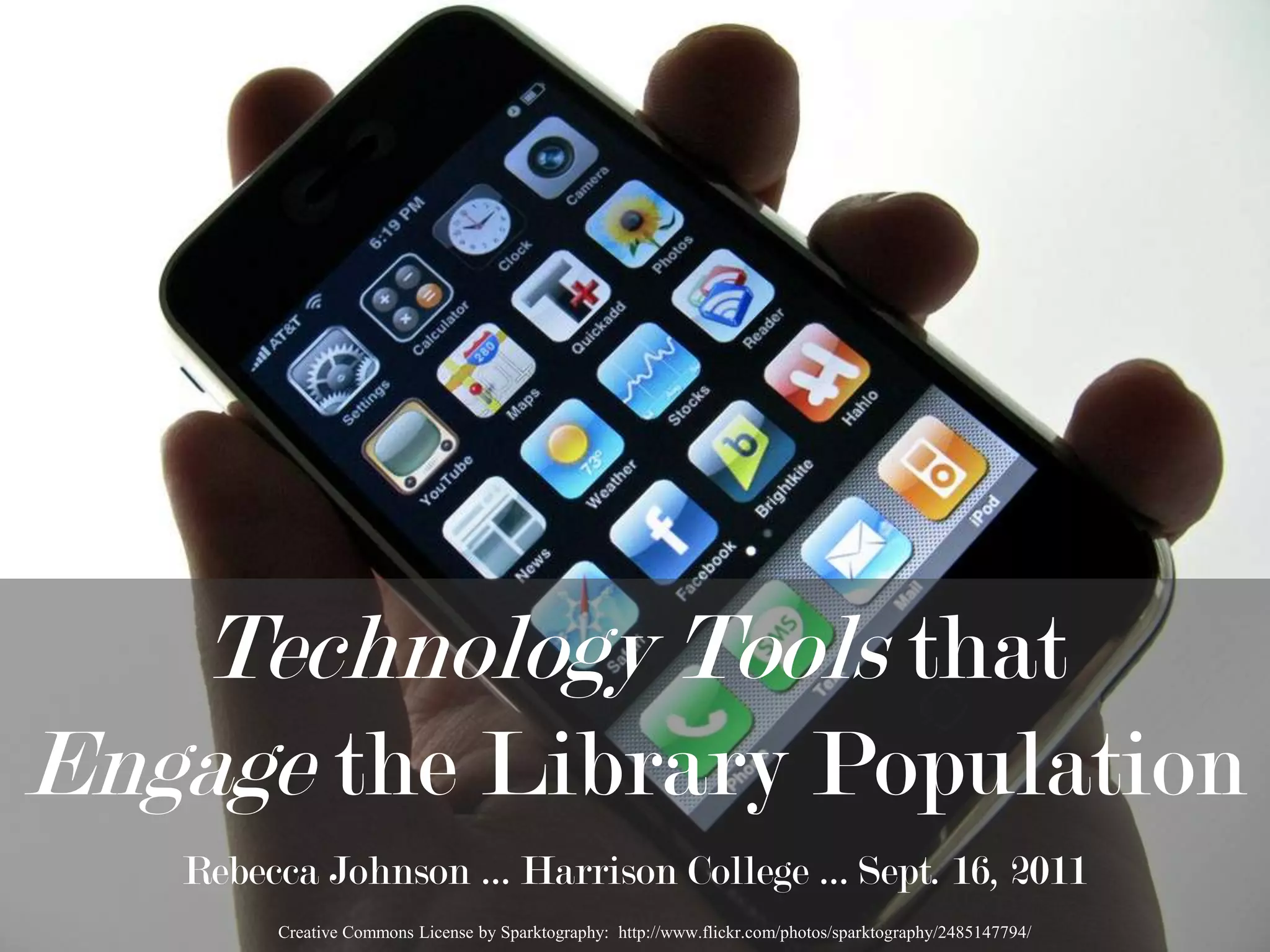

Technology Tools that Engage the Library PopulationRebecca Johnson … Harrison College … Sept. 16, 2011Creative Commons License by Sparktography:  http://www.flickr.com/photos/sparktography/2485147794/
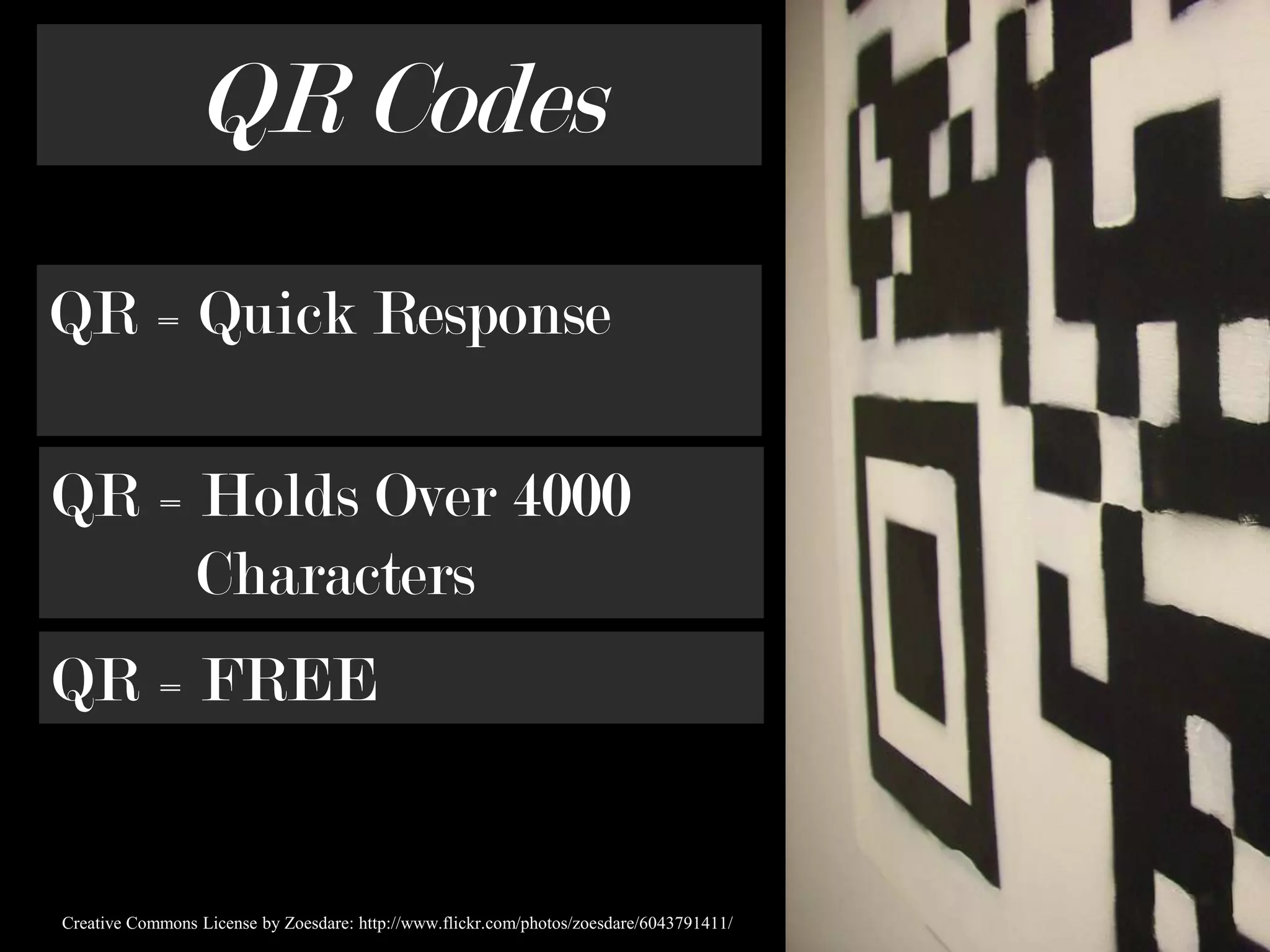
QR CodesQR = Quick ResponseQR = Holds Over 4000         CharactersQR = FREECreative Commons License by Zoesdare: http://www.flickr.com/photos/zoesdare/6043791411/
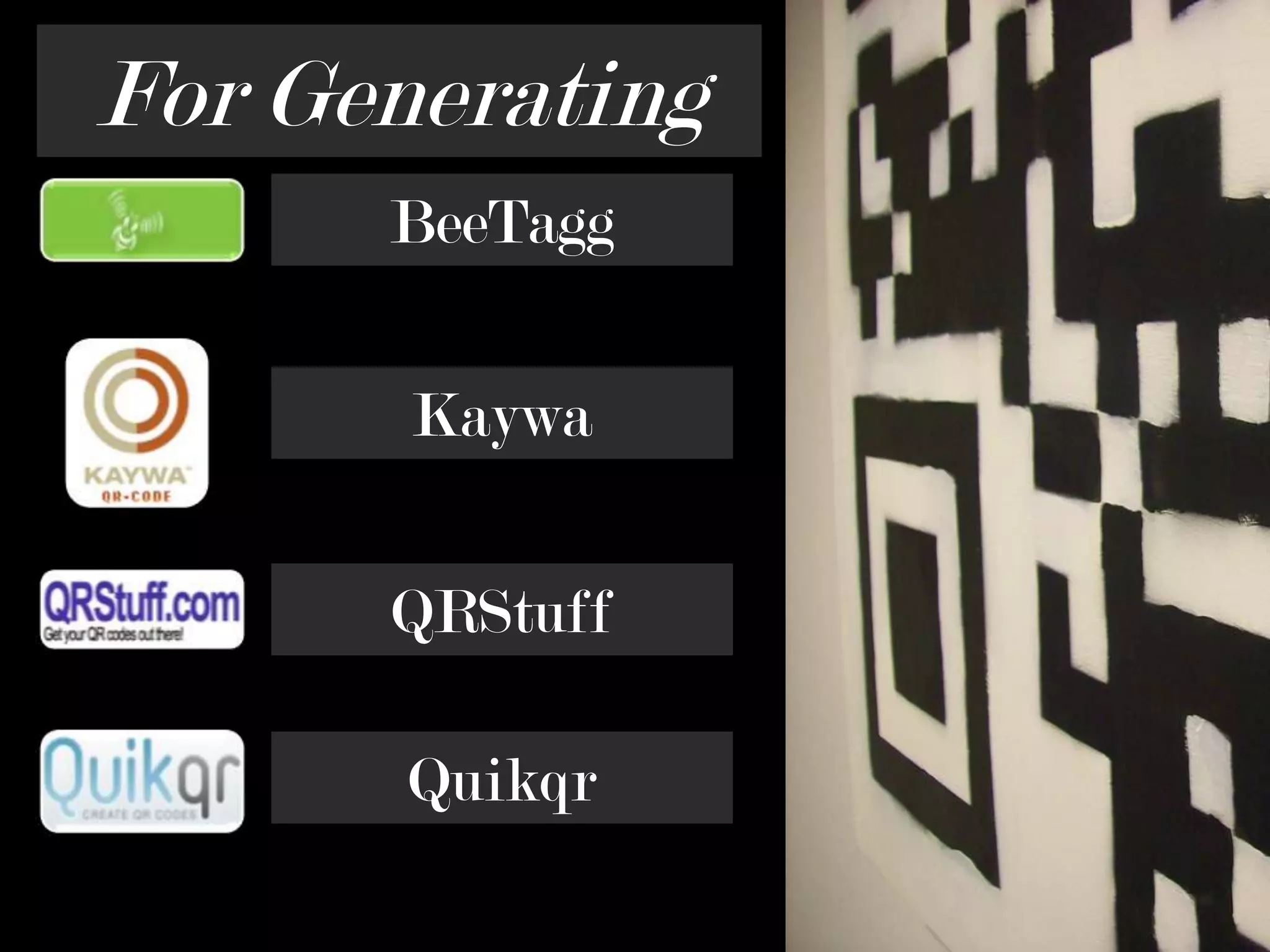
For GeneratingBeeTaggKaywaQRStuffQuikqr
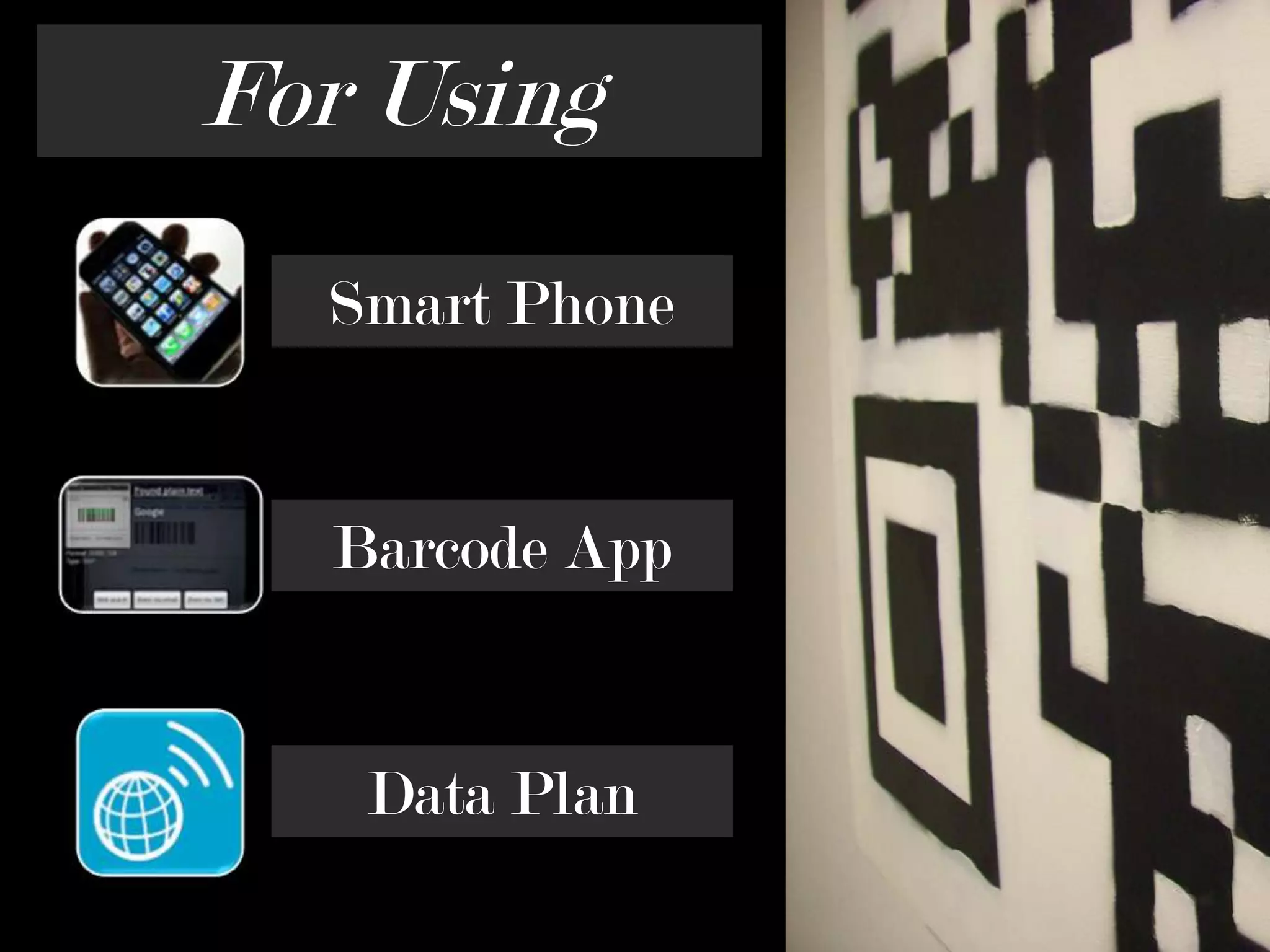
For UsingSmart PhoneBarcode AppData Plan
… but Idon’t  havea smartphoneCreative Commons License by Crazybananas: http://www.flickr.com/photos/crazycups/3486808497/
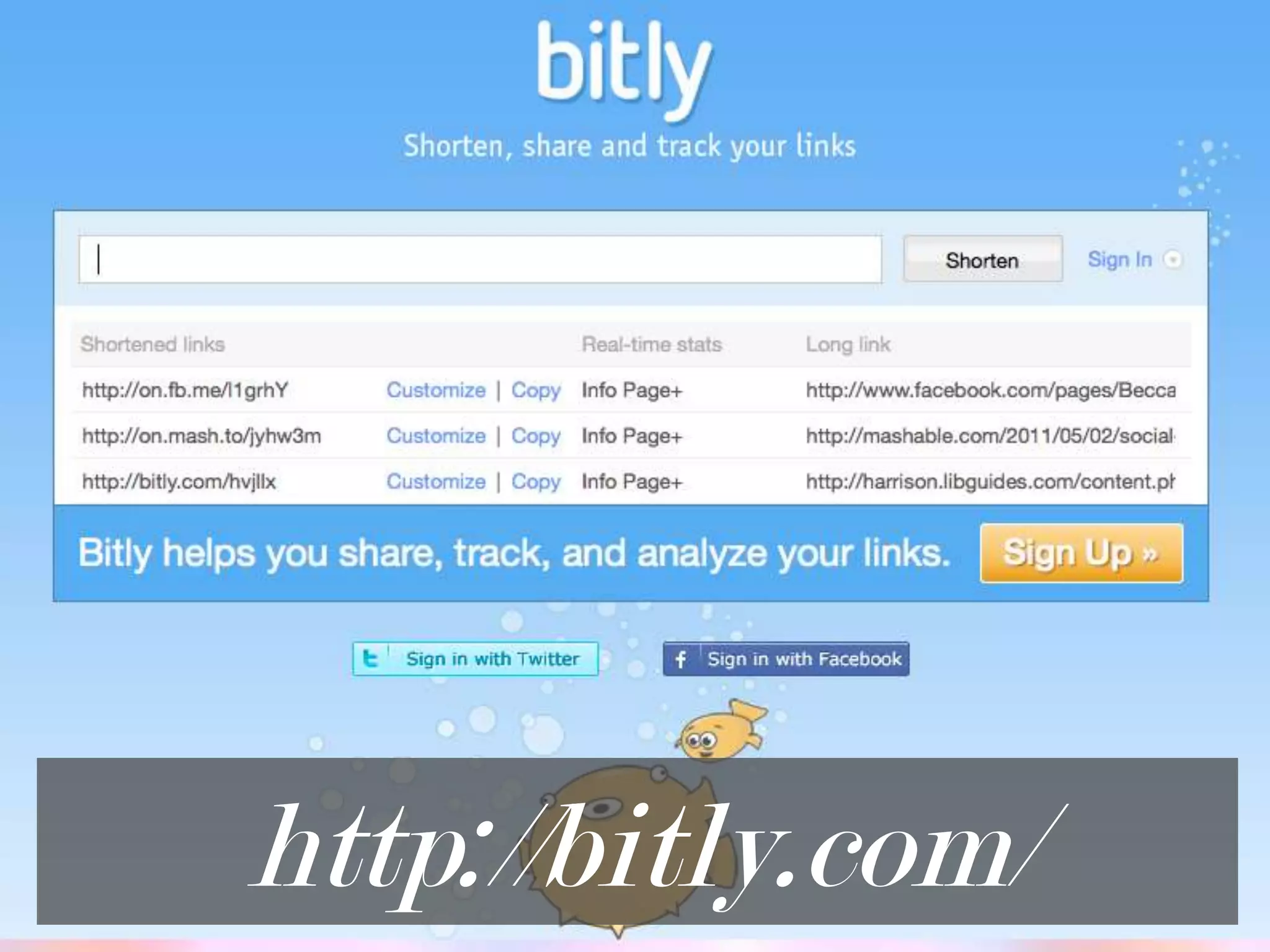
http://bitly.com/
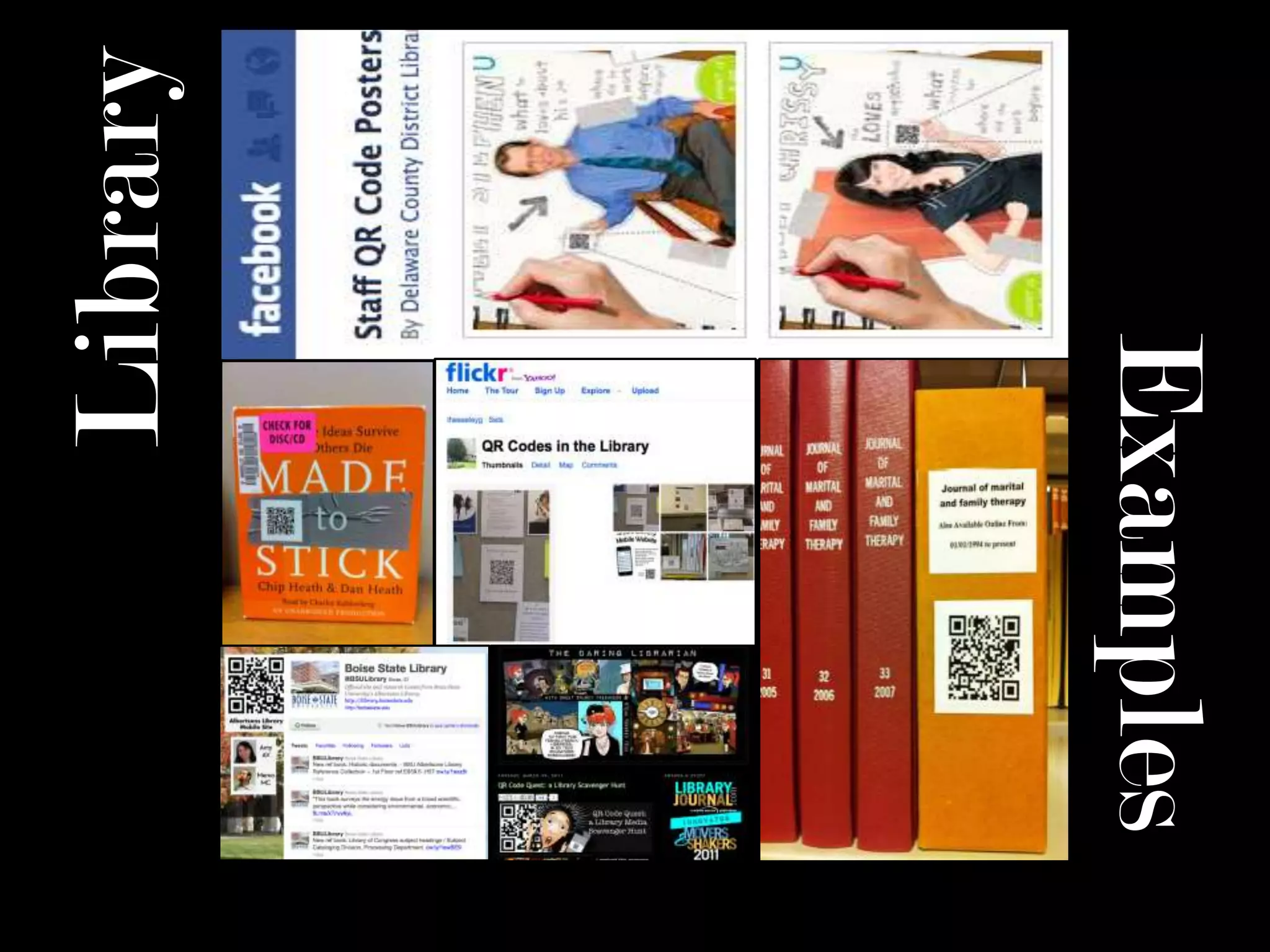
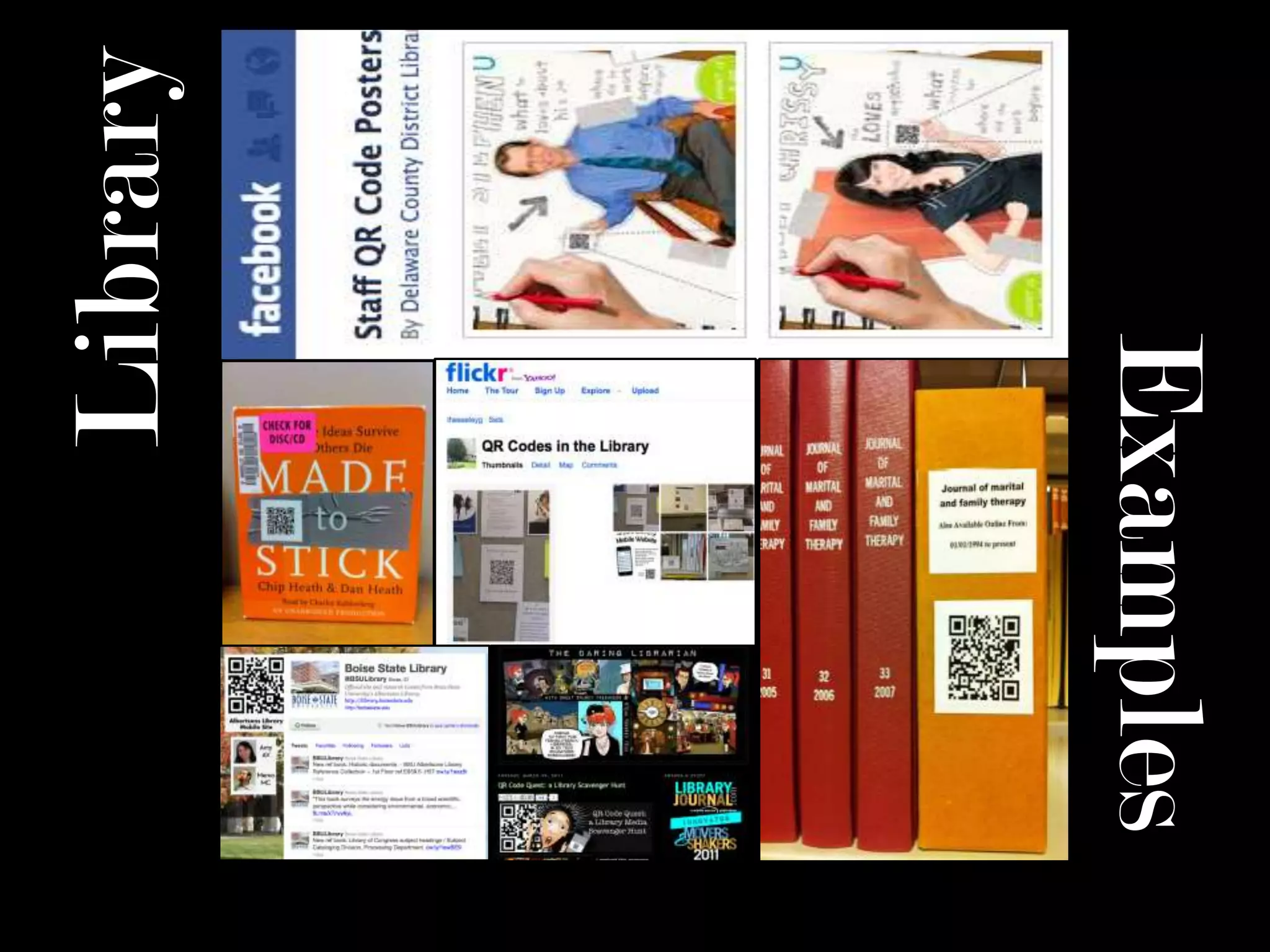
LibraryExamples
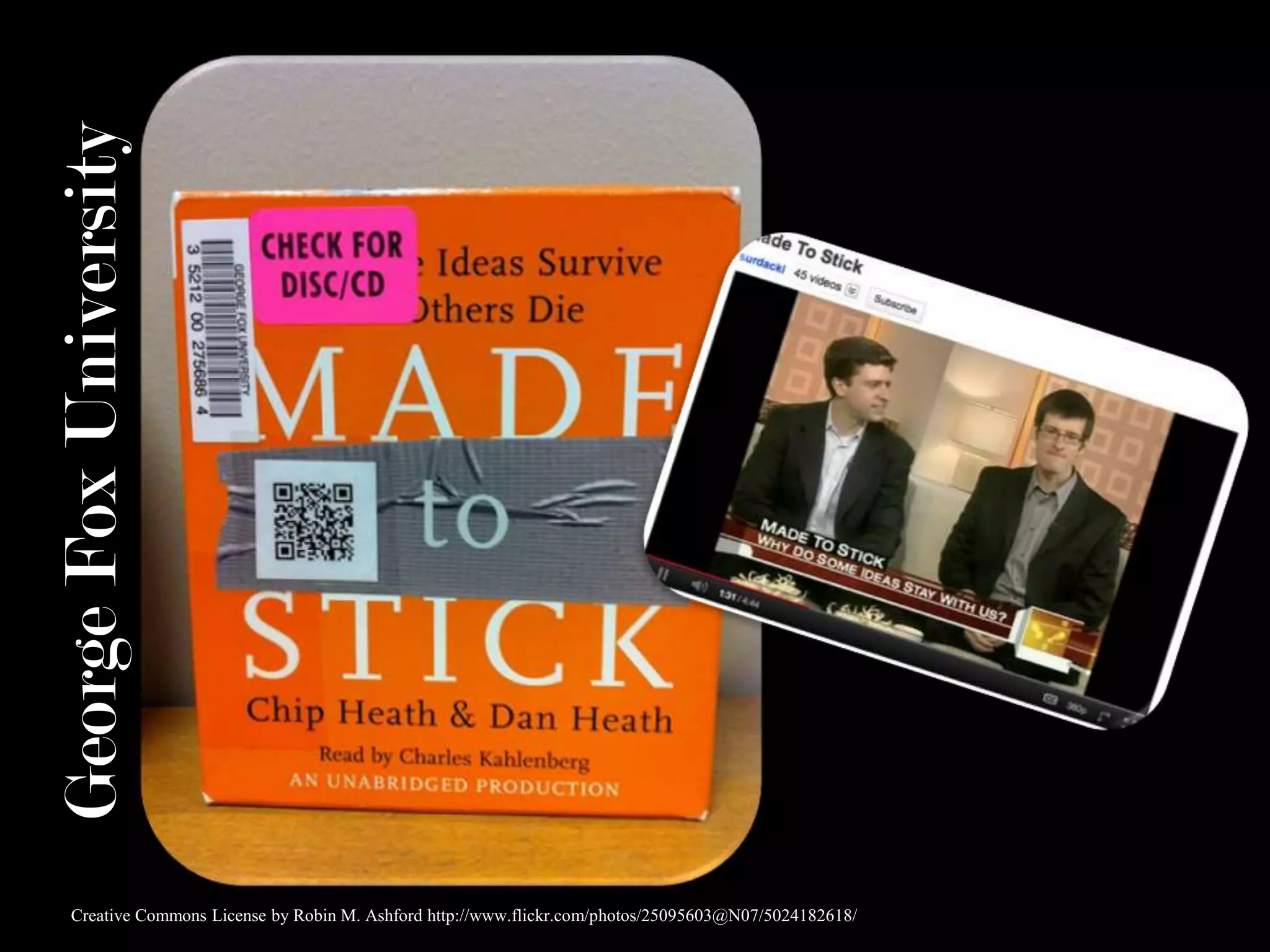
George Fox UniversityCreative Commons License by Robin M. Ashford http://www.flickr.com/photos/25095603@N07/5024182618/
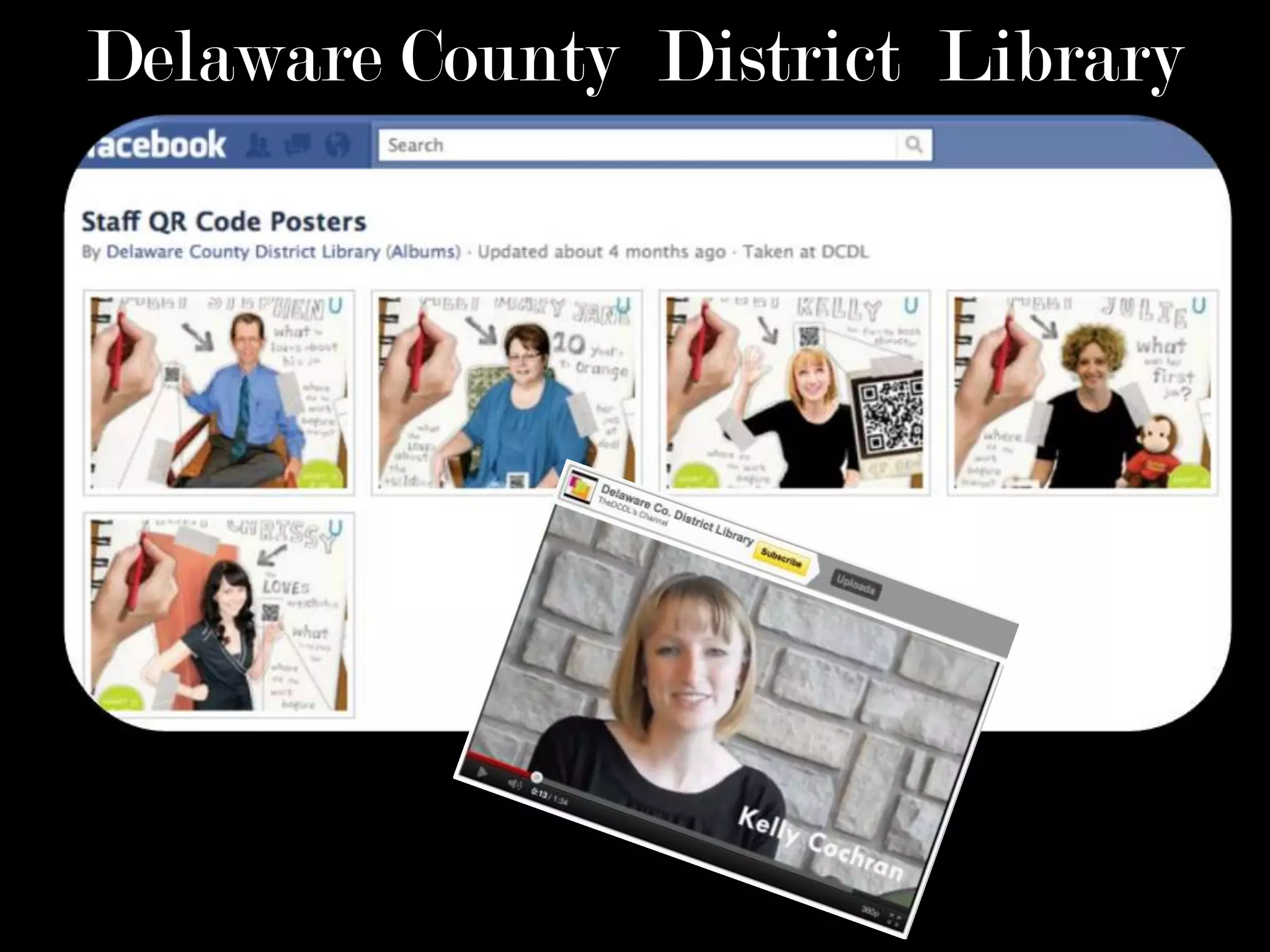
Delaware County  District  Library
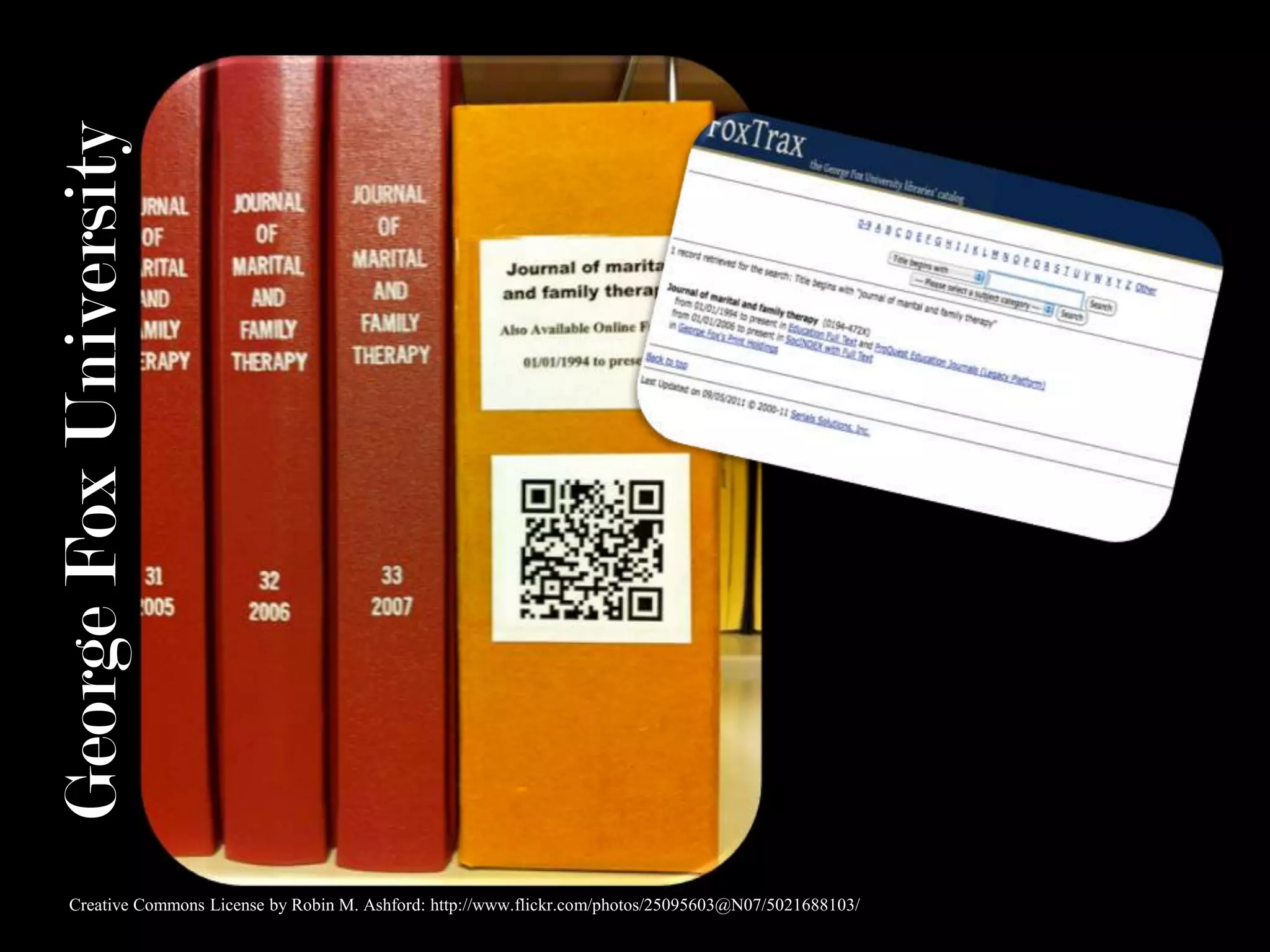
George Fox UniversityCreative Commons License by Robin M. Ashford: http://www.flickr.com/photos/25095603@N07/5021688103/
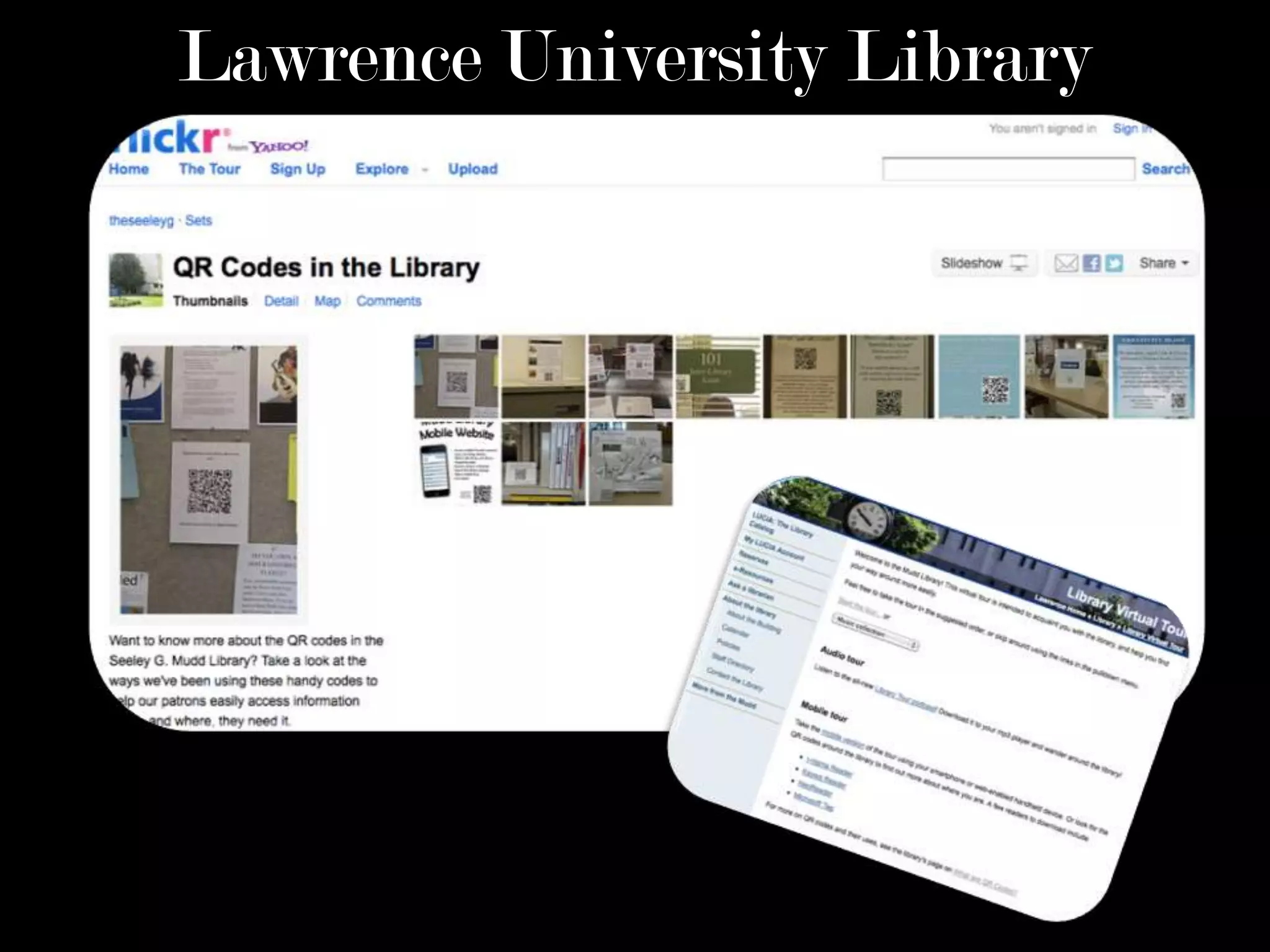
Lawrence University Library
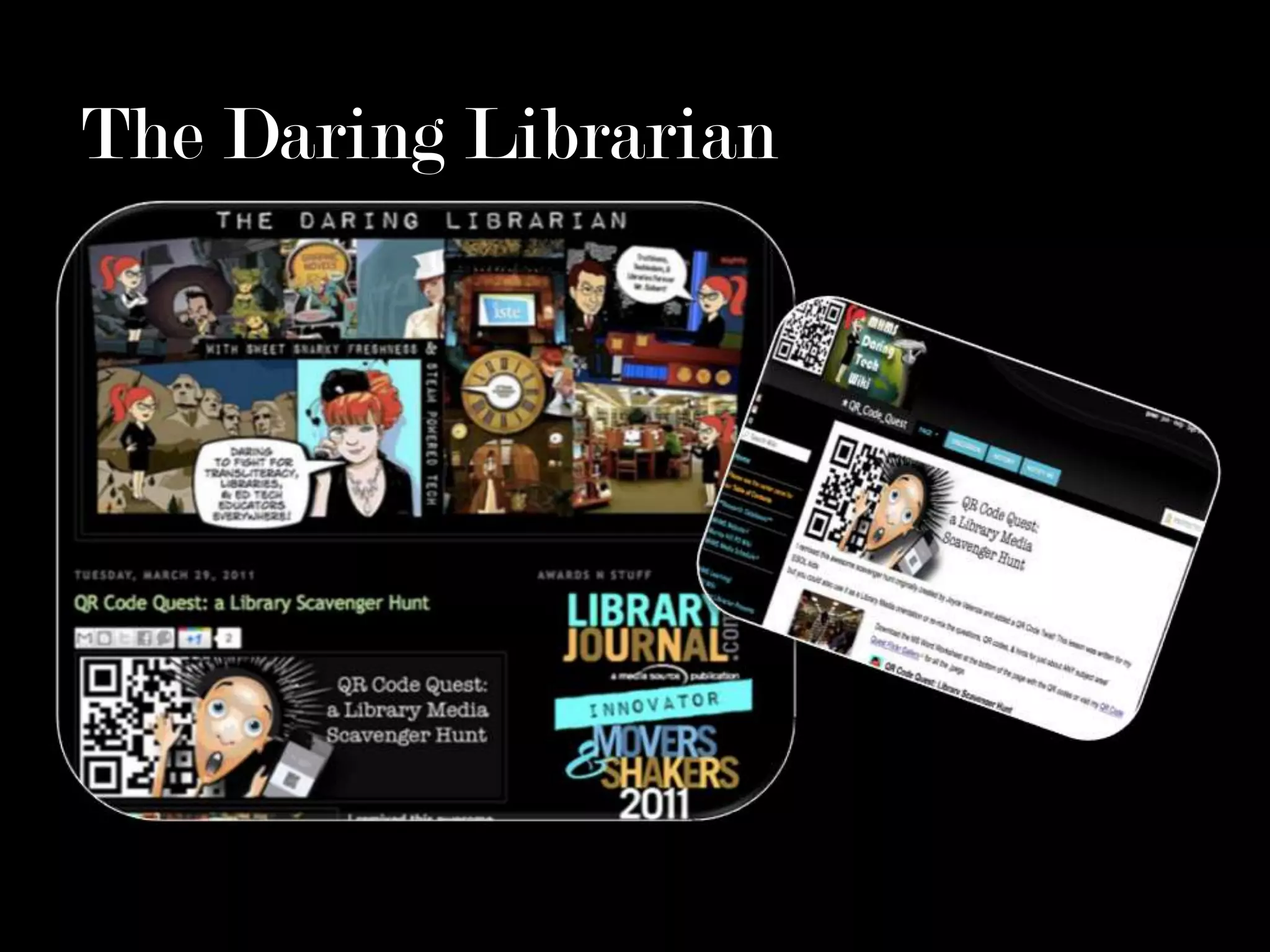
The Daring Librarian
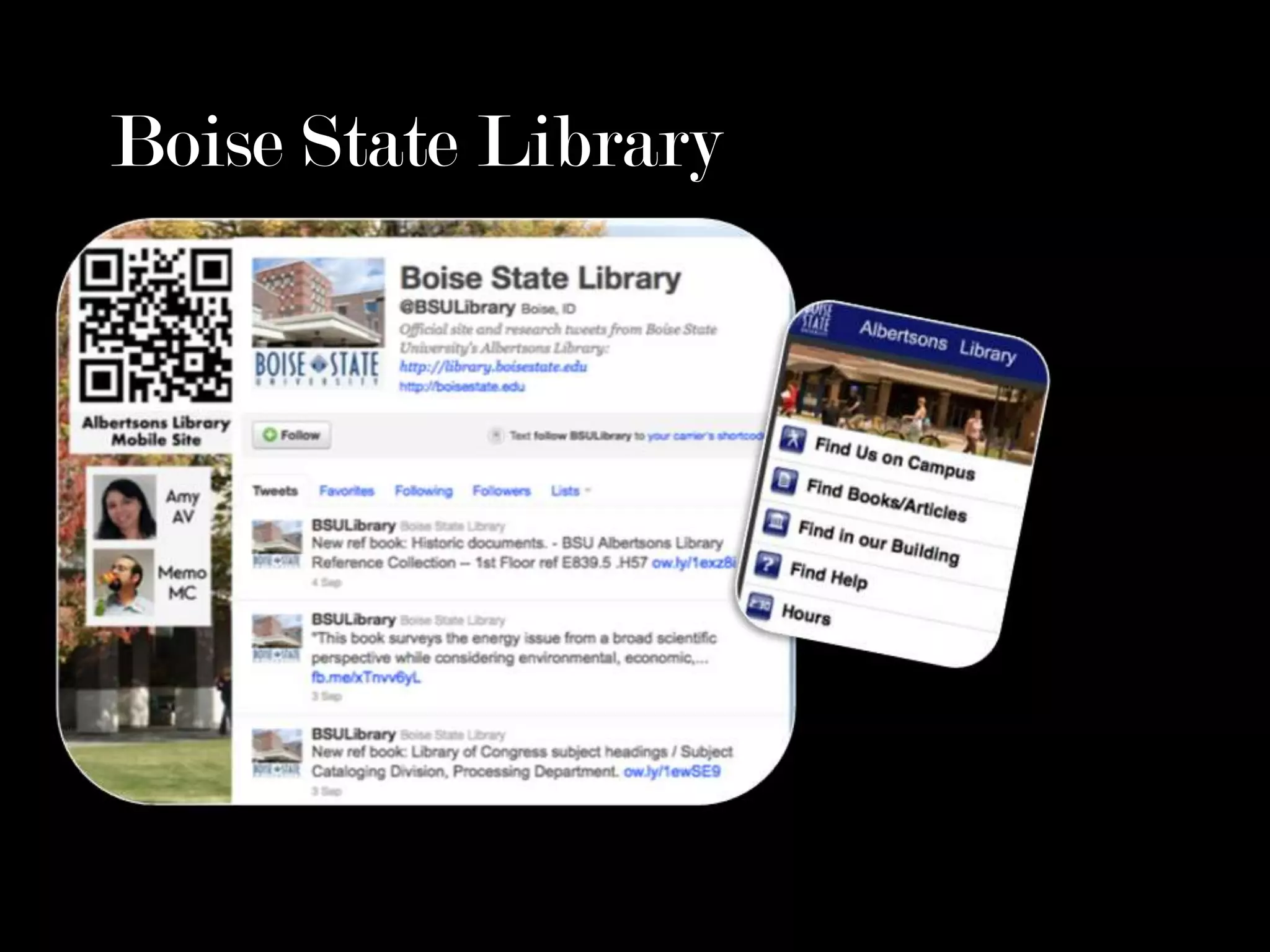
Boise State Library
LibraryExamples
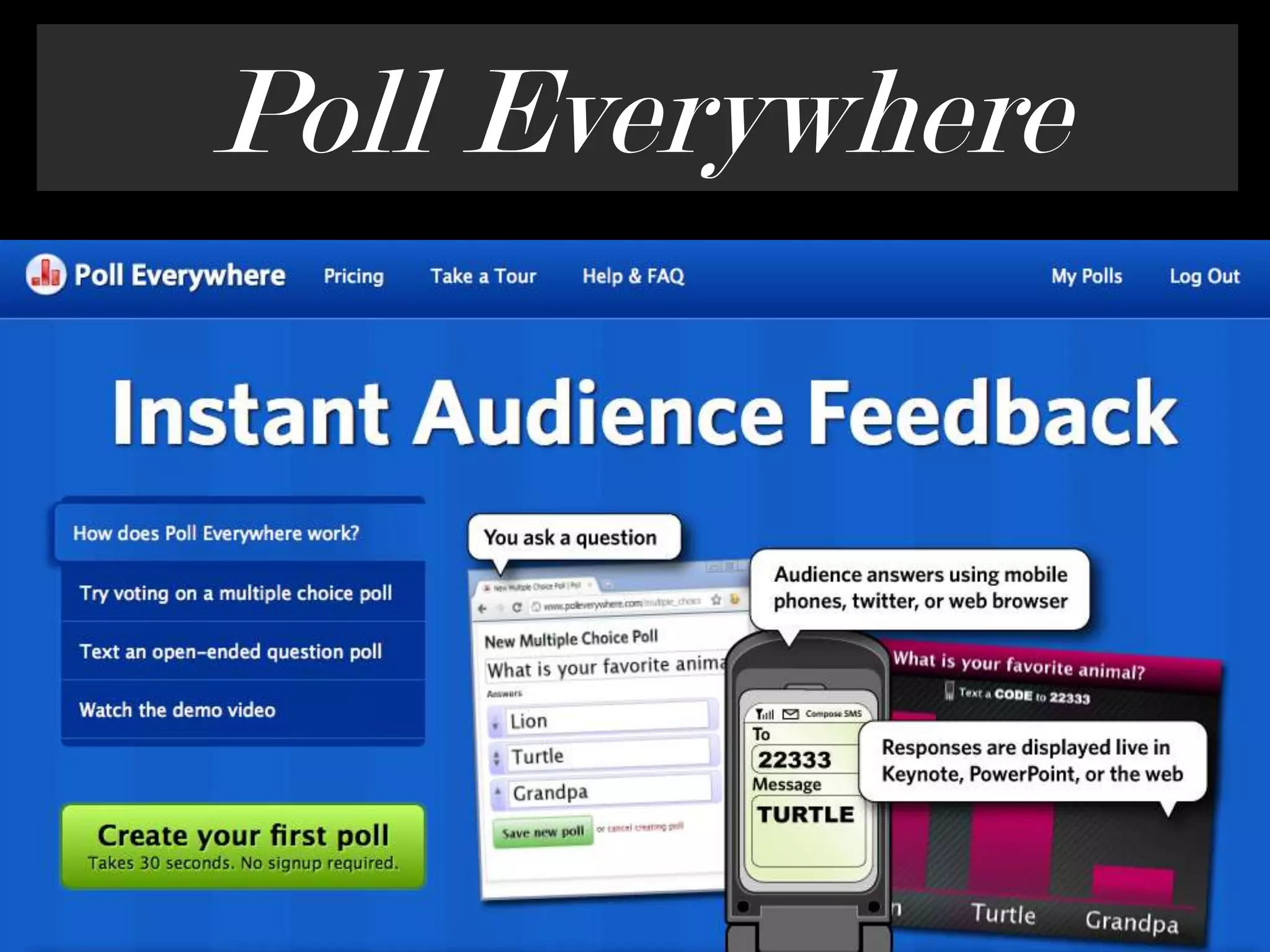
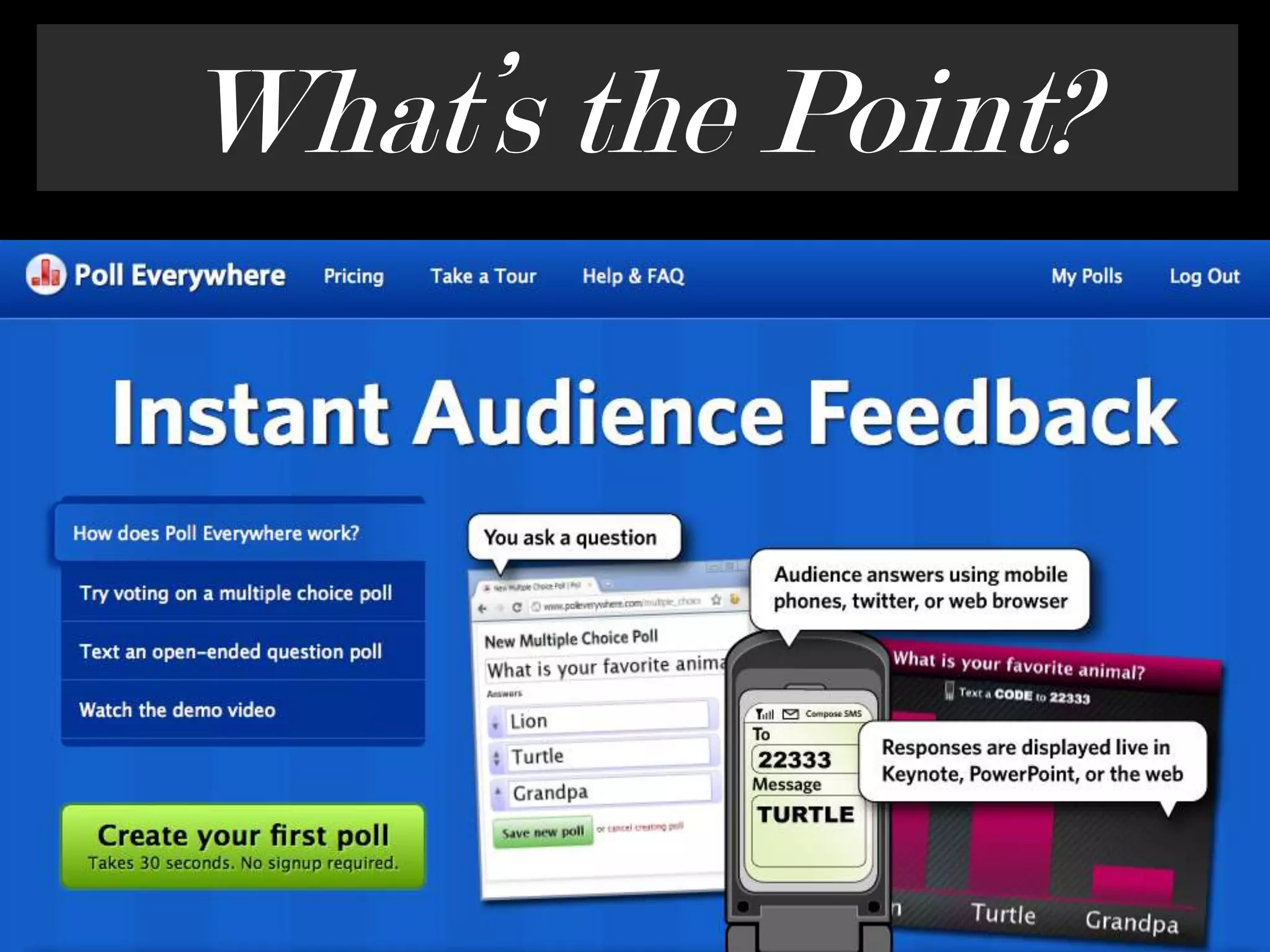
Poll Everywhere
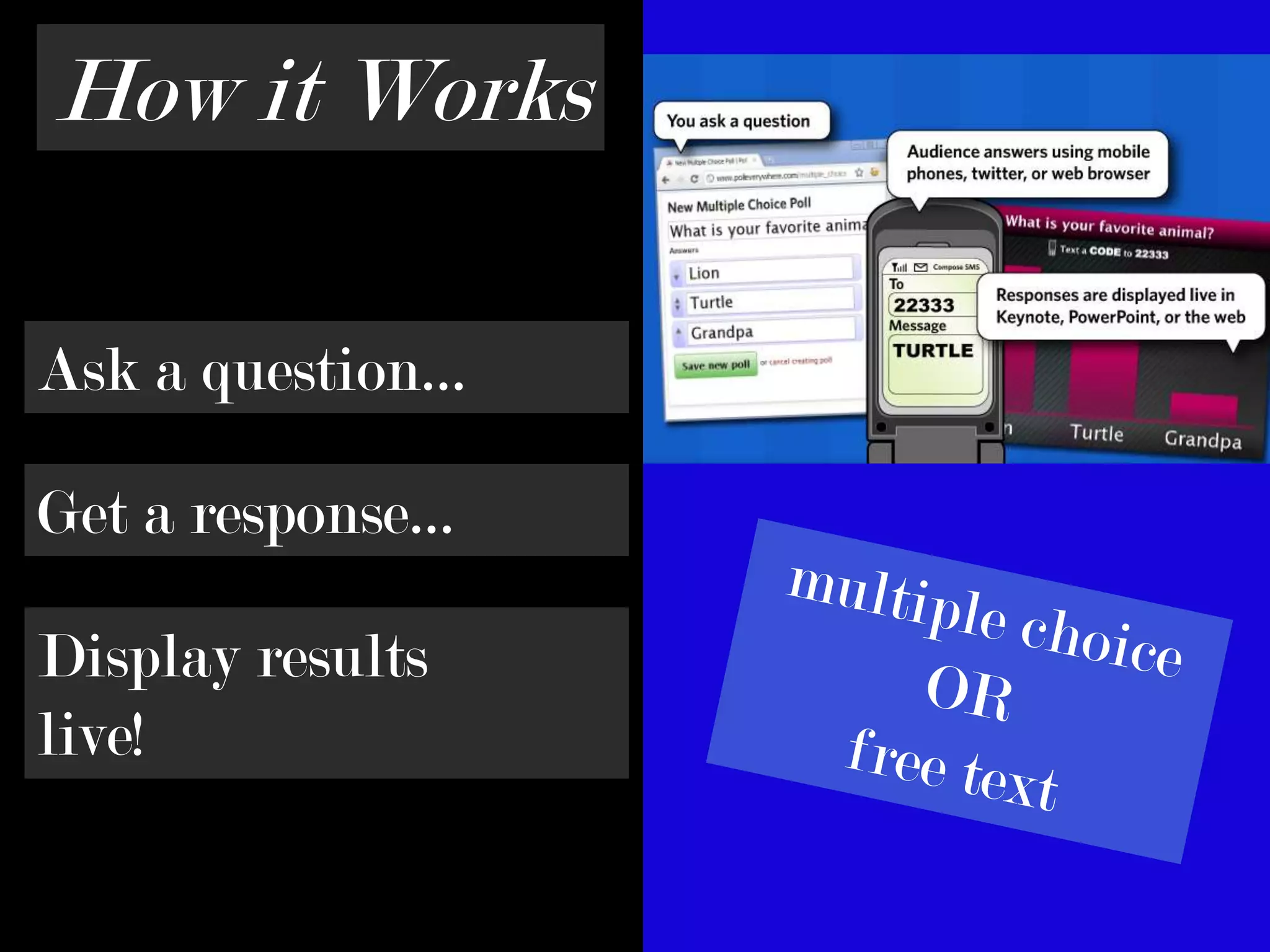
How it WorksAsk a question…Get a response…multiple choiceORfree textDisplay results live!
What’s the Point?
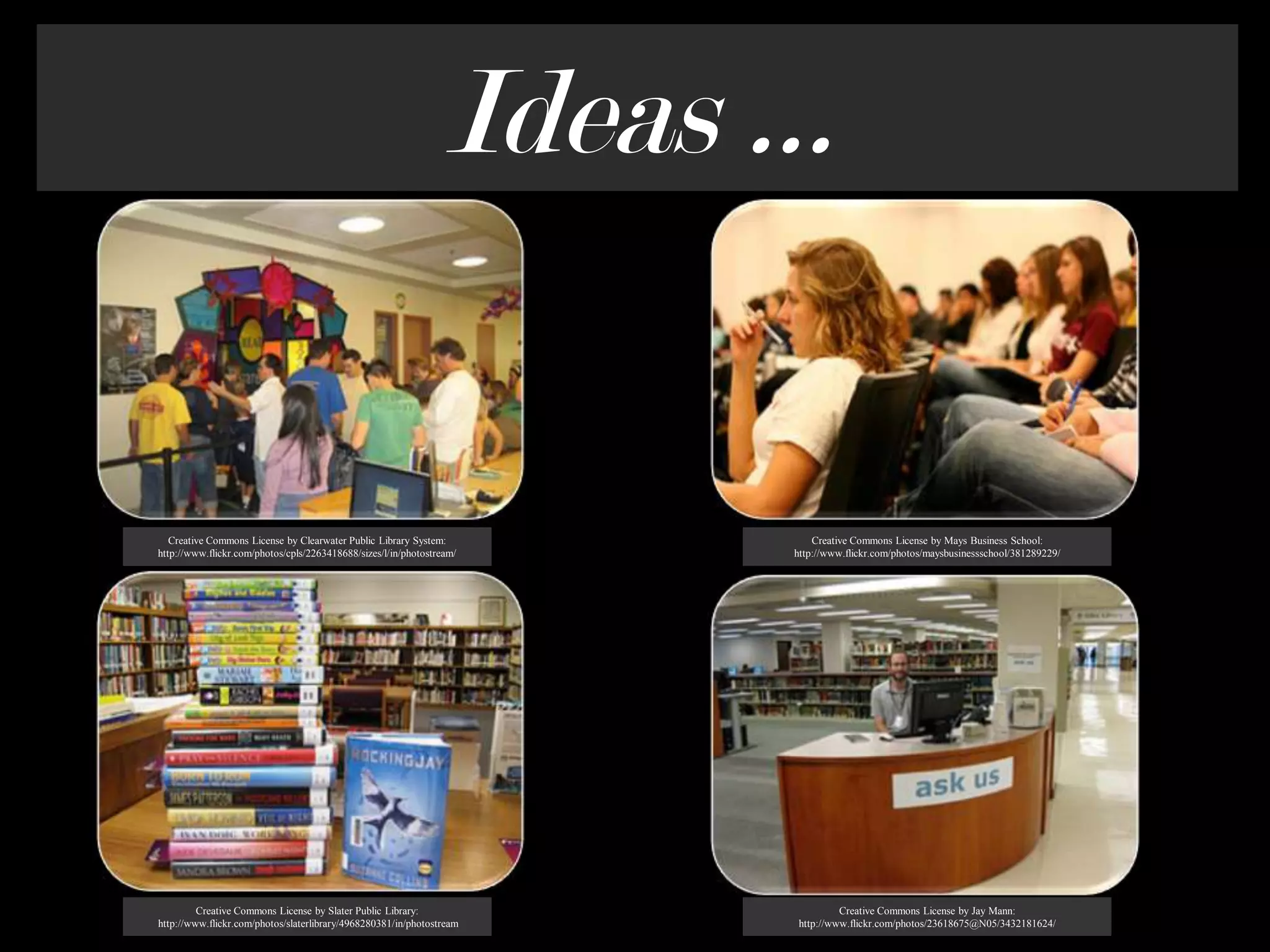
Ideas …Creative Commons License by Clearwater Public Library System:http://www.flickr.com/photos/cpls/2263418688/sizes/l/in/photostream/Creative Commons License by Mays Business School: http://www.flickr.com/photos/maysbusinessschool/381289229/Creative Commons License by Slater Public Library: http://www.flickr.com/photos/slaterlibrary/4968280381/in/photostream Creative Commons License by Jay Mann: http://www.flickr.com/photos/23618675@N05/3432181624/
Don’t forget: You can copy-paste this slide into other presentations, and move or resize the poll.
Have Fun!About Mehttp://linkd.in/rebeccajohnsonRebecca Johnson
ReferencesImagesCreative Commons License by Sparktography:  http://www.flickr.com/photos/sparktography/2485147794/Creative Commons License by Zoesdare: http://www.flickr.com/photos/zoesdare/6043791411/Creative Commons License by Robin M. Ashford http://www.flickr.com/photos/25095603@N07/5024182618/in/set                    72157625028207818 Creative Commons License by Robin M. Ashford: http://www.flickr.com/photos/25095603@N07/5021688103/in/set                    72157625028207818 Creative Commons License by idealisms: http://www.flickr.com/photos/ponderer/3989575802/Creative Commons License by Dana Spiegel: http://www.flickr.com/photos/danaspiegel/320635794/Creative Commons License by Crazybananas: http://www.flickr.com/photos/crazycups/3486808497/Creative Commons License by Clearwater Public Library System:                     http://www.flickr.com/photos/cpls/2263418688/sizes/l/in/photostream/
ReferencesImages continuedCreative Commons License by Slater Public Library:                   http://www.flickr.com/photos/slaterlibrary/4968280381/in/photostream Creative Commons License by Mays Business School: http://www.flickr.com/photos/maysbusinessschool/381289229/Creative Commons License by Jay Mann: http://www.flickr.com/photos/23618675@N05/3432181624/ResearchBeeTagg. (n.d.). Retrieved from http://www.beetagg.com/en/Bitly. (n.d.). Retrieved from http://bitly.com/Boise State Library. (n.d.) Twitter: Boise State Library. Retrieved from http://twitter.com/#!/BSULibraryDelaware County District Library. (2011, May 13). Staff QR code posters. Retrieved from                    https://www.facebook.com/media/set/?set=a.222388107787338.74586.130204850338998Farkas, M. (n.d.) QR codes. Retrieved from http://www.libsuccess.org/index.php?title=QR_Codes
ReferencesResearch continuedJones, G.A. (2011, March 29). QR code quest: A library scavenger hunt [Web log post]. Retrieved from                    http://www.thedaringlibrarian.com/2011/03/qr-code-quest-library-scavenger-hunt.html Kaywa. (n.d.). Retrieved from http://qrcode.kaywa.com/Mobile-barcodes. (n.d.). Retrieved from http://www.mobile-barcodes.com/Poll Everywhere. (n.d.). Instant audience feedback. Retrieved from http://www.polleverywhere.com/QRStuff. (n.d.) Retrieved from http://www.qrstuff.com/ Quikqr. (n.d.). Retrieved from http://quikqr.com/

Tech Tools That Engage the Library Population - Pecha Kucha ACPL Library Camp 2011

  • 1.
    Technology Tools thatEngage the Library PopulationRebecca Johnson … Harrison College … Sept. 16, 2011Creative Commons License by Sparktography: http://www.flickr.com/photos/sparktography/2485147794/
  • 2.
    QR CodesQR =Quick ResponseQR = Holds Over 4000 CharactersQR = FREECreative Commons License by Zoesdare: http://www.flickr.com/photos/zoesdare/6043791411/
  • 3.
  • 4.
  • 5.
    … but Idon’t havea smartphoneCreative Commons License by Crazybananas: http://www.flickr.com/photos/crazycups/3486808497/
  • 6.
  • 7.
  • 8.
    George Fox UniversityCreativeCommons License by Robin M. Ashford http://www.flickr.com/photos/25095603@N07/5024182618/
  • 9.
    Delaware County District Library
  • 10.
    George Fox UniversityCreativeCommons License by Robin M. Ashford: http://www.flickr.com/photos/25095603@N07/5021688103/
  • 11.
  • 12.
  • 13.
  • 14.
  • 15.
  • 16.
    How it WorksAska question…Get a response…multiple choiceORfree textDisplay results live!
  • 17.
  • 18.
    Ideas …Creative CommonsLicense by Clearwater Public Library System:http://www.flickr.com/photos/cpls/2263418688/sizes/l/in/photostream/Creative Commons License by Mays Business School: http://www.flickr.com/photos/maysbusinessschool/381289229/Creative Commons License by Slater Public Library: http://www.flickr.com/photos/slaterlibrary/4968280381/in/photostream Creative Commons License by Jay Mann: http://www.flickr.com/photos/23618675@N05/3432181624/
  • 19.
    Don’t forget: Youcan copy-paste this slide into other presentations, and move or resize the poll.
  • 20.
  • 21.
    ReferencesImagesCreative Commons Licenseby Sparktography: http://www.flickr.com/photos/sparktography/2485147794/Creative Commons License by Zoesdare: http://www.flickr.com/photos/zoesdare/6043791411/Creative Commons License by Robin M. Ashford http://www.flickr.com/photos/25095603@N07/5024182618/in/set 72157625028207818 Creative Commons License by Robin M. Ashford: http://www.flickr.com/photos/25095603@N07/5021688103/in/set 72157625028207818 Creative Commons License by idealisms: http://www.flickr.com/photos/ponderer/3989575802/Creative Commons License by Dana Spiegel: http://www.flickr.com/photos/danaspiegel/320635794/Creative Commons License by Crazybananas: http://www.flickr.com/photos/crazycups/3486808497/Creative Commons License by Clearwater Public Library System: http://www.flickr.com/photos/cpls/2263418688/sizes/l/in/photostream/
  • 22.
    ReferencesImages continuedCreative CommonsLicense by Slater Public Library: http://www.flickr.com/photos/slaterlibrary/4968280381/in/photostream Creative Commons License by Mays Business School: http://www.flickr.com/photos/maysbusinessschool/381289229/Creative Commons License by Jay Mann: http://www.flickr.com/photos/23618675@N05/3432181624/ResearchBeeTagg. (n.d.). Retrieved from http://www.beetagg.com/en/Bitly. (n.d.). Retrieved from http://bitly.com/Boise State Library. (n.d.) Twitter: Boise State Library. Retrieved from http://twitter.com/#!/BSULibraryDelaware County District Library. (2011, May 13). Staff QR code posters. Retrieved from https://www.facebook.com/media/set/?set=a.222388107787338.74586.130204850338998Farkas, M. (n.d.) QR codes. Retrieved from http://www.libsuccess.org/index.php?title=QR_Codes
  • 23.
    ReferencesResearch continuedJones, G.A.(2011, March 29). QR code quest: A library scavenger hunt [Web log post]. Retrieved from http://www.thedaringlibrarian.com/2011/03/qr-code-quest-library-scavenger-hunt.html Kaywa. (n.d.). Retrieved from http://qrcode.kaywa.com/Mobile-barcodes. (n.d.). Retrieved from http://www.mobile-barcodes.com/Poll Everywhere. (n.d.). Instant audience feedback. Retrieved from http://www.polleverywhere.com/QRStuff. (n.d.) Retrieved from http://www.qrstuff.com/ Quikqr. (n.d.). Retrieved from http://quikqr.com/

Editor's Notes

  • #2 Today I want to talk to you about 2 technology tools that I have used with the students at Harrison College, and that can be used to engage your library patrons as well. These tools, as the picture suggests, center around mobile technology, and are 100% free to use!
  • #3 -QR stands for Quick Response-Like barcodes that are found on books in a library, QR codes are scanned, but can hold over 4000 characters at a time-Free to scan and Free to create
  • #4 The 2 most popular (beetagg and kaywa). BeeTagg: offers a reader for all major smart phone platforms, offers a code generator and usage statistics for codes generatedKaywa: also offers a reader and a code generatorQRStuff includes an option for colored QR codesQuikQR has a very simplistic interface
  • #5 The most common items needed
  • #6 This is the argument I continue to hear. What if I don’t have a smart phone? Never fear …
  • #7 A good best-practice is to use bit.ly shortened URLs underneath and within the codes in order for patrons to have access to the code information by way of a computer. Plus – bit.ly URLs, if signed in, provide usage analytics so you can see how many “clicks” or scans there have been.
  • #8 QR codes are being seen in more and more places, but what I have displayed here for you are the common uses within libraries.
  • #9 Probably the most common within libraries-Transliteracy-Now…a book has become interactive!
  • #10 Meet the librarian posters link to welcome videos. Other common uses for posters such as this would be to link the code to your contact information.
  • #11 QR Code is placed at the end of a run of print journals, linking it to the continuation within the online database. I personally have used a similar option, where I have placed QR codes on the bookshelf in the various subject areas, with the code linking to our research guide for that particular subject.
  • #12 Virtual Tours within the library.
  • #13 Scavenger Hunt within this blog post, there’s a link to the scavenger hunt wiki. This can be tailored to fit anyone’s needs!
  • #14 Twitter background includes a QR code linking to the library’s mobile website.
  • #15 This is certainly not all of the uses of QR codes, but it can get you started with some fresh ideas.
  • #16 The last item is poll everywhere – used for audience polling.
  • #17 Ask your question…Get a response…Display your results live via the web, within a power point, or within Apple’s Keynote software. Polls can be either multiple choice or free text, and there are Free accounts for businesses and non-profit organizations that allow up to 30 responses at a time per poll. With that in mind, you might consider polling with the clause: Be one of the 1st 30 people to respond to have your vote count.
  • #18 -We all like to to be heard!-Giving an opinion can boost confidence and can instill a sense of pride in making a difference.-Polling can create discussion when done with a big group at once (like an instruction session).-Using this software provides a super fast and fun way to gain patron opinions, getting instant real time and statistical data.
  • #19 -Poll patrons after a library program to see if they enjoyed it.-Poll patrons after a batch of new arrivals hit the shelves to see what the favorite titles are.-Poll students within classroom instruction sessions to assess what was learned during the lesson.-Poll patrons about certain library services you provide.
  • #20 Press F5 or enter presentation mode to view the poll\r\nIn an emergency during your presentation, if the poll isn't showing, navigate to this link in your web browser:\r\nhttp://www.polleverywhere.com/free_text_polls/NjY5OTU5Njg4If you like, you can use this slide as a template for your own voting slides. You might use a slide like this if you feel your audience would benefit from the picture showing a text message on a phone.
  • #21 -Poll patrons after a library program to see if they enjoyed it.-Poll patrons after a batch of new arrivals hit the shelves to see what the favorite titles are.-Poll students within classroom instruction sessions to assess what was learned during the lesson.-Poll patrons about certain library services you provide.