The document provides a comprehensive list of shortcut keys for the xltool, an Excel to Tally software designed to enhance user efficiency while using Tally ERP. It includes shortcuts for various functions such as changing dates, managing companies, creating ledgers, and handling voucher entries. Users can access features quickly using key combinations to streamline their workflow in Tally ERP.
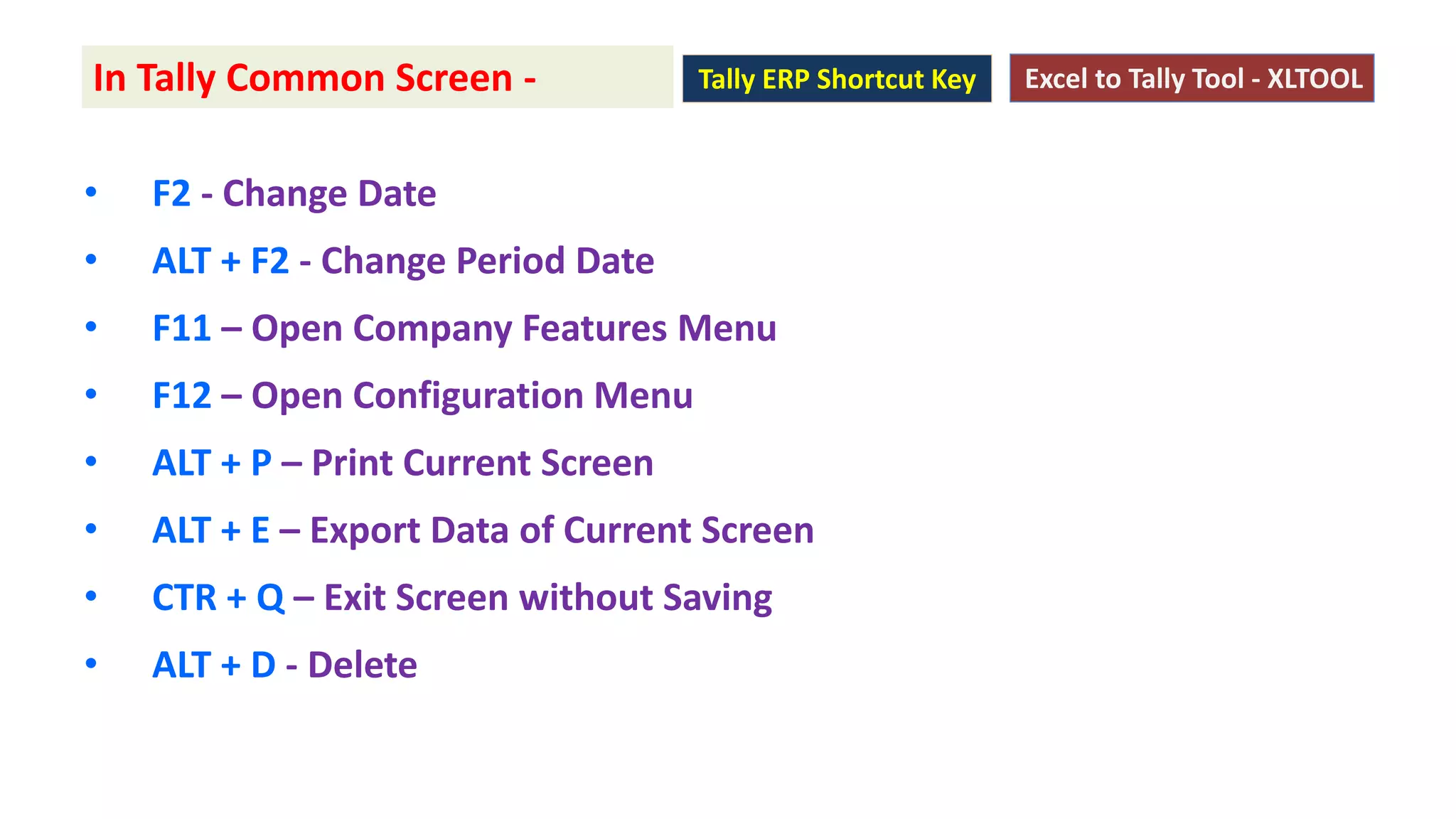
• F2 -Change Date
• ALT + F2 - Change Period Date
• F11 – Open Company Features Menu
• F12 – Open Configuration Menu
• ALT + P – Print Current Screen
• ALT + E – Export Data of Current Screen
• CTR + Q – Exit Screen without Saving
• ALT + D - Delete
In Tally Common Screen - Excel to Tally Tool - XLTOOLTally ERP Shortcut Key
3.
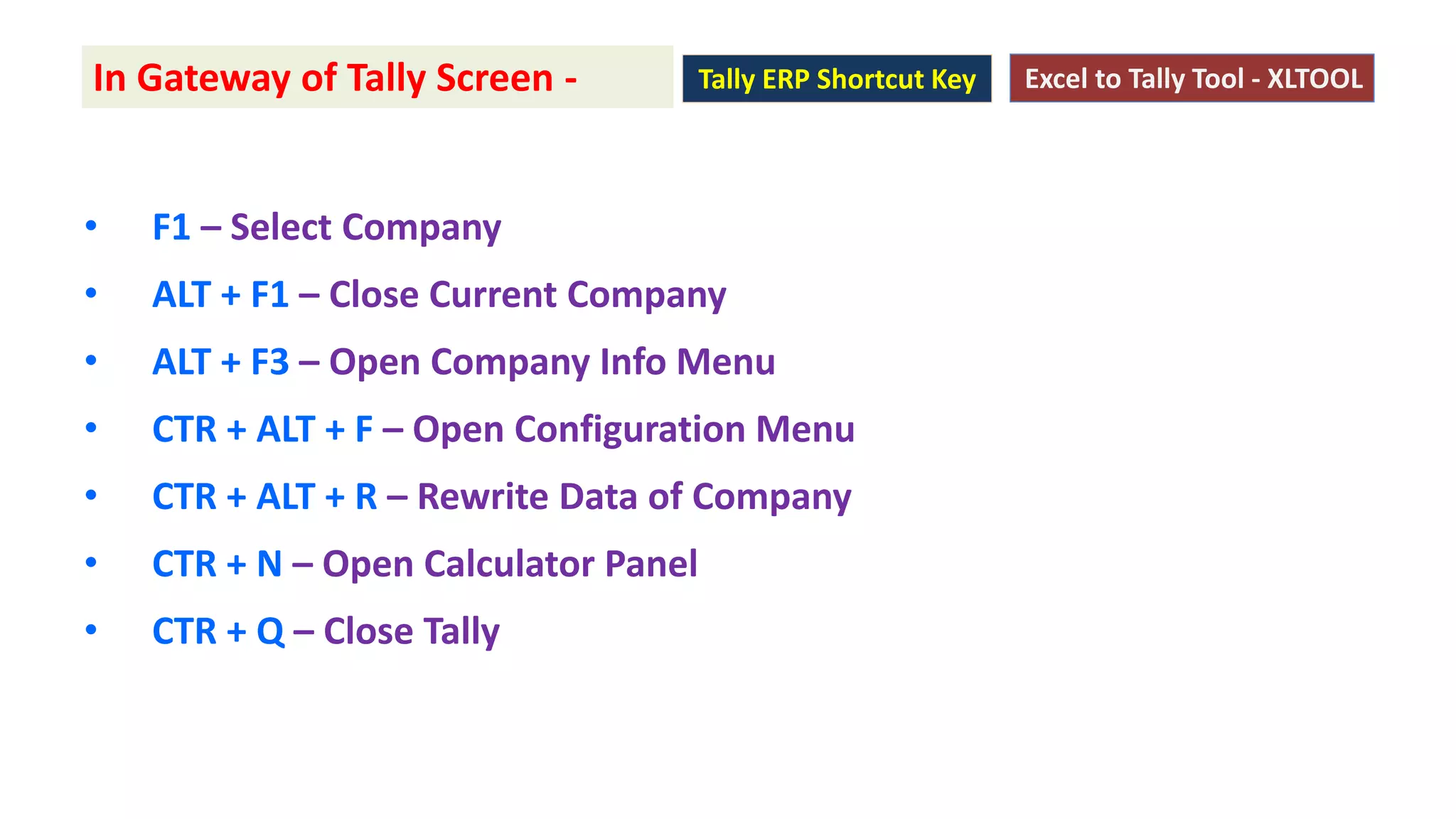
• F1 –Select Company
• ALT + F1 – Close Current Company
• ALT + F3 – Open Company Info Menu
• CTR + ALT + F – Open Configuration Menu
• CTR + ALT + R – Rewrite Data of Company
• CTR + N – Open Calculator Panel
• CTR + Q – Close Tally
In Gateway of Tally Screen - Excel to Tally Tool - XLTOOLTally ERP Shortcut Key
4.
• CTR +L – Open Ledger Creation / Alteration Menu
• CTR + G – Open Group Creation / Alteration Menu
• CTR + I – Open Stock Creation / Alteration Menu
• CTR + C – Open Stock Category Creation / Alteration Menu
• CTR + O – Open Godown Creation / Alteration Menu
• CTR + V – Open Voucher Type Creation / Alteration Menu
In Tally Master Creation Screen - Excel to Tally Tool - XLTOOLTally ERP Shortcut Key
5.
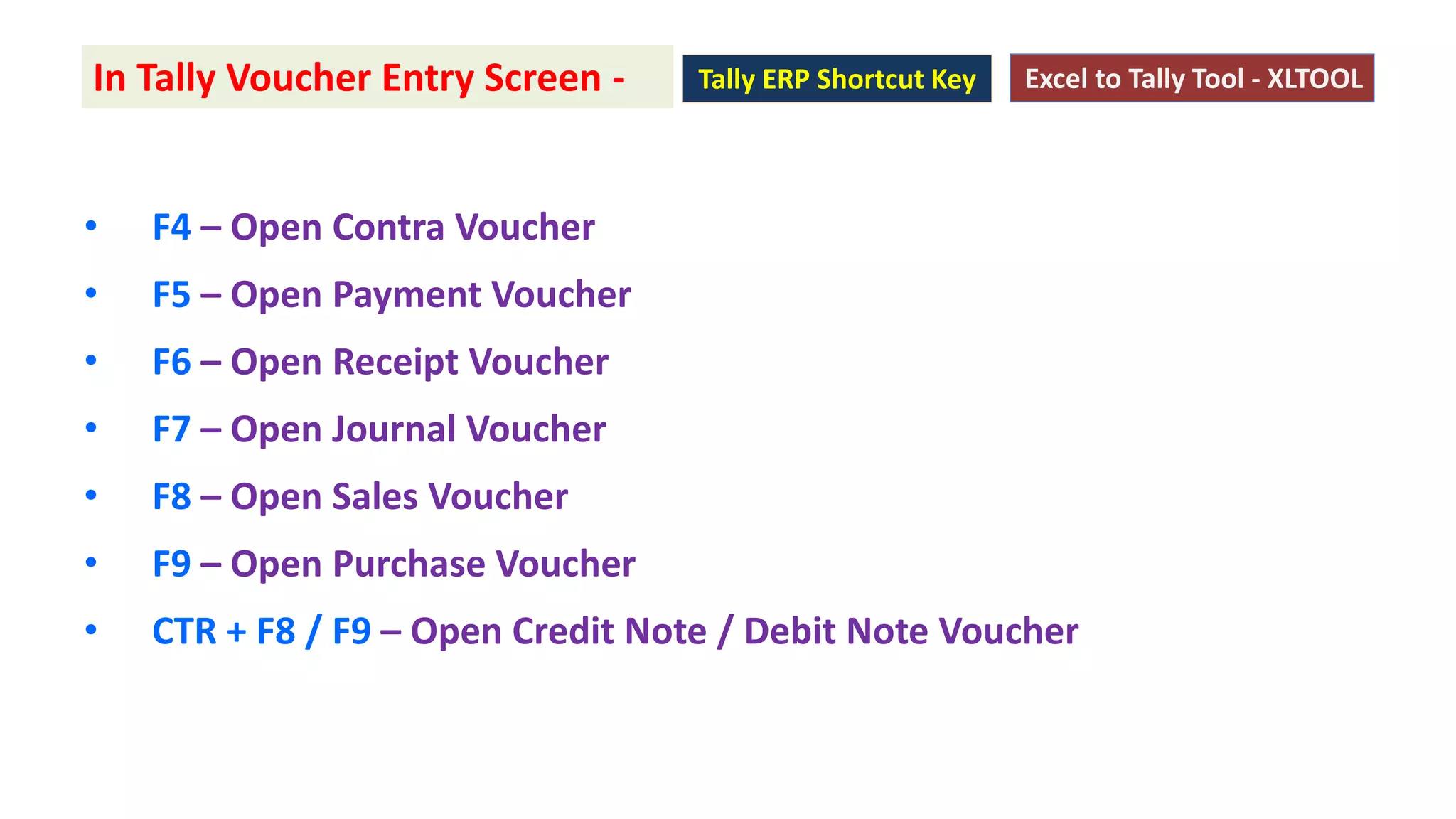
• F4 –Open Contra Voucher
• F5 – Open Payment Voucher
• F6 – Open Receipt Voucher
• F7 – Open Journal Voucher
• F8 – Open Sales Voucher
• F9 – Open Purchase Voucher
• CTR + F8 / F9 – Open Credit Note / Debit Note Voucher
In Tally Voucher Entry Screen - Excel to Tally Tool - XLTOOLTally ERP Shortcut Key
6.
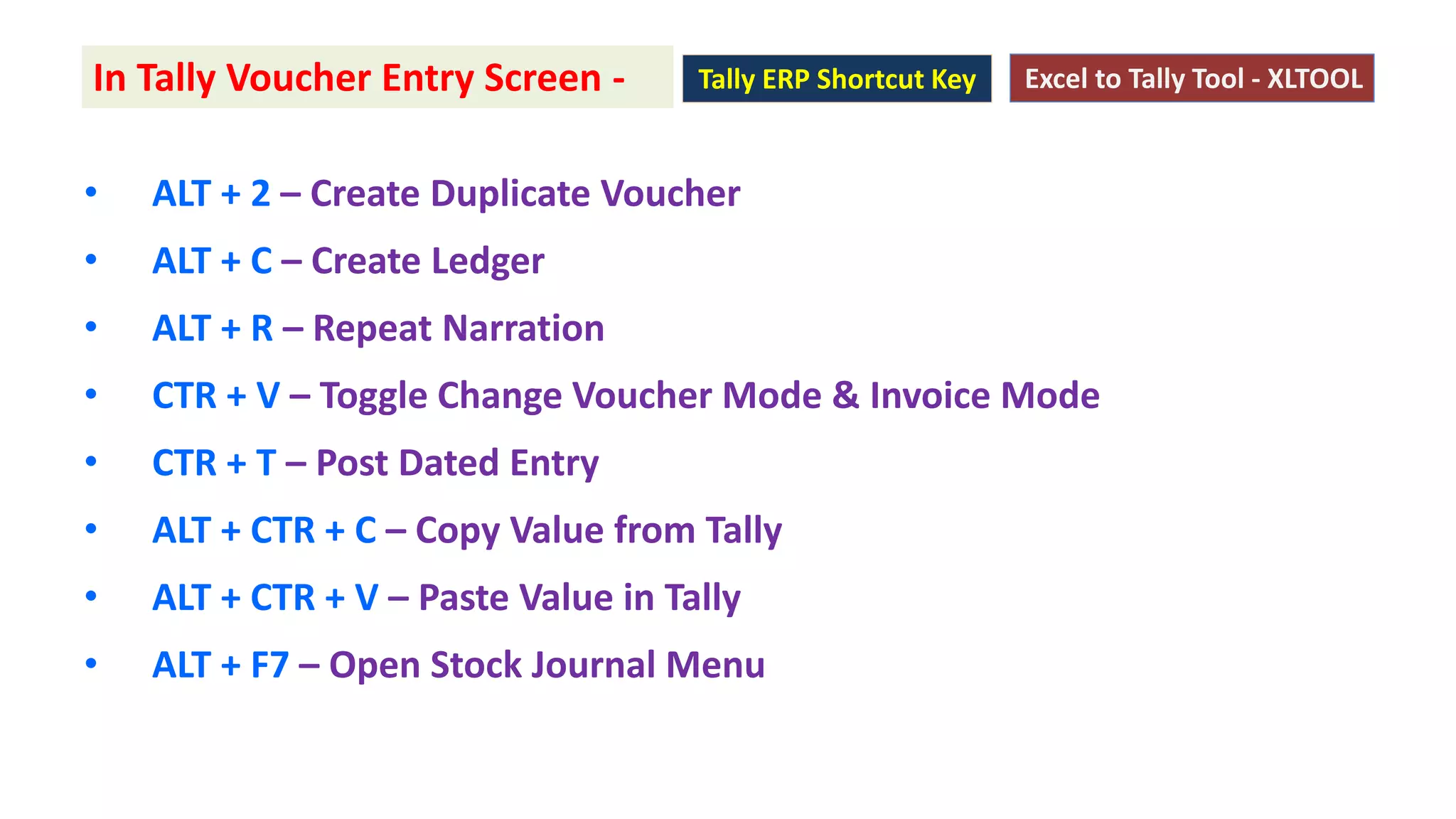
• ALT +2 – Create Duplicate Voucher
• ALT + C – Create Ledger
• ALT + R – Repeat Narration
• CTR + V – Toggle Change Voucher Mode & Invoice Mode
• CTR + T – Post Dated Entry
• ALT + CTR + C – Copy Value from Tally
• ALT + CTR + V – Paste Value in Tally
• ALT + F7 – Open Stock Journal Menu
In Tally Voucher Entry Screen - Excel to Tally Tool - XLTOOLTally ERP Shortcut Key
7.
XLTOOL
Excel to TallySoftware
Import Unlimited Excel format Data to Tally
Try Now
www.xltally.in





![Computer Shortcuts[1]](https://cdn.slidesharecdn.com/ss_thumbnails/computershortcuts1-090823132914-phpapp01-thumbnail.jpg?width=640&height=640&fit=bounds)


![Computer shortcuts (qt)[1]](https://cdn.slidesharecdn.com/ss_thumbnails/computershortcutsqt1-160814113952-thumbnail.jpg?width=640&height=640&fit=bounds)


