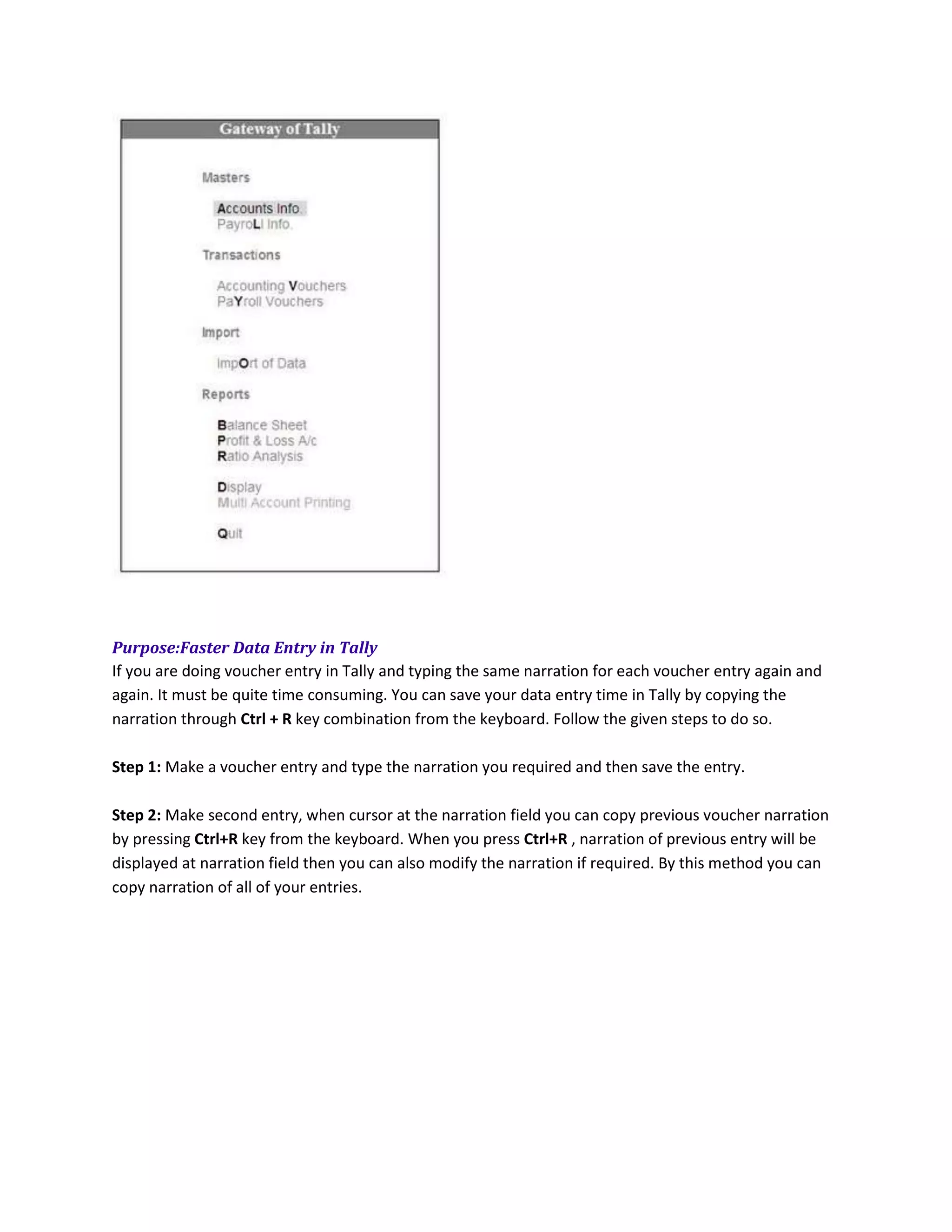
This document provides shortcuts in Tally accounting software to help users operate it faster. Some key shortcuts include Alt 2 to create a duplicate voucher, Ctrl A to accept a duplicate voucher without confirmation, Alt C for various functions like creating new vouchers and accessing the calculator, and Ctrl R to repeat the last voucher narration for faster data entry. The document also discusses how to disable window colors in Tally and copy narrations between vouchers.



![Coded Agents – with UiPath SDK + LangGraph [Virtual Hands-on Workshop]](https://cdn.slidesharecdn.com/ss_thumbnails/codedagentsdeck-251215155422-5497c599-thumbnail.jpg?width=640&height=640&fit=bounds)


![Vibe Coding vs. Spec-Driven Development [Free Meetup]](https://cdn.slidesharecdn.com/ss_thumbnails/vibecodingvsspecdrivendevelopment-251209105622-43f455e7-thumbnail.jpg?width=640&height=640&fit=bounds)