Tally 9 List of Shortcuts                                       1


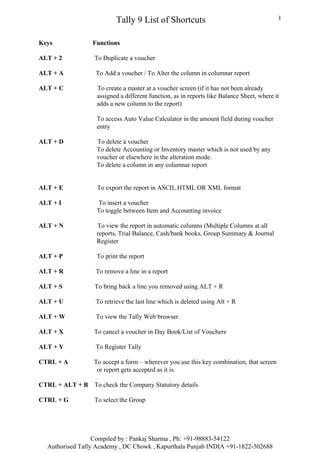
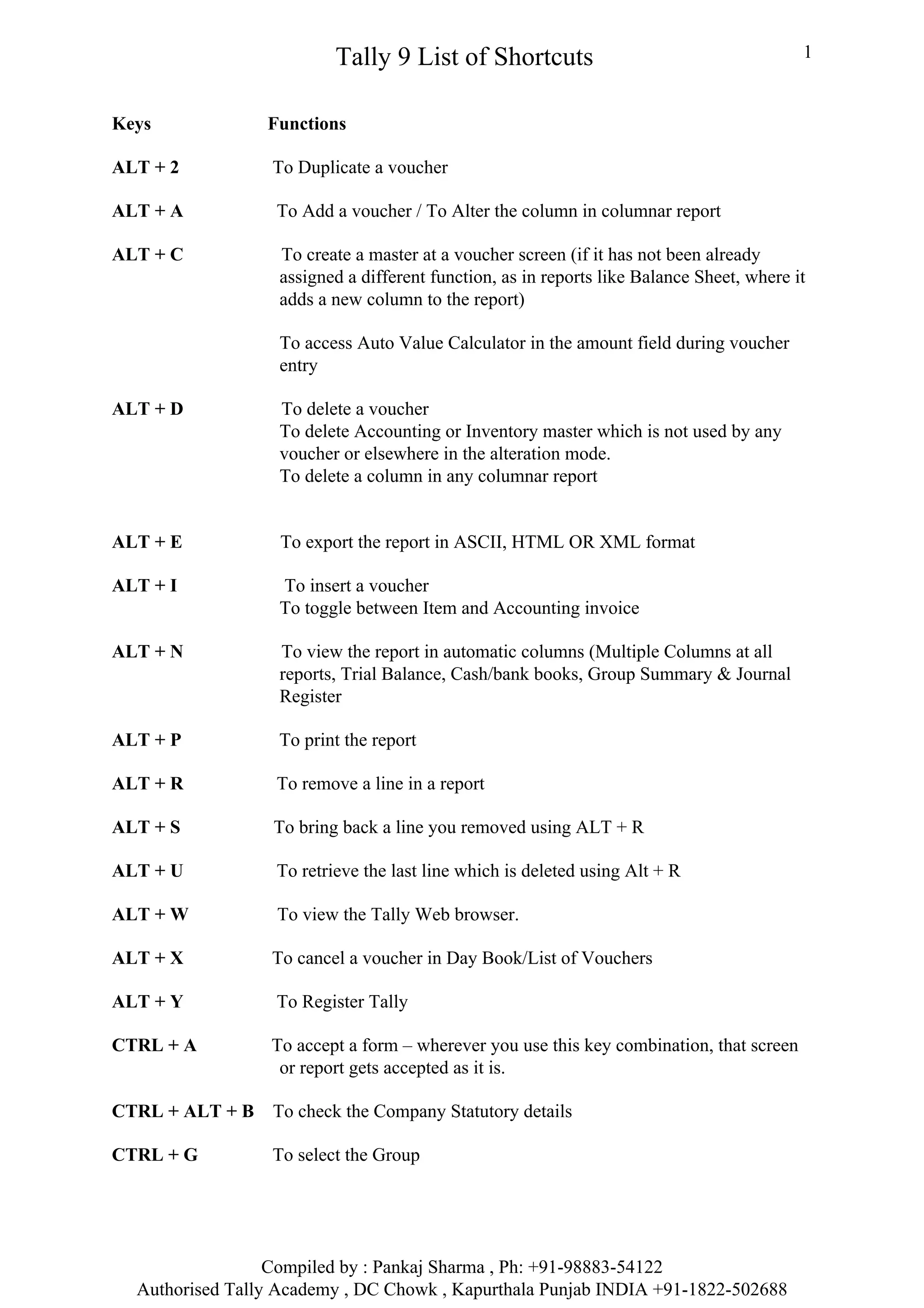
Keys             Functions

ALT + 2           To Duplicate a voucher

ALT + A           To Add a voucher / To Alter the column in columnar report

ALT + C           To create a master at a voucher screen (if it has not been already
                  assigned a different function, as in reports like Balance Sheet, where it
                  adds a new column to the report)

                  To access Auto Value Calculator in the amount field during voucher
                  entry

ALT + D           To delete a voucher
                  To delete Accounting or Inventory master which is not used by any
                  voucher or elsewhere in the alteration mode.
                  To delete a column in any columnar report


ALT + E            To export the report in ASCII, HTML OR XML format

ALT + I           To insert a voucher
                  To toggle between Item and Accounting invoice

ALT + N           To view the report in automatic columns (Multiple Columns at all
                  reports, Trial Balance, Cash/bank books, Group Summary & Journal
                  Register

ALT + P           To print the report

ALT + R           To remove a line in a report

ALT + S           To bring back a line you removed using ALT + R

ALT + U           To retrieve the last line which is deleted using Alt + R

ALT + W           To view the Tally Web browser.

ALT + X           To cancel a voucher in Day Book/List of Vouchers

ALT + Y           To Register Tally

CTRL + A         To accept a form – wherever you use this key combination, that screen
                  or report gets accepted as it is.

CTRL + ALT + B    To check the Company Statutory details

CTRL + G          To select the Group


                  Compiled by : Pankaj Sharma , Ph: +91-98883-54122
  Authorised Tally Academy , DC Chowk , Kapurthala Punjab INDIA +91-1822-502688
Tally 9 List of Shortcuts                                     2


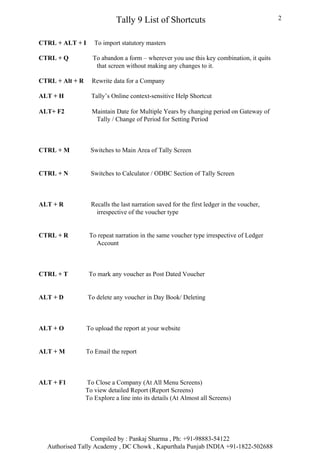
CTRL + ALT + I      To import statutory masters

CTRL + Q           To abandon a form – wherever you use this key combination, it quits
                    that screen without making any changes to it.

CTRL + Alt + R     Rewrite data for a Company

ALT + H            Tally’s Online context-sensitive Help Shortcut

ALT+ F2            Maintain Date for Multiple Years by changing period on Gateway of
                    Tally / Change of Period for Setting Period


CTRL + M           Switches to Main Area of Tally Screen


CTRL + N           Switches to Calculator / ODBC Section of Tally Screen


ALT + R            Recalls the last narration saved for the first ledger in the voucher,
                     irrespective of the voucher type


CTRL + R          To repeat narration in the same voucher type irrespective of Ledger
                    Account


CTRL + T          To mark any voucher as Post Dated Voucher


ALT + D          To delete any voucher in Day Book/ Deleting


ALT + O          To upload the report at your website


ALT + M          To Email the report


ALT + F1         To Close a Company (At All Menu Screens)
                 To view detailed Report (Report Screens)
                 To Explore a line into its details (At Almost all Screens)


                  Compiled by : Pankaj Sharma , Ph: +91-98883-54122
  Authorised Tally Academy , DC Chowk , Kapurthala Punjab INDIA +91-1822-502688
Tally 9 List of Shortcuts                                        3


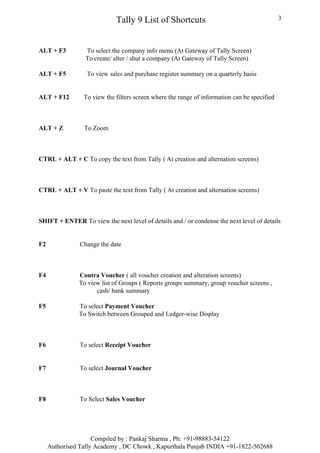
ALT + F3          To select the company info menu (At Gateway of Tally Screen)
                  To create/ alter / shut a company (At Gateway of Tally Screen)

ALT + F5          To view sales and purchase register summary on a quarterly basis


ALT + F12        To view the filters screen where the range of information can be specified


ALT + Z          To Zoom


CTRL + ALT + C To copy the text from Tally ( At creation and alternation screens)


CTRL + ALT + V To paste the text from Tally ( At creation and alternation screens)


SHIFT + ENTER To view the next level of details and / or condense the next level of details


F2              Change the date


F4             Contra Voucher ( all voucher creation and alteration screens)
               To view list of Groups ( Reports groups summary, group voucher screens ,
                     cash/ bank summary

F5             To select Payment Voucher
               To Switch between Grouped and Ledger-wise Display


F6              To select Receipt Voucher


F7              To select Journal Voucher


F8              To Select Sales Voucher


                     Compiled by : Pankaj Sharma , Ph: +91-98883-54122
     Authorised Tally Academy , DC Chowk , Kapurthala Punjab INDIA +91-1822-502688
Tally 9 List of Shortcuts                                        4


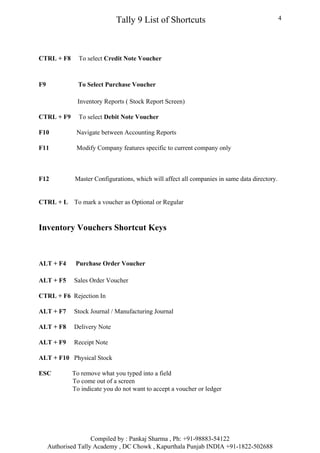
CTRL + F8      To select Credit Note Voucher


F9             To Select Purchase Voucher

               Inventory Reports ( Stock Report Screen)

CTRL + F9      To select Debit Note Voucher

F10           Navigate between Accounting Reports

F11           Modify Company features specific to current company only


F12           Master Configurations, which will affect all companies in same data directory.


CTRL + L      To mark a voucher as Optional or Regular


Inventory Vouchers Shortcut Keys


ALT + F4      Purchase Order Voucher

ALT + F5      Sales Order Voucher

CTRL + F6 Rejection In

ALT + F7      Stock Journal / Manufacturing Journal

ALT + F8      Delivery Note

ALT + F9      Receipt Note

ALT + F10 Physical Stock

ESC          To remove what you typed into a field
             To come out of a screen
             To indicate you do not want to accept a voucher or ledger


                     Compiled by : Pankaj Sharma , Ph: +91-98883-54122
     Authorised Tally Academy , DC Chowk , Kapurthala Punjab INDIA +91-1822-502688
Tally 9 List of Shortcuts                                   5


About Compiler : Pankaj Sharma, Microsoft & Tally Certified Master Trainer & Faculty
having more than 7 yrs experience in Teaching Computers and 4 Yrs + Exp in Computerised
Accounting. Managerial Experience as Center Head for last 5 yrs. Running Authorised Tally
Academy in Kapurthala since July 2004.
You Can Contribute: You can send the additional Shortcut keys to me at
kapurthalaonline@gmail.com for addition in next version of Shortcut Keys.


                   Compiled by : Pankaj Sharma , Ph: +91-98883-54122
   Authorised Tally Academy , DC Chowk , Kapurthala Punjab INDIA +91-1822-502688

Tallyshortcuts

  • 1.
    Tally 9 Listof Shortcuts 1 Keys Functions ALT + 2 To Duplicate a voucher ALT + A To Add a voucher / To Alter the column in columnar report ALT + C To create a master at a voucher screen (if it has not been already assigned a different function, as in reports like Balance Sheet, where it adds a new column to the report) To access Auto Value Calculator in the amount field during voucher entry ALT + D To delete a voucher To delete Accounting or Inventory master which is not used by any voucher or elsewhere in the alteration mode. To delete a column in any columnar report ALT + E To export the report in ASCII, HTML OR XML format ALT + I To insert a voucher To toggle between Item and Accounting invoice ALT + N To view the report in automatic columns (Multiple Columns at all reports, Trial Balance, Cash/bank books, Group Summary & Journal Register ALT + P To print the report ALT + R To remove a line in a report ALT + S To bring back a line you removed using ALT + R ALT + U To retrieve the last line which is deleted using Alt + R ALT + W To view the Tally Web browser. ALT + X To cancel a voucher in Day Book/List of Vouchers ALT + Y To Register Tally CTRL + A To accept a form – wherever you use this key combination, that screen or report gets accepted as it is. CTRL + ALT + B To check the Company Statutory details CTRL + G To select the Group Compiled by : Pankaj Sharma , Ph: +91-98883-54122 Authorised Tally Academy , DC Chowk , Kapurthala Punjab INDIA +91-1822-502688
  • 2.
    Tally 9 Listof Shortcuts 2 CTRL + ALT + I To import statutory masters CTRL + Q To abandon a form – wherever you use this key combination, it quits that screen without making any changes to it. CTRL + Alt + R Rewrite data for a Company ALT + H Tally’s Online context-sensitive Help Shortcut ALT+ F2 Maintain Date for Multiple Years by changing period on Gateway of Tally / Change of Period for Setting Period CTRL + M Switches to Main Area of Tally Screen CTRL + N Switches to Calculator / ODBC Section of Tally Screen ALT + R Recalls the last narration saved for the first ledger in the voucher, irrespective of the voucher type CTRL + R To repeat narration in the same voucher type irrespective of Ledger Account CTRL + T To mark any voucher as Post Dated Voucher ALT + D To delete any voucher in Day Book/ Deleting ALT + O To upload the report at your website ALT + M To Email the report ALT + F1 To Close a Company (At All Menu Screens) To view detailed Report (Report Screens) To Explore a line into its details (At Almost all Screens) Compiled by : Pankaj Sharma , Ph: +91-98883-54122 Authorised Tally Academy , DC Chowk , Kapurthala Punjab INDIA +91-1822-502688
  • 3.
    Tally 9 Listof Shortcuts 3 ALT + F3 To select the company info menu (At Gateway of Tally Screen) To create/ alter / shut a company (At Gateway of Tally Screen) ALT + F5 To view sales and purchase register summary on a quarterly basis ALT + F12 To view the filters screen where the range of information can be specified ALT + Z To Zoom CTRL + ALT + C To copy the text from Tally ( At creation and alternation screens) CTRL + ALT + V To paste the text from Tally ( At creation and alternation screens) SHIFT + ENTER To view the next level of details and / or condense the next level of details F2 Change the date F4 Contra Voucher ( all voucher creation and alteration screens) To view list of Groups ( Reports groups summary, group voucher screens , cash/ bank summary F5 To select Payment Voucher To Switch between Grouped and Ledger-wise Display F6 To select Receipt Voucher F7 To select Journal Voucher F8 To Select Sales Voucher Compiled by : Pankaj Sharma , Ph: +91-98883-54122 Authorised Tally Academy , DC Chowk , Kapurthala Punjab INDIA +91-1822-502688
  • 4.
    Tally 9 Listof Shortcuts 4 CTRL + F8 To select Credit Note Voucher F9 To Select Purchase Voucher Inventory Reports ( Stock Report Screen) CTRL + F9 To select Debit Note Voucher F10 Navigate between Accounting Reports F11 Modify Company features specific to current company only F12 Master Configurations, which will affect all companies in same data directory. CTRL + L To mark a voucher as Optional or Regular Inventory Vouchers Shortcut Keys ALT + F4 Purchase Order Voucher ALT + F5 Sales Order Voucher CTRL + F6 Rejection In ALT + F7 Stock Journal / Manufacturing Journal ALT + F8 Delivery Note ALT + F9 Receipt Note ALT + F10 Physical Stock ESC To remove what you typed into a field To come out of a screen To indicate you do not want to accept a voucher or ledger Compiled by : Pankaj Sharma , Ph: +91-98883-54122 Authorised Tally Academy , DC Chowk , Kapurthala Punjab INDIA +91-1822-502688
  • 5.
    Tally 9 Listof Shortcuts 5 About Compiler : Pankaj Sharma, Microsoft & Tally Certified Master Trainer & Faculty having more than 7 yrs experience in Teaching Computers and 4 Yrs + Exp in Computerised Accounting. Managerial Experience as Center Head for last 5 yrs. Running Authorised Tally Academy in Kapurthala since July 2004. You Can Contribute: You can send the additional Shortcut keys to me at kapurthalaonline@gmail.com for addition in next version of Shortcut Keys. Compiled by : Pankaj Sharma , Ph: +91-98883-54122 Authorised Tally Academy , DC Chowk , Kapurthala Punjab INDIA +91-1822-502688