







11
 markup
Take your
                                             to


 Some rights reserved   Denver HTML5 Users Group   May 23, 2011
Web Designer       Writer     Instructor
emilylewisdesign.com

Co-Founder & Co-Manager, Webuquerque
webuquerque.com


Author, Microformats Made Simple
microformatsmadesimple.com

Co-author, HTML5 Cookbook


Email:   emily@emilylewisdesign.com
Blog:    ablognotlimited.com
Twitter: @emilylewis
Tonight, it’s all about


Markup
?
Transforms                    Canvas
                           Geolocation
Multiple Backgrounds
                 Web Storage
  Native Media                  Rounded Corners


        Offline Web Apps
                                 Transitions
    Gradients          SVG
JOB
Good HTML
• Foundation of today’s web
• Can make a perfectly great web site
  with nothing else
• Easy to learn & implement
Great Markup
• Semantics for machine readability
• Accessible for all users
• Development efficiencies
• Syndication
• SEO and findability
• User experience enhancements
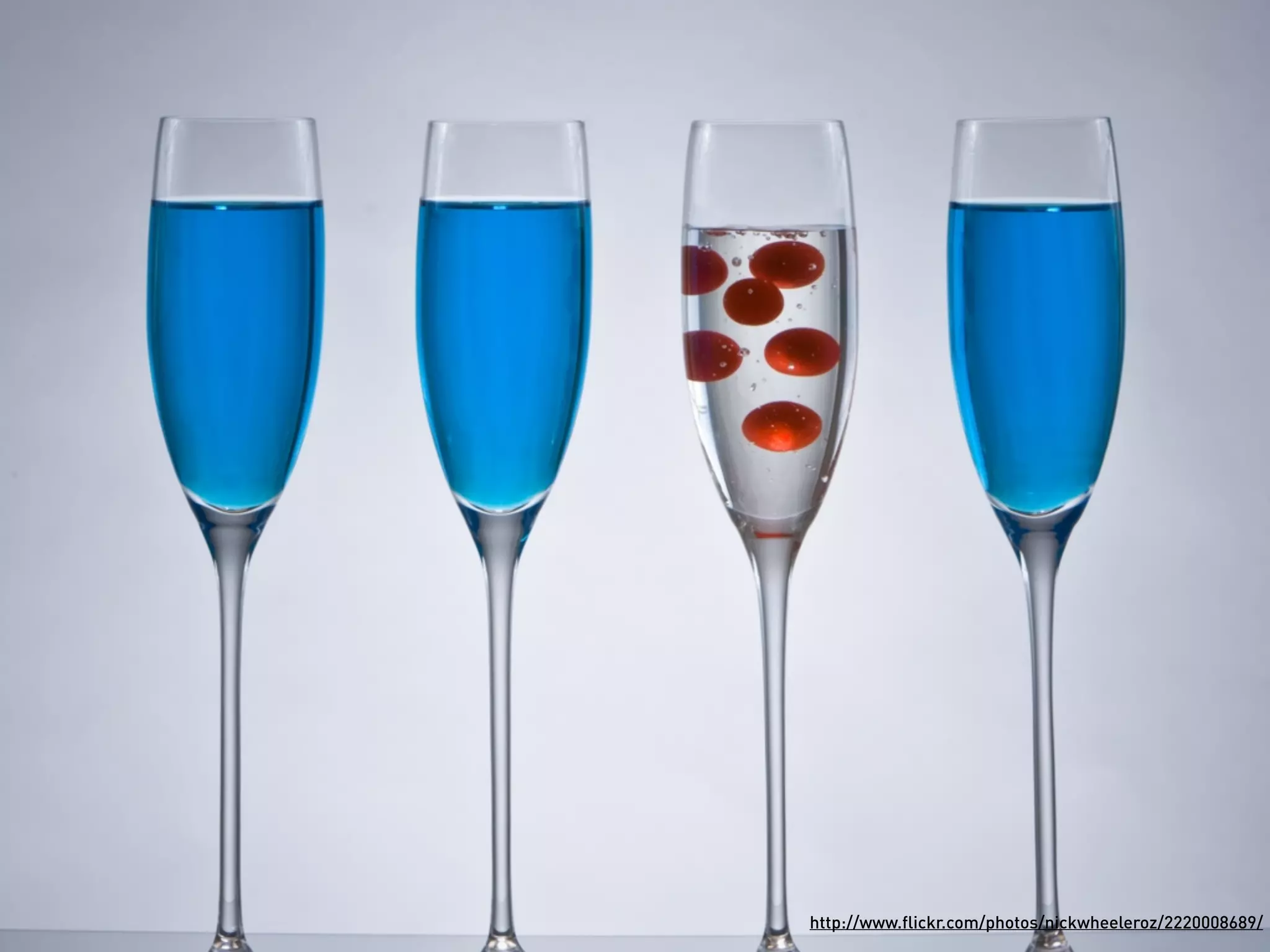
http://www.flickr.com/photos/nickwheeleroz/2220008689/
To reach this level of greatness, you have to


        Go to 11
POSH
Plain Old Semantic HTML
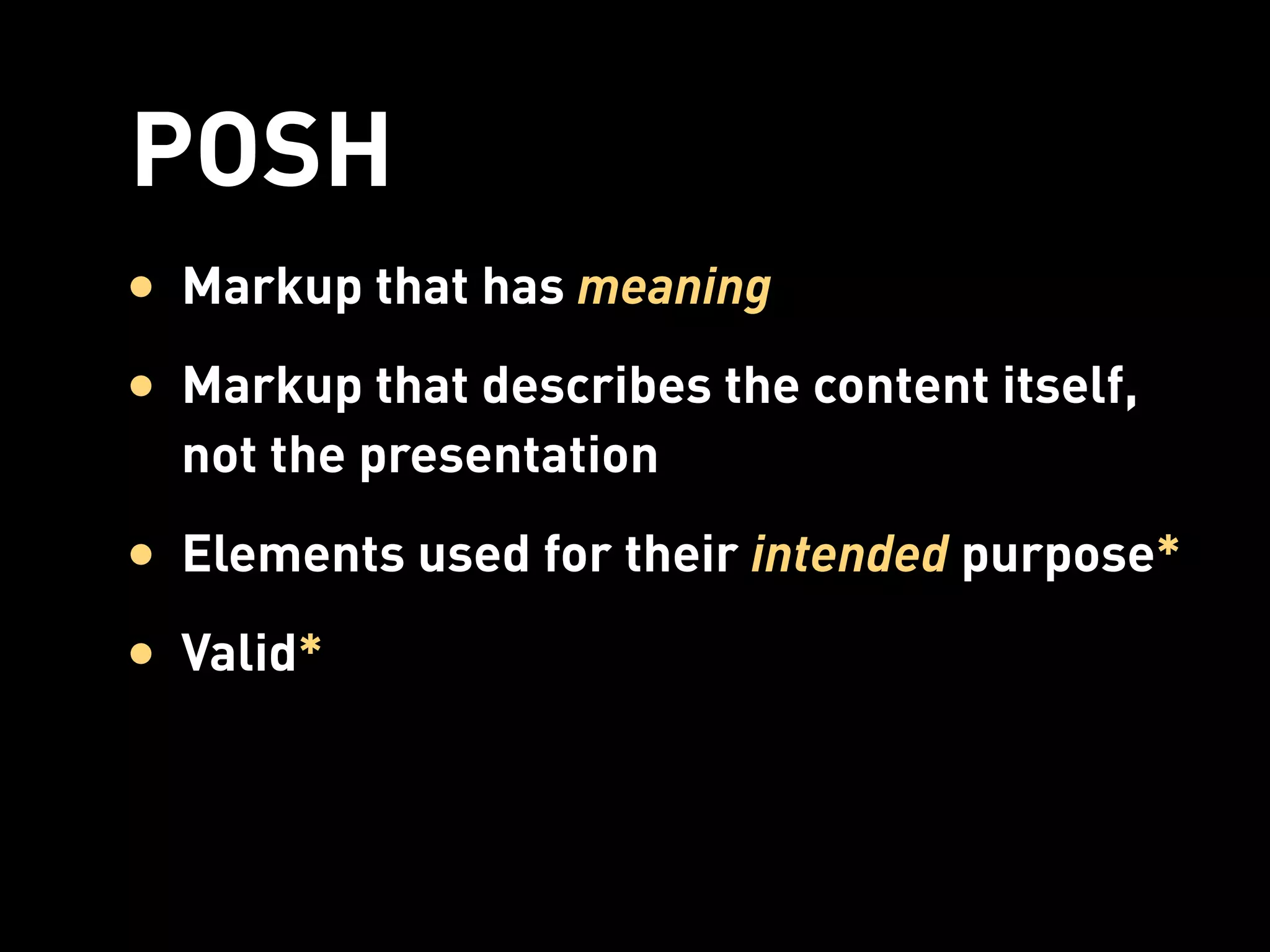
POSH
• Markup that has meaning
• Markup that describes the content itself,
  not the presentation
• Elements used for their intended purpose*
• Valid*
Not POSH
    <table>
    
 <tr>
    
 
 <td><a    href="/">Home</a></td>
         <td><a   href="/products/">Products</a></td>
         <td><a   href="/services/">Services</a></td>
         <td><a   href="/about/">About</a></td>
    
 </tr>
    </table>


Also Not POSH
    <blockquote>
      <p>I need me some indented text!</p>
    </blockquote>
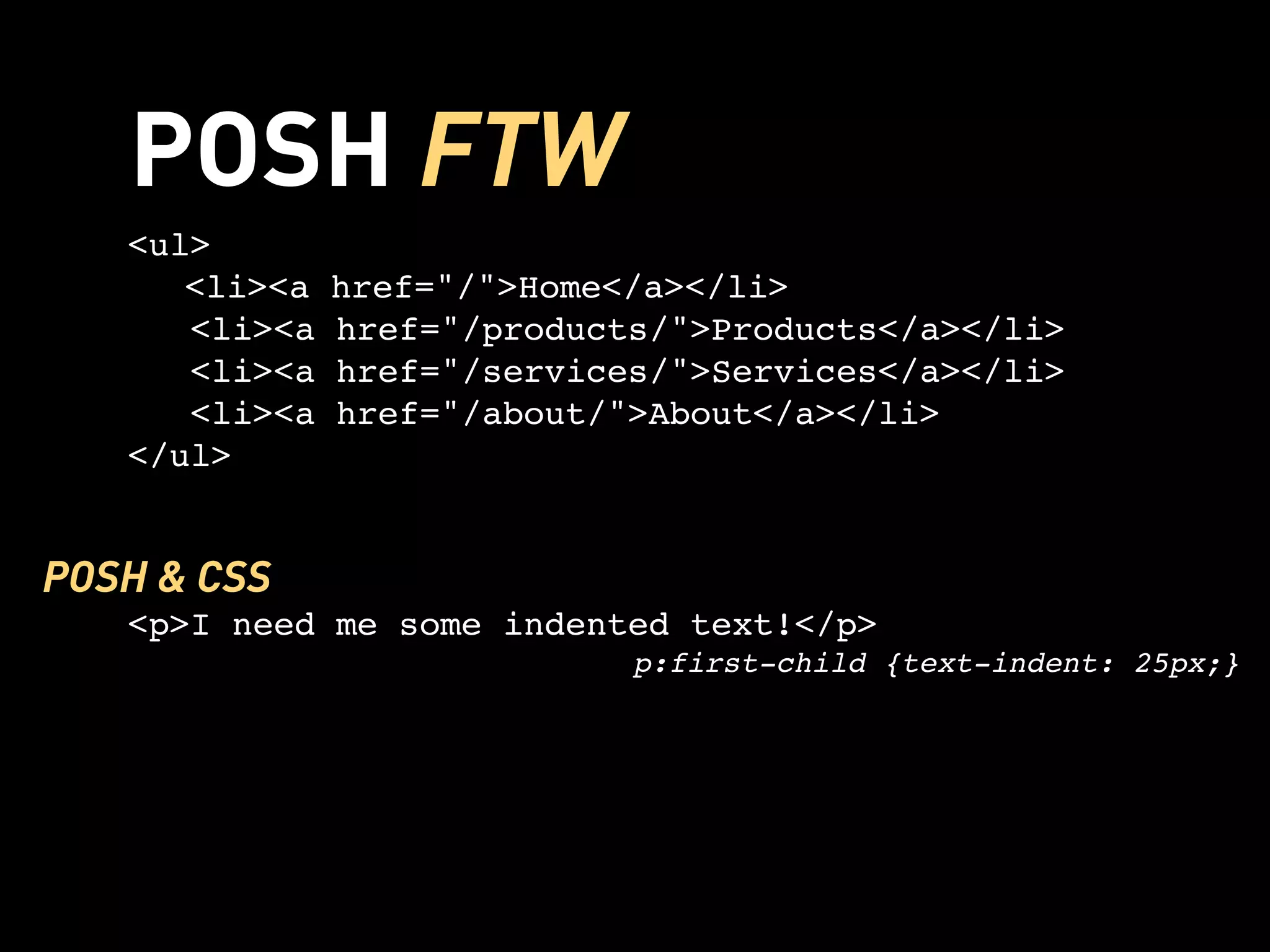
POSH FTW
   <ul>
   
 <li><a    href="/">Home</a></li>
      <li><a   href="/products/">Products</a></li>
      <li><a   href="/services/">Services</a></li>
      <li><a   href="/about/">About</a></li>
   </ul>


POSH & CSS
   <p>I need me some indented text!</p>
                             p:first-child {text-indent: 25px;}
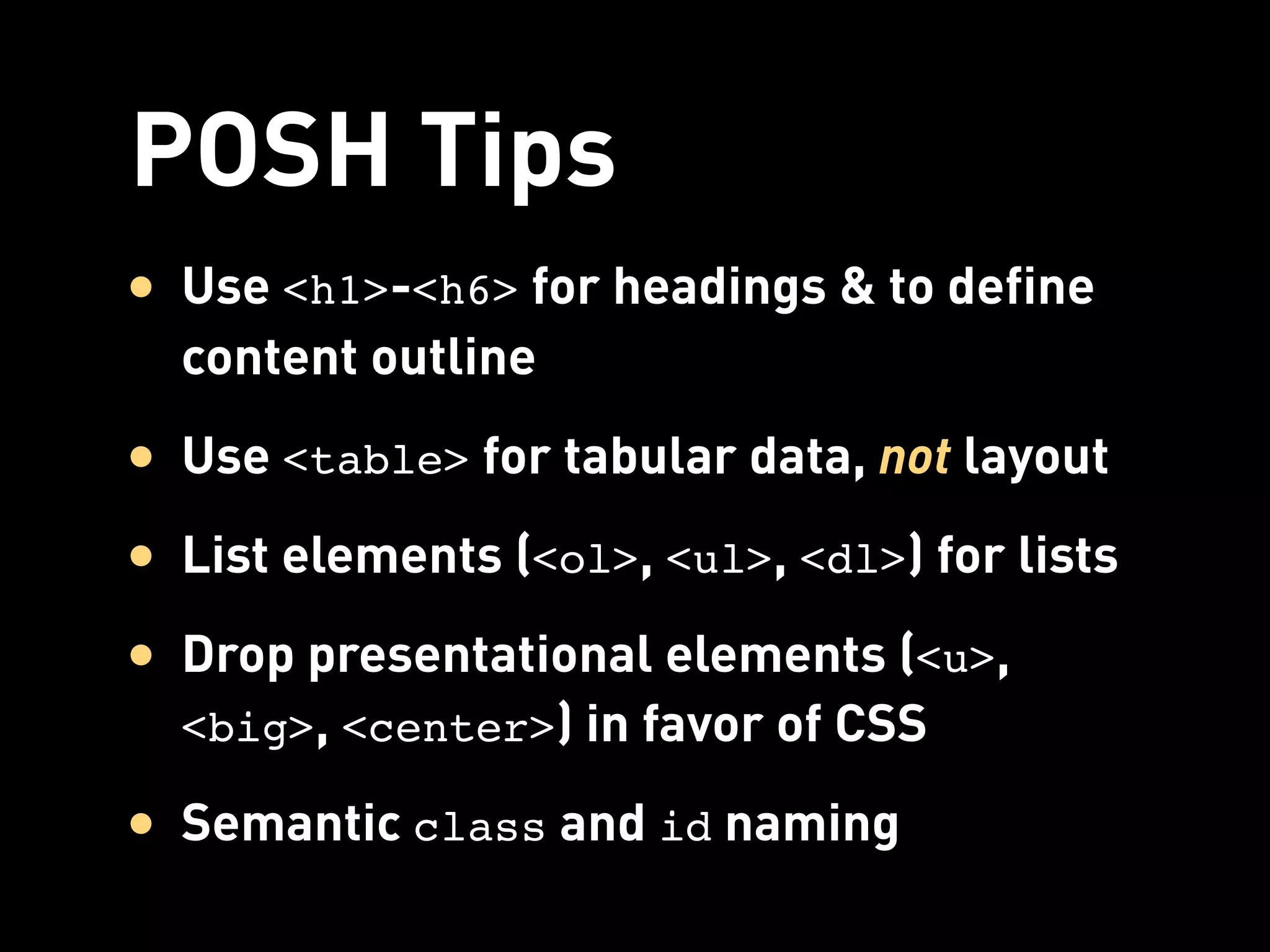
POSH Tips
• Use <h1>-<h6> for headings & to define
  content outline
• Use <table> for tabular data, not layout
• List elements (<ol>, <ul>, <dl>) for lists
• Drop presentational elements (<u>,
  <big>, <center>) in favor of CSS

• Semantic class and id naming
POSH Benefits
• Web standards
• Portability for devices
• Common standard for teams
• Easier troubleshooting & maintenance
• More accessible
• Leaner markup = lighter-weight pages
*
Flexibility vs. Pedantry
• Use the right technology for the job
• Pave the cowpaths
• Our Best Practices Are Killing Us
  stubbornella.org/content/2011/04/28/our-best-practices-are-killing-us/


• Understanding HTML5 Validation
  impressivewebs.com/understanding-html5-validation/
HTML5
    5
More than Markup
• Rich media (<canvas>, <audio>, <video>)
• Interactive <form> enhancements
• APIs for application development
HTML5
• Backwards and forward compatible
• New and redefined semantic elements
• Obsolete presentational elements
• Flexible and simplified syntax
Is it for you?
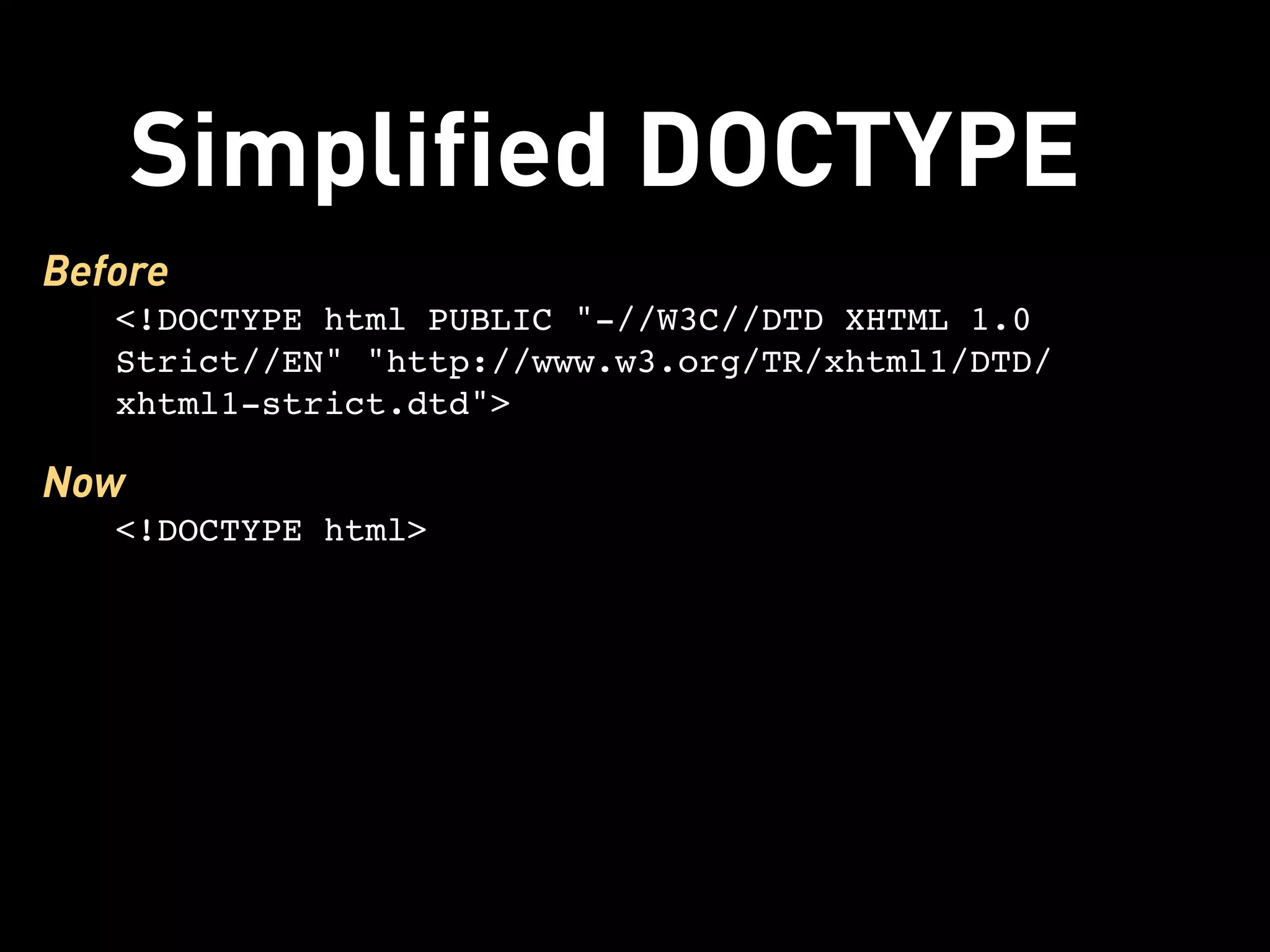
Simplified DOCTYPE
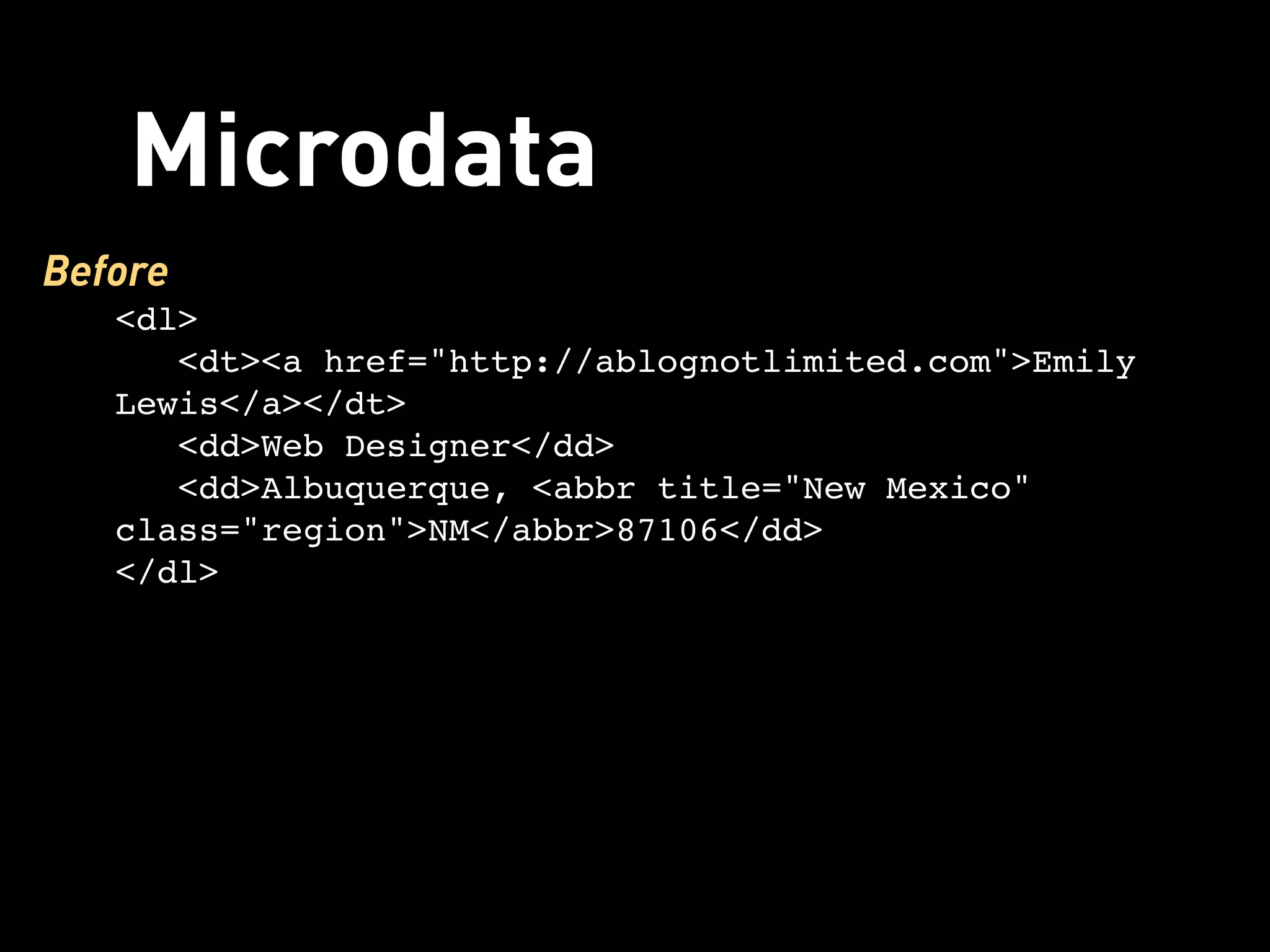
Before
   <!DOCTYPE html PUBLIC "-//W3C//DTD XHTML 1.0
   Strict//EN" "http://www.w3.org/TR/xhtml1/DTD/
   xhtml1-strict.dtd">

Now
   <!DOCTYPE html>
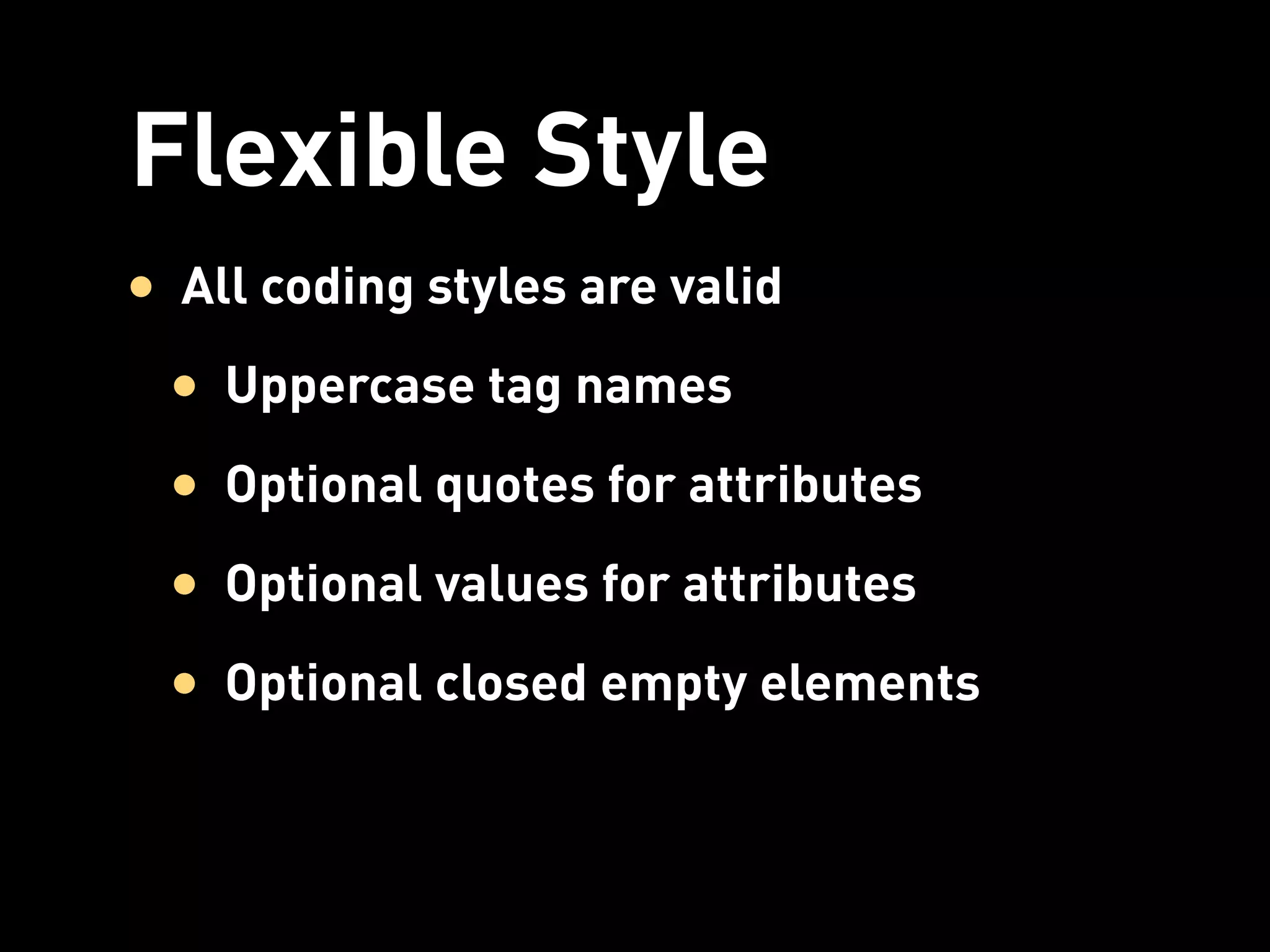
Flexible Style
• All coding styles are valid
 • Uppercase tag names
 • Optional quotes for attributes
 • Optional values for attributes
 • Optional closed empty elements
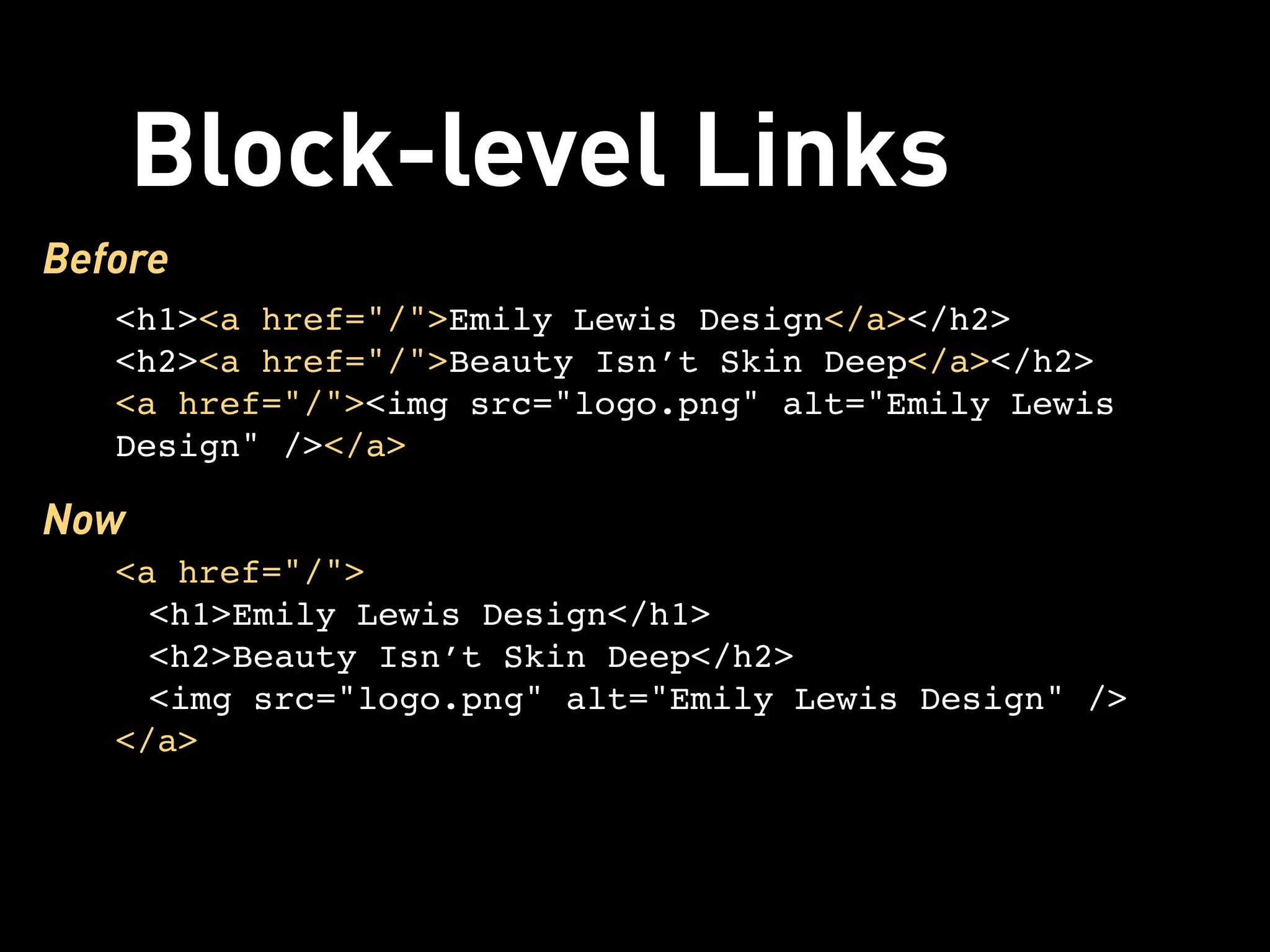
Block-level Links
Before
   <h1><a href="/">Emily Lewis Design</a></h2>
   <h2><a href="/">Beauty Isn’t Skin Deep</a></h2>
   <a href="/"><img src="logo.png" alt="Emily Lewis
   Design" /></a>

Now
   <a href="/">
     <h1>Emily Lewis Design</h1>
     <h2>Beauty Isn’t Skin Deep</h2>
     <img src="logo.png" alt="Emily Lewis Design" />
   </a>
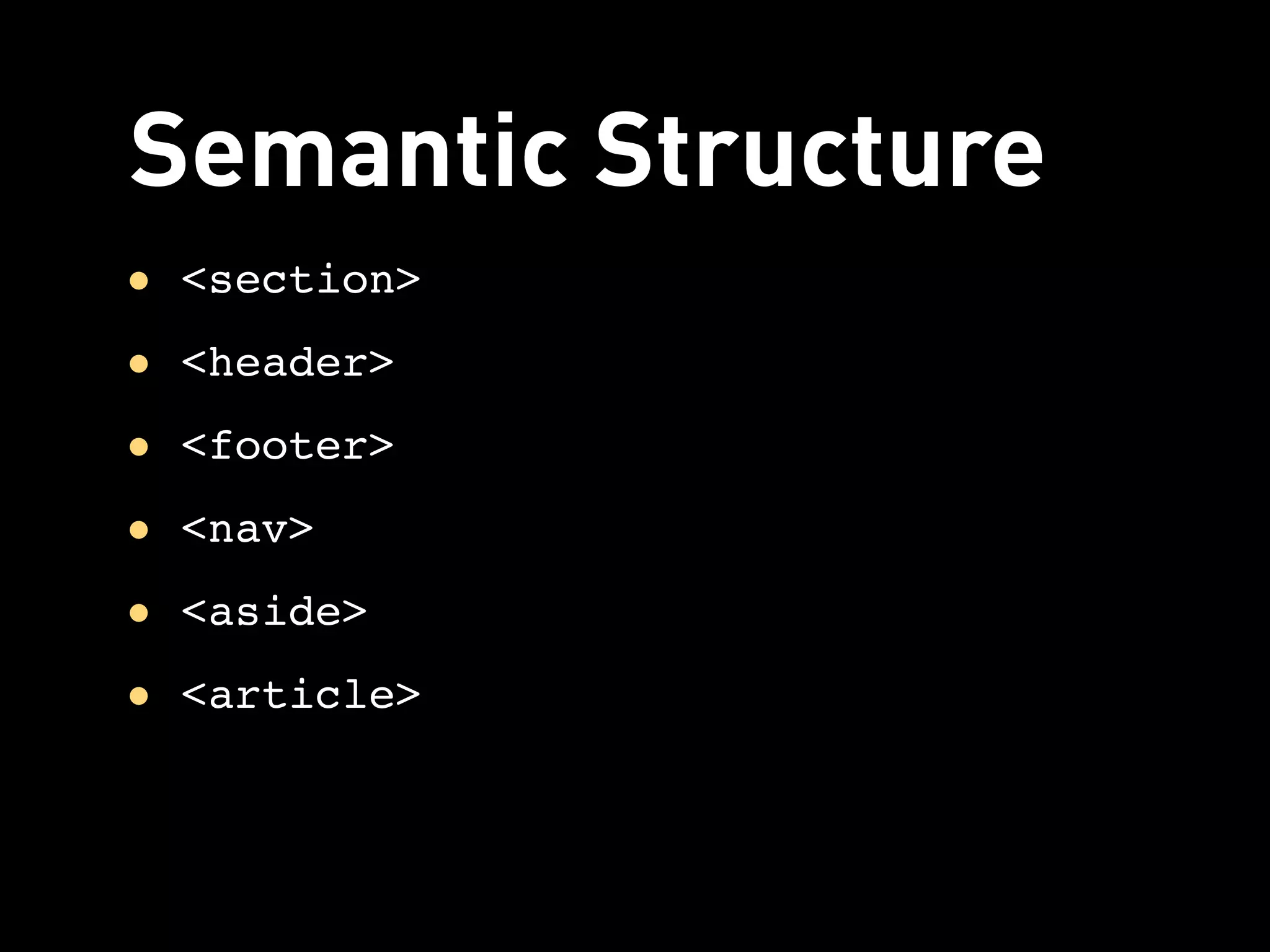
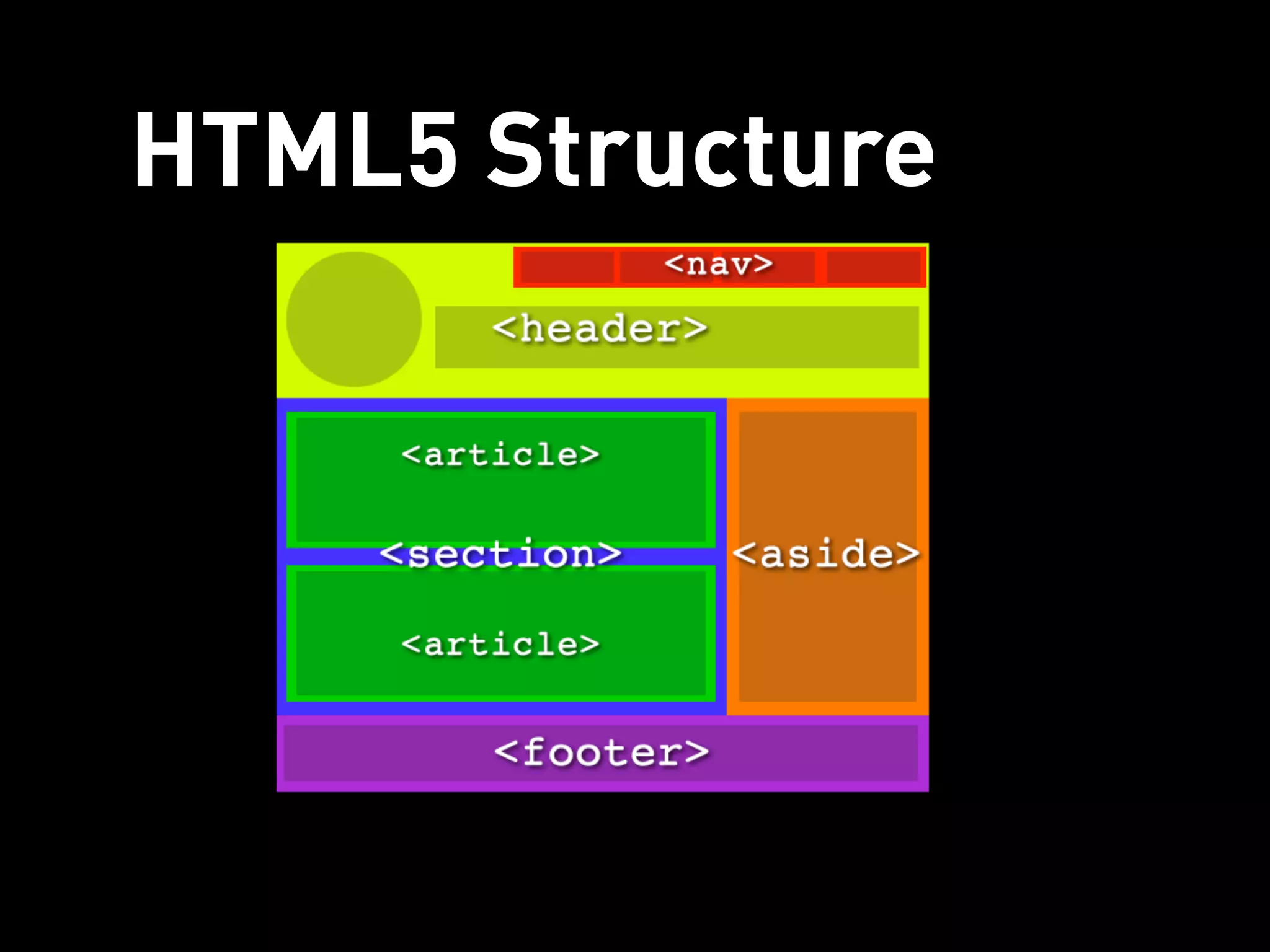
Semantic Structure
• <section>
• <header>
• <footer>
• <nav>
• <aside>
• <article>
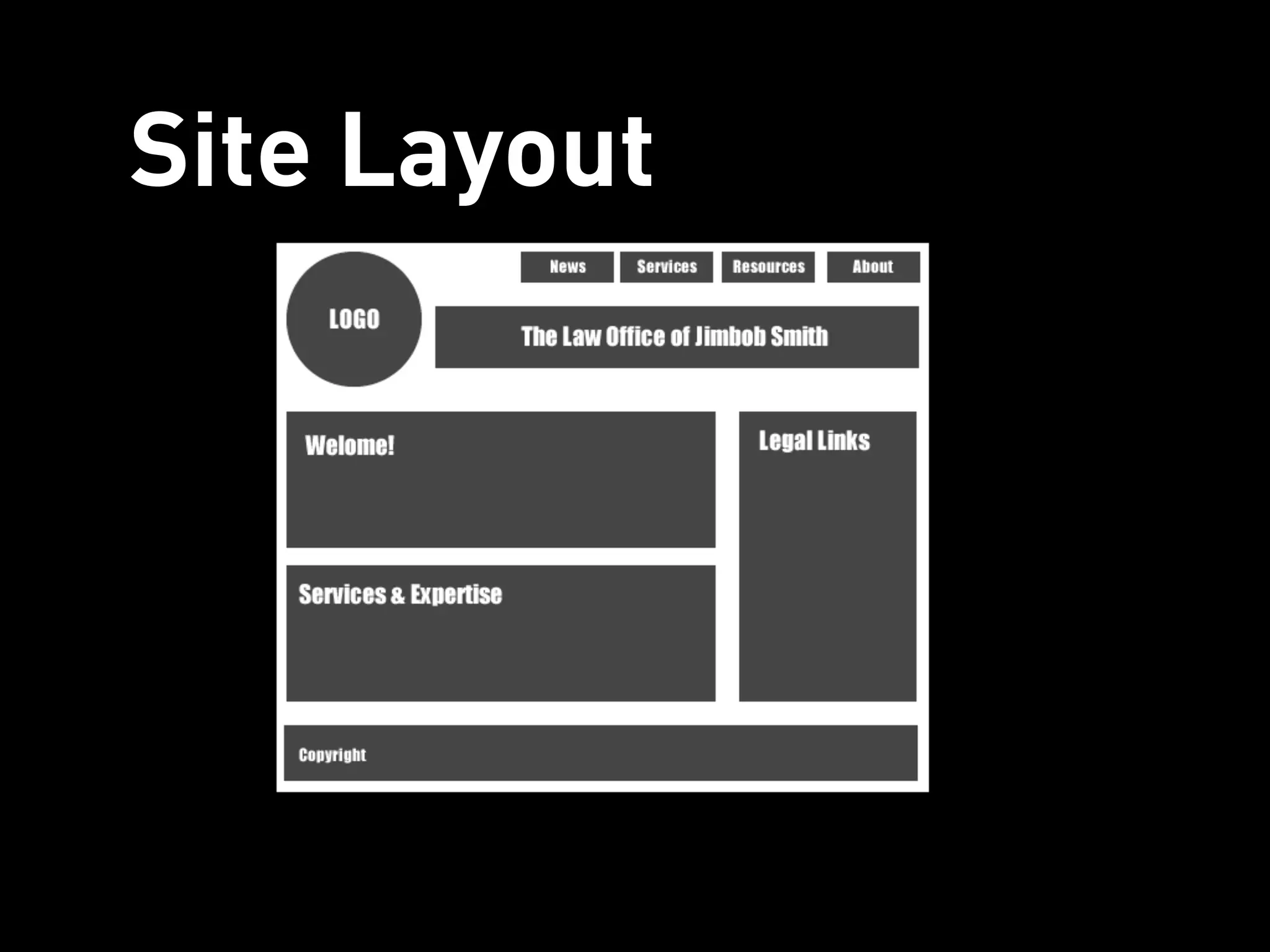
Site Layout
HTML5 Structure
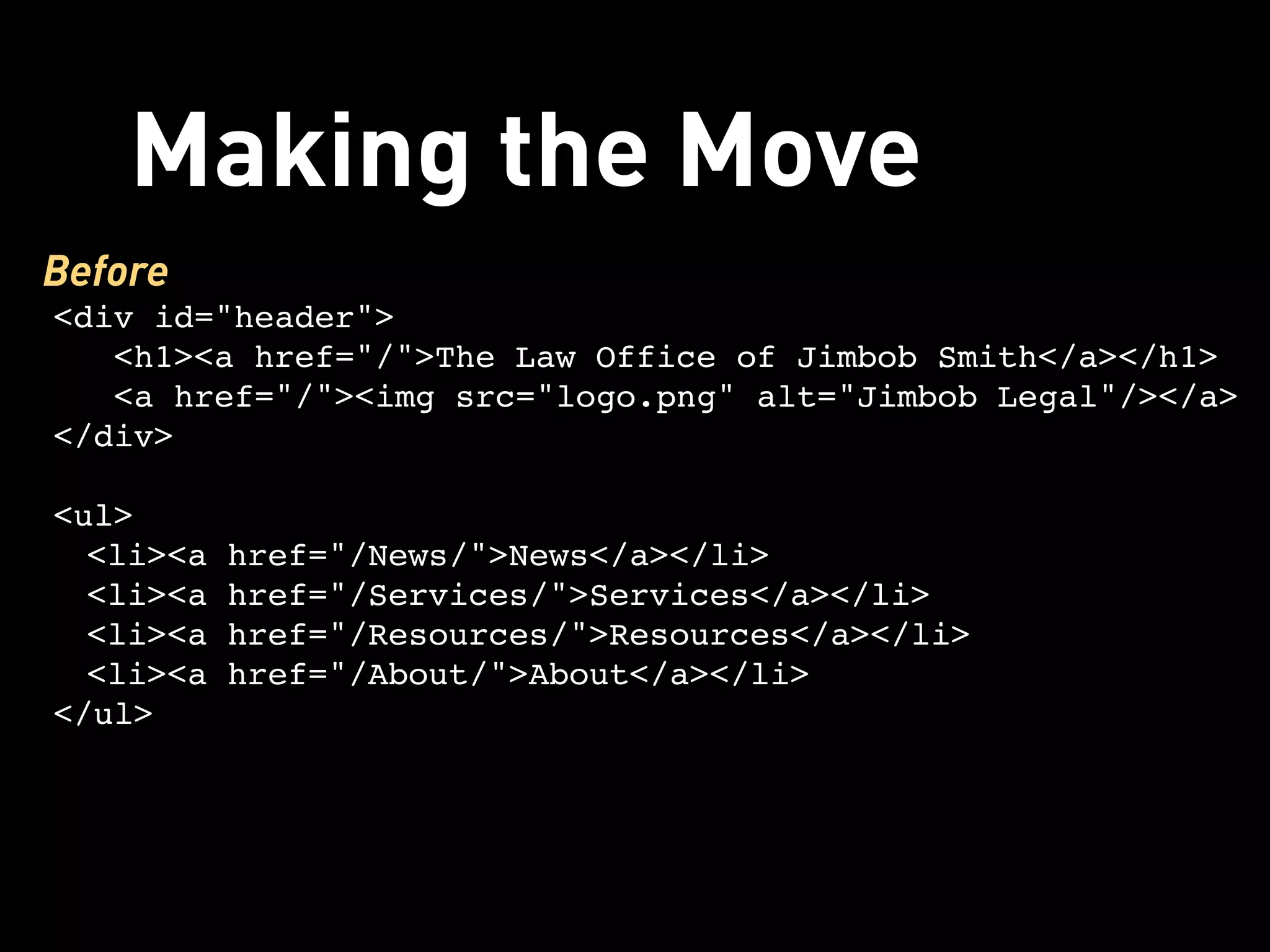
Making the Move
Before
<div id="header">
   <h1><a href="/">The Law Office of Jimbob Smith</a></h1> 
   <a href="/"><img src="logo.png" alt="Jimbob Legal"/></a>
</div>

<ul>
  <li><a href="/News/">News</a></li>
  <li><a href="/Services/">Services</a></li>
  <li><a href="/Resources/">Resources</a></li>
  <li><a href="/About/">About</a></li>
</ul>
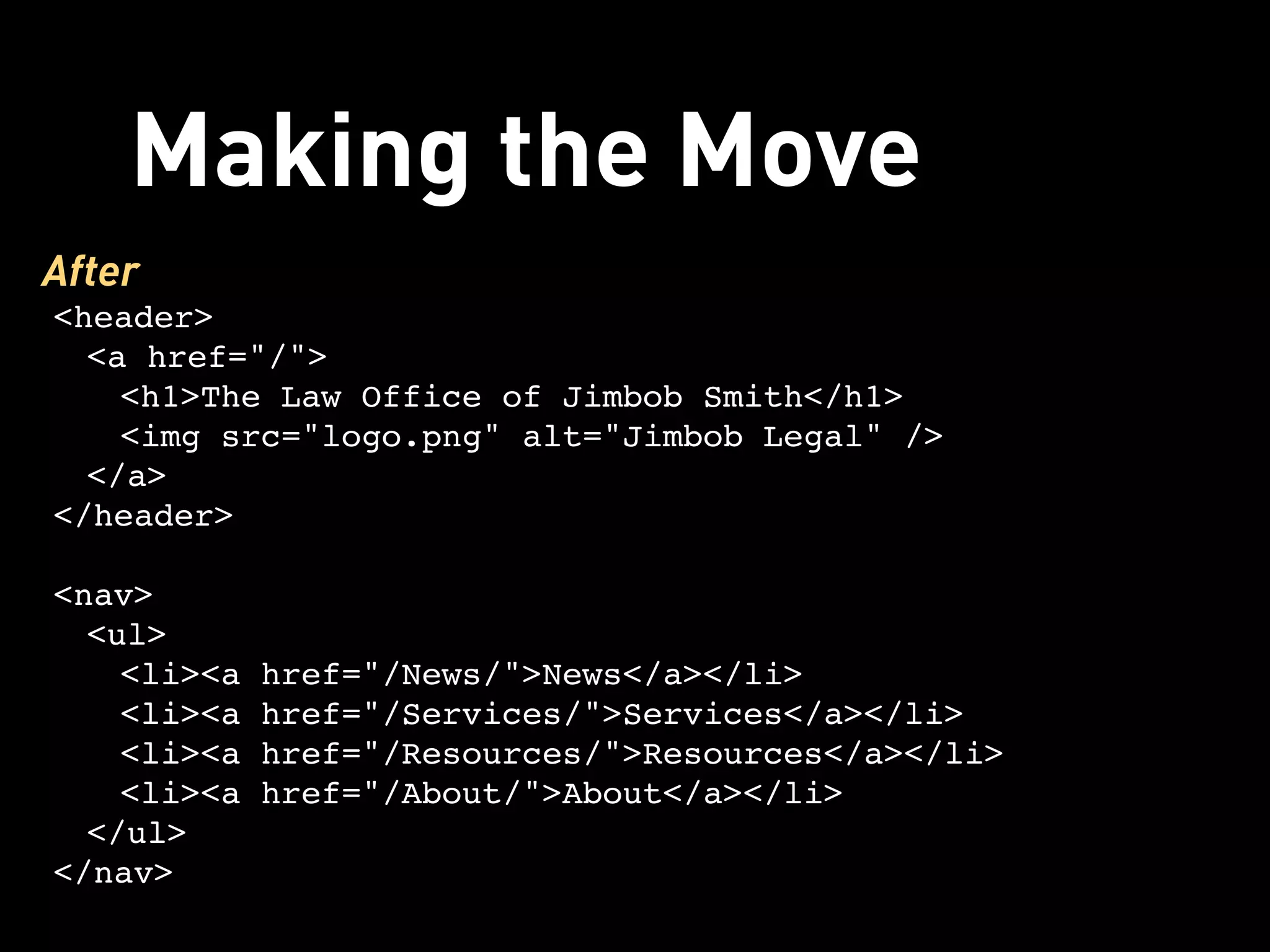
Making the Move
After
<header>
  <a href="/">
    <h1>The Law Office of Jimbob Smith</h1>
    <img src="logo.png" alt="Jimbob Legal" />
  </a>
</header>

<nav>
  <ul>
    <li><a href="/News/">News</a></li>
    <li><a href="/Services/">Services</a></li>
    <li><a href="/Resources/">Resources</a></li>
    <li><a href="/About/">About</a></li>
  </ul>
</nav>
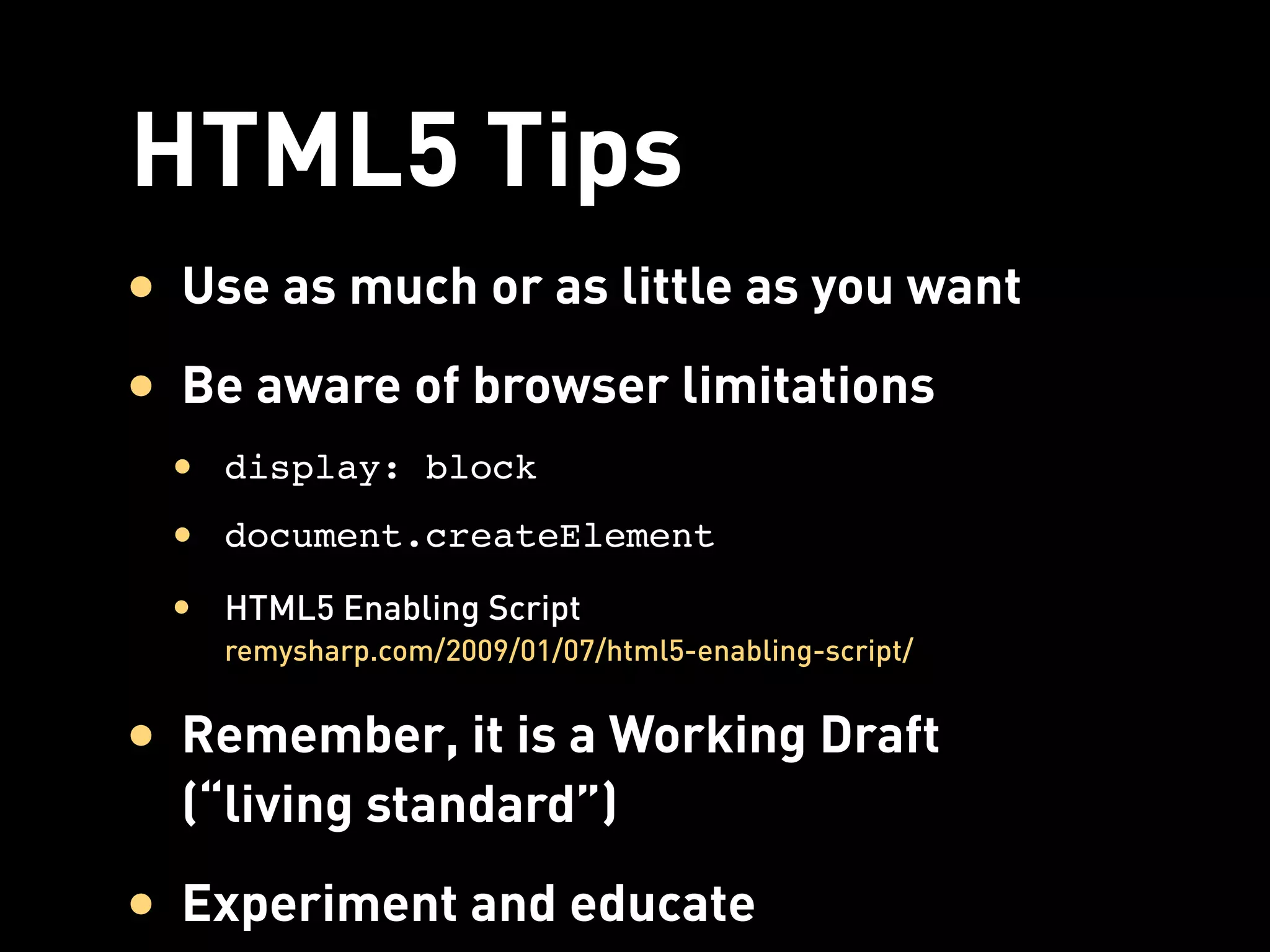
HTML5 Tips
• Use as much or as little as you want
• Be aware of browser limitations
 • display: block
 • document.createElement
 • HTML5 Enabling Script
    remysharp.com/2009/01/07/html5-enabling-script/


• Remember, it is a Working Draft
  (“living standard”)
• Experiment and educate
More Meaning With


Microformats
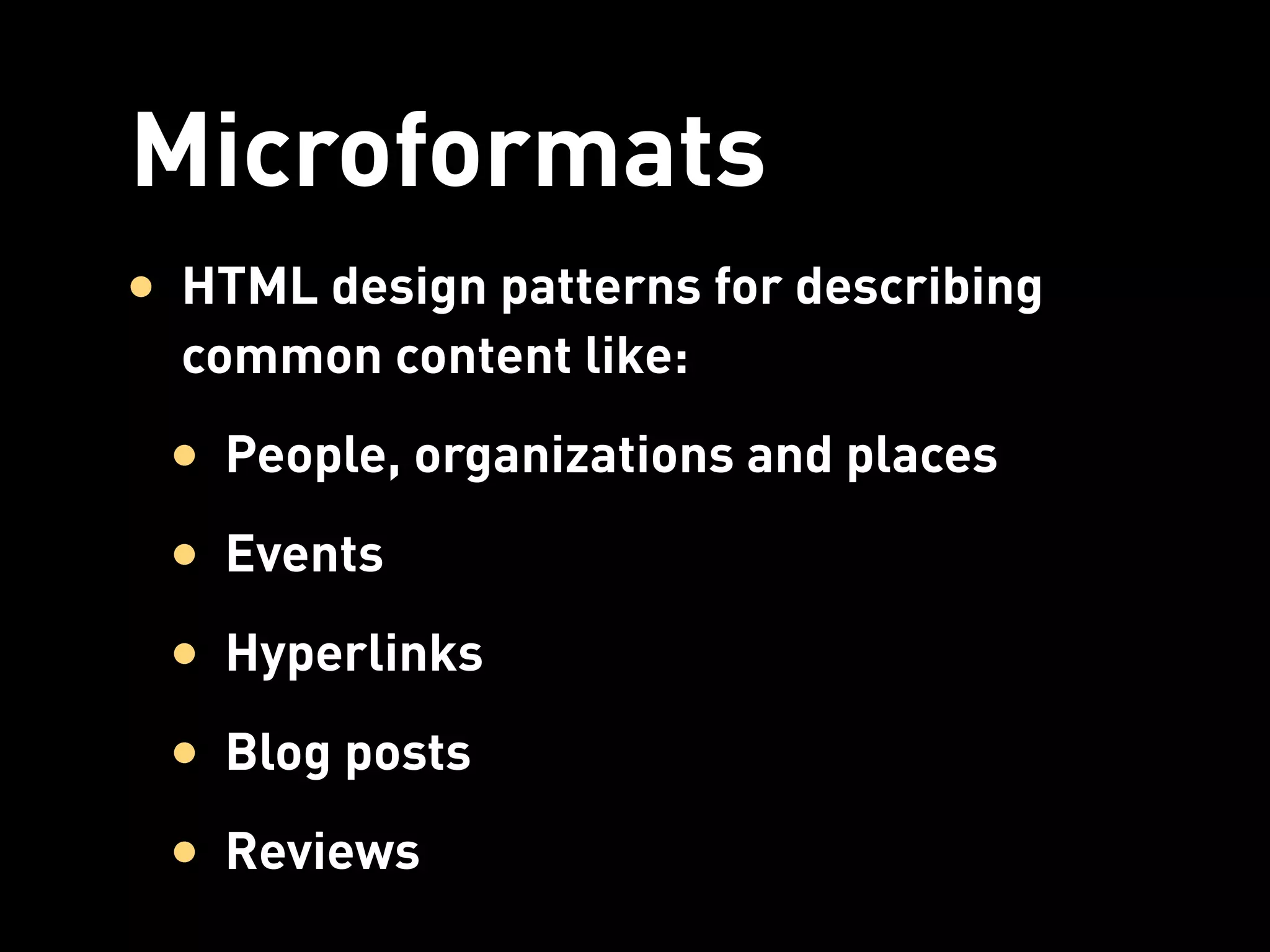
Microformats
• HTML design patterns for describing
  common content like:
 • People, organizations and places
 • Events
 • Hyperlinks
 • Blog posts
 • Reviews
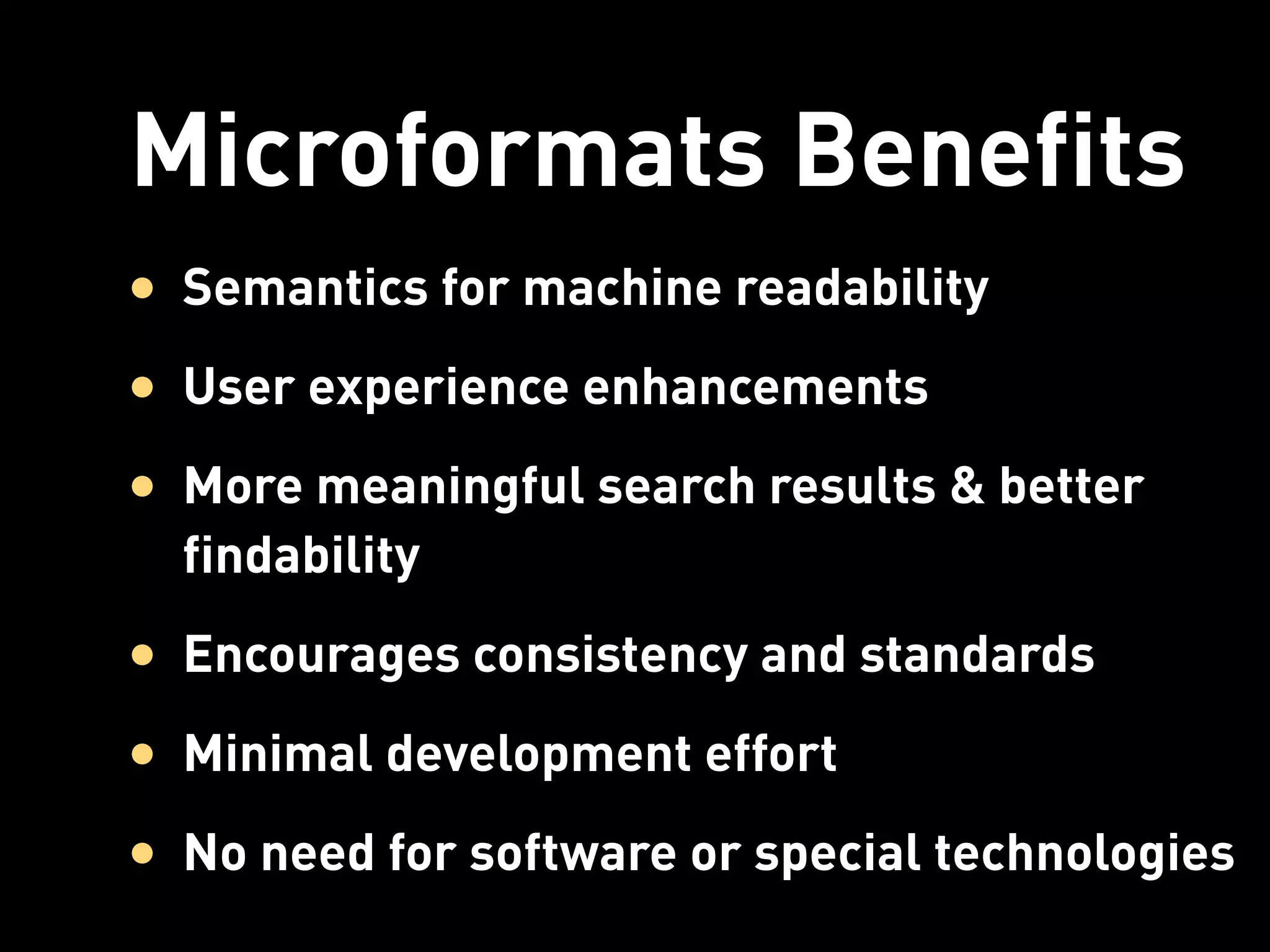
Microformats Benefits
• Semantics for machine readability
• User experience enhancements
• More meaningful search results & better
  findability
• Encourages consistency and standards
• Minimal development effort
• No need for software or special technologies
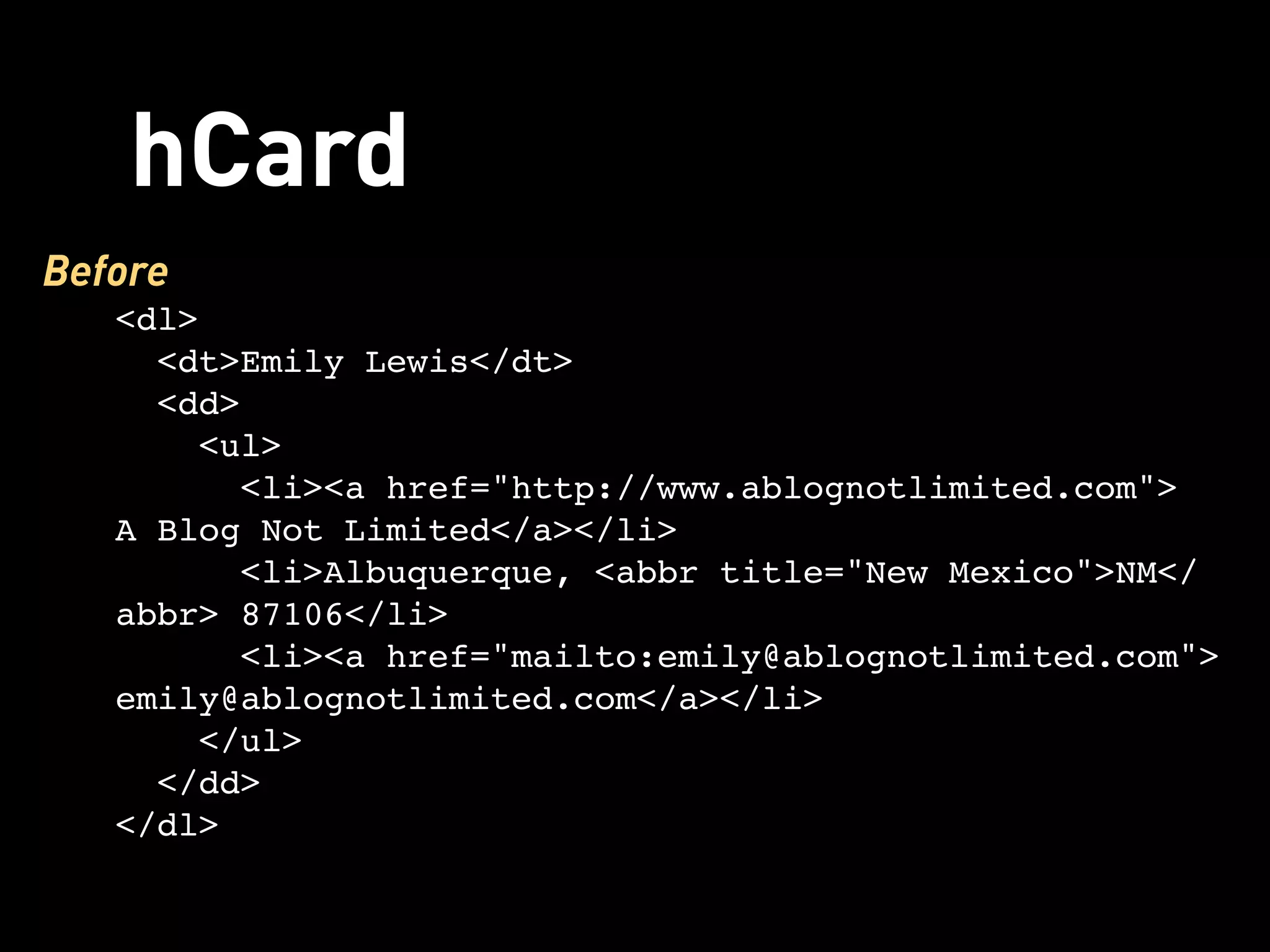
hCard
Before
   <dl>
     <dt>Emily Lewis</dt>
     <dd>
      <ul>
        <li><a href="http://www.ablognotlimited.com">
   A Blog Not Limited</a></li>
         <li>Albuquerque, <abbr title="New Mexico">NM</
   abbr> 87106</li>
        <li><a href="mailto:emily@ablognotlimited.com">
   emily@ablognotlimited.com</a></li>
      </ul>
     </dd>
   </dl>
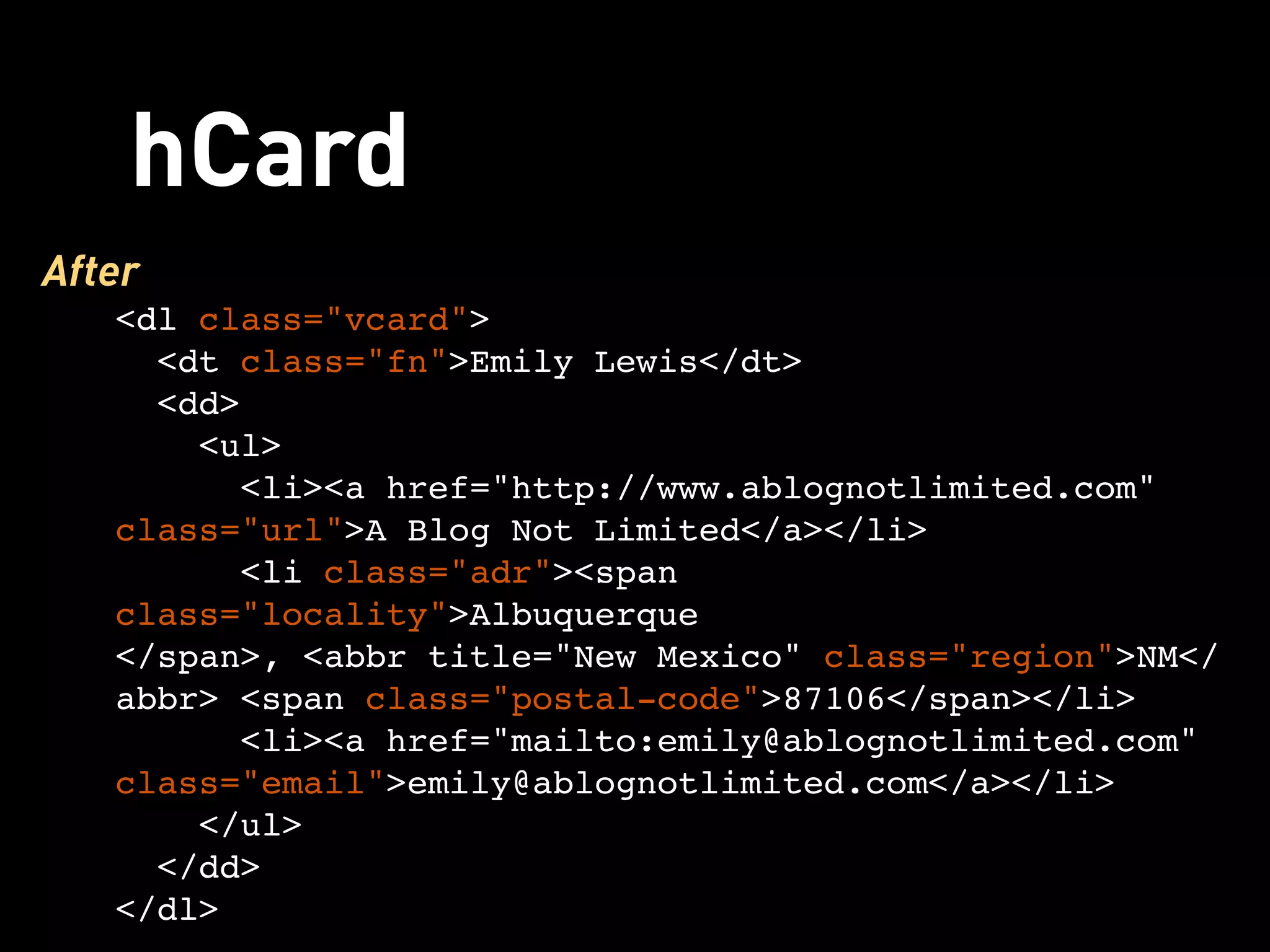
hCard
After
   <dl class="vcard">
     <dt class="fn">Emily Lewis</dt>
     <dd>
      <ul>
        <li><a href="http://www.ablognotlimited.com"
   class="url">A Blog Not Limited</a></li>
         <li class="adr"><span
   class="locality">Albuquerque
   </span>, <abbr title="New Mexico" class="region">NM</
   abbr> <span class="postal-code">87106</span></li>
        <li><a href="mailto:emily@ablognotlimited.com"
   class="email">emily@ablognotlimited.com</a></li>
      </ul>
     </dd>
   </dl>
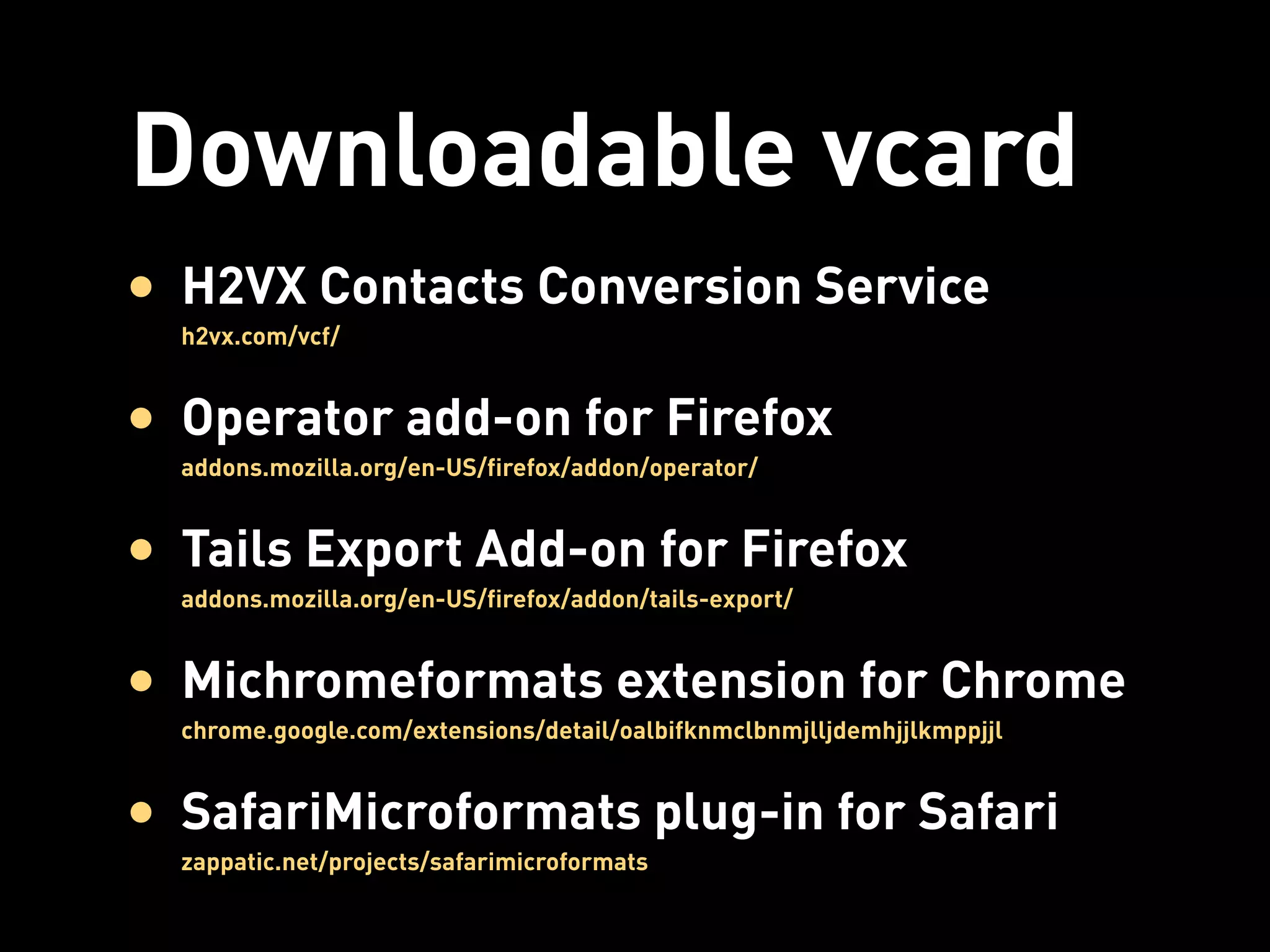
Downloadable vcard
• H2VX Contacts Conversion Service
  h2vx.com/vcf/


• Operator add-on for Firefox
  addons.mozilla.org/en-US/firefox/addon/operator/


• Tails Export Add-on for Firefox
  addons.mozilla.org/en-US/firefox/addon/tails-export/


• Michromeformats extension for Chrome
  chrome.google.com/extensions/detail/oalbifknmclbnmjlljdemhjjlkmppjjl


• SafariMicroformats plug-in for Safari
  zappatic.net/projects/safarimicroformats
HTML5 Likes Machine Readability Too


 Microdata
Microdata
Before
   <dl>
      <dt><a href="http://ablognotlimited.com">Emily
   Lewis</a></dt>
      <dd>Web Designer</dd>
      <dd>Albuquerque, <abbr title="New Mexico"
   class="region">NM</abbr>87106</dd>
   </dl>
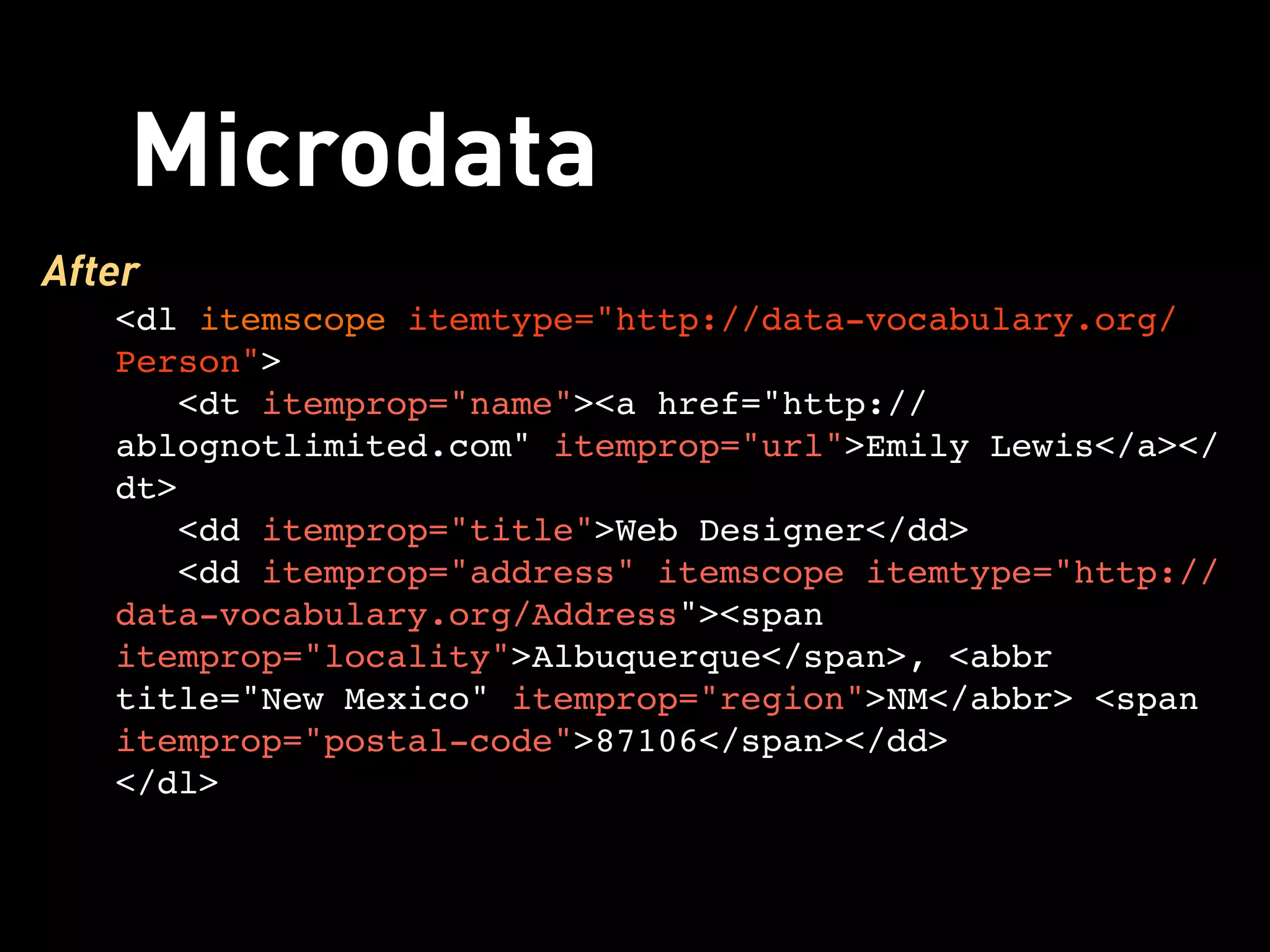
Microdata
After
   <dl itemscope itemtype="http://data-vocabulary.org/
   Person">
      <dt itemprop="name"><a href="http://
   ablognotlimited.com" itemprop="url">Emily Lewis</a></
   dt>
      <dd itemprop="title">Web Designer</dd>
      <dd itemprop="address" itemscope itemtype="http://
   data-vocabulary.org/Address"><span
   itemprop="locality">Albuquerque</span>, <abbr
   title="New Mexico" itemprop="region">NM</abbr> <span
   itemprop="postal-code">87106</span></dd>
   </dl>
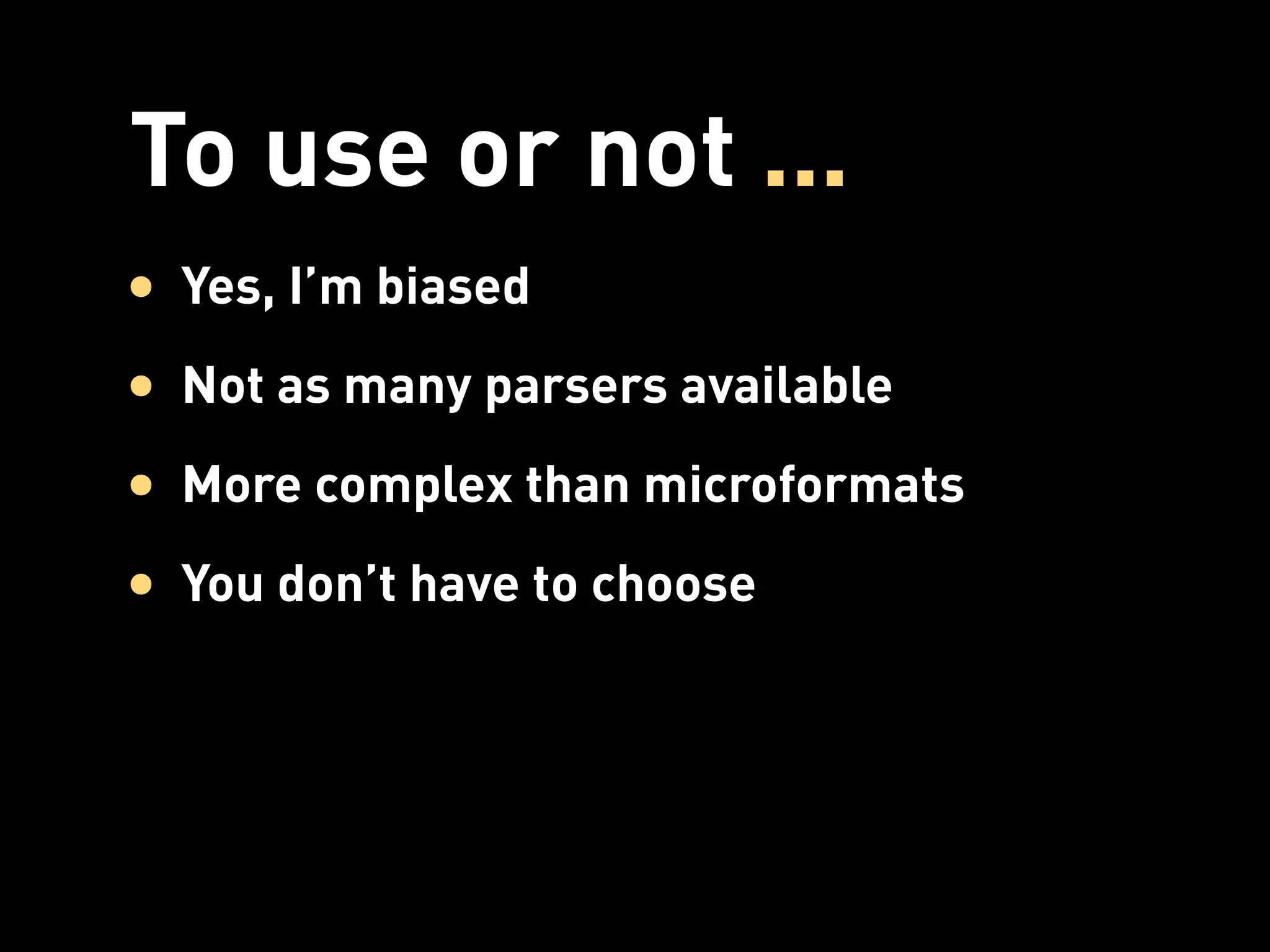
To use or not ...
• Yes, I’m biased
• Not as many parsers available
• More complex than microformats
• You don’t have to choose
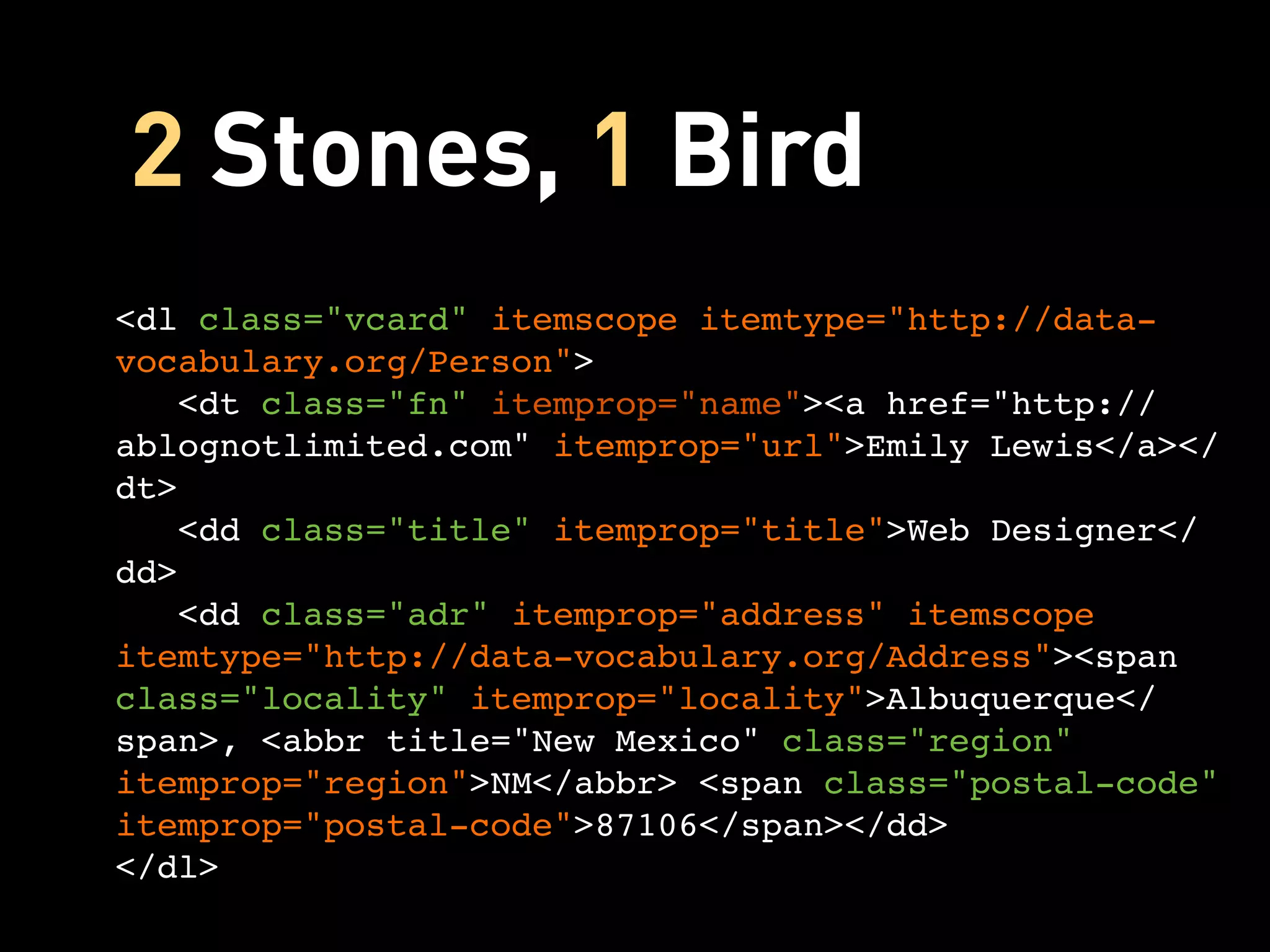
2 Stones, 1 Bird
<dl class="vcard" itemscope itemtype="http://data-
vocabulary.org/Person">
   <dt class="fn" itemprop="name"><a href="http://
ablognotlimited.com" itemprop="url">Emily Lewis</a></
dt>
   <dd class="title" itemprop="title">Web Designer</
dd>
   <dd class="adr" itemprop="address" itemscope
itemtype="http://data-vocabulary.org/Address"><span
class="locality" itemprop="locality">Albuquerque</
span>, <abbr title="New Mexico" class="region"
itemprop="region">NM</abbr> <span class="postal-code"
itemprop="postal-code">87106</span></dd>
</dl>
ARIA Roles
ARIA
• Set of guidelines from WAI for
  accessible, rich internet applications
• Includes Document Landmark Roles to
  indicate document structure and aid
  navigation
• Attribute Selectors FTW!
  Understanding CSS Selectors: msdn.microsoft.com/en-US/scriptjunkie/gg619394.aspx
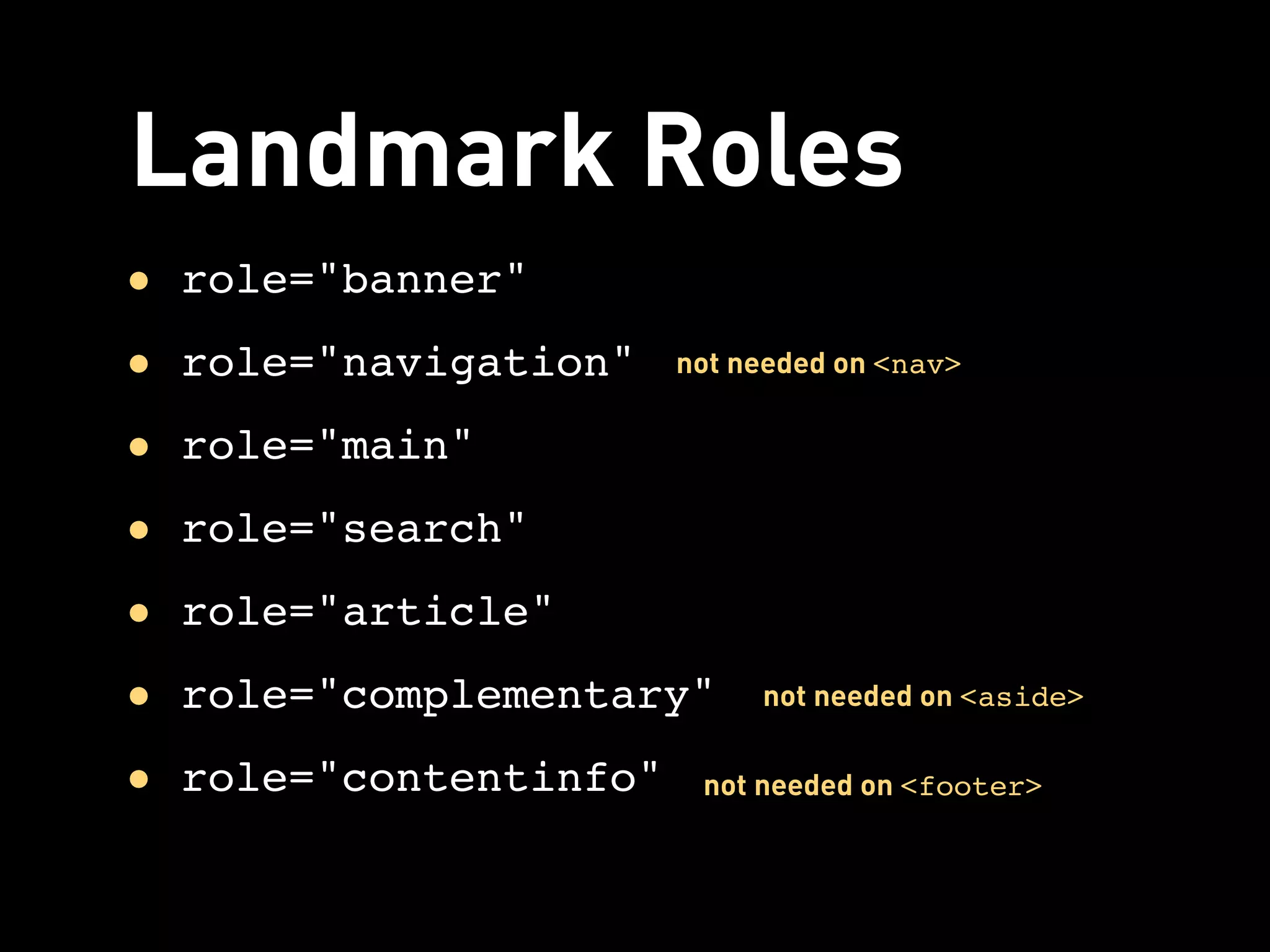
Landmark Roles
• role="banner"
• role="navigation"    not needed on <nav>


• role="main"
• role="search"
• role="article"
• role="complementary"      not needed on <aside>


• role="contentinfo"    not needed on <footer>
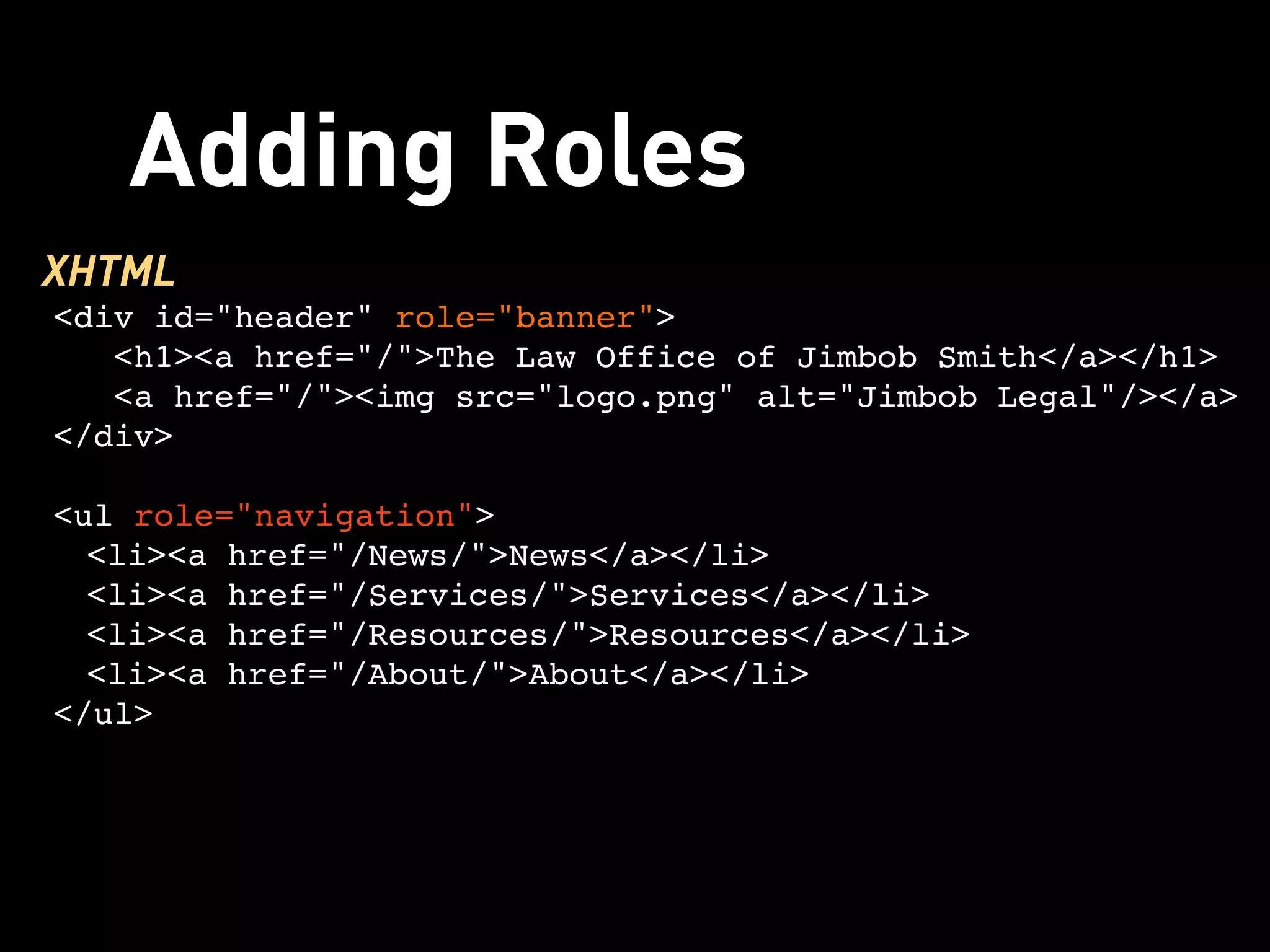
Adding Roles
XHTML
<div id="header" role="banner">
   <h1><a href="/">The Law Office of Jimbob Smith</a></h1> 
   <a href="/"><img src="logo.png" alt="Jimbob Legal"/></a>
</div>

<ul role="navigation">
  <li><a href="/News/">News</a></li>
  <li><a href="/Services/">Services</a></li>
  <li><a href="/Resources/">Resources</a></li>
  <li><a href="/About/">About</a></li>
</ul>
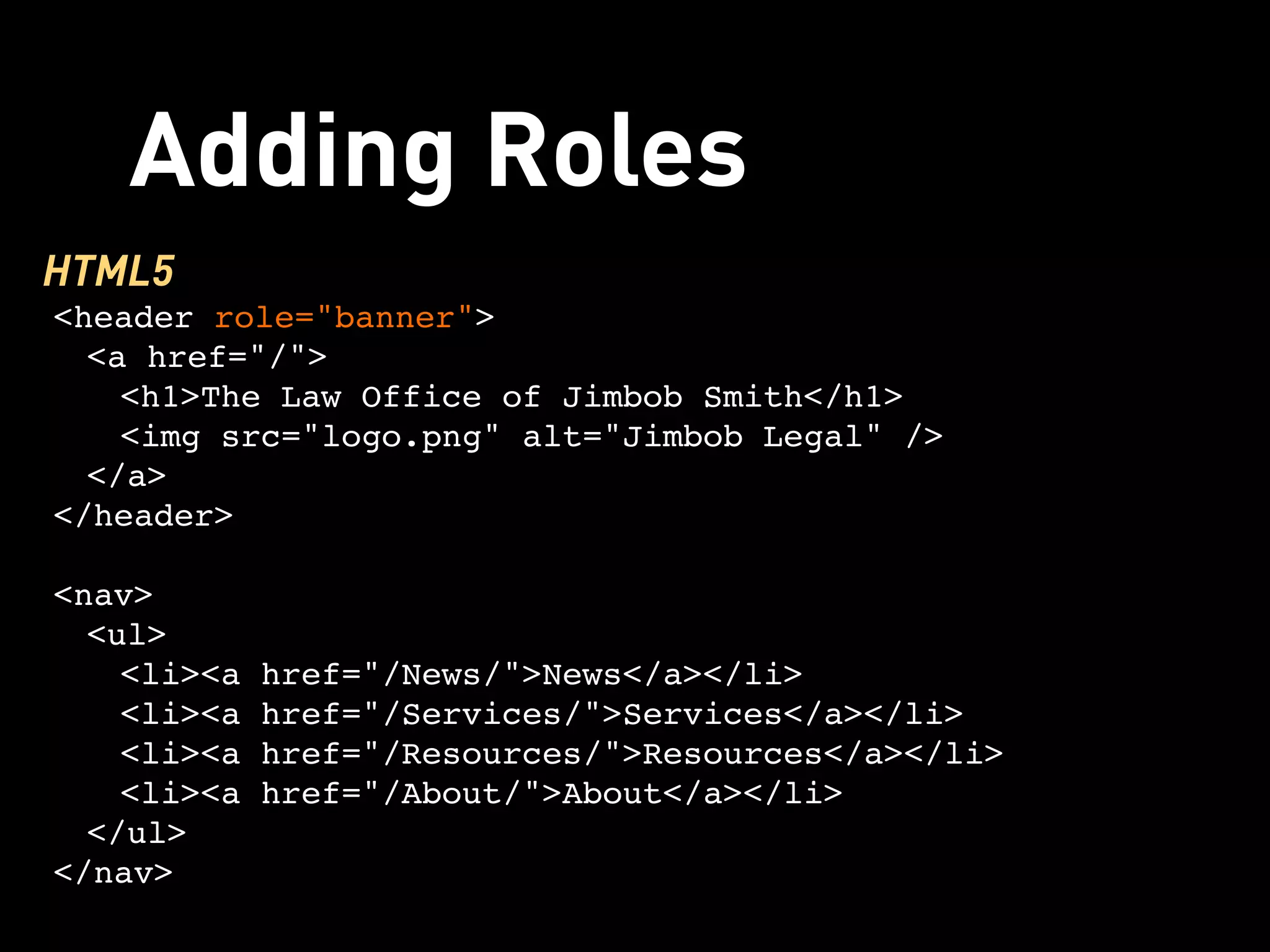
Adding Roles
HTML5
<header role="banner">
  <a href="/">
    <h1>The Law Office of Jimbob Smith</h1>
    <img src="logo.png" alt="Jimbob Legal" />
  </a>
</header>

<nav>
  <ul>
    <li><a href="/News/">News</a></li>
    <li><a href="/Services/">Services</a></li>
    <li><a href="/Resources/">Resources</a></li>
    <li><a href="/About/">About</a></li>
  </ul>
</nav>
Going to 11
• Use what works for you, your projects
  and your clients (not “all or nothing”)
• Experiment, test and decide for yourself
• Stay up-to-date on changes
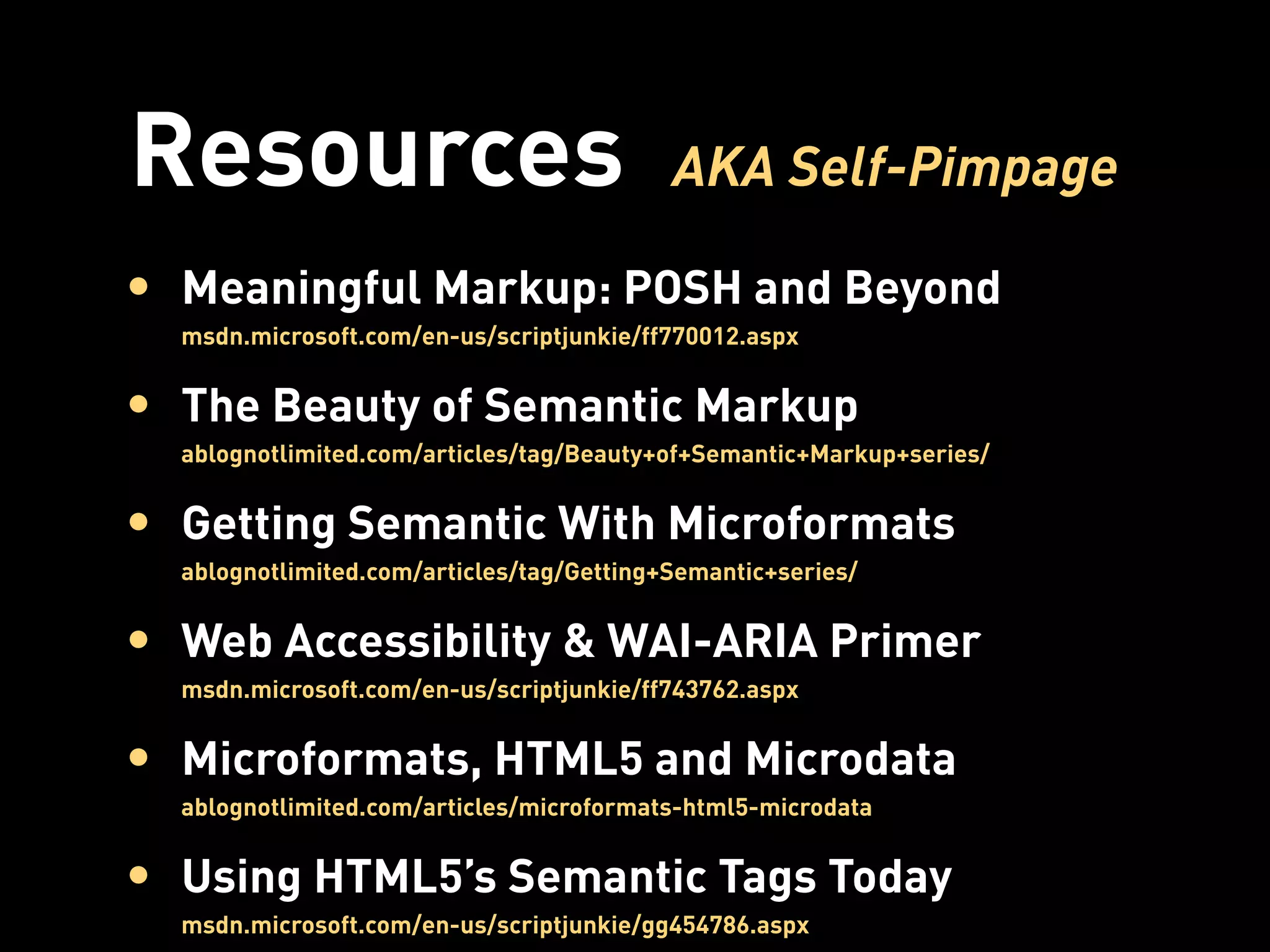
Resources                                  AKA Self-Pimpage

• Meaningful Markup: POSH and Beyond
  msdn.microsoft.com/en-us/scriptjunkie/ff770012.aspx


• The Beauty of Semantic Markup
  ablognotlimited.com/articles/tag/Beauty+of+Semantic+Markup+series/


• Getting Semantic With Microformats
  ablognotlimited.com/articles/tag/Getting+Semantic+series/


• Web Accessibility & WAI-ARIA Primer
  msdn.microsoft.com/en-us/scriptjunkie/ff743762.aspx


• Microformats, HTML5 and Microdata
  ablognotlimited.com/articles/microformats-html5-microdata


• Using HTML5’s Semantic Tags Today
  msdn.microsoft.com/en-us/scriptjunkie/gg454786.aspx
Questions?
Thanks!
emily@emilylewisdesign.com @emilylewis

Take Your Markup to 11

  • 1.
    11 markup Take your to Some rights reserved Denver HTML5 Users Group May 23, 2011
  • 2.
    Web Designer Writer Instructor emilylewisdesign.com Co-Founder & Co-Manager, Webuquerque webuquerque.com Author, Microformats Made Simple microformatsmadesimple.com Co-author, HTML5 Cookbook Email: emily@emilylewisdesign.com Blog: ablognotlimited.com Twitter: @emilylewis
  • 3.
    Tonight, it’s allabout Markup
  • 4.
  • 5.
    Transforms Canvas Geolocation Multiple Backgrounds Web Storage Native Media Rounded Corners Offline Web Apps Transitions Gradients SVG
  • 7.
  • 8.
    Good HTML • Foundationof today’s web • Can make a perfectly great web site with nothing else • Easy to learn & implement
  • 9.
    Great Markup • Semanticsfor machine readability • Accessible for all users • Development efficiencies • Syndication • SEO and findability • User experience enhancements
  • 10.
  • 11.
    To reach thislevel of greatness, you have to Go to 11
  • 13.
  • 14.
    POSH • Markup thathas meaning • Markup that describes the content itself, not the presentation • Elements used for their intended purpose* • Valid*
  • 15.
    Not POSH <table> <tr> <td><a href="/">Home</a></td> <td><a href="/products/">Products</a></td> <td><a href="/services/">Services</a></td> <td><a href="/about/">About</a></td> </tr> </table> Also Not POSH <blockquote> <p>I need me some indented text!</p> </blockquote>
  • 16.
    POSH FTW <ul> <li><a href="/">Home</a></li> <li><a href="/products/">Products</a></li> <li><a href="/services/">Services</a></li> <li><a href="/about/">About</a></li> </ul> POSH & CSS <p>I need me some indented text!</p> p:first-child {text-indent: 25px;}
  • 17.
    POSH Tips • Use<h1>-<h6> for headings & to define content outline • Use <table> for tabular data, not layout • List elements (<ol>, <ul>, <dl>) for lists • Drop presentational elements (<u>, <big>, <center>) in favor of CSS • Semantic class and id naming
  • 18.
    POSH Benefits • Webstandards • Portability for devices • Common standard for teams • Easier troubleshooting & maintenance • More accessible • Leaner markup = lighter-weight pages
  • 19.
  • 20.
    Flexibility vs. Pedantry •Use the right technology for the job • Pave the cowpaths • Our Best Practices Are Killing Us stubbornella.org/content/2011/04/28/our-best-practices-are-killing-us/ • Understanding HTML5 Validation impressivewebs.com/understanding-html5-validation/
  • 21.
  • 22.
    More than Markup •Rich media (<canvas>, <audio>, <video>) • Interactive <form> enhancements • APIs for application development
  • 23.
    HTML5 • Backwards andforward compatible • New and redefined semantic elements • Obsolete presentational elements • Flexible and simplified syntax
  • 24.
  • 25.
    Simplified DOCTYPE Before <!DOCTYPE html PUBLIC "-//W3C//DTD XHTML 1.0 Strict//EN" "http://www.w3.org/TR/xhtml1/DTD/ xhtml1-strict.dtd"> Now <!DOCTYPE html>
  • 26.
    Flexible Style • Allcoding styles are valid • Uppercase tag names • Optional quotes for attributes • Optional values for attributes • Optional closed empty elements
  • 27.
    Block-level Links Before <h1><a href="/">Emily Lewis Design</a></h2> <h2><a href="/">Beauty Isn’t Skin Deep</a></h2> <a href="/"><img src="logo.png" alt="Emily Lewis Design" /></a> Now <a href="/"> <h1>Emily Lewis Design</h1> <h2>Beauty Isn’t Skin Deep</h2> <img src="logo.png" alt="Emily Lewis Design" /> </a>
  • 28.
    Semantic Structure • <section> •<header> • <footer> • <nav> • <aside> • <article>
  • 29.
  • 30.
  • 31.
    Making the Move Before <divid="header">    <h1><a href="/">The Law Office of Jimbob Smith</a></h1>     <a href="/"><img src="logo.png" alt="Jimbob Legal"/></a> </div> <ul> <li><a href="/News/">News</a></li> <li><a href="/Services/">Services</a></li> <li><a href="/Resources/">Resources</a></li> <li><a href="/About/">About</a></li> </ul>
  • 32.
    Making the Move After <header> <a href="/"> <h1>The Law Office of Jimbob Smith</h1> <img src="logo.png" alt="Jimbob Legal" /> </a> </header> <nav> <ul> <li><a href="/News/">News</a></li> <li><a href="/Services/">Services</a></li> <li><a href="/Resources/">Resources</a></li> <li><a href="/About/">About</a></li> </ul> </nav>
  • 33.
    HTML5 Tips • Useas much or as little as you want • Be aware of browser limitations • display: block • document.createElement • HTML5 Enabling Script remysharp.com/2009/01/07/html5-enabling-script/ • Remember, it is a Working Draft (“living standard”) • Experiment and educate
  • 34.
  • 35.
    Microformats • HTML designpatterns for describing common content like: • People, organizations and places • Events • Hyperlinks • Blog posts • Reviews
  • 36.
    Microformats Benefits • Semanticsfor machine readability • User experience enhancements • More meaningful search results & better findability • Encourages consistency and standards • Minimal development effort • No need for software or special technologies
  • 37.
    hCard Before <dl> <dt>Emily Lewis</dt>   <dd>    <ul>      <li><a href="http://www.ablognotlimited.com"> A Blog Not Limited</a></li>       <li>Albuquerque, <abbr title="New Mexico">NM</ abbr> 87106</li>      <li><a href="mailto:emily@ablognotlimited.com"> emily@ablognotlimited.com</a></li>    </ul> </dd> </dl>
  • 38.
    hCard After <dl class="vcard"> <dt class="fn">Emily Lewis</dt>   <dd>    <ul>      <li><a href="http://www.ablognotlimited.com" class="url">A Blog Not Limited</a></li>       <li class="adr"><span class="locality">Albuquerque </span>, <abbr title="New Mexico" class="region">NM</ abbr> <span class="postal-code">87106</span></li>      <li><a href="mailto:emily@ablognotlimited.com" class="email">emily@ablognotlimited.com</a></li>    </ul> </dd> </dl>
  • 39.
    Downloadable vcard • H2VXContacts Conversion Service h2vx.com/vcf/ • Operator add-on for Firefox addons.mozilla.org/en-US/firefox/addon/operator/ • Tails Export Add-on for Firefox addons.mozilla.org/en-US/firefox/addon/tails-export/ • Michromeformats extension for Chrome chrome.google.com/extensions/detail/oalbifknmclbnmjlljdemhjjlkmppjjl • SafariMicroformats plug-in for Safari zappatic.net/projects/safarimicroformats
  • 40.
    HTML5 Likes MachineReadability Too Microdata
  • 41.
    Microdata Before <dl>    <dt><a href="http://ablognotlimited.com">Emily Lewis</a></dt>    <dd>Web Designer</dd>    <dd>Albuquerque, <abbr title="New Mexico" class="region">NM</abbr>87106</dd> </dl>
  • 42.
    Microdata After <dl itemscope itemtype="http://data-vocabulary.org/ Person">    <dt itemprop="name"><a href="http:// ablognotlimited.com" itemprop="url">Emily Lewis</a></ dt>    <dd itemprop="title">Web Designer</dd>    <dd itemprop="address" itemscope itemtype="http:// data-vocabulary.org/Address"><span itemprop="locality">Albuquerque</span>, <abbr title="New Mexico" itemprop="region">NM</abbr> <span itemprop="postal-code">87106</span></dd> </dl>
  • 43.
    To use ornot ... • Yes, I’m biased • Not as many parsers available • More complex than microformats • You don’t have to choose
  • 44.
    2 Stones, 1Bird <dl class="vcard" itemscope itemtype="http://data- vocabulary.org/Person">    <dt class="fn" itemprop="name"><a href="http:// ablognotlimited.com" itemprop="url">Emily Lewis</a></ dt>    <dd class="title" itemprop="title">Web Designer</ dd>    <dd class="adr" itemprop="address" itemscope itemtype="http://data-vocabulary.org/Address"><span class="locality" itemprop="locality">Albuquerque</ span>, <abbr title="New Mexico" class="region" itemprop="region">NM</abbr> <span class="postal-code" itemprop="postal-code">87106</span></dd> </dl>
  • 45.
  • 46.
    ARIA • Set ofguidelines from WAI for accessible, rich internet applications • Includes Document Landmark Roles to indicate document structure and aid navigation • Attribute Selectors FTW! Understanding CSS Selectors: msdn.microsoft.com/en-US/scriptjunkie/gg619394.aspx
  • 47.
    Landmark Roles • role="banner" •role="navigation" not needed on <nav> • role="main" • role="search" • role="article" • role="complementary" not needed on <aside> • role="contentinfo" not needed on <footer>
  • 48.
    Adding Roles XHTML <div id="header"role="banner">    <h1><a href="/">The Law Office of Jimbob Smith</a></h1>     <a href="/"><img src="logo.png" alt="Jimbob Legal"/></a> </div> <ul role="navigation"> <li><a href="/News/">News</a></li> <li><a href="/Services/">Services</a></li> <li><a href="/Resources/">Resources</a></li> <li><a href="/About/">About</a></li> </ul>
  • 49.
    Adding Roles HTML5 <header role="banner"> <a href="/"> <h1>The Law Office of Jimbob Smith</h1> <img src="logo.png" alt="Jimbob Legal" /> </a> </header> <nav> <ul> <li><a href="/News/">News</a></li> <li><a href="/Services/">Services</a></li> <li><a href="/Resources/">Resources</a></li> <li><a href="/About/">About</a></li> </ul> </nav>
  • 50.
    Going to 11 •Use what works for you, your projects and your clients (not “all or nothing”) • Experiment, test and decide for yourself • Stay up-to-date on changes
  • 51.
    Resources AKA Self-Pimpage • Meaningful Markup: POSH and Beyond msdn.microsoft.com/en-us/scriptjunkie/ff770012.aspx • The Beauty of Semantic Markup ablognotlimited.com/articles/tag/Beauty+of+Semantic+Markup+series/ • Getting Semantic With Microformats ablognotlimited.com/articles/tag/Getting+Semantic+series/ • Web Accessibility & WAI-ARIA Primer msdn.microsoft.com/en-us/scriptjunkie/ff743762.aspx • Microformats, HTML5 and Microdata ablognotlimited.com/articles/microformats-html5-microdata • Using HTML5’s Semantic Tags Today msdn.microsoft.com/en-us/scriptjunkie/gg454786.aspx
  • 52.
  • 53.