BUMPS INTHE ROAD
Addressing the Challenges of Responsive Web Design
WHO WE ARE
• Michael Miles (@mikemiles86)
• Salem Ghoweri (@salem_ghoweri)
• Genuine Interactive (@WeAreGenuine)
AS RESPONSIVE WEB DESIGN (RWD) IS MATURING
WE ARE BEGINNINGTO
IDENTIFYAND UNDERSTAND
THE ROADBLOCKS
WE ARE HERETO SHARE
WHAT WE’VE LEARNED
RWD CHALLENGES
• many designers still think in terms of pixels
• traditional design software only supports static layouts
• confusion about what’s appropriate for which tools
• where to start? start from scratch? use community theme?
• page bloat (multiple versions of images, tons of javascript
and css)
INTHE
BEGINNING
OFTHE WEB...
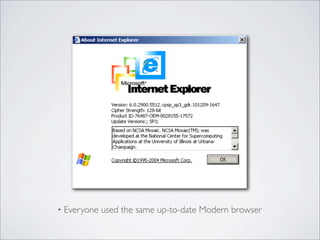
• Everyone used the same up-to-date Modern browser
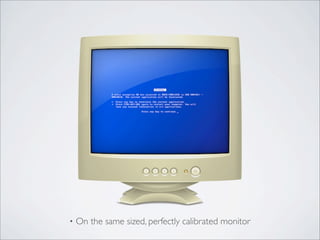
• On the same sized, perfectly calibrated monitor
“Ever” -no one
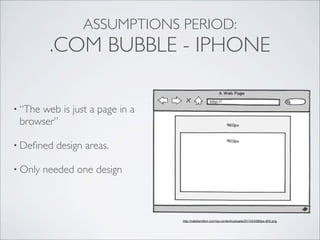
ASSUMPTIONS PERIOD:
.COM BUBBLE - IPHONE
http://nataliemilton.com/wp-content/uploads/2013/03/960px-900.png
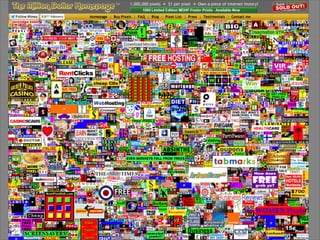
• “The web is just a page in a
browser”
• Defined design areas.
• Only needed one design
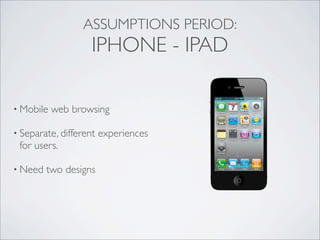
• Mobile web browsing
• Separate, different experiences
for users.
• Need two designs
ASSUMPTIONS PERIOD:
IPHONE - IPAD
0
20
40
60
80
2008 2009 2010 2011 2012 2013 2014 2015
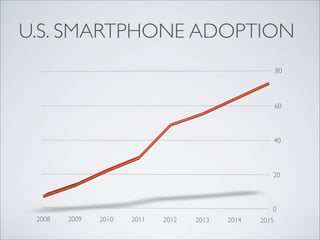
U.S. SMARTPHONE ADOPTION
iPad Nexus 10 GalaxyTab 3Galaxy Note
Nexus 4iPhone 4S iPhone 5 Galaxy S 3 Galaxy S 4 Droid DNA HTC One Galaxy Note 2 Galaxy MegaLG Optimus
Nexus 7Galaxy Mega GalaxyTab 3 iPad Mini
TODAY,THINGS ARE
COMPLICATED.
• There is only one web
• There is only one design
• Users expect one experience
ASSUMPTIONS PERIOD:
IPAD -TODAY
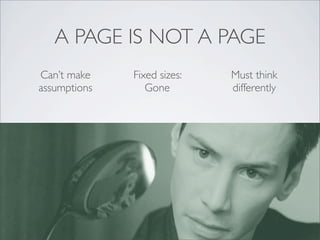
A PAGE IS NOT A PAGE
Can’t make
assumptions
Fixed sizes:
Gone
Must think
differently
HOW DO I DESIGN
RESPONSIVELY?
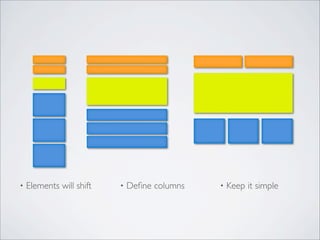
• Elements will shift • Define columns • Keep it simple
eesc.mit.edu
MIT EECS
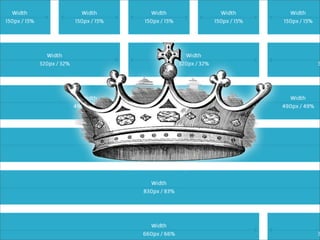
FROM FIXEDTO FLUID
Designers:
• Think in terms of percentages
• Make element proportional to parents
• Discuss with developers
SHAREDVALUE INITIATIVE
sharedvalue.org
FLUID FLEXIBLE GRID
• Does not care about device
• Easy to implement
• Create clear, creative designs
TOOLS IN AN
AGE OF RESPONSIVE
VS
DESIGNING
IN PHOTOSHOP
• Static mockups don’t translate into flexible layouts
• Impractical to mockup infinite number of layout variations
• Difficult to communicate behavior, gestures, animations, etc.
YOU CAN’T DESIGN FORTHE UNKNOWN
DESIGNING
INTHE BROWSER
You lose details that might
not easily translate to the
browser!
• Not everyone is comfortable
coding
• Problematic to build what hasn’t
been explicitly defined
• Unknown factor: setting
expectations and client sign-off
are difficult
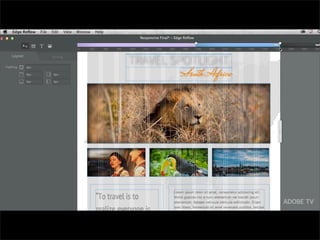
• Adobe Edge Reflow
THE “PERFECT” RWD DESIGNER
TOOL DOESN’T EXISTYET
& MIGHT NEVER EXIST
DON’T WAIT FOR PERFECT;
USE WHAT WORKS FORYOU
ADDITIONAL
SOLUTIONS
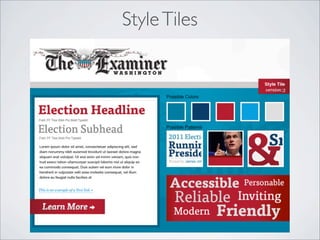
StyleTiles
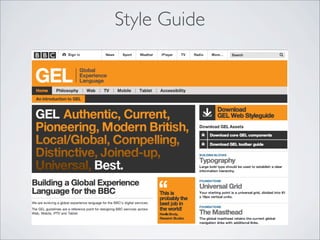
Style Guide
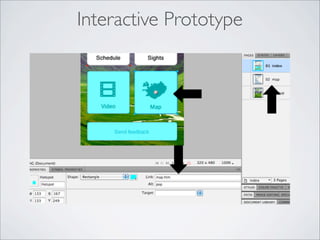
Interactive Prototype
Front-end Development & Drupal
THEMING
WHERETO START?
• Project has a timeline and

budget
• Limited amount of time to start
• Need to know your options
TWO ROADSTOTRAVEL
Community Theme CustomTheme
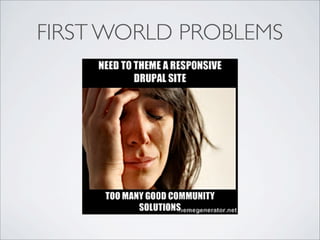
FIRST WORLD PROBLEMS
THREE BEST OPTIONS
(in our experience)
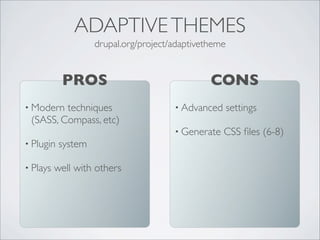
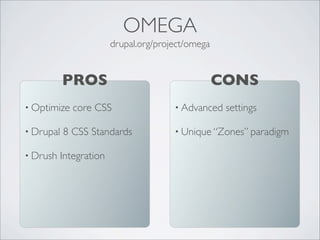
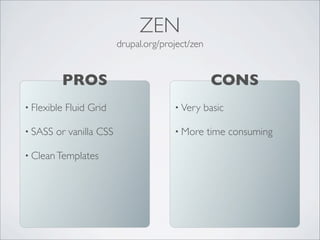
AdaptiveThemes Omega Zen
• Modern techniques
(SASS, Compass, etc)
• Plugin system
• Plays well with others
PROS
drupal.org/project/adaptivetheme
ADAPTIVETHEMES
• Advanced settings
• Generate CSS files (6-8)
CONS
• Optimize core CSS
• Drupal 8 CSS Standards
• Drush Integration
PROS
drupal.org/project/omega
OMEGA
• Advanced settings
• Unique “Zones” paradigm
CONS
• Flexible Fluid Grid
• SASS or vanilla CSS
• CleanTemplates
PROS
drupal.org/project/zen
ZEN
• Very basic
• More time consuming
CONS
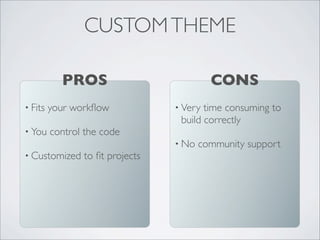
• Fits your workflow
• You control the code
• Customized to fit projects
PROS
CUSTOMTHEME
• Very time consuming to
build correctly
• No community support
CONS
WHICHTO CHOOSE?
Flexibility &Time
Budget
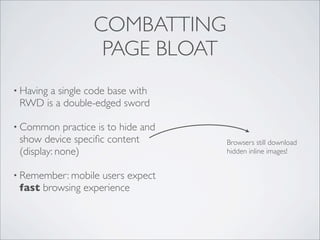
COMBATTING
PAGE BLOAT
• Having a single code base with
RWD is a double-edged sword
• Common practice is to hide and
show device specific content
(display: none)
• Remember: mobile users expect
fast browsing experience
Browsers still download
hidden inline images!
THE SOLUTION:
SEND LESS CODE!
; Set the conditional stylesheets that are processed by IE.
stylesheets-conditional[lt IE 7][all][] = ie6-and-below.css
stylesheets-conditional[IE 9][all][] = ie9.css
stylesheets-conditional[IE][print][] = ie-print.css
drupal.org/project/conditional_styles
THE SOLUTION:
SEND LESS CODE!
+
• Conditional Stylesheets Module
• Modularize CSS with SASS &
Compass
• Load, fire your JavaScript
conditionally (RequireJS,
EnquireJS, Modernizr)
THE SOLUTION:
SEND LESS CODE!
• Conditional Stylesheets Module
• Modularize CSS with SASS &
Compass
• Load, fire your JavaScript
conditionally (RequireJS,
EnquireJS, Modernizr)
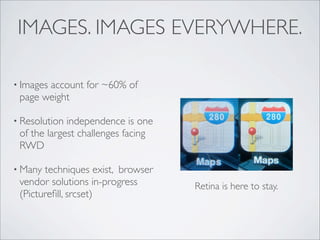
IMAGES. IMAGES EVERYWHERE.
• Images account for ~60% of
page weight
• Resolution independence is one
of the largest challenges facing
RWD
• Many techniques exist, browser
vendor solutions in-progress
(Picturefill, srcset)
Retina is here to stay.
IMAGES. IMAGES EVERYWHERE.
SOLUTION #1:
TACKLE EVERYTHING BUT
INLINE <IMG>
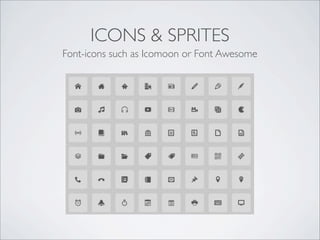
ICONS & SPRITES
Font-icons such as Icomoon or Font Awesome
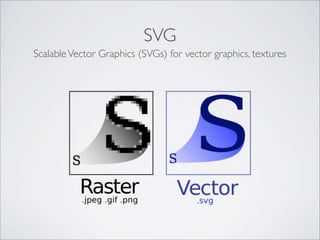
SVG
ScalableVector Graphics (SVGs) for vector graphics, textures
CSS3
Background image gradients, textures, box-shadow, etc.
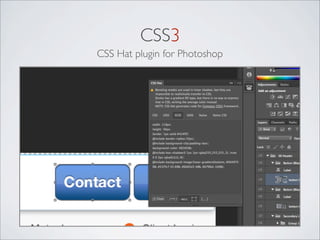
CSS3
CSS Hat plugin for Photoshop
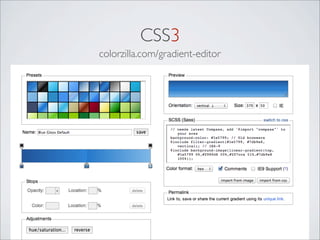
CSS3
colorzilla.com/gradient-editor
SOLUTION #2:
DELIVER HIGH-RES INLINE IMAGES,
OPTIMIZED LIKE HELL
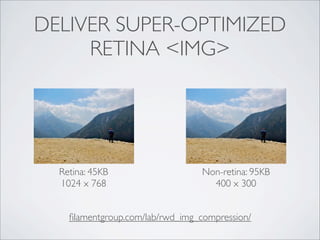
DELIVER SUPER-OPTIMIZED
RETINA <IMG>
Non-retina: 95KB
400 x 300
Retina: 45KB
1024 x 768
filamentgroup.com/lab/rwd_img_compression/
SOLUTION 3:
SHIM INLINE RESPONSIVE IMAGES
(FOR NOW)
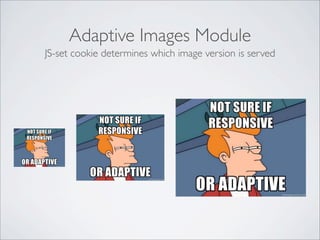
Adaptive Images Module
JS-set cookie determines which image version is served
 <span	
  data-­‐picture	
  data-­‐alt="A	
  giant	
  stone	
  face	
  at	
  The	
  Bayon	
  temple	
  in	
  Angkor	
  Thom,	
  
Cambodia">


  <span	
  data-­‐src="small.jpg"></span>


  <span	
  data-­‐src="medium.jpg"	


  data-­‐media="(min-­‐width:	
  400px)"></span>


  <span	
  data-­‐src="large.jpg"	


  data-­‐media="(min-­‐width:	
  800px)"></span>


  <span	
  data-­‐src="extralarge.jpg"	
  data-­‐media="(min-­‐width:	
  1000px)"></span>


  <!-­‐-­‐	
  Fallback	
  content	
  for	
  non-­‐JS	
  browsers.	
  Same	
  img	
  src	
  as	
  the	
  initial,	
  
unqualified	
  source	
  element.	
  -­‐-­‐>


  <noscript>


  <img	
  src="external/imgs/small.jpg"	
  alt="A	
  giant	
  stone	
  face	
  at	
  The	
  Bayon	
  temple	
  
in	
  Angkor	
  Thom,	
  Cambodia">


  </noscript>


  </span>
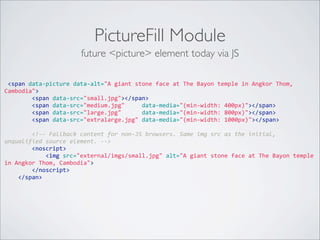
PictureFill Module
future <picture> element today via JS
DOWNTHE ROAD
DRUPAL 8
MOBILE INITIATIVE
groups.drupal.org/mobile/drupal-8
• All core themes are HTML5 and responsive
• Front-end performance improvements (device
detection, conditional loading, responsive images)
• Documentation & Guidelines
TAKEAWAYS
• think percentages, not pixels
• mockup in BOTH photoshop & browser, or use tool like Reflow
• code your own theme if experienced, have time, and need lots of
flexibility
• otherwise use AdaptiveTheme, Omega, or Zen
• reduce page bloat with Compass, Sass., and conditional JS loading
?
THANKYOU!

Design4Drupal Boston 2013 - Bumps in the Road to Responsive