Template designed by
Creare applicazioni virtuali con
Microsoft Application Virtualization
(App-V) 5.0
Nicola Ferrini
IT Pro Trainer – App-V MVP
http://www.nicolaferrini.it
Template designed by
brought to you by
Agenda
• Introduction to Microsoft Application Virtualization 5.0
• Create a virtual application using App-V 5.0
• Distribute a virtual application using App-V 5.0
• Syde-by-side real and virtual applications
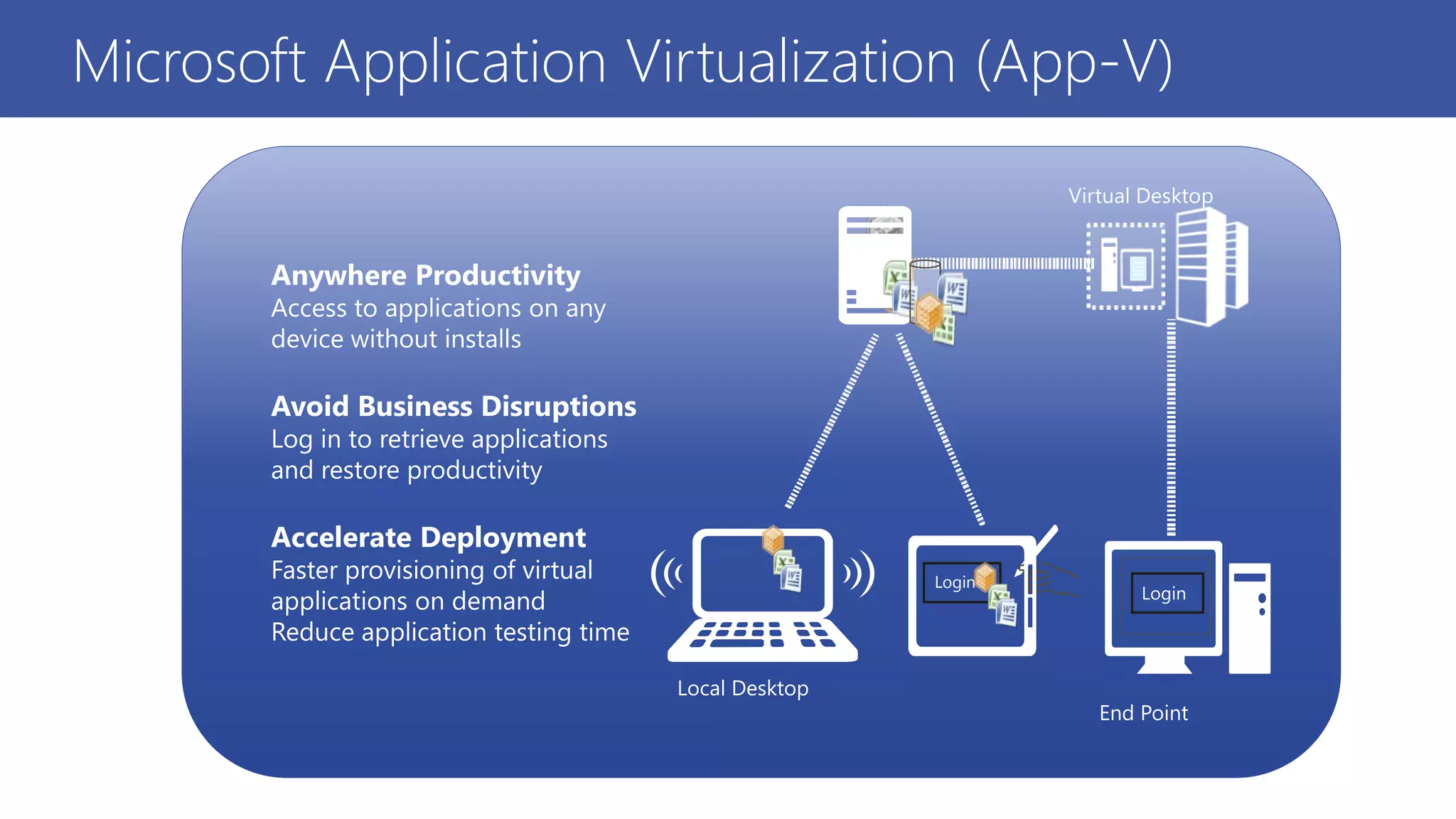
Local Desktop
Virtual Desktop
Login
Login
Anywhere Productivity
Access to applications on any
device without installs
Avoid Business Disruptions
Log in to retrieve applications
and restore productivity
Accelerate Deployment
Faster provisioning of virtual
applications on demand
Reduce application testing time
End Point
Microsoft Application Virtualization (App-V)
App-V 5.0 : What’s New
Integrated Platform
• Virtual applications work like installed applications
• Virtual applications use Windows standards
Powerful Management
• New web-based management interface
• One management workflow for desktop, VDI and RDS
• Rich PowerShell scripting allows automation and customization
Flexible Virtualization
• Multiple App-V applications can share the same virtual environment
• Designed to support highly integrated applications
Template designed by
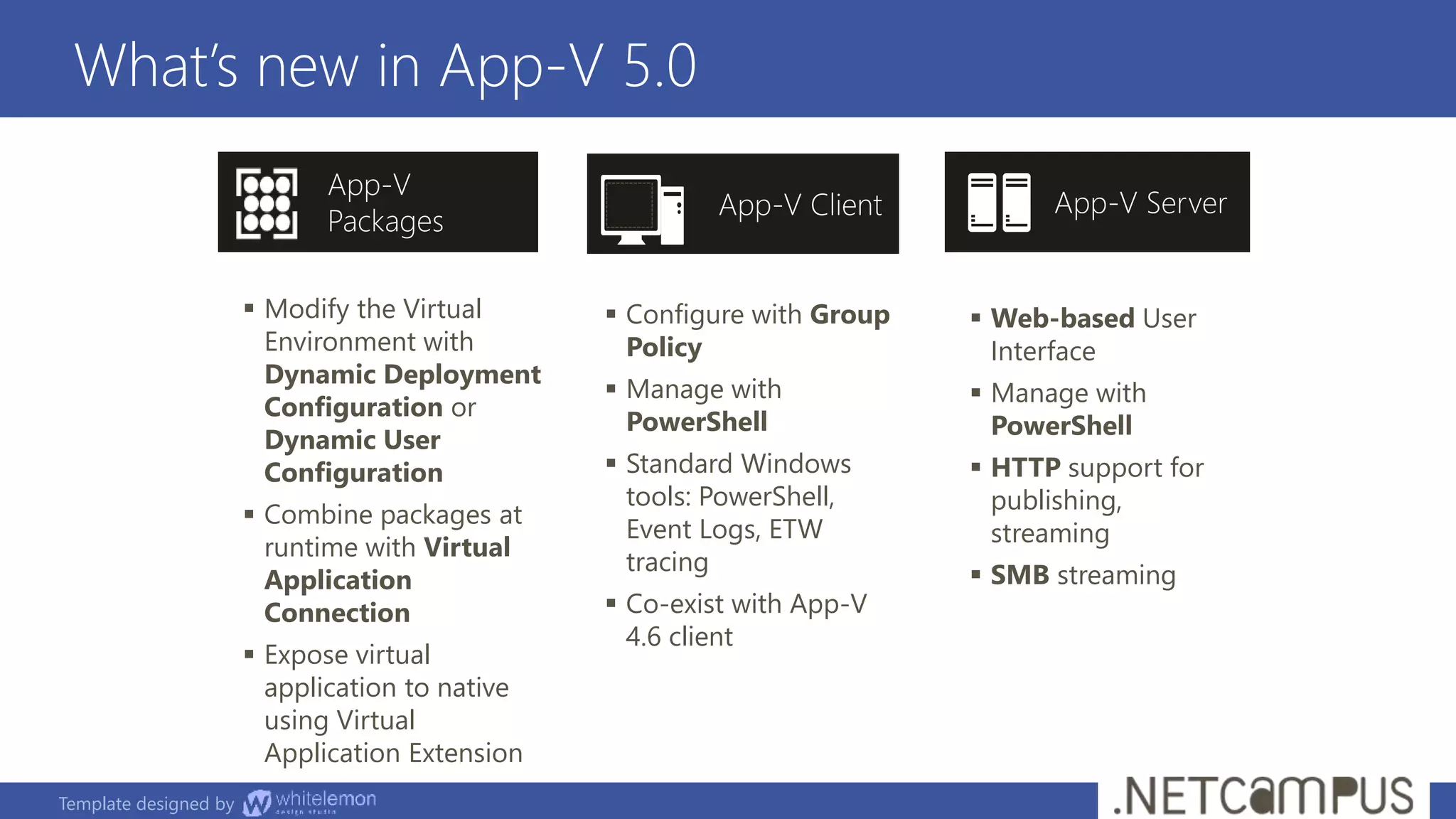
What’s new in App-V 5.0
 Modify the Virtual
Environment with
Dynamic Deployment
Configuration or
Dynamic User
Configuration
 Combine packages at
runtime with Virtual
Application
Connection
 Expose virtual
application to native
using Virtual
Application Extension
 Configure with Group
Policy
 Manage with
PowerShell
 Standard Windows
tools: PowerShell,
Event Logs, ETW
tracing
 Co-exist with App-V
4.6 client
 Web-based User
Interface
 Manage with
PowerShell
 HTTP support for
publishing,
streaming
 SMB streaming
App-V ServerApp-V Client
App-V
Packages
Template designed by
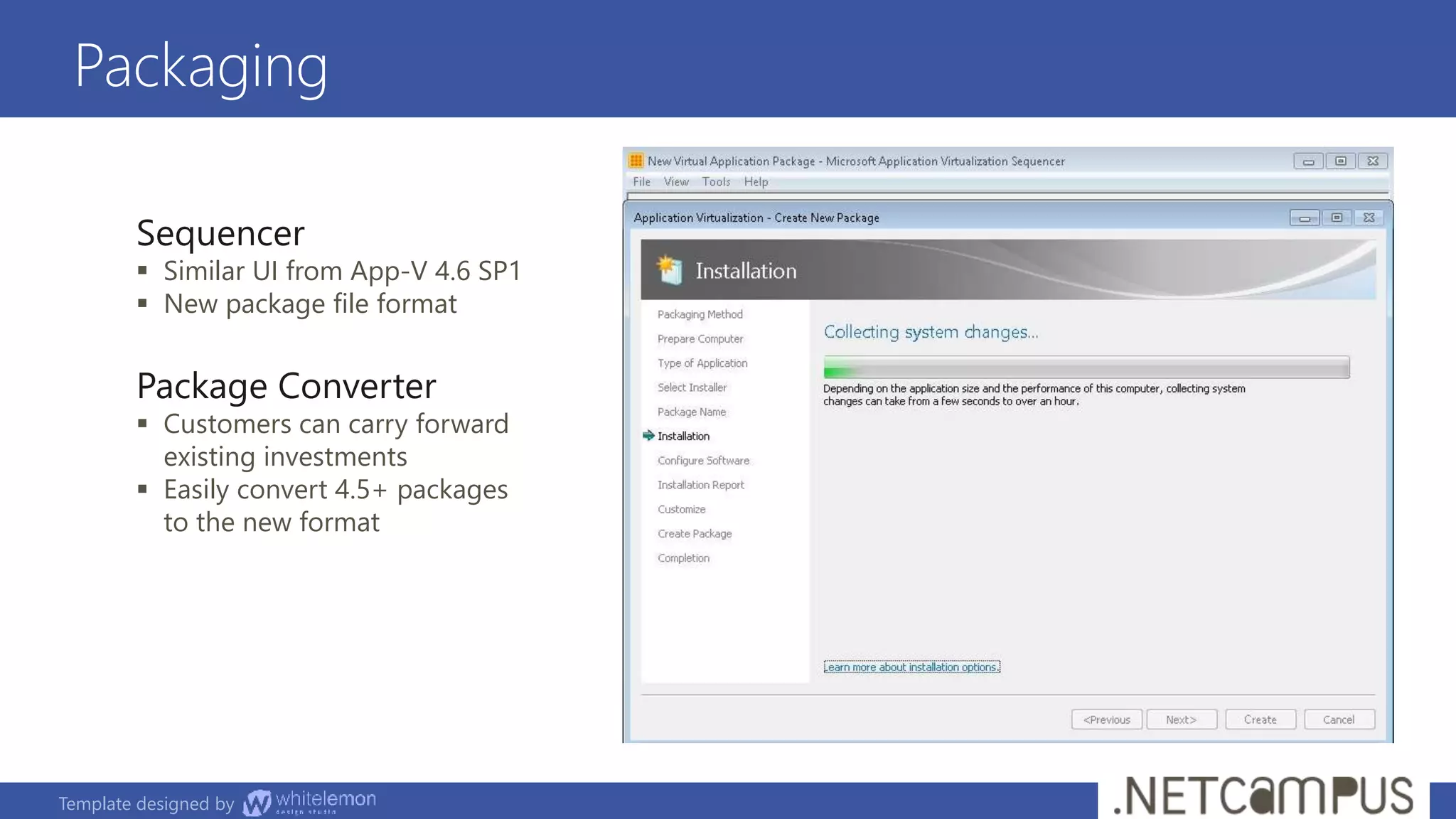
Packaging
Sequencer
 Similar UI from App-V 4.6 SP1
 New package file format
Package Converter
 Customers can carry forward
existing investments
 Easily convert 4.5+ packages
to the new format
Demo
Create a new virtual application
using the App-V Sequencer
Office 2010 App-V Package Overview
Deploying the Office 2010 Suite
Demo
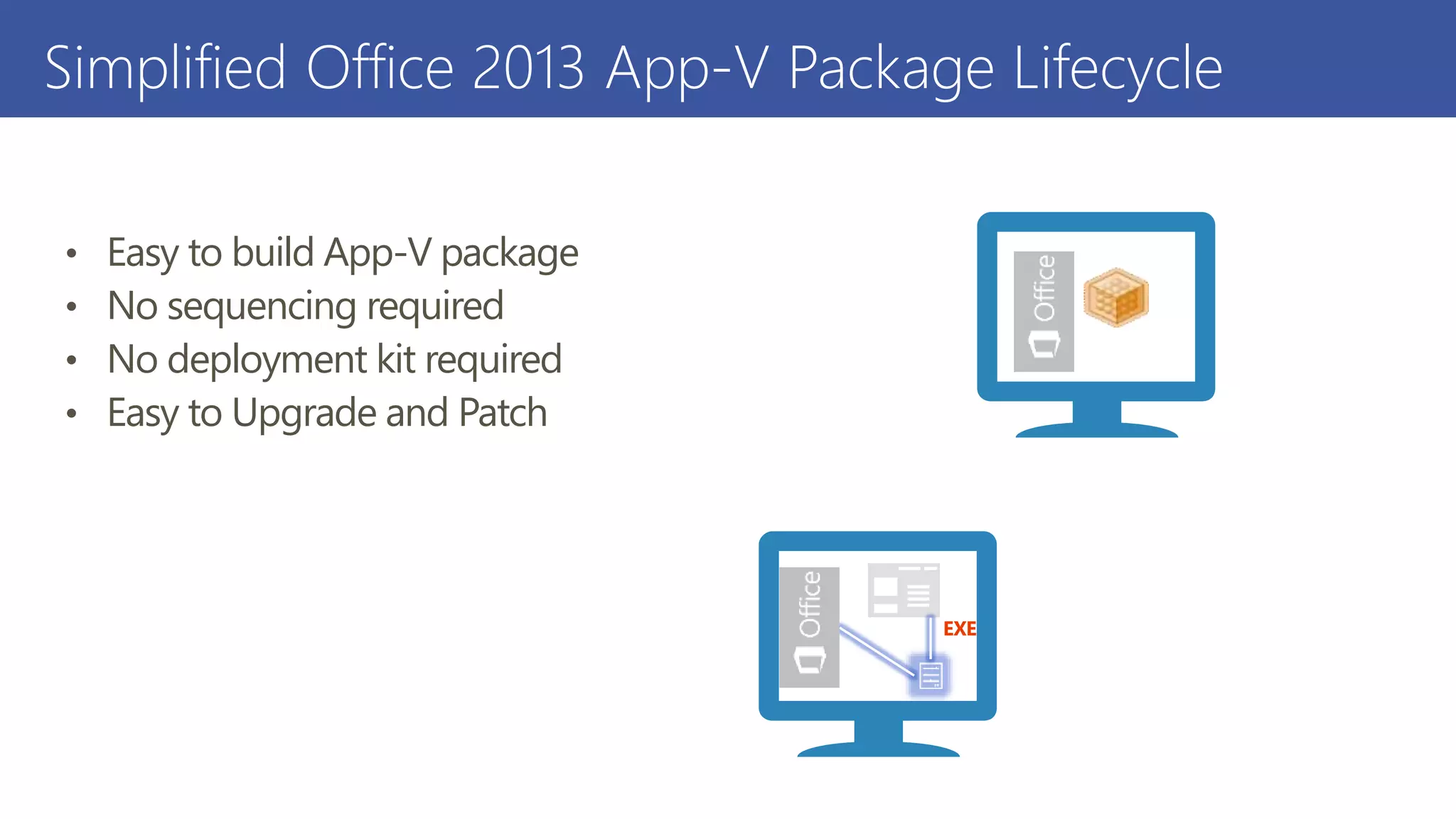
Simplified Office 2013 App-V Package Lifecycle
• Easy to build App-V package
• No sequencing required
• No deployment kit required
• Easy to Upgrade and Patch
EXE
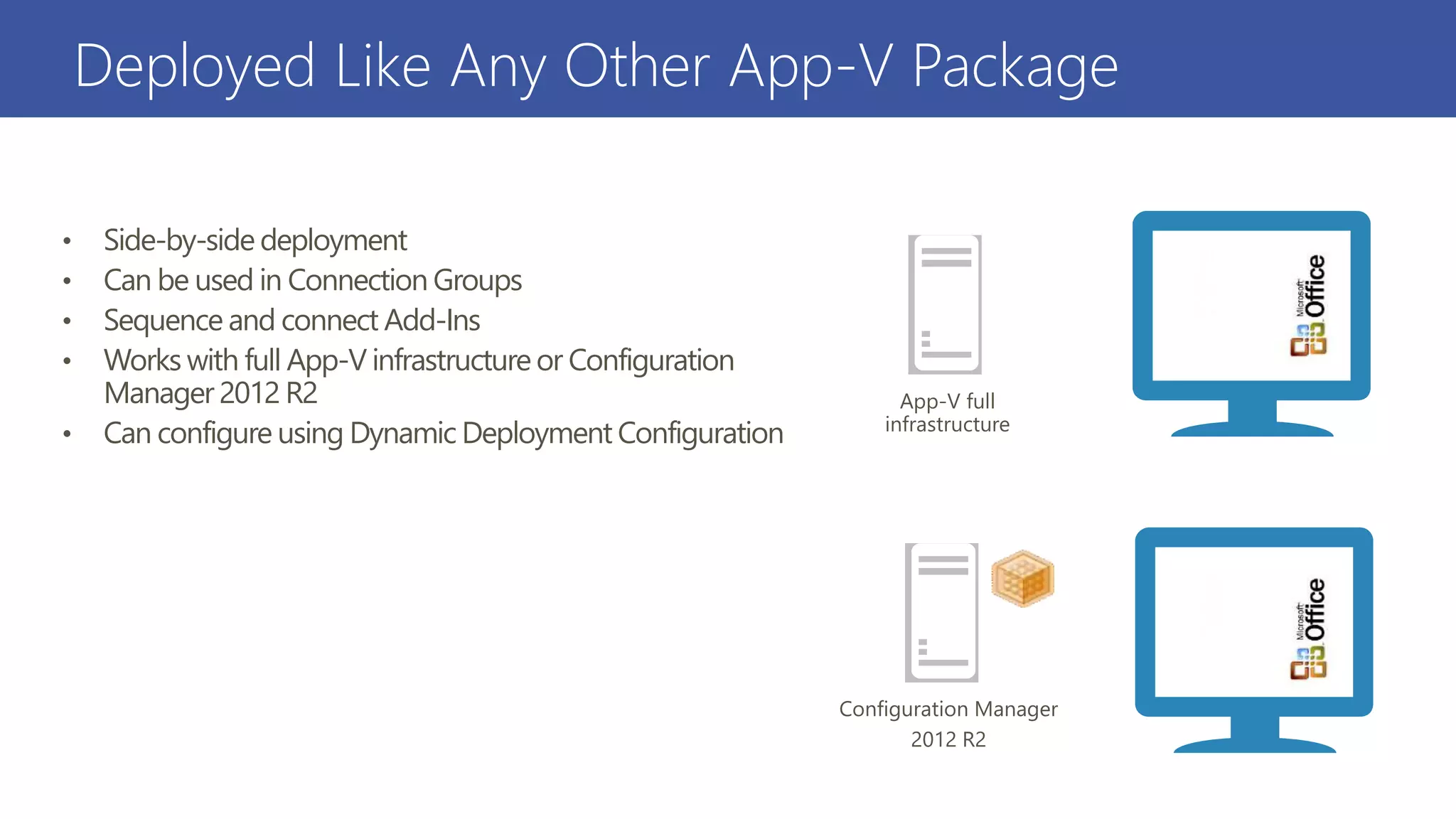
Deployed Like Any Other App-V Package
• Side-by-side deployment
• Can be used in Connection Groups
• Sequence and connect Add-Ins
• Works with full App-V infrastructure or Configuration
Manager 2012 R2
• Can configure using Dynamic Deployment Configuration
Configuration Manager
2012 R2
App-V full
infrastructure
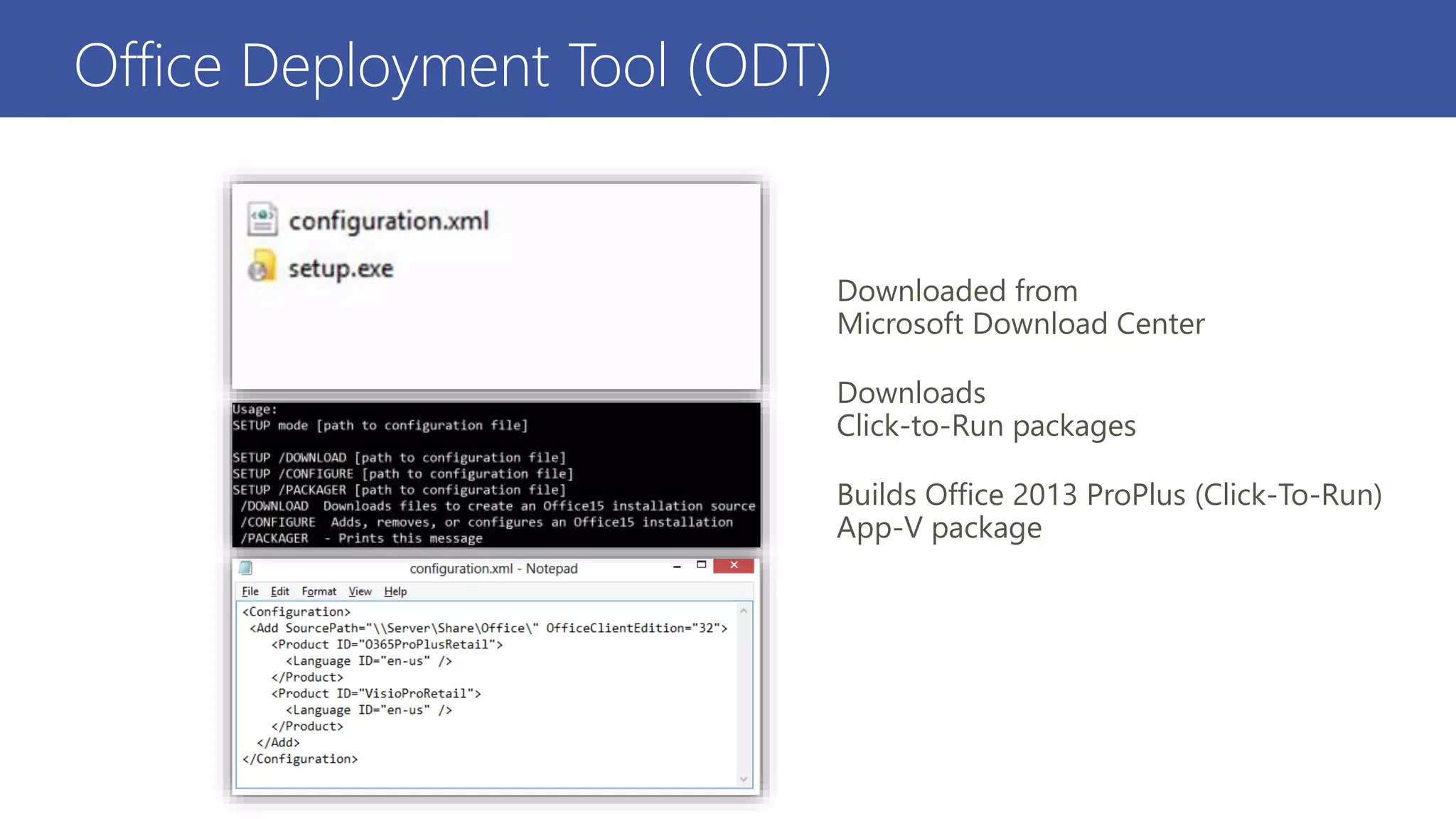
Office Deployment Tool (ODT)
Downloaded from
Microsoft Download Center
Downloads
Click-to-Run packages
Builds Office 2013 ProPlus (Click-To-Run)
App-V package
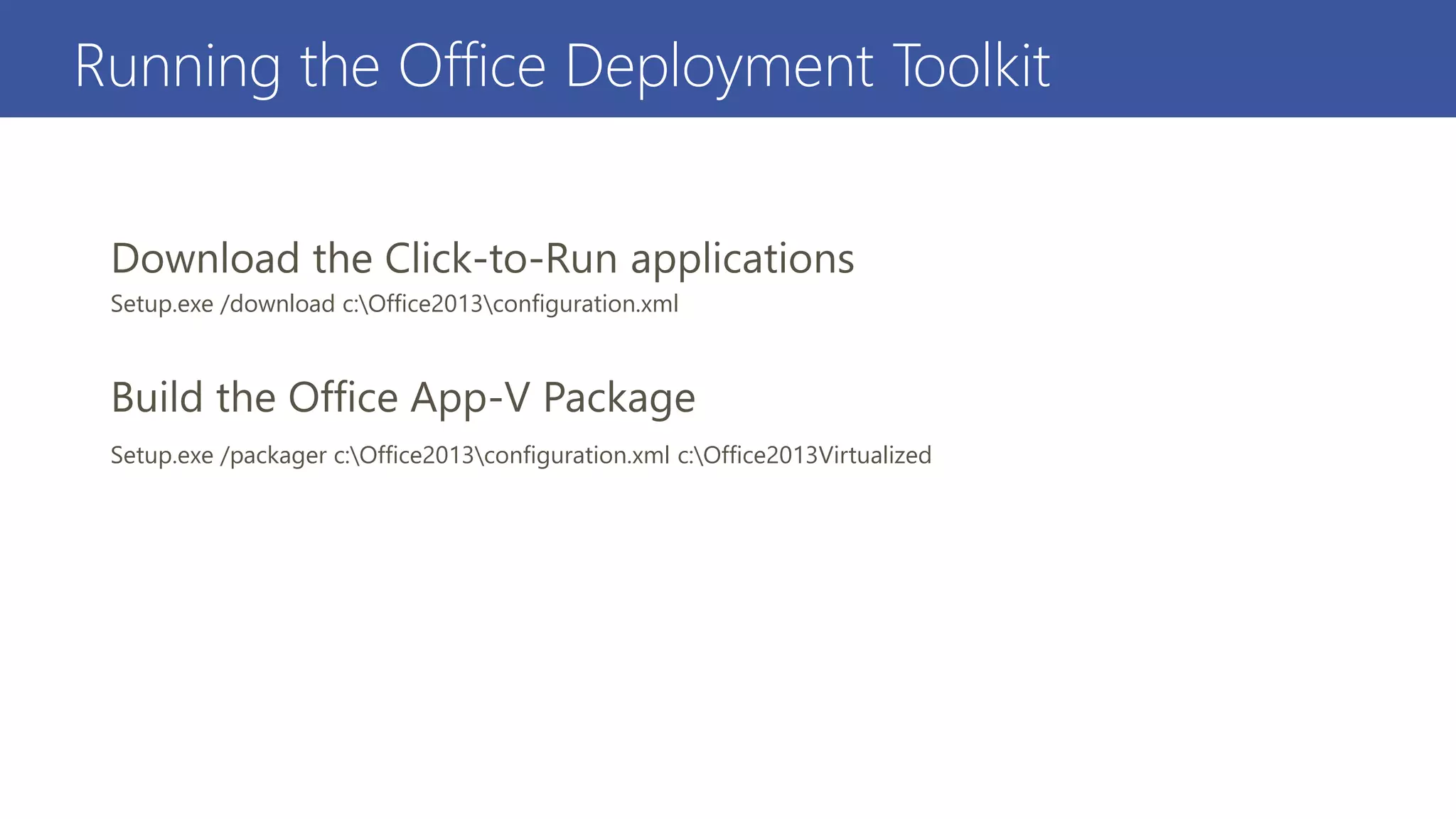
Running the Office Deployment Toolkit
Setup.exe /download c:Office2013configuration.xml
Setup.exe /packager c:Office2013configuration.xml c:Office2013Virtualized
Demo
Building the Office 2013 ProPlus
(Click-To-Run) Package With the
ODT
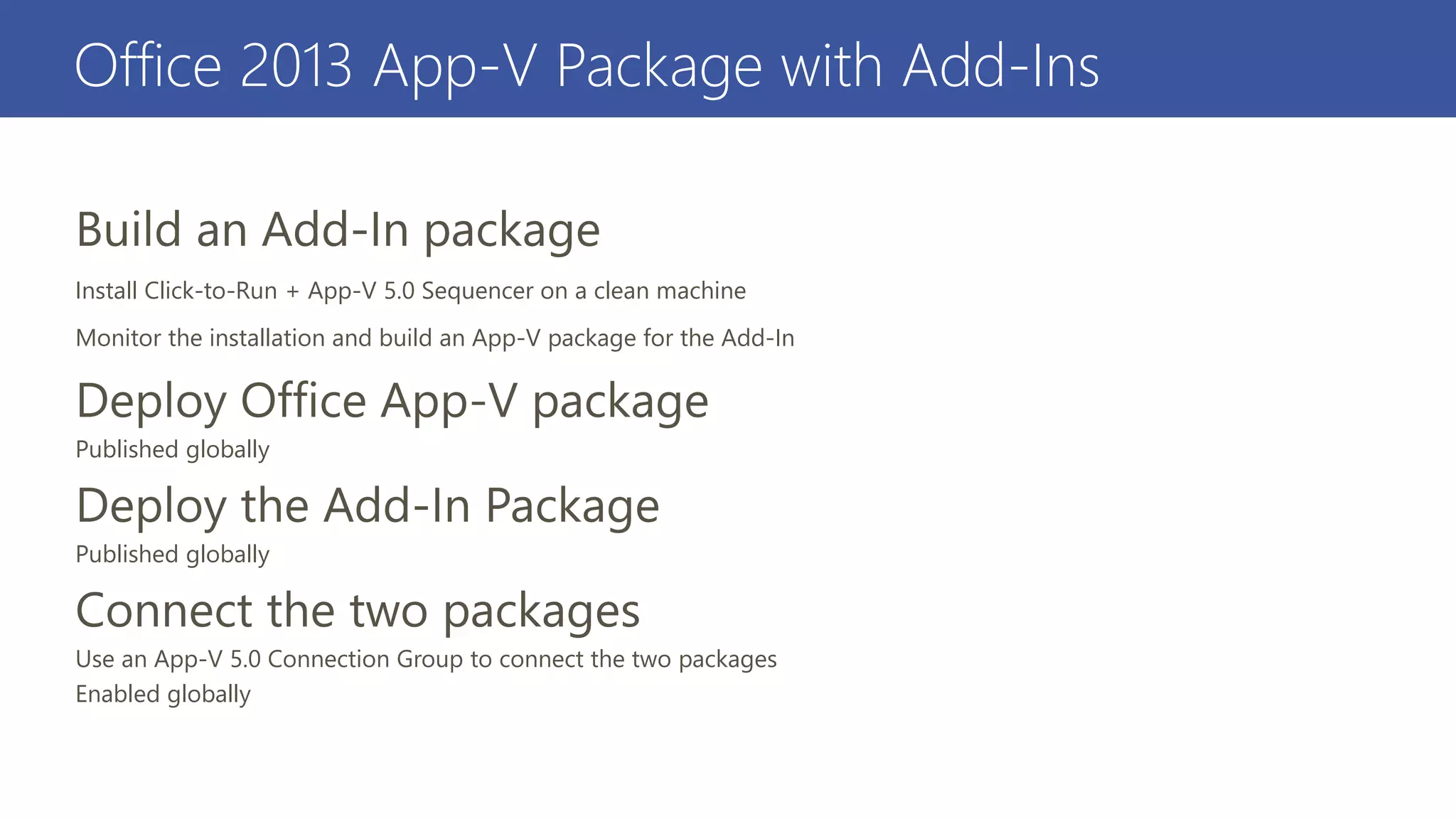
Office 2013 App-V Package with Add-Ins
Install Click-to-Run + App-V 5.0 Sequencer on a clean machine
Monitor the installation and build an App-V package for the Add-In
Published globally
Published globally
Use an App-V 5.0 Connection Group to connect the two packages
Enabled globally
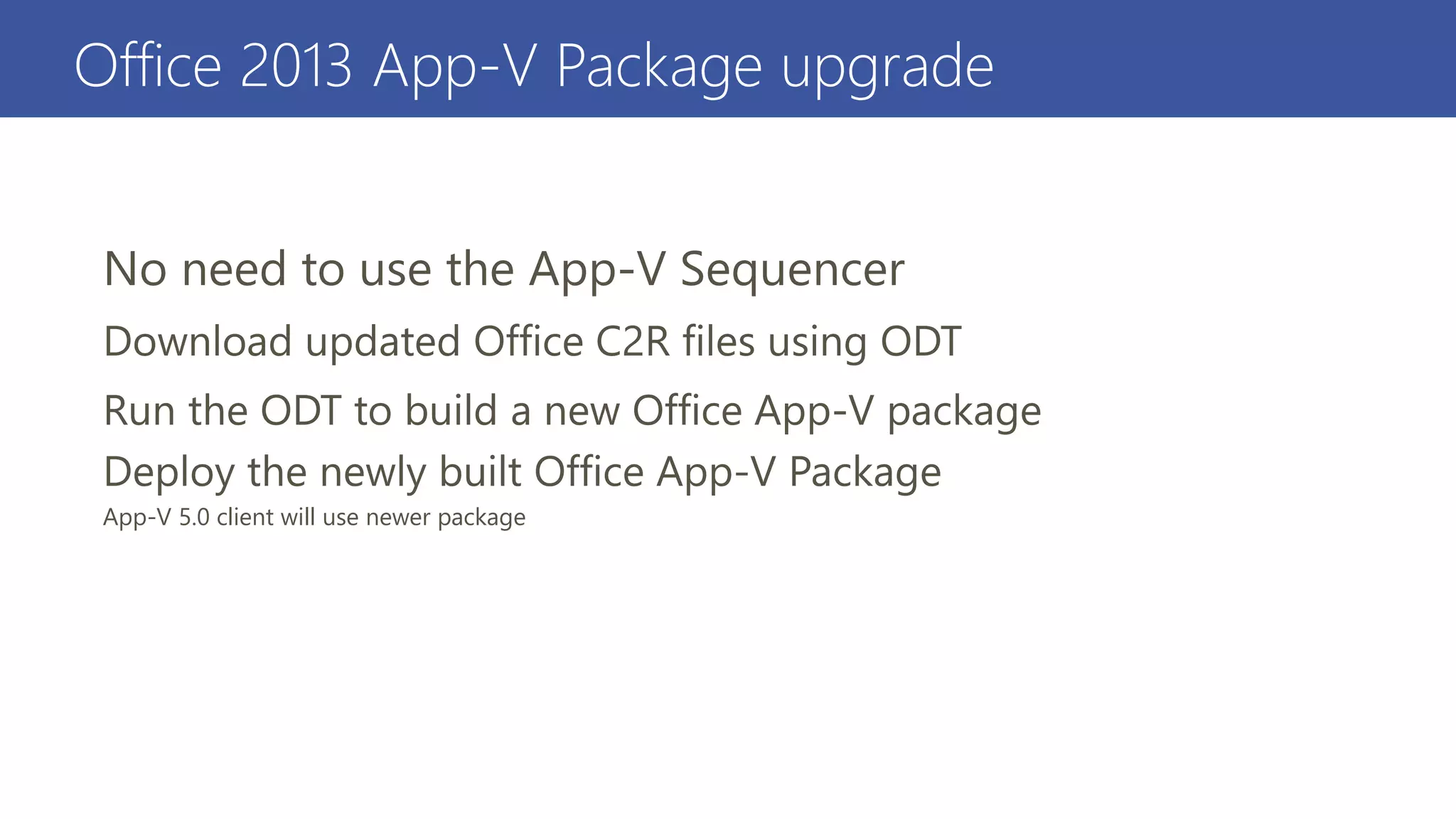
Office 2013 App-V Package upgrade
App-V 5.0 client will use newer package
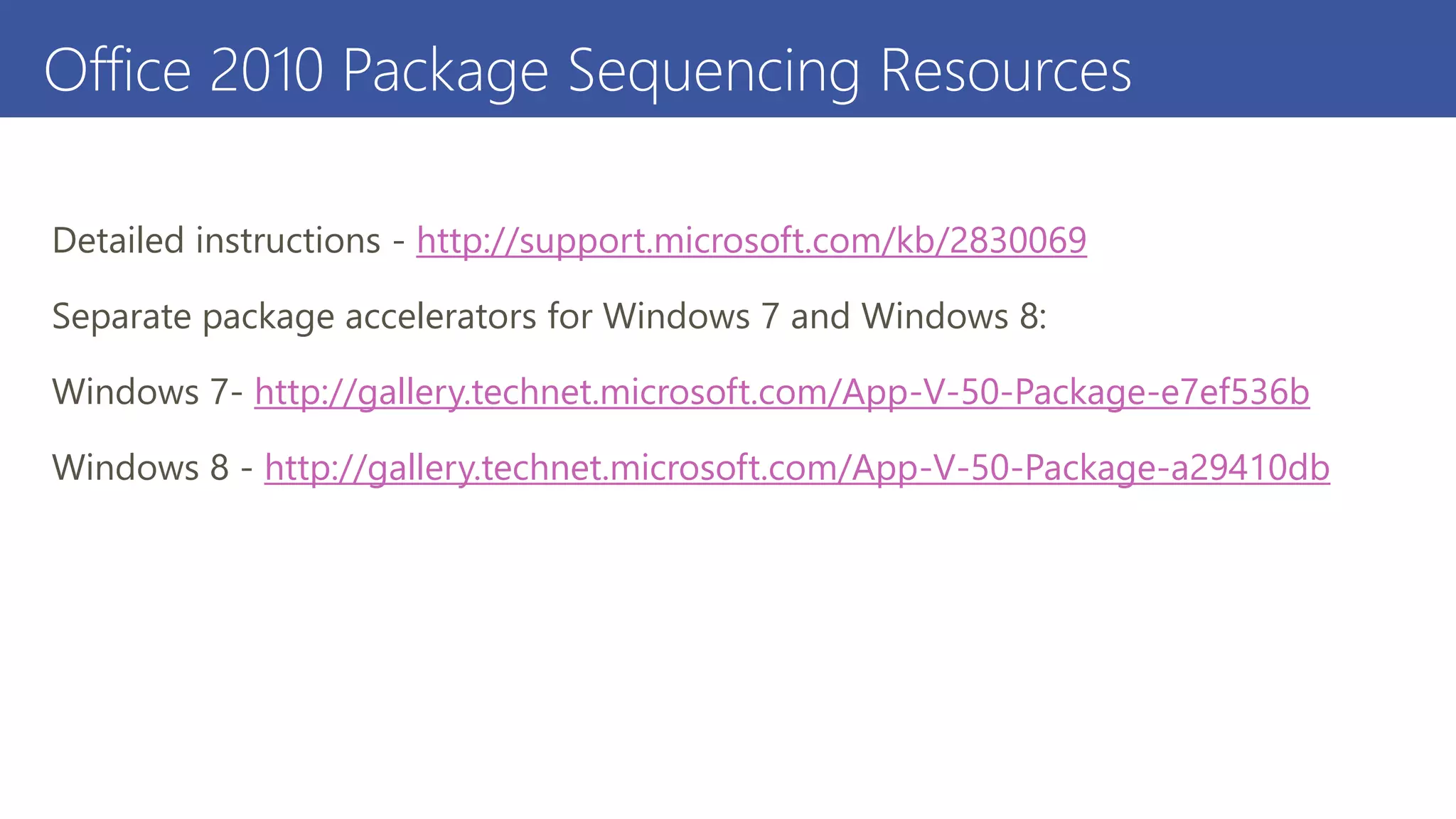
Office 2010 Package Sequencing Resources
Detailed instructions - http://support.microsoft.com/kb/2830069
Separate package accelerators for Windows 7 and Windows 8:
Windows 7- http://gallery.technet.microsoft.com/App-V-50-Package-e7ef536b
Windows 8 - http://gallery.technet.microsoft.com/App-V-50-Package-a29410db
Office 2013 ProPlus Resources
Details on ODT - http://technet.microsoft.com/en-us/library/jj219422.aspx
Download the ODT - http://www.microsoft.com/en-
us/download/details.aspx?id=36778
Sys01   creare applicazioni virtuali con microsoft application virtualization (app-v) 5.0

Sys01 creare applicazioni virtuali con microsoft application virtualization (app-v) 5.0

  • 1.
    Template designed by Creareapplicazioni virtuali con Microsoft Application Virtualization (App-V) 5.0 Nicola Ferrini IT Pro Trainer – App-V MVP http://www.nicolaferrini.it Template designed by
  • 2.
  • 3.
    Agenda • Introduction toMicrosoft Application Virtualization 5.0 • Create a virtual application using App-V 5.0 • Distribute a virtual application using App-V 5.0 • Syde-by-side real and virtual applications
  • 4.
    Local Desktop Virtual Desktop Login Login AnywhereProductivity Access to applications on any device without installs Avoid Business Disruptions Log in to retrieve applications and restore productivity Accelerate Deployment Faster provisioning of virtual applications on demand Reduce application testing time End Point Microsoft Application Virtualization (App-V)
  • 5.
    App-V 5.0 :What’s New Integrated Platform • Virtual applications work like installed applications • Virtual applications use Windows standards Powerful Management • New web-based management interface • One management workflow for desktop, VDI and RDS • Rich PowerShell scripting allows automation and customization Flexible Virtualization • Multiple App-V applications can share the same virtual environment • Designed to support highly integrated applications
  • 6.
    Template designed by What’snew in App-V 5.0  Modify the Virtual Environment with Dynamic Deployment Configuration or Dynamic User Configuration  Combine packages at runtime with Virtual Application Connection  Expose virtual application to native using Virtual Application Extension  Configure with Group Policy  Manage with PowerShell  Standard Windows tools: PowerShell, Event Logs, ETW tracing  Co-exist with App-V 4.6 client  Web-based User Interface  Manage with PowerShell  HTTP support for publishing, streaming  SMB streaming App-V ServerApp-V Client App-V Packages
  • 7.
    Template designed by Packaging Sequencer Similar UI from App-V 4.6 SP1  New package file format Package Converter  Customers can carry forward existing investments  Easily convert 4.5+ packages to the new format
  • 8.
    Demo Create a newvirtual application using the App-V Sequencer
  • 9.
    Office 2010 App-VPackage Overview
  • 10.
    Deploying the Office2010 Suite Demo
  • 11.
    Simplified Office 2013App-V Package Lifecycle • Easy to build App-V package • No sequencing required • No deployment kit required • Easy to Upgrade and Patch EXE
  • 12.
    Deployed Like AnyOther App-V Package • Side-by-side deployment • Can be used in Connection Groups • Sequence and connect Add-Ins • Works with full App-V infrastructure or Configuration Manager 2012 R2 • Can configure using Dynamic Deployment Configuration Configuration Manager 2012 R2 App-V full infrastructure
  • 13.
    Office Deployment Tool(ODT) Downloaded from Microsoft Download Center Downloads Click-to-Run packages Builds Office 2013 ProPlus (Click-To-Run) App-V package
  • 14.
    Running the OfficeDeployment Toolkit Setup.exe /download c:Office2013configuration.xml Setup.exe /packager c:Office2013configuration.xml c:Office2013Virtualized
  • 15.
    Demo Building the Office2013 ProPlus (Click-To-Run) Package With the ODT
  • 16.
    Office 2013 App-VPackage with Add-Ins Install Click-to-Run + App-V 5.0 Sequencer on a clean machine Monitor the installation and build an App-V package for the Add-In Published globally Published globally Use an App-V 5.0 Connection Group to connect the two packages Enabled globally
  • 17.
    Office 2013 App-VPackage upgrade App-V 5.0 client will use newer package
  • 18.
    Office 2010 PackageSequencing Resources Detailed instructions - http://support.microsoft.com/kb/2830069 Separate package accelerators for Windows 7 and Windows 8: Windows 7- http://gallery.technet.microsoft.com/App-V-50-Package-e7ef536b Windows 8 - http://gallery.technet.microsoft.com/App-V-50-Package-a29410db
  • 19.
    Office 2013 ProPlusResources Details on ODT - http://technet.microsoft.com/en-us/library/jj219422.aspx Download the ODT - http://www.microsoft.com/en- us/download/details.aspx?id=36778