Building Apps Using appMobi


                          2/15/2013   1
Who am I?

        Andrew Smith
  appMobi Developer Evangelist
      Web Development
          @profMobi
Agenda

o   What is appMobi all about?
o   What makes an appMobi app tick?
o   How do I make an app?
o   How do I make a Windows app?
o   Where do I get started?
Hackathon Questions


andrew@appmobi.com
What is appMobi all about?
Mission:
 To unify the technologies used in delivering web and mobile apps,
simplifying the process of development and resulting in a new class
 of creative and compelling native mobile apps and interactive ads.


                           Strategy:
Offer a cloud-based, white-label platform that opens up the world of
 cross-device native mobile app creation to web developers, using
                   familiar languages and tools:
                     HTML5 and JavaScript


                                                            2/15/2013   6
The appMobi
mission is to help
developers create
      What does appMobi do?
awesome mobile
apps using HTML5
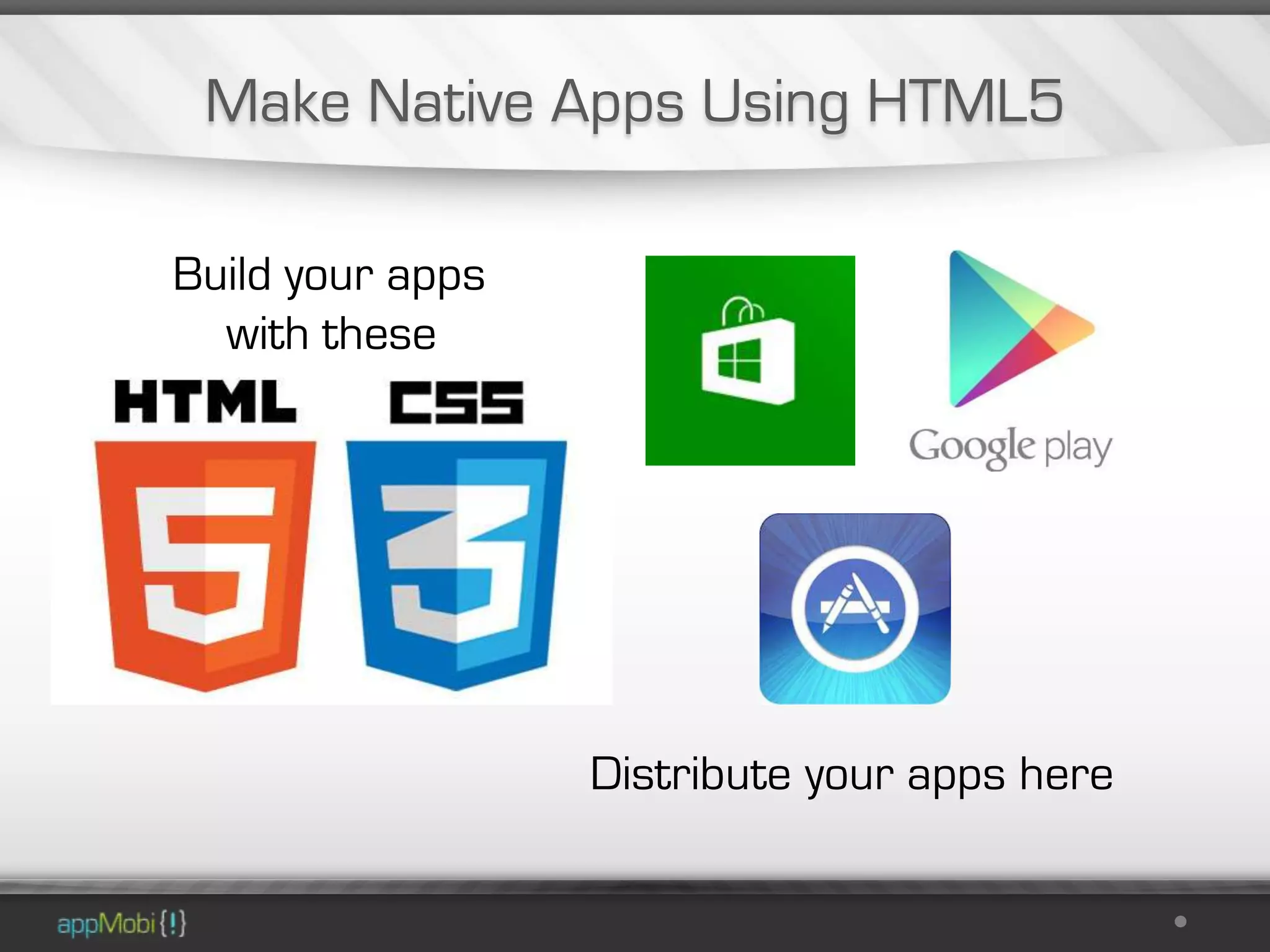
Make Native Apps Using HTML5

Build your apps
  with these


                  Distribute your apps here
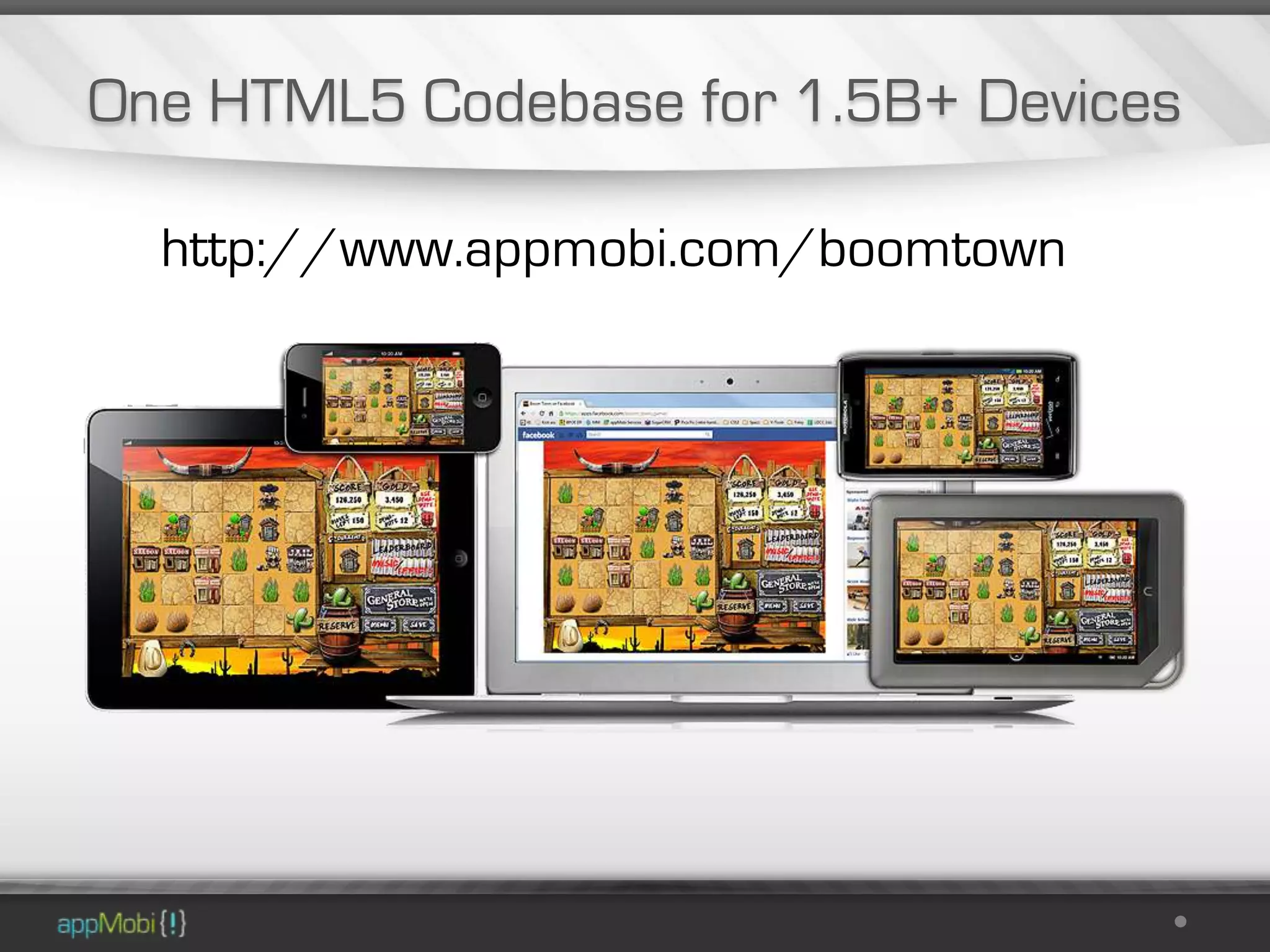
One HTML5 Codebase for 1.5B+ Devices

  http://www.appmobi.com/boomtown
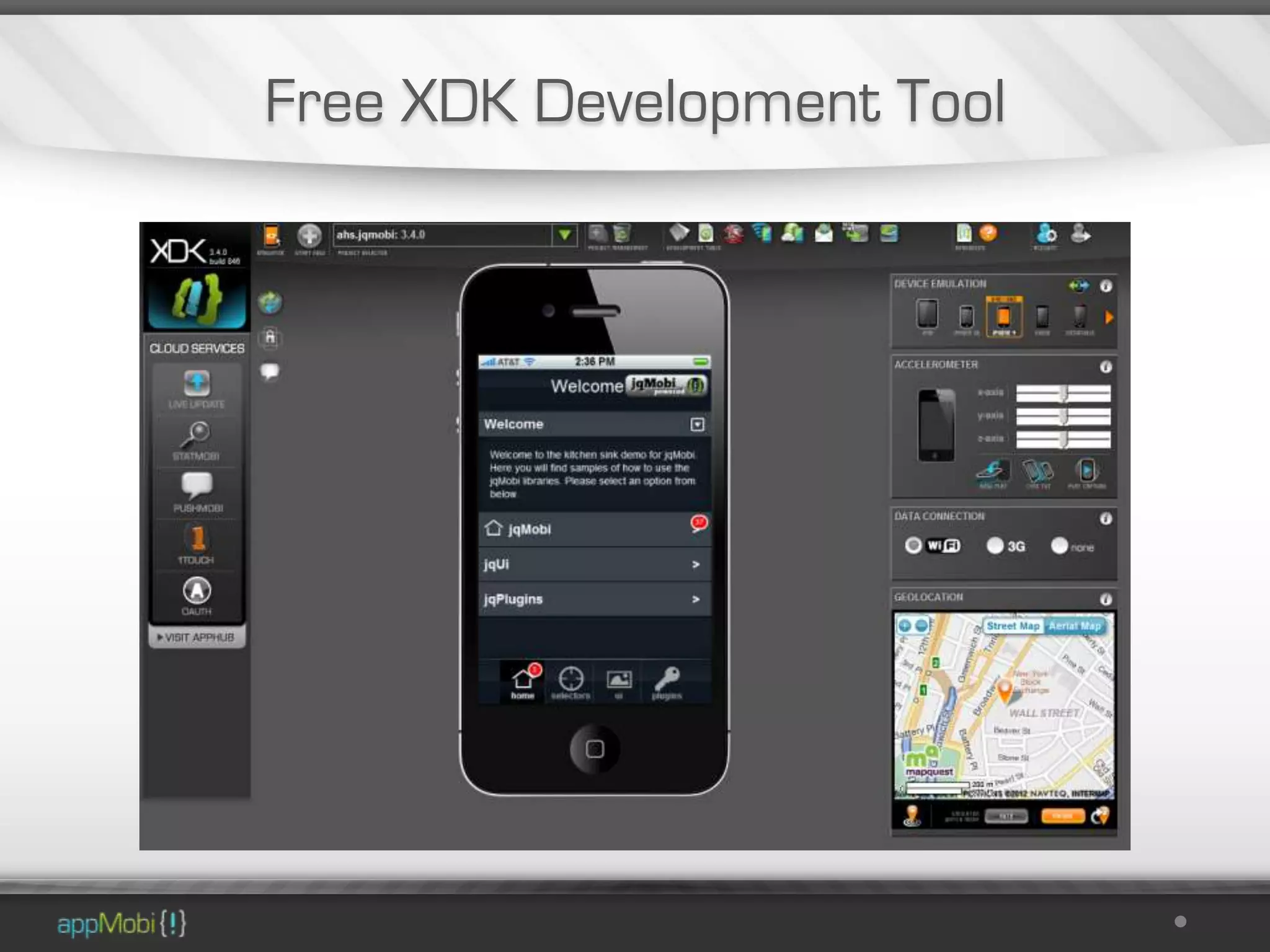
Free XDK Development Tool
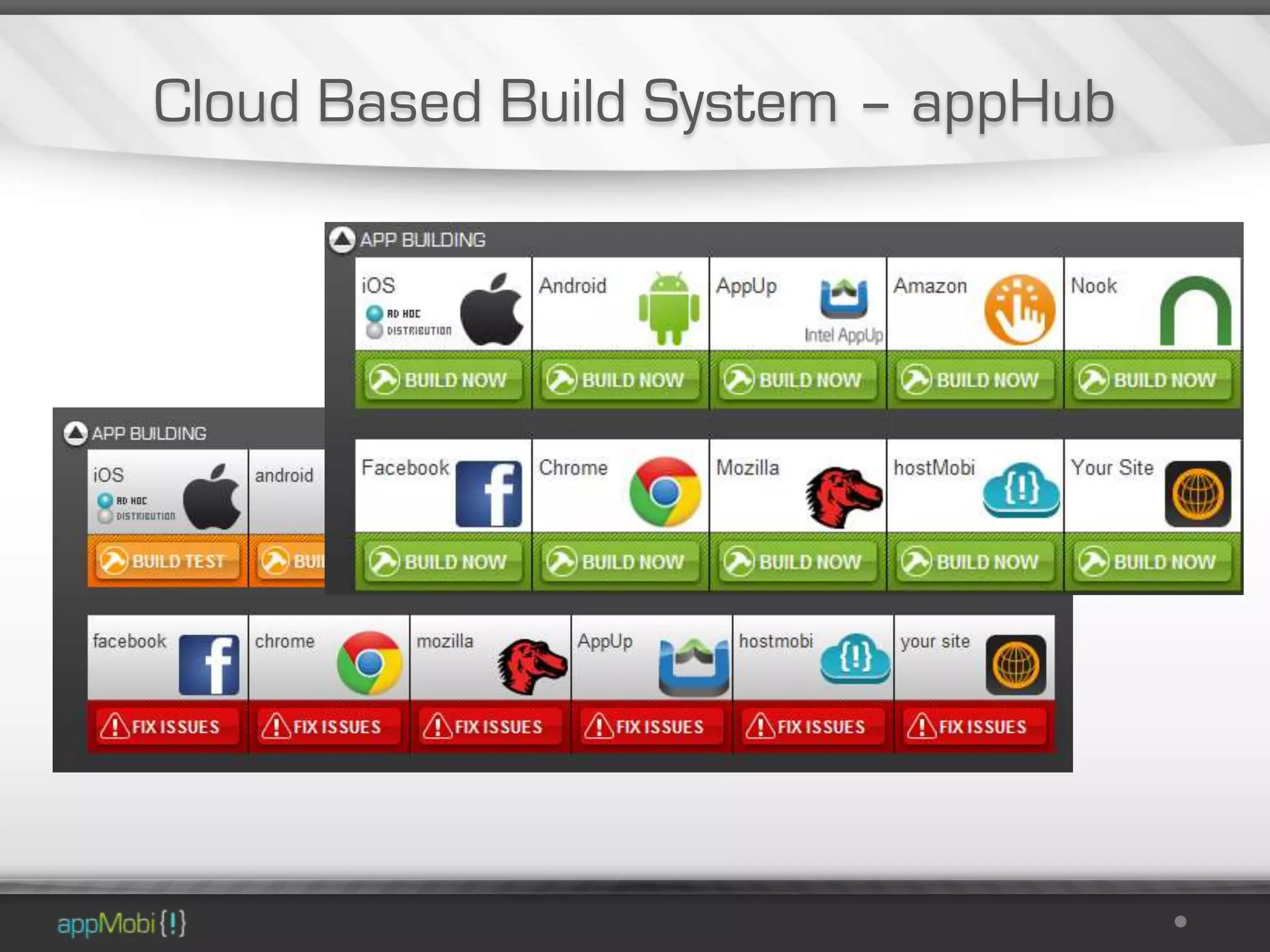
Cloud Based Build System – appHub
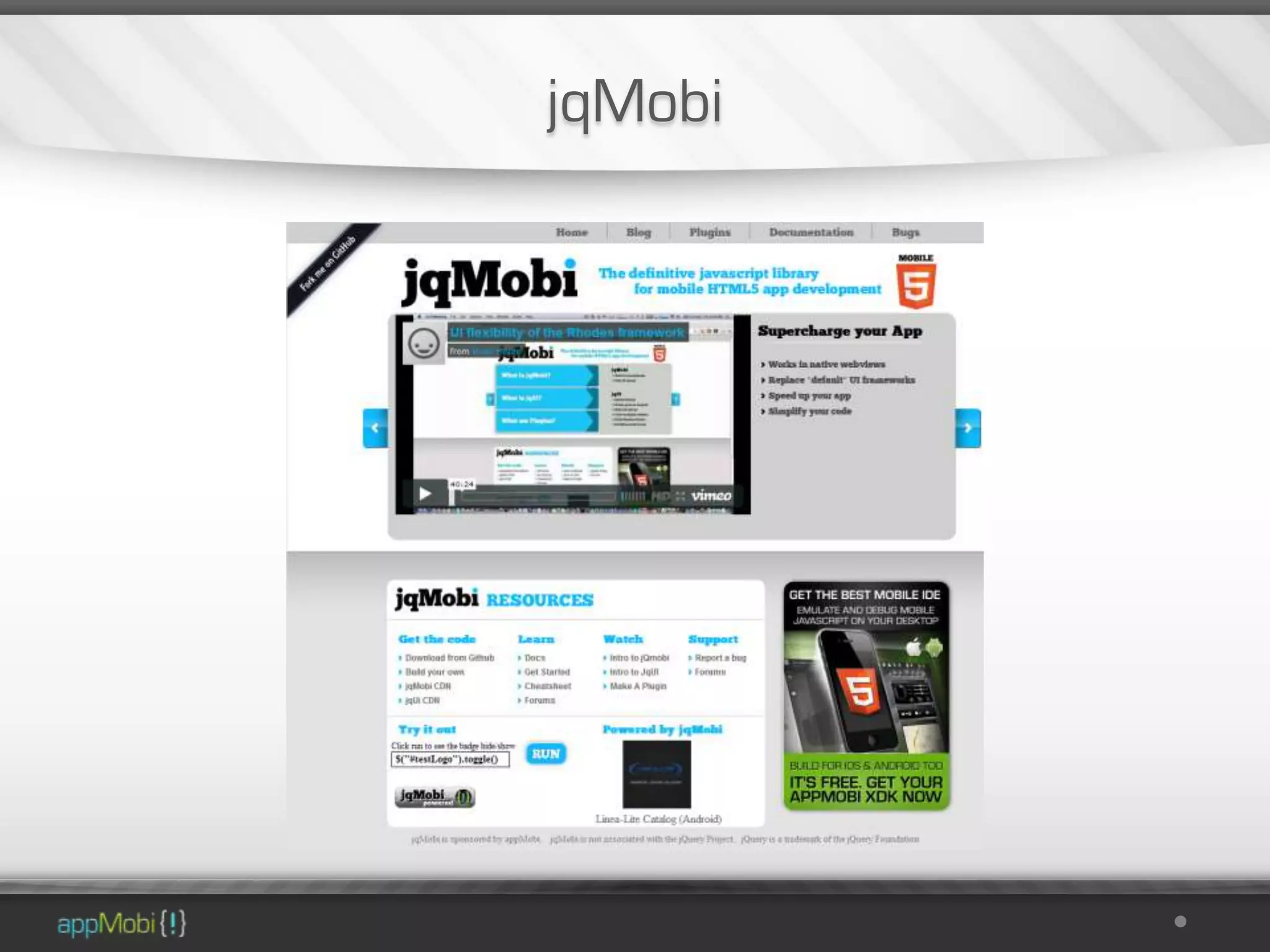
jqMobi
HTML5 Game Development

•   Game Engine Interfaces
•   directCanvas
•   directBox2d physics
•   Android Multi-Touch
•   Multi-Sound
Cloud Services

The appMobi Cloud Services
provide enhancements for
mobile HTML5 applications
• Frictionless Payments
• Analytics
• Game Development Tools
• Over the air updates
• Push Messaging
Facts

• Over 130K Developers Using
  our development tools
• 60K XDK Accounts Created
• Over 6000 Apps Delivered to
  App stores
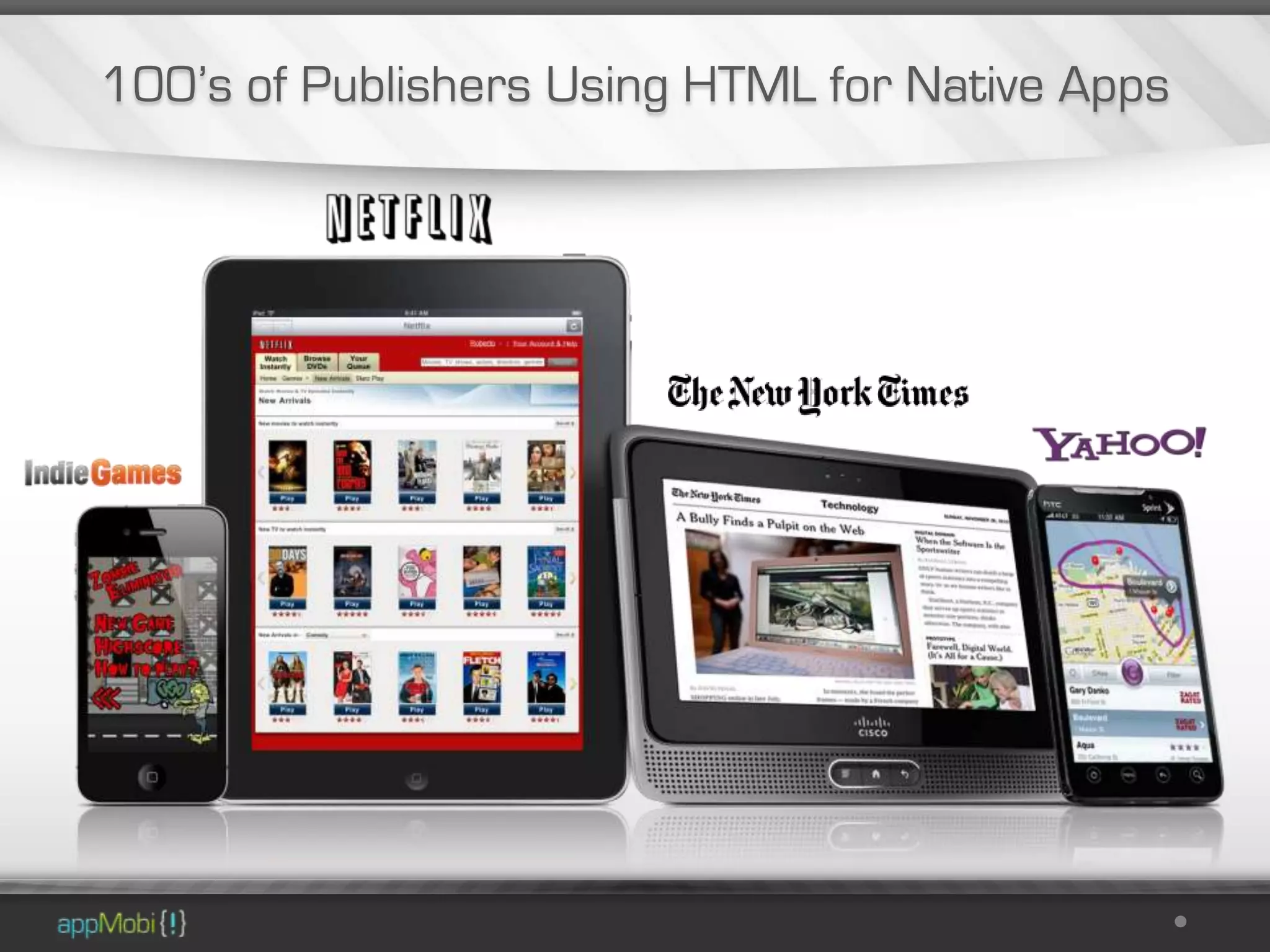
100’s of Publishers Using HTML for Native Apps
What makes an appMobi application
              tick?
The Anatomy of an appMobi Application

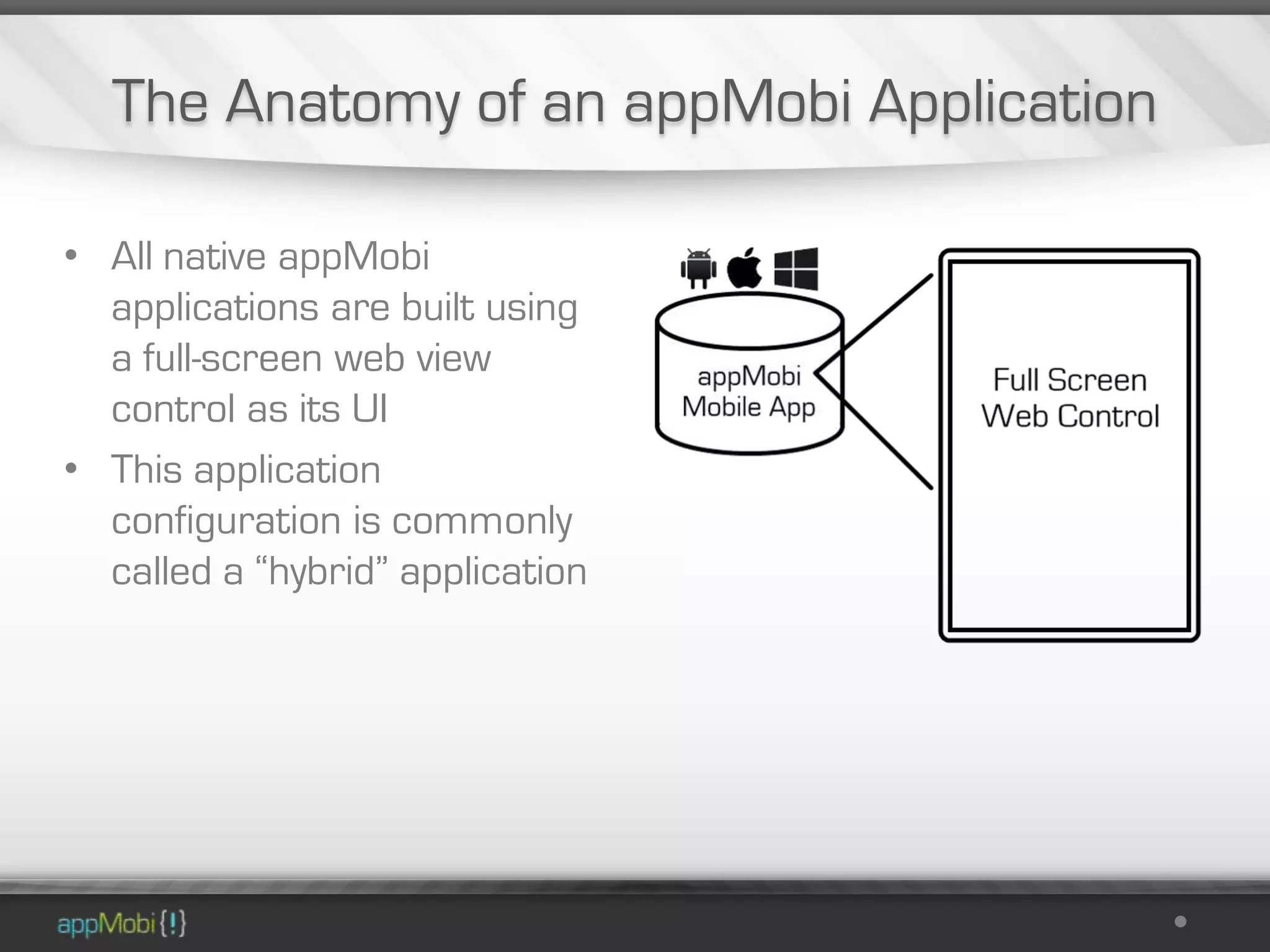
• All native appMobi
  applications are built using
  a full-screen web view
  control as its UI
• This application
  configuration is commonly
  called a “hybrid” application
The Anatomy of an appMobi Application

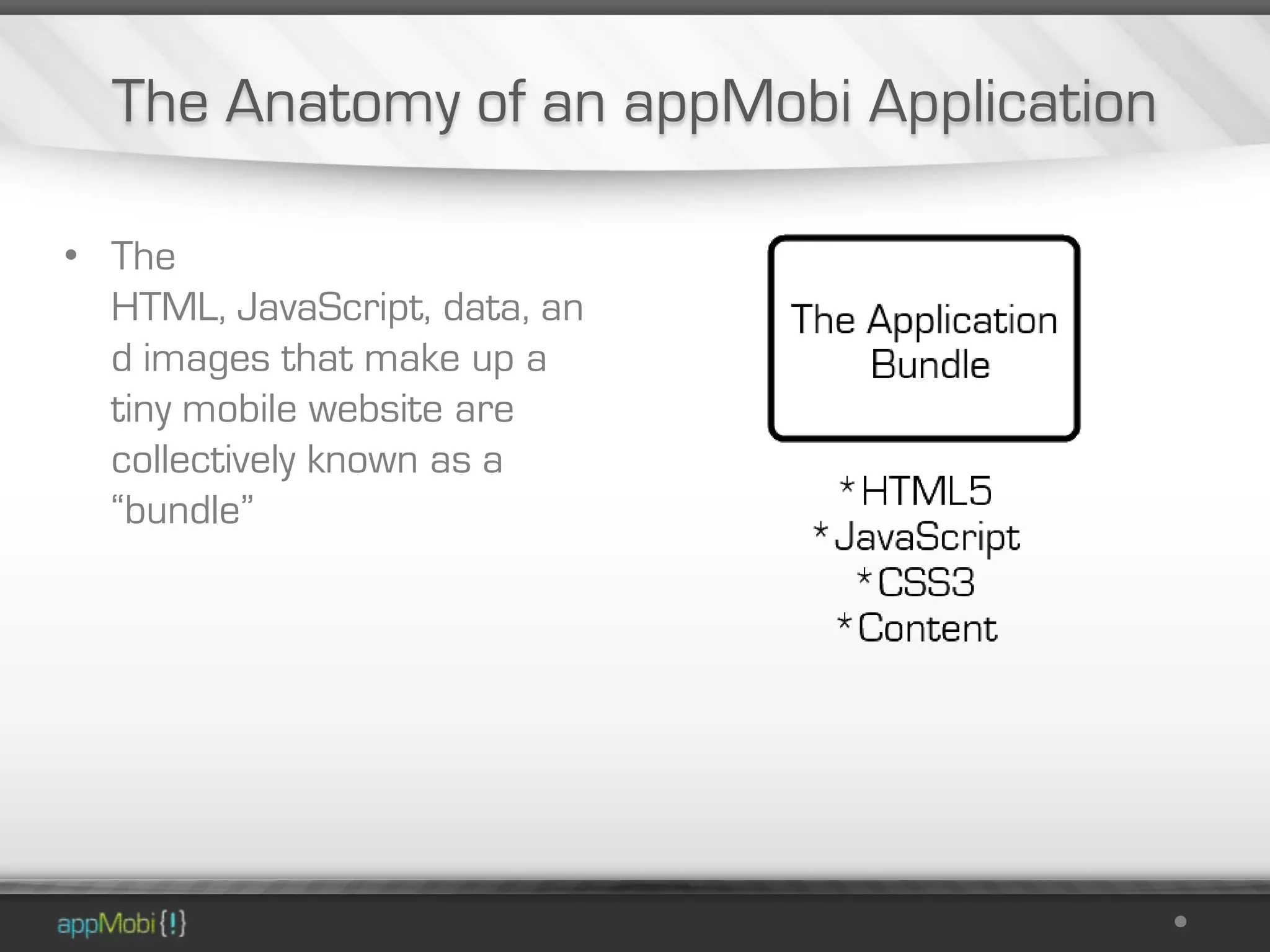
• The
  HTML, JavaScript, data, an
  d images that make up a
  tiny mobile website are
  collectively known as a
  “bundle”
The Anatomy of an appMobi Application

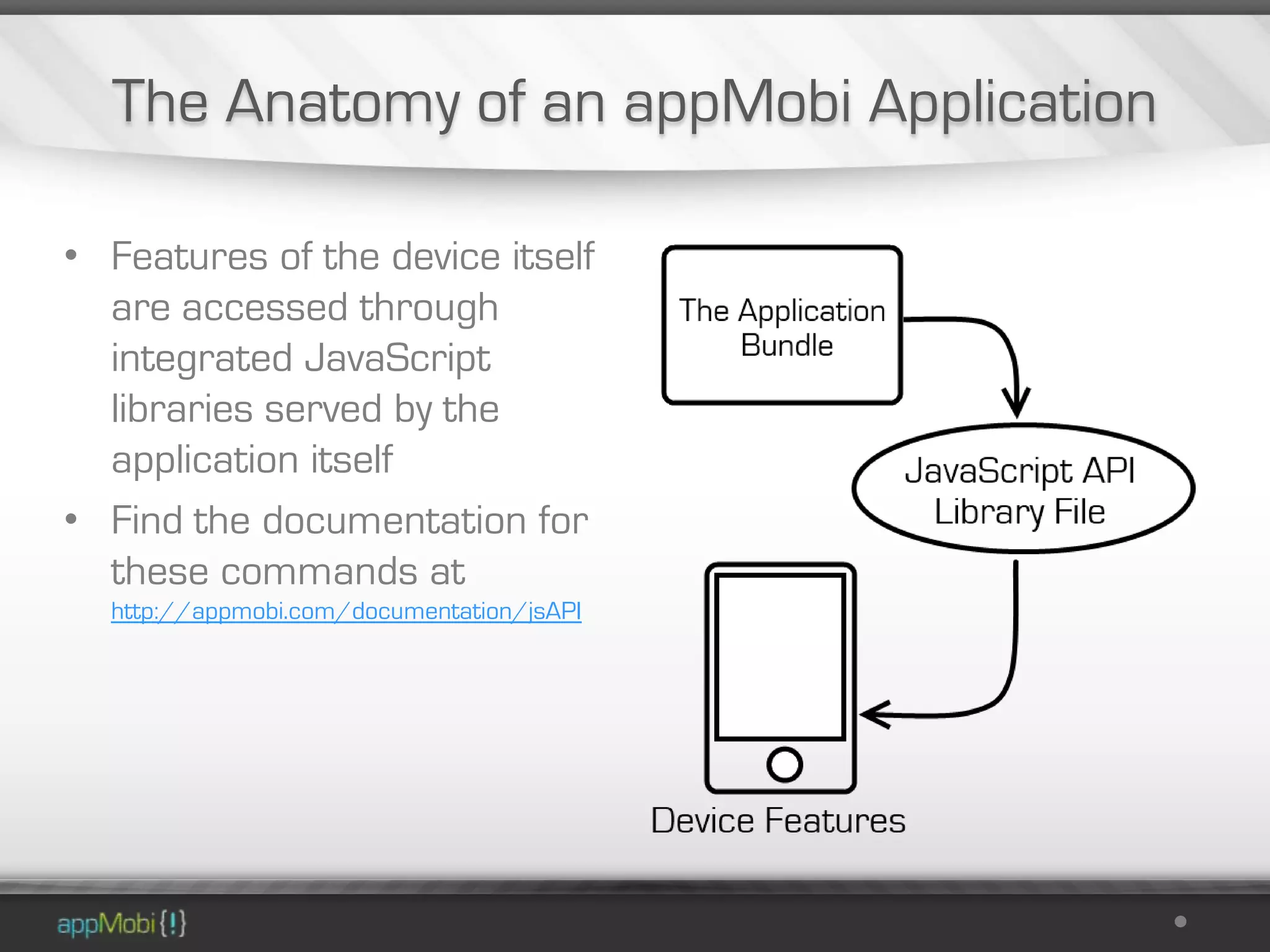
• Features of the device itself
  are accessed through
  integrated JavaScript
  libraries served by the
  application itself
• Find the documentation for
  these commands at
  http://appmobi.com/documentation/jsAPI
The Anatomy of an appMobi Application

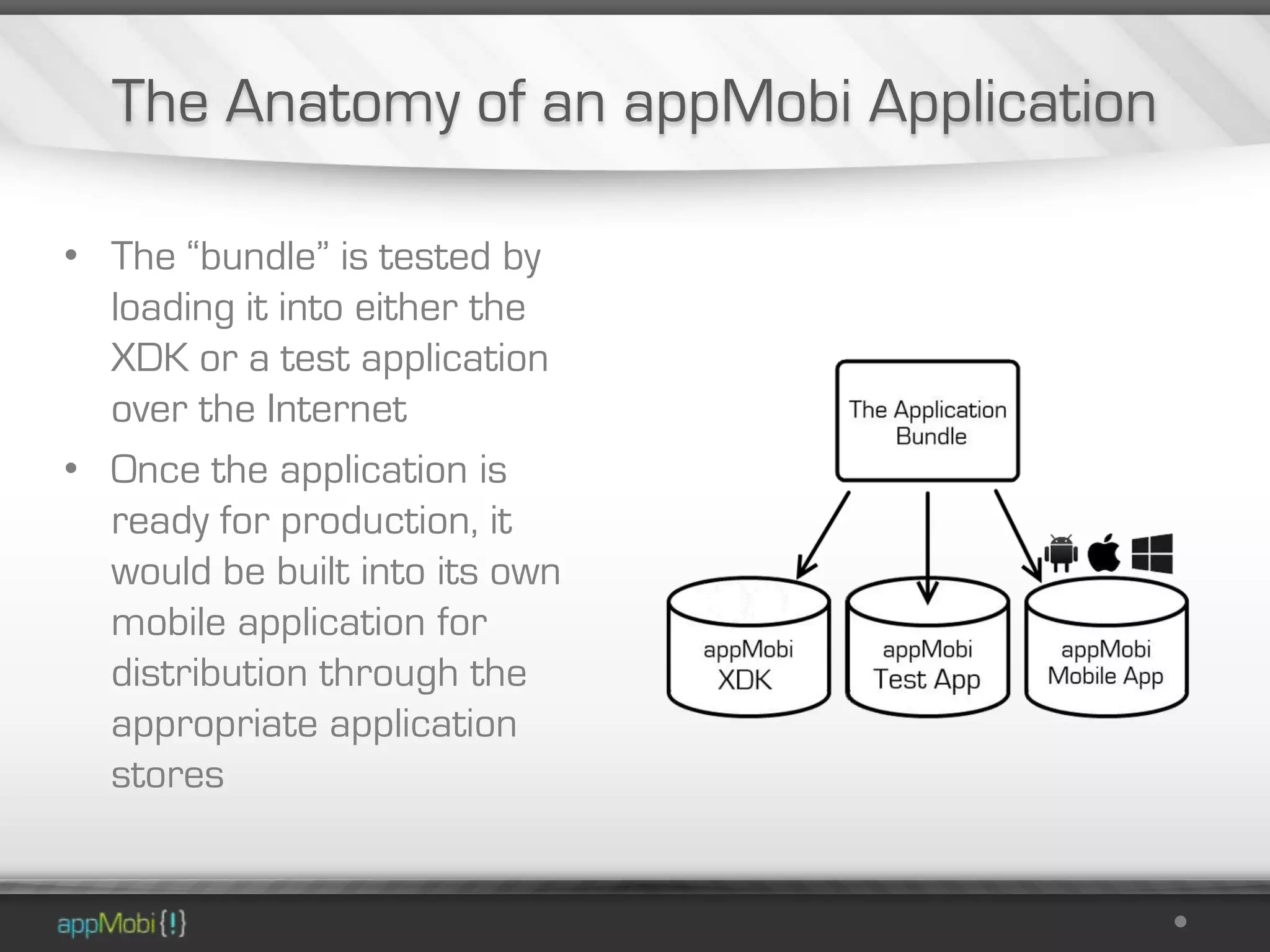
• The “bundle” is tested by
  loading it into either the
  XDK or a test application
  over the Internet
• Once the application is
  ready for production, it
  would be built into its own
  mobile application for
  distribution through the
  appropriate application
  stores
How do I make an app?
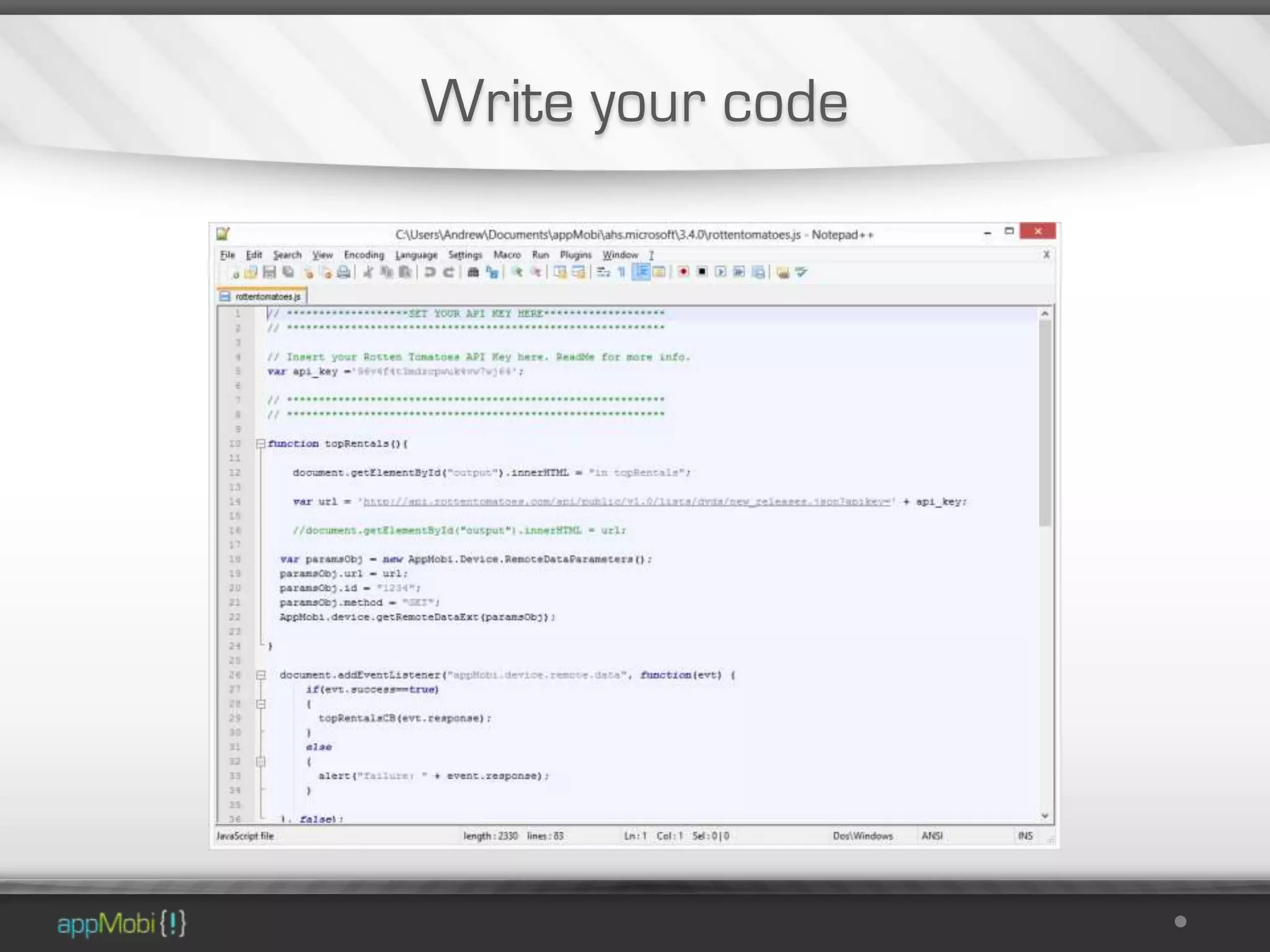
Write your code
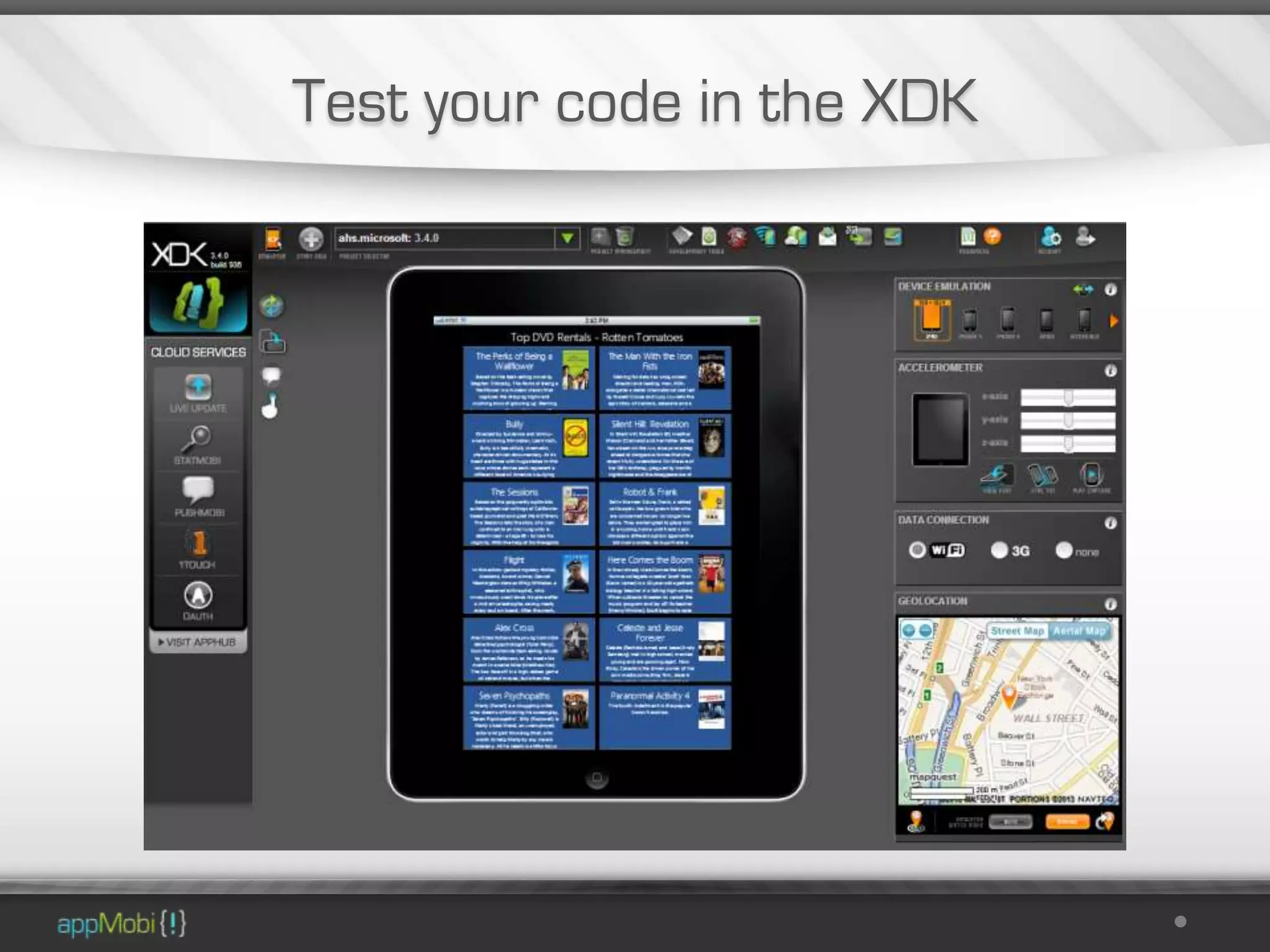
Test your code in the XDK
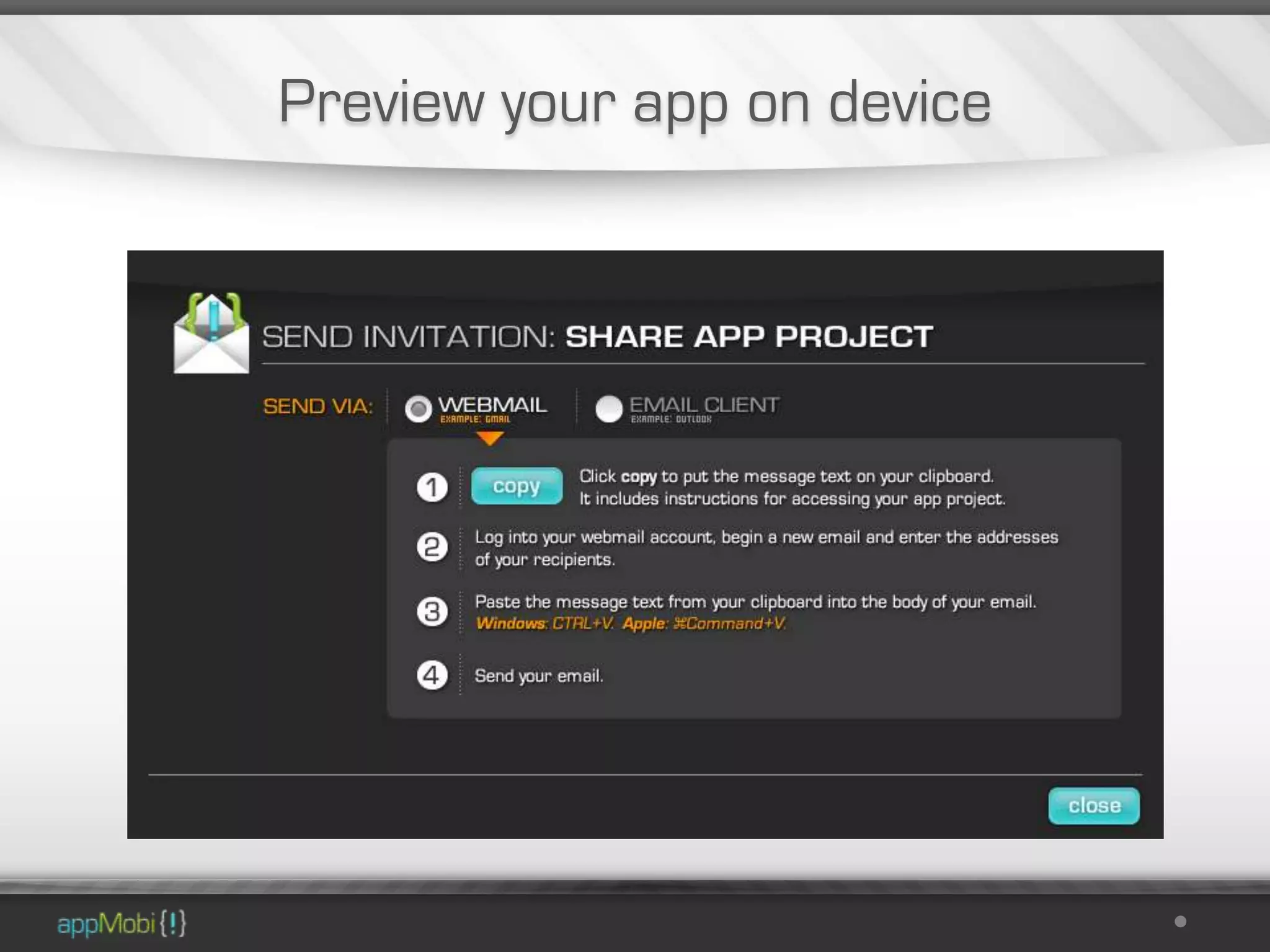
Preview your app on device
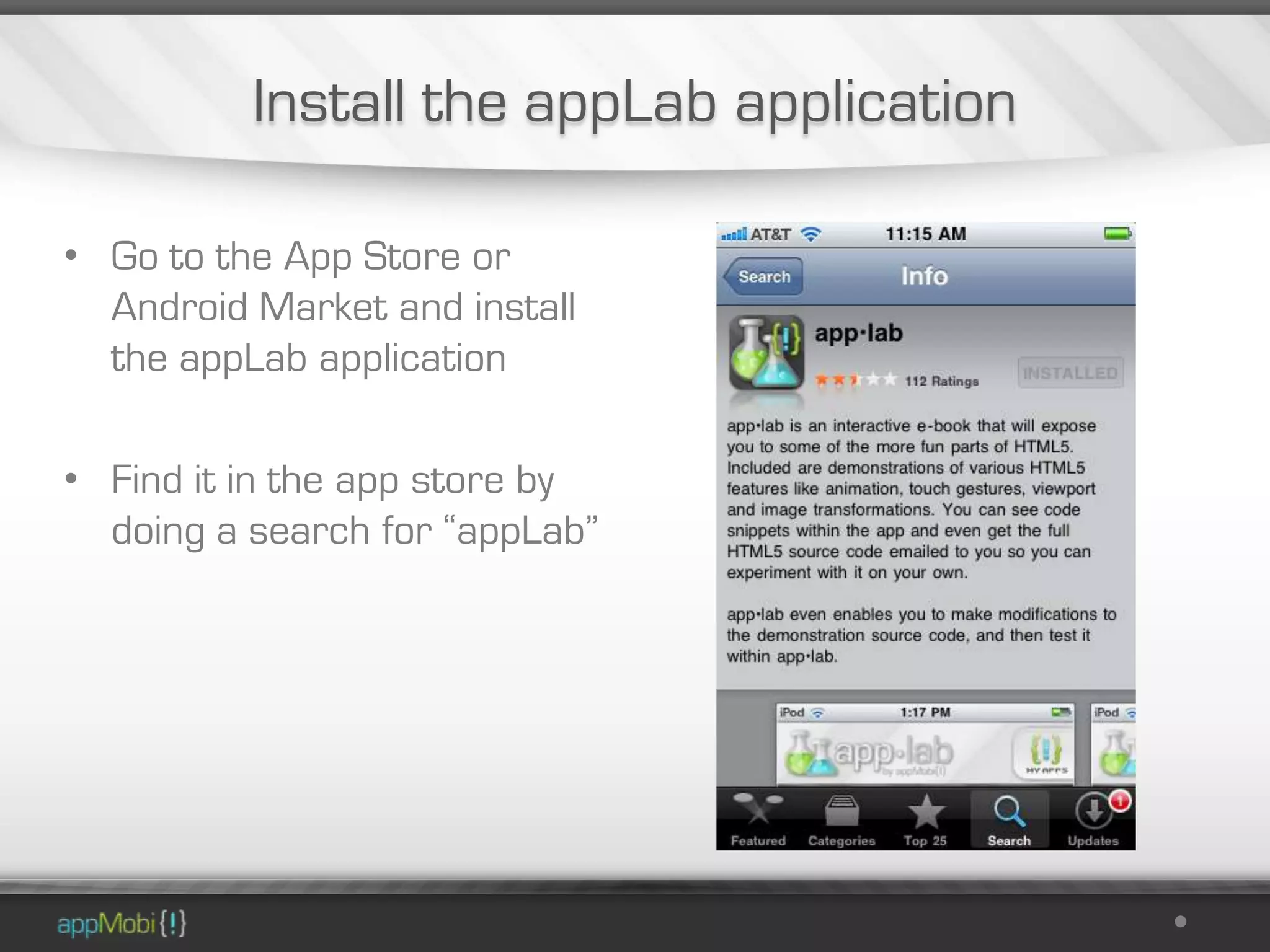
Install the appLab application

• Go to the App Store or
  Android Market and install
  the appLab application

• Find it in the app store by
  doing a search for “appLab”
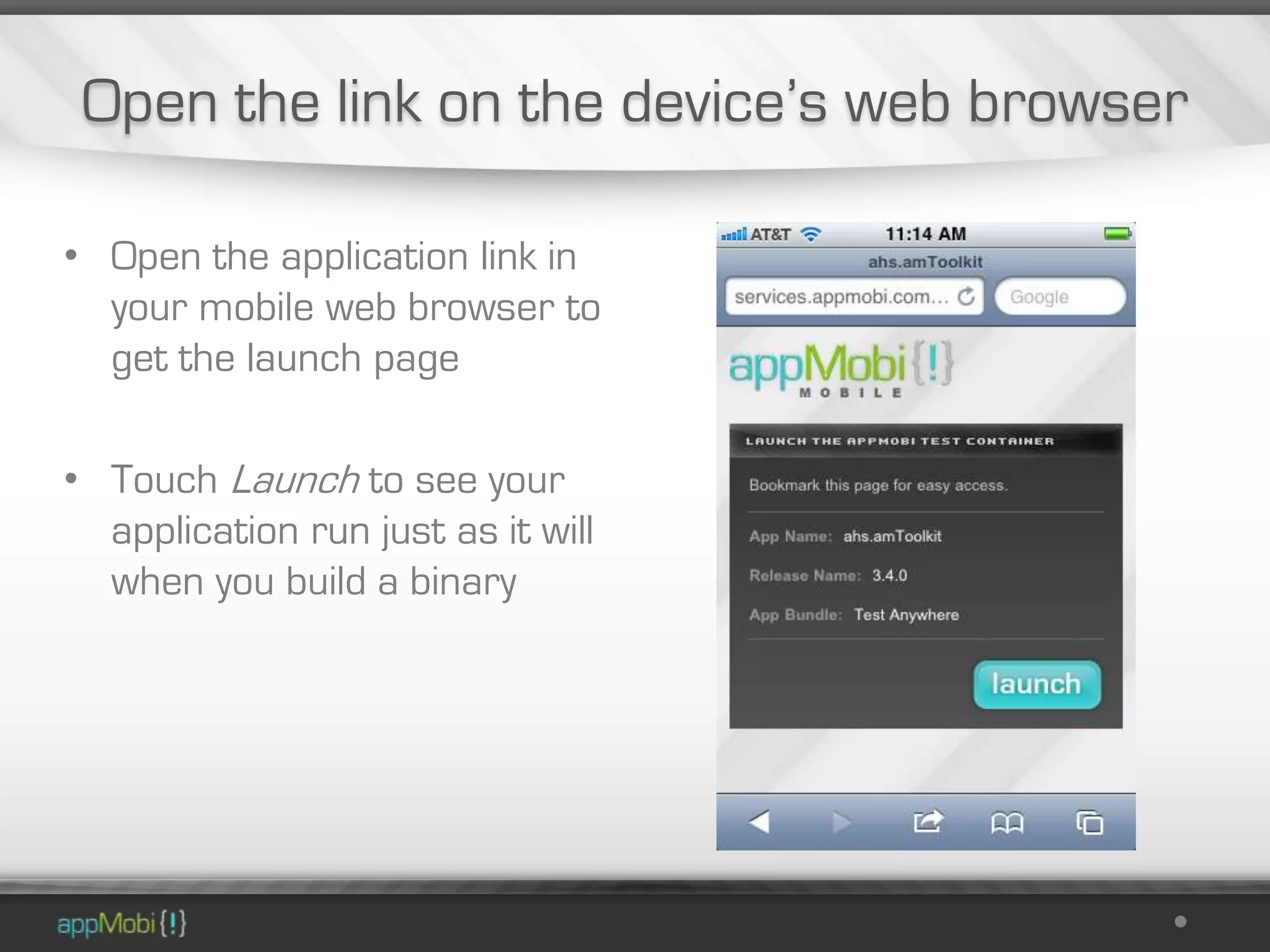
Open the link on the device’s web browser

• Open the application link in
  your mobile web browser to
  get the launch page

• Touch Launch to see your
  application run just as it will
  when you build a binary
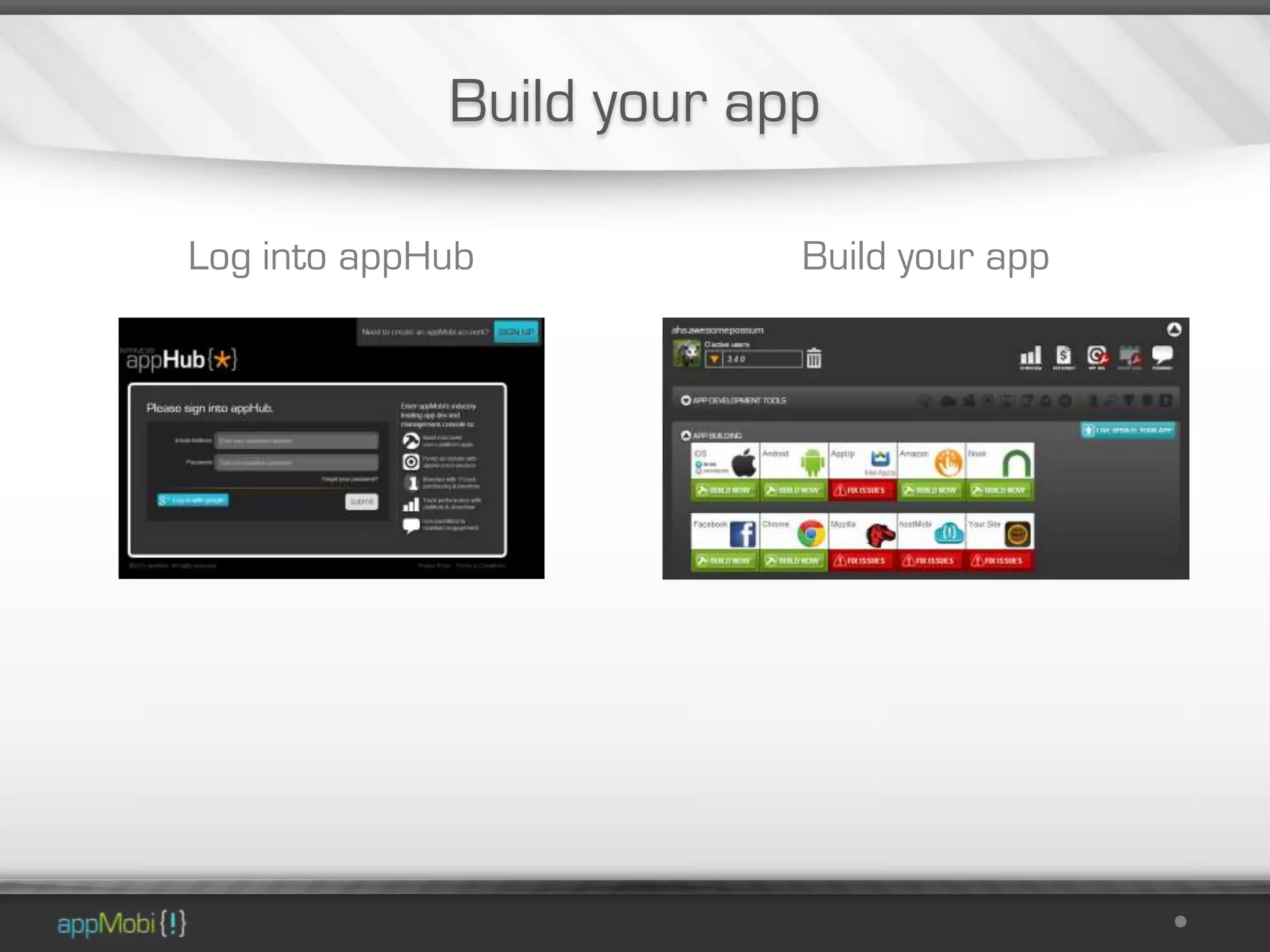
Build your app

Log into appHub           Build your app
What steps are necessary to build for
Windows 8 and Windows Phone 8?
Windows Build

The build process for Windows 8 and Windows Phone 8 are
               currently under construction


     Here’s how you can build them yourself right now
Demonstration

I’ll make these
   demo apps
available to you
 following this
 presentation
Windows 8

First we’ll build an appMobi app for Windows 8 Store
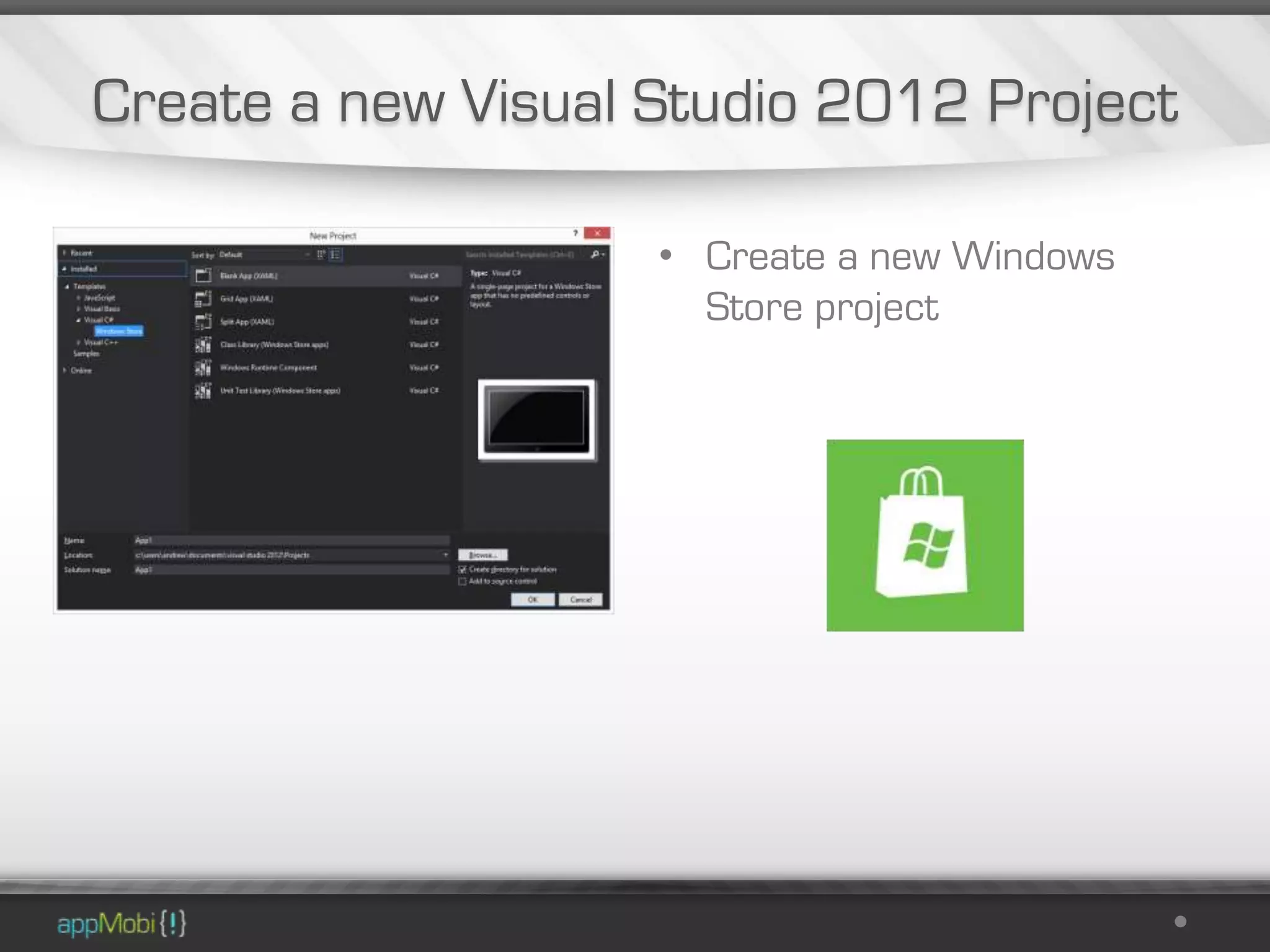
Create a new Visual Studio 2012 Project

                    • Create a new Windows
                      Store project
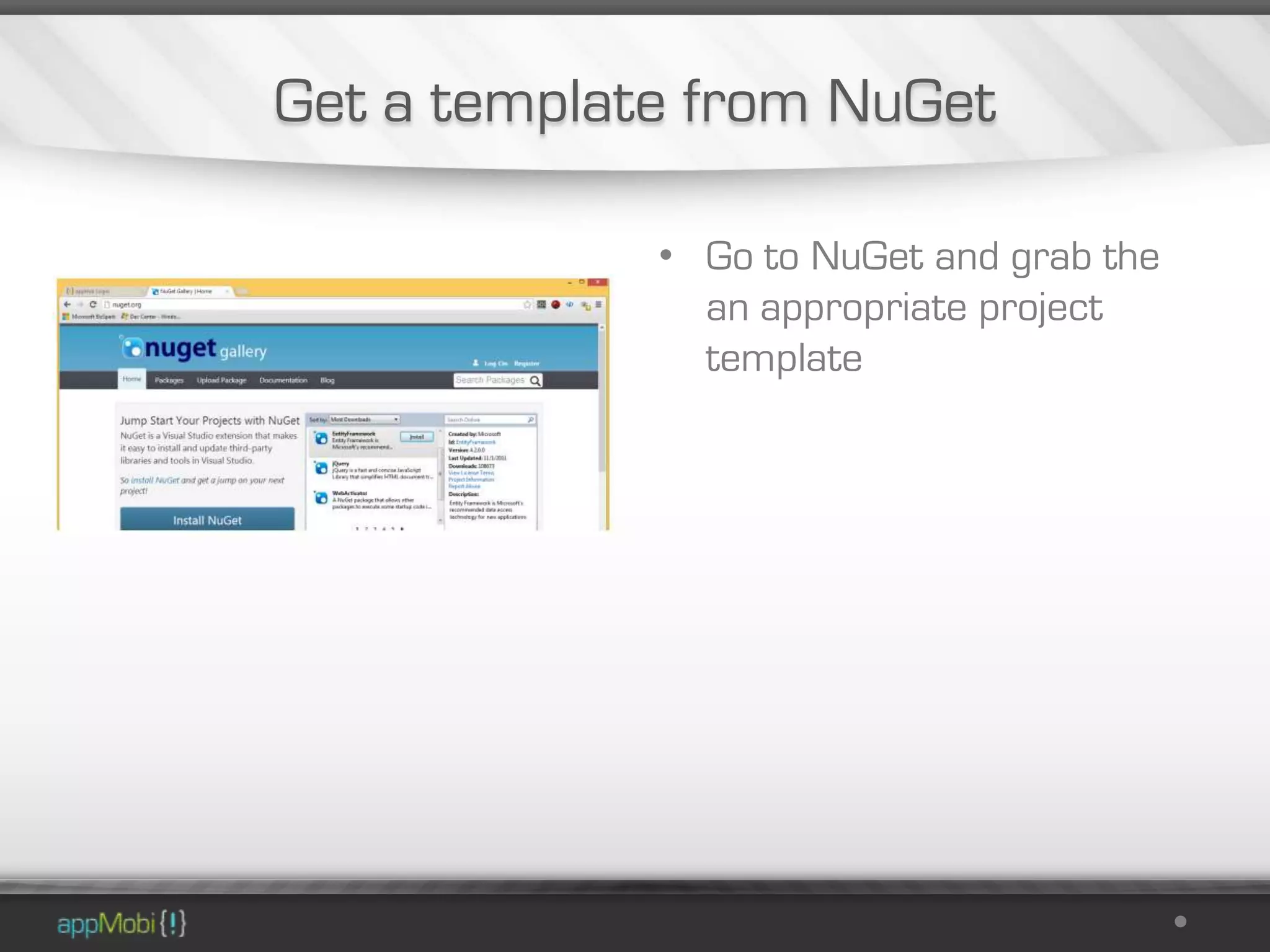
Get a template from NuGet

             • Go to NuGet and grab the
               an appropriate project
               template
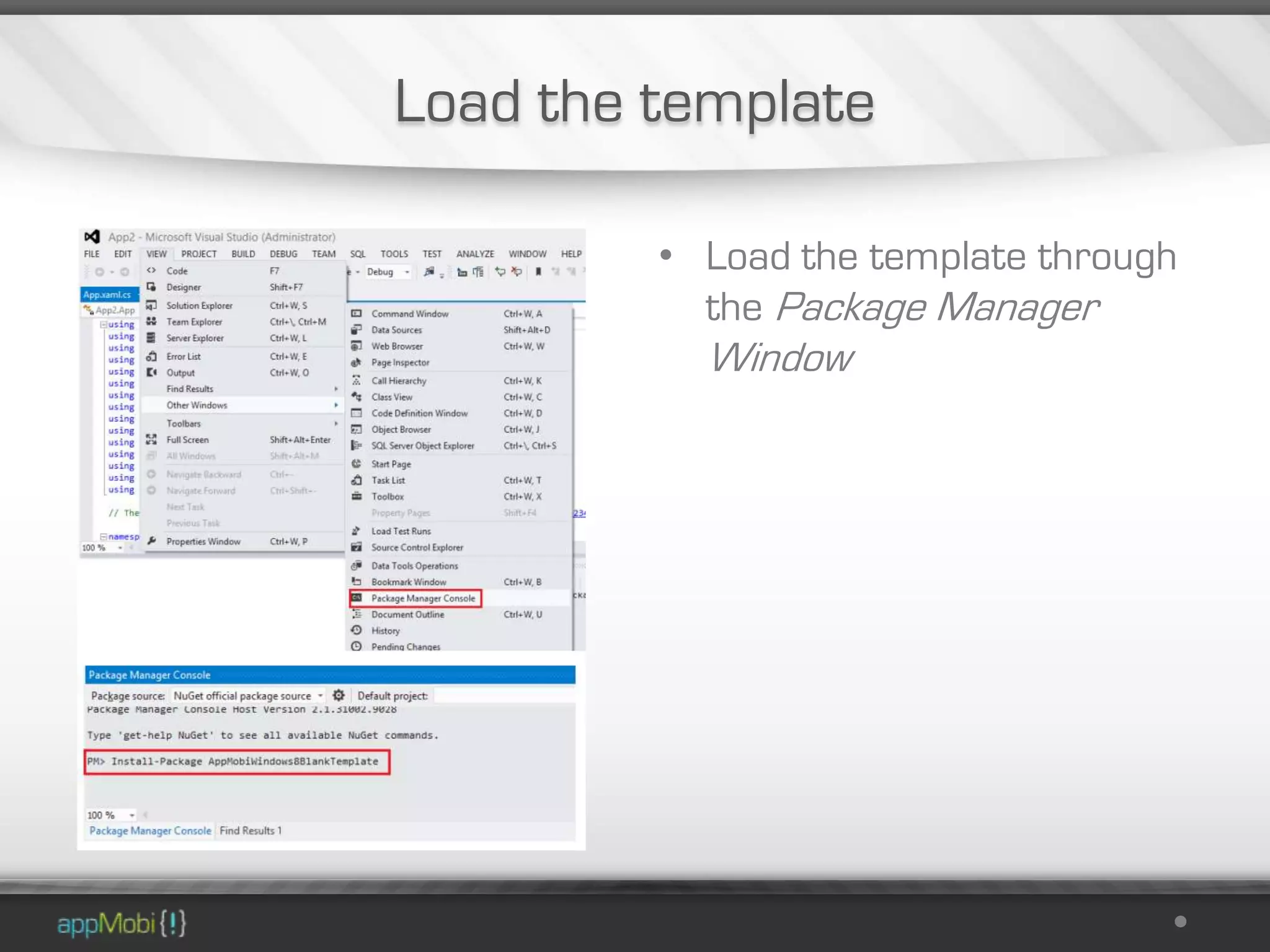
Load the template

         • Load the template through
           the Package Manager
           Window
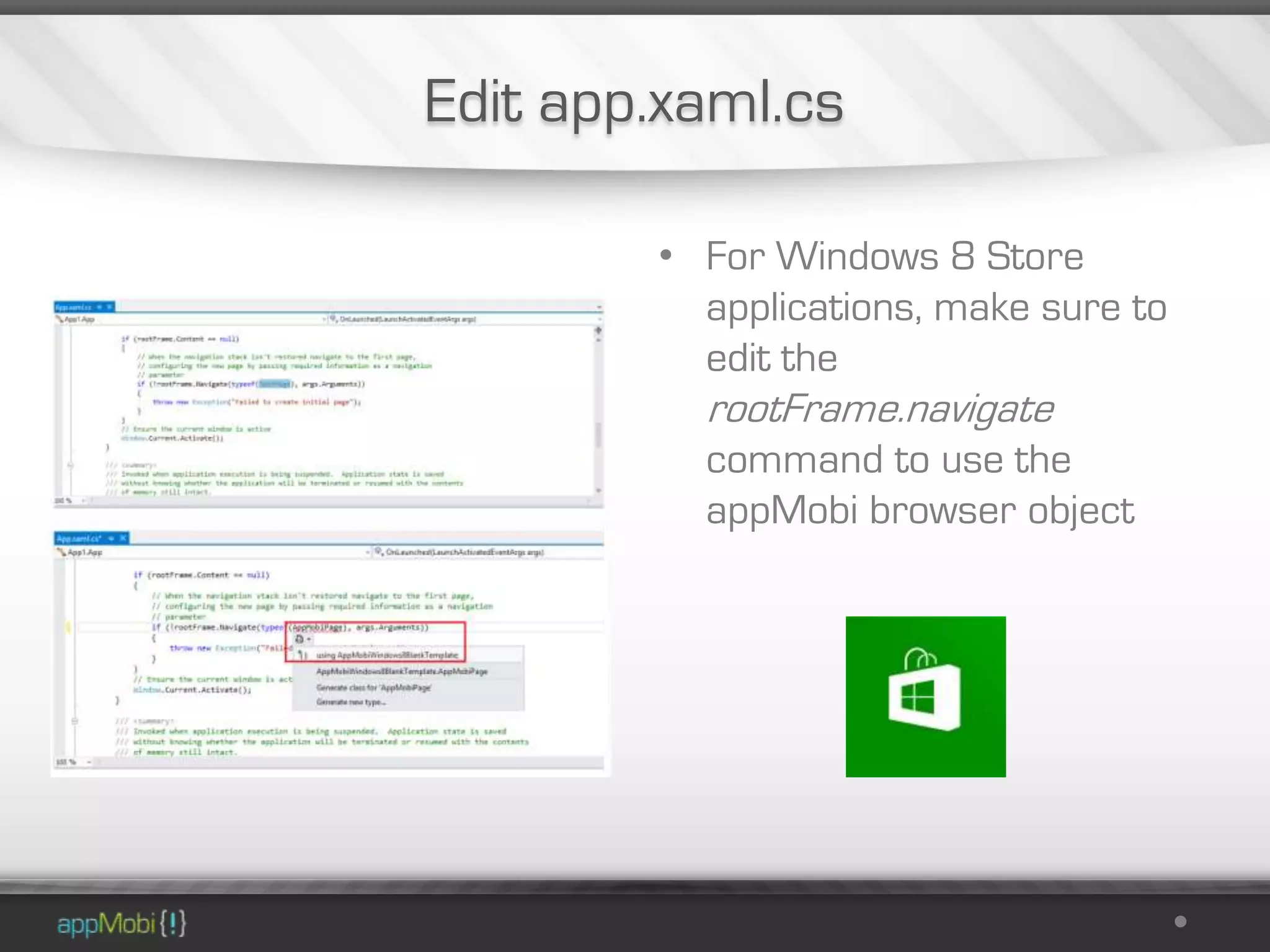
Edit app.xaml.cs

        • For Windows 8 Store
          applications, make sure to
          edit the
          rootFrame.navigate
          command to use the
          appMobi browser object
Wrangle your application bundle

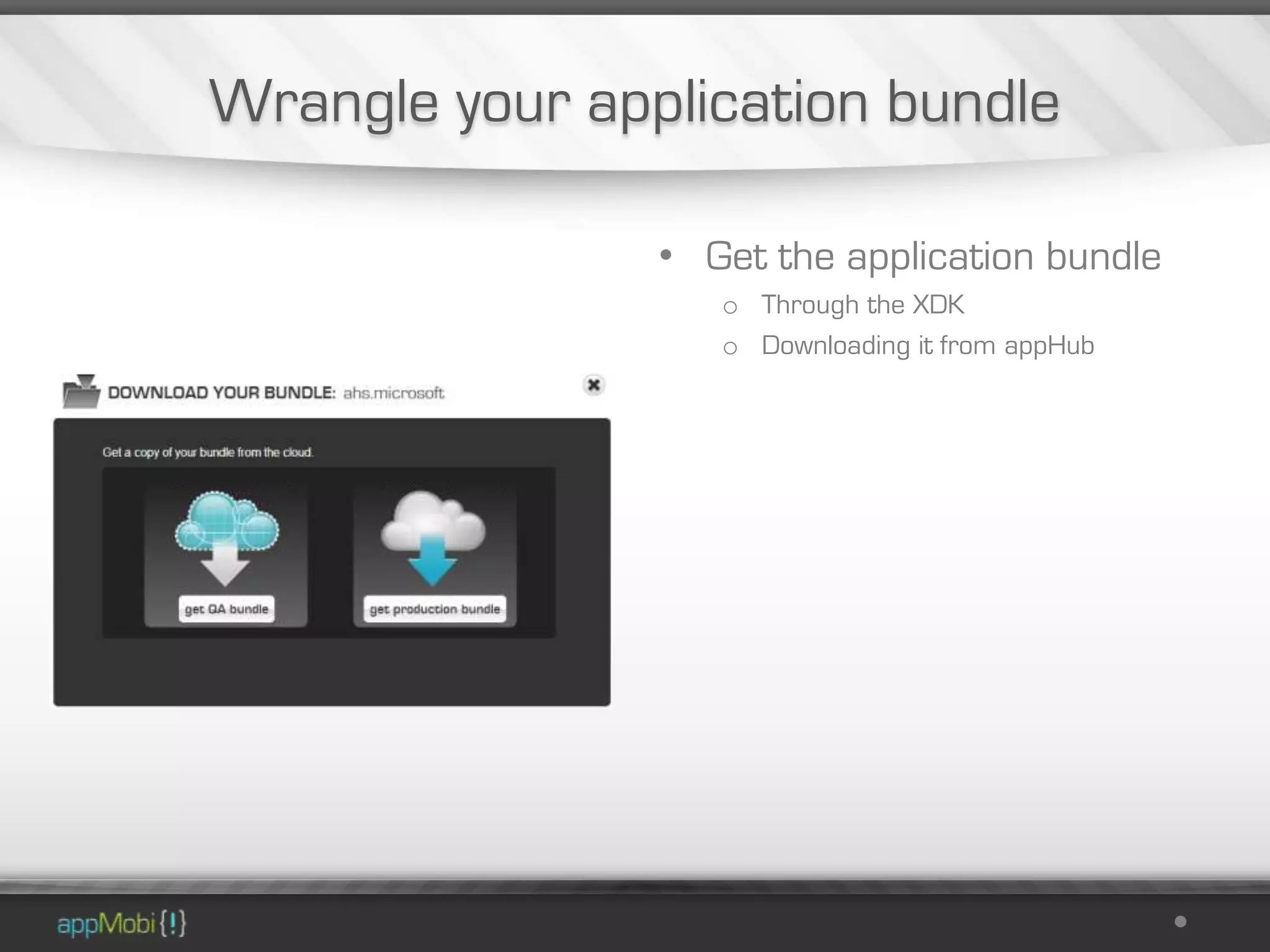
                • Get the application bundle
                   o Through the XDK
                   o Downloading it from appHub
Add the application bundle

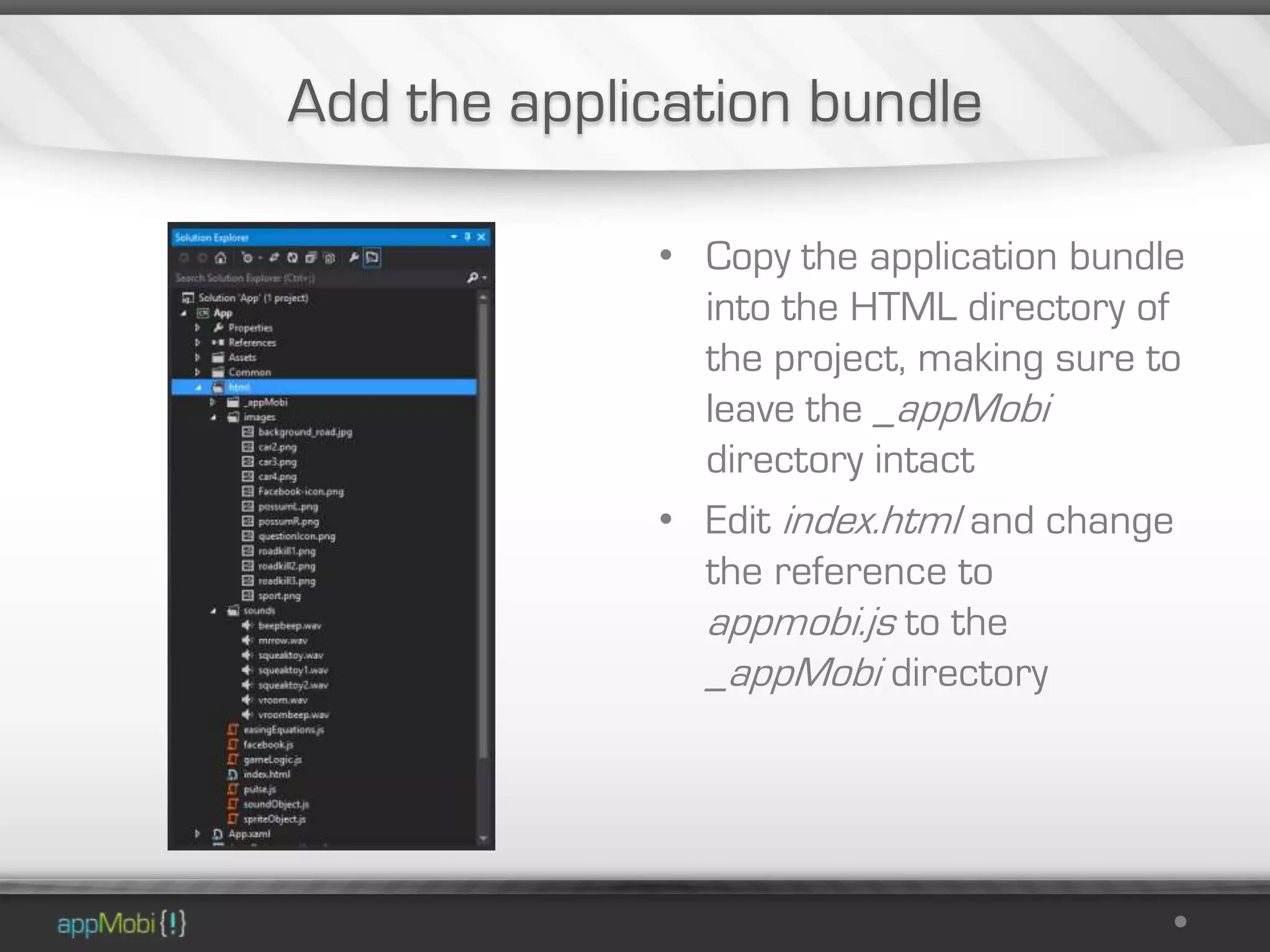
             • Copy the application bundle
               into the HTML directory of
               the project, making sure to
               leave the _appMobi
               directory intact
             • Edit index.html and change
               the reference to
               appmobi.js to the
               _appMobi directory
Build and test


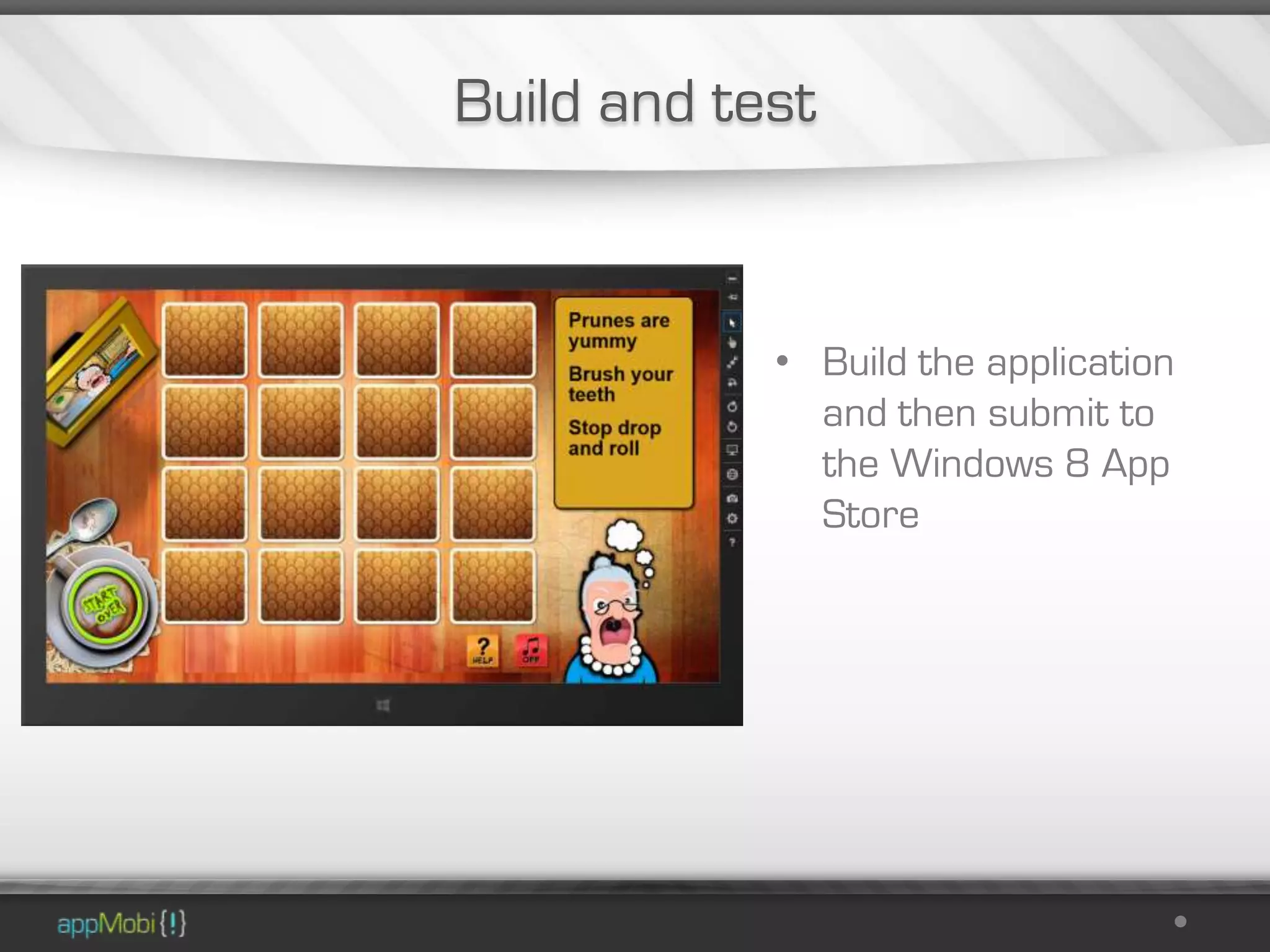
            • Build the application
              and then submit to
              the Windows 8 App
              Store
Windows Phone 8

Now to build for Windows Phone 8
Create a new Visual Studio 2012 Project

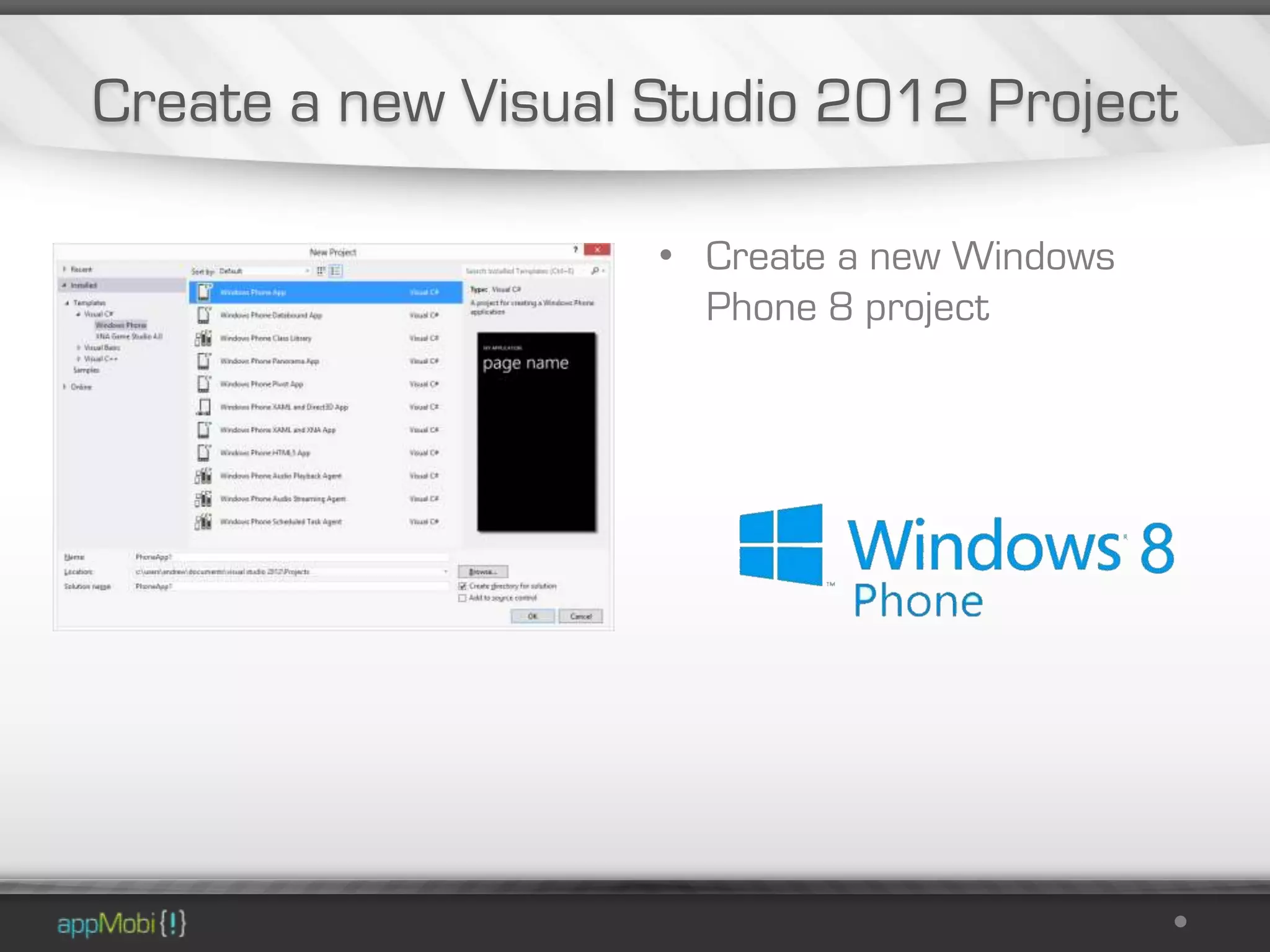
                    • Create a new Windows
                      Phone 8 project
Get a template from NuGet

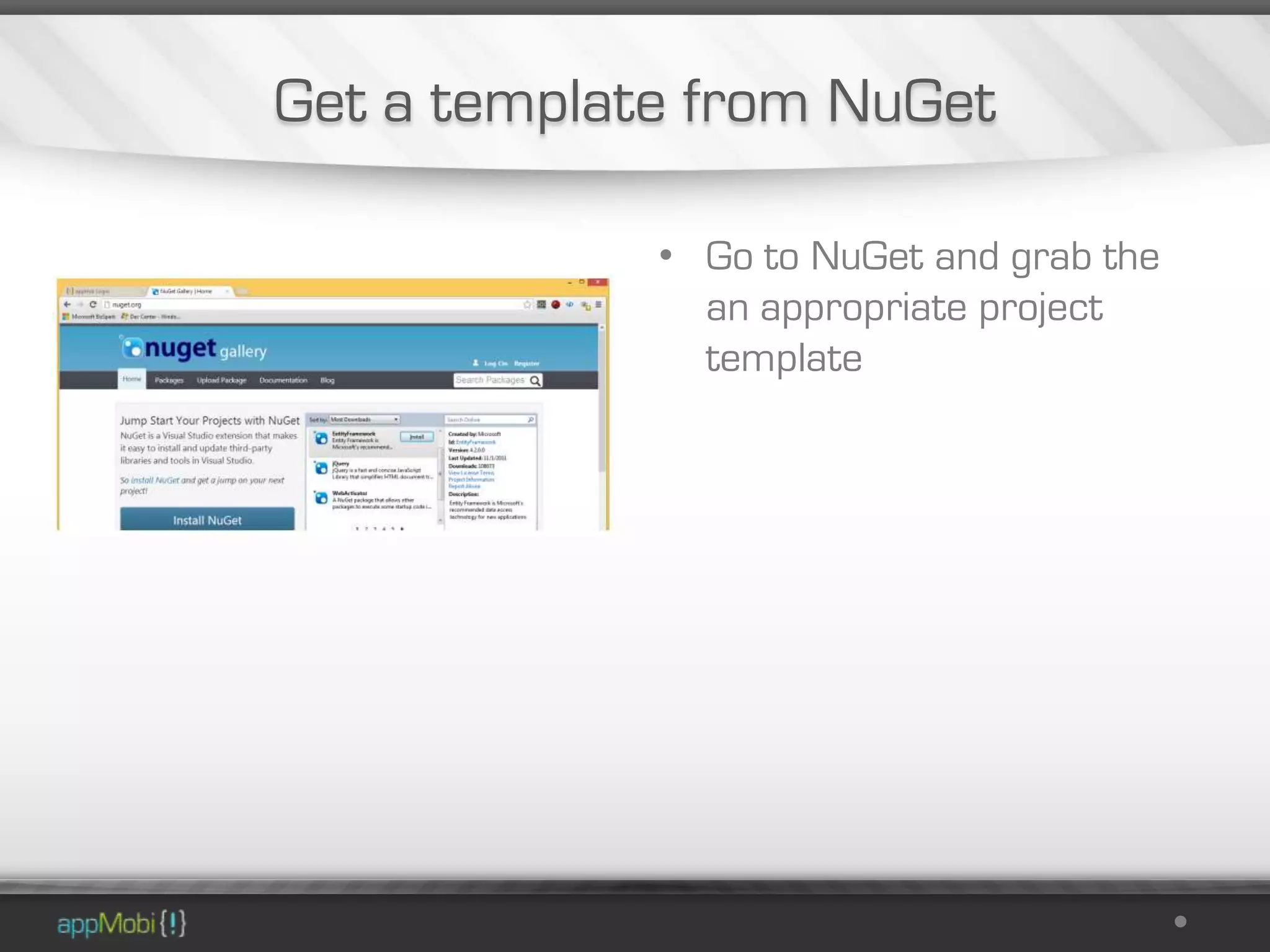
             • Go to NuGet and grab the
               an appropriate project
               template
Load the template

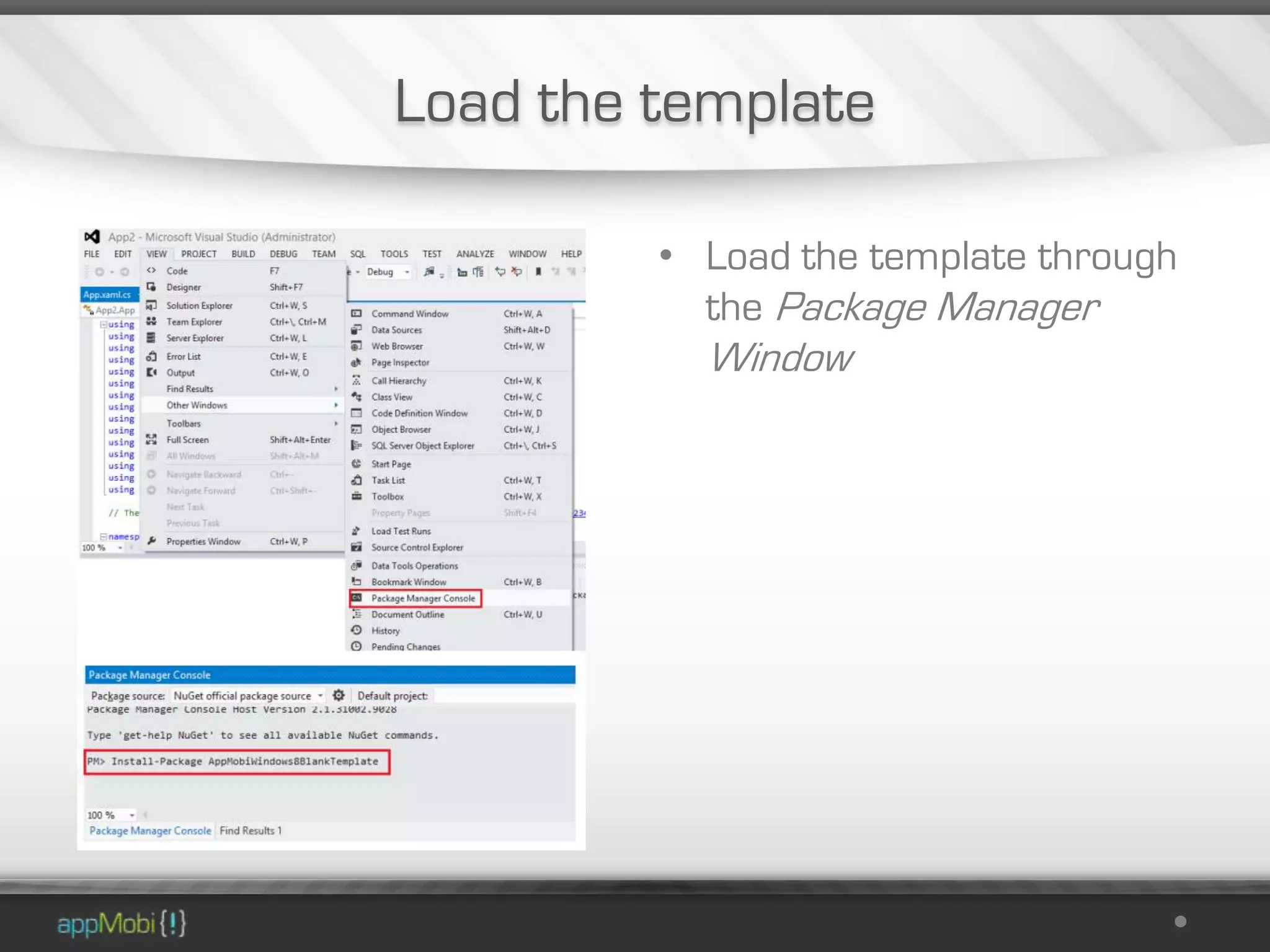
         • Load the template through
           the Package Manager
           Window
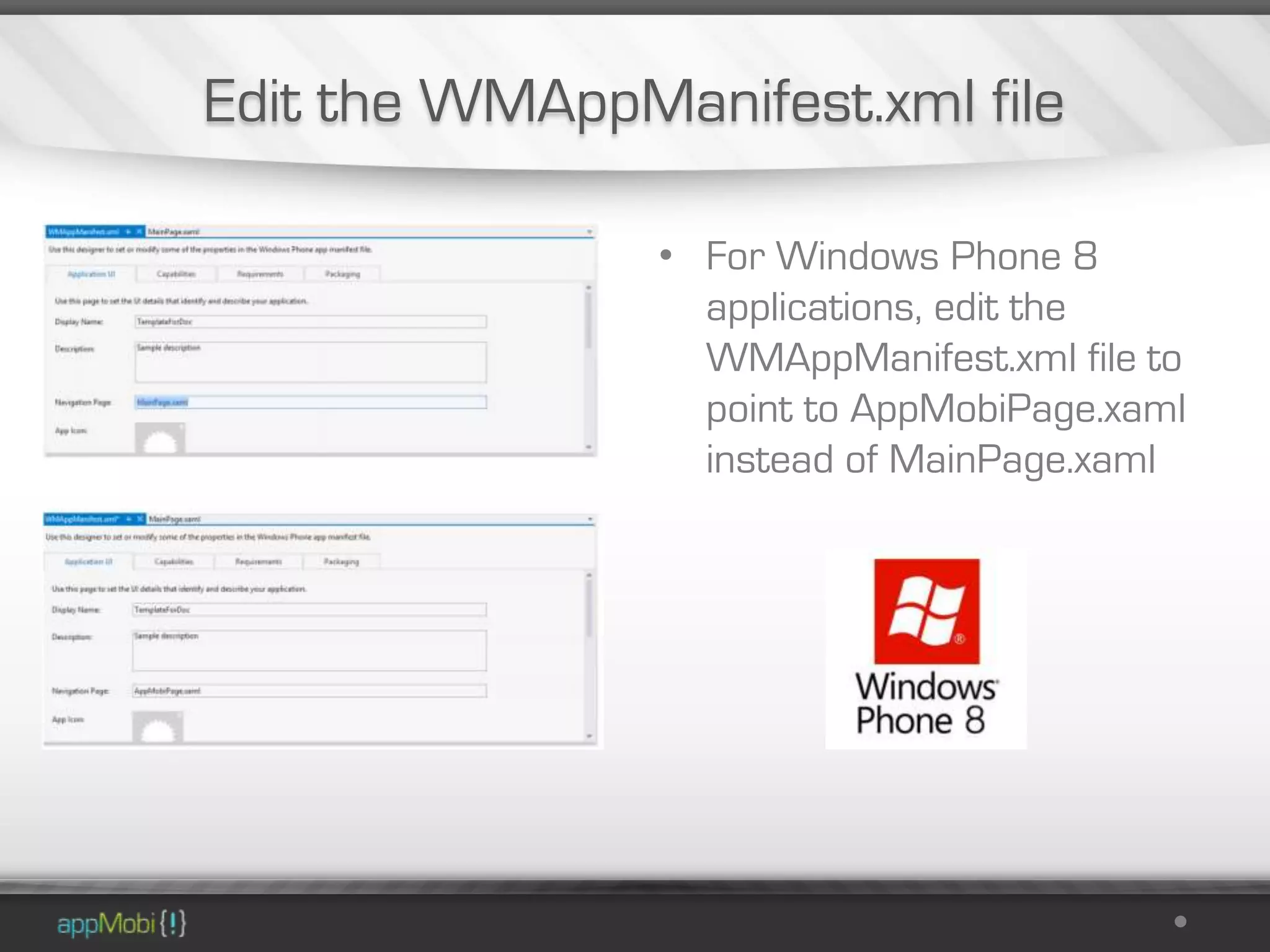
Edit the WMAppManifest.xml file

                • For Windows Phone 8
                  applications, edit the
                  WMAppManifest.xml file to
                  point to AppMobiPage.xaml
                  instead of MainPage.xaml
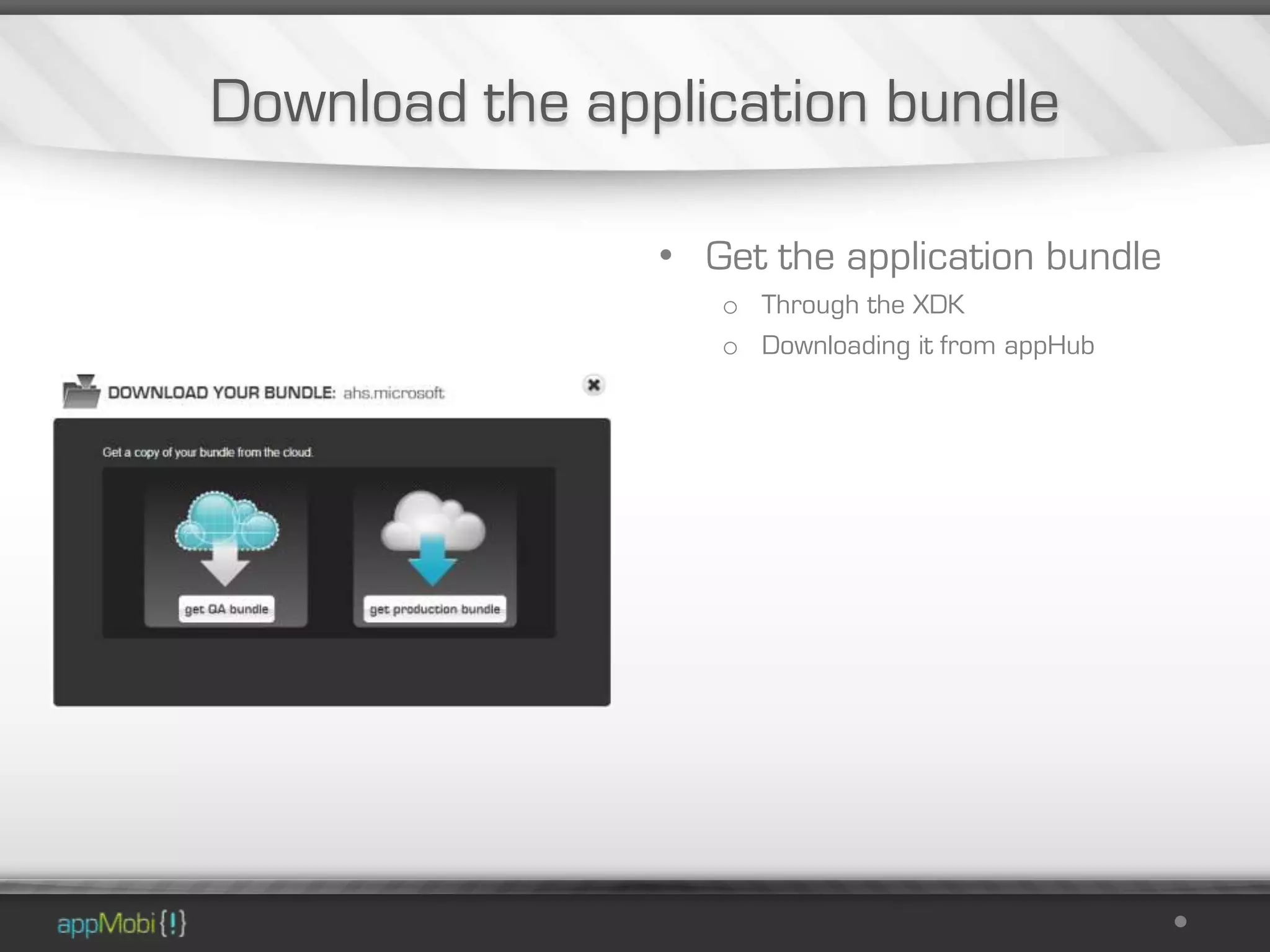
Download the application bundle

                • Get the application bundle
                   o Through the XDK
                   o Downloading it from appHub
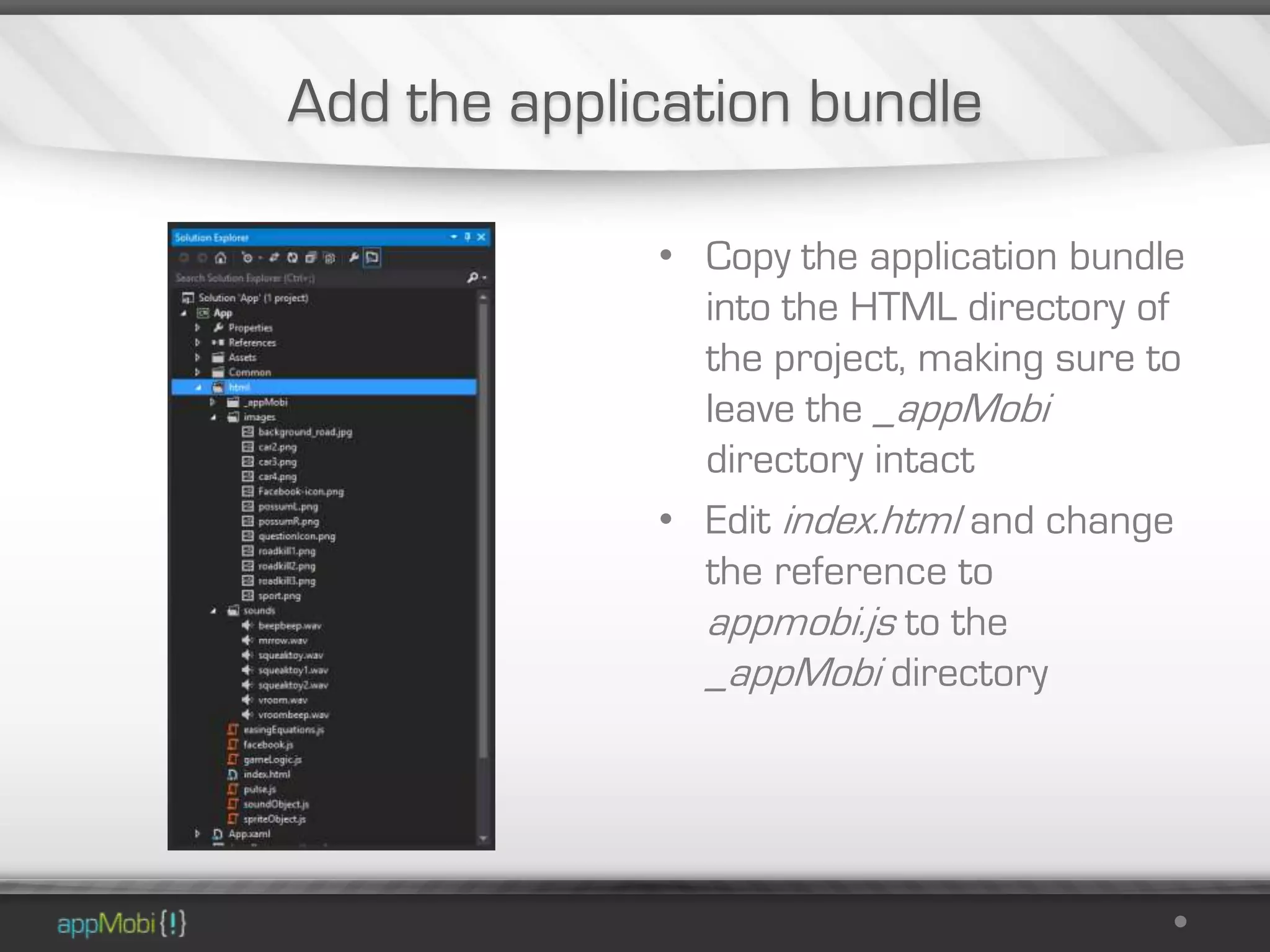
Add the application bundle

             • Copy the application bundle
               into the HTML directory of
               the project, making sure to
               leave the _appMobi
               directory intact
             • Edit index.html and change
               the reference to
               appmobi.js to the
               _appMobi directory
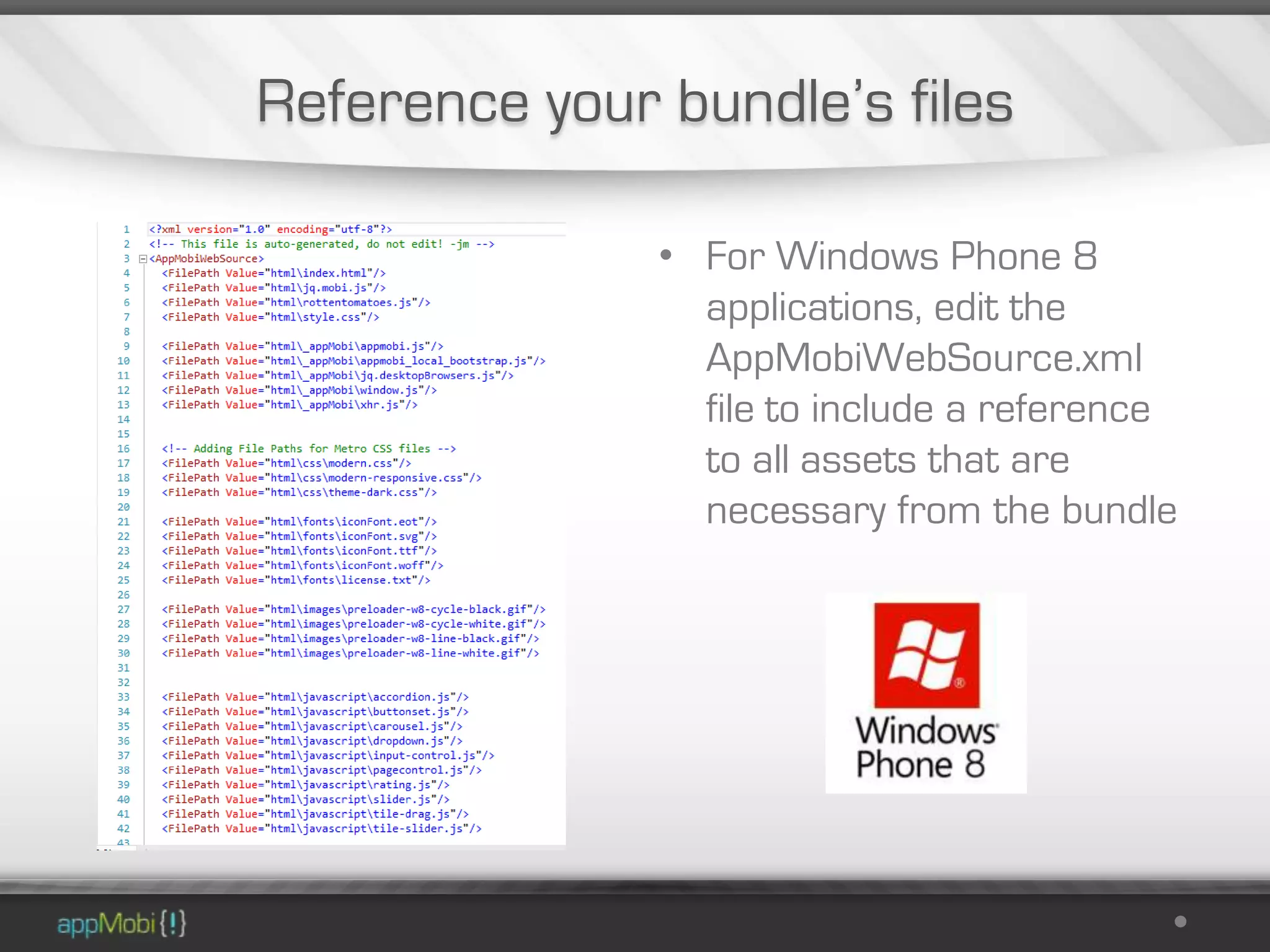
Reference your bundle’s files

               • For Windows Phone 8
                 applications, edit the
                 AppMobiWebSource.xml
                 file to include a reference
                 to all assets that are
                 necessary from the bundle
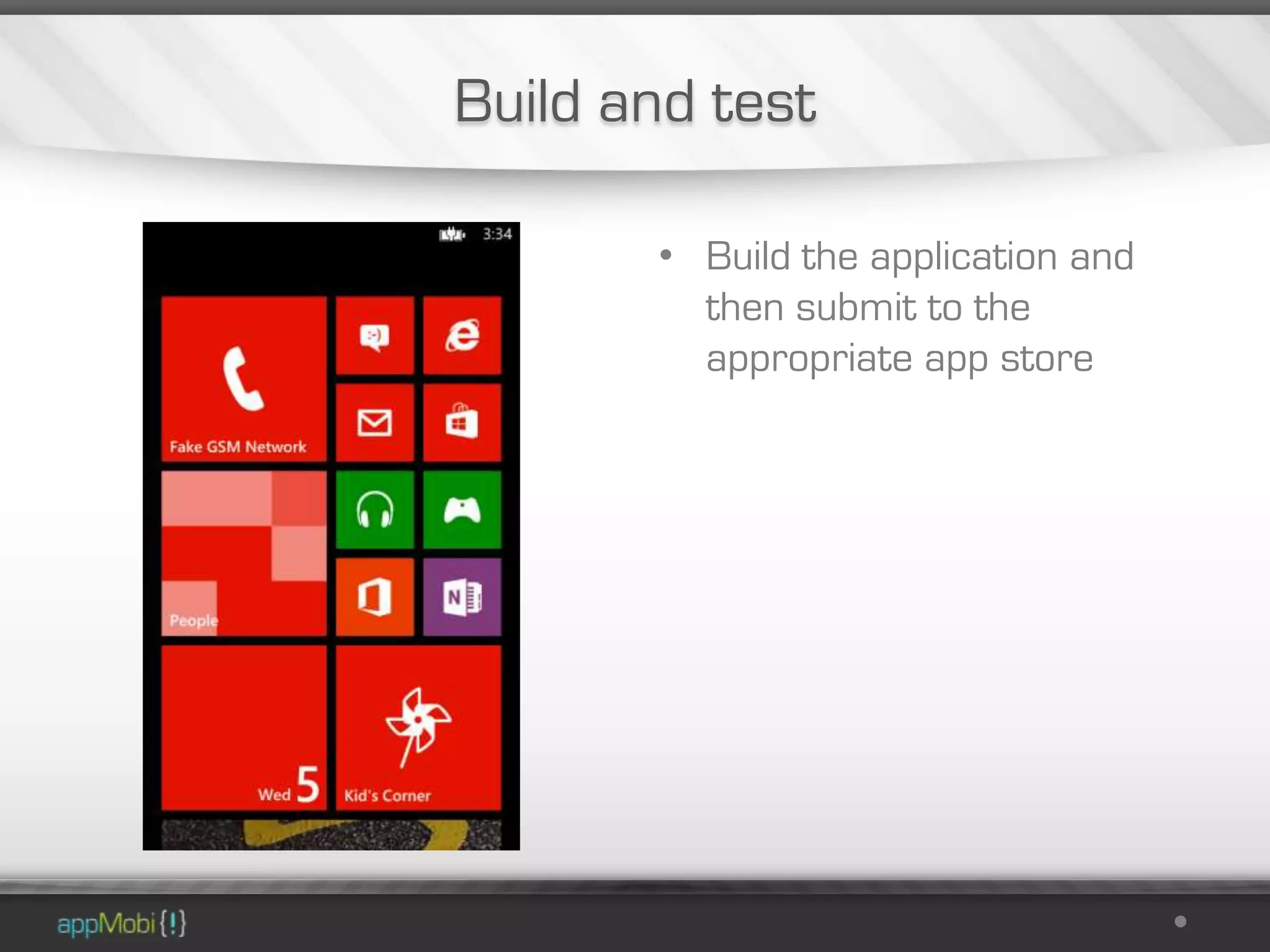
Build and test

       • Build the application and
         then submit to the
         appropriate app store
Where do I get started?
Get the XDK
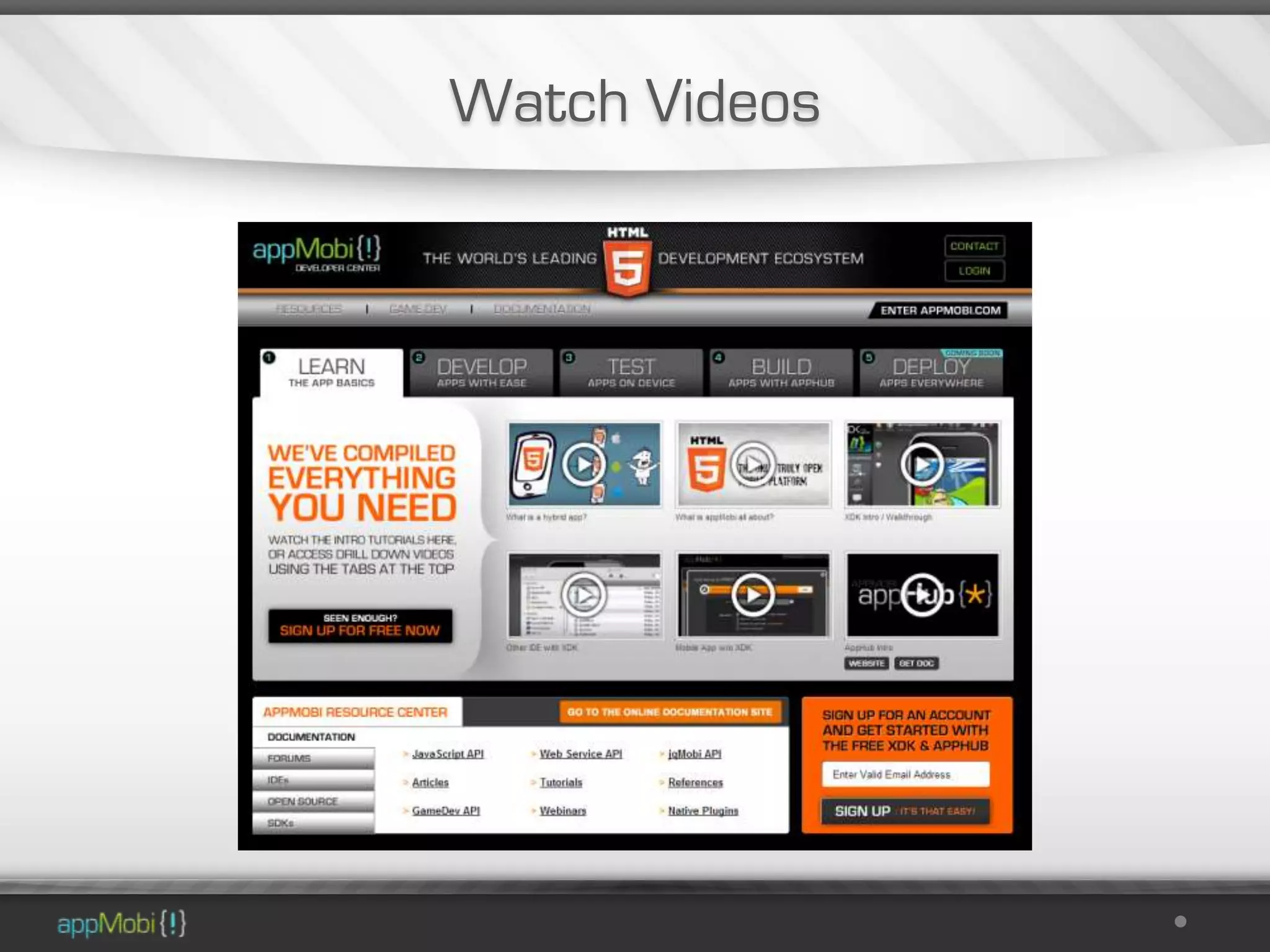
Watch Videos
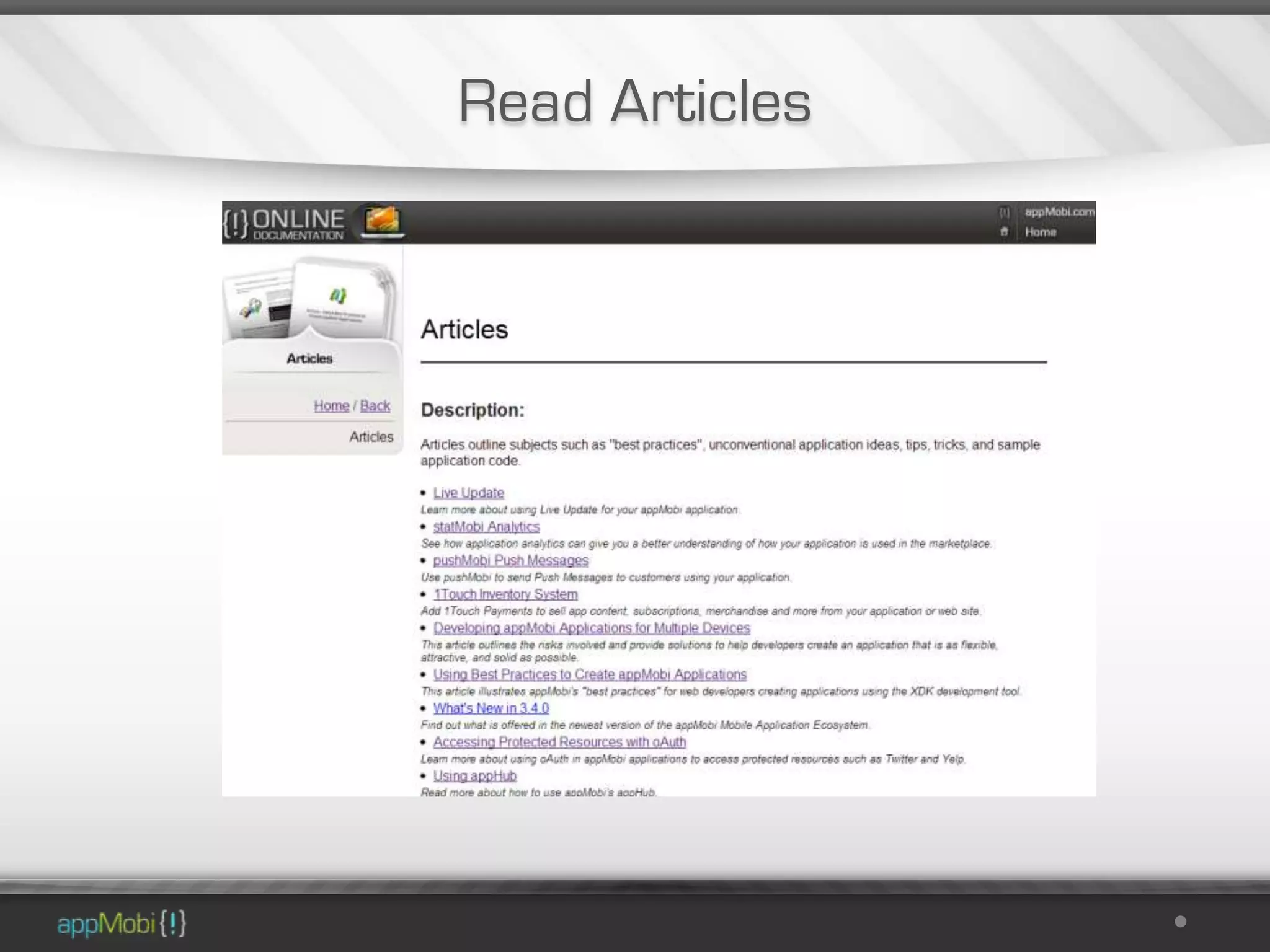
Read Articles
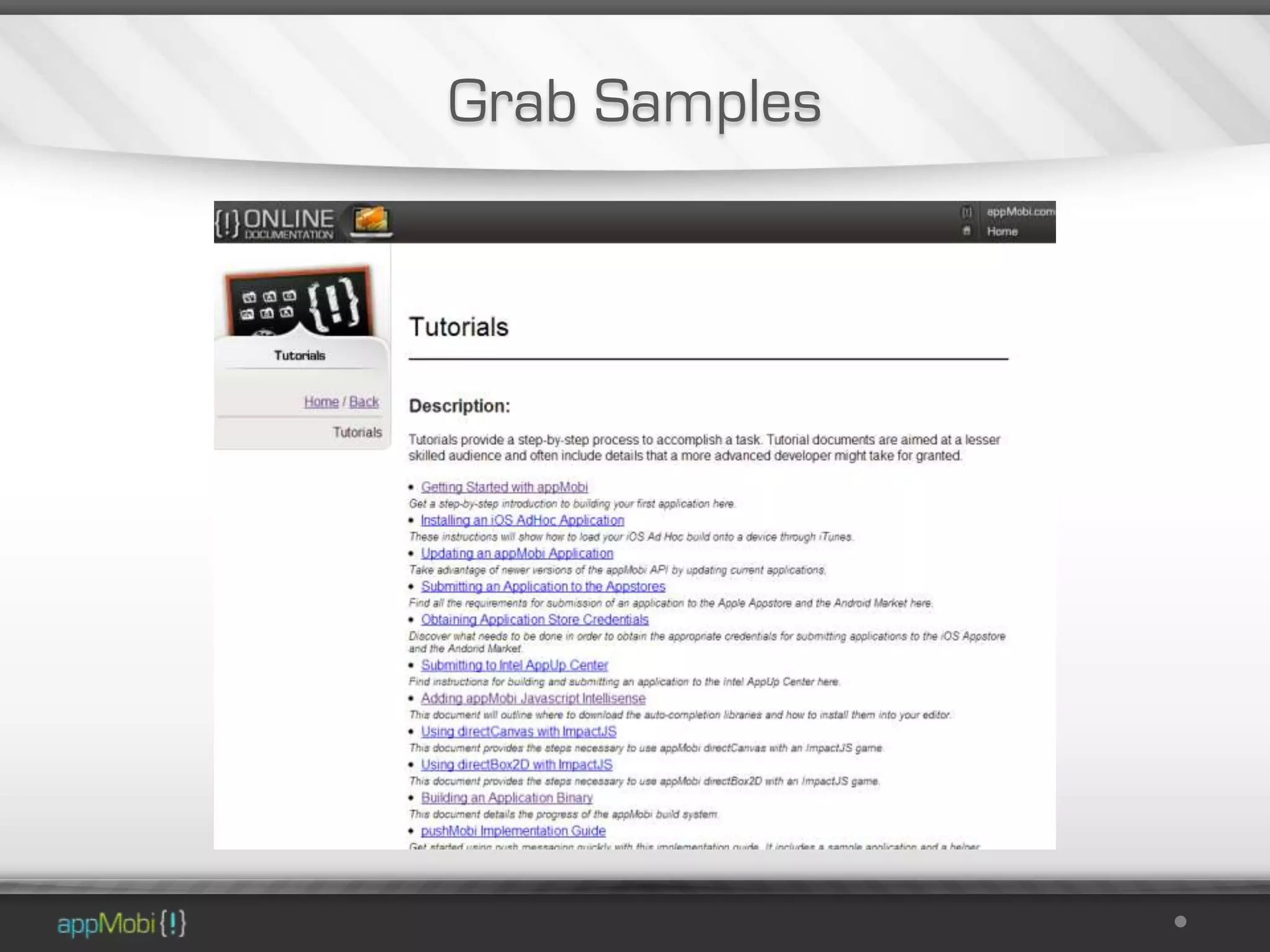
Grab Samples
More Information

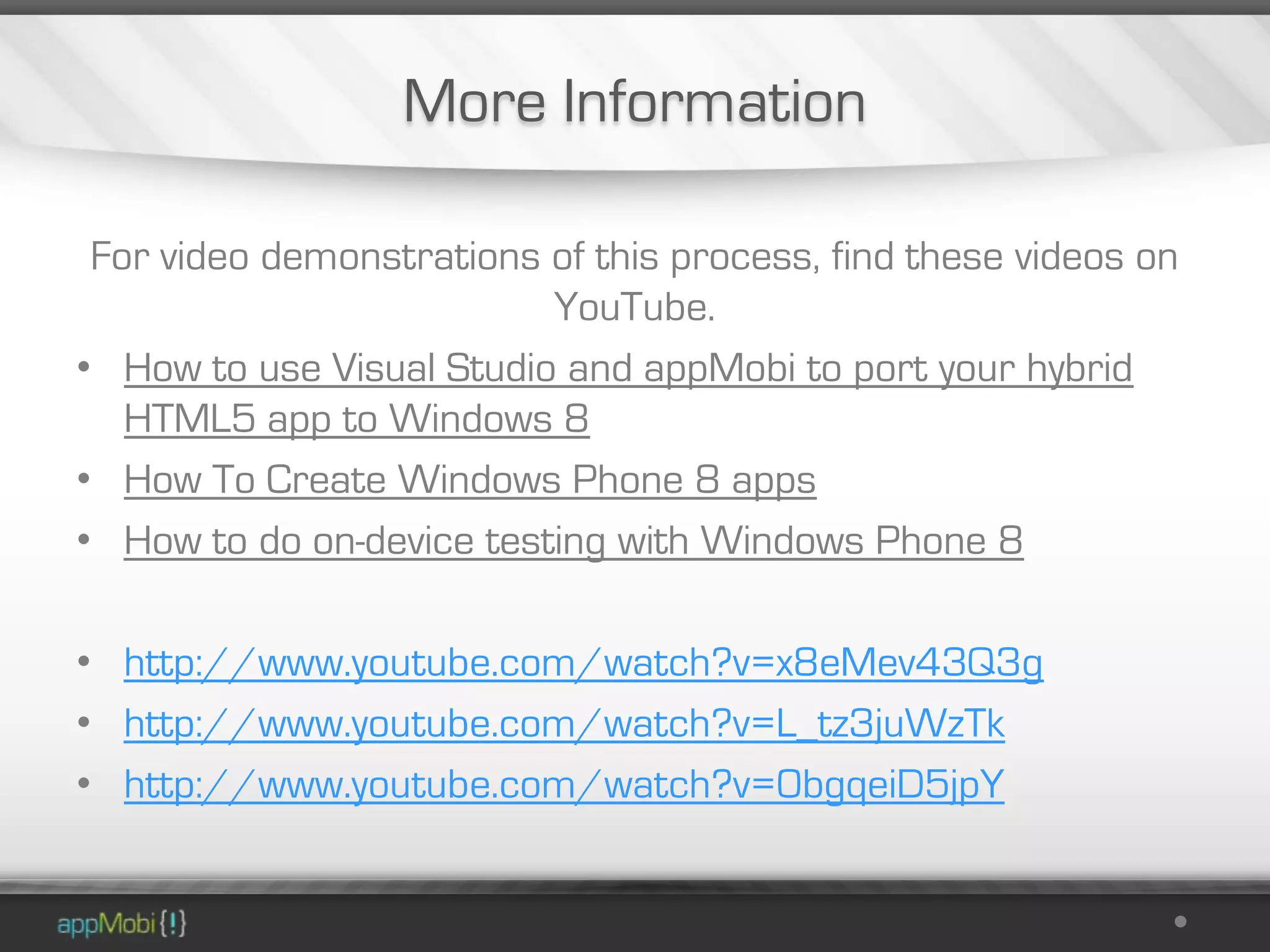
 For video demonstrations of this process, find these videos on
                          YouTube.
• How to use Visual Studio and appMobi to port your hybrid
   HTML5 app to Windows 8
• How To Create Windows Phone 8 apps
• How to do on-device testing with Windows Phone 8

• http://www.youtube.com/watch?v=x8eMev43Q3g
• http://www.youtube.com/watch?v=L_tz3juWzTk
• http://www.youtube.com/watch?v=0bgqeiD5jpY
Demo Apps

 I’ll put a link to this presentation and
demo apps on my Twitter feed shortly


                   @profMobi
Hackathon Questions


andrew@appmobi.com
Find more information at:
http://www.appmobi.com/documentation
   Find out where here I’ll be next:
                @profMobi
2/15/2013   58

Microsoft hackathon presentation 2013.02.15

  • 1.
    Building Apps UsingappMobi 2/15/2013 1
  • 2.
    Who am I? Andrew Smith appMobi Developer Evangelist Web Development @profMobi
  • 3.
    Agenda o What is appMobi all about? o What makes an appMobi app tick? o How do I make an app? o How do I make a Windows app? o Where do I get started?
  • 4.
  • 5.
    What is appMobiall about?
  • 6.
    Mission: To unifythe technologies used in delivering web and mobile apps, simplifying the process of development and resulting in a new class of creative and compelling native mobile apps and interactive ads. Strategy: Offer a cloud-based, white-label platform that opens up the world of cross-device native mobile app creation to web developers, using familiar languages and tools: HTML5 and JavaScript 2/15/2013 6
  • 7.
    The appMobi mission isto help developers create What does appMobi do? awesome mobile apps using HTML5
  • 8.
    Make Native AppsUsing HTML5 Build your apps with these Distribute your apps here
  • 9.
    One HTML5 Codebasefor 1.5B+ Devices http://www.appmobi.com/boomtown
  • 10.
  • 11.
    Cloud Based BuildSystem – appHub
  • 12.
  • 13.
    HTML5 Game Development • Game Engine Interfaces • directCanvas • directBox2d physics • Android Multi-Touch • Multi-Sound
  • 14.
    Cloud Services The appMobiCloud Services provide enhancements for mobile HTML5 applications • Frictionless Payments • Analytics • Game Development Tools • Over the air updates • Push Messaging
  • 15.
    Facts • Over 130KDevelopers Using our development tools • 60K XDK Accounts Created • Over 6000 Apps Delivered to App stores
  • 16.
    100’s of PublishersUsing HTML for Native Apps
  • 17.
    What makes anappMobi application tick?
  • 18.
    The Anatomy ofan appMobi Application • All native appMobi applications are built using a full-screen web view control as its UI • This application configuration is commonly called a “hybrid” application
  • 19.
    The Anatomy ofan appMobi Application • The HTML, JavaScript, data, an d images that make up a tiny mobile website are collectively known as a “bundle”
  • 20.
    The Anatomy ofan appMobi Application • Features of the device itself are accessed through integrated JavaScript libraries served by the application itself • Find the documentation for these commands at http://appmobi.com/documentation/jsAPI
  • 21.
    The Anatomy ofan appMobi Application • The “bundle” is tested by loading it into either the XDK or a test application over the Internet • Once the application is ready for production, it would be built into its own mobile application for distribution through the appropriate application stores
  • 22.
    How do Imake an app?
  • 23.
  • 24.
    Test your codein the XDK
  • 25.
  • 26.
    Install the appLabapplication • Go to the App Store or Android Market and install the appLab application • Find it in the app store by doing a search for “appLab”
  • 27.
    Open the linkon the device’s web browser • Open the application link in your mobile web browser to get the launch page • Touch Launch to see your application run just as it will when you build a binary
  • 28.
    Build your app Loginto appHub Build your app
  • 29.
    What steps arenecessary to build for Windows 8 and Windows Phone 8?
  • 30.
    Windows Build The buildprocess for Windows 8 and Windows Phone 8 are currently under construction Here’s how you can build them yourself right now
  • 31.
    Demonstration I’ll make these demo apps available to you following this presentation
  • 32.
    Windows 8 First we’llbuild an appMobi app for Windows 8 Store
  • 33.
    Create a newVisual Studio 2012 Project • Create a new Windows Store project
  • 34.
    Get a templatefrom NuGet • Go to NuGet and grab the an appropriate project template
  • 35.
    Load the template • Load the template through the Package Manager Window
  • 36.
    Edit app.xaml.cs • For Windows 8 Store applications, make sure to edit the rootFrame.navigate command to use the appMobi browser object
  • 37.
    Wrangle your applicationbundle • Get the application bundle o Through the XDK o Downloading it from appHub
  • 38.
    Add the applicationbundle • Copy the application bundle into the HTML directory of the project, making sure to leave the _appMobi directory intact • Edit index.html and change the reference to appmobi.js to the _appMobi directory
  • 39.
    Build and test • Build the application and then submit to the Windows 8 App Store
  • 40.
    Windows Phone 8 Nowto build for Windows Phone 8
  • 41.
    Create a newVisual Studio 2012 Project • Create a new Windows Phone 8 project
  • 42.
    Get a templatefrom NuGet • Go to NuGet and grab the an appropriate project template
  • 43.
    Load the template • Load the template through the Package Manager Window
  • 44.
    Edit the WMAppManifest.xmlfile • For Windows Phone 8 applications, edit the WMAppManifest.xml file to point to AppMobiPage.xaml instead of MainPage.xaml
  • 45.
    Download the applicationbundle • Get the application bundle o Through the XDK o Downloading it from appHub
  • 46.
    Add the applicationbundle • Copy the application bundle into the HTML directory of the project, making sure to leave the _appMobi directory intact • Edit index.html and change the reference to appmobi.js to the _appMobi directory
  • 47.
    Reference your bundle’sfiles • For Windows Phone 8 applications, edit the AppMobiWebSource.xml file to include a reference to all assets that are necessary from the bundle
  • 48.
    Build and test • Build the application and then submit to the appropriate app store
  • 49.
    Where do Iget started?
  • 50.
  • 51.
  • 52.
  • 53.
  • 54.
    More Information Forvideo demonstrations of this process, find these videos on YouTube. • How to use Visual Studio and appMobi to port your hybrid HTML5 app to Windows 8 • How To Create Windows Phone 8 apps • How to do on-device testing with Windows Phone 8 • http://www.youtube.com/watch?v=x8eMev43Q3g • http://www.youtube.com/watch?v=L_tz3juWzTk • http://www.youtube.com/watch?v=0bgqeiD5jpY
  • 55.
    Demo Apps I’llput a link to this presentation and demo apps on my Twitter feed shortly @profMobi
  • 56.
  • 57.
    Find more informationat: http://www.appmobi.com/documentation Find out where here I’ll be next: @profMobi
  • 58.

Editor's Notes

  • #4 Here’s what we are going to go over tonightI’m going to throw a lot of stuff at you guysI won’t try to show you how *everything* is doneIf you hear something and want to use it, hopefully you can find the info you need from our website/videos/docsOtherwise you can reach me at this email address
  • #11 Show them the XDK really quickly here with the test app
  • #12 Build native mobile appsBuild mobile web appsUsing one codebaseFor free
  • #14 Impact, Construct2OurdirectCanvas accelerates <canvas> calls – uses Open GL for iOSOur directBox2d accelerates physics calculationsActivates multi-touch on Android devicesGives the ability to play multiple sounds rather than relying on the HTML5 <sound> tag
  • #15 All activated just by including appropriate JavaScript libraries
  • #17 All the cool people are doing it
  • #18 Created using Web technologiesBuilt for native using a cloud build systemHosted from the cloud as well
  • #19 The application is then built by wrapping that “bundle” into a native application that simply opens a full screen web control. That allows the UI to be completely at the control of the embedded mobile website code written into the bundle. This style of application is commonly known as a “hybrid” application approach.
  • #20 An appMobi application is powered entirely using Web technologies. This tiny mobile website is written using any tool or tools that you might want to use, and is collectively known as the “bundle”.
  • #21 Furthermore, this native application wrapper includes a JavaScript library that acts as a “bridge” to access native features of the native device such as Geolocation, Contacts, and Camera.
  • #22 This design allows a single bundle to be built into an application that will run on many platforms. Furthermore, appMobi goes a step further by providing the XDK tool to simulate the display and JavaScript bridge API calls, as well as a test application that may be installed to download and run your bundle from the cloud.
  • #23 Ultimately we would like to add Windows Store 8 and Windows Phone 8 builds available in appHub
  • #24 Or grab it from Construct2!!1!
  • #27 Show the Live Update
  • #30 Ultimately we would like to add Windows Store 8 and Windows Phone 8 builds available in appHub
  • #42 Let’s try it with Windows Phone 8 this time