Still All on One Server:
Perforce at Scale
Dan Bloch
Senior Site Reliability Engineer
Google Inc.

June 3, 2011
GOOGLE


   •  Google's mission: Organize the world's information and
      make it universally accessible and useful.
   •  The world's premier web search; many other products
   •  Headquartered in Mountain View, California
   •  ~25,000 employees worldwide
OVERVIEW


   •  Perforce at Google
   •  Performance
   •  Everything Else
Perforce at Google
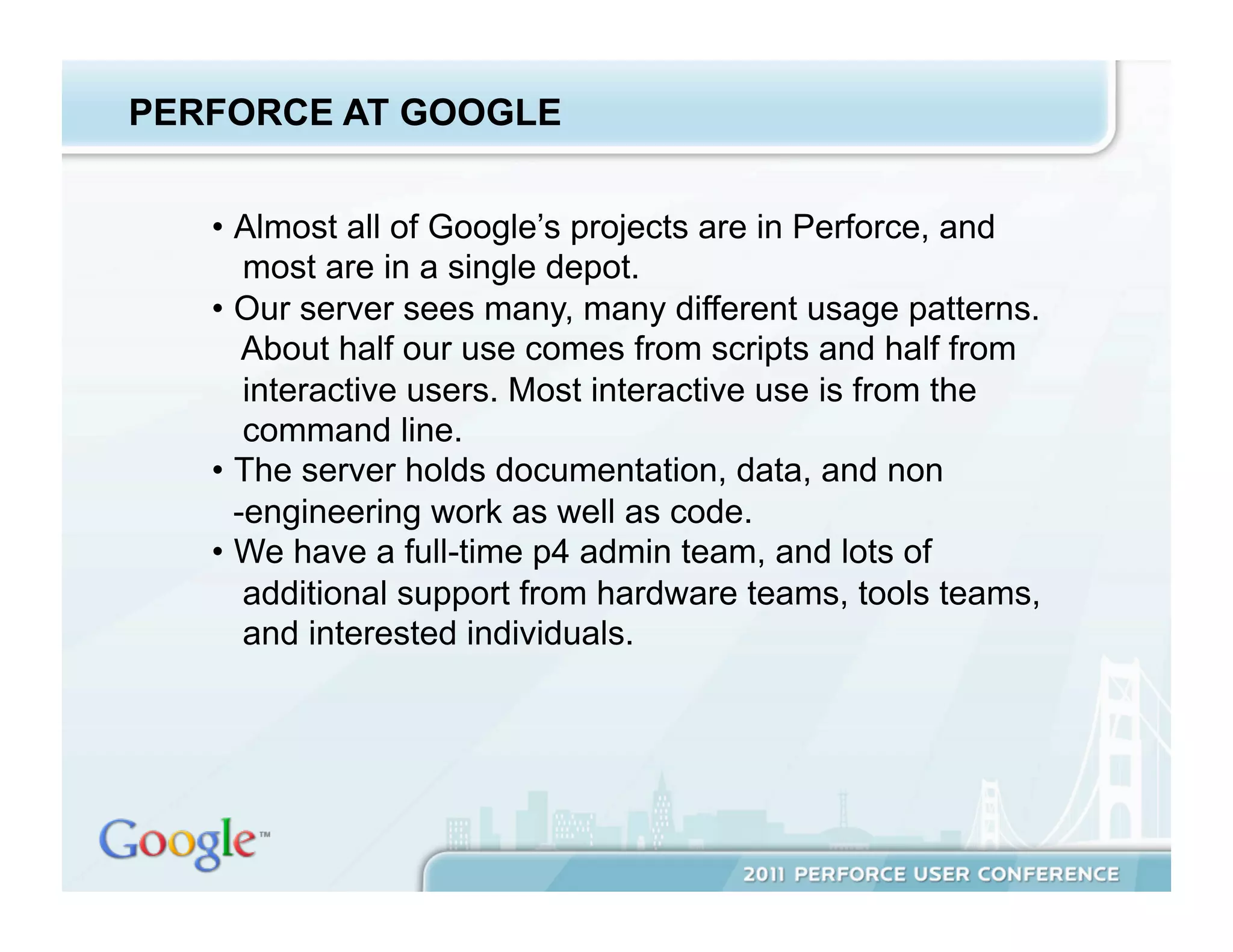
PERFORCE AT GOOGLE


   •  Almost all of Google’s projects are in Perforce, and
       most are in a single depot.
   •  Our server sees many, many different usage patterns.
       About half our use comes from scripts and half from
       interactive users. Most interactive use is from the
       command line.
   •  The server holds documentation, data, and non
      -engineering work as well as code.
   •  We have a full-time p4 admin team, and lots of
       additional support from hardware teams, tools teams,
       and interested individuals.
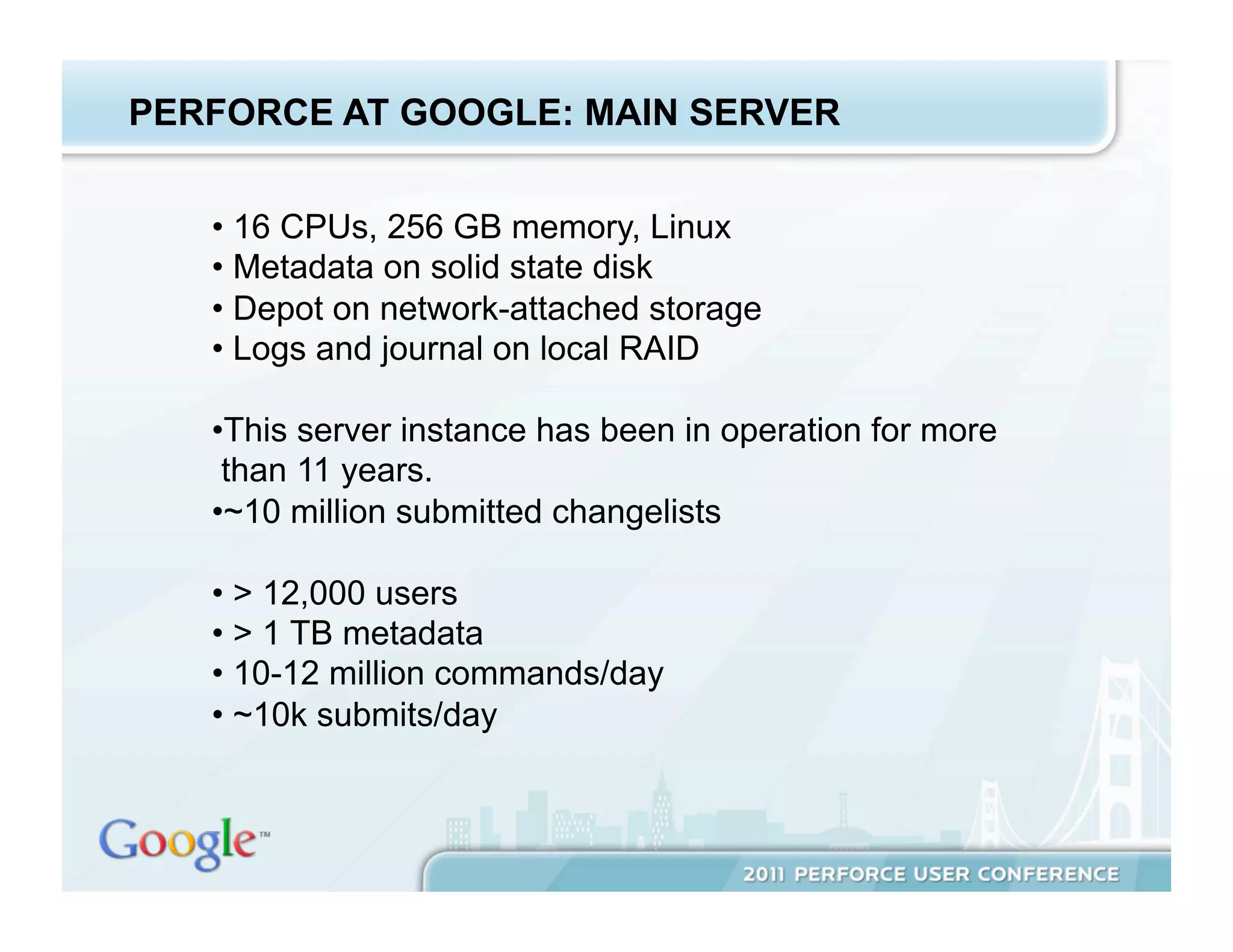
PERFORCE AT GOOGLE: MAIN SERVER


   •  16 CPUs, 256 GB memory, Linux
   •  Metadata on solid state disk
   •  Depot on network-attached storage
   •  Logs and journal on local RAID

   • This server instance has been in operation for more
    than 11 years.
   • ~10 million submitted changelists

   •  > 12,000 users
   •  > 1 TB metadata
   •  10-12 million commands/day
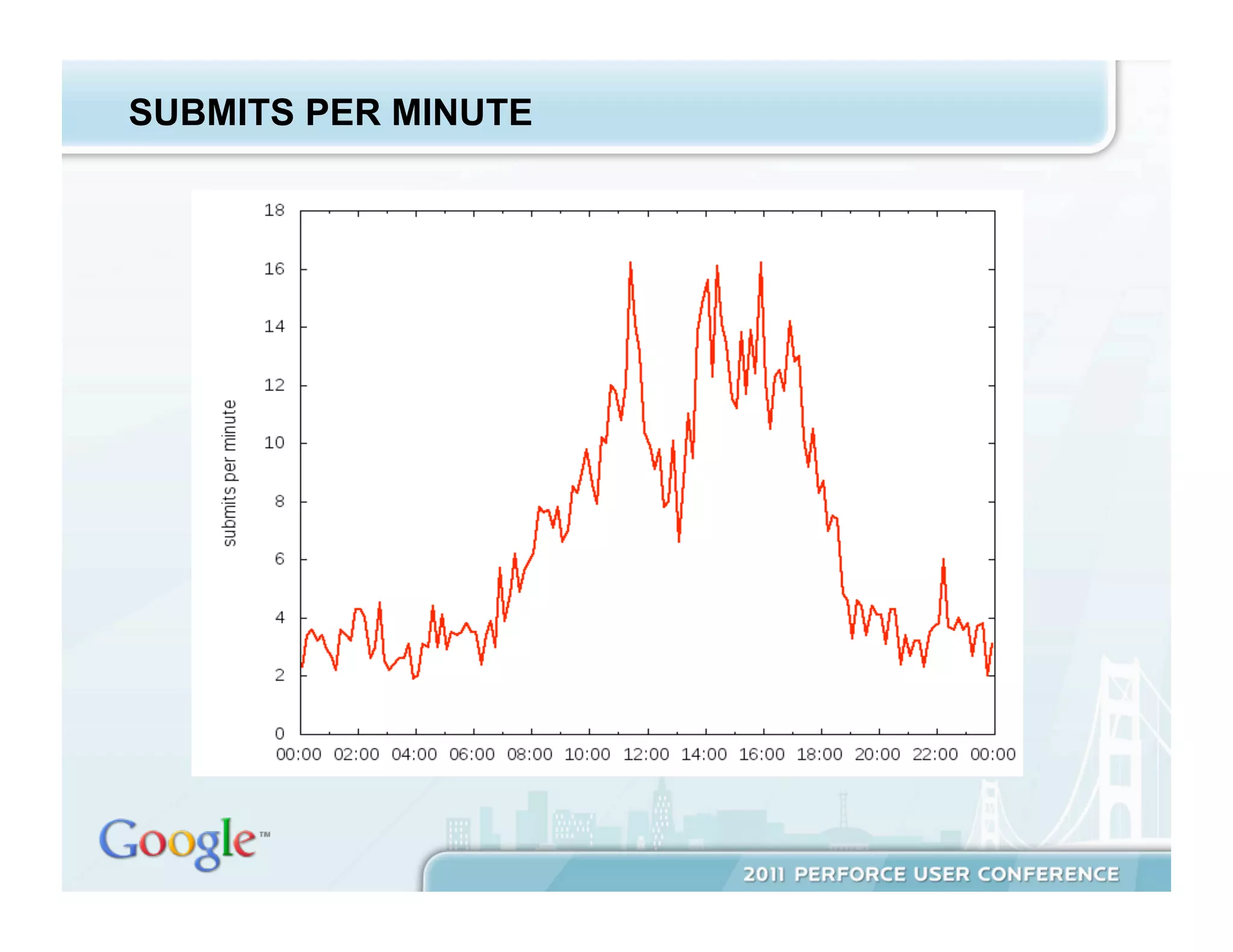
   •  ~10k submits/day
SUBMITS PER MINUTE


   •  Bullet text 22 pt Arial Regular
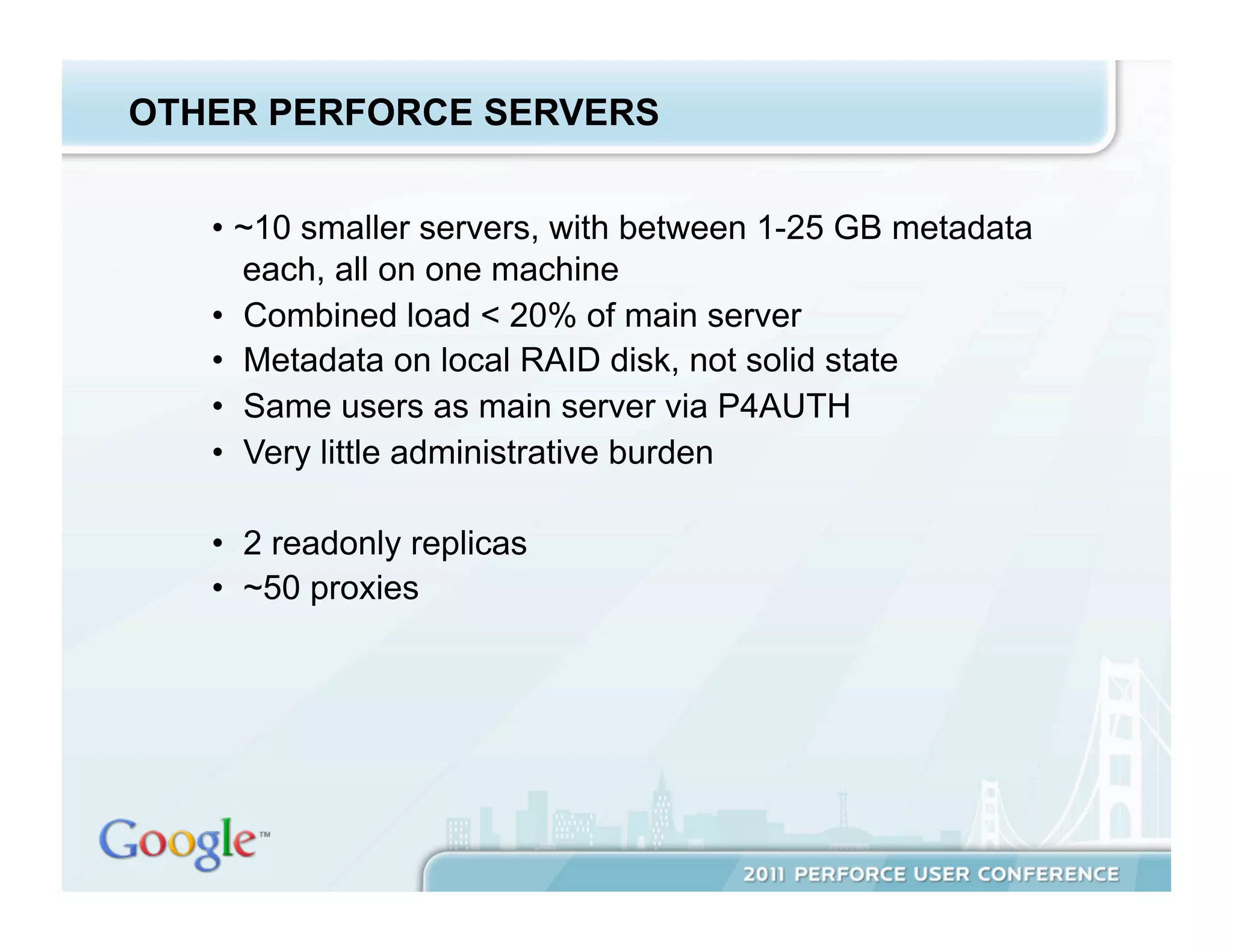
OTHER PERFORCE SERVERS


   •  ~10 smaller servers, with between 1-25 GB metadata
      each, all on one machine
   •  Combined load < 20% of main server
   •  Metadata on local RAID disk, not solid state
   •  Same users as main server via P4AUTH
   •  Very little administrative burden

   •  2 readonly replicas
   •  ~50 proxies
Performance
PERFORMANCE WORK


   •  Background: database locking and concurrency
   •  Machine resources
   •  Perforce, Inc. improvements
   •  Configurables
   •  Monitor and if necessary, kill user commands
   •  Reducing metadata
   •  Offload work from Perforce
   •  Multiple servers - maybe
PERFORCE METADATA


   •  There are about thirty-five database files, with names
      like db.have, db.labels, db.counters, etc.
   •  Details about the schema can be found at
       http://www.perforce.com/perforce/r10.2/schema/index.html
   •  Information about specific db files is in my white paper.
DATABASE LOCKING


   •  p4d processes lock database files with either read or
       write locks using OS-level flock calls.
   •  Long-running commands holding locks block other
       commands.
   •  When significant locks are held, some or all other
       commands hang.
   •  Write commands (e.g., submit) block all other
       commands. Read commands block write commands
       but allow reads.
   •  More detail in Performance and Database Locking
      at Large Perforce Sites, http://www.perforce.com
      /perforce/conferences/eu/2006/presentations
      /Google.pdf (Bloch, 2006)
MACHINE RESOURCES


   •  CPU – generally not an issue for Perforce servers
   •  Memory – enough to avoid paging
        •  Perforce guideline: 1.5k/file
        (http://kb.perforce.com/article/5)
        •  This doesn’t apply to large sites (fortunately).
         Unused table rows, e.g., old branches, are never
         paged into memory.
   • Network – you should check bandwidth and tuning, but
    this doesn’t require frequent attention
MACHINE RESOURCES, CTD.


   •  Disk I/O – single most important factor at large sites
        •  recall that concurrency is gated by the time spent
         by commands holding database locks
        •  this time spent is a function of the time the
         command spends reading and writing to the
         database
        •  faster is better
              •  keep database on local, not network disk
              •  stripe data across many spindles, e.g., RAID 10
              •  for largest sites, use solid state disk, either
               Flash (best price-performance) or RAM-based
               (absolute fastest)
THE EASIEST WAY TO IMPROVE PERFORMANCE


   Make sure to pick up Perforce upgrades! There have
   been a steady stream of significant performance
   improvements over the last five years.

   Read the release notes too!
CONFIGURABLES


   •  Configurables allow some low-level tuning.
   •  Only use with advice from Perforce product support.
   •  Introduced and evolved in Perforce 2008.2 through
       2010.2. Originally called tunables.
   •  For more information see “p4 help configurables” and
       Perforce Tunables,

    http://www.perforce.com/perforce/conferences/eu/2010
    /Presentations/Michael_Shields-Tunables.paper.pdf (Michael
     Shields, 2010)
MONITORING


   •  Monitoring is an essential part of maintaining any
      service, Perforce or otherwise.
   •  Monitoring can page, send email, or create bug reports,
      depending on the severity of the problem.
   •  The goal is never to be notified about a problem by one
      of your users.
   •  Performance-specific monitoring at Google:
        •  commands holding long-running locks (locks.pl,
         in the Perforce Public Depot in //guest/dan_bloch/)
        •  commands using more than 3 GB of memory
        •  users running many commands in parallel
MONITORING WITH EXTREME PREJUDICE


   •  Any user’s commands can affect the performance of
       the server as a whole.
   •  The MaxResults, MaxScanrows, and MaxLocktime
       resource limits can be set to kill some of these.
   •  With work, you can eliminate others, e.g., a spec trigger
       so the default client doesn’t include //depot/…
   •  Talk to users. Change use patterns.
   •  But we still find it necessary to have automated scripts
       kill commands under some circumstances:
         •  long running readonly commands holding locks
         •  known bad commands, e.g., “p4 files //…”
MONITORING, CTD.


   •  Killing processes can corrupt your database
   •  Only killing readonly processes is safe.

   • More detail in Life on the Edge: Monitoring and
    Running A Very Large Perforce Installation,

   http://www.perforce.com/perforce/conferences/us/2007
   /presentations
   /DBloch_Life_on_the_Edge2007_paper.pdf (Bloch,
    2007)
REDUCING METADATA


   •  Less data to scan means faster commands.
   • Even in cases where it doesn’t, it means faster
    checkpoints, and money saved on expensive storage.
   • This reduction can be approached both reactively
    (cleanups) and proactively (strategies to create less
    metadata).
   • This only applies to metadata. Less depot content
    doesn’t improve performance.
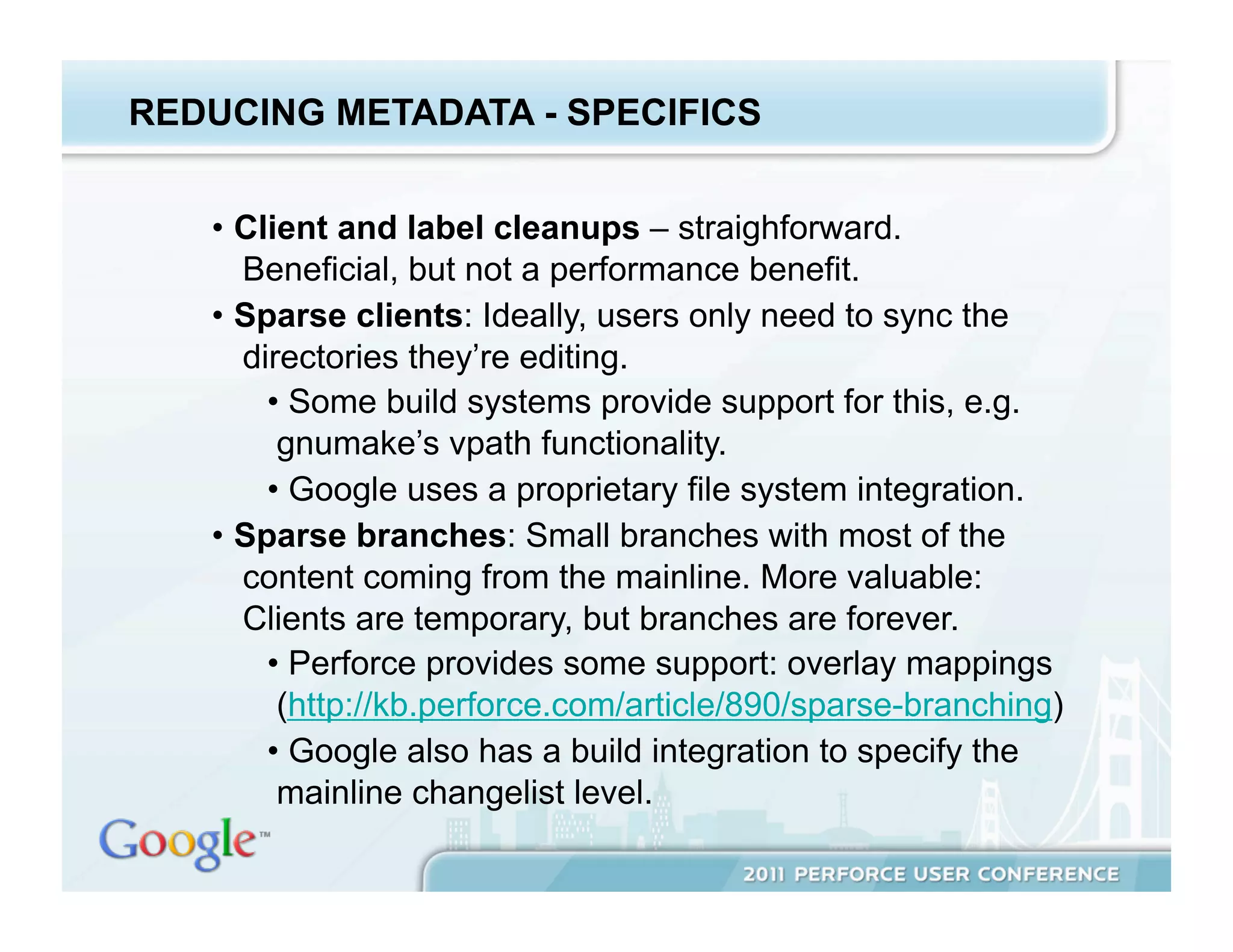
REDUCING METADATA - SPECIFICS


   •  Client and label cleanups – straighforward.
      Beneficial, but not a performance benefit.
   •  Sparse clients: Ideally, users only need to sync the
      directories they’re editing.
        •  Some build systems provide support for this, e.g.
         gnumake’s vpath functionality.
        •  Google uses a proprietary file system integration.
   •  Sparse branches: Small branches with most of the
      content coming from the mainline. More valuable:
      Clients are temporary, but branches are forever.
        •  Perforce provides some support: overlay mappings
         (http://kb.perforce.com/article/890/sparse-branching)
        •  Google also has a build integration to specify the
         mainline changelist level.
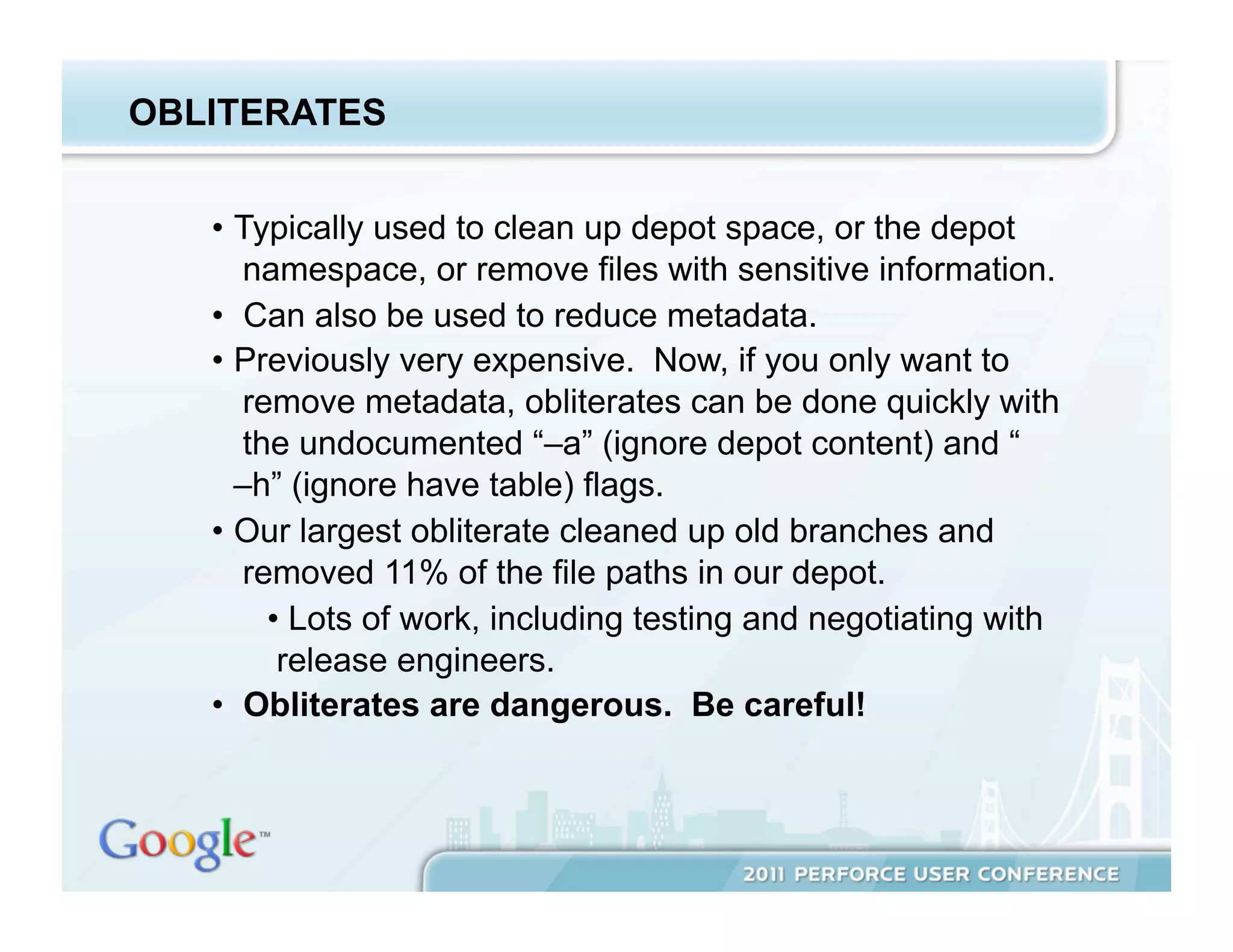
OBLITERATES


   •  Typically used to clean up depot space, or the depot
       namespace, or remove files with sensitive information.
   •  Can also be used to reduce metadata.
   •  Previously very expensive. Now, if you only want to
       remove metadata, obliterates can be done quickly with
       the undocumented “–a” (ignore depot content) and “
      –h” (ignore have table) flags.
   •  Our largest obliterate cleaned up old branches and
       removed 11% of the file paths in our depot.
         •  Lots of work, including testing and negotiating with
          release engineers.
   •  Obliterates are dangerous. Be careful!
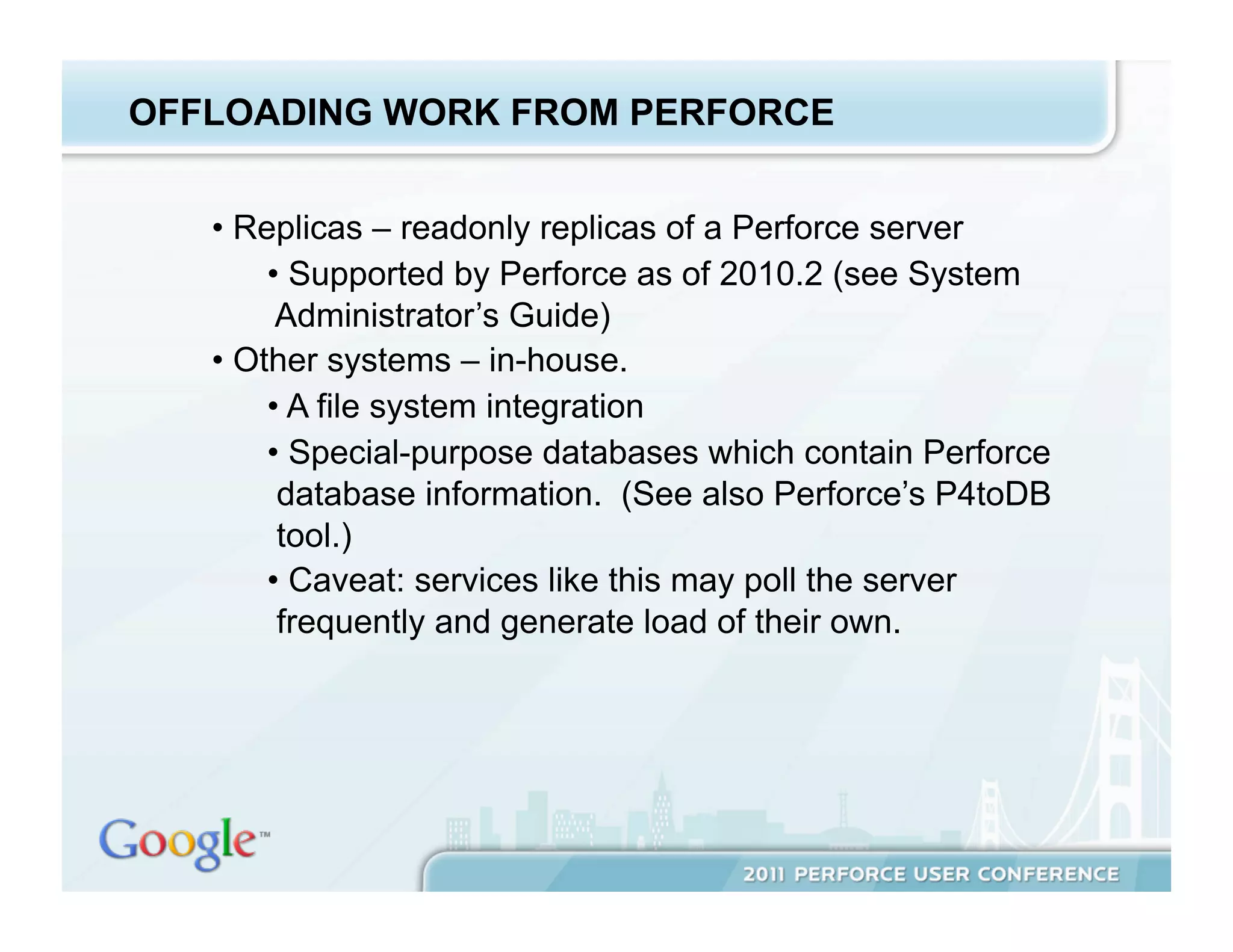
OFFLOADING WORK FROM PERFORCE


   •  Replicas – readonly replicas of a Perforce server
        •  Supported by Perforce as of 2010.2 (see System
         Administrator’s Guide)
   •  Other systems – in-house.
        •  A file system integration
        •  Special-purpose databases which contain Perforce
         database information. (See also Perforce’s P4toDB
         tool.)
        •  Caveat: services like this may poll the server
         frequently and generate load of their own.
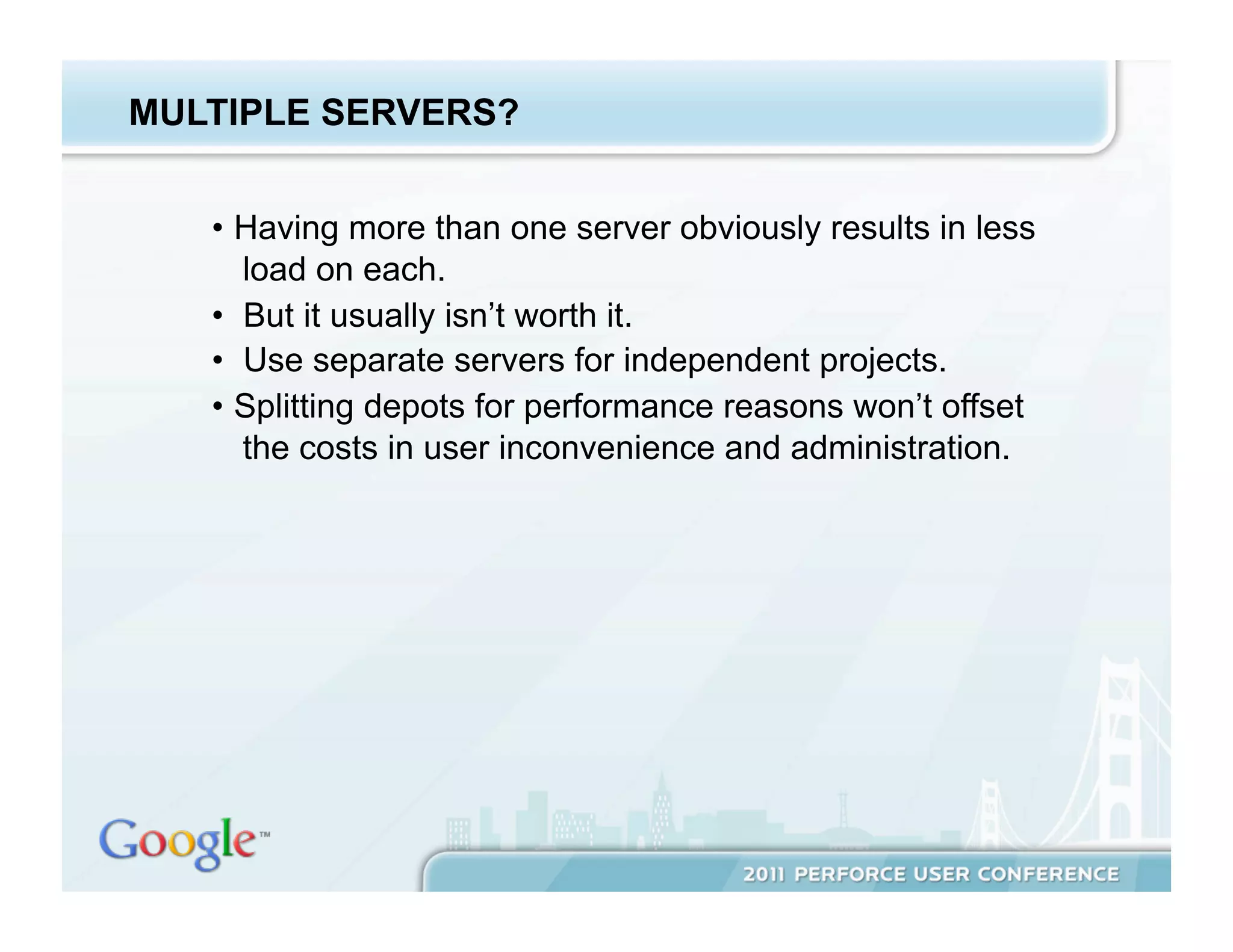
MULTIPLE SERVERS?


   •  Having more than one server obviously results in less
      load on each.
   •  But it usually isn’t worth it.
   •  Use separate servers for independent projects.
   •  Splitting depots for performance reasons won’t offset
      the costs in user inconvenience and administration.
Non-Performance Issues of
Scale
NON-PERFORMANCE ISSUES OF SCALE


   •  Depot disk space
   •  Checkpoints
   •  High availability
   •  Administrative load
DEPOT DISK SPACE


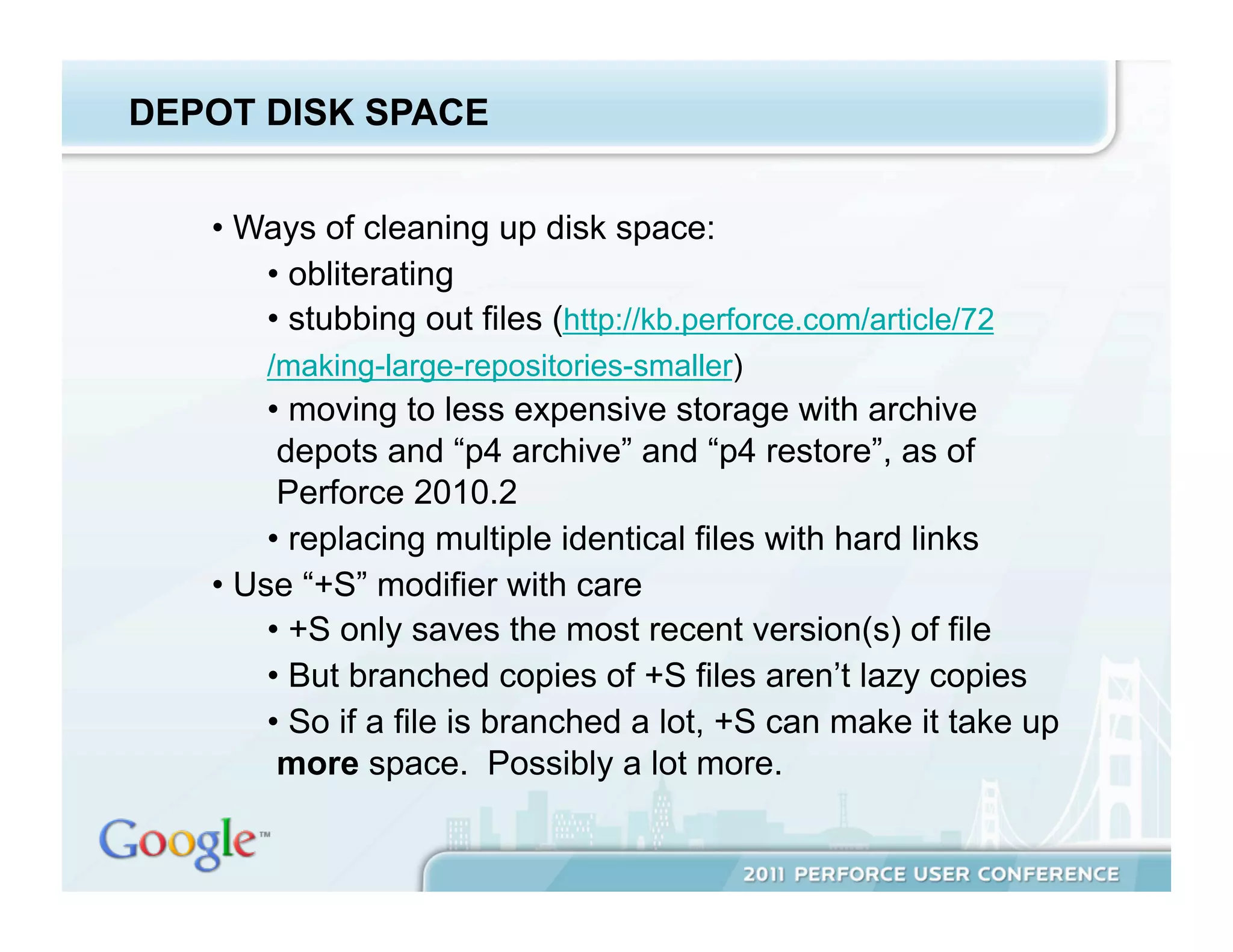
   •  Ways of cleaning up disk space:
       •  obliterating
       •  stubbing out files (http://kb.perforce.com/article/72
       /making-large-repositories-smaller)
        •  moving to less expensive storage with archive
         depots and “p4 archive” and “p4 restore”, as of
         Perforce 2010.2
        •  replacing multiple identical files with hard links
   •  Use “+S” modifier with care
        •  +S only saves the most recent version(s) of file
        •  But branched copies of +S files aren’t lazy copies
        •  So if a file is branched a lot, +S can make it take up
         more space. Possibly a lot more.
CHECKPOINTS


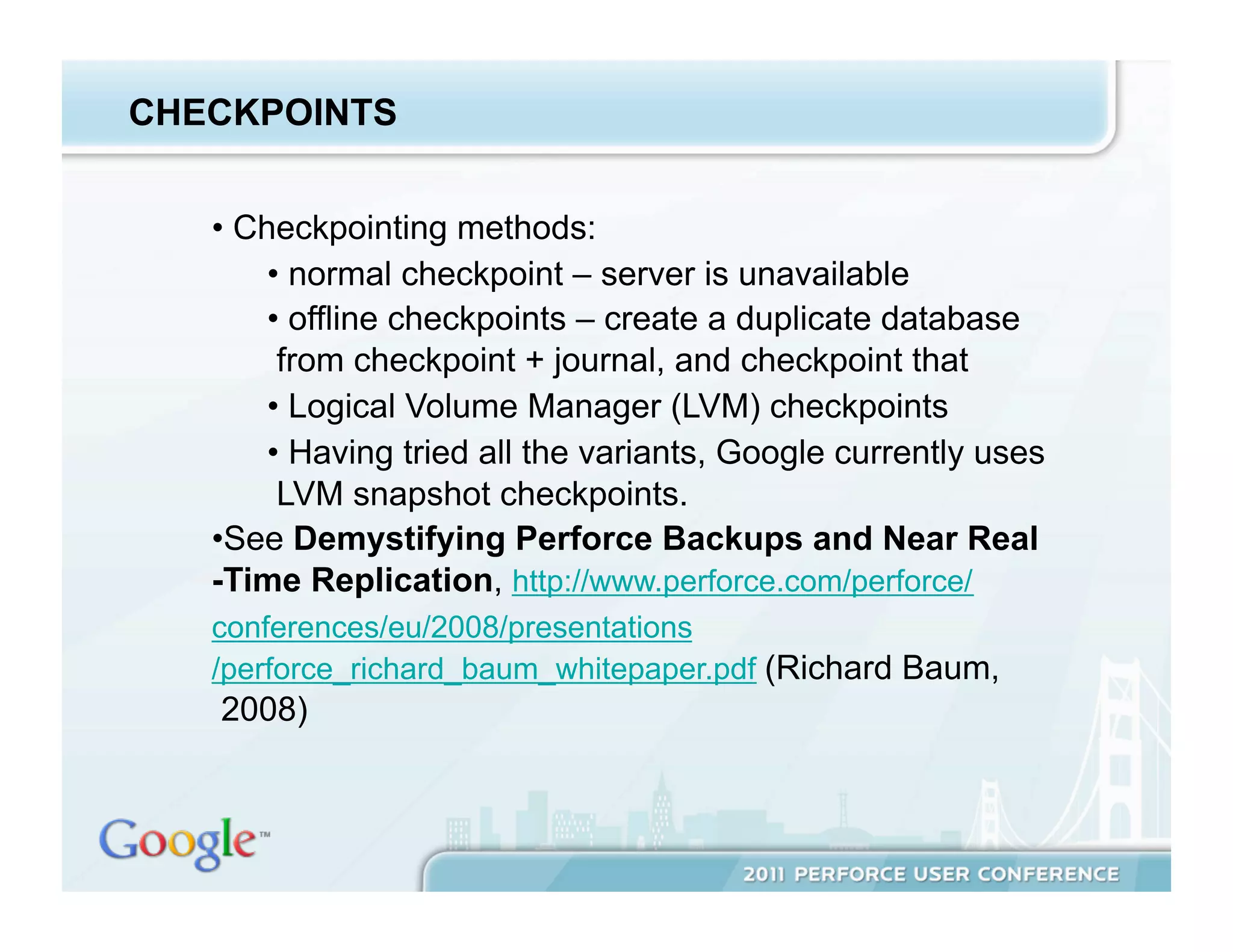
   •  Checkpointing methods:
        •  normal checkpoint – server is unavailable
        •  offline checkpoints – create a duplicate database
         from checkpoint + journal, and checkpoint that
        •  Logical Volume Manager (LVM) checkpoints
        •  Having tried all the variants, Google currently uses
         LVM snapshot checkpoints.
   • See Demystifying Perforce Backups and Near Real
   -Time Replication, http://www.perforce.com/perforce/
   conferences/eu/2008/presentations
   /perforce_richard_baum_whitepaper.pdf (Richard Baum,
   2008)
CHECKPOINT ENHANCEMENTS


   •  We optimize our checkpoints and restores by
      processing each database file individually, so we can
      checkpoint and install multiple database files in
      parallel.
   •  We checkpoint the standbys at the same time as the
      main server, so we have a checkpoint even if one job
      fails.
HIGH AVAILABILITY


    •  We maintain a hot standby, and have and test a failover
       plan. See Perforce Disaster Recovery at Google,
        http://www.perforce.com/perforce/conferences/us
       /2009/Presentations/Wright-Disaster_Recovery-paper.pdf
        (Rick Wright, 2009)
    •  We have a test server, which we restore from the main
        server weekly, so we can test anything in an environment
        nearly identical to the production server.
    •  We write postmortems for every outage, with action items to
        prevent the same thing from happening again.
ADMINISTRATIVE LOAD


   •  Make all of your servers look the same (disk layout,
       scripts, etc.)
   •  Use P4AUTH so user accounts only have to be created
       once.
   •  Invest in automating tasks and self-service for users.
   •  Share all information within the admin team, e.g., we
       send all Product Support email to a mailing list so all
       the admins can learn from all the support calls.
   •  Document everything.
Closing Thoughts
LESSONS LEARNED


   •  Know as much as you can about what's happening on
      your server.
   •  Look at all possible ways of improving performance.
      There’s no one solution.
   •  Do cleanups.
   •  Try to reduce the size of everything (changelists,
      clients, branches, …).
   •  Offload work from the server.
CLOSING THOUGHTS


   •  Our size was enabled because we, as well as Perforce,
       grew into it. Five years ago, neither Perforce nor
       Google could have handled a site this size.
   •  As a pioneer, we’re atypical in that we use home-made
       solutions for many problems that Perforce now
       provides its own solutions for.
   •  In many ways our growth was unplanned. There’s
       always tension between developing as fast as you can
       and keeping everything clean and structured. The
       next big site won’t look like us.
   •  Choose which elements from our system will be of use
       to you. The most important thing is understanding
       your own site’s environment.

Still All on One Server: Perforce at Scale

  • 1.
    Still All onOne Server: Perforce at Scale Dan Bloch Senior Site Reliability Engineer Google Inc. June 3, 2011
  • 2.
    GOOGLE •  Google's mission: Organize the world's information and make it universally accessible and useful. •  The world's premier web search; many other products •  Headquartered in Mountain View, California •  ~25,000 employees worldwide
  • 3.
    OVERVIEW •  Perforce at Google •  Performance •  Everything Else
  • 4.
  • 5.
    PERFORCE AT GOOGLE •  Almost all of Google’s projects are in Perforce, and most are in a single depot. •  Our server sees many, many different usage patterns. About half our use comes from scripts and half from interactive users. Most interactive use is from the command line. •  The server holds documentation, data, and non -engineering work as well as code. •  We have a full-time p4 admin team, and lots of additional support from hardware teams, tools teams, and interested individuals.
  • 6.
    PERFORCE AT GOOGLE:MAIN SERVER •  16 CPUs, 256 GB memory, Linux •  Metadata on solid state disk •  Depot on network-attached storage •  Logs and journal on local RAID • This server instance has been in operation for more than 11 years. • ~10 million submitted changelists •  > 12,000 users •  > 1 TB metadata •  10-12 million commands/day •  ~10k submits/day
  • 7.
    SUBMITS PER MINUTE •  Bullet text 22 pt Arial Regular
  • 8.
    OTHER PERFORCE SERVERS •  ~10 smaller servers, with between 1-25 GB metadata each, all on one machine •  Combined load < 20% of main server •  Metadata on local RAID disk, not solid state •  Same users as main server via P4AUTH •  Very little administrative burden •  2 readonly replicas •  ~50 proxies
  • 9.
  • 10.
    PERFORMANCE WORK •  Background: database locking and concurrency •  Machine resources •  Perforce, Inc. improvements •  Configurables •  Monitor and if necessary, kill user commands •  Reducing metadata •  Offload work from Perforce •  Multiple servers - maybe
  • 11.
    PERFORCE METADATA •  There are about thirty-five database files, with names like db.have, db.labels, db.counters, etc. •  Details about the schema can be found at http://www.perforce.com/perforce/r10.2/schema/index.html •  Information about specific db files is in my white paper.
  • 12.
    DATABASE LOCKING •  p4d processes lock database files with either read or write locks using OS-level flock calls. •  Long-running commands holding locks block other commands. •  When significant locks are held, some or all other commands hang. •  Write commands (e.g., submit) block all other commands. Read commands block write commands but allow reads. •  More detail in Performance and Database Locking at Large Perforce Sites, http://www.perforce.com /perforce/conferences/eu/2006/presentations /Google.pdf (Bloch, 2006)
  • 13.
    MACHINE RESOURCES •  CPU – generally not an issue for Perforce servers •  Memory – enough to avoid paging •  Perforce guideline: 1.5k/file (http://kb.perforce.com/article/5) •  This doesn’t apply to large sites (fortunately). Unused table rows, e.g., old branches, are never paged into memory. • Network – you should check bandwidth and tuning, but this doesn’t require frequent attention
  • 14.
    MACHINE RESOURCES, CTD. •  Disk I/O – single most important factor at large sites •  recall that concurrency is gated by the time spent by commands holding database locks •  this time spent is a function of the time the command spends reading and writing to the database •  faster is better •  keep database on local, not network disk •  stripe data across many spindles, e.g., RAID 10 •  for largest sites, use solid state disk, either Flash (best price-performance) or RAM-based (absolute fastest)
  • 15.
    THE EASIEST WAYTO IMPROVE PERFORMANCE Make sure to pick up Perforce upgrades! There have been a steady stream of significant performance improvements over the last five years. Read the release notes too!
  • 16.
    CONFIGURABLES •  Configurables allow some low-level tuning. •  Only use with advice from Perforce product support. •  Introduced and evolved in Perforce 2008.2 through 2010.2. Originally called tunables. •  For more information see “p4 help configurables” and Perforce Tunables, http://www.perforce.com/perforce/conferences/eu/2010 /Presentations/Michael_Shields-Tunables.paper.pdf (Michael Shields, 2010)
  • 17.
    MONITORING •  Monitoring is an essential part of maintaining any service, Perforce or otherwise. •  Monitoring can page, send email, or create bug reports, depending on the severity of the problem. •  The goal is never to be notified about a problem by one of your users. •  Performance-specific monitoring at Google: •  commands holding long-running locks (locks.pl, in the Perforce Public Depot in //guest/dan_bloch/) •  commands using more than 3 GB of memory •  users running many commands in parallel
  • 18.
    MONITORING WITH EXTREMEPREJUDICE •  Any user’s commands can affect the performance of the server as a whole. •  The MaxResults, MaxScanrows, and MaxLocktime resource limits can be set to kill some of these. •  With work, you can eliminate others, e.g., a spec trigger so the default client doesn’t include //depot/… •  Talk to users. Change use patterns. •  But we still find it necessary to have automated scripts kill commands under some circumstances: •  long running readonly commands holding locks •  known bad commands, e.g., “p4 files //…”
  • 19.
    MONITORING, CTD. •  Killing processes can corrupt your database •  Only killing readonly processes is safe. • More detail in Life on the Edge: Monitoring and Running A Very Large Perforce Installation, http://www.perforce.com/perforce/conferences/us/2007 /presentations /DBloch_Life_on_the_Edge2007_paper.pdf (Bloch, 2007)
  • 20.
    REDUCING METADATA •  Less data to scan means faster commands. • Even in cases where it doesn’t, it means faster checkpoints, and money saved on expensive storage. • This reduction can be approached both reactively (cleanups) and proactively (strategies to create less metadata). • This only applies to metadata. Less depot content doesn’t improve performance.
  • 21.
    REDUCING METADATA -SPECIFICS •  Client and label cleanups – straighforward. Beneficial, but not a performance benefit. •  Sparse clients: Ideally, users only need to sync the directories they’re editing. •  Some build systems provide support for this, e.g. gnumake’s vpath functionality. •  Google uses a proprietary file system integration. •  Sparse branches: Small branches with most of the content coming from the mainline. More valuable: Clients are temporary, but branches are forever. •  Perforce provides some support: overlay mappings (http://kb.perforce.com/article/890/sparse-branching) •  Google also has a build integration to specify the mainline changelist level.
  • 22.
    OBLITERATES •  Typically used to clean up depot space, or the depot namespace, or remove files with sensitive information. •  Can also be used to reduce metadata. •  Previously very expensive. Now, if you only want to remove metadata, obliterates can be done quickly with the undocumented “–a” (ignore depot content) and “ –h” (ignore have table) flags. •  Our largest obliterate cleaned up old branches and removed 11% of the file paths in our depot. •  Lots of work, including testing and negotiating with release engineers. •  Obliterates are dangerous. Be careful!
  • 23.
    OFFLOADING WORK FROMPERFORCE •  Replicas – readonly replicas of a Perforce server •  Supported by Perforce as of 2010.2 (see System Administrator’s Guide) •  Other systems – in-house. •  A file system integration •  Special-purpose databases which contain Perforce database information. (See also Perforce’s P4toDB tool.) •  Caveat: services like this may poll the server frequently and generate load of their own.
  • 24.
    MULTIPLE SERVERS? •  Having more than one server obviously results in less load on each. •  But it usually isn’t worth it. •  Use separate servers for independent projects. •  Splitting depots for performance reasons won’t offset the costs in user inconvenience and administration.
  • 25.
  • 26.
    NON-PERFORMANCE ISSUES OFSCALE •  Depot disk space •  Checkpoints •  High availability •  Administrative load
  • 27.
    DEPOT DISK SPACE •  Ways of cleaning up disk space: •  obliterating •  stubbing out files (http://kb.perforce.com/article/72 /making-large-repositories-smaller) •  moving to less expensive storage with archive depots and “p4 archive” and “p4 restore”, as of Perforce 2010.2 •  replacing multiple identical files with hard links •  Use “+S” modifier with care •  +S only saves the most recent version(s) of file •  But branched copies of +S files aren’t lazy copies •  So if a file is branched a lot, +S can make it take up more space. Possibly a lot more.
  • 28.
    CHECKPOINTS •  Checkpointing methods: •  normal checkpoint – server is unavailable •  offline checkpoints – create a duplicate database from checkpoint + journal, and checkpoint that •  Logical Volume Manager (LVM) checkpoints •  Having tried all the variants, Google currently uses LVM snapshot checkpoints. • See Demystifying Perforce Backups and Near Real -Time Replication, http://www.perforce.com/perforce/ conferences/eu/2008/presentations /perforce_richard_baum_whitepaper.pdf (Richard Baum, 2008)
  • 29.
    CHECKPOINT ENHANCEMENTS •  We optimize our checkpoints and restores by processing each database file individually, so we can checkpoint and install multiple database files in parallel. •  We checkpoint the standbys at the same time as the main server, so we have a checkpoint even if one job fails.
  • 30.
    HIGH AVAILABILITY •  We maintain a hot standby, and have and test a failover plan. See Perforce Disaster Recovery at Google, http://www.perforce.com/perforce/conferences/us /2009/Presentations/Wright-Disaster_Recovery-paper.pdf (Rick Wright, 2009) •  We have a test server, which we restore from the main server weekly, so we can test anything in an environment nearly identical to the production server. •  We write postmortems for every outage, with action items to prevent the same thing from happening again.
  • 31.
    ADMINISTRATIVE LOAD •  Make all of your servers look the same (disk layout, scripts, etc.) •  Use P4AUTH so user accounts only have to be created once. •  Invest in automating tasks and self-service for users. •  Share all information within the admin team, e.g., we send all Product Support email to a mailing list so all the admins can learn from all the support calls. •  Document everything.
  • 32.
  • 33.
    LESSONS LEARNED •  Know as much as you can about what's happening on your server. •  Look at all possible ways of improving performance. There’s no one solution. •  Do cleanups. •  Try to reduce the size of everything (changelists, clients, branches, …). •  Offload work from the server.
  • 34.
    CLOSING THOUGHTS •  Our size was enabled because we, as well as Perforce, grew into it. Five years ago, neither Perforce nor Google could have handled a site this size. •  As a pioneer, we’re atypical in that we use home-made solutions for many problems that Perforce now provides its own solutions for. •  In many ways our growth was unplanned. There’s always tension between developing as fast as you can and keeping everything clean and structured. The next big site won’t look like us. •  Choose which elements from our system will be of use to you. The most important thing is understanding your own site’s environment.