













SQLSaturdayNigh                14


t
Microsoft SQL Server 2008 R2

Reporting Services
Part II


Σάββαην 18/02/2012
Η παξνπζίαζε απηή ζα θαηαγξαθεί ώζηε λα είλαη
δηαζέζηκε γηα όζνπο ζέινπλ λα ηελ μαλαδνύλ, ή δελ
είραλ ηελ δπλαηόηεηα λα ηελ παξαθνινπζήζνπλ ζε
πξαγκαηηθό ρξόλν.
Εάλ θάπνηνο από ηνπο παξαβξηζθόκελνπο ζε απηή έρεη
ην νπνηνδήπνηε πξόβιεκα ή αληίξξεζε λα είλαη κέξνο
ηεο θαηαγξαθή απηήο, παξαθαιείηαη λα απνρωξήζεη
άκεζα.
Σε δηαθνξεηηθή πεξίπηωζε ε παξακνλή ζε απηή
εθιακβάλεηαη ωο απνδνρή ηεο θαηαγξαθήο.
Η παξνπζίαζε απηή διατίθεται δωρεάν,
θαη ζα αξρίζεη ζε 1 ιεπηό…
Απηή ηελ ζηηγκή ν παξνπζηαζηήο κηιάεη θαη ζαο δεηάεη λα
βεβαηώζεηε όηη ηνλ αθνύηε.
Εάλ απηό δελ είλαη δπλαηόλ παξαθαιείζηε λα αιιάμεηε ην
ρξώκα ηεο θάξηαο ζαο ζην αληίζηνηρν ρξώκα ώζηε λα
ηνλ ελεκεξώζεηε.
Απηό κπνξεί λα γίλεη παηώληαο ηελ αληίζηνηρε επηινγή
πνπ βξίζθεηαη ζην πάλω δεμί κέξνο ηνπ πεξηβάιινληνο
ηνπ live meeting.
Σαο επραξηζηνύκε γηα ηελ ζπλεξγαζία.
Reporting Services
Microsoft SQL Server 2008 R2 Part II


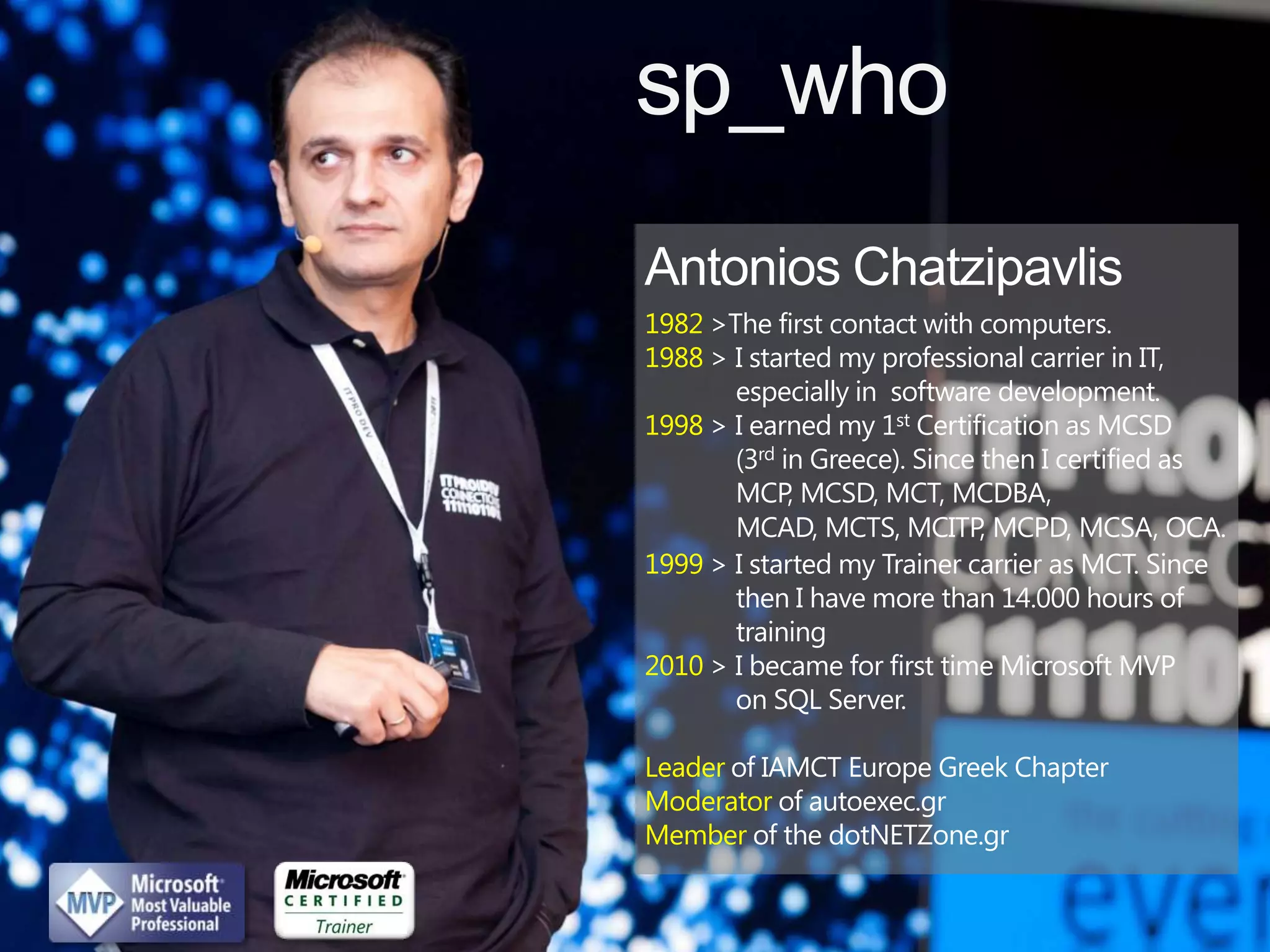
Antonios Chatzipavlis
Solution Architect - Principal Consultant - SQL Server Evangelist & MVP
MCT, MCITP, MCPD, MCSD, MCDBA, MCSA, MCTS, MCAD, MCP, OCA
sp_who

1982 >The first contact with computers.
1988 > I started my professional carrier in IT,
       especially in software development.
1998 > I earned my 1st Certification as MCSD
       (3rd in Greece). Since then I certified as
       MCP, MCSD, MCT, MCDBA,
       MCAD, MCTS, MCITP, MCPD, MCSA, OCA.
1999 > I started my Trainer carrier as MCT. Since
       then I have more than 14.000 hours of
       training
2010 > I became for first time Microsoft MVP
       on SQL Server.

Leader of IAMCT Europe Greek Chapter
Moderator of autoexec.gr
Member of the dotNETZone.gr
Connect with me

                “ blog”


              sqlschoolgr
@antoniosch   .wordpress.com   help@sqlschool.gr http://sqlschool.gr
Security
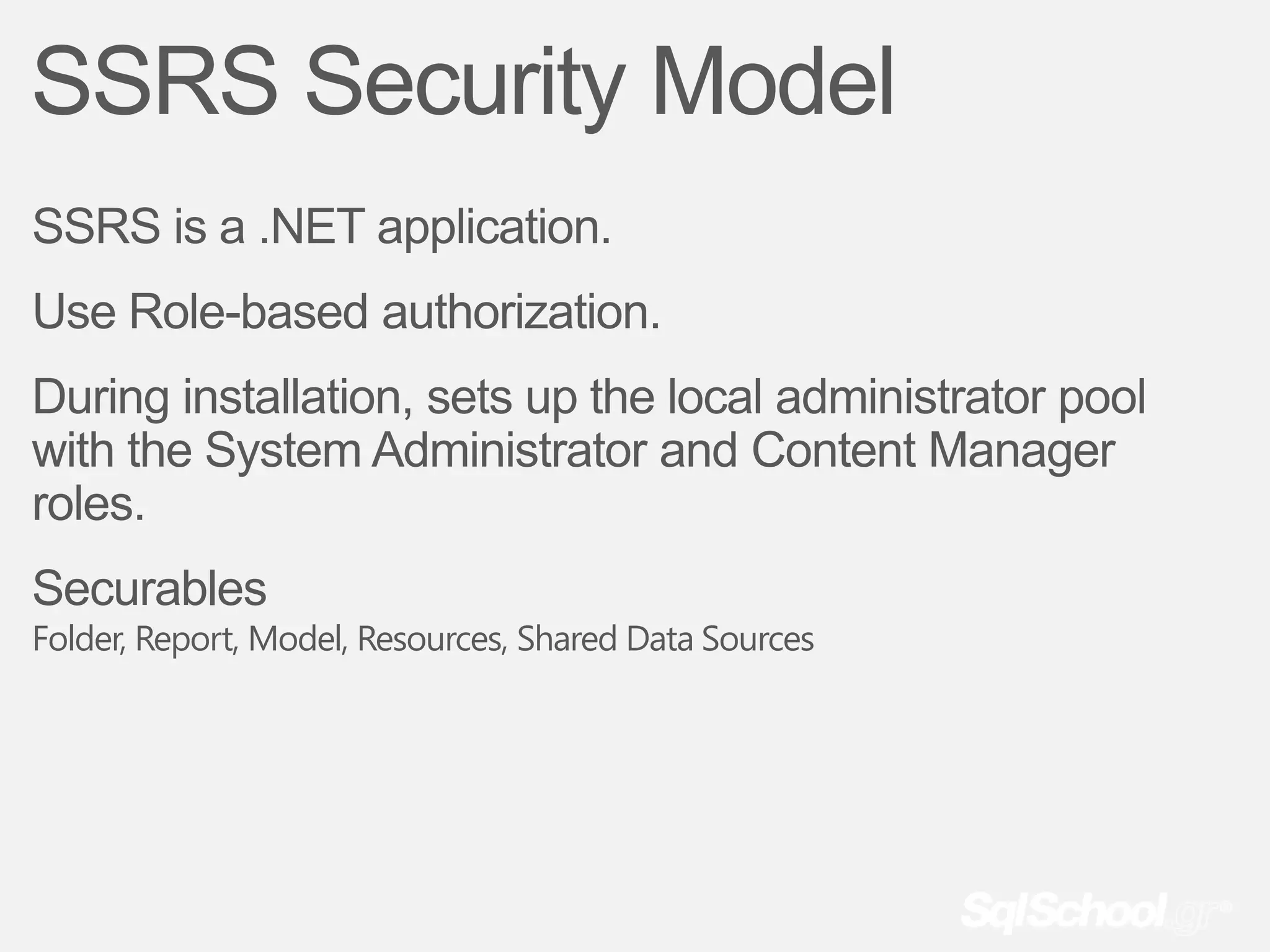
SSRS Security Model
SSRS is a .NET application.
Use Role-based authorization.
During installation, sets up the local administrator pool
with the System Administrator and Content Manager
roles.
Securables
Folder, Report, Model, Resources, Shared Data Sources
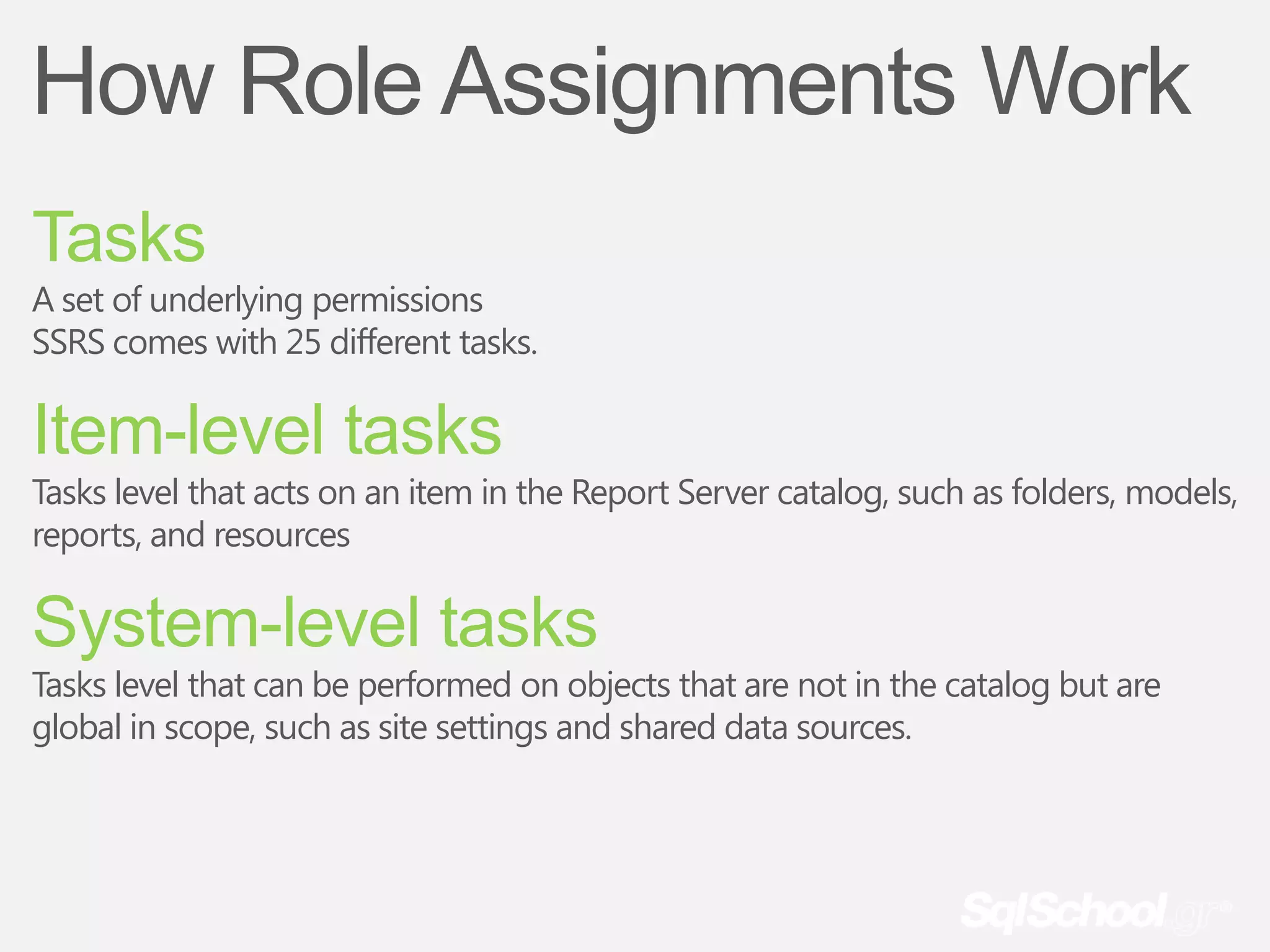
How Role Assignments Work
Tasks
A set of underlying permissions
SSRS comes with 25 different tasks.

Item-level tasks
Tasks level that acts on an item in the Report Server catalog, such as folders, models,
reports, and resources

System-level tasks
Tasks level that can be performed on objects that are not in the catalog but are
global in scope, such as site settings and shared data sources.
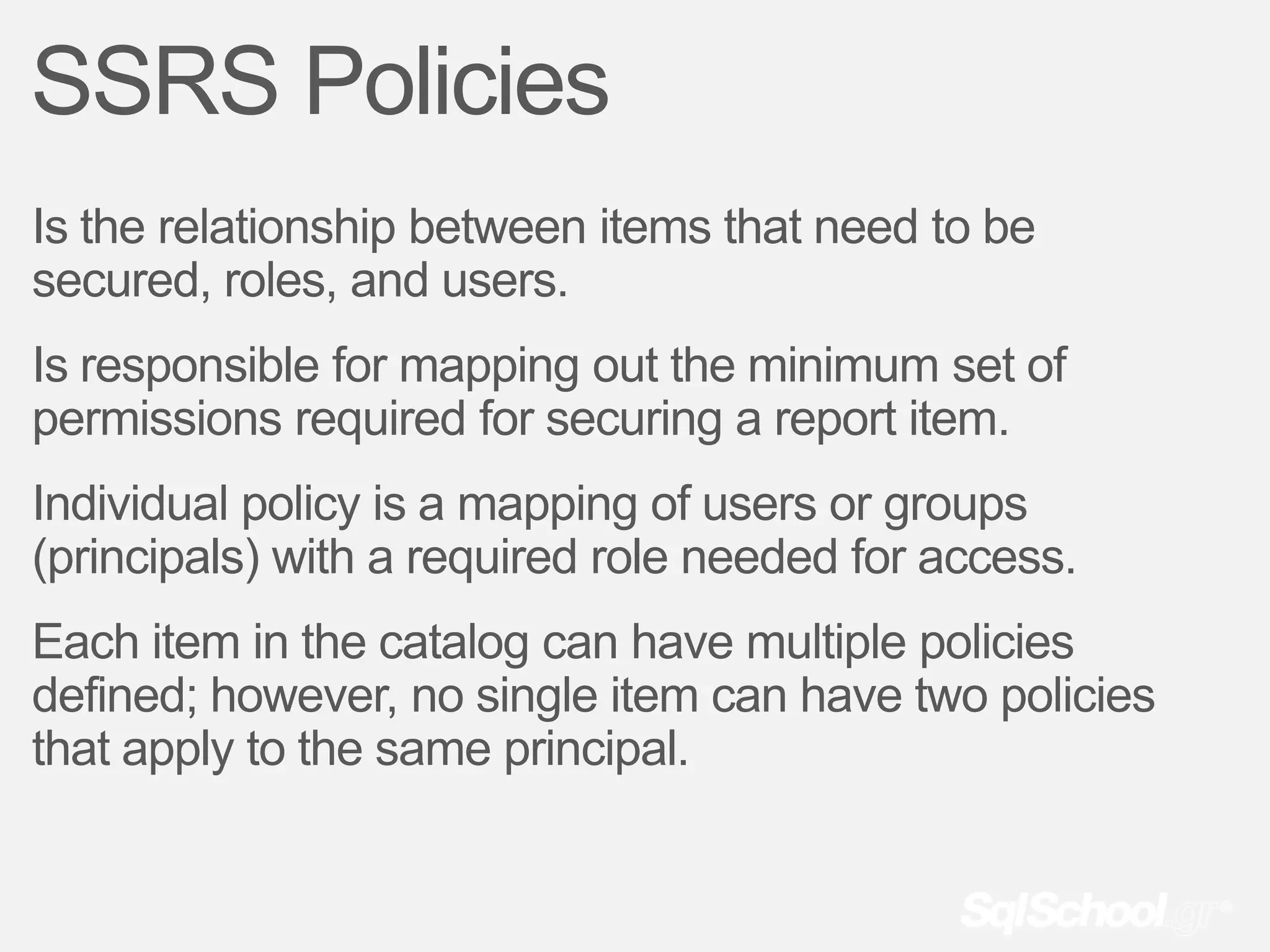
SSRS Policies
Is the relationship between items that need to be
secured, roles, and users.
Is responsible for mapping out the minimum set of
permissions required for securing a report item.
Individual policy is a mapping of users or groups
(principals) with a required role needed for access.
Each item in the catalog can have multiple policies
defined; however, no single item can have two policies
that apply to the same principal.
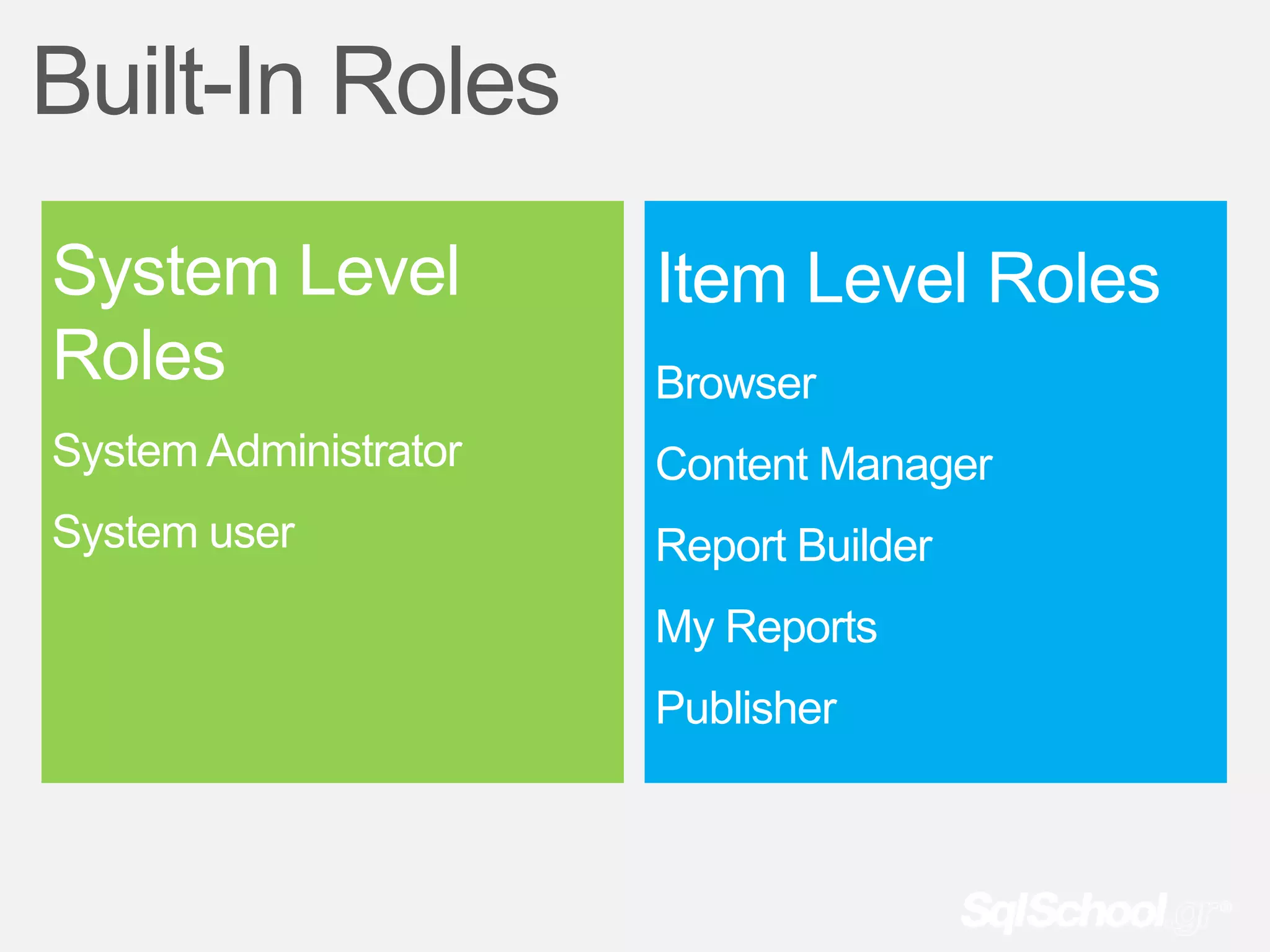
Built-In Roles
System Level           Item Level Roles
Roles                  Browser
System Administrator   Content Manager
System user            Report Builder
                       My Reports
                       Publisher
demo
Questions?
Execution / Processing
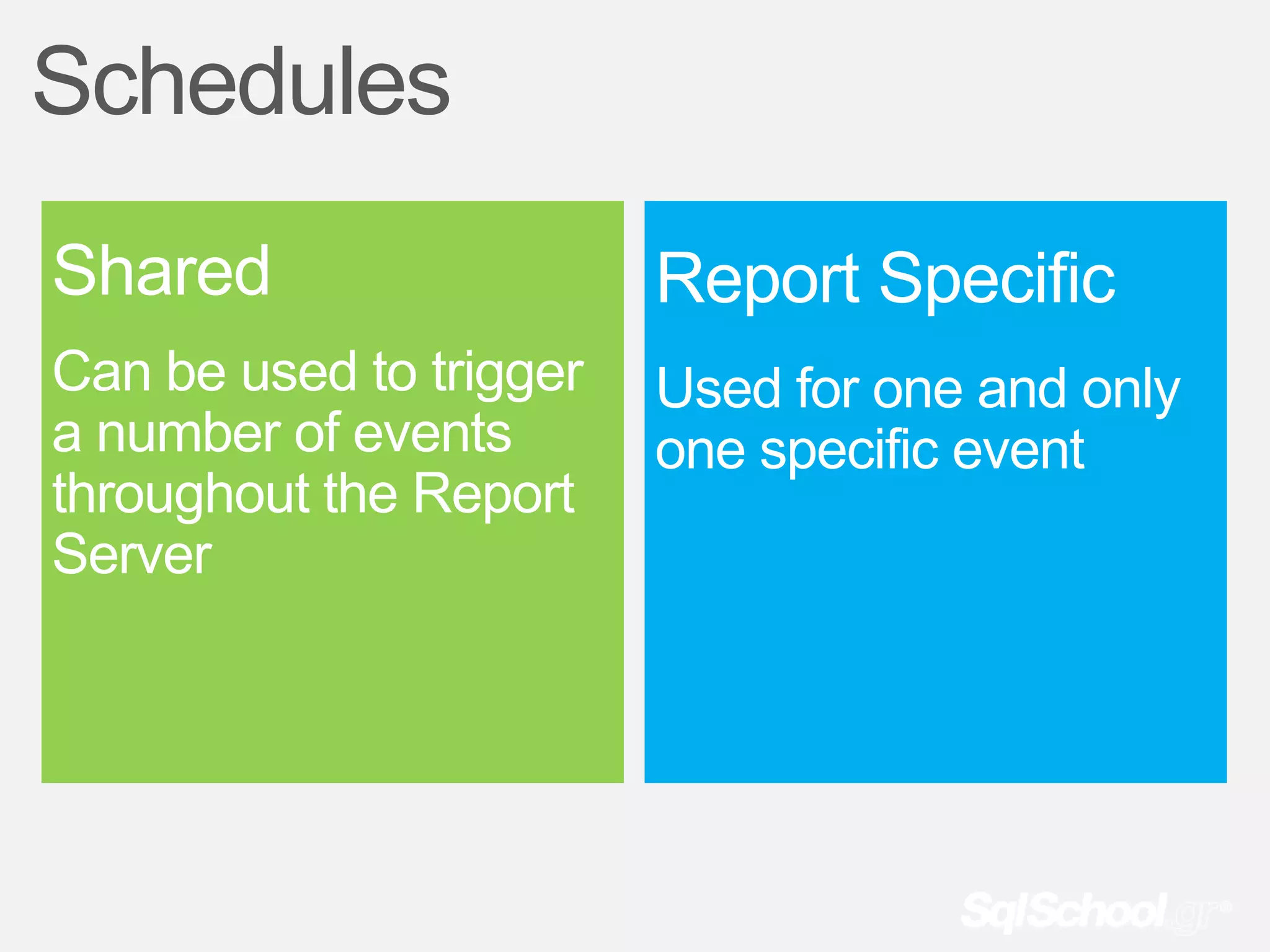
Schedules
Shared                   Report Specific
Can be used to trigger   Used for one and only
a number of events       one specific event
throughout the Report
Server
demo
Create & Manage Schedules
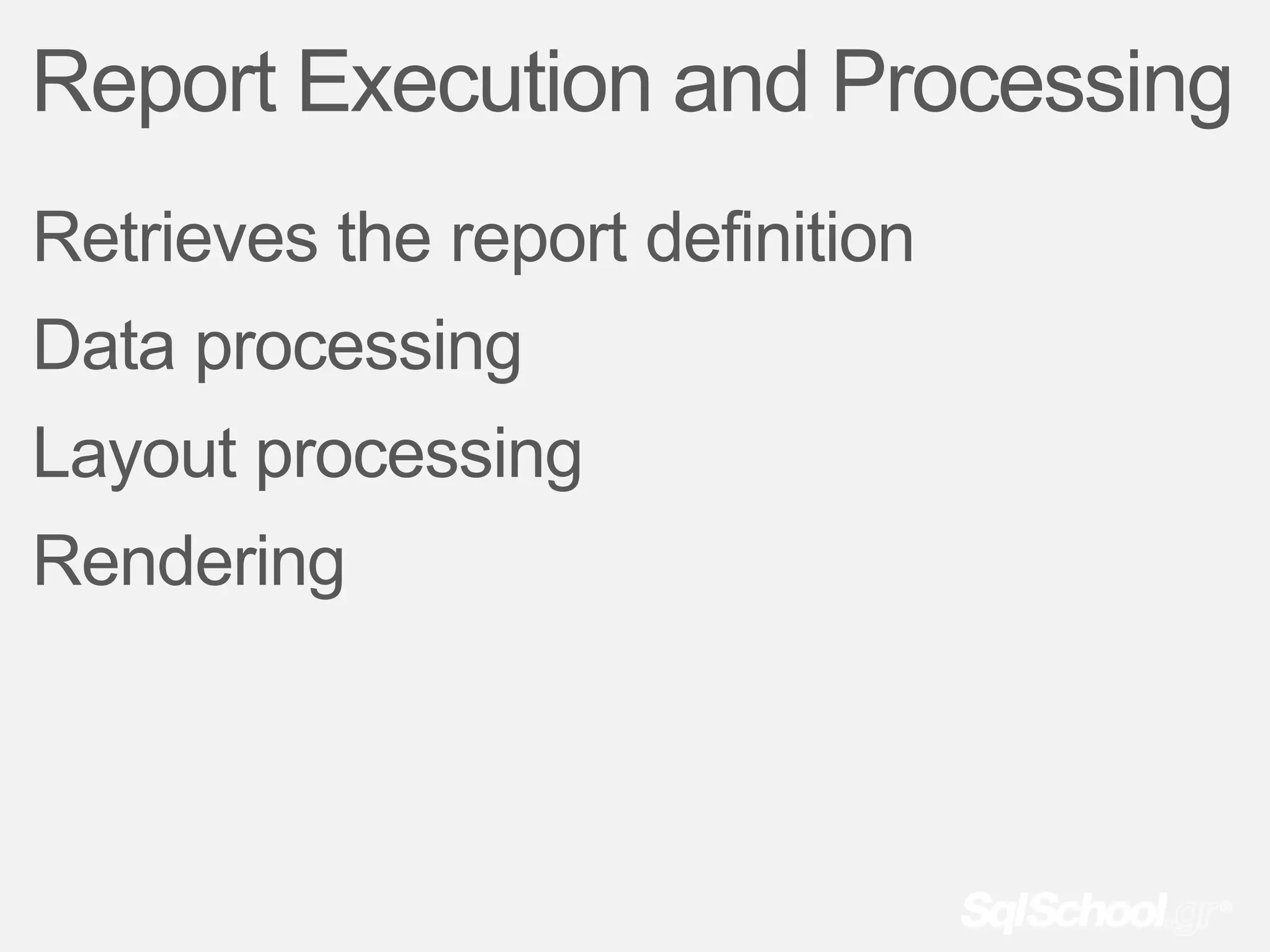
Report Execution and Processing
Retrieves the report definition
Data processing
Layout processing
Rendering
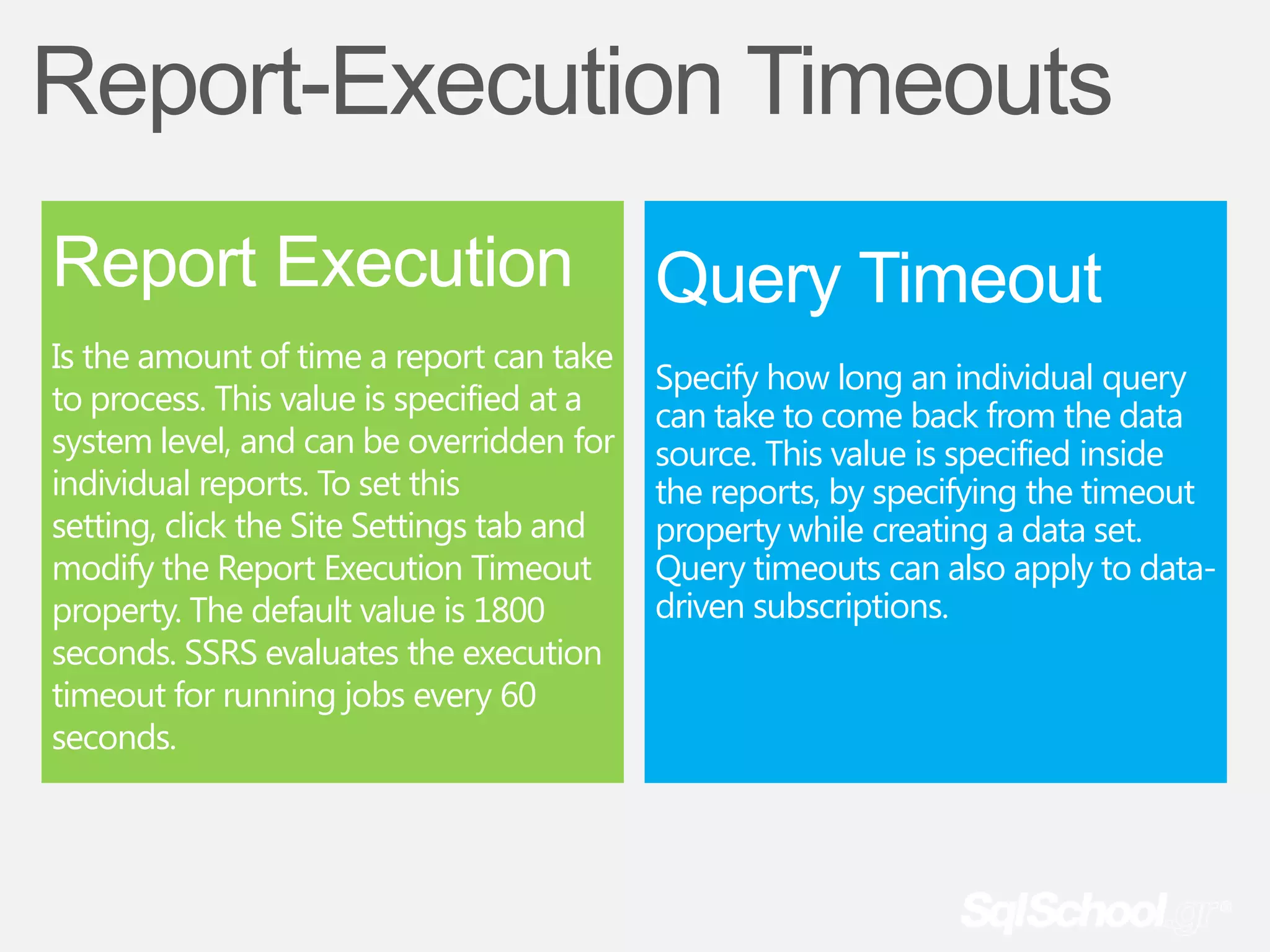
Report-Execution Timeouts
Report Execution                           Query Timeout
Is the amount of time a report can take
                                           Specify how long an individual query
to process. This value is specified at a   can take to come back from the data
system level, and can be overridden for    source. This value is specified inside
individual reports. To set this            the reports, by specifying the timeout
setting, click the Site Settings tab and   property while creating a data set.
modify the Report Execution Timeout        Query timeouts can also apply to data-
property. The default value is 1800        driven subscriptions.
seconds. SSRS evaluates the execution
timeout for running jobs every 60
seconds.
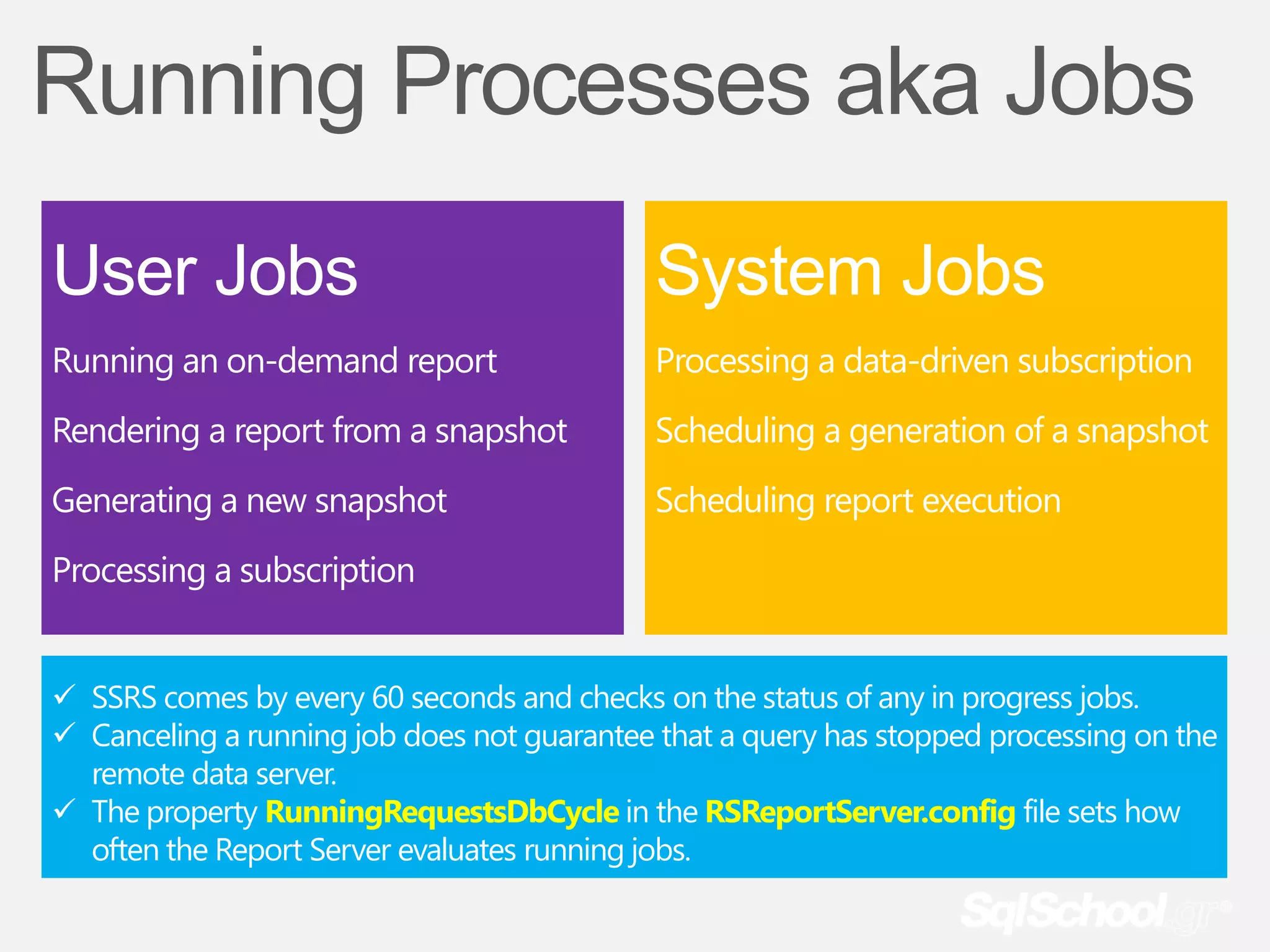
Running Processes aka Jobs
User Jobs                                    System Jobs
Running an on-demand report                  Processing a data-driven subscription
Rendering a report from a snapshot           Scheduling a generation of a snapshot
Generating a new snapshot                    Scheduling report execution
Processing a subscription


 SSRS comes by every 60 seconds and checks on the status of any in progress jobs.
 Canceling a running job does not guarantee that a query has stopped processing on the
  remote data server.
 The property RunningRequestsDbCycle in the RSReportServer.config file sets how
  often the Report Server evaluates running jobs.
Report-Execution History
In these days of endless audits, SOX (Sarbanes-
Oxley), and now PCI (Payment Card Industry), it is
becoming essential to know when someone within
an organization accesses data.
It is also helpful to know this information from an
organizational and planning perspective.
As more and more reports get published, how
often reports get looked at and by whom could be
essential information.
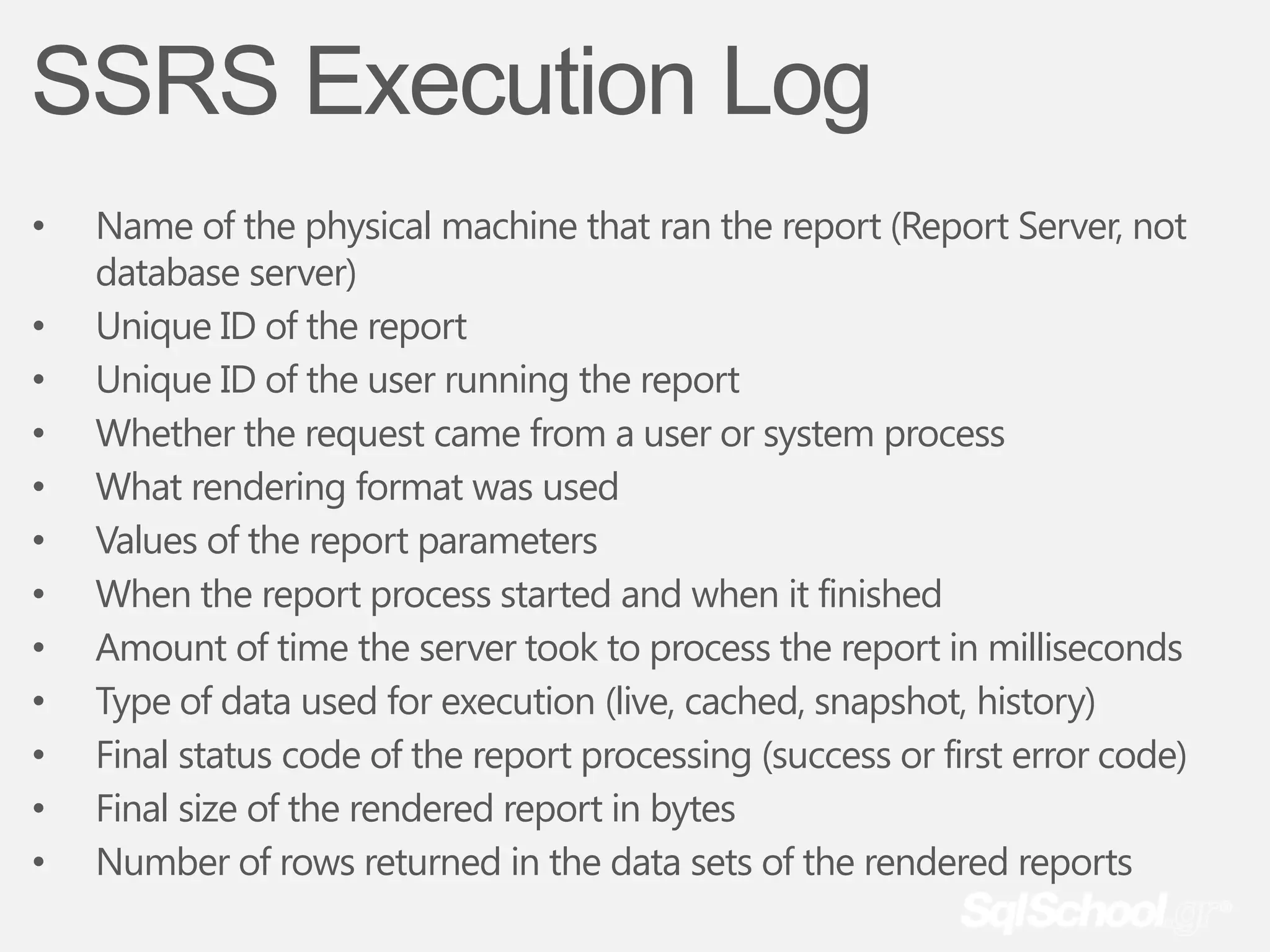
SSRS Execution Log
•   Name of the physical machine that ran the report (Report Server, not
    database server)
•   Unique ID of the report
•   Unique ID of the user running the report
•   Whether the request came from a user or system process
•   What rendering format was used
•   Values of the report parameters
•   When the report process started and when it finished
•   Amount of time the server took to process the report in milliseconds
•   Type of data used for execution (live, cached, snapshot, history)
•   Final status code of the report processing (success or first error code)
•   Final size of the rendered report in bytes
•   Number of rows returned in the data sets of the rendered reports
demo
How to Report Off the Execution Log
Questions?
Subscriptions
What is a Subscription
Subscription setting up a job on the Report
Server to deliver a report to a user at a
specified point in time without the user
actively going to the Report Server and
running the report.
Subscription Fundamentals
User must have access to view the report.
User must have a role assignment that includes the task Manage Individual
Subscriptions before subscribe to the report.
The report has to be able to run independently, that is, the data sources must use
either stored credentials or no credentials.
The report must have a configured delivery method. The built-in ones include email
and file sharing.
You must specify a rendering extension for the subscribed report.
Some trigger or event is required to run the subscription. Usually, this is a scheduled
event, based on either a custom or shared schedule.
The parameter values for any parameter in a report must be specified or defaulted.
Uses of Subscriptions
Deliver reports to end users.
Save reports for offline viewing
Send long-running reports or large reports
directly to disk.
Preload the Report Server’s cache.
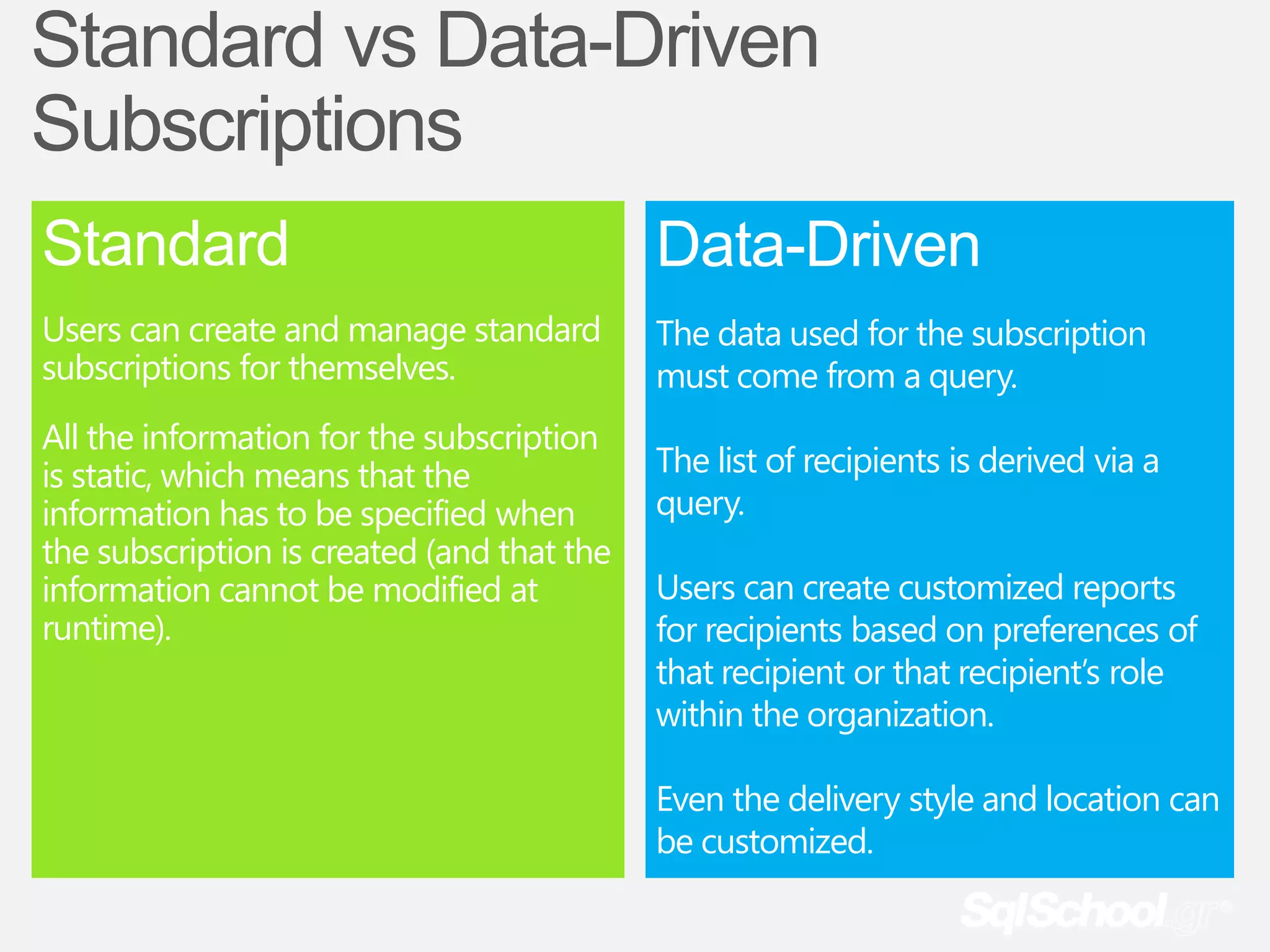
Standard vs Data-Driven
Subscriptions
Standard                                    Data-Driven
Users can create and manage standard        The data used for the subscription
subscriptions for themselves.               must come from a query.
All the information for the subscription
is static, which means that the             The list of recipients is derived via a
information has to be specified when        query.
the subscription is created (and that the
information cannot be modified at           Users can create customized reports
runtime).                                   for recipients based on preferences of
                                            that recipient or that recipient’s role
                                            within the organization.

                                            Even the delivery style and location can
                                            be customized.
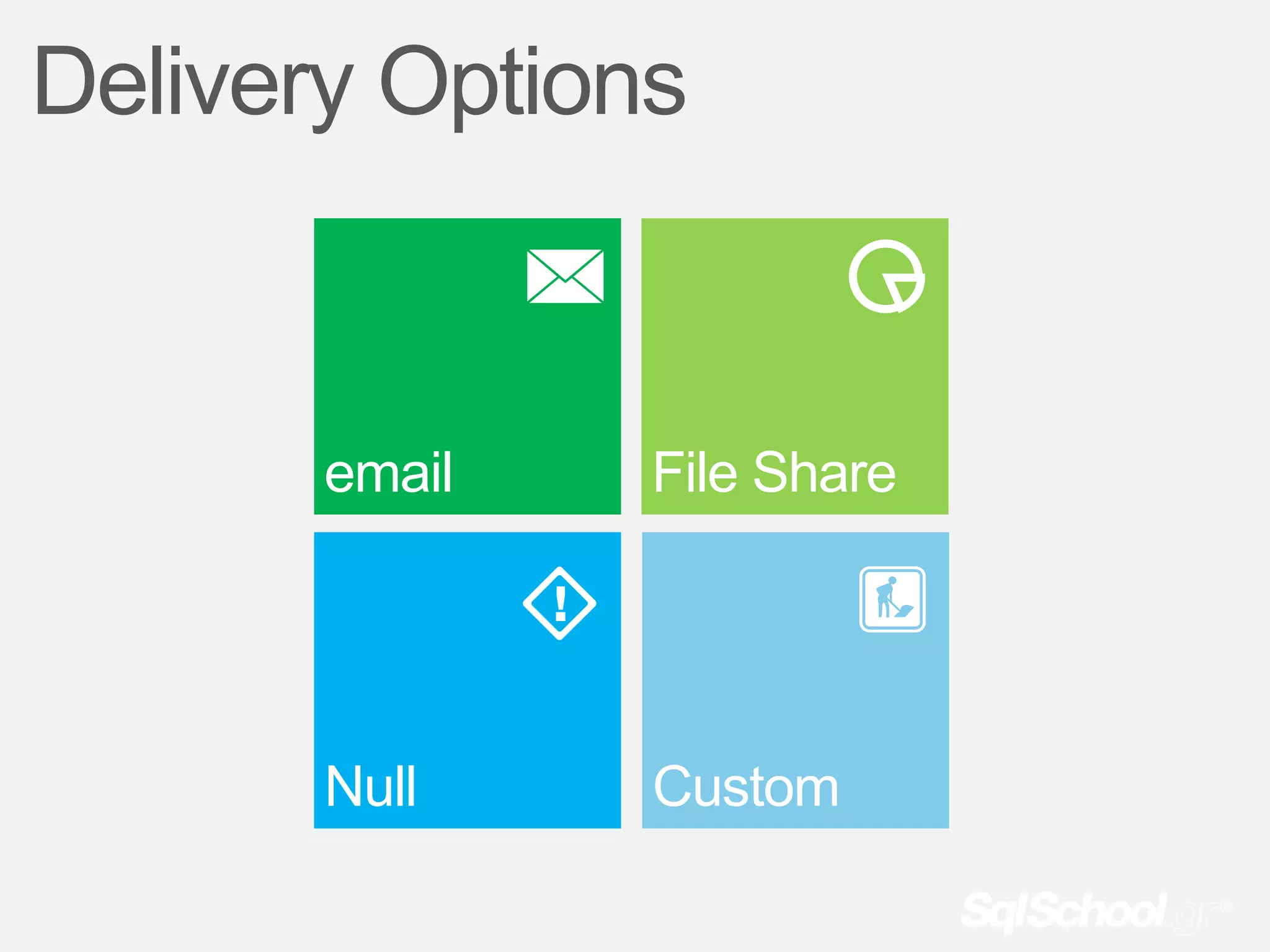
Delivery Options


       email   File Share


       Null    Custom
demo
Creating a Simple Subscription
demo
Creating a Data-Driven Subscription
Managing & Monitoring
Subscriptions can be managed with Report Manager.
Report subscriptions are managed just like any other
property of a report.
The Status column is crucial for monitoring the execution
of a subscription in case the subscription runs into a
processing error.
Questions?
Administration
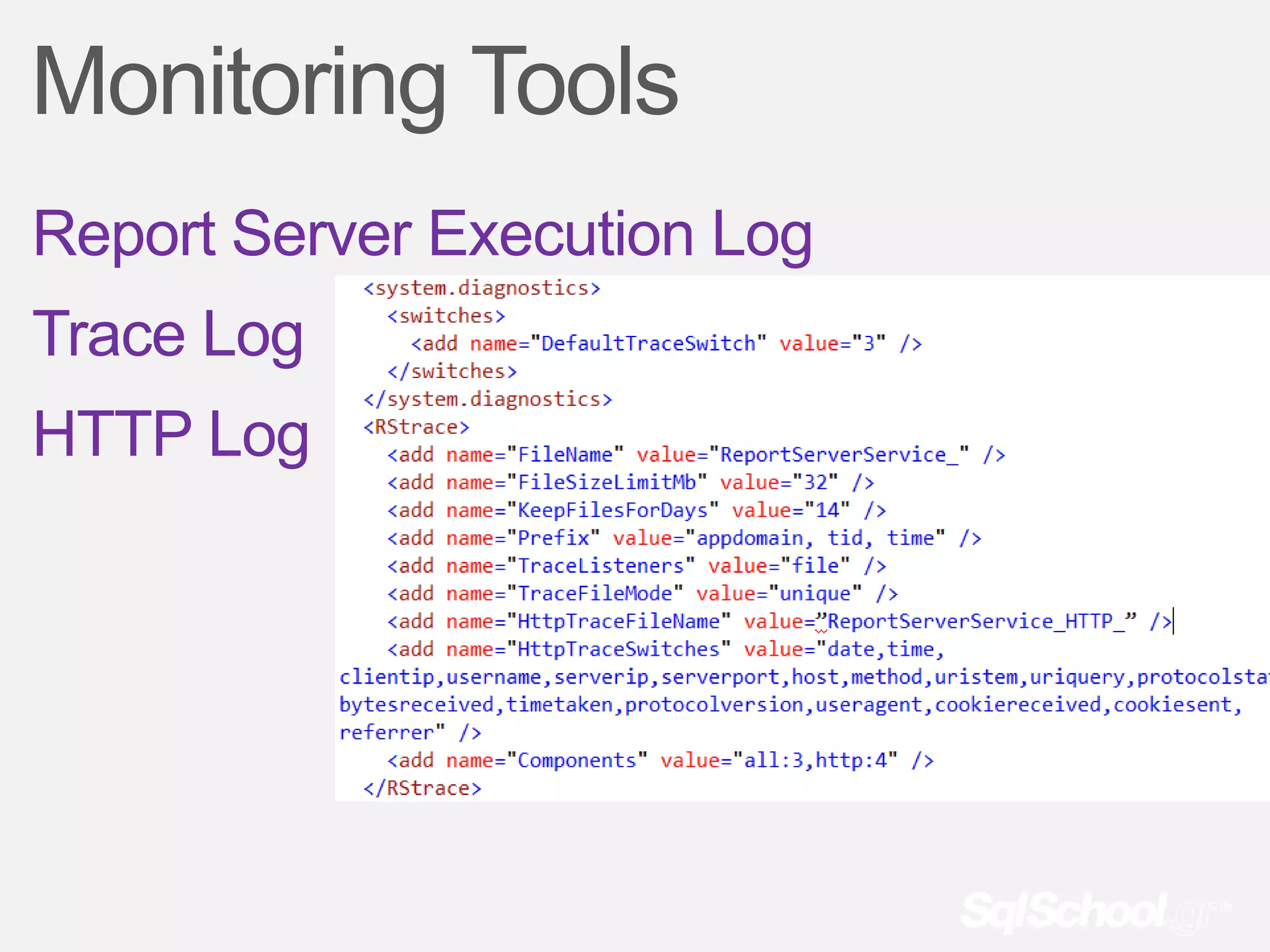
Monitoring Tools
Report Server Execution Log
Trace Log
HTTP Log
Performance Objects
MSRS 2008 Web Service
MSRS 2008 Windows Service
Report Server Service
Configuration Items
Email Delivery
Unattended Execution Account
Memory
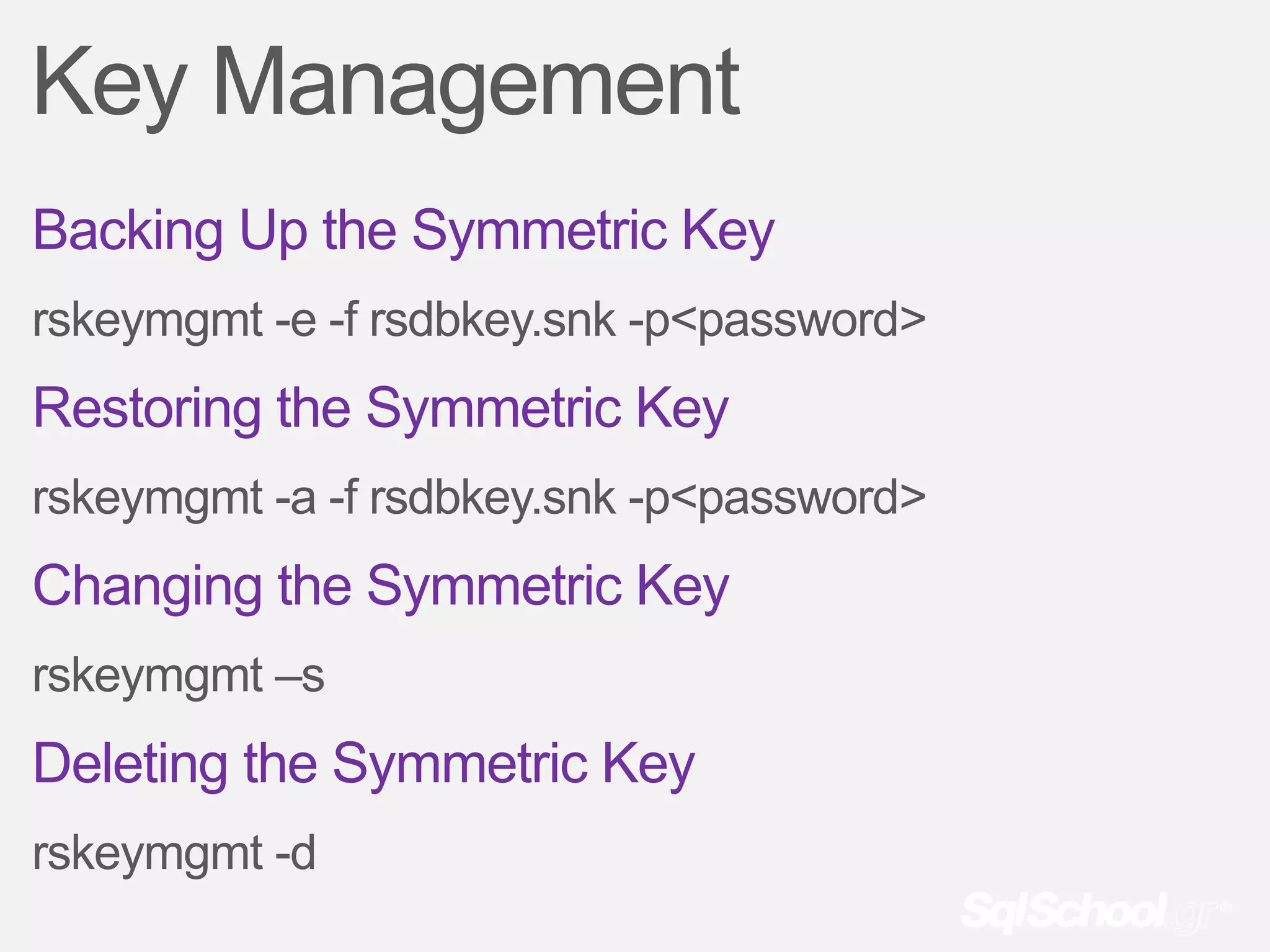
Key Management
Backing Up the Symmetric Key
rskeymgmt -e -f rsdbkey.snk -p<password>
Restoring the Symmetric Key
rskeymgmt -a -f rsdbkey.snk -p<password>
Changing the Symmetric Key
rskeymgmt –s
Deleting the Symmetric Key
rskeymgmt -d
Questions?
Σας
εσταριστώ
ROCKING WITH KNOWLEDGE IN SQL SERVER

Ssn#14 reporting services part ii

  • 1.
    SQLSaturdayNigh 14 t Microsoft SQL Server 2008 R2 Reporting Services Part II Σάββαην 18/02/2012
  • 2.
    Η παξνπζίαζε απηήζα θαηαγξαθεί ώζηε λα είλαη δηαζέζηκε γηα όζνπο ζέινπλ λα ηελ μαλαδνύλ, ή δελ είραλ ηελ δπλαηόηεηα λα ηελ παξαθνινπζήζνπλ ζε πξαγκαηηθό ρξόλν. Εάλ θάπνηνο από ηνπο παξαβξηζθόκελνπο ζε απηή έρεη ην νπνηνδήπνηε πξόβιεκα ή αληίξξεζε λα είλαη κέξνο ηεο θαηαγξαθή απηήο, παξαθαιείηαη λα απνρωξήζεη άκεζα. Σε δηαθνξεηηθή πεξίπηωζε ε παξακνλή ζε απηή εθιακβάλεηαη ωο απνδνρή ηεο θαηαγξαθήο. Η παξνπζίαζε απηή διατίθεται δωρεάν, θαη ζα αξρίζεη ζε 1 ιεπηό…
  • 3.
    Απηή ηελ ζηηγκήν παξνπζηαζηήο κηιάεη θαη ζαο δεηάεη λα βεβαηώζεηε όηη ηνλ αθνύηε. Εάλ απηό δελ είλαη δπλαηόλ παξαθαιείζηε λα αιιάμεηε ην ρξώκα ηεο θάξηαο ζαο ζην αληίζηνηρν ρξώκα ώζηε λα ηνλ ελεκεξώζεηε. Απηό κπνξεί λα γίλεη παηώληαο ηελ αληίζηνηρε επηινγή πνπ βξίζθεηαη ζην πάλω δεμί κέξνο ηνπ πεξηβάιινληνο ηνπ live meeting. Σαο επραξηζηνύκε γηα ηελ ζπλεξγαζία.
  • 4.
    Reporting Services Microsoft SQLServer 2008 R2 Part II Antonios Chatzipavlis Solution Architect - Principal Consultant - SQL Server Evangelist & MVP MCT, MCITP, MCPD, MCSD, MCDBA, MCSA, MCTS, MCAD, MCP, OCA
  • 5.
    sp_who 1982 >The firstcontact with computers. 1988 > I started my professional carrier in IT, especially in software development. 1998 > I earned my 1st Certification as MCSD (3rd in Greece). Since then I certified as MCP, MCSD, MCT, MCDBA, MCAD, MCTS, MCITP, MCPD, MCSA, OCA. 1999 > I started my Trainer carrier as MCT. Since then I have more than 14.000 hours of training 2010 > I became for first time Microsoft MVP on SQL Server. Leader of IAMCT Europe Greek Chapter Moderator of autoexec.gr Member of the dotNETZone.gr
  • 6.
    Connect with me “ blog” sqlschoolgr @antoniosch .wordpress.com help@sqlschool.gr http://sqlschool.gr
  • 7.
  • 8.
    SSRS Security Model SSRSis a .NET application. Use Role-based authorization. During installation, sets up the local administrator pool with the System Administrator and Content Manager roles. Securables Folder, Report, Model, Resources, Shared Data Sources
  • 9.
    How Role AssignmentsWork Tasks A set of underlying permissions SSRS comes with 25 different tasks. Item-level tasks Tasks level that acts on an item in the Report Server catalog, such as folders, models, reports, and resources System-level tasks Tasks level that can be performed on objects that are not in the catalog but are global in scope, such as site settings and shared data sources.
  • 10.
    SSRS Policies Is therelationship between items that need to be secured, roles, and users. Is responsible for mapping out the minimum set of permissions required for securing a report item. Individual policy is a mapping of users or groups (principals) with a required role needed for access. Each item in the catalog can have multiple policies defined; however, no single item can have two policies that apply to the same principal.
  • 11.
    Built-In Roles System Level Item Level Roles Roles Browser System Administrator Content Manager System user Report Builder My Reports Publisher
  • 12.
  • 13.
  • 14.
  • 15.
    Schedules Shared Report Specific Can be used to trigger Used for one and only a number of events one specific event throughout the Report Server
  • 16.
  • 17.
    Report Execution andProcessing Retrieves the report definition Data processing Layout processing Rendering
  • 18.
    Report-Execution Timeouts Report Execution Query Timeout Is the amount of time a report can take Specify how long an individual query to process. This value is specified at a can take to come back from the data system level, and can be overridden for source. This value is specified inside individual reports. To set this the reports, by specifying the timeout setting, click the Site Settings tab and property while creating a data set. modify the Report Execution Timeout Query timeouts can also apply to data- property. The default value is 1800 driven subscriptions. seconds. SSRS evaluates the execution timeout for running jobs every 60 seconds.
  • 19.
    Running Processes akaJobs User Jobs System Jobs Running an on-demand report Processing a data-driven subscription Rendering a report from a snapshot Scheduling a generation of a snapshot Generating a new snapshot Scheduling report execution Processing a subscription  SSRS comes by every 60 seconds and checks on the status of any in progress jobs.  Canceling a running job does not guarantee that a query has stopped processing on the remote data server.  The property RunningRequestsDbCycle in the RSReportServer.config file sets how often the Report Server evaluates running jobs.
  • 20.
    Report-Execution History In thesedays of endless audits, SOX (Sarbanes- Oxley), and now PCI (Payment Card Industry), it is becoming essential to know when someone within an organization accesses data. It is also helpful to know this information from an organizational and planning perspective. As more and more reports get published, how often reports get looked at and by whom could be essential information.
  • 21.
    SSRS Execution Log • Name of the physical machine that ran the report (Report Server, not database server) • Unique ID of the report • Unique ID of the user running the report • Whether the request came from a user or system process • What rendering format was used • Values of the report parameters • When the report process started and when it finished • Amount of time the server took to process the report in milliseconds • Type of data used for execution (live, cached, snapshot, history) • Final status code of the report processing (success or first error code) • Final size of the rendered report in bytes • Number of rows returned in the data sets of the rendered reports
  • 22.
    demo How to ReportOff the Execution Log
  • 23.
  • 24.
  • 25.
    What is aSubscription Subscription setting up a job on the Report Server to deliver a report to a user at a specified point in time without the user actively going to the Report Server and running the report.
  • 26.
    Subscription Fundamentals User musthave access to view the report. User must have a role assignment that includes the task Manage Individual Subscriptions before subscribe to the report. The report has to be able to run independently, that is, the data sources must use either stored credentials or no credentials. The report must have a configured delivery method. The built-in ones include email and file sharing. You must specify a rendering extension for the subscribed report. Some trigger or event is required to run the subscription. Usually, this is a scheduled event, based on either a custom or shared schedule. The parameter values for any parameter in a report must be specified or defaulted.
  • 27.
    Uses of Subscriptions Deliverreports to end users. Save reports for offline viewing Send long-running reports or large reports directly to disk. Preload the Report Server’s cache.
  • 28.
    Standard vs Data-Driven Subscriptions Standard Data-Driven Users can create and manage standard The data used for the subscription subscriptions for themselves. must come from a query. All the information for the subscription is static, which means that the The list of recipients is derived via a information has to be specified when query. the subscription is created (and that the information cannot be modified at Users can create customized reports runtime). for recipients based on preferences of that recipient or that recipient’s role within the organization. Even the delivery style and location can be customized.
  • 29.
    Delivery Options email File Share Null Custom
  • 30.
  • 31.
  • 32.
    Managing & Monitoring Subscriptionscan be managed with Report Manager. Report subscriptions are managed just like any other property of a report. The Status column is crucial for monitoring the execution of a subscription in case the subscription runs into a processing error.
  • 33.
  • 34.
  • 35.
    Monitoring Tools Report ServerExecution Log Trace Log HTTP Log
  • 36.
    Performance Objects MSRS 2008Web Service MSRS 2008 Windows Service Report Server Service
  • 37.
  • 38.
    Key Management Backing Upthe Symmetric Key rskeymgmt -e -f rsdbkey.snk -p<password> Restoring the Symmetric Key rskeymgmt -a -f rsdbkey.snk -p<password> Changing the Symmetric Key rskeymgmt –s Deleting the Symmetric Key rskeymgmt -d
  • 39.
  • 40.
  • 41.