Ms.Neha Mittal
 Anil Desai
◦ Independent Consultant (Austin, TX)
◦ Author of numerous SQL Server books
 Certification
 Training
◦ Instructor, “Implementing and Managing SQL Server
2005” (Keystone Learning)
◦ Info: http://AnilDesai.net
I. Intro to Reporting Services
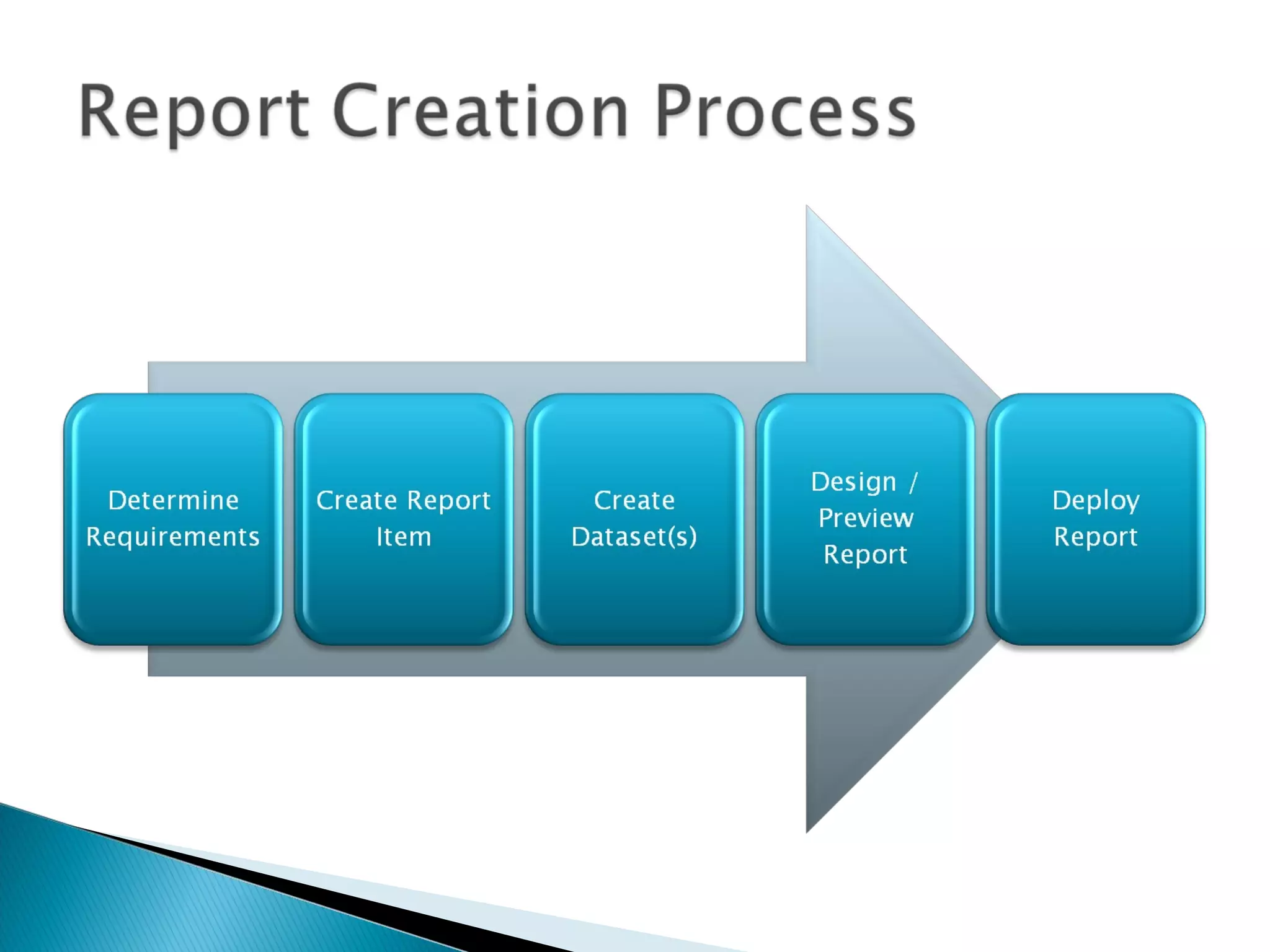
II. Developing Reports
a) Defining Data Sources and Data Sets
b) Report Design: Basics
c) Report Design: Adding interactivity & parameters
III. Deploying and Managing Reports
a) Administering Reporting Services
b) Reporting Caching and Execution
c) Managing Snapshots & Report History
IV. Integrating Reports in Web and Windows
Applications
 Part of the SQL Server 2005 Platform
 Report Development
◦ Visual report design
◦ Business Intelligence Development Studio
◦ Report Features
 Grouping
 Sorting
 Filtering
 Drill-Down and Drill-Through
 Charting
 XML-based Report Files (.rdl)
 Report Types
◦ Table
◦ Matrix
◦ Charts
 Report output:
◦ Report Viewer (web site)
◦ Page-based (HTML, TIFF, PDF)
◦ Application integration (Web / Windows Forms)
 Export Formats:
◦ Adobe PDF, XML, Microsoft Excel, CSV, TSV
◦ CSV
 Management
◦ Web-based interface
◦ Command-line management tools
 Report Builder
◦ Data models for creating ad-hoc reports
 Programmability / Integration:
 Application Programming Interface (API)
 Web Services / Simple Object Access Protocol (SOAP)
 Command-line utilities
Creating new data sources, data
sets, and report layouts
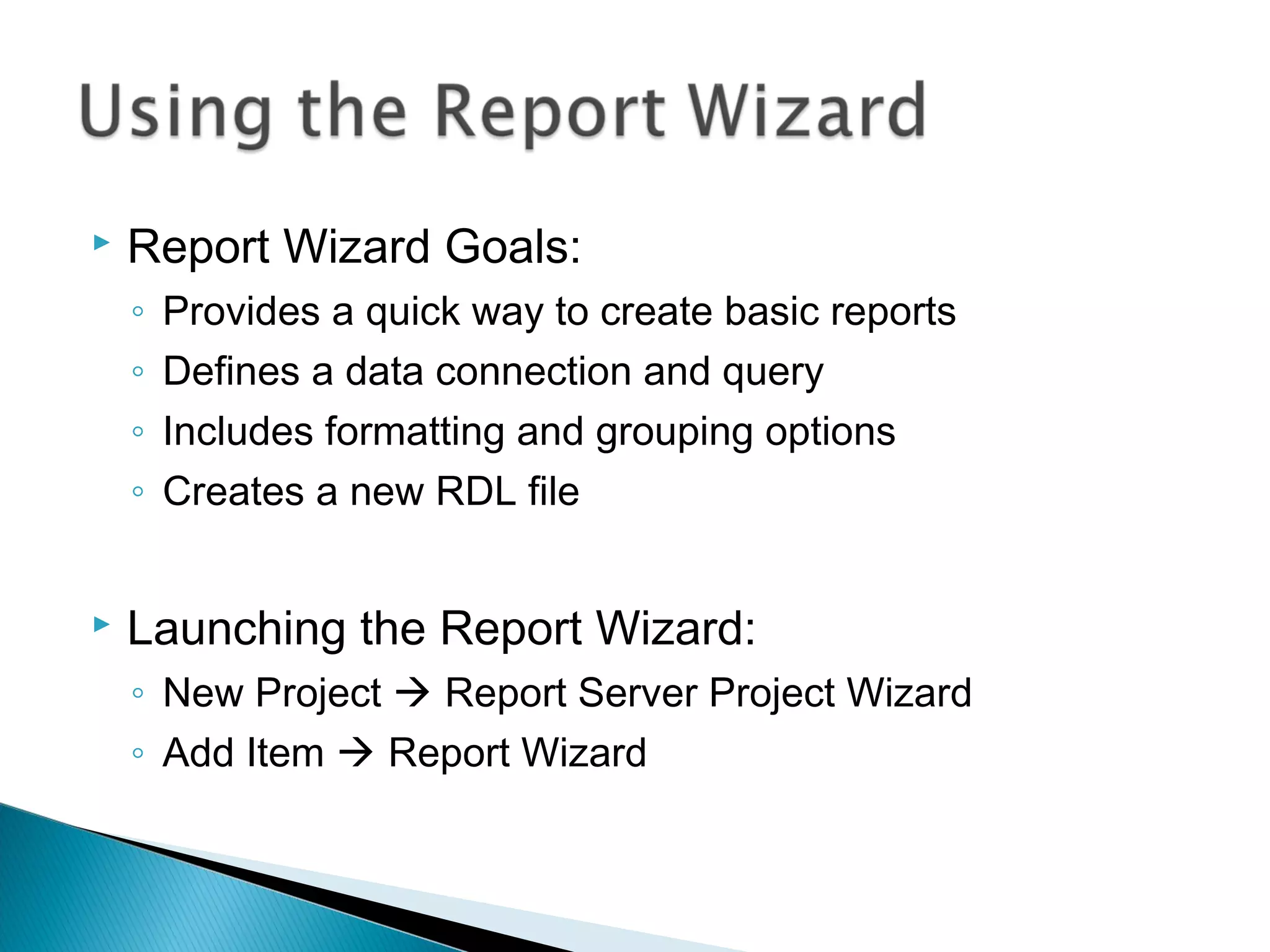
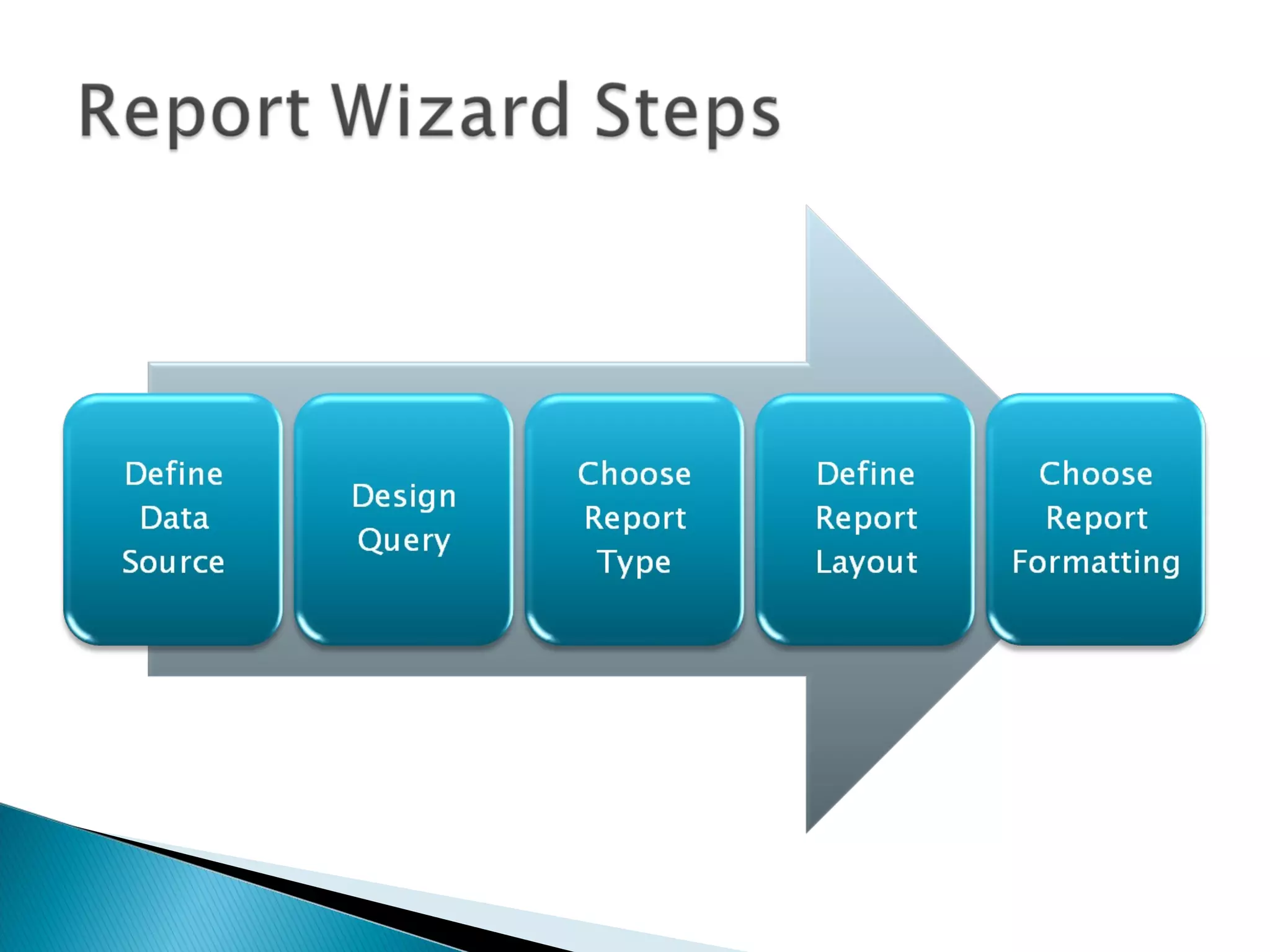
 Report Wizard Goals:
◦ Provides a quick way to create basic reports
◦ Defines a data connection and query
◦ Includes formatting and grouping options
◦ Creates a new RDL file
 Launching the Report Wizard:
◦ New Project  Report Server Project Wizard
◦ Add Item  Report Wizard
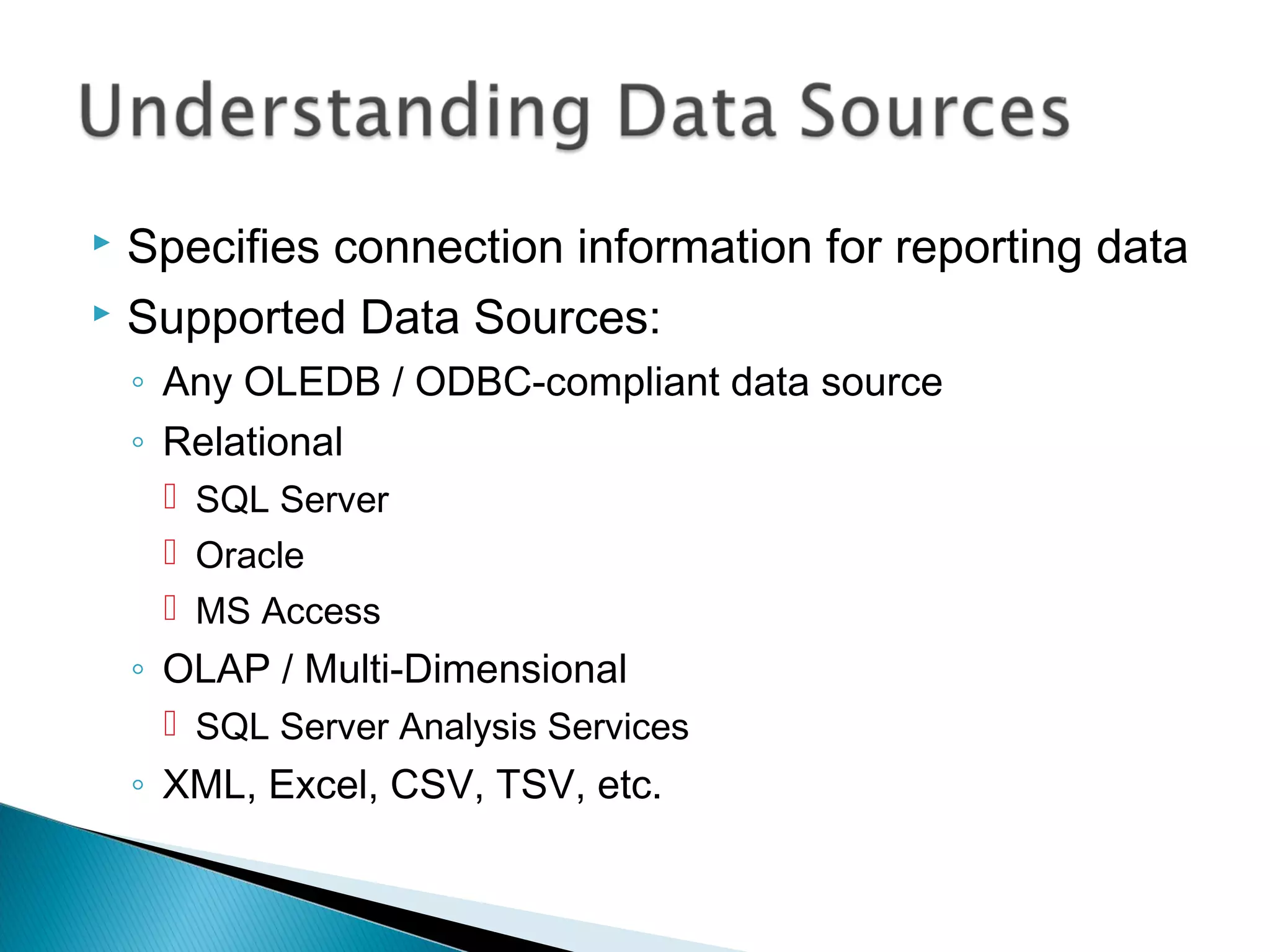
 Specifies connection information for reporting data
 Supported Data Sources:
◦ Any OLEDB / ODBC-compliant data source
◦ Relational
 SQL Server
 Oracle
 MS Access
◦ OLAP / Multi-Dimensional
 SQL Server Analysis Services
◦ XML, Excel, CSV, TSV, etc.
 Data Source Details
◦ Data source type
◦ Connection options
◦ Security credentials
 Private Data Sources (Report-specific)
◦ Stored within the report (.RDL) file
 Shared Data Sources
◦ Defined at the Project / Server level
◦ Can be used across multiple reports
◦ Useful for development/production environments
 Identifies data to be used for report generation
◦ Can have many different datasets per report
◦ Requires a data source (shared or embedded)
◦ Fields are available for use in reports
 Dataset Options
◦ Query (Text or Stored Procedure)
◦ Fields
◦ Data Options
◦ Parameters
◦ Filters
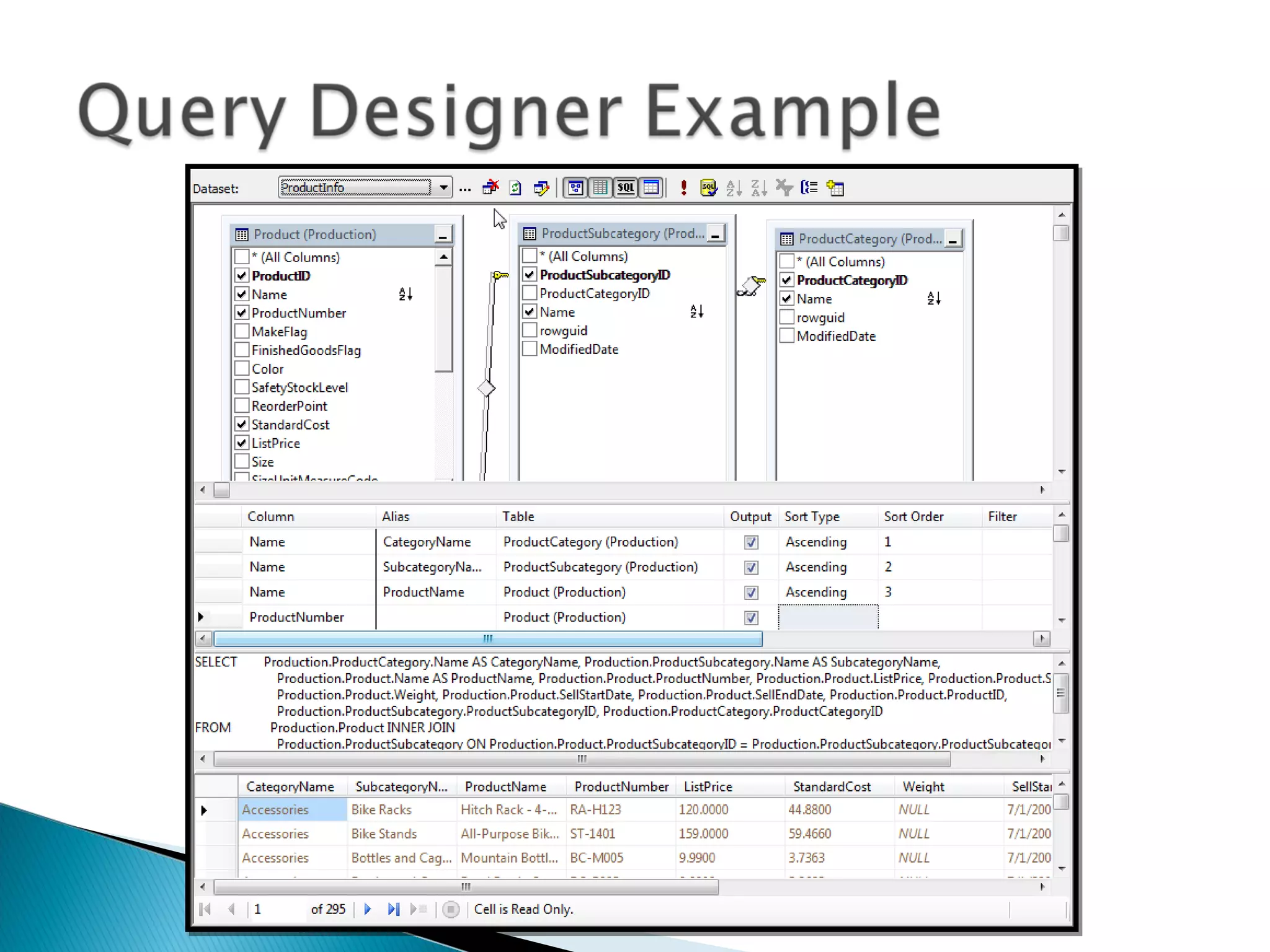
 Query Designer Features
◦ Visual creation of joins
◦ Can access tables, views, and functions
◦ Column names and aliases
◦ Query sorting and filtering options
◦ Query results
 Screen sections
◦ Diagram Pane
◦ Grid Pane
◦ SQL Pane
◦ Result Pane
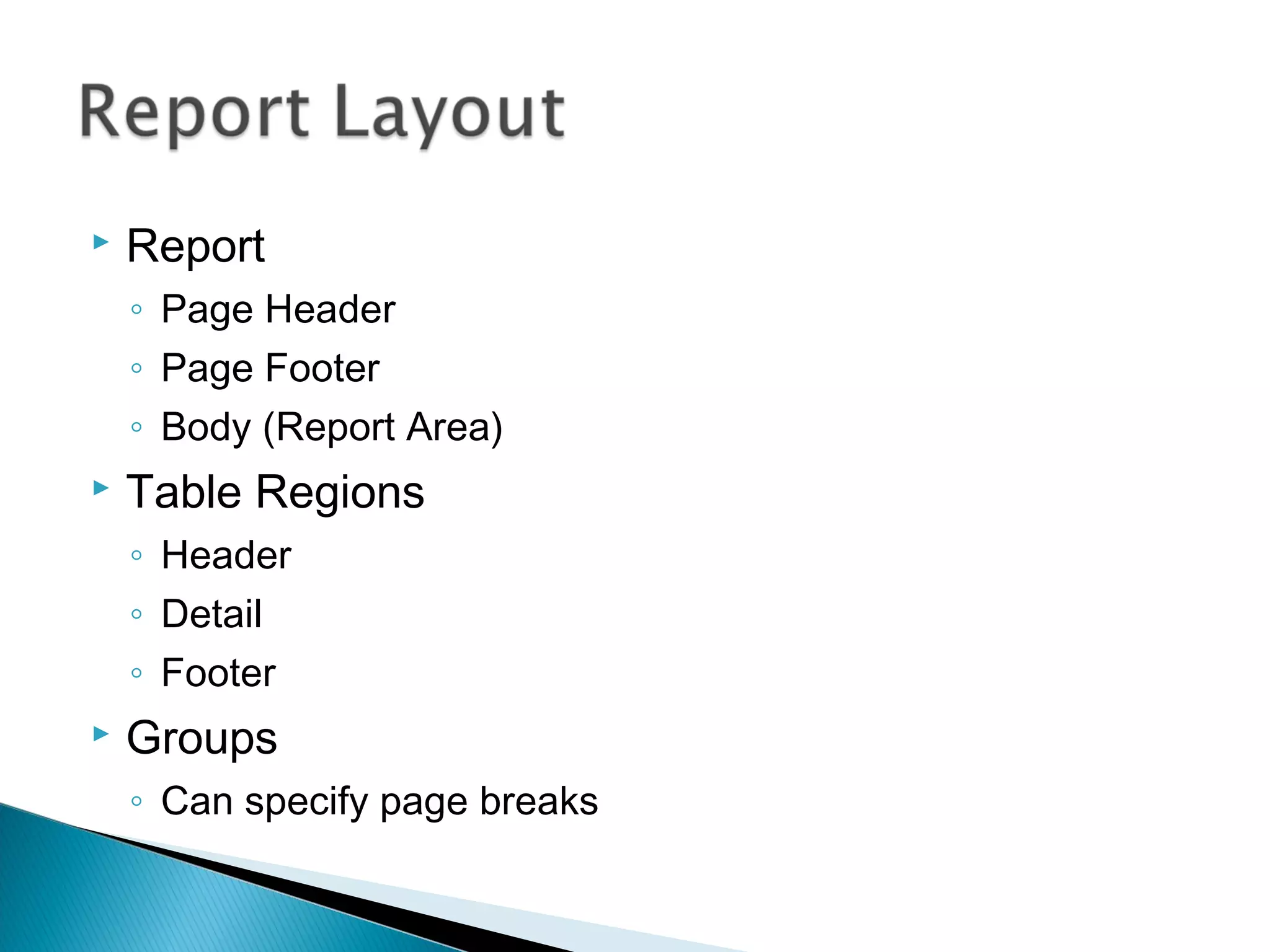
 Report
◦ Page Header
◦ Page Footer
◦ Body (Report Area)
 Table Regions
◦ Header
◦ Detail
◦ Footer
 Groups
◦ Can specify page breaks
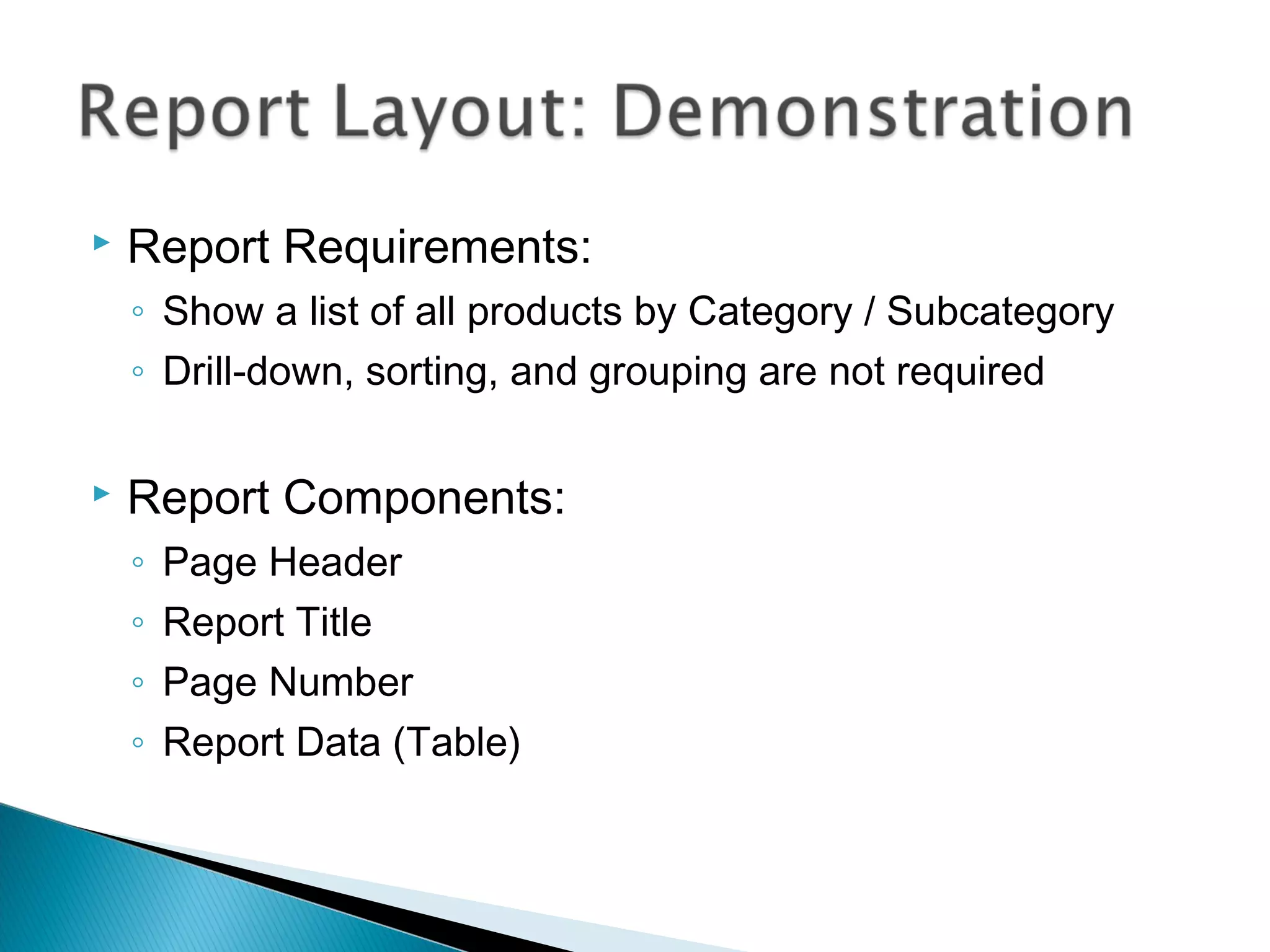
 Report Requirements:
◦ Show a list of all products by Category / Subcategory
◦ Drill-down, sorting, and grouping are not required
 Report Components:
◦ Page Header
◦ Report Title
◦ Page Number
◦ Report Data (Table)
Sorting, Grouping, and Drill-Down
 Query Sorting
◦ Useful for setting a “default” sort order
◦ Use an ORDER BY clause in the dataset query
 Table-Level Sorting
◦ Default sort order specified in the “Sorting” tab
 Interactive Sorting
◦ Data is sorted during report generation
◦ Sorted values are used for report output
◦ Can use a field or complex sort expression
◦ May be dependent on grouping scope
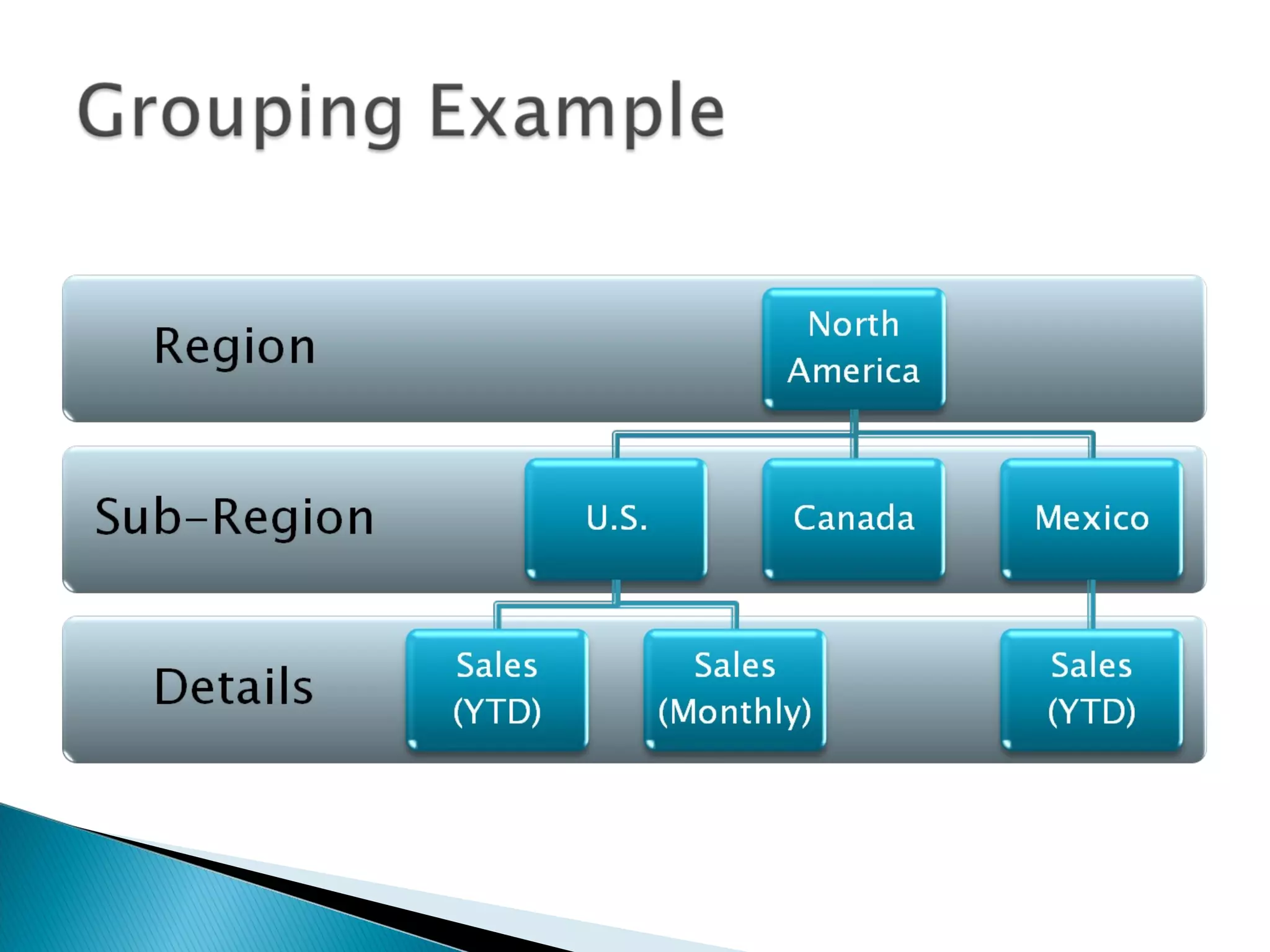
 Grouping
◦ Helps to logically organize data
◦ Can create sub-totals in group footer
 Drill-Down
◦ Group visibility can be dynamically-controlled by other
columns/values
◦ Report exports are based on the current view
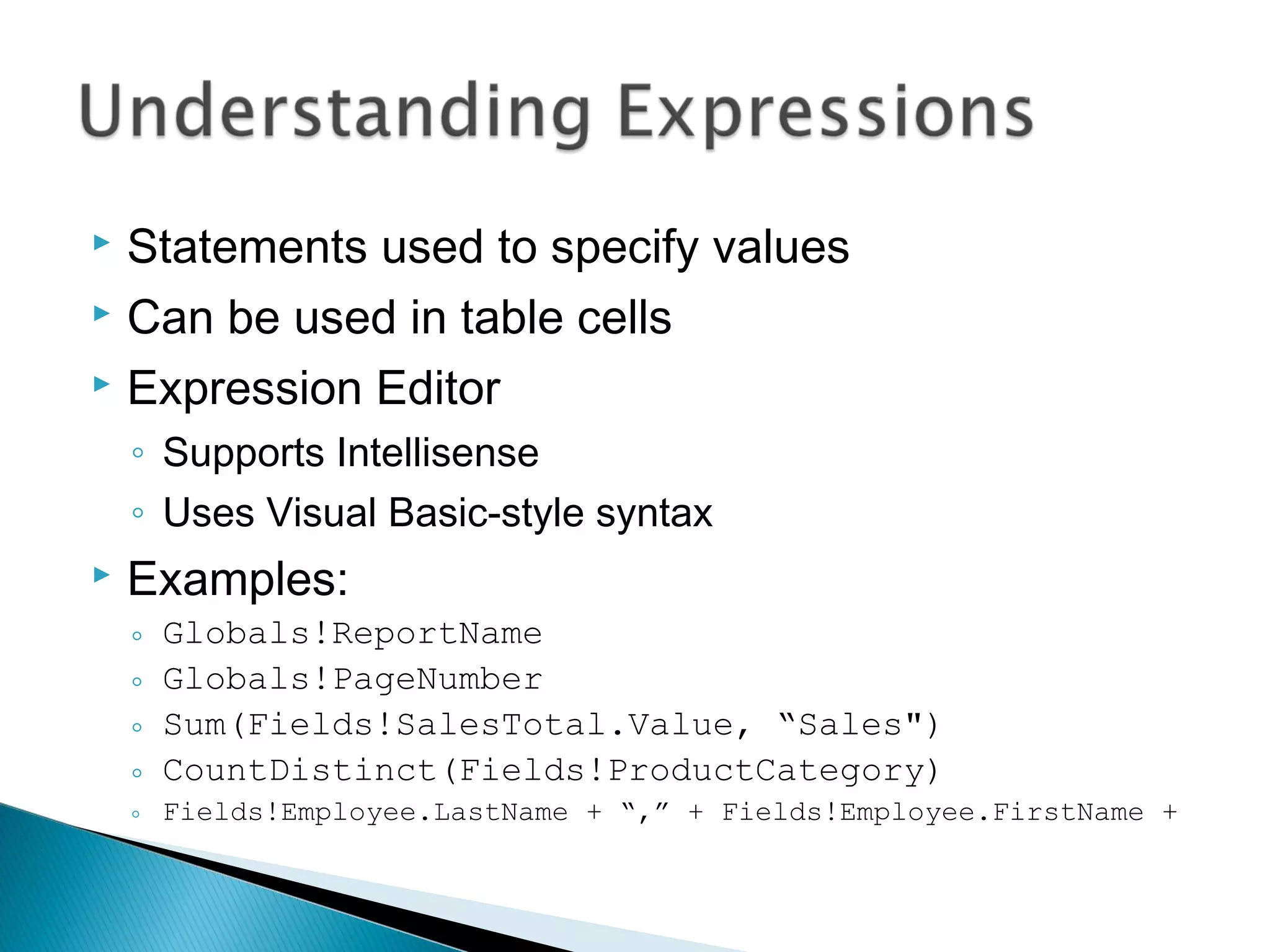
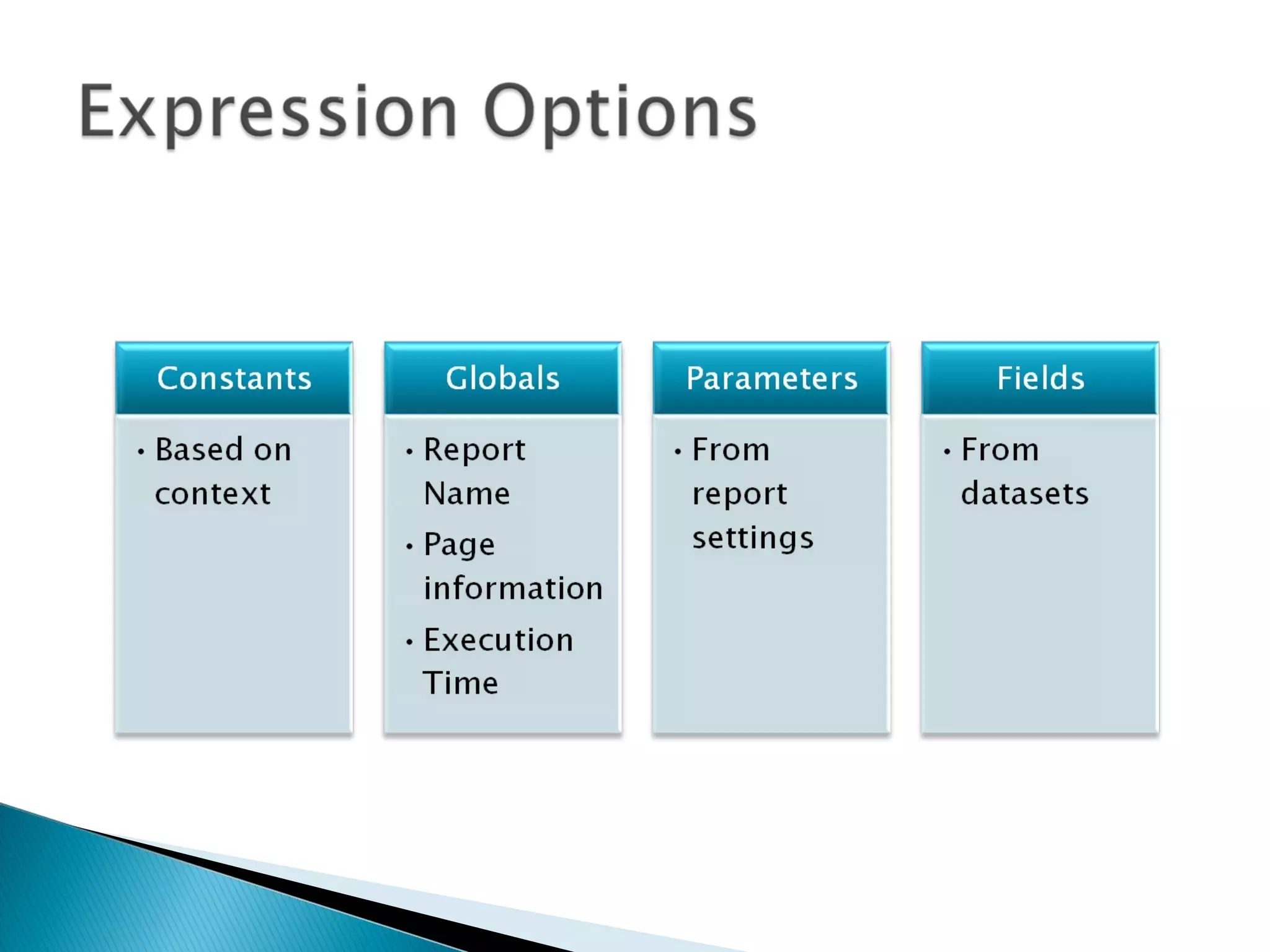
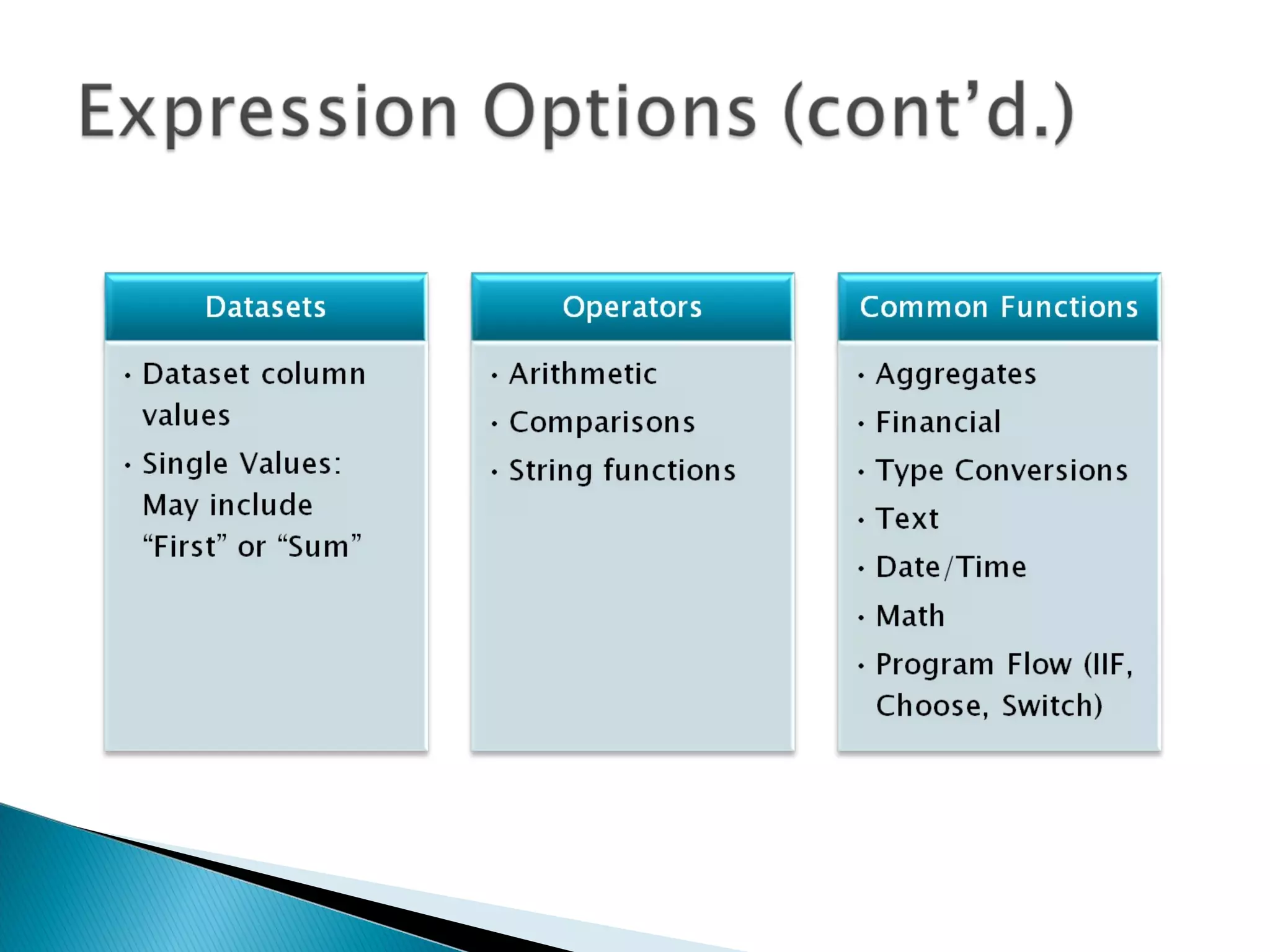
 Statements used to specify values
 Can be used in table cells
 Expression Editor
◦ Supports Intellisense
◦ Uses Visual Basic-style syntax
 Examples:
◦ Globals!ReportName
◦ Globals!PageNumber
◦ Sum(Fields!SalesTotal.Value, “Sales")
◦ CountDistinct(Fields!ProductCategory)
◦ Fields!Employee.LastName + “,” + Fields!Employee.FirstName +
Using Parameters to filter
reporting data
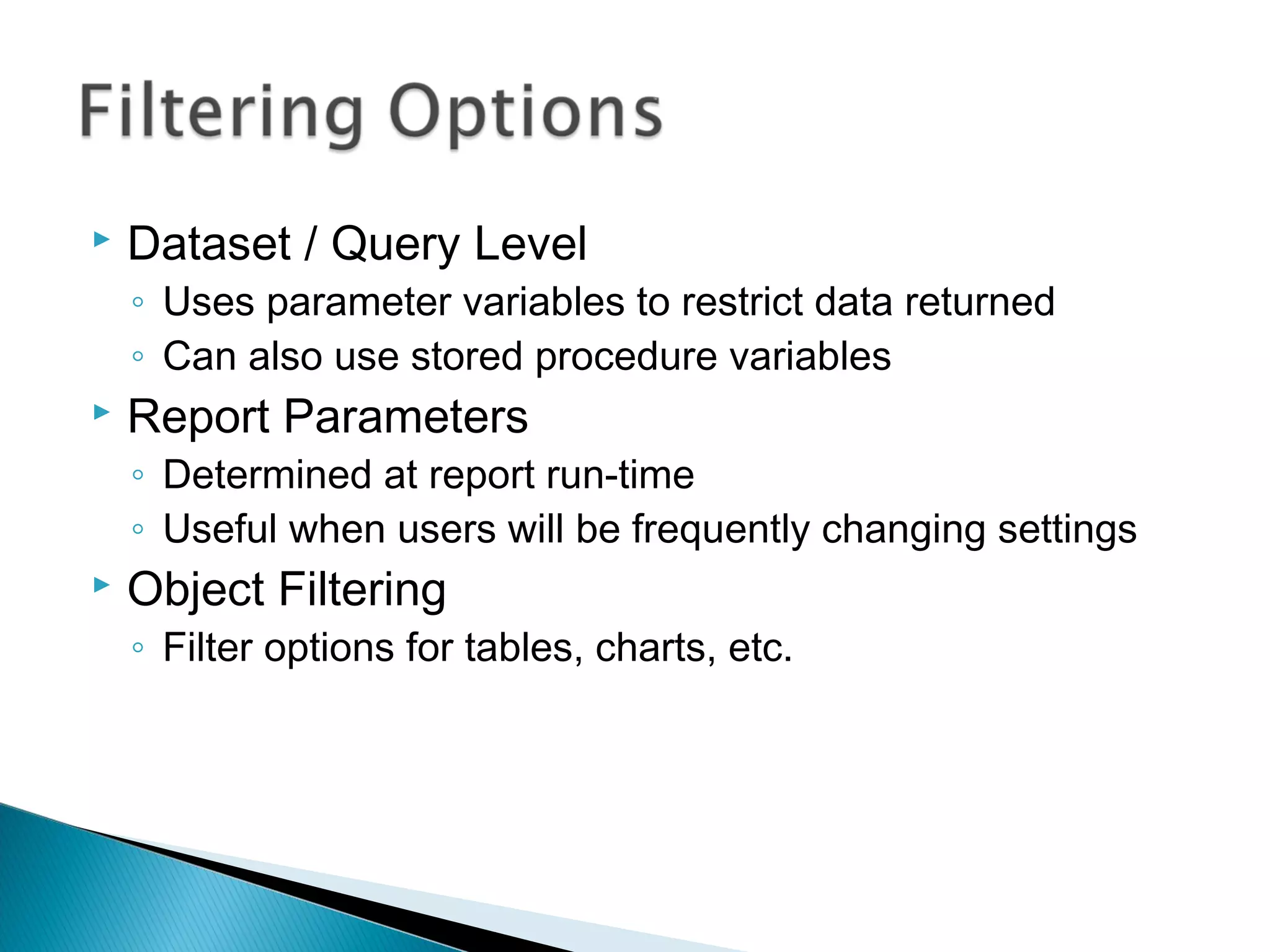
 Dataset / Query Level
◦ Uses parameter variables to restrict data returned
◦ Can also use stored procedure variables
 Report Parameters
◦ Determined at report run-time
◦ Useful when users will be frequently changing settings
 Object Filtering
◦ Filter options for tables, charts, etc.
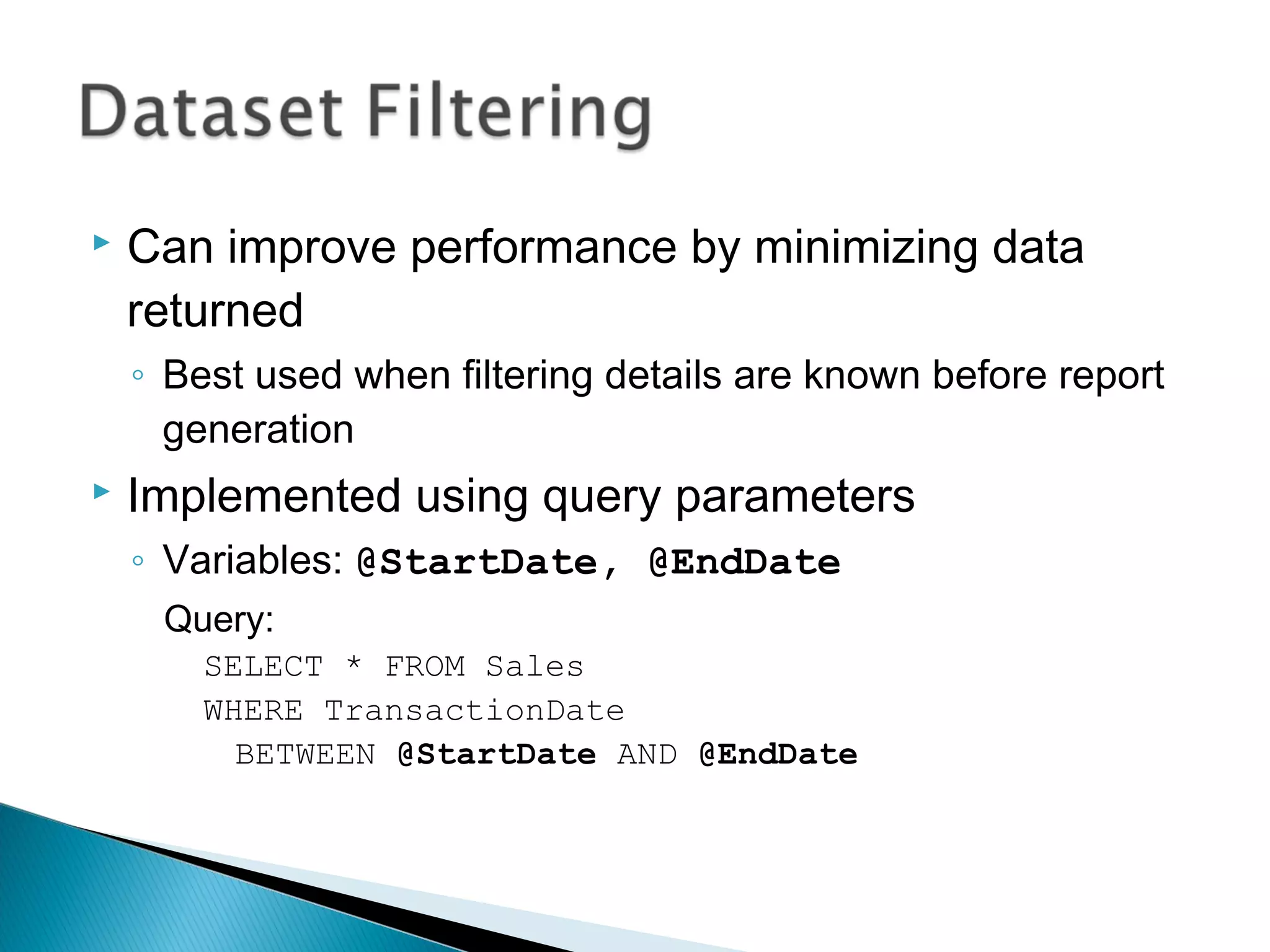
 Can improve performance by minimizing data
returned
◦ Best used when filtering details are known before report
generation
 Implemented using query parameters
◦ Variables: @StartDate, @EndDate
Query:
SELECT * FROM Sales
WHERE TransactionDate
BETWEEN @StartDate AND @EndDate
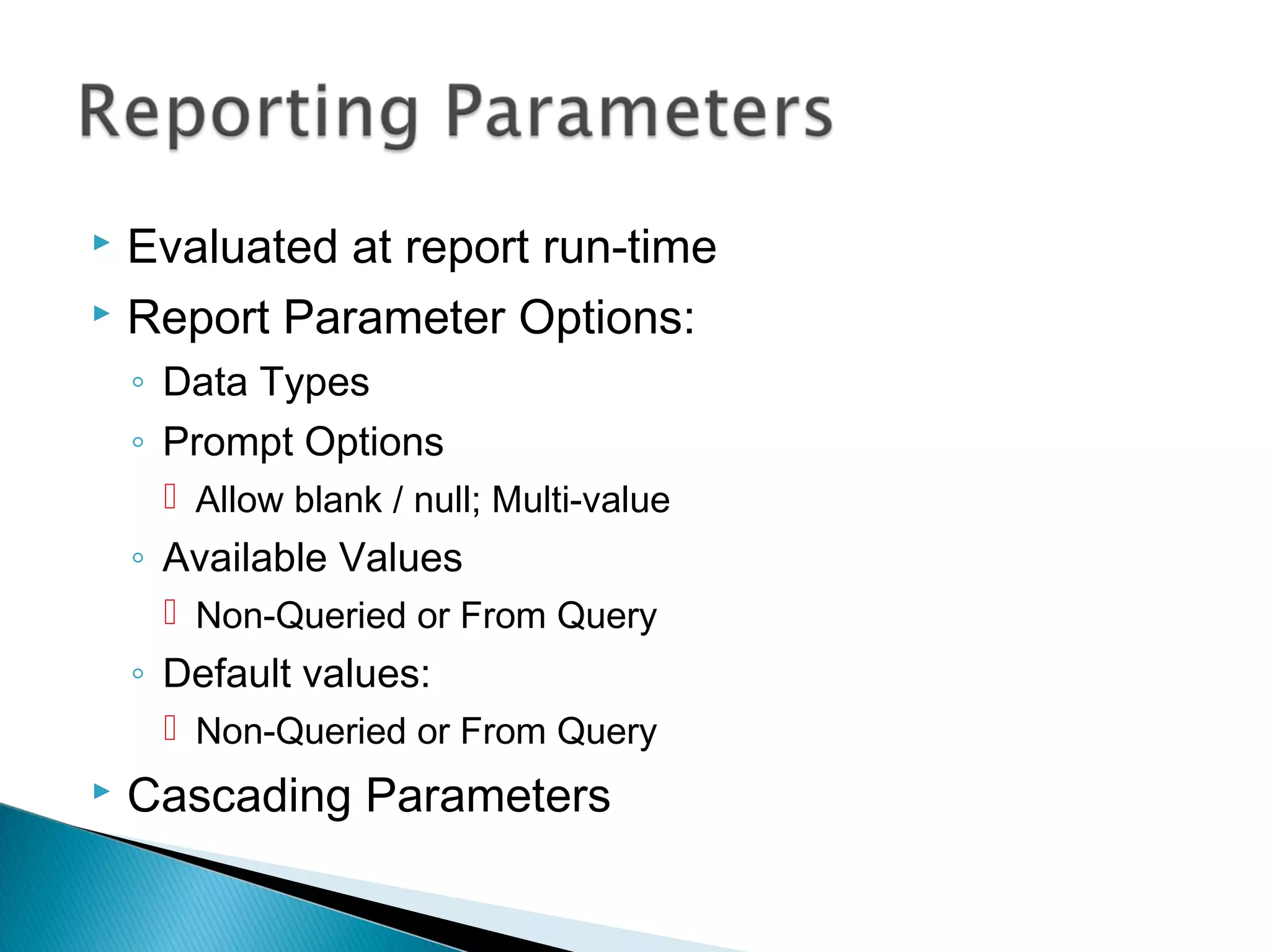
 Evaluated at report run-time
 Report Parameter Options:
◦ Data Types
◦ Prompt Options
 Allow blank / null; Multi-value
◦ Available Values
 Non-Queried or From Query
◦ Default values:
 Non-Queried or From Query
 Cascading Parameters
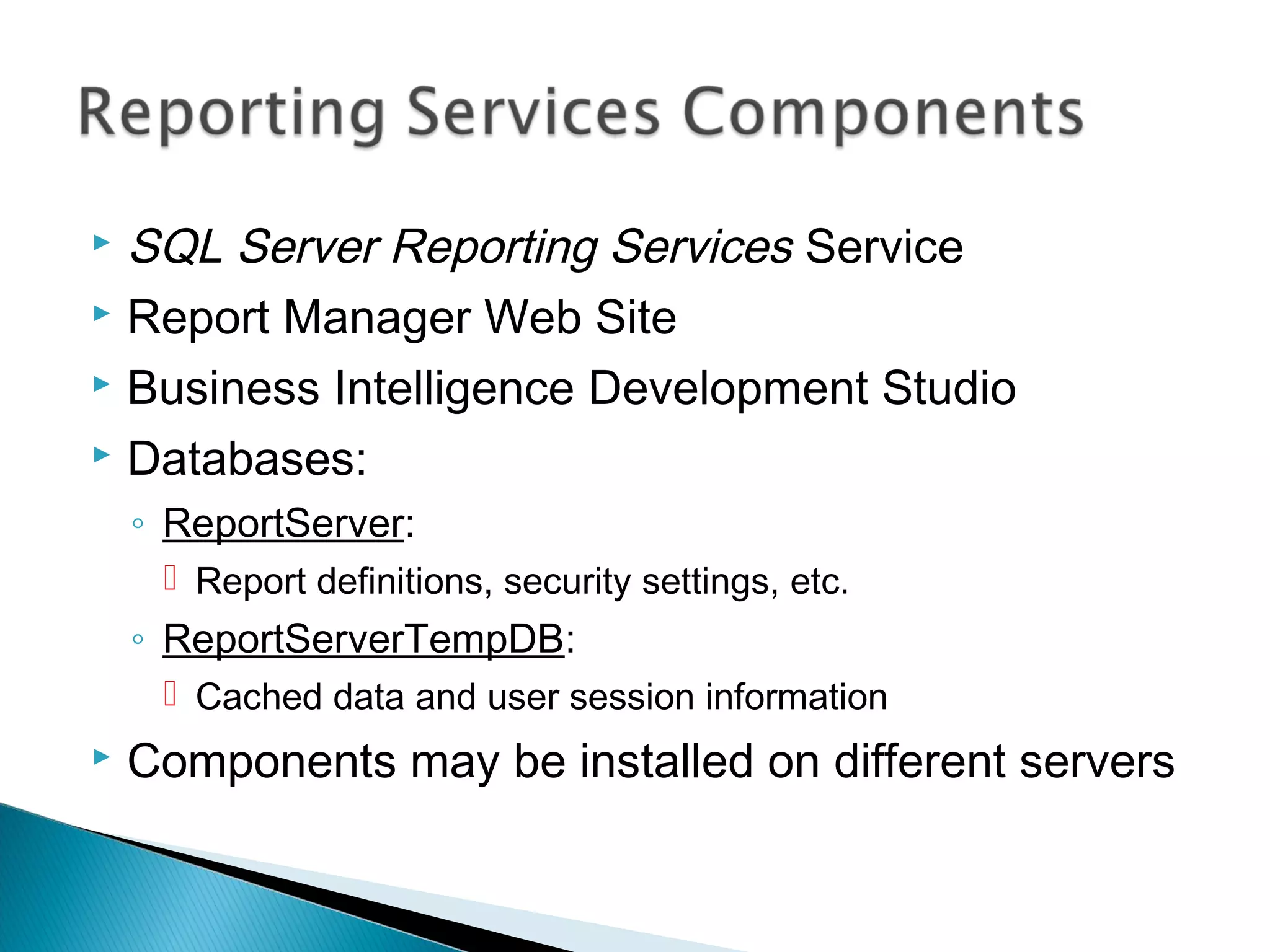
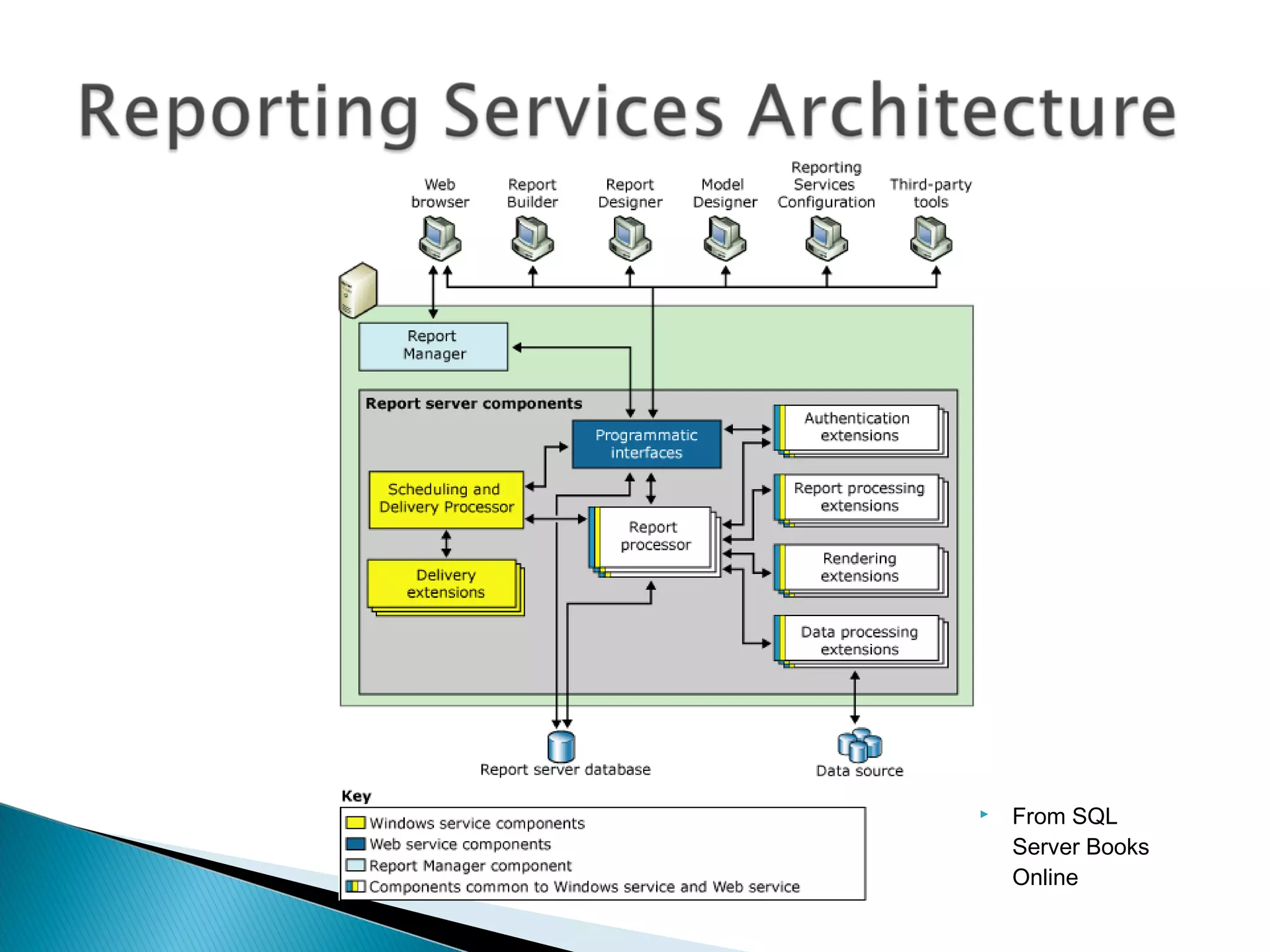
 SQL Server Reporting Services Service
 Report Manager Web Site
 Business Intelligence Development Studio
 Databases:
◦ ReportServer:
 Report definitions, security settings, etc.
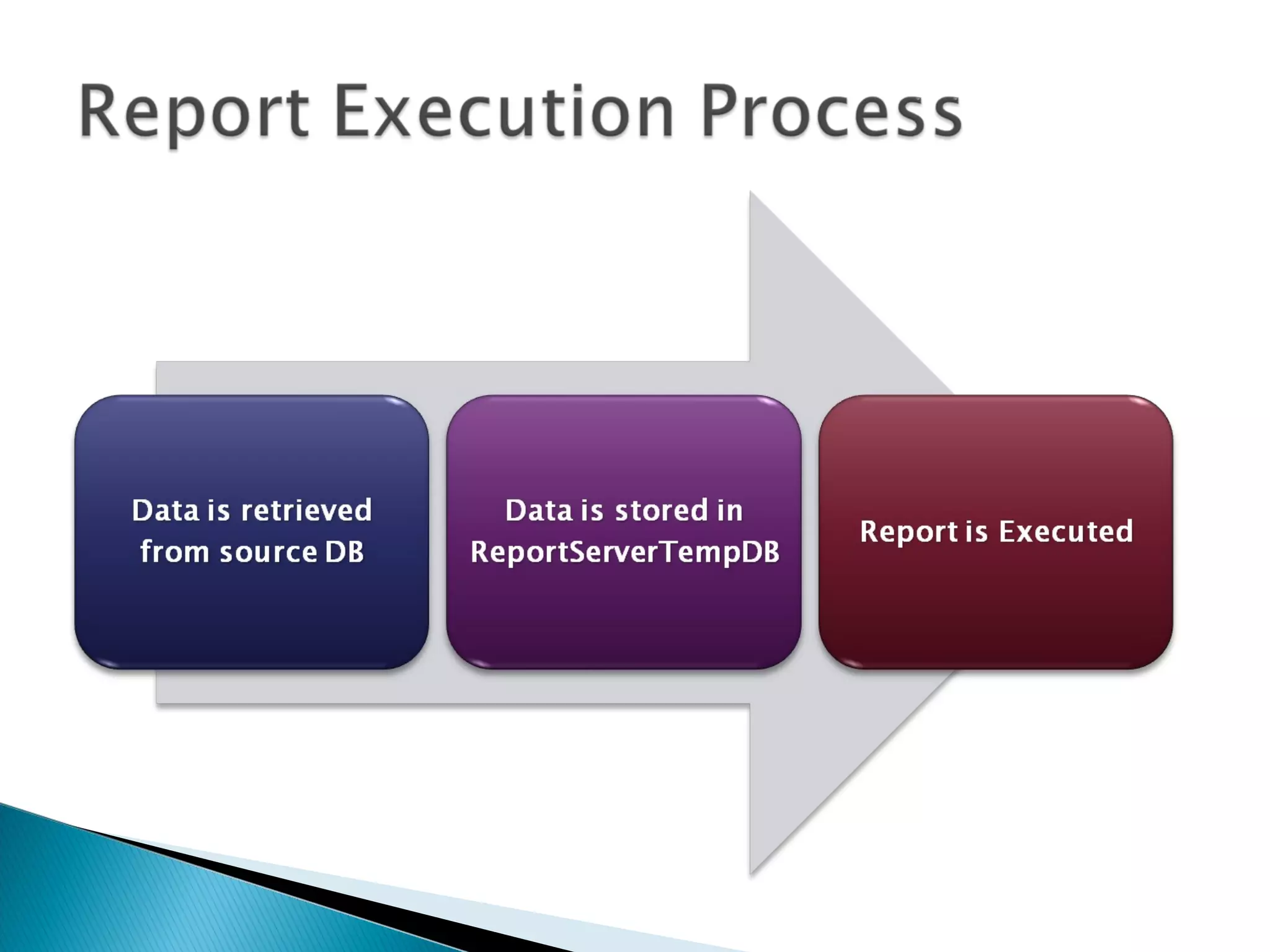
◦ ReportServerTempDB:
 Cached data and user session information
 Components may be installed on different servers
 From SQL
Server Books
Online
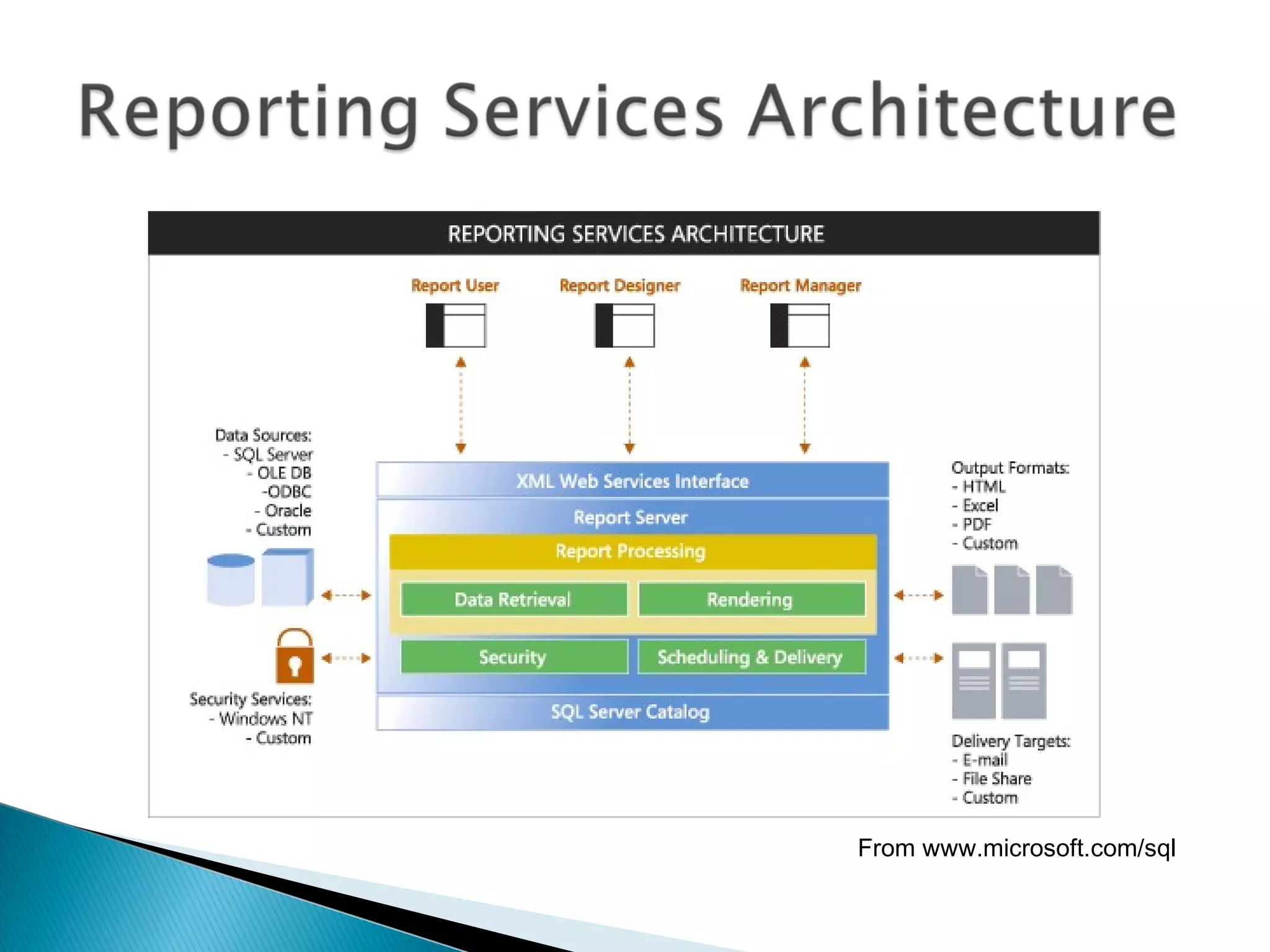
From www.microsoft.com/sql
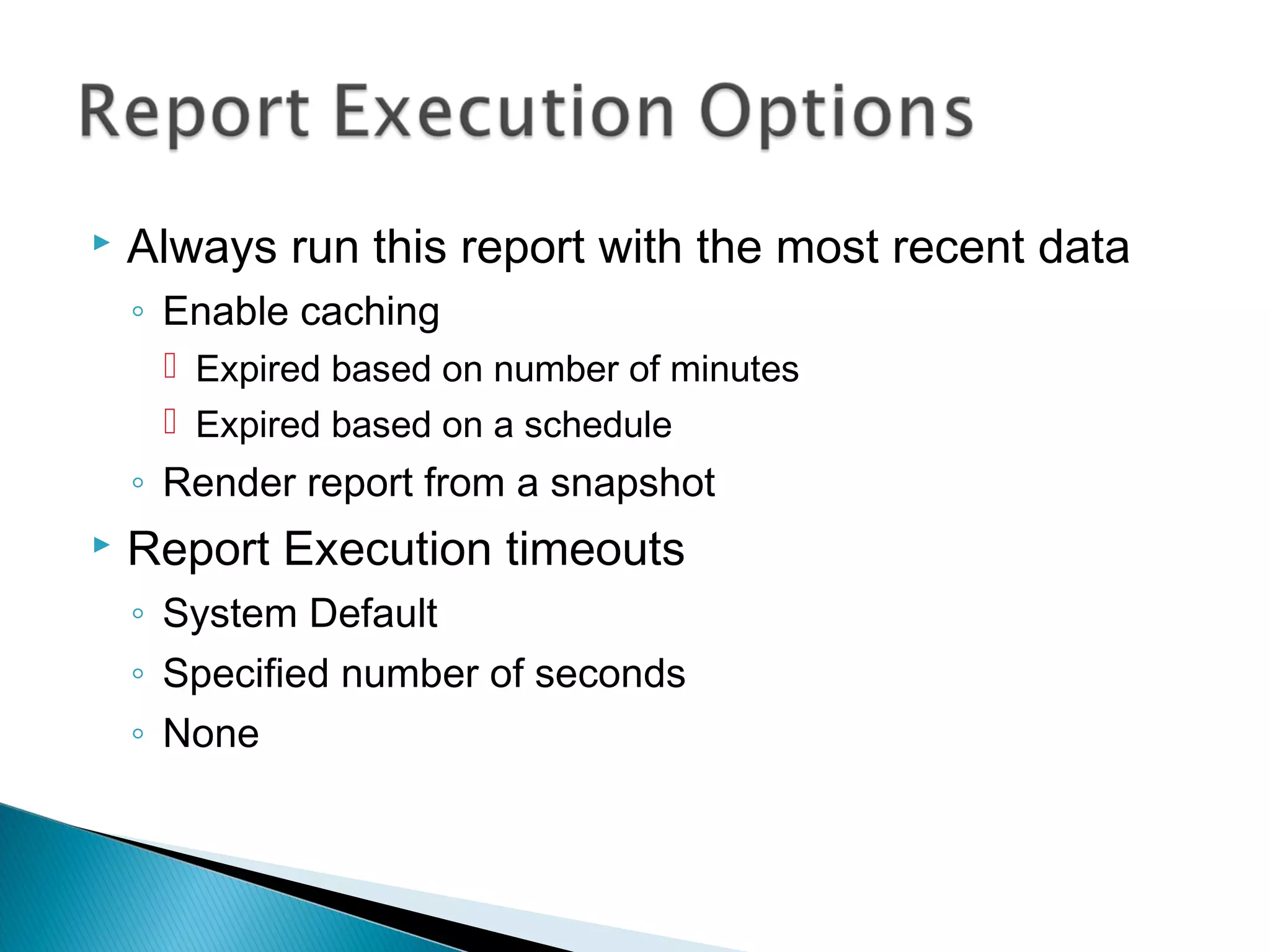
 Always run this report with the most recent data
◦ Enable caching
 Expired based on number of minutes
 Expired based on a schedule
◦ Render report from a snapshot
 Report Execution timeouts
◦ System Default
◦ Specified number of seconds
◦ None
 Cache is created when a report is first run
 Stores a copy of data in ReportServerTempDB
 Can reduce impact on production performance
 Data may be out-of-date
 Expires after a pre-defined amount of time
 Data source security settings must be configured
 Events are executed by SQL Server Agent service
 Schedule Types
◦ Report-Specific Schedules
◦ Shared Schedules
 Defined at the system level
 Tips:
◦ Keep track of time zones
◦ Use shared schedules whenever possible to allow centralized
management
◦ Distribute reporting processing workload over time
 Point-in-time view of the contents of a report
◦ Data never changes
 Report parameters must be defined before
running the snapshot
 Usually created on a schedule
◦ End-of-month or end-of-year reports
 Scheduling
◦ Report-specific schedule
◦ Shared schedule
 Used to maintain snapshot copies over time
◦ Often used for auditing or historical reference
 Scheduling:
◦ Store all snapshots
◦ Use a report-specific schedule
◦ Use a shared schedule
 Options:
◦ Keep an unlimited number of snapshots
◦ Limit the number of copies of report history
 E-Mail
◦ Uses SMTP server defined in Reporting Services
Configuration tool
◦ Can send report as attachment
◦ Can send a link to the report
 File Share
◦ Stores the output of a report to a file share
◦ Requires a shared folder accessible via UNC
 Example: ReportServerMarketingReports
 Output file types
◦ XML
◦ Comma-separated values (CSV) – text file
◦ TIFF image files
◦ Web Archive
◦ Adobe Acrobat (PDF)
◦ Microsoft Excel (XLS)
◦ File Share Only
 Web Page (HTML)
 Web Archive
 Snapshot-Based Subscriptions
◦ Notification is sent whenever a snapshot is created
 Schedule-Based Subscriptions
◦ Uses a custom schedule (e.g., daily, monthly, etc.)
◦ Can have start and stop dates
 Data-Driven Subscriptions
◦ Report recipients are defined by a query
◦ Table and query must be created manually
◦ Useful when managing large or very dynamic lists of
recipients
 Hierarchical Security Model
◦ Folders can be used for logical organization
◦ Items inherit permissions
 Security Layers
◦ System-Level Role Definitions
◦ Site-wide Security
◦ Item-Level Role Definitions
 Role-Based system
◦ Roles are sets of permissions/capabilities
◦ Users can be assigned to multiple roles
 Based on Windows Authentication
◦ Provides for centralized security management
◦ May use Active Directory users and groups
◦ Other authentication can be developed
 Creates a “virtual report”
◦ Uses the same report definition (.rdl) as the parent
report, but with independent settings
 Purpose / Benefits
◦ Can setup different sets of permissions
◦ Can setup different sets of parameters
Embedding Reporting Services
controls in Windows Forms and
Web applications
 Windows Forms Applications
◦ Reporting Services Control
◦ Pointed to Reporting Services web site
 Web Applications
◦ Can point directly to the Reporting Services Web Site
◦ Creating customized security for accessing reports by
automating the API
 Other Options:
◦ SharePoint Integration
◦ Using the Reporting Services API
 www.microsoft.com/sql
 Resources from Anil Desai
◦ Web Site (http://AnilDesai.net)
◦ E-Mail: Anil@AnilDesai.net
 Keystone Learning Course: “Microsoft SQL
Server 2005: Implementation and
Maintenance (Exam 70-431)”
 The Rational Guide to Managing Microsoft
Virtual Server 2005
 The Rational Guide to Scripting Microsoft
Virtual Server 2005
 ReportingServicesGuru.com
◦ Course: “Administering Reporting Services”
◦ Online forums and news
◦ Consulting information
 SQL Server 2005 Books Online
◦ Database Engine
◦ Reporting Services
 Microsoft Resources:
◦ SQL Server Web Site: www.microsoft.com/sql
◦ Microsoft Developer Network: msdn.microsoft.com
◦ Microsoft TechNet: technet.microsoft.com

SQL Reporting Services

  • 1.
  • 2.
     Anil Desai ◦Independent Consultant (Austin, TX) ◦ Author of numerous SQL Server books  Certification  Training ◦ Instructor, “Implementing and Managing SQL Server 2005” (Keystone Learning) ◦ Info: http://AnilDesai.net
  • 3.
    I. Intro toReporting Services II. Developing Reports a) Defining Data Sources and Data Sets b) Report Design: Basics c) Report Design: Adding interactivity & parameters III. Deploying and Managing Reports a) Administering Reporting Services b) Reporting Caching and Execution c) Managing Snapshots & Report History IV. Integrating Reports in Web and Windows Applications
  • 5.
     Part ofthe SQL Server 2005 Platform  Report Development ◦ Visual report design ◦ Business Intelligence Development Studio ◦ Report Features  Grouping  Sorting  Filtering  Drill-Down and Drill-Through  Charting  XML-based Report Files (.rdl)
  • 6.
     Report Types ◦Table ◦ Matrix ◦ Charts  Report output: ◦ Report Viewer (web site) ◦ Page-based (HTML, TIFF, PDF) ◦ Application integration (Web / Windows Forms)  Export Formats: ◦ Adobe PDF, XML, Microsoft Excel, CSV, TSV ◦ CSV
  • 7.
     Management ◦ Web-basedinterface ◦ Command-line management tools  Report Builder ◦ Data models for creating ad-hoc reports  Programmability / Integration:  Application Programming Interface (API)  Web Services / Simple Object Access Protocol (SOAP)  Command-line utilities
  • 8.
    Creating new datasources, data sets, and report layouts
  • 10.
     Report WizardGoals: ◦ Provides a quick way to create basic reports ◦ Defines a data connection and query ◦ Includes formatting and grouping options ◦ Creates a new RDL file  Launching the Report Wizard: ◦ New Project  Report Server Project Wizard ◦ Add Item  Report Wizard
  • 12.
     Specifies connectioninformation for reporting data  Supported Data Sources: ◦ Any OLEDB / ODBC-compliant data source ◦ Relational  SQL Server  Oracle  MS Access ◦ OLAP / Multi-Dimensional  SQL Server Analysis Services ◦ XML, Excel, CSV, TSV, etc.
  • 13.
     Data SourceDetails ◦ Data source type ◦ Connection options ◦ Security credentials  Private Data Sources (Report-specific) ◦ Stored within the report (.RDL) file  Shared Data Sources ◦ Defined at the Project / Server level ◦ Can be used across multiple reports ◦ Useful for development/production environments
  • 14.
     Identifies datato be used for report generation ◦ Can have many different datasets per report ◦ Requires a data source (shared or embedded) ◦ Fields are available for use in reports  Dataset Options ◦ Query (Text or Stored Procedure) ◦ Fields ◦ Data Options ◦ Parameters ◦ Filters
  • 15.
     Query DesignerFeatures ◦ Visual creation of joins ◦ Can access tables, views, and functions ◦ Column names and aliases ◦ Query sorting and filtering options ◦ Query results  Screen sections ◦ Diagram Pane ◦ Grid Pane ◦ SQL Pane ◦ Result Pane
  • 17.
     Report ◦ PageHeader ◦ Page Footer ◦ Body (Report Area)  Table Regions ◦ Header ◦ Detail ◦ Footer  Groups ◦ Can specify page breaks
  • 19.
     Report Requirements: ◦Show a list of all products by Category / Subcategory ◦ Drill-down, sorting, and grouping are not required  Report Components: ◦ Page Header ◦ Report Title ◦ Page Number ◦ Report Data (Table)
  • 20.
  • 21.
     Query Sorting ◦Useful for setting a “default” sort order ◦ Use an ORDER BY clause in the dataset query  Table-Level Sorting ◦ Default sort order specified in the “Sorting” tab  Interactive Sorting ◦ Data is sorted during report generation ◦ Sorted values are used for report output ◦ Can use a field or complex sort expression ◦ May be dependent on grouping scope
  • 22.
     Grouping ◦ Helpsto logically organize data ◦ Can create sub-totals in group footer  Drill-Down ◦ Group visibility can be dynamically-controlled by other columns/values ◦ Report exports are based on the current view
  • 24.
     Statements usedto specify values  Can be used in table cells  Expression Editor ◦ Supports Intellisense ◦ Uses Visual Basic-style syntax  Examples: ◦ Globals!ReportName ◦ Globals!PageNumber ◦ Sum(Fields!SalesTotal.Value, “Sales") ◦ CountDistinct(Fields!ProductCategory) ◦ Fields!Employee.LastName + “,” + Fields!Employee.FirstName +
  • 27.
    Using Parameters tofilter reporting data
  • 28.
     Dataset /Query Level ◦ Uses parameter variables to restrict data returned ◦ Can also use stored procedure variables  Report Parameters ◦ Determined at report run-time ◦ Useful when users will be frequently changing settings  Object Filtering ◦ Filter options for tables, charts, etc.
  • 29.
     Can improveperformance by minimizing data returned ◦ Best used when filtering details are known before report generation  Implemented using query parameters ◦ Variables: @StartDate, @EndDate Query: SELECT * FROM Sales WHERE TransactionDate BETWEEN @StartDate AND @EndDate
  • 30.
     Evaluated atreport run-time  Report Parameter Options: ◦ Data Types ◦ Prompt Options  Allow blank / null; Multi-value ◦ Available Values  Non-Queried or From Query ◦ Default values:  Non-Queried or From Query  Cascading Parameters
  • 32.
     SQL ServerReporting Services Service  Report Manager Web Site  Business Intelligence Development Studio  Databases: ◦ ReportServer:  Report definitions, security settings, etc. ◦ ReportServerTempDB:  Cached data and user session information  Components may be installed on different servers
  • 33.
     From SQL ServerBooks Online
  • 34.
  • 36.
     Always runthis report with the most recent data ◦ Enable caching  Expired based on number of minutes  Expired based on a schedule ◦ Render report from a snapshot  Report Execution timeouts ◦ System Default ◦ Specified number of seconds ◦ None
  • 37.
     Cache iscreated when a report is first run  Stores a copy of data in ReportServerTempDB  Can reduce impact on production performance  Data may be out-of-date  Expires after a pre-defined amount of time  Data source security settings must be configured
  • 38.
     Events areexecuted by SQL Server Agent service  Schedule Types ◦ Report-Specific Schedules ◦ Shared Schedules  Defined at the system level  Tips: ◦ Keep track of time zones ◦ Use shared schedules whenever possible to allow centralized management ◦ Distribute reporting processing workload over time
  • 39.
     Point-in-time viewof the contents of a report ◦ Data never changes  Report parameters must be defined before running the snapshot  Usually created on a schedule ◦ End-of-month or end-of-year reports  Scheduling ◦ Report-specific schedule ◦ Shared schedule
  • 40.
     Used tomaintain snapshot copies over time ◦ Often used for auditing or historical reference  Scheduling: ◦ Store all snapshots ◦ Use a report-specific schedule ◦ Use a shared schedule  Options: ◦ Keep an unlimited number of snapshots ◦ Limit the number of copies of report history
  • 41.
     E-Mail ◦ UsesSMTP server defined in Reporting Services Configuration tool ◦ Can send report as attachment ◦ Can send a link to the report  File Share ◦ Stores the output of a report to a file share ◦ Requires a shared folder accessible via UNC  Example: ReportServerMarketingReports
  • 42.
     Output filetypes ◦ XML ◦ Comma-separated values (CSV) – text file ◦ TIFF image files ◦ Web Archive ◦ Adobe Acrobat (PDF) ◦ Microsoft Excel (XLS) ◦ File Share Only  Web Page (HTML)  Web Archive
  • 43.
     Snapshot-Based Subscriptions ◦Notification is sent whenever a snapshot is created  Schedule-Based Subscriptions ◦ Uses a custom schedule (e.g., daily, monthly, etc.) ◦ Can have start and stop dates  Data-Driven Subscriptions ◦ Report recipients are defined by a query ◦ Table and query must be created manually ◦ Useful when managing large or very dynamic lists of recipients
  • 44.
     Hierarchical SecurityModel ◦ Folders can be used for logical organization ◦ Items inherit permissions  Security Layers ◦ System-Level Role Definitions ◦ Site-wide Security ◦ Item-Level Role Definitions
  • 45.
     Role-Based system ◦Roles are sets of permissions/capabilities ◦ Users can be assigned to multiple roles  Based on Windows Authentication ◦ Provides for centralized security management ◦ May use Active Directory users and groups ◦ Other authentication can be developed
  • 46.
     Creates a“virtual report” ◦ Uses the same report definition (.rdl) as the parent report, but with independent settings  Purpose / Benefits ◦ Can setup different sets of permissions ◦ Can setup different sets of parameters
  • 47.
    Embedding Reporting Services controlsin Windows Forms and Web applications
  • 48.
     Windows FormsApplications ◦ Reporting Services Control ◦ Pointed to Reporting Services web site  Web Applications ◦ Can point directly to the Reporting Services Web Site ◦ Creating customized security for accessing reports by automating the API  Other Options: ◦ SharePoint Integration ◦ Using the Reporting Services API
  • 49.
     www.microsoft.com/sql  Resourcesfrom Anil Desai ◦ Web Site (http://AnilDesai.net) ◦ E-Mail: Anil@AnilDesai.net  Keystone Learning Course: “Microsoft SQL Server 2005: Implementation and Maintenance (Exam 70-431)”  The Rational Guide to Managing Microsoft Virtual Server 2005  The Rational Guide to Scripting Microsoft Virtual Server 2005
  • 50.
     ReportingServicesGuru.com ◦ Course:“Administering Reporting Services” ◦ Online forums and news ◦ Consulting information  SQL Server 2005 Books Online ◦ Database Engine ◦ Reporting Services  Microsoft Resources: ◦ SQL Server Web Site: www.microsoft.com/sql ◦ Microsoft Developer Network: msdn.microsoft.com ◦ Microsoft TechNet: technet.microsoft.com