Click to edit Master title style
1
SQL SHORT NOTES
Pratheesh Kumar N
Click to edit Master title style
2
WHAT IS SQL
SQL is stand for structured query
language.
This database language is mainly
designed for maintaining the data in
relational database management system.
SQL is standard language for accessing
and manipulating database.
2
Click to edit Master title style
3
Some of The Most Important SQL Commands
3
• SELECT - extracts data from a database.
• UPDATE - updates data in a database.
• DELETE - deletes data from a database.
• INSERT INTO - inserts new data into a
database.
• CREATE DATABASE - creates a new database.
• ALTER DATABASE - modifies a database.
• CREATE TABLE - creates a new table.
Click to edit Master title style
4
DDL COMMANDS:
DDL(data Definition Languages) used to
change the structure of the table like creating
the table ,altering the tables & deleting the
table.
All the commands in the DDL are auto
committed that means it permanently saves all
the changes in the data base .
4
Click to edit Master title style
5
CREATE:
This commands is used to create a new
database and table.
Syntax:
CREATE TABLE table_name
(
column1 datatype,
column2 datatype,
column3 datatype,
…..
); 5
Click to edit Master title style
6
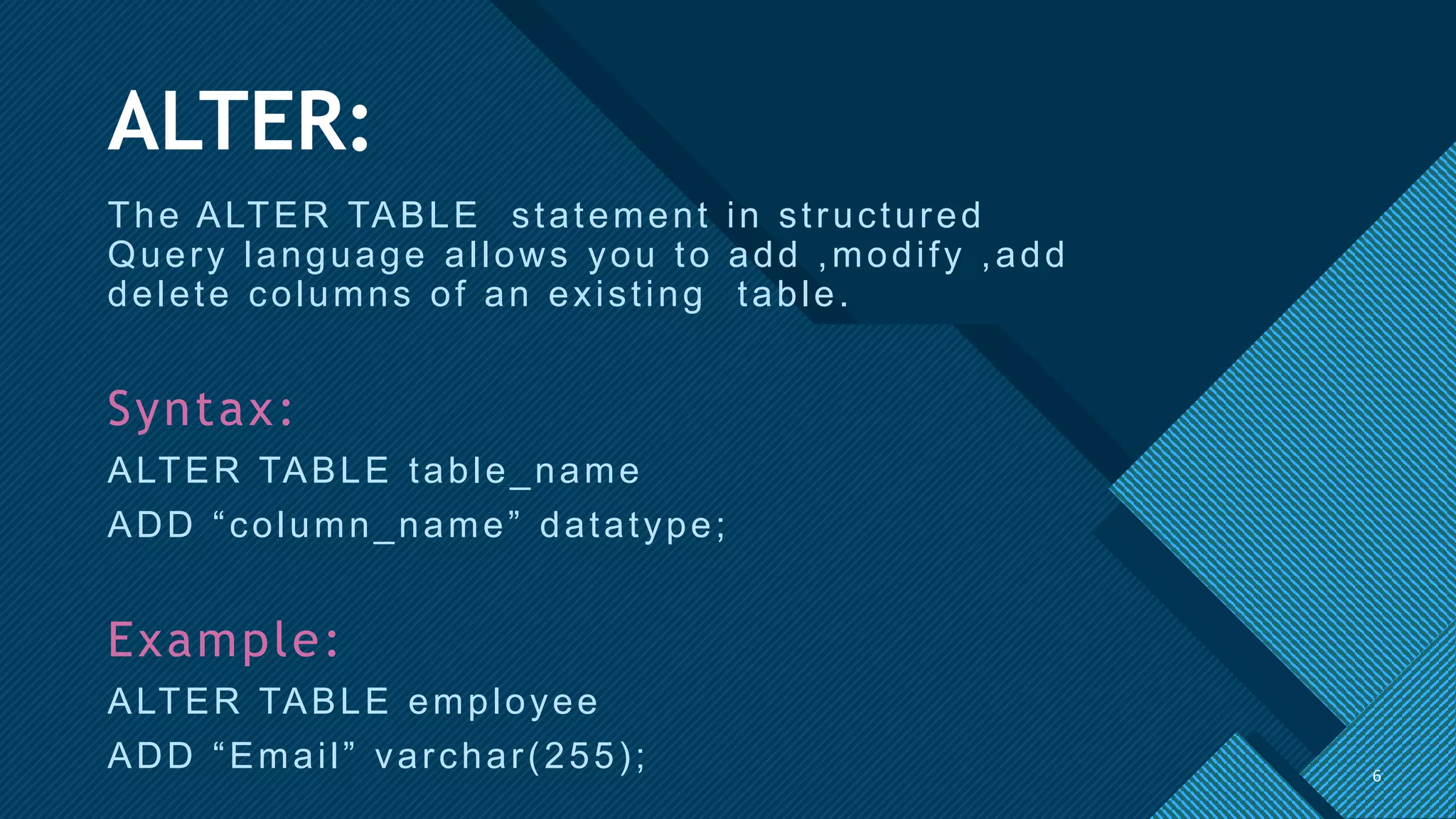
ALTER:
The ALTER TABLE statement in structured
Query language allows you to add ,modify ,add
delete columns of an existing table.
Syntax:
ALTER TABLE table_name
ADD “column_name” datatype;
Example:
ALTER TABLE employee
ADD “Email” varchar(255); 6
Click to edit Master title style
7
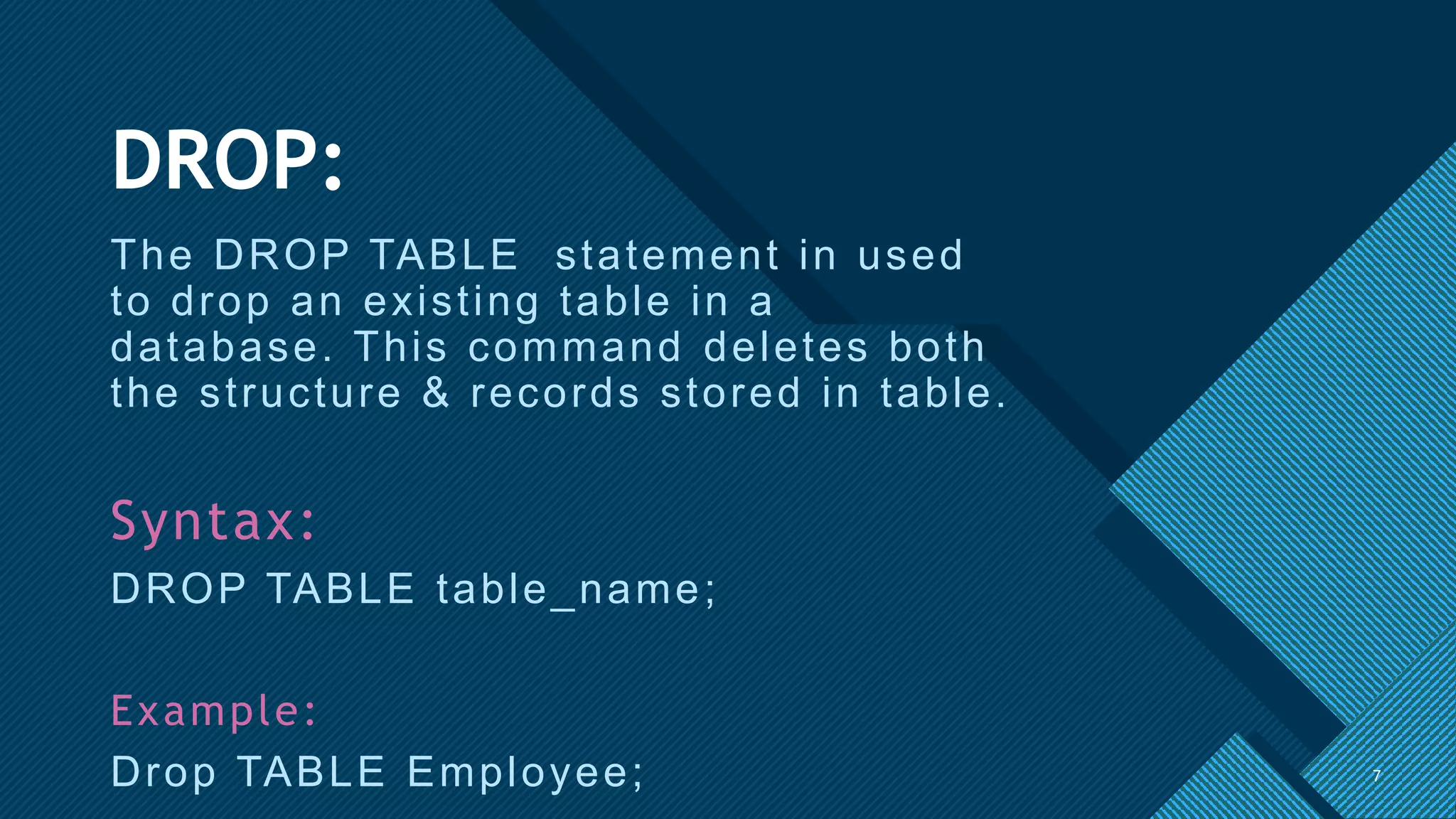
DROP:
The DROP TABLE statement in used
to drop an existing table in a
database. This command deletes both
the structure & records stored in table.
Syntax:
DROP TABLE table_name;
Example:
Drop TABLE Employee; 7
Click to edit Master title style
8
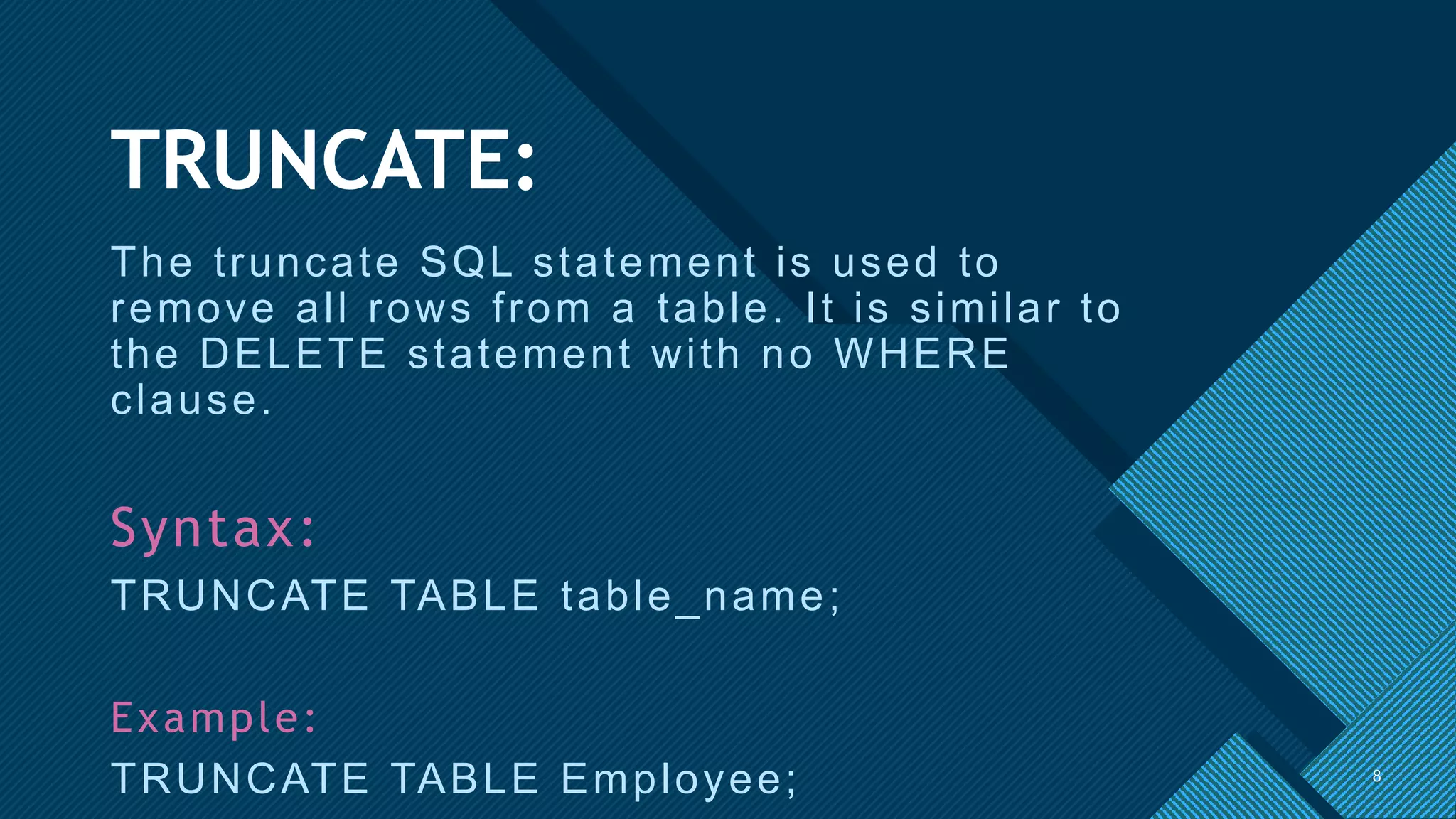
TRUNCATE:
The truncate SQL statement is used to
remove all rows from a table. It is similar to
the DELETE statement with no WHERE
clause.
Syntax:
TRUNCATE TABLE table_name;
Example:
TRUNCATE TABLE Employee; 8
Click to edit Master title style
9 9
Click to edit Master title style
10
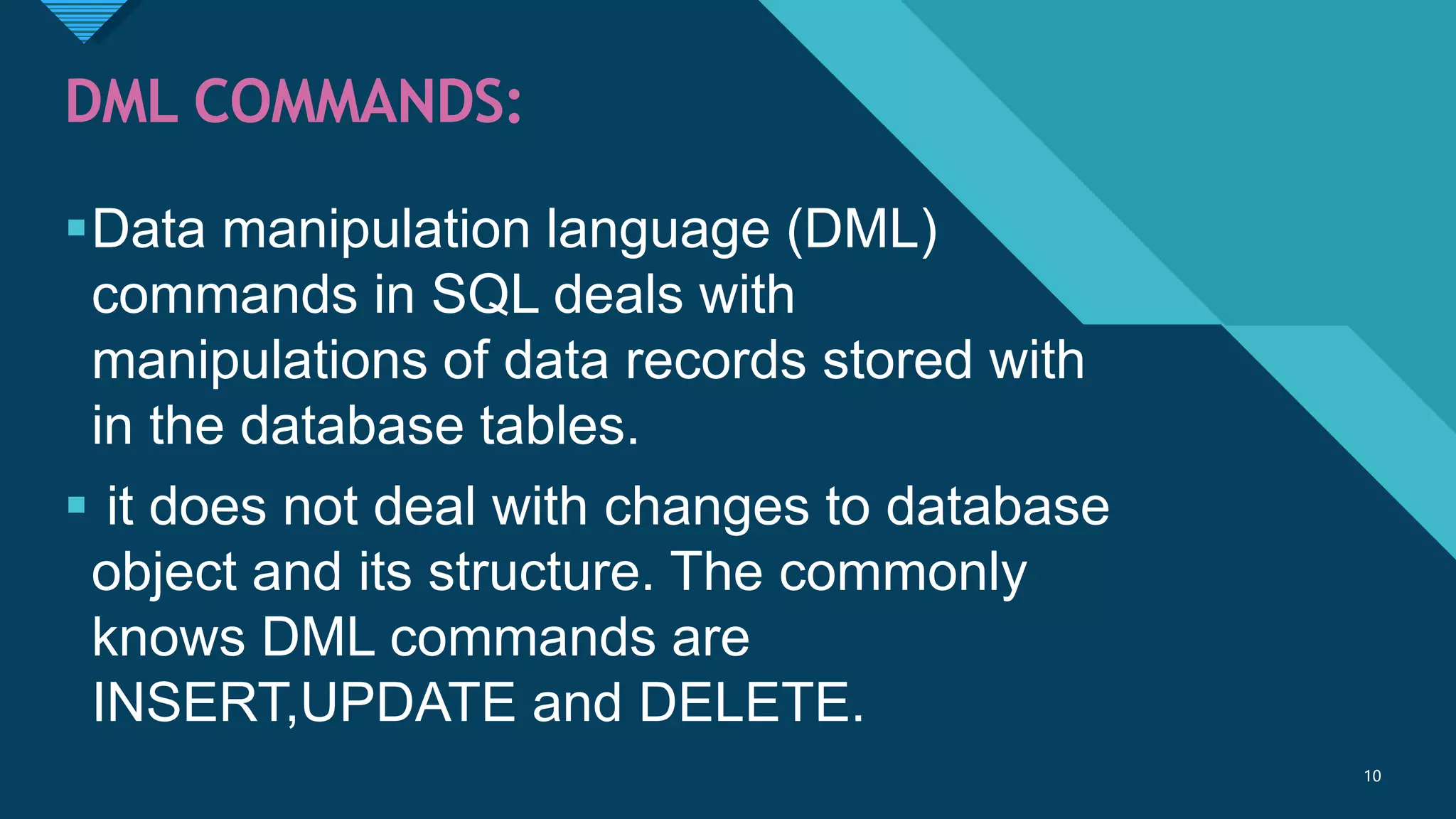
DML COMMANDS:
Data manipulation language (DML)
commands in SQL deals with
manipulations of data records stored with
in the database tables.
 it does not deal with changes to database
object and its structure. The commonly
knows DML commands are
INSERT,UPDATE and DELETE.
10
Click to edit Master title style
11
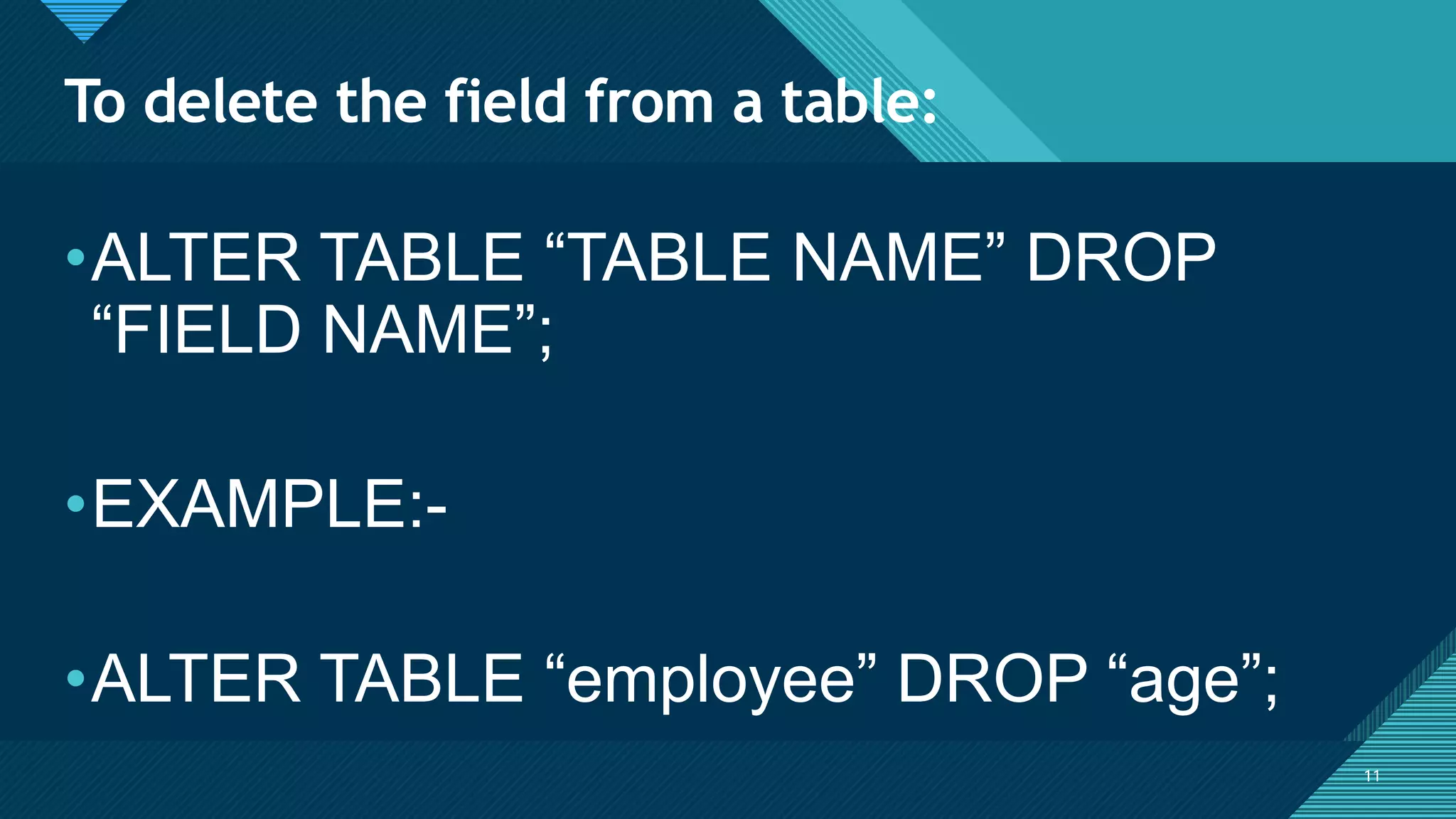
To delete the field from a table:
11
•ALTER TABLE “TABLE NAME” DROP
“FIELD NAME”;
•EXAMPLE:-
•ALTER TABLE “employee” DROP “age”;
Click to edit Master title style
12
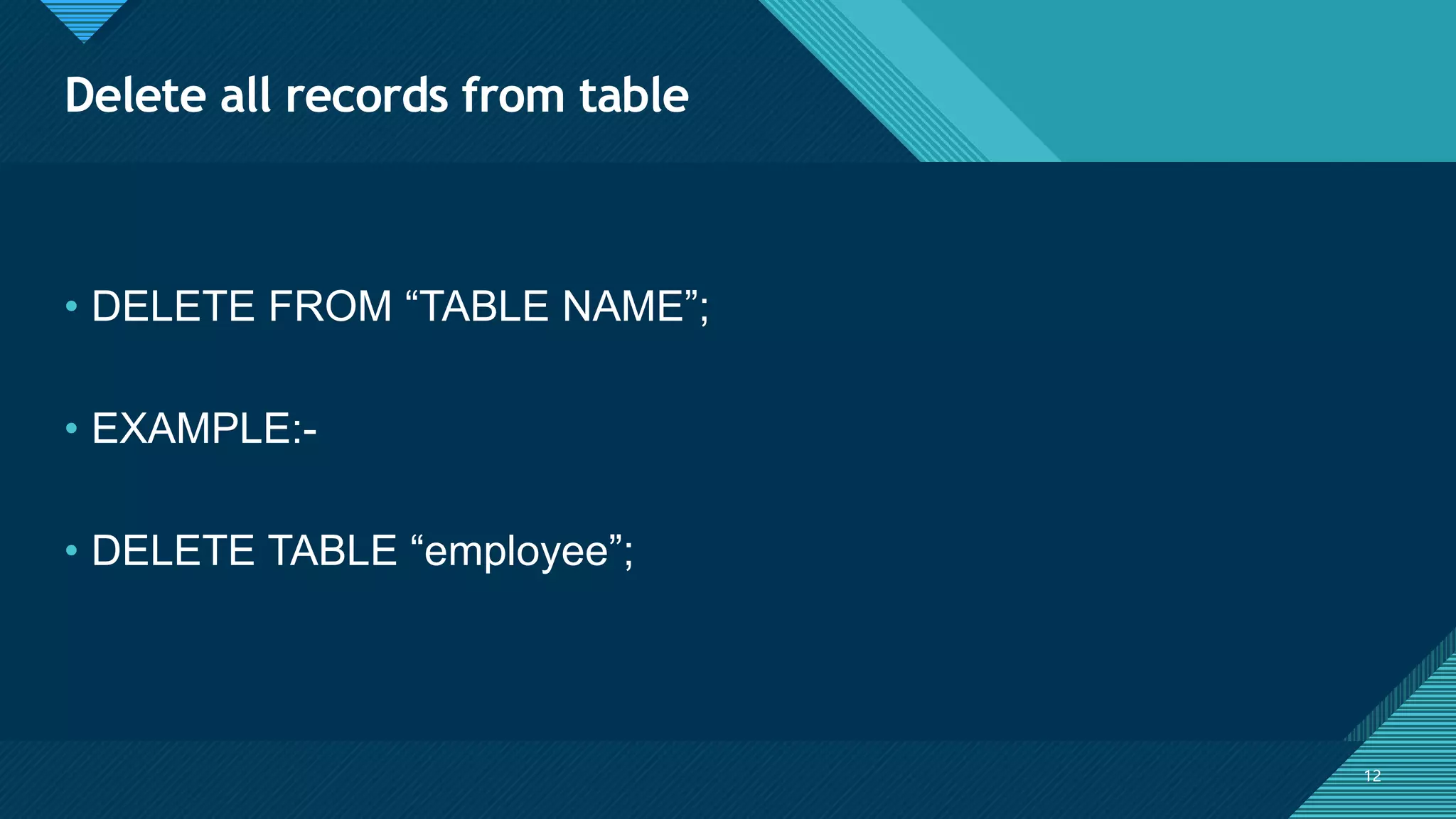
Delete all records from table
12
• DELETE FROM “TABLE NAME”;
• EXAMPLE:-
• DELETE TABLE “employee”;
Click to edit Master title style
13
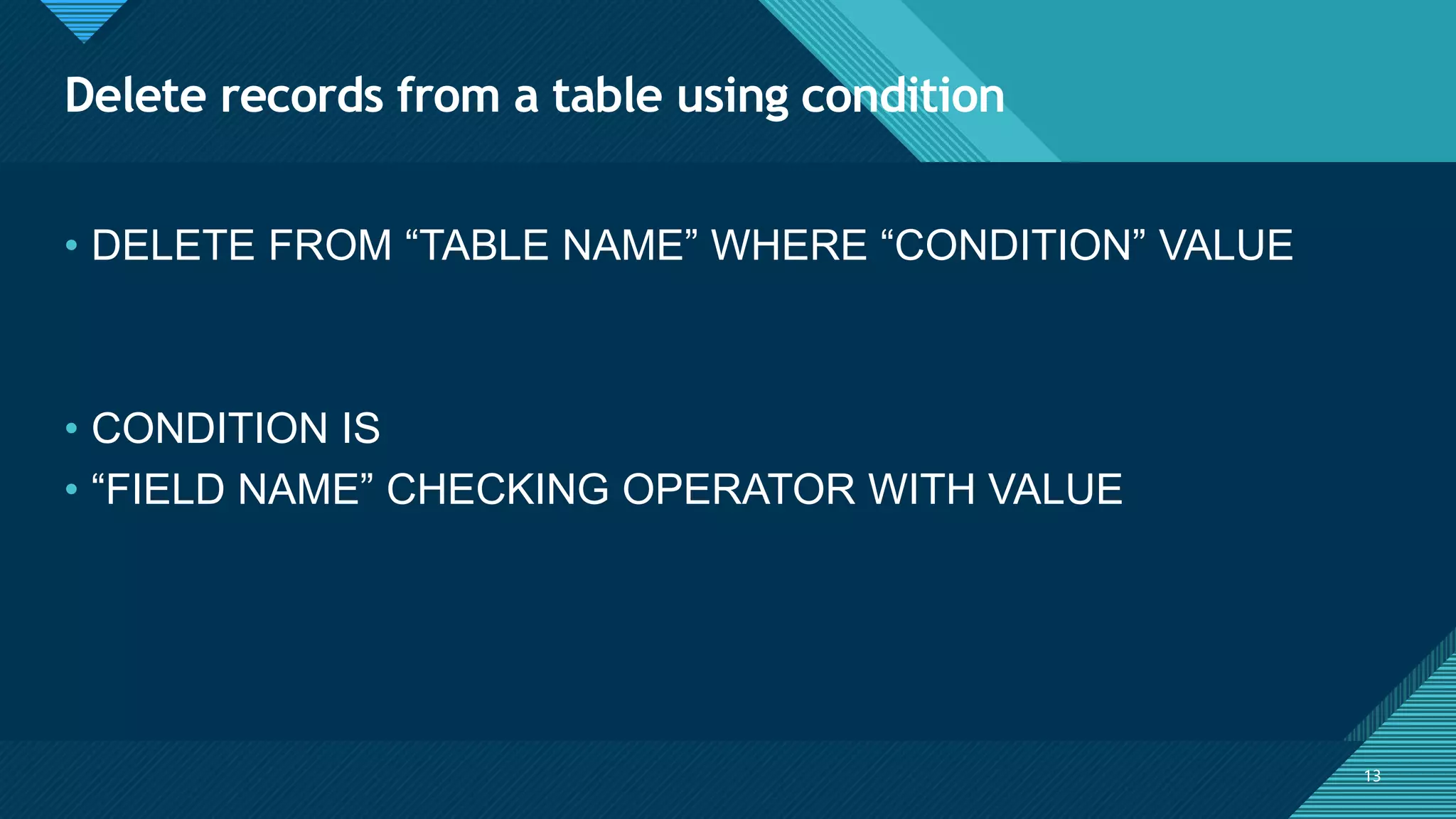
Delete records from a table using condition
13
• DELETE FROM “TABLE NAME” WHERE “CONDITION” VALUE
• CONDITION IS
• “FIELD NAME” CHECKING OPERATOR WITH VALUE
Click to edit Master title style
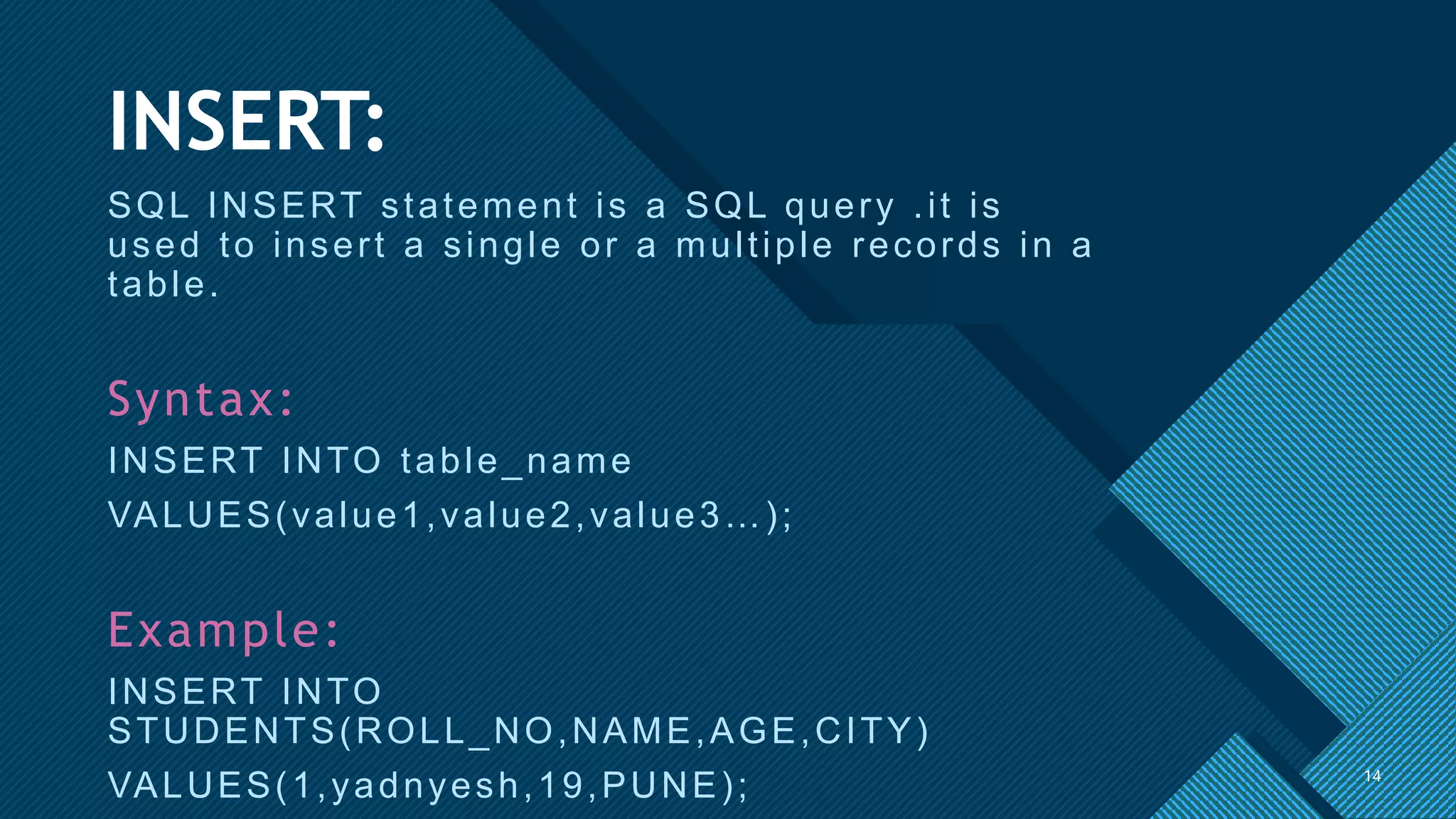
14
INSERT:
SQL INSERT statement is a SQL query .it is
used to insert a single or a multiple records in a
table.
Syntax:
INSERT INTO table_name
VALUES(value1,value2,value3…);
Example:
INSERT INTO
STUDENTS(ROLL_NO,NAME,AGE,CITY)
VALUES(1,yadnyesh,19,PUNE); 14
Click to edit Master title style
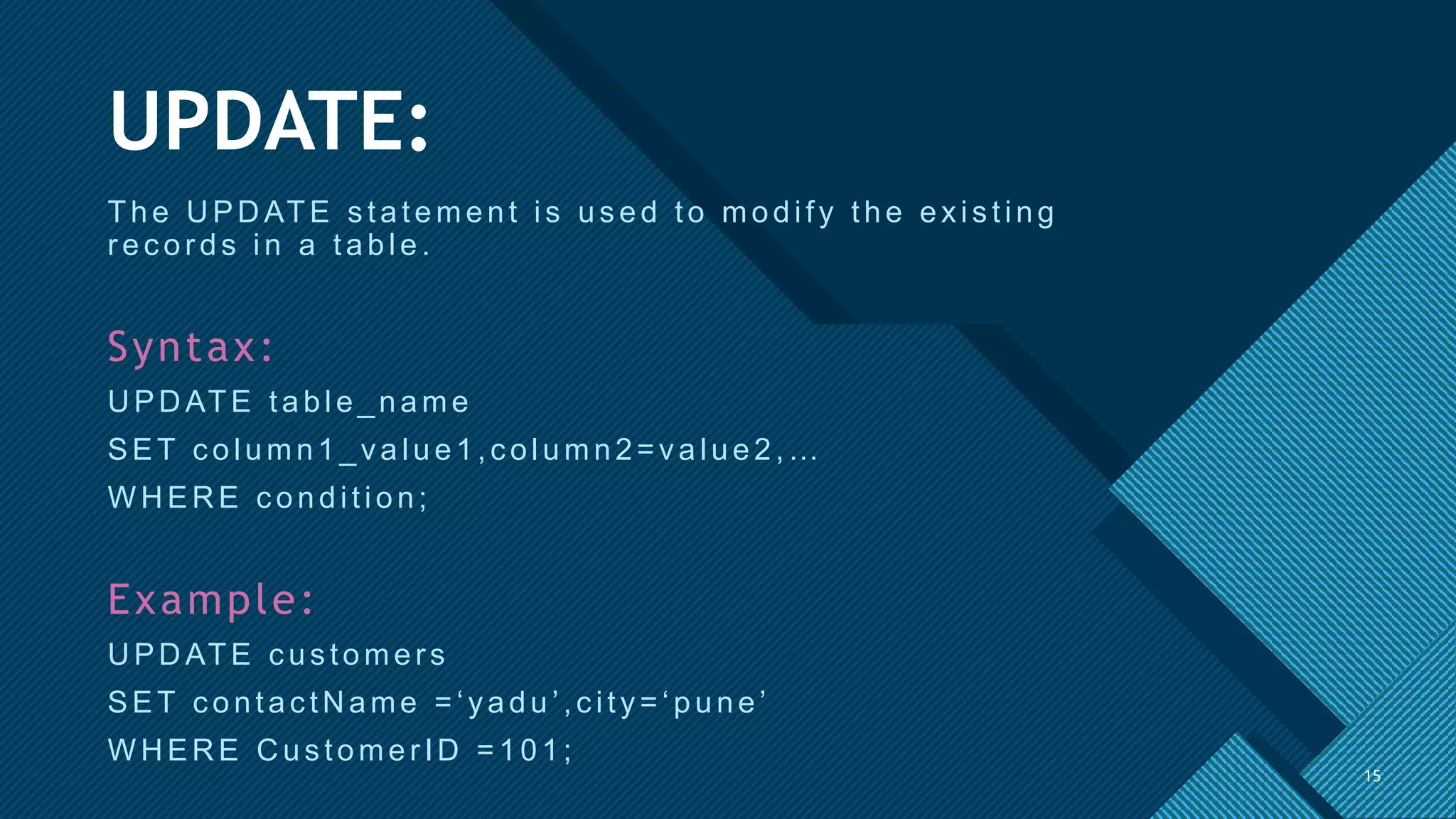
15
UPDATE:
The UPDATE s tatement is us ed to modify the exis ting
r ec or ds in a table.
Syntax:
UPDATE table_name
SET c olumn1_value1,c olumn2=value2,…
W H ER E c ondition;
Example:
U PD ATE c us tomers
SET c ontac tN ame = ‘yadu ’,c ity= ‘ p u n e ’
W H ER E C us tomer ID = 101;
15
Click to edit Master title style
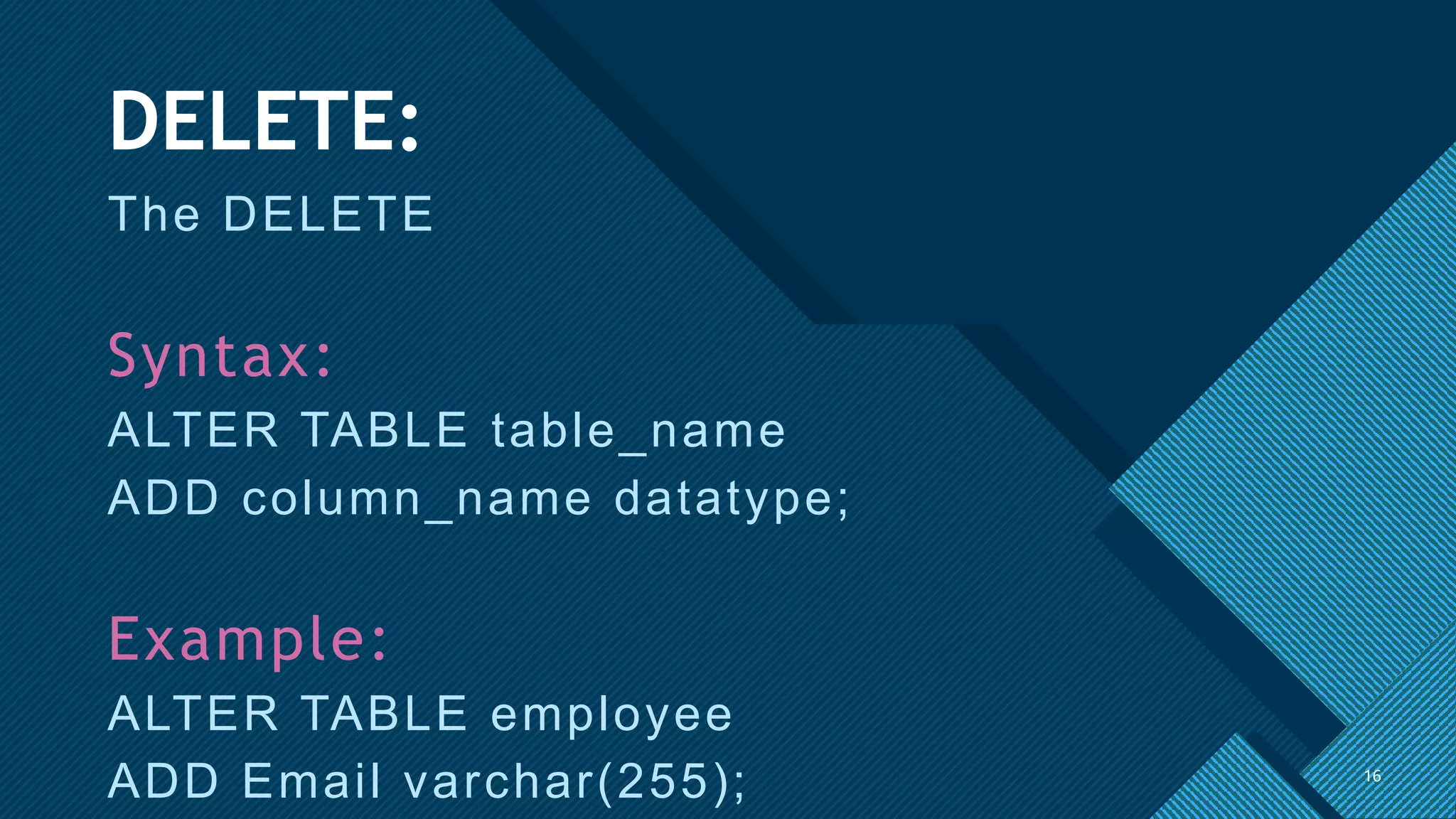
16
DELETE:
The DELETE
Syntax:
ALTER TABLE table_name
ADD column_name datatype;
Example:
ALTER TABLE employee
ADD Email varchar(255); 16
Click to edit Master title style
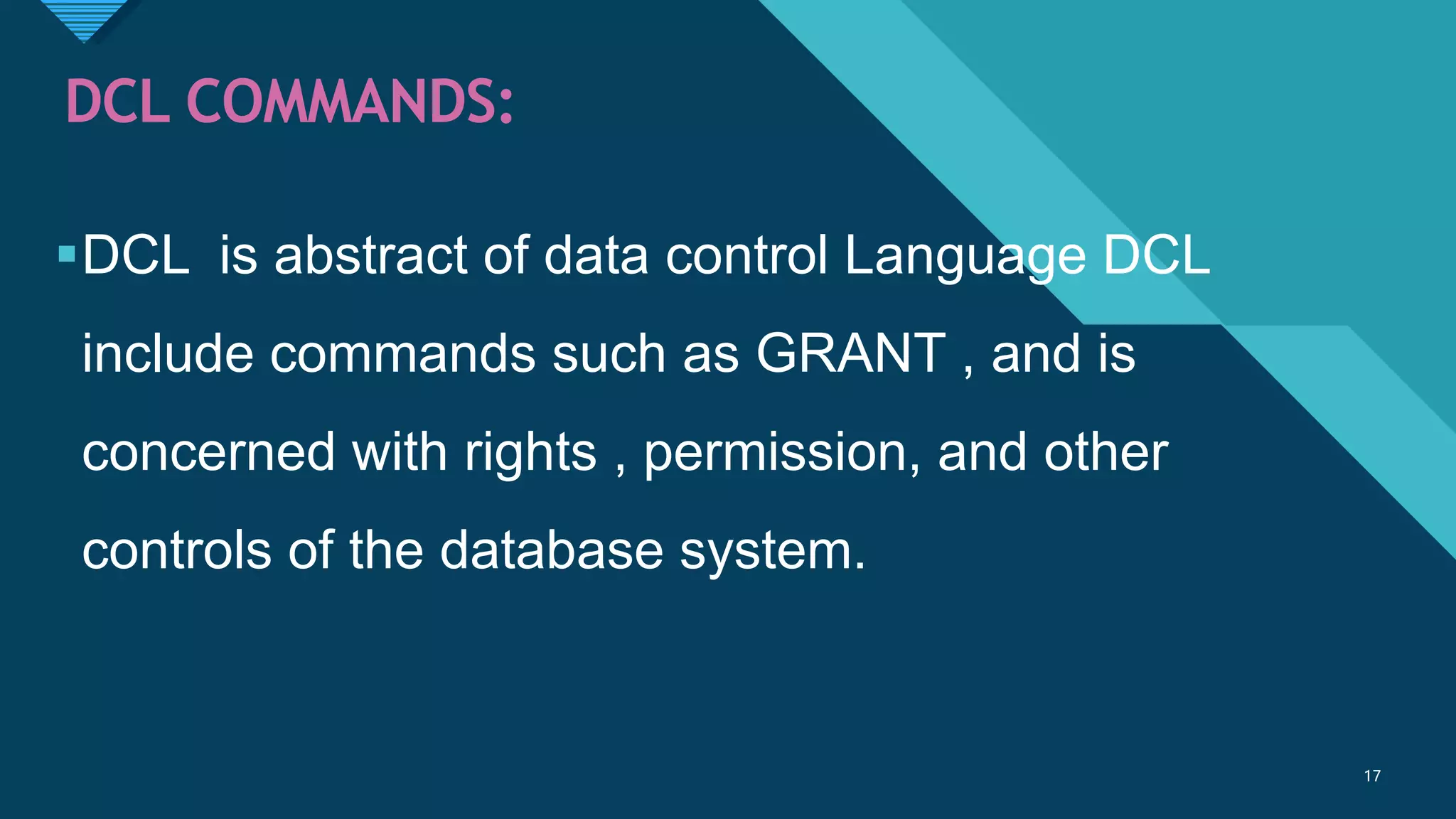
17
DCL COMMANDS:
DCL is abstract of data control Language DCL
include commands such as GRANT , and is
concerned with rights , permission, and other
controls of the database system.
17
Click to edit Master title style
18
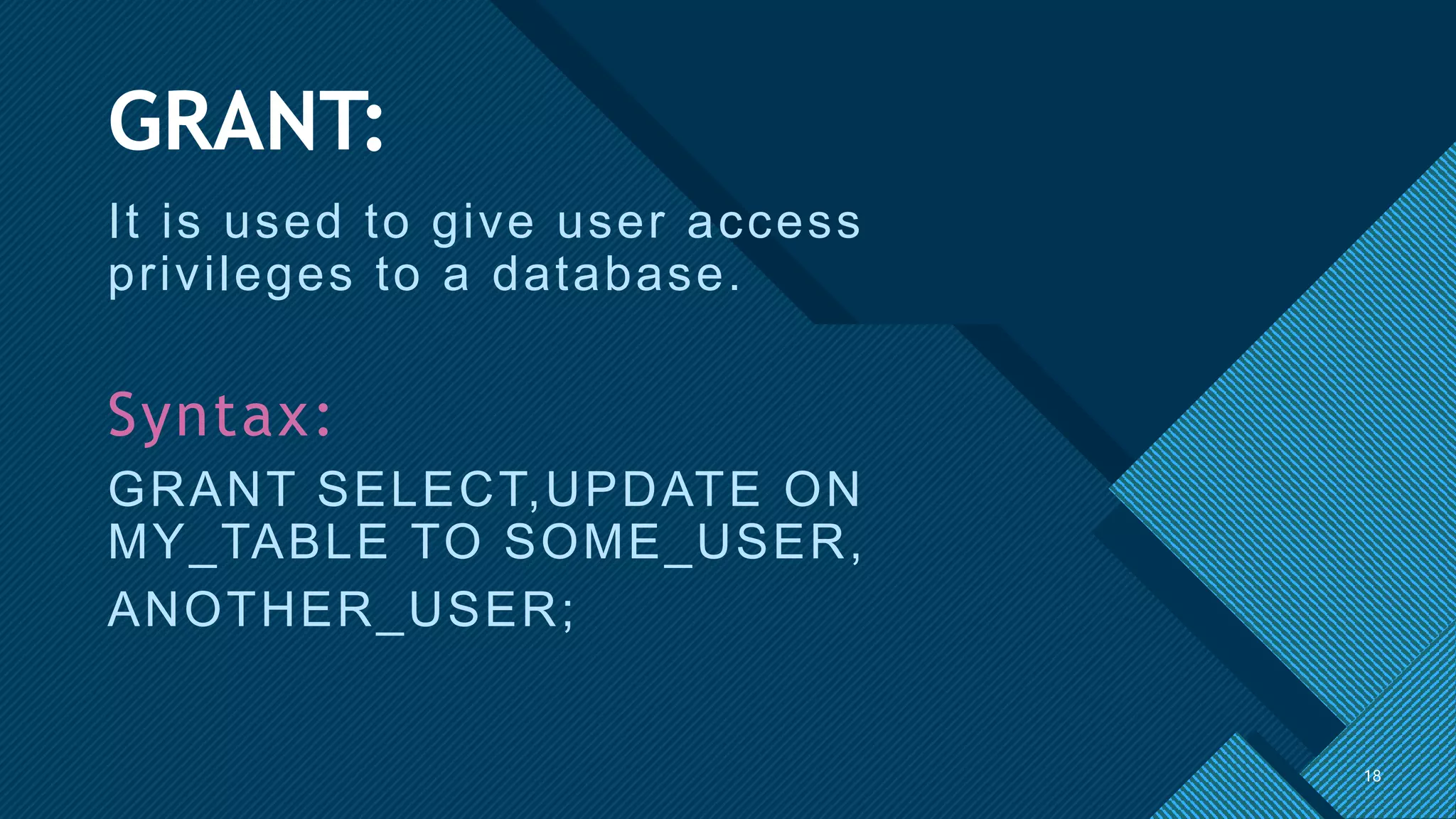
GRANT:
It is used to give user access
privileges to a database.
Syntax:
GRANT SELECT,UPDATE ON
MY_TABLE TO SOME_USER,
ANOTHER_USER;
18
Click to edit Master title style
19
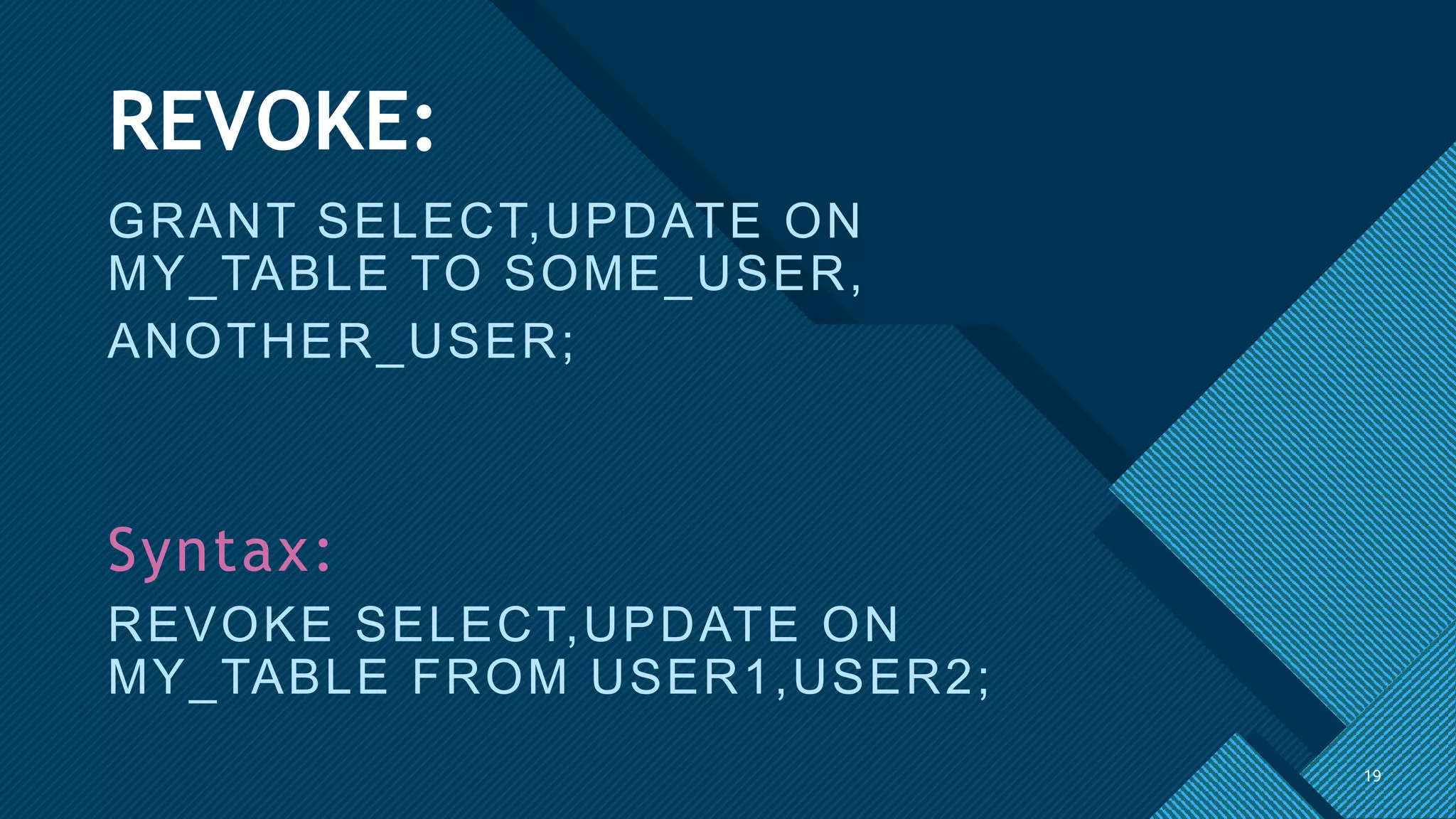
REVOKE:
GRANT SELECT,UPDATE ON
MY_TABLE TO SOME_USER,
ANOTHER_USER;
Syntax:
REVOKE SELECT,UPDATE ON
MY_TABLE FROM USER1,USER2;
19
Click to edit Master title style
20
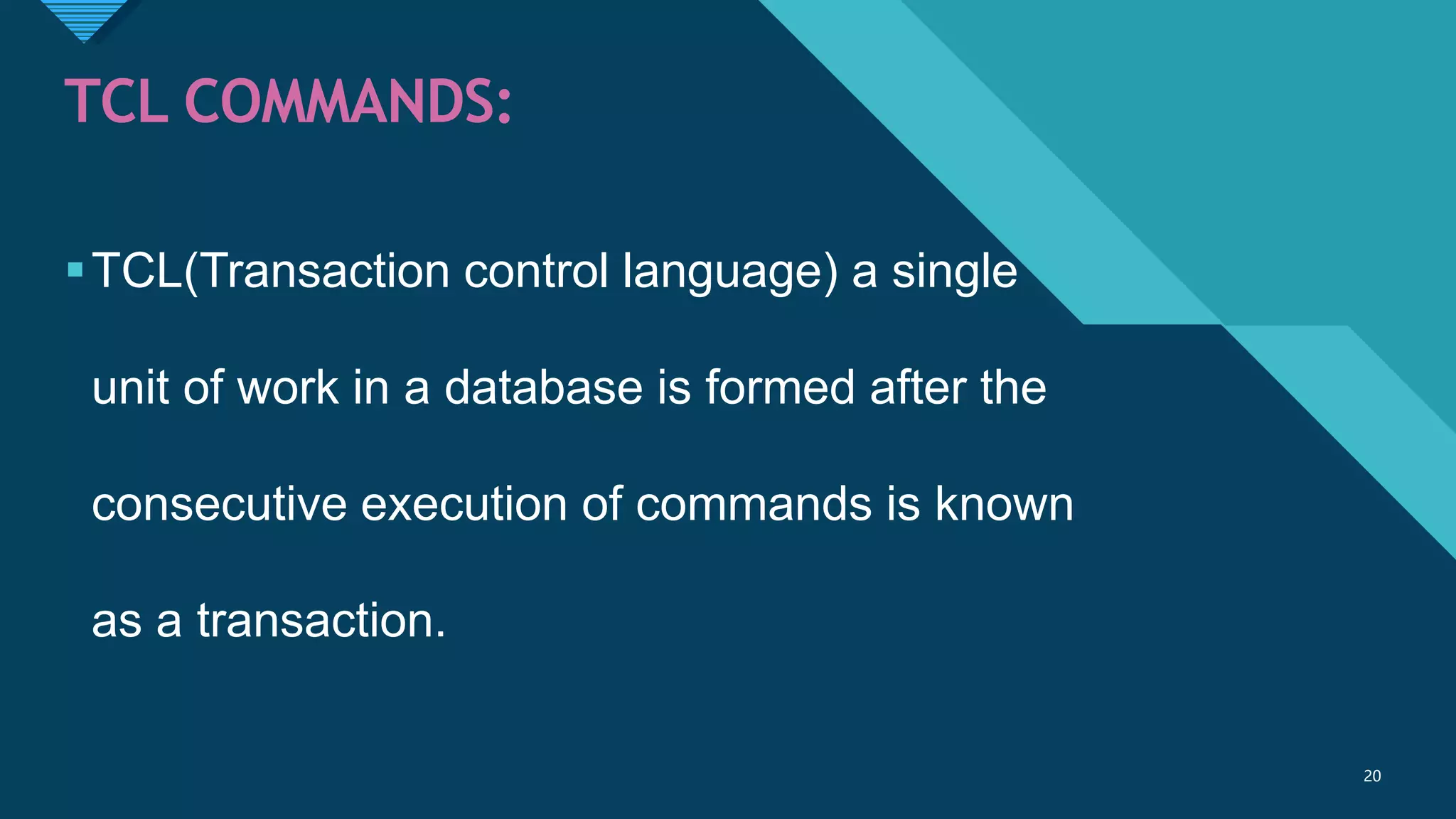
TCL COMMANDS:
TCL(Transaction control language) a single
unit of work in a database is formed after the
consecutive execution of commands is known
as a transaction.
20
Click to edit Master title style
21
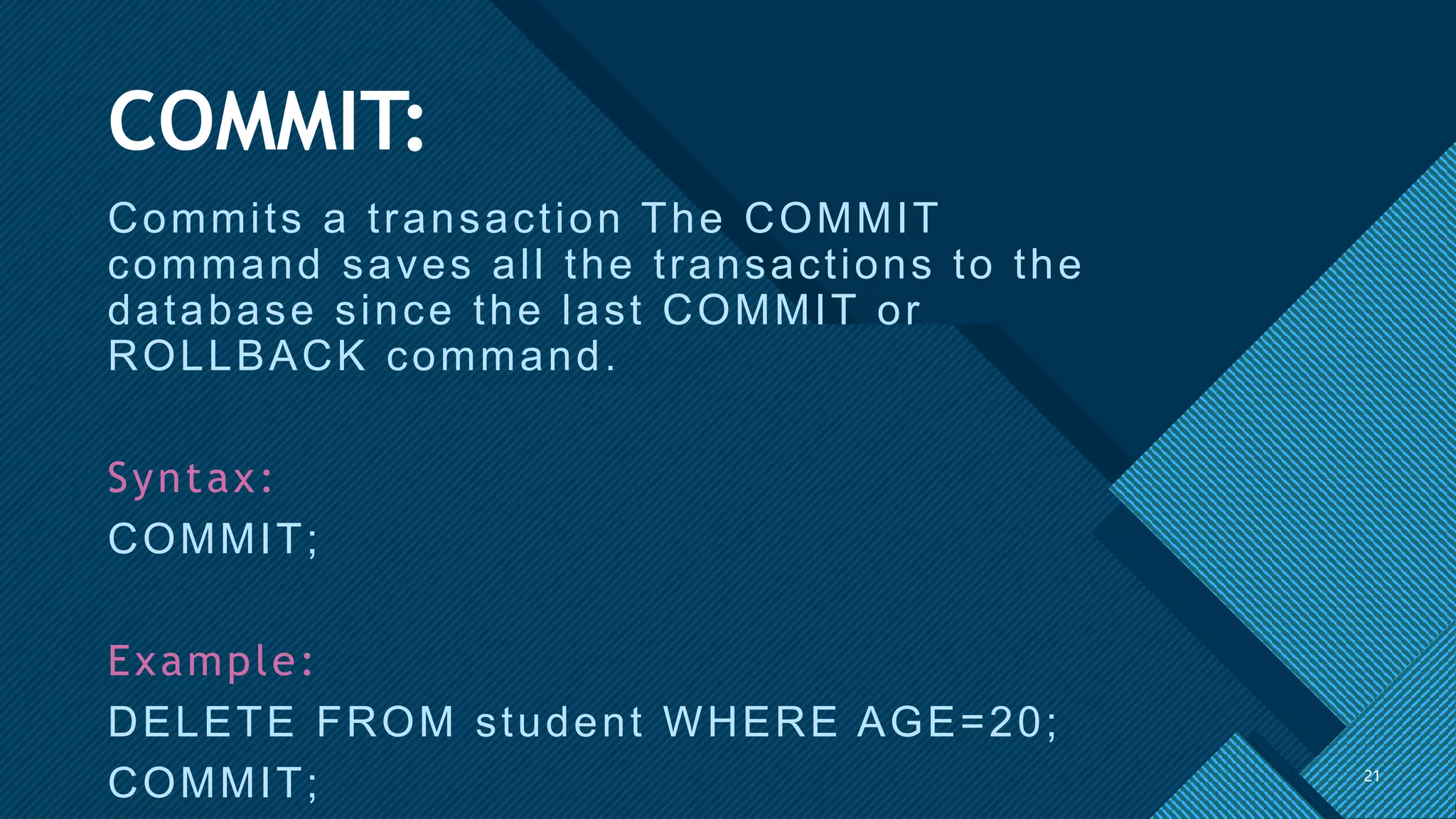
COMMIT:
Commits a transaction The COMMIT
command saves all the transactions to the
database since the last COMMIT or
ROLLBACK command.
Syntax:
COMMIT;
Example:
DELETE FROM student WHERE AGE=20;
COMMIT; 21
Click to edit Master title style
22
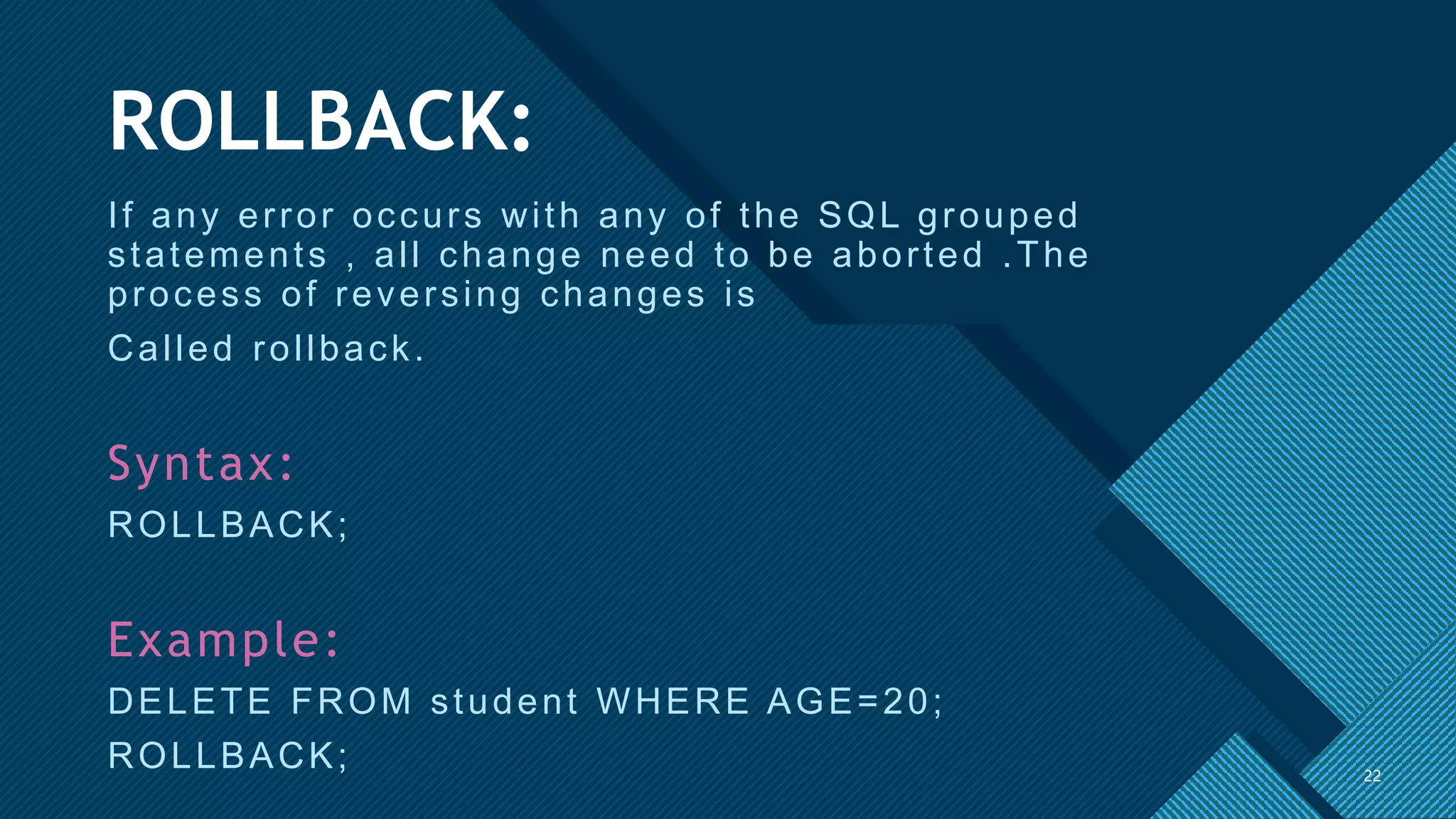
ROLLBACK:
If any error occurs with any of the SQL grouped
statements , all change need to be aborted .The
process of reversing changes is
Called rollback.
Syntax:
ROLLBACK;
Example:
DELETE FROM student WHERE AGE=20;
ROLLBACK; 22
Click to edit Master title style
23
Thank You

SQL-SHORT-NOTES.pptx

  • 1.
    Click to editMaster title style 1 SQL SHORT NOTES Pratheesh Kumar N
  • 2.
    Click to editMaster title style 2 WHAT IS SQL SQL is stand for structured query language. This database language is mainly designed for maintaining the data in relational database management system. SQL is standard language for accessing and manipulating database. 2
  • 3.
    Click to editMaster title style 3 Some of The Most Important SQL Commands 3 • SELECT - extracts data from a database. • UPDATE - updates data in a database. • DELETE - deletes data from a database. • INSERT INTO - inserts new data into a database. • CREATE DATABASE - creates a new database. • ALTER DATABASE - modifies a database. • CREATE TABLE - creates a new table.
  • 4.
    Click to editMaster title style 4 DDL COMMANDS: DDL(data Definition Languages) used to change the structure of the table like creating the table ,altering the tables & deleting the table. All the commands in the DDL are auto committed that means it permanently saves all the changes in the data base . 4
  • 5.
    Click to editMaster title style 5 CREATE: This commands is used to create a new database and table. Syntax: CREATE TABLE table_name ( column1 datatype, column2 datatype, column3 datatype, ….. ); 5
  • 6.
    Click to editMaster title style 6 ALTER: The ALTER TABLE statement in structured Query language allows you to add ,modify ,add delete columns of an existing table. Syntax: ALTER TABLE table_name ADD “column_name” datatype; Example: ALTER TABLE employee ADD “Email” varchar(255); 6
  • 7.
    Click to editMaster title style 7 DROP: The DROP TABLE statement in used to drop an existing table in a database. This command deletes both the structure & records stored in table. Syntax: DROP TABLE table_name; Example: Drop TABLE Employee; 7
  • 8.
    Click to editMaster title style 8 TRUNCATE: The truncate SQL statement is used to remove all rows from a table. It is similar to the DELETE statement with no WHERE clause. Syntax: TRUNCATE TABLE table_name; Example: TRUNCATE TABLE Employee; 8
  • 9.
    Click to editMaster title style 9 9
  • 10.
    Click to editMaster title style 10 DML COMMANDS: Data manipulation language (DML) commands in SQL deals with manipulations of data records stored with in the database tables.  it does not deal with changes to database object and its structure. The commonly knows DML commands are INSERT,UPDATE and DELETE. 10
  • 11.
    Click to editMaster title style 11 To delete the field from a table: 11 •ALTER TABLE “TABLE NAME” DROP “FIELD NAME”; •EXAMPLE:- •ALTER TABLE “employee” DROP “age”;
  • 12.
    Click to editMaster title style 12 Delete all records from table 12 • DELETE FROM “TABLE NAME”; • EXAMPLE:- • DELETE TABLE “employee”;
  • 13.
    Click to editMaster title style 13 Delete records from a table using condition 13 • DELETE FROM “TABLE NAME” WHERE “CONDITION” VALUE • CONDITION IS • “FIELD NAME” CHECKING OPERATOR WITH VALUE
  • 14.
    Click to editMaster title style 14 INSERT: SQL INSERT statement is a SQL query .it is used to insert a single or a multiple records in a table. Syntax: INSERT INTO table_name VALUES(value1,value2,value3…); Example: INSERT INTO STUDENTS(ROLL_NO,NAME,AGE,CITY) VALUES(1,yadnyesh,19,PUNE); 14
  • 15.
    Click to editMaster title style 15 UPDATE: The UPDATE s tatement is us ed to modify the exis ting r ec or ds in a table. Syntax: UPDATE table_name SET c olumn1_value1,c olumn2=value2,… W H ER E c ondition; Example: U PD ATE c us tomers SET c ontac tN ame = ‘yadu ’,c ity= ‘ p u n e ’ W H ER E C us tomer ID = 101; 15
  • 16.
    Click to editMaster title style 16 DELETE: The DELETE Syntax: ALTER TABLE table_name ADD column_name datatype; Example: ALTER TABLE employee ADD Email varchar(255); 16
  • 17.
    Click to editMaster title style 17 DCL COMMANDS: DCL is abstract of data control Language DCL include commands such as GRANT , and is concerned with rights , permission, and other controls of the database system. 17
  • 18.
    Click to editMaster title style 18 GRANT: It is used to give user access privileges to a database. Syntax: GRANT SELECT,UPDATE ON MY_TABLE TO SOME_USER, ANOTHER_USER; 18
  • 19.
    Click to editMaster title style 19 REVOKE: GRANT SELECT,UPDATE ON MY_TABLE TO SOME_USER, ANOTHER_USER; Syntax: REVOKE SELECT,UPDATE ON MY_TABLE FROM USER1,USER2; 19
  • 20.
    Click to editMaster title style 20 TCL COMMANDS: TCL(Transaction control language) a single unit of work in a database is formed after the consecutive execution of commands is known as a transaction. 20
  • 21.
    Click to editMaster title style 21 COMMIT: Commits a transaction The COMMIT command saves all the transactions to the database since the last COMMIT or ROLLBACK command. Syntax: COMMIT; Example: DELETE FROM student WHERE AGE=20; COMMIT; 21
  • 22.
    Click to editMaster title style 22 ROLLBACK: If any error occurs with any of the SQL grouped statements , all change need to be aborted .The process of reversing changes is Called rollback. Syntax: ROLLBACK; Example: DELETE FROM student WHERE AGE=20; ROLLBACK; 22
  • 23.
    Click to editMaster title style 23 Thank You