MEASI COLLEGE OF EDUCATION -
10209
Choolai, Chennai - 600112
Creating Your Own Blog
R. LATHA
Assistant Professor
Department of Computer Science
MEASI College of Education
What is Blog?
• A blog shortening of “weblog” is an online journal, or a
personal diary or informational website.
• It is a platform where a writer or even a group of writers
share their views on an individual subject.
• Displaying information in the reverse chronological order,
with the latest posts appearing first.
• This is the place to post your thoughts and opinions
pertaining to a particular subject matter.
Blog
• Title, the main title or headline of
the post.
• Body, main content of the post.
• Permalink, URL of the full,
individual article.
• Post Date, date and time the post
was published.
Blog (Optional)
• Comments
• Categories ( or tag) – subject that
the entry discusses.
• Trackback and or pingback – links
to other sites that refers to the
entry.
WIIFM
• “What’s In It For Me”
• Your reader will read your post
looking for what’s in it for them.
• Make it valuable
• Keep it shot
• Avoid mistakes
• Keep it lively and Interesting
What is Blogging ?
• Blogging is the set of many skills that
one needs to run and control a blog.
• Equipping web page with tools to make
the process of writing, posting, linking,
and sharing content easier on the
internet.
What is the purpose of a blog?
• Personal Blogs
• Business Blogs
• Educational Blogs
• Corporate Blogs
• Military Blogs
• Political Blogs
• House Blogs
• Travels Blogs
• Project Blogs
• Etc…
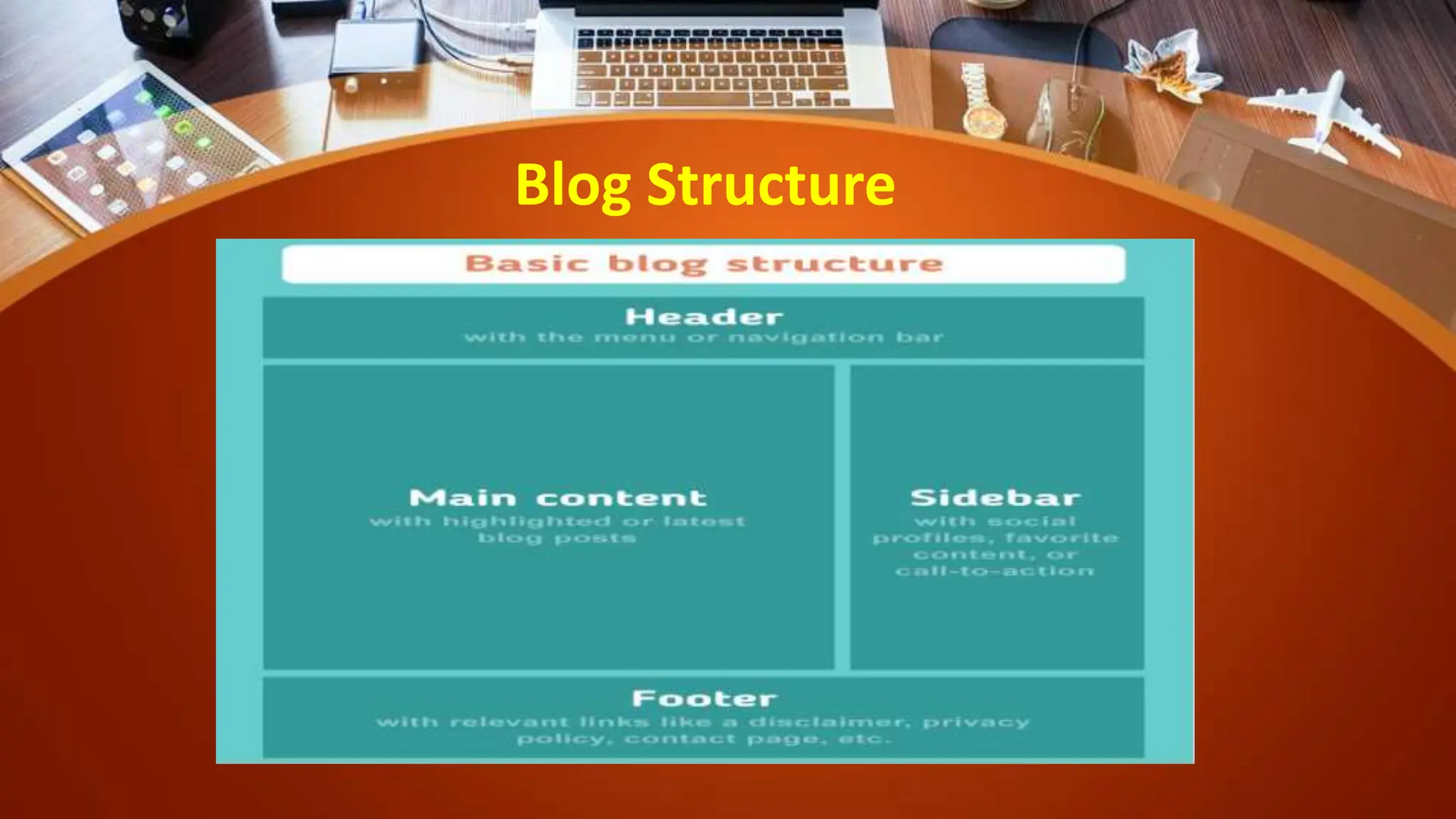
Blog Structure
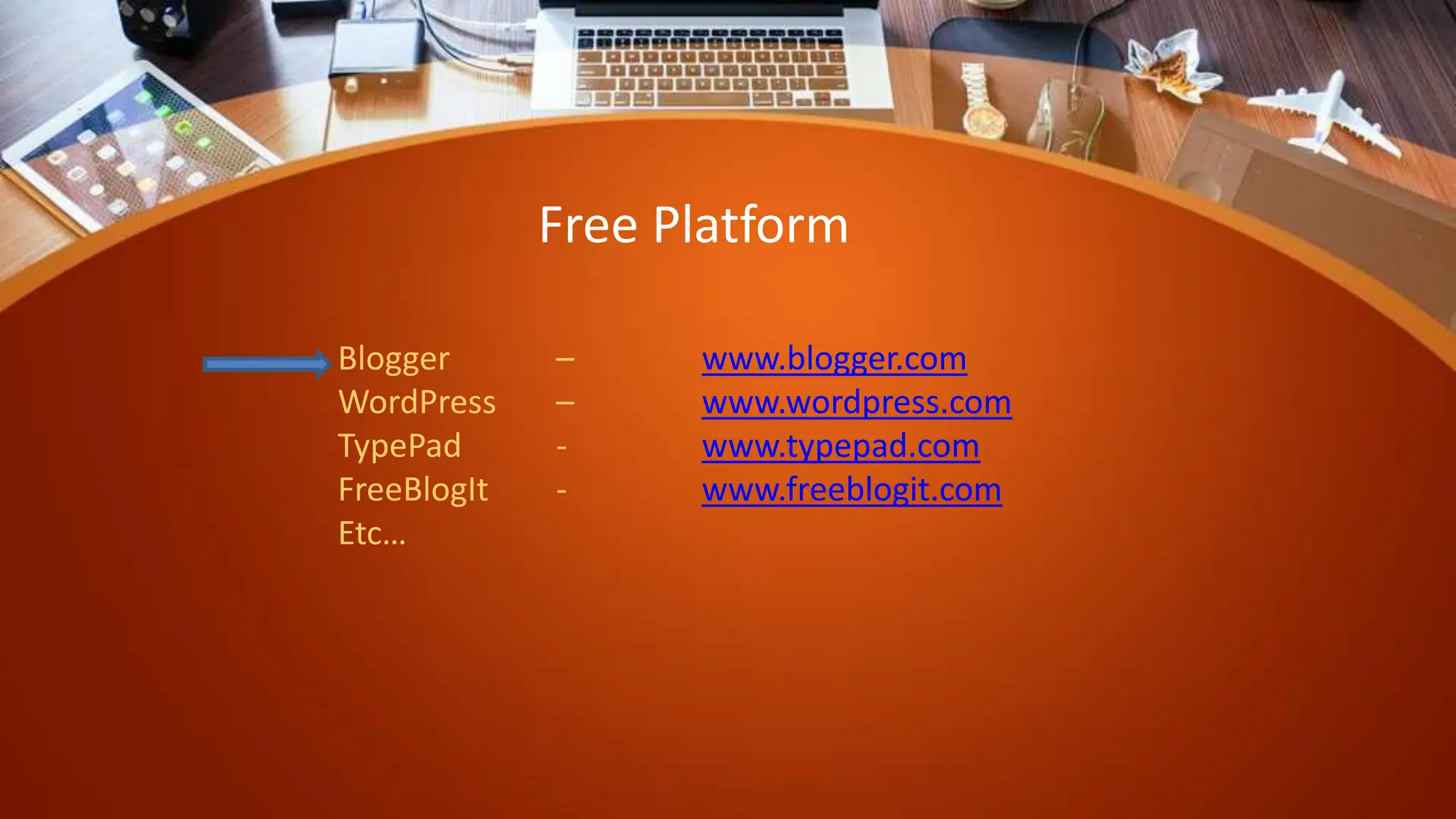
Blogger – www.blogger.com
WordPress – www.wordpress.com
TypePad - www.typepad.com
FreeBlogIt - www.freeblogit.com
Etc…
Free Platform
Want to start a blog on your
own?
Step : 1
• Create your mail ID
– Gmail.
– Yahoo mail
– Outlook
– Zoho mail
– AOL mail
– GMX mail
– Etc…
Step : 2
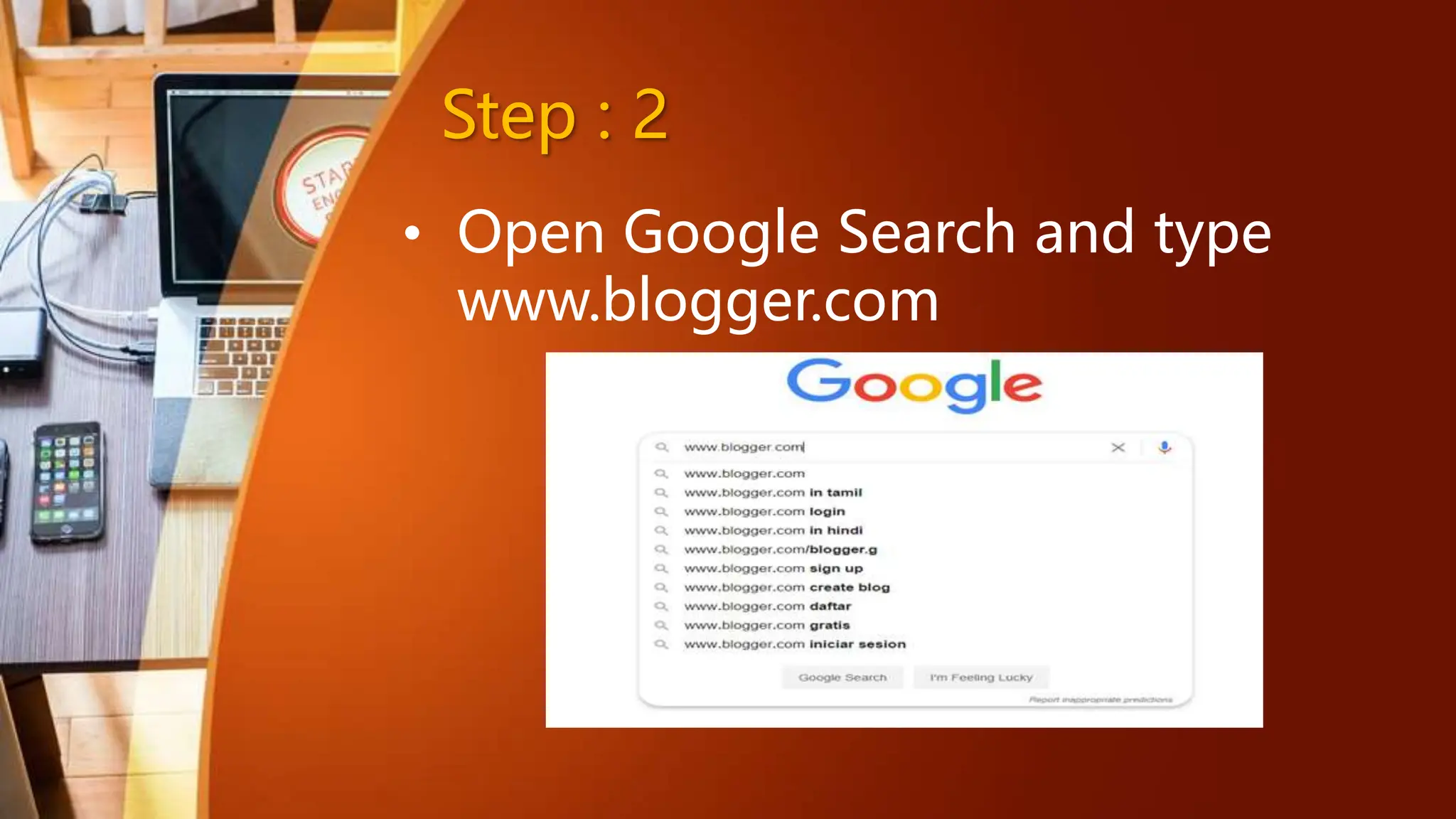
• Open Google Search and type
www.blogger.com
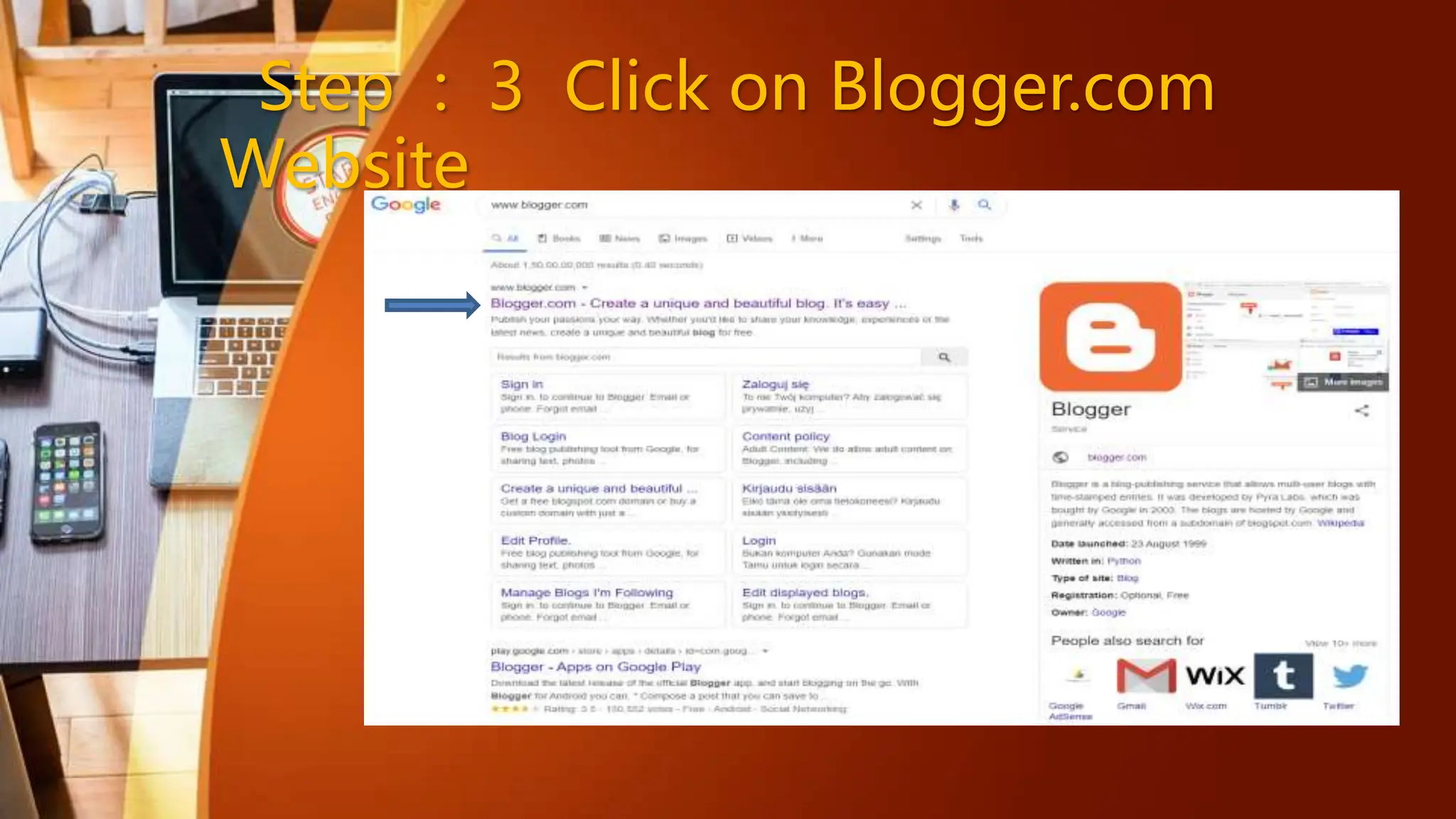
Step : 3 Click on Blogger.com
Website
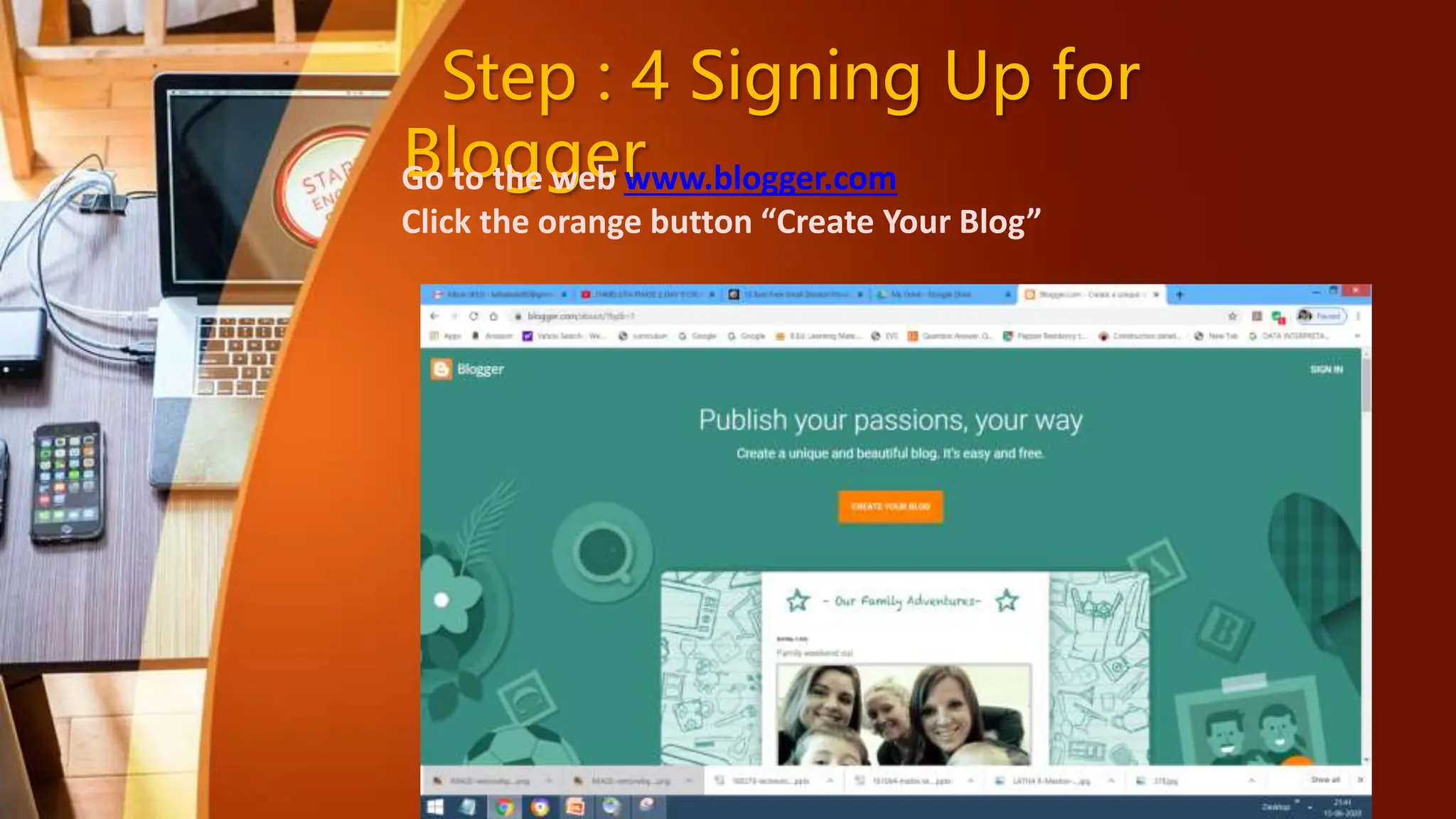
Step : 4 Signing Up for
Blogger
Go to the web www.blogger.com
Click the orange button “Create Your Blog”
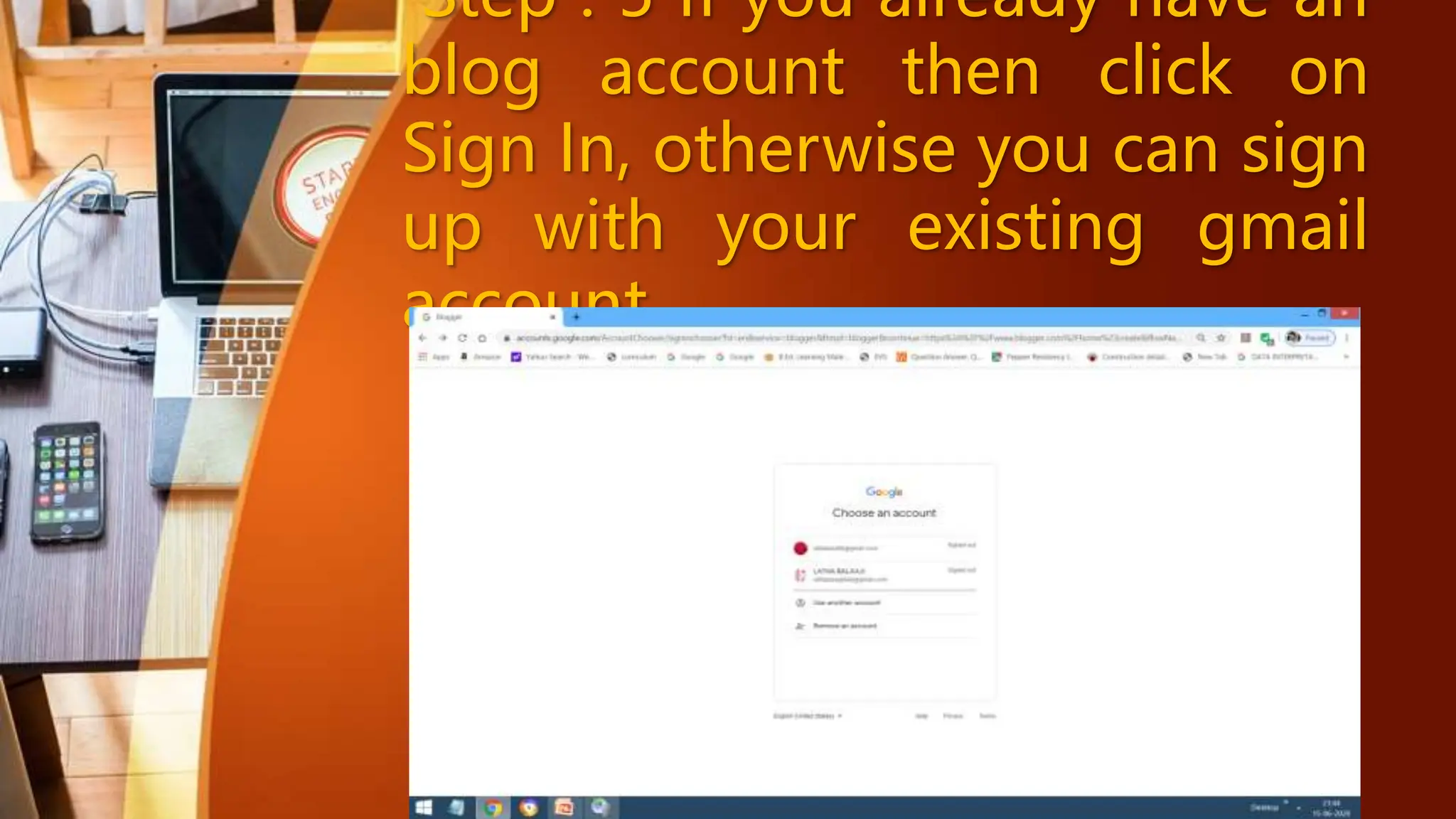
Step : 5 If you already have an
blog account then click on
Sign In, otherwise you can sign
up with your existing gmail
account
Step : 6
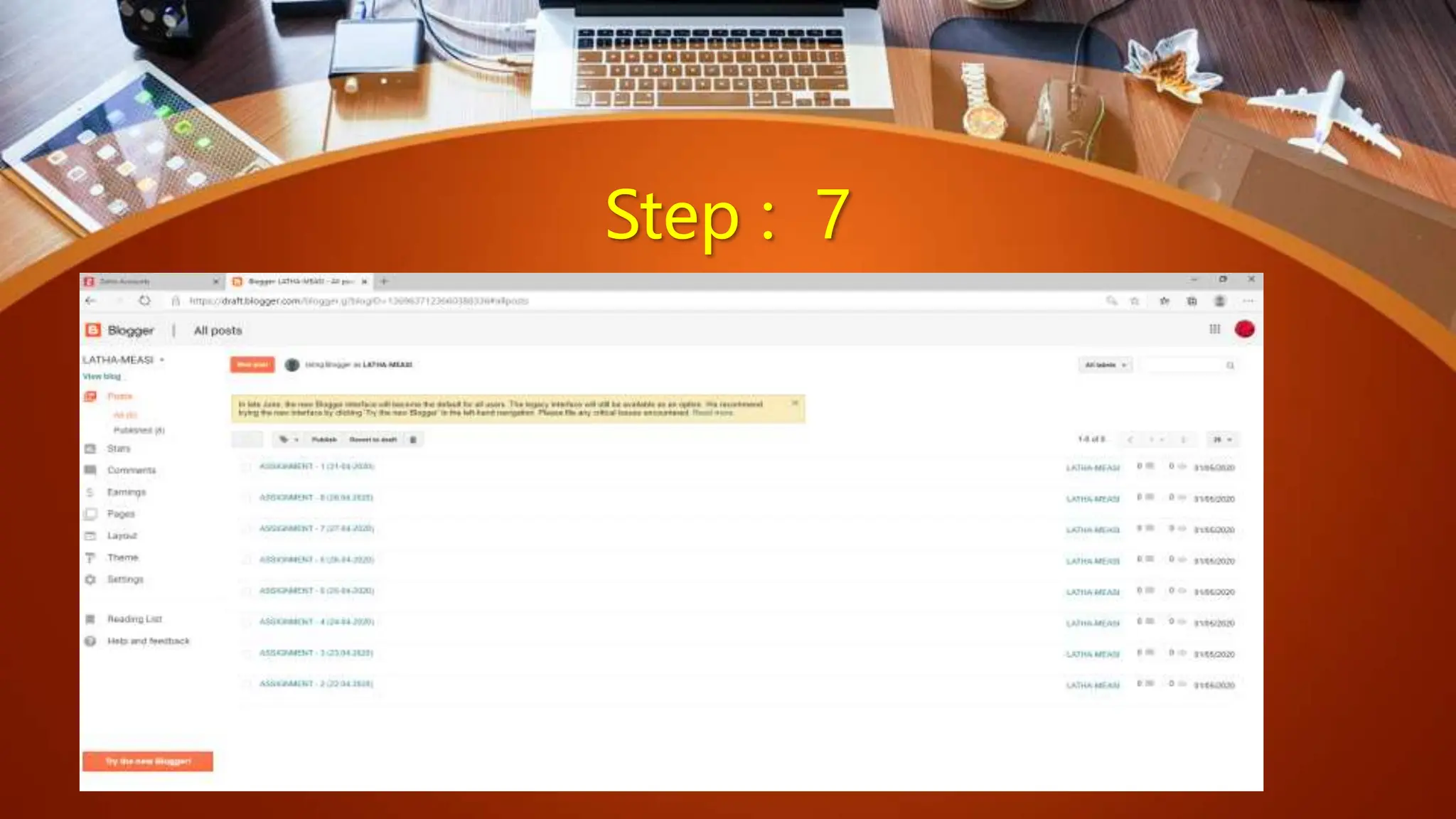
Step : 7
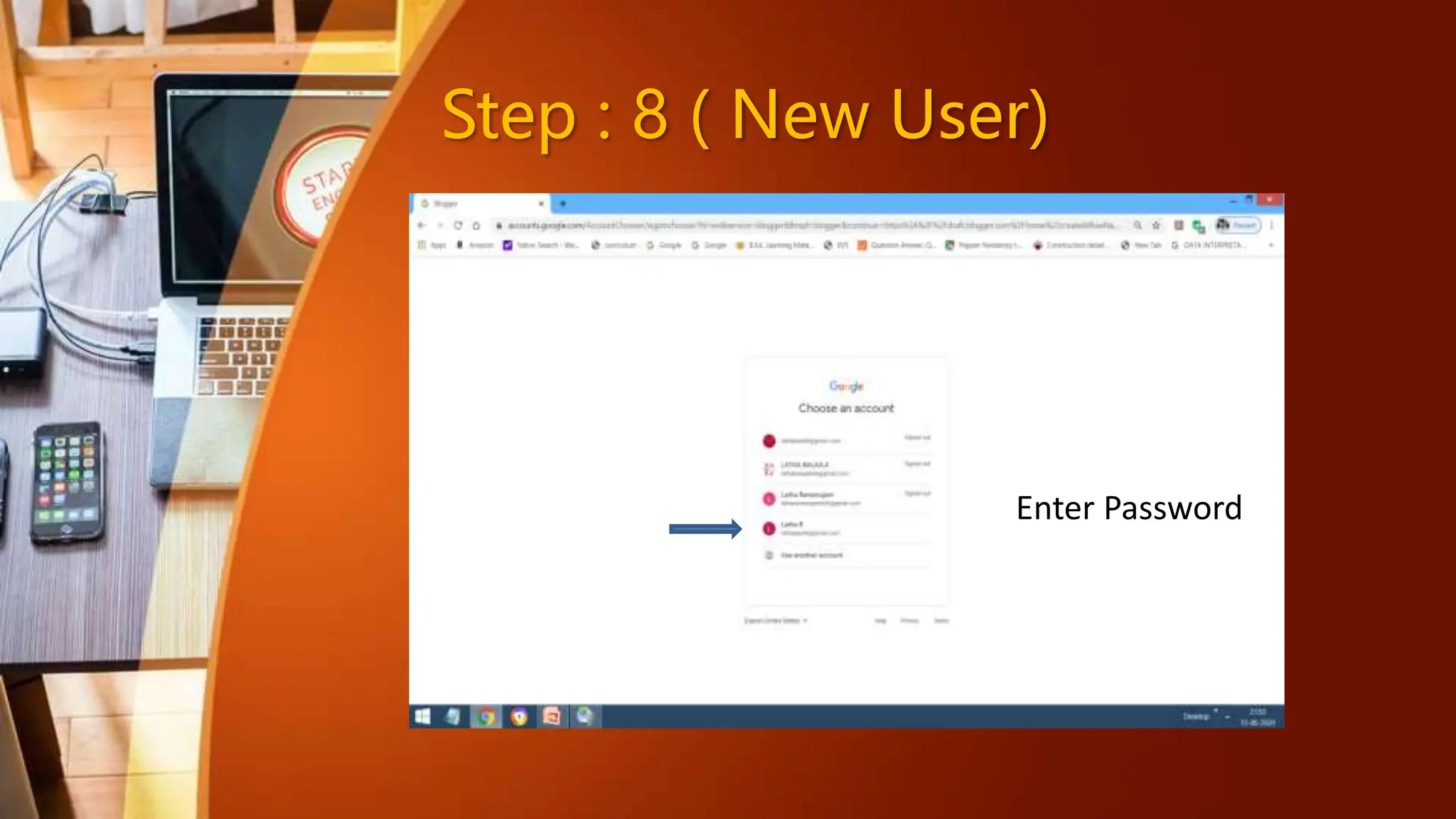
Step : 8 ( New User)
Enter Password
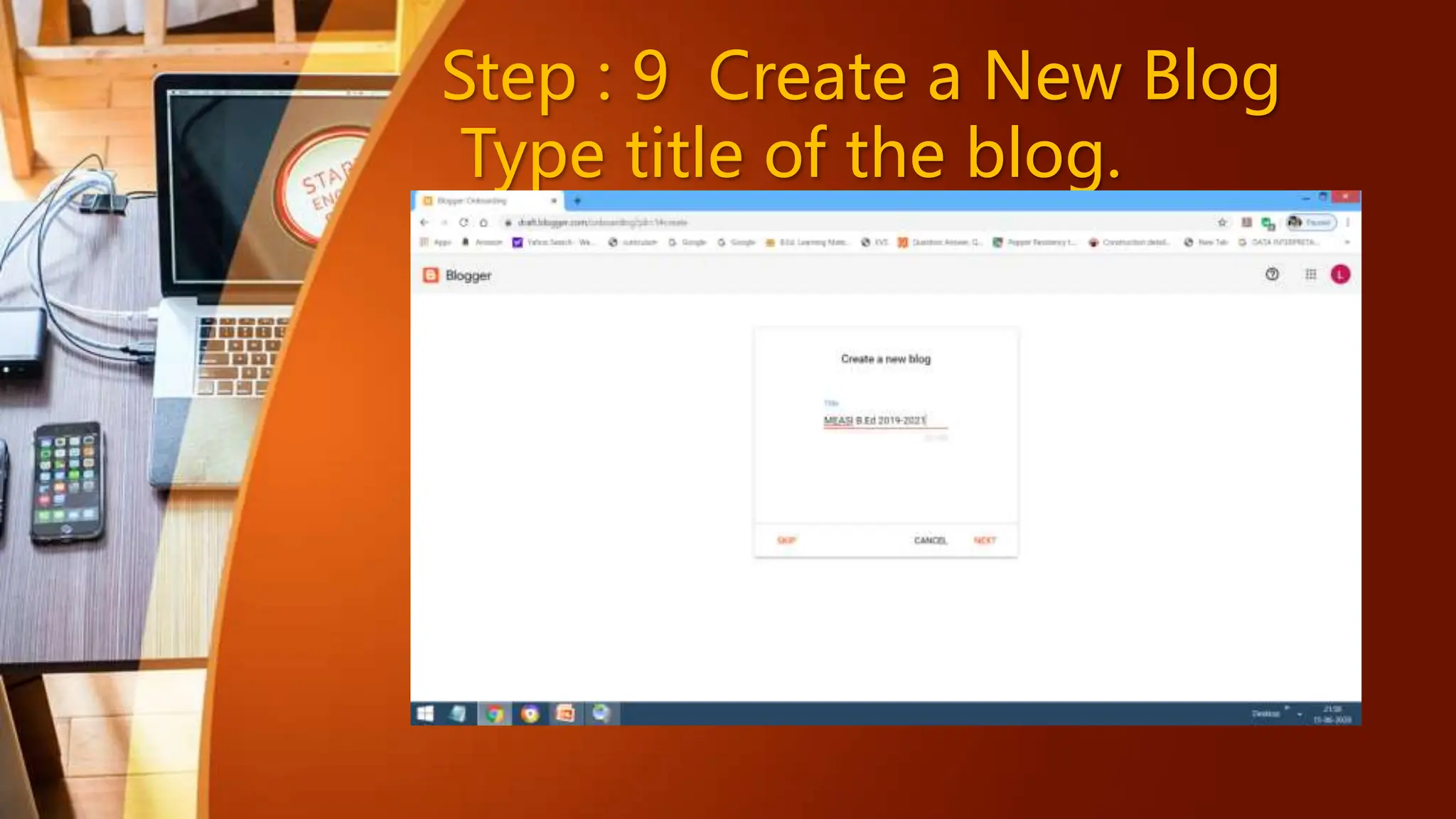
Step : 9 Create a New Blog
Type title of the blog.
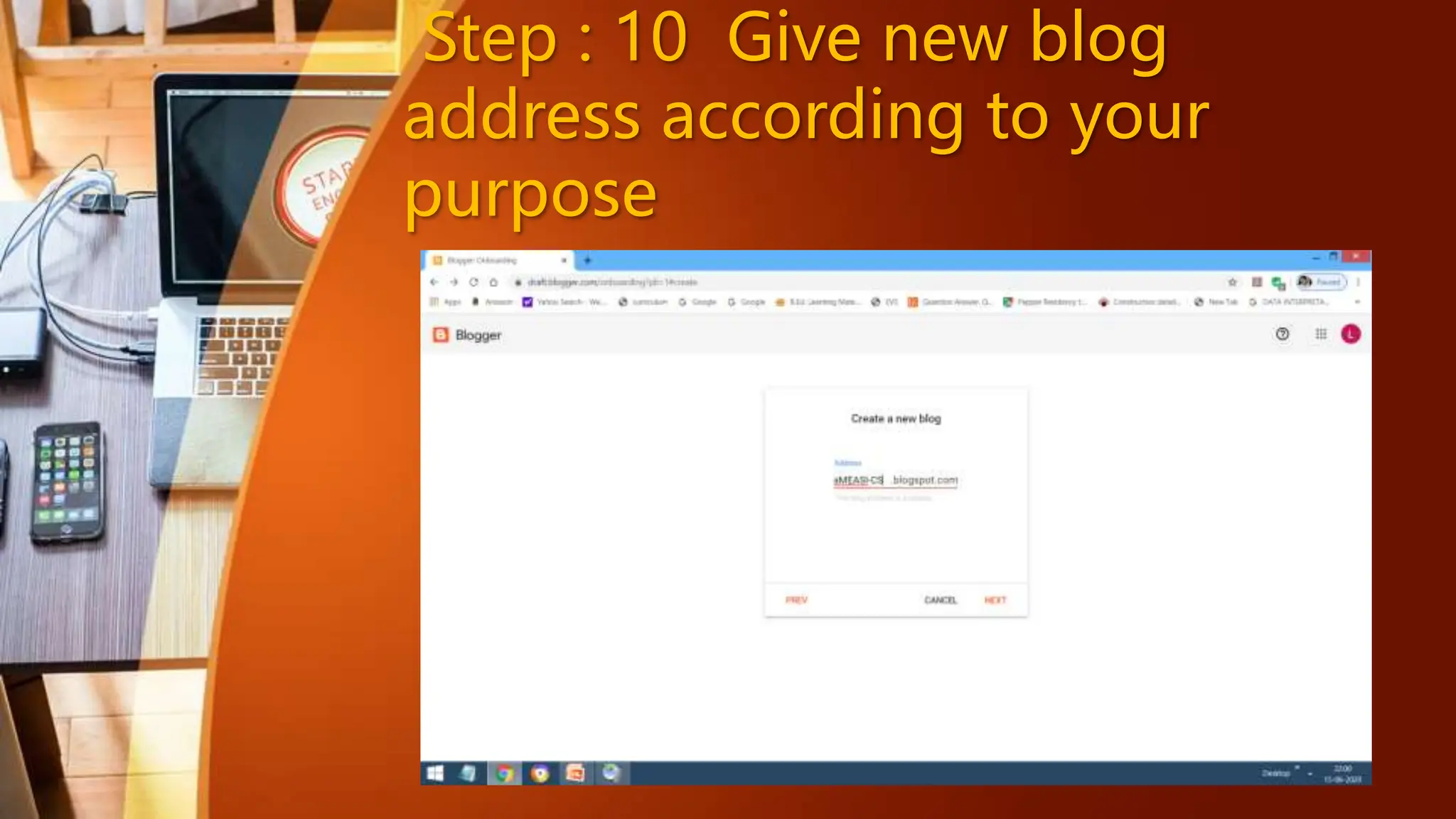
Step : 10 Give new blog
address according to your
purpose
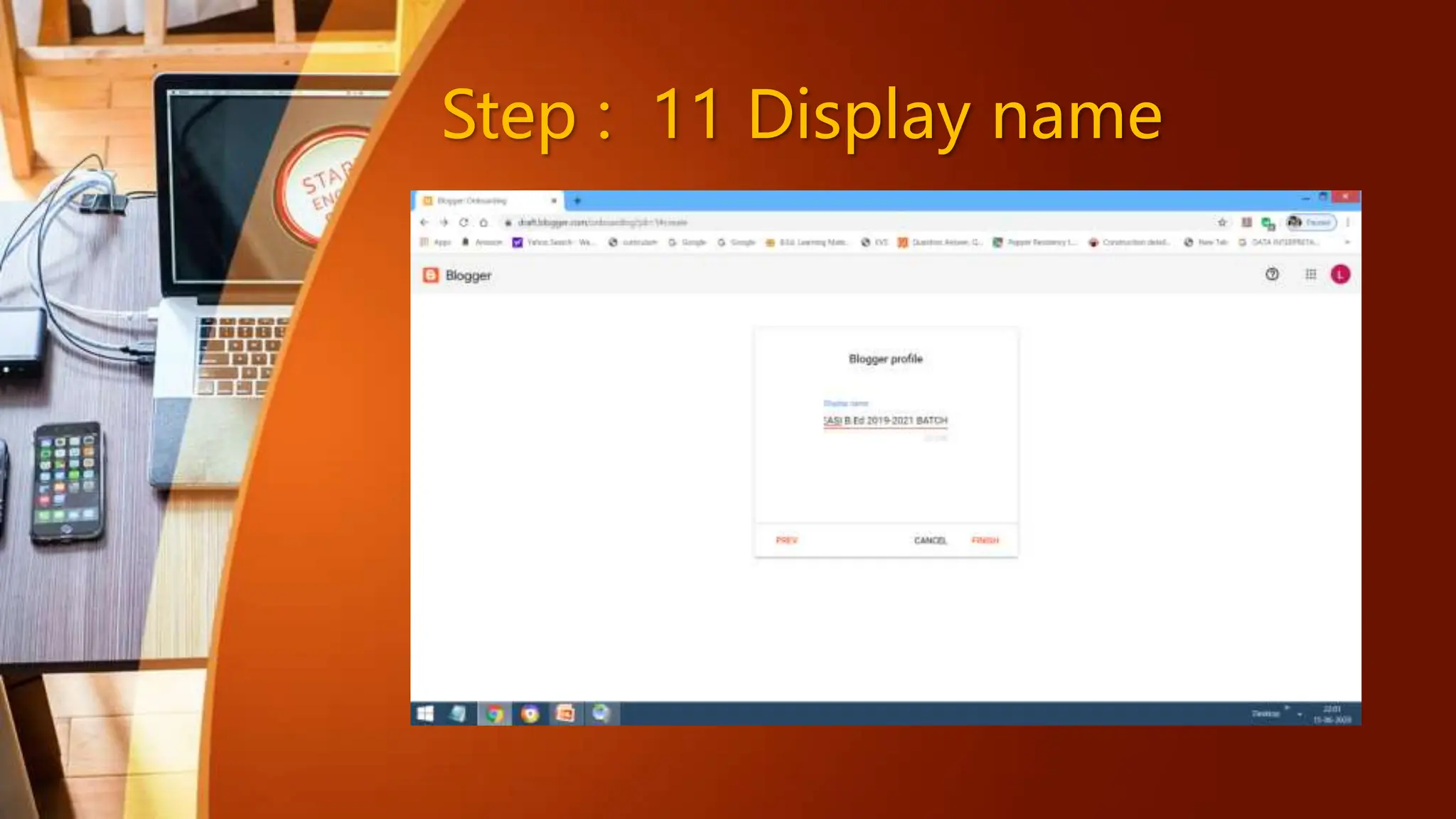
Step : 11 Display name
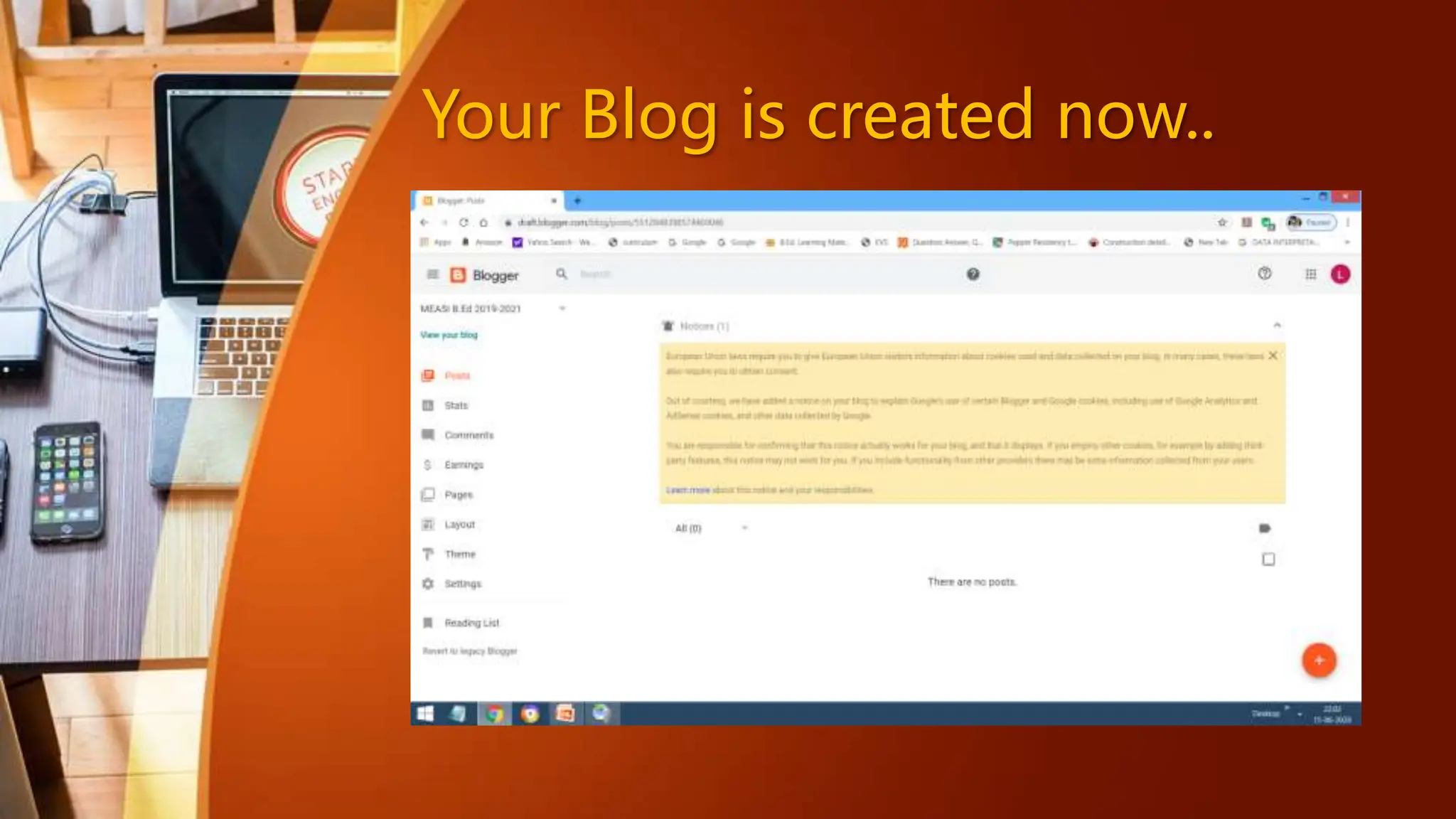
Your Blog is created now..
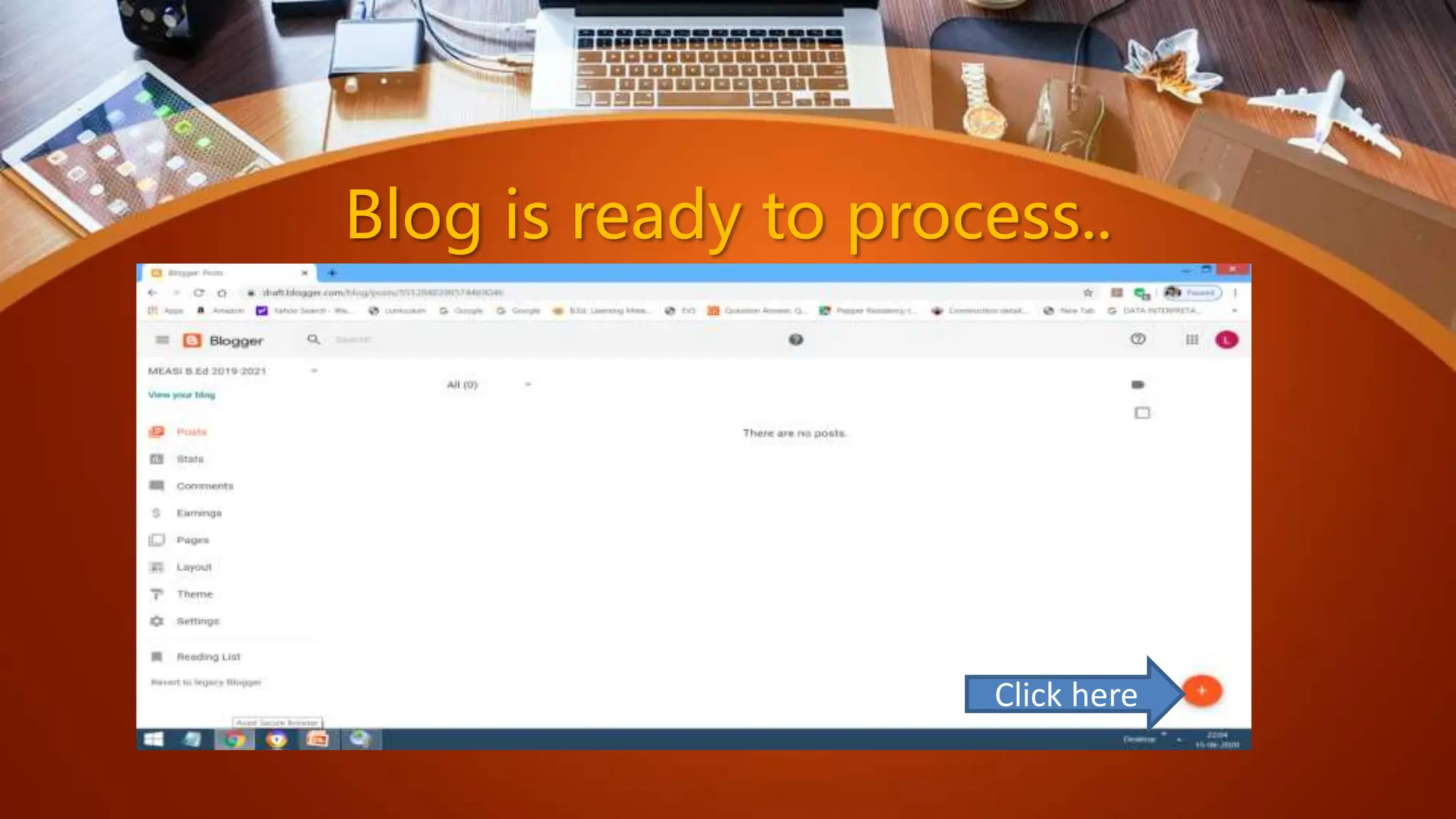
Blog is ready to process..
Click here
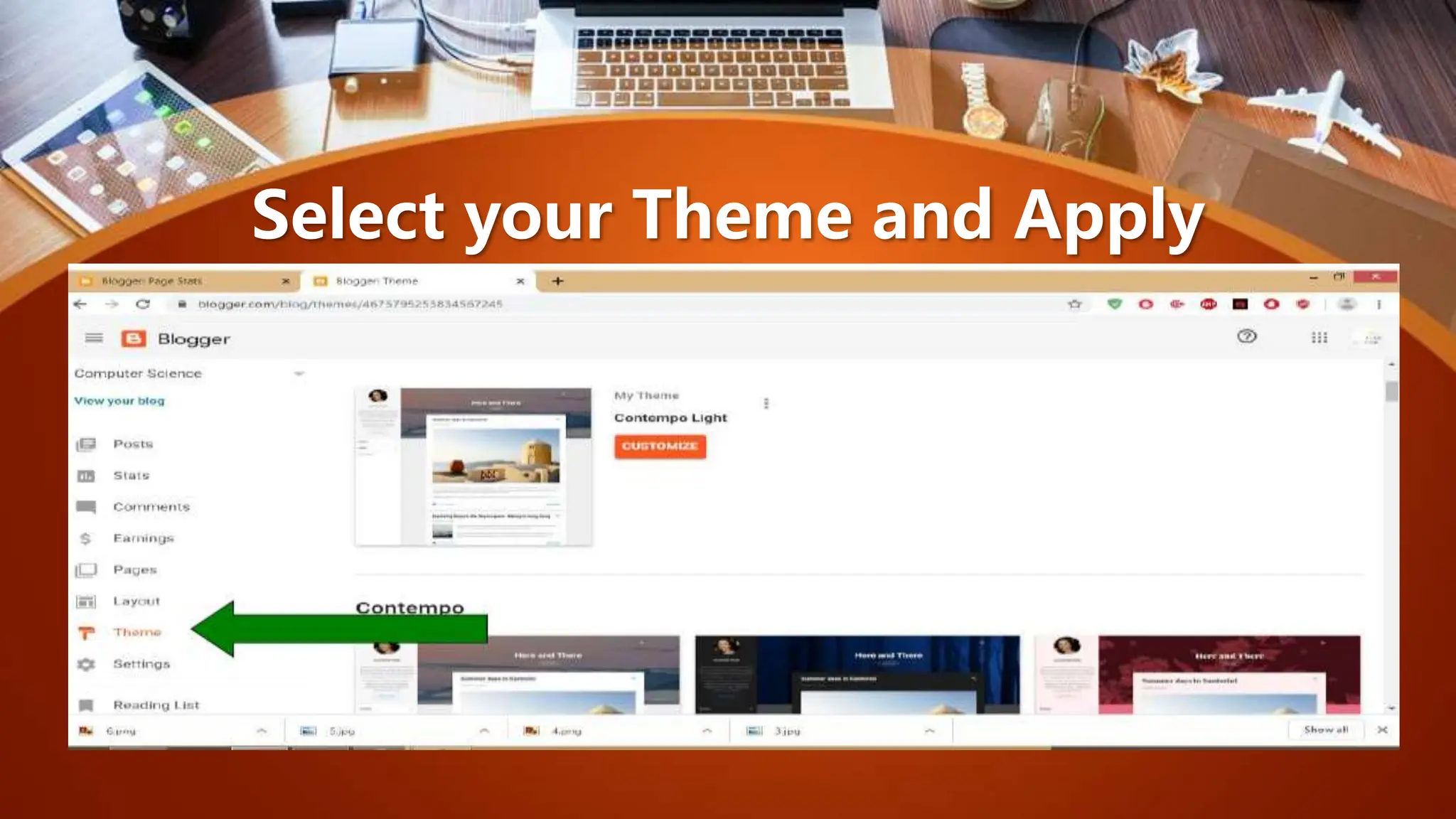
Select your Theme and Apply
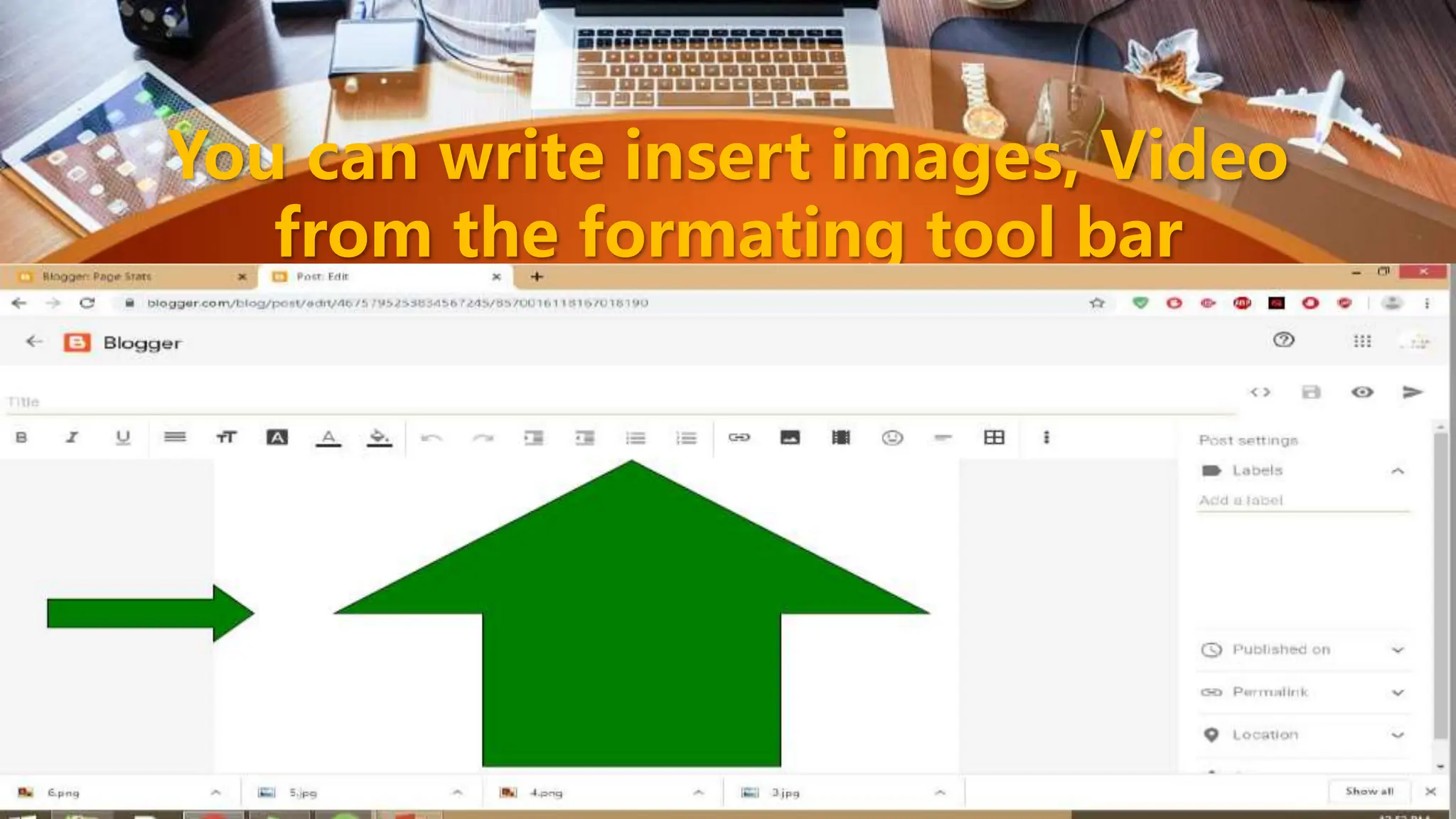
You can write insert images, Video
from the formating tool bar
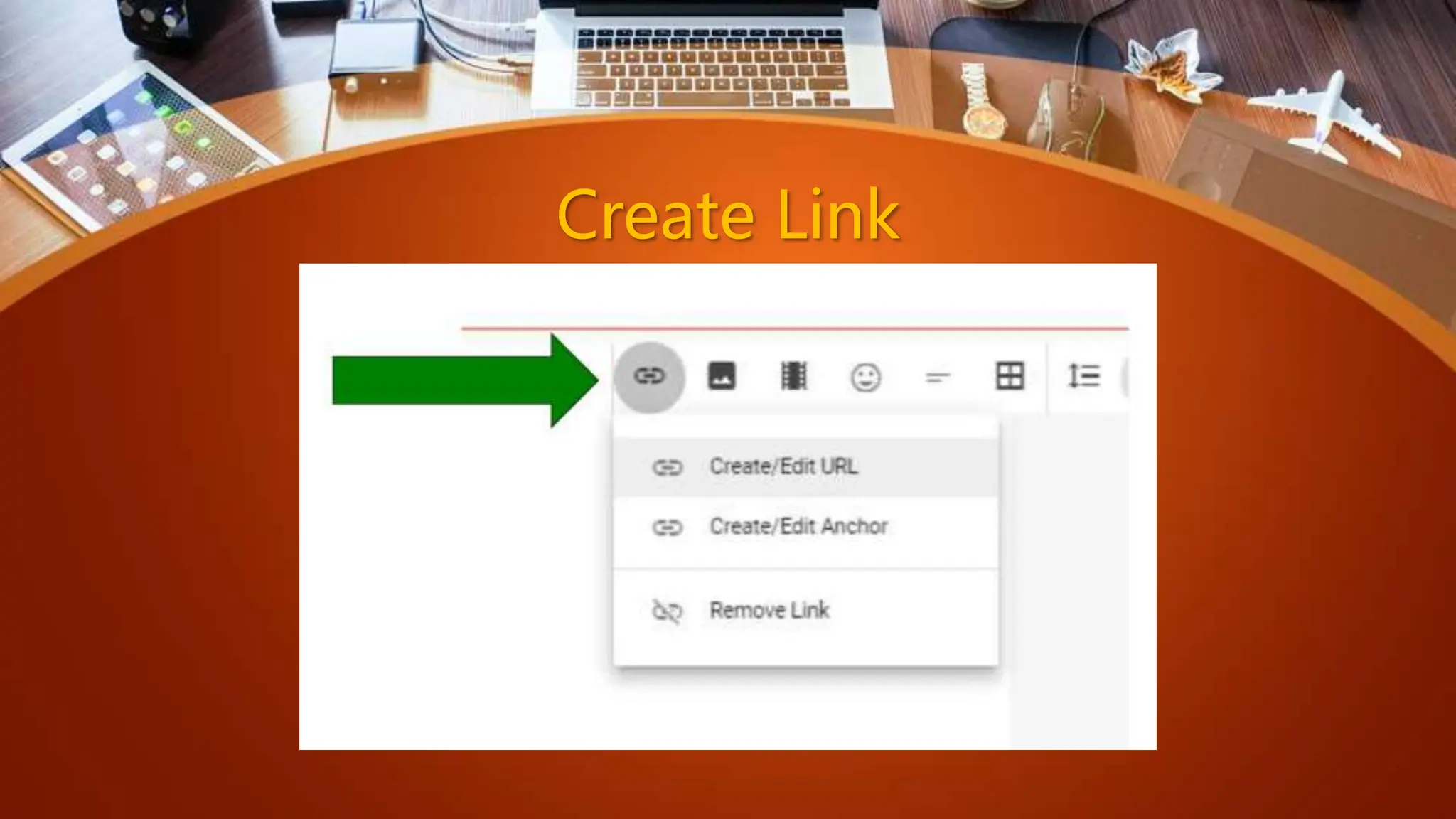
Create Link
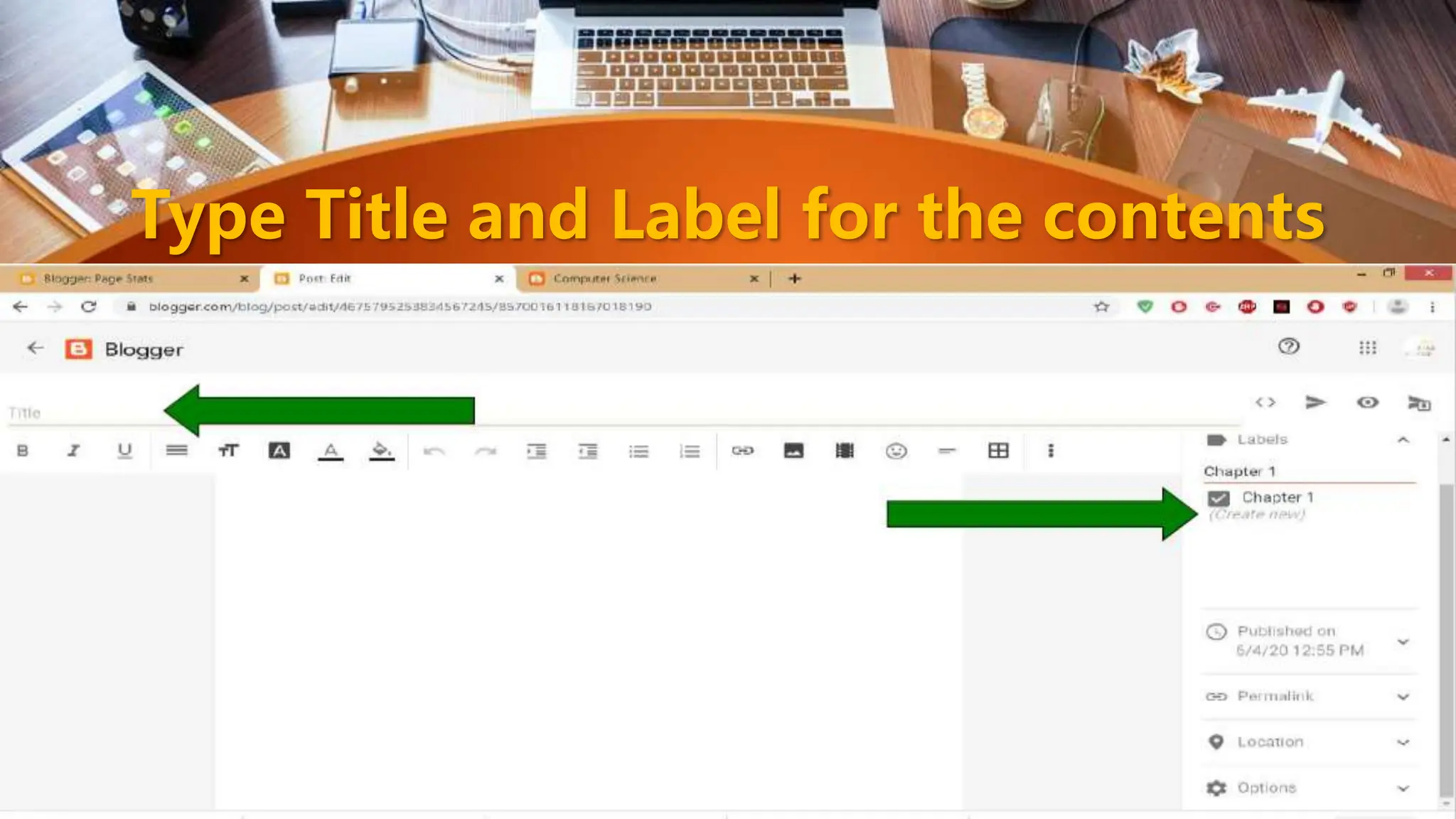
Type Title and Label for the contents
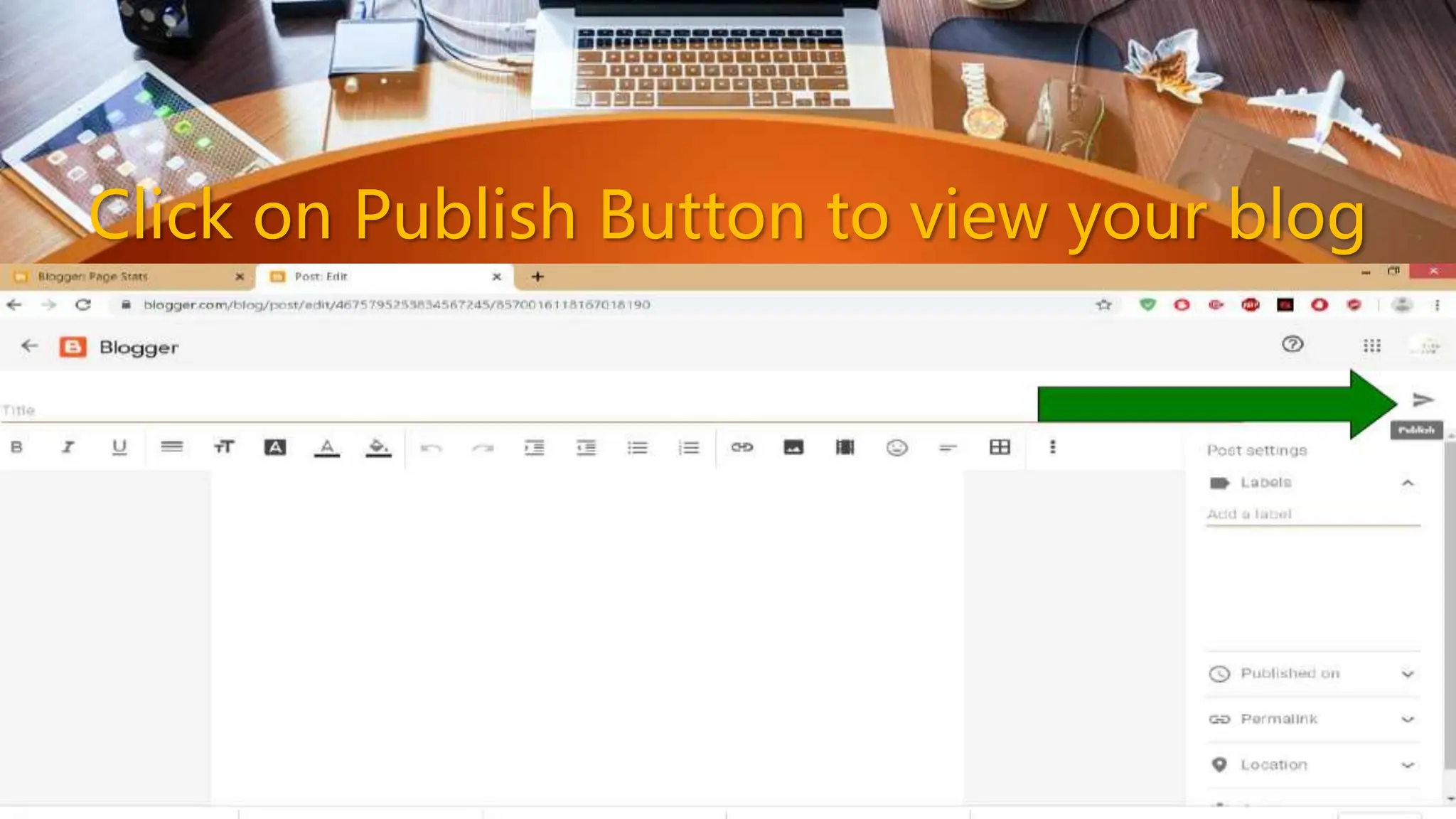
Click on Publish Button to view your blog
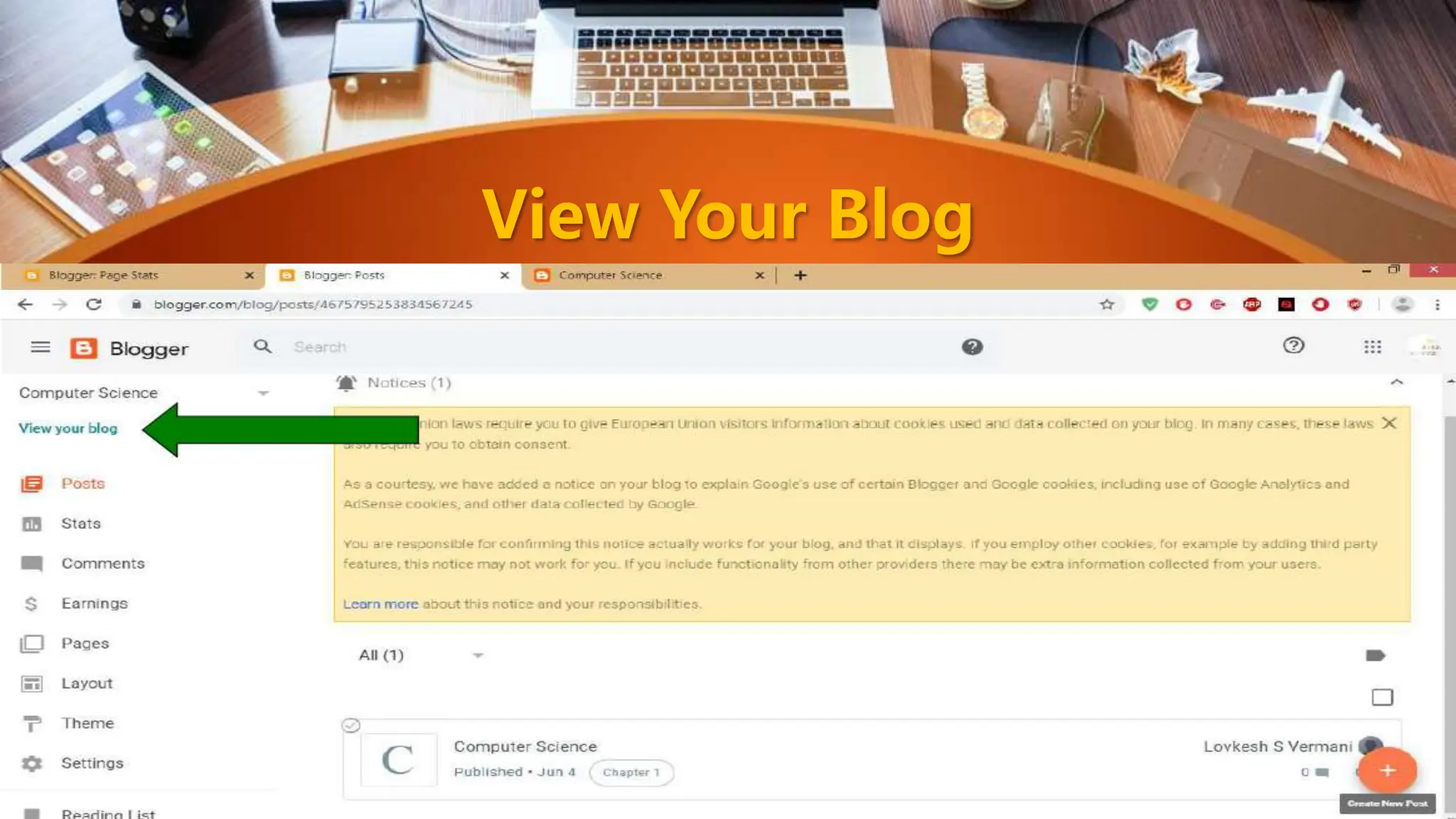
View Your Blog
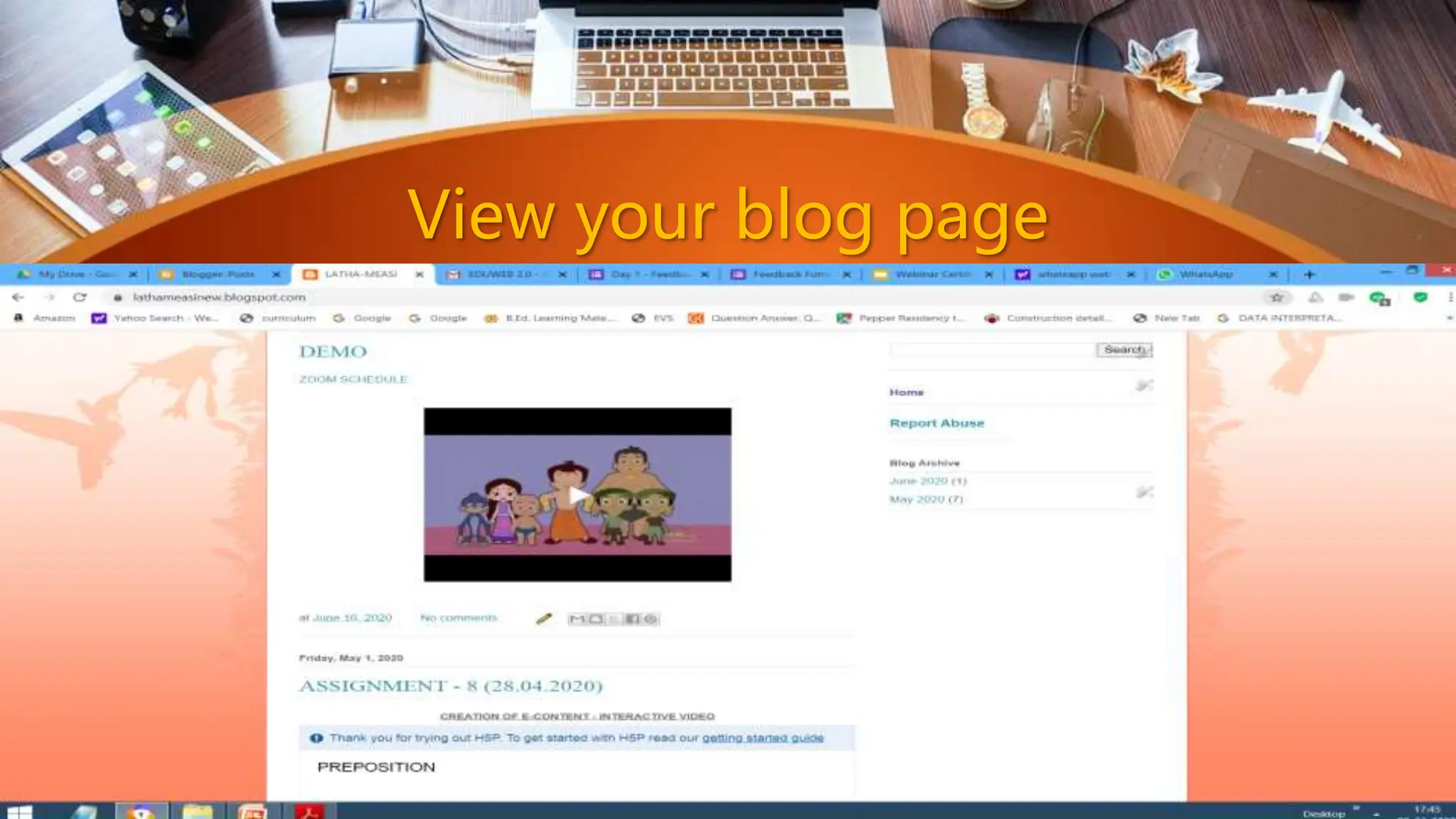
View your blog page
Posting your blog
Social Media -How to create a blog in google

Social Media -How to create a blog in google

  • 1.
    MEASI COLLEGE OFEDUCATION - 10209 Choolai, Chennai - 600112
  • 2.
    Creating Your OwnBlog R. LATHA Assistant Professor Department of Computer Science MEASI College of Education
  • 3.
    What is Blog? •A blog shortening of “weblog” is an online journal, or a personal diary or informational website. • It is a platform where a writer or even a group of writers share their views on an individual subject. • Displaying information in the reverse chronological order, with the latest posts appearing first. • This is the place to post your thoughts and opinions pertaining to a particular subject matter.
  • 4.
    Blog • Title, themain title or headline of the post. • Body, main content of the post. • Permalink, URL of the full, individual article. • Post Date, date and time the post was published.
  • 5.
    Blog (Optional) • Comments •Categories ( or tag) – subject that the entry discusses. • Trackback and or pingback – links to other sites that refers to the entry.
  • 6.
    WIIFM • “What’s InIt For Me” • Your reader will read your post looking for what’s in it for them. • Make it valuable • Keep it shot • Avoid mistakes • Keep it lively and Interesting
  • 7.
    What is Blogging? • Blogging is the set of many skills that one needs to run and control a blog. • Equipping web page with tools to make the process of writing, posting, linking, and sharing content easier on the internet.
  • 8.
    What is thepurpose of a blog? • Personal Blogs • Business Blogs • Educational Blogs • Corporate Blogs • Military Blogs • Political Blogs • House Blogs • Travels Blogs • Project Blogs • Etc…
  • 9.
  • 10.
    Blogger – www.blogger.com WordPress– www.wordpress.com TypePad - www.typepad.com FreeBlogIt - www.freeblogit.com Etc… Free Platform
  • 11.
    Want to starta blog on your own?
  • 13.
    Step : 1 •Create your mail ID – Gmail. – Yahoo mail – Outlook – Zoho mail – AOL mail – GMX mail – Etc…
  • 14.
    Step : 2 •Open Google Search and type www.blogger.com
  • 15.
    Step : 3Click on Blogger.com Website
  • 16.
    Step : 4Signing Up for Blogger Go to the web www.blogger.com Click the orange button “Create Your Blog”
  • 17.
    Step : 5If you already have an blog account then click on Sign In, otherwise you can sign up with your existing gmail account
  • 18.
  • 19.
  • 20.
    Step : 8( New User) Enter Password
  • 21.
    Step : 9Create a New Blog Type title of the blog.
  • 22.
    Step : 10Give new blog address according to your purpose
  • 23.
    Step : 11Display name
  • 24.
    Your Blog iscreated now..
  • 25.
    Blog is readyto process.. Click here
  • 26.
  • 27.
    You can writeinsert images, Video from the formating tool bar
  • 28.
  • 29.
    Type Title andLabel for the contents
  • 30.
    Click on PublishButton to view your blog
  • 31.
  • 32.
  • 33.