
ServiceDesk Plus Overview

        Rodrigo Miranda
       Mirandell Sistemas
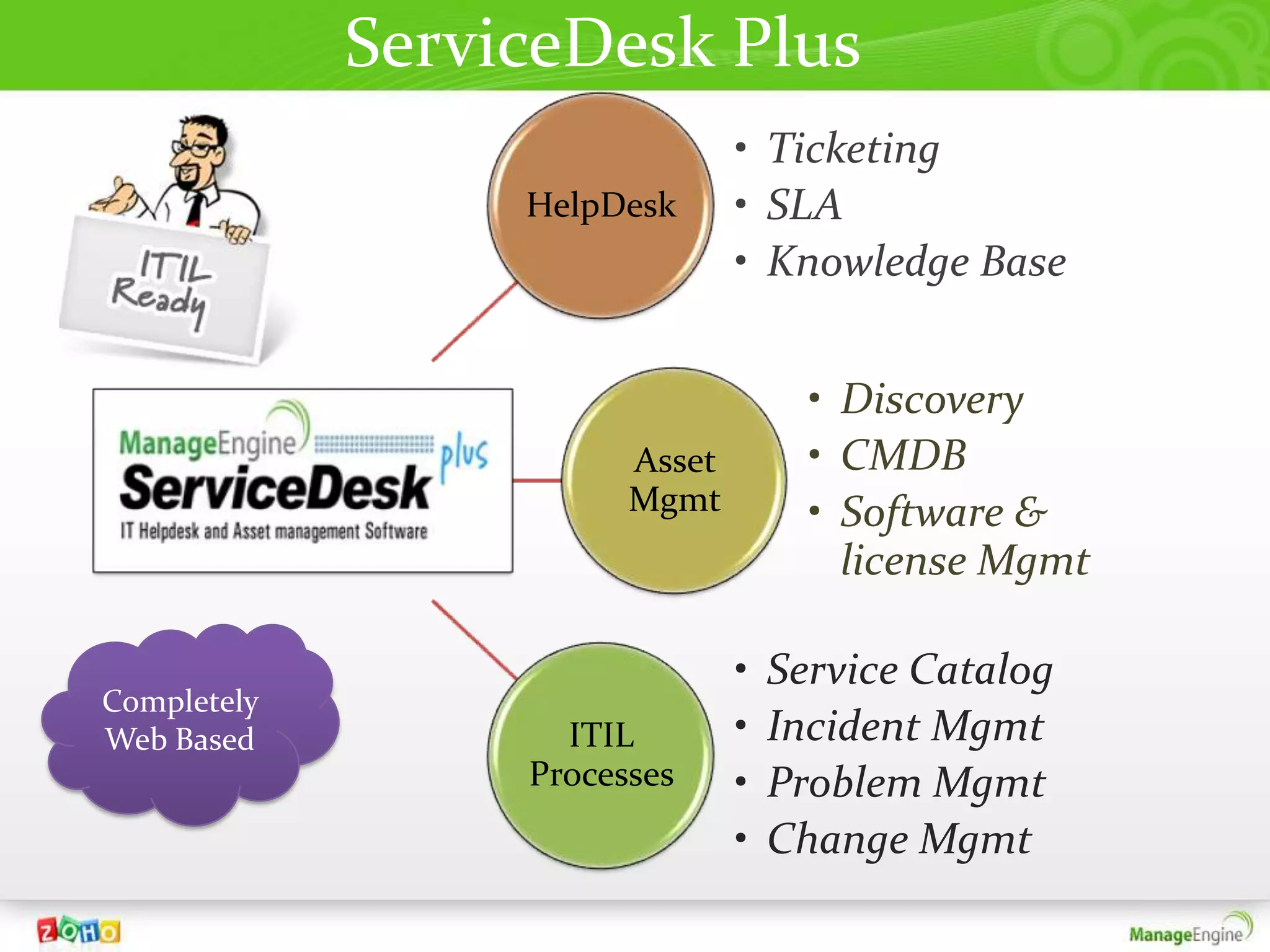
ServiceDesk Plus
                                • Ticketing
                  HelpDesk      • SLA
                                • Knowledge Base


                                      • Discovery
                        Asset         • CMDB
                        Mgmt          • Software &
                                        license Mgmt

                                •   Service Catalog
Completely
Web Based           ITIL        •   Incident Mgmt
                  Processes     •   Problem Mgmt
                                •   Change Mgmt
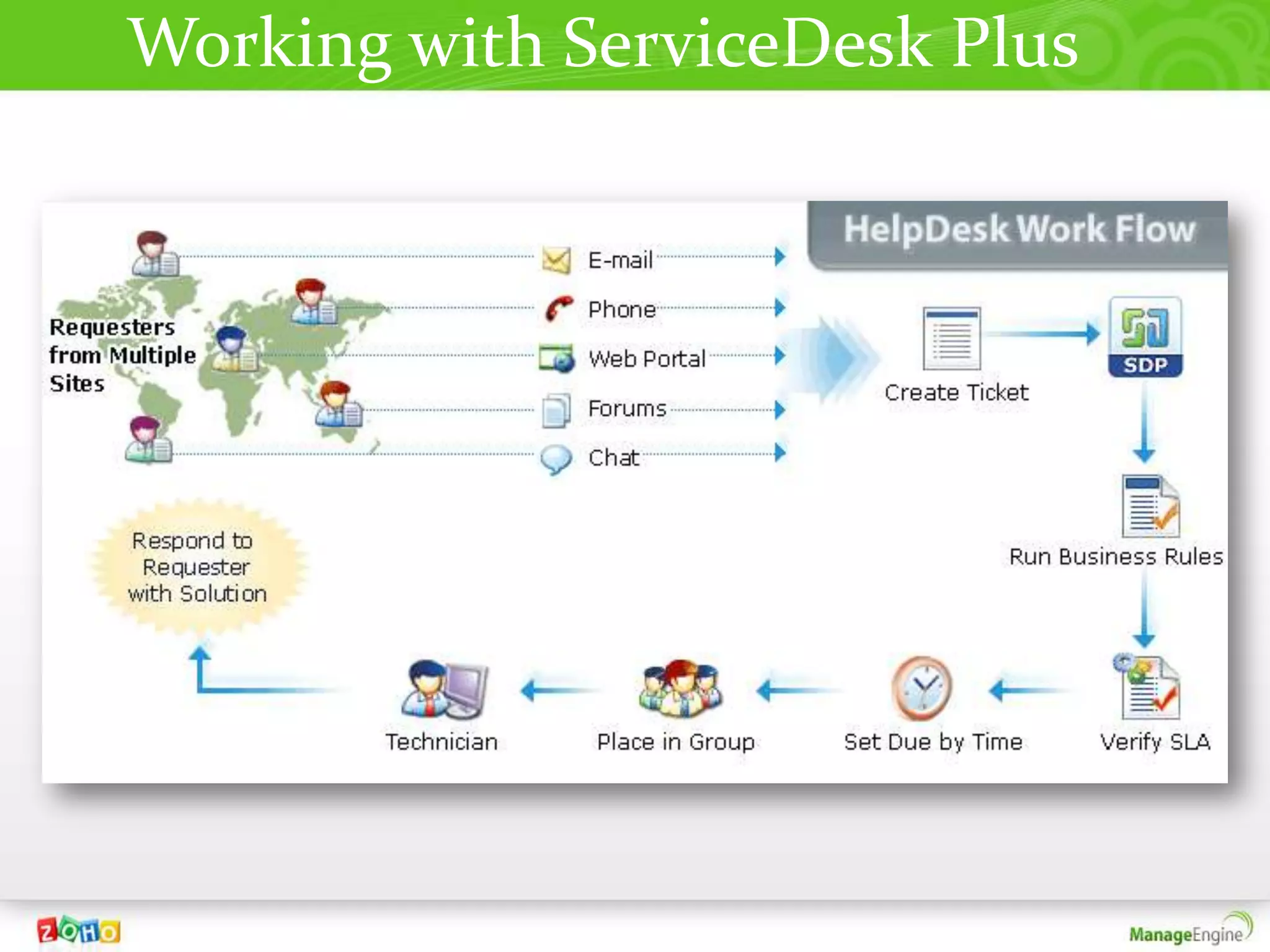
Working with ServiceDesk Plus
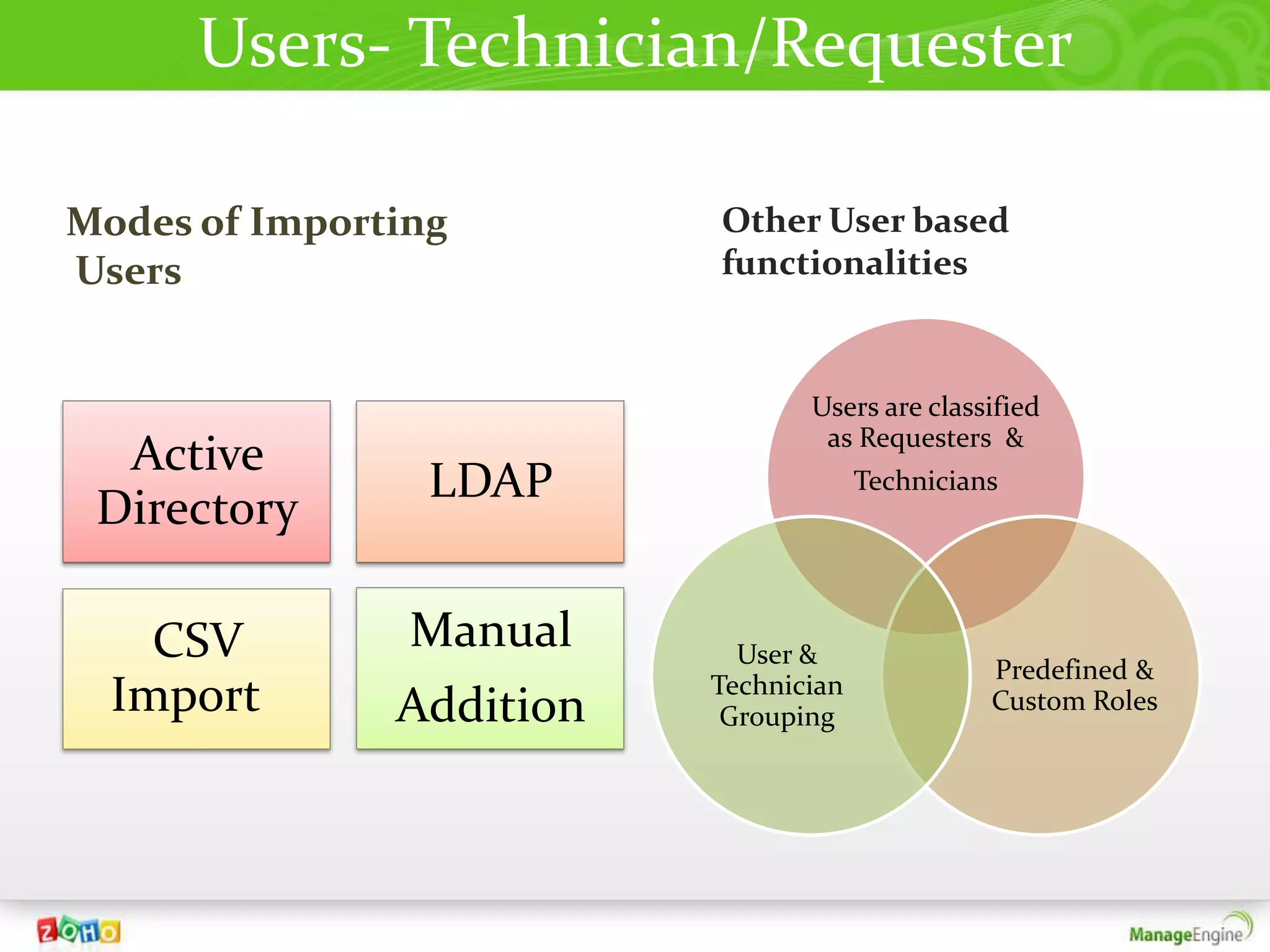
Users- Technician/Requester

Modes of Importing        Other User based
Users                     functionalities


                                 Users are classified
                                  as Requesters &
  Active
                 LDAP                  Technicians
 Directory

    CSV         Manual      User &
                                                 Predefined &
                          Technician
  Import       Addition    Grouping
                                                 Custom Roles
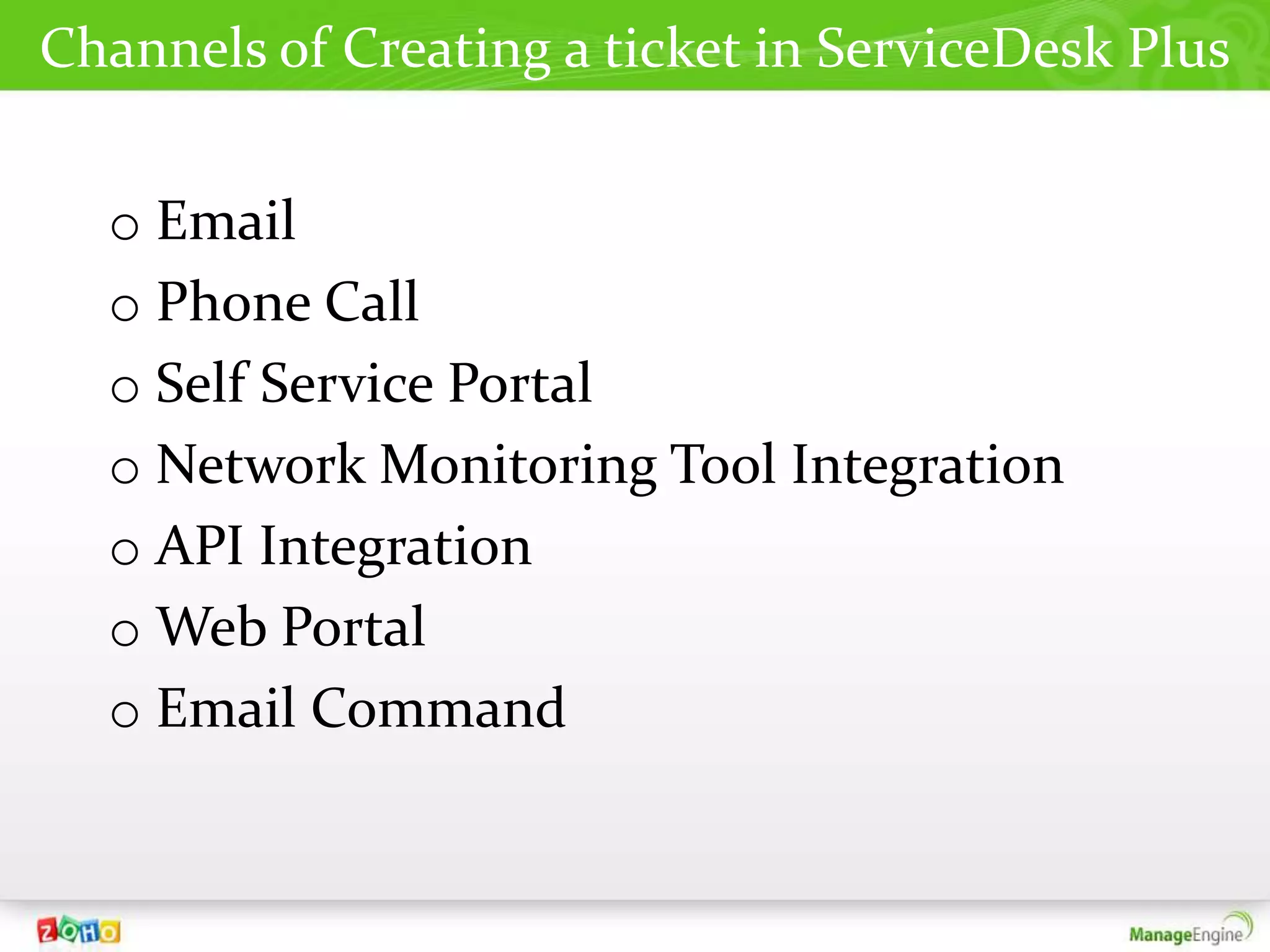
Channels of Creating a ticket in ServiceDesk Plus


  o Email
  o Phone Call
  o Self Service Portal
  o Network Monitoring Tool Integration
  o API Integration
  o Web Portal
  o Email Command
Automations
       In
ServiceDesk Plus
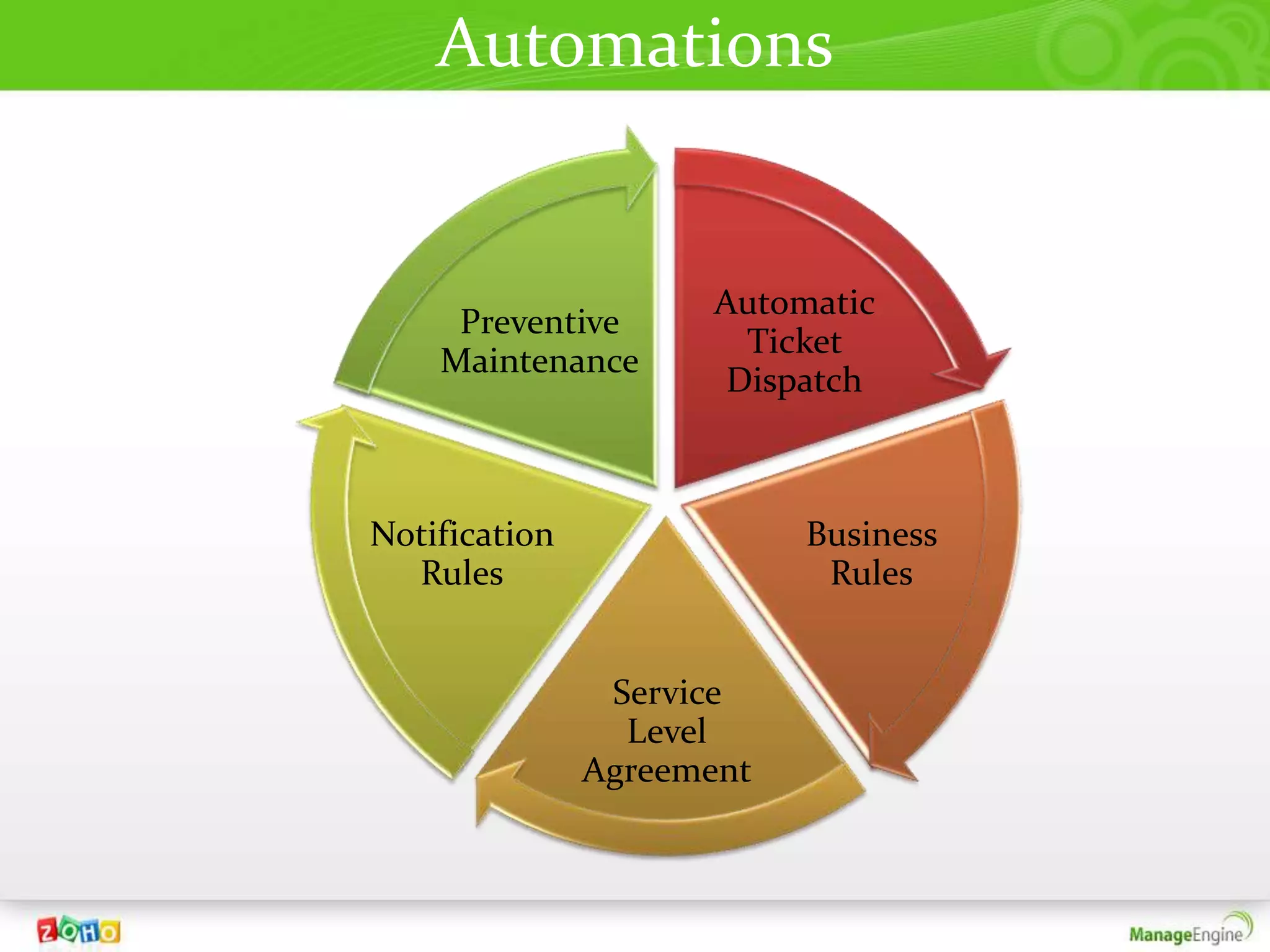
Automations


                      Automatic
     Preventive
                        Ticket
    Maintenance
                       Dispatch


Notification               Business
  Rules                     Rules


                Service
                 Level
               Agreement
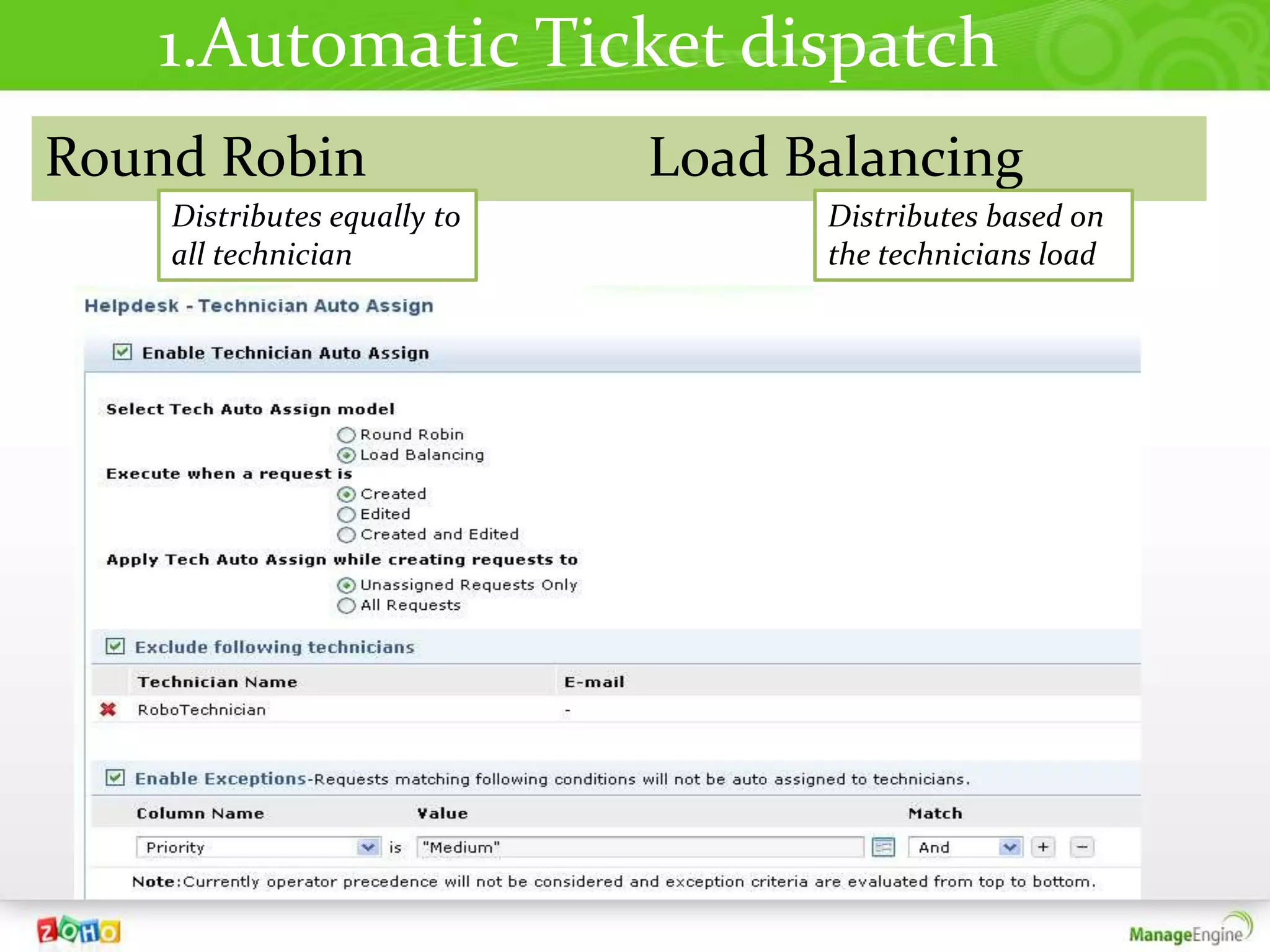
1.Automatic Ticket dispatch
Round Robin                  Load Balancing
    Distributes equally to         Distributes based on
    all technician                 the technicians load
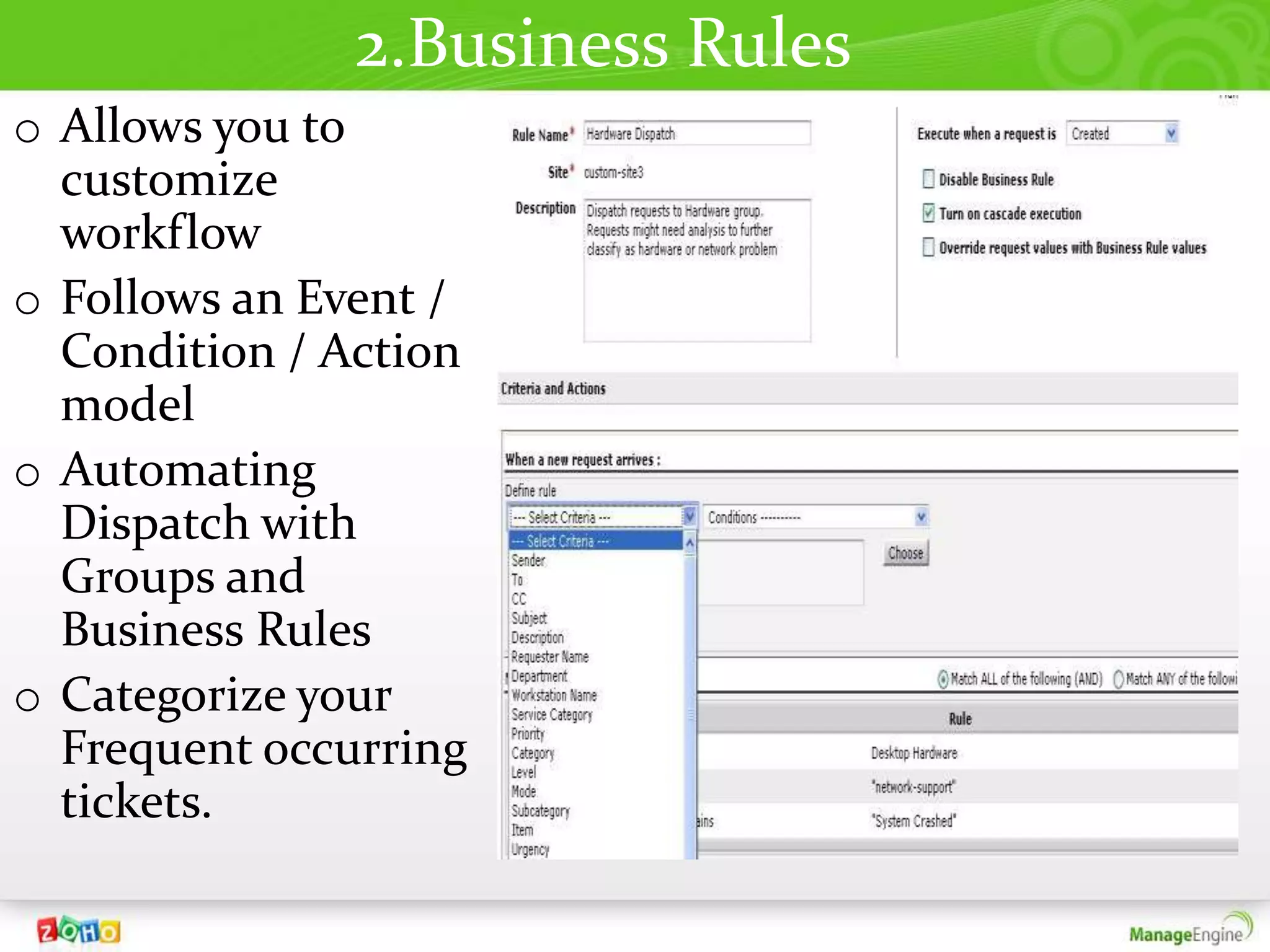
2.Business Rules
o Allows you to
  customize
  workflow
o Follows an Event /
  Condition / Action
  model
o Automating
  Dispatch with
  Groups and
  Business Rules
o Categorize your
  Frequent occurring
  tickets.
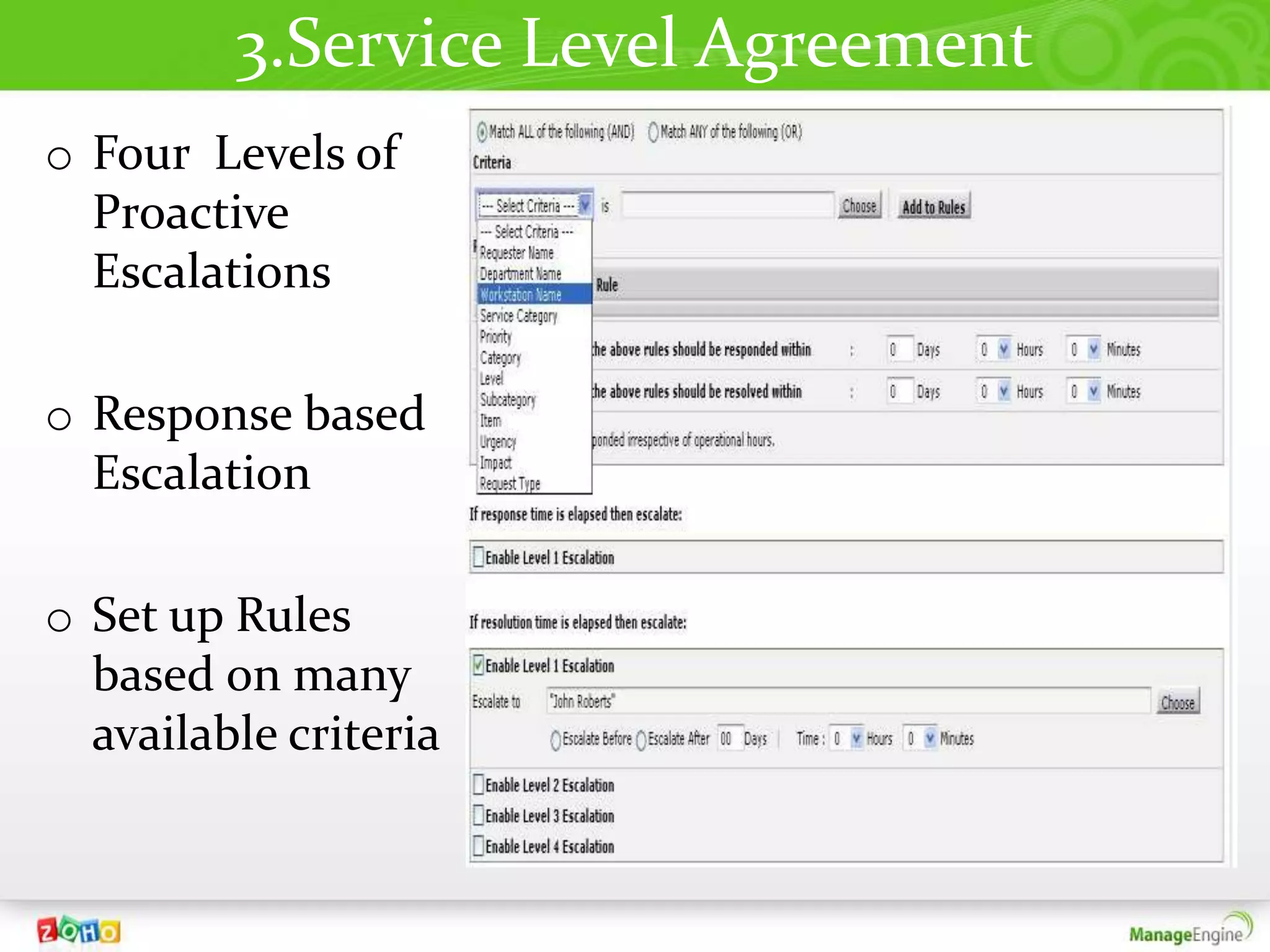
3.Service Level Agreement
o Four Levels of
  Proactive
  Escalations

o Response based
  Escalation

o Set up Rules
  based on many
  available criteria
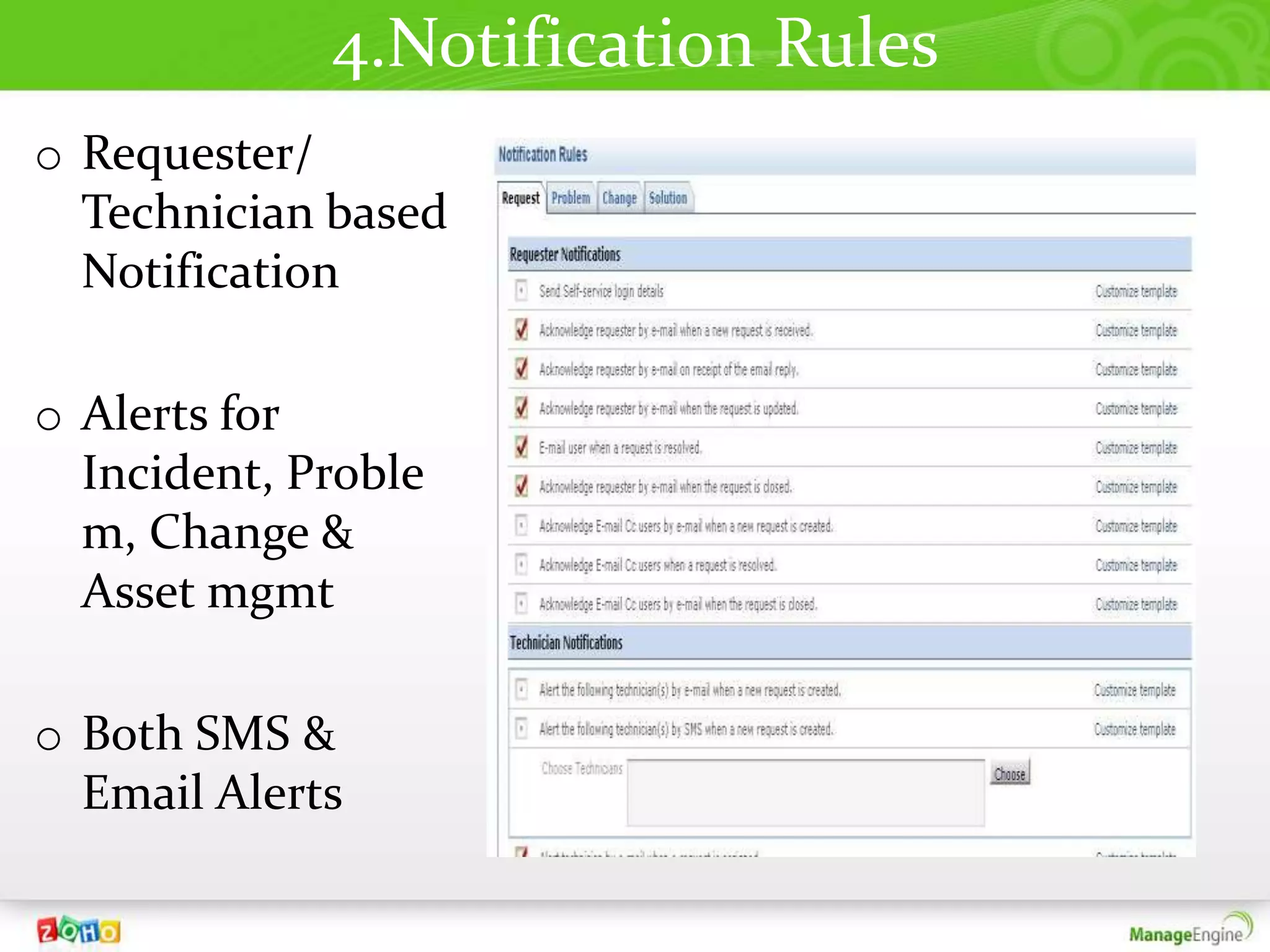
4.Notification Rules
o Requester/
  Technician based
  Notification

o Alerts for
  Incident, Proble
  m, Change &
  Asset mgmt

o Both SMS &
  Email Alerts
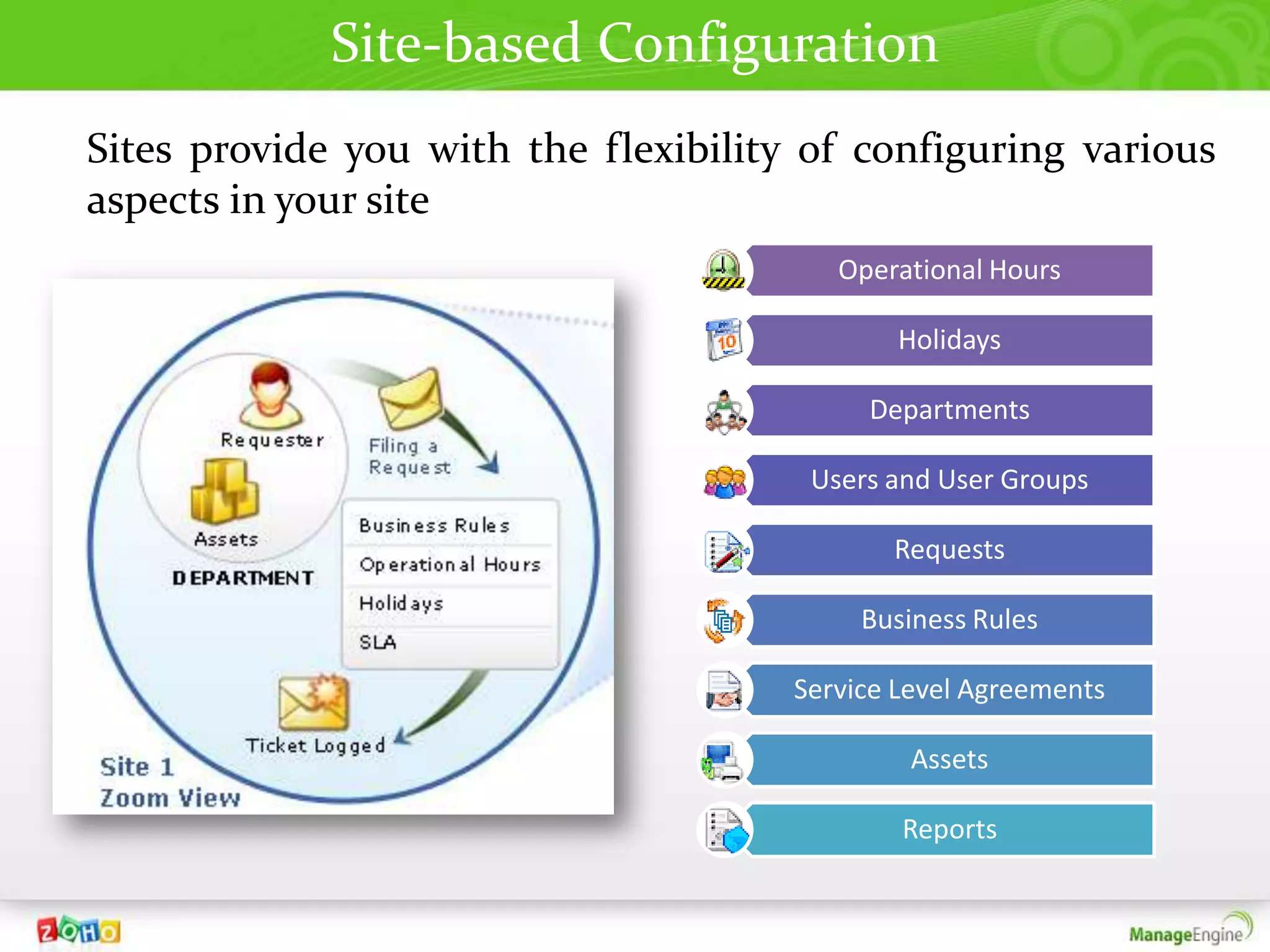
Site-based Configuration
Sites provide you with the flexibility of configuring various
aspects in your site
                                         Operational Hours

                                              Holidays

                                           Departments

                                       Users and User Groups

                                             Requests

                                           Business Rules

                                      Service Level Agreements

                                               Assets

                                              Reports
Service Catalog
        In
ServiceDesk Plus
Service Catalog
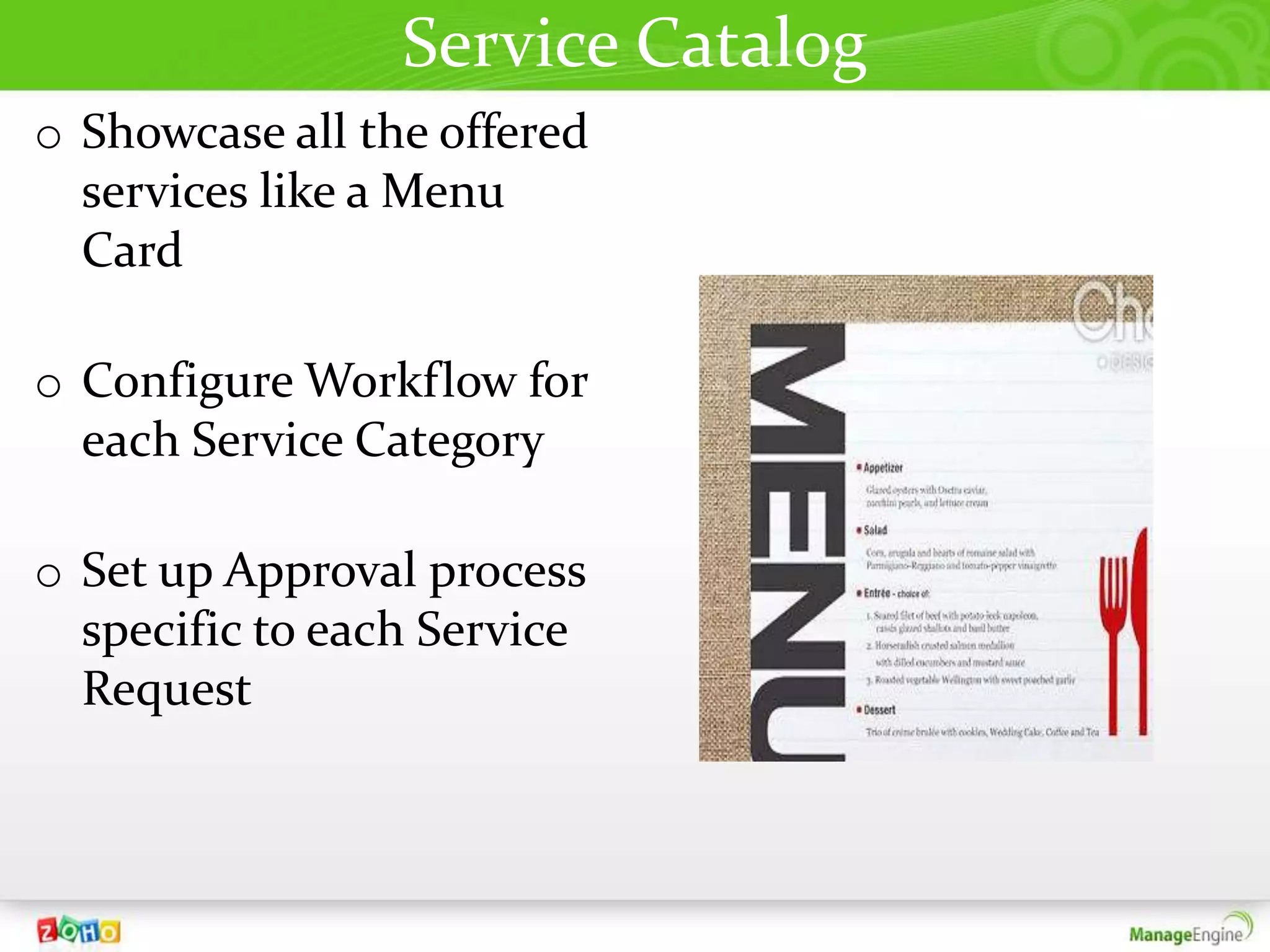
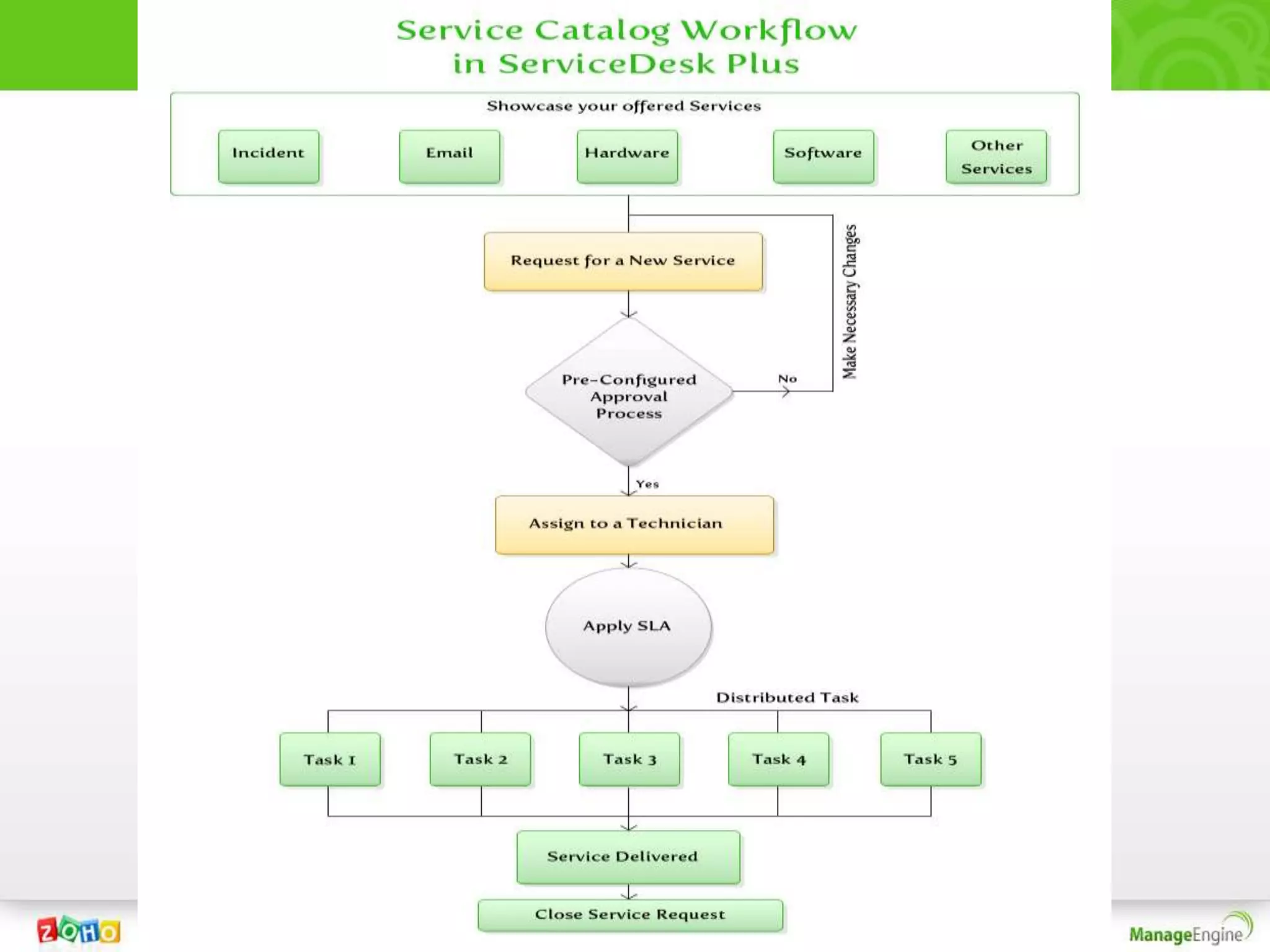
o Showcase all the offered
  services like a Menu
  Card

o Configure Workflow for
  each Service Category

o Set up Approval process
  specific to each Service
  Request
Incident Mgmt
       In
ServiceDesk Plus
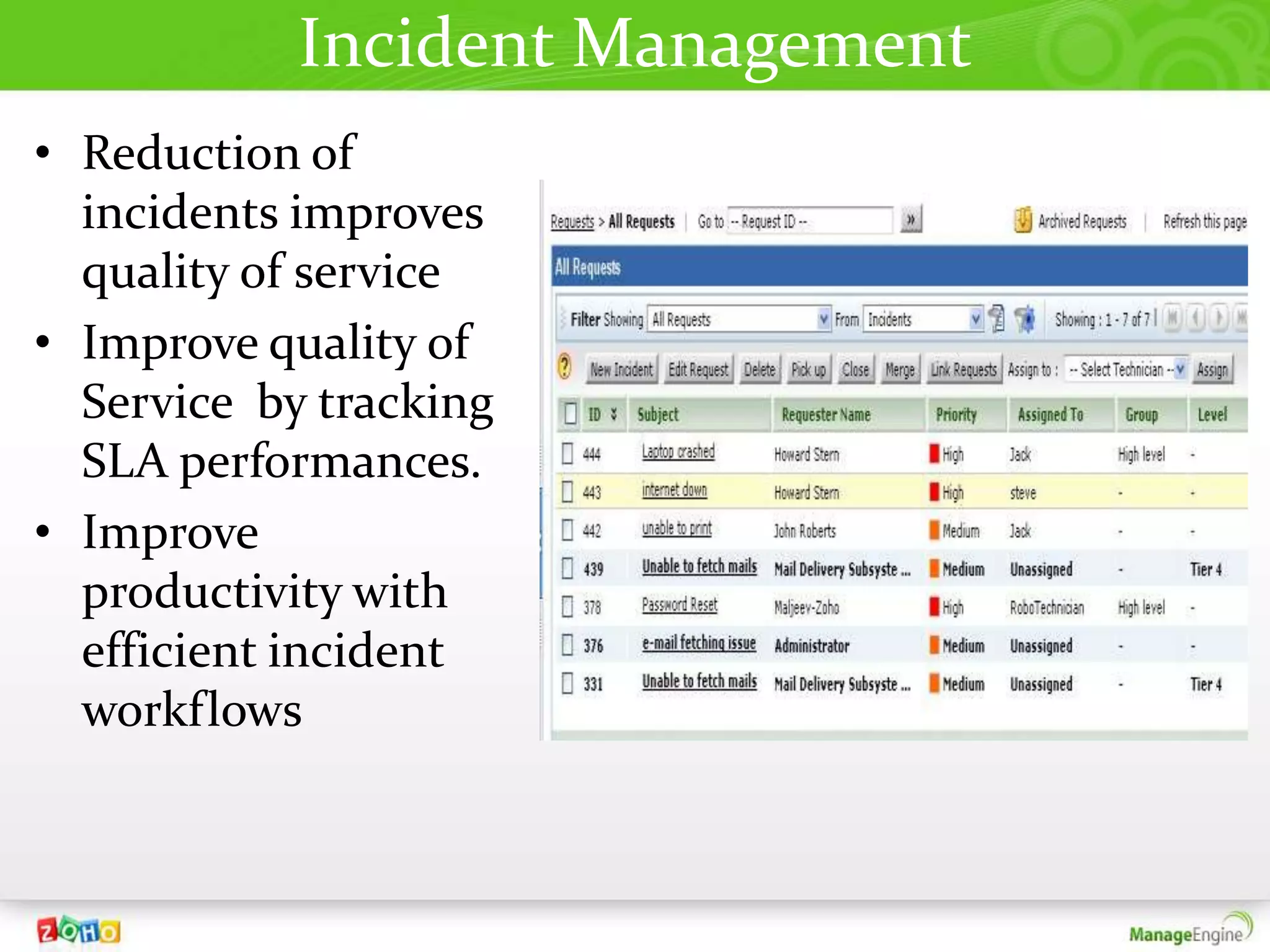
Incident Management
• Reduction of
  incidents improves
  quality of service
• Improve quality of
  Service by tracking
  SLA performances.
• Improve
  productivity with
  efficient incident
  workflows
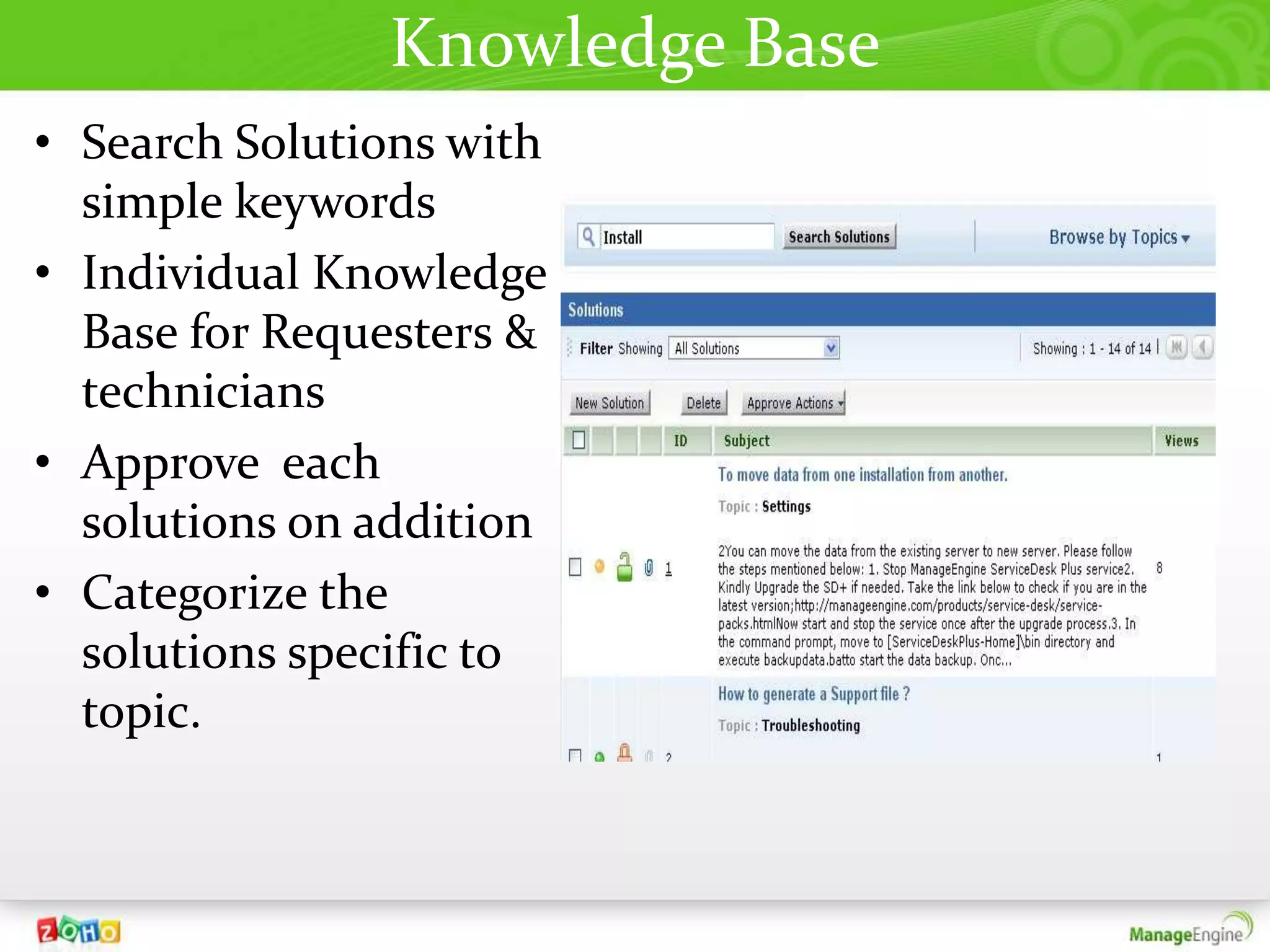
Knowledge Base
• Search Solutions with
  simple keywords
• Individual Knowledge
  Base for Requesters &
  technicians
• Approve each
  solutions on addition
• Categorize the
  solutions specific to
  topic.
Problem Mgmt
       In
ServiceDesk Plus
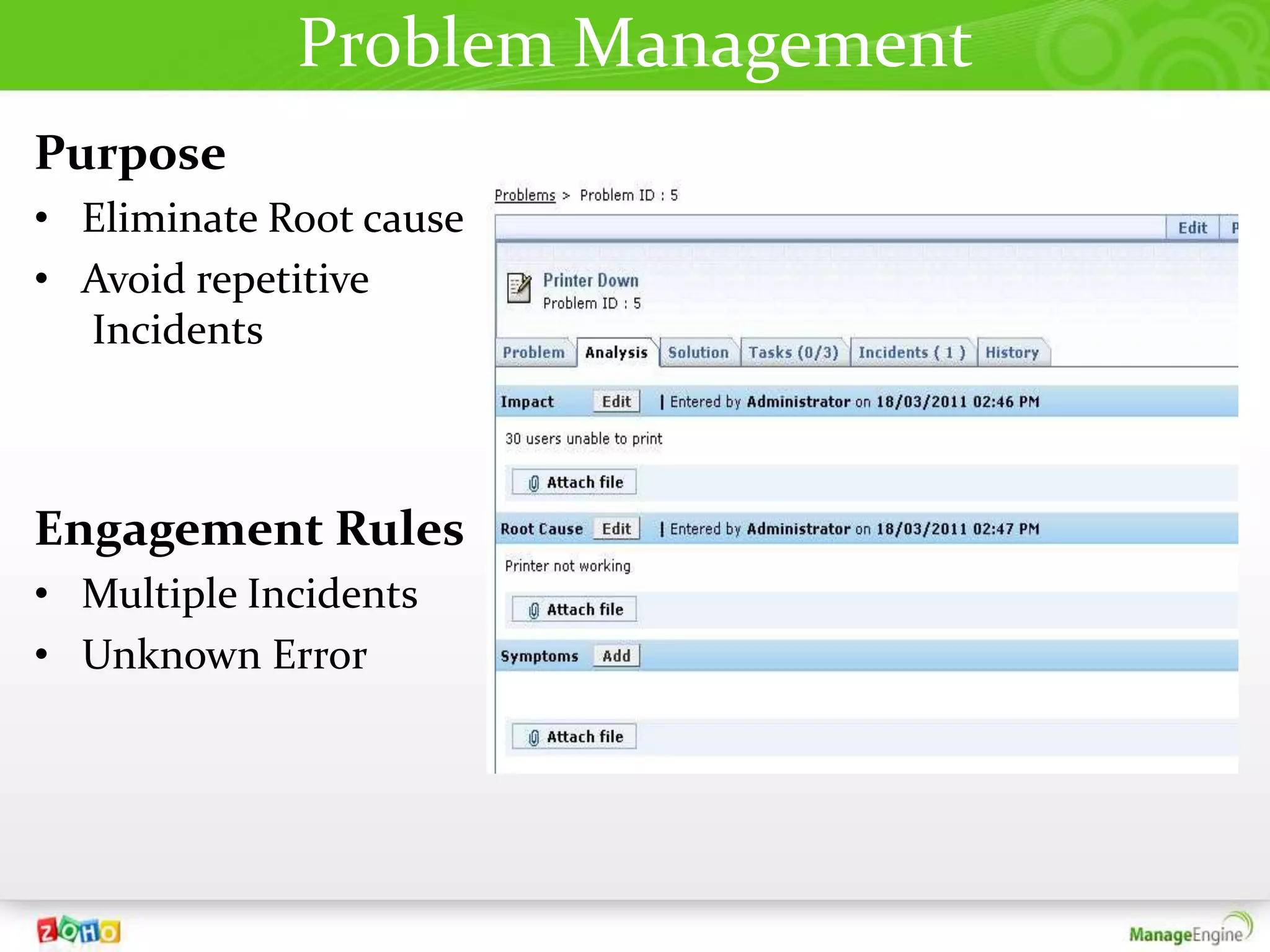
Problem Management
Purpose
• Eliminate Root cause
• Avoid repetitive
  Incidents


Engagement Rules
• Multiple Incidents
• Unknown Error
Change Mgmt
       In
ServiceDesk Plus
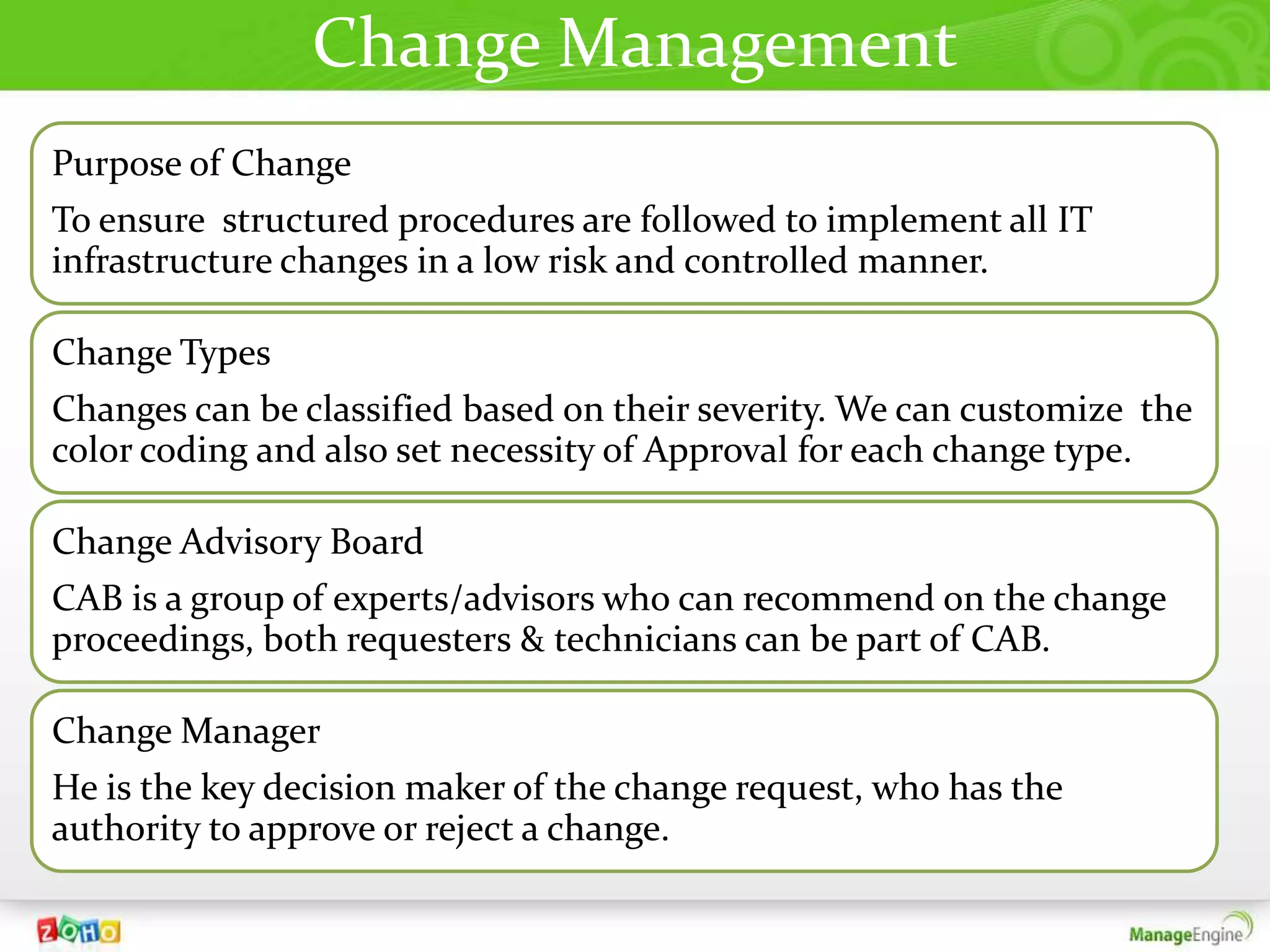
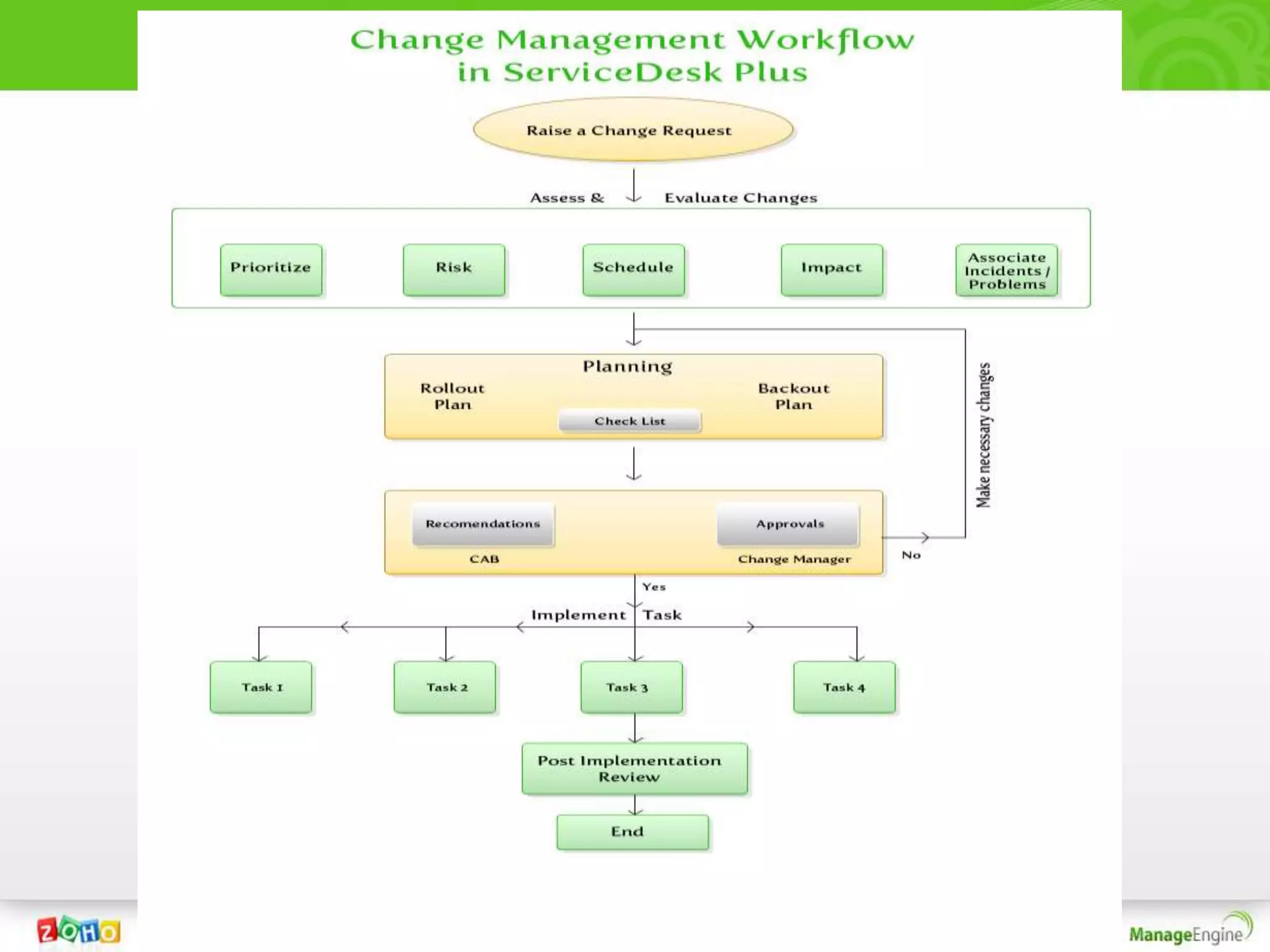
Change Management
Purpose of Change
To ensure structured procedures are followed to implement all IT
infrastructure changes in a low risk and controlled manner.

Change Types
Changes can be classified based on their severity. We can customize the
color coding and also set necessity of Approval for each change type.

Change Advisory Board
CAB is a group of experts/advisors who can recommend on the change
proceedings, both requesters & technicians can be part of CAB.

Change Manager
He is the key decision maker of the change request, who has the
authority to approve or reject a change.
Asset Mgmt
       In
ServiceDesk Plus
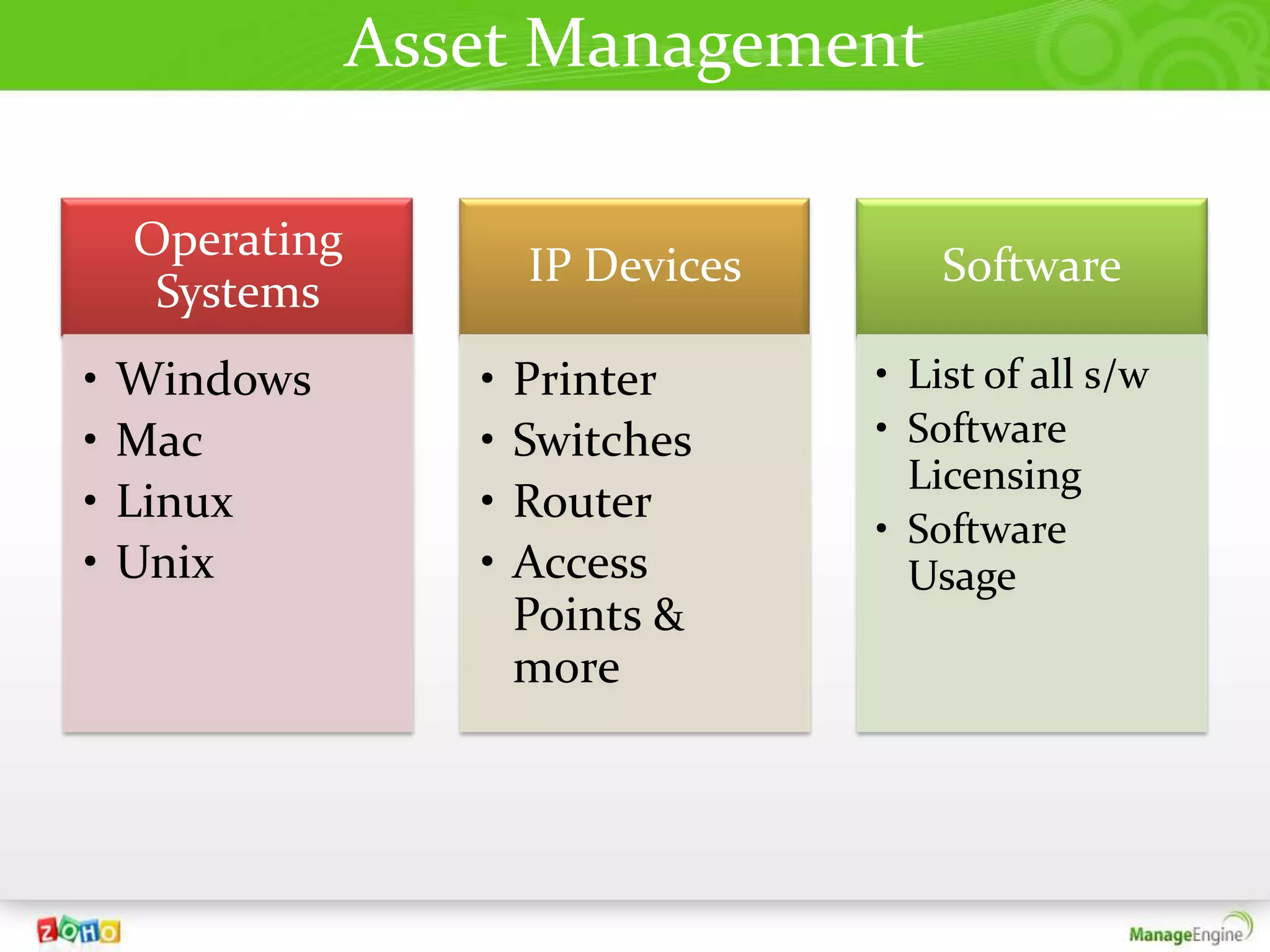
Asset Management

    Operating
                       IP Devices       Software
     Systems
•   Windows        •   Printer      • List of all s/w
•   Mac            •   Switches     • Software
                                      Licensing
•   Linux          •   Router
                                    • Software
•   Unix           •   Access         Usage
                       Points &
                       more
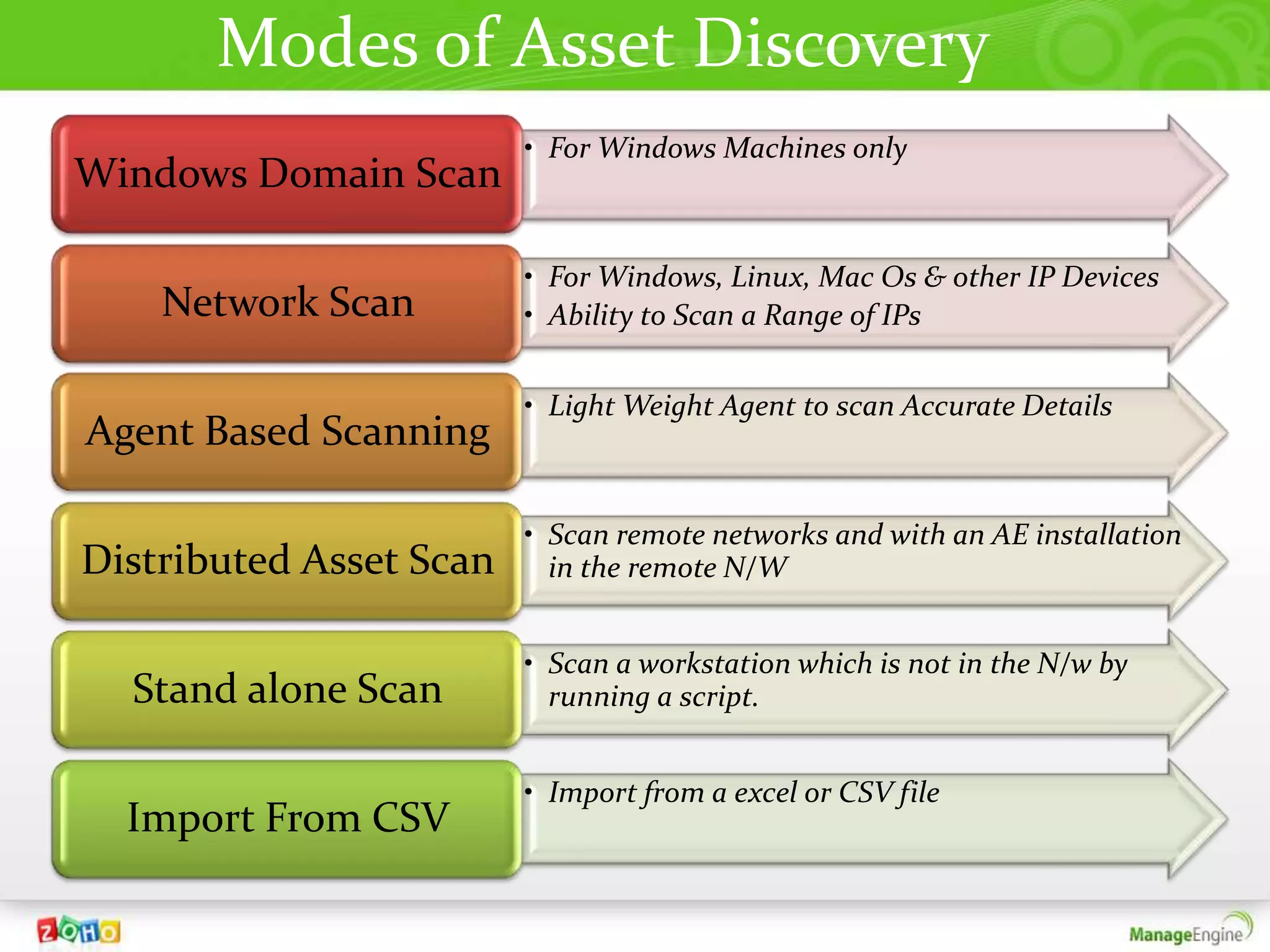
Modes of Asset Discovery
                         • For Windows Machines only
Windows Domain Scan

                         • For Windows, Linux, Mac Os & other IP Devices
    Network Scan         • Ability to Scan a Range of IPs


                         • Light Weight Agent to scan Accurate Details
Agent Based Scanning

                         • Scan remote networks and with an AE installation
Distributed Asset Scan     in the remote N/W


                         • Scan a workstation which is not in the N/w by
  Stand alone Scan         running a script.


                         • Import from a excel or CSV file
  Import From CSV
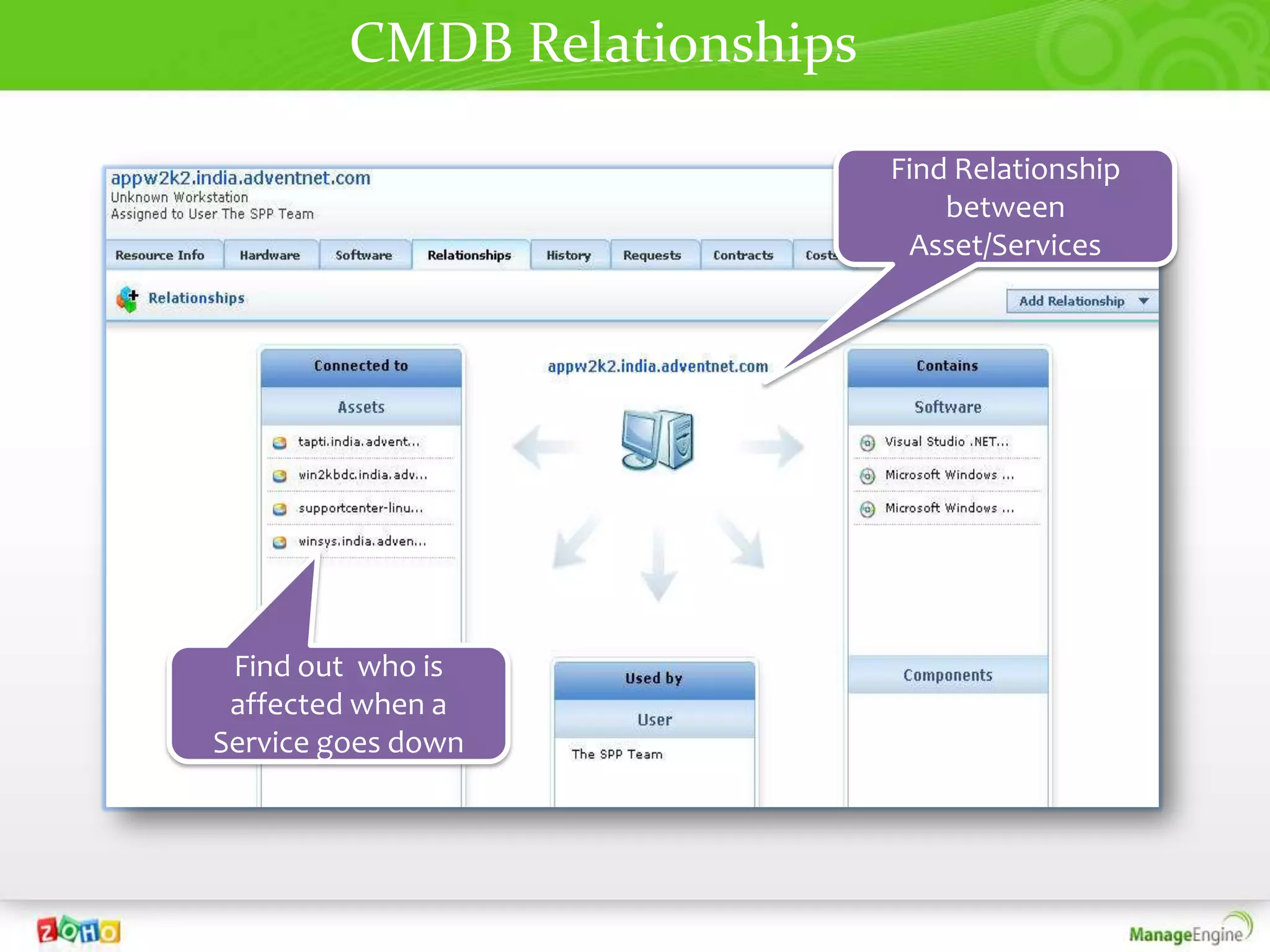
CMDB Relationships

                              Find Relationship
                                  between
                               Asset/Services


 Find out who is
 affected when a
Service goes down
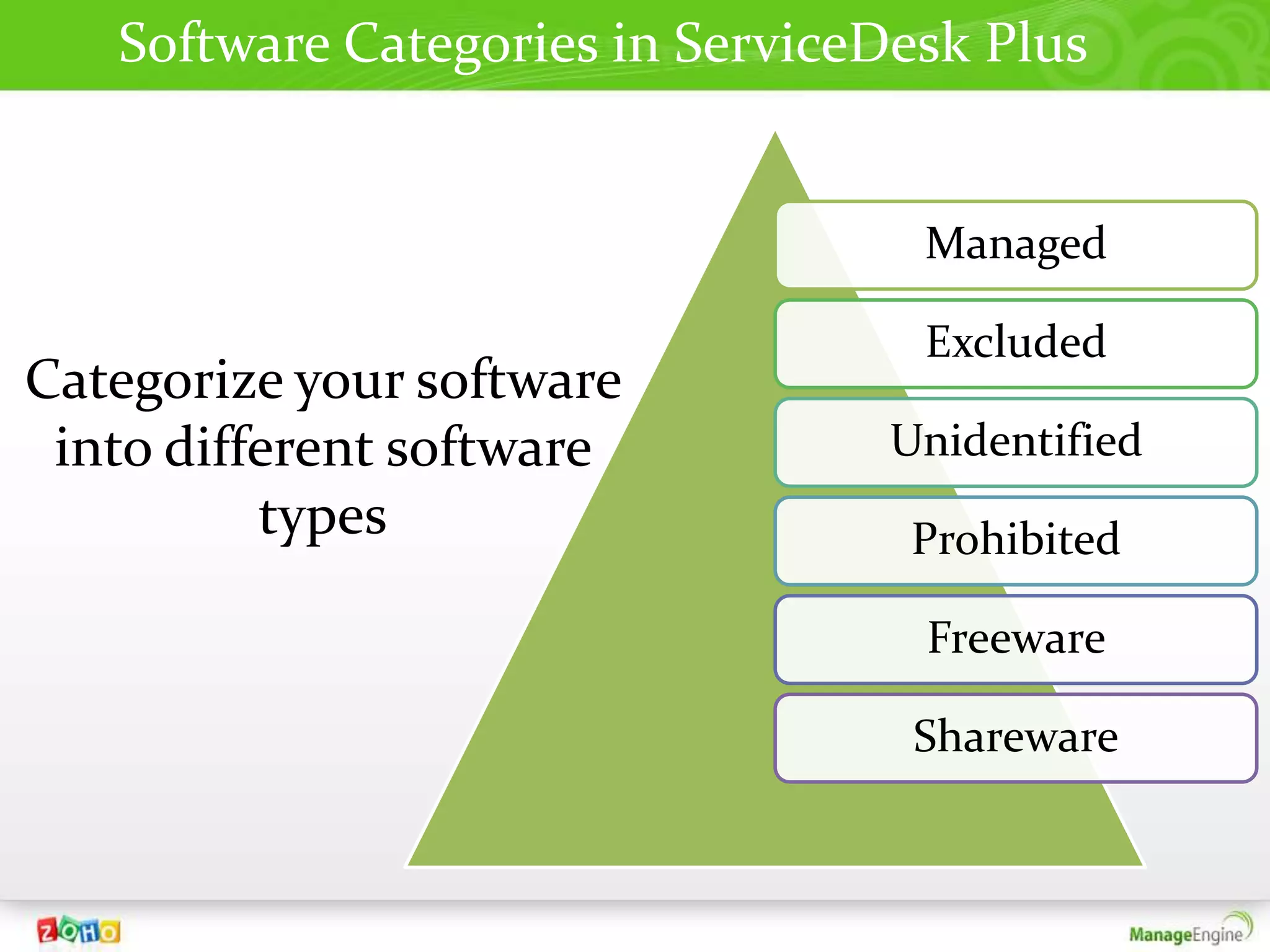
Software Categories in ServiceDesk Plus


                                   Managed

                                   Excluded
Categorize your software
 into different software          Unidentified
          types                    Prohibited

                                   Freeware

                                   Shareware
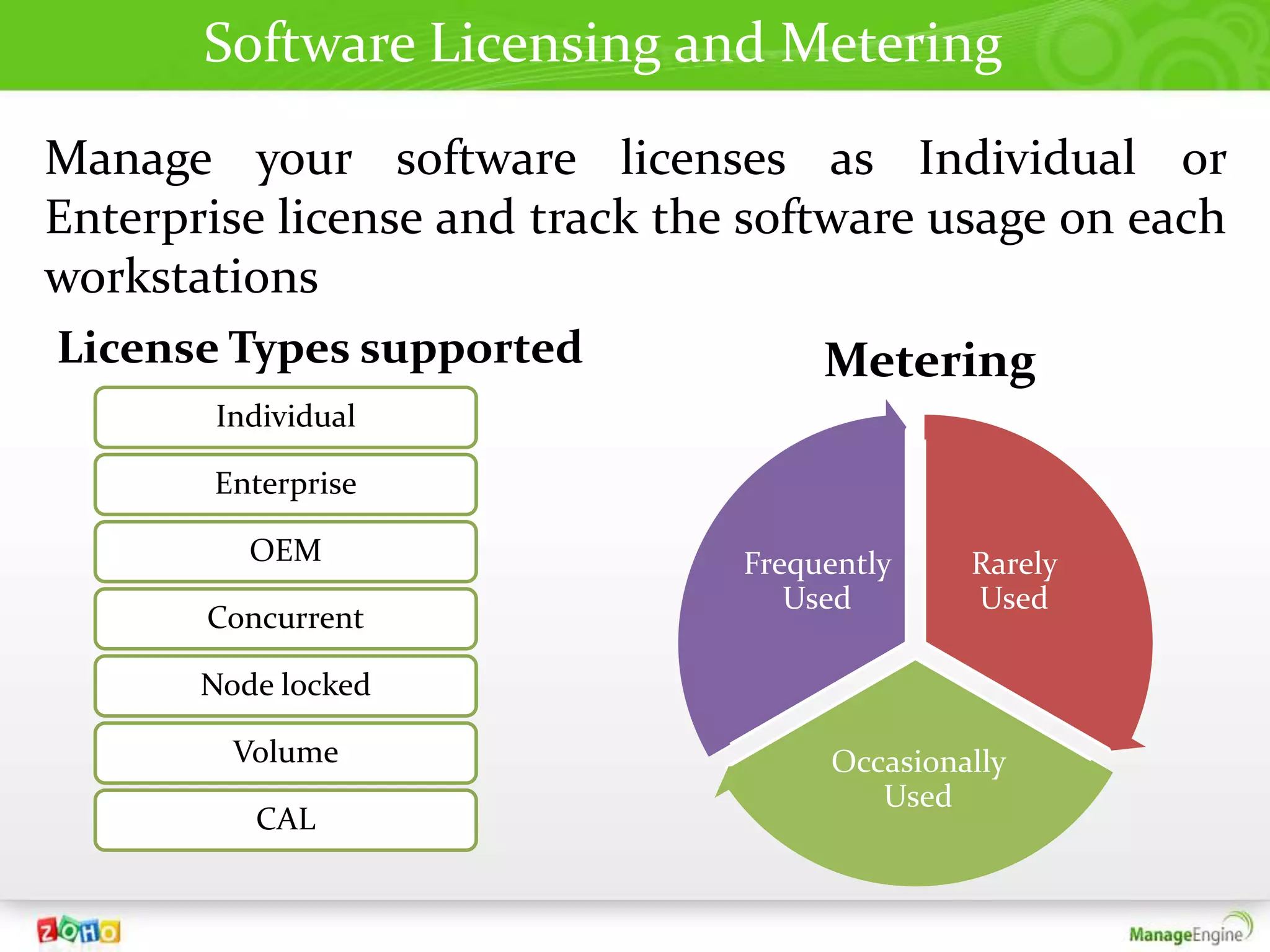
Software Licensing and Metering
Manage your software licenses as Individual or
Enterprise license and track the software usage on each
workstations
License Types supported              Metering
       Individual

       Enterprise

          OEM                   Frequently    Rarely
                                   Used       Used
       Concurrent

       Node locked

         Volume                      Occasionally
                                        Used
          CAL
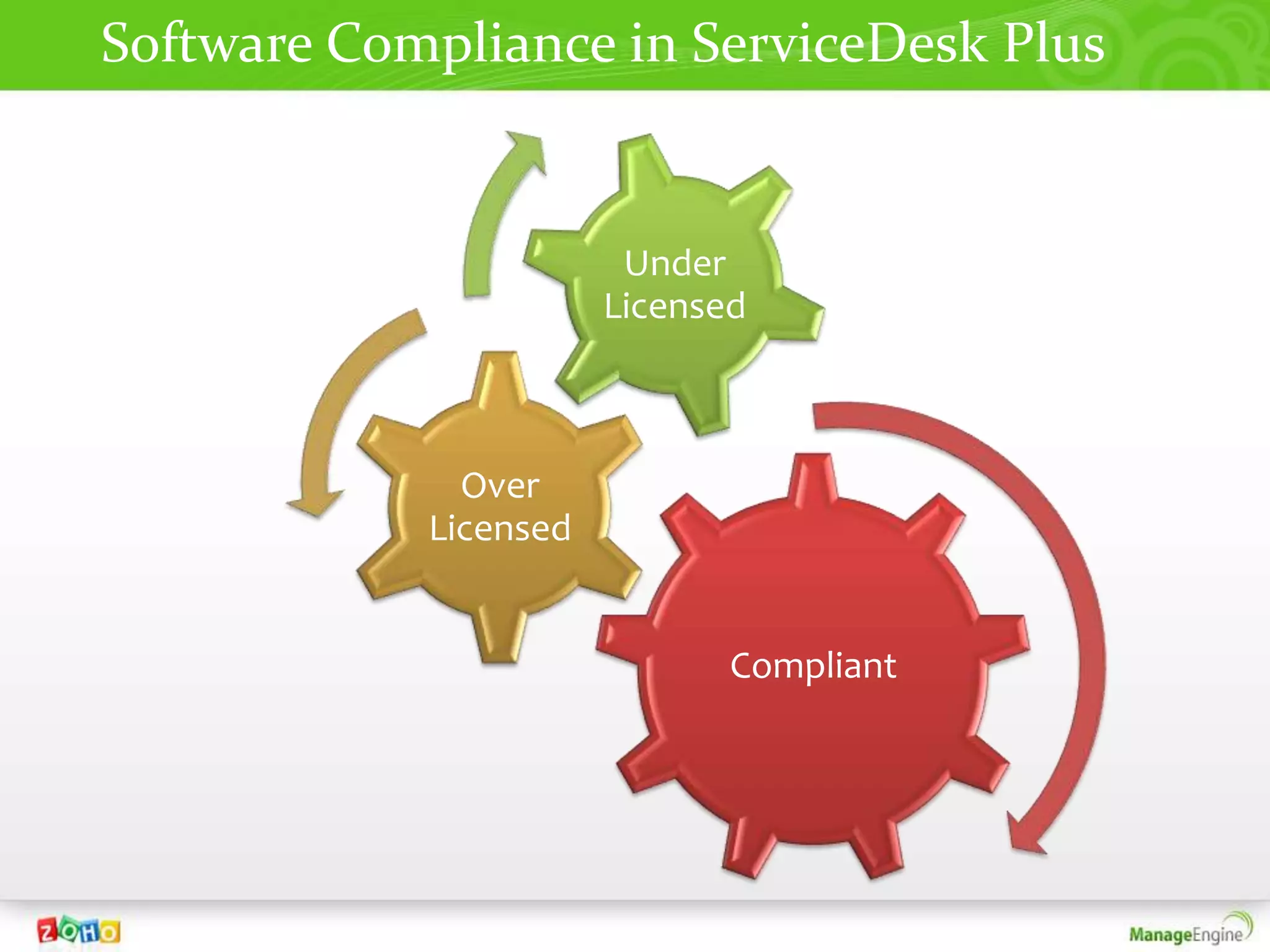
Software Compliance in ServiceDesk Plus


                        Under
                       Licensed


              Over
            Licensed


                              Compliant
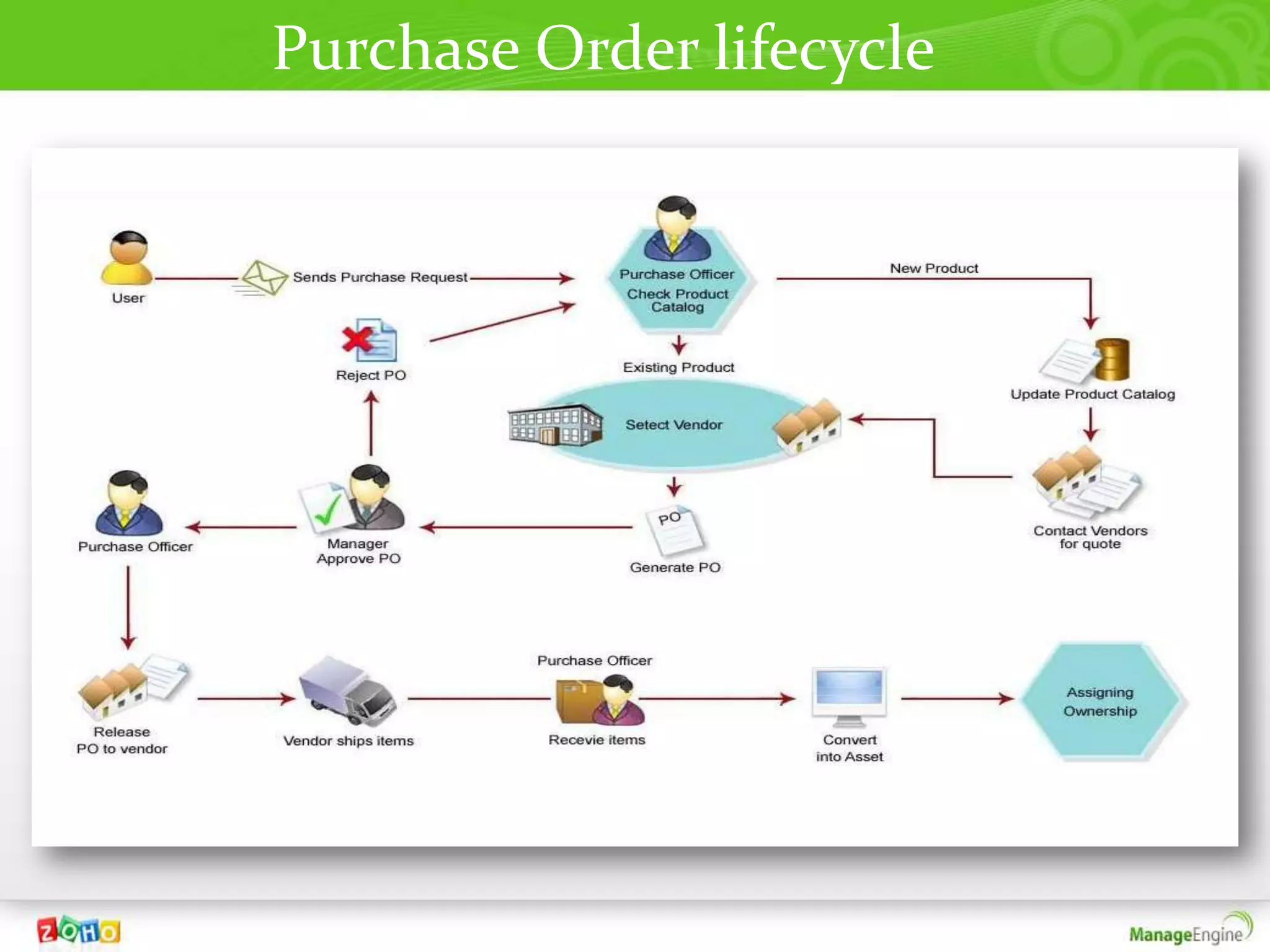
Purchase Order lifecycle
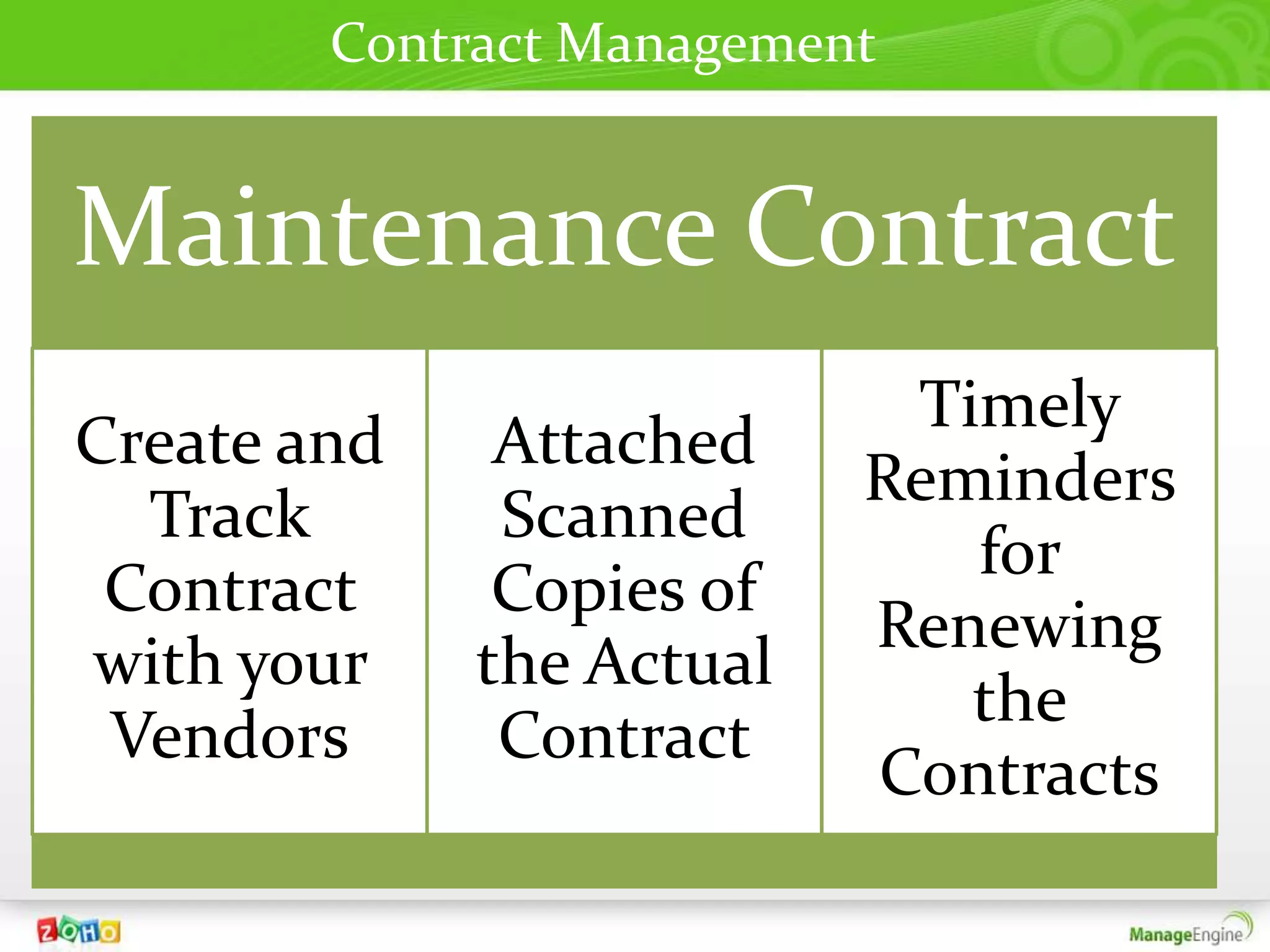
Contract Management


Maintenance Contract
                           Timely
Create and    Attached
                          Reminders
  Track       Scanned
                             for
 Contract     Copies of
                          Renewing
with your    the Actual
                             the
 Vendors      Contract
                          Contracts
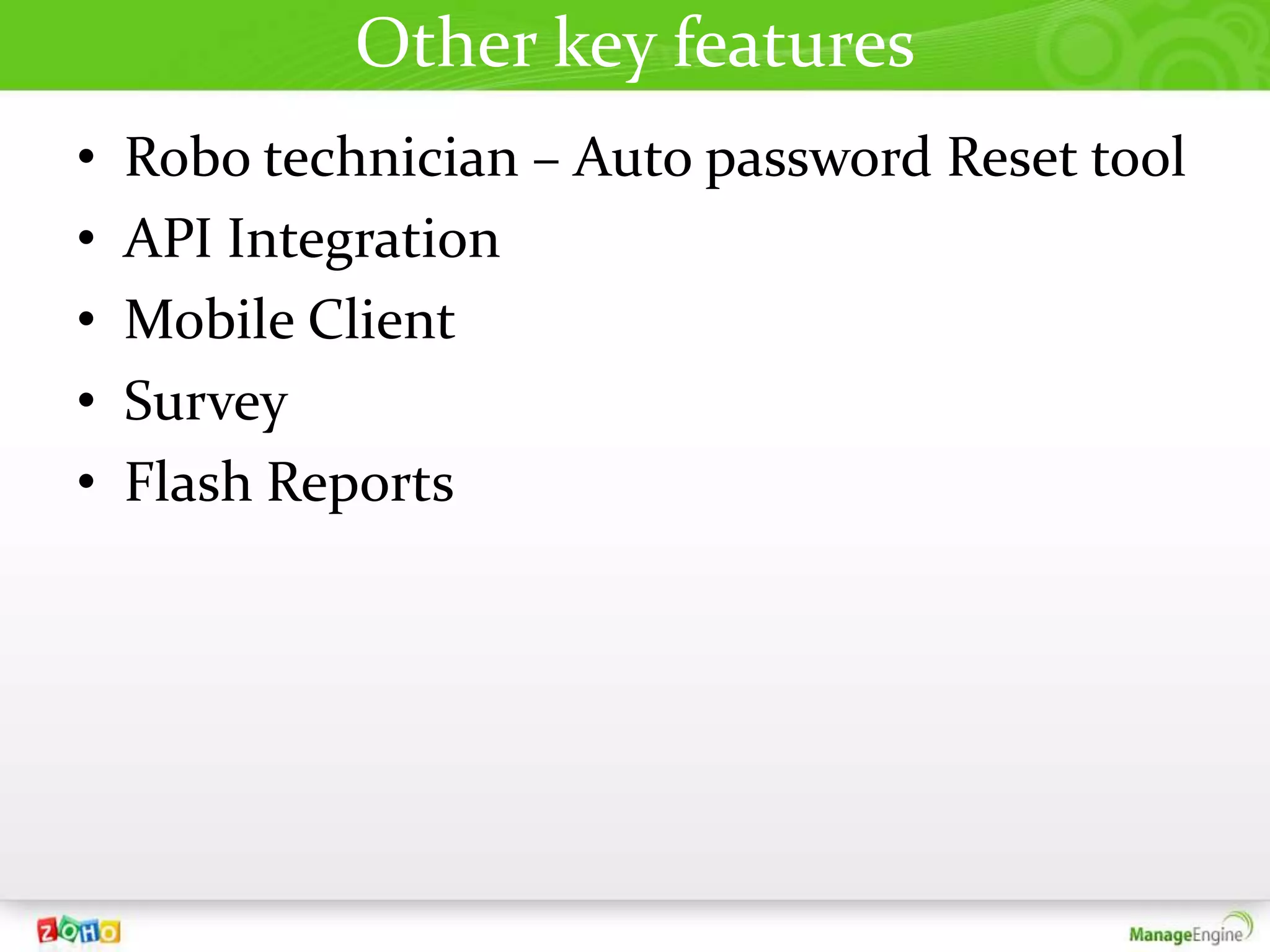
Other key features
•   Robo technician – Auto password Reset tool
•   API Integration
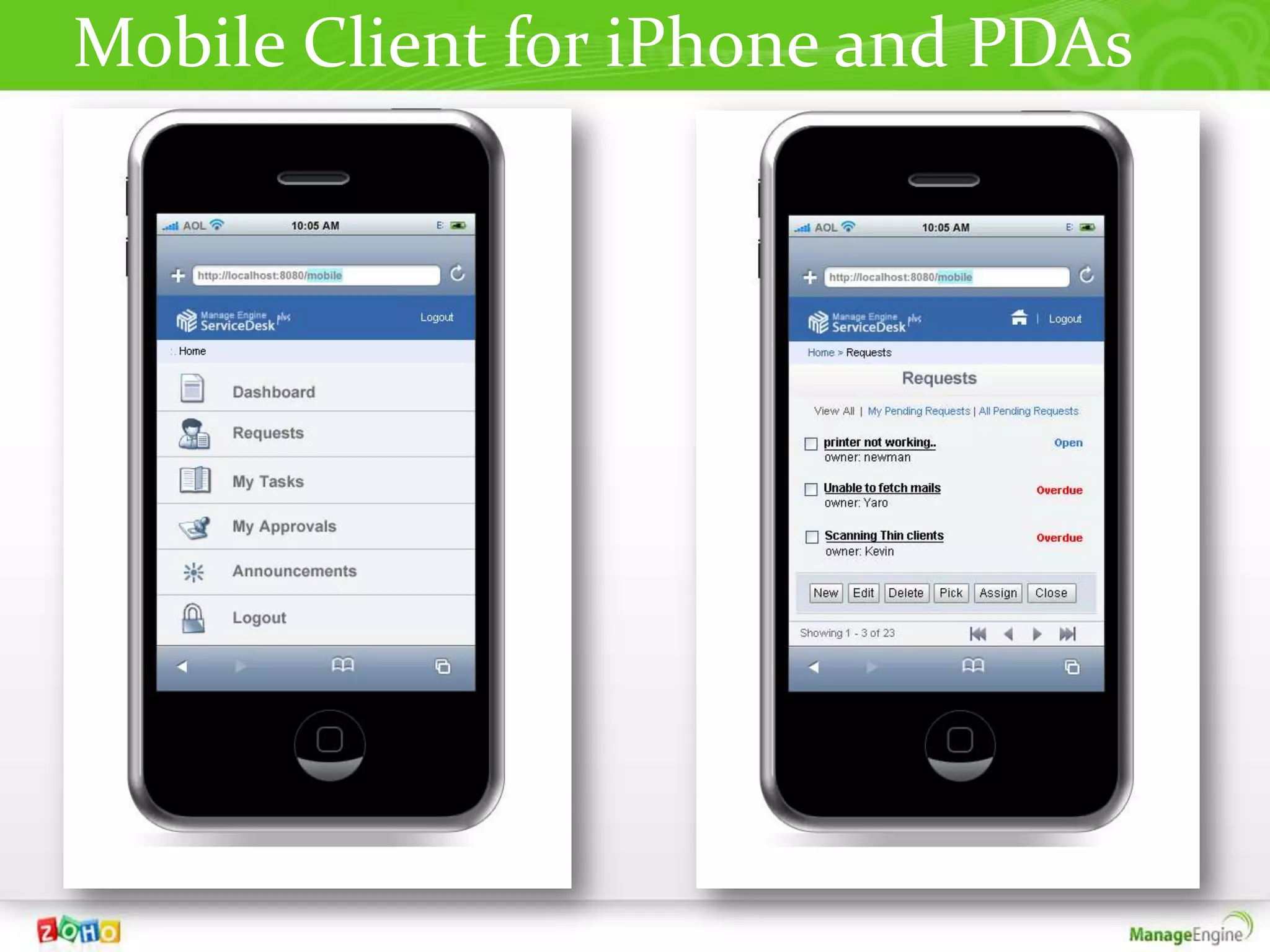
•   Mobile Client
•   Survey
•   Flash Reports
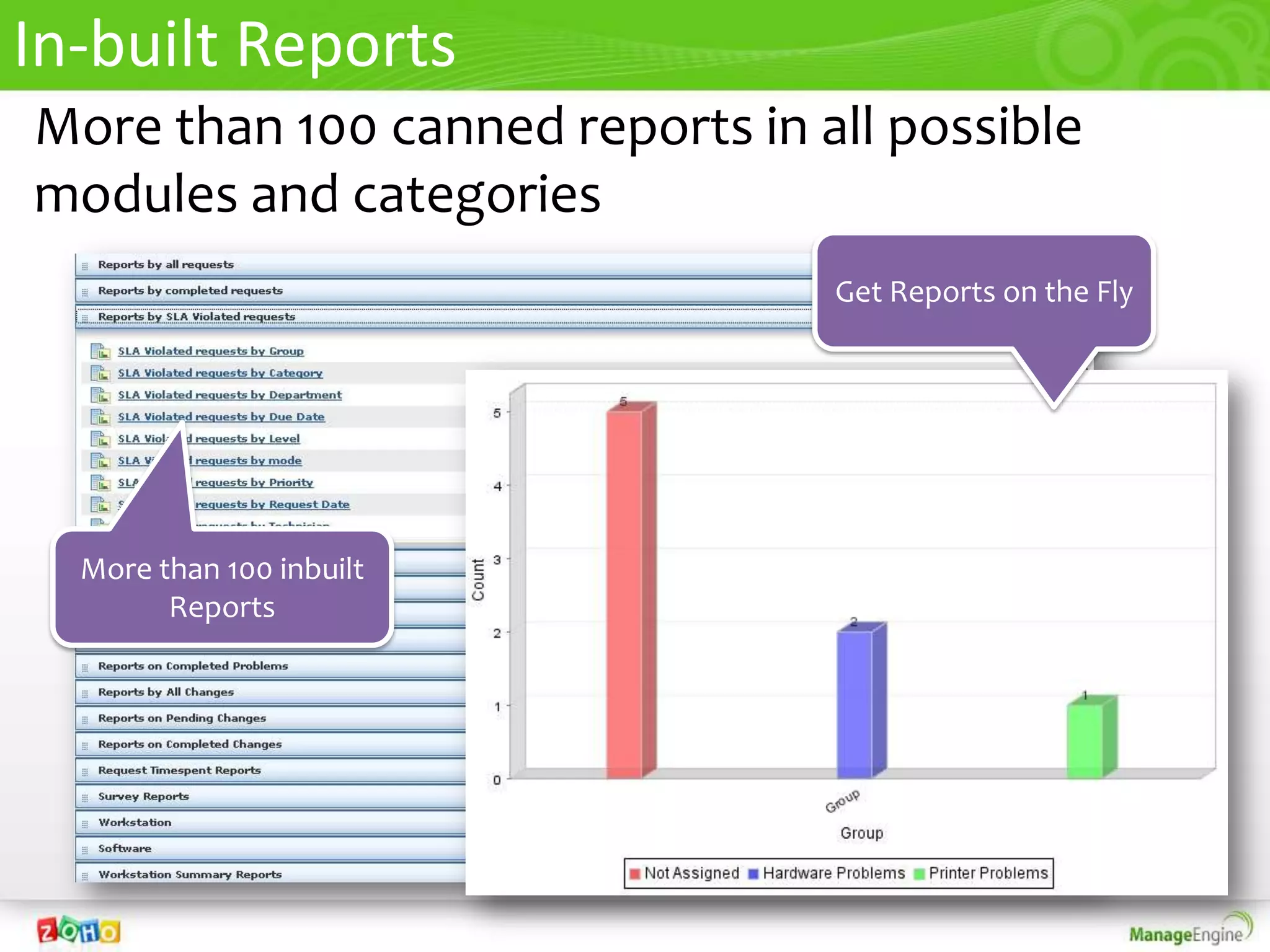
In-built Reports
More than 100 canned reports in all possible
modules and categories
                                 Get Reports on the Fly


  More than 100 inbuilt
        Reports
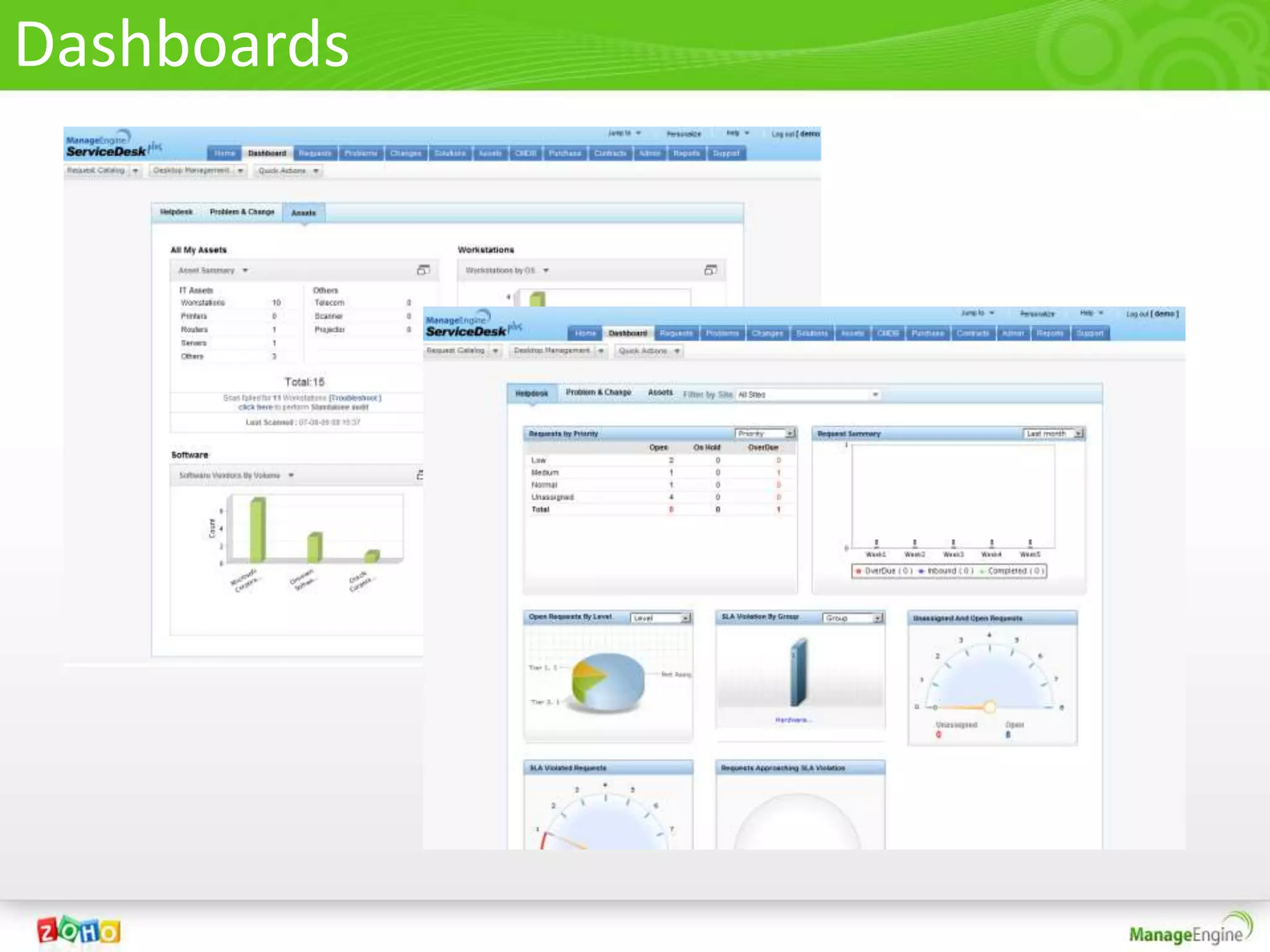
Dashboards
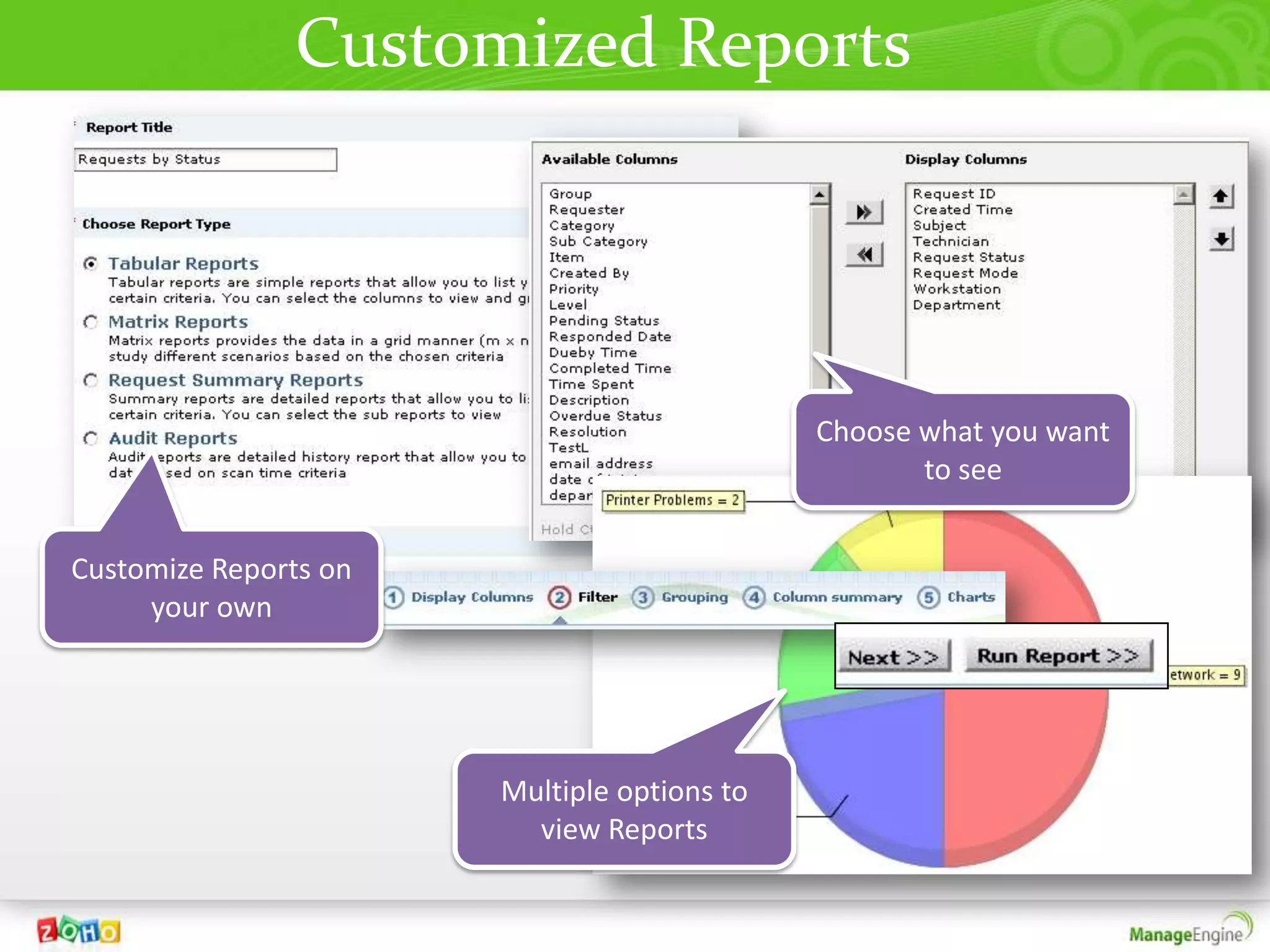
Customized Reports


                                             Choose what you want
                                                    to see


Customize Reports on
     your own


                       Multiple options to
                         view Reports
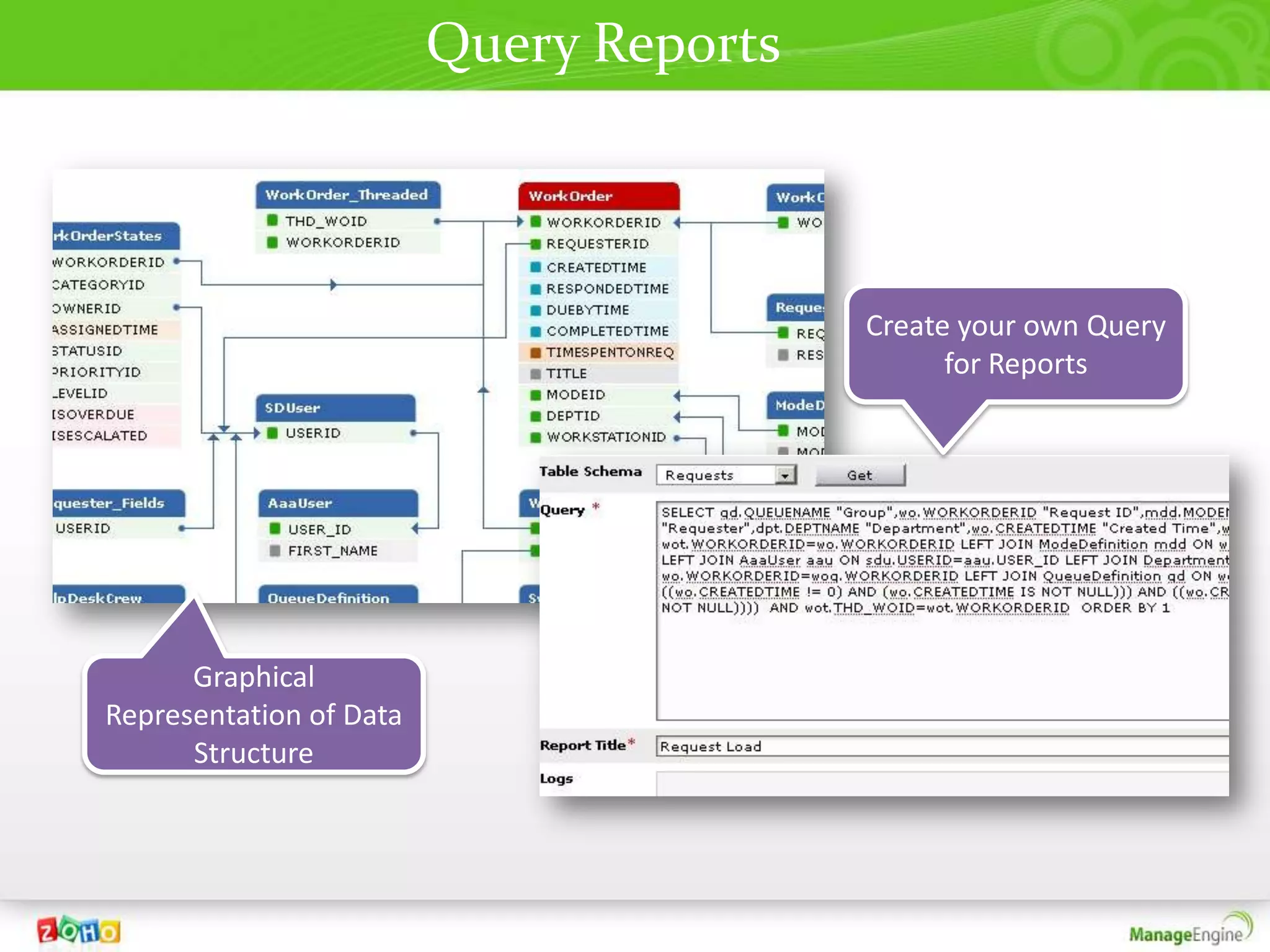
Query Reports


                                         Create your own Query
                                               for Reports


      Graphical
Representation of Data
      Structure
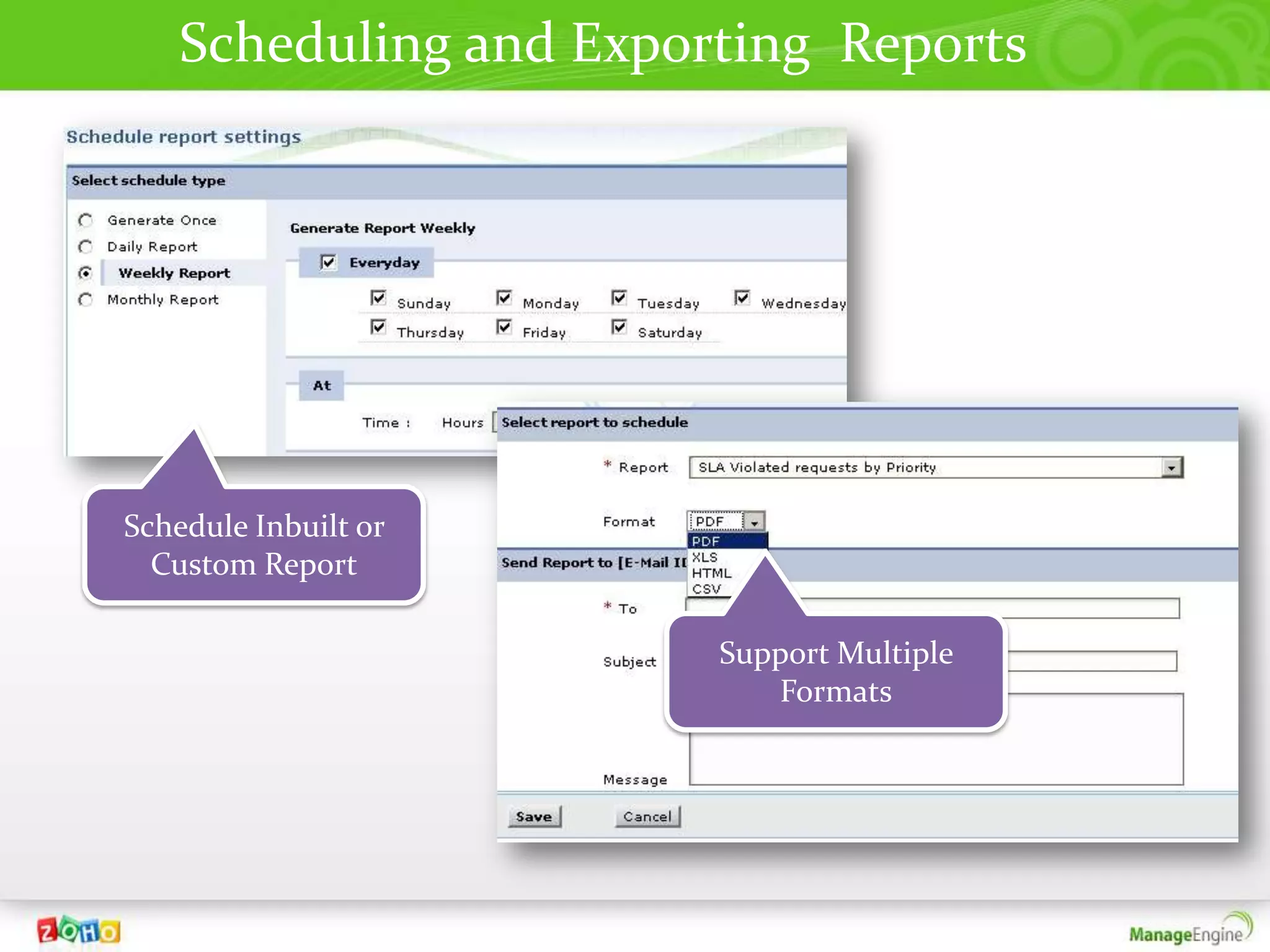
Scheduling and Exporting Reports


Schedule Inbuilt or
  Custom Report

                        Support Multiple
                           Formats
Mobile Client for iPhone and PDAs
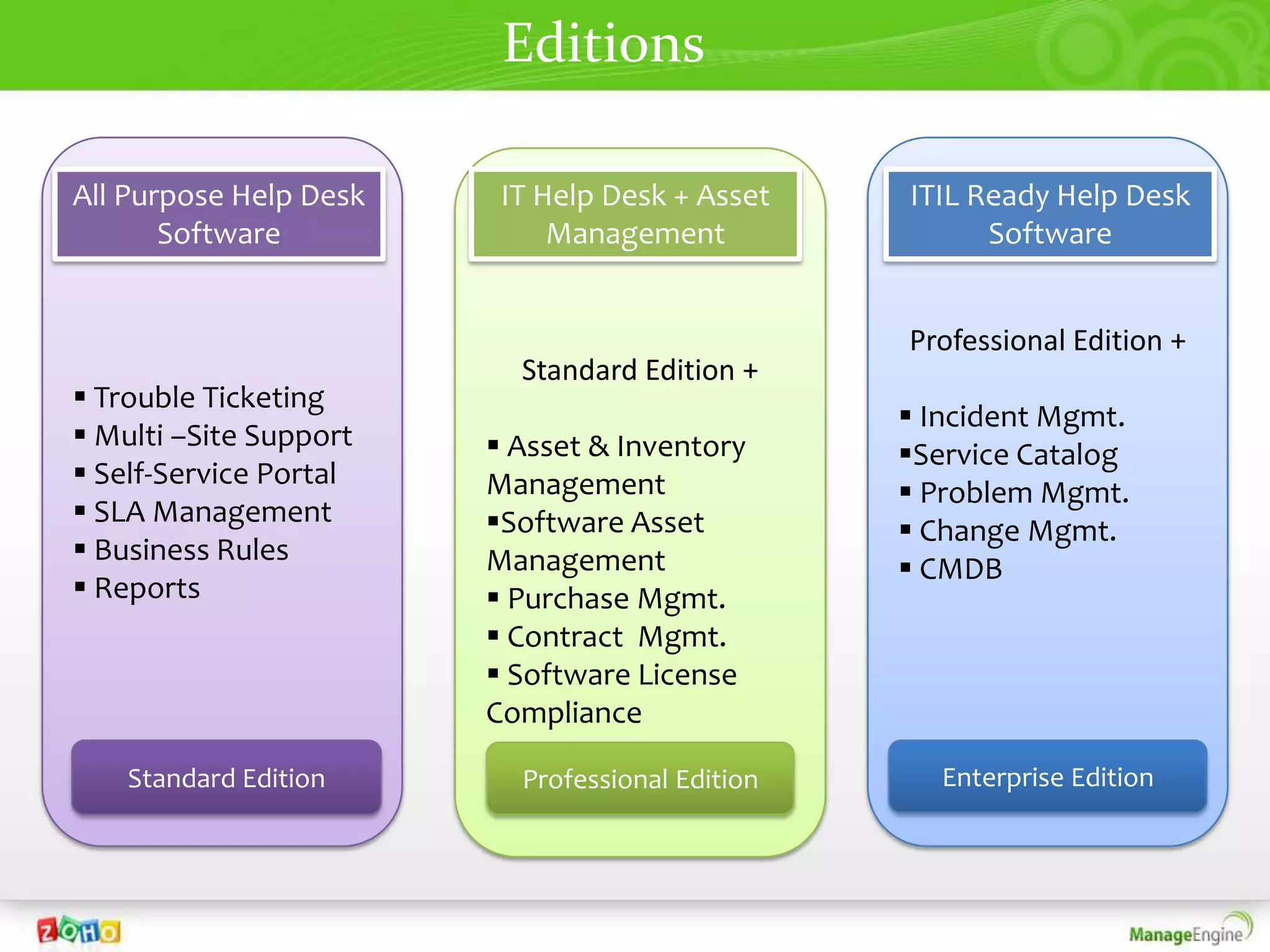
Editions

All Purpose Help Desk    IT Help Desk + Asset    ITIL Ready Help Desk
       Software              Management                Software


                                                 Professional Edition +
                          Standard Edition +
 Trouble Ticketing
                                                  Incident Mgmt.
 Multi –Site Support    Asset & Inventory      Service Catalog
 Self-Service Portal   Management                Problem Mgmt.
 SLA Management        Software Asset           Change Mgmt.
 Business Rules        Management                CMDB
 Reports                Purchase Mgmt.
                         Contract Mgmt.
                         Software License
                        Compliance

    Standard Edition      Professional Edition      Enterprise Edition
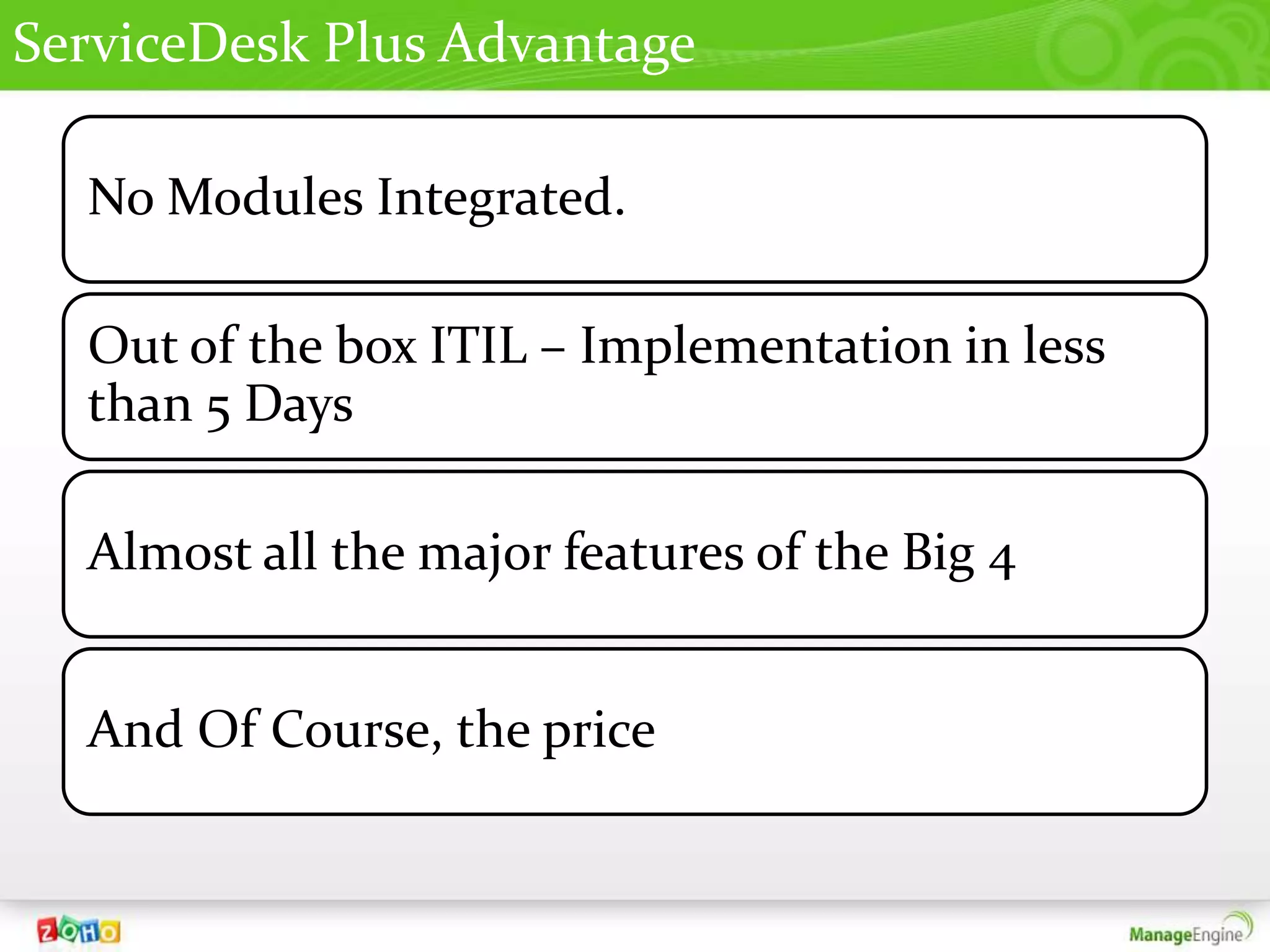
ServiceDesk Plus Advantage

  No Modules Integrated.

  Out of the box ITIL – Implementation in less
  than 5 Days

  Almost all the major features of the Big 4


  And Of Course, the price
The Elite List


       And few thousands more…
Thank You
• Website – http://www.mirandell.com.br/me

• For Technical Queries
  suporte@mirandell.com.br
  (11) 4063-5749

Servicedesk Plus 8

  • 1.
    ServiceDesk Plus Overview Rodrigo Miranda Mirandell Sistemas
  • 2.
    ServiceDesk Plus • Ticketing HelpDesk • SLA • Knowledge Base • Discovery Asset • CMDB Mgmt • Software & license Mgmt • Service Catalog Completely Web Based ITIL • Incident Mgmt Processes • Problem Mgmt • Change Mgmt
  • 3.
  • 4.
    Users- Technician/Requester Modes ofImporting Other User based Users functionalities Users are classified as Requesters & Active LDAP Technicians Directory CSV Manual User & Predefined & Technician Import Addition Grouping Custom Roles
  • 5.
    Channels of Creatinga ticket in ServiceDesk Plus o Email o Phone Call o Self Service Portal o Network Monitoring Tool Integration o API Integration o Web Portal o Email Command
  • 6.
    Automations In ServiceDesk Plus
  • 7.
    Automations Automatic Preventive Ticket Maintenance Dispatch Notification Business Rules Rules Service Level Agreement
  • 8.
    1.Automatic Ticket dispatch RoundRobin Load Balancing Distributes equally to Distributes based on all technician the technicians load
  • 9.
    2.Business Rules o Allowsyou to customize workflow o Follows an Event / Condition / Action model o Automating Dispatch with Groups and Business Rules o Categorize your Frequent occurring tickets.
  • 10.
    3.Service Level Agreement oFour Levels of Proactive Escalations o Response based Escalation o Set up Rules based on many available criteria
  • 11.
    4.Notification Rules o Requester/ Technician based Notification o Alerts for Incident, Proble m, Change & Asset mgmt o Both SMS & Email Alerts
  • 12.
    Site-based Configuration Sites provideyou with the flexibility of configuring various aspects in your site Operational Hours Holidays Departments Users and User Groups Requests Business Rules Service Level Agreements Assets Reports
  • 13.
    Service Catalog In ServiceDesk Plus
  • 14.
    Service Catalog o Showcaseall the offered services like a Menu Card o Configure Workflow for each Service Category o Set up Approval process specific to each Service Request
  • 16.
    Incident Mgmt In ServiceDesk Plus
  • 17.
    Incident Management • Reductionof incidents improves quality of service • Improve quality of Service by tracking SLA performances. • Improve productivity with efficient incident workflows
  • 19.
    Knowledge Base • SearchSolutions with simple keywords • Individual Knowledge Base for Requesters & technicians • Approve each solutions on addition • Categorize the solutions specific to topic.
  • 20.
    Problem Mgmt In ServiceDesk Plus
  • 21.
    Problem Management Purpose • EliminateRoot cause • Avoid repetitive Incidents Engagement Rules • Multiple Incidents • Unknown Error
  • 23.
    Change Mgmt In ServiceDesk Plus
  • 24.
    Change Management Purpose ofChange To ensure structured procedures are followed to implement all IT infrastructure changes in a low risk and controlled manner. Change Types Changes can be classified based on their severity. We can customize the color coding and also set necessity of Approval for each change type. Change Advisory Board CAB is a group of experts/advisors who can recommend on the change proceedings, both requesters & technicians can be part of CAB. Change Manager He is the key decision maker of the change request, who has the authority to approve or reject a change.
  • 26.
    Asset Mgmt In ServiceDesk Plus
  • 27.
    Asset Management Operating IP Devices Software Systems • Windows • Printer • List of all s/w • Mac • Switches • Software Licensing • Linux • Router • Software • Unix • Access Usage Points & more
  • 28.
    Modes of AssetDiscovery • For Windows Machines only Windows Domain Scan • For Windows, Linux, Mac Os & other IP Devices Network Scan • Ability to Scan a Range of IPs • Light Weight Agent to scan Accurate Details Agent Based Scanning • Scan remote networks and with an AE installation Distributed Asset Scan in the remote N/W • Scan a workstation which is not in the N/w by Stand alone Scan running a script. • Import from a excel or CSV file Import From CSV
  • 29.
    CMDB Relationships Find Relationship between Asset/Services Find out who is affected when a Service goes down
  • 30.
    Software Categories inServiceDesk Plus Managed Excluded Categorize your software into different software Unidentified types Prohibited Freeware Shareware
  • 31.
    Software Licensing andMetering Manage your software licenses as Individual or Enterprise license and track the software usage on each workstations License Types supported Metering Individual Enterprise OEM Frequently Rarely Used Used Concurrent Node locked Volume Occasionally Used CAL
  • 32.
    Software Compliance inServiceDesk Plus Under Licensed Over Licensed Compliant
  • 33.
  • 34.
    Contract Management Maintenance Contract Timely Create and Attached Reminders Track Scanned for Contract Copies of Renewing with your the Actual the Vendors Contract Contracts
  • 35.
    Other key features • Robo technician – Auto password Reset tool • API Integration • Mobile Client • Survey • Flash Reports
  • 36.
    In-built Reports More than100 canned reports in all possible modules and categories Get Reports on the Fly More than 100 inbuilt Reports
  • 37.
  • 38.
    Customized Reports Choose what you want to see Customize Reports on your own Multiple options to view Reports
  • 39.
    Query Reports Create your own Query for Reports Graphical Representation of Data Structure
  • 40.
    Scheduling and ExportingReports Schedule Inbuilt or Custom Report Support Multiple Formats
  • 41.
    Mobile Client foriPhone and PDAs
  • 42.
    Editions All Purpose HelpDesk IT Help Desk + Asset ITIL Ready Help Desk Software Management Software Professional Edition + Standard Edition +  Trouble Ticketing  Incident Mgmt.  Multi –Site Support  Asset & Inventory Service Catalog  Self-Service Portal Management  Problem Mgmt.  SLA Management Software Asset  Change Mgmt.  Business Rules Management  CMDB  Reports  Purchase Mgmt.  Contract Mgmt.  Software License Compliance Standard Edition Professional Edition Enterprise Edition
  • 43.
    ServiceDesk Plus Advantage No Modules Integrated. Out of the box ITIL – Implementation in less than 5 Days Almost all the major features of the Big 4 And Of Course, the price
  • 44.
    The Elite List And few thousands more…
  • 45.
    Thank You • Website– http://www.mirandell.com.br/me • For Technical Queries suporte@mirandell.com.br (11) 4063-5749