Server Management with
Puppet on AWS
Marco Almeida - Site Reliability Engineer
About us
Thumbtack helps you
accomplish the personal
projects that are central to
your life.
Whether you need to paint
your home, learn a new
language, or plan your
daughter's birthday party,
Thumbtack is the easiest
and most dependable way
to hire the right
professional for your
projects.
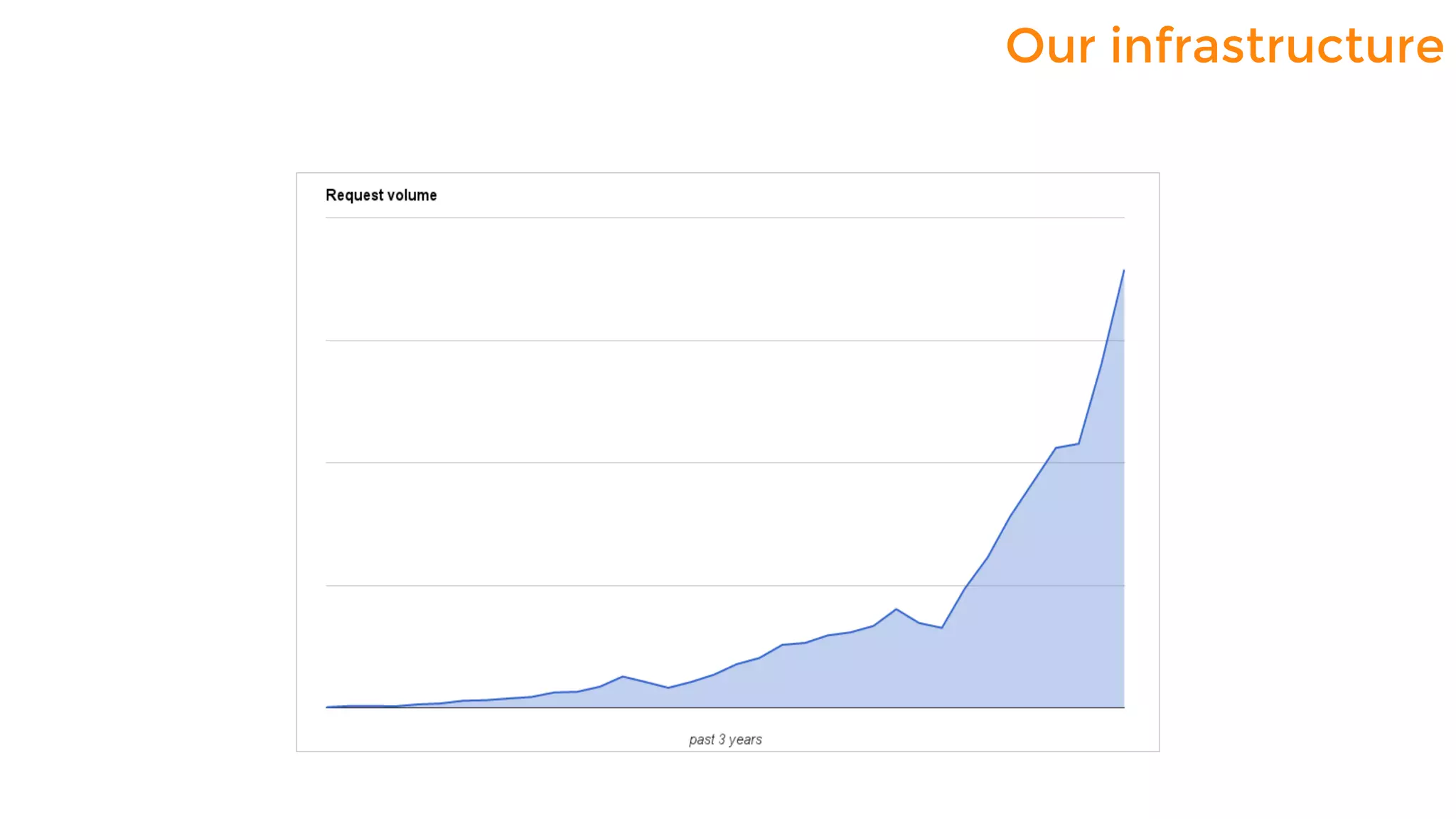
Our infrastructure
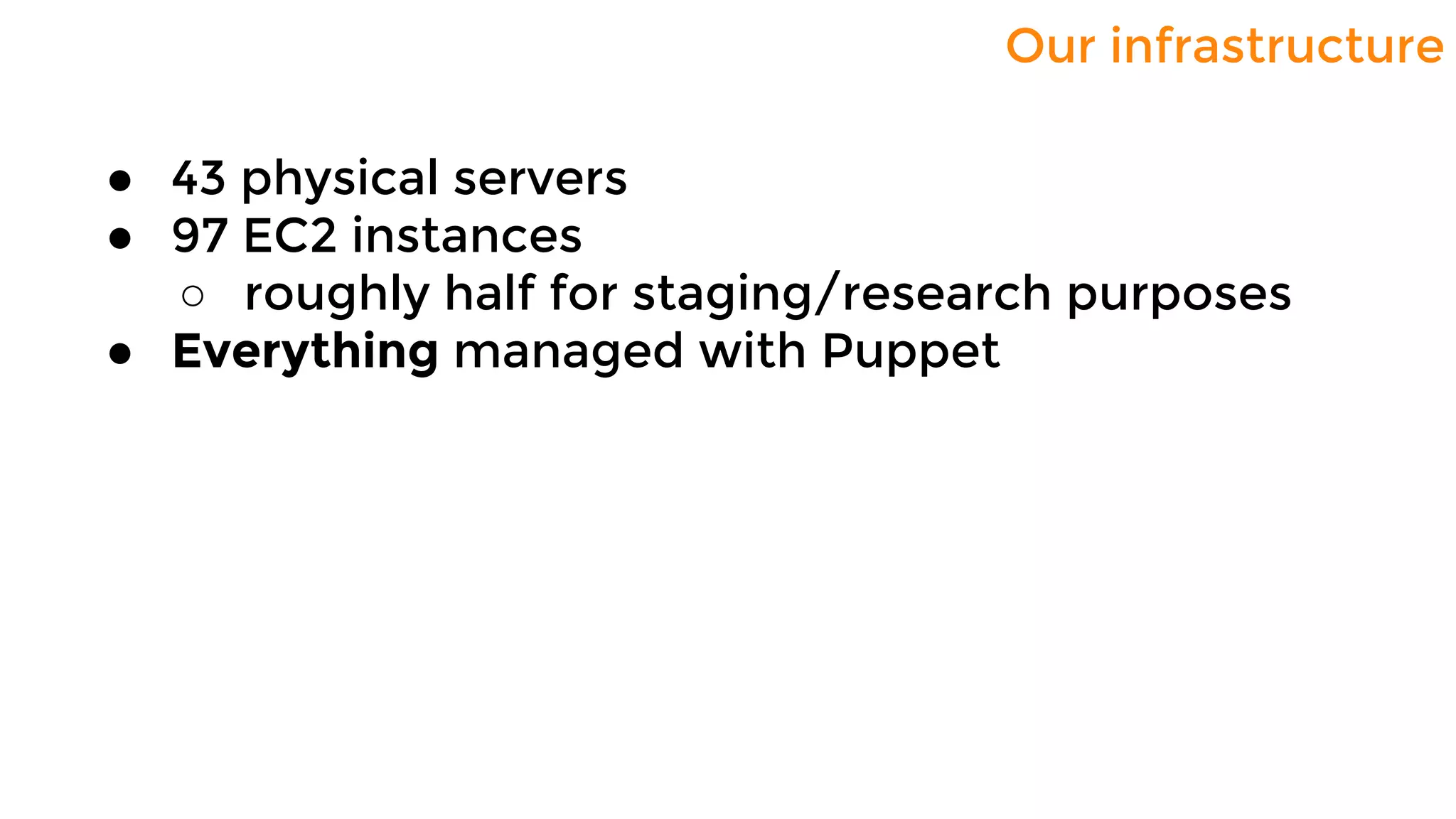
Our infrastructure
● 43 physical servers
● 97 EC2 instances
○ roughly half for staging/research purposes
● Everything managed with Puppet
Scaling the infrastructure
● Goals:
○ completely automate server provisioning
○ proper development environment for the
whole team
○ good way of distributing sensitive
information
● Two components:
○ Custom AMI + a shell script
○ Puppet
Scaling the infrastructure
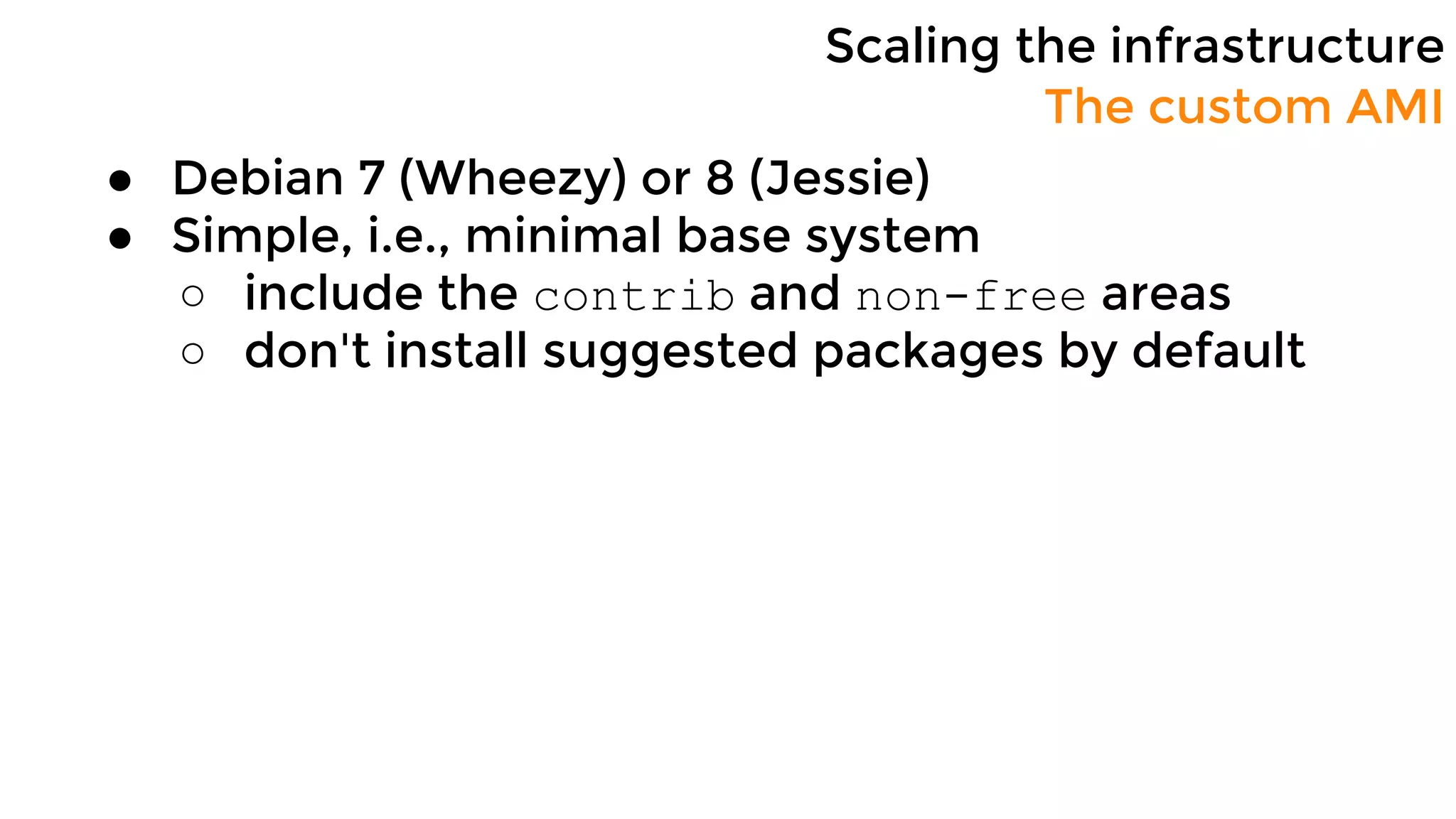
● Debian 7 (Wheezy) or 8 (Jessie)
● Simple, i.e., minimal base system
○ include the contrib and non-free areas
○ don't install suggested packages by default
The custom AMI
Scaling the infrastructure
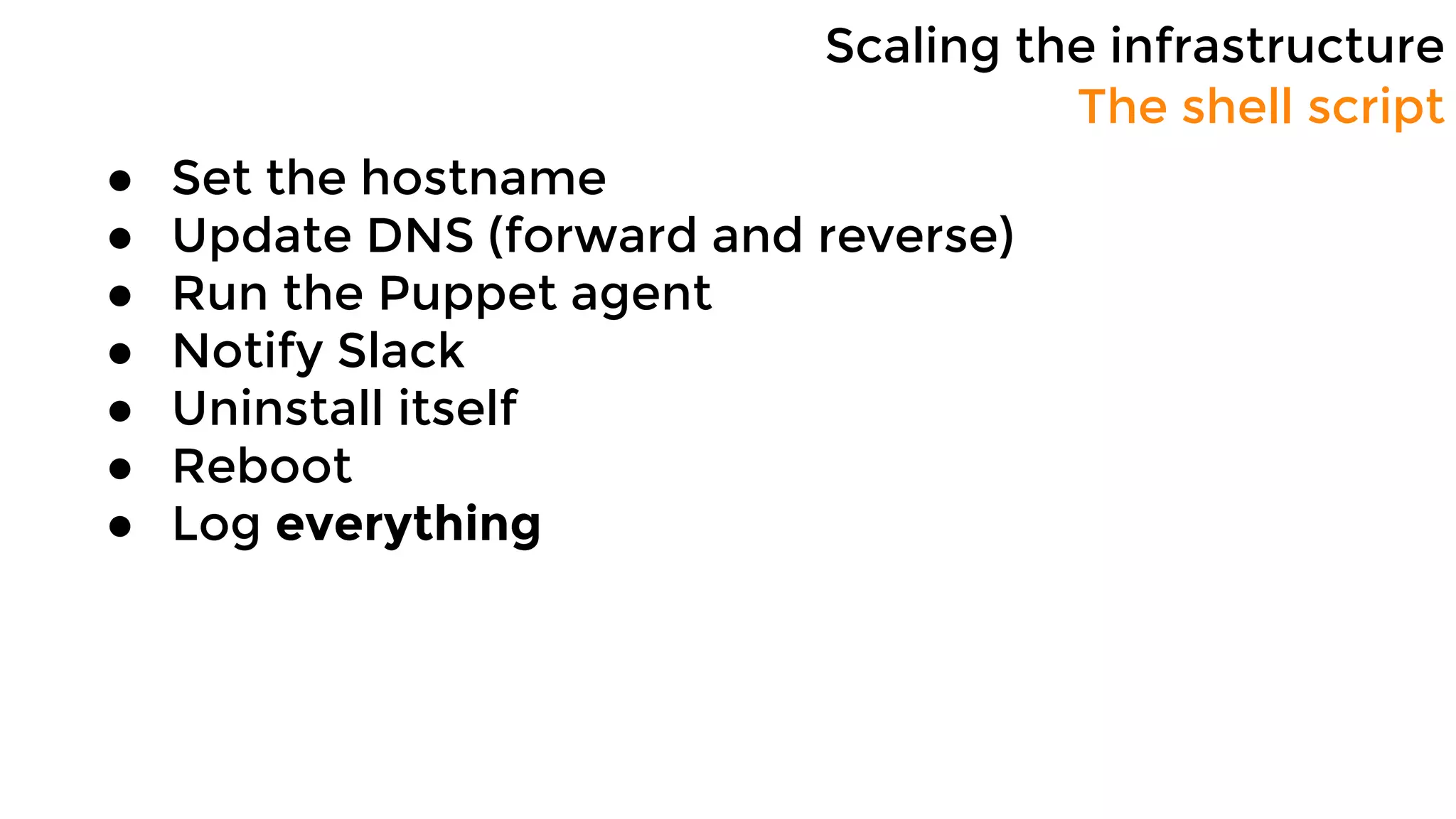
● Set the hostname
● Update DNS (forward and reverse)
● Run the Puppet agent
● Notify Slack
● Uninstall itself
● Reboot
● Log everything
The shell script
Configuration Management
Bootstrapping servers
1. Generate new SSL key and request a
new certificate
2. Run policy-based autosign script
3. Compile catalog
4. Download catalog
5. Apply the catalog
1. Basic checks: certname was provided, no
certificate with the same name has already been
signed, etc.
2. Verify that an instance with the exact same
name exists
3. ...
1
puppet.internal
bender.internal
2, 34
5
Configuration Management
Development environment
In the old days...
● Git repo
● Single puppet master
● No staging environment
Configuration Management
Development environment
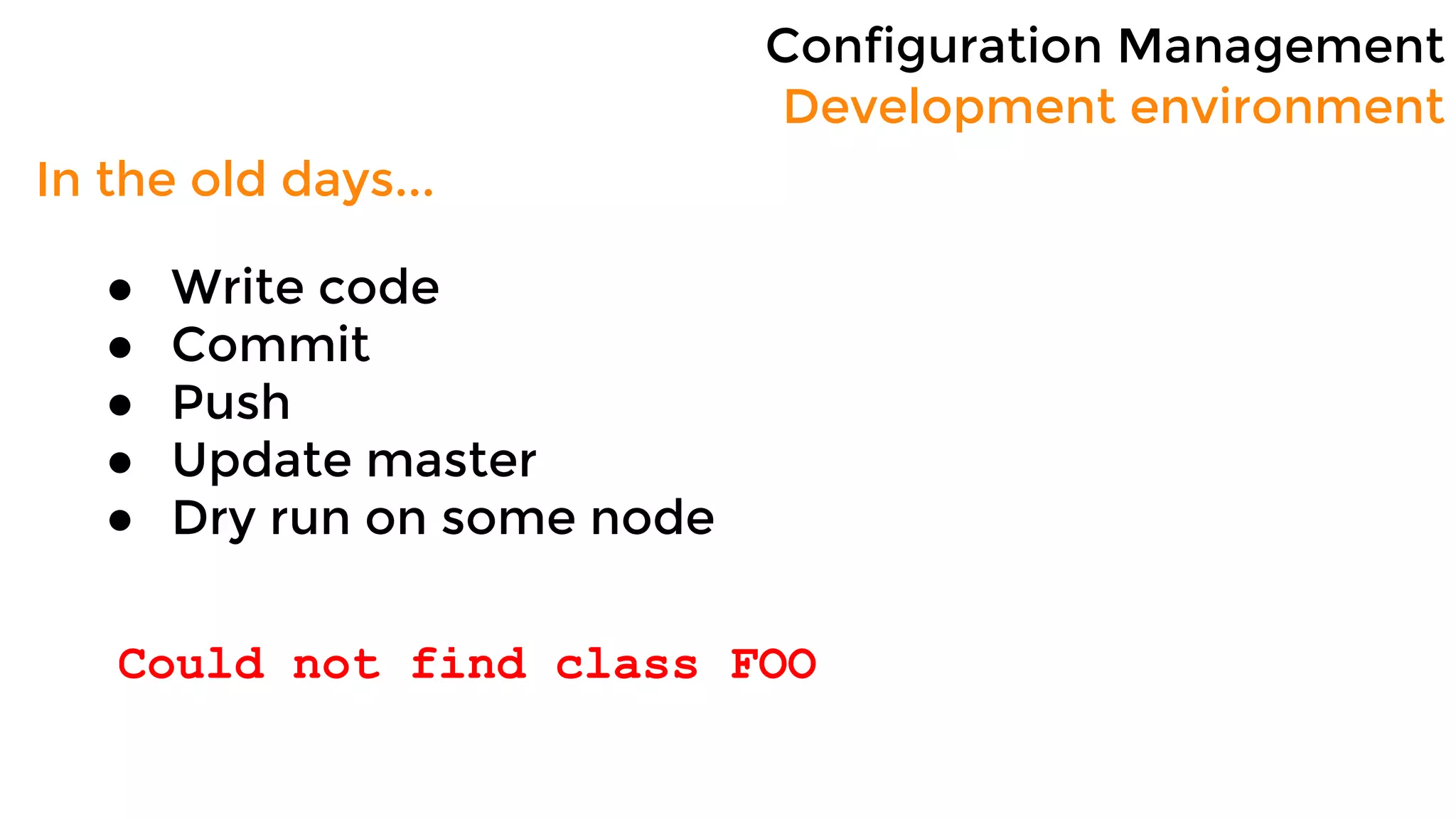
In the old days...
● Write code
● Commit
● Push
● Update master
● Dry run on some node
Syntax error at 'FOO'; expected '}' at BAR
Configuration Management
Development environment
In the old days...
● Write code
● Commit
● Push
● Update master
● Dry run on some node
Could not find class FOO
Configuration Management
Development environment
In the old days...
● Write code
● Commit
● Push
● Update master
● Dry run on some node
Duplicate declaration: Package[FOO] is
already declared
Configuration Management
Development environment
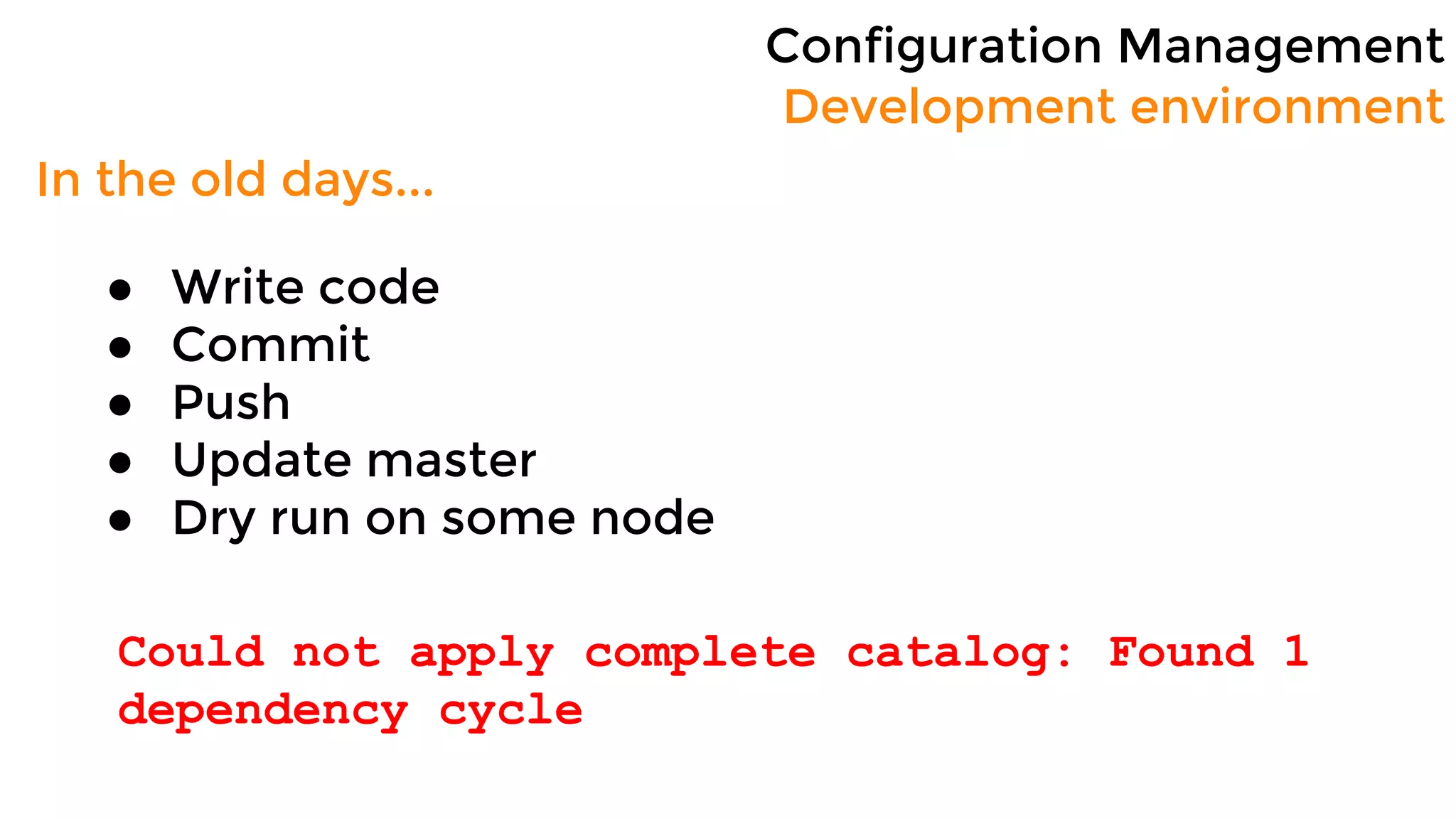
In the old days...
● Write code
● Commit
● Push
● Update master
● Dry run on some node
Could not apply complete catalog: Found 1
dependency cycle
Configuration Management
Development environment
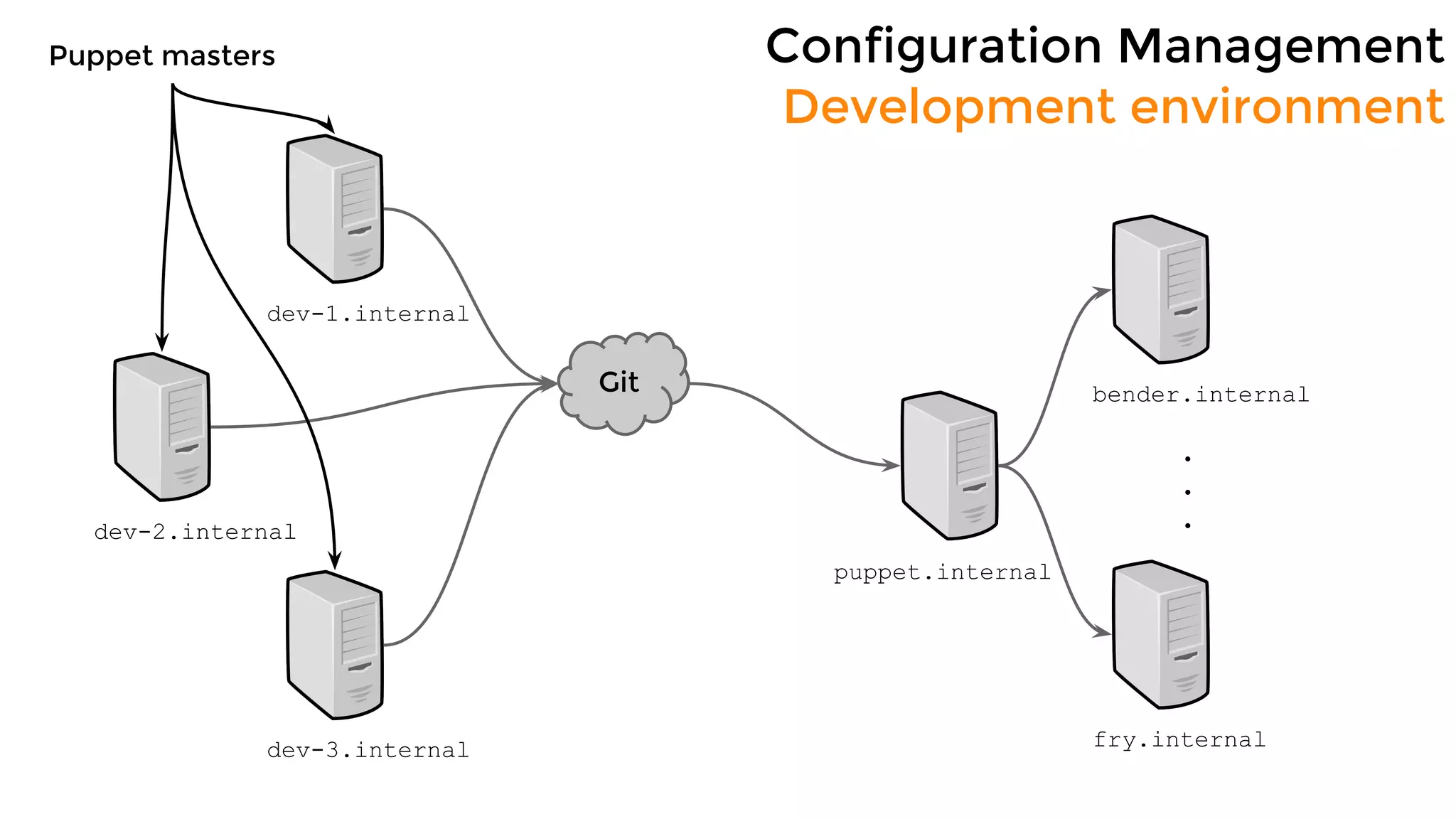
puppet.internal
bender.internalGit
fry.internal
.
.
.
dev-1.internal
dev-2.internal
dev-3.internal
Puppet masters
Configuration Management
Development environment
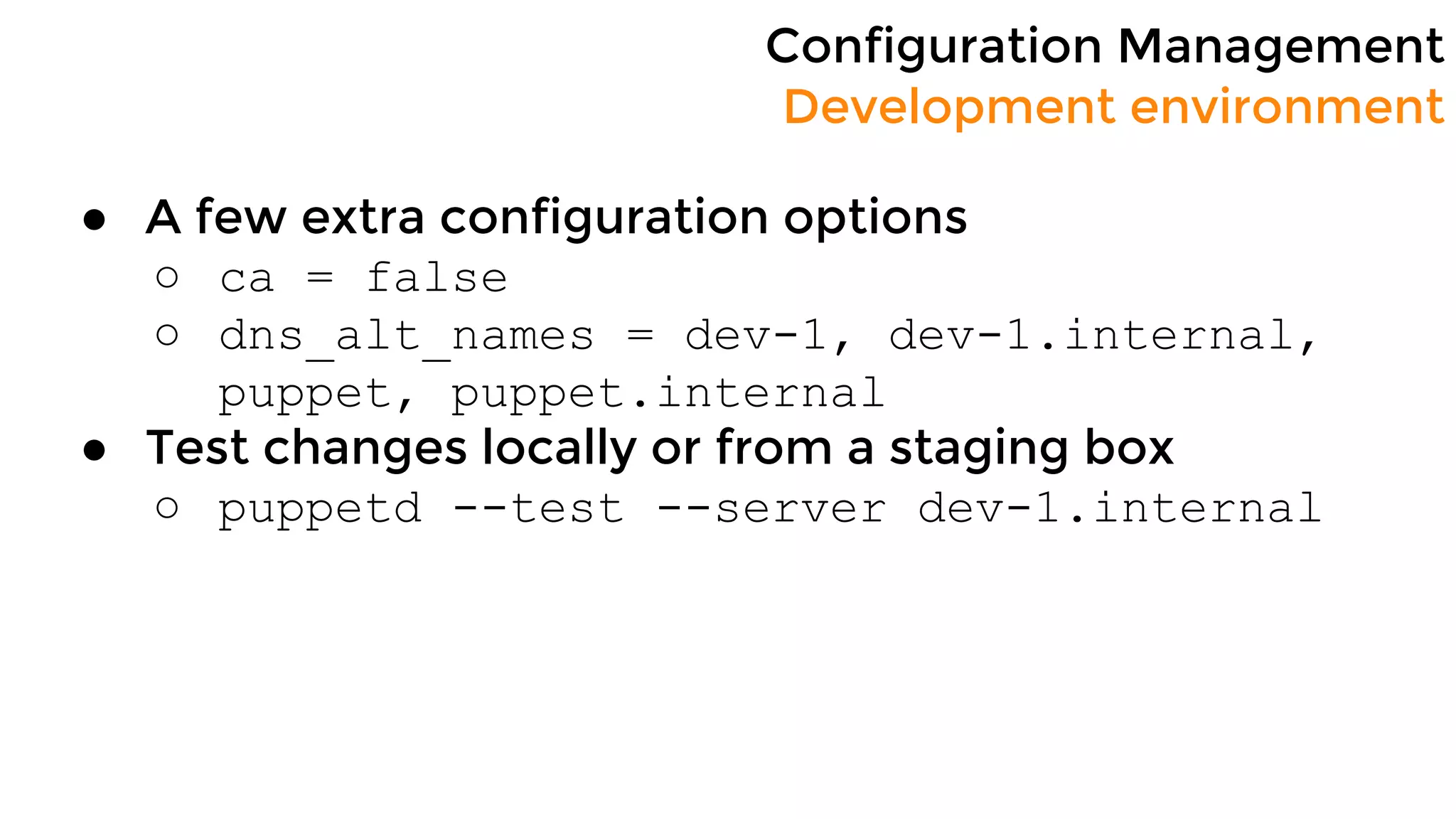
● A few extra configuration options
○ ca = false
○ dns_alt_names = dev-1, dev-1.internal,
puppet, puppet.internal
● Test changes locally or from a staging box
○ puppetd --test --server dev-1.internal
Configuration Management
Development environment
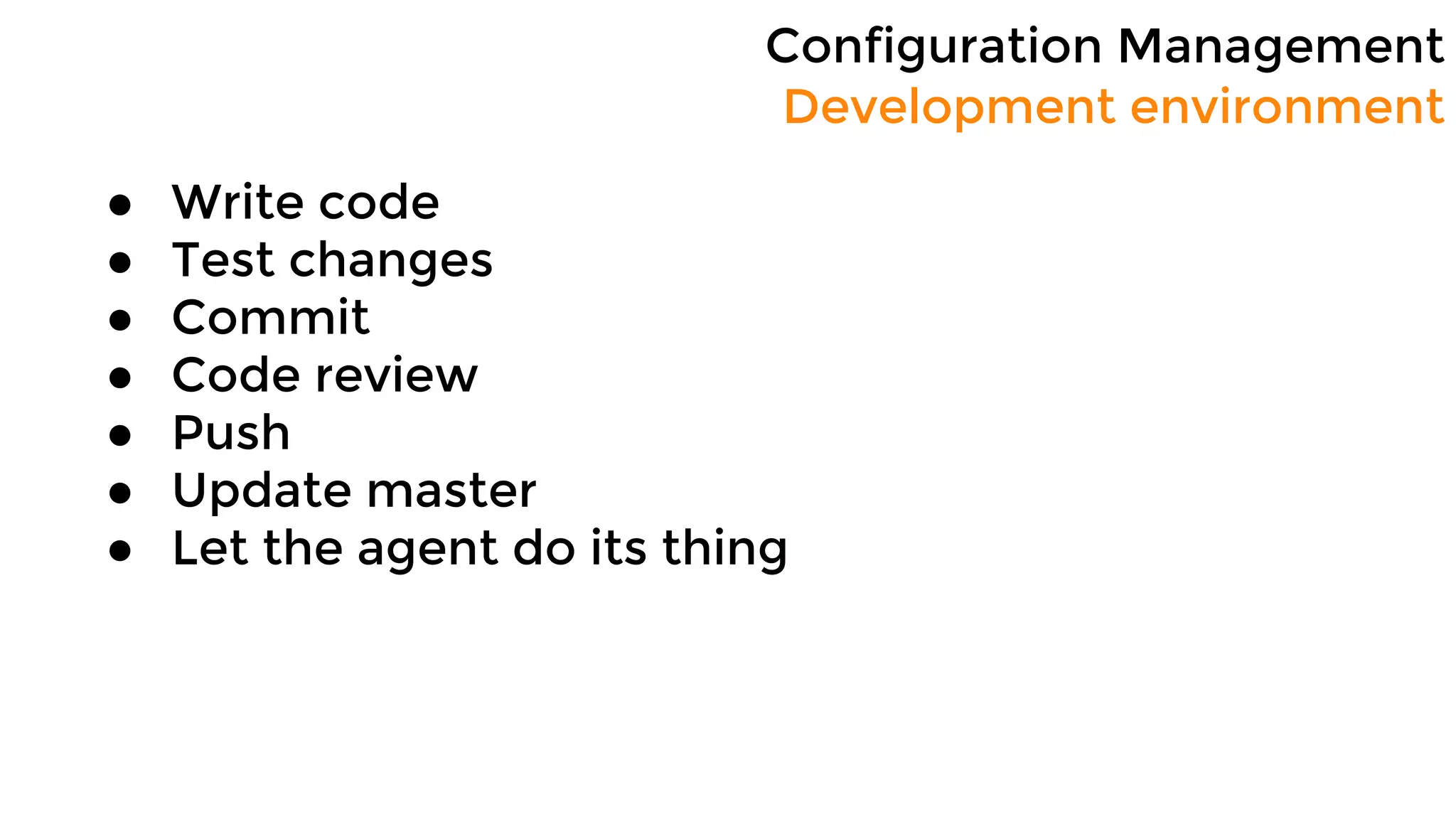
● Write code
● Test changes
● Commit
● Code review
● Push
● Update master
● Let the agent do its thing
Configuration Management
Sensitive data
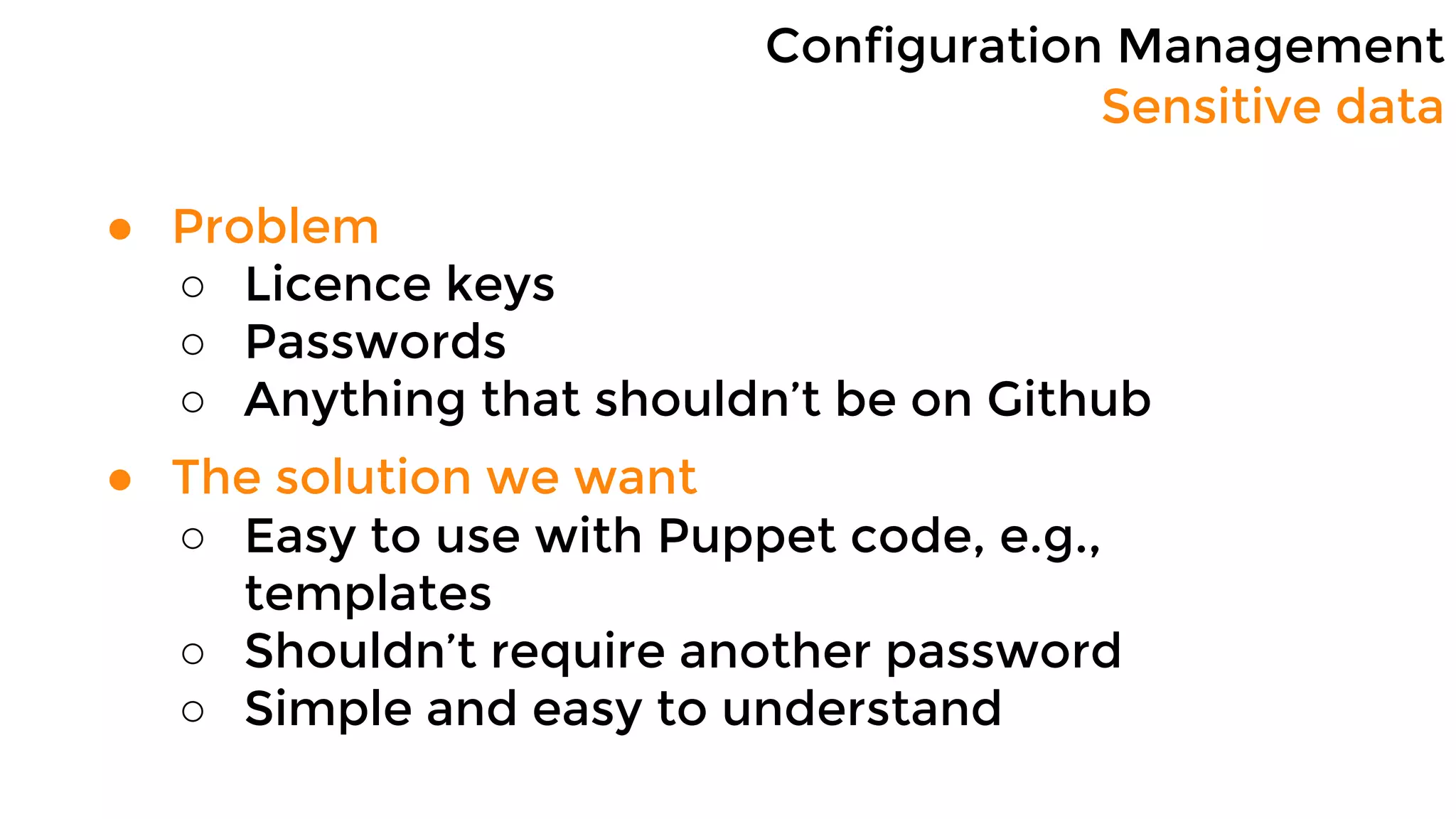
● Problem
○ Licence keys
○ Passwords
○ Anything that shouldn’t be on Github
● The solution we want
○ Easy to use with Puppet code, e.g.,
templates
○ Shouldn’t require another password
○ Simple and easy to understand
Configuration Management
Sensitive data
● Easy to use
○ Variables
● Don’t require another password
○ IAM role
● Simple and easy to understand
○ S3 or DynamoDB
Configuration Management
Sensitive data
● Store the data on an S3 Bucket (or DynamoDB)
● Create an IAM role with read-only permissions
● Assign the role to all puppet master instances
● Use an ENC
○ On every run Puppet gets all the sensitive
data relevant to that node
○ Data is made available through top-scope
variables
Configuration Management
Sensitive data
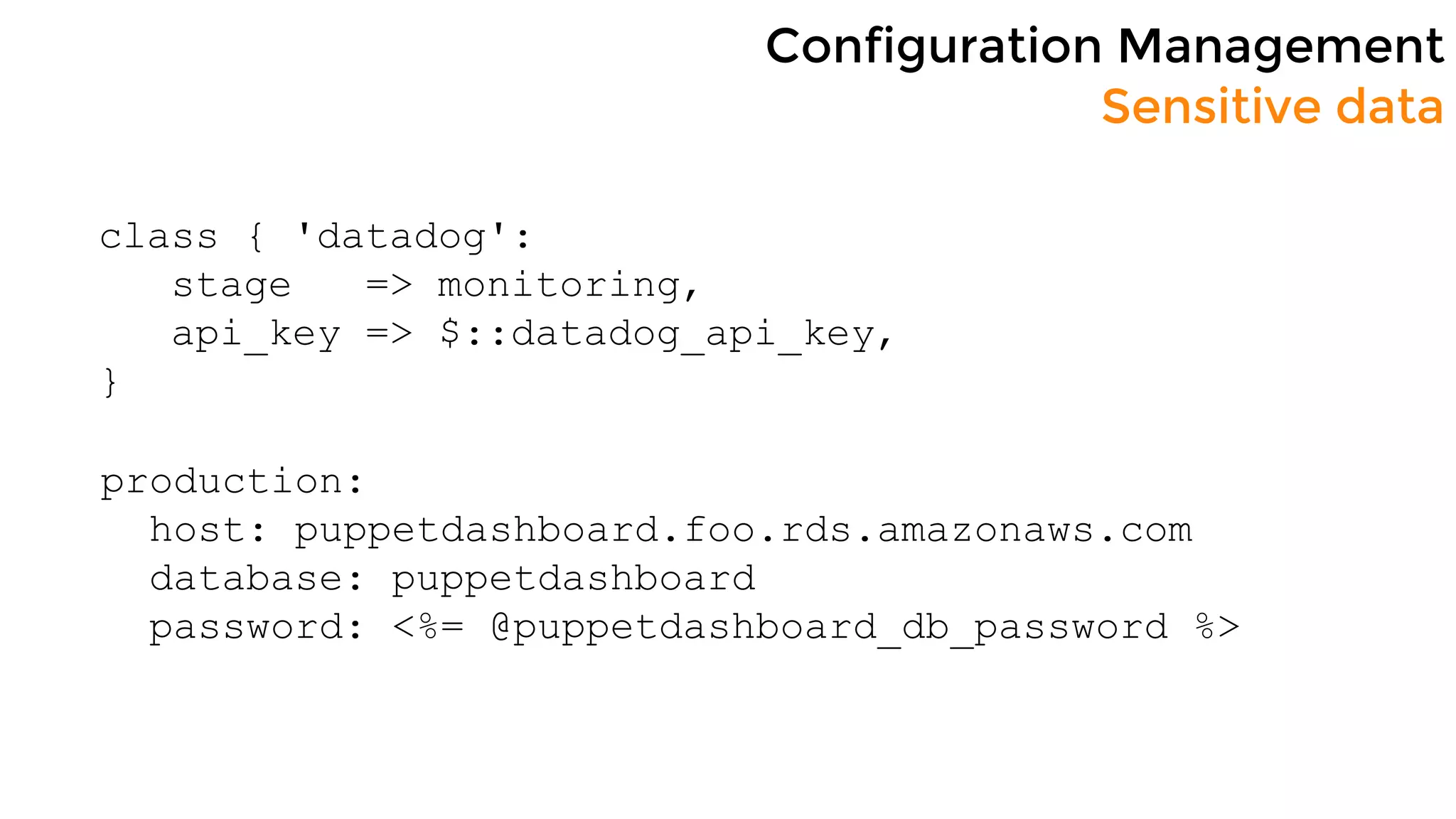
class { 'datadog':
stage => monitoring,
api_key => $::datadog_api_key,
}
production:
host: puppetdashboard.foo.rds.amazonaws.com
database: puppetdashboard
password: <%= @puppetdashboard_db_password %>
Configuration Management
Speed things up
● Re-deploy the provisioning script
● Create an AMI
Configuration Management
Conclusion
● Each developer has his/hers own puppet
master
● Changes can be easily tested locally or on
staging instances
○ just point the agent to your puppet master
● Development can happen in parallel
● No need to babysit agent runs
● All standard tools, didn’t reinvent the wheel
Questions?

Puppet Camp LA 2015: Server Management with Puppet on AWS for a fast-growing startup (Beginner)