
Search & Filter Interface Round Up
EXAMPLES & BEST PRACTICES


Prepared by:
Amy Cueva – Founder, Chief Experience Officer


October 19, 2009
Mad Pow
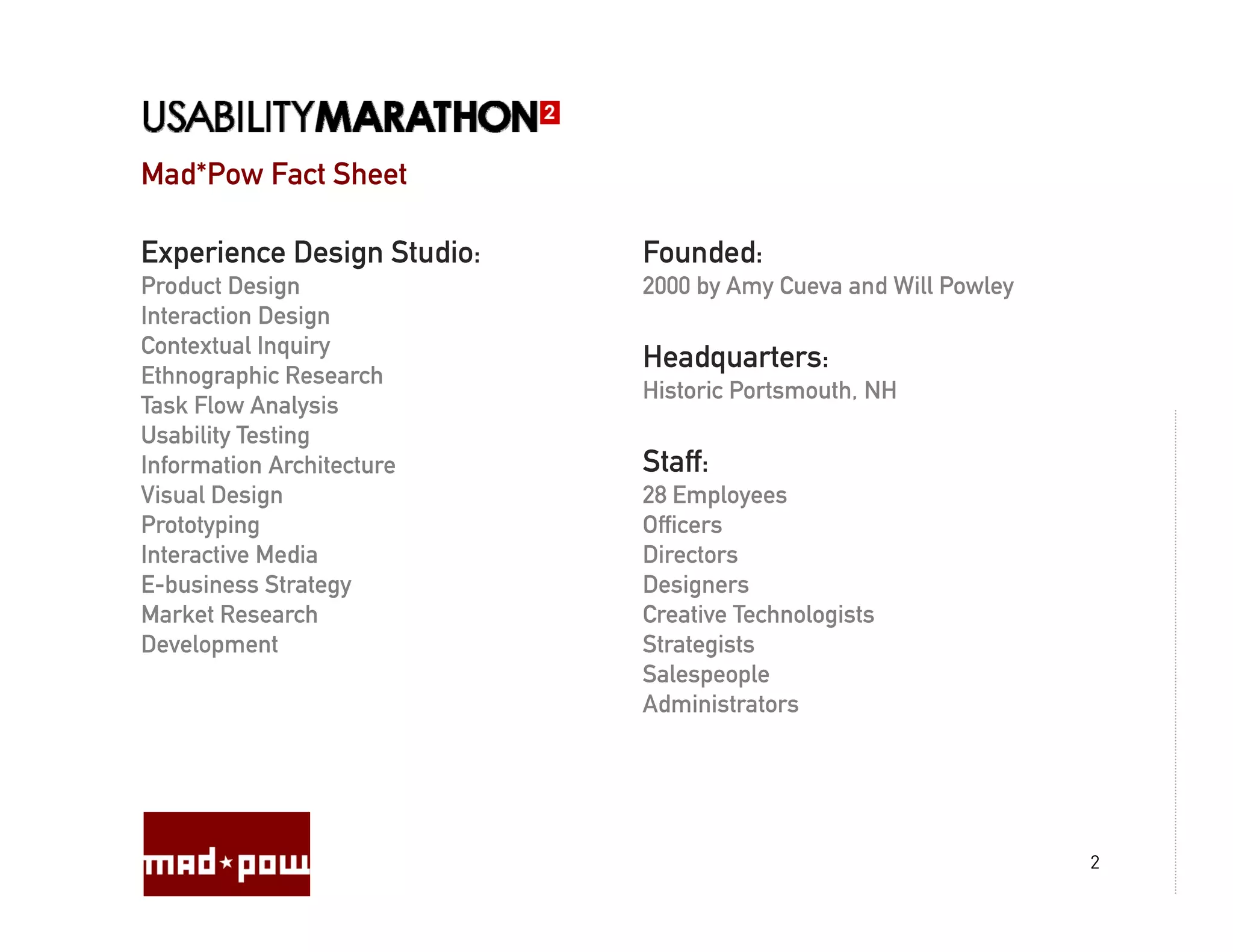
Mad*Pow Fact Sheet

Experience Design Studio:   Founded:
Product Design
             g              2000 by Amy Cueva and Will Powley
                                  y   y                     y
Interaction Design
Contextual Inquiry
                            Headquarters:
Ethnographic Research
                            Historic Portsmouth, NH
Task Flow Analysis
                y
Usability Testing
Information Architecture    Staff:
Visual Design               28 Employees
Prototyping
      yp g                  Officers
Interactive Media           Directors
E-business Strategy         Designers
Market Research             Creative Technologists
Development
       p                    Strategists
                                  g
                            Salespeople
                            Administrators


                                                                2
Mad Pow
Mad*Pow Clients


                  3
4
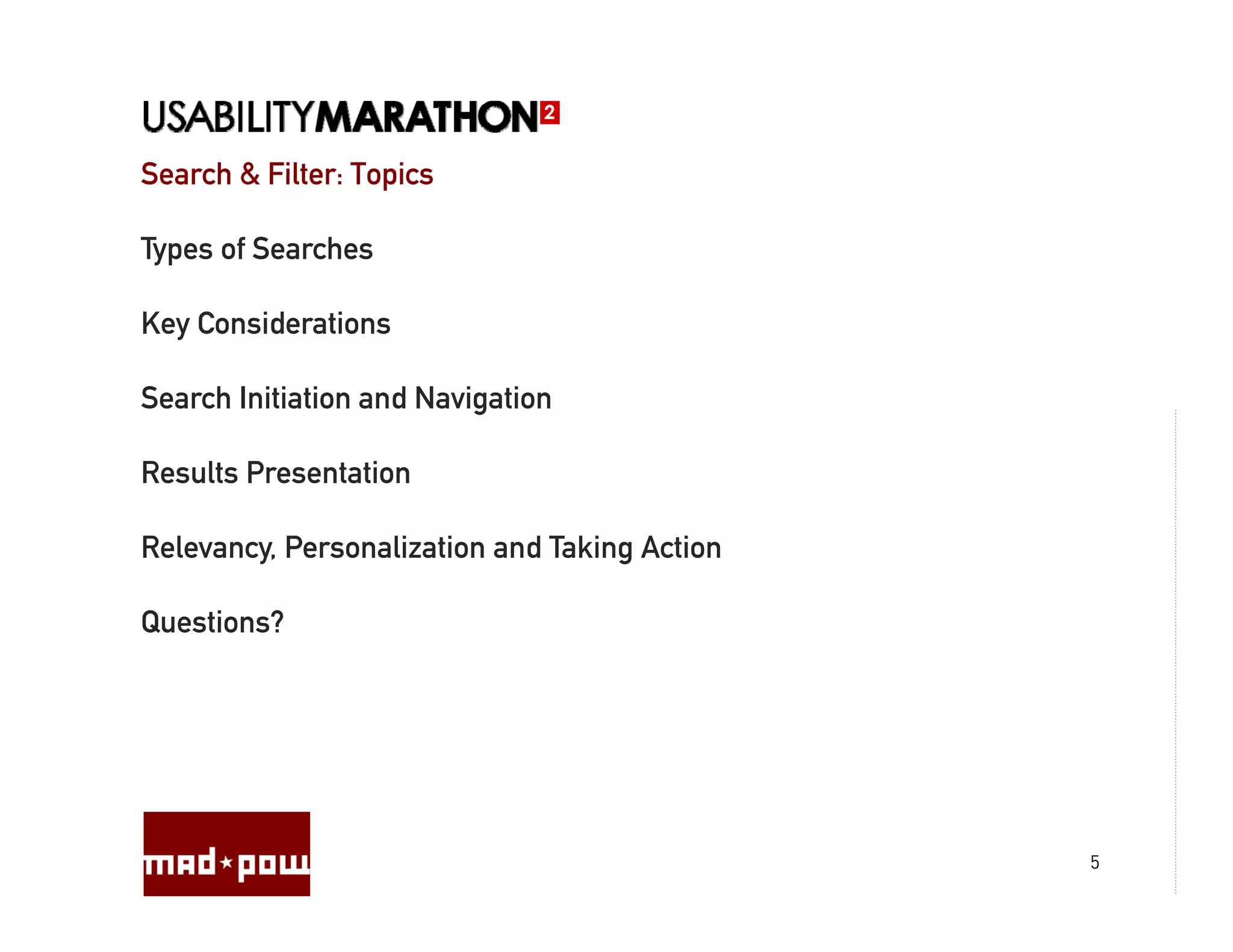
Search & Filter: Topics

Types of Searches

Key Considerations

Search Initiation and Navigation

Results Presentation

Relevancy, P
R l        Personalization and Taking Action
                  li i       d T ki A i

Questions?


                                               5
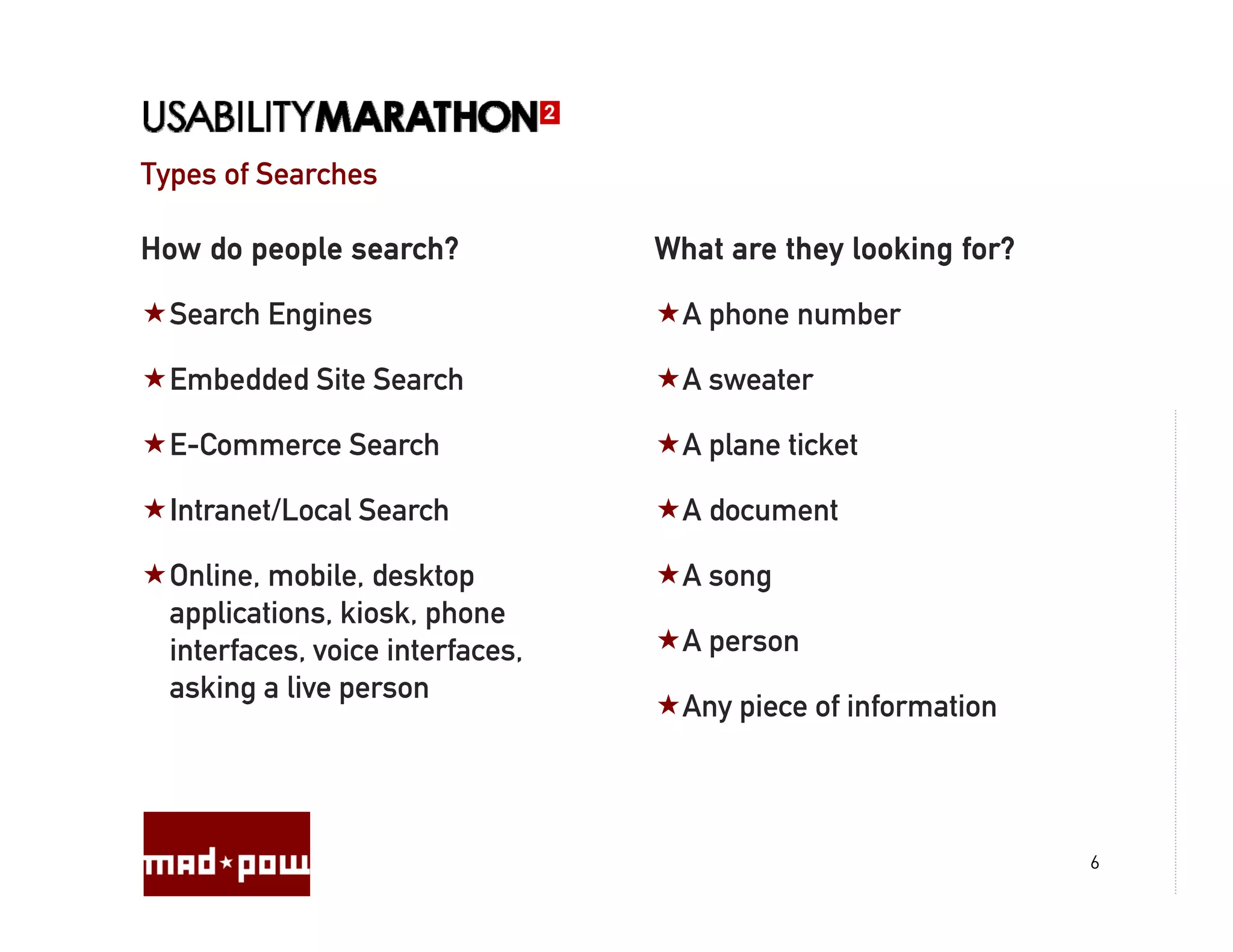
Types of Searches

How do people search?             What are they looking for?

  Search Engines                    A phone number

  Embedded Site Search              A sweater

  E-Commerce Search                 A plane ticket

  Intranet/Local Search             A document

  Online, mobile, desktop           A song
  applications, kiosk, phone
  interfaces,
  interfaces voice interfaces
                    interfaces,     A person
                                      p
  asking a live person
                                    Any piece of information


                                                               6
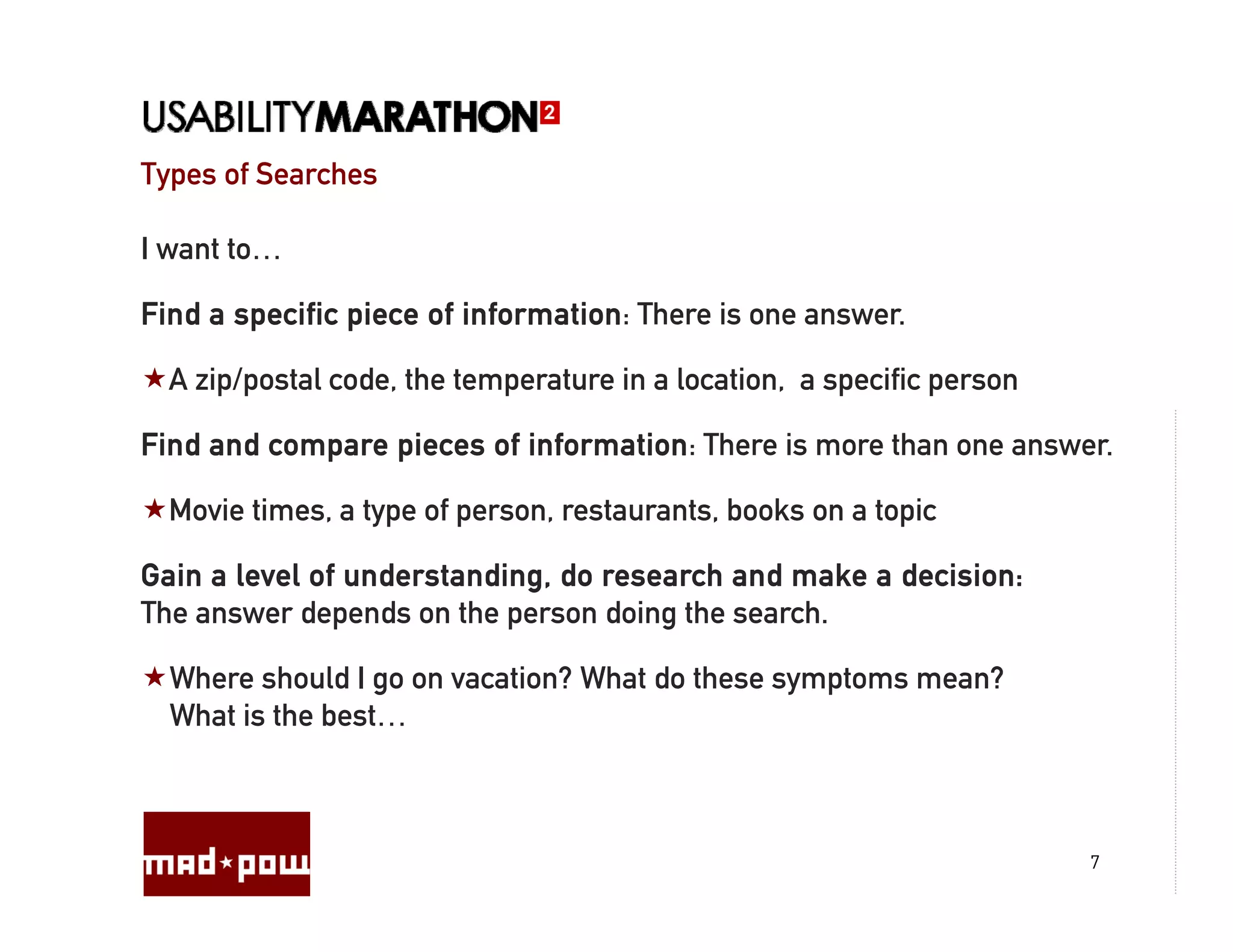
Types of Searches

I want to…

Find a specific piece of information: There is one answer.

  A zip/postal code, the temperature in a location, a specific person

Find and compare pieces of information: There is more than one answer.

  Movie times, a type of person, restaurants, books on a topic

Gain a level of understanding, do research and make a decision:
The answer depends on the person doing the search.

  Where should I go on vacation? What do these symptoms mean?
  What is the best…


                                                                        7
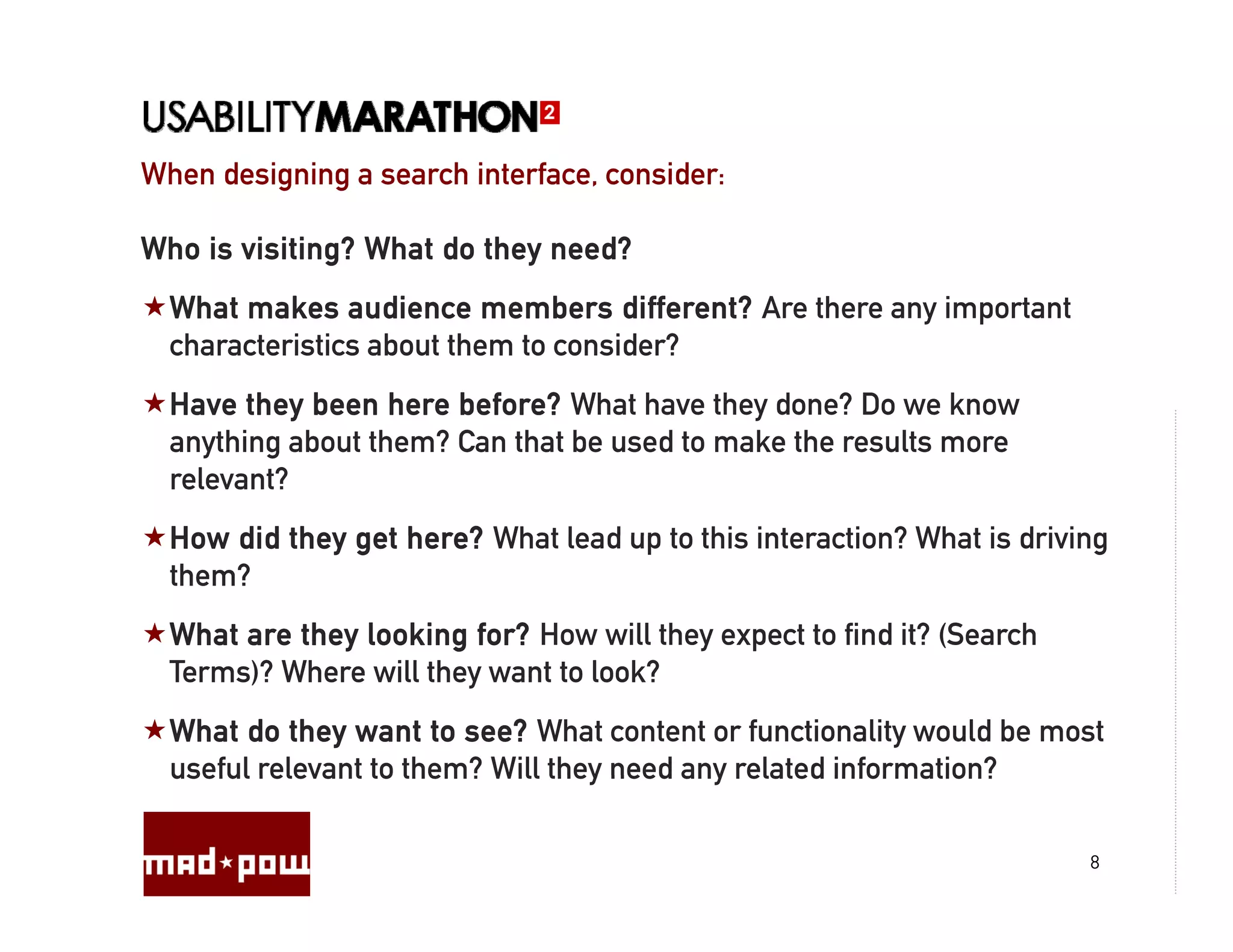
When designing a search interface, consider:
                        interface

Who is visiting? What do they need?
  What makes audience members different? Are there any important
                                          ?
  characteristics about them to consider?
  Have they been here before? What have they done? Do we know
            y                                y
  anything about them? Can that be used to make the results more
  relevant?
  How did they get here? What lead up to this interaction? What is driving
  them?
  What are they looking for? How will they expect to find it? (Search
  Terms)? Where will they want to look?
  What do they want to see? What content or functionality would be most
  useful relevant to them? Will they need any related information?

                                                                        8
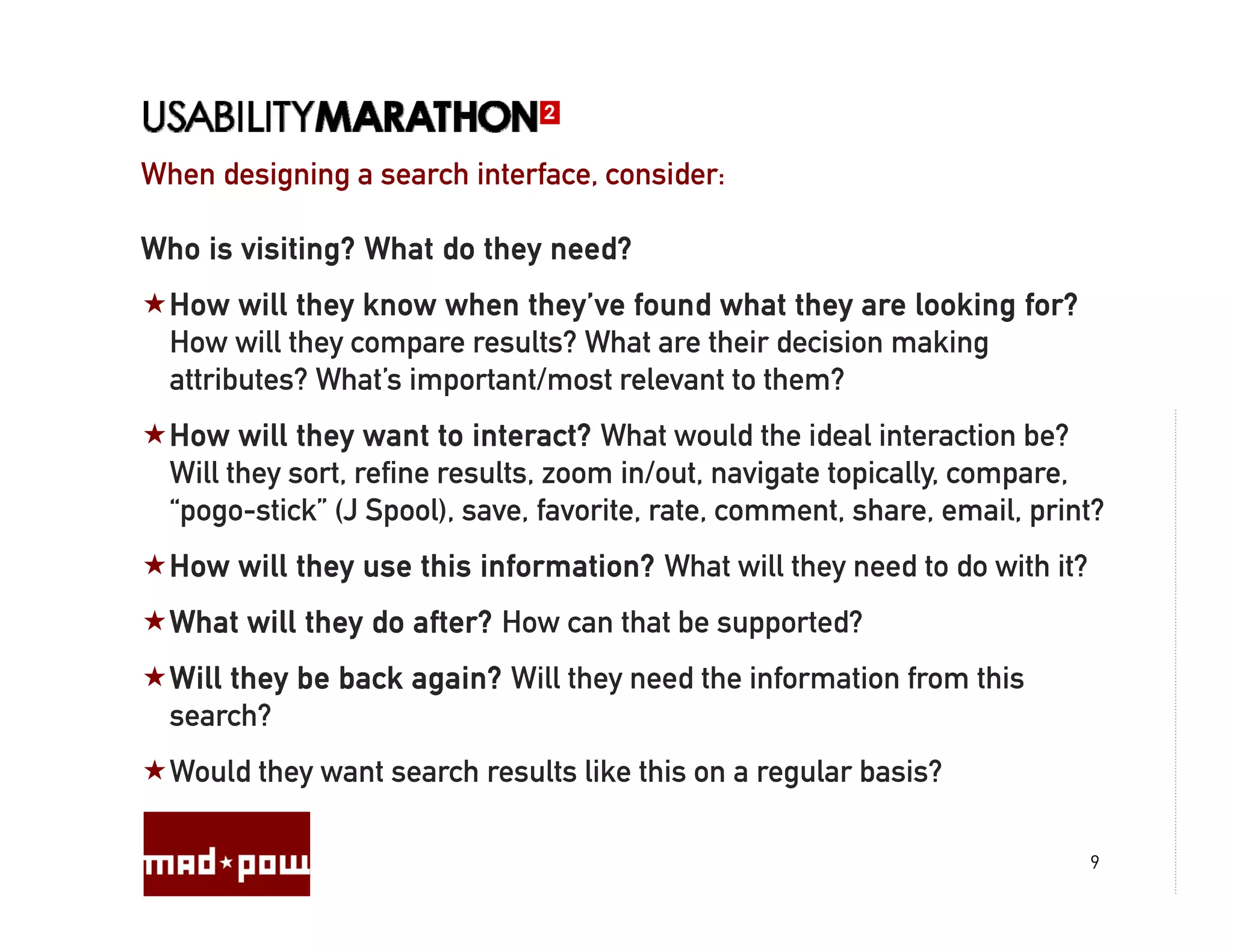
When designing a search interface, consider:
                        interface

Who is visiting? What do they need?
  How will they know when they’ve found what they are looking for?
  H       ill th k       h th ’ f         d h t th        l ki f ?
  How will they compare results? What are their decision making
  attributes? What’s important/most relevant to them?
  How will they want to interact? What would the ideal interaction be?
  Will they sort, refine results, zoom in/out, navigate topically, compare,
  “pogo-stick” (J Spool), save, favorite, rate, comment, share, email, print?
  How will they use this information? What will they need to do with it?
  What will they do after? How can that be supported?
  Will they be back again? Will they need the information from this
  search?
  Would they want search results like this on a regular basis?

                                                                           9
What can be done? What will YOU do?

What can be done to understand the visitor?

  Search logs, site stats, analytics

  Site survey/customer survey

  User research: User interviews, contextual inquiry, observation

  Usability testing: before, after, and during


How early can you do these things? How often? Can they be part of an
ongoing process?


                                                                       10
What can be done? What will YOU do?

Making it happen…

  What is it? What are the priorities? How do you determine priorities?

  What should be done in the future?

  What can be done right now?

  What can be done with the technology? What can’t?

  Who are you working with? How can you collaborate?

  Is your search effective? How will y measure success?
     y                               you

  How will search relevancy be monitored and improved on a regular
  basis?


                                                                          11
Interface & Interaction Design Checklist:

  Home (pre-search):

      What will be shown?

      Most recent searches?

      Most recently clicked through on?

      Most popular?

      Recommended searches?


                                            12
Interface & Interaction Checklist:

  Search Box:
      Placement, priority, design, labeling
      Focus, return, tabbing
      Pre-population,
      P       l i
      Type ahead, spell check, interactivity, related searches
      “Codified”
      “C difi d” searches
                      h
  Search Terms:
      What terms should be anticipated?
      Wh t t      h ld b     ti i t d?
      Will there be a spell check/did you mean feature?


                                                                 13
Interface & Interaction Checklist:

  Display of Results:
      What
      Wh t content/media will be displayed?
              t t/ di ill b di l d?
      Will there be content available on hover?
      Will the content be expandable/collapsible?
      Will related content be shown?
      Can a click through be avoided by showing the right information in
      the results?
      How will the results be organized?
      How will the results be prioritized?
      How will they be filtered and sorted?
      Will topical navigation or faceted navigation be available?
             p         g                     g


                                                                           14
Interface & Interaction Checklist:

  Manipulation of Results/Interaction with Results:

      Sort, filter, zoom in/out, navigate

      Organize, Drag & drop,

      Take action, save, share, email print

      Rate, comment, contribute, suggest

      Show similar/more like this, remove

      Browse, hover, click through/view
                                g

      How many results per page, pagination

      How will the content load/flow in?

                                                      15
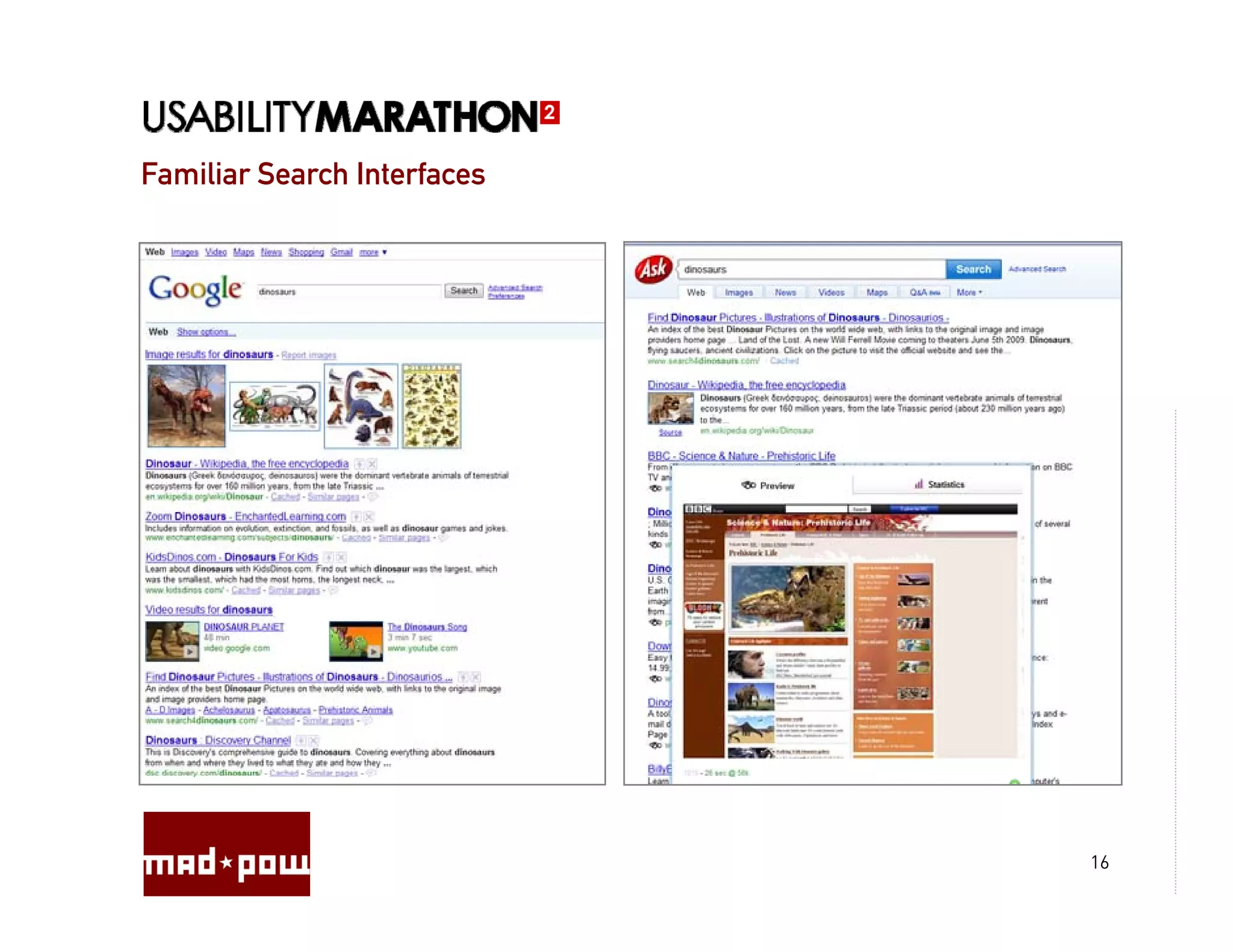
Familiar Search Interfaces


                             16
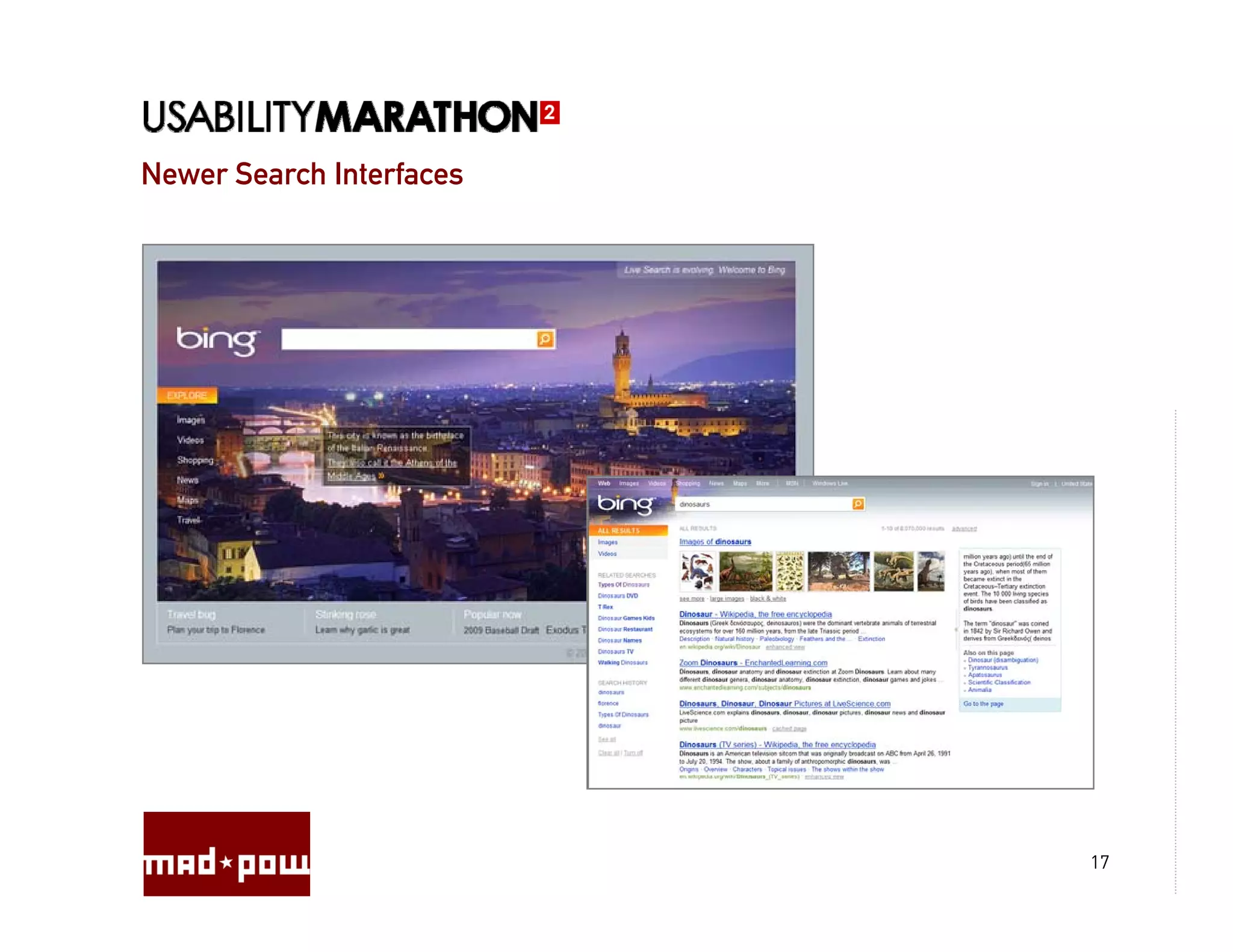
Newer Search Interfaces


                          17
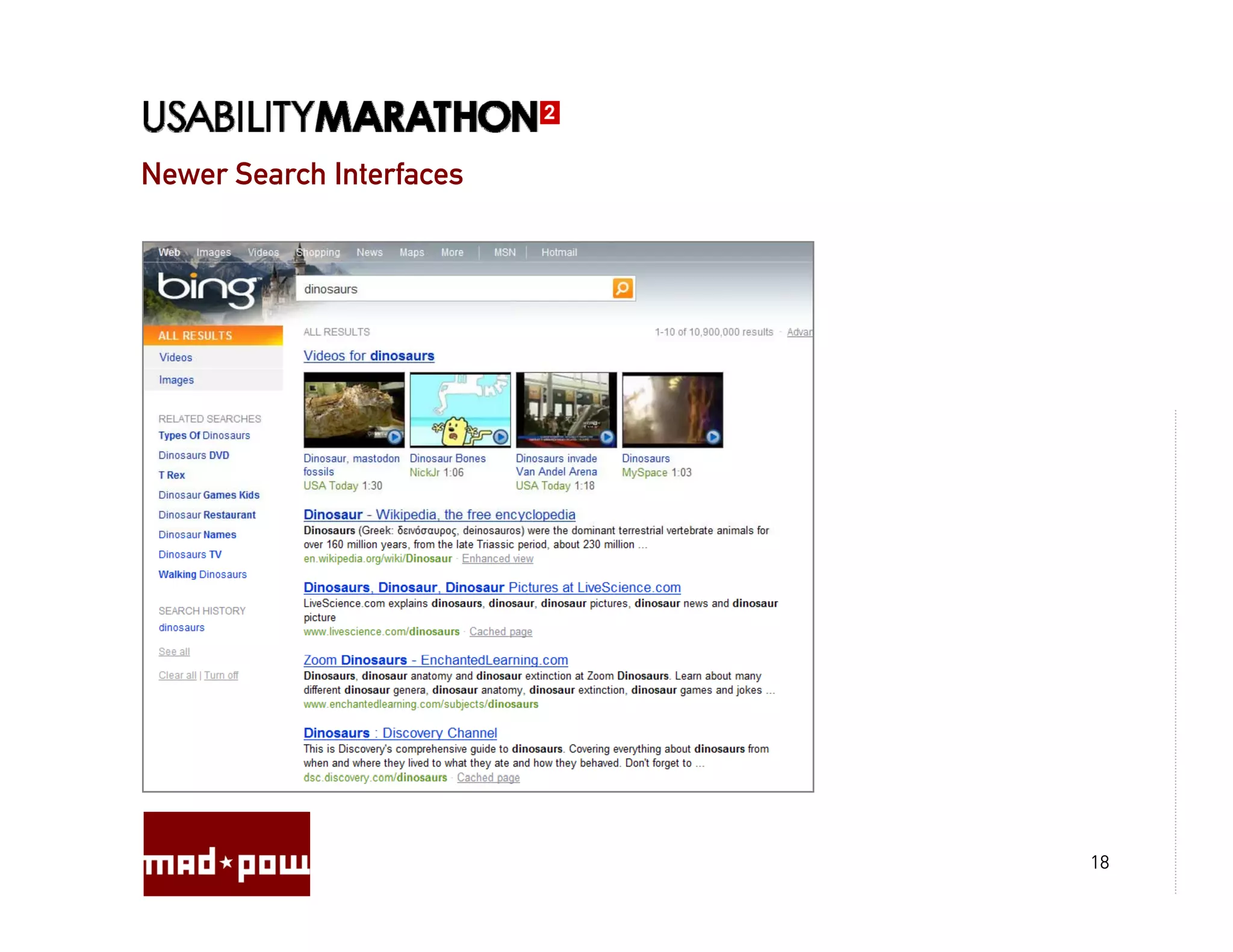
Newer Search Interfaces


                          18
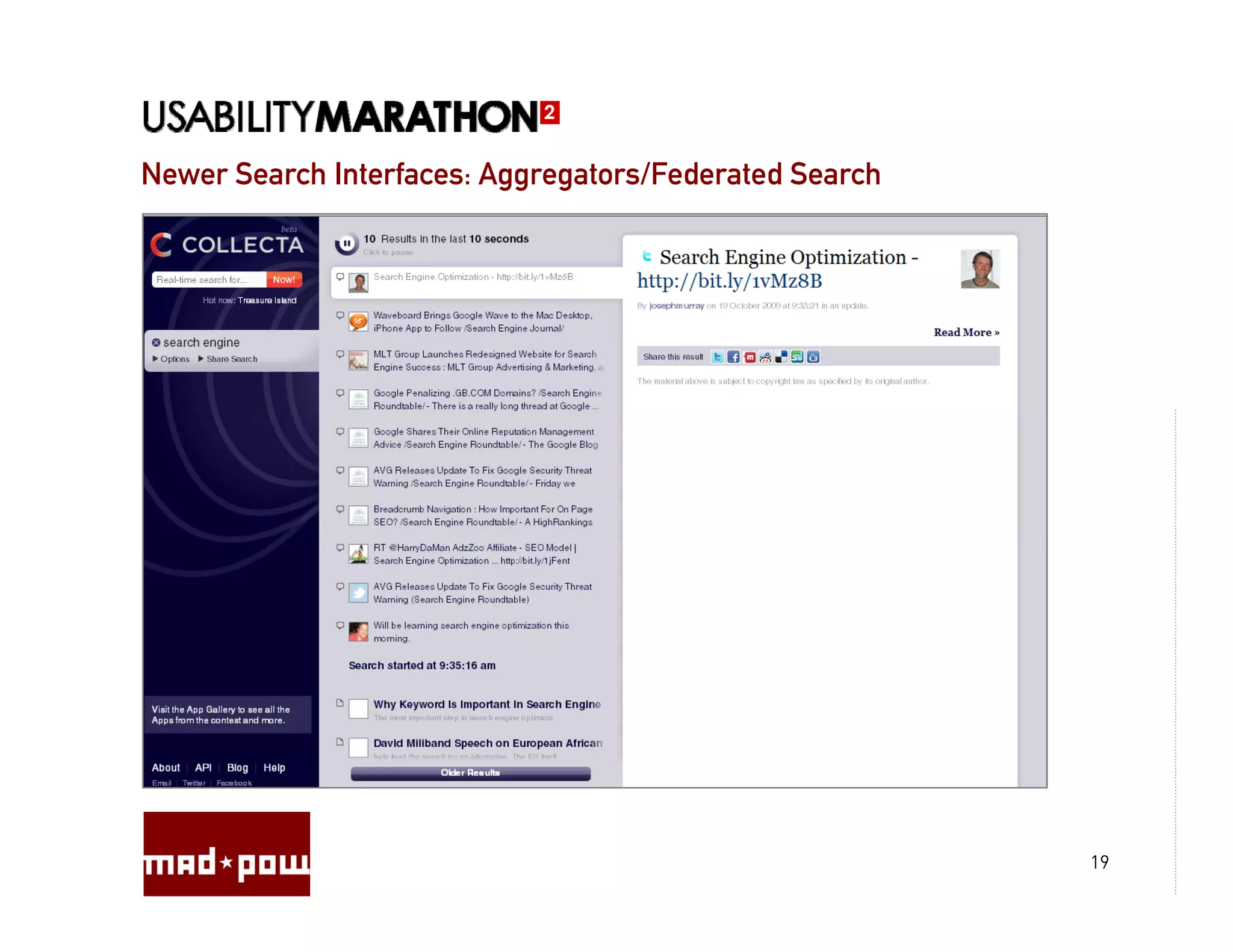
Newer Search Interfaces: Aggregators/Federated Search


                                                        19
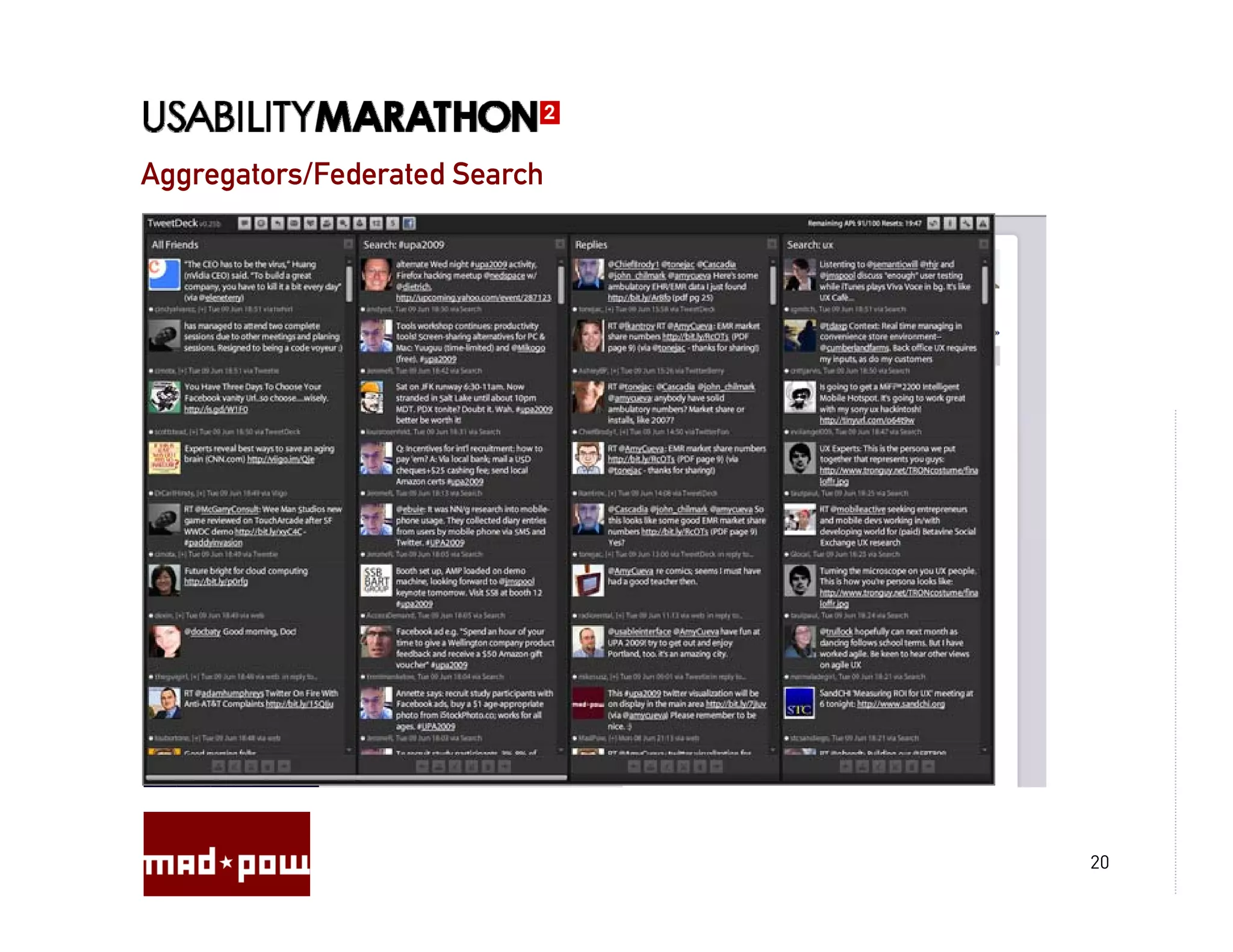
Aggregators/Federated Search


                               20
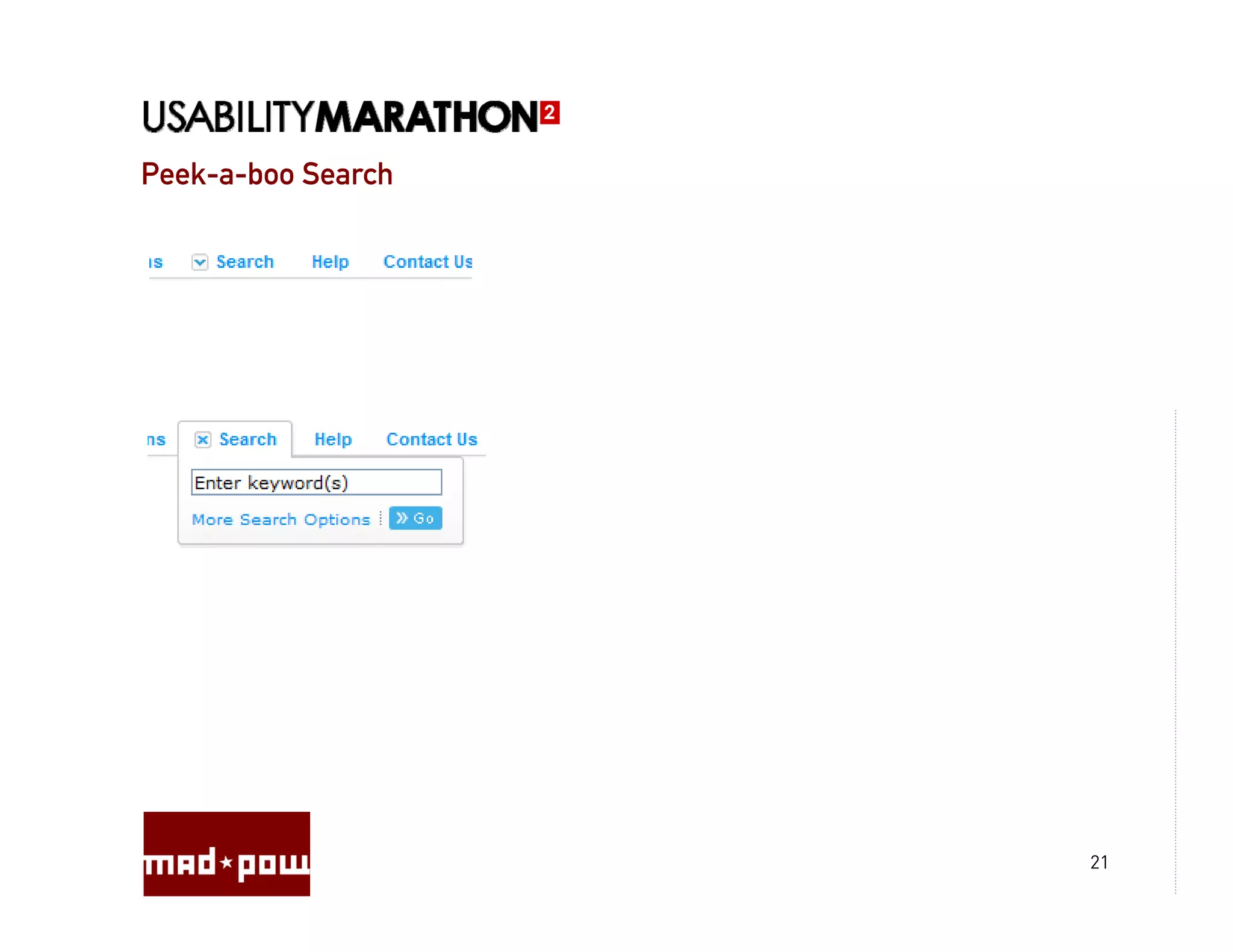
Peek-a-boo Search


                    21
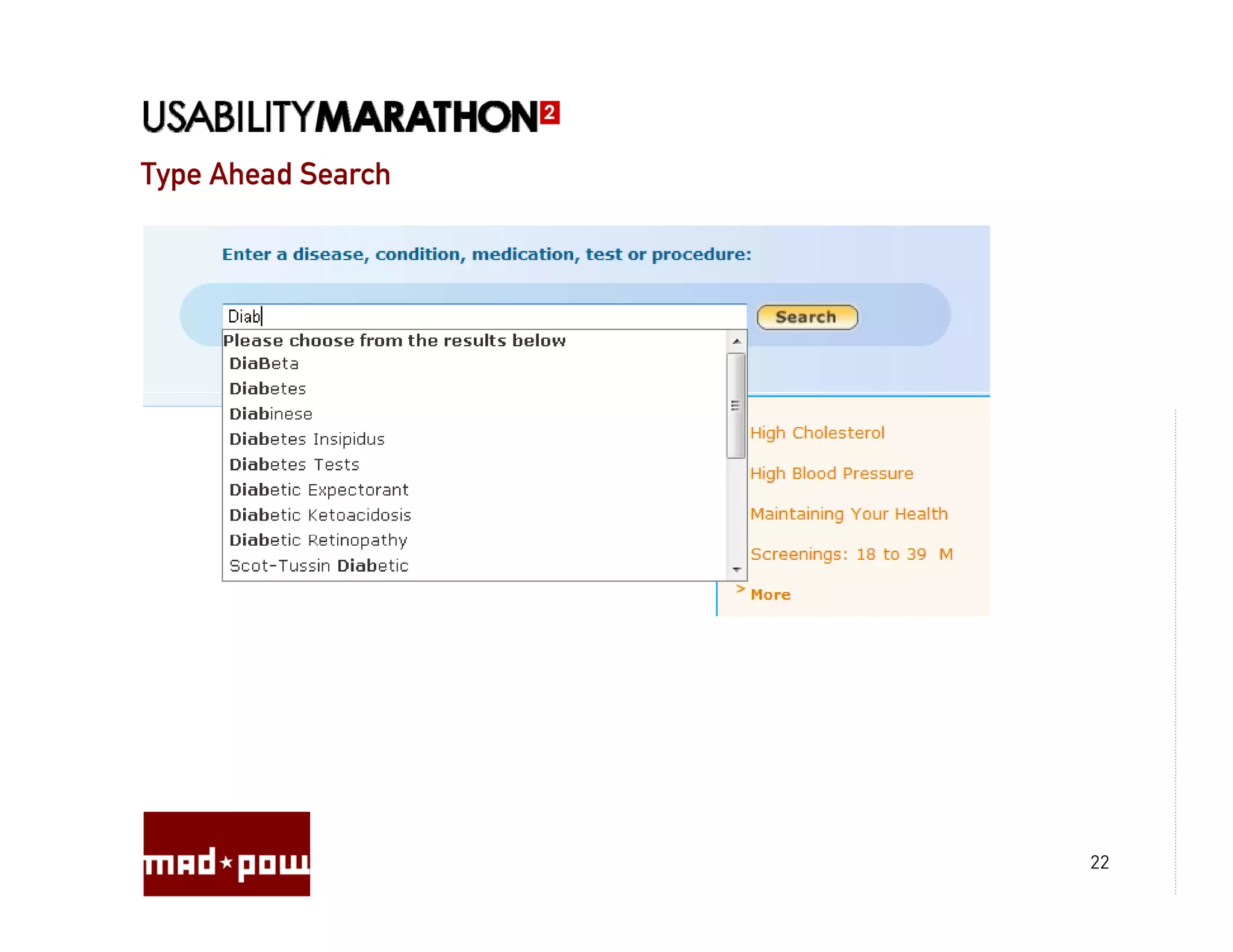
Type Ahead Search


                    22
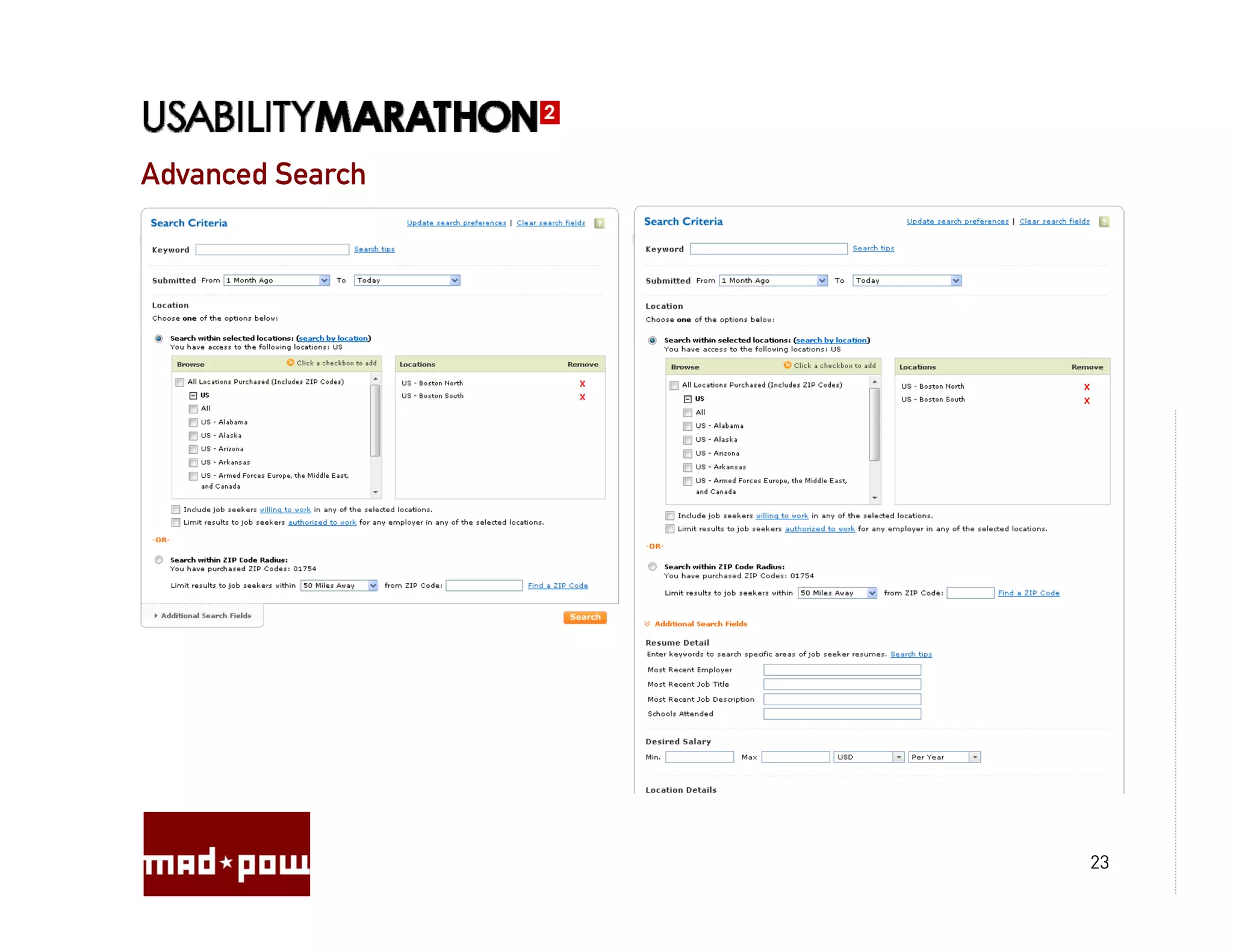
Advanced Search


                  23
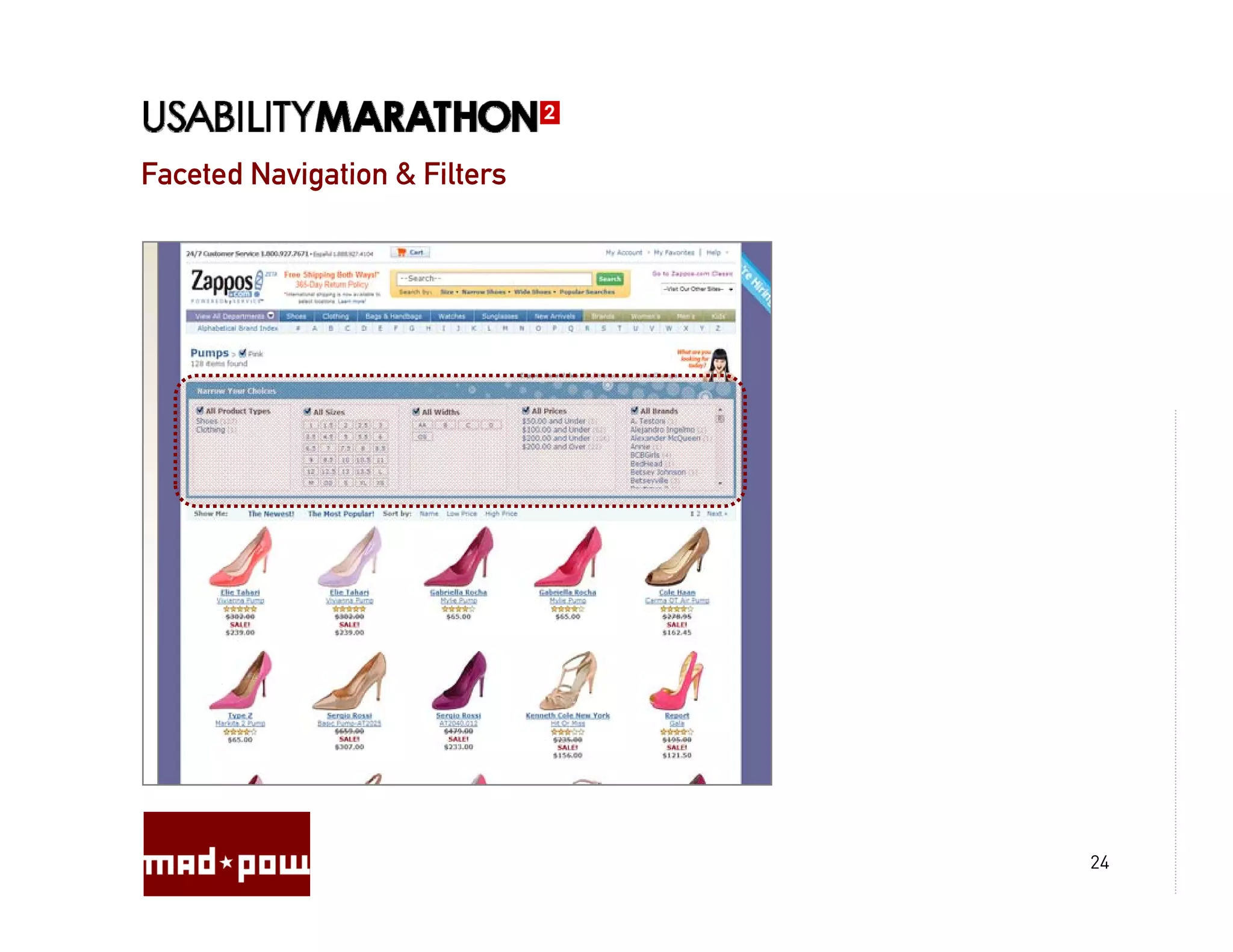
Faceted Navigation & Filters


                               24
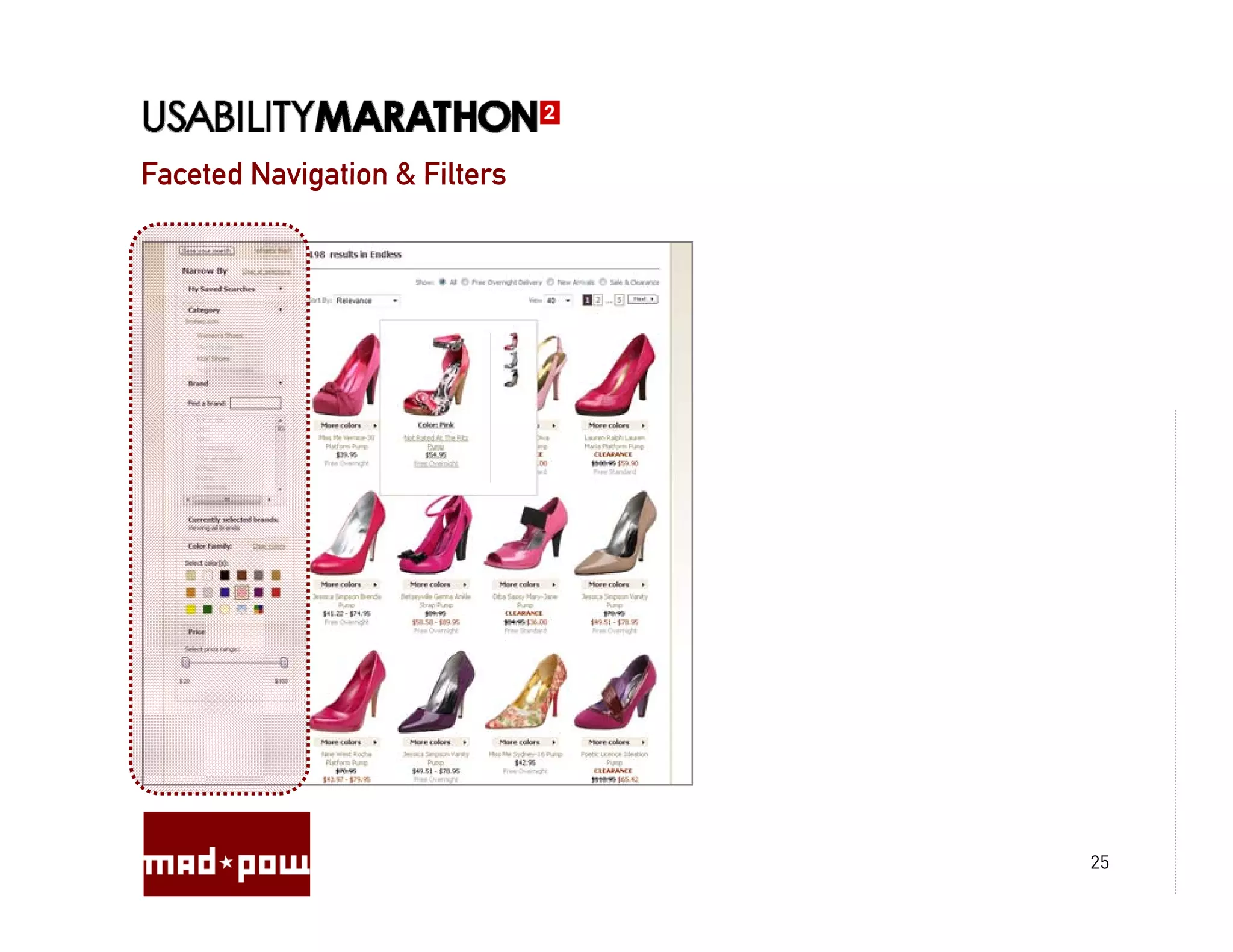
Faceted Navigation & Filters


                               25
Faceted Navigation & Filters


                               26
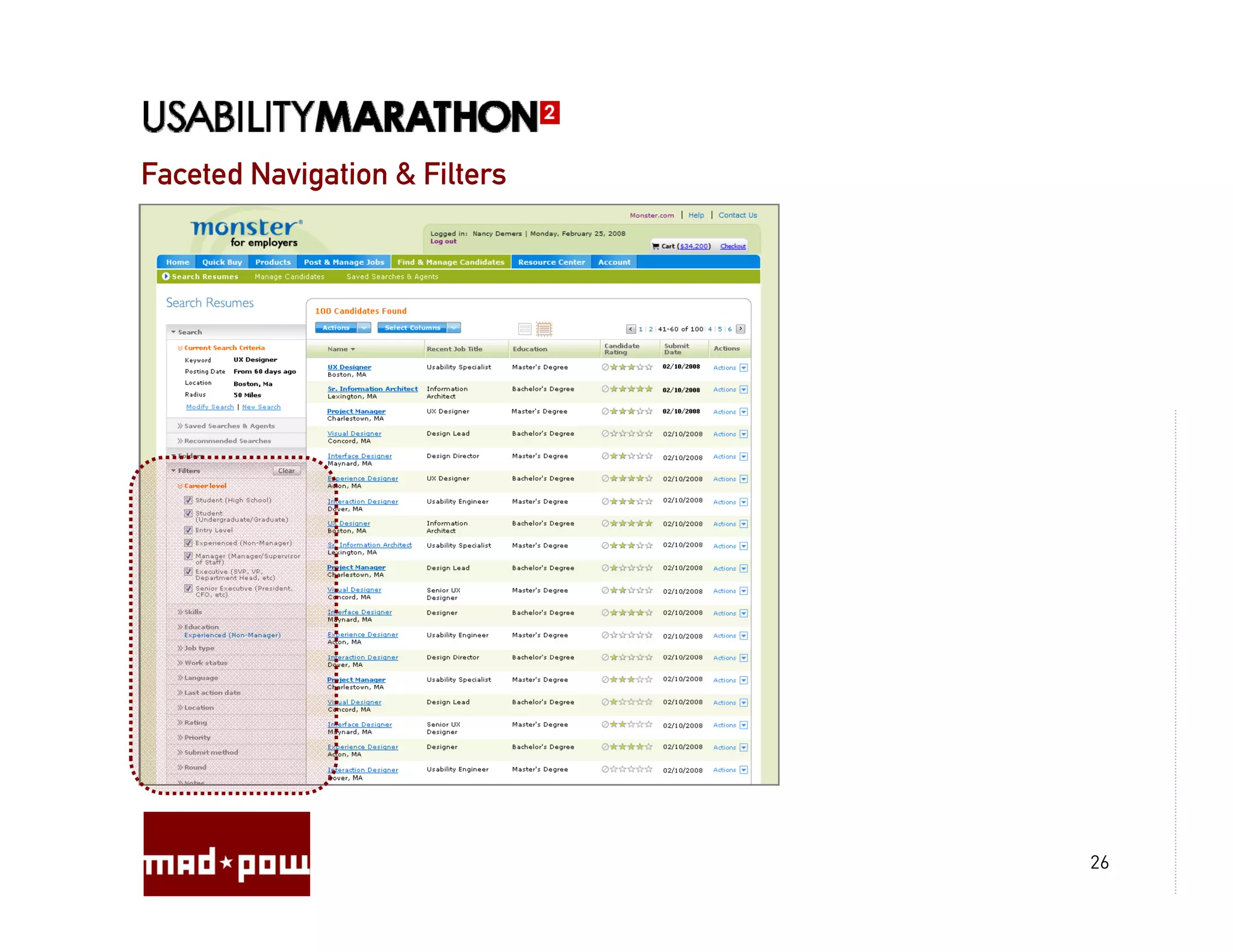
Faceted Navigation & Filters


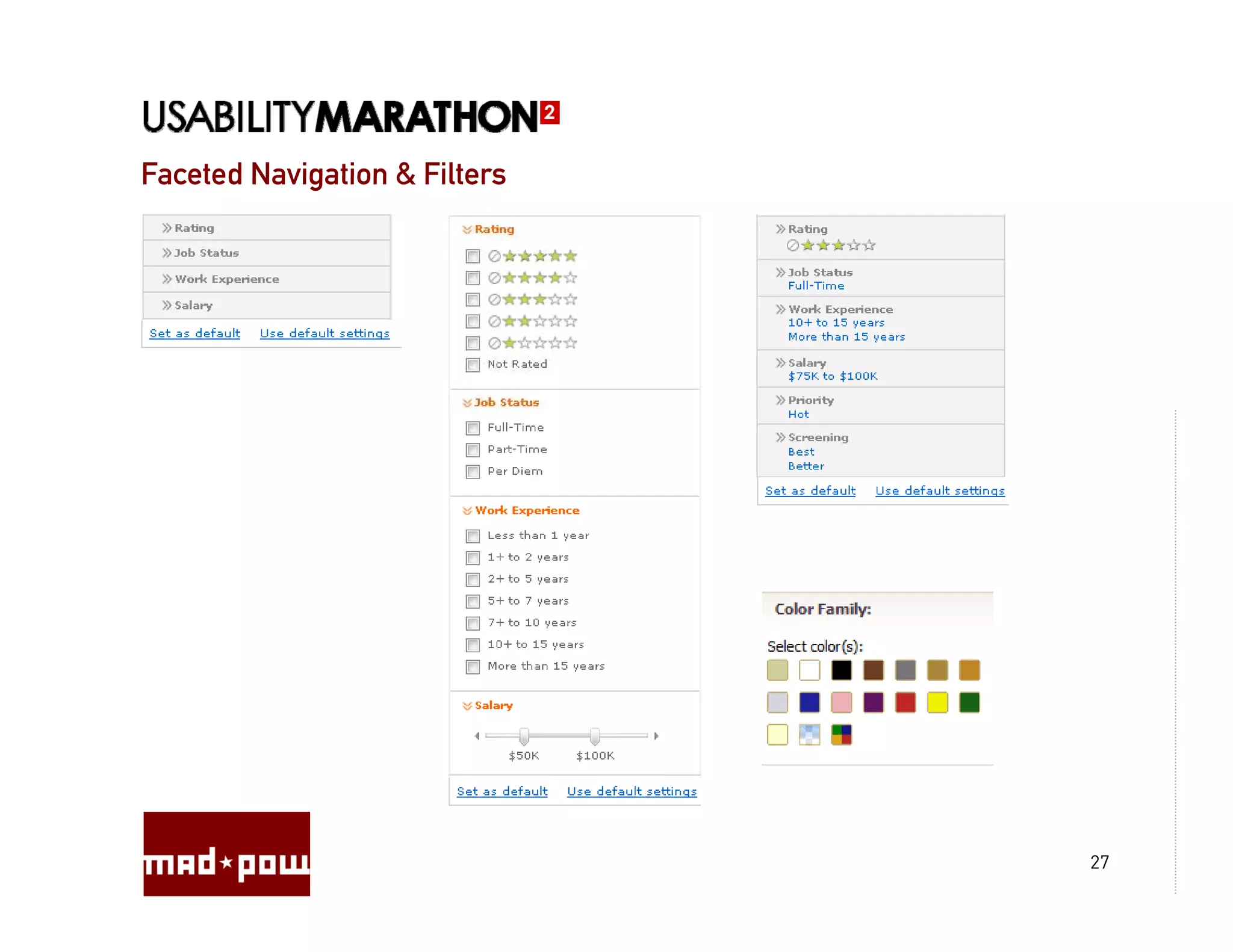
                               27
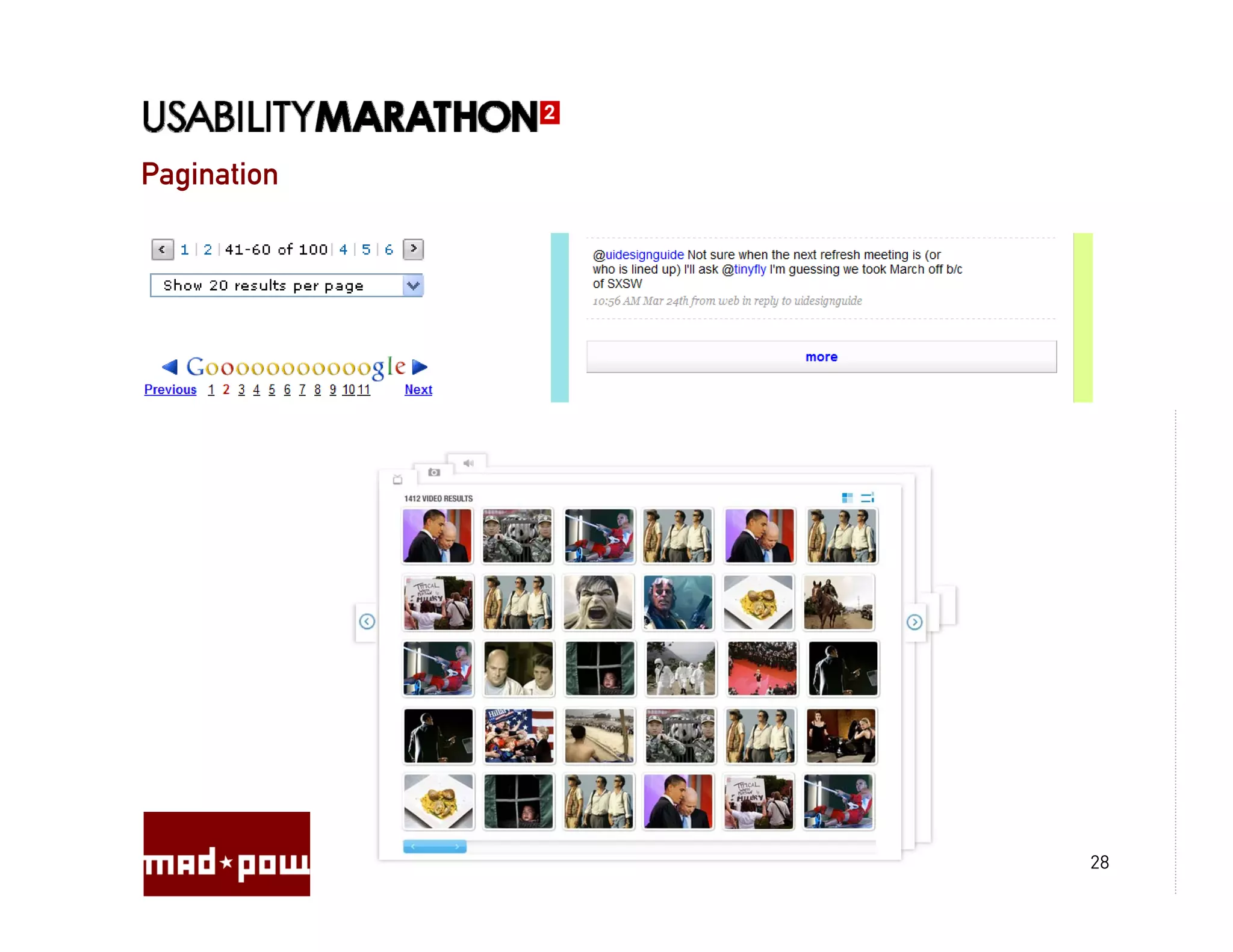
Pagination


             28
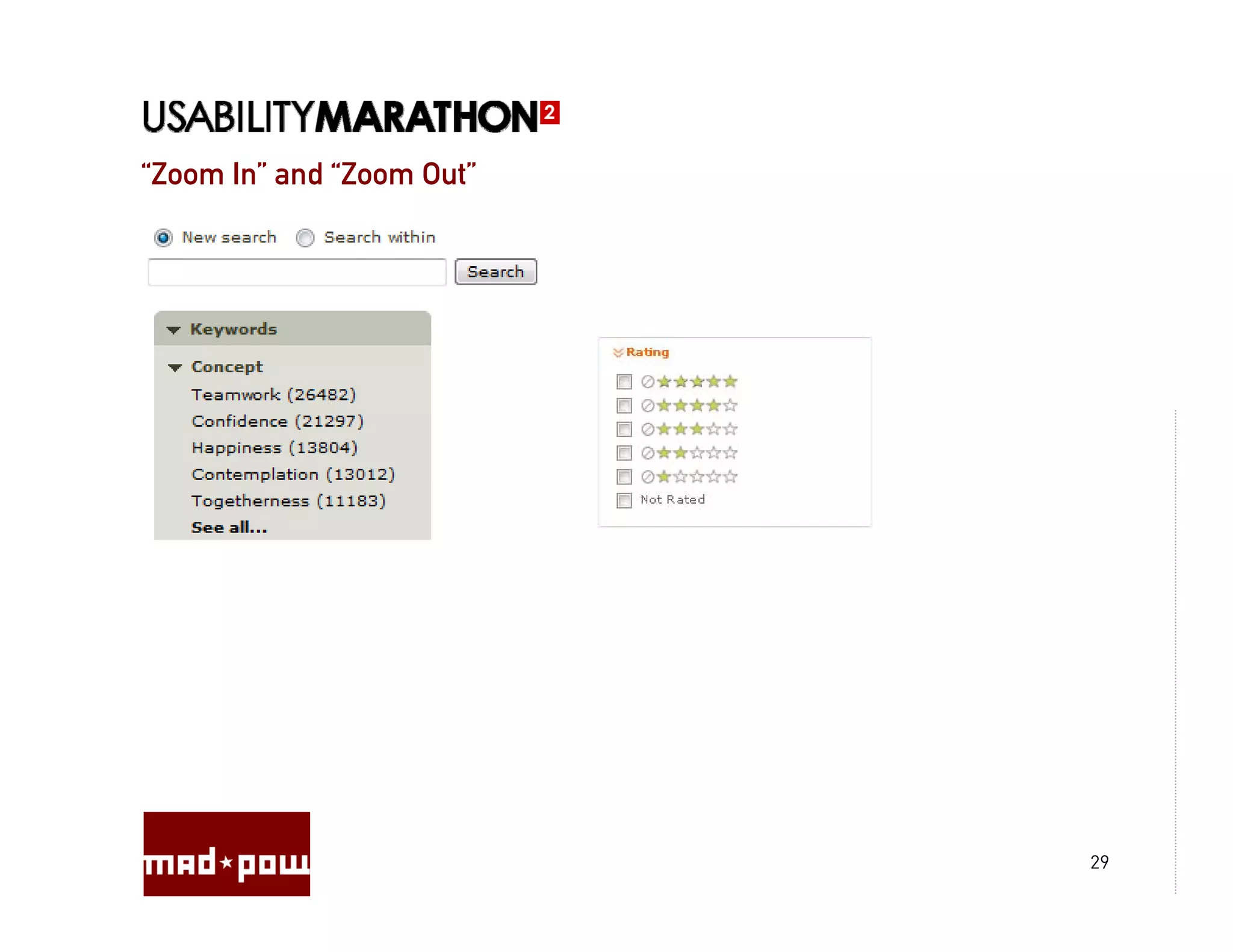
“Zoom In and “Zoom Out
 Zoom In”     Zoom Out”


                          29
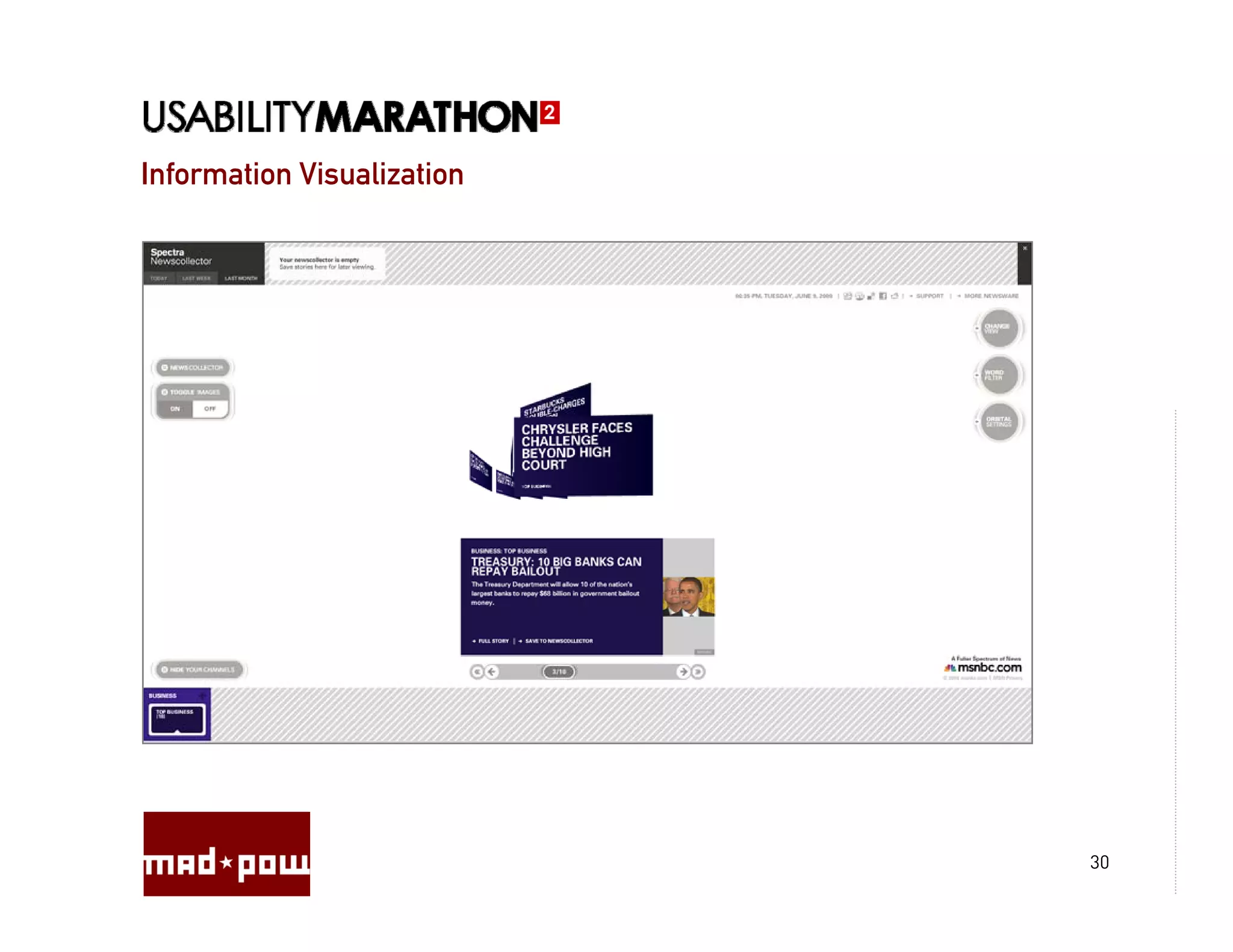
Information Visualization


                            30
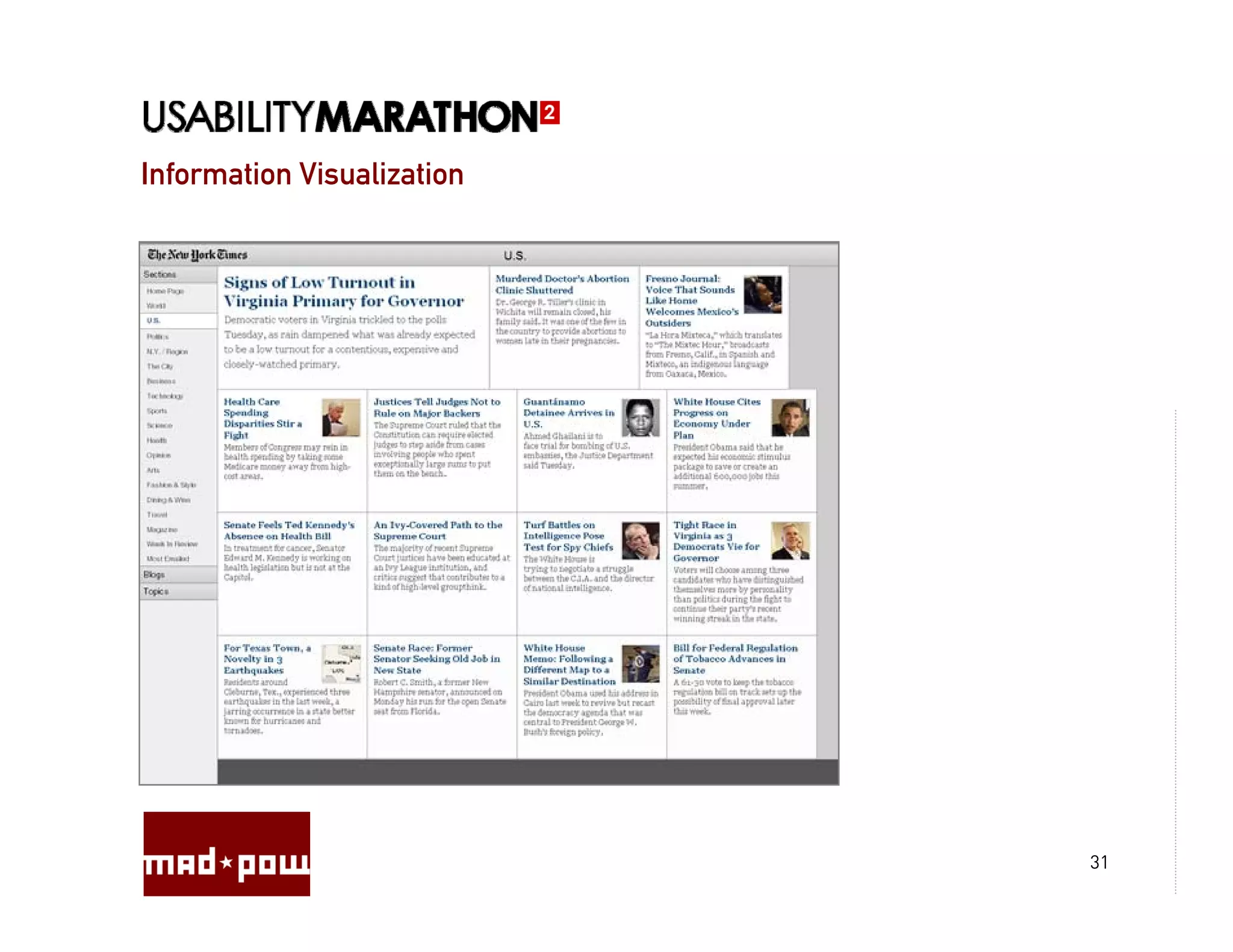
Information Visualization


                            31
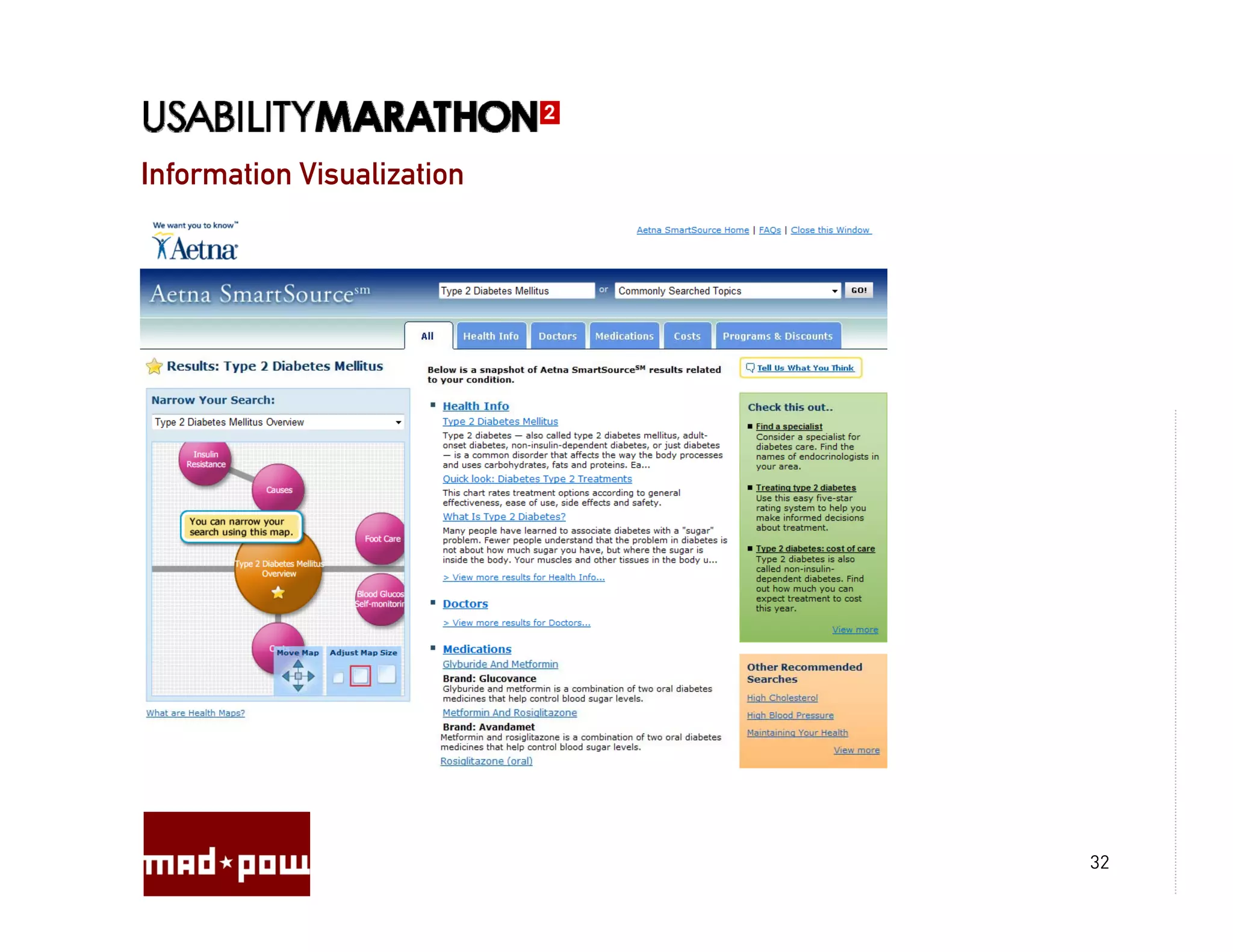
Information Visualization


                            32
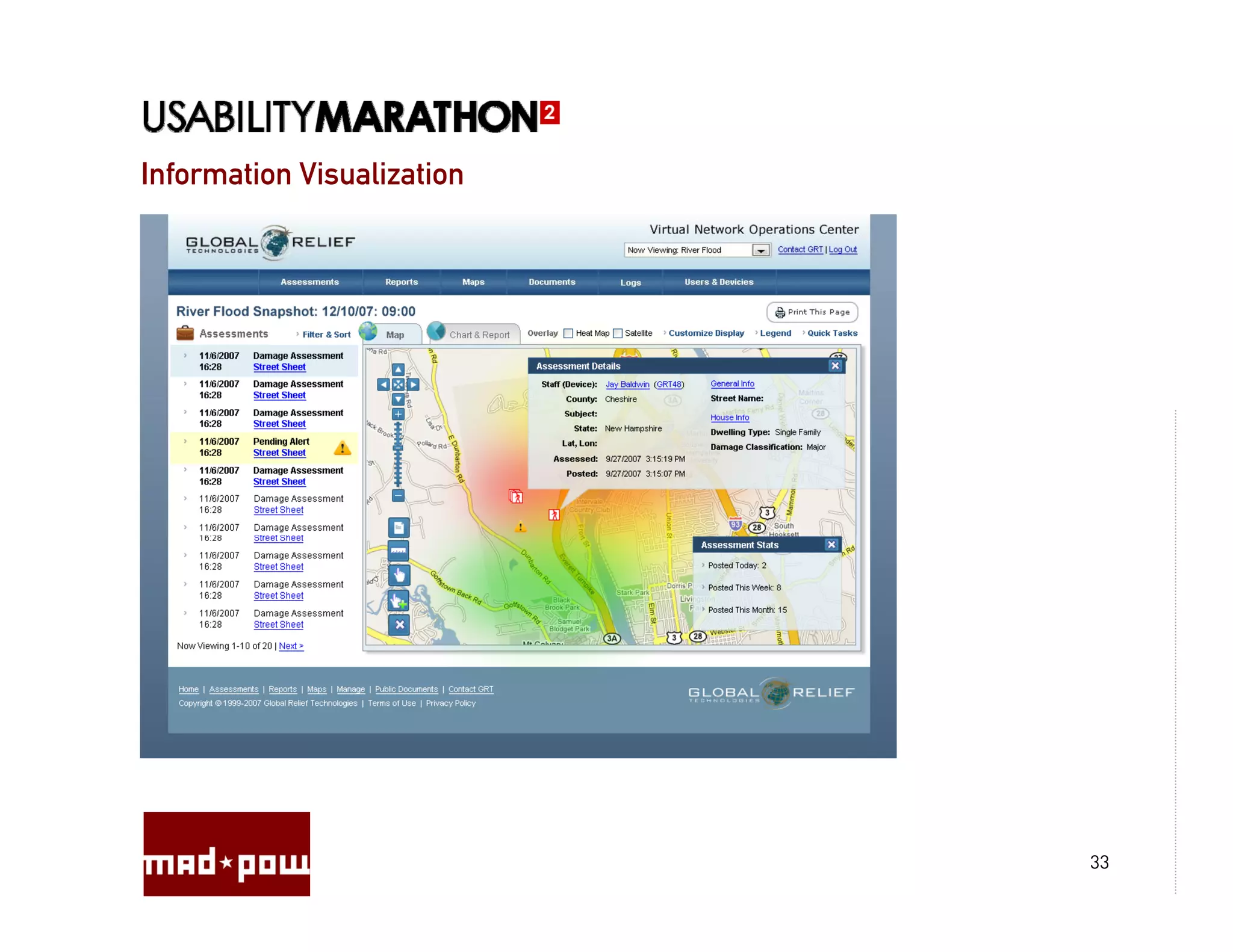
Information Visualization


                            33
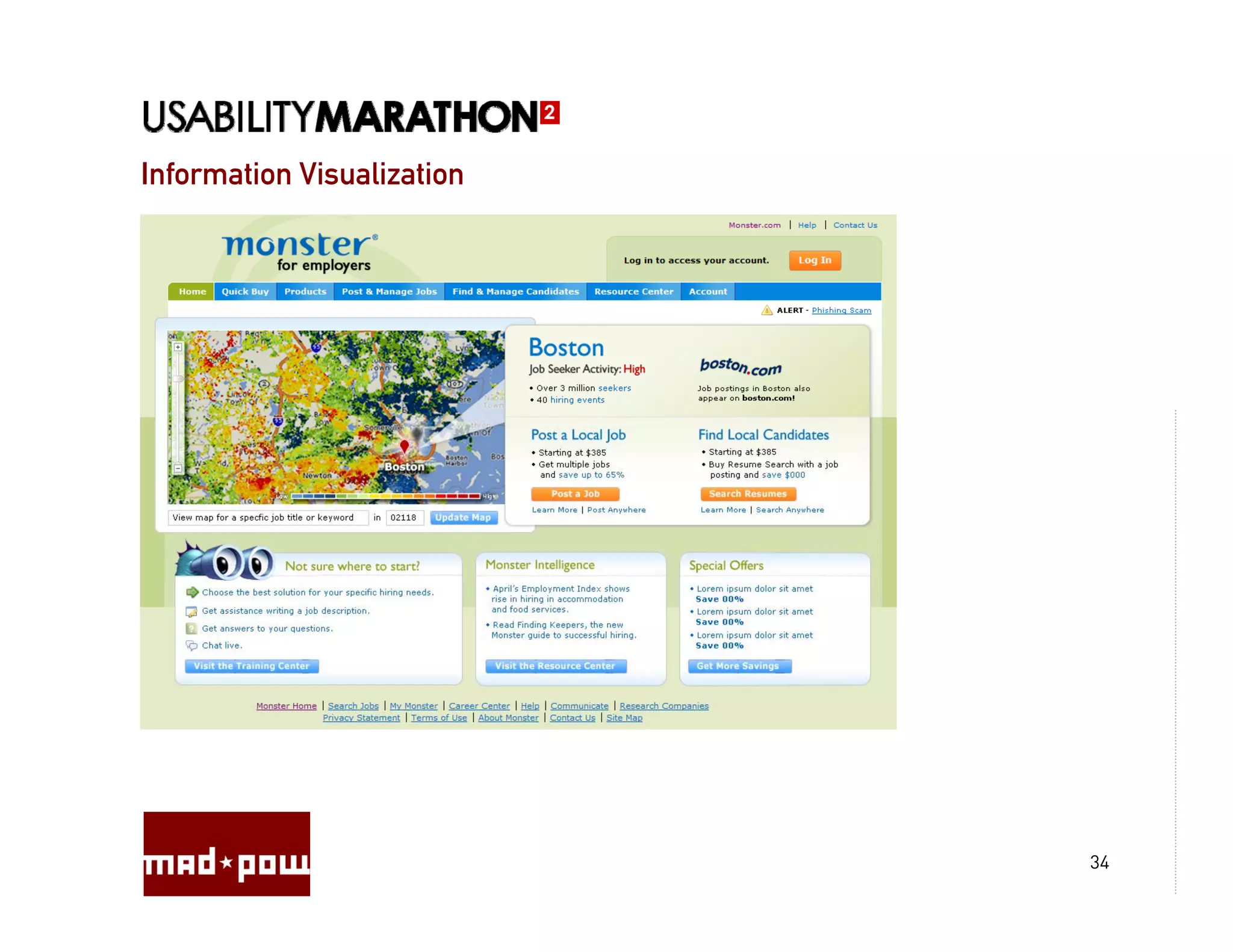
Information Visualization


                            34
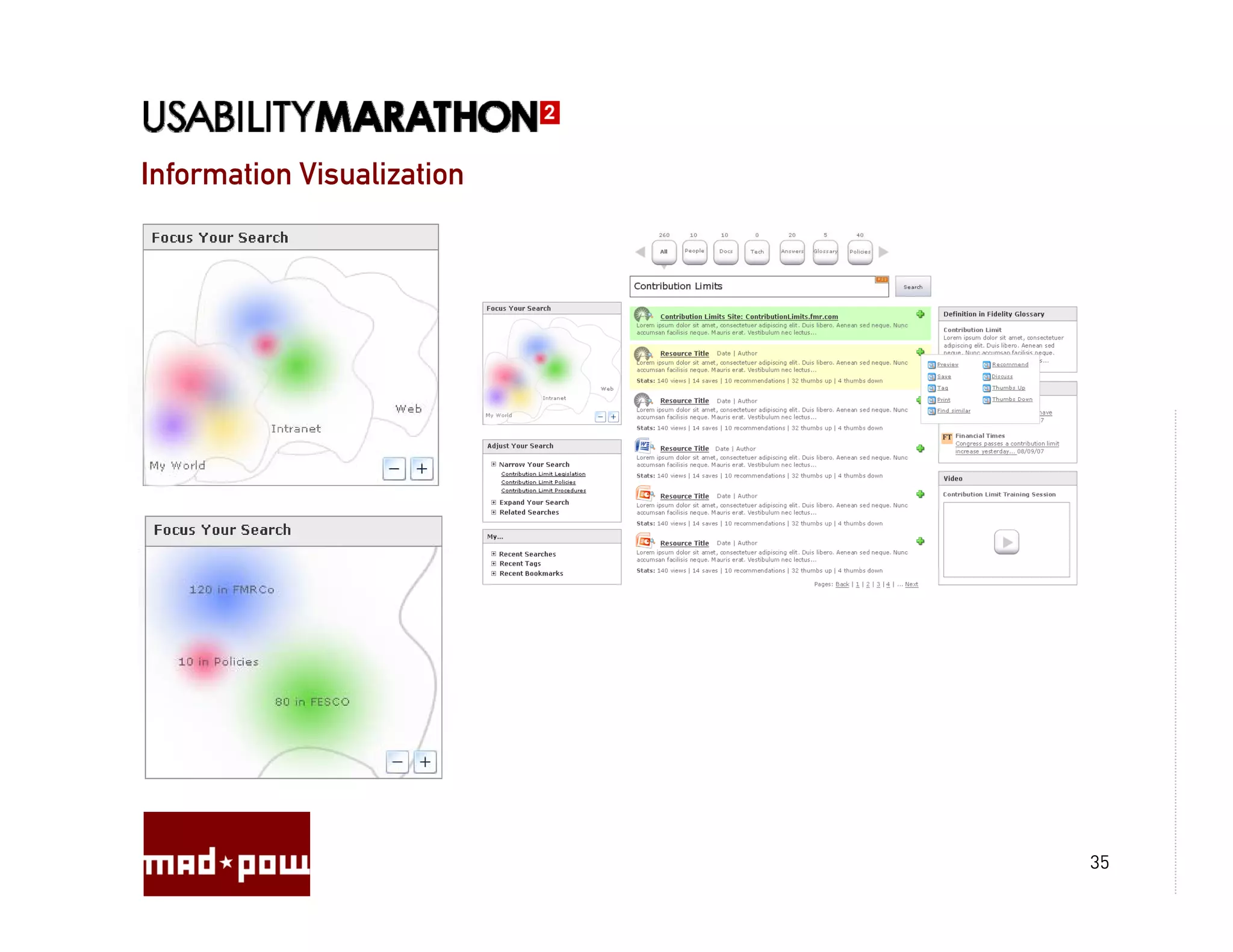
Information Visualization


                            35
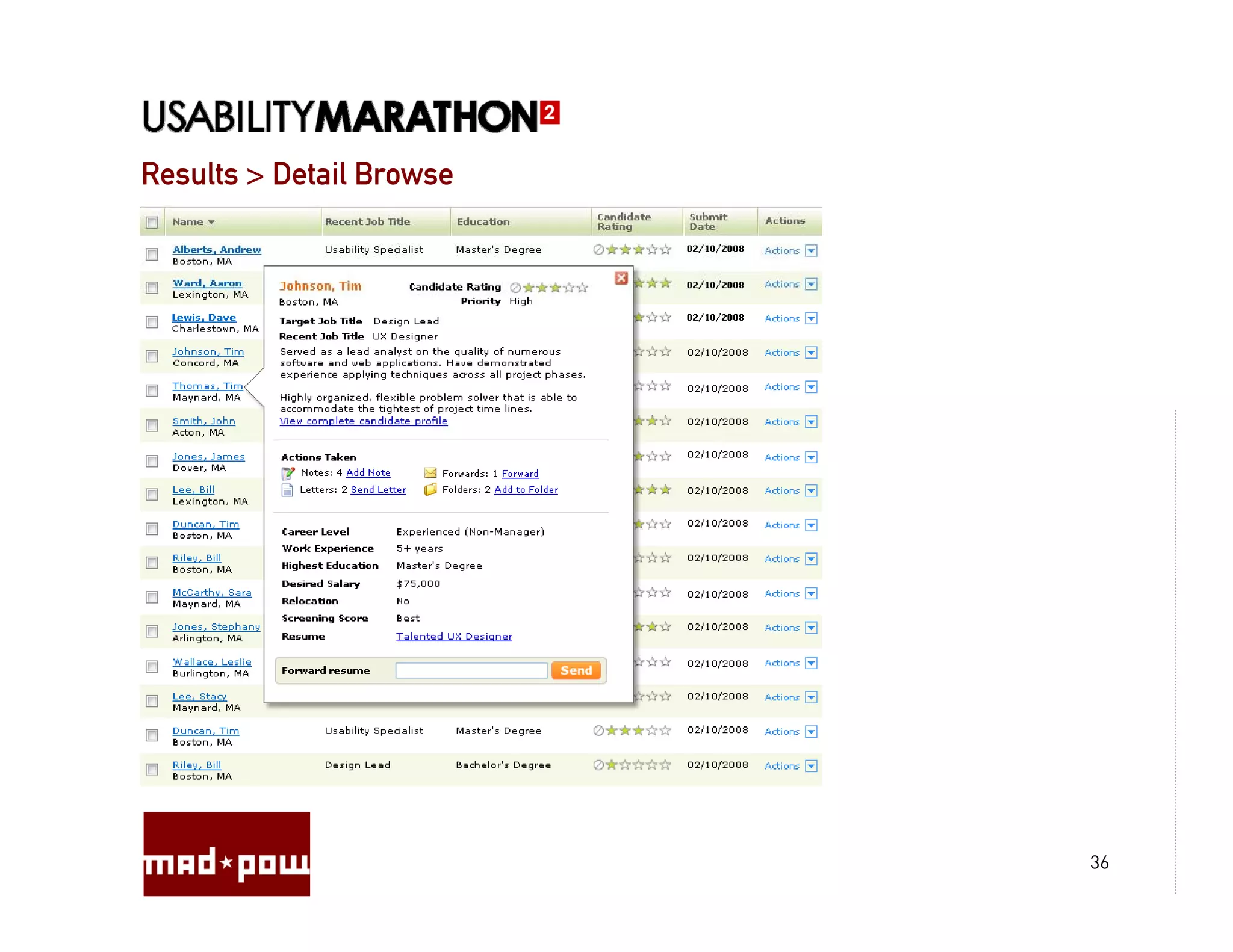
Results > Detail Browse


                          36
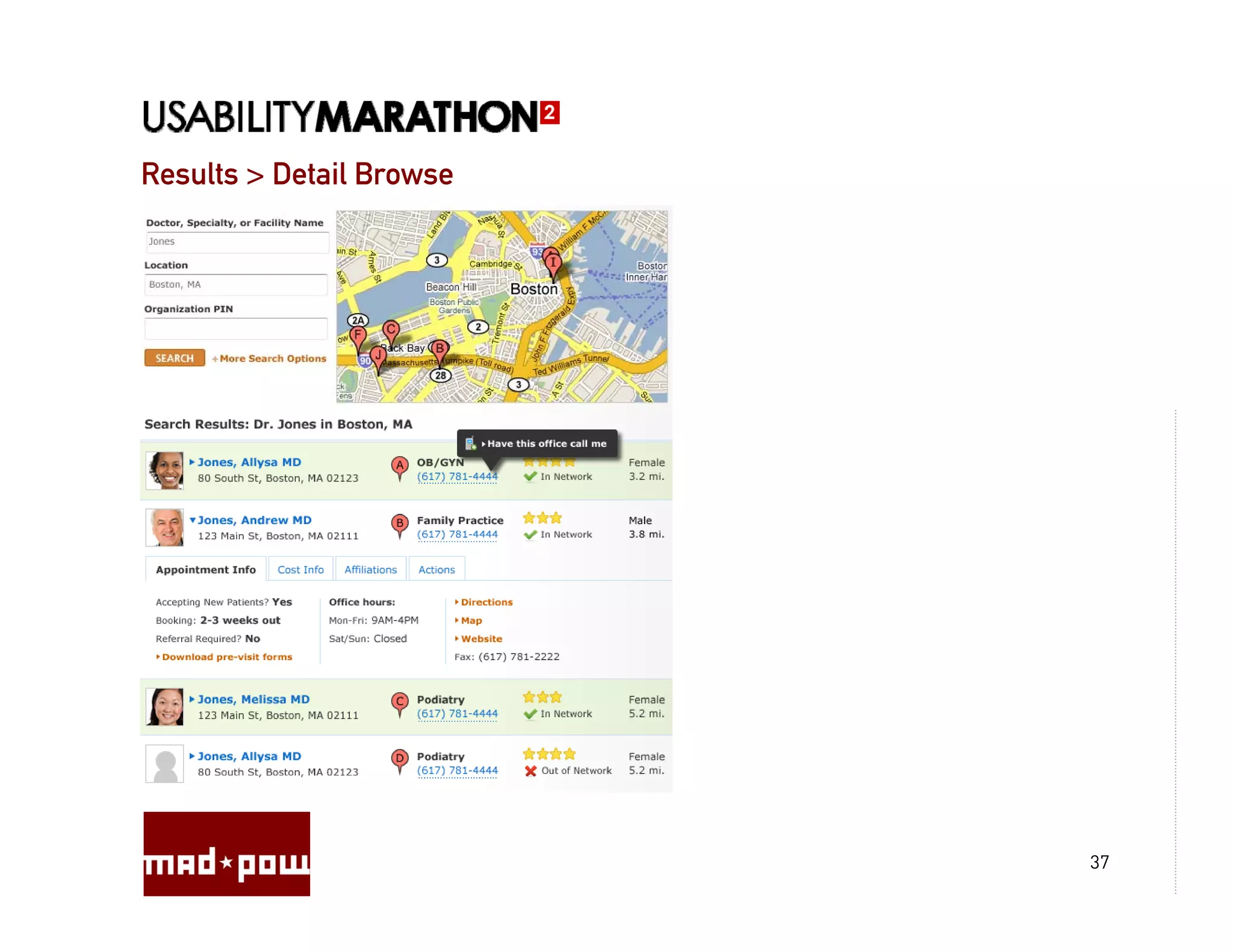
Results > Detail Browse


                          37
Results > Detail Browse


                          38
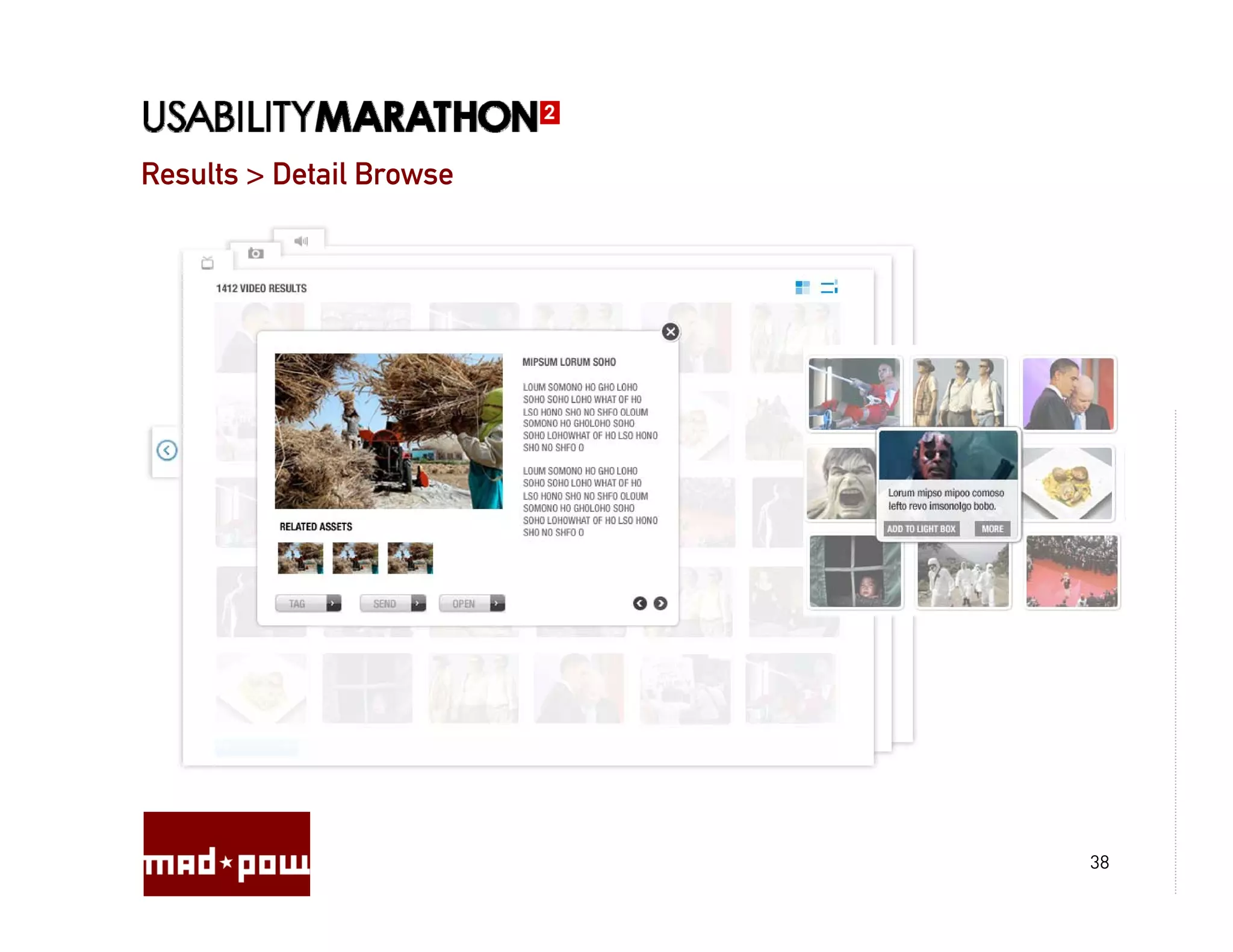
Results > Detail Browse


                          39
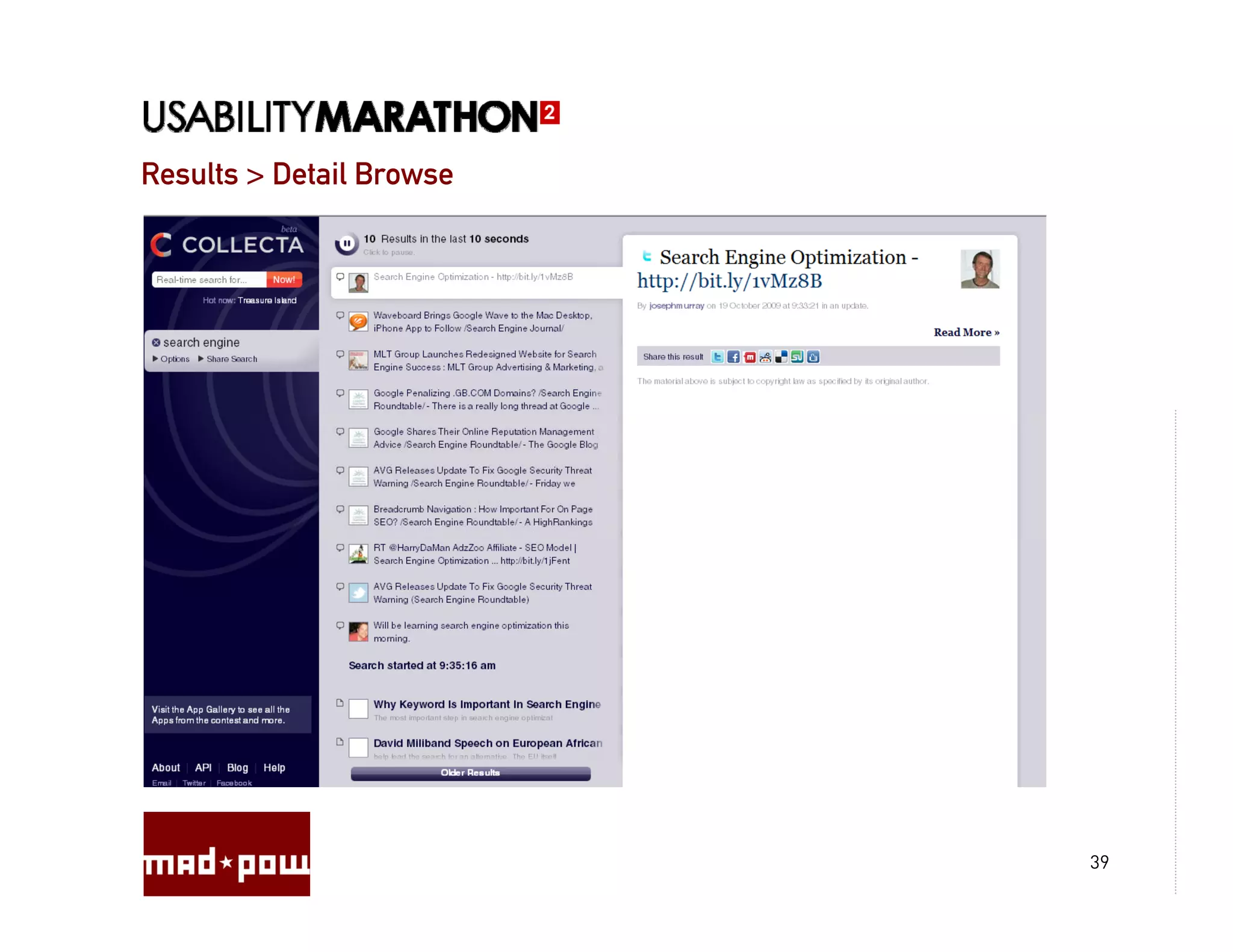
Results > Detail Browse


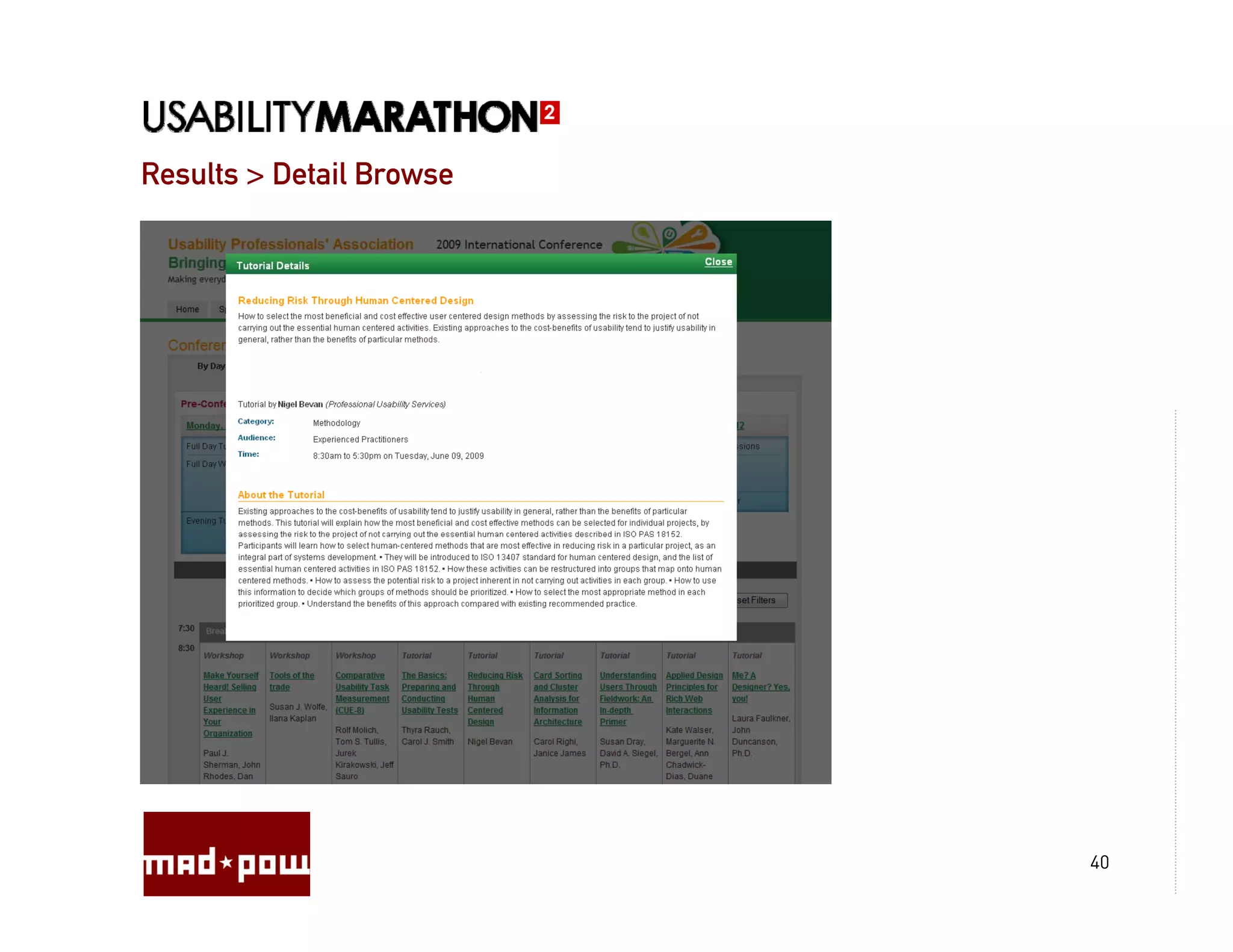
                          40
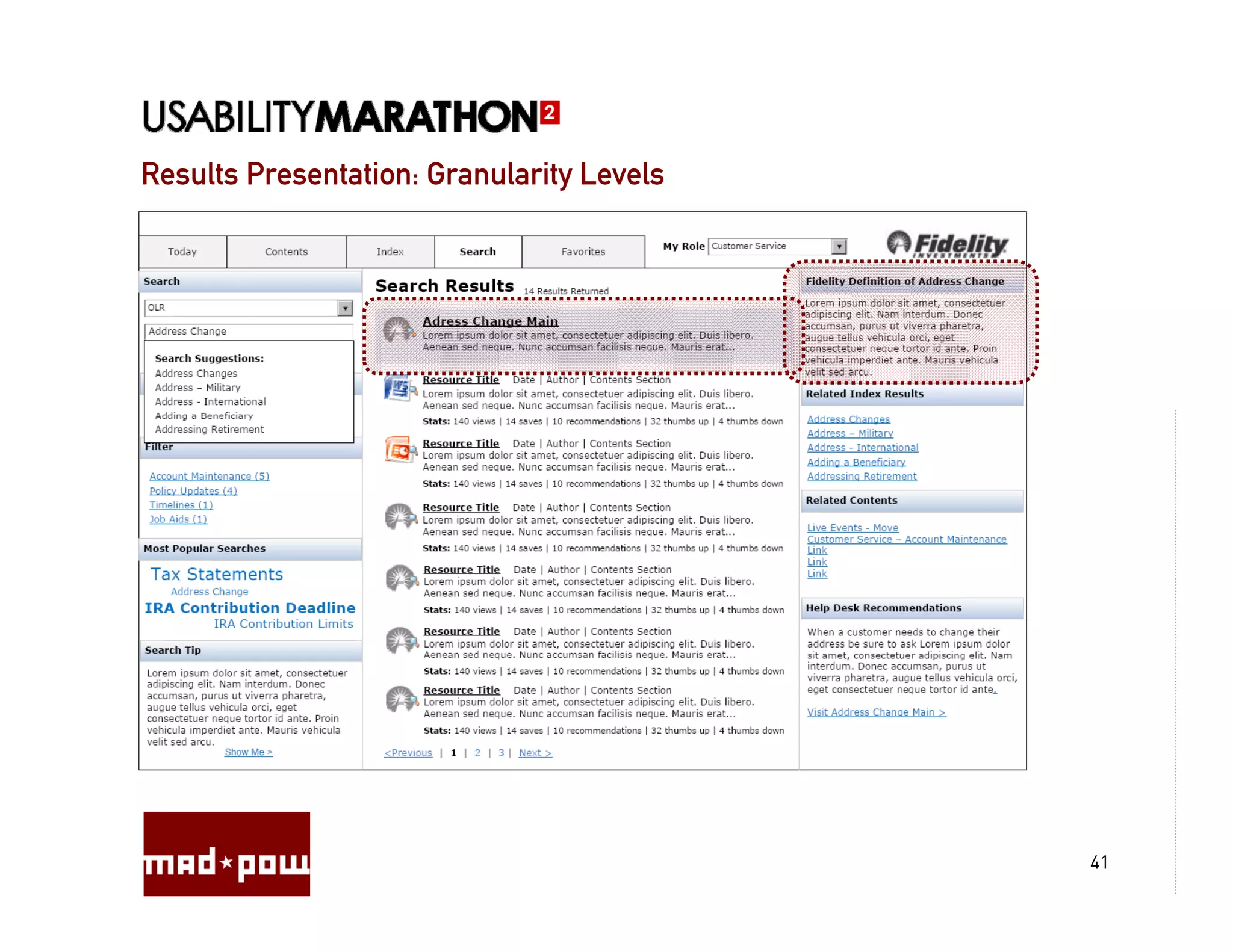
Results Presentation: Granularity Levels


                                           41
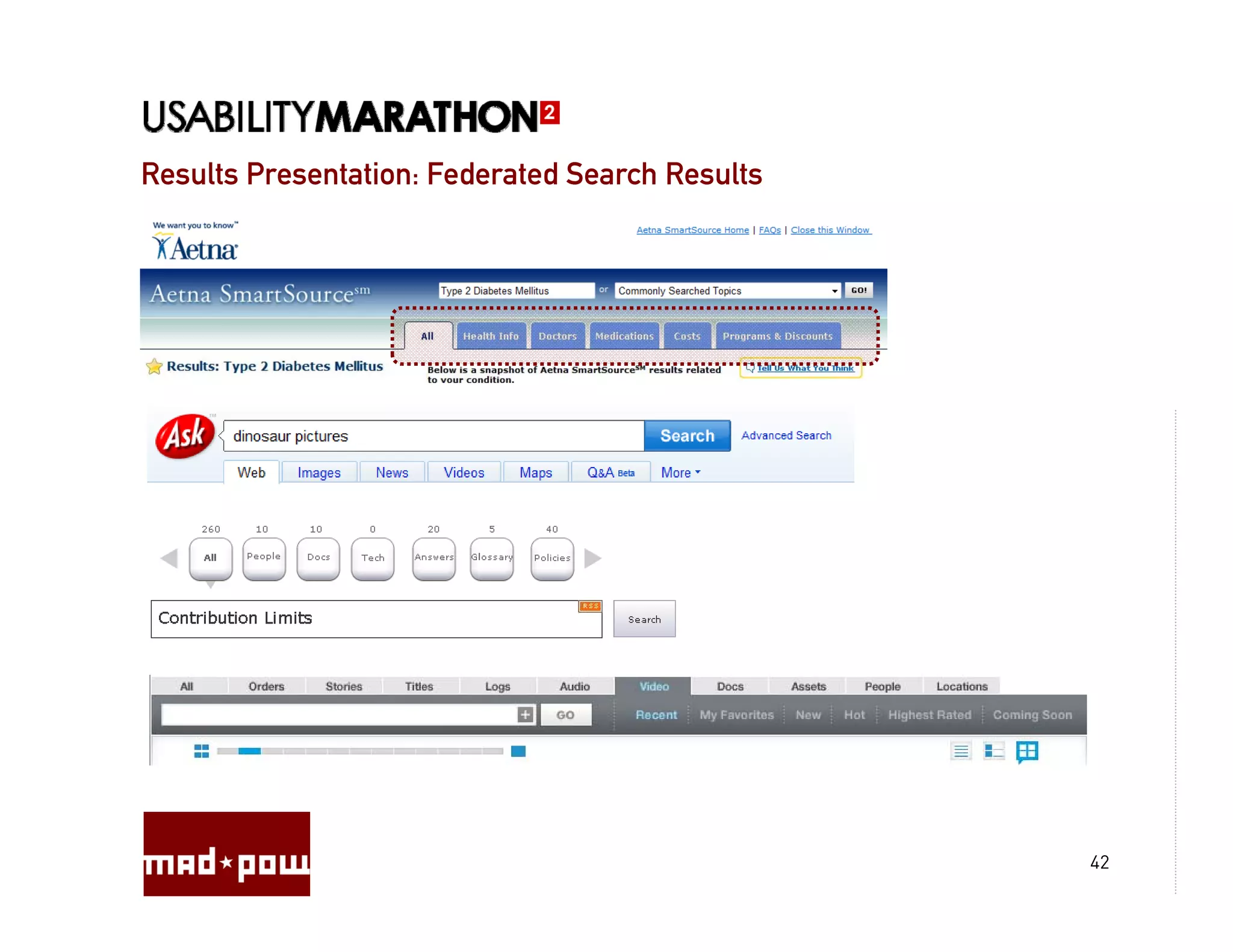
Results Presentation: Federated Search Results


                                                 42
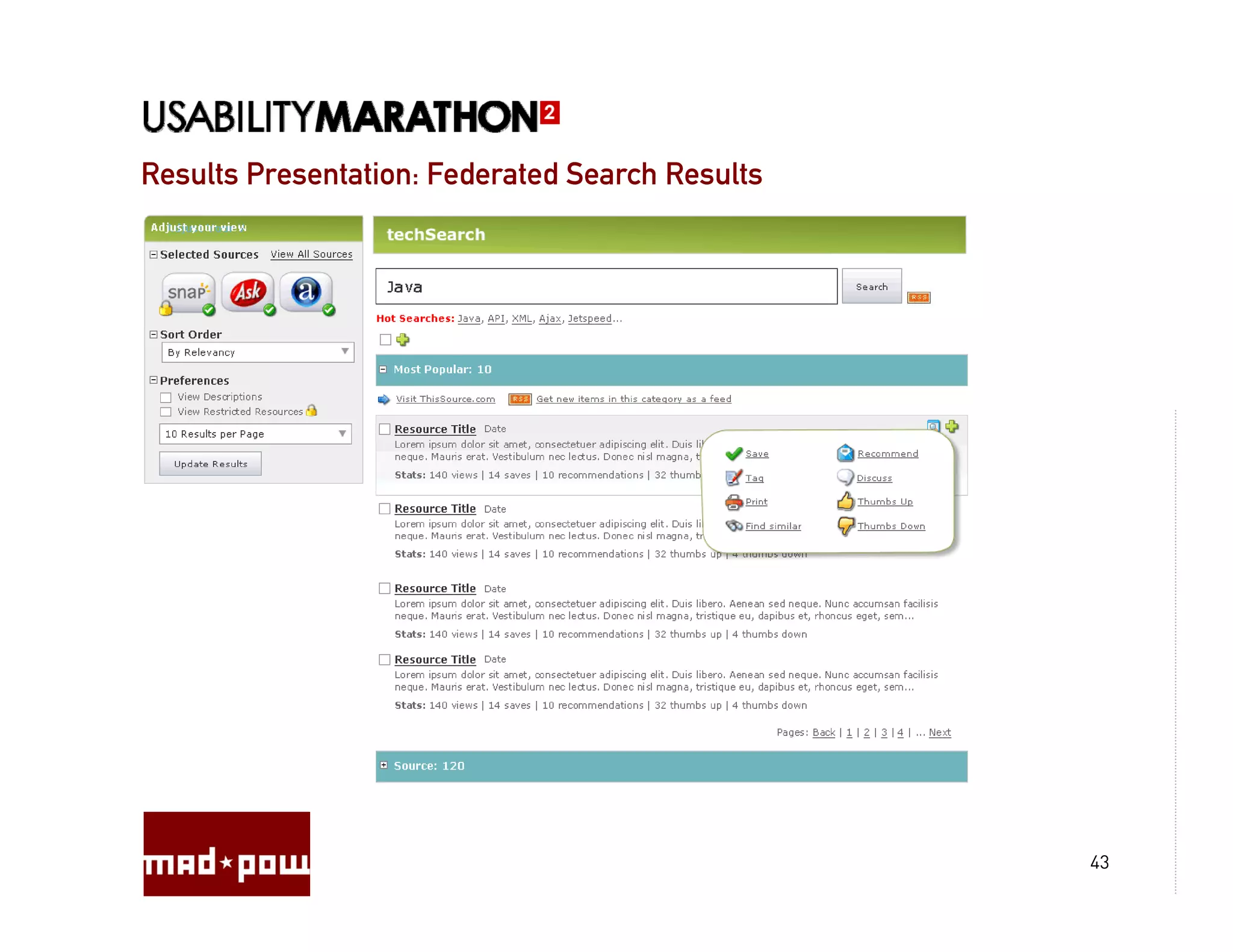
Results Presentation: Federated Search Results


                                                 43
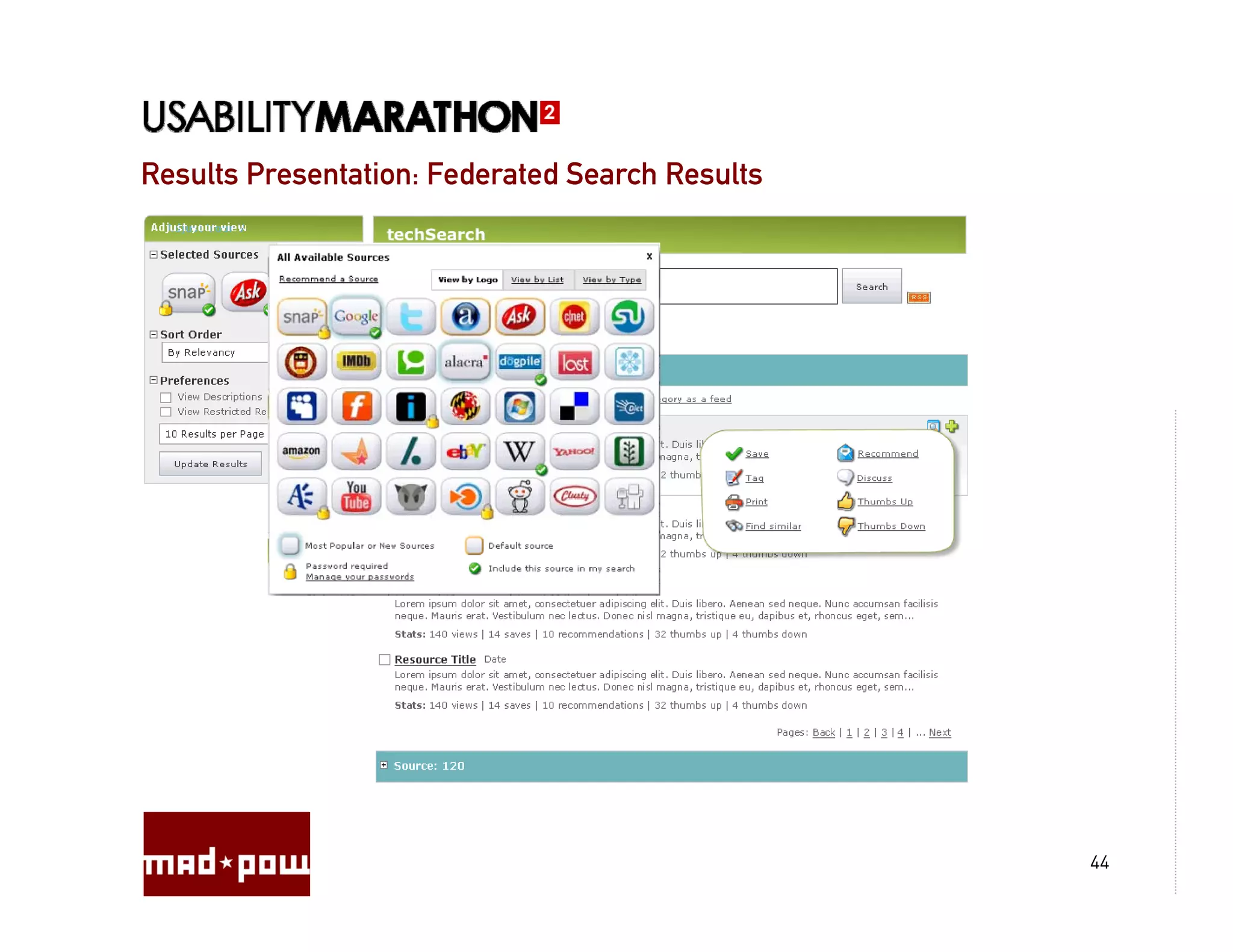
Results Presentation: Federated Search Results


                                                 44
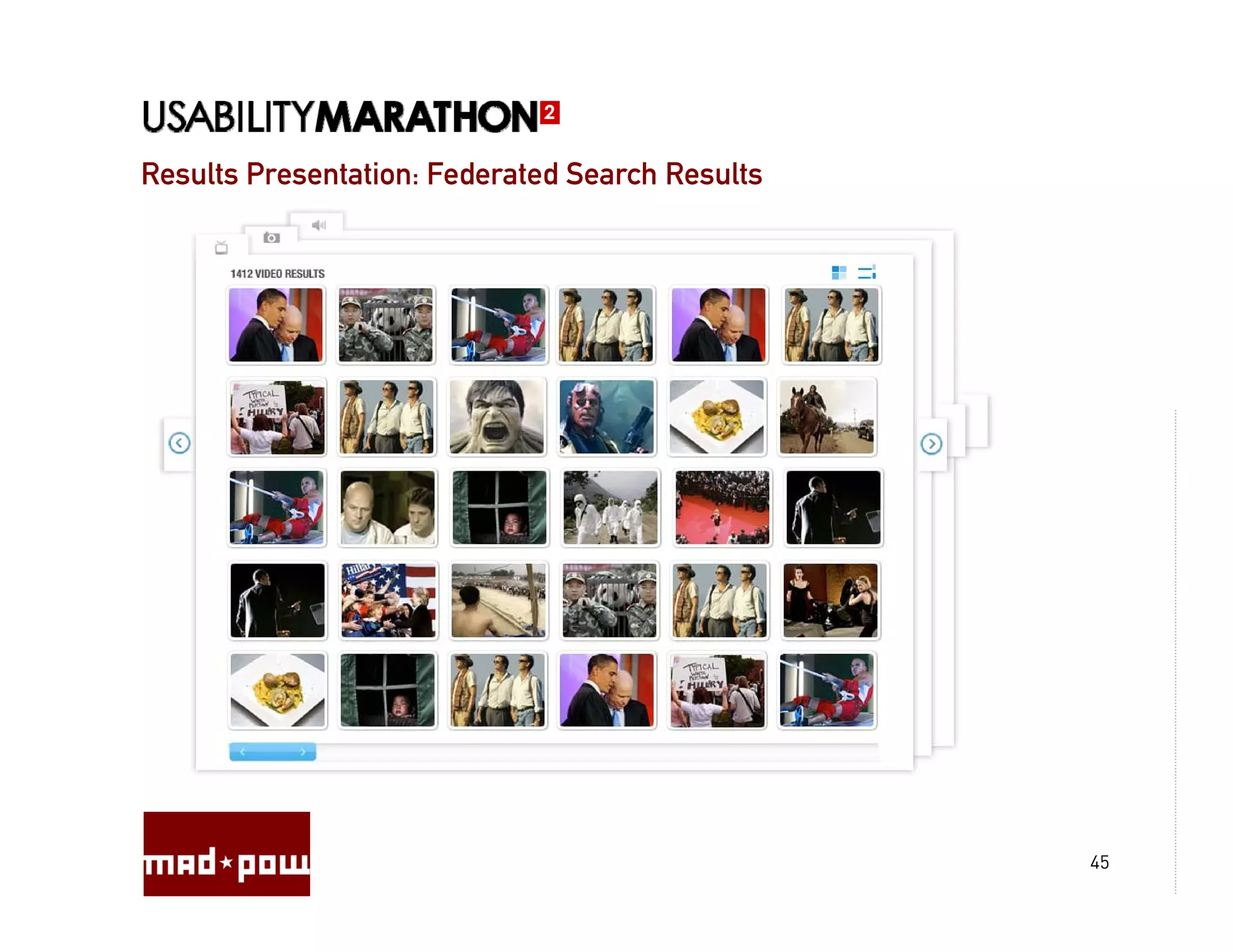
Results Presentation: Federated Search Results


                                                 45
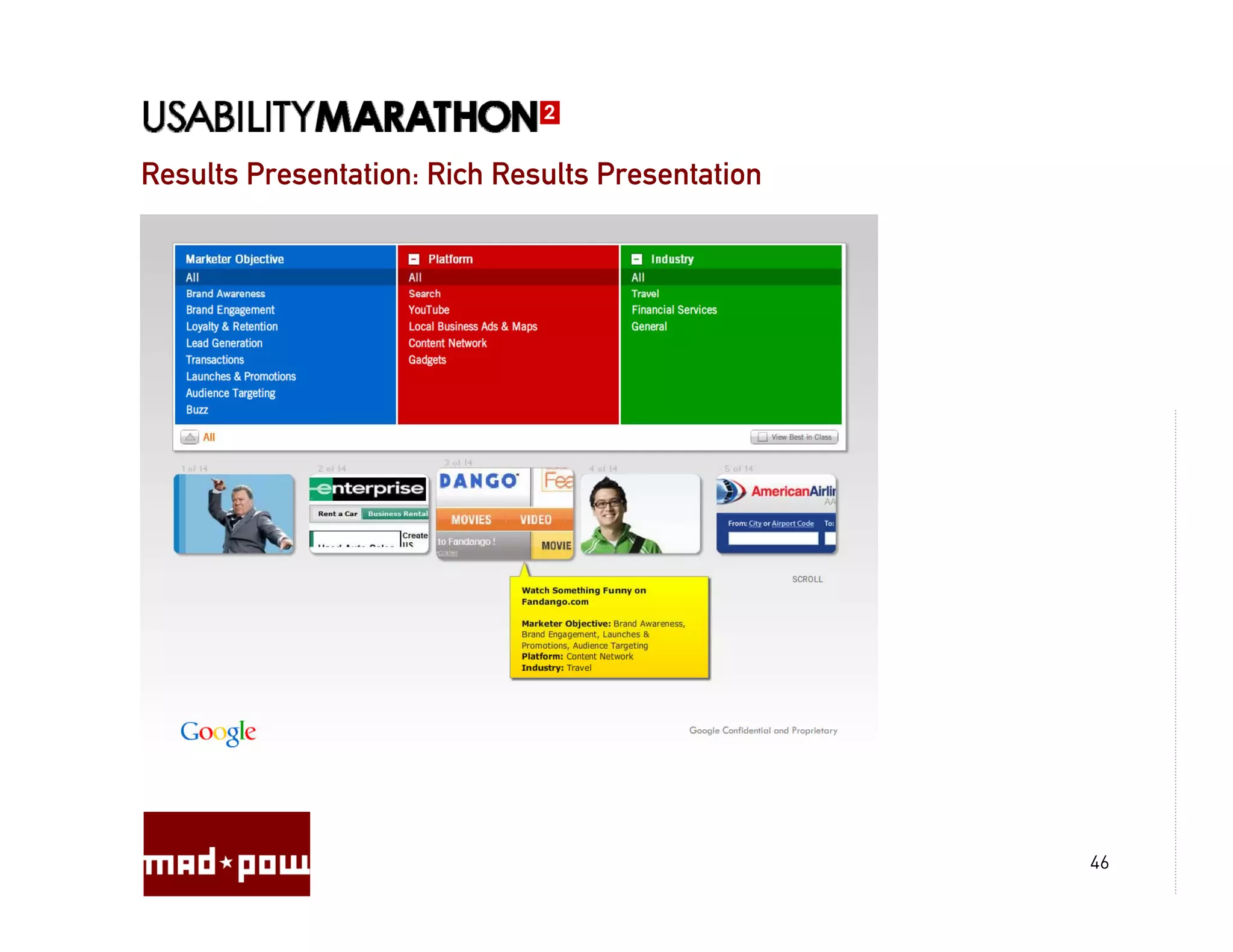
Results Presentation: Rich Results Presentation


                                                  46
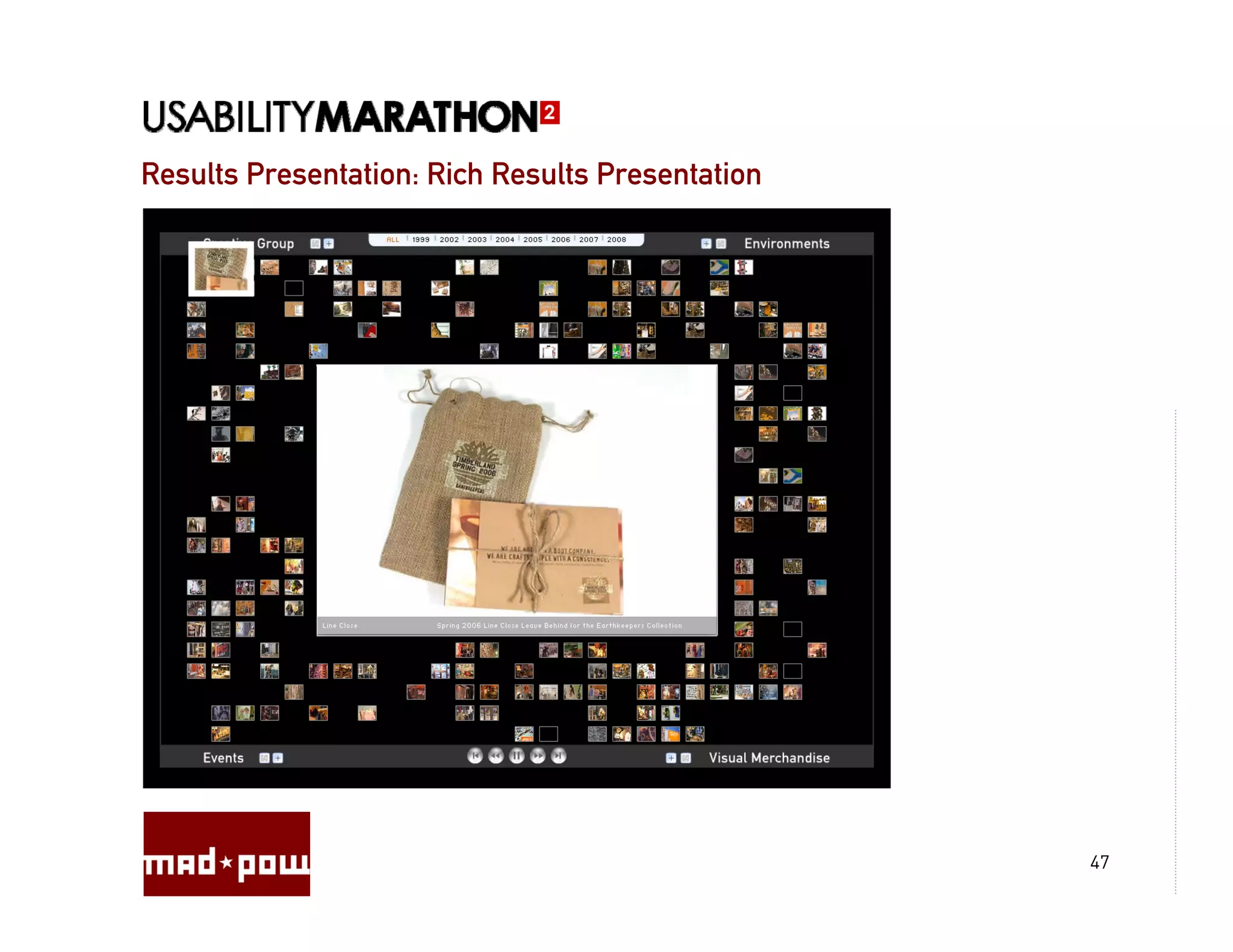
Results Presentation: Rich Results Presentation


                                                  47
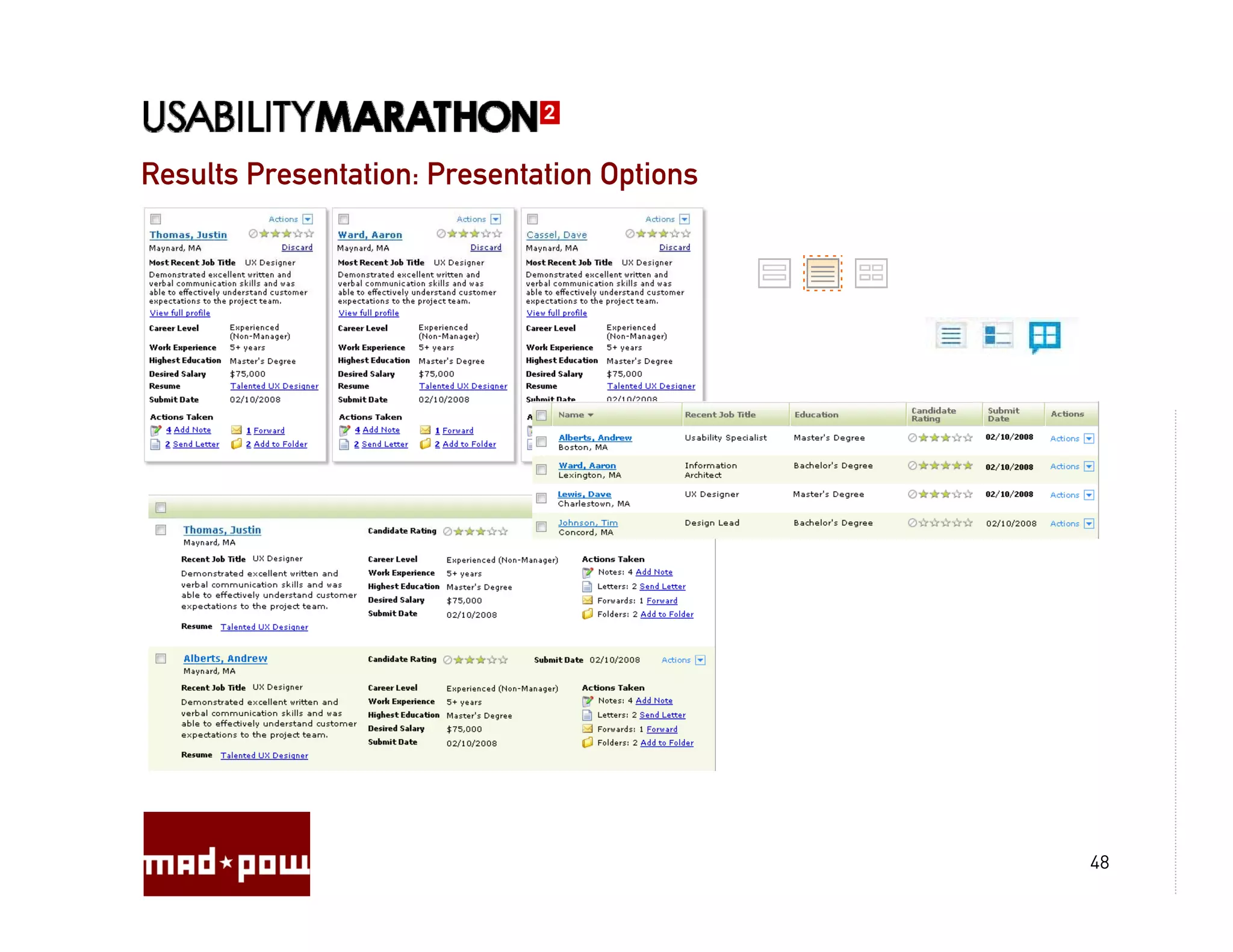
Results Presentation: Presentation Options


                                             48
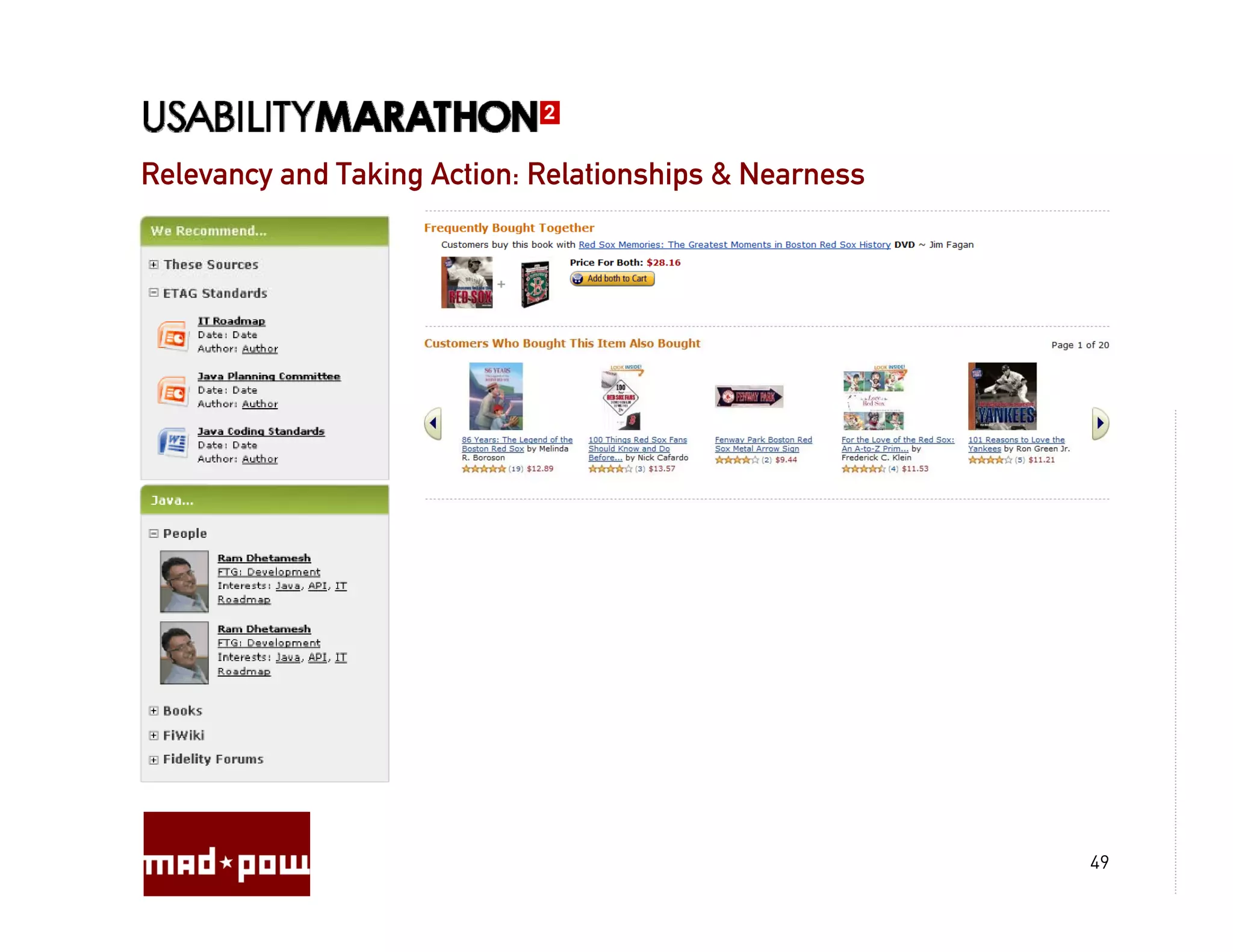
Relevancy and Taking Action: Relationships & Nearness


                                                        49
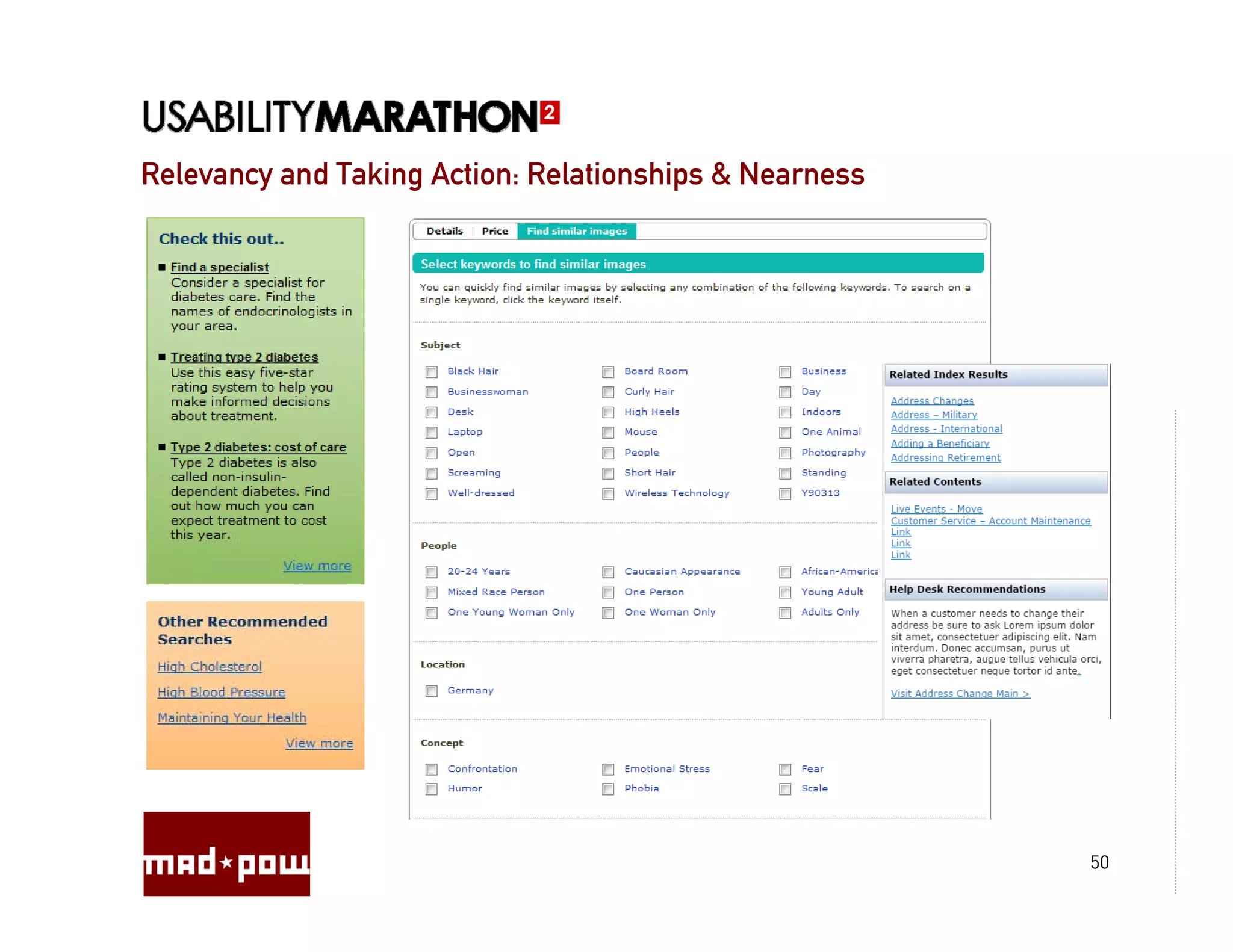
Relevancy and Taking Action: Relationships & Nearness


                                                        50
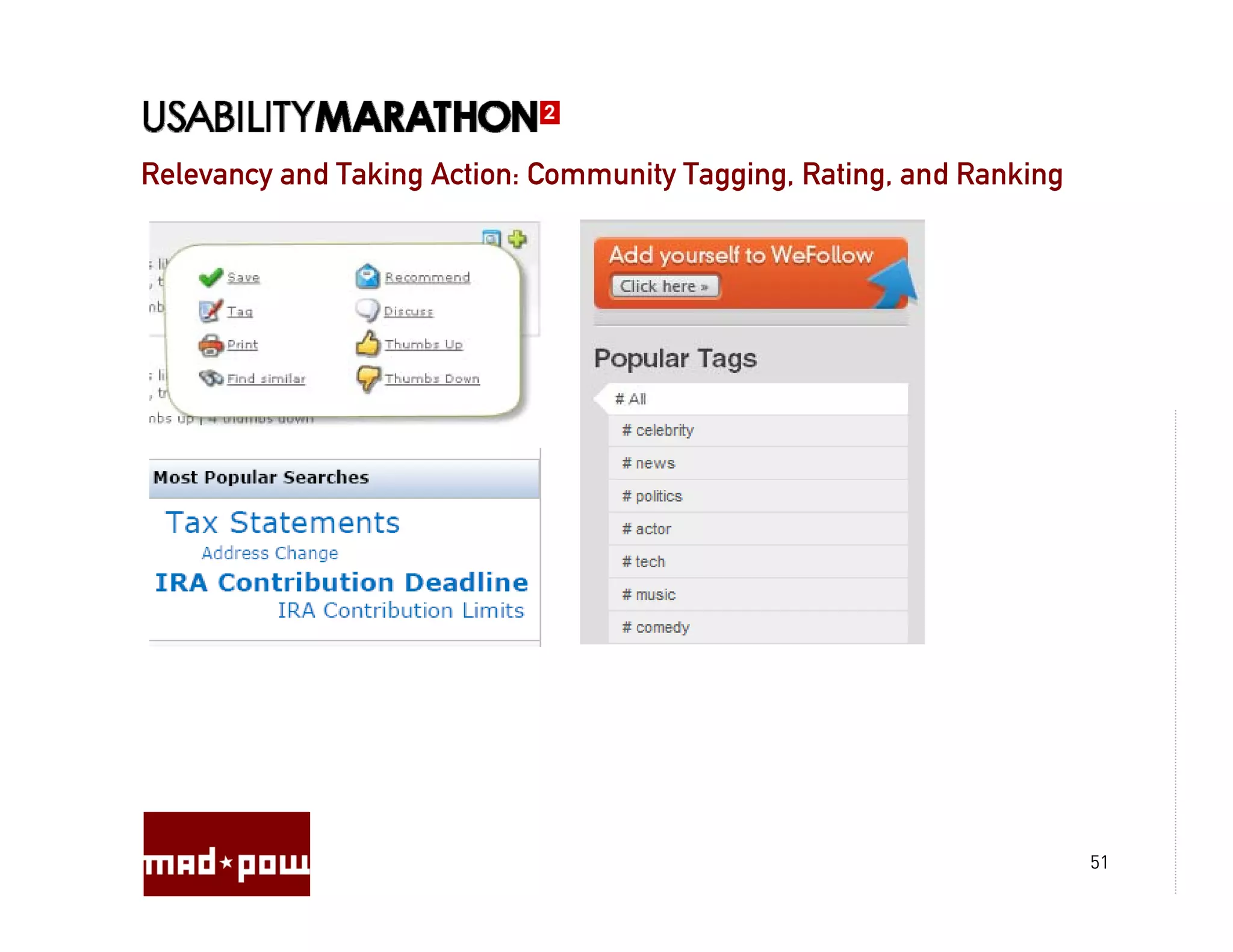
Relevancy and Taking Action: Community Tagging, Rating, and Ranking
                                       Tagging Rating


                                                                      51
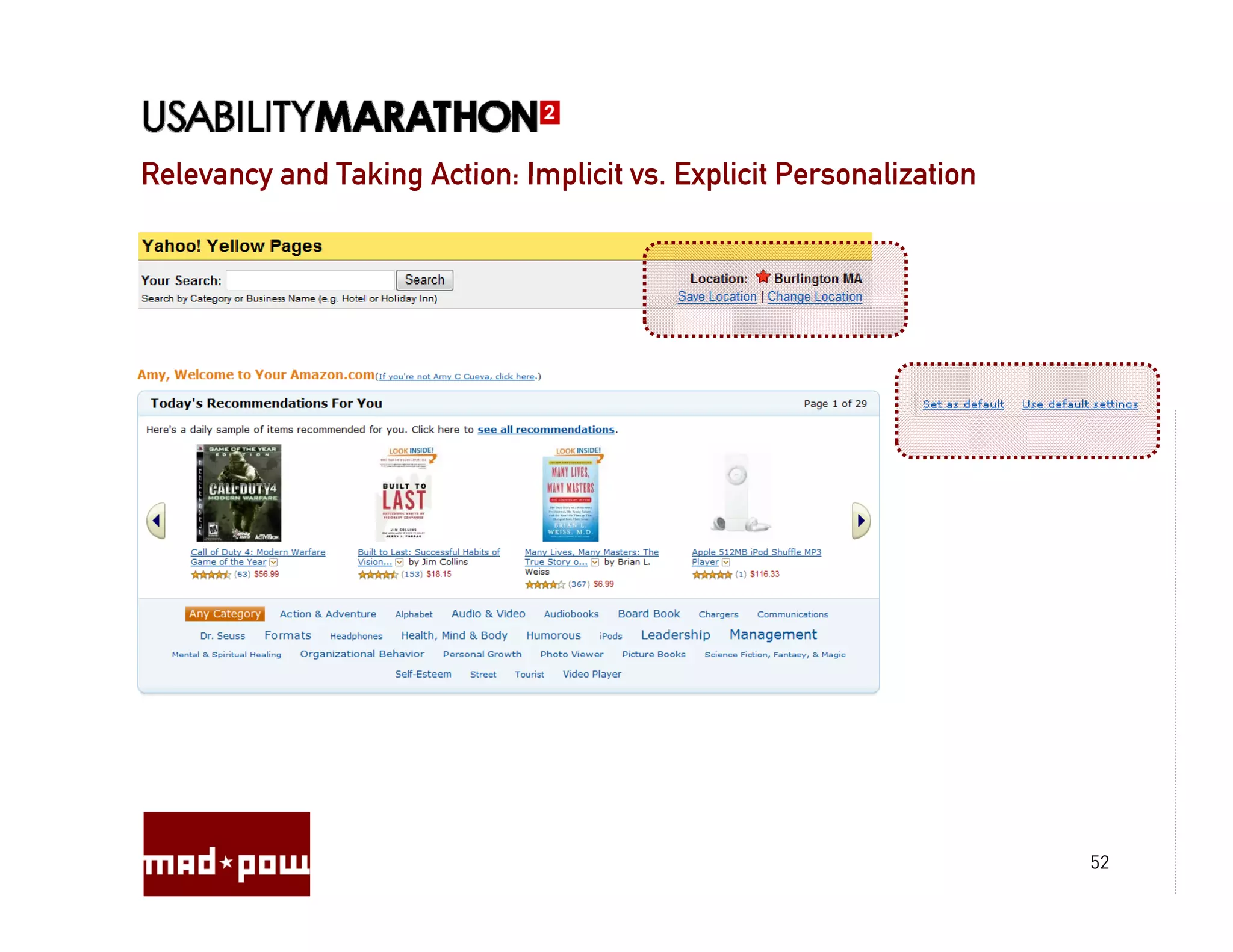
Relevancy and Taking Action: Implicit vs. Explicit Personalization
                                      vs


                                                                     52
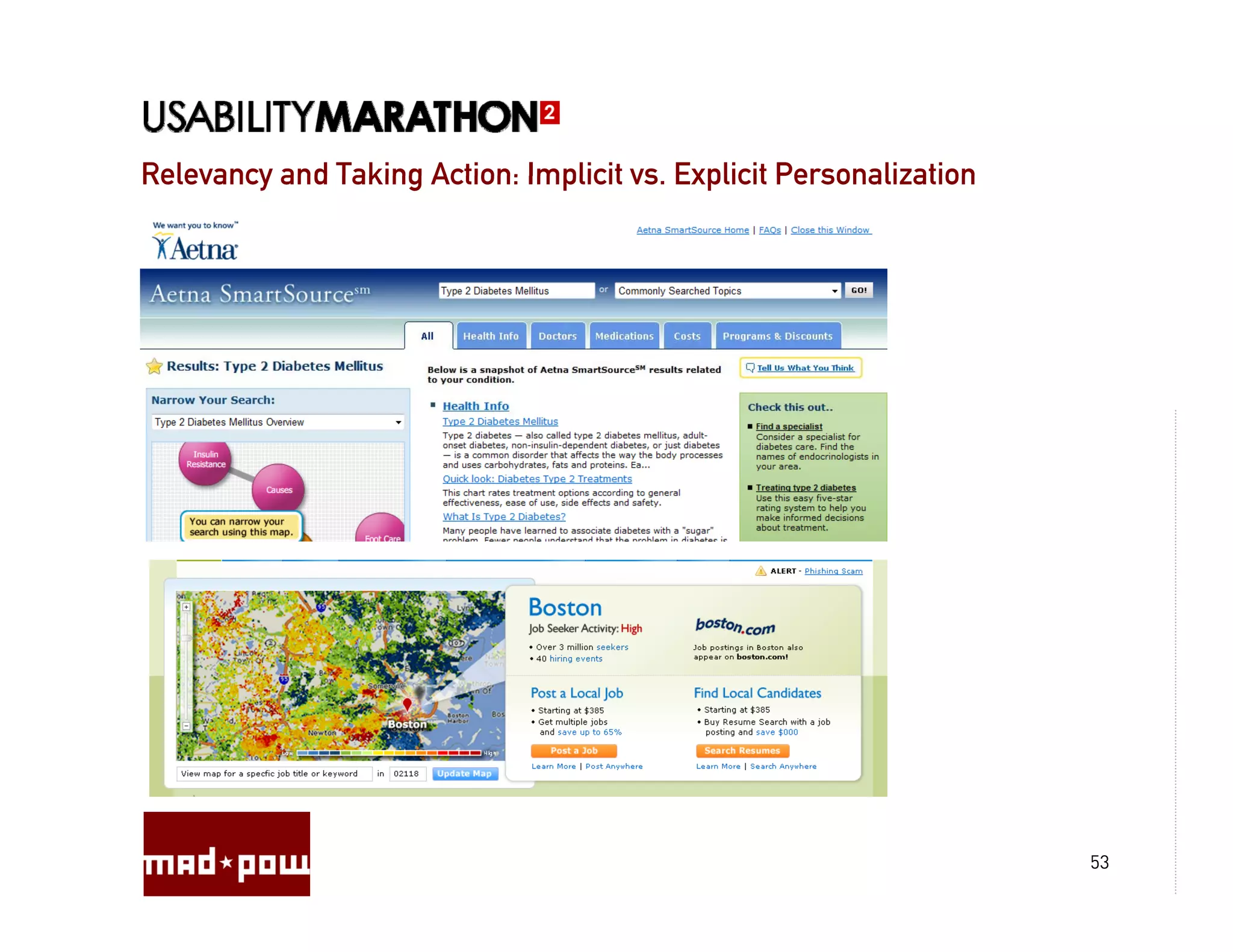
Relevancy and Taking Action: Implicit vs. Explicit Personalization
                                      vs


                                                                     53
Relevancy and Taking Action: Individual Manipulation of Results


                                                                  54
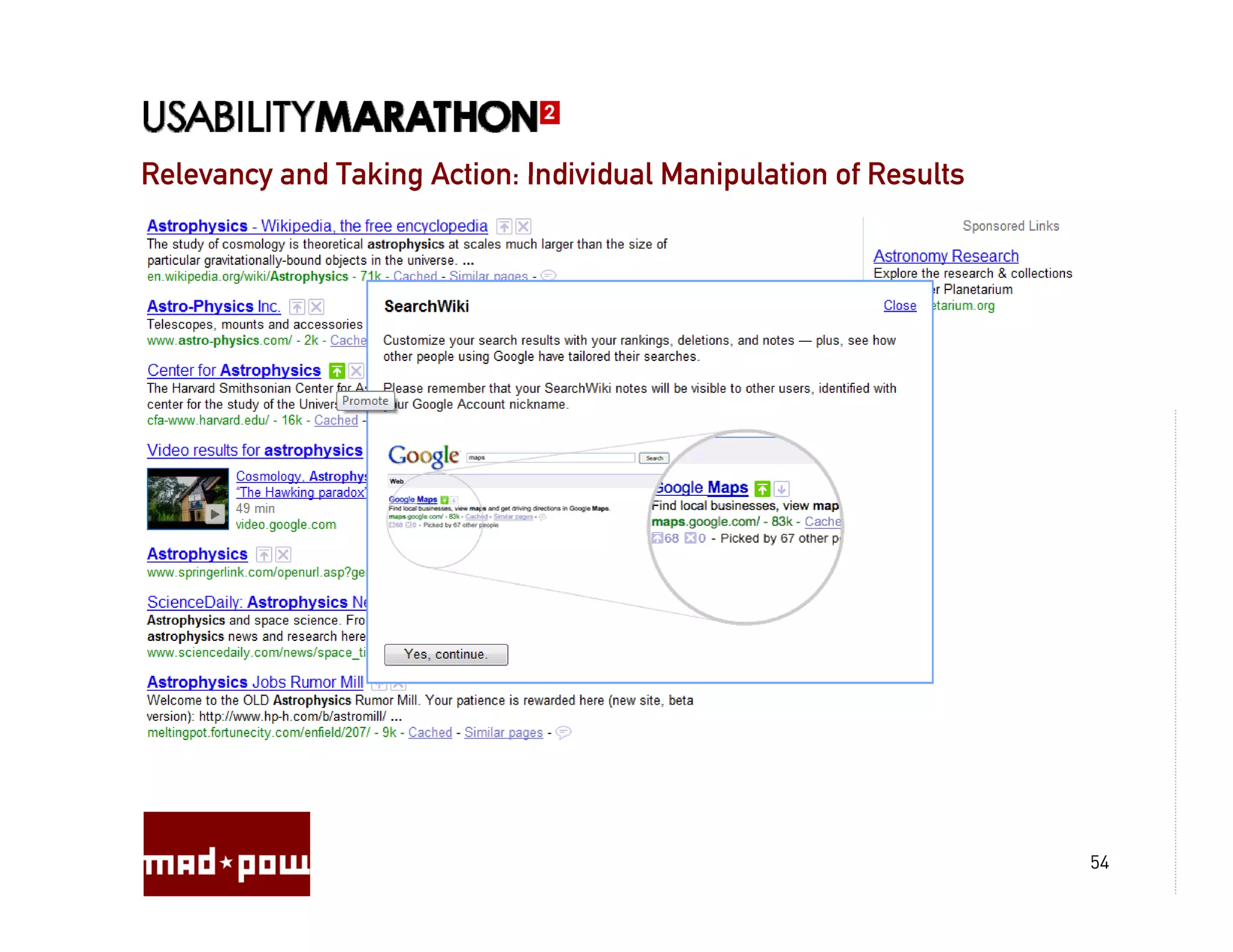
Relevancy and Taking Action: Individual Manipulation of Results


                                                                  55
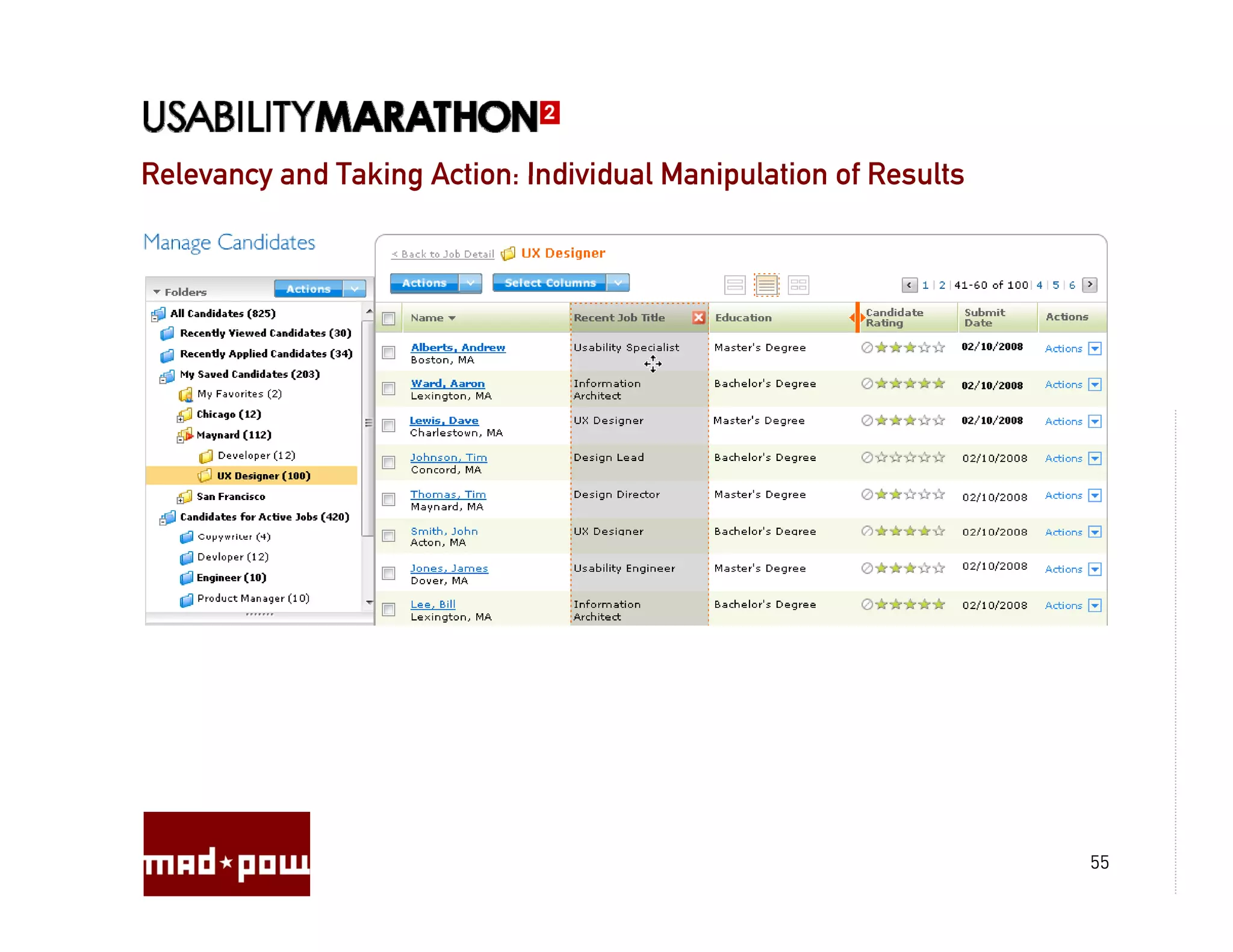
Relevancy and Taking Action: Individual Manipulation of Results


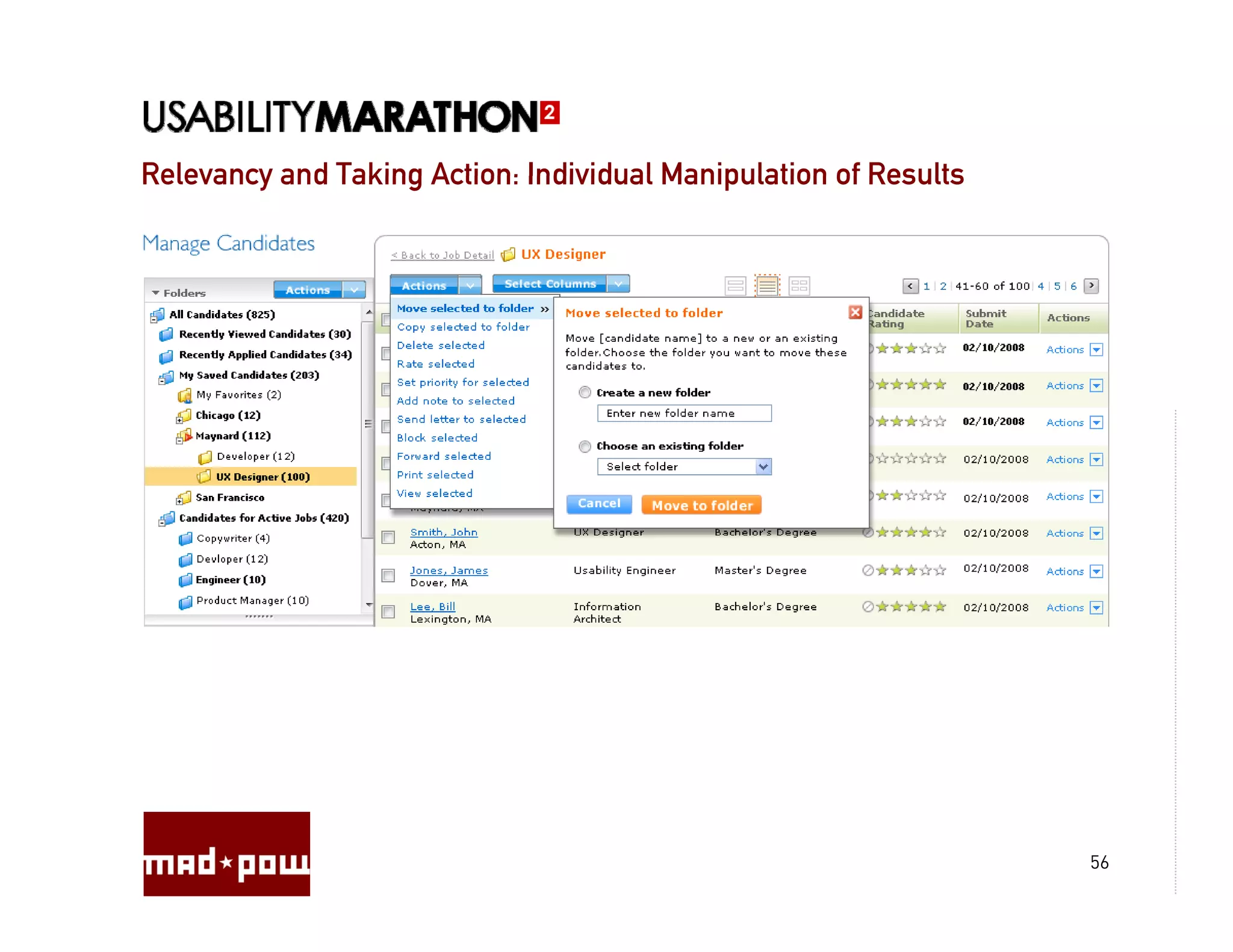
                                                                  56
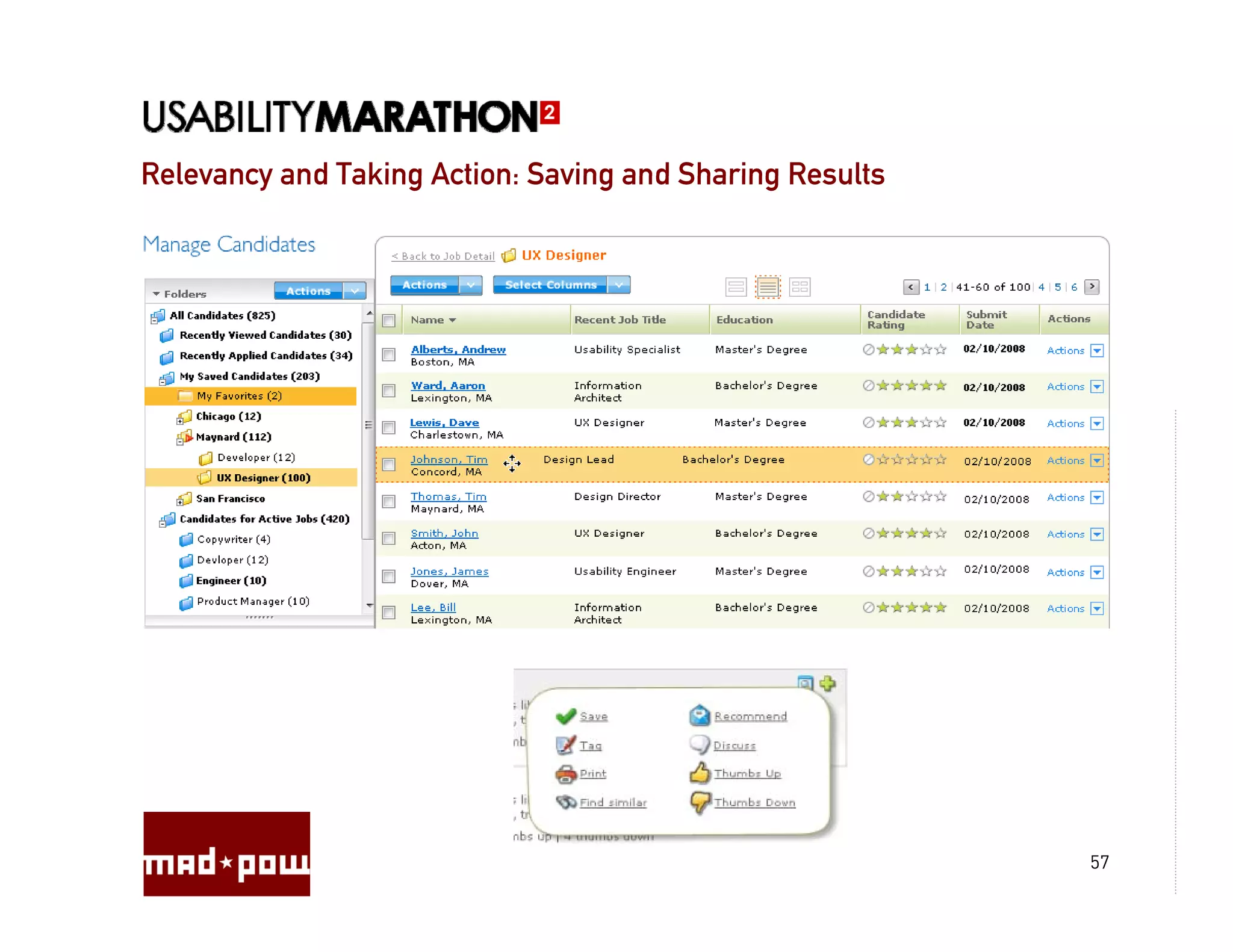
Relevancy and Taking Action: Saving and Sharing Results


                                                          57
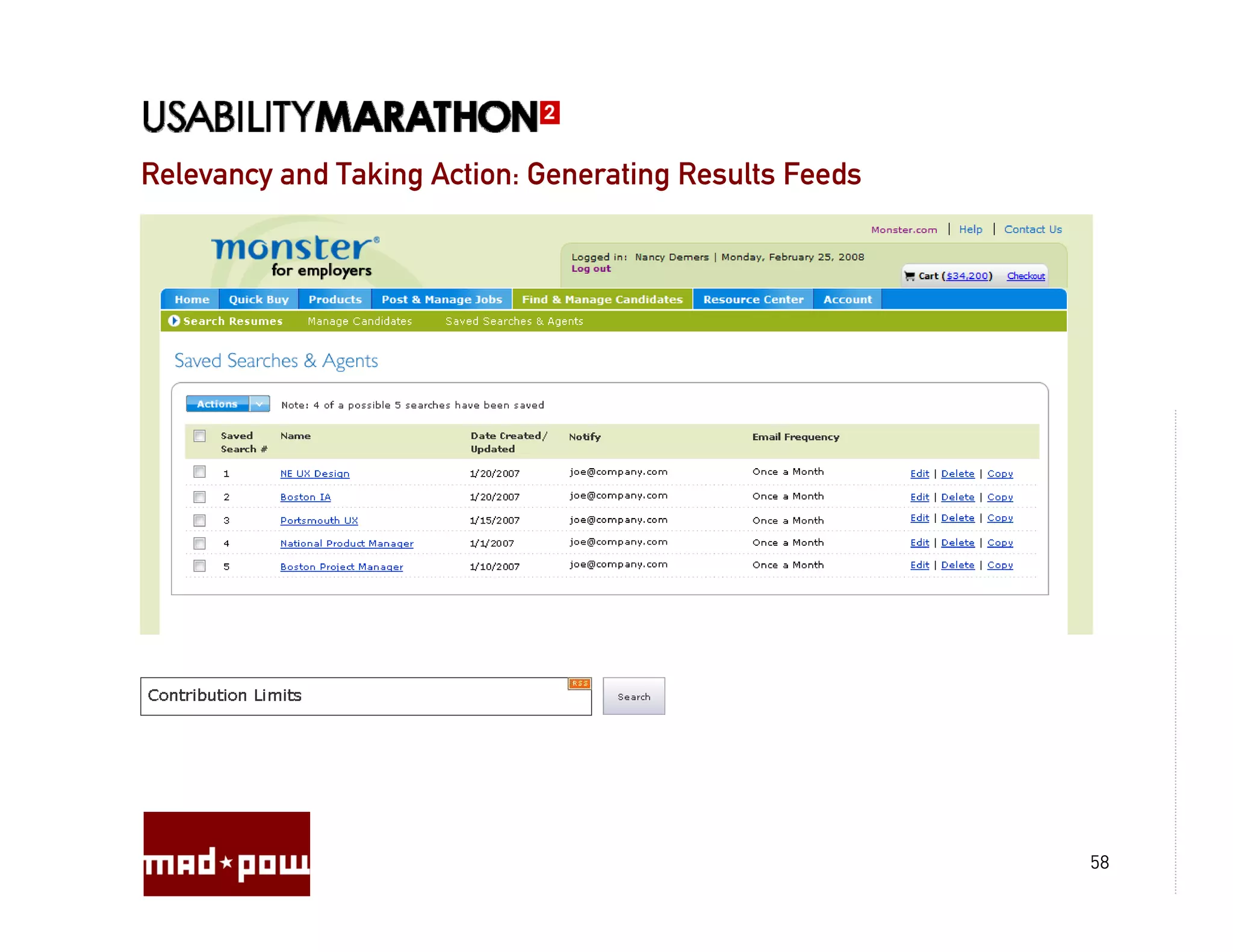
Relevancy and Taking Action: Generating Results Feeds


                                                        58
Questions?


             59

Search&Filter Interface Round Up by Amy Cueva, Mad Pow

  • 1.
    Search & FilterInterface Round Up EXAMPLES & BEST PRACTICES Prepared by: Amy Cueva – Founder, Chief Experience Officer October 19, 2009
  • 2.
    Mad Pow Mad*Pow FactSheet Experience Design Studio: Founded: Product Design g 2000 by Amy Cueva and Will Powley y y y Interaction Design Contextual Inquiry Headquarters: Ethnographic Research Historic Portsmouth, NH Task Flow Analysis y Usability Testing Information Architecture Staff: Visual Design 28 Employees Prototyping yp g Officers Interactive Media Directors E-business Strategy Designers Market Research Creative Technologists Development p Strategists g Salespeople Administrators 2
  • 3.
  • 4.
  • 5.
    Search & Filter:Topics Types of Searches Key Considerations Search Initiation and Navigation Results Presentation Relevancy, P R l Personalization and Taking Action li i d T ki A i Questions? 5
  • 6.
    Types of Searches Howdo people search? What are they looking for? Search Engines A phone number Embedded Site Search A sweater E-Commerce Search A plane ticket Intranet/Local Search A document Online, mobile, desktop A song applications, kiosk, phone interfaces, interfaces voice interfaces interfaces, A person p asking a live person Any piece of information 6
  • 7.
    Types of Searches Iwant to… Find a specific piece of information: There is one answer. A zip/postal code, the temperature in a location, a specific person Find and compare pieces of information: There is more than one answer. Movie times, a type of person, restaurants, books on a topic Gain a level of understanding, do research and make a decision: The answer depends on the person doing the search. Where should I go on vacation? What do these symptoms mean? What is the best… 7
  • 8.
    When designing asearch interface, consider: interface Who is visiting? What do they need? What makes audience members different? Are there any important ? characteristics about them to consider? Have they been here before? What have they done? Do we know y y anything about them? Can that be used to make the results more relevant? How did they get here? What lead up to this interaction? What is driving them? What are they looking for? How will they expect to find it? (Search Terms)? Where will they want to look? What do they want to see? What content or functionality would be most useful relevant to them? Will they need any related information? 8
  • 9.
    When designing asearch interface, consider: interface Who is visiting? What do they need? How will they know when they’ve found what they are looking for? H ill th k h th ’ f d h t th l ki f ? How will they compare results? What are their decision making attributes? What’s important/most relevant to them? How will they want to interact? What would the ideal interaction be? Will they sort, refine results, zoom in/out, navigate topically, compare, “pogo-stick” (J Spool), save, favorite, rate, comment, share, email, print? How will they use this information? What will they need to do with it? What will they do after? How can that be supported? Will they be back again? Will they need the information from this search? Would they want search results like this on a regular basis? 9
  • 10.
    What can bedone? What will YOU do? What can be done to understand the visitor? Search logs, site stats, analytics Site survey/customer survey User research: User interviews, contextual inquiry, observation Usability testing: before, after, and during How early can you do these things? How often? Can they be part of an ongoing process? 10
  • 11.
    What can bedone? What will YOU do? Making it happen… What is it? What are the priorities? How do you determine priorities? What should be done in the future? What can be done right now? What can be done with the technology? What can’t? Who are you working with? How can you collaborate? Is your search effective? How will y measure success? y you How will search relevancy be monitored and improved on a regular basis? 11
  • 12.
    Interface & InteractionDesign Checklist: Home (pre-search): What will be shown? Most recent searches? Most recently clicked through on? Most popular? Recommended searches? 12
  • 13.
    Interface & InteractionChecklist: Search Box: Placement, priority, design, labeling Focus, return, tabbing Pre-population, P l i Type ahead, spell check, interactivity, related searches “Codified” “C difi d” searches h Search Terms: What terms should be anticipated? Wh t t h ld b ti i t d? Will there be a spell check/did you mean feature? 13
  • 14.
    Interface & InteractionChecklist: Display of Results: What Wh t content/media will be displayed? t t/ di ill b di l d? Will there be content available on hover? Will the content be expandable/collapsible? Will related content be shown? Can a click through be avoided by showing the right information in the results? How will the results be organized? How will the results be prioritized? How will they be filtered and sorted? Will topical navigation or faceted navigation be available? p g g 14
  • 15.
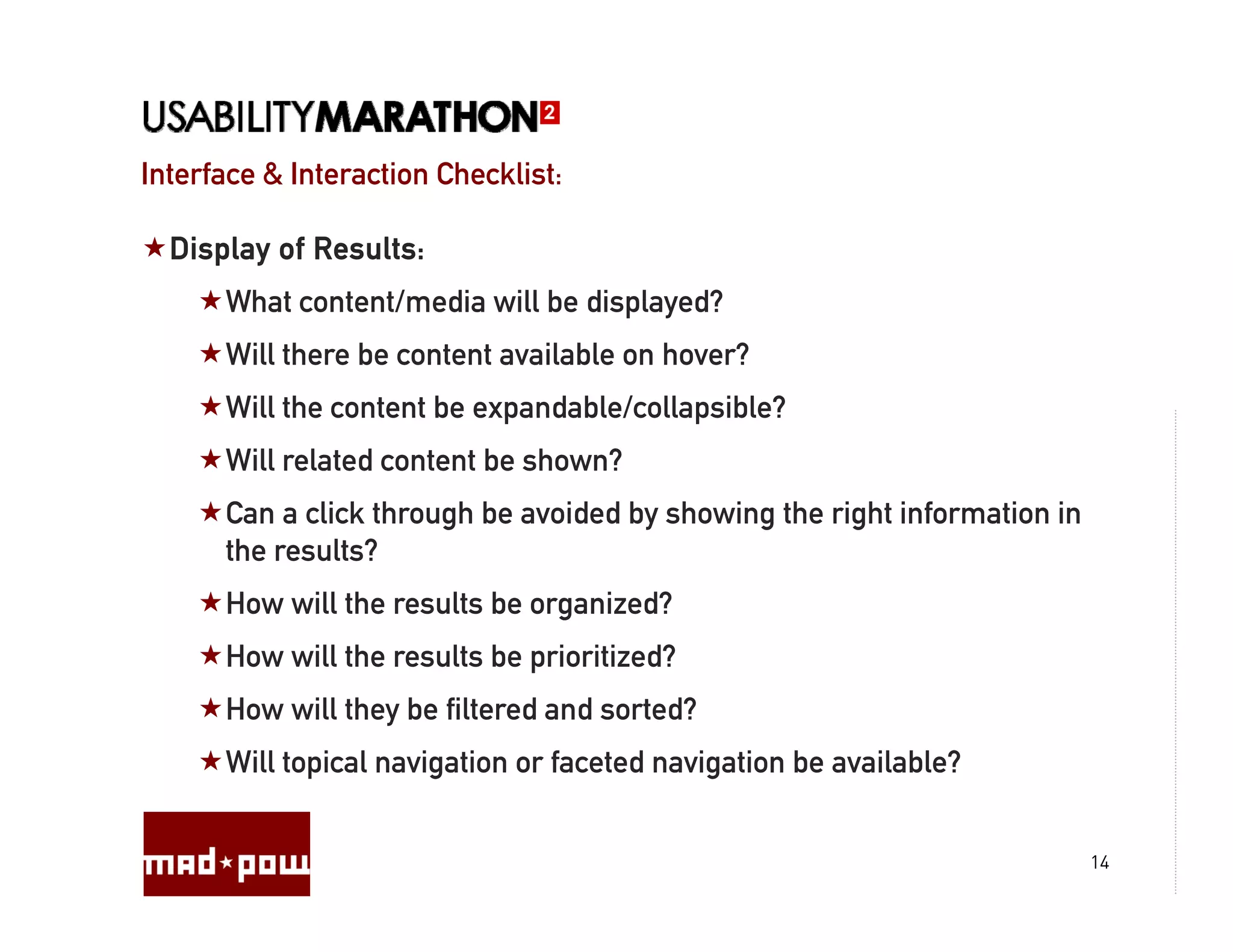
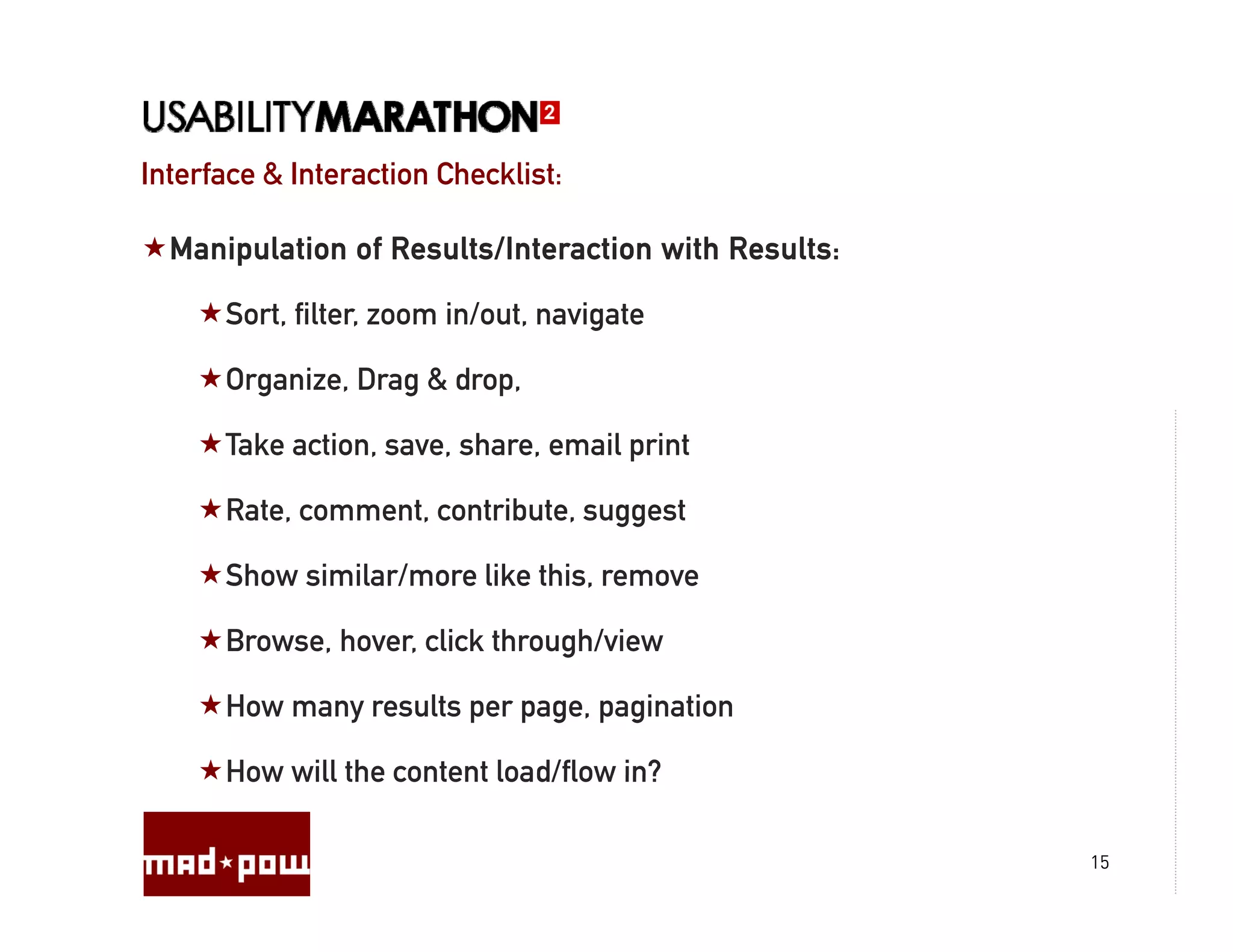
    Interface & InteractionChecklist: Manipulation of Results/Interaction with Results: Sort, filter, zoom in/out, navigate Organize, Drag & drop, Take action, save, share, email print Rate, comment, contribute, suggest Show similar/more like this, remove Browse, hover, click through/view g How many results per page, pagination How will the content load/flow in? 15
  • 16.
  • 17.
  • 18.
  • 19.
    Newer Search Interfaces:Aggregators/Federated Search 19
  • 20.
  • 21.
  • 22.
  • 23.
  • 24.
  • 25.
  • 26.
  • 27.
  • 28.
  • 29.
    “Zoom In and“Zoom Out Zoom In” Zoom Out” 29
  • 30.
  • 31.
  • 32.
  • 33.
  • 34.
  • 35.
  • 36.
  • 37.
  • 38.
  • 39.
  • 40.
  • 41.
  • 42.
  • 43.
  • 44.
  • 45.
  • 46.
    Results Presentation: RichResults Presentation 46
  • 47.
    Results Presentation: RichResults Presentation 47
  • 48.
  • 49.
    Relevancy and TakingAction: Relationships & Nearness 49
  • 50.
    Relevancy and TakingAction: Relationships & Nearness 50
  • 51.
    Relevancy and TakingAction: Community Tagging, Rating, and Ranking Tagging Rating 51
  • 52.
    Relevancy and TakingAction: Implicit vs. Explicit Personalization vs 52
  • 53.
    Relevancy and TakingAction: Implicit vs. Explicit Personalization vs 53
  • 54.
    Relevancy and TakingAction: Individual Manipulation of Results 54
  • 55.
    Relevancy and TakingAction: Individual Manipulation of Results 55
  • 56.
    Relevancy and TakingAction: Individual Manipulation of Results 56
  • 57.
    Relevancy and TakingAction: Saving and Sharing Results 57
  • 58.
    Relevancy and TakingAction: Generating Results Feeds 58
  • 59.