The Right Method at the Right Time
Getting the most useful feedback from your
customers


Cindy Alvarez
PCamp Silicon Valley - April 2011
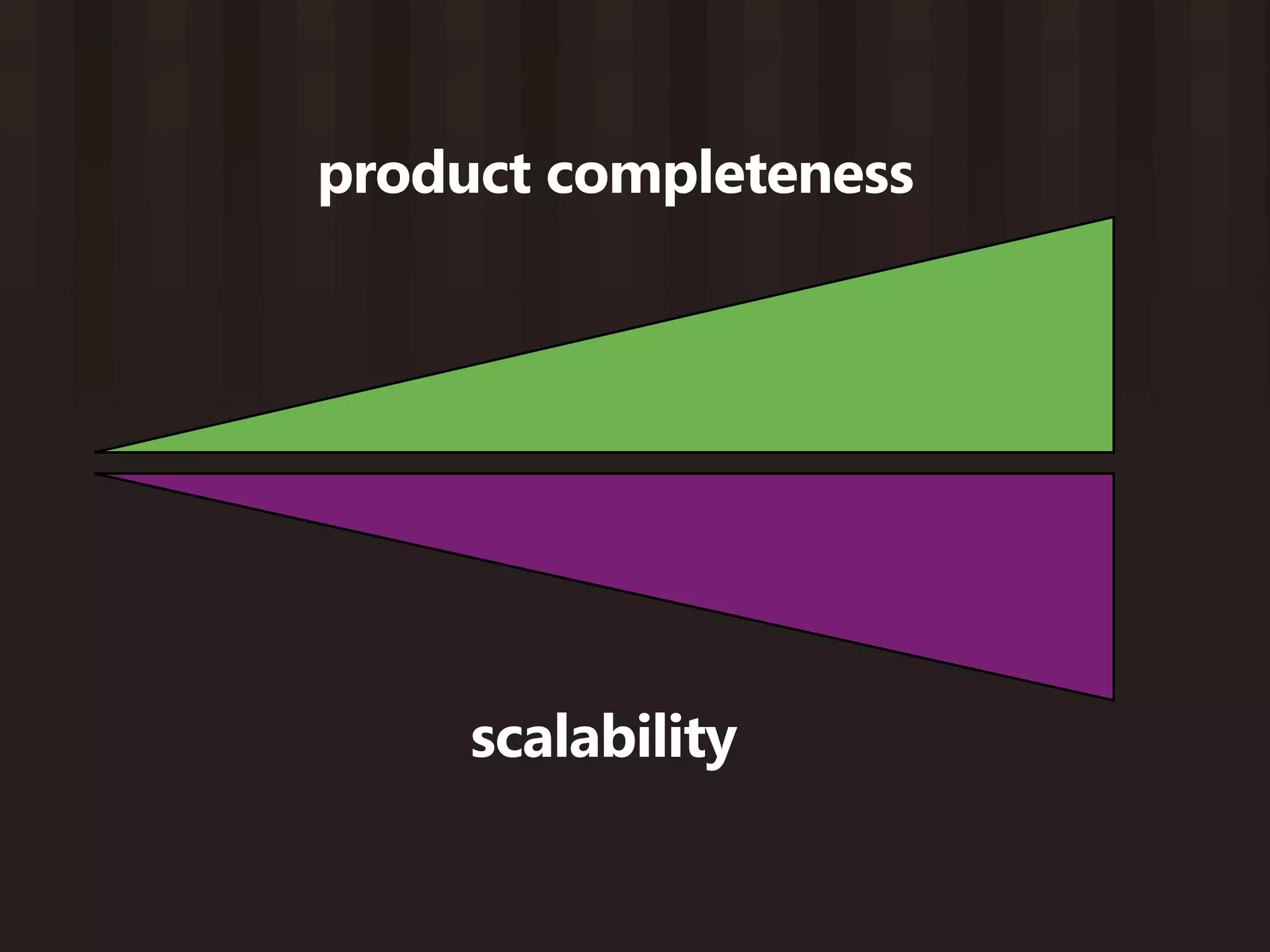
product completeness


     scalability
Open-ended customer interviews

 When to use this:
 • No product yet - still in concept stage
 • Have a product, but need non-incremental improvement
 • Inherited a product, need to understand your market
You want to learn...


    • What’s the current alternative?
    • How effective is their current behavior?
    • What are their frustrations?
    • Who are the stakeholders?
    • What do they really wish they could do?


More questions at: http://bit.ly/9D5h83
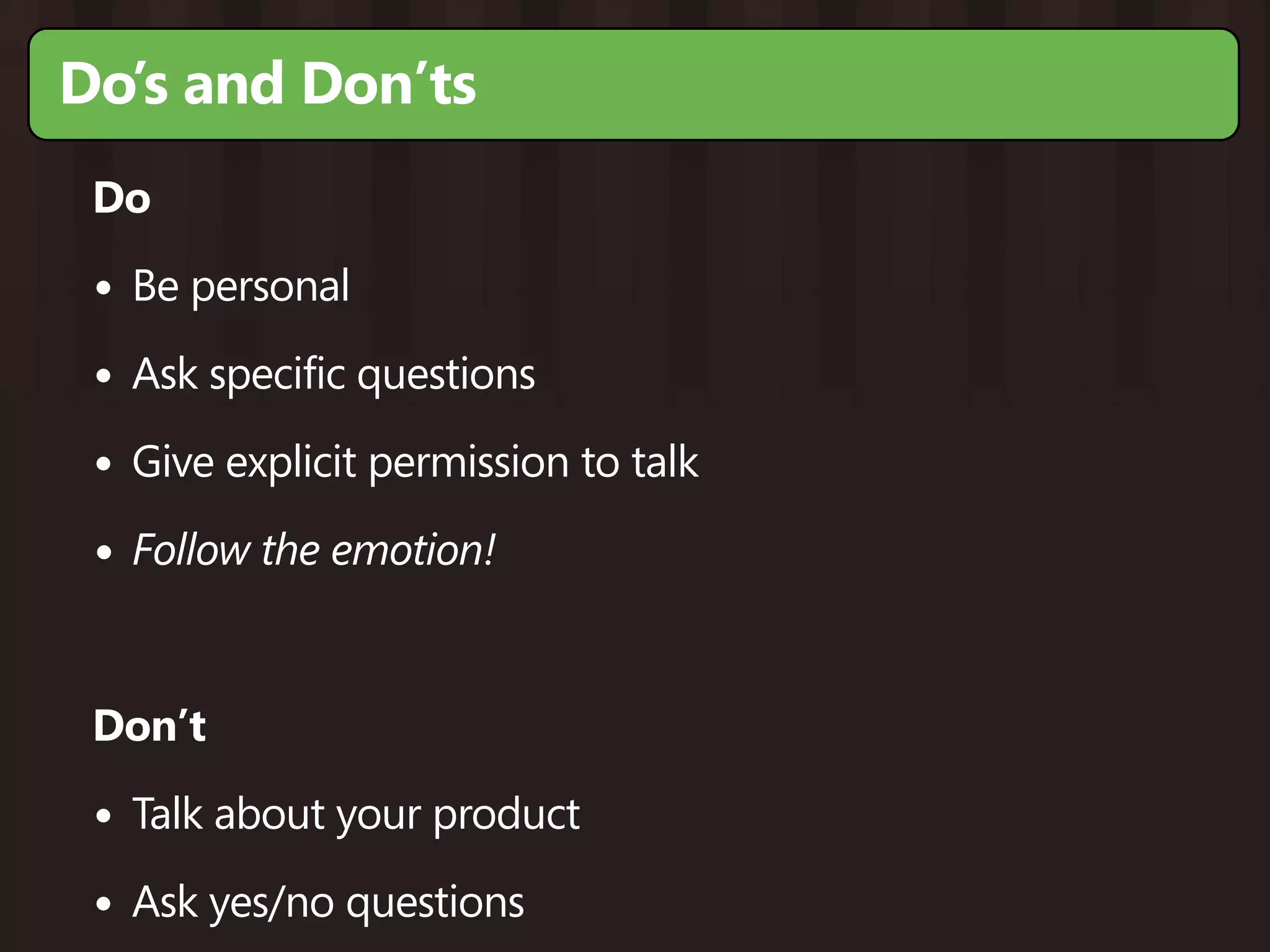
Do’s and Don’ts
 Do

 • Be personal
 • Ask specific questions
 • Give explicit permission to talk
 • Follow the emotion!


 Don’t

 • Talk about your product
 • Ask yes/no questions
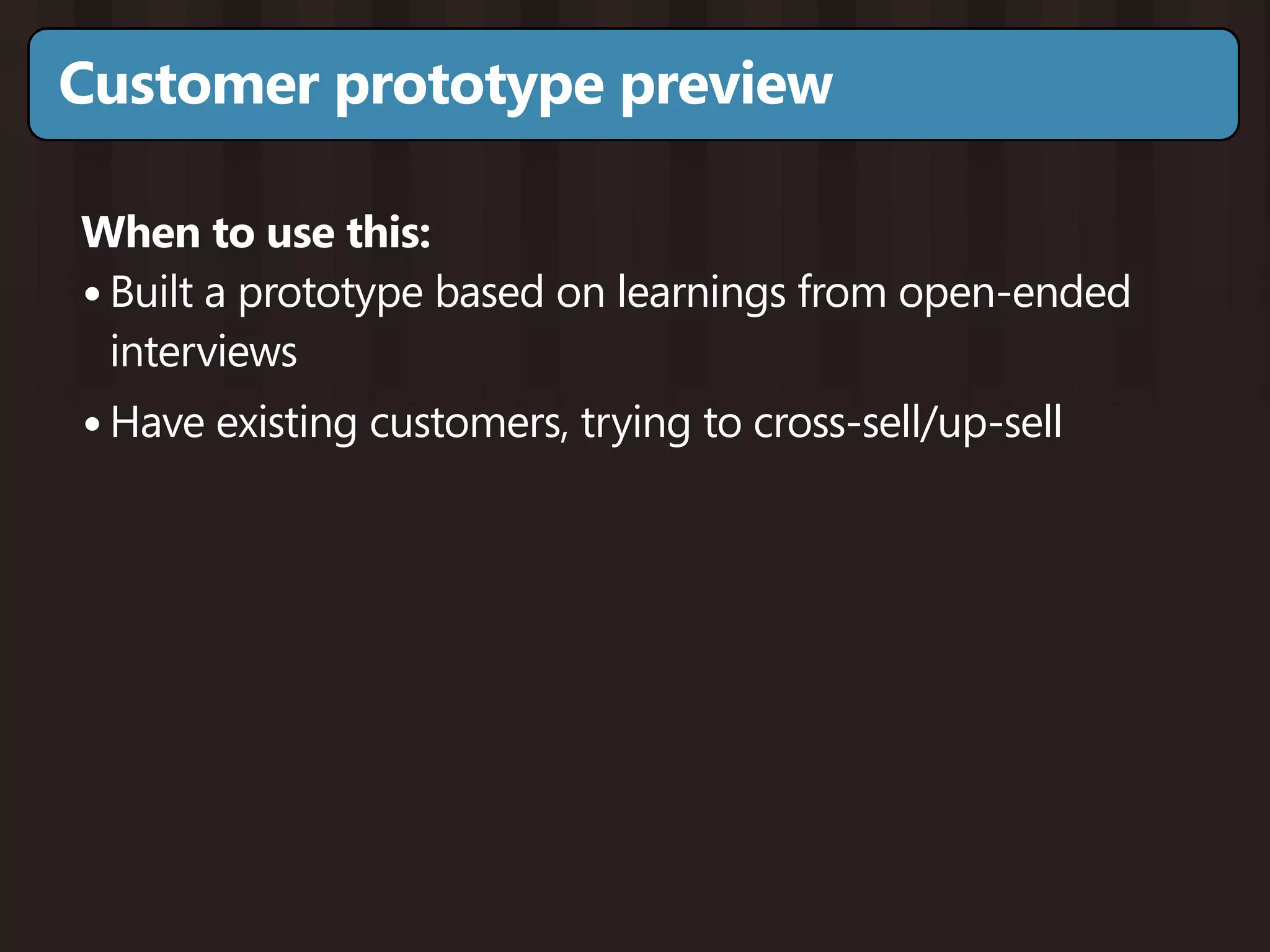
Customer prototype preview

When to use this:
• Built a prototype based on learnings from open-ended
  interviews
• Have existing customers, trying to cross-sell/up-sell
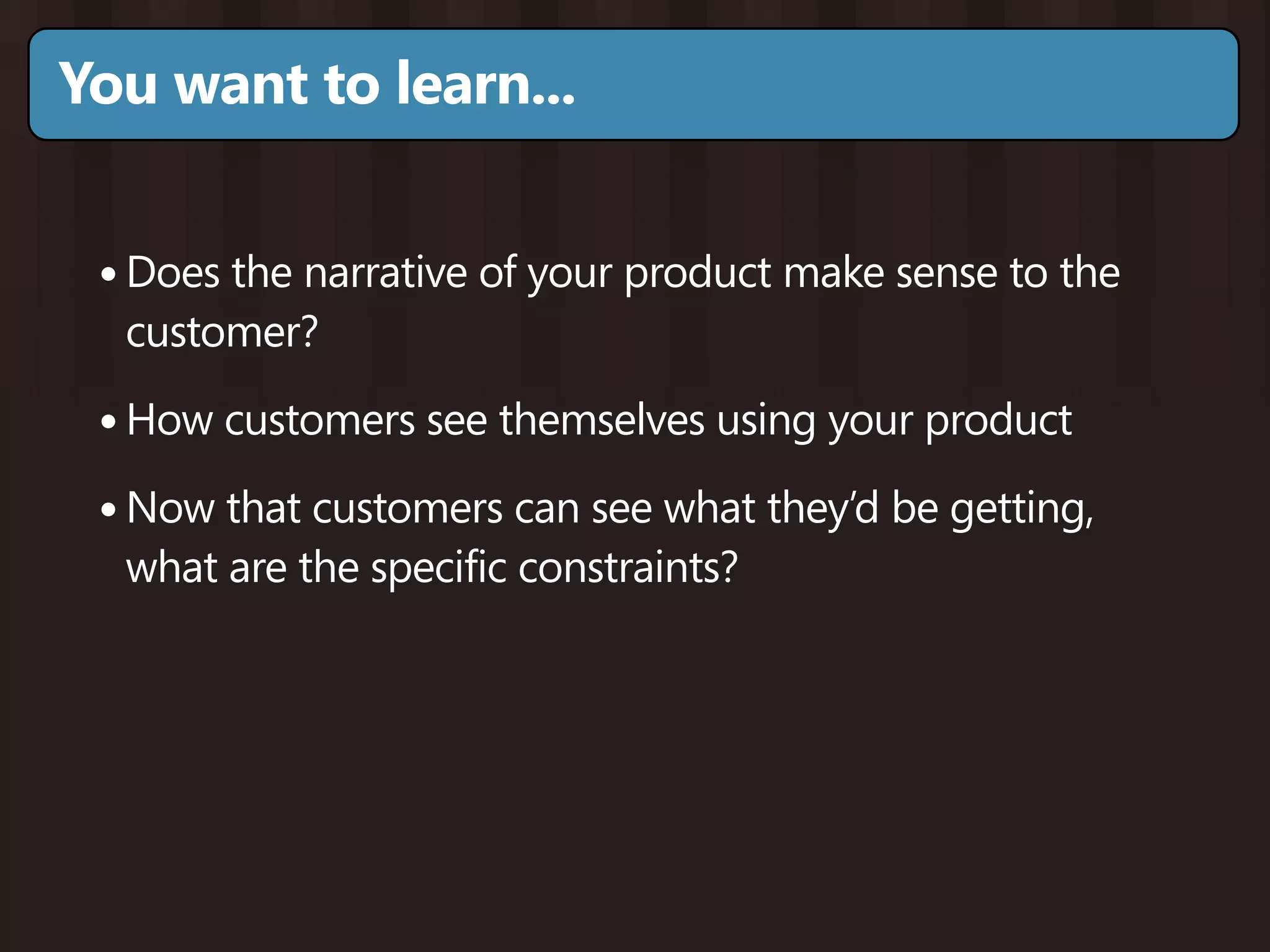
You want to learn...


 • Does the narrative of your product make sense to the
  customer?

 • How customers see themselves using your product
 • Now that customers can see what they’d be getting,
  what are the specific constraints?
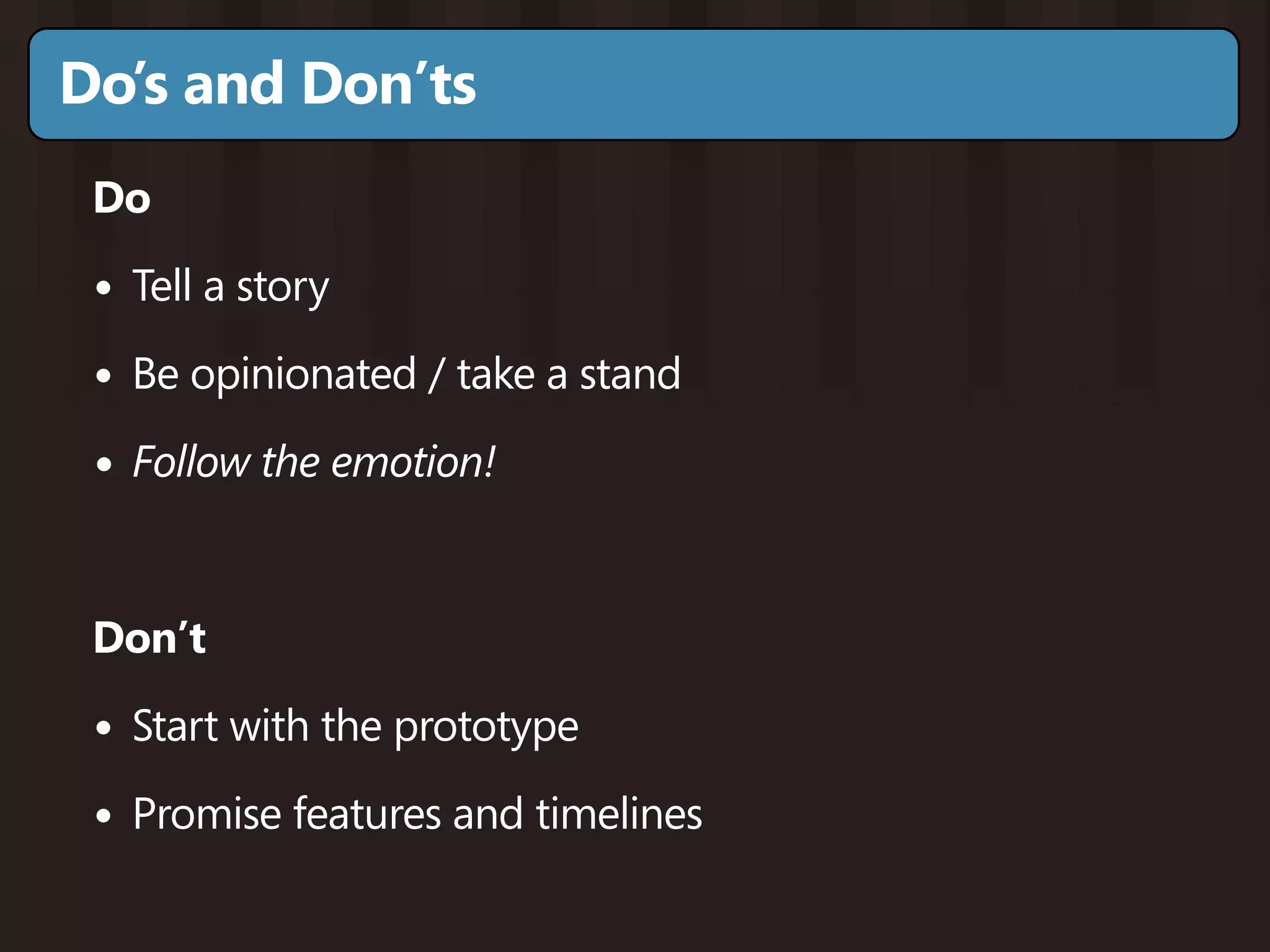
Do’s and Don’ts
 Do

 • Tell a story
 • Be opinionated / take a stand
 • Follow the emotion!


 Don’t

 • Start with the prototype
 • Promise features and timelines
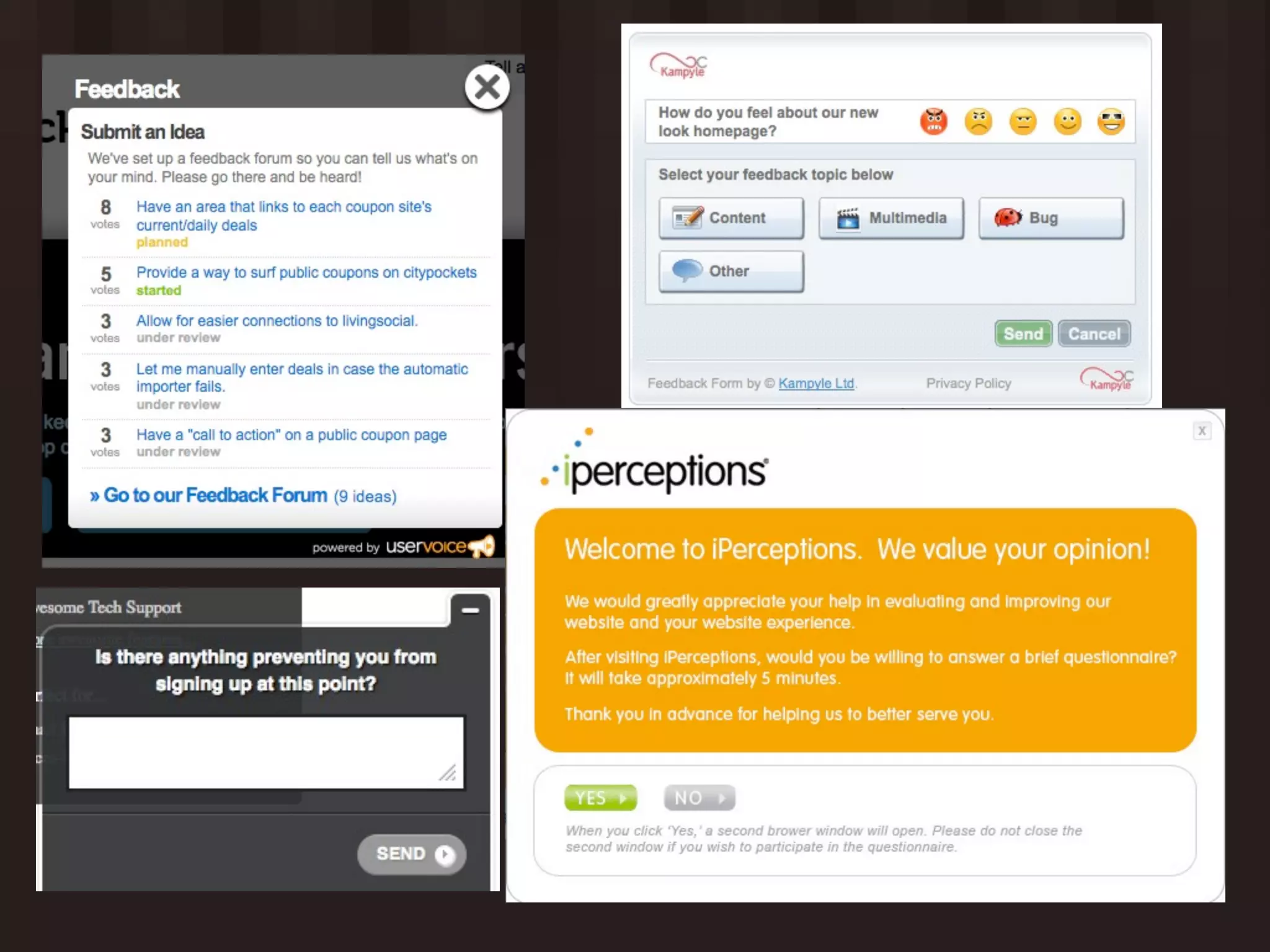
On-site feedback

 When to use this:
 • Have a prototype, looking for beta customers
 • Have a product, need to hear from “silent majority”
 • Workflows can’t be realistically simulated (money, health,
  data)


 Tools:
 • KISSinsights, Wufoo, 4Q, Kampyle, UserVoice/
   GetSatisfaction
You want to learn...


  • What’s making potential customers hesitate?
  • What’s slowing down customer usage?
  • Demographic information
  • Real-time customer satisfaction
  • “Little niggling things” that customers wouldn’t file a bug
   for
Do’s and Dont’s
 Do

 • Ask specific questions that align with what customer is
   doing

 • Focus on the single most important thing you need to
   know


 Don’t

 • Make customers do work
 • Let customers vote without guidance
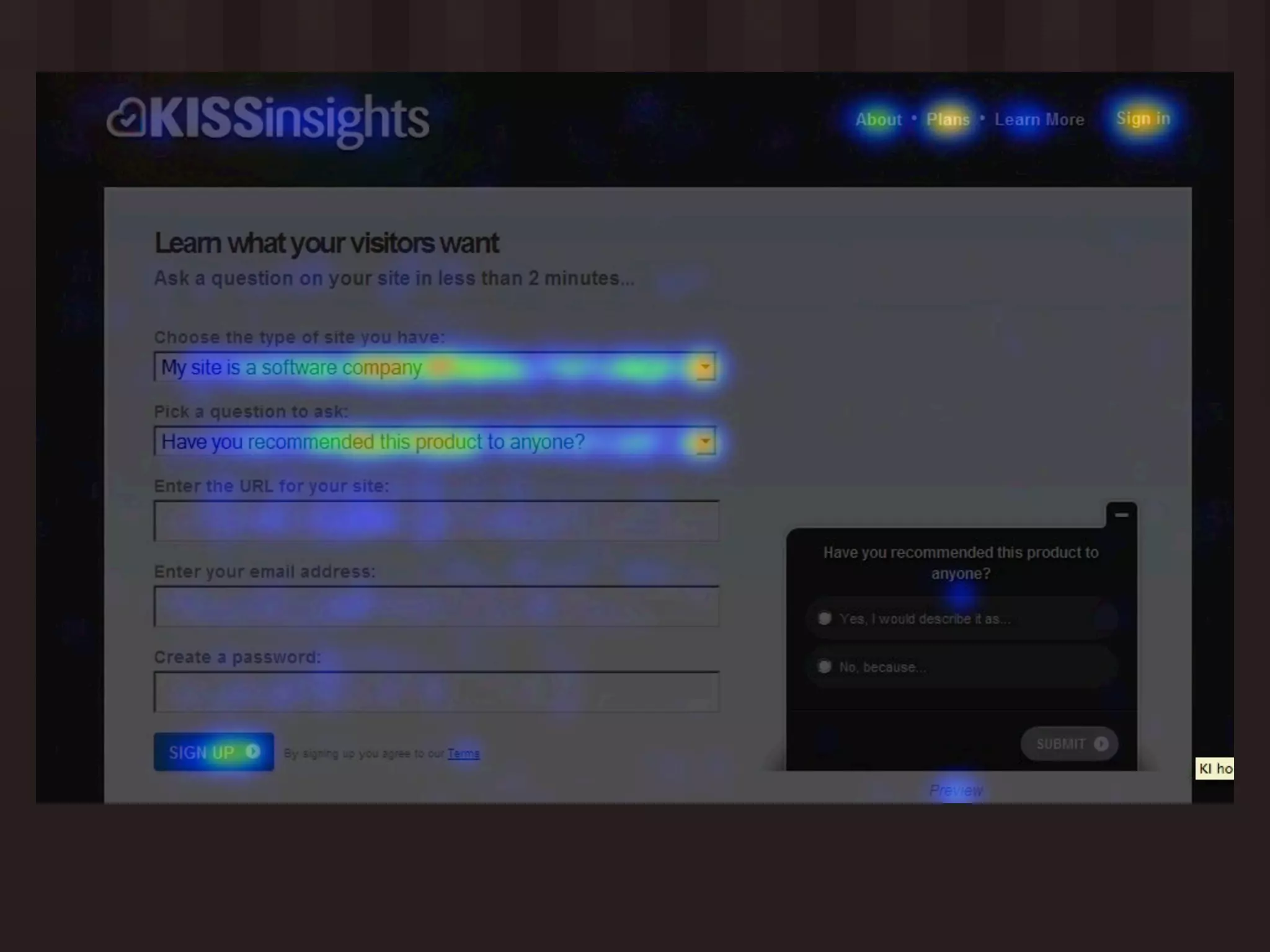
Heatmap Tracking

 When to use this:
 • Product and significant customer traffic
 • Inherited product, no idea what’s wrong / where to start


 Tools:
 • Crazy Egg, ClickTale
You want to learn...


  • Are customers noticing calls to action, next steps, critical
   content?

  • Where are customers abandoning forms and actions?
  • What is attracting the most customer attention?
Do’s and Don’ts
 Do

 • Form hypotheses about how you can adjust user
   behavior

 • Set up split tests to confirm and improve
Analytics

  When to use this:
  • Have a product, significant customer traffic
  • Need to balance out VOC, HiPPO requests


  Tools:
  • KISSmetrics, Google Analytics, CoreMetrics, Performable,
    Omniture
You want to learn...

    • Which channels are bringing you visitors who successfully
      convert into customers?

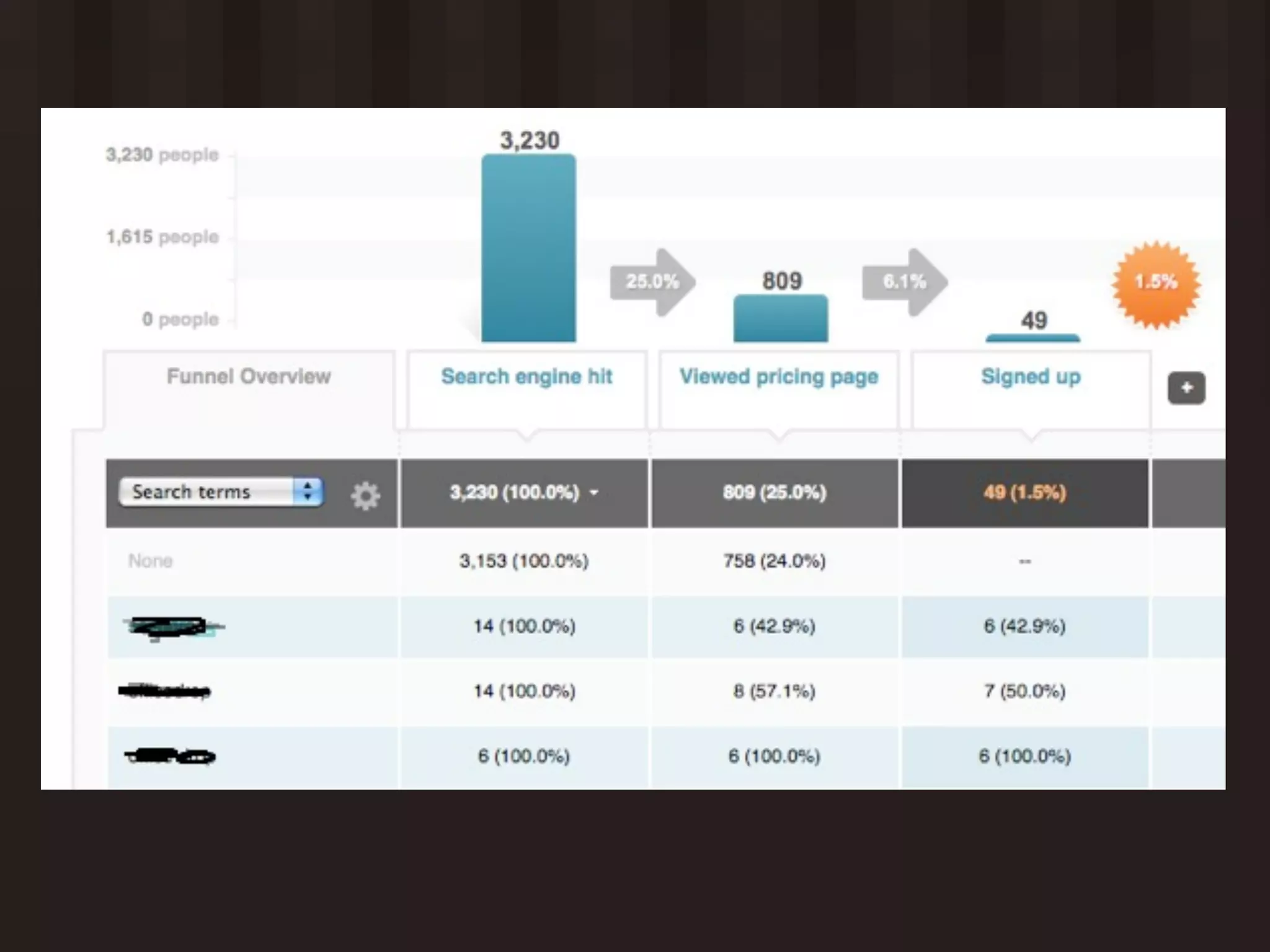
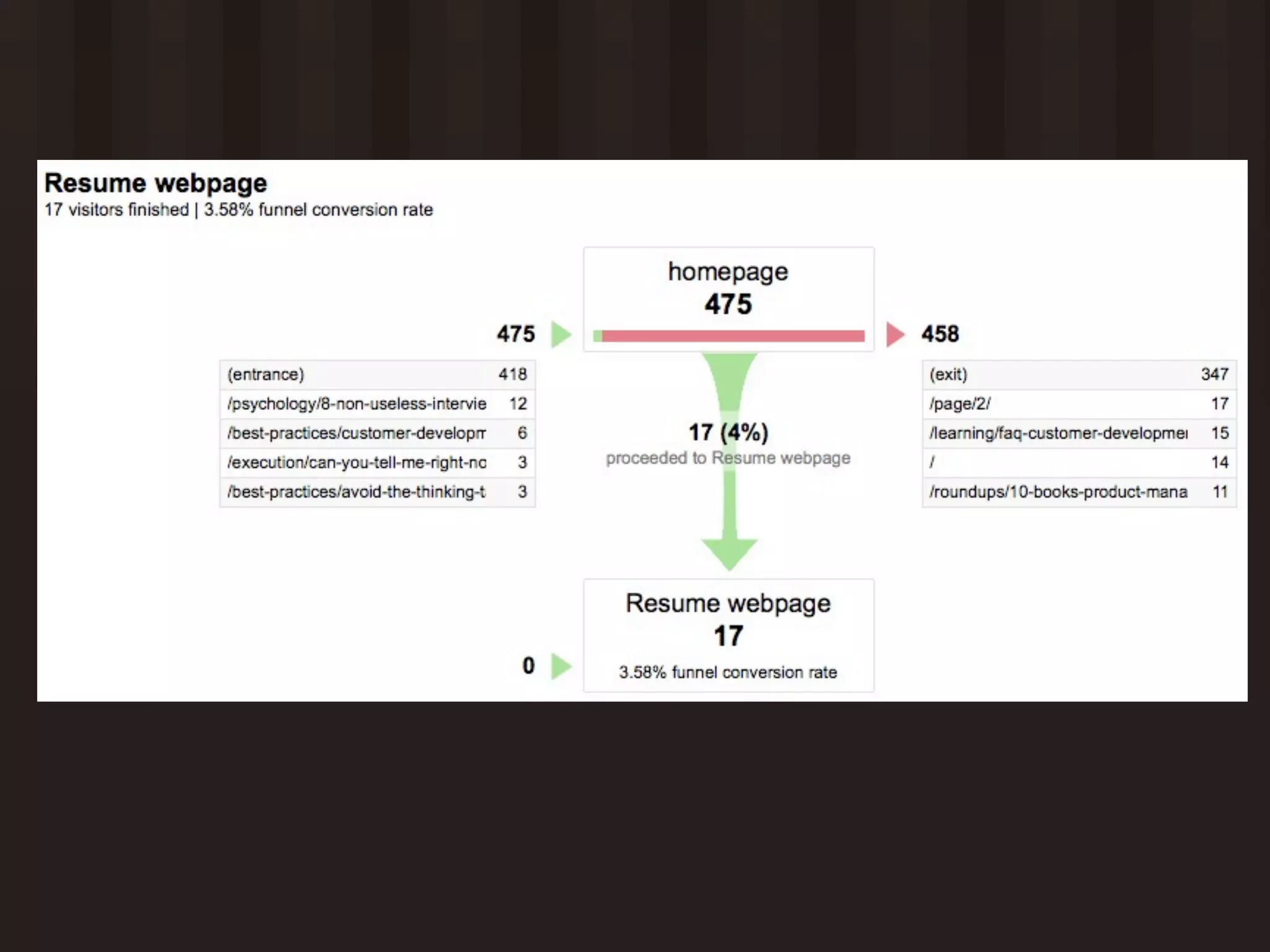
    • Where are customers dropping out of signup /
      purchase / learning curve processes?

    • Which core features are customers able to use?
    • Which customers are most likely to succeed with your
      product?


More questions at: http://bit.ly/fqXj5z
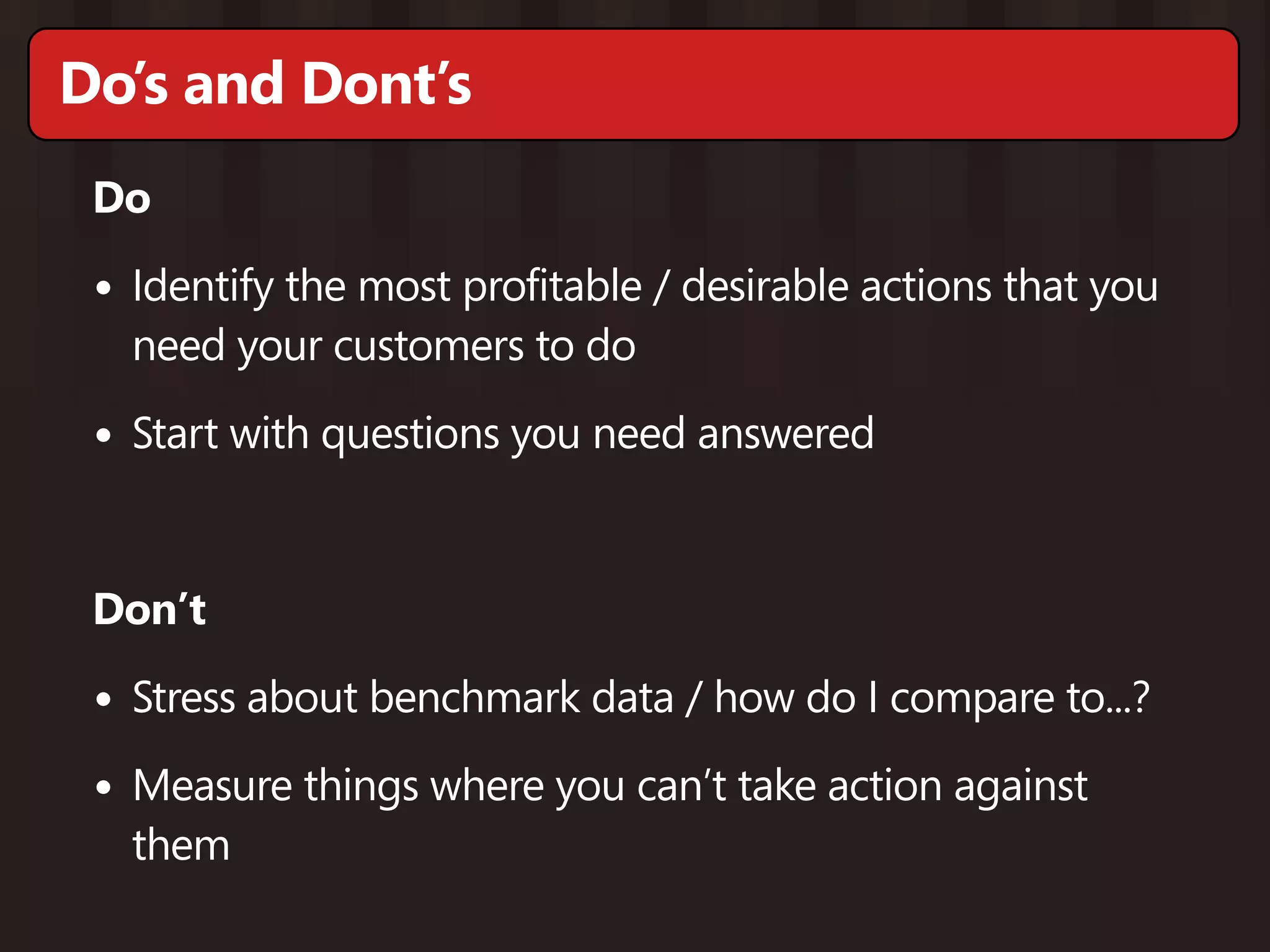
Do’s and Dont’s
 Do

 • Identify the most profitable / desirable actions that you
   need your customers to do

 • Start with questions you need answered


 Don’t

 • Stress about benchmark data / how do I compare to...?
 • Measure things where you can’t take action against
   them
Thank You!

http://www.cindyalvarez.com
  cindy@cindyalvarez.com

Right Method at the Right Time

  • 1.
    The Right Methodat the Right Time Getting the most useful feedback from your customers Cindy Alvarez PCamp Silicon Valley - April 2011
  • 2.
  • 3.
    Open-ended customer interviews When to use this: • No product yet - still in concept stage • Have a product, but need non-incremental improvement • Inherited a product, need to understand your market
  • 4.
    You want tolearn... • What’s the current alternative? • How effective is their current behavior? • What are their frustrations? • Who are the stakeholders? • What do they really wish they could do? More questions at: http://bit.ly/9D5h83
  • 5.
    Do’s and Don’ts Do • Be personal • Ask specific questions • Give explicit permission to talk • Follow the emotion! Don’t • Talk about your product • Ask yes/no questions
  • 6.
    Customer prototype preview Whento use this: • Built a prototype based on learnings from open-ended interviews • Have existing customers, trying to cross-sell/up-sell
  • 7.
    You want tolearn... • Does the narrative of your product make sense to the customer? • How customers see themselves using your product • Now that customers can see what they’d be getting, what are the specific constraints?
  • 8.
    Do’s and Don’ts Do • Tell a story • Be opinionated / take a stand • Follow the emotion! Don’t • Start with the prototype • Promise features and timelines
  • 9.
    On-site feedback Whento use this: • Have a prototype, looking for beta customers • Have a product, need to hear from “silent majority” • Workflows can’t be realistically simulated (money, health, data) Tools: • KISSinsights, Wufoo, 4Q, Kampyle, UserVoice/ GetSatisfaction
  • 11.
    You want tolearn... • What’s making potential customers hesitate? • What’s slowing down customer usage? • Demographic information • Real-time customer satisfaction • “Little niggling things” that customers wouldn’t file a bug for
  • 12.
    Do’s and Dont’s Do • Ask specific questions that align with what customer is doing • Focus on the single most important thing you need to know Don’t • Make customers do work • Let customers vote without guidance
  • 13.
    Heatmap Tracking Whento use this: • Product and significant customer traffic • Inherited product, no idea what’s wrong / where to start Tools: • Crazy Egg, ClickTale
  • 15.
    You want tolearn... • Are customers noticing calls to action, next steps, critical content? • Where are customers abandoning forms and actions? • What is attracting the most customer attention?
  • 16.
    Do’s and Don’ts Do • Form hypotheses about how you can adjust user behavior • Set up split tests to confirm and improve
  • 17.
    Analytics Whento use this: • Have a product, significant customer traffic • Need to balance out VOC, HiPPO requests Tools: • KISSmetrics, Google Analytics, CoreMetrics, Performable, Omniture
  • 20.
    You want tolearn... • Which channels are bringing you visitors who successfully convert into customers? • Where are customers dropping out of signup / purchase / learning curve processes? • Which core features are customers able to use? • Which customers are most likely to succeed with your product? More questions at: http://bit.ly/fqXj5z
  • 21.
    Do’s and Dont’s Do • Identify the most profitable / desirable actions that you need your customers to do • Start with questions you need answered Don’t • Stress about benchmark data / how do I compare to...? • Measure things where you can’t take action against them
  • 22.