Download to read offline

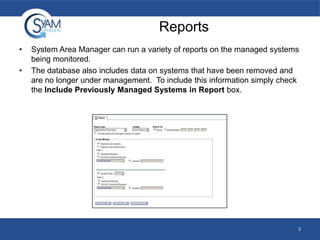
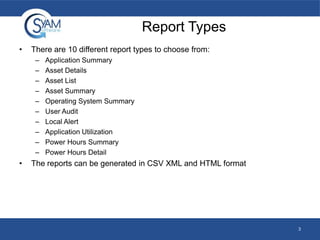
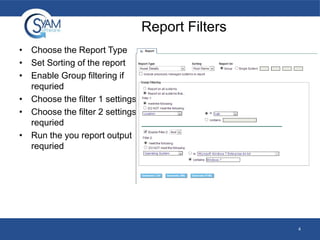
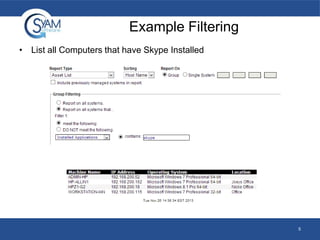
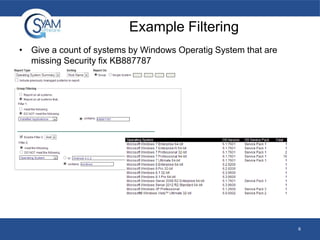
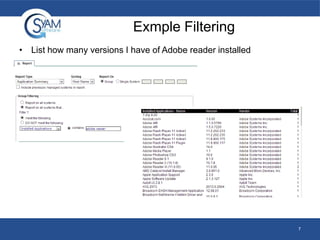
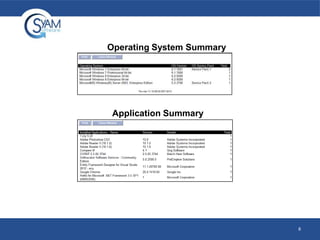
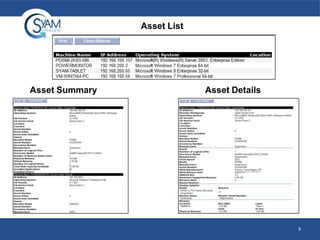
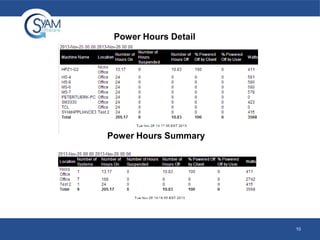
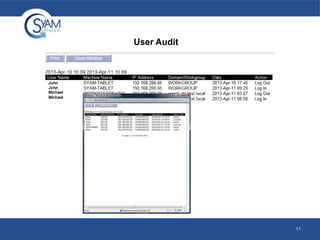
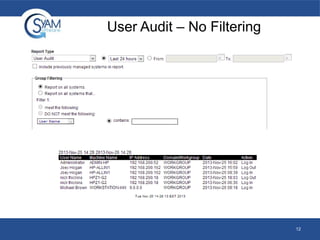
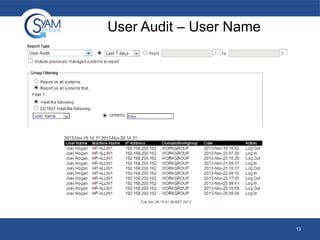
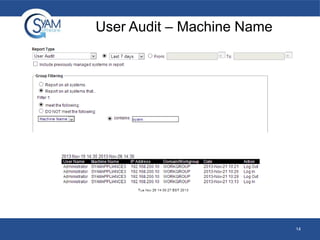
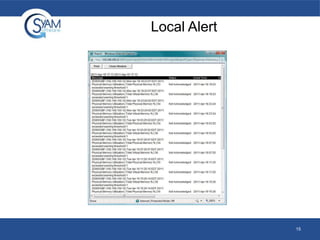
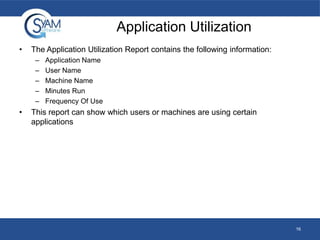
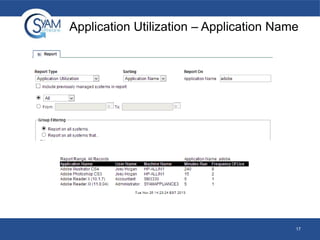
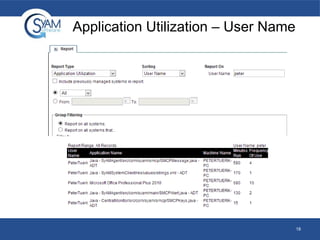
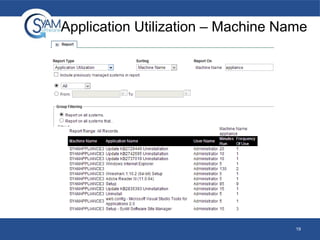

The document describes the reporting capabilities of the System Area Manager. It lists 10 different report types that can be generated in CSV, XML, or HTML formats. These reports include application summaries, asset lists and details, operating system summaries, user audits, local alerts, and power hours summaries and details. The reports can be filtered by various criteria and sorted. Examples are provided of filtering reports to list computers with Skype installed, count systems missing a security fix by OS, and list versions of Adobe Reader installed.


![Server and application monitoring webinars [Applications Manager] - Part 4](https://cdn.slidesharecdn.com/ss_thumbnails/part4exploringkeyadminfeatures-180628100801-thumbnail.jpg?width=640&height=640&fit=bounds)


![Getting Started with Apache Spark: Big Data Made Simple [Free Meetup]](https://cdn.slidesharecdn.com/ss_thumbnails/apachesparkgettingstarted-260203175547-8361bcc3-thumbnail.jpg?width=640&height=640&fit=bounds)

