Download as KEY, PPTX













![Meta Characters
Special characters : )(][^$.|?*+
To match as literals, escape them
with a backslash](https://image.slidesharecdn.com/regularexpressions101-110721045036-phpapp01/75/Regular-Expressions-101-25-2048.jpg)
![Character Classes
Matches one and ONLY one character in
a set of characters
[Aa] : matches either ‘A’ or ‘a’
[a-z] : matches any of the lowercase
alphabets in the specified range ONCE
[^Aa] : matches anything but ‘A’ and
‘a’](https://image.slidesharecdn.com/regularexpressions101-110721045036-phpapp01/75/Regular-Expressions-101-26-2048.jpg)
![Character Classes
Metacharacters may behave differently
within character classes
[^red] : matches anything but ‘r’,
‘e’ and ‘d’
[r^ed] : matches only ‘r’, ‘^’, ‘e’
or ‘d’](https://image.slidesharecdn.com/regularexpressions101-110721045036-phpapp01/75/Regular-Expressions-101-27-2048.jpg)
![Shorthand Classes
d, [0-9]: digits
w, [da-zA-Z_]: alphanumeric or _
s or [ t(?:n|rn)] : whitespace
D, W, S : the above BUT negated](https://image.slidesharecdn.com/regularexpressions101-110721045036-phpapp01/75/Regular-Expressions-101-28-2048.jpg)
![The Dot Character
The Dot (.) character matches any
single character BUT the newline
Synonymous with [^n] (UNIX/Linux/
Mac)
as well as [^rn] (Windows)
Use it sparingly - it’s expensive](https://image.slidesharecdn.com/regularexpressions101-110721045036-phpapp01/75/Regular-Expressions-101-29-2048.jpg)


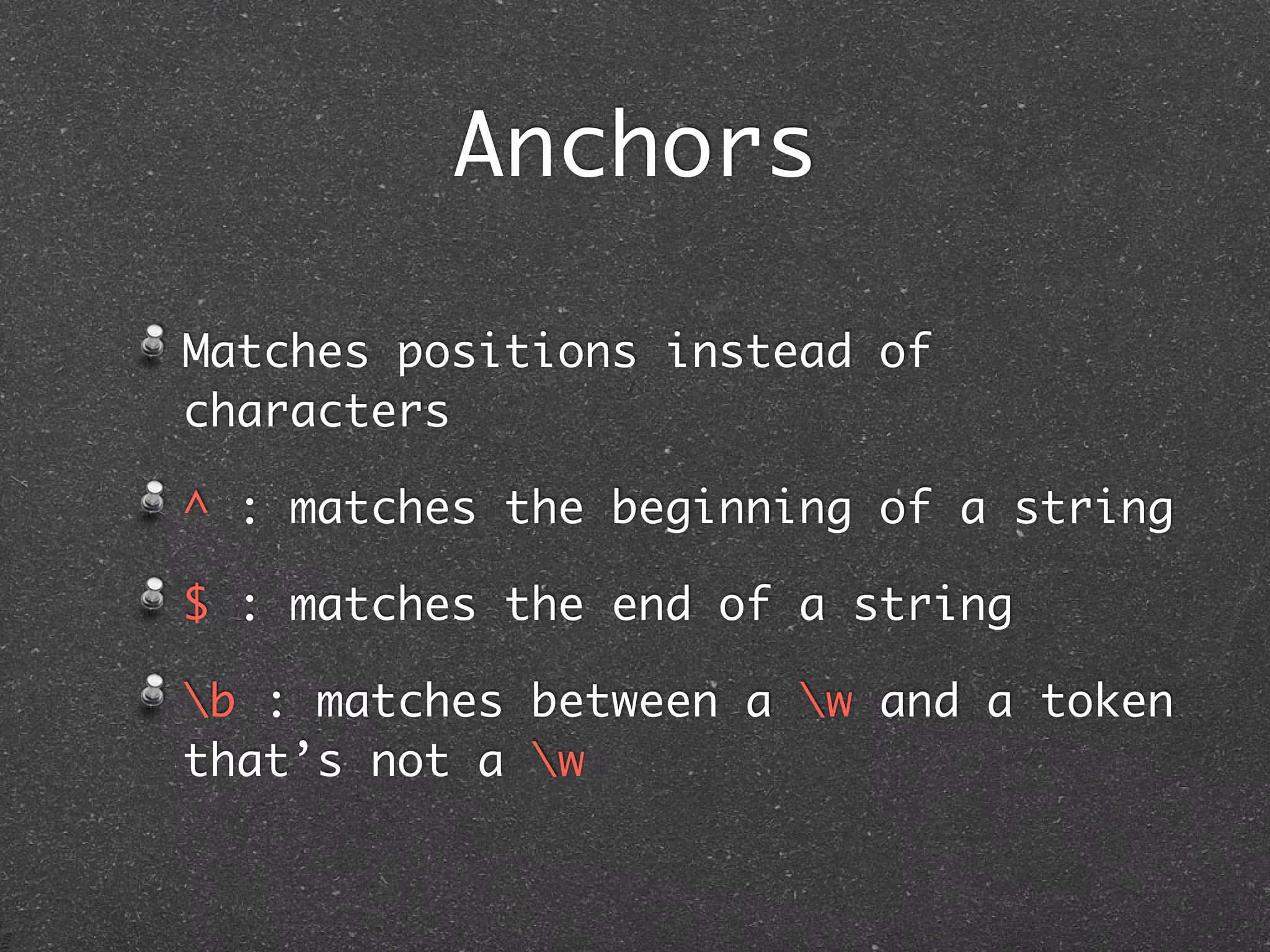
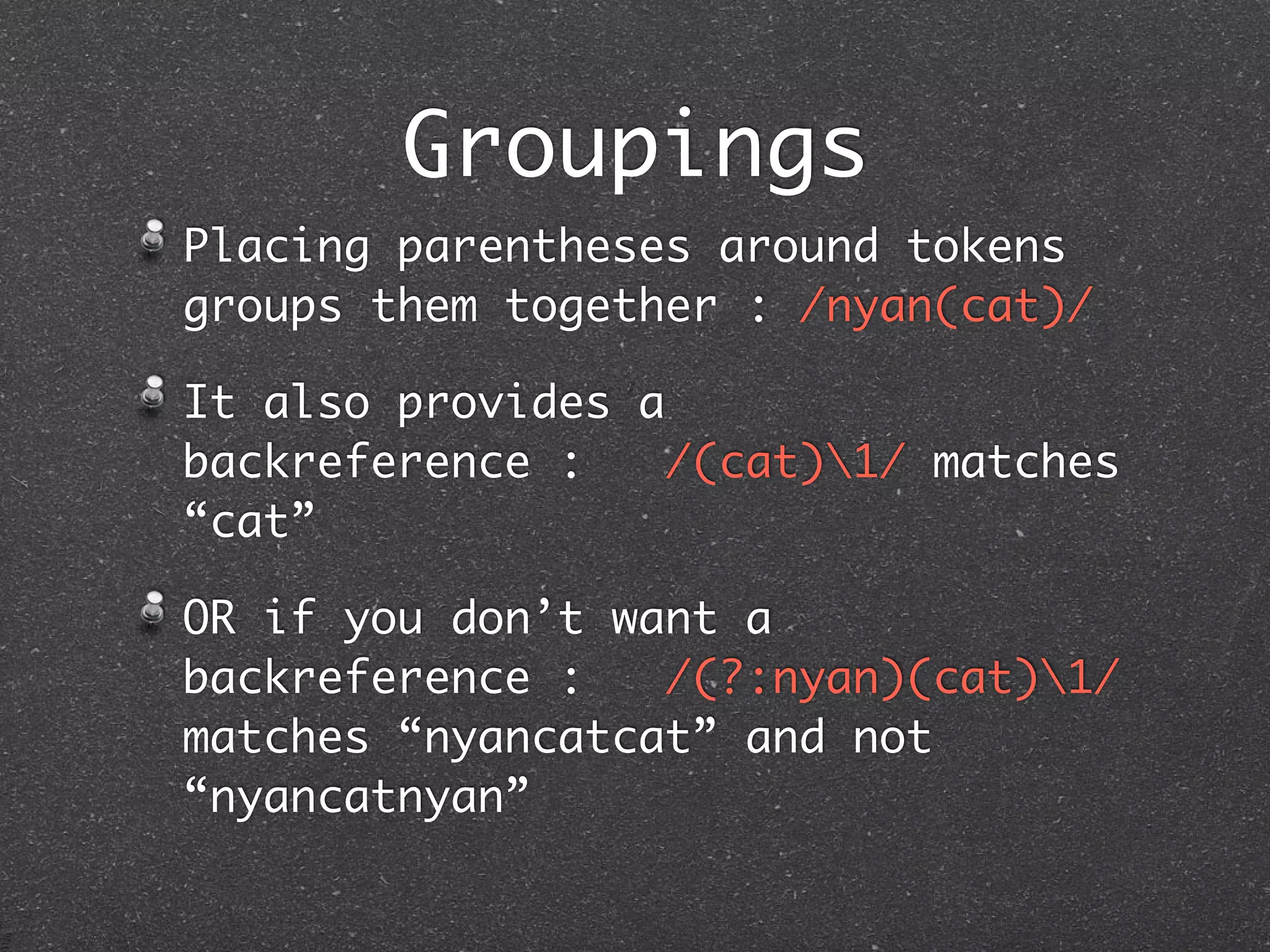


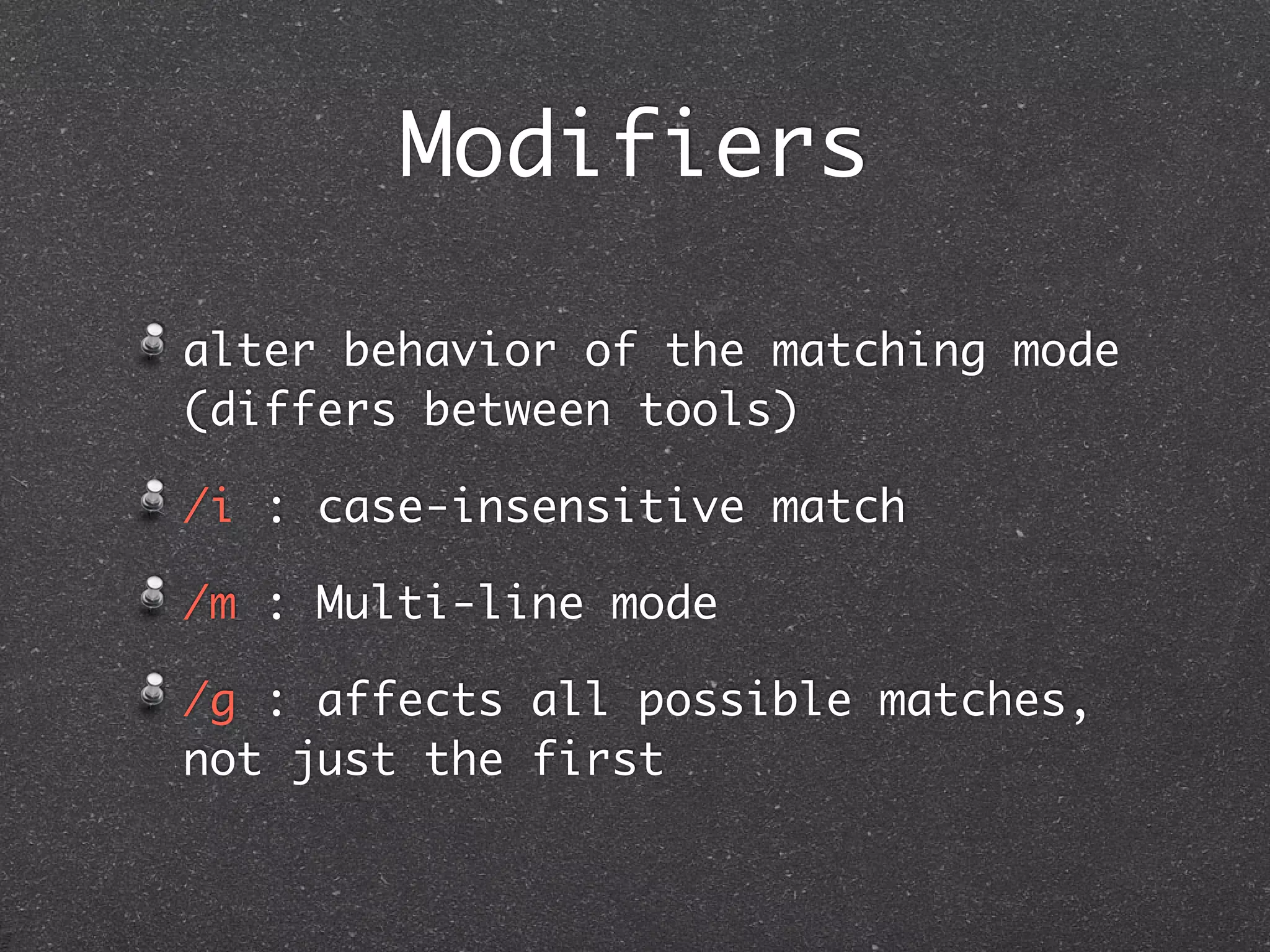


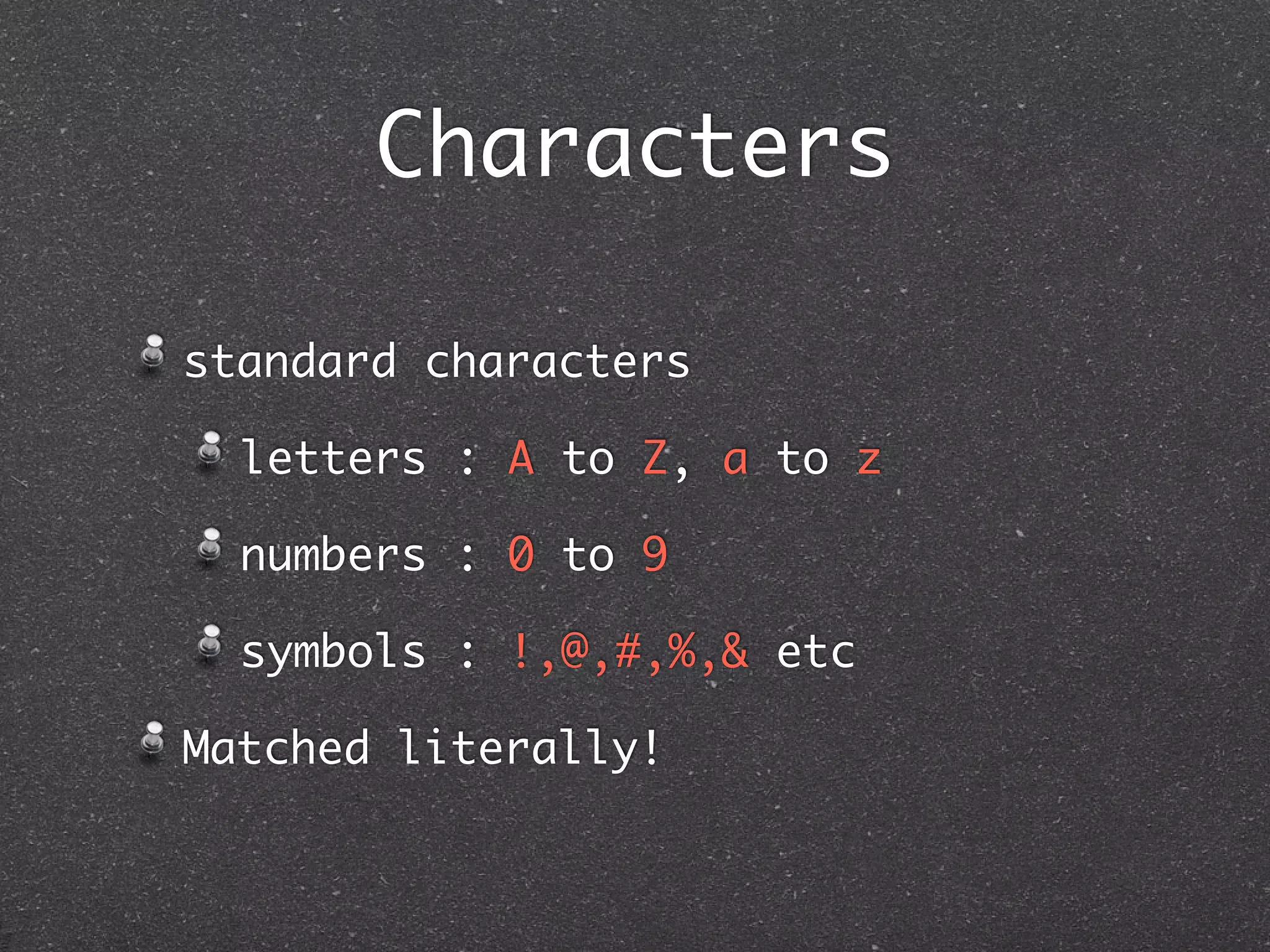
Regular expressions (RegEx) are patterns used to match character combinations in strings. They were invented in the 1950s and exist in different flavors that may implement patterns differently. RegEx can be used to search, edit, and manipulate strings in programming languages and text editors. Common patterns include characters, character classes, quantifiers, anchors, groupings, lookarounds, and modifiers. Mastering RegEx provides powerful string searching and manipulation capabilities.


![Vibe Coding vs. Spec-Driven Development [Free Meetup]](https://cdn.slidesharecdn.com/ss_thumbnails/vibecodingvsspecdrivendevelopment-251209105622-43f455e7-thumbnail.jpg?width=640&height=640&fit=bounds)


