Don't Fear the Regex
Sandy Smith - WordCamp DC 2017
Regex Basics
Don't Fear the Regex
So what are Regular
Expressions?
“...a means for matching strings of text, such as
particular characters, words, or patterns of
characters.”
- http://en.wikipedia.org/wiki/Regular_expression
3
Don't Fear the Regex
A Common Joke
Some people, when confronted with a problem, think:
'I know, I'll use regular expressions.'
Now they have two problems.
But really, it’s not that bad, and Regular
Expressions (Regex) are a powerful tool.
4
Don't Fear the Regex
So what are they good at?
Regex is good at one thing, and that is to match
patterns in strings. You might use this to:
• Scrape information off of a webpage
• Pull data out of text files
• Process/Validate data sent to you by a user
- Such as phone or credit card numbers
- Usernames or even addresses
• Evaluate URLs to process what code to execute
- Via mod_rewrite
5
Don't Fear the Regex
So what do they not do?
You can only match/filter/replace patterns of
characters you expect to see, if you get
unexpected (or non-standard) input, you won’t be
able pull the patterns.
6
Don't Fear the Regex
Can you do this in PHP?
Yes! PHP contains a great regular expression library, the
Perl-Compatible Regular Expression (PCRE) engine.
• Perl was (is?) the gold-standard language for doing
text manipulation
• Lots of programmers knew its regex syntax.
• The first PHP regex engine was slow and used a
slightly different syntax
• PCRE was created to speed things up and let people
use their Perl skillz.
• Regexes are extremely useful in text editors!
7
Don’t Fear the Regex
Useful tools
Play along!
• http://www.phpliveregex.com
• https://www.regex101.com
• http://www.regexr.com
8
Pattern Matching
Don't Fear the Regex
Delimiters
All regex patterns are between delimiters.
By custom, because Perl did it, this is /
• e.g. '/regex-goes-here/'
However, PCRE allows anything other than letters,
numbers, whitespace, or a backslash () to be delimiters.
•'#regex-goes-here#'
Why have delimiters?
• All will become clear later.
10
Don't Fear the Regex
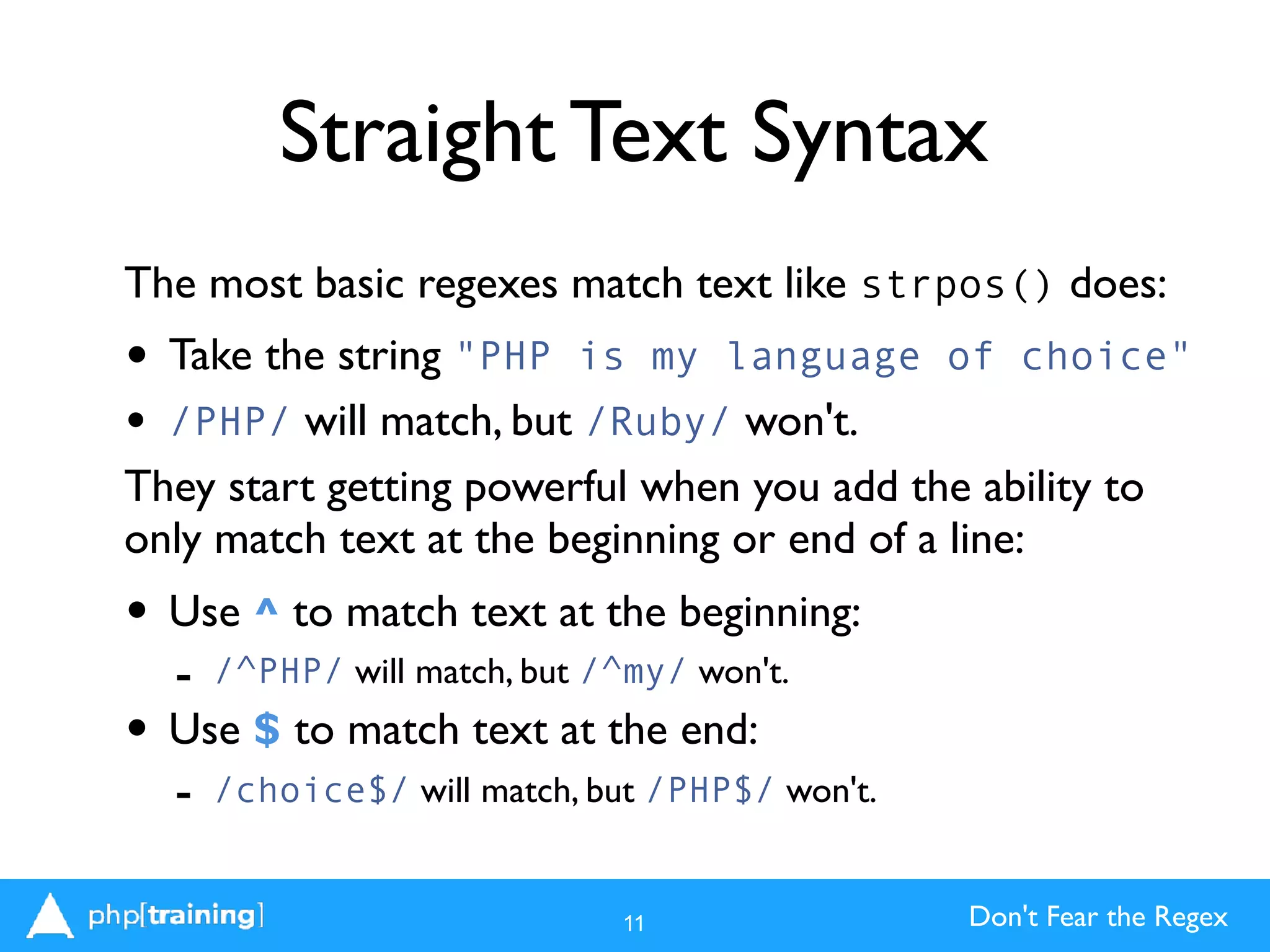
Straight Text Syntax
The most basic regexes match text like strpos() does:
• Take the string "PHP is my language of choice"
• /PHP/ will match, but /Ruby/ won't.
They start getting powerful when you add the ability to
only match text at the beginning or end of a line:
• Use ^ to match text at the beginning:
- /^PHP/ will match, but /^my/ won't.
• Use $ to match text at the end:
- /choice$/ will match, but /PHP$/ won't.
11
Don't Fear the Regex
Basic Pattern Matching
Regular expressions are often referred to as "pattern
matching," because that's what makes them powerful.
Use special characters to match patterns of text:
. matches any single character:
/P.P/ matches PHP or PIP
+ matches one or more of the previous character:
/PH+P/ matches PHP or PHHHP
* matches zero or more of the previous characters:
/PH*P/ matches PHP or PP or PHHHHP
12
Don't Fear the Regex
Basic Pattern Matching
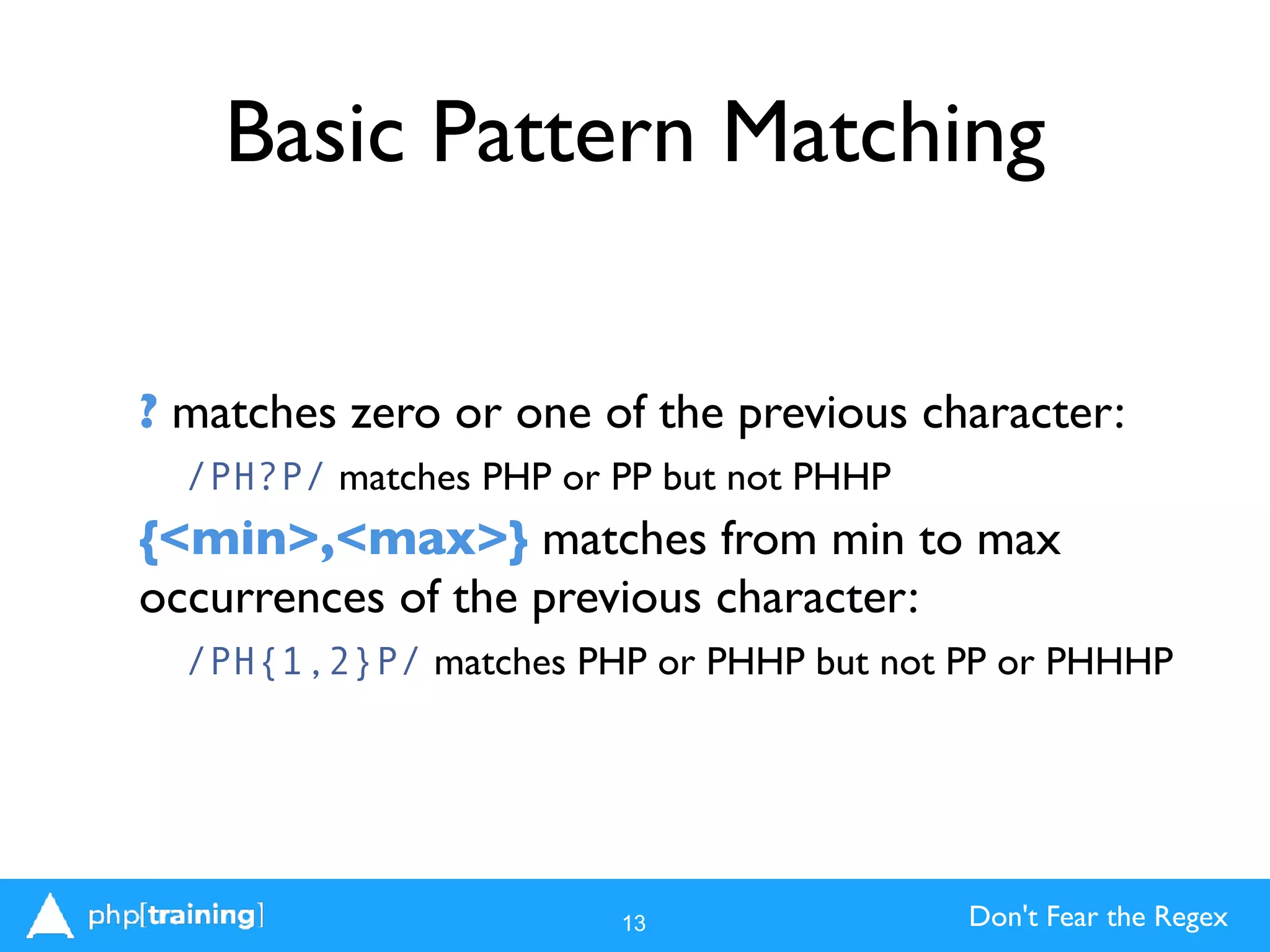
? matches zero or one of the previous character:
/PH?P/ matches PHP or PP but not PHHP
{<min>,<max>} matches from min to max
occurrences of the previous character:
/PH{1,2}P/ matches PHP or PHHP but not PP or PHHHP
13
Don't Fear the Regex
Powerful Basic Patterns
You can use combinations of these patterns to find
lots of things. Here are the most common:
.? Find zero or one characters of any type:
/P.?P/ gets you PP, PHP, PIP, but not PHHP.
.+ Find one or more characters of any type:
/P.+P/ gets you PHP, PIP, PHPPHP, PIIIP, but not PP.
.* Find zero or more characters of any type:
/P.*P/ gets PP, PHP, PHPHP, PIIIP, but not PHX.
14
Don't Fear the Regex
Beware of Greed
.* and .+ are "greedy" by default, meaning they match as
much as they can while still fulfilling the pattern.
/P.+P/ will match not only "PHP" but "PHP PHP"
Greedy pattern don't care.
What if you want to only match "PHP", "PHHP", or "PIP",
but not "PHP PHP"?
? kills greed.
/P.*?P/ will match PHP, PP, or PIIIP but only the first
PHP in "PHP PHP"
Great for matching tags in HTML, e.g. /<.+?>/
15
Don't Fear the Regex
Matching literal symbols
If you need to match a character used as a symbol,
such as $, +, ., ^, or *, escape it by preceding it with
a backslash ().
/./ matches a literal period (.).
/^$/ matches a dollar sign at the beginning of a
string.
16
Don't Fear the Regex
Calling this in PHP
To match regular expressions in PHP, use
preg_match().
It returns 1 if a pattern is matched and 0 if not. It
returns false if you blew your regex syntax.
Simplest Example:
17
$subject = "PHP regex gives PHP PEP!";
$found = preg_match("/P.P/", $subject);
echo $found; // returns 1
Character Classes and
Subpatterns
Don't Fear the Regex
Character Classes
Matching any character can be powerful, but lots of
times you'll want to only match specific characters.
Enter character classes.
• Character classes are enclosed by [ and ] (square
brackets)
• Character classes can be individual characters
• They can also be ranges
• They can be any combination of the above
• No "glue" character: any character is a valid pattern
19
Don't Fear the Regex
Character Class Examples
Single character:
[aqT,] matches a, q,T (note the case), or a comma (,)
Range:
[a-c] matches either a, b, or c (but not A or d or ...)
[4-6] matches 4, 5, or 6
Combination
[a-c4z6-8] matches a, b, c, 4, z, 6, 7, or 8
20
Don't Fear the Regex
Negative classes
Even more powerful is the ability to match anything
except characters in a character class.
• Negative classes are denoted by ^ at the beginning
of the class
• [^a] matches any character except a
• [^a-c] matches anything except a, b, or c
• [^,0-9] matches anything except commas or digits
21
Don't Fear the Regex
Using Character Classes
Just using the elements you've learned so far, you can
write the majority of patterns commonly used in
regular expressions.
/<[^>]+?/>/ matches all the text inside an HTML tag
/^[0-9]+/ matches the same digits PHP will when
casting a string to an integer.
/^[a-zA-Z0-9]+$/ matches a username that must be
only alphanumeric characters
/^$[a-zA-Z_][a-zA-Z0-9_]*$/ matches a valid
variable name in PHP.
22
Don't Fear the Regex
Subpatterns
What if you want to look for a pattern within a pattern?
Or a specific sequence of characters? It's pattern
inception with subpatterns.
• Subpatterns are enclosed by ( and ) (parentheses)
• They can contain a string of characters to match as a
group, such as (cat)
• Combined with other symbols, this means you can look
for catcatcat with (cat)+
• They can also contain character classes and expressions
23
Don't Fear the Regex
Alternatives
Subpatterns can do more than simply group
patterns.They can also let you identify strings of
alternatives that you can match, using the pipe
character (|) to separate them.
For example, /(cat|dog)/ will match cat or dog.
When combined with other patterns, it becomes
powerful:
/^((http|https|ftp|gopher|file)://)?([^.]+?)/
would let you match the first domain or subdomain
of a URL.
24
Don't Fear the Regex
Revisiting preg_match()
What if you want to extract the text that's been matched?
• preg_match() has an optional third argument for an array
that it will fill with the matched results.
• Why an array? Because it assumes you'll be using
subpatterns.
• The first element of the array is the text matched by your
entire pattern.
• The second element is the text matched by the first
subpattern (from left to right), the second with the
second, and so on.
• The array is passed by reference for extra confusion.
25
Don't Fear the Regex
Matching with Subpatterns
<?php
$variable = '$variable';
$pattern = ‘/^$([a-zA-Z_][a-zA-Z_0-9]*)$/';
$matches = array();
$result = preg_match($pattern, $variable, $matches);
var_dump($matches); // passed by reference
/*
array(2) {
[0]=>
string(9) "$variable"
[1]=>
string(8) "variable"
}
*/
26
Don't Fear the Regex
Escape Sequences
Now that we've made you write [0-9] a whole
bunch of times, let's show you a shortcut for that
plus a bunch of others. (Ain't we a pill?)
• d gets you any digit. D gets you anything that
isn't a digit.
• s gets you any whitespace character. Careful,
this usually* includes newlines (n) and carriage
returns (r). S gets you anything not
whitespace.
27
Don't Fear the Regex
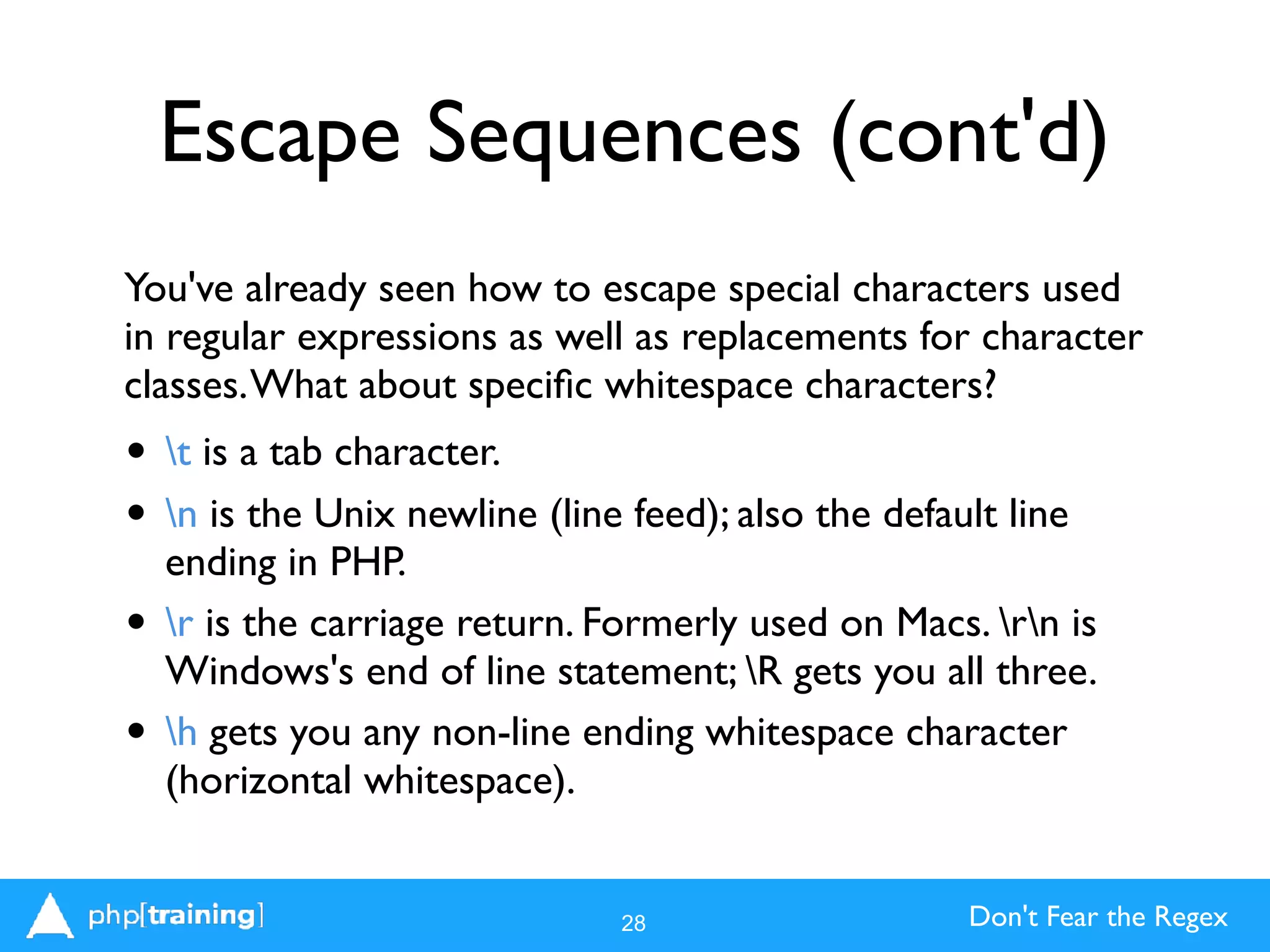
Escape Sequences (cont'd)
You've already seen how to escape special characters used
in regular expressions as well as replacements for character
classes.What about specific whitespace characters?
• t is a tab character.
• n is the Unix newline (line feed); also the default line
ending in PHP.
• r is the carriage return. Formerly used on Macs. rn is
Windows's end of line statement; R gets you all three.
• h gets you any non-line ending whitespace character
(horizontal whitespace).
28
Don't Fear the Regex
Special Escape Sequences
There are some oddities that are holdovers from the
way Perl thinks about regular expressions.
• w gets you a "word" character, which means

[a-zA-Z0-9_] (just like a variable!), but is locale-aware
(captures accents in other languages). W is everything
else. I'm sure Larry Wall has a long-winded
explanation. Note it doesn't include a hyphen (-) or
apostrophe (').
• b is even weirder. It's a "word boundary," so not a
character, per se, but marking the transition between
whitespace and "word" characters as defined by w.
29
Don't Fear the Regex
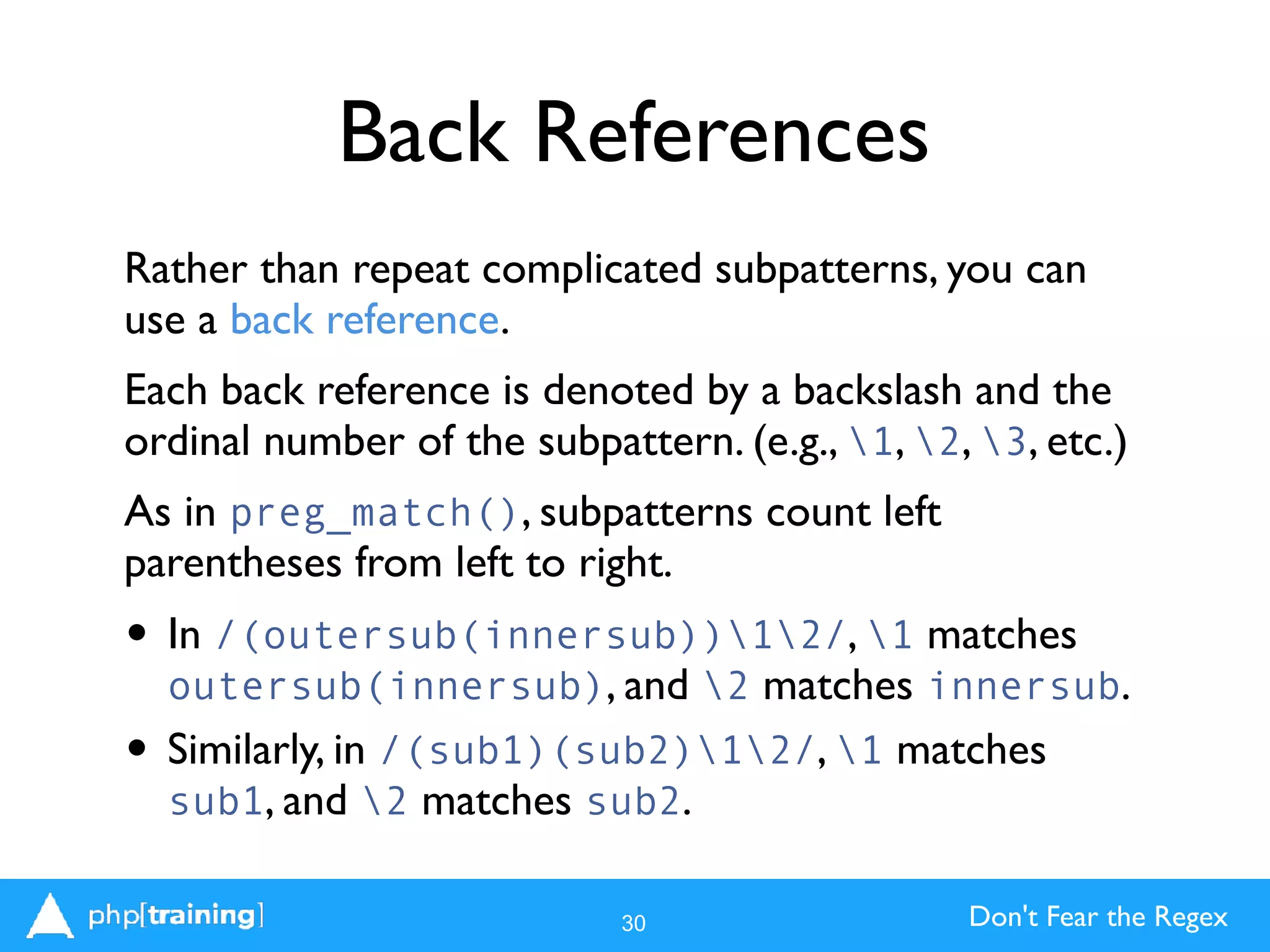
Back References
Rather than repeat complicated subpatterns, you can
use a back reference.
Each back reference is denoted by a backslash and the
ordinal number of the subpattern. (e.g., 1, 2, 3, etc.)
As in preg_match(), subpatterns count left
parentheses from left to right.
• In /(outersub(innersub))12/, 1 matches
outersub(innersub), and 2 matches innersub.
• Similarly, in /(sub1)(sub2)12/, 1 matches
sub1, and 2 matches sub2.
30
Don't Fear the Regex
Back Reference Example
The easiest real-world example of a back reference
is matching closing to opening quotes, whether they
are single or double.
31
$subject = 'Get me "stuff in quotes."';
$pattern = '/(['"])(.*?)1/';
$matches = array();
$result = preg_match($pattern, $subject, $matches);
var_dump($matches);
/*
array(3) {
[0]=>
string(18) ""stuff in quotes.""
[1]=>
string(1) """
[2]=>
string(16) "stuff in quotes."
}
*/
Don't Fear the Regex
Replacing
Matching is great, but what about manipulating
strings?
Enter preg_replace().
Instead of having a results array passed by
reference, preg_replace returns the altered
string.
It can also work with arrays. If you supply an array,
it performs the replace on each element of the
array and returns an altered array.
32
Don't Fear the Regex
preg_replace()
<?php
$pattern = '/(['"]).*?1/';
$subject = 'Look at the "stuff in quotes!"';
$replacement = '$1quoted stuff!$1';
$result = preg_replace($pattern, $replacement, $subject);
echo $result; // Look at the "quoted stuff!"
$pattern = array('/overweight/', '/brown/', '/fox/');
$subject = array('overweight programmer', 'quick brown fox', 'spry red fox');
$replacement = array('#thintheherd', 'black', 'bear');
$result = preg_replace($pattern, $replacement, $subject);
var_dump($result);
/* array(3) {
[0]=>
string(21) “#thintheherd programmer"
[1]=>
string(15) "quick black bear"
[2]=>
string(13) "spry red bear"
} */
33
Don't Fear the Regex
Case-insensitive modifier
Remember when we said we’d explain why regular
expressions use delimiters? By now, some of you
may have asked about case-sensitivity, too, and we
said we’d get to it later. Now is the time for both.
Regular expressions can have options that modify
the behavior of the whole expression.These are
placed after the expression, outside the delimiters.
Simplest example: i means the expression is case-
insensitive. /asdf/i matches ASDF, aSDf, and
asdf.
34
Don't Fear the Regex
When not to use Regex?
One more important topic. Regular expressions are
powerful, but when abused, they can lead to harder-to-
maintain code, security vulnerabilities, and other bad things.
In particular, don’t reinvent the wheel. PHP already has
great, tested libraries for filtering and validating input
(filter_var) and parsing URLs (parse_url). Use them.
The rules for valid email addresses are surprisingly vague,
so best practice is to simply look for an @ or use
filter_var’s FILTER_VALIDATE_EMAIL and try to send
an email to the supplied address with a confirmation link.
35
Don't Fear the Regex
Thank you!
There’s much more to learn!
world.phparch.com
www.phparch.com
Follow us on Twitter:
@phparch
@SandyS1 - Me
Slides: http://www.slideshare.net/SandySmith/

36

Don't Fear the Regex WordCamp DC 2017

  • 1.
    Don't Fear theRegex Sandy Smith - WordCamp DC 2017
  • 2.
  • 3.
    Don't Fear theRegex So what are Regular Expressions? “...a means for matching strings of text, such as particular characters, words, or patterns of characters.” - http://en.wikipedia.org/wiki/Regular_expression 3
  • 4.
    Don't Fear theRegex A Common Joke Some people, when confronted with a problem, think: 'I know, I'll use regular expressions.' Now they have two problems. But really, it’s not that bad, and Regular Expressions (Regex) are a powerful tool. 4
  • 5.
    Don't Fear theRegex So what are they good at? Regex is good at one thing, and that is to match patterns in strings. You might use this to: • Scrape information off of a webpage • Pull data out of text files • Process/Validate data sent to you by a user - Such as phone or credit card numbers - Usernames or even addresses • Evaluate URLs to process what code to execute - Via mod_rewrite 5
  • 6.
    Don't Fear theRegex So what do they not do? You can only match/filter/replace patterns of characters you expect to see, if you get unexpected (or non-standard) input, you won’t be able pull the patterns. 6
  • 7.
    Don't Fear theRegex Can you do this in PHP? Yes! PHP contains a great regular expression library, the Perl-Compatible Regular Expression (PCRE) engine. • Perl was (is?) the gold-standard language for doing text manipulation • Lots of programmers knew its regex syntax. • The first PHP regex engine was slow and used a slightly different syntax • PCRE was created to speed things up and let people use their Perl skillz. • Regexes are extremely useful in text editors! 7
  • 8.
    Don’t Fear theRegex Useful tools Play along! • http://www.phpliveregex.com • https://www.regex101.com • http://www.regexr.com 8
  • 9.
  • 10.
    Don't Fear theRegex Delimiters All regex patterns are between delimiters. By custom, because Perl did it, this is / • e.g. '/regex-goes-here/' However, PCRE allows anything other than letters, numbers, whitespace, or a backslash () to be delimiters. •'#regex-goes-here#' Why have delimiters? • All will become clear later. 10
  • 11.
    Don't Fear theRegex Straight Text Syntax The most basic regexes match text like strpos() does: • Take the string "PHP is my language of choice" • /PHP/ will match, but /Ruby/ won't. They start getting powerful when you add the ability to only match text at the beginning or end of a line: • Use ^ to match text at the beginning: - /^PHP/ will match, but /^my/ won't. • Use $ to match text at the end: - /choice$/ will match, but /PHP$/ won't. 11
  • 12.
    Don't Fear theRegex Basic Pattern Matching Regular expressions are often referred to as "pattern matching," because that's what makes them powerful. Use special characters to match patterns of text: . matches any single character: /P.P/ matches PHP or PIP + matches one or more of the previous character: /PH+P/ matches PHP or PHHHP * matches zero or more of the previous characters: /PH*P/ matches PHP or PP or PHHHHP 12
  • 13.
    Don't Fear theRegex Basic Pattern Matching ? matches zero or one of the previous character: /PH?P/ matches PHP or PP but not PHHP {<min>,<max>} matches from min to max occurrences of the previous character: /PH{1,2}P/ matches PHP or PHHP but not PP or PHHHP 13
  • 14.
    Don't Fear theRegex Powerful Basic Patterns You can use combinations of these patterns to find lots of things. Here are the most common: .? Find zero or one characters of any type: /P.?P/ gets you PP, PHP, PIP, but not PHHP. .+ Find one or more characters of any type: /P.+P/ gets you PHP, PIP, PHPPHP, PIIIP, but not PP. .* Find zero or more characters of any type: /P.*P/ gets PP, PHP, PHPHP, PIIIP, but not PHX. 14
  • 15.
    Don't Fear theRegex Beware of Greed .* and .+ are "greedy" by default, meaning they match as much as they can while still fulfilling the pattern. /P.+P/ will match not only "PHP" but "PHP PHP" Greedy pattern don't care. What if you want to only match "PHP", "PHHP", or "PIP", but not "PHP PHP"? ? kills greed. /P.*?P/ will match PHP, PP, or PIIIP but only the first PHP in "PHP PHP" Great for matching tags in HTML, e.g. /<.+?>/ 15
  • 16.
    Don't Fear theRegex Matching literal symbols If you need to match a character used as a symbol, such as $, +, ., ^, or *, escape it by preceding it with a backslash (). /./ matches a literal period (.). /^$/ matches a dollar sign at the beginning of a string. 16
  • 17.
    Don't Fear theRegex Calling this in PHP To match regular expressions in PHP, use preg_match(). It returns 1 if a pattern is matched and 0 if not. It returns false if you blew your regex syntax. Simplest Example: 17 $subject = "PHP regex gives PHP PEP!"; $found = preg_match("/P.P/", $subject); echo $found; // returns 1
  • 18.
  • 19.
    Don't Fear theRegex Character Classes Matching any character can be powerful, but lots of times you'll want to only match specific characters. Enter character classes. • Character classes are enclosed by [ and ] (square brackets) • Character classes can be individual characters • They can also be ranges • They can be any combination of the above • No "glue" character: any character is a valid pattern 19
  • 20.
    Don't Fear theRegex Character Class Examples Single character: [aqT,] matches a, q,T (note the case), or a comma (,) Range: [a-c] matches either a, b, or c (but not A or d or ...) [4-6] matches 4, 5, or 6 Combination [a-c4z6-8] matches a, b, c, 4, z, 6, 7, or 8 20
  • 21.
    Don't Fear theRegex Negative classes Even more powerful is the ability to match anything except characters in a character class. • Negative classes are denoted by ^ at the beginning of the class • [^a] matches any character except a • [^a-c] matches anything except a, b, or c • [^,0-9] matches anything except commas or digits 21
  • 22.
    Don't Fear theRegex Using Character Classes Just using the elements you've learned so far, you can write the majority of patterns commonly used in regular expressions. /<[^>]+?/>/ matches all the text inside an HTML tag /^[0-9]+/ matches the same digits PHP will when casting a string to an integer. /^[a-zA-Z0-9]+$/ matches a username that must be only alphanumeric characters /^$[a-zA-Z_][a-zA-Z0-9_]*$/ matches a valid variable name in PHP. 22
  • 23.
    Don't Fear theRegex Subpatterns What if you want to look for a pattern within a pattern? Or a specific sequence of characters? It's pattern inception with subpatterns. • Subpatterns are enclosed by ( and ) (parentheses) • They can contain a string of characters to match as a group, such as (cat) • Combined with other symbols, this means you can look for catcatcat with (cat)+ • They can also contain character classes and expressions 23
  • 24.
    Don't Fear theRegex Alternatives Subpatterns can do more than simply group patterns.They can also let you identify strings of alternatives that you can match, using the pipe character (|) to separate them. For example, /(cat|dog)/ will match cat or dog. When combined with other patterns, it becomes powerful: /^((http|https|ftp|gopher|file)://)?([^.]+?)/ would let you match the first domain or subdomain of a URL. 24
  • 25.
    Don't Fear theRegex Revisiting preg_match() What if you want to extract the text that's been matched? • preg_match() has an optional third argument for an array that it will fill with the matched results. • Why an array? Because it assumes you'll be using subpatterns. • The first element of the array is the text matched by your entire pattern. • The second element is the text matched by the first subpattern (from left to right), the second with the second, and so on. • The array is passed by reference for extra confusion. 25
  • 26.
    Don't Fear theRegex Matching with Subpatterns <?php $variable = '$variable'; $pattern = ‘/^$([a-zA-Z_][a-zA-Z_0-9]*)$/'; $matches = array(); $result = preg_match($pattern, $variable, $matches); var_dump($matches); // passed by reference /* array(2) { [0]=> string(9) "$variable" [1]=> string(8) "variable" } */ 26
  • 27.
    Don't Fear theRegex Escape Sequences Now that we've made you write [0-9] a whole bunch of times, let's show you a shortcut for that plus a bunch of others. (Ain't we a pill?) • d gets you any digit. D gets you anything that isn't a digit. • s gets you any whitespace character. Careful, this usually* includes newlines (n) and carriage returns (r). S gets you anything not whitespace. 27
  • 28.
    Don't Fear theRegex Escape Sequences (cont'd) You've already seen how to escape special characters used in regular expressions as well as replacements for character classes.What about specific whitespace characters? • t is a tab character. • n is the Unix newline (line feed); also the default line ending in PHP. • r is the carriage return. Formerly used on Macs. rn is Windows's end of line statement; R gets you all three. • h gets you any non-line ending whitespace character (horizontal whitespace). 28
  • 29.
    Don't Fear theRegex Special Escape Sequences There are some oddities that are holdovers from the way Perl thinks about regular expressions. • w gets you a "word" character, which means
 [a-zA-Z0-9_] (just like a variable!), but is locale-aware (captures accents in other languages). W is everything else. I'm sure Larry Wall has a long-winded explanation. Note it doesn't include a hyphen (-) or apostrophe ('). • b is even weirder. It's a "word boundary," so not a character, per se, but marking the transition between whitespace and "word" characters as defined by w. 29
  • 30.
    Don't Fear theRegex Back References Rather than repeat complicated subpatterns, you can use a back reference. Each back reference is denoted by a backslash and the ordinal number of the subpattern. (e.g., 1, 2, 3, etc.) As in preg_match(), subpatterns count left parentheses from left to right. • In /(outersub(innersub))12/, 1 matches outersub(innersub), and 2 matches innersub. • Similarly, in /(sub1)(sub2)12/, 1 matches sub1, and 2 matches sub2. 30
  • 31.
    Don't Fear theRegex Back Reference Example The easiest real-world example of a back reference is matching closing to opening quotes, whether they are single or double. 31 $subject = 'Get me "stuff in quotes."'; $pattern = '/(['"])(.*?)1/'; $matches = array(); $result = preg_match($pattern, $subject, $matches); var_dump($matches); /* array(3) { [0]=> string(18) ""stuff in quotes."" [1]=> string(1) """ [2]=> string(16) "stuff in quotes." } */
  • 32.
    Don't Fear theRegex Replacing Matching is great, but what about manipulating strings? Enter preg_replace(). Instead of having a results array passed by reference, preg_replace returns the altered string. It can also work with arrays. If you supply an array, it performs the replace on each element of the array and returns an altered array. 32
  • 33.
    Don't Fear theRegex preg_replace() <?php $pattern = '/(['"]).*?1/'; $subject = 'Look at the "stuff in quotes!"'; $replacement = '$1quoted stuff!$1'; $result = preg_replace($pattern, $replacement, $subject); echo $result; // Look at the "quoted stuff!" $pattern = array('/overweight/', '/brown/', '/fox/'); $subject = array('overweight programmer', 'quick brown fox', 'spry red fox'); $replacement = array('#thintheherd', 'black', 'bear'); $result = preg_replace($pattern, $replacement, $subject); var_dump($result); /* array(3) { [0]=> string(21) “#thintheherd programmer" [1]=> string(15) "quick black bear" [2]=> string(13) "spry red bear" } */ 33
  • 34.
    Don't Fear theRegex Case-insensitive modifier Remember when we said we’d explain why regular expressions use delimiters? By now, some of you may have asked about case-sensitivity, too, and we said we’d get to it later. Now is the time for both. Regular expressions can have options that modify the behavior of the whole expression.These are placed after the expression, outside the delimiters. Simplest example: i means the expression is case- insensitive. /asdf/i matches ASDF, aSDf, and asdf. 34
  • 35.
    Don't Fear theRegex When not to use Regex? One more important topic. Regular expressions are powerful, but when abused, they can lead to harder-to- maintain code, security vulnerabilities, and other bad things. In particular, don’t reinvent the wheel. PHP already has great, tested libraries for filtering and validating input (filter_var) and parsing URLs (parse_url). Use them. The rules for valid email addresses are surprisingly vague, so best practice is to simply look for an @ or use filter_var’s FILTER_VALIDATE_EMAIL and try to send an email to the supplied address with a confirmation link. 35
  • 36.
    Don't Fear theRegex Thank you! There’s much more to learn! world.phparch.com www.phparch.com Follow us on Twitter: @phparch @SandyS1 - Me Slides: http://www.slideshare.net/SandySmith/
 36