Ruby Regular Expression - Basics
Regular Expression
Historically, regular expressions are one
of computer science's shining examples
of how using good theory leads to good
programs.
Today, regular expressions have also
become a shining example of how
ignoring good theory leads to bad
programs.
What is regular expression
●
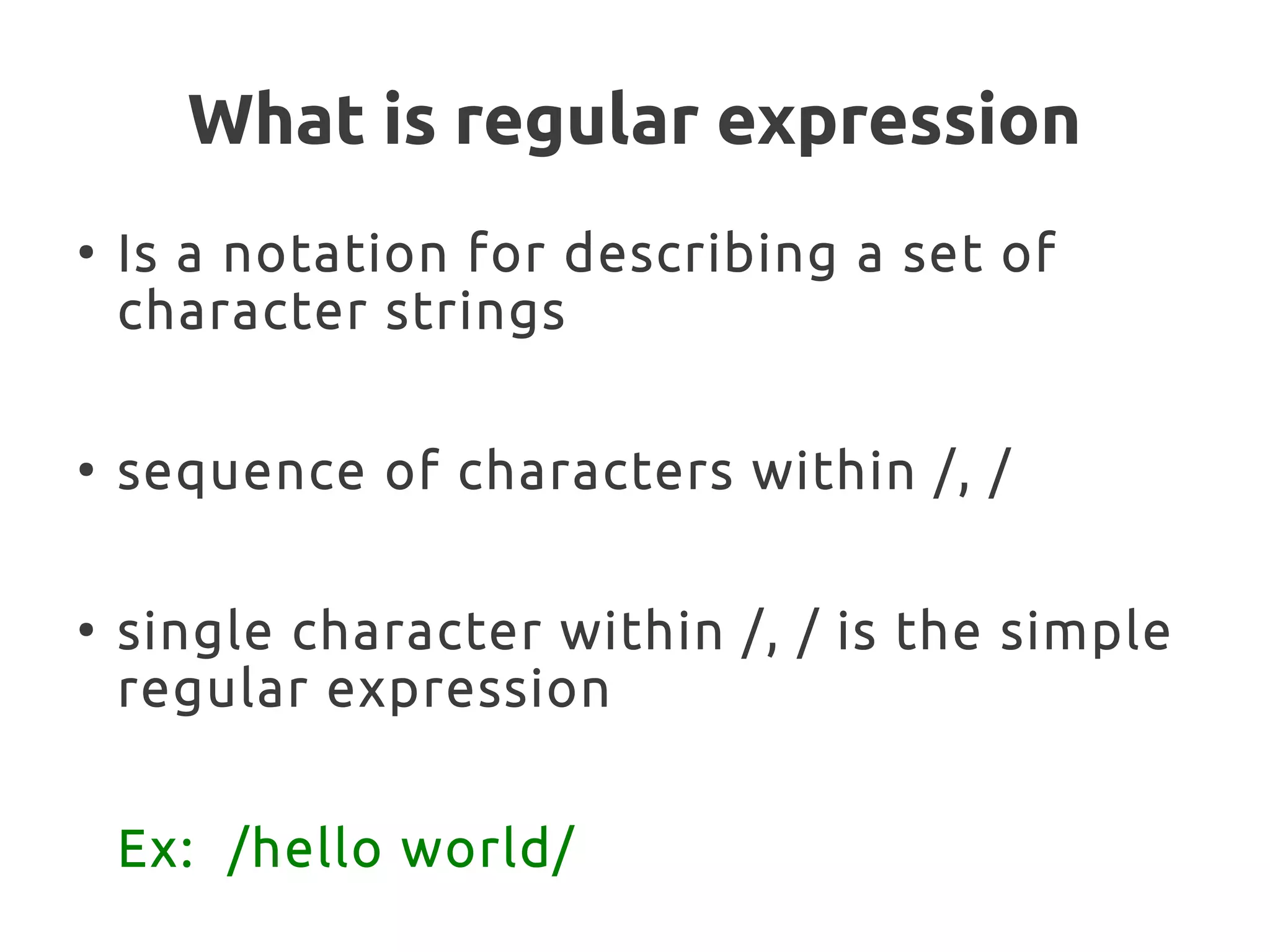
Is a notation for describing a set of
character strings
●
sequence of characters within /, /
●
single character within /, / is the simple
regular expression
Ex: /hello world/
What can be done with regular
expression ?
●
Test a string to see whether it matches
a pattern
●
Extract from a string the sections that
match all or part of a pattern
●
Change the string, replacing parts that
match a pattern
Metacharcters
●
Some characters have special meaning
in regular expression
– ., |, (, ), [, ], {, }, +, , ^, $, * and ?
–
●
They don't match themselves
●
To match, escape it with ''
Ex: '*' =~ /*/
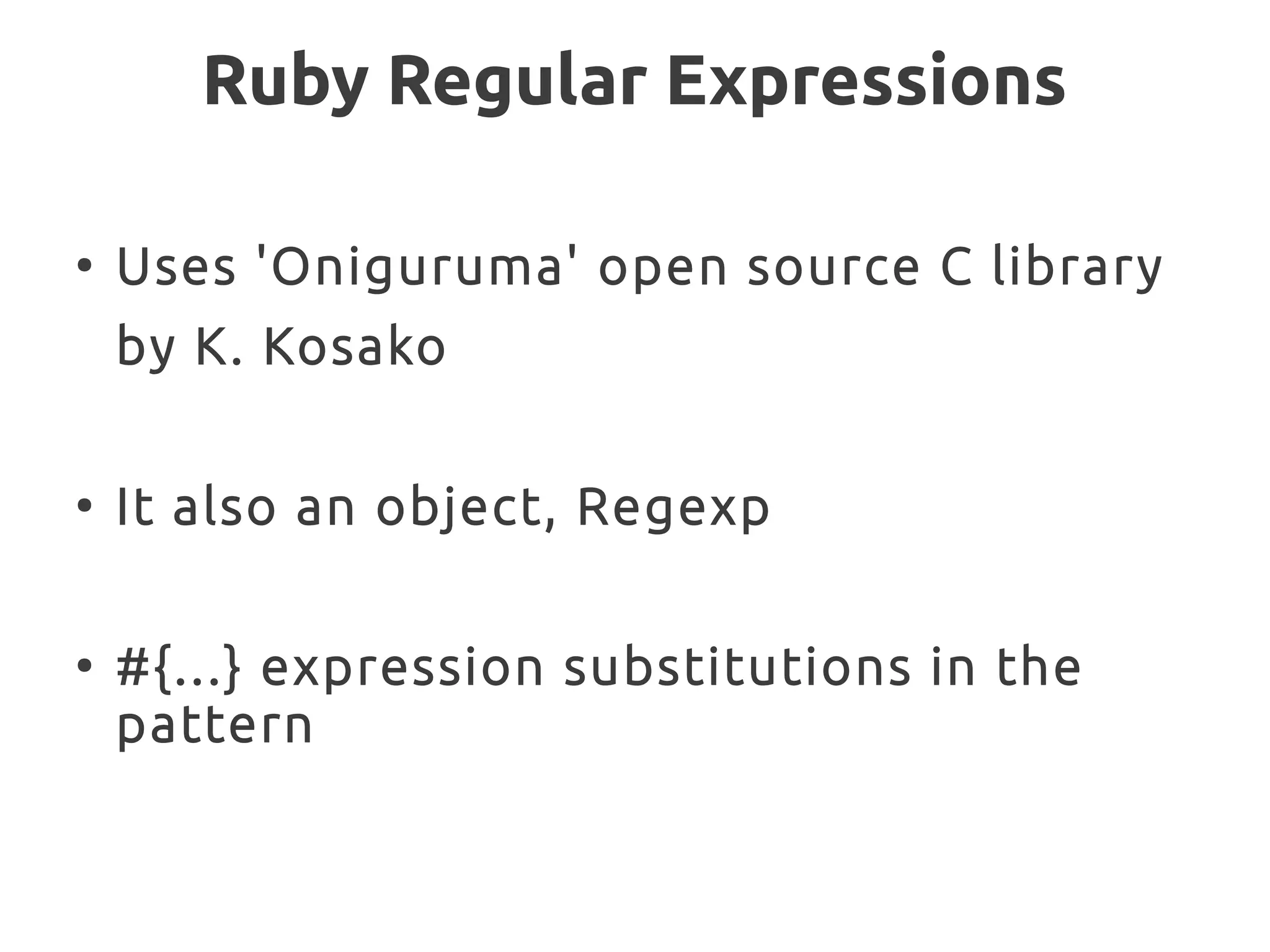
Ruby Regular Expressions
●
Uses 'Oniguruma' open source C library
by K. Kosako
●
It also an object, Regexp
●
#{...} expression substitutions in the
pattern
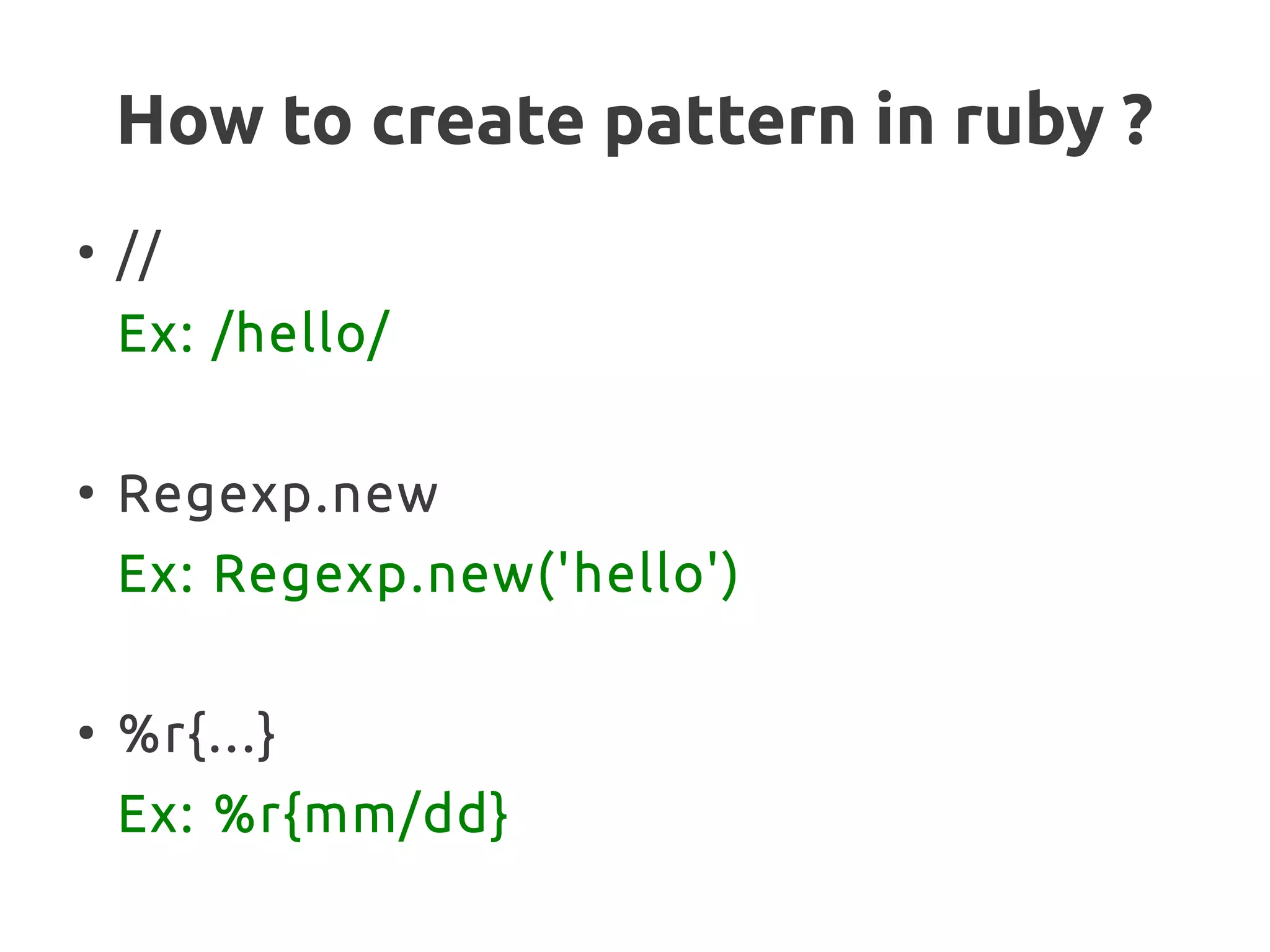
How to create pattern in ruby ?
●
//
Ex: /hello/
●
Regexp.new
Ex: Regexp.new('hello')
●
%r{...}
Ex: %r{mm/dd}
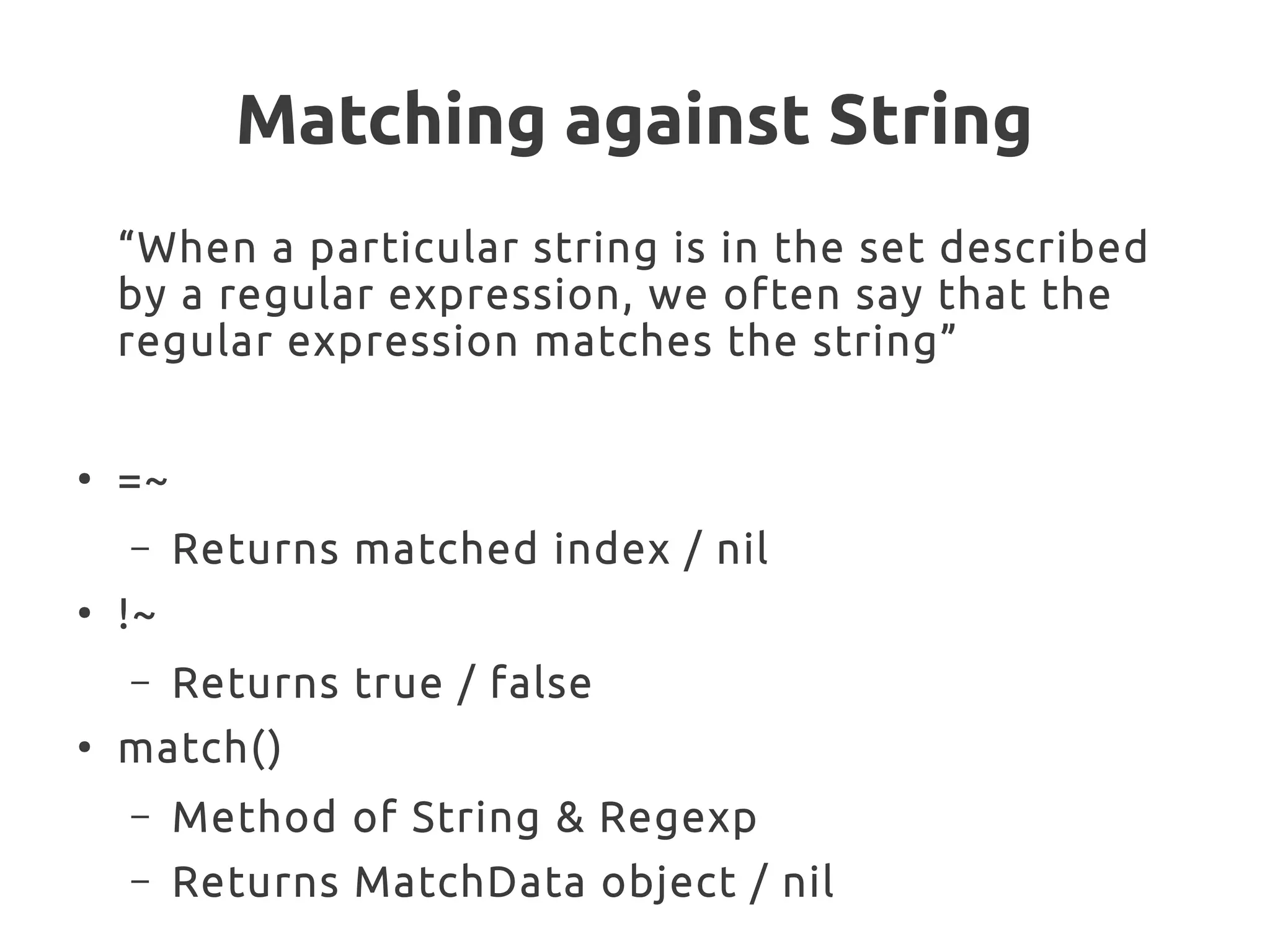
Matching against String
“When a particular string is in the set described
by a regular expression, we often say that the
regular expression matches the string”
●
=~
– Returns matched index / nil
●
!~
– Returns true / false
●
match()
– Method of String & Regexp
– Returns MatchData object / nil
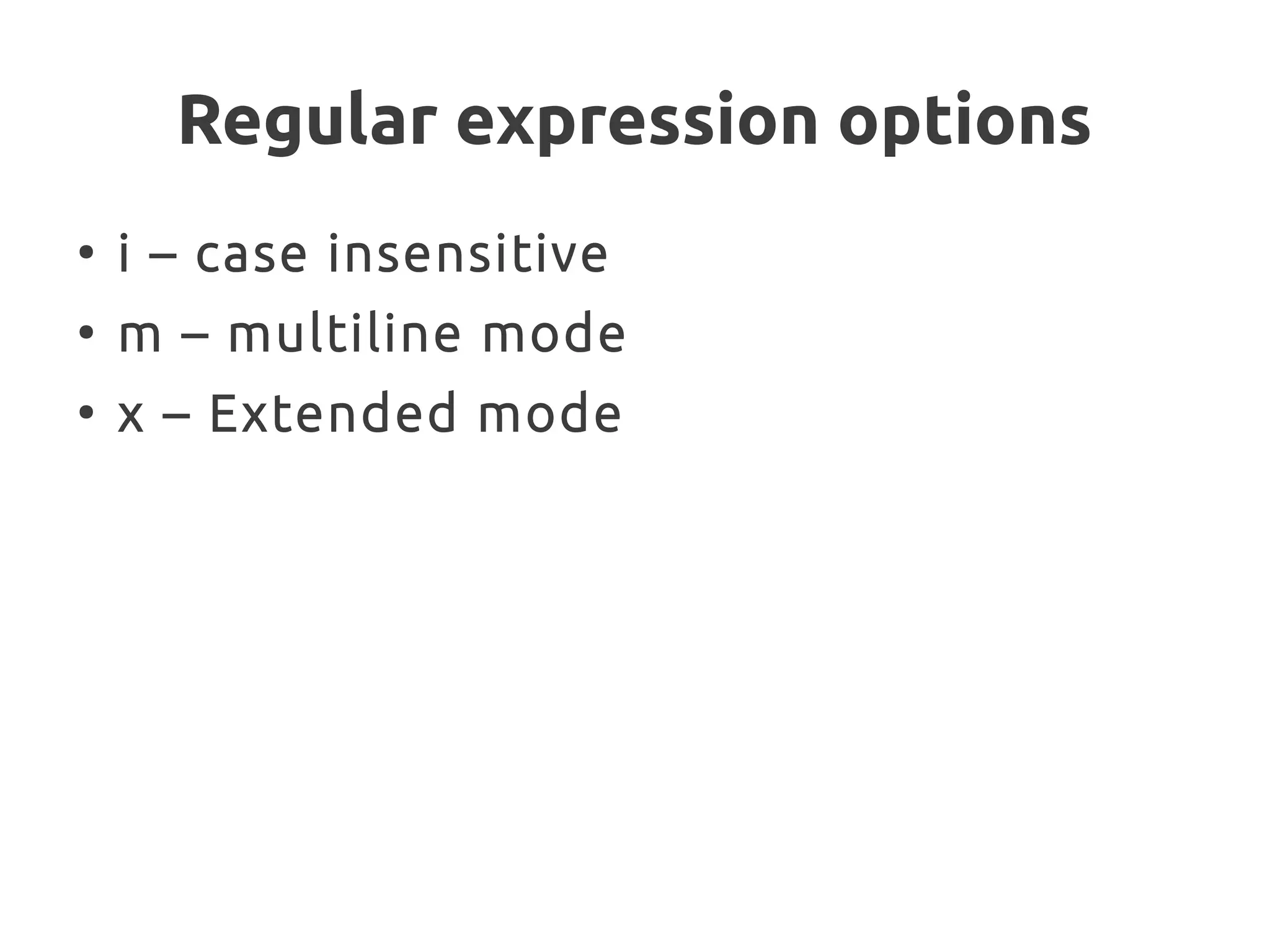
Regular expression options
●
i – case insensitive
●
m – multiline mode
●
x – Extended mode
Metacharacters
●
Period ( . )
– To match any character
– Should be escaped to match literal '.'
Metacharacters
●
Anchors
– To restrict the pattern to match beginning
or end of the line
– ^ - beginning of the line
– $ - end of the line
– A – beginning of the string
– Z – end of the string
Metacharacters
●
Character Class
– Set of characters between [ and ]
– Can have ranges
– Can negate character sets
●
Sequences
d, D, w, W, s, S
Ex:
●
/[dr]ejected/
●
Match digits [0-9]
●
Alphanumeric [A-Za-z0-9]
●
Except digits [^0-9]
●
Str.gsub(/['”]/,'')
Metacharacters
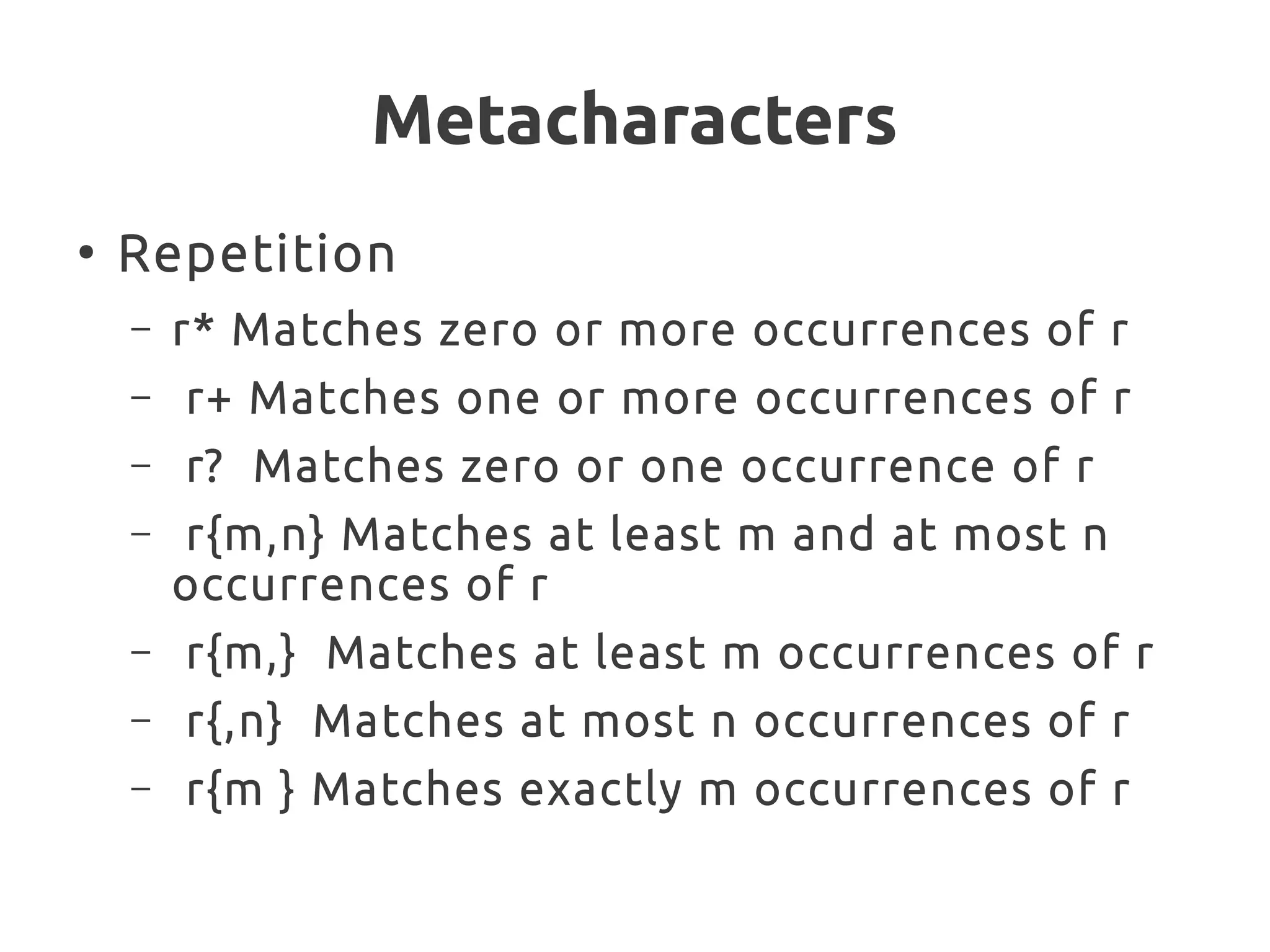
●
Repetition
– r* Matches zero or more occurrences of r
– r+ Matches one or more occurrences of r
– r? Matches zero or one occurrence of r
– r{m,n} Matches at least m and at most n
occurrences of r
– r{m,} Matches at least m occurrences of r
– r{,n} Matches at most n occurrences of r
– r{m } Matches exactly m occurrences of r
Metacharacters
●
Alternation
– |
Ex: /red|blue/
●
Grouping
– Everything within the group is treated as a
single regular expression
– Backreferenced by numbers
Metacharacters
●
Repetition
– r* Matches zero or more occurrences of r
– r+ Matches one or more occurrences of r
– r? Matches zero or one occurrence of r
– r{m,n} Matches at least m and at most n
occurrences of r
– r{m,} Matches at least m occurrences of r
– r{,n} Matches at most n occurrences of r
– r{m } Matches exactly m occurrences of r
Vim Editor - Basics
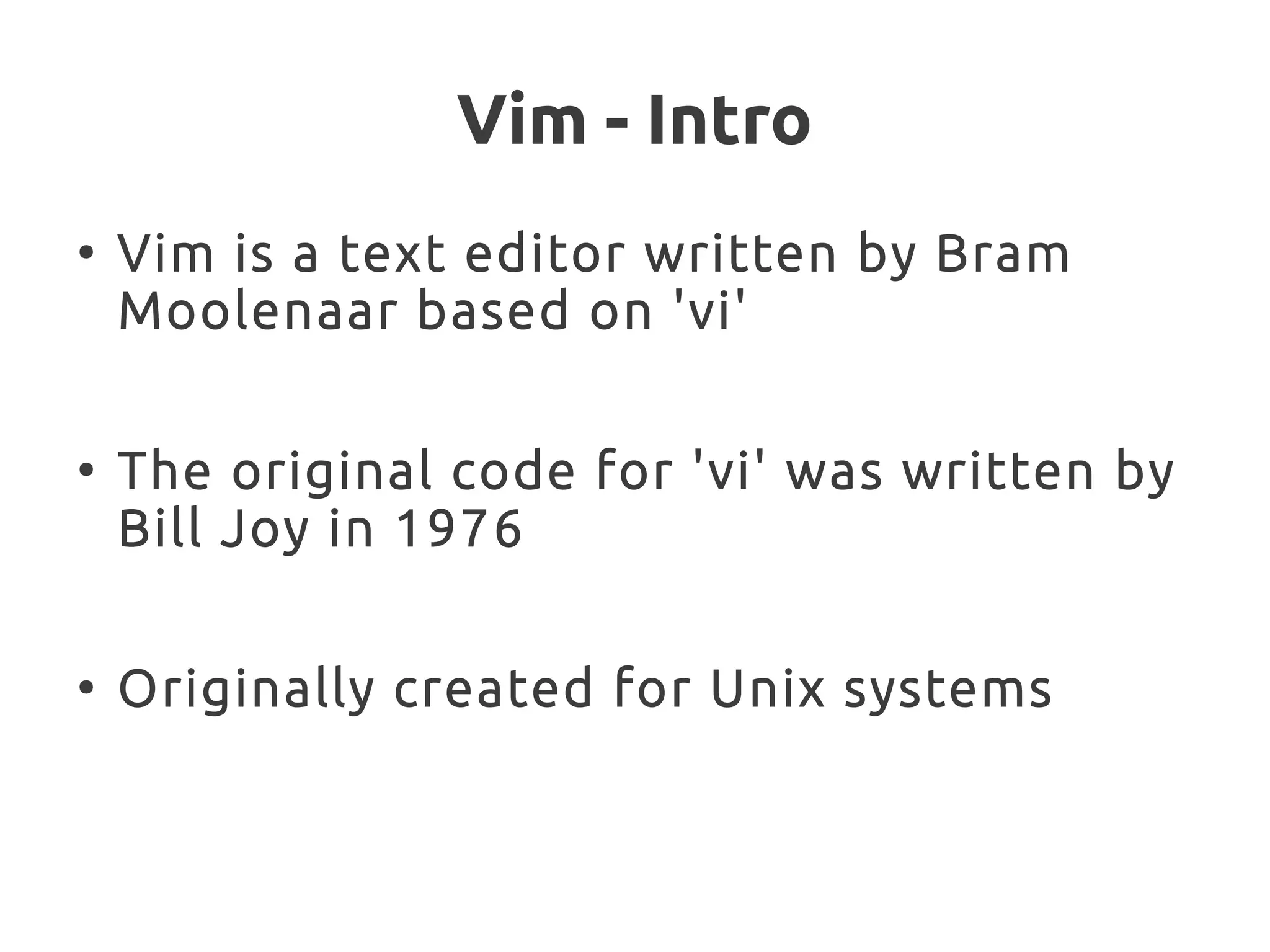
Vim - Intro
●
Vim is a text editor written by Bram
Moolenaar based on 'vi'
●
The original code for 'vi' was written by
Bill Joy in 1976
●
Originally created for Unix systems
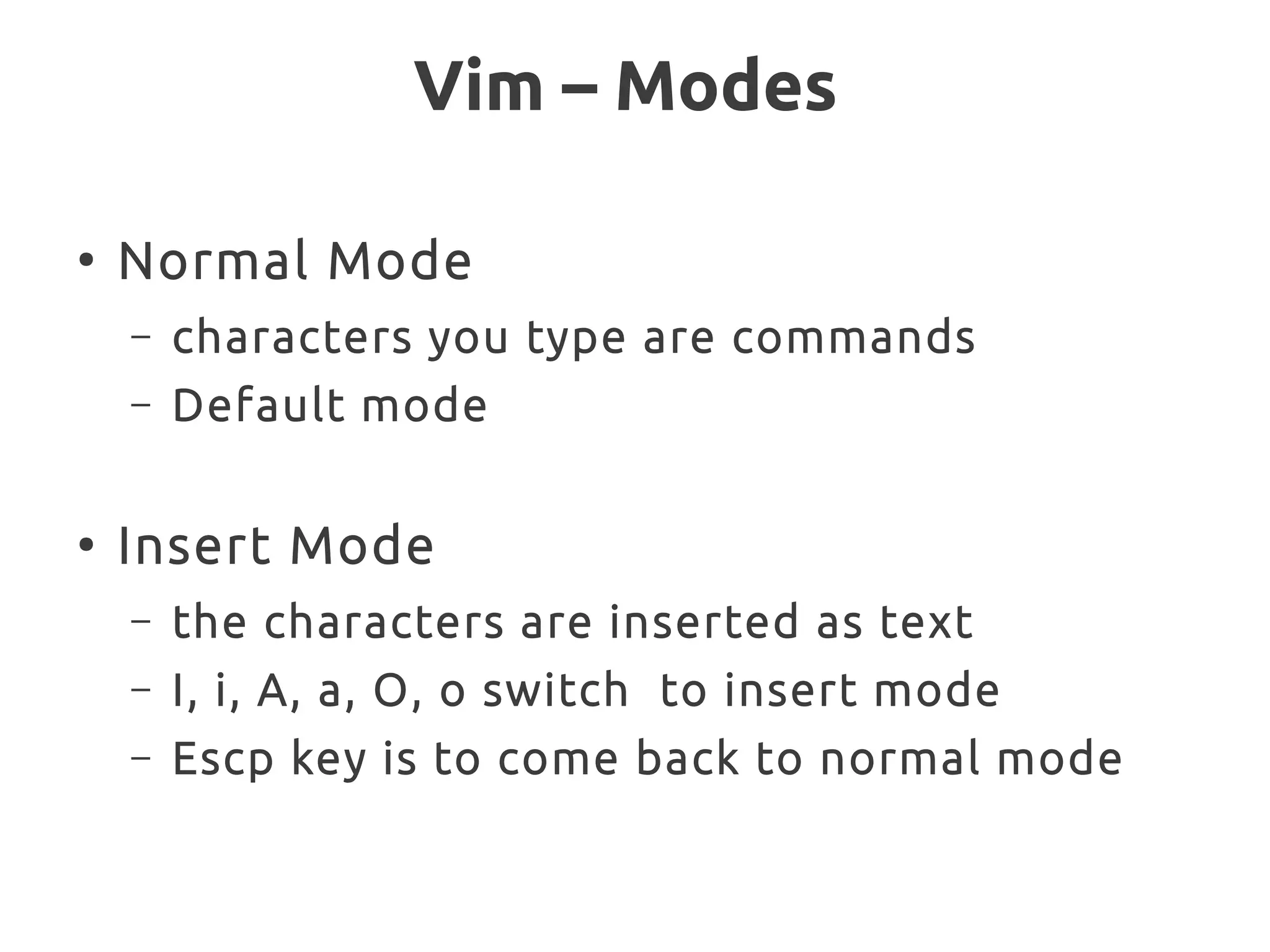
Vim – Modes
●
Normal Mode
– characters you type are commands
– Default mode
●
Insert Mode
– the characters are inserted as text
– I, i, A, a, O, o switch to insert mode
– Escp key is to come back to normal mode
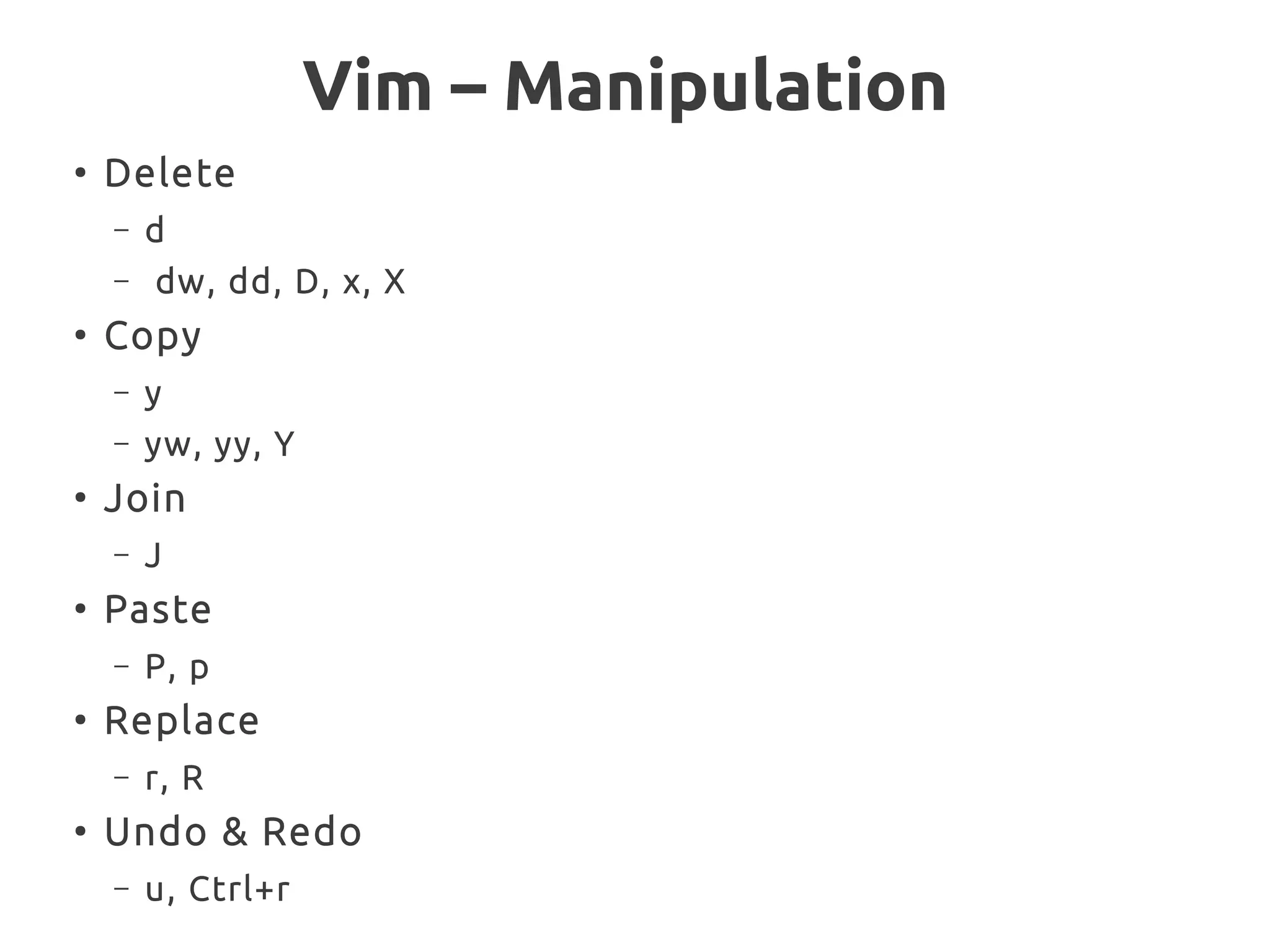
Vim – Manipulation
●
Delete
– d
– dw, dd, D, x, X
●
Copy
– y
– yw, yy, Y
●
Join
– J
●
Paste
– P, p
●
Replace
– r, R
●
Undo & Redo
– u, Ctrl+r
Vim – Navigation
●
h, j, k , l
●
w, b, e
●
0, ^, $
– P, p
●
G, gg
●
% (matches {}()[ ])
●
Ctrl-b, Ctrl-f
●
N G ( got to nth line)
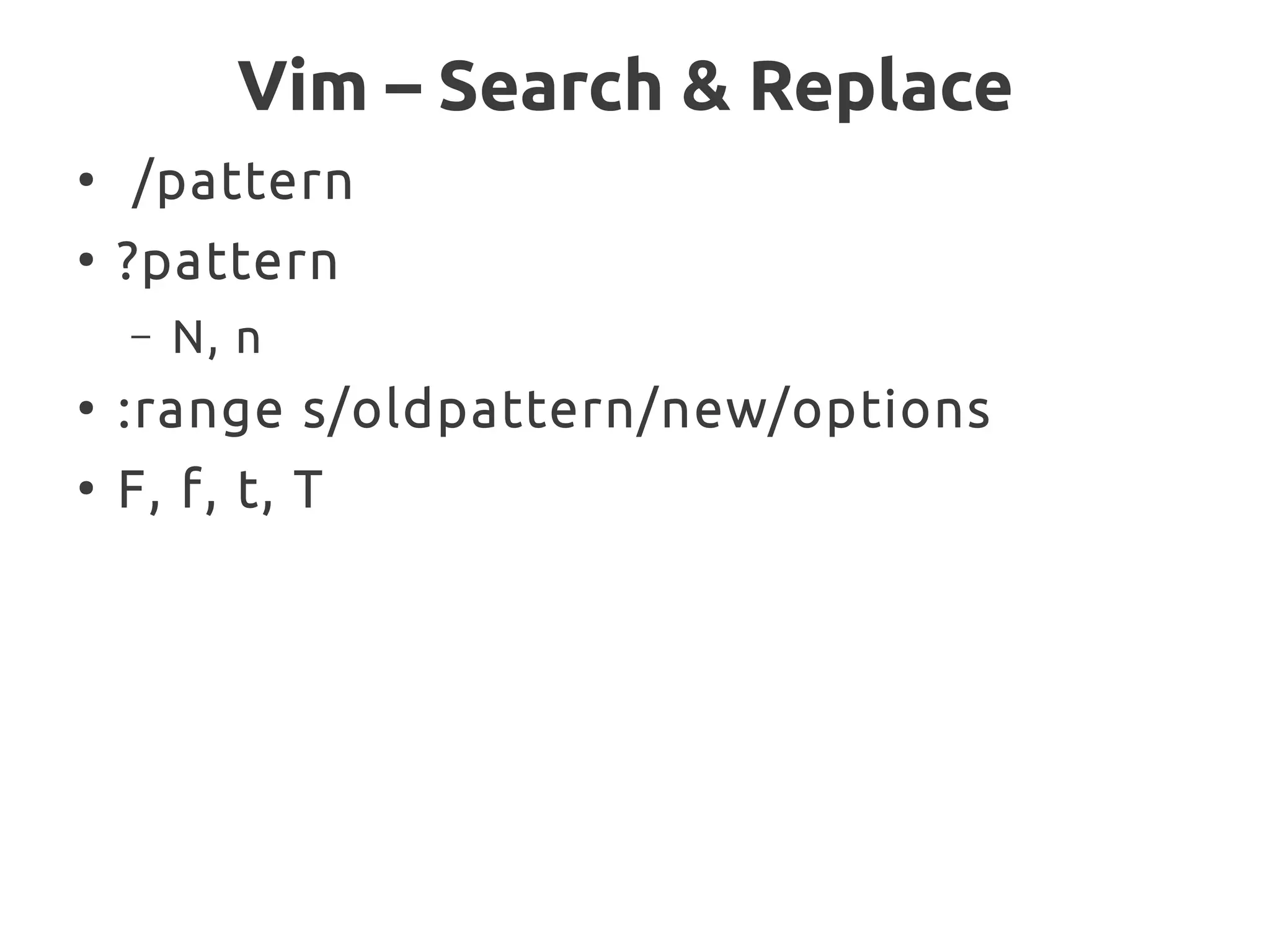
Vim – Search & Replace
●
/pattern
●
?pattern
– N, n
●
:range s/oldpattern/new/options
●
F, f, t, T
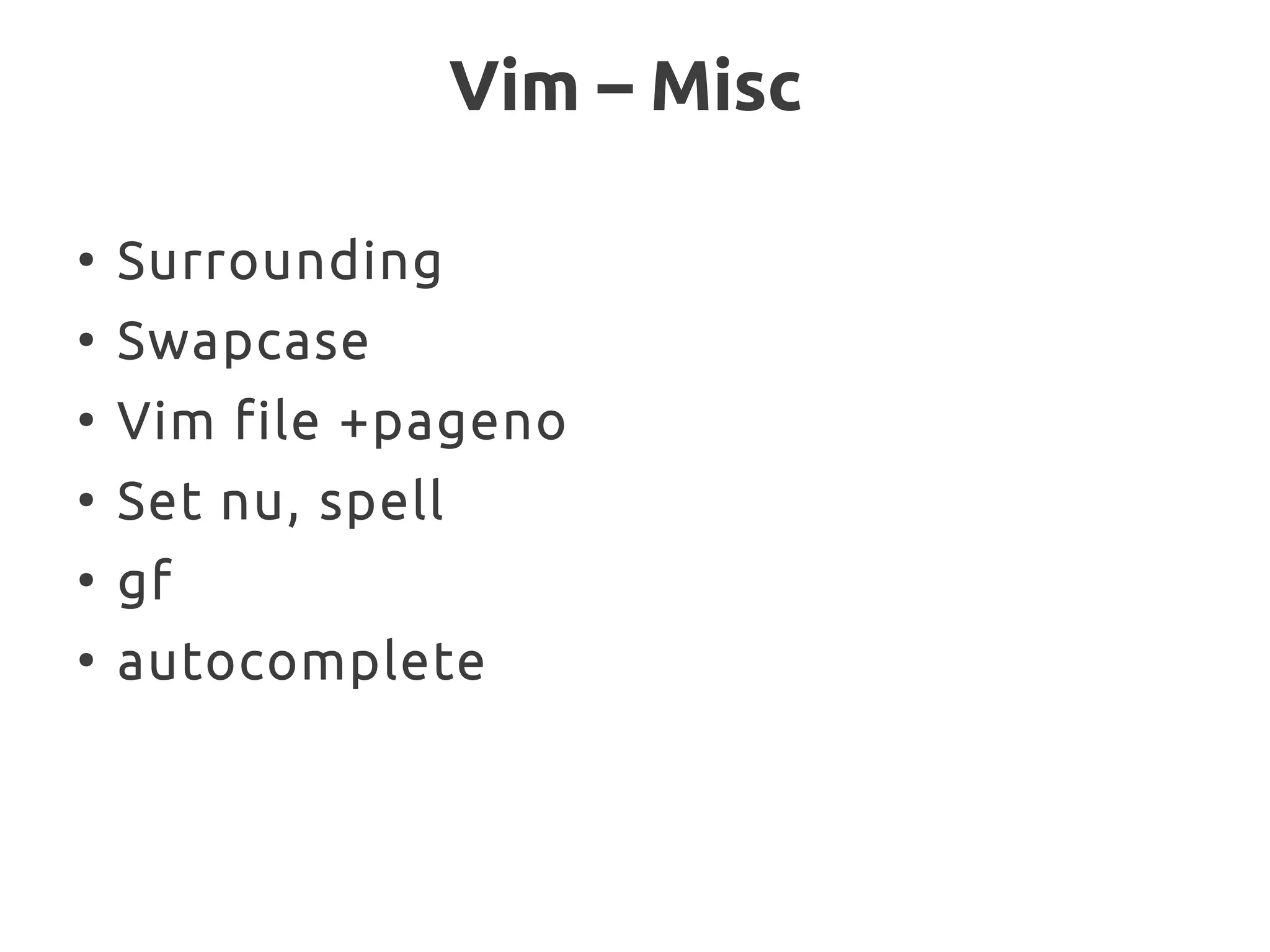
Vim – Misc
●
Surrounding
●
Swapcase
●
Vim file +pageno
●
Set nu, spell
●
gf
●
autocomplete
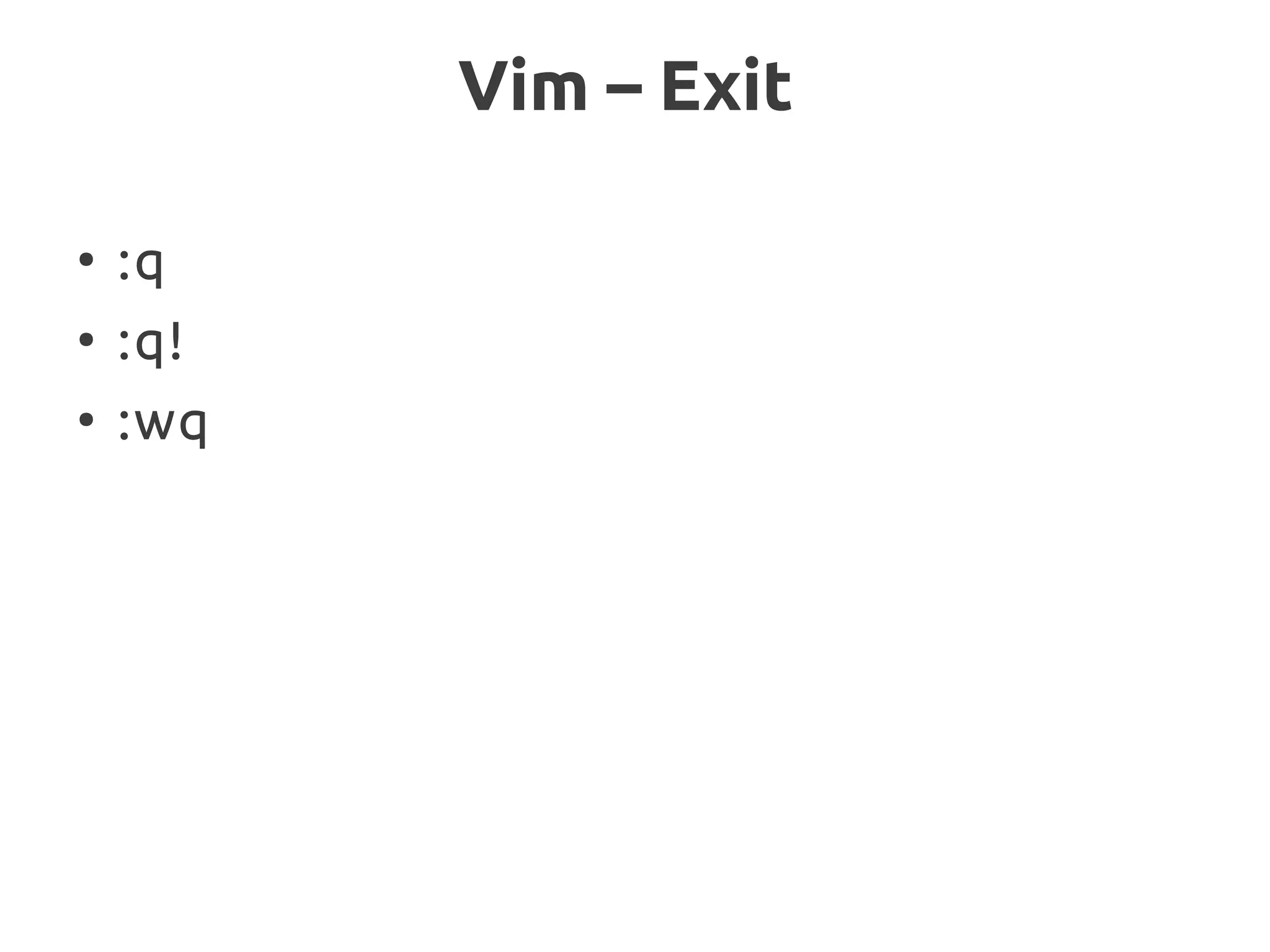
Vim – Exit
●
:q
●
:q!
●
:wq
Thanks

Regular expressions in Ruby and Introduction to Vim

  • 1.
  • 2.
    Regular Expression Historically, regularexpressions are one of computer science's shining examples of how using good theory leads to good programs. Today, regular expressions have also become a shining example of how ignoring good theory leads to bad programs.
  • 3.
    What is regularexpression ● Is a notation for describing a set of character strings ● sequence of characters within /, / ● single character within /, / is the simple regular expression Ex: /hello world/
  • 4.
    What can bedone with regular expression ? ● Test a string to see whether it matches a pattern ● Extract from a string the sections that match all or part of a pattern ● Change the string, replacing parts that match a pattern
  • 5.
    Metacharcters ● Some characters havespecial meaning in regular expression – ., |, (, ), [, ], {, }, +, , ^, $, * and ? – ● They don't match themselves ● To match, escape it with '' Ex: '*' =~ /*/
  • 6.
    Ruby Regular Expressions ● Uses'Oniguruma' open source C library by K. Kosako ● It also an object, Regexp ● #{...} expression substitutions in the pattern
  • 7.
    How to createpattern in ruby ? ● // Ex: /hello/ ● Regexp.new Ex: Regexp.new('hello') ● %r{...} Ex: %r{mm/dd}
  • 8.
    Matching against String “Whena particular string is in the set described by a regular expression, we often say that the regular expression matches the string” ● =~ – Returns matched index / nil ● !~ – Returns true / false ● match() – Method of String & Regexp – Returns MatchData object / nil
  • 9.
    Regular expression options ● i– case insensitive ● m – multiline mode ● x – Extended mode
  • 10.
    Metacharacters ● Period ( .) – To match any character – Should be escaped to match literal '.'
  • 11.
    Metacharacters ● Anchors – To restrictthe pattern to match beginning or end of the line – ^ - beginning of the line – $ - end of the line – A – beginning of the string – Z – end of the string
  • 12.
    Metacharacters ● Character Class – Setof characters between [ and ] – Can have ranges – Can negate character sets ● Sequences d, D, w, W, s, S Ex: ● /[dr]ejected/ ● Match digits [0-9] ● Alphanumeric [A-Za-z0-9] ● Except digits [^0-9] ● Str.gsub(/['”]/,'')
  • 13.
    Metacharacters ● Repetition – r* Matcheszero or more occurrences of r – r+ Matches one or more occurrences of r – r? Matches zero or one occurrence of r – r{m,n} Matches at least m and at most n occurrences of r – r{m,} Matches at least m occurrences of r – r{,n} Matches at most n occurrences of r – r{m } Matches exactly m occurrences of r
  • 14.
    Metacharacters ● Alternation – | Ex: /red|blue/ ● Grouping –Everything within the group is treated as a single regular expression – Backreferenced by numbers
  • 15.
    Metacharacters ● Repetition – r* Matcheszero or more occurrences of r – r+ Matches one or more occurrences of r – r? Matches zero or one occurrence of r – r{m,n} Matches at least m and at most n occurrences of r – r{m,} Matches at least m occurrences of r – r{,n} Matches at most n occurrences of r – r{m } Matches exactly m occurrences of r
  • 16.
  • 17.
    Vim - Intro ● Vimis a text editor written by Bram Moolenaar based on 'vi' ● The original code for 'vi' was written by Bill Joy in 1976 ● Originally created for Unix systems
  • 18.
    Vim – Modes ● NormalMode – characters you type are commands – Default mode ● Insert Mode – the characters are inserted as text – I, i, A, a, O, o switch to insert mode – Escp key is to come back to normal mode
  • 19.
    Vim – Manipulation ● Delete –d – dw, dd, D, x, X ● Copy – y – yw, yy, Y ● Join – J ● Paste – P, p ● Replace – r, R ● Undo & Redo – u, Ctrl+r
  • 20.
    Vim – Navigation ● h,j, k , l ● w, b, e ● 0, ^, $ – P, p ● G, gg ● % (matches {}()[ ]) ● Ctrl-b, Ctrl-f ● N G ( got to nth line)
  • 21.
    Vim – Search& Replace ● /pattern ● ?pattern – N, n ● :range s/oldpattern/new/options ● F, f, t, T
  • 22.
    Vim – Misc ● Surrounding ● Swapcase ● Vimfile +pageno ● Set nu, spell ● gf ● autocomplete
  • 23.
  • 24.