Dasapta Erwin Irawan
Faculty of Earth Sciences and Technology
Institut Teknologi Bandung
19 January 2015
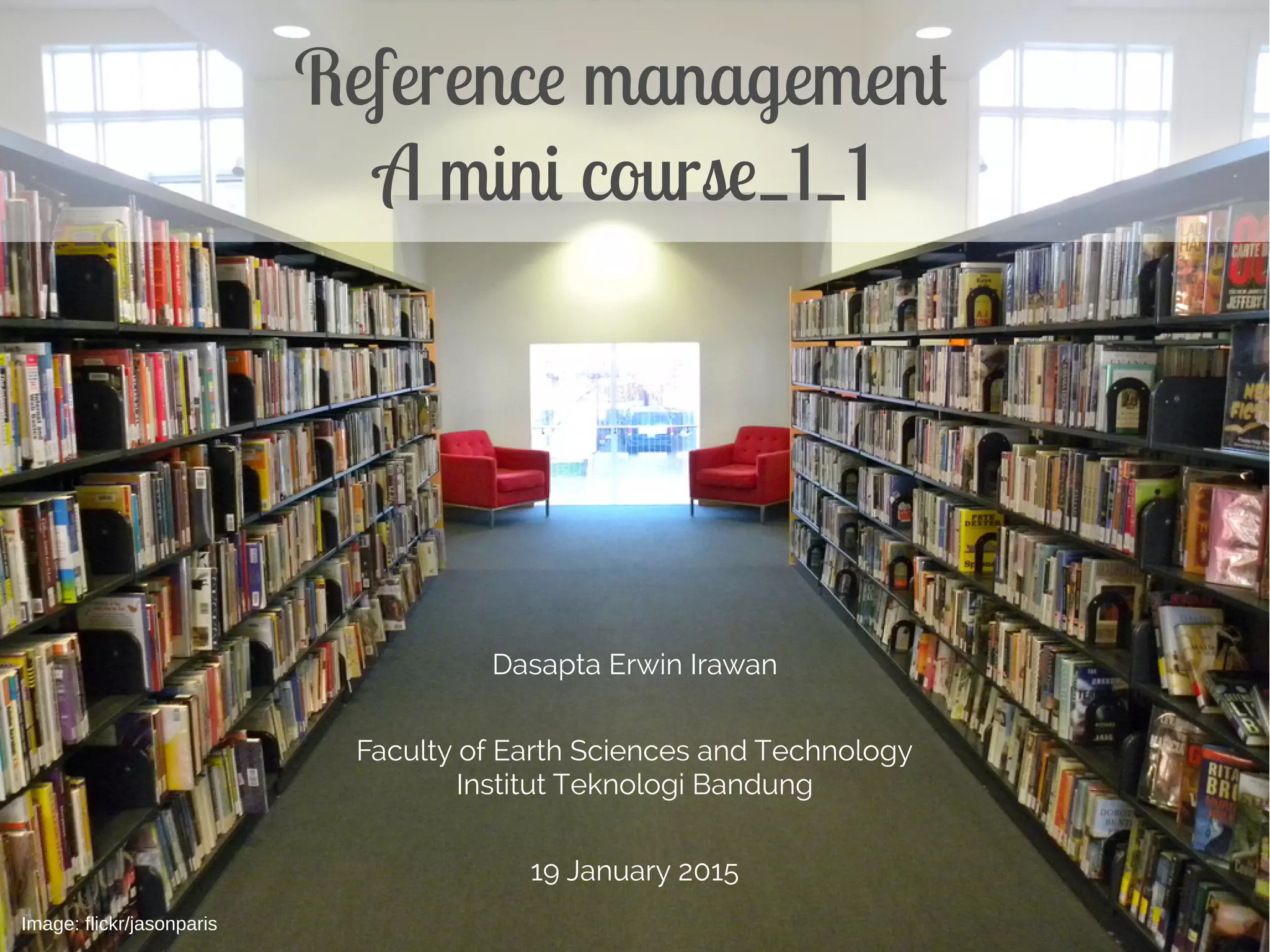
Reference management
A mini course 0
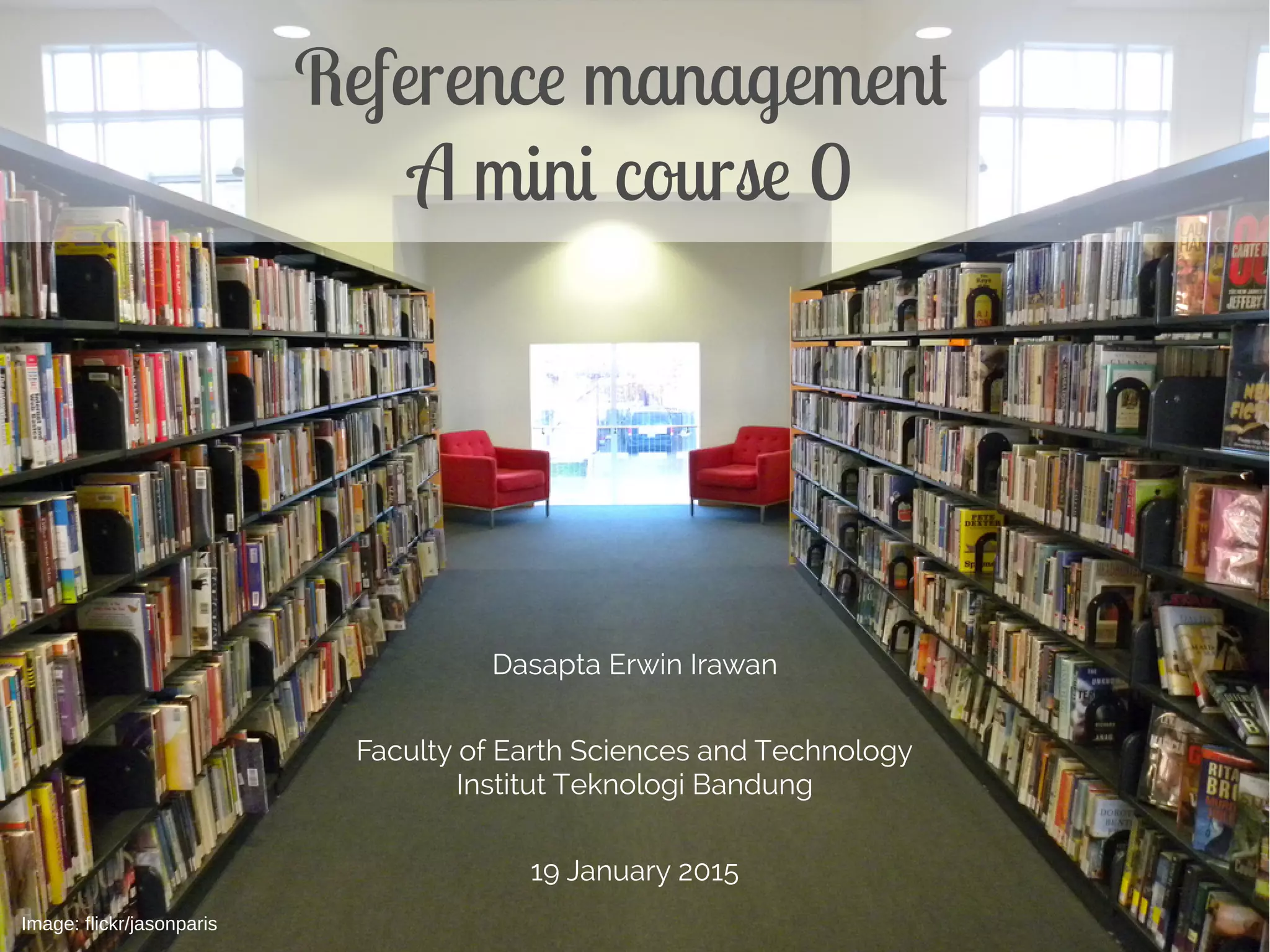
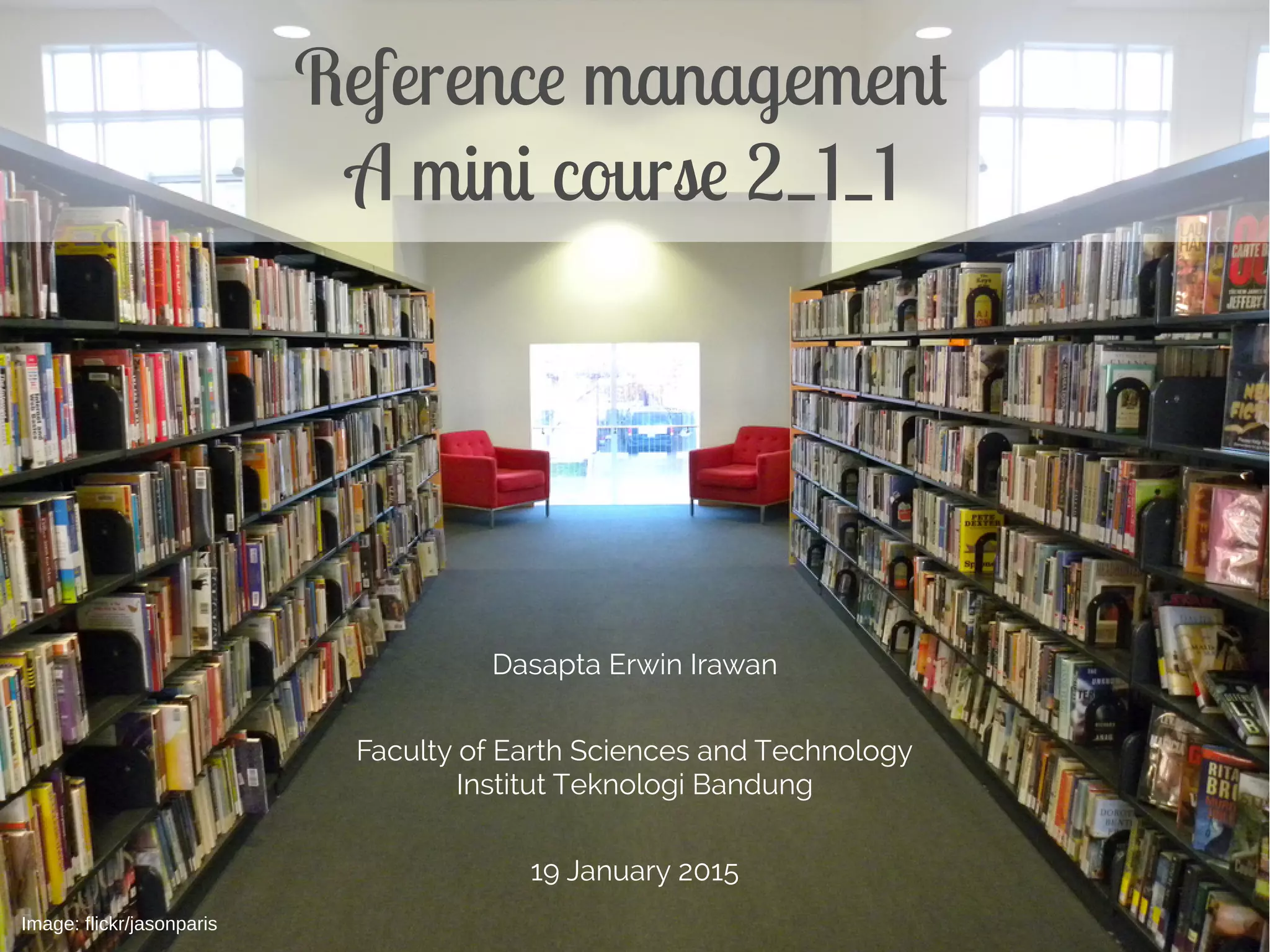
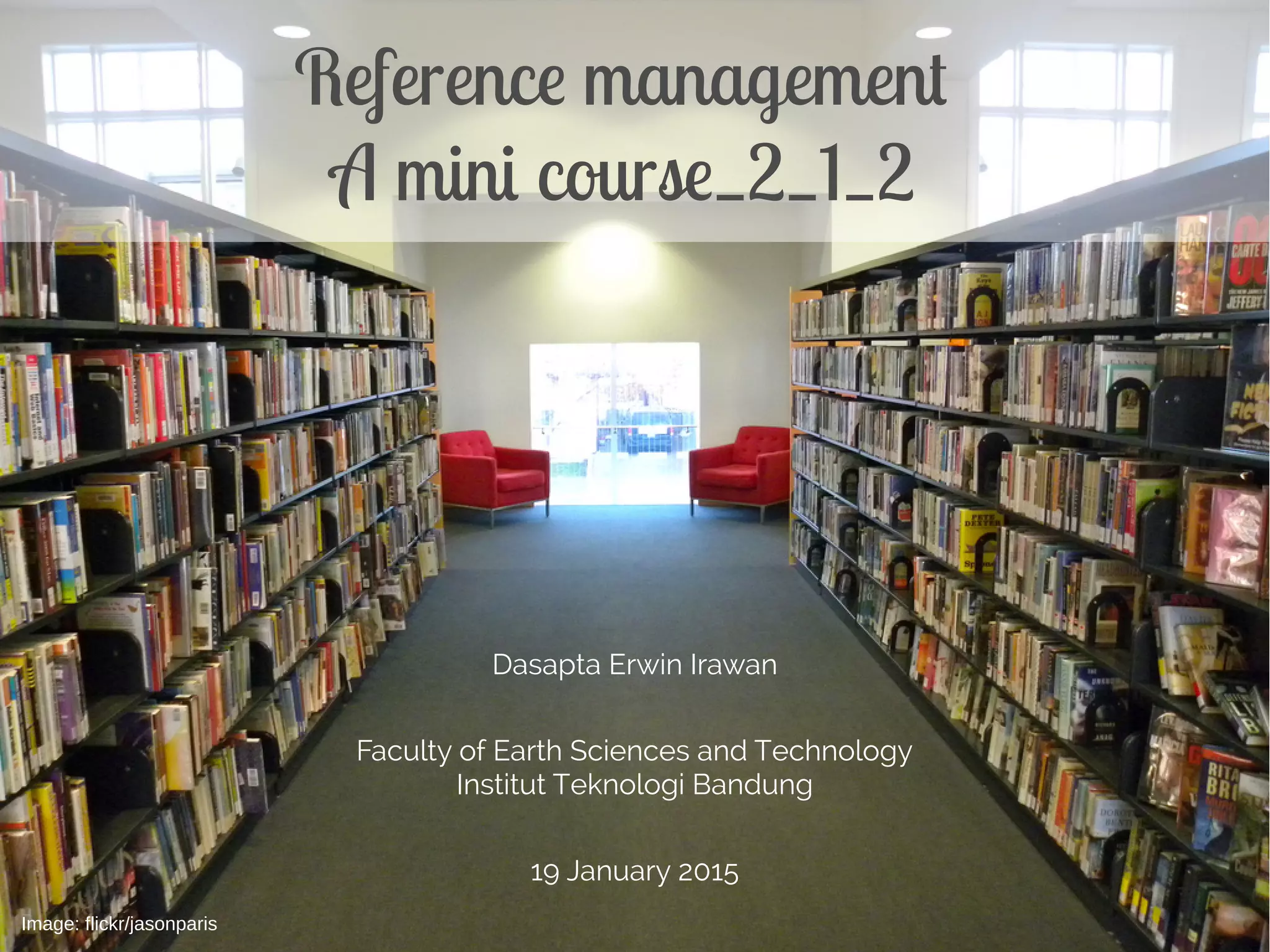
Image: flickr/jasonparis
COMPLETE MATERIALS
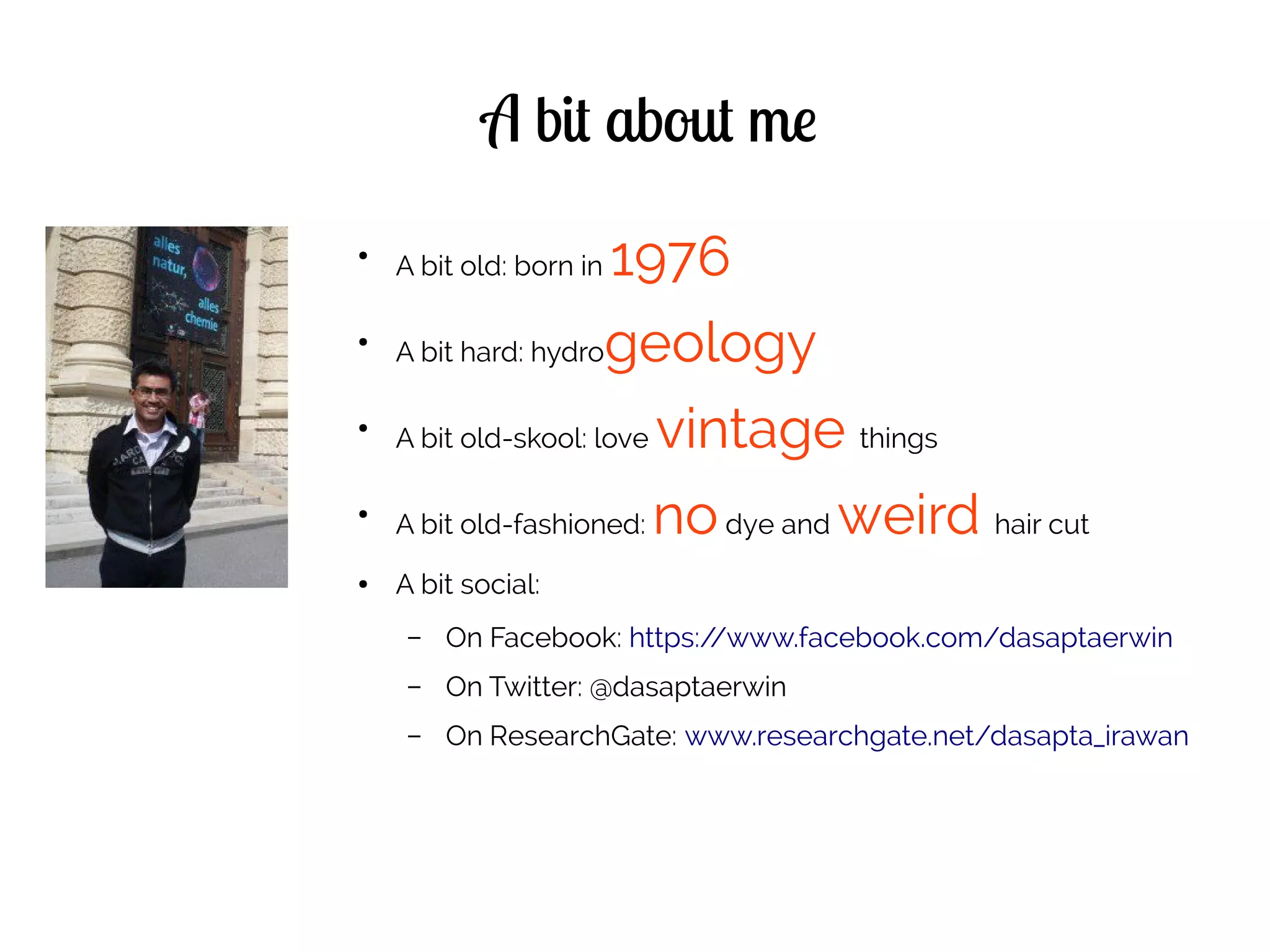
A bit about me
●
A bit old: born in 1976
●
A bit hard: hydrogeology
●
A bit old-skool: love vintage things
●
A bit old-fashioned: nodye and weird hair cut
● A bit social:
– On Facebook: https://www.facebook.com/dasaptaerwin
– On Twitter: @dasaptaerwin
– On ResearchGate: www.researchgate.net/dasapta_irawan
Disclaimer
● This mini course is non-credit.
● It is offered as opportunities for students to learn
specific skills in just a few sessions.
● This mini course offers no warranty of your study
performance.
● Consultation session with your supervisor is very
important to make the best out of this mini course.
● I'm prone to error, please report any typos or
misconceptions from reading this doc.
Available CC license[1]
License for this doc[1]
Outline
Part 1: intro to reference management
● 1.1 common problems and solutions
– the common problems in scientific writing
(papers, thesis, dissertation)
– the common mistakes in writing
– the tools and proposed solutions
Part 1: intro to reference management
● 1.2 What is reference management
– How does it help to our writing and what are the
tools needed
– Where to get the softwares and why does it have
to be opensource
– How to install Reference Manager and connect it
to our word processor
Part 2: how to retrieve references
● 2.1 Where to find:
– Library and its website
– Databases:
● Free: Google Scholar[13] (free),
● ITB subscription: Scopus[10], Web of science[15],
ITB Library (http://www.lib.itb.ac.id/e-journal, )
http://www.lib.itb.ac.id/e-book
Part 2: how to retrieve references
● Publishers:
– Conventional: Sciencedirect[17] (options:
conventional, open access), Elsevier[18] (options:
conventional, open access), Springer Sciences[19]
(options: conventional, open access)
– Open access: DOAJ[20], PeerJ[21], HESS[22],
PLOSone[23], ArXiv[24]etc
Part 2: how to retrieve references
● Community, social media:
– ResearchGate,
– Academia,
– ResearchID.
Part 2: how to retrieve references
● 2.2 tweaking the keywords
– What is a keyword
– What is keyword's operator
– How to get the best search results
– Use "Google Scholar" alert notification
– How to store the information
Part 3: how to store your references
● 3.1 how to store your references
– Saving the pdfs and metadata
– Folder structure
Part 3: how to store your references
● 3.2 how to use reference manager
– Importing, Organizing, and Taking notes
– Using and adding Citation style
– Citing and Making bibliography
Part 4: how to cite
● 4.1 Citation style
● 4.2 Paraphrasing
● 4.3 Plagiarism
● 4.4 how to use "Cite While You Write"
References
[1] Creative Common License site, https://creativecommons.org/licenses/, accessed 15 November 2014.
[2] Zotero site, http://www.zotero.org, accessed 15 November 2014.
[3] Mendeley site, http://www.mendeley.org, accessed 15 November 2014.
[4] Docear site, http://www.docear.org, accessed 15 November 2014.
[5] Endnote (Thomson Reuters) site, http://www.endnote.com, accessed 15 November 2014.
[6] Evernote site, http://www.evernote.com, accessed 15 November 2014.
[7] Growly Note site, http://www.growlybird.com, accessed 15 November 2014.
[8] Microsoft OneNote site, http://www.onenote.com , accessed 15 November 2014.
[9] MaxPlanck Institute of Biochem site,https://www.biochem.mpg.de/en/facilities/ivs/BibMgmt, accessed 15 November 2014.
[10] Scopus scientific database site, http://www.scopus.com, accessed 15 November 2014.
[11] Wikipedia Free Encyclopedia site, http://en.wikipedia.org, accessed 15 November 2014.
[12] JabRef site, http://jabref.sourceforge.net/, accessed 15 November 2014.
[13] BibDesk site, http://bibdesk.sourceforge.net/, accessed 15 November 2014.
[14] Google Scholar site, http://scholar.google.com, accessed 15 November 2014.
[15] Web of Science/Knowledge site, http://thomsonreuters.com/thomson-reuters-web-of-science/, accessed 15 November 2014
[16] ITB Library site, http://www.lib.itb.ac.id, accessed 15 November 2014.
[17] ScienceDirect Database site, http://www.sciencedirect.com, accessed 15 November 2014.
[18] Elsevier Site, http://www.elsevier.com, accessed 15 November 2014.
[19] Springer Sciences site, http://www.springer.com, accessed 15 November 2014.
[20] DOAJ, http://www.doaj.org, accessed 15 November 2014.
[21] PeerJ, http://www.peerj.com, accessed 15 November 2014.
[22] HESS, http://www.hydrol-earth-syst-sci.net/, accessed 15 November 2014.
[23] PLOS one site, http://www.plosone.org/, accessed 15 November 2014.
[24] ArXiv site, http://www.arxiv.org, accessed 15 November 2014.
Dasapta Erwin Irawan
Faculty of Earth Sciences and Technology
Institut Teknologi Bandung
19 January 2015
Reference management
A mini course_1_1
Image: flickr/jasonparis
DEI, ITB 3
What is reference/citation
management systems[9]
A system used for
{Storing}
{Organizing}
and
{Sharing}
reference collections
DEI, ITB 4
Outline
5
Part 1: intro to reference management
● 1.1 common problems and solutions
– common problems in scientific writing (papers,
thesis, dissertation)
– common mistakes in writing
– the proposed tools and solutions
6
Part 1: intro to reference management
● 1.2 What is reference management
– How does it {help} to our writing and what are the
tools needed
– Where to get the {apps} and why does it have to
be opensource
– How to {install} Reference Manager and connect it
to our word processor
7
common problems in scientific writing
●
Don't know where to {start}.
8
common problems in scientific writing
●
Don't know {where}to look for
informations.
9
common problems in scientific writing
●
Don't know {how}to look for
informations.
10
common problems in scientific writing (papers,
thesis, dissertation)
● Don't know how to give credits
{cite} for informations.
11
common mistakes in writing
● {Non-flowing} structure and/or story
12
common mistakes in writing
● {Misplaced} component
13
common mistakes in writing
● {Bad} referencing/citing
14
the tools and proposed solutions
● Start from the end
{Bibliography}
15
the tools and proposed solutions
● Use a
{reference management system}
16
the tools and proposed solutions
● Keep a {log book} or binder
17
the tools and proposed solutions
●
Keep a {digital} log book or
binder
18
the tools and proposed solutions
●
Use the appropriate {apps}
– Zotero[2], Mendeley[3], Docear[4],
JabRef[12], BibDesk[13], etc
– EndNote[5]
19
the tools and proposed solutions
●
Use the appropriate {apps}
– Evernote[6],
– GrowlyNote[7],
– Ms OneNote[8]
20
References
[1] Creative Common License site, https://creativecommons.org/licenses/, accessed 15 November 2014.
[2] Zotero site, http://www.zotero.org, accessed 15 November 2014.
[3] Mendeley site, http://www.mendeley.org, accessed 15 November 2014.
[4] Docear site, http://www.docear.org, accessed 15 November 2014.
[5] Endnote (Thomson Reuters) site, http://www.endnote.com, accessed 15 November 2014.
[6] Evernote site, http://www.evernote.com, accessed 15 November 2014.
[7] Growly Note site, http://www.growlybird.com, accessed 15 November 2014.
[8] Microsoft OneNote site, http://www.onenote.com , accessed 15 November 2014.
[9] MaxPlanck Institute of Biochem site,https://www.biochem.mpg.de/en/facilities/ivs/BibMgmt, accessed 15 November 2014.
[10] Scopus scientific database site, http://www.scopus.com, accessed 15 November 2014.
[11] Wikipedia Free Encyclopedia site, http://en.wikipedia.org, accessed 15 November 2014.
[12] JabRef site, http://jabref.sourceforge.net/, accessed 15 November 2014.
[13] BibDesk site, http://bibdesk.sourceforge.net/, accessed 15 November 2014.
[14] Google Scholar site, http://scholar.google.com, accessed 15 November 2014.
[15] Web of Science/Knowledge site, http://thomsonreuters.com/thomson-reuters-web-of-science/, accessed 15 November 2014
[16] ITB Library site, http://www.lib.itb.ac.id, accessed 15 November 2014.
[17] ScienceDirect Database site, http://www.sciencedirect.com, accessed 15 November 2014.
[18] Elsevier Site, http://www.elsevier.com, accessed 15 November 2014.
[19] Springer Sciences site, http://www.springer.com, accessed 15 November 2014.
[20] DOAJ, http://www.doaj.org, accessed 15 November 2014.
[21] PeerJ, http://www.peerj.com, accessed 15 November 2014.
[22] HESS, http://www.hydrol-earth-syst-sci.net/, accessed 15 November 2014.
[23] PLOS one site, http://www.plosone.org/, accessed 15 November 2014.
[24] ArXiv site, http://www.arxiv.org, accessed 15 November 2014.
Dasapta Erwin Irawan
Faculty of Earth Sciences and Technology
Institut Teknologi Bandung
19 January 2015
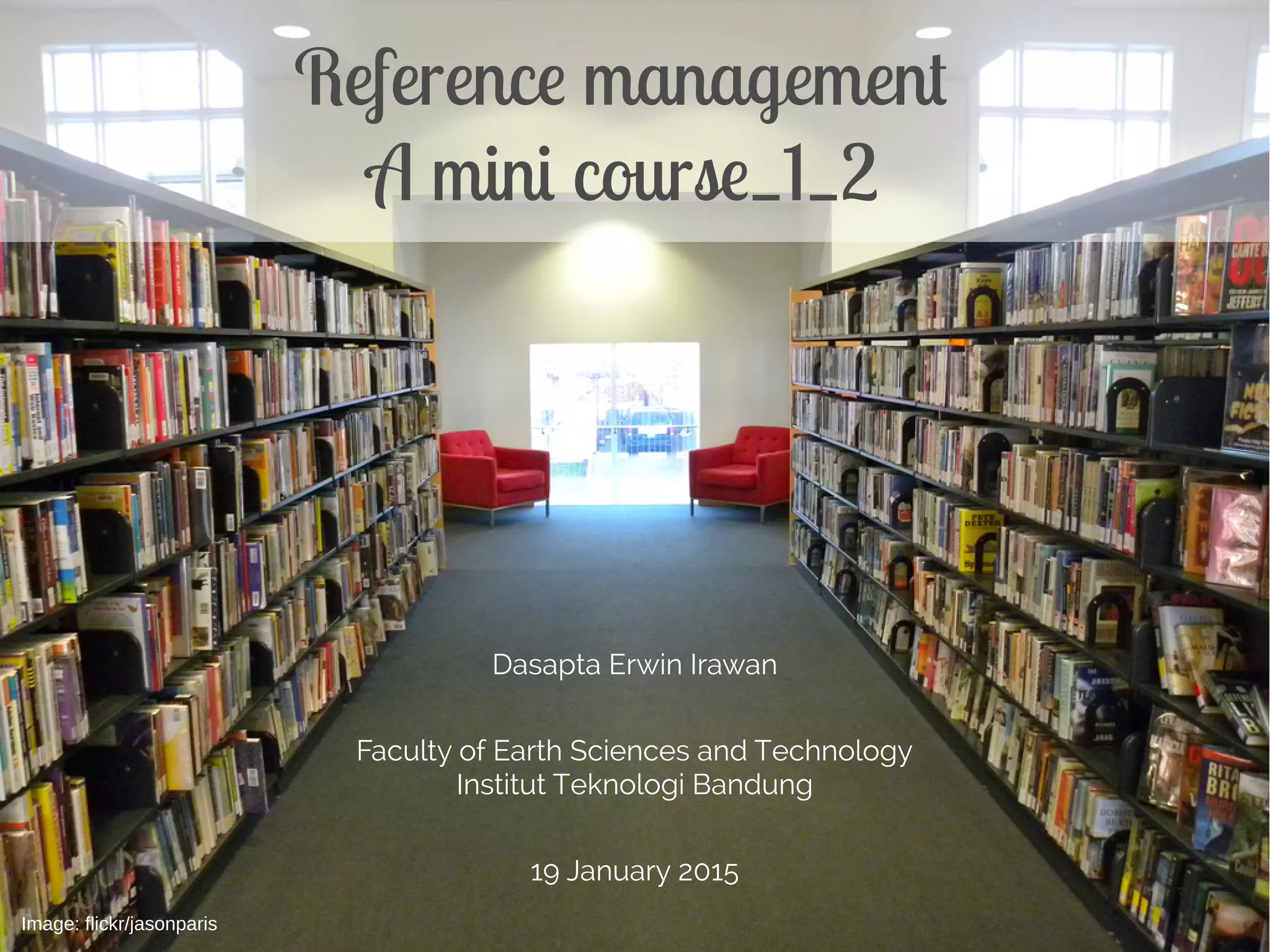
Reference management
A mini course_1_2
Image: flickr/jasonparis
DEI, ITB 3
Outline
4
Part 1: intro to reference management
● 1.1 common problems and solutions
– common problems in scientific writing (papers,
thesis, dissertation)
– common mistakes in writing
– the proposed tools and solutions
5
Part 1: intro to reference management
● 1.2 What is reference management
– How does it {help} to our writing and what are
the tools needed
– Where to get the {apps} and why does it have
to be opensource
– How to {install} Reference Manager and
connect it to our word processor
DEI, ITB 6
What is reference/citation
management systems[9]
A system used for
{Storing}
{Organizing}
and
{Sharing}
reference collections
7
How does it {help}
● {Get} ideas
8
How does it {help}
● {Choose} ideas
9
How does it {help}
● {Formulate} ideas
10
How does it {help}
● {Keep track} of your ideas
11
How does it {help}
●
Build one of multiple {digital}
library(ies) and reading list(s)
12
How does it {help}
●
Organize your {pdfs}
13
How does it {help}
●
Based on {topics/ideas}
14
what are the tools needed
● {Apps:} Reference/citation manager
●
We will use {Zotero}[2]
● Read also: Wikipedia[11]
15
what are the tools needed
●
{database/index}: Reference/citation
manager
●
We will use {Scopus}[10]
● Read also: Wikipedia[11]
16
References
[1] Creative Common License site, https://creativecommons.org/licenses/, accessed 15 November 2014.
[2] Zotero site, http://www.zotero.org, accessed 15 November 2014.
[3] Mendeley site, http://www.mendeley.org, accessed 15 November 2014.
[4] Docear site, http://www.docear.org, accessed 15 November 2014.
[5] Endnote (Thomson Reuters) site, http://www.endnote.com, accessed 15 November 2014.
[6] Evernote site, http://www.evernote.com, accessed 15 November 2014.
[7] Growly Note site, http://www.growlybird.com, accessed 15 November 2014.
[8] Microsoft OneNote site, http://www.onenote.com , accessed 15 November 2014.
[9] MaxPlanck Institute of Biochem site,https://www.biochem.mpg.de/en/facilities/ivs/BibMgmt, accessed 15 November 2014.
[10] Scopus scientific database site, http://www.scopus.com, accessed 15 November 2014.
[11] Wikipedia Free Encyclopedia site, http://en.wikipedia.org, accessed 15 November 2014.
[12] JabRef site, http://jabref.sourceforge.net/, accessed 15 November 2014.
[13] BibDesk site, http://bibdesk.sourceforge.net/, accessed 15 November 2014.
[14] Google Scholar site, http://scholar.google.com, accessed 15 November 2014.
[15] Web of Science/Knowledge site, http://thomsonreuters.com/thomson-reuters-web-of-science/, accessed 15 November 2014
[16] ITB Library site, http://www.lib.itb.ac.id, accessed 15 November 2014.
[17] ScienceDirect Database site, http://www.sciencedirect.com, accessed 15 November 2014.
[18] Elsevier Site, http://www.elsevier.com, accessed 15 November 2014.
[19] Springer Sciences site, http://www.springer.com, accessed 15 November 2014.
[20] DOAJ, http://www.doaj.org, accessed 15 November 2014.
[21] PeerJ, http://www.peerj.com, accessed 15 November 2014.
[22] HESS, http://www.hydrol-earth-syst-sci.net/, accessed 15 November 2014.
[23] PLOS one site, http://www.plosone.org/, accessed 15 November 2014.
[24] ArXiv site, http://www.arxiv.org, accessed 15 November 2014.
Dasapta Erwin Irawan 1
Dasapta Erwin Irawan
Faculty of Earth Sciences and Technology
Institut Teknologi Bandung
19 January 2015
Reference management
A mini course 2_1_1
Image: flickr/jasonparis
Dasapta Erwin Irawan 6
Outline
Dasapta Erwin Irawan 7
Part 2: how to retrieve references
● 2.1 Where to find:
– Library and its website
– Databases:
● Free: Google Scholar[13] (free),
● ITB subscription: Scopus[10], Web of science[15],
ITB Library (http://www.lib.itb.ac.id/e-journal, )
http://www.lib.itb.ac.id/e-book
Dasapta Erwin Irawan 8
Part 2: how to retrieve references
● Publishers:
– Conventional: Sciencedirect[17] (options:
conventional, open access), Elsevier[18] (options:
conventional, open access), Springer Sciences[19]
(options: conventional, open access)
– Open access: DOAJ[20], PeerJ[21], HESS[22],
PLOSone[23], ArXiv[24]etc
Dasapta Erwin Irawan 9
Part 2: how to retrieve references
● Community, social media:
– ResearchGate,
– Academia,
– ResearchID.
Dasapta Erwin Irawan 10
Part 2: how to retrieve references
● 2.2 tweaking the keywords
– What is a keyword
– What is keyword's operator
– How to get the best search results
– Use "Google Scholar" alert notification
– How to store the information
Dasapta Erwin Irawan 11
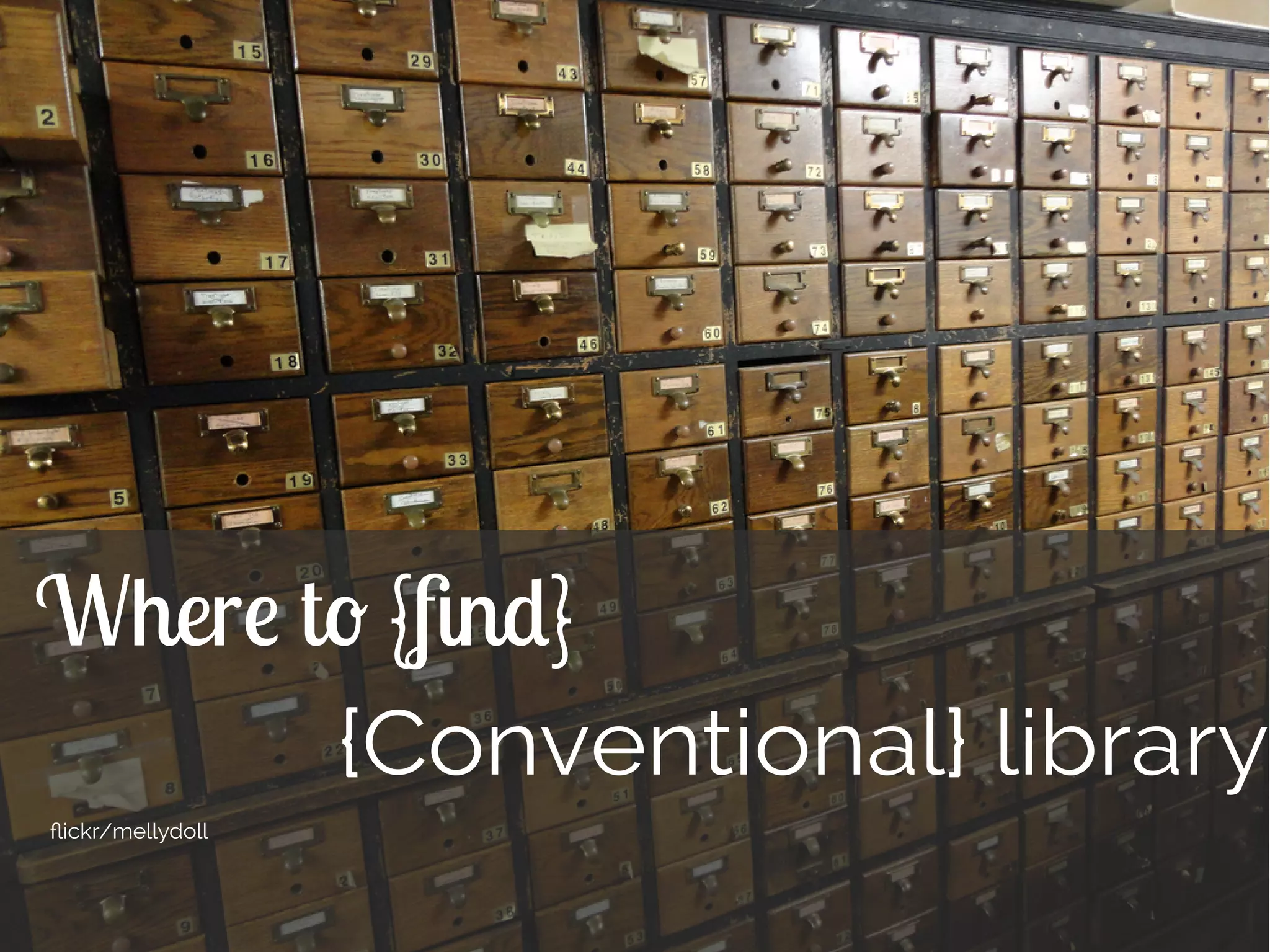
Where to {find}
{Conventional} library
flickr/mellydoll
Dasapta Erwin Irawan 12
Where to{find}
{Digital} library
Dasapta Erwin Irawan 13
Where to{find}
● Databases/indexes: Google Scholar[13]
Free, can be accessed anywhere,
cloud based
Provides research profile,
email notification
Mature platform
Massive results
Need more filtering
Limited analysis
Dasapta Erwin Irawan 14
Where to{find}
● Databases/indexes: Google Scholar[13]
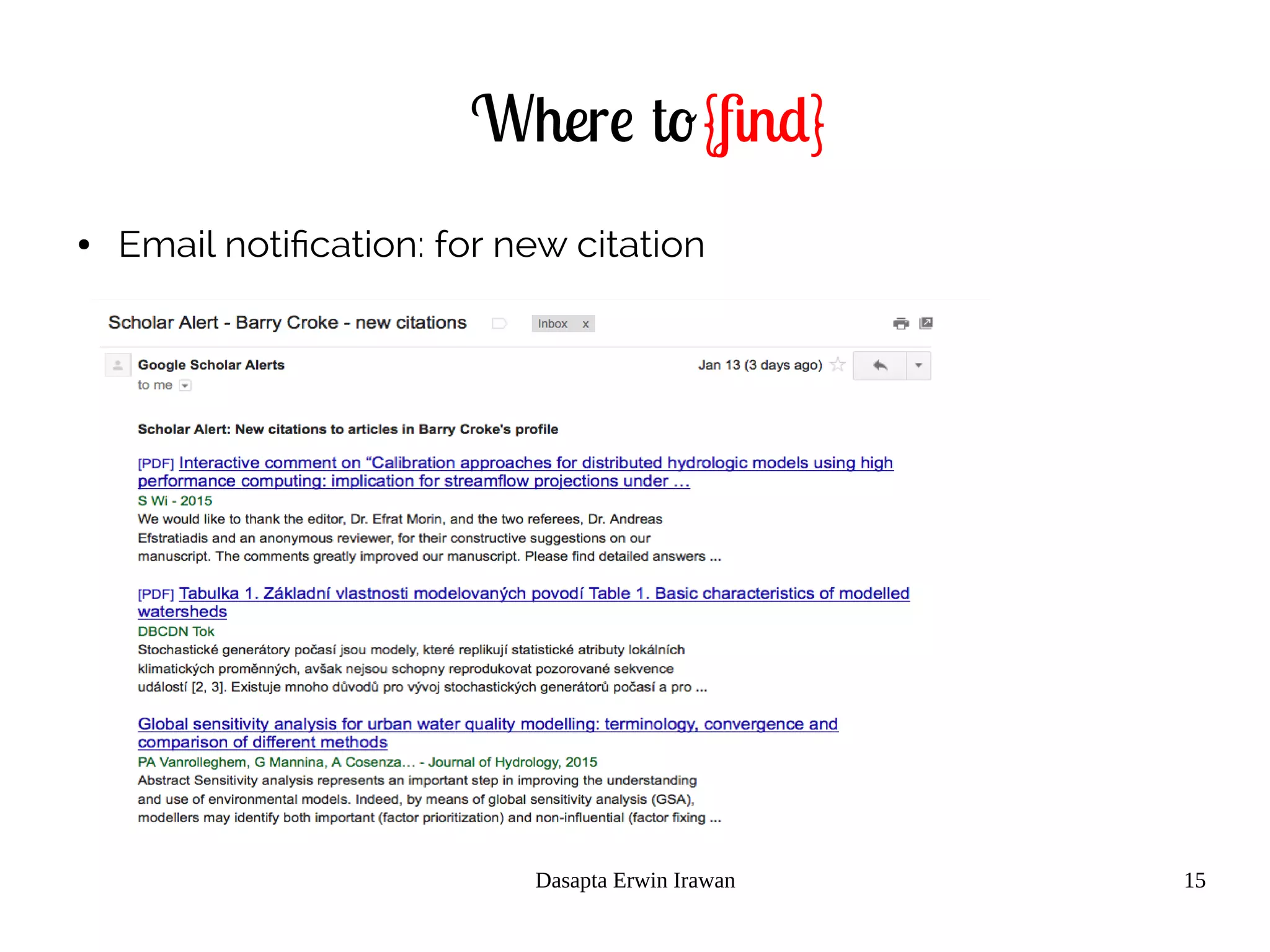
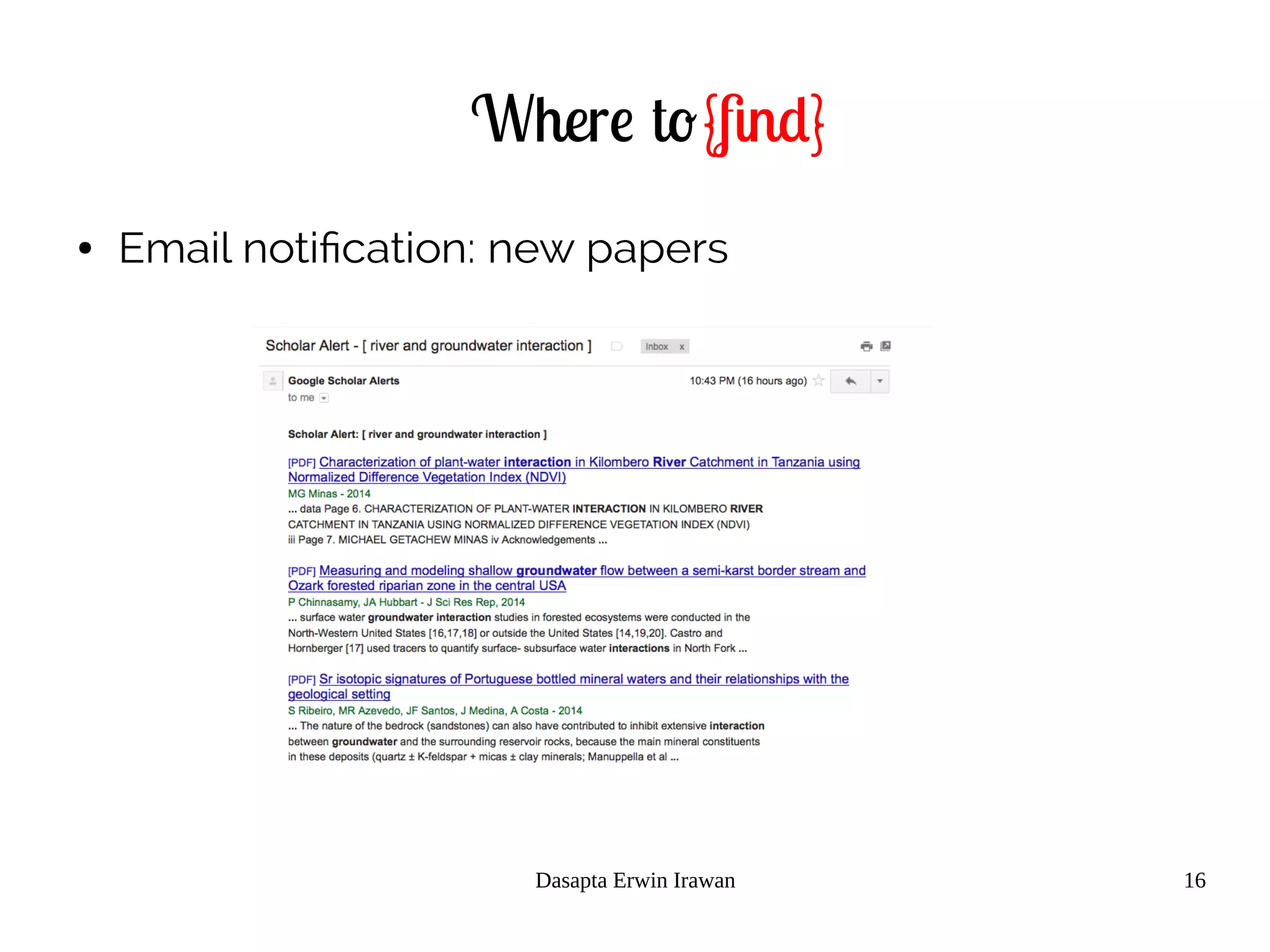
● Email notification: for new citation or new papers
Dasapta Erwin Irawan 15
Where to{find}
● Email notification: for new citation
Dasapta Erwin Irawan 16
Where to{find}
● Email notification: new papers
Dasapta Erwin Irawan 17
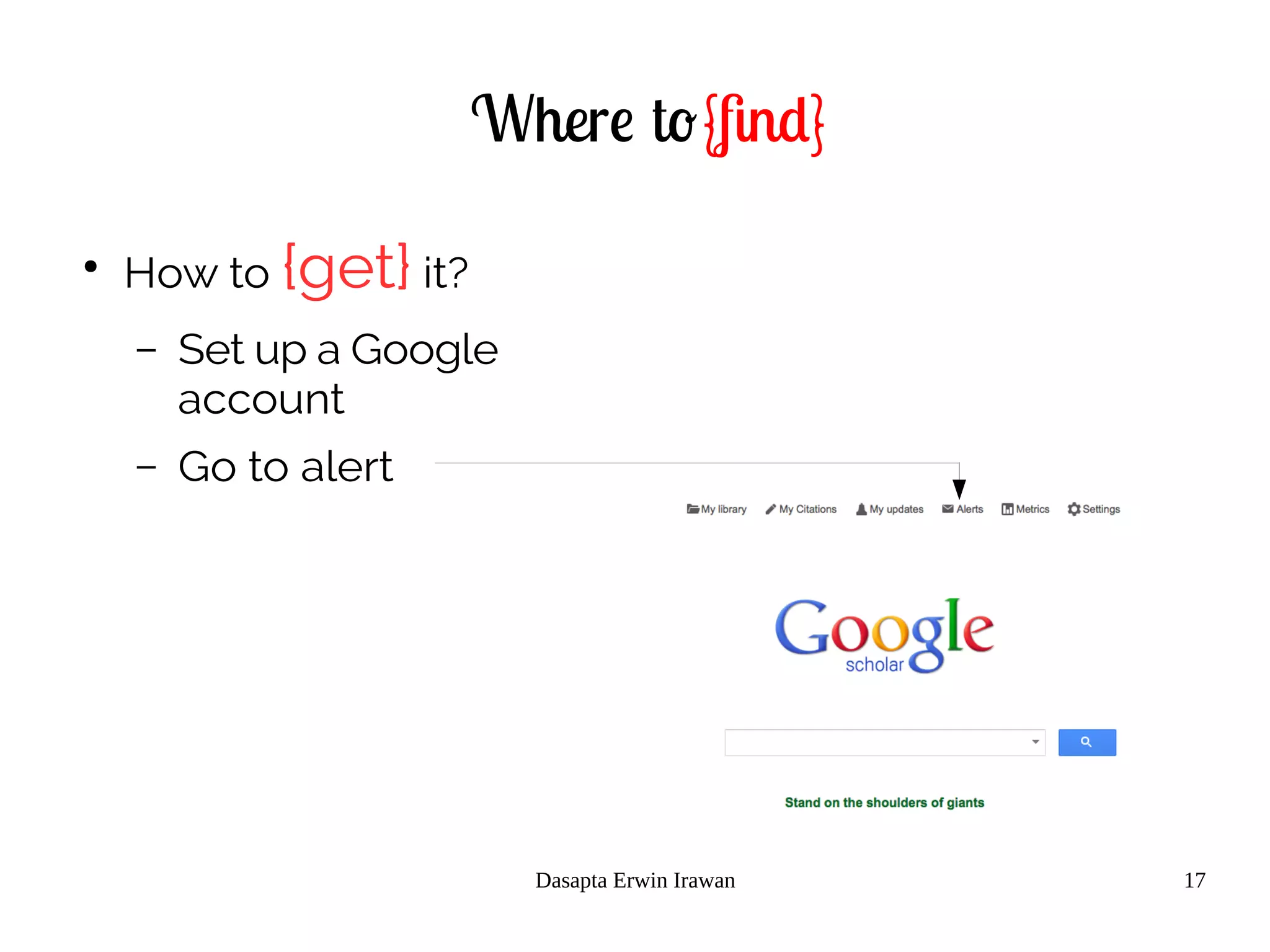
Where to{find}
●
How to {get} it?
– Set up a Google
account
– Go to alert
Dasapta Erwin Irawan 18
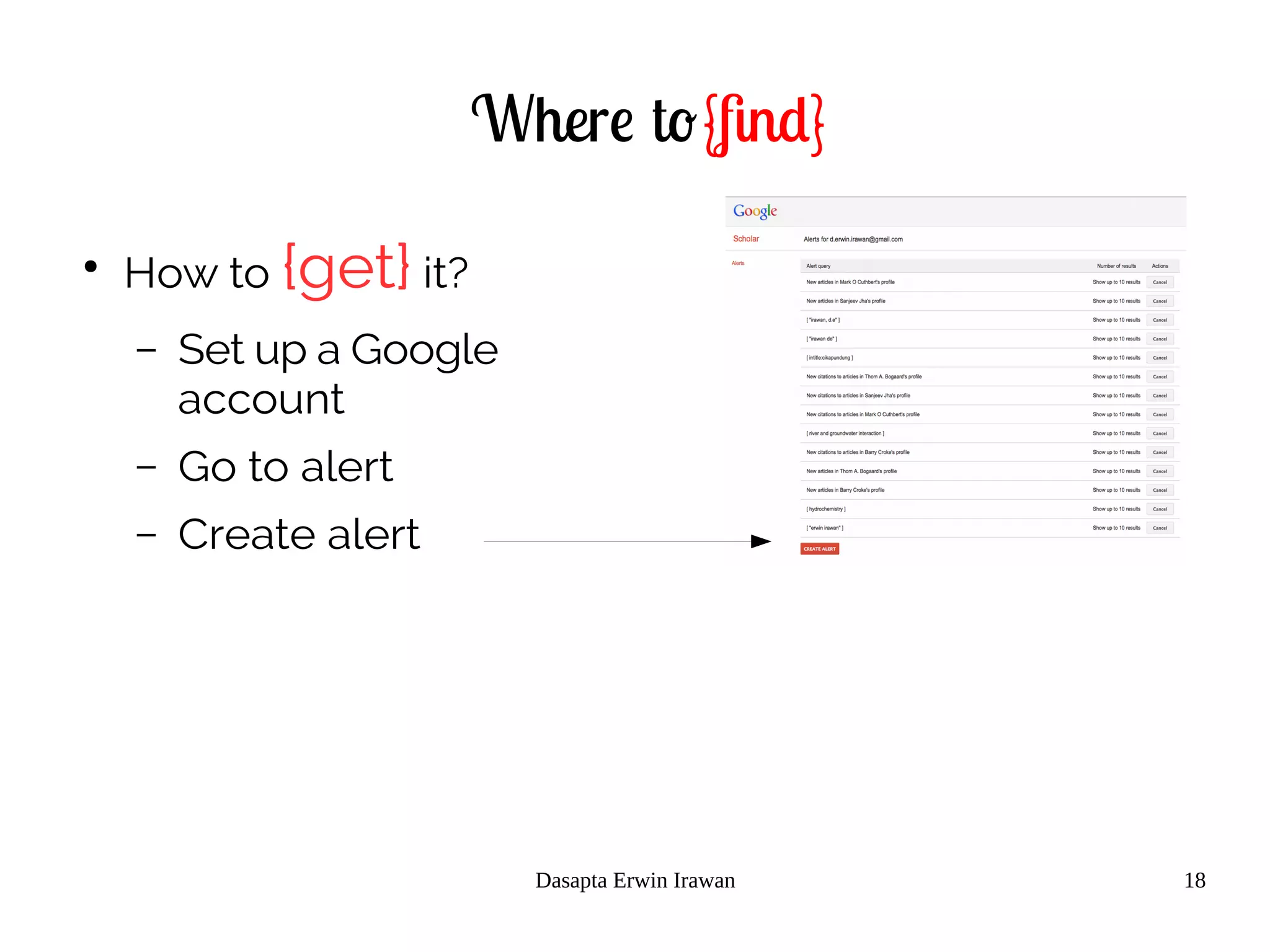
Where to{find}
●
How to {get} it?
– Set up a Google
account
– Go to alert
– Create alert
Dasapta Erwin Irawan 19
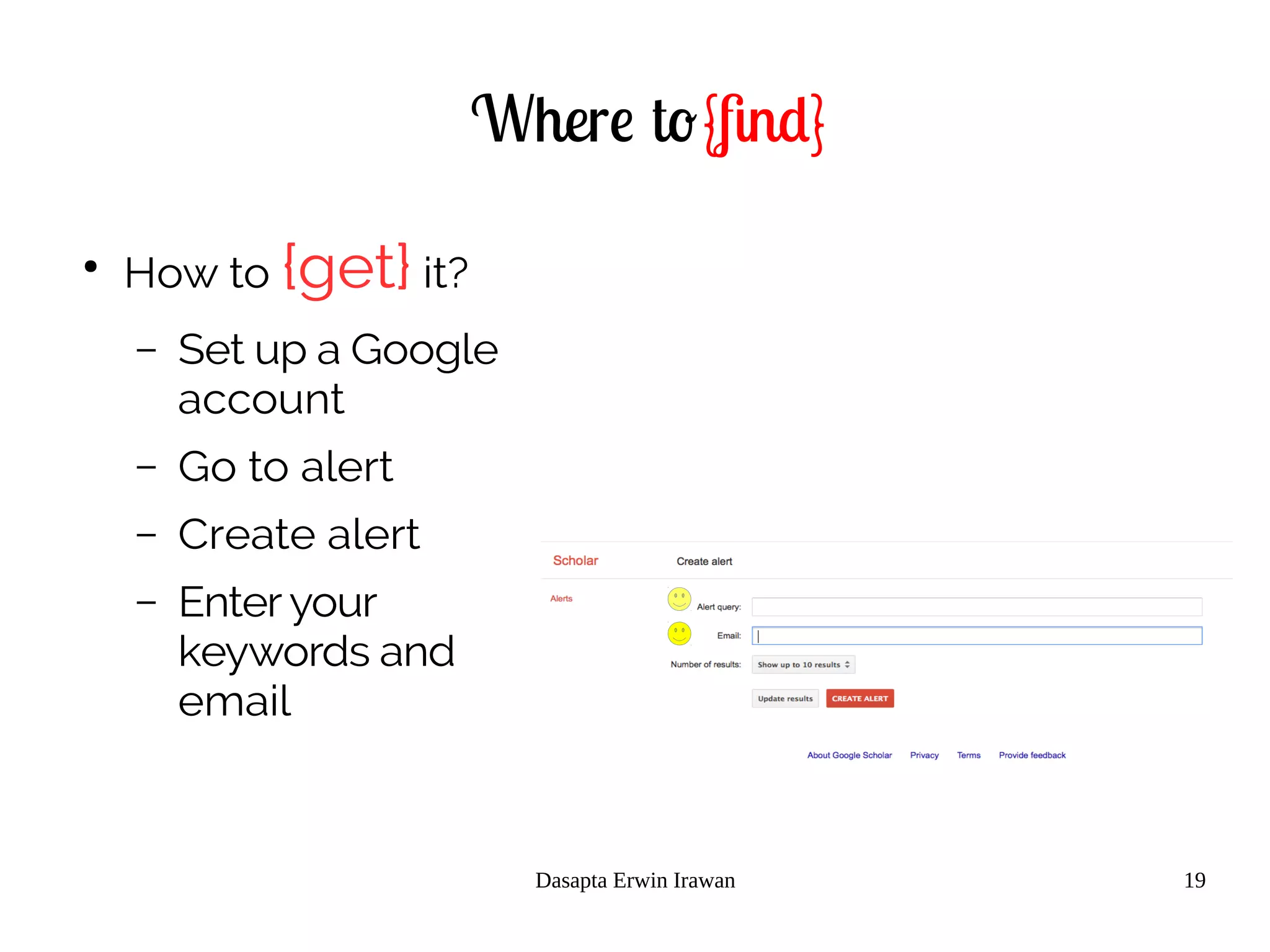
Where to{find}
●
How to {get} it?
– Set up a Google
account
– Go to alert
– Create alert
– Enter your
keywords and
email
Part 2: how to retrieve references
● 2.2 tweaking the keywords
– What is a keyword
– What is keyword's operator
– How to get the best search results
– Use "Google Scholar" alert notification
– How to store the information
Dasapta Erwin Irawan 21
Tweaking your keywords
●
What is {keywords}?
– Keywords are the words that academics use to
{reveal the internal structure}of an
author's reasoning[11].
Dasapta Erwin Irawan 22
Tweaking your keywords
●
What is {keywords search}?
– Keyword research' is a practice used by search
engine optimization professionals to find and
research actual {search terms}people
enter into the search engines when conducting
a search[11].
Dasapta Erwin Irawan 23
Tweaking your keywords
● How to get keywords?
– {Read} and {listen} more
Dasapta Erwin Irawan 24
Tweaking your keywords
● How to get keywords?
– {Read} and {listen} more
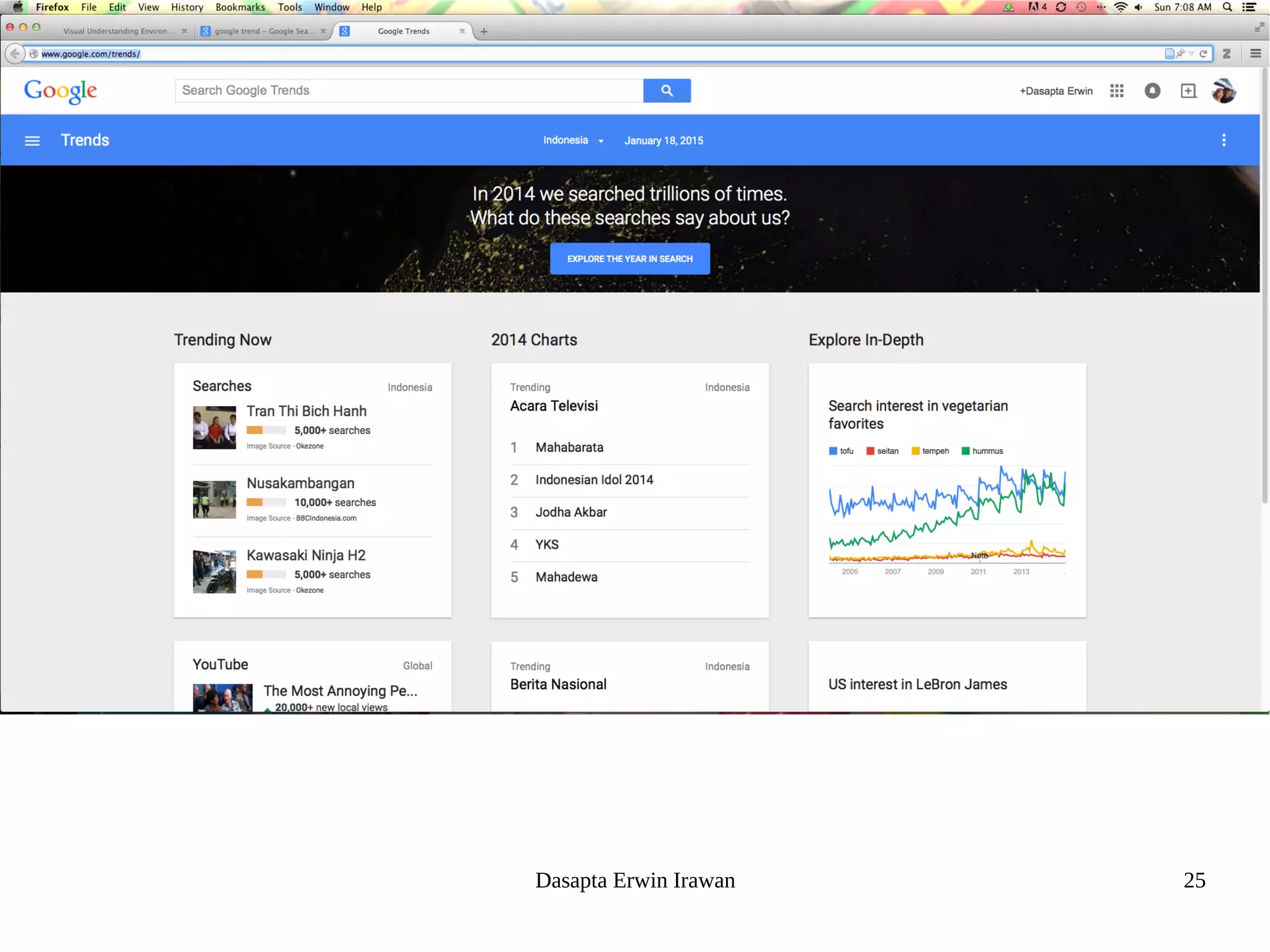
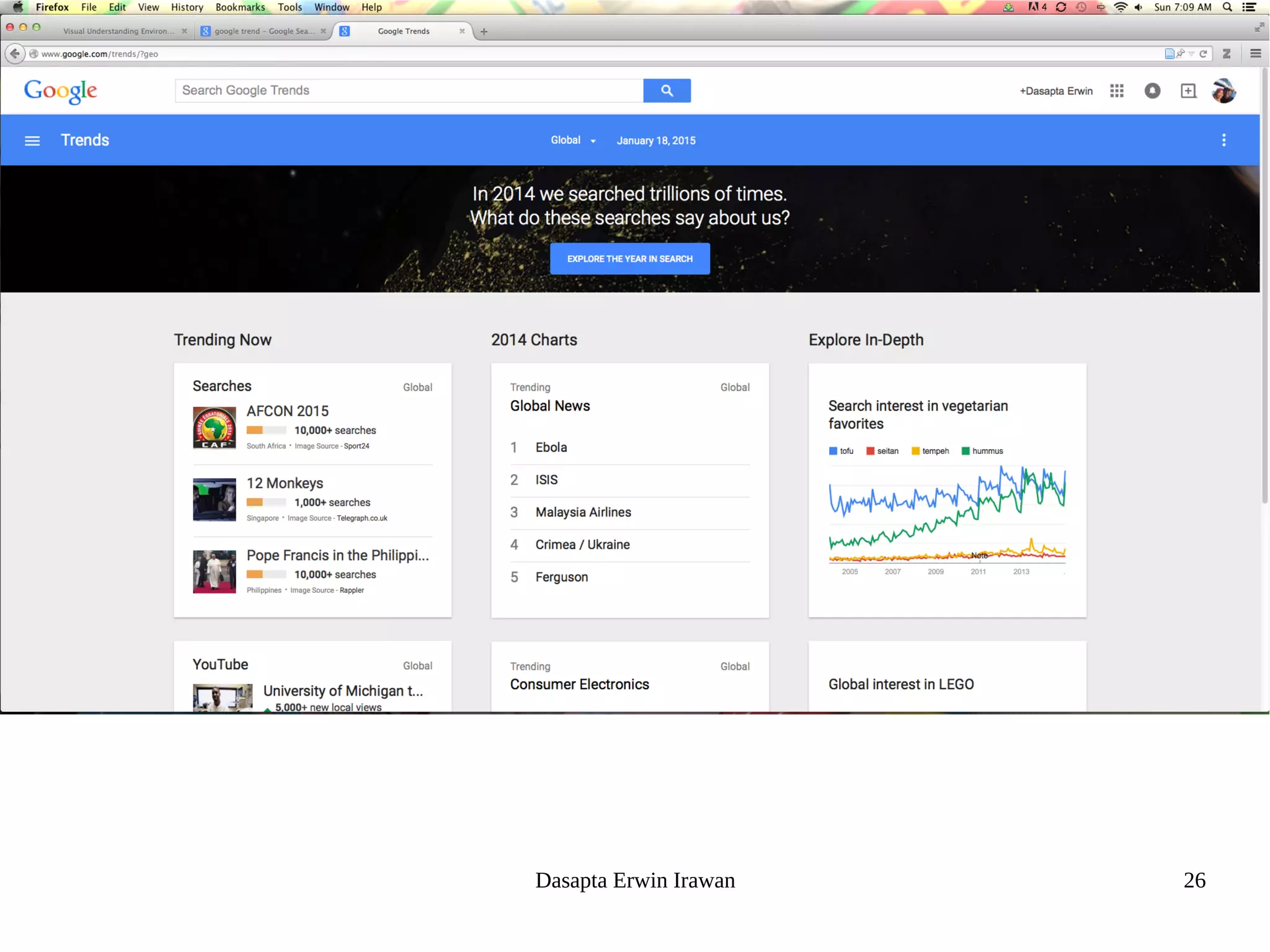
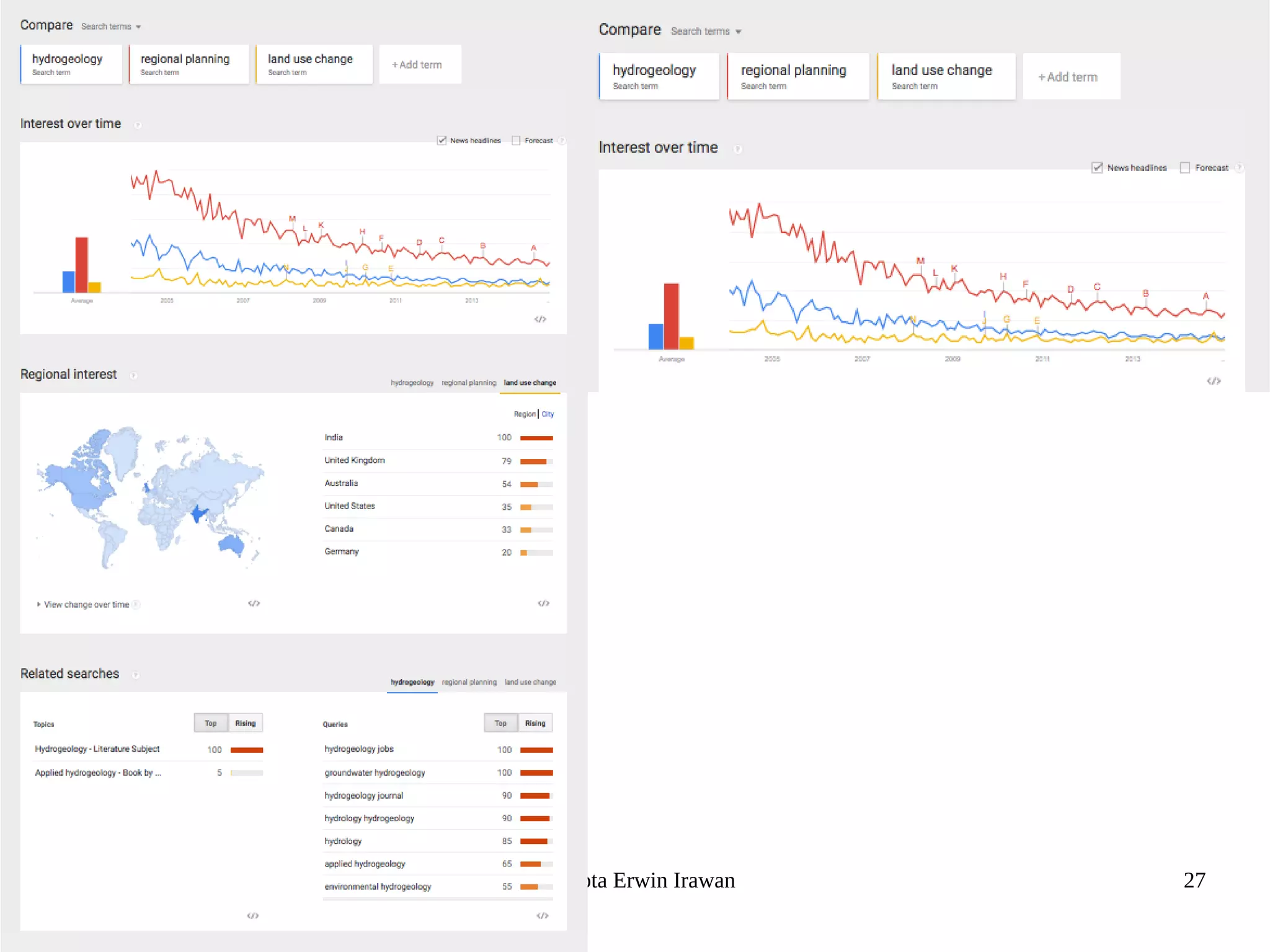
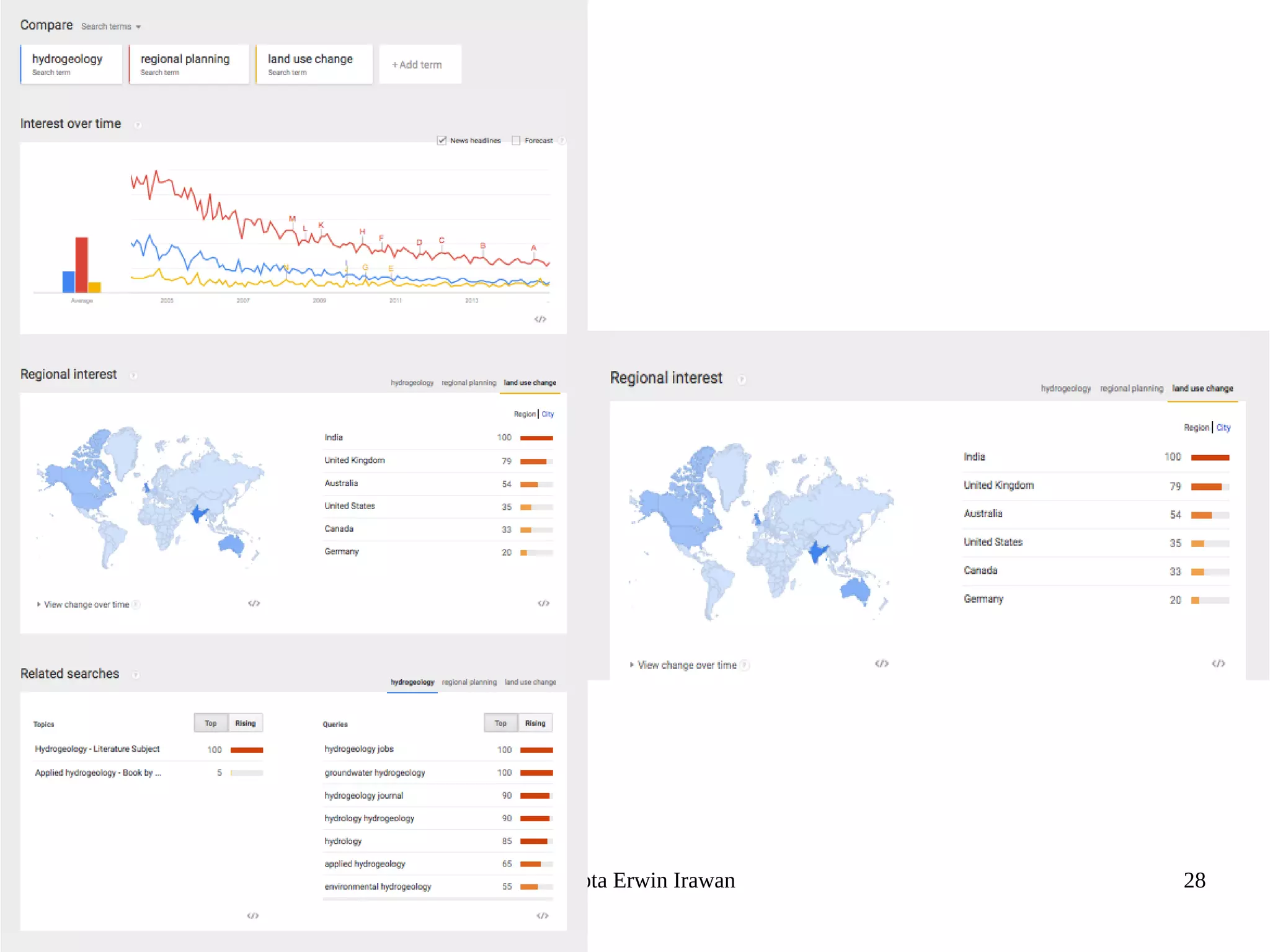
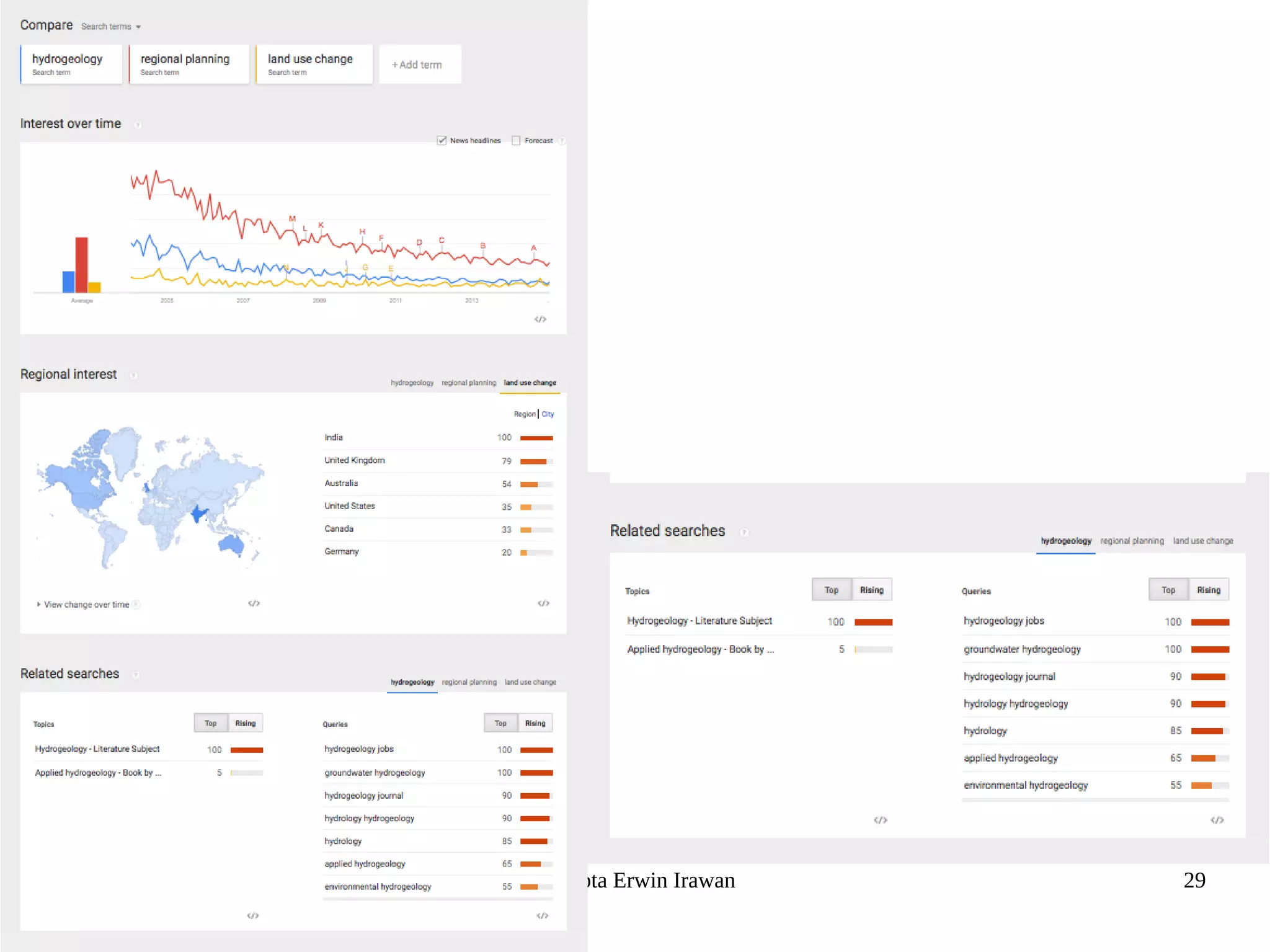
– Try {Google Trends} to get more
combinations (http://www.google.com/trends/
Dasapta Erwin Irawan 25
Dasapta Erwin Irawan 26
Dasapta Erwin Irawan 27
Dasapta Erwin Irawan 28
Dasapta Erwin Irawan 29
Tweaking your keywords
● How to get keywords?
– {Read} and {listen} more
– Try {Google Trends} to get more combinations (http://www.google.com/trends/
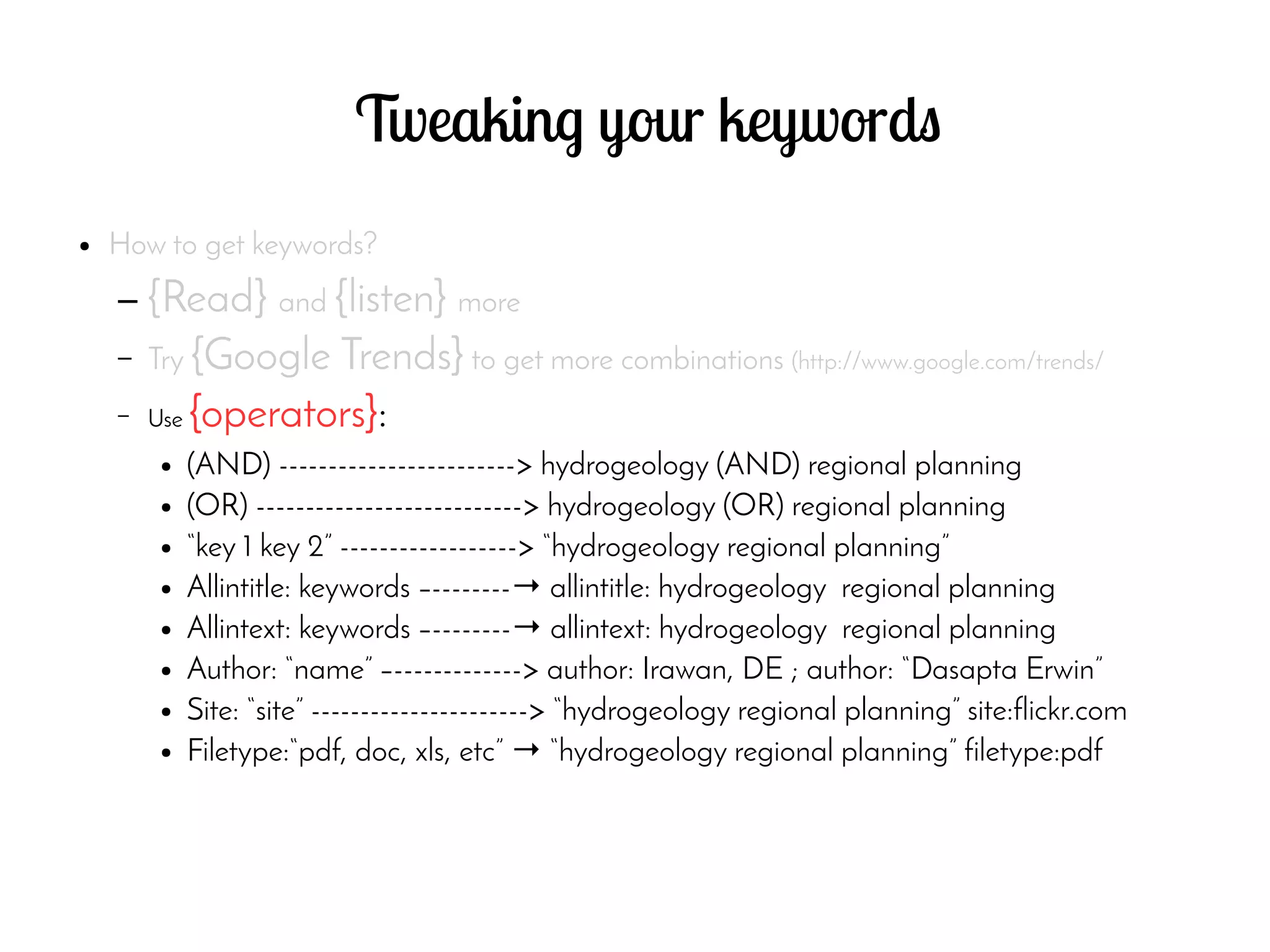
– Use {operators}:
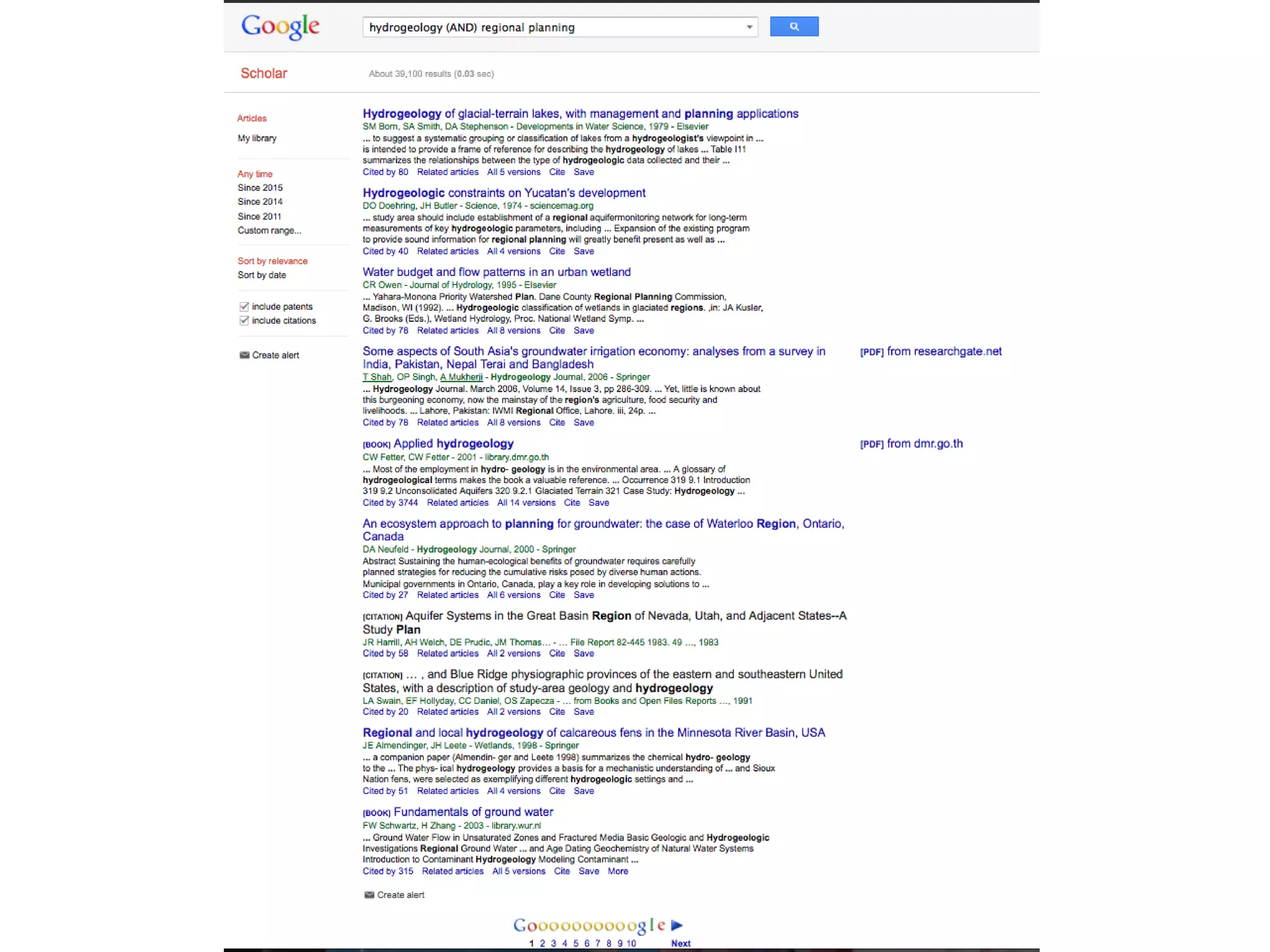
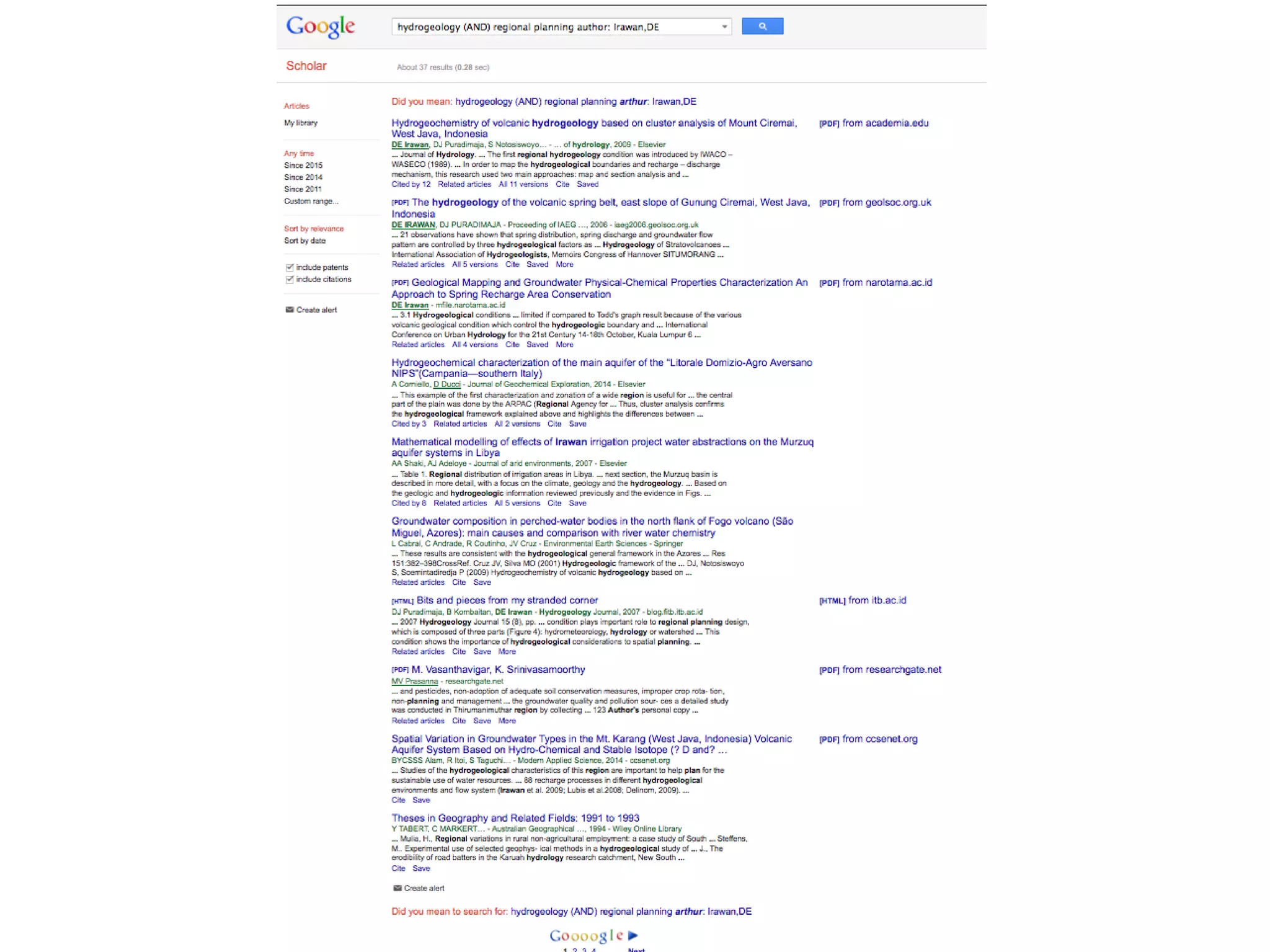
● (AND) ------------------------> hydrogeology (AND) regional planning
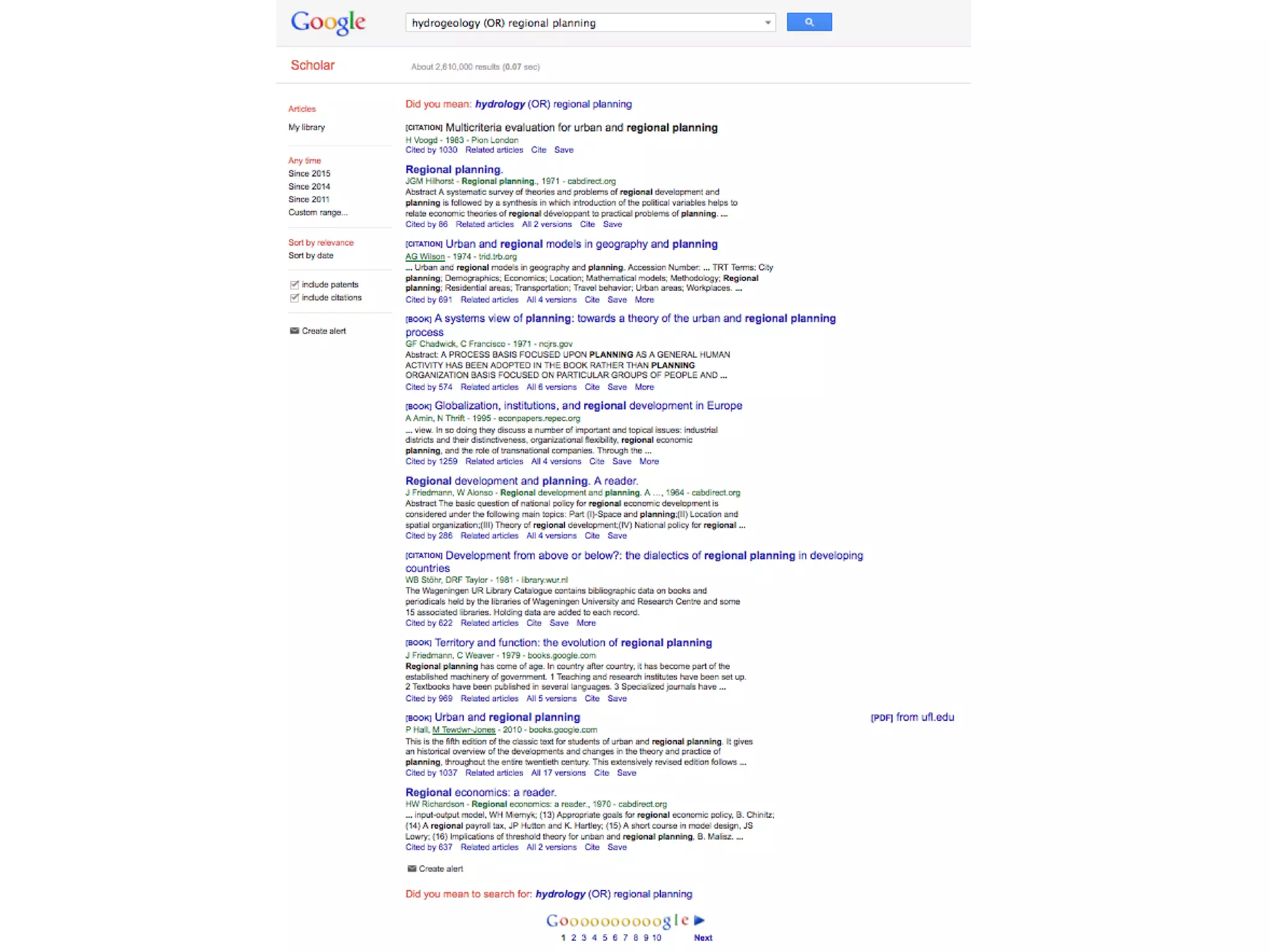
● (OR) ---------------------------> hydrogeology (OR) regional planning
● “key 1 key 2” ------------------> “hydrogeology regional planning”
● Allintitle: keywords –--------→ allintitle: hydrogeology regional planning
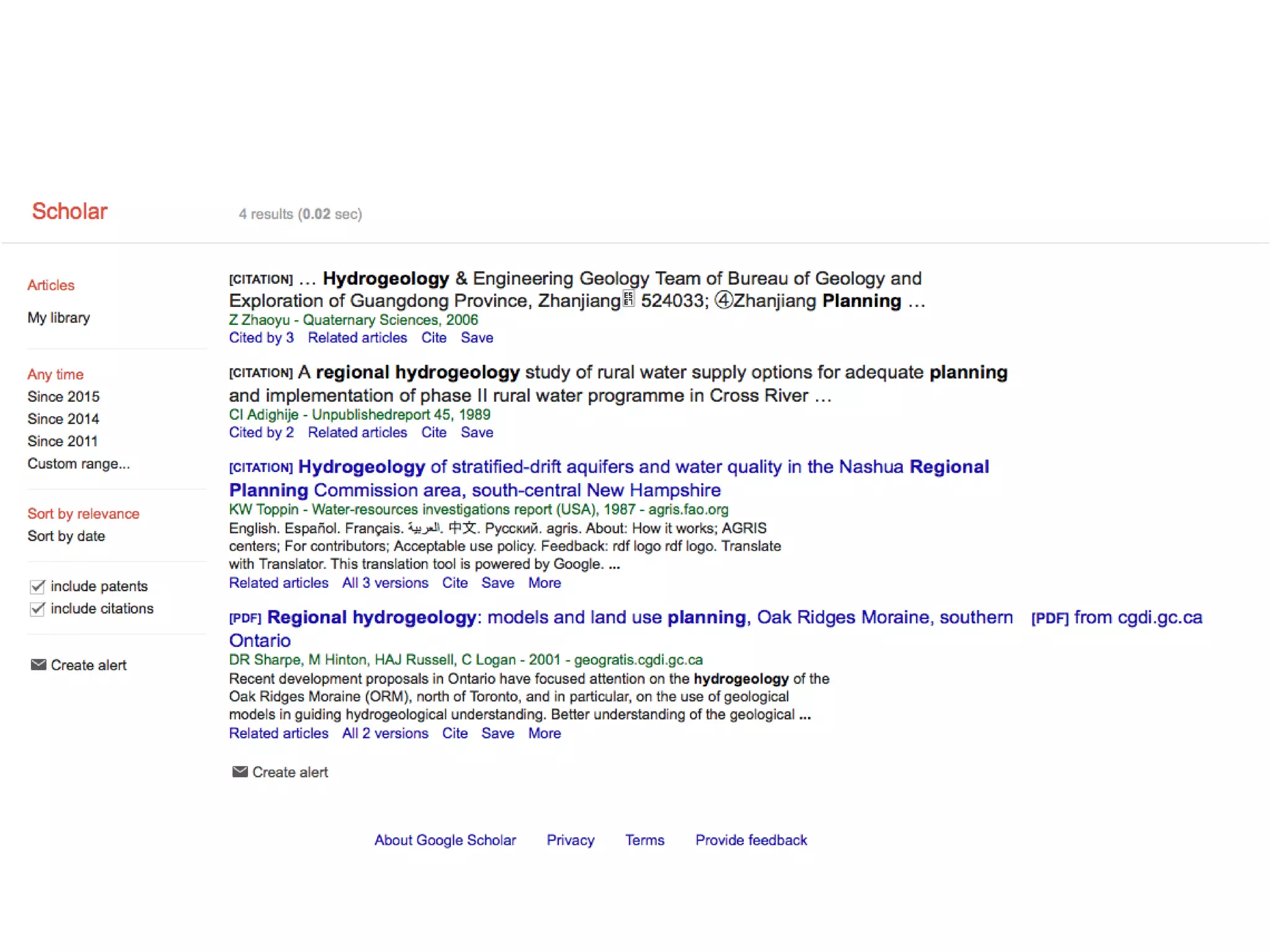
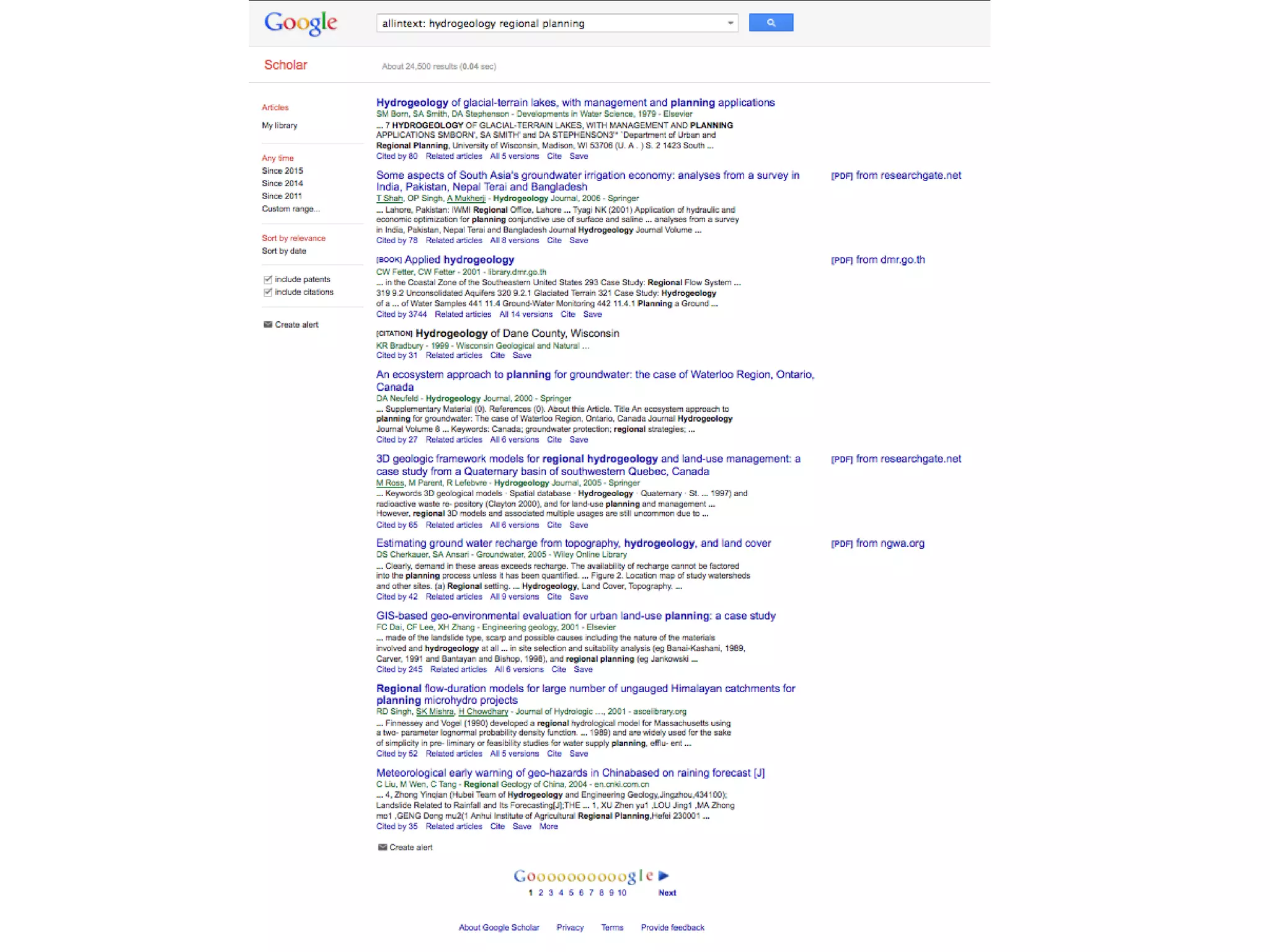
● Allintext: keywords –--------→ allintext: hydrogeology regional planning
● Author: “name” –-------------> author: Irawan, DE ; author: “Dasapta Erwin”
● Site: “site” ----------------------> “hydrogeology regional planning” site:flickr.com
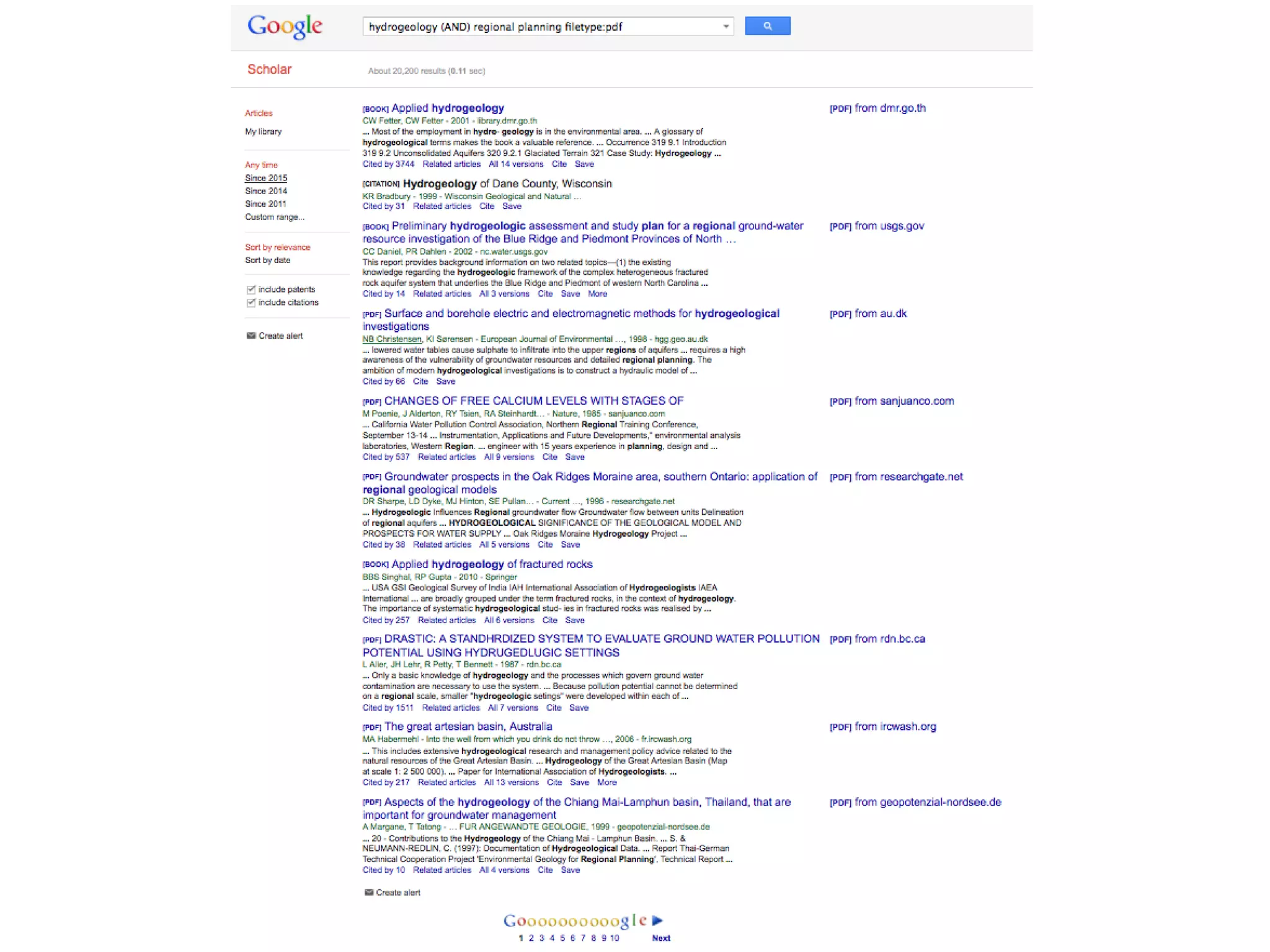
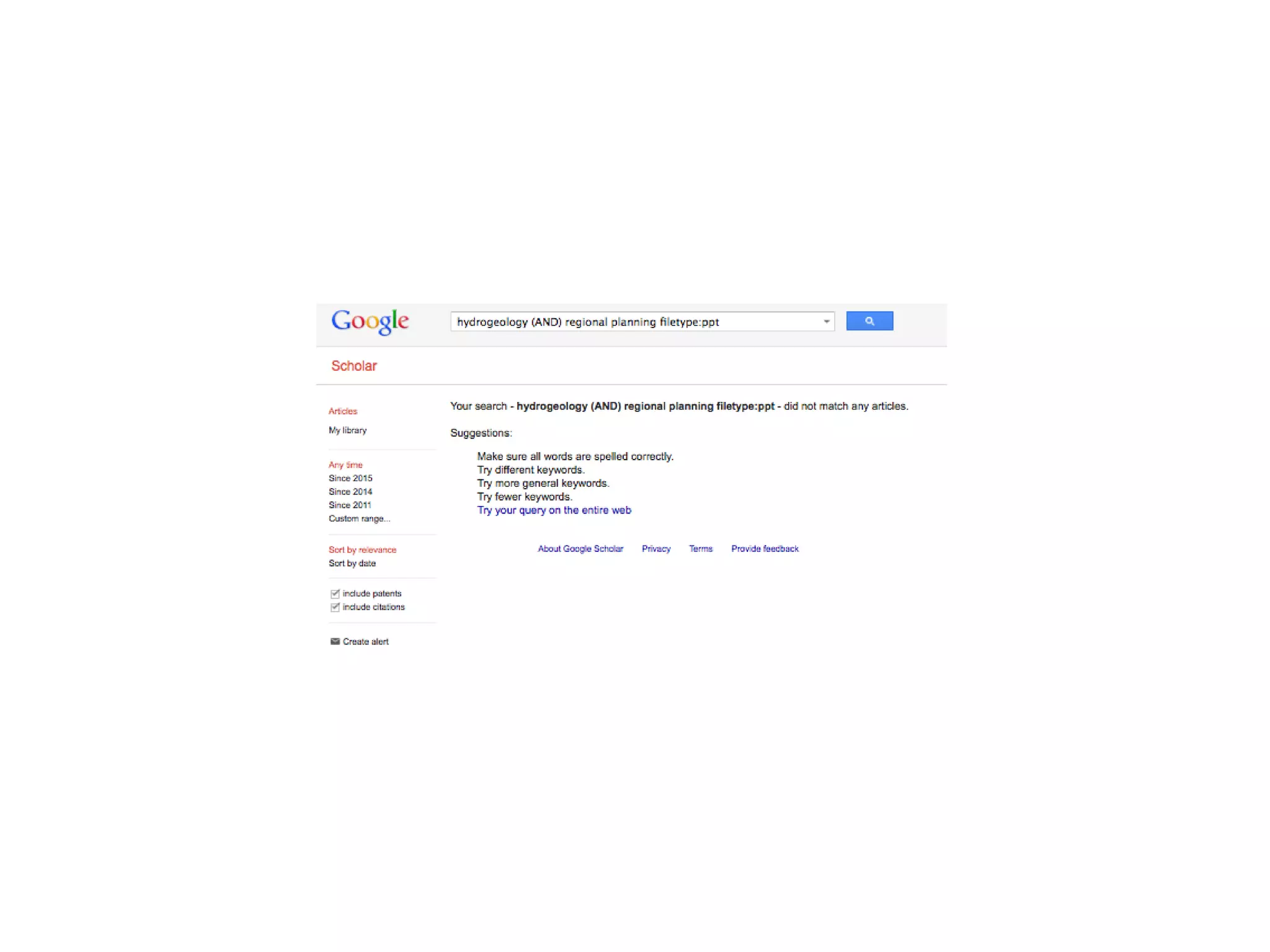
● Filetype:“pdf, doc, xls, etc” → “hydrogeology regional planning” filetype:pdf
Tweaking your keywords
● How to get keywords?
– {Read} and {listen} more
– Try {Google Trends} to get more combinations (
http://www.google.com/trends/
– Use {operators}:
– Use {multiple} sets of keywords
– Use {advanced search} mode
Let's try it out
● Use database:
– Google Scholar
– Scopus
Which one to choose?
● Strongly depends on your {purpose}?
Which one to choose?
● Strongly depends on your {purpose}?
● Use the following {criteria}:
– Number of docs found: use one with the {lowest}
results
Which one to choose?
● Strongly depends on your {purpose}?
● Use the following {criteria}:
– Number of docs found: use one with the {lowest} results
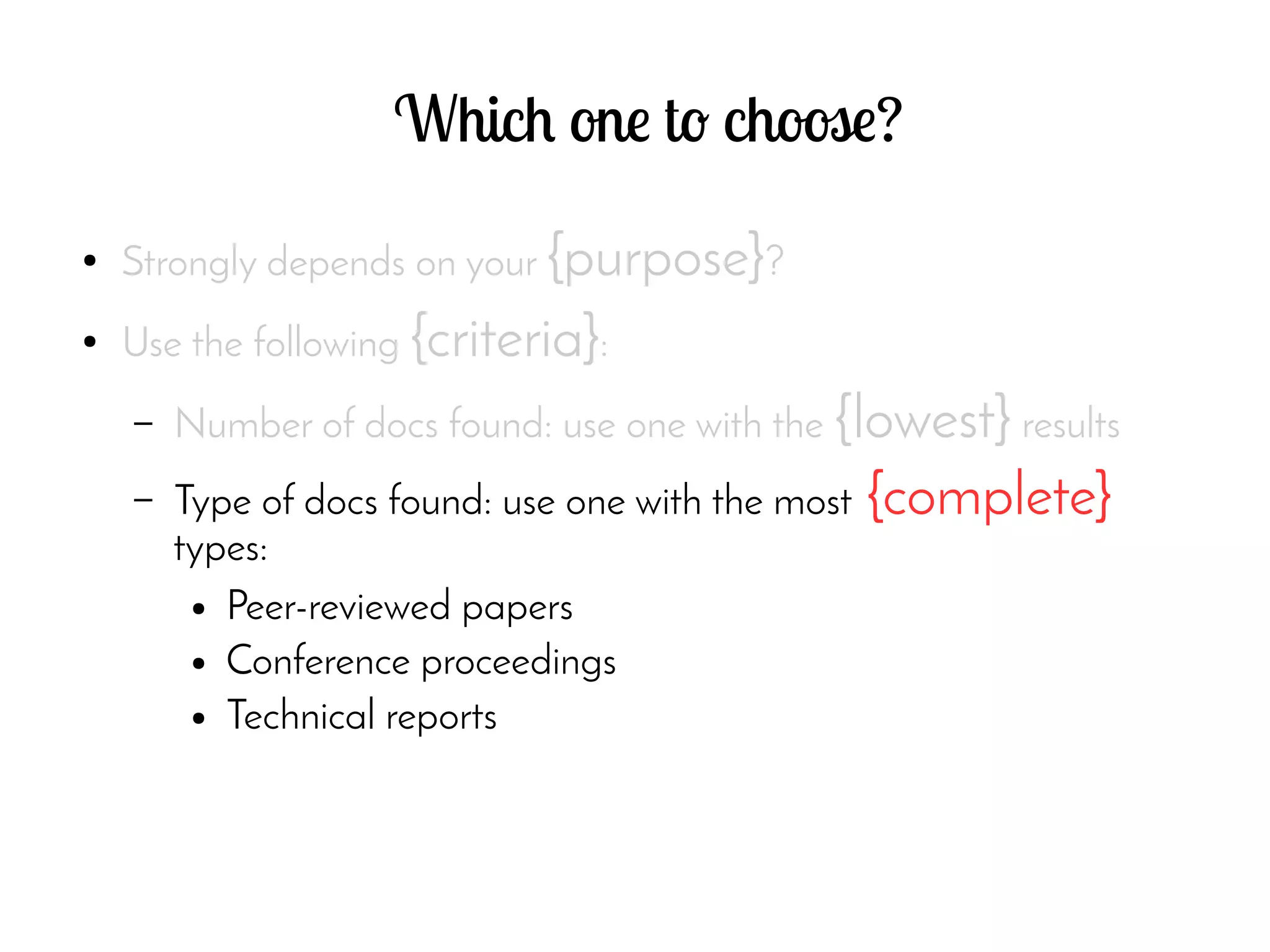
– Type of docs found: use one with the most {complete}
types:
● Peer-reviewed papers
● Conference proceedings
● Technical reports
Now let's try using Scopus
● In class practice
References
[1] Creative Common License site, https://creativecommons.org/licenses/, accessed 15 November 2014.
[2] Zotero site, http://www.zotero.org, accessed 15 November 2014.
[3] Mendeley site, http://www.mendeley.org, accessed 15 November 2014.
[4] Docear site, http://www.docear.org, accessed 15 November 2014.
[5] Endnote (Thomson Reuters) site, http://www.endnote.com, accessed 15 November 2014.
[6] Evernote site, http://www.evernote.com, accessed 15 November 2014.
[7] Growly Note site, http://www.growlybird.com, accessed 15 November 2014.
[8] Microsoft OneNote site, http://www.onenote.com , accessed 15 November 2014.
[9] MaxPlanck Institute of Biochem site,https://www.biochem.mpg.de/en/facilities/ivs/BibMgmt, accessed 15 November 2014.
[10] Scopus scientific database site, http://www.scopus.com, accessed 15 November 2014.
[11] Wikipedia Free Encyclopedia site, http://en.wikipedia.org, accessed 15 November 2014.
[12] JabRef site, http://jabref.sourceforge.net/, accessed 15 November 2014.
[13] BibDesk site, http://bibdesk.sourceforge.net/, accessed 15 November 2014.
[14] Google Scholar site, http://scholar.google.com, accessed 15 November 2014.
[15] Web of Science/Knowledge site, http://thomsonreuters.com/thomson-reuters-web-of-science/, accessed 15 November 2014
[16] ITB Library site, http://www.lib.itb.ac.id, accessed 15 November 2014.
[17] ScienceDirect Database site, http://www.sciencedirect.com, accessed 15 November 2014.
[18] Elsevier Site, http://www.elsevier.com, accessed 15 November 2014.
[19] Springer Sciences site, http://www.springer.com, accessed 15 November 2014.
[20] DOAJ, http://www.doaj.org, accessed 15 November 2014.
[21] PeerJ, http://www.peerj.com, accessed 15 November 2014.
[22] HESS, http://www.hydrol-earth-syst-sci.net/, accessed 15 November 2014.
[23] PLOS one site, http://www.plosone.org/, accessed 15 November 2014.
[24] ArXiv site, http://www.arxiv.org, accessed 15 November 2014.
Dasapta Erwin Irawan 1
Dasapta Erwin Irawan
Faculty of Earth Sciences and Technology
Institut Teknologi Bandung
19 January 2015
Reference management
A mini course_2_1_2
Image: flickr/jasonparis
Dasapta Erwin Irawan 6
Outline
Dasapta Erwin Irawan 7
Part 2: how to retrieve references
● 2.1 Where to find:
– Library and its website
– Databases:
● Free: Google Scholar[13] (free),
● ITB subscription: Scopus[10], Web of science[15],
ITB Library (http://www.lib.itb.ac.id/e-journal, )
http://www.lib.itb.ac.id/e-book
Dasapta Erwin Irawan 8
Part 2: how to retrieve references
● Publishers:
– Conventional: Sciencedirect[17] (options:
conventional, open access), Elsevier[18] (options:
conventional, open access), Springer Sciences[19]
(options: conventional, open access)
– Open access: DOAJ[20], PeerJ[21], HESS[22],
PLOSone[23], ArXiv[24]etc
Dasapta Erwin Irawan 9
Part 2: how to retrieve references
● Community, social media:
– ResearchGate,
– Academia,
– ResearchID.
Dasapta Erwin Irawan 10
Part 2: how to retrieve references
● 2.2 tweaking the keywords
– What is a keyword
– What is keyword's operator
– How to get the best search results
– Use "Google Scholar" alert notification
– How to store the information
Dasapta Erwin Irawan 11
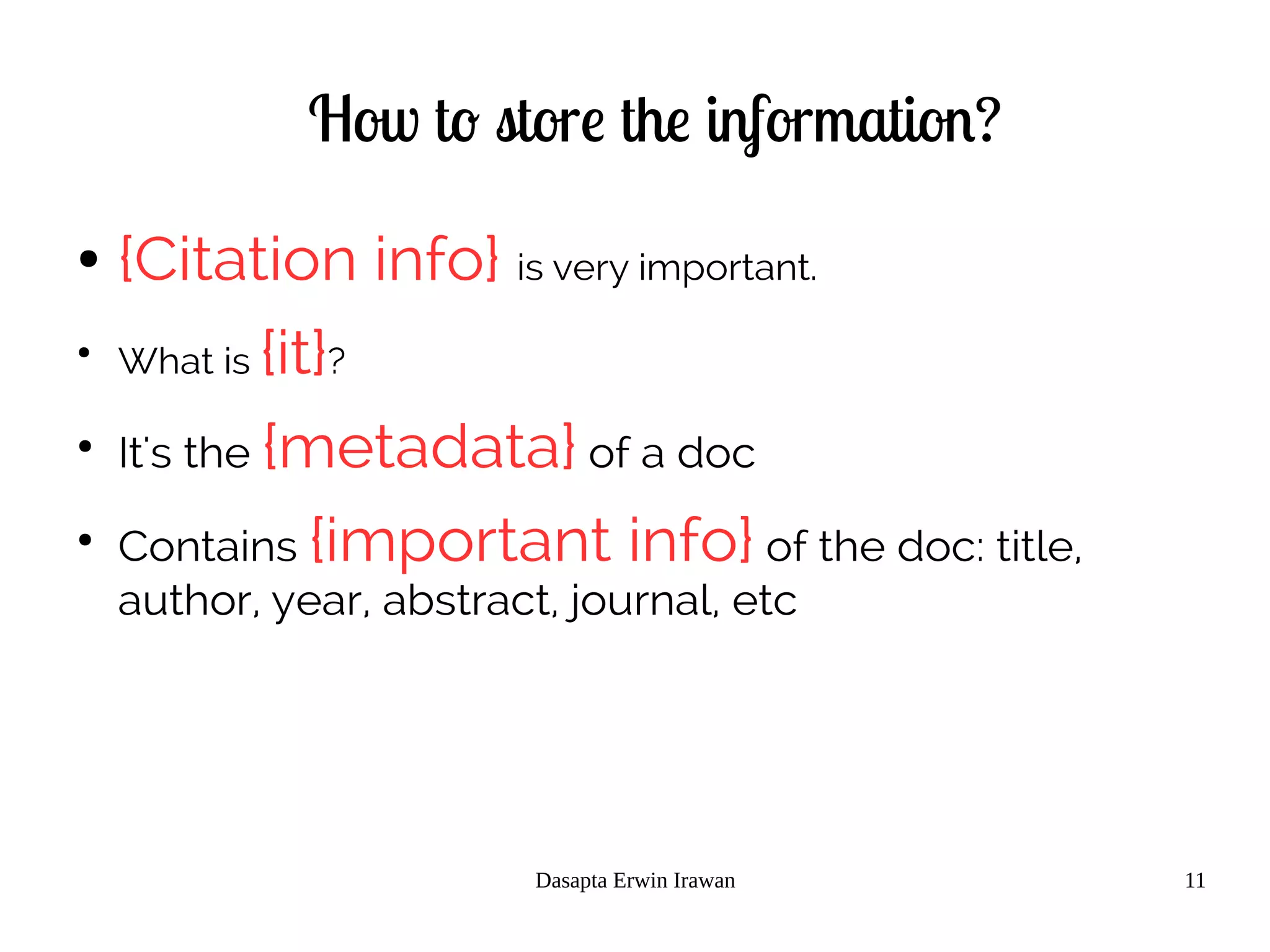
How to store the information?
● {Citation info} is very important.
●
What is {it}?
●
It's the {metadata} of a doc
●
Contains {important info} of the doc: title,
author, year, abstract, journal, etc
Dasapta Erwin Irawan 12
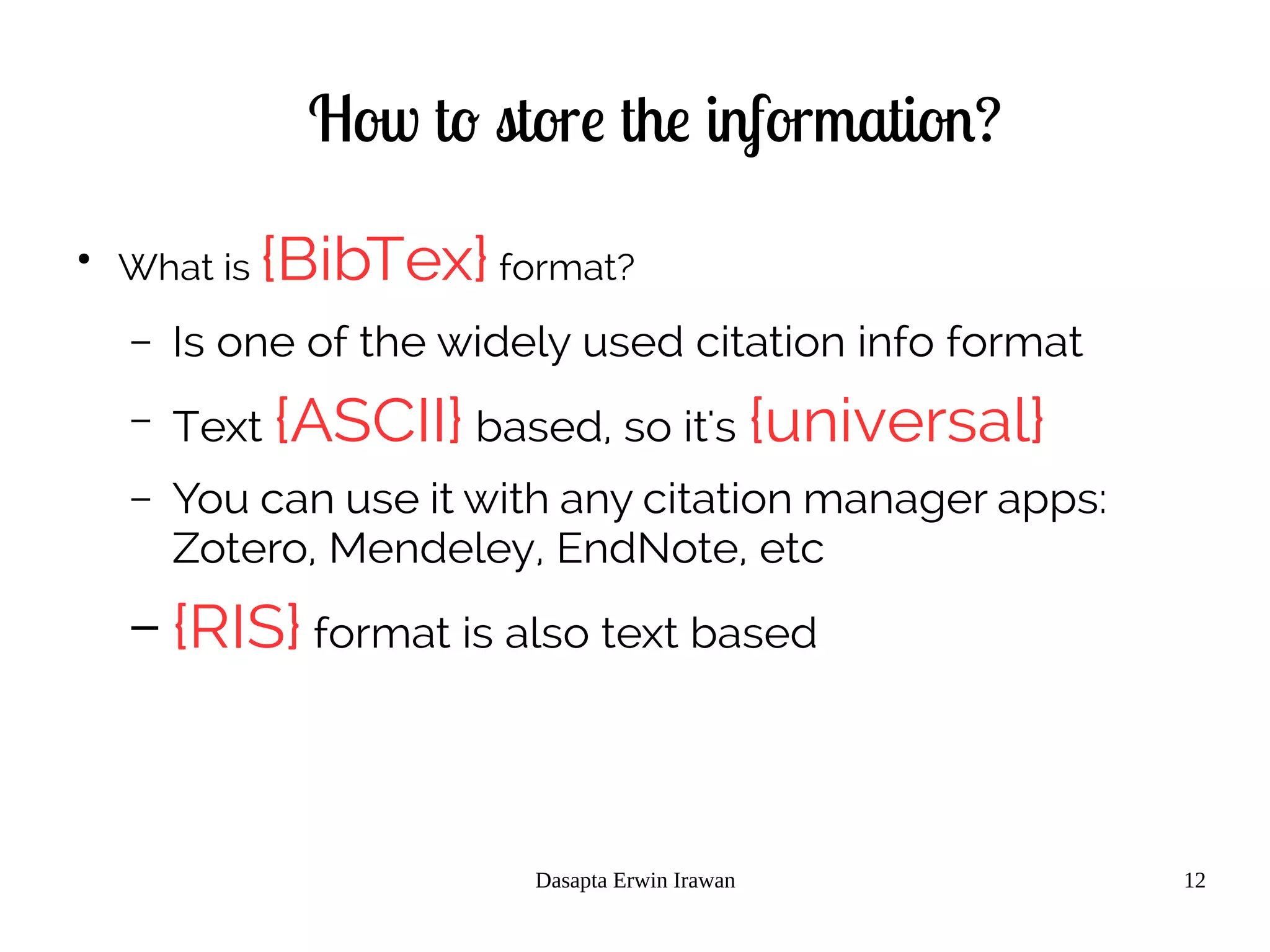
How to store the information?
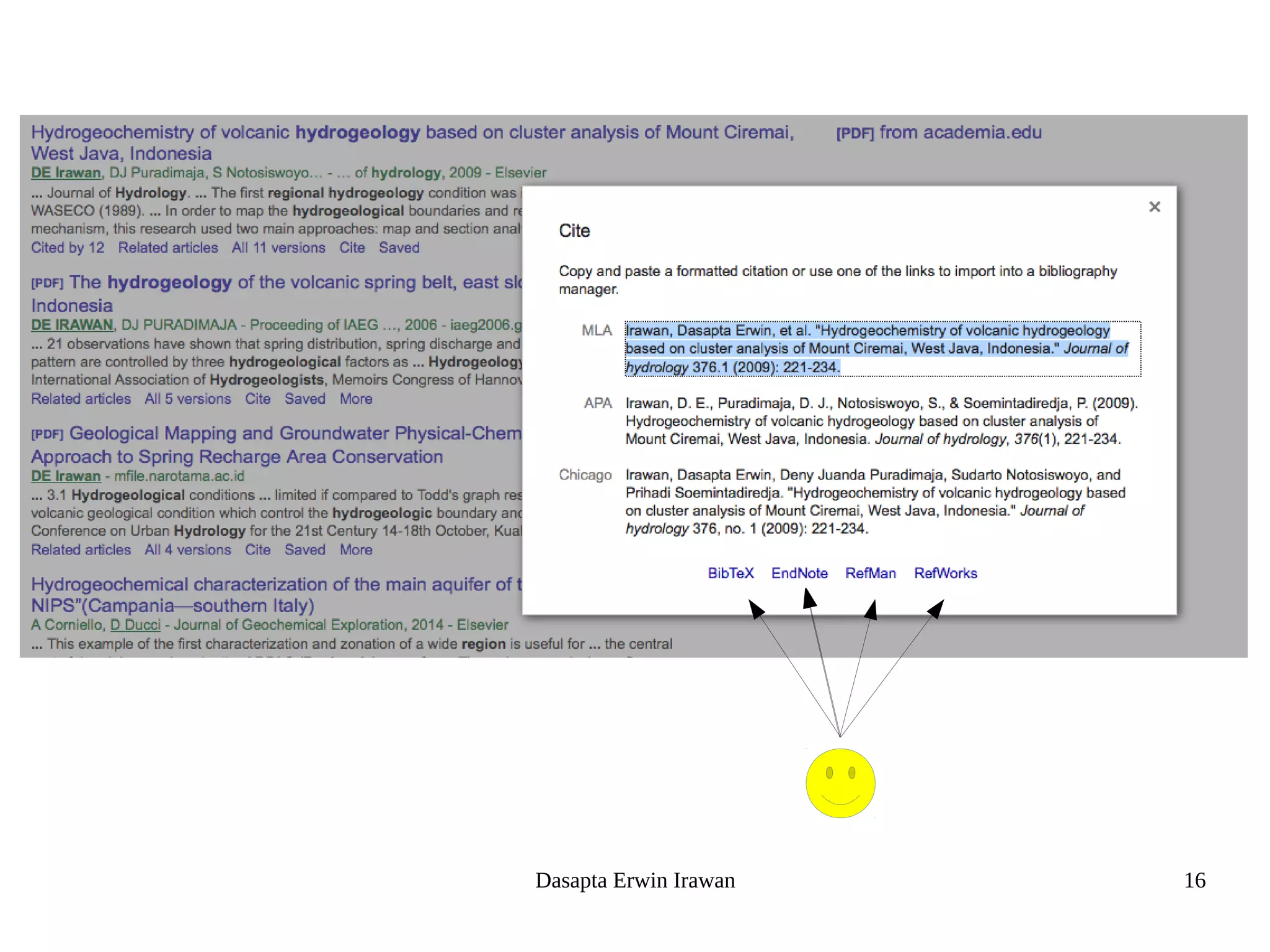
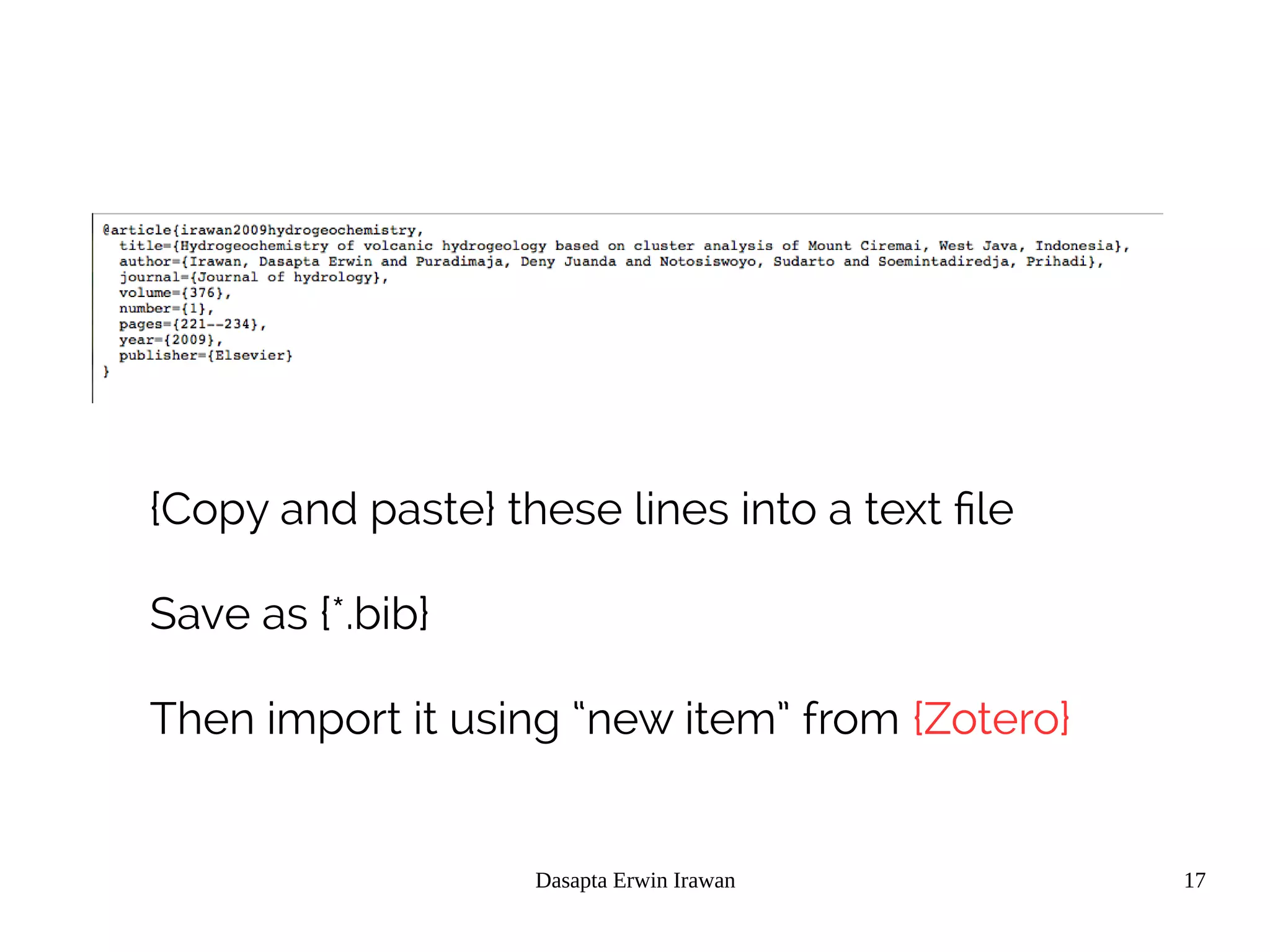
●
What is {BibTex} format?
– Is one of the widely used citation info format
– Text {ASCII} based, so it's {universal}
– You can use it with any citation manager apps:
Zotero, Mendeley, EndNote, etc
– {RIS} format is also text based
Dasapta Erwin Irawan 13
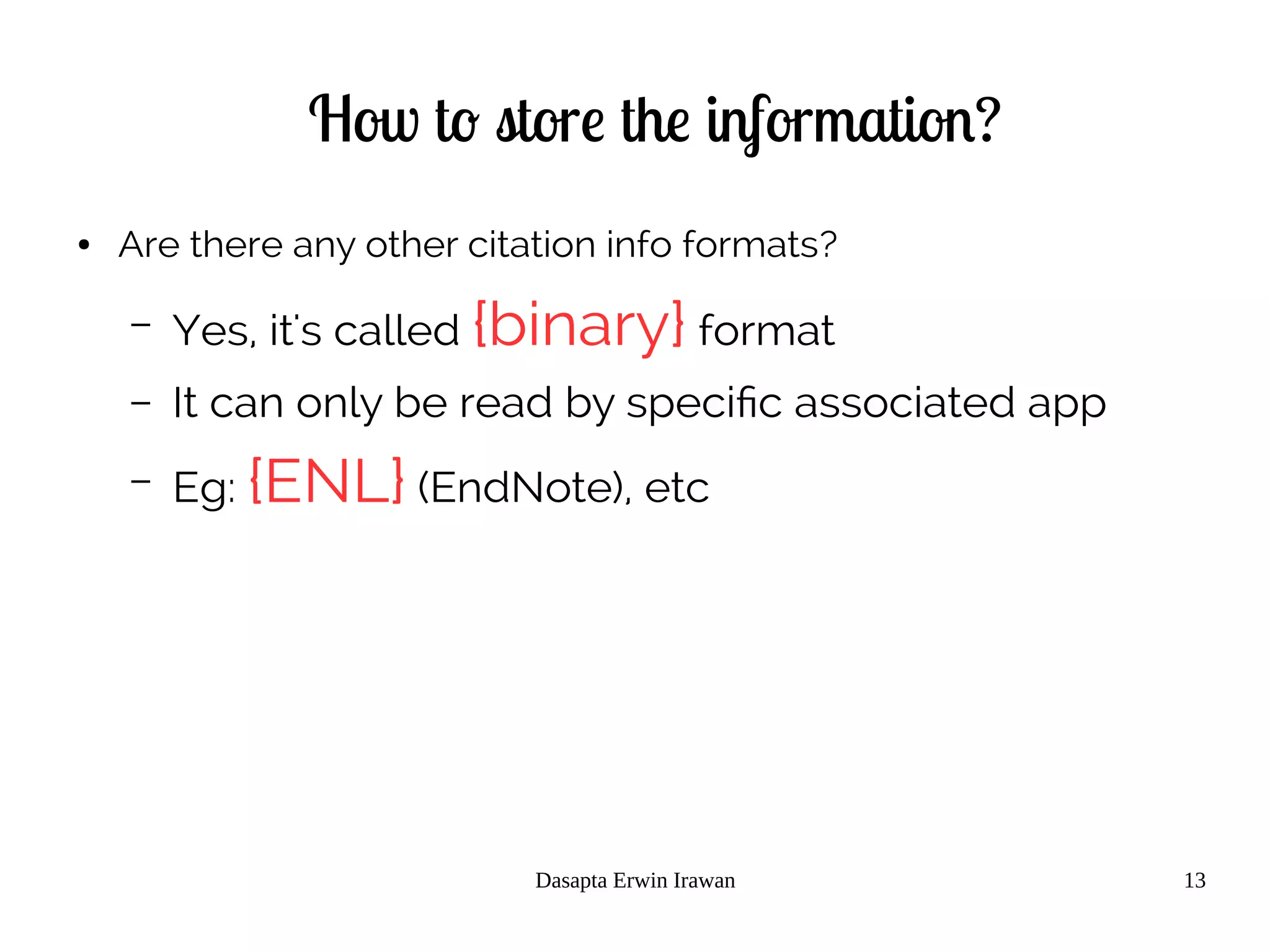
How to store the information?
● Are there any other citation info formats?
– Yes, it's called {binary} format
– It can only be read by specific associated app
– Eg: {ENL} (EndNote), etc
Dasapta Erwin Irawan 14
How to store the information?
●
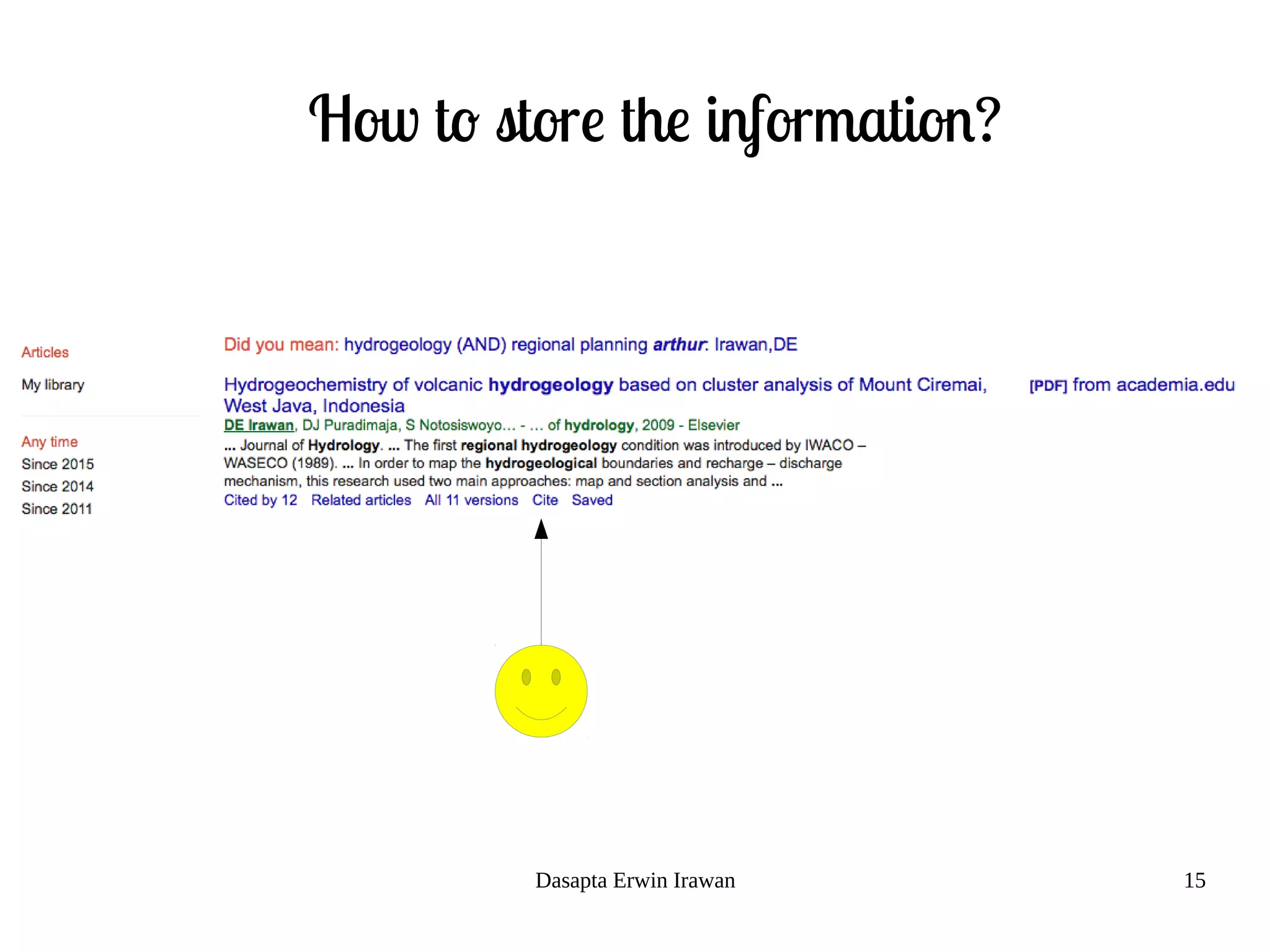
How to get {citation info}?
– Look for button or menu
– {Cite} or
– {Export citation} or
– {Download citation}
Dasapta Erwin Irawan 15
How to store the information?
Dasapta Erwin Irawan 16
Dasapta Erwin Irawan 17
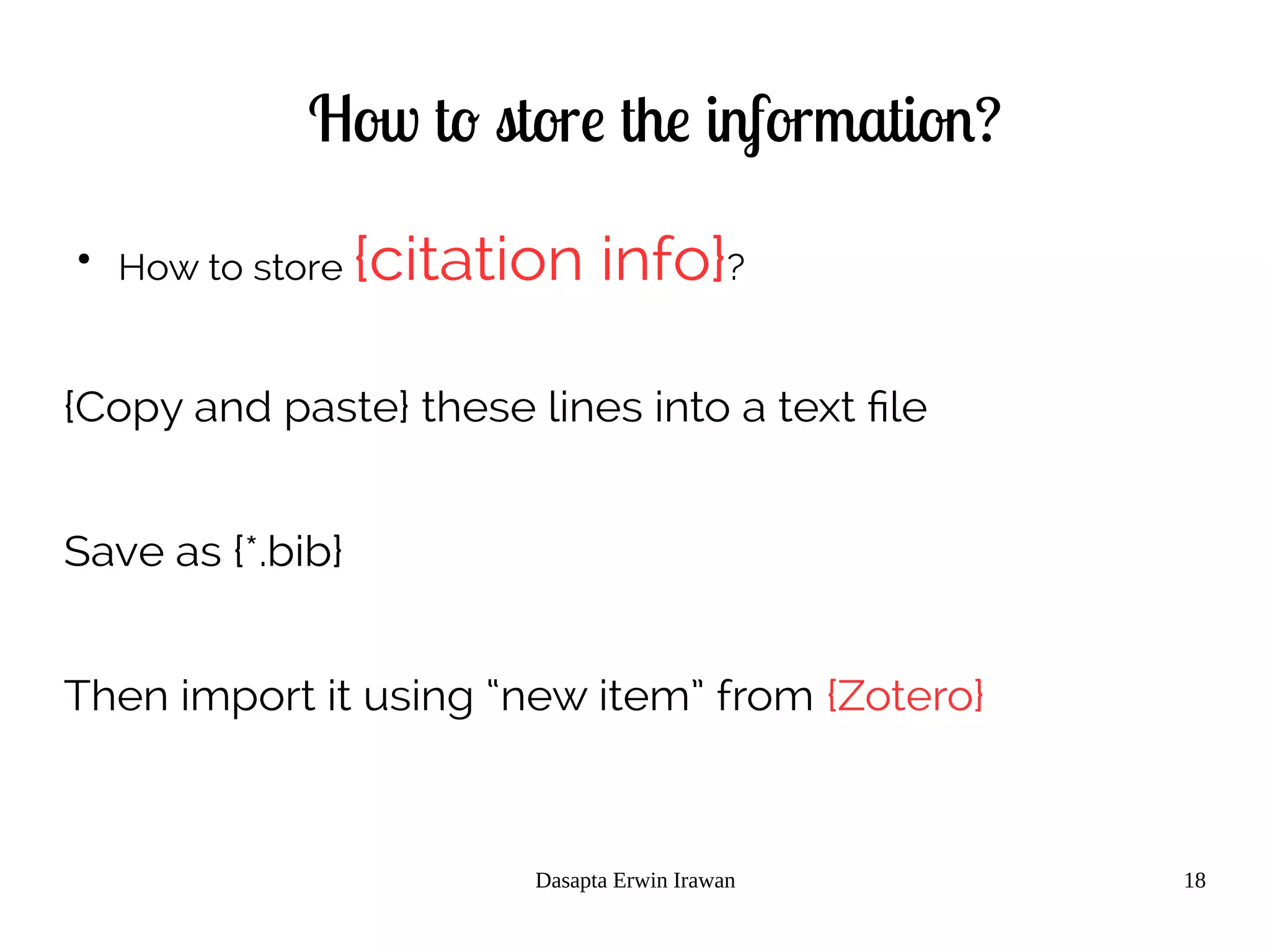
{Copy and paste} these lines into a text file
Save as {*.bib}
Then import it using “new item” from {Zotero}
Dasapta Erwin Irawan 18
How to store the information?
●
How to store {citation info}?
{Copy and paste} these lines into a text file
Save as {*.bib}
Then import it using “new item” from {Zotero}
Dasapta Erwin Irawan 19
How to store it?
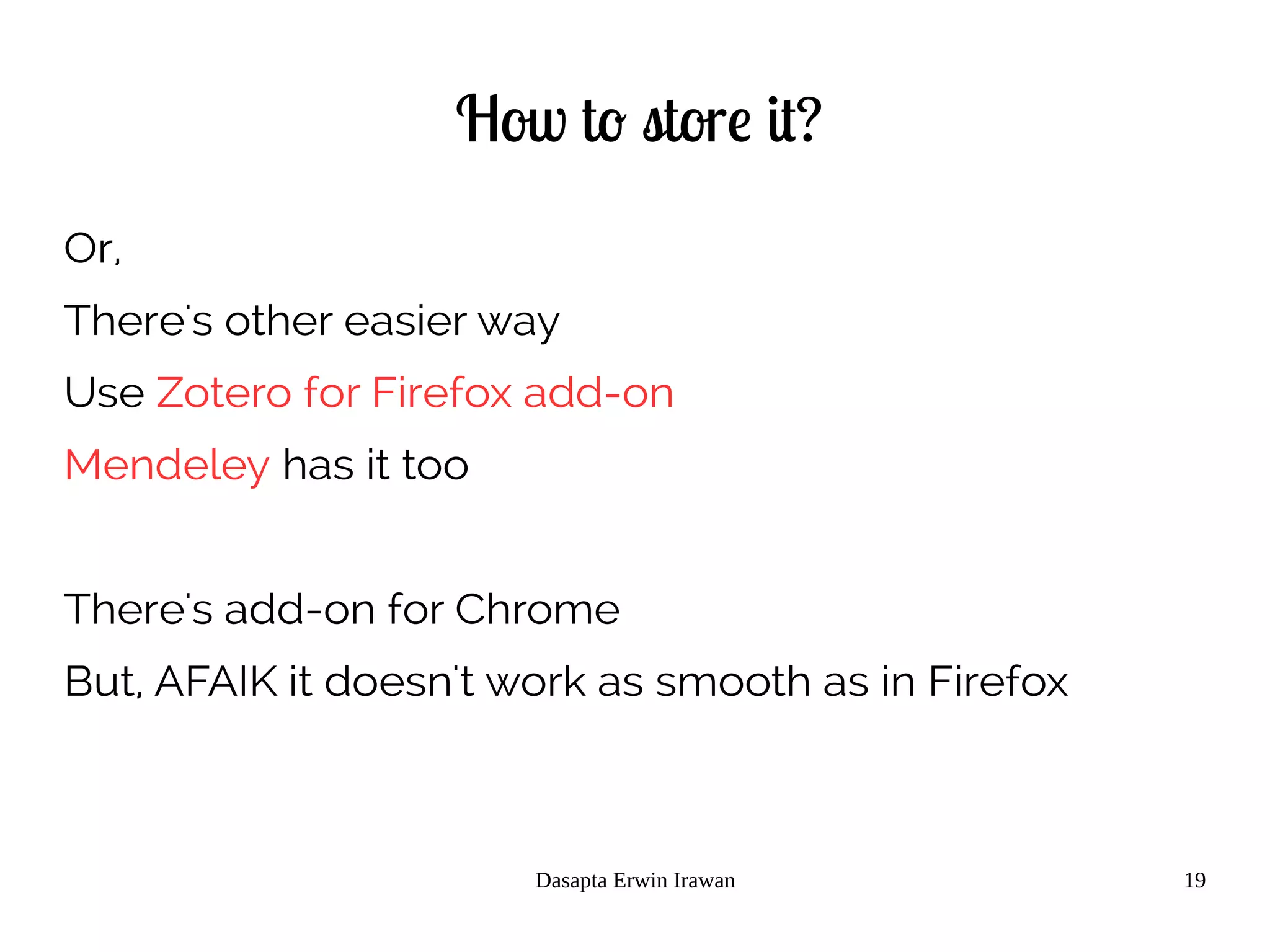
Or,
There's other easier way
Use Zotero for Firefox add-on
Mendeley has it too
There's add-on for Chrome
But, AFAIK it doesn't work as smooth as in Firefox
Dasapta Erwin Irawan 20
Now let's try some exercise
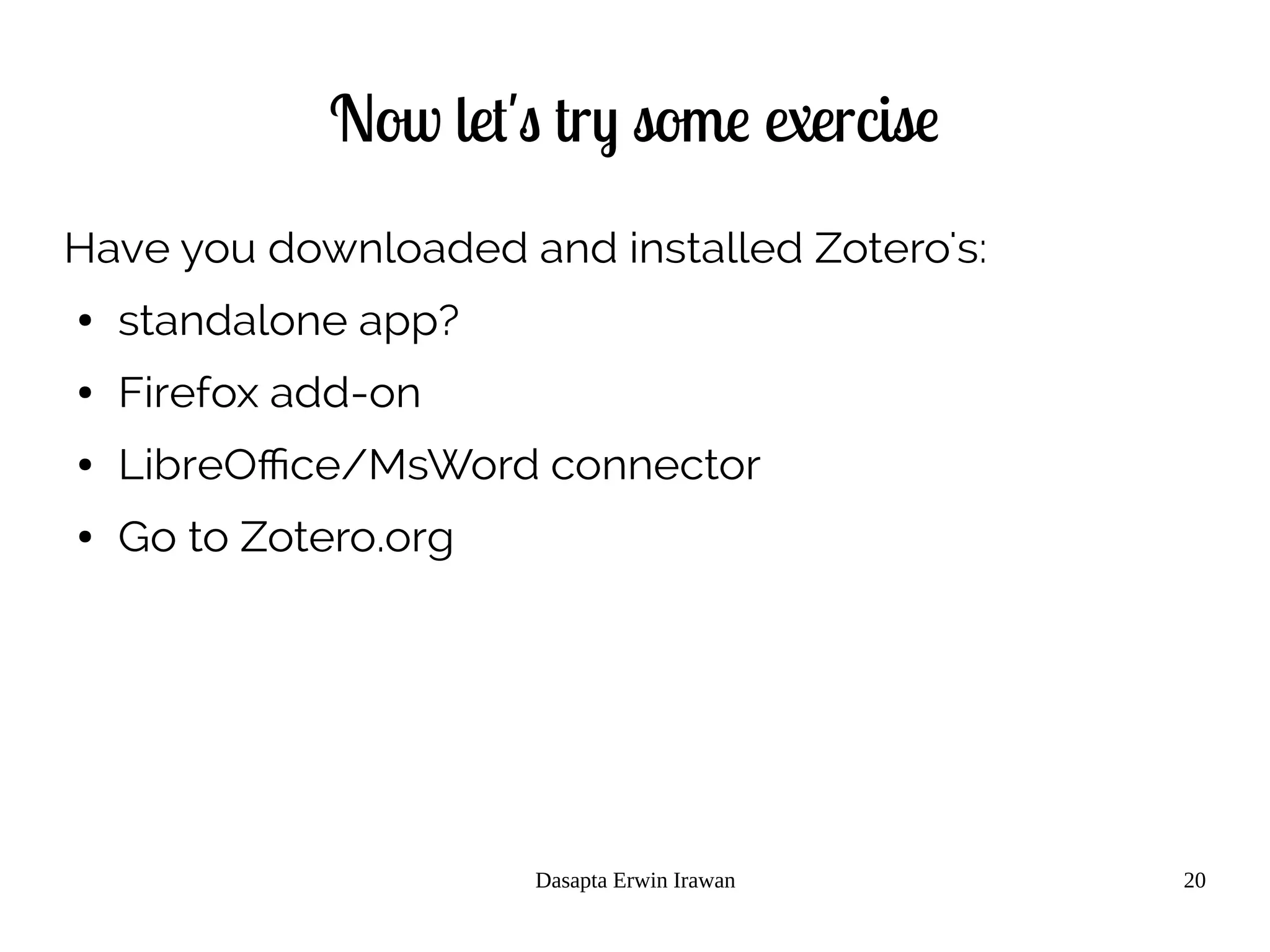
Have you downloaded and installed Zotero's:
● standalone app?
● Firefox add-on
● LibreOffice/MsWord connector
● Go to Zotero.org
Dasapta Erwin Irawan 21
Now let's try some exercise
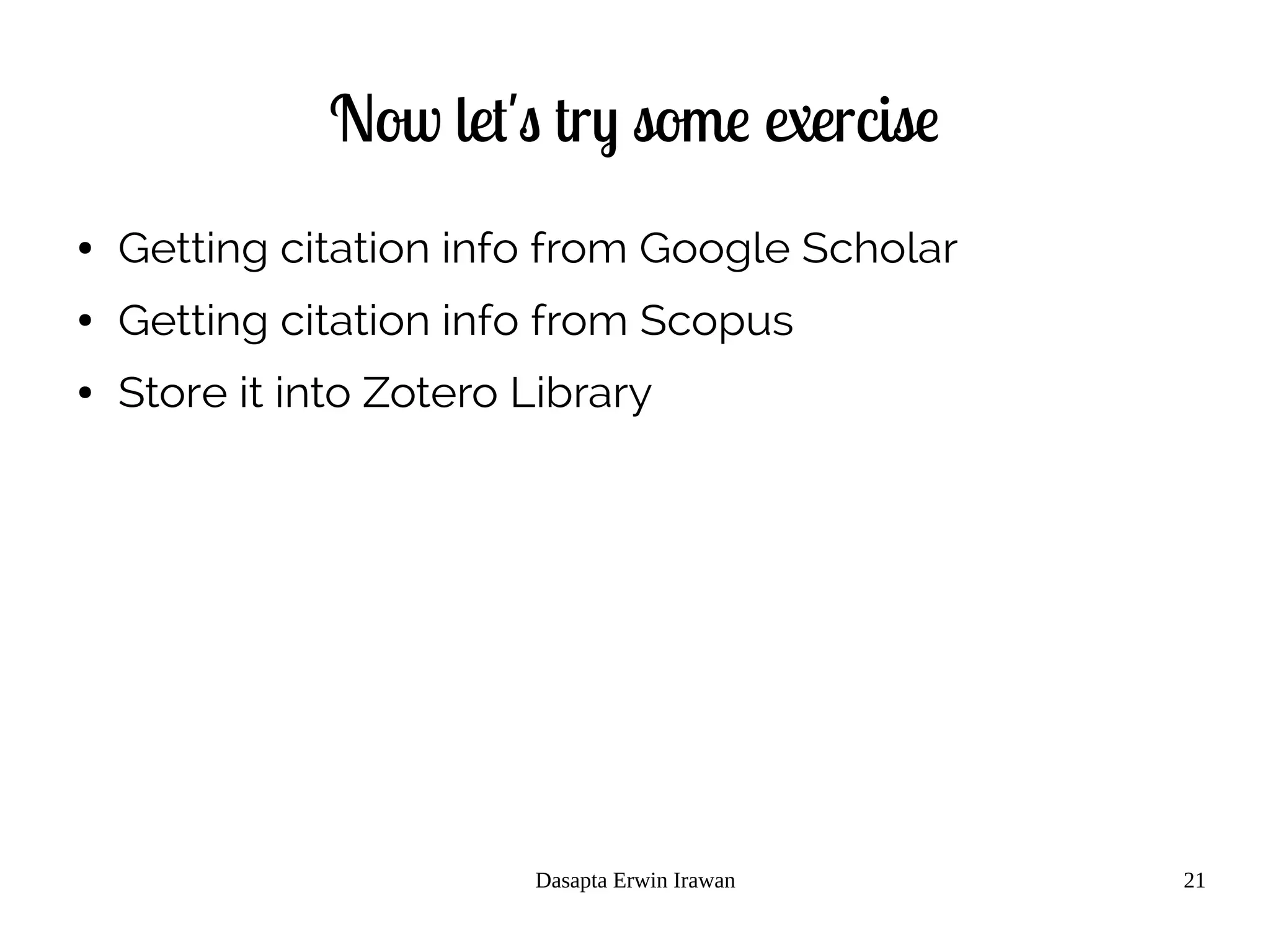
● Getting citation info from Google Scholar
● Getting citation info from Scopus
● Store it into Zotero Library
References
[1] Creative Common License site, https://creativecommons.org/licenses/, accessed 15 November 2014.
[2] Zotero site, http://www.zotero.org, accessed 15 November 2014.
[3] Mendeley site, http://www.mendeley.org, accessed 15 November 2014.
[4] Docear site, http://www.docear.org, accessed 15 November 2014.
[5] Endnote (Thomson Reuters) site, http://www.endnote.com, accessed 15 November 2014.
[6] Evernote site, http://www.evernote.com, accessed 15 November 2014.
[7] Growly Note site, http://www.growlybird.com, accessed 15 November 2014.
[8] Microsoft OneNote site, http://www.onenote.com , accessed 15 November 2014.
[9] MaxPlanck Institute of Biochem site,https://www.biochem.mpg.de/en/facilities/ivs/BibMgmt, accessed 15 November 2014.
[10] Scopus scientific database site, http://www.scopus.com, accessed 15 November 2014.
[11] Wikipedia Free Encyclopedia site, http://en.wikipedia.org, accessed 15 November 2014.
[12] JabRef site, http://jabref.sourceforge.net/, accessed 15 November 2014.
[13] BibDesk site, http://bibdesk.sourceforge.net/, accessed 15 November 2014.
[14] Google Scholar site, http://scholar.google.com, accessed 15 November 2014.
[15] Web of Science/Knowledge site, http://thomsonreuters.com/thomson-reuters-web-of-science/, accessed 15 November 2014
[16] ITB Library site, http://www.lib.itb.ac.id, accessed 15 November 2014.
[17] ScienceDirect Database site, http://www.sciencedirect.com, accessed 15 November 2014.
[18] Elsevier Site, http://www.elsevier.com, accessed 15 November 2014.
[19] Springer Sciences site, http://www.springer.com, accessed 15 November 2014.
[20] DOAJ, http://www.doaj.org, accessed 15 November 2014.
[21] PeerJ, http://www.peerj.com, accessed 15 November 2014.
[22] HESS, http://www.hydrol-earth-syst-sci.net/, accessed 15 November 2014.
[23] PLOS one site, http://www.plosone.org/, accessed 15 November 2014.
[24] ArXiv site, http://www.arxiv.org, accessed 15 November 2014.
Dasapta Erwin Irawan
Faculty of Earth Sciences and Technology
Institut Teknologi Bandung
19 January 2015
Reference management
A mini course_2_2
Image: flickr/jasonparis
Let's try some inclass exercise
● Go to to any other databases
● Eg:
– ArXiv.org
– Sciencedirect.com
– Proquest.com
– Etc
Let's try some inclass exercise
● Use your own sets of keywords
Let's try some inclass exercise
● Do some analysis
● Eg:
– How many docs in the results
– What types of doc
– How is the yearly distribution
– What are the author's affilitions
– What are the author's country of origins
Let's try some inclass exercise
● Store the citation in your Zotero library
● Attach the associated pdfs
Let's try some inclass exercise
● Try to make some notes on a selected paper
References
[1] Creative Common License site, https://creativecommons.org/licenses/, accessed 15 November 2014.
[2] Zotero site, http://www.zotero.org, accessed 15 November 2014.
[3] Mendeley site, http://www.mendeley.org, accessed 15 November 2014.
[4] Docear site, http://www.docear.org, accessed 15 November 2014.
[5] Endnote (Thomson Reuters) site, http://www.endnote.com, accessed 15 November 2014.
[6] Evernote site, http://www.evernote.com, accessed 15 November 2014.
[7] Growly Note site, http://www.growlybird.com, accessed 15 November 2014.
[8] Microsoft OneNote site, http://www.onenote.com , accessed 15 November 2014.
[9] MaxPlanck Institute of Biochem site,https://www.biochem.mpg.de/en/facilities/ivs/BibMgmt, accessed 15 November 2014.
[10] Scopus scientific database site, http://www.scopus.com, accessed 15 November 2014.
[11] Wikipedia Free Encyclopedia site, http://en.wikipedia.org, accessed 15 November 2014.
[12] JabRef site, http://jabref.sourceforge.net/, accessed 15 November 2014.
[13] BibDesk site, http://bibdesk.sourceforge.net/, accessed 15 November 2014.
[14] Google Scholar site, http://scholar.google.com, accessed 15 November 2014.
[15] Web of Science/Knowledge site, http://thomsonreuters.com/thomson-reuters-web-of-science/, accessed 15 November 2014
[16] ITB Library site, http://www.lib.itb.ac.id, accessed 15 November 2014.
[17] ScienceDirect Database site, http://www.sciencedirect.com, accessed 15 November 2014.
[18] Elsevier Site, http://www.elsevier.com, accessed 15 November 2014.
[19] Springer Sciences site, http://www.springer.com, accessed 15 November 2014.
[20] DOAJ, http://www.doaj.org, accessed 15 November 2014.
[21] PeerJ, http://www.peerj.com, accessed 15 November 2014.
[22] HESS, http://www.hydrol-earth-syst-sci.net/, accessed 15 November 2014.
[23] PLOS one site, http://www.plosone.org/, accessed 15 November 2014.
[24] ArXiv site, http://www.arxiv.org, accessed 15 November 2014.
Dasapta Erwin Irawan
Faculty of Earth Sciences and Technology
Institut Teknologi Bandung
19 January 2015
Reference management
A mini course_3
Using Zotero
Image: flickr/jasonparis
Outline
● 3.1 Terms in Zotero
● 3.2 Adding item
● 3.3 Attaching pdf
● 3.4 Adding notes
● 3.5 Choosing and adding citation style (csl)
● 3.6 Searching item
● 3.7 Exporting library, collection, sub collection
● 3.8 Syncing library
● 3.9 Connecting Zotero to Firefox
● 3.10 Connecting Zotero to word processor:
– 3.10.1 LibreOffice
– 3.10.2 Microsoft Word
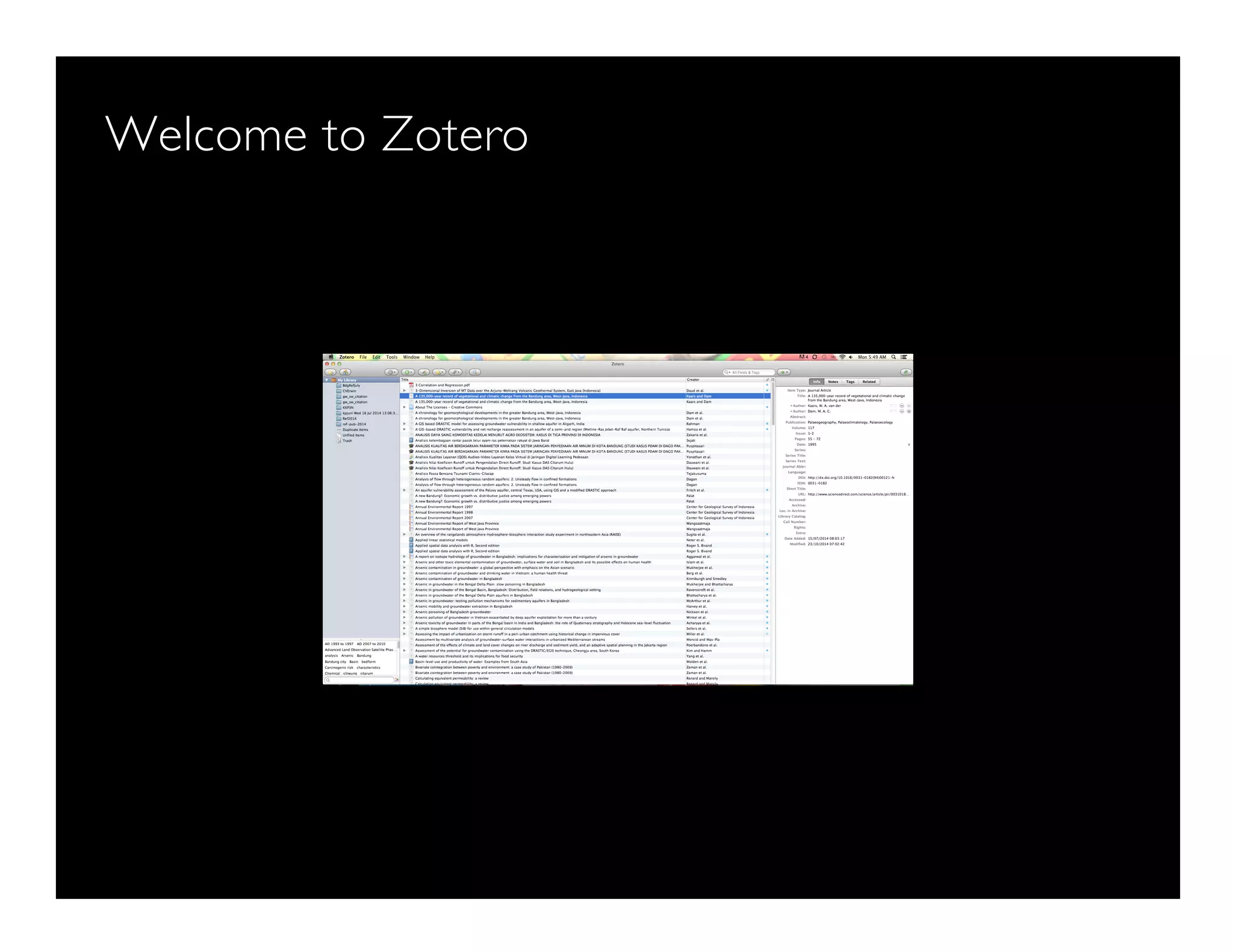
Welcome to Zotero
Some terms
Terms
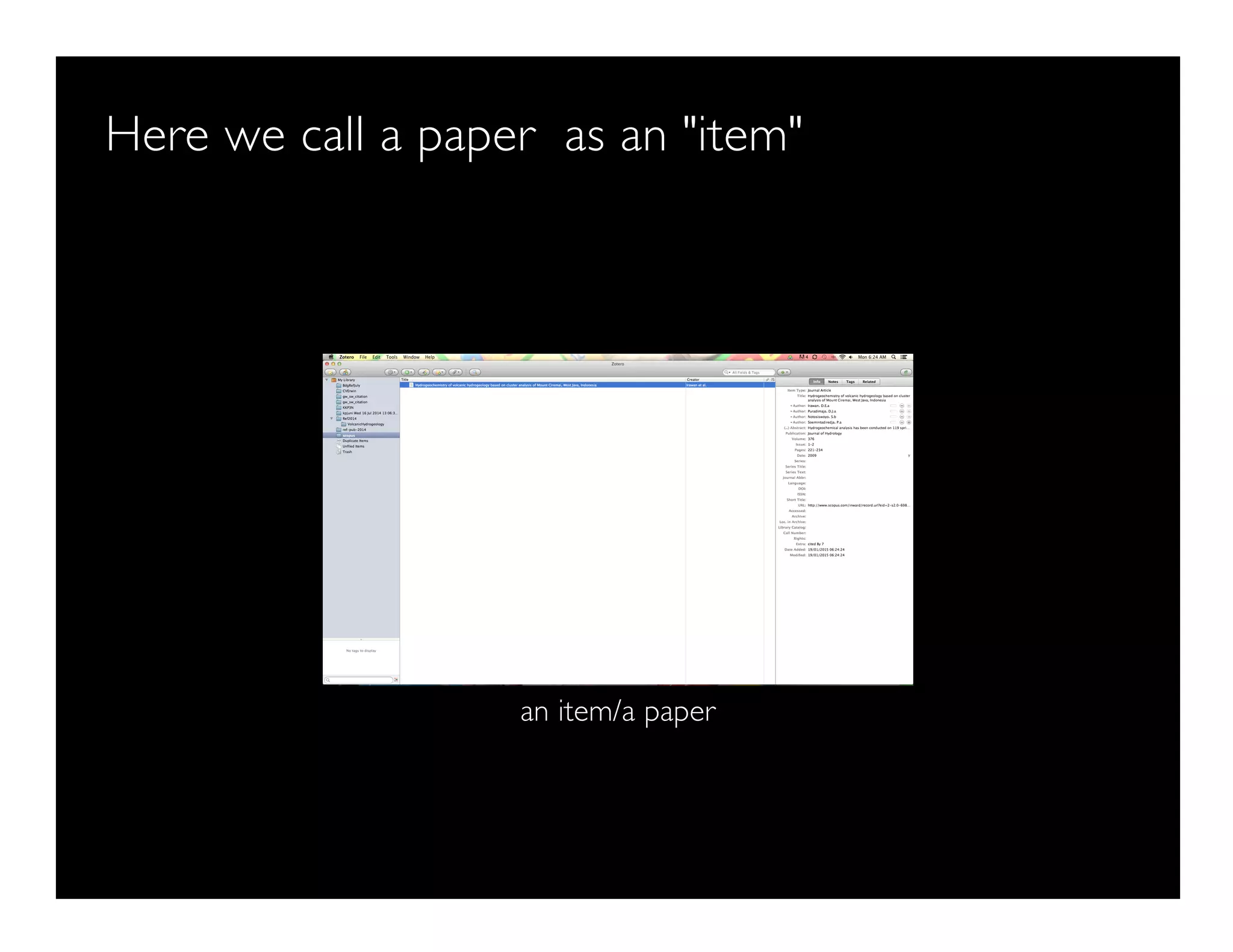
Here we call a paper as an "item"
an item/a paper
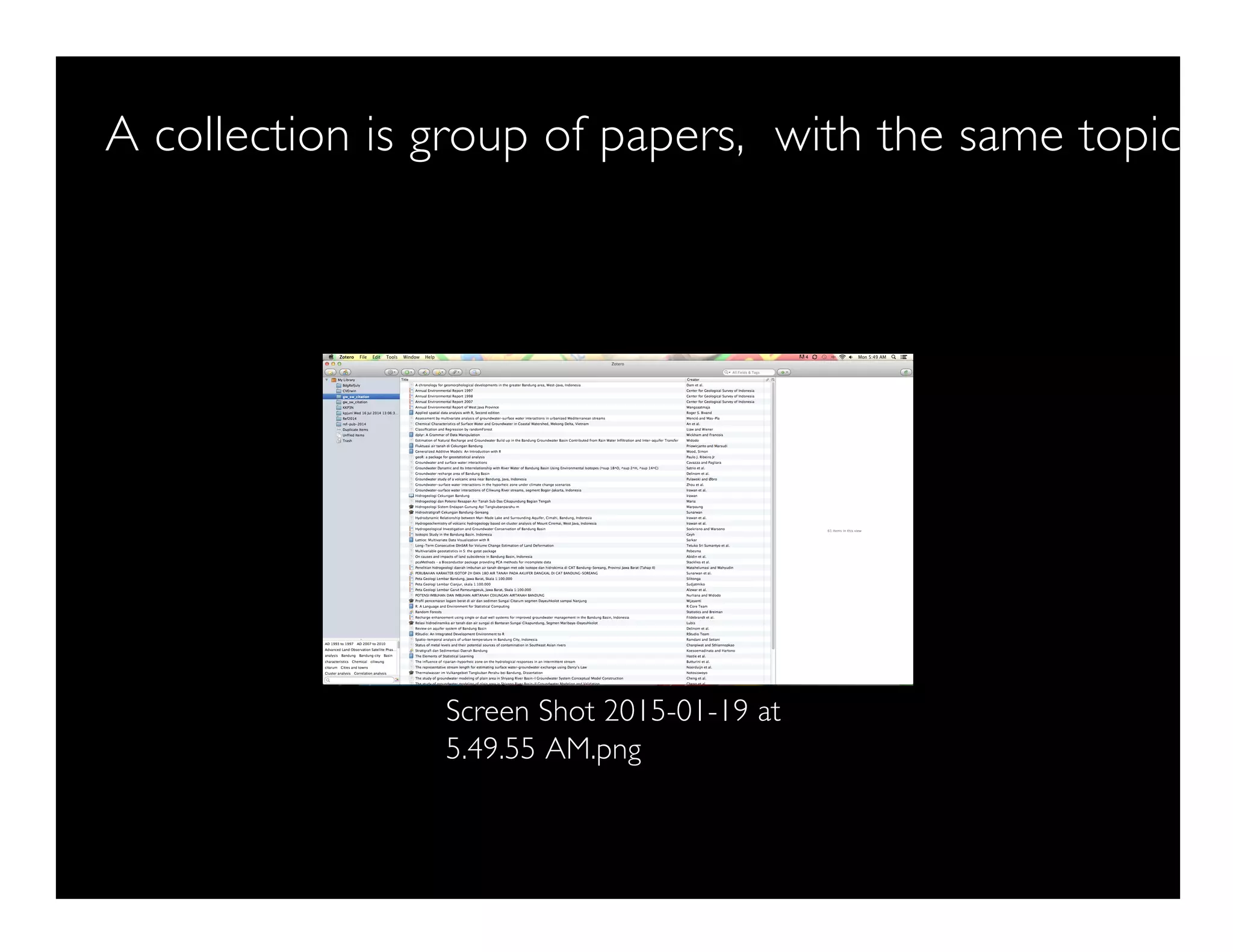
A collection is group of papers, with the same topic
Screen Shot 2015-01-19 at
5.49.55 AM.png
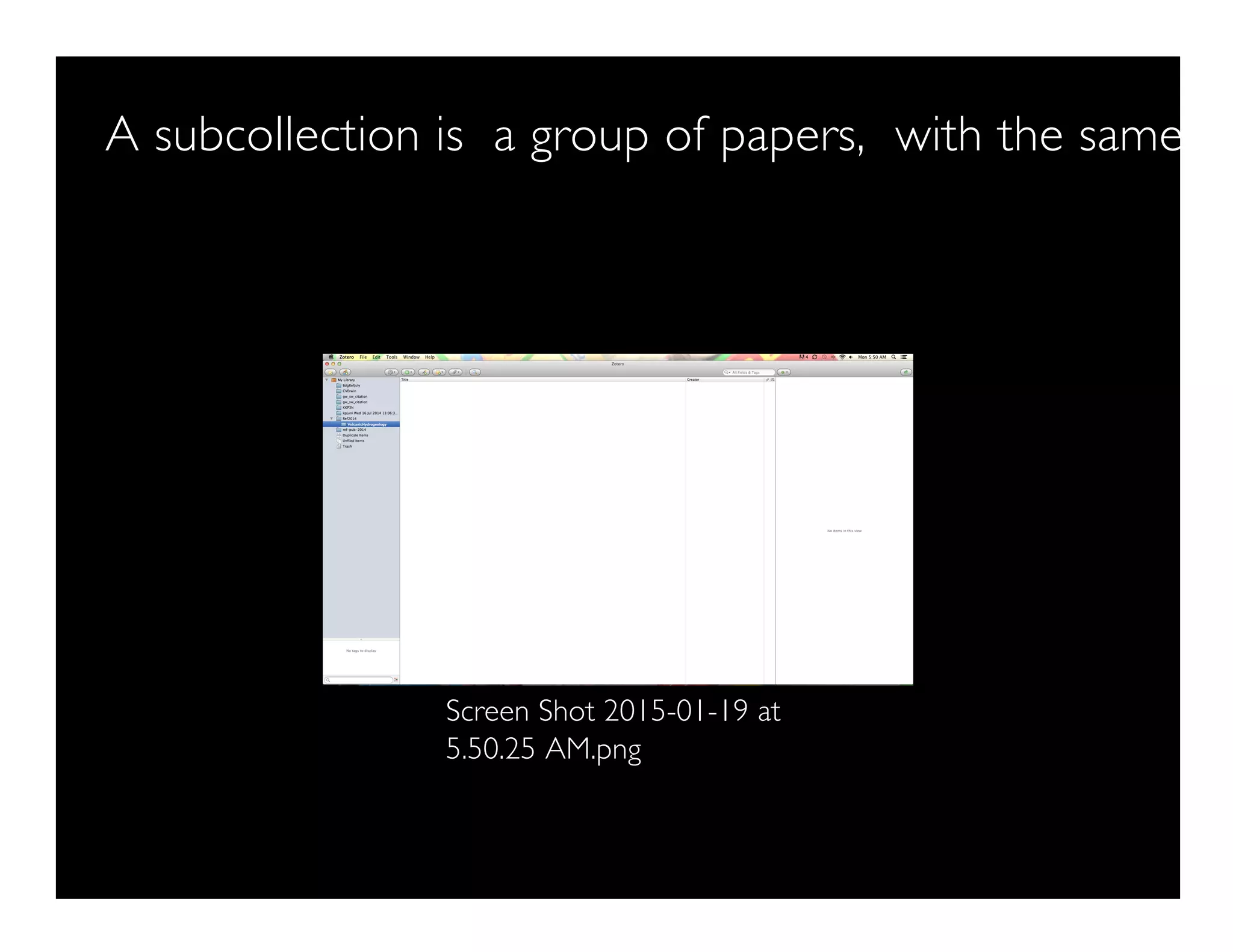
A subcollection is a group of papers, with the same su
Screen Shot 2015-01-19 at
5.50.25 AM.png
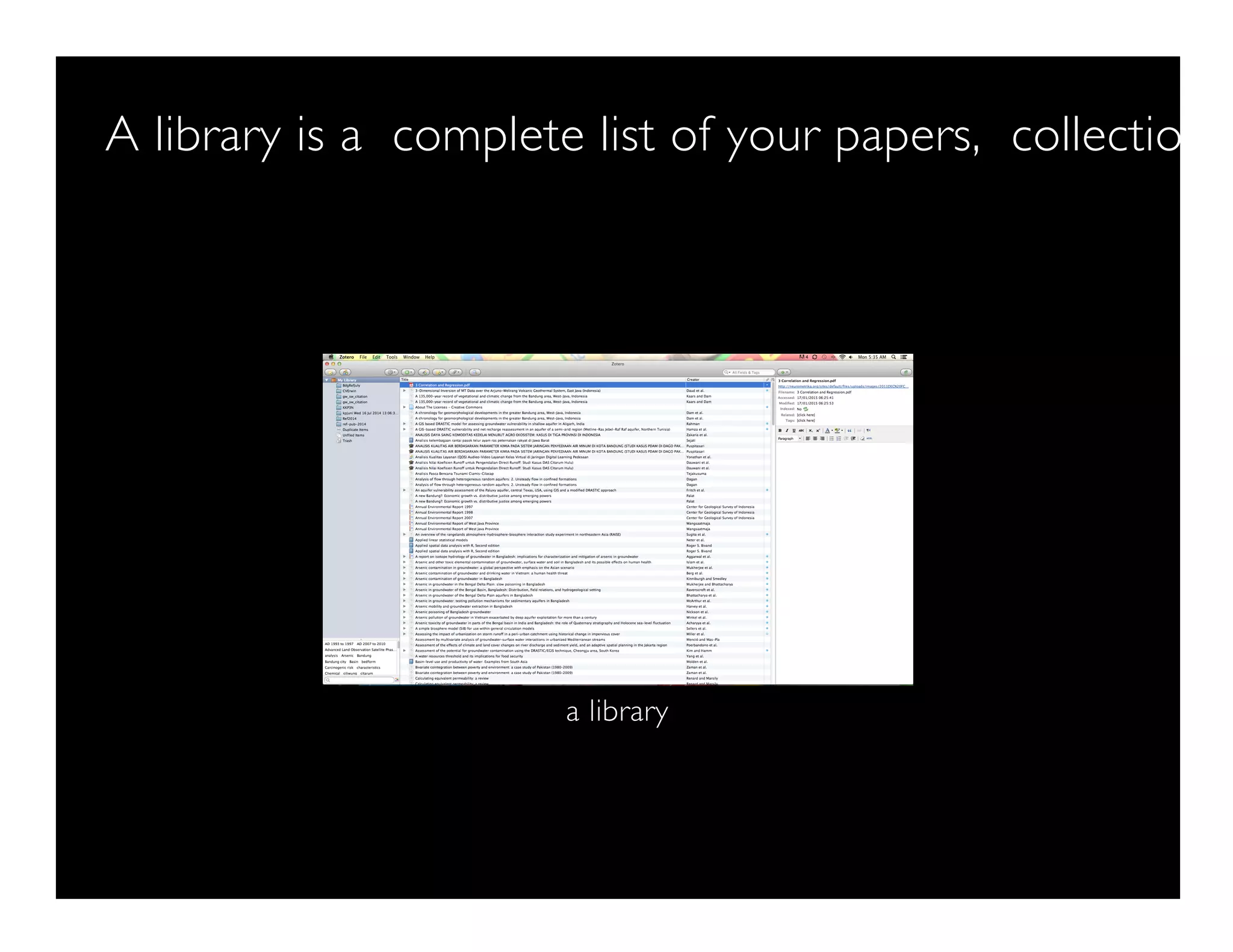
A library is a complete list of your papers, collections,
a library
How to add a new item/paper
Manually Menu > New Item
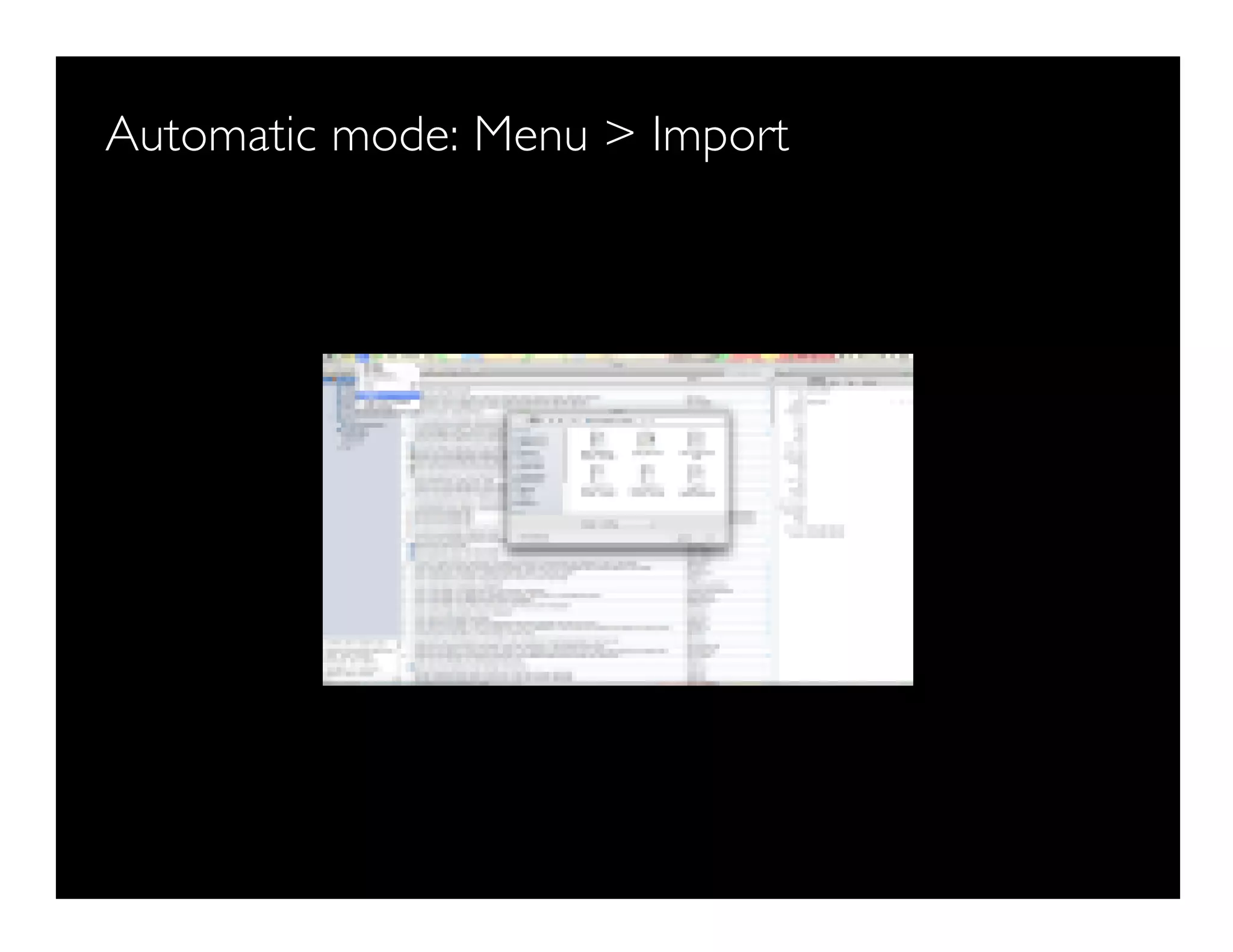
Automatic mode: Menu > Import
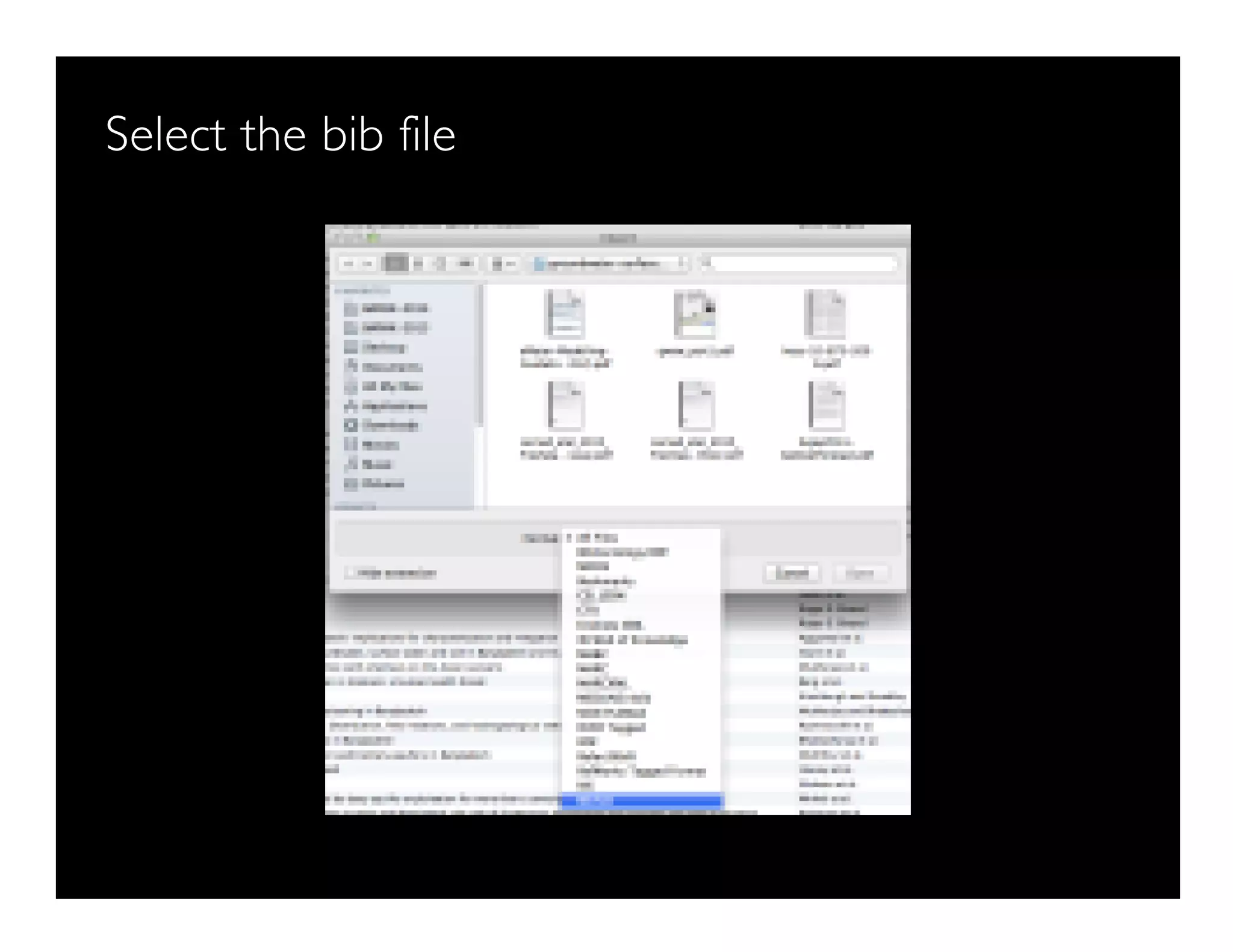
Select the bib file
There's your item
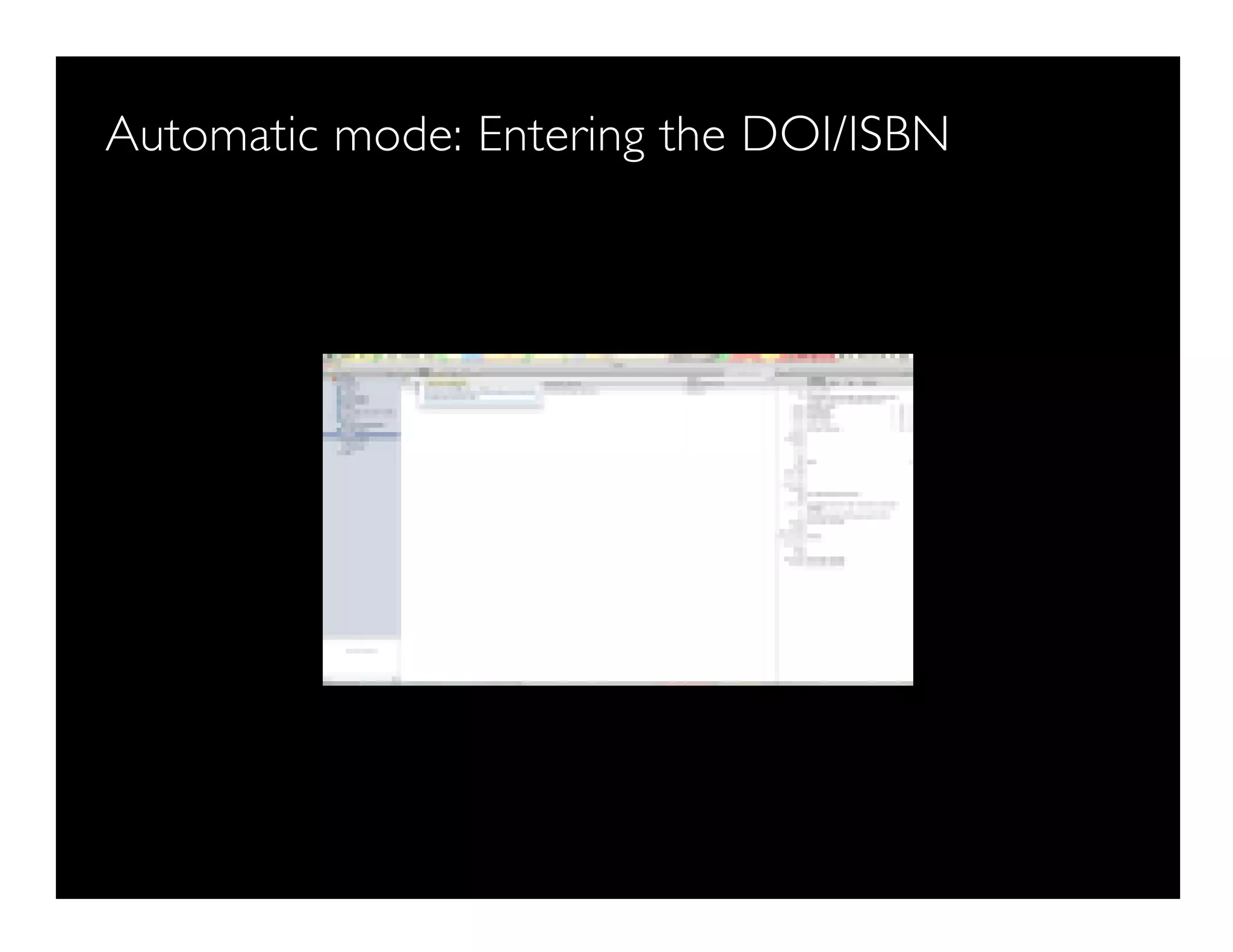
Automatic mode: Entering the DOI/ISBN
Note the DOI from this paper
How to attach pdf
Attach button
Attach options
How to add some notes
You can add some notes/ paraphrase here
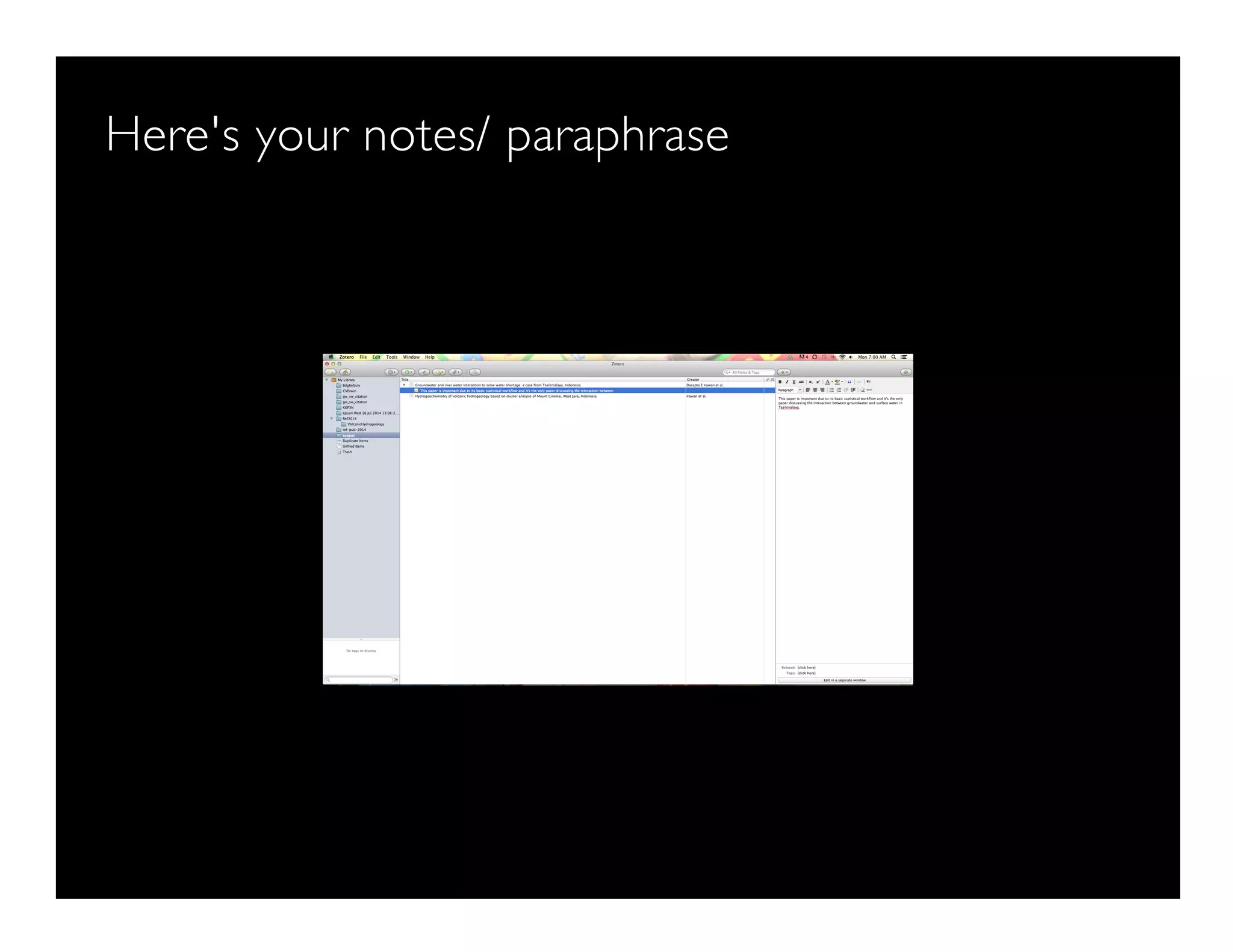
Here's your notes/ paraphrase
How to choose CSL
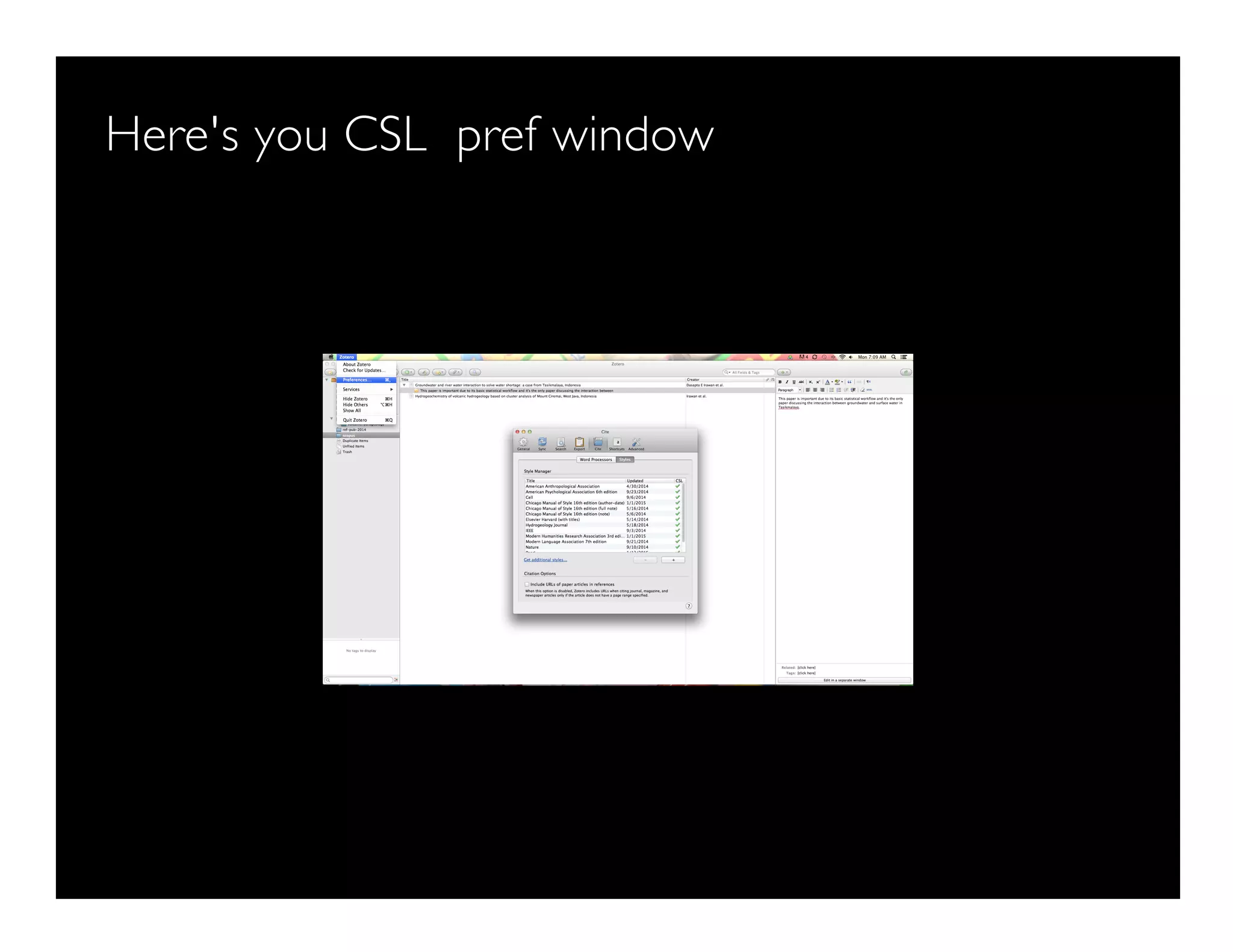
Here's you CSL pref window
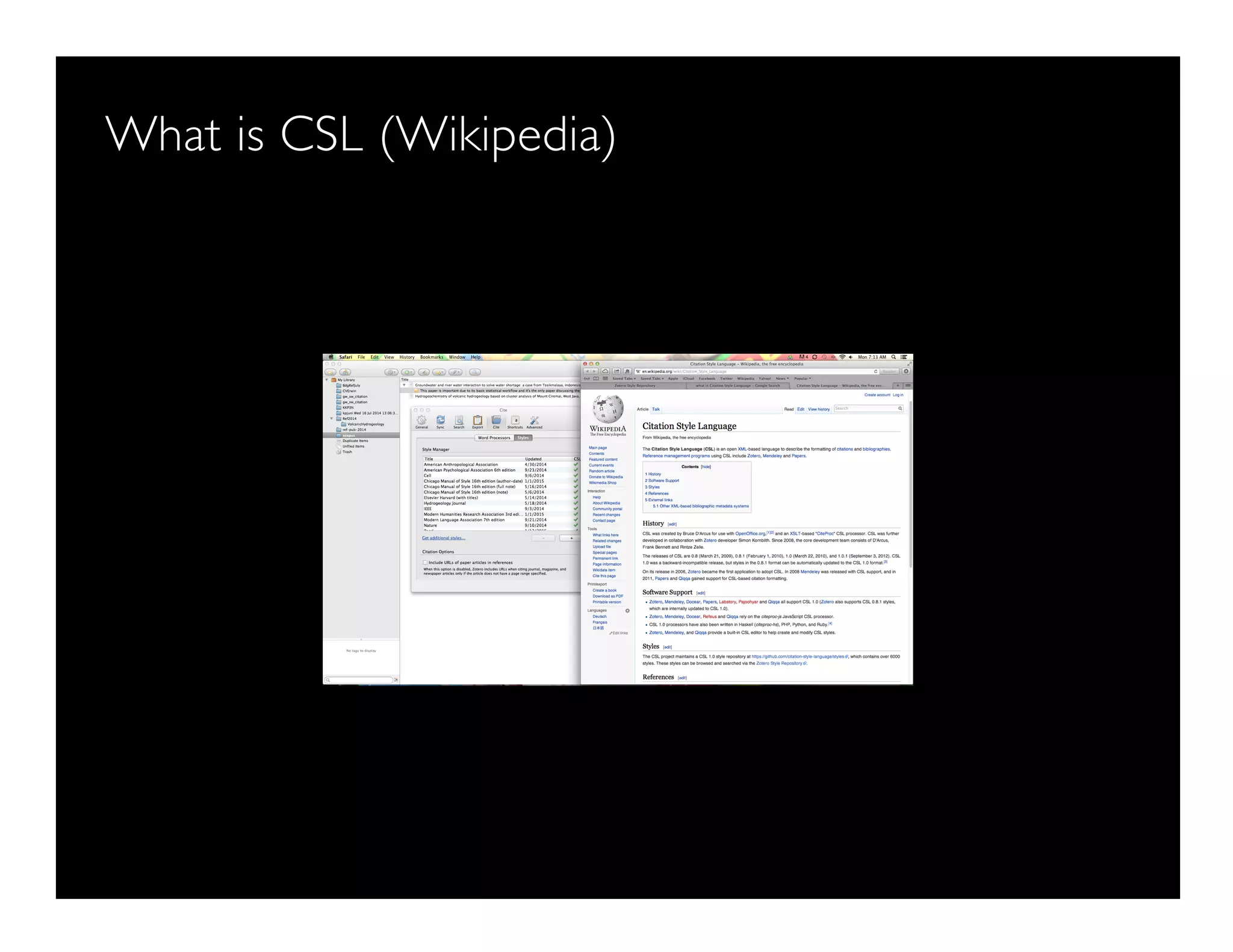
What is CSL (Wikipedia)
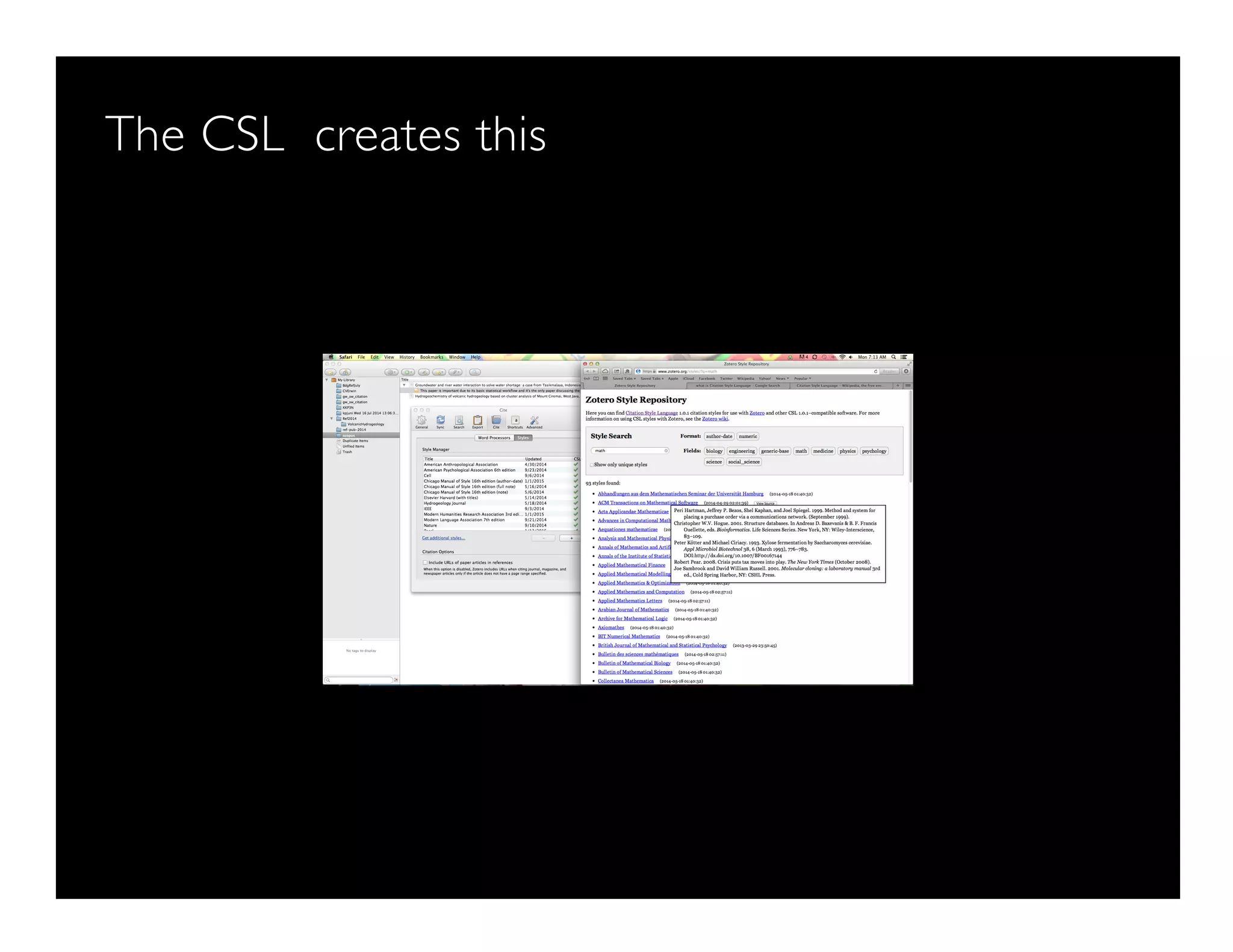
The CSL creates this
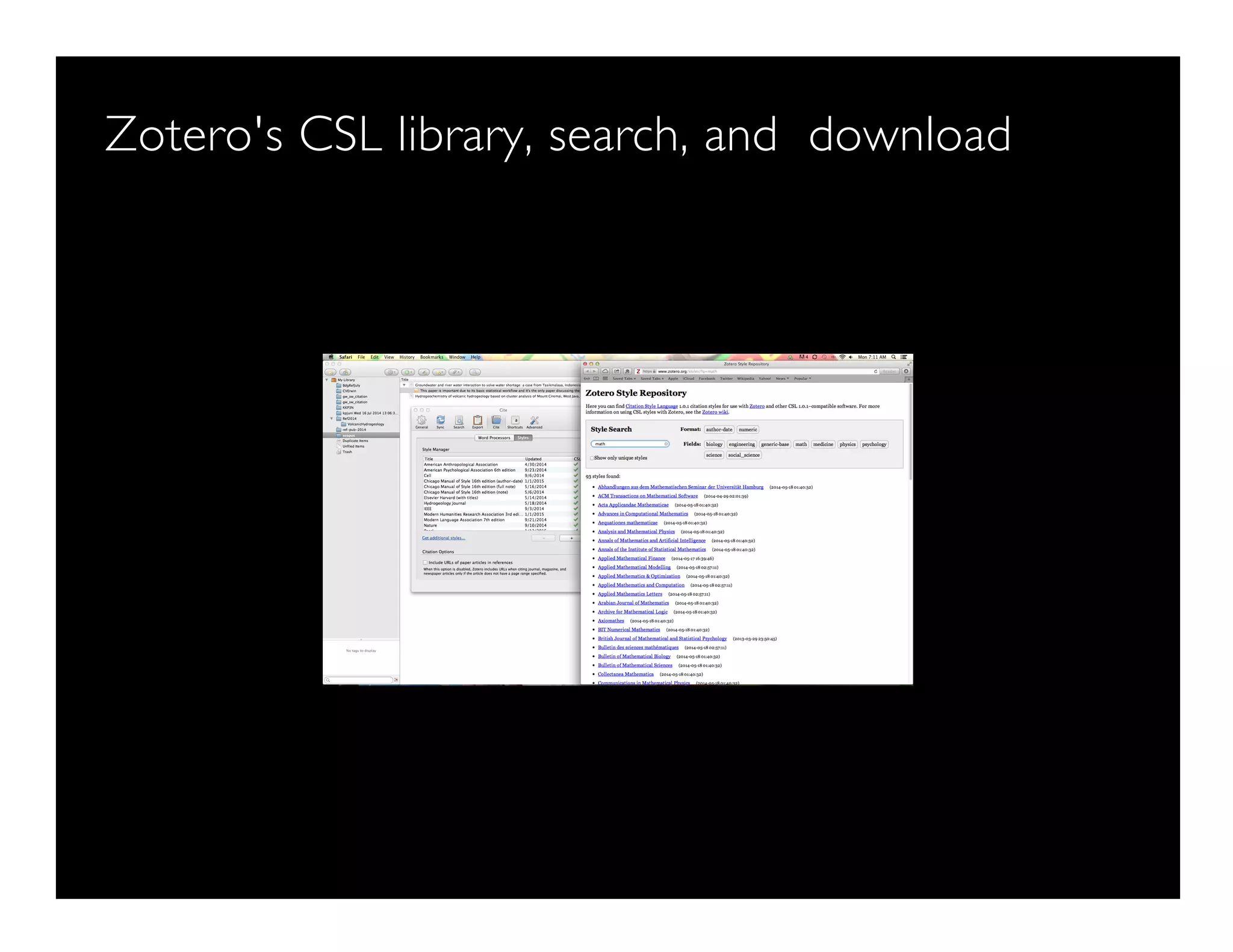
Zotero's CSL library, search, and download
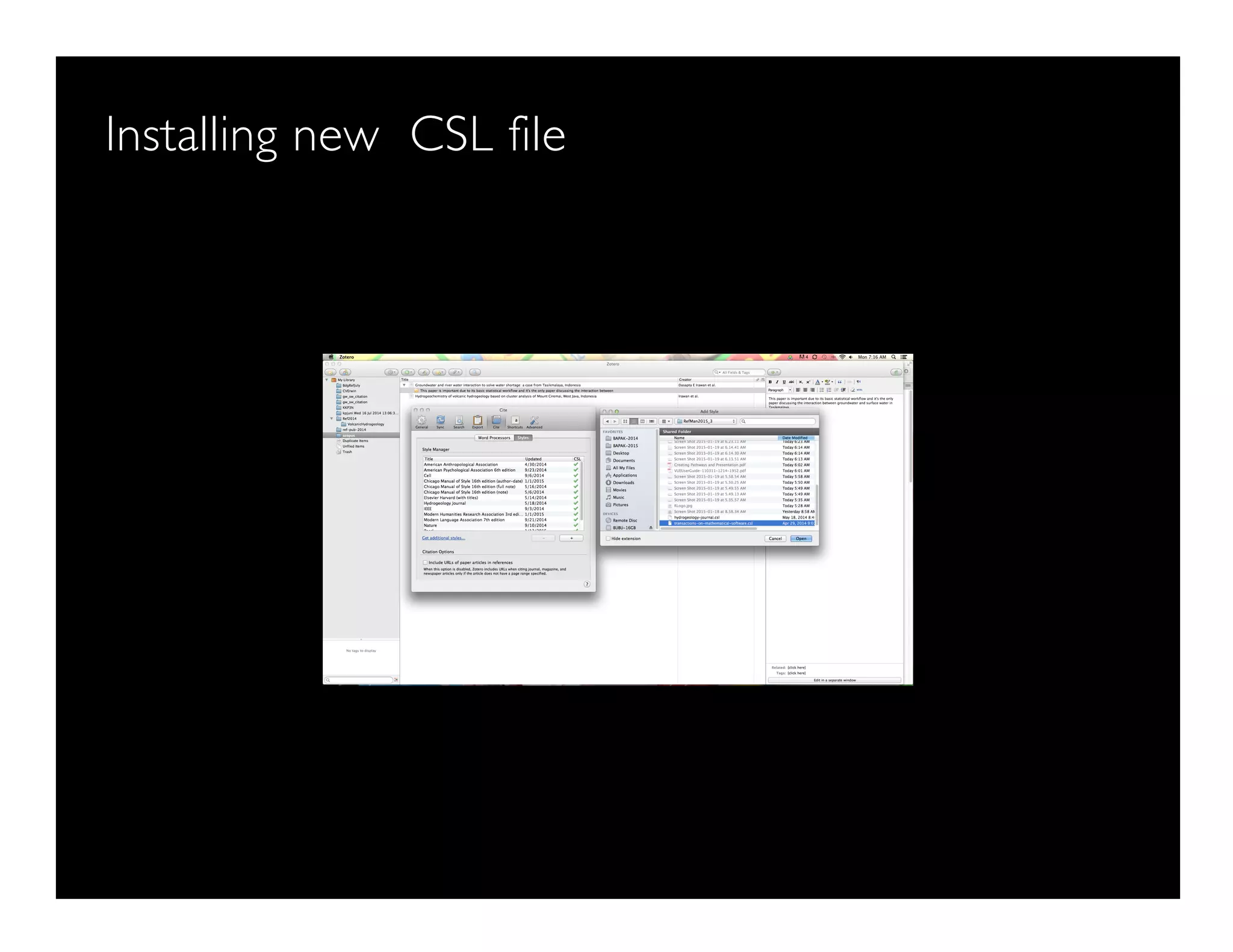
Installing new CSL file
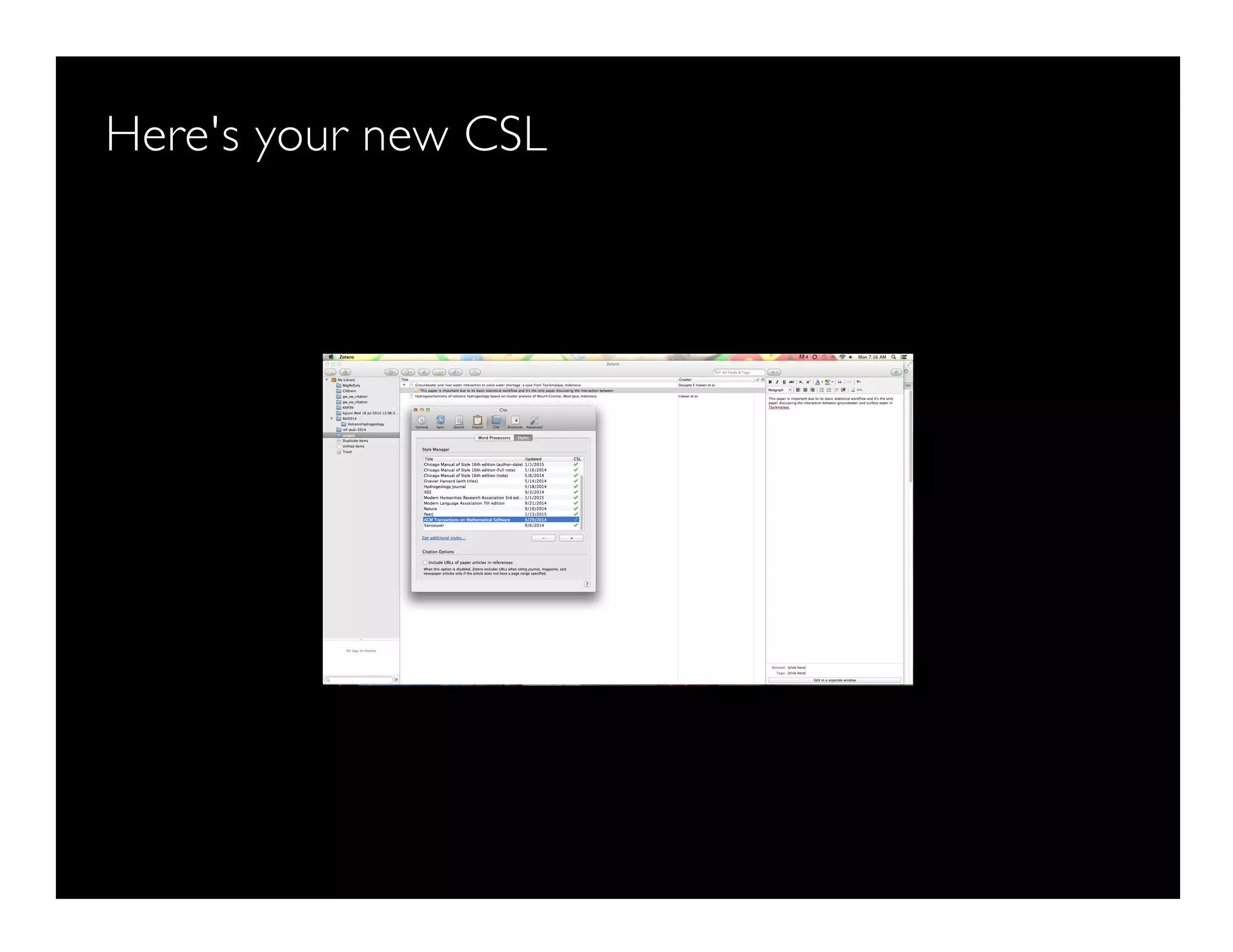
Here's your new CSL
How to find something
Search window
How to export your doc
Export your entire library
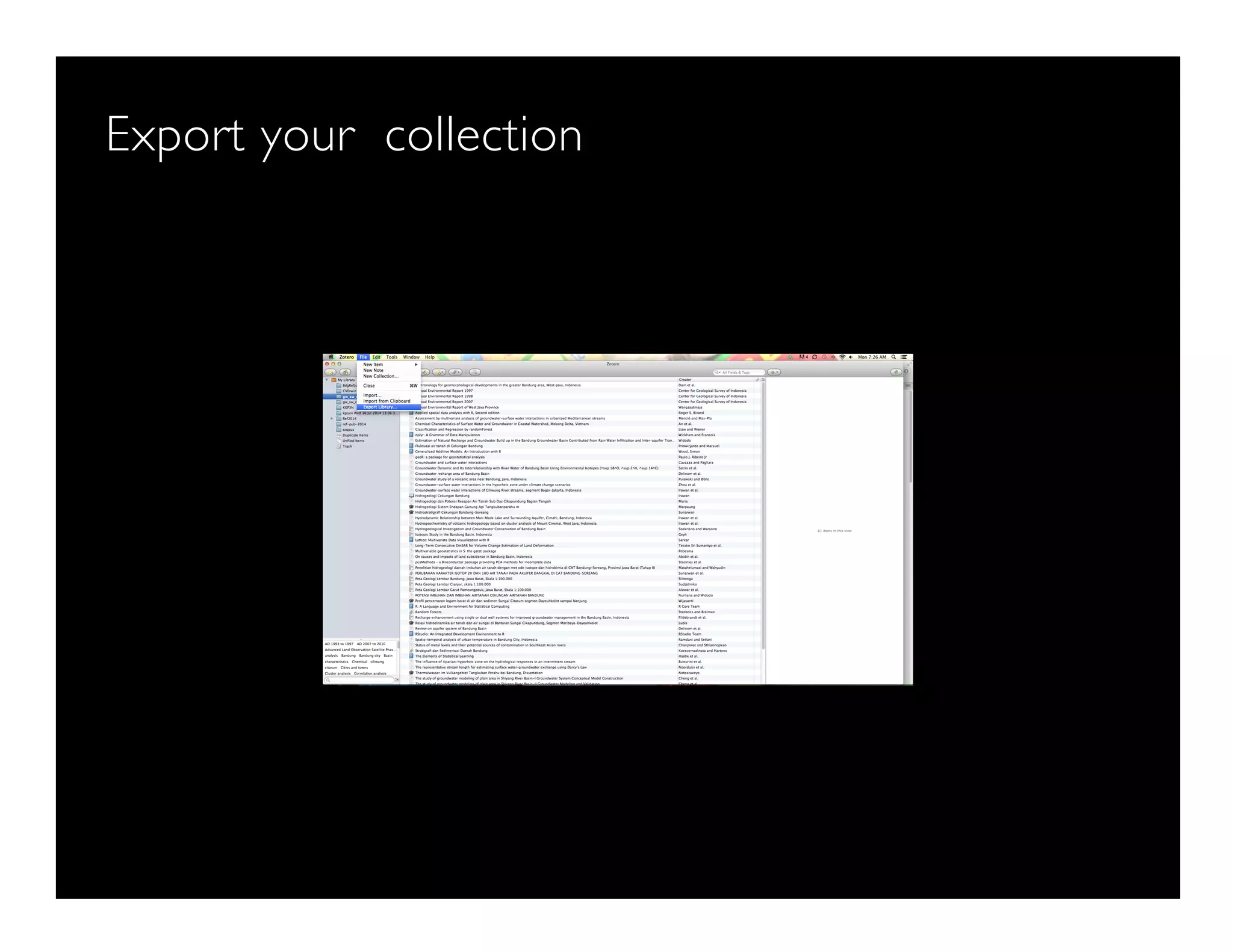
Export your collection
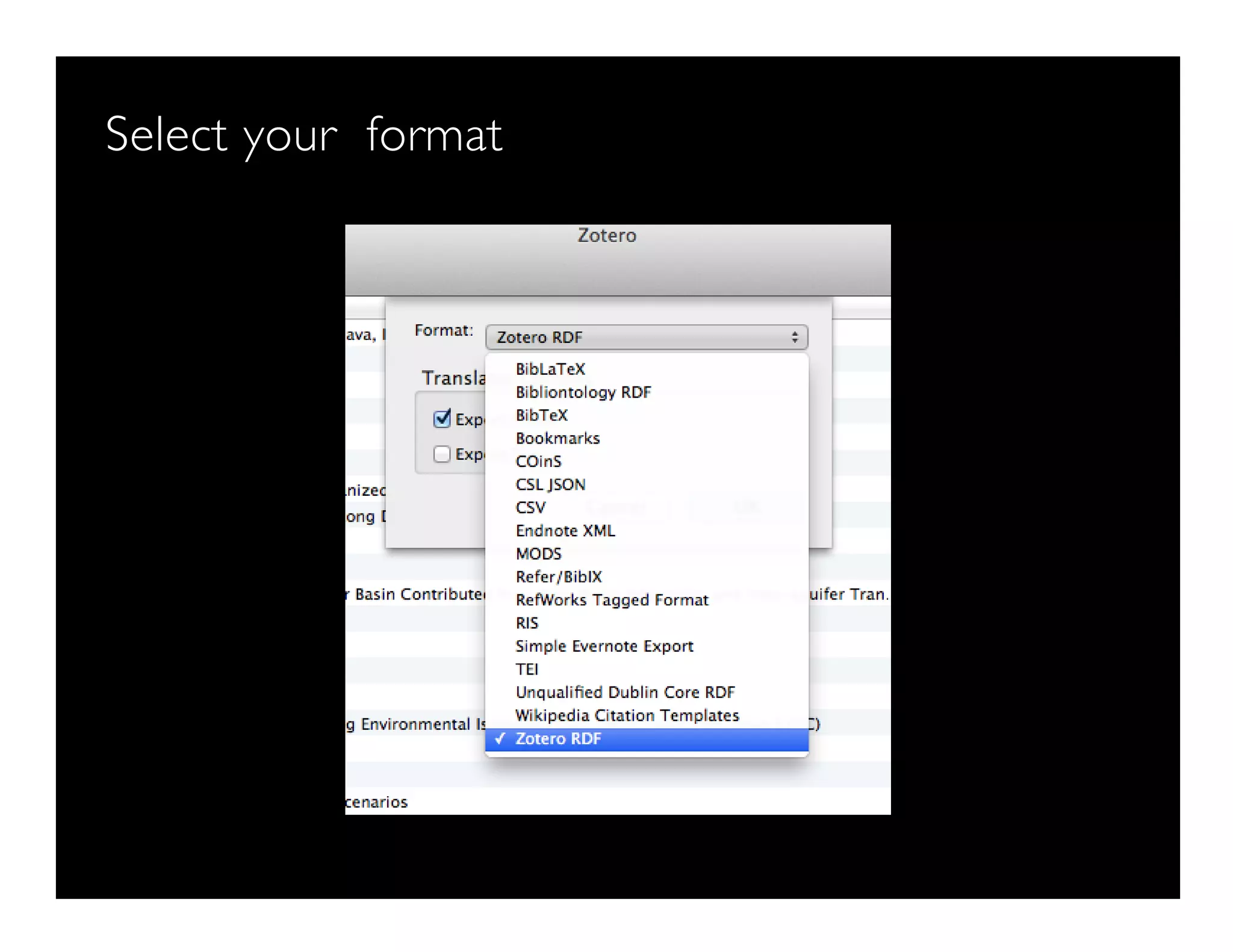
Select your format
How to sync your library
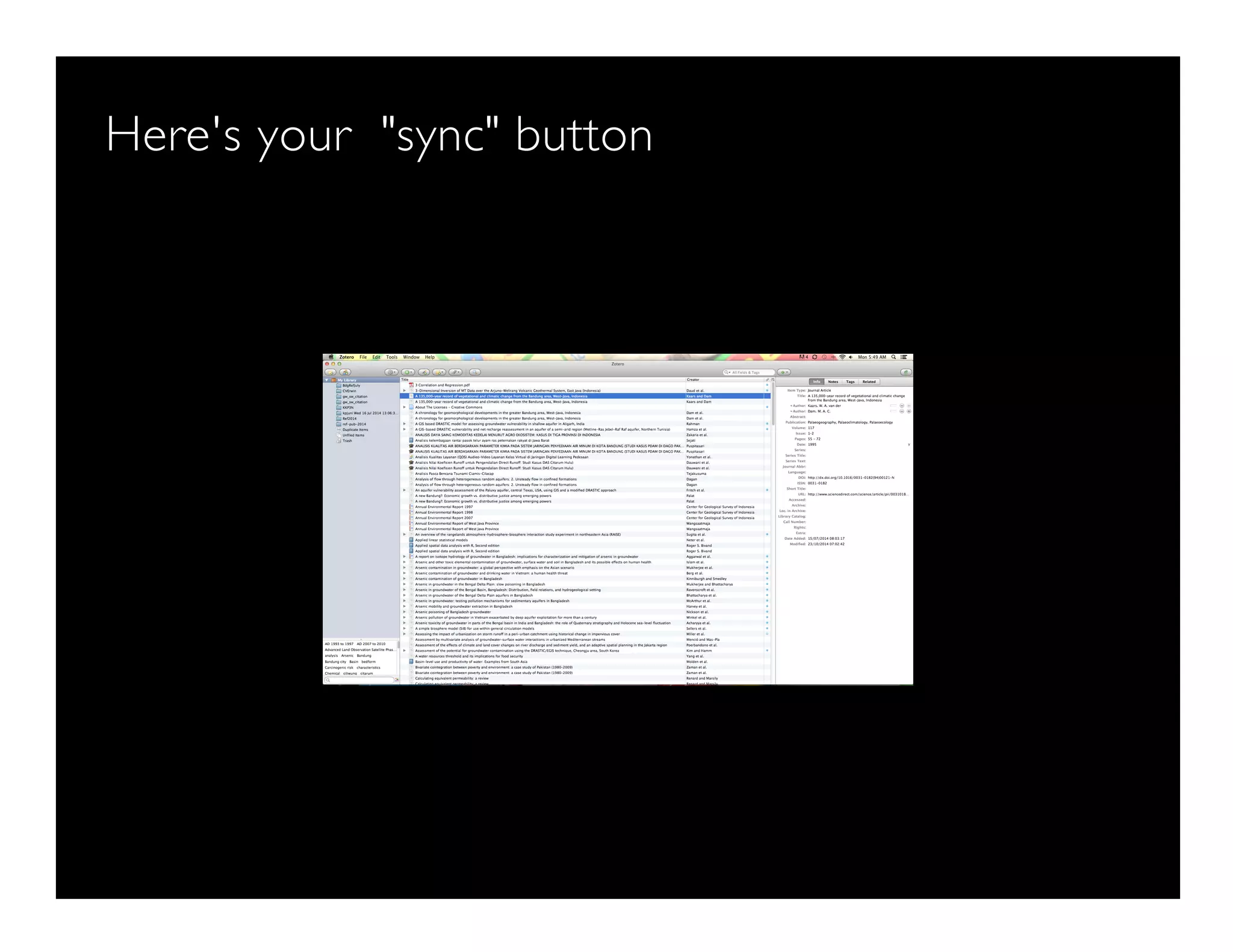
Here's your "sync" button
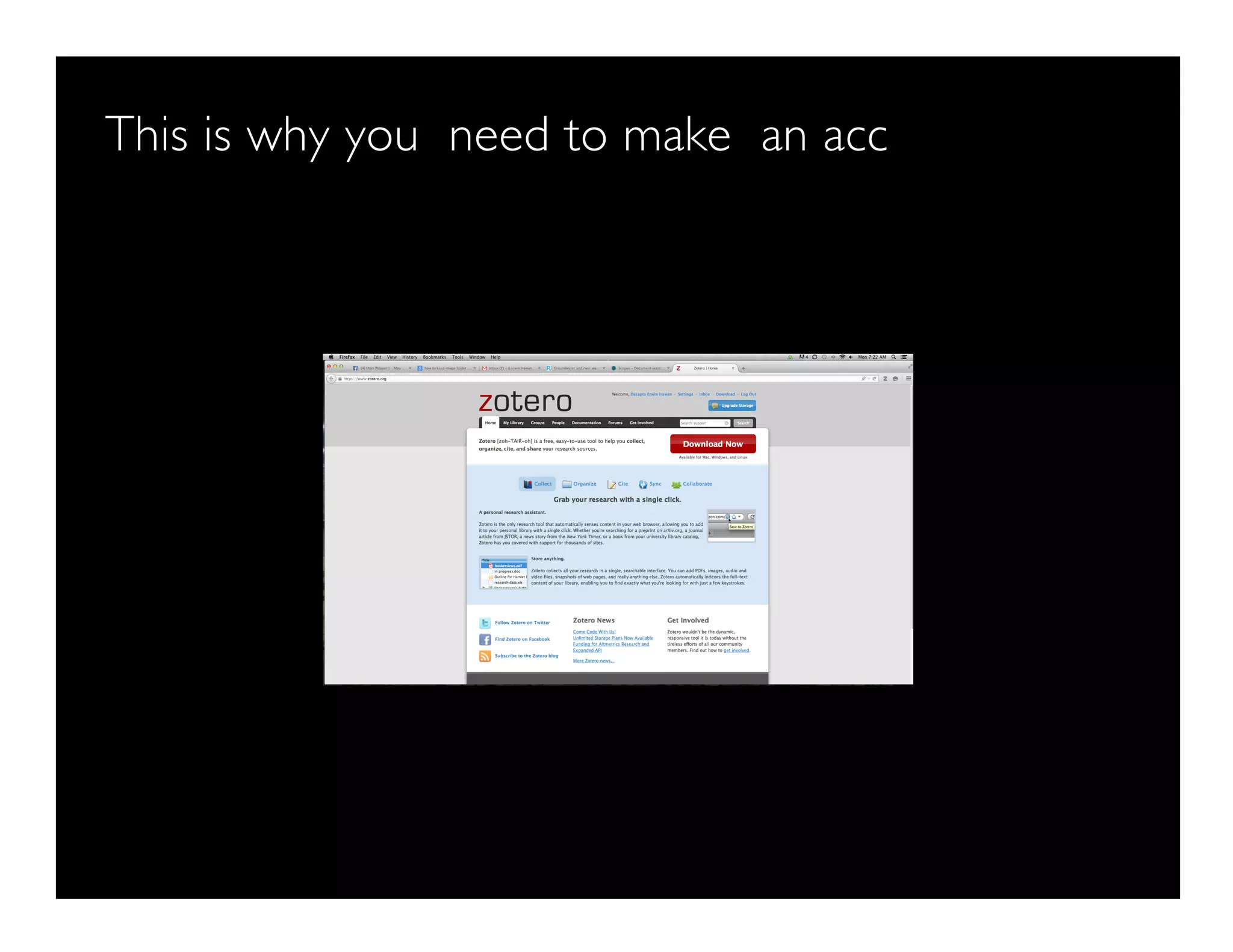
This is why you need to make an acc
How to connect to Firefox: store info directly from Fir
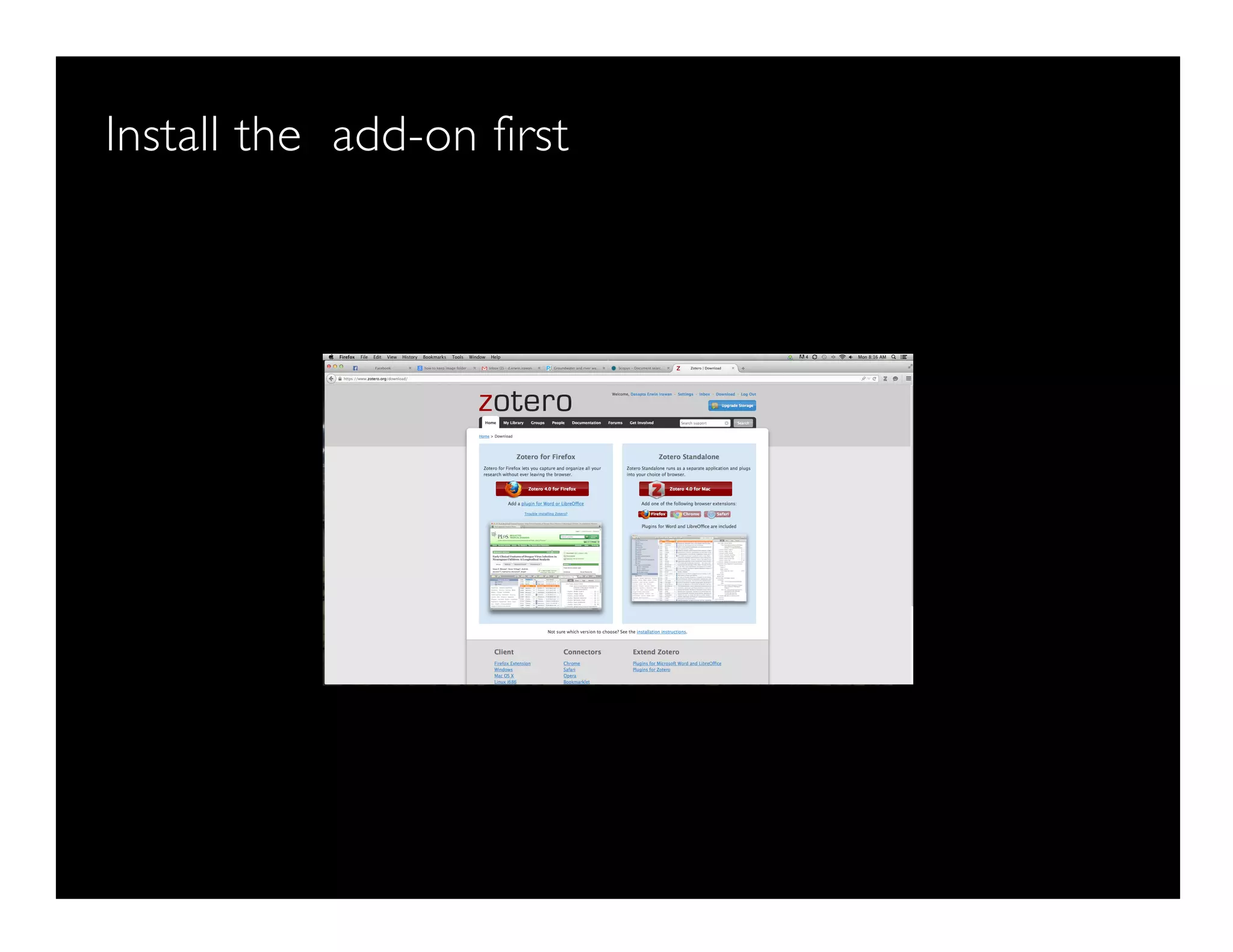
Install the add-on first
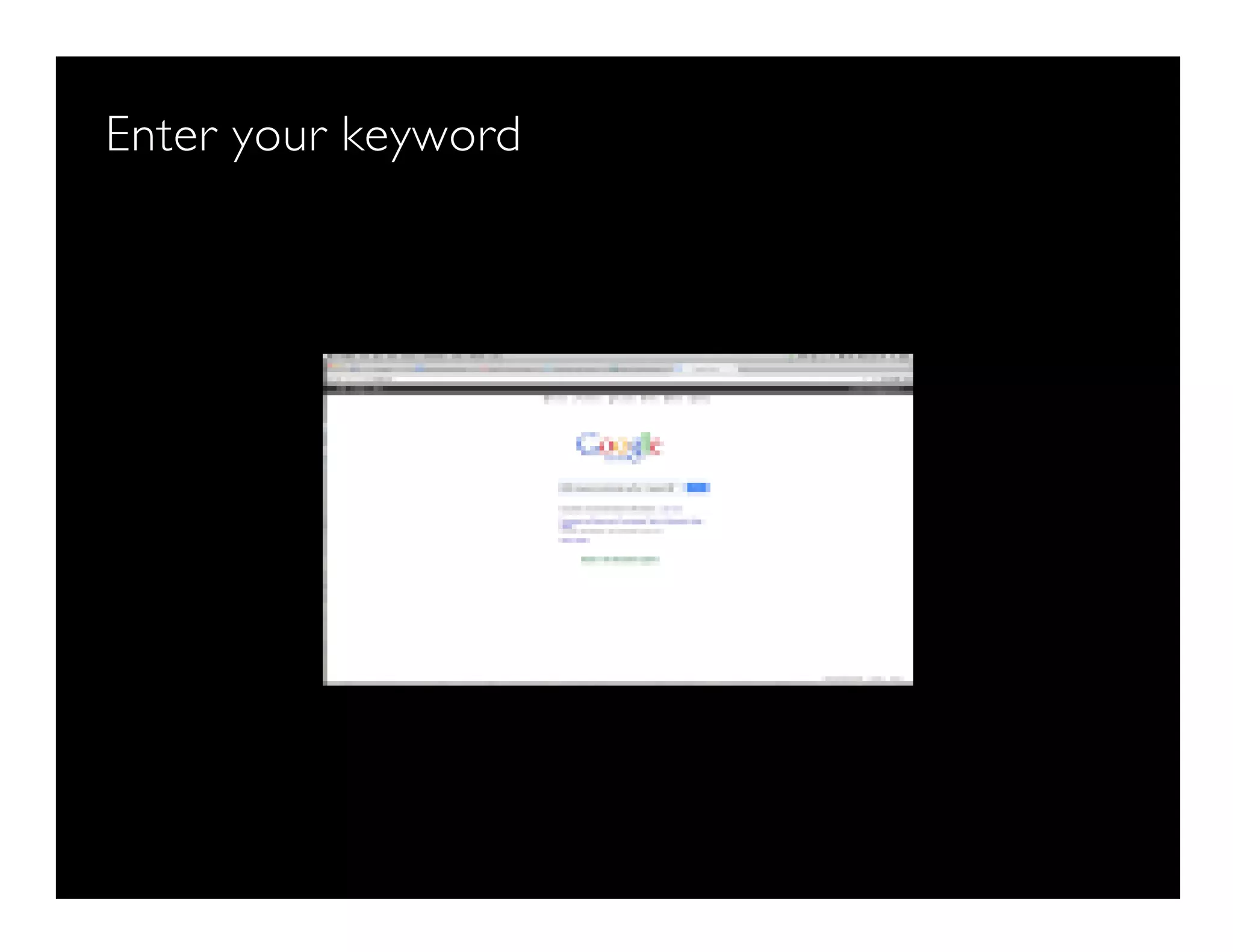
Enter your keyword
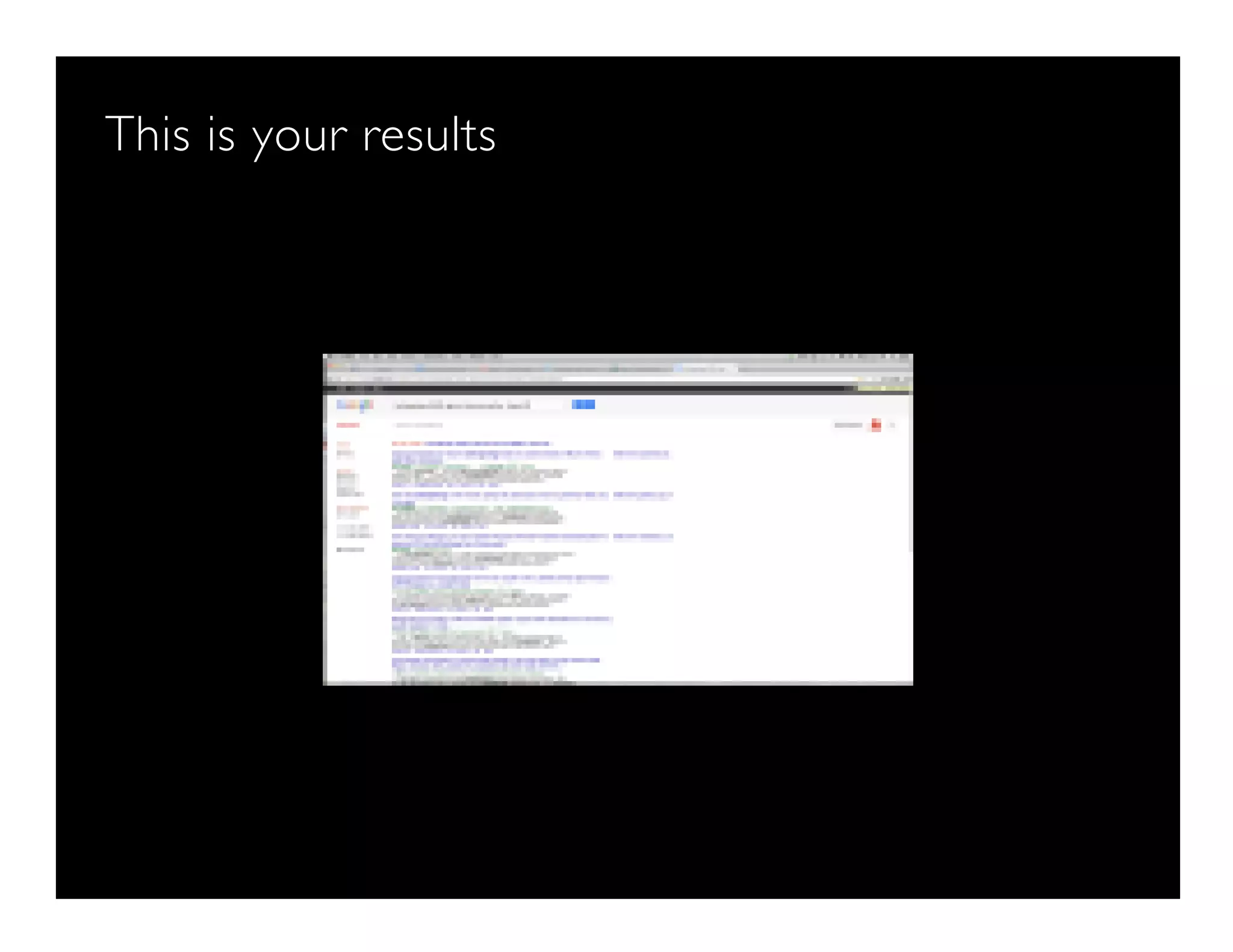
This is your results
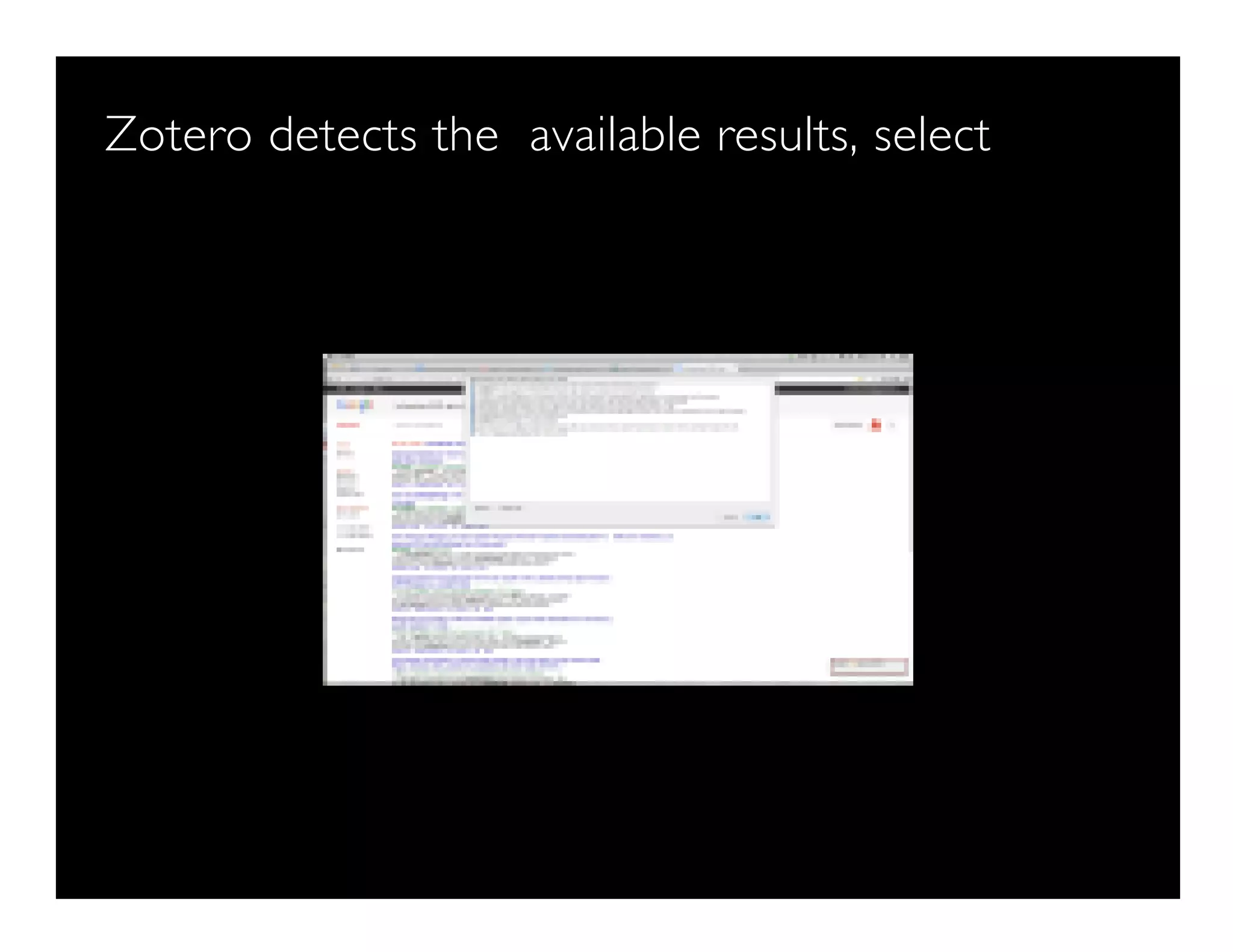
Zotero detects the available results, select
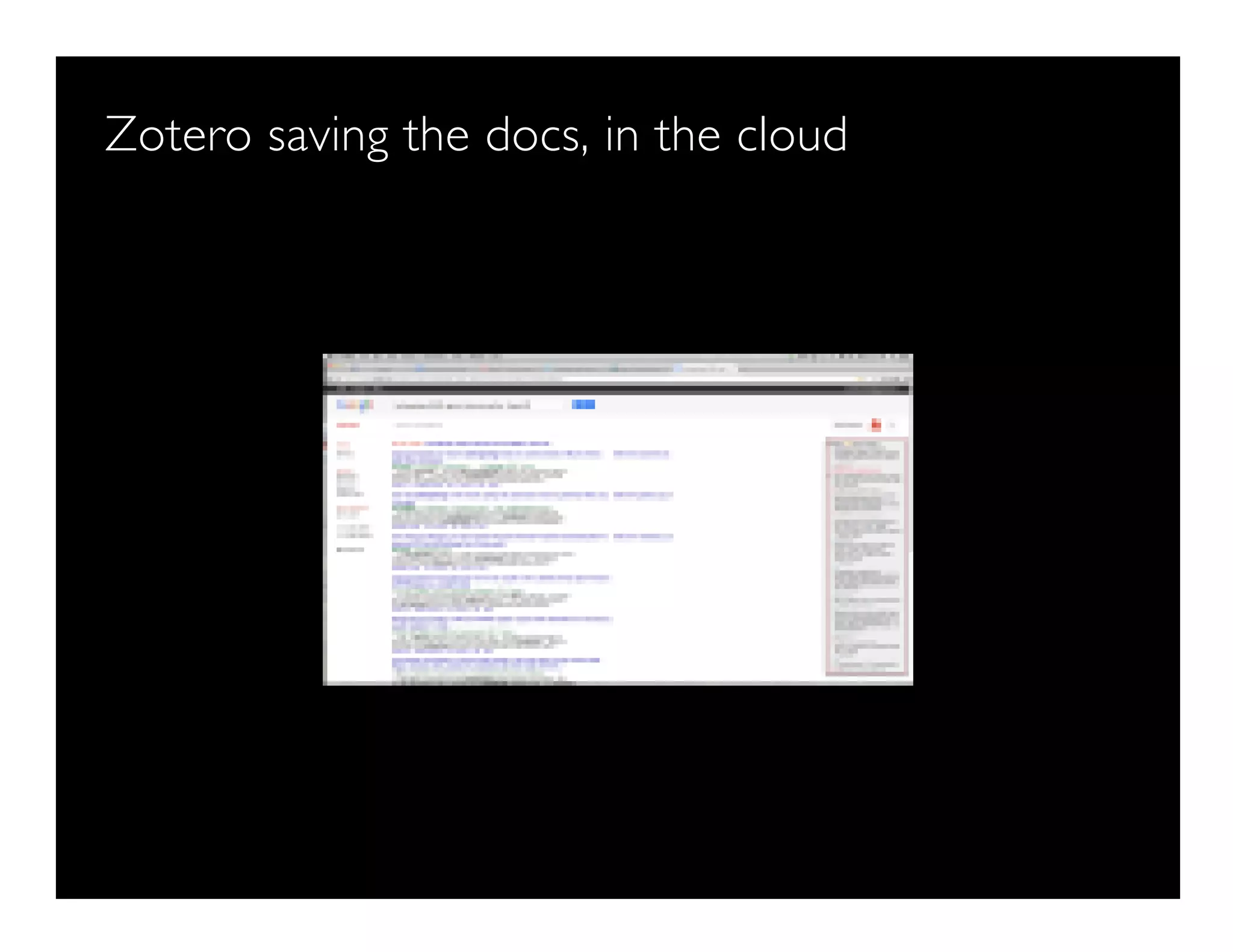
Zotero saving the docs, in the cloud
Here's your cloud library
Don't forget to sync
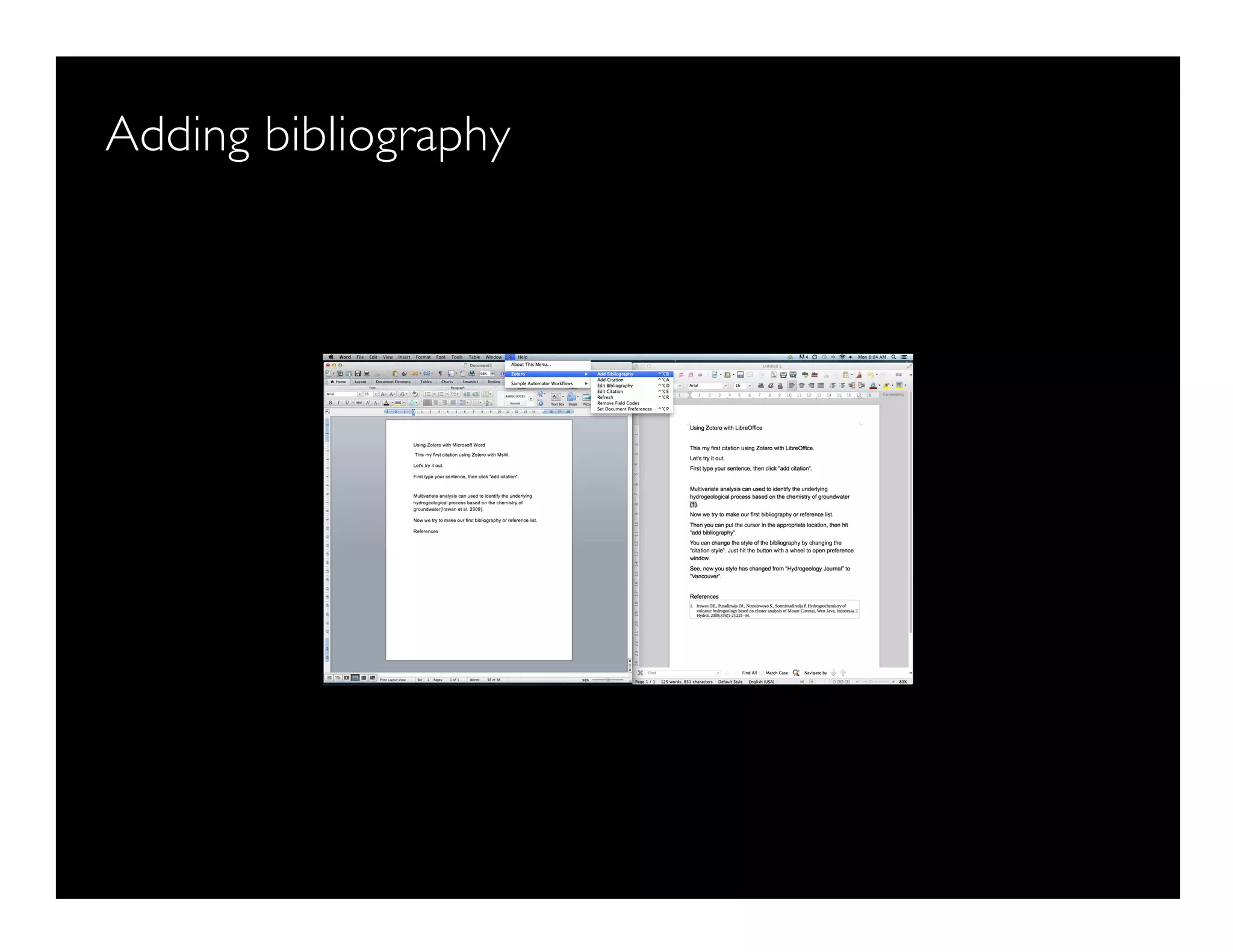
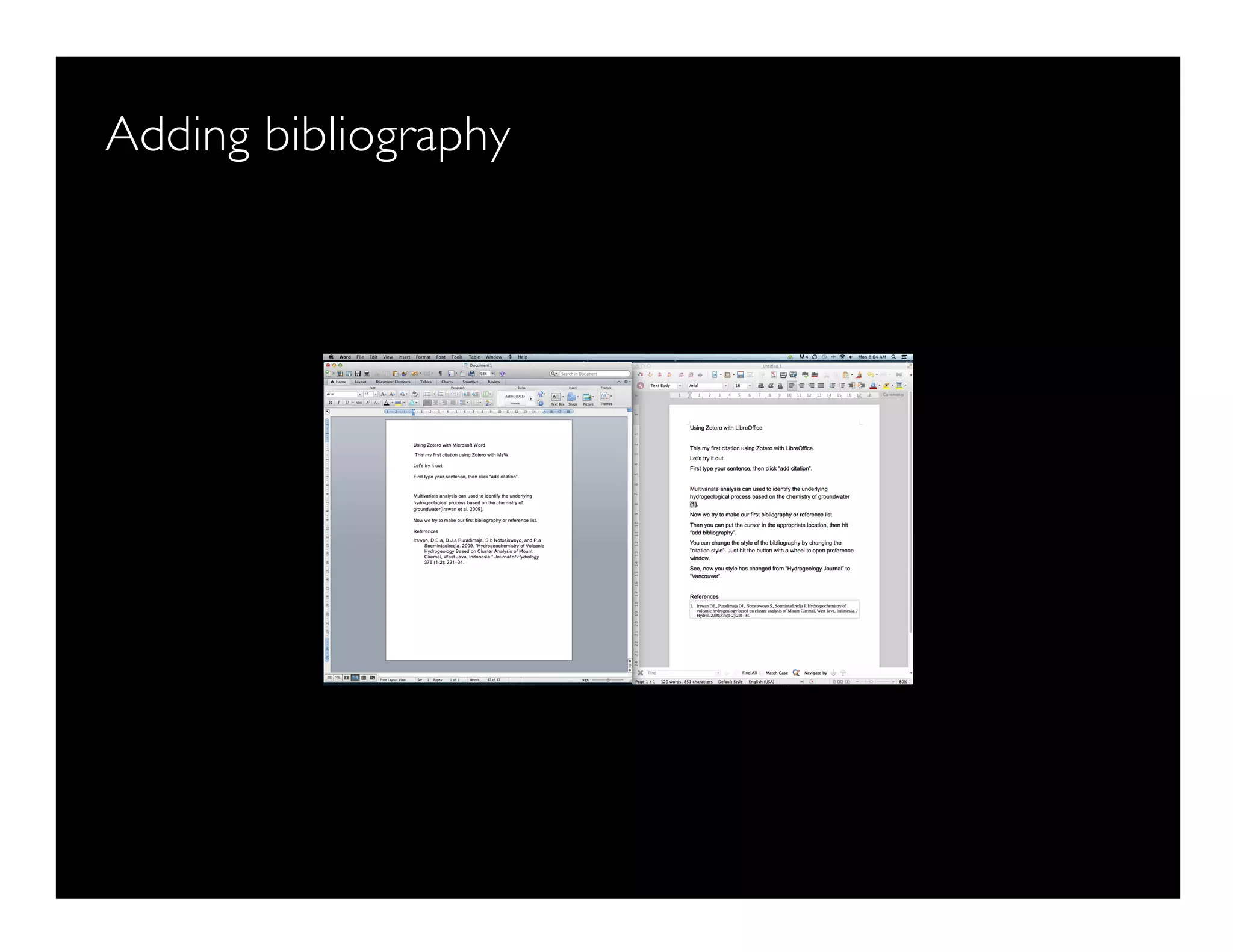
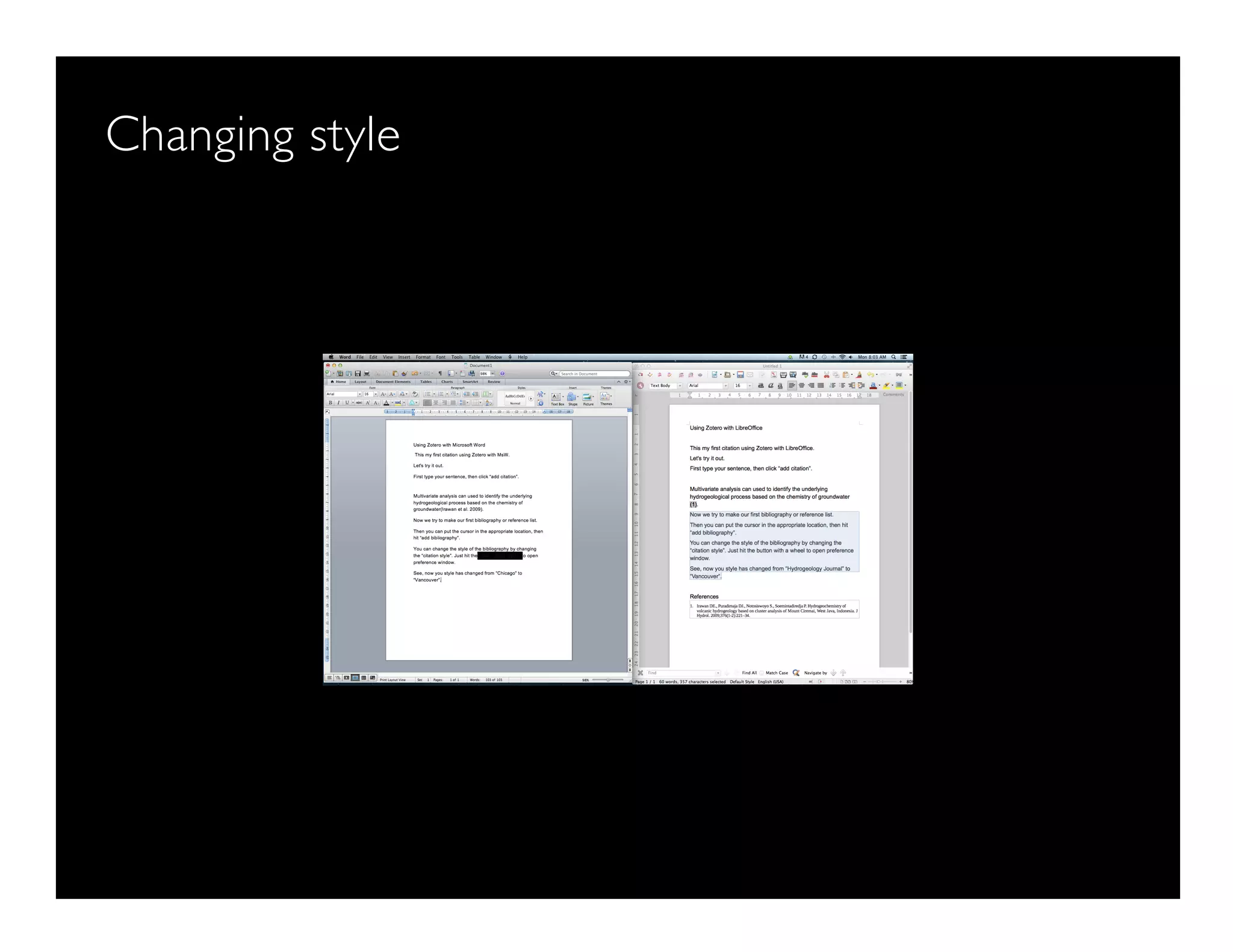
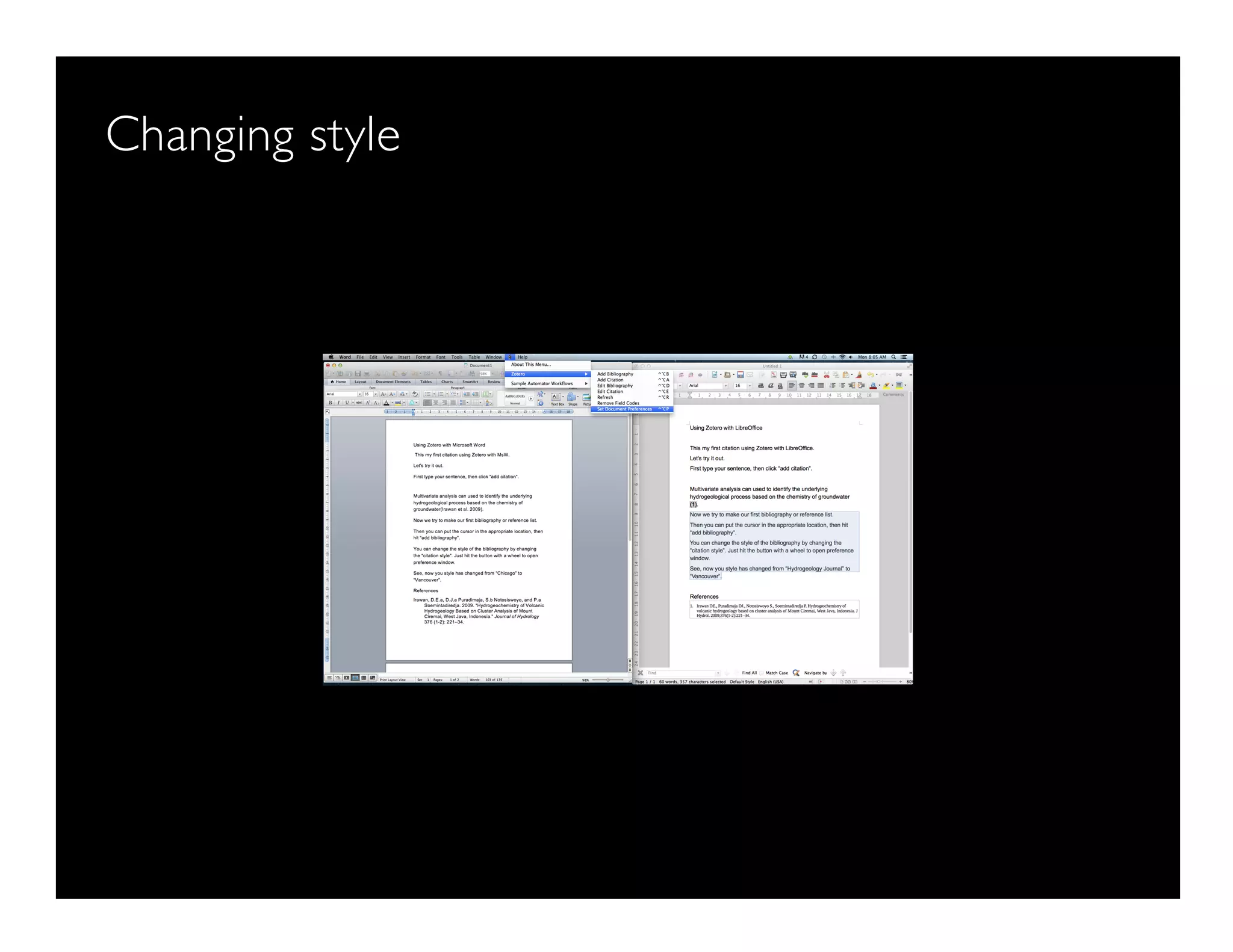
How to connect LO and MSW with Zotero
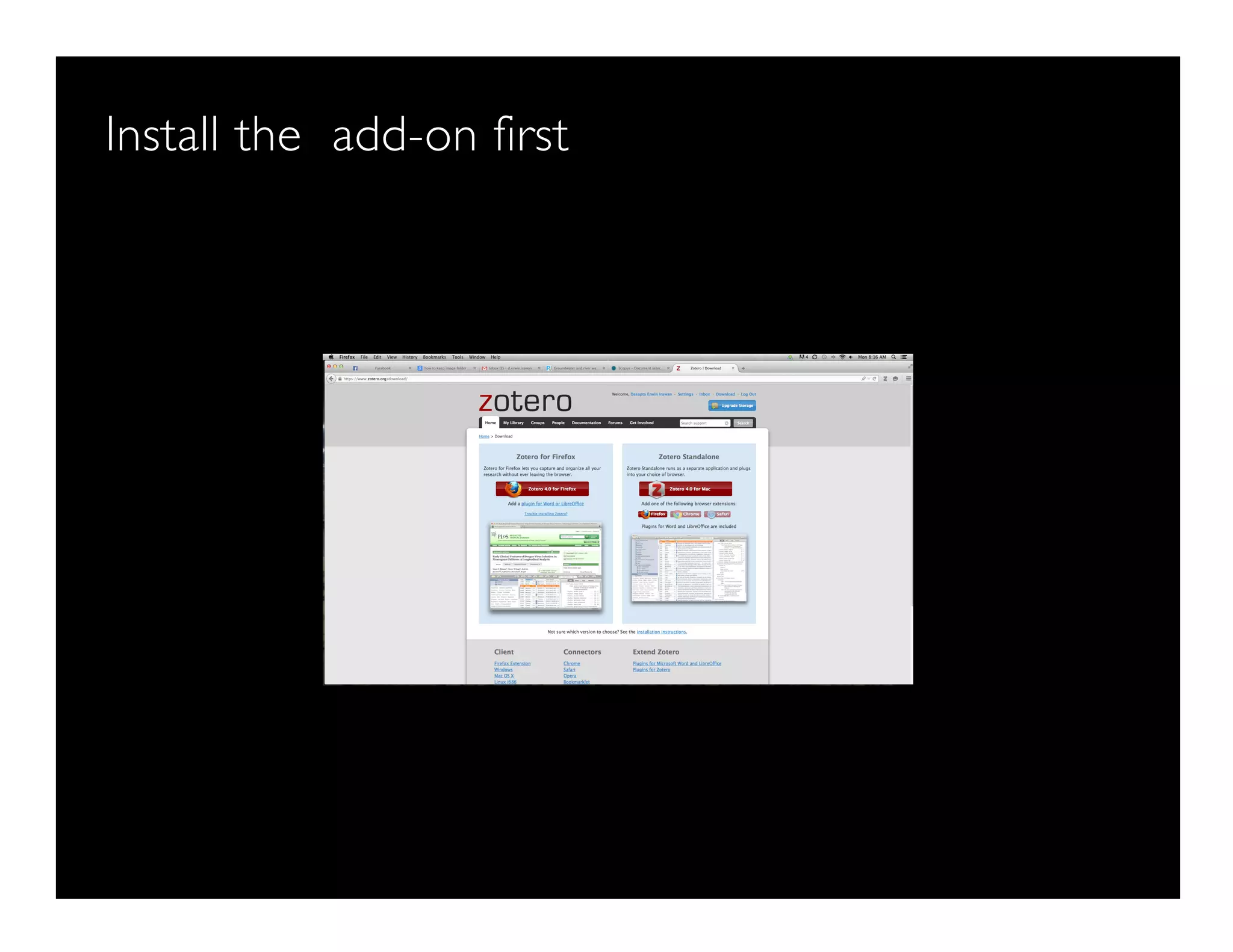
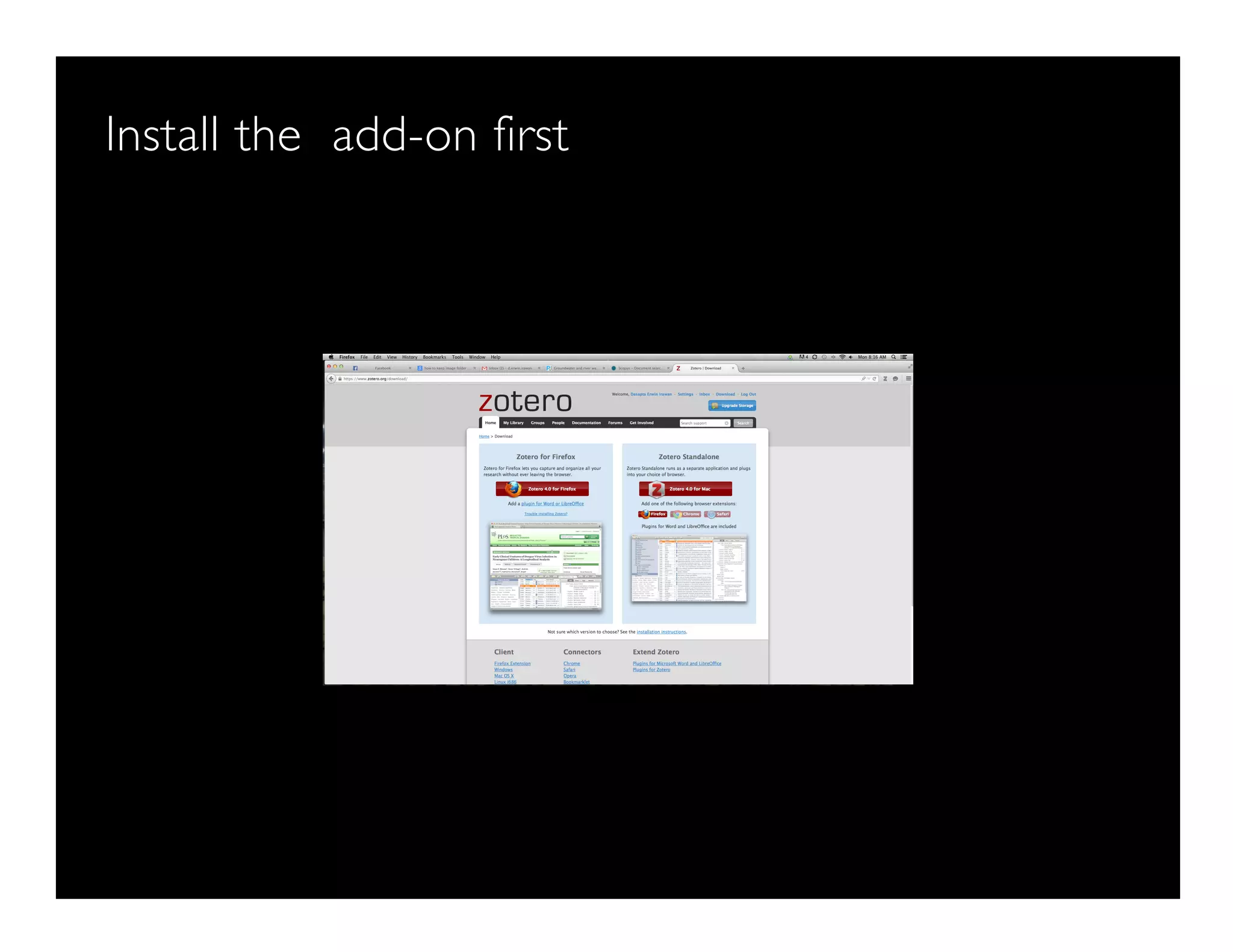
Install the add-on first
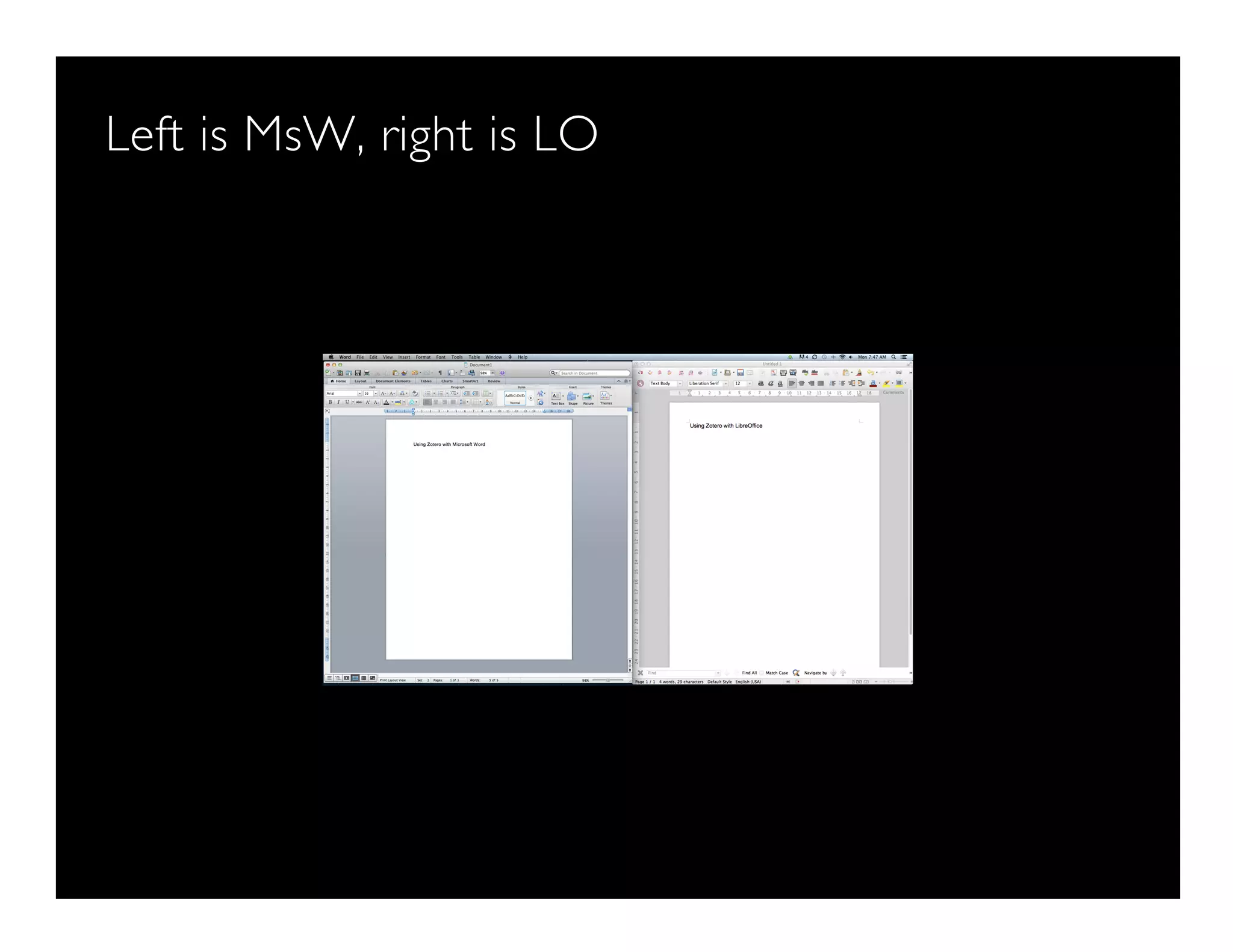
Left is MsW, right is LO
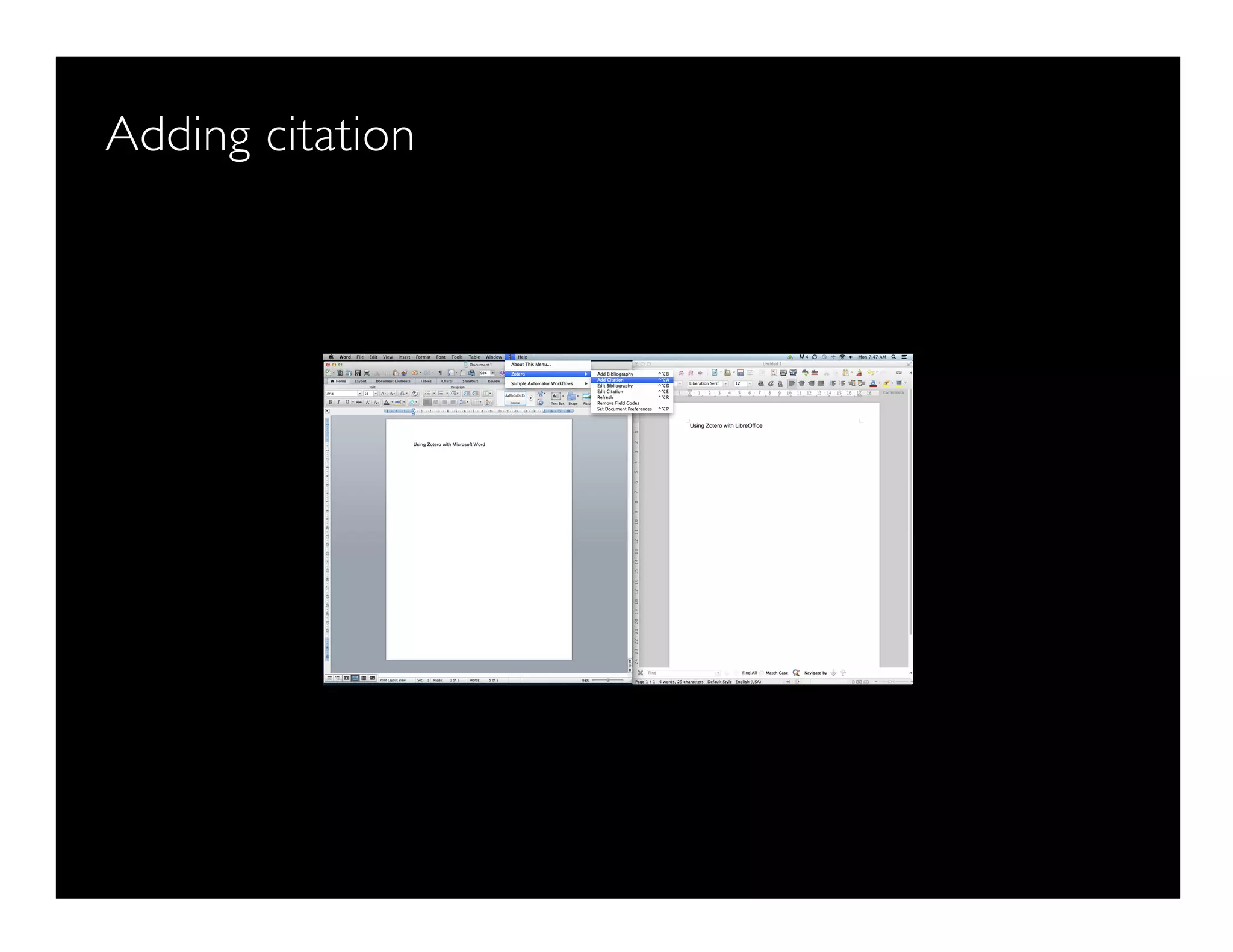
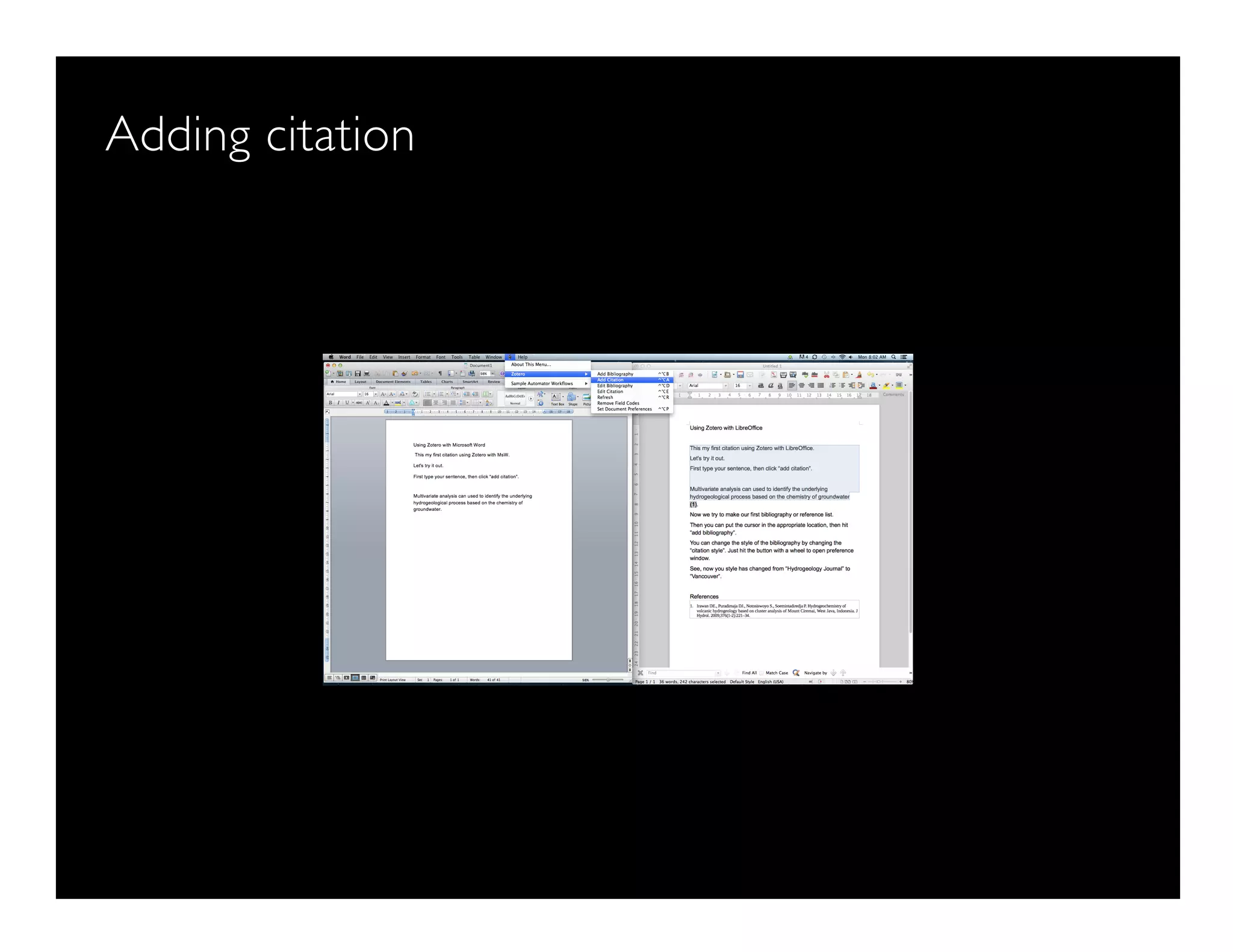
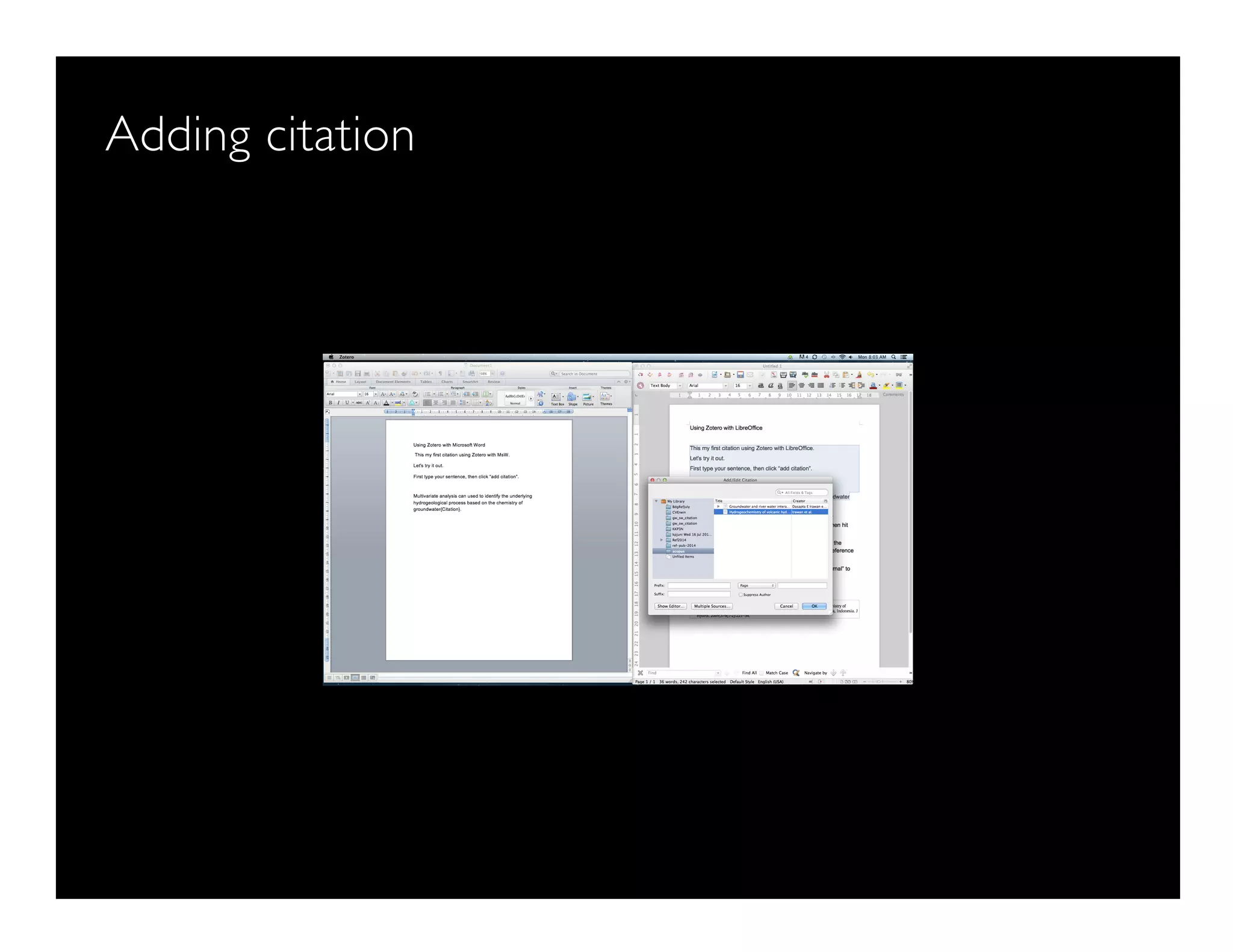
Adding citation
Adding citation
Adding bibliography
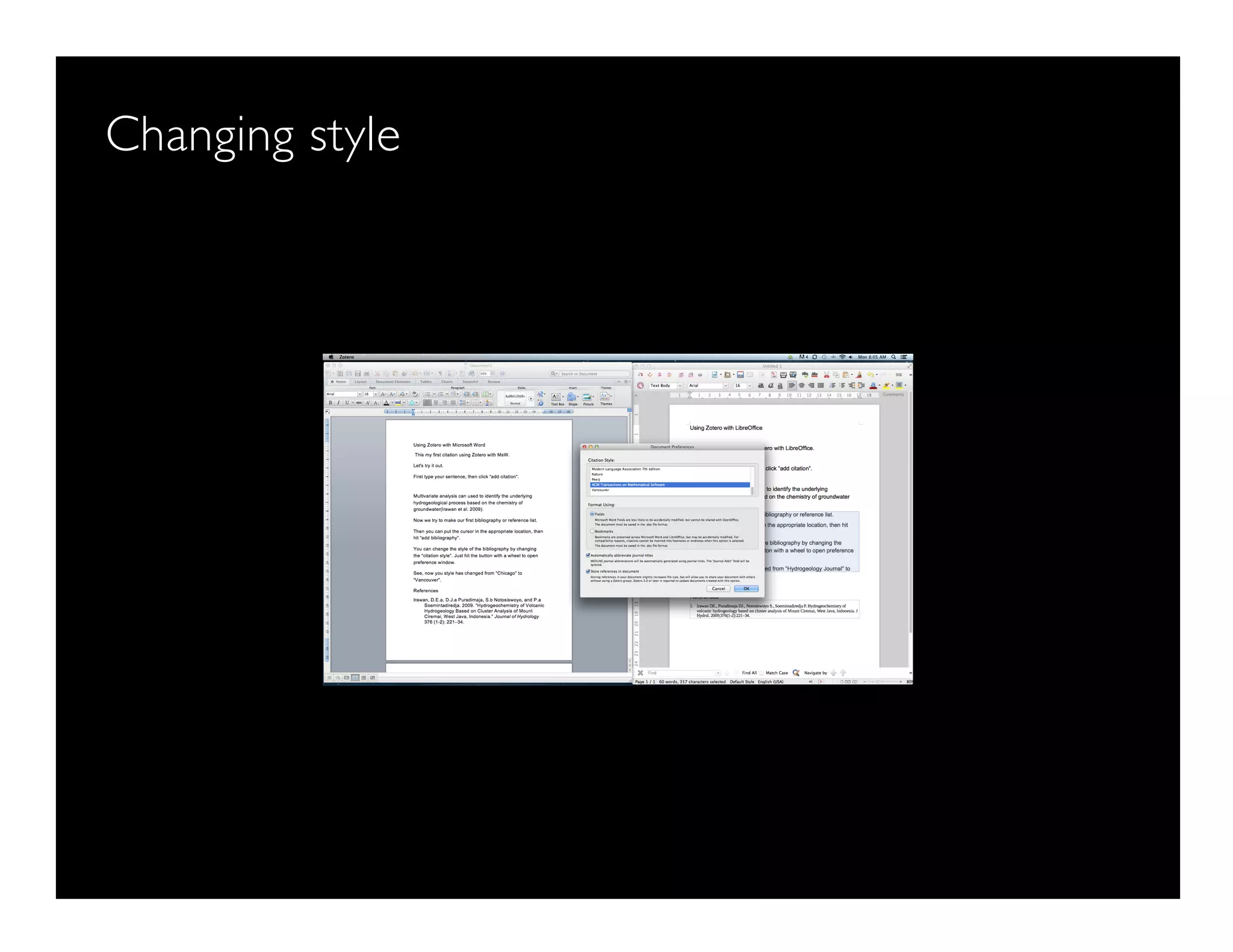
Changing style
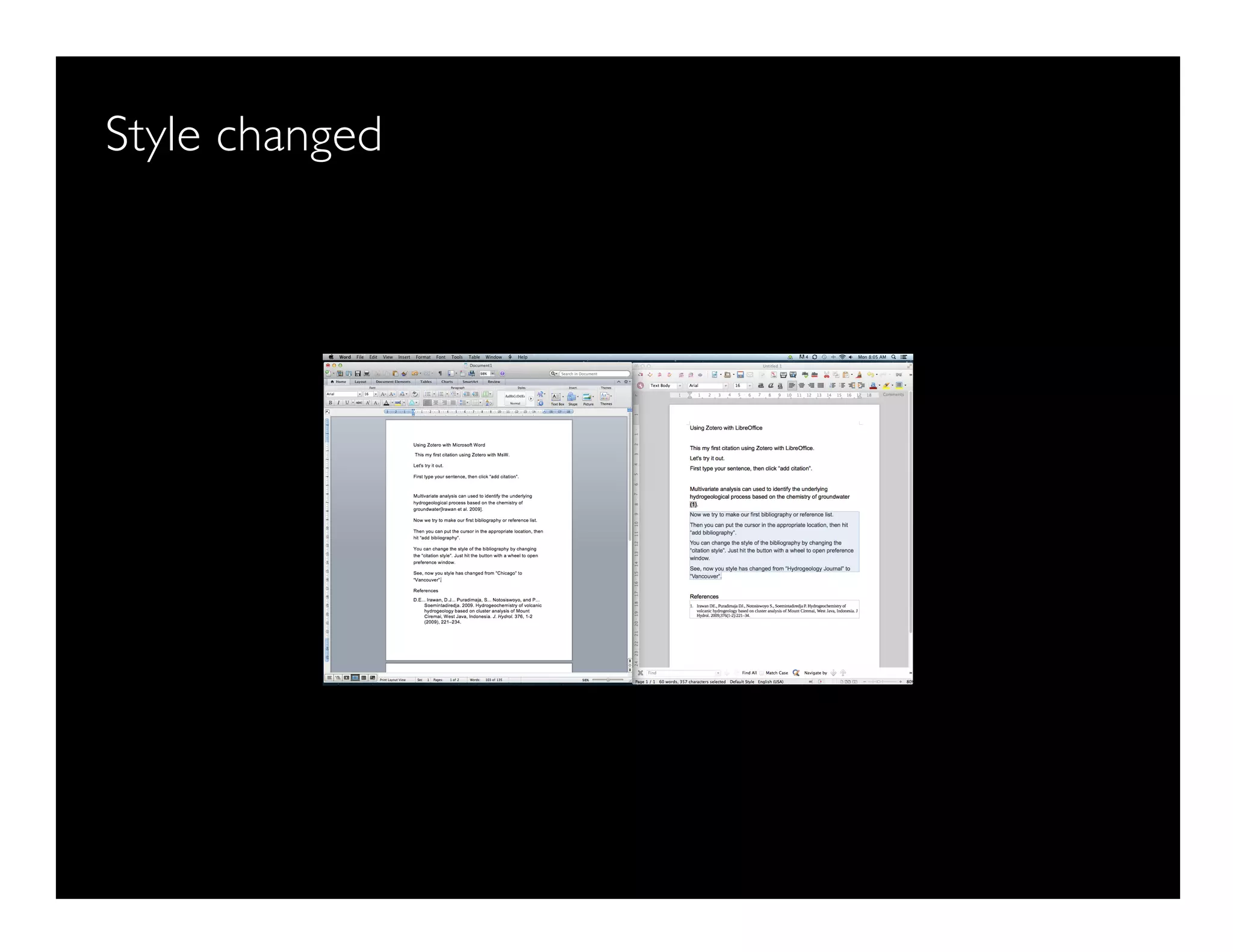
Style changed
How to connect LO and MSW with Zotero
Install the add-on first
Left is MsW, right is LO
Adding citation
Adding citation
Adding citation
Adding bibliography
Adding bibliography
Changing style
Changing style
Changing style
Style changed

Reference Management Course 2015: Complete Materials

  • 1.
    Dasapta Erwin Irawan Facultyof Earth Sciences and Technology Institut Teknologi Bandung 19 January 2015 Reference management A mini course 0 Image: flickr/jasonparis COMPLETE MATERIALS
  • 2.
    A bit aboutme ● A bit old: born in 1976 ● A bit hard: hydrogeology ● A bit old-skool: love vintage things ● A bit old-fashioned: nodye and weird hair cut ● A bit social: – On Facebook: https://www.facebook.com/dasaptaerwin – On Twitter: @dasaptaerwin – On ResearchGate: www.researchgate.net/dasapta_irawan
  • 3.
    Disclaimer ● This minicourse is non-credit. ● It is offered as opportunities for students to learn specific skills in just a few sessions. ● This mini course offers no warranty of your study performance. ● Consultation session with your supervisor is very important to make the best out of this mini course. ● I'm prone to error, please report any typos or misconceptions from reading this doc.
  • 4.
  • 5.
  • 6.
  • 7.
    Part 1: introto reference management ● 1.1 common problems and solutions – the common problems in scientific writing (papers, thesis, dissertation) – the common mistakes in writing – the tools and proposed solutions
  • 8.
    Part 1: introto reference management ● 1.2 What is reference management – How does it help to our writing and what are the tools needed – Where to get the softwares and why does it have to be opensource – How to install Reference Manager and connect it to our word processor
  • 9.
    Part 2: howto retrieve references ● 2.1 Where to find: – Library and its website – Databases: ● Free: Google Scholar[13] (free), ● ITB subscription: Scopus[10], Web of science[15], ITB Library (http://www.lib.itb.ac.id/e-journal, ) http://www.lib.itb.ac.id/e-book
  • 10.
    Part 2: howto retrieve references ● Publishers: – Conventional: Sciencedirect[17] (options: conventional, open access), Elsevier[18] (options: conventional, open access), Springer Sciences[19] (options: conventional, open access) – Open access: DOAJ[20], PeerJ[21], HESS[22], PLOSone[23], ArXiv[24]etc
  • 11.
    Part 2: howto retrieve references ● Community, social media: – ResearchGate, – Academia, – ResearchID.
  • 12.
    Part 2: howto retrieve references ● 2.2 tweaking the keywords – What is a keyword – What is keyword's operator – How to get the best search results – Use "Google Scholar" alert notification – How to store the information
  • 13.
    Part 3: howto store your references ● 3.1 how to store your references – Saving the pdfs and metadata – Folder structure
  • 14.
    Part 3: howto store your references ● 3.2 how to use reference manager – Importing, Organizing, and Taking notes – Using and adding Citation style – Citing and Making bibliography
  • 15.
    Part 4: howto cite ● 4.1 Citation style ● 4.2 Paraphrasing ● 4.3 Plagiarism ● 4.4 how to use "Cite While You Write"
  • 16.
    References [1] Creative CommonLicense site, https://creativecommons.org/licenses/, accessed 15 November 2014. [2] Zotero site, http://www.zotero.org, accessed 15 November 2014. [3] Mendeley site, http://www.mendeley.org, accessed 15 November 2014. [4] Docear site, http://www.docear.org, accessed 15 November 2014. [5] Endnote (Thomson Reuters) site, http://www.endnote.com, accessed 15 November 2014. [6] Evernote site, http://www.evernote.com, accessed 15 November 2014. [7] Growly Note site, http://www.growlybird.com, accessed 15 November 2014. [8] Microsoft OneNote site, http://www.onenote.com , accessed 15 November 2014. [9] MaxPlanck Institute of Biochem site,https://www.biochem.mpg.de/en/facilities/ivs/BibMgmt, accessed 15 November 2014. [10] Scopus scientific database site, http://www.scopus.com, accessed 15 November 2014. [11] Wikipedia Free Encyclopedia site, http://en.wikipedia.org, accessed 15 November 2014. [12] JabRef site, http://jabref.sourceforge.net/, accessed 15 November 2014. [13] BibDesk site, http://bibdesk.sourceforge.net/, accessed 15 November 2014. [14] Google Scholar site, http://scholar.google.com, accessed 15 November 2014. [15] Web of Science/Knowledge site, http://thomsonreuters.com/thomson-reuters-web-of-science/, accessed 15 November 2014 [16] ITB Library site, http://www.lib.itb.ac.id, accessed 15 November 2014. [17] ScienceDirect Database site, http://www.sciencedirect.com, accessed 15 November 2014. [18] Elsevier Site, http://www.elsevier.com, accessed 15 November 2014. [19] Springer Sciences site, http://www.springer.com, accessed 15 November 2014. [20] DOAJ, http://www.doaj.org, accessed 15 November 2014. [21] PeerJ, http://www.peerj.com, accessed 15 November 2014. [22] HESS, http://www.hydrol-earth-syst-sci.net/, accessed 15 November 2014. [23] PLOS one site, http://www.plosone.org/, accessed 15 November 2014. [24] ArXiv site, http://www.arxiv.org, accessed 15 November 2014.
  • 17.
    Dasapta Erwin Irawan Facultyof Earth Sciences and Technology Institut Teknologi Bandung 19 January 2015 Reference management A mini course_1_1 Image: flickr/jasonparis
  • 18.
    DEI, ITB 3 Whatis reference/citation management systems[9] A system used for {Storing} {Organizing} and {Sharing} reference collections
  • 19.
  • 20.
    5 Part 1: introto reference management ● 1.1 common problems and solutions – common problems in scientific writing (papers, thesis, dissertation) – common mistakes in writing – the proposed tools and solutions
  • 21.
    6 Part 1: introto reference management ● 1.2 What is reference management – How does it {help} to our writing and what are the tools needed – Where to get the {apps} and why does it have to be opensource – How to {install} Reference Manager and connect it to our word processor
  • 22.
    7 common problems inscientific writing ● Don't know where to {start}.
  • 23.
    8 common problems inscientific writing ● Don't know {where}to look for informations.
  • 24.
    9 common problems inscientific writing ● Don't know {how}to look for informations.
  • 25.
    10 common problems inscientific writing (papers, thesis, dissertation) ● Don't know how to give credits {cite} for informations.
  • 26.
    11 common mistakes inwriting ● {Non-flowing} structure and/or story
  • 27.
    12 common mistakes inwriting ● {Misplaced} component
  • 28.
    13 common mistakes inwriting ● {Bad} referencing/citing
  • 29.
    14 the tools andproposed solutions ● Start from the end {Bibliography}
  • 30.
    15 the tools andproposed solutions ● Use a {reference management system}
  • 31.
    16 the tools andproposed solutions ● Keep a {log book} or binder
  • 32.
    17 the tools andproposed solutions ● Keep a {digital} log book or binder
  • 33.
    18 the tools andproposed solutions ● Use the appropriate {apps} – Zotero[2], Mendeley[3], Docear[4], JabRef[12], BibDesk[13], etc – EndNote[5]
  • 34.
    19 the tools andproposed solutions ● Use the appropriate {apps} – Evernote[6], – GrowlyNote[7], – Ms OneNote[8]
  • 35.
    20 References [1] Creative CommonLicense site, https://creativecommons.org/licenses/, accessed 15 November 2014. [2] Zotero site, http://www.zotero.org, accessed 15 November 2014. [3] Mendeley site, http://www.mendeley.org, accessed 15 November 2014. [4] Docear site, http://www.docear.org, accessed 15 November 2014. [5] Endnote (Thomson Reuters) site, http://www.endnote.com, accessed 15 November 2014. [6] Evernote site, http://www.evernote.com, accessed 15 November 2014. [7] Growly Note site, http://www.growlybird.com, accessed 15 November 2014. [8] Microsoft OneNote site, http://www.onenote.com , accessed 15 November 2014. [9] MaxPlanck Institute of Biochem site,https://www.biochem.mpg.de/en/facilities/ivs/BibMgmt, accessed 15 November 2014. [10] Scopus scientific database site, http://www.scopus.com, accessed 15 November 2014. [11] Wikipedia Free Encyclopedia site, http://en.wikipedia.org, accessed 15 November 2014. [12] JabRef site, http://jabref.sourceforge.net/, accessed 15 November 2014. [13] BibDesk site, http://bibdesk.sourceforge.net/, accessed 15 November 2014. [14] Google Scholar site, http://scholar.google.com, accessed 15 November 2014. [15] Web of Science/Knowledge site, http://thomsonreuters.com/thomson-reuters-web-of-science/, accessed 15 November 2014 [16] ITB Library site, http://www.lib.itb.ac.id, accessed 15 November 2014. [17] ScienceDirect Database site, http://www.sciencedirect.com, accessed 15 November 2014. [18] Elsevier Site, http://www.elsevier.com, accessed 15 November 2014. [19] Springer Sciences site, http://www.springer.com, accessed 15 November 2014. [20] DOAJ, http://www.doaj.org, accessed 15 November 2014. [21] PeerJ, http://www.peerj.com, accessed 15 November 2014. [22] HESS, http://www.hydrol-earth-syst-sci.net/, accessed 15 November 2014. [23] PLOS one site, http://www.plosone.org/, accessed 15 November 2014. [24] ArXiv site, http://www.arxiv.org, accessed 15 November 2014.
  • 36.
    Dasapta Erwin Irawan Facultyof Earth Sciences and Technology Institut Teknologi Bandung 19 January 2015 Reference management A mini course_1_2 Image: flickr/jasonparis
  • 37.
  • 38.
    4 Part 1: introto reference management ● 1.1 common problems and solutions – common problems in scientific writing (papers, thesis, dissertation) – common mistakes in writing – the proposed tools and solutions
  • 39.
    5 Part 1: introto reference management ● 1.2 What is reference management – How does it {help} to our writing and what are the tools needed – Where to get the {apps} and why does it have to be opensource – How to {install} Reference Manager and connect it to our word processor
  • 40.
    DEI, ITB 6 Whatis reference/citation management systems[9] A system used for {Storing} {Organizing} and {Sharing} reference collections
  • 41.
    7 How does it{help} ● {Get} ideas
  • 42.
    8 How does it{help} ● {Choose} ideas
  • 43.
    9 How does it{help} ● {Formulate} ideas
  • 44.
    10 How does it{help} ● {Keep track} of your ideas
  • 45.
    11 How does it{help} ● Build one of multiple {digital} library(ies) and reading list(s)
  • 46.
    12 How does it{help} ● Organize your {pdfs}
  • 47.
    13 How does it{help} ● Based on {topics/ideas}
  • 48.
    14 what are thetools needed ● {Apps:} Reference/citation manager ● We will use {Zotero}[2] ● Read also: Wikipedia[11]
  • 49.
    15 what are thetools needed ● {database/index}: Reference/citation manager ● We will use {Scopus}[10] ● Read also: Wikipedia[11]
  • 50.
    16 References [1] Creative CommonLicense site, https://creativecommons.org/licenses/, accessed 15 November 2014. [2] Zotero site, http://www.zotero.org, accessed 15 November 2014. [3] Mendeley site, http://www.mendeley.org, accessed 15 November 2014. [4] Docear site, http://www.docear.org, accessed 15 November 2014. [5] Endnote (Thomson Reuters) site, http://www.endnote.com, accessed 15 November 2014. [6] Evernote site, http://www.evernote.com, accessed 15 November 2014. [7] Growly Note site, http://www.growlybird.com, accessed 15 November 2014. [8] Microsoft OneNote site, http://www.onenote.com , accessed 15 November 2014. [9] MaxPlanck Institute of Biochem site,https://www.biochem.mpg.de/en/facilities/ivs/BibMgmt, accessed 15 November 2014. [10] Scopus scientific database site, http://www.scopus.com, accessed 15 November 2014. [11] Wikipedia Free Encyclopedia site, http://en.wikipedia.org, accessed 15 November 2014. [12] JabRef site, http://jabref.sourceforge.net/, accessed 15 November 2014. [13] BibDesk site, http://bibdesk.sourceforge.net/, accessed 15 November 2014. [14] Google Scholar site, http://scholar.google.com, accessed 15 November 2014. [15] Web of Science/Knowledge site, http://thomsonreuters.com/thomson-reuters-web-of-science/, accessed 15 November 2014 [16] ITB Library site, http://www.lib.itb.ac.id, accessed 15 November 2014. [17] ScienceDirect Database site, http://www.sciencedirect.com, accessed 15 November 2014. [18] Elsevier Site, http://www.elsevier.com, accessed 15 November 2014. [19] Springer Sciences site, http://www.springer.com, accessed 15 November 2014. [20] DOAJ, http://www.doaj.org, accessed 15 November 2014. [21] PeerJ, http://www.peerj.com, accessed 15 November 2014. [22] HESS, http://www.hydrol-earth-syst-sci.net/, accessed 15 November 2014. [23] PLOS one site, http://www.plosone.org/, accessed 15 November 2014. [24] ArXiv site, http://www.arxiv.org, accessed 15 November 2014.
  • 51.
    Dasapta Erwin Irawan1 Dasapta Erwin Irawan Faculty of Earth Sciences and Technology Institut Teknologi Bandung 19 January 2015 Reference management A mini course 2_1_1 Image: flickr/jasonparis
  • 52.
  • 53.
    Dasapta Erwin Irawan7 Part 2: how to retrieve references ● 2.1 Where to find: – Library and its website – Databases: ● Free: Google Scholar[13] (free), ● ITB subscription: Scopus[10], Web of science[15], ITB Library (http://www.lib.itb.ac.id/e-journal, ) http://www.lib.itb.ac.id/e-book
  • 54.
    Dasapta Erwin Irawan8 Part 2: how to retrieve references ● Publishers: – Conventional: Sciencedirect[17] (options: conventional, open access), Elsevier[18] (options: conventional, open access), Springer Sciences[19] (options: conventional, open access) – Open access: DOAJ[20], PeerJ[21], HESS[22], PLOSone[23], ArXiv[24]etc
  • 55.
    Dasapta Erwin Irawan9 Part 2: how to retrieve references ● Community, social media: – ResearchGate, – Academia, – ResearchID.
  • 56.
    Dasapta Erwin Irawan10 Part 2: how to retrieve references ● 2.2 tweaking the keywords – What is a keyword – What is keyword's operator – How to get the best search results – Use "Google Scholar" alert notification – How to store the information
  • 57.
    Dasapta Erwin Irawan11 Where to {find} {Conventional} library flickr/mellydoll
  • 58.
    Dasapta Erwin Irawan12 Where to{find} {Digital} library
  • 59.
    Dasapta Erwin Irawan13 Where to{find} ● Databases/indexes: Google Scholar[13] Free, can be accessed anywhere, cloud based Provides research profile, email notification Mature platform Massive results Need more filtering Limited analysis
  • 60.
    Dasapta Erwin Irawan14 Where to{find} ● Databases/indexes: Google Scholar[13] ● Email notification: for new citation or new papers
  • 61.
    Dasapta Erwin Irawan15 Where to{find} ● Email notification: for new citation
  • 62.
    Dasapta Erwin Irawan16 Where to{find} ● Email notification: new papers
  • 63.
    Dasapta Erwin Irawan17 Where to{find} ● How to {get} it? – Set up a Google account – Go to alert
  • 64.
    Dasapta Erwin Irawan18 Where to{find} ● How to {get} it? – Set up a Google account – Go to alert – Create alert
  • 65.
    Dasapta Erwin Irawan19 Where to{find} ● How to {get} it? – Set up a Google account – Go to alert – Create alert – Enter your keywords and email
  • 66.
    Part 2: howto retrieve references ● 2.2 tweaking the keywords – What is a keyword – What is keyword's operator – How to get the best search results – Use "Google Scholar" alert notification – How to store the information
  • 67.
    Dasapta Erwin Irawan21 Tweaking your keywords ● What is {keywords}? – Keywords are the words that academics use to {reveal the internal structure}of an author's reasoning[11].
  • 68.
    Dasapta Erwin Irawan22 Tweaking your keywords ● What is {keywords search}? – Keyword research' is a practice used by search engine optimization professionals to find and research actual {search terms}people enter into the search engines when conducting a search[11].
  • 69.
    Dasapta Erwin Irawan23 Tweaking your keywords ● How to get keywords? – {Read} and {listen} more
  • 70.
    Dasapta Erwin Irawan24 Tweaking your keywords ● How to get keywords? – {Read} and {listen} more – Try {Google Trends} to get more combinations (http://www.google.com/trends/
  • 71.
  • 72.
  • 73.
  • 74.
  • 75.
  • 76.
    Tweaking your keywords ●How to get keywords? – {Read} and {listen} more – Try {Google Trends} to get more combinations (http://www.google.com/trends/ – Use {operators}: ● (AND) ------------------------> hydrogeology (AND) regional planning ● (OR) ---------------------------> hydrogeology (OR) regional planning ● “key 1 key 2” ------------------> “hydrogeology regional planning” ● Allintitle: keywords –--------→ allintitle: hydrogeology regional planning ● Allintext: keywords –--------→ allintext: hydrogeology regional planning ● Author: “name” –-------------> author: Irawan, DE ; author: “Dasapta Erwin” ● Site: “site” ----------------------> “hydrogeology regional planning” site:flickr.com ● Filetype:“pdf, doc, xls, etc” → “hydrogeology regional planning” filetype:pdf
  • 77.
    Tweaking your keywords ●How to get keywords? – {Read} and {listen} more – Try {Google Trends} to get more combinations ( http://www.google.com/trends/ – Use {operators}: – Use {multiple} sets of keywords – Use {advanced search} mode
  • 78.
    Let's try itout ● Use database: – Google Scholar – Scopus
  • 86.
    Which one tochoose? ● Strongly depends on your {purpose}?
  • 87.
    Which one tochoose? ● Strongly depends on your {purpose}? ● Use the following {criteria}: – Number of docs found: use one with the {lowest} results
  • 88.
    Which one tochoose? ● Strongly depends on your {purpose}? ● Use the following {criteria}: – Number of docs found: use one with the {lowest} results – Type of docs found: use one with the most {complete} types: ● Peer-reviewed papers ● Conference proceedings ● Technical reports
  • 89.
    Now let's tryusing Scopus ● In class practice
  • 90.
    References [1] Creative CommonLicense site, https://creativecommons.org/licenses/, accessed 15 November 2014. [2] Zotero site, http://www.zotero.org, accessed 15 November 2014. [3] Mendeley site, http://www.mendeley.org, accessed 15 November 2014. [4] Docear site, http://www.docear.org, accessed 15 November 2014. [5] Endnote (Thomson Reuters) site, http://www.endnote.com, accessed 15 November 2014. [6] Evernote site, http://www.evernote.com, accessed 15 November 2014. [7] Growly Note site, http://www.growlybird.com, accessed 15 November 2014. [8] Microsoft OneNote site, http://www.onenote.com , accessed 15 November 2014. [9] MaxPlanck Institute of Biochem site,https://www.biochem.mpg.de/en/facilities/ivs/BibMgmt, accessed 15 November 2014. [10] Scopus scientific database site, http://www.scopus.com, accessed 15 November 2014. [11] Wikipedia Free Encyclopedia site, http://en.wikipedia.org, accessed 15 November 2014. [12] JabRef site, http://jabref.sourceforge.net/, accessed 15 November 2014. [13] BibDesk site, http://bibdesk.sourceforge.net/, accessed 15 November 2014. [14] Google Scholar site, http://scholar.google.com, accessed 15 November 2014. [15] Web of Science/Knowledge site, http://thomsonreuters.com/thomson-reuters-web-of-science/, accessed 15 November 2014 [16] ITB Library site, http://www.lib.itb.ac.id, accessed 15 November 2014. [17] ScienceDirect Database site, http://www.sciencedirect.com, accessed 15 November 2014. [18] Elsevier Site, http://www.elsevier.com, accessed 15 November 2014. [19] Springer Sciences site, http://www.springer.com, accessed 15 November 2014. [20] DOAJ, http://www.doaj.org, accessed 15 November 2014. [21] PeerJ, http://www.peerj.com, accessed 15 November 2014. [22] HESS, http://www.hydrol-earth-syst-sci.net/, accessed 15 November 2014. [23] PLOS one site, http://www.plosone.org/, accessed 15 November 2014. [24] ArXiv site, http://www.arxiv.org, accessed 15 November 2014.
  • 91.
    Dasapta Erwin Irawan1 Dasapta Erwin Irawan Faculty of Earth Sciences and Technology Institut Teknologi Bandung 19 January 2015 Reference management A mini course_2_1_2 Image: flickr/jasonparis
  • 92.
  • 93.
    Dasapta Erwin Irawan7 Part 2: how to retrieve references ● 2.1 Where to find: – Library and its website – Databases: ● Free: Google Scholar[13] (free), ● ITB subscription: Scopus[10], Web of science[15], ITB Library (http://www.lib.itb.ac.id/e-journal, ) http://www.lib.itb.ac.id/e-book
  • 94.
    Dasapta Erwin Irawan8 Part 2: how to retrieve references ● Publishers: – Conventional: Sciencedirect[17] (options: conventional, open access), Elsevier[18] (options: conventional, open access), Springer Sciences[19] (options: conventional, open access) – Open access: DOAJ[20], PeerJ[21], HESS[22], PLOSone[23], ArXiv[24]etc
  • 95.
    Dasapta Erwin Irawan9 Part 2: how to retrieve references ● Community, social media: – ResearchGate, – Academia, – ResearchID.
  • 96.
    Dasapta Erwin Irawan10 Part 2: how to retrieve references ● 2.2 tweaking the keywords – What is a keyword – What is keyword's operator – How to get the best search results – Use "Google Scholar" alert notification – How to store the information
  • 97.
    Dasapta Erwin Irawan11 How to store the information? ● {Citation info} is very important. ● What is {it}? ● It's the {metadata} of a doc ● Contains {important info} of the doc: title, author, year, abstract, journal, etc
  • 98.
    Dasapta Erwin Irawan12 How to store the information? ● What is {BibTex} format? – Is one of the widely used citation info format – Text {ASCII} based, so it's {universal} – You can use it with any citation manager apps: Zotero, Mendeley, EndNote, etc – {RIS} format is also text based
  • 99.
    Dasapta Erwin Irawan13 How to store the information? ● Are there any other citation info formats? – Yes, it's called {binary} format – It can only be read by specific associated app – Eg: {ENL} (EndNote), etc
  • 100.
    Dasapta Erwin Irawan14 How to store the information? ● How to get {citation info}? – Look for button or menu – {Cite} or – {Export citation} or – {Download citation}
  • 101.
    Dasapta Erwin Irawan15 How to store the information?
  • 102.
  • 103.
    Dasapta Erwin Irawan17 {Copy and paste} these lines into a text file Save as {*.bib} Then import it using “new item” from {Zotero}
  • 104.
    Dasapta Erwin Irawan18 How to store the information? ● How to store {citation info}? {Copy and paste} these lines into a text file Save as {*.bib} Then import it using “new item” from {Zotero}
  • 105.
    Dasapta Erwin Irawan19 How to store it? Or, There's other easier way Use Zotero for Firefox add-on Mendeley has it too There's add-on for Chrome But, AFAIK it doesn't work as smooth as in Firefox
  • 106.
    Dasapta Erwin Irawan20 Now let's try some exercise Have you downloaded and installed Zotero's: ● standalone app? ● Firefox add-on ● LibreOffice/MsWord connector ● Go to Zotero.org
  • 107.
    Dasapta Erwin Irawan21 Now let's try some exercise ● Getting citation info from Google Scholar ● Getting citation info from Scopus ● Store it into Zotero Library
  • 108.
    References [1] Creative CommonLicense site, https://creativecommons.org/licenses/, accessed 15 November 2014. [2] Zotero site, http://www.zotero.org, accessed 15 November 2014. [3] Mendeley site, http://www.mendeley.org, accessed 15 November 2014. [4] Docear site, http://www.docear.org, accessed 15 November 2014. [5] Endnote (Thomson Reuters) site, http://www.endnote.com, accessed 15 November 2014. [6] Evernote site, http://www.evernote.com, accessed 15 November 2014. [7] Growly Note site, http://www.growlybird.com, accessed 15 November 2014. [8] Microsoft OneNote site, http://www.onenote.com , accessed 15 November 2014. [9] MaxPlanck Institute of Biochem site,https://www.biochem.mpg.de/en/facilities/ivs/BibMgmt, accessed 15 November 2014. [10] Scopus scientific database site, http://www.scopus.com, accessed 15 November 2014. [11] Wikipedia Free Encyclopedia site, http://en.wikipedia.org, accessed 15 November 2014. [12] JabRef site, http://jabref.sourceforge.net/, accessed 15 November 2014. [13] BibDesk site, http://bibdesk.sourceforge.net/, accessed 15 November 2014. [14] Google Scholar site, http://scholar.google.com, accessed 15 November 2014. [15] Web of Science/Knowledge site, http://thomsonreuters.com/thomson-reuters-web-of-science/, accessed 15 November 2014 [16] ITB Library site, http://www.lib.itb.ac.id, accessed 15 November 2014. [17] ScienceDirect Database site, http://www.sciencedirect.com, accessed 15 November 2014. [18] Elsevier Site, http://www.elsevier.com, accessed 15 November 2014. [19] Springer Sciences site, http://www.springer.com, accessed 15 November 2014. [20] DOAJ, http://www.doaj.org, accessed 15 November 2014. [21] PeerJ, http://www.peerj.com, accessed 15 November 2014. [22] HESS, http://www.hydrol-earth-syst-sci.net/, accessed 15 November 2014. [23] PLOS one site, http://www.plosone.org/, accessed 15 November 2014. [24] ArXiv site, http://www.arxiv.org, accessed 15 November 2014.
  • 109.
    Dasapta Erwin Irawan Facultyof Earth Sciences and Technology Institut Teknologi Bandung 19 January 2015 Reference management A mini course_2_2 Image: flickr/jasonparis
  • 110.
    Let's try someinclass exercise ● Go to to any other databases ● Eg: – ArXiv.org – Sciencedirect.com – Proquest.com – Etc
  • 111.
    Let's try someinclass exercise ● Use your own sets of keywords
  • 112.
    Let's try someinclass exercise ● Do some analysis ● Eg: – How many docs in the results – What types of doc – How is the yearly distribution – What are the author's affilitions – What are the author's country of origins
  • 113.
    Let's try someinclass exercise ● Store the citation in your Zotero library ● Attach the associated pdfs
  • 114.
    Let's try someinclass exercise ● Try to make some notes on a selected paper
  • 115.
    References [1] Creative CommonLicense site, https://creativecommons.org/licenses/, accessed 15 November 2014. [2] Zotero site, http://www.zotero.org, accessed 15 November 2014. [3] Mendeley site, http://www.mendeley.org, accessed 15 November 2014. [4] Docear site, http://www.docear.org, accessed 15 November 2014. [5] Endnote (Thomson Reuters) site, http://www.endnote.com, accessed 15 November 2014. [6] Evernote site, http://www.evernote.com, accessed 15 November 2014. [7] Growly Note site, http://www.growlybird.com, accessed 15 November 2014. [8] Microsoft OneNote site, http://www.onenote.com , accessed 15 November 2014. [9] MaxPlanck Institute of Biochem site,https://www.biochem.mpg.de/en/facilities/ivs/BibMgmt, accessed 15 November 2014. [10] Scopus scientific database site, http://www.scopus.com, accessed 15 November 2014. [11] Wikipedia Free Encyclopedia site, http://en.wikipedia.org, accessed 15 November 2014. [12] JabRef site, http://jabref.sourceforge.net/, accessed 15 November 2014. [13] BibDesk site, http://bibdesk.sourceforge.net/, accessed 15 November 2014. [14] Google Scholar site, http://scholar.google.com, accessed 15 November 2014. [15] Web of Science/Knowledge site, http://thomsonreuters.com/thomson-reuters-web-of-science/, accessed 15 November 2014 [16] ITB Library site, http://www.lib.itb.ac.id, accessed 15 November 2014. [17] ScienceDirect Database site, http://www.sciencedirect.com, accessed 15 November 2014. [18] Elsevier Site, http://www.elsevier.com, accessed 15 November 2014. [19] Springer Sciences site, http://www.springer.com, accessed 15 November 2014. [20] DOAJ, http://www.doaj.org, accessed 15 November 2014. [21] PeerJ, http://www.peerj.com, accessed 15 November 2014. [22] HESS, http://www.hydrol-earth-syst-sci.net/, accessed 15 November 2014. [23] PLOS one site, http://www.plosone.org/, accessed 15 November 2014. [24] ArXiv site, http://www.arxiv.org, accessed 15 November 2014.
  • 116.
    Dasapta Erwin Irawan Facultyof Earth Sciences and Technology Institut Teknologi Bandung 19 January 2015 Reference management A mini course_3 Using Zotero Image: flickr/jasonparis
  • 117.
    Outline ● 3.1 Termsin Zotero ● 3.2 Adding item ● 3.3 Attaching pdf ● 3.4 Adding notes ● 3.5 Choosing and adding citation style (csl) ● 3.6 Searching item ● 3.7 Exporting library, collection, sub collection ● 3.8 Syncing library ● 3.9 Connecting Zotero to Firefox ● 3.10 Connecting Zotero to word processor: – 3.10.1 LibreOffice – 3.10.2 Microsoft Word
  • 118.
  • 119.
  • 120.
    Here we calla paper as an "item" an item/a paper
  • 121.
    A collection isgroup of papers, with the same topic Screen Shot 2015-01-19 at 5.49.55 AM.png
  • 122.
    A subcollection isa group of papers, with the same su Screen Shot 2015-01-19 at 5.50.25 AM.png
  • 123.
    A library isa complete list of your papers, collections, a library
  • 124.
    How to adda new item/paper
  • 125.
  • 126.
  • 127.
  • 128.
  • 129.
  • 130.
    Note the DOIfrom this paper
  • 131.
  • 132.
  • 133.
  • 134.
    How to addsome notes
  • 135.
    You can addsome notes/ paraphrase here
  • 136.
  • 137.
  • 138.
    Here's you CSLpref window
  • 139.
    What is CSL(Wikipedia)
  • 140.
  • 141.
    Zotero's CSL library,search, and download
  • 142.
  • 143.
  • 144.
    How to findsomething
  • 145.
  • 146.
    How to exportyour doc
  • 147.
  • 148.
  • 149.
  • 150.
    How to syncyour library
  • 151.
  • 152.
    This is whyyou need to make an acc
  • 153.
    How to connectto Firefox: store info directly from Fir
  • 154.
  • 155.
  • 156.
    This is yourresults
  • 157.
    Zotero detects theavailable results, select
  • 158.
    Zotero saving thedocs, in the cloud
  • 159.
  • 160.
  • 161.
    How to connectLO and MSW with Zotero
  • 162.
  • 163.
    Left is MsW,right is LO
  • 164.
  • 165.
  • 166.
  • 167.
  • 168.
  • 169.
    How to connectLO and MSW with Zotero
  • 170.
  • 171.
    Left is MsW,right is LO
  • 172.
  • 173.
  • 174.
  • 175.
  • 176.
  • 177.
  • 178.
  • 179.
  • 180.