Research Support Services
through Reference
Management Tools
By
Dr. Shalini R. Lihitkar
(Former Professor and Head)
Shivaji University, Kolhapur, Maharashtra
Department of Library and Information
Science,
Rashtrasant Tukadoji Maharaj Nagpur
University, Nagpur
09823886717
shalinilihitkar2015@gmail.com
Research IDs
https://orcid.org/0000-0002-4150-5174
Scopus Author ID : 41961406800
Web of Science ResearcherID is AAN-6596-2020
PublonsID: 3623907
https://scholar.google.com/citations?user=0dJJRRMAAAAJ&hl=en
https://www.researchgate.net/profile/Dr_Shalini_Lihitkar
https://vidwan.inflibnet.ac.in//profile/42016
https://profiles.impactstory.org/u/0000-0002-4150-5174
Zotero ID https://www.zotero.org/shalinilihitkar/library
Mendeley IDhttps://www.mendeley.com/profiles/shalini-lihitkar2/
Many more………
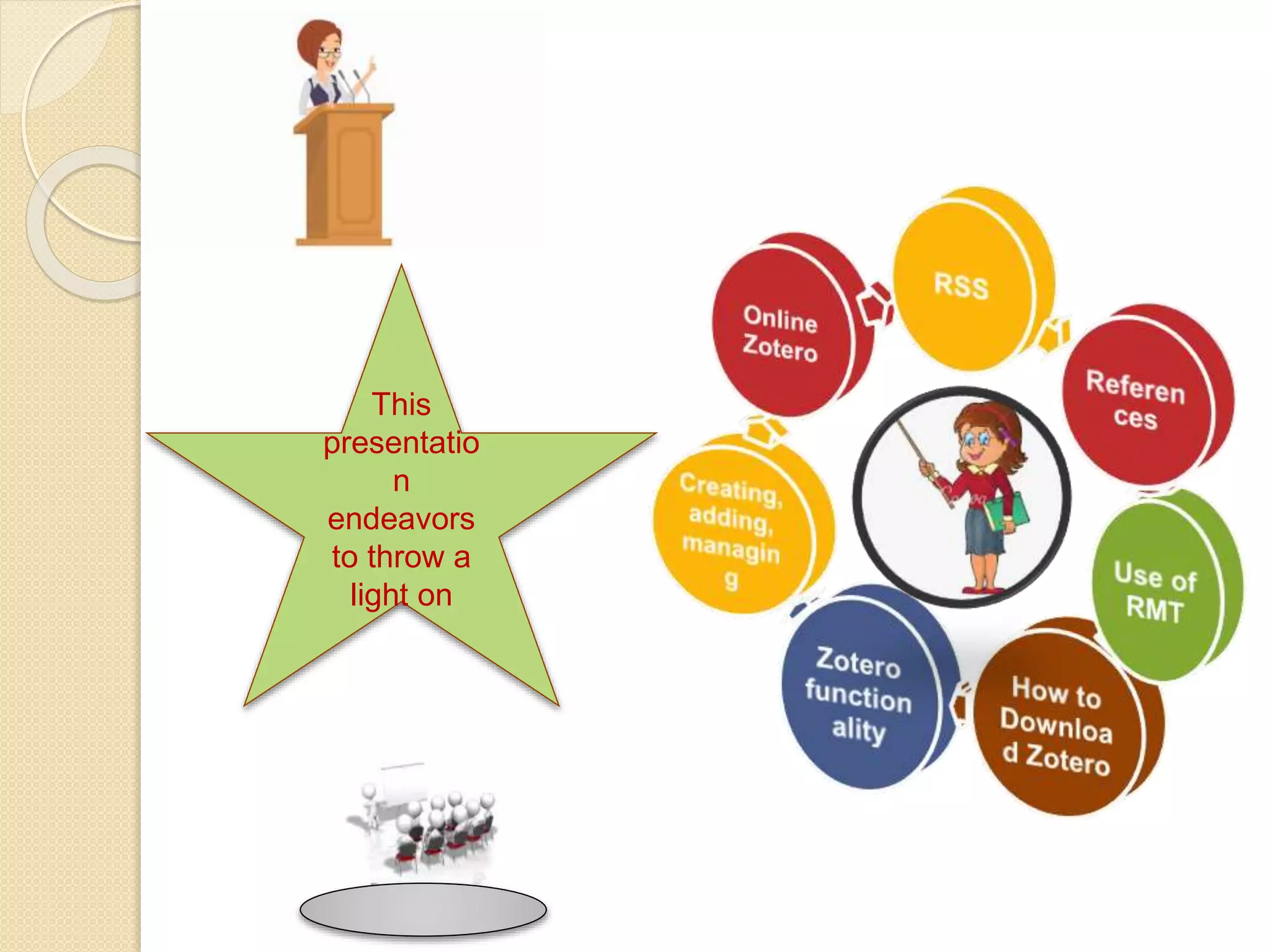
This
presentatio
n
endeavors
to throw a
light on
“Advancement is something that
the human society can neither
unwished nor wish against”
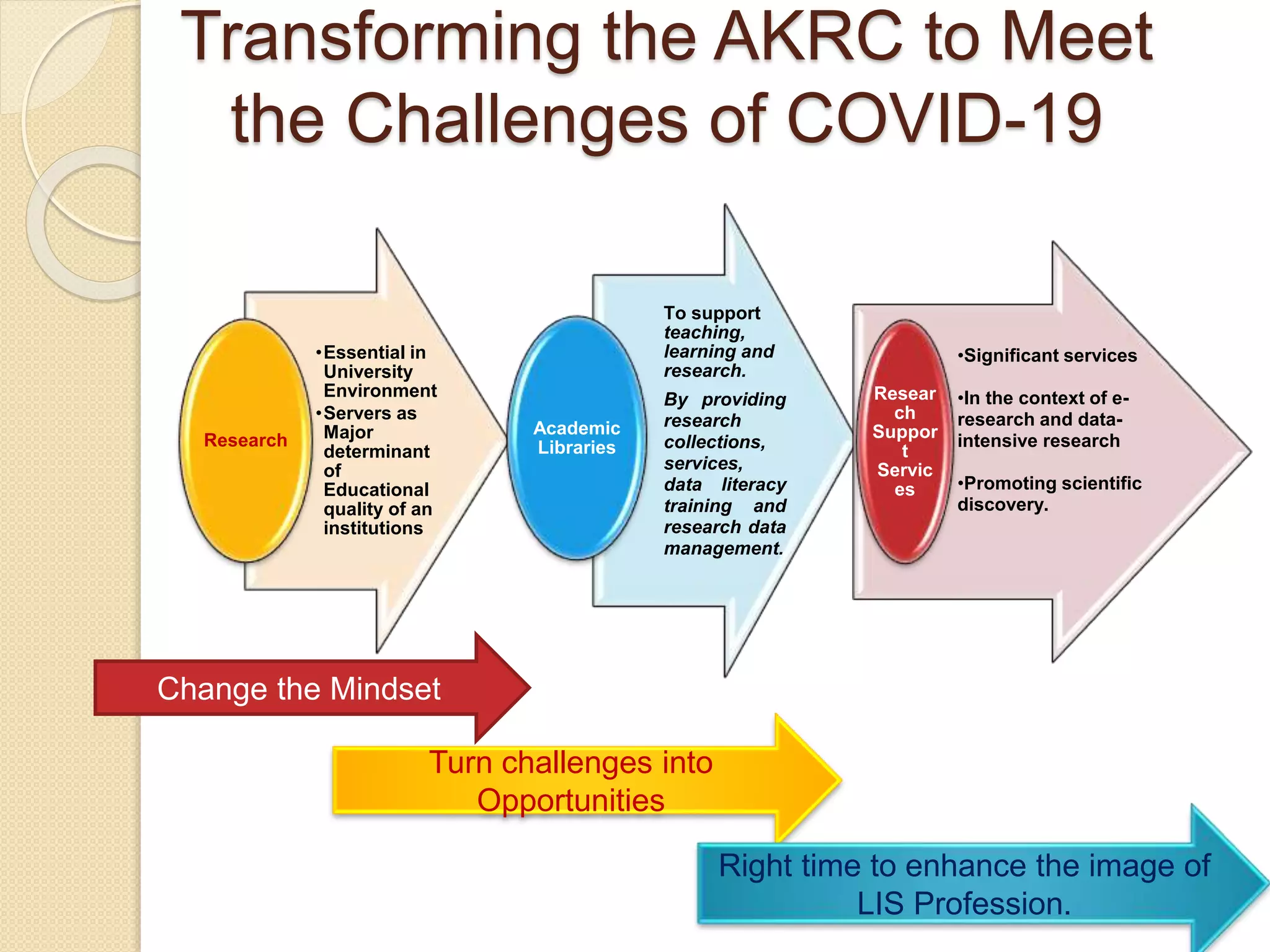
Transforming the AKRC to Meet
the Challenges of COVID-19
•Essential in
University
Environment
•Servers as
Major
determinant
of
Educational
quality of an
institutions
Research
To support
teaching,
learning and
research.
By providing
research
collections,
services,
data literacy
training and
research data
management.
Academic
Libraries
•Significant services
•In the context of e-
research and data-
intensive research
•Promoting scientific
discovery.
Resear
ch
Suppor
t
Servic
es
Change the Mindset
Turn challenges into
Opportunities
Right time to enhance the image of
LIS Profession.
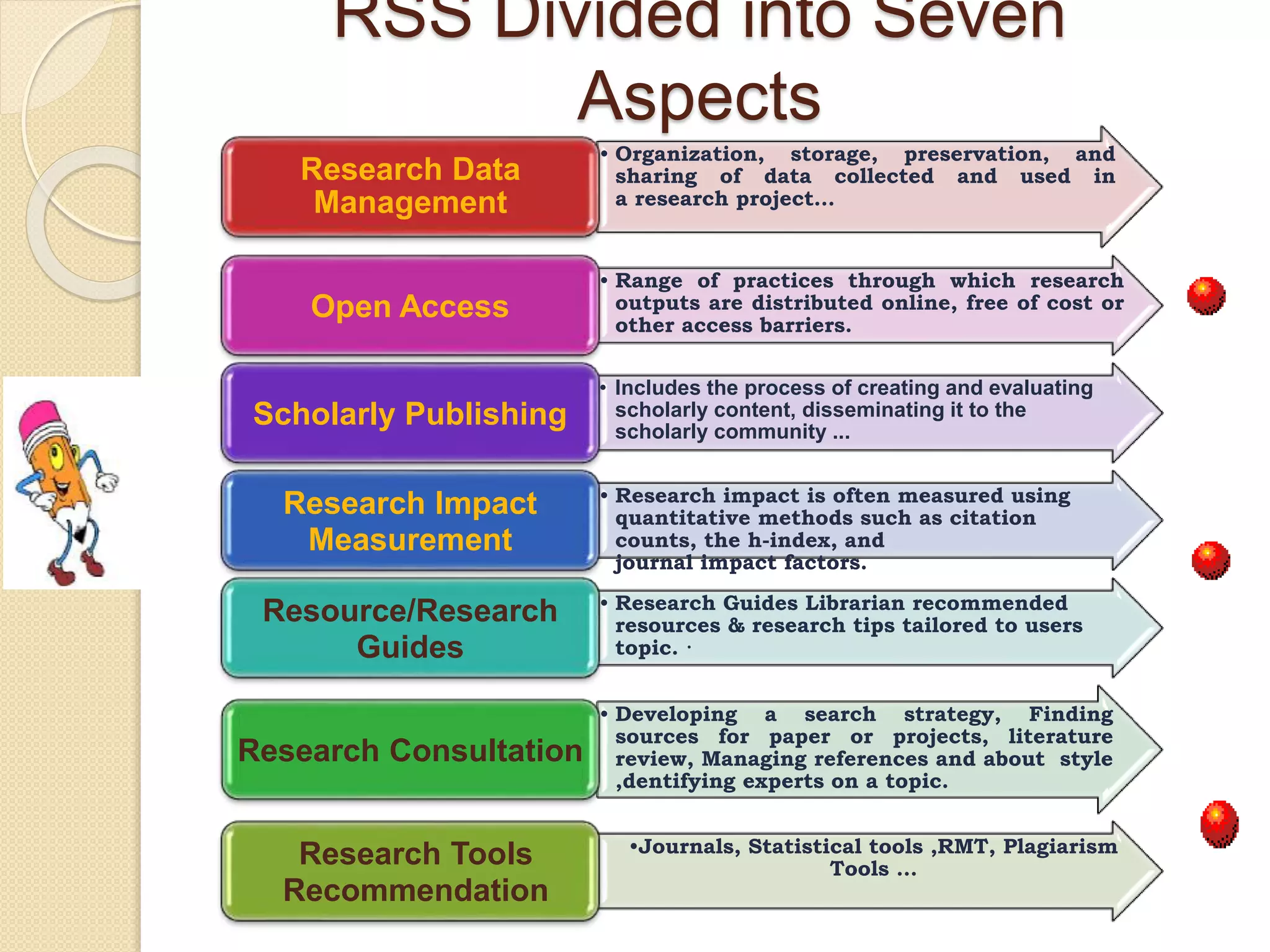
RSS Divided into Seven
Aspects
• Organization, storage, preservation, and
sharing of data collected and used in
a research project…
Research Data
Management
• Range of practices through which research
outputs are distributed online, free of cost or
other access barriers.
Open Access
• Includes the process of creating and evaluating
scholarly content, disseminating it to the
scholarly community ...
Scholarly Publishing
• Research impact is often measured using
quantitative methods such as citation
counts, the h-index, and
journal impact factors.
Research Impact
Measurement
• Research Guides Librarian recommended
resources & research tips tailored to users
topic. ·
Resource/Research
Guides
• Developing a search strategy, Finding
sources for paper or projects, literature
review, Managing references and about style
,dentifying experts on a topic.
Research Consultation
•Journals, Statistical tools ,RMT, Plagiarism
Tools …
Research Tools
Recommendation
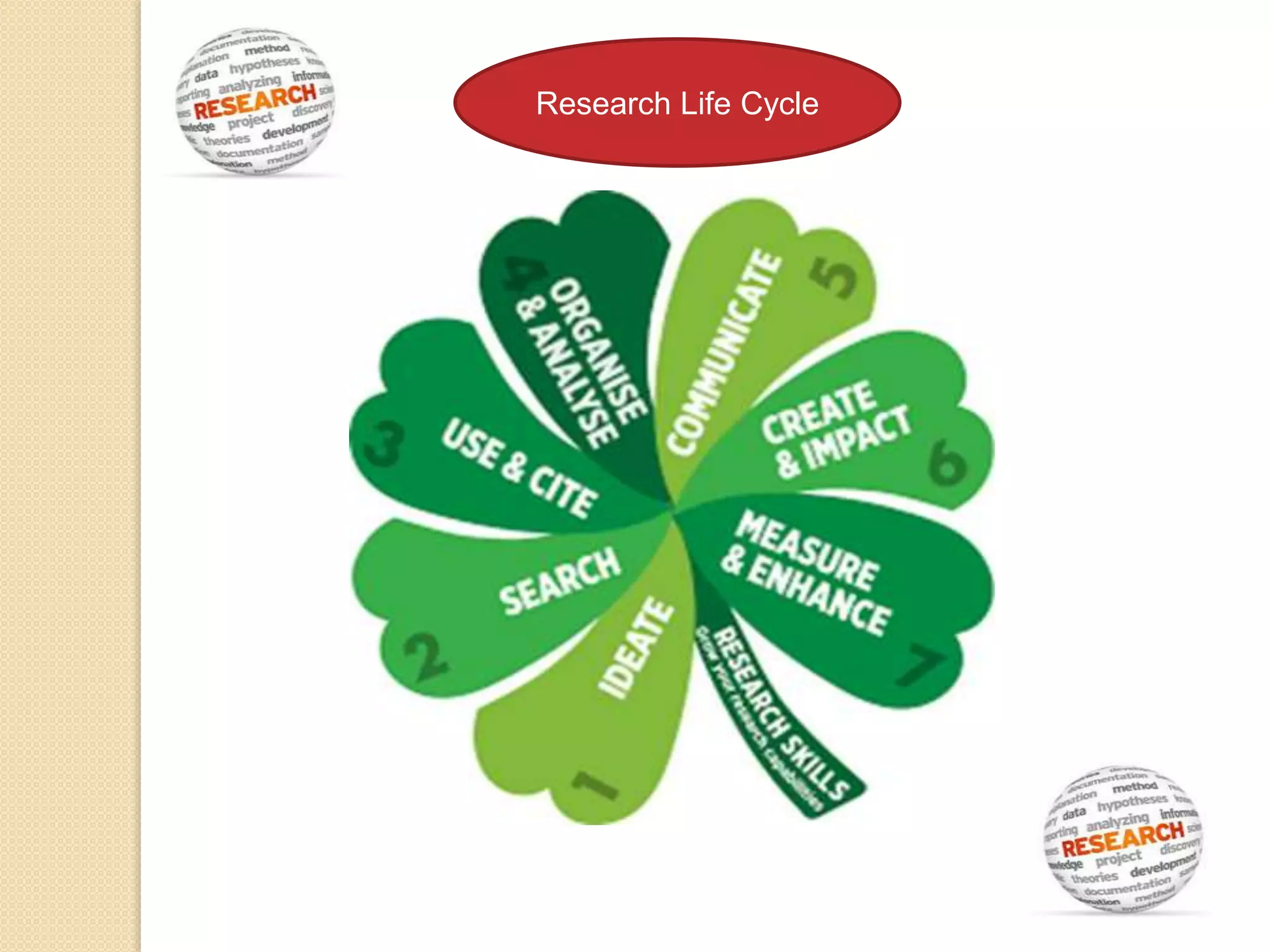
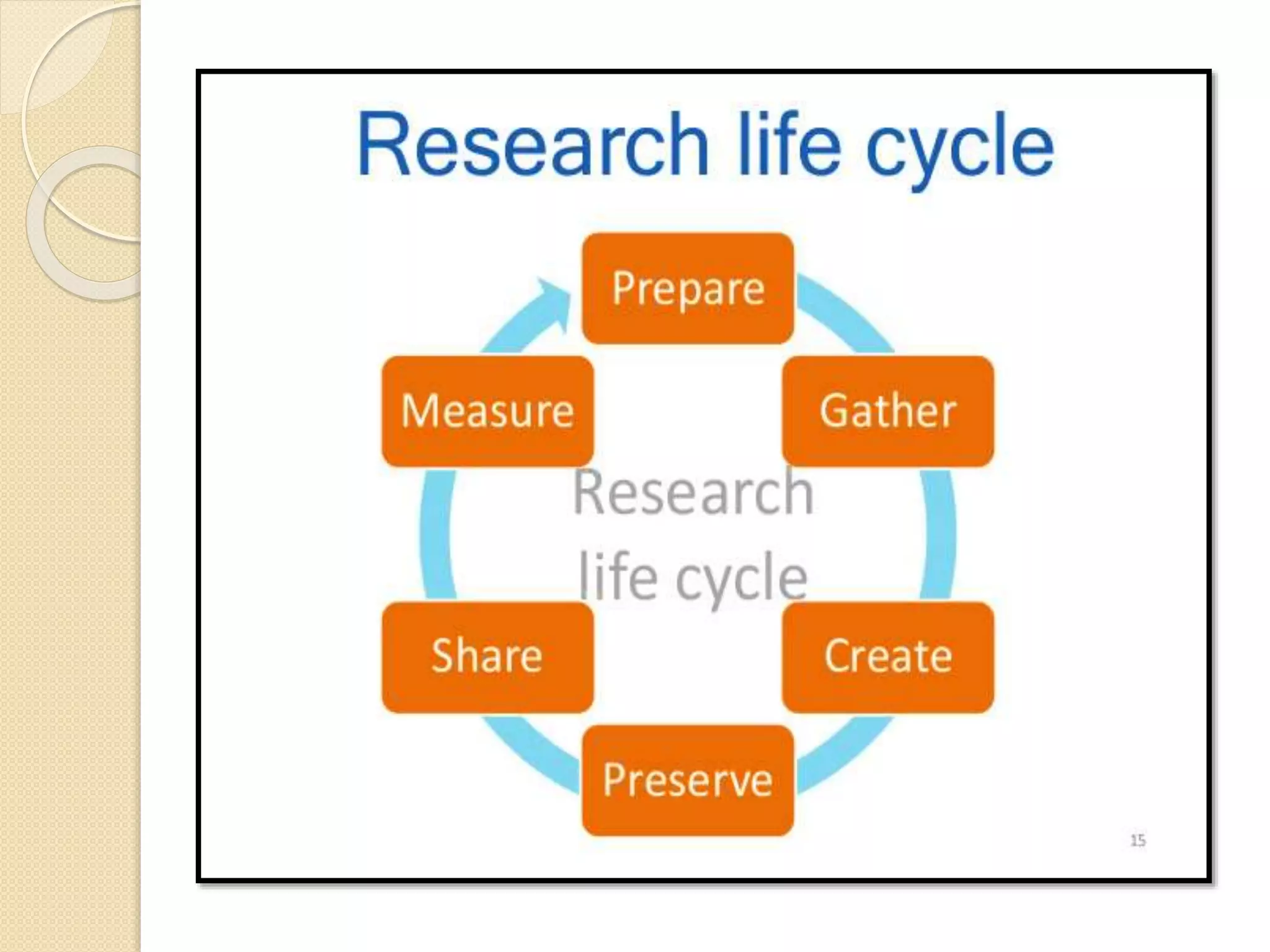
Research Life Cycle
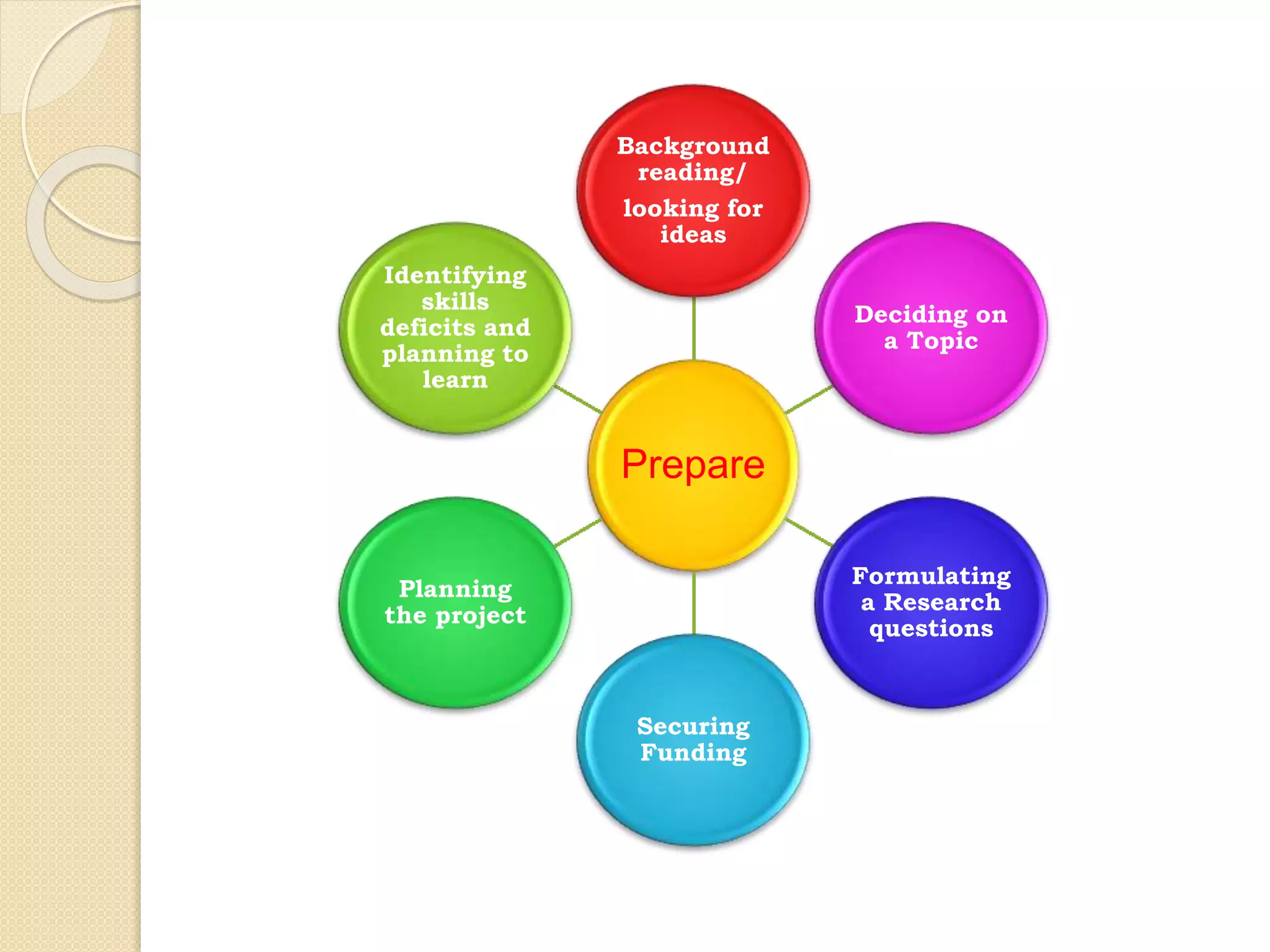
Prepare
Background
reading/
looking for
ideas
Deciding on
a Topic
Formulating
a Research
questions
Securing
Funding
Planning
the project
Identifying
skills
deficits and
planning to
learn
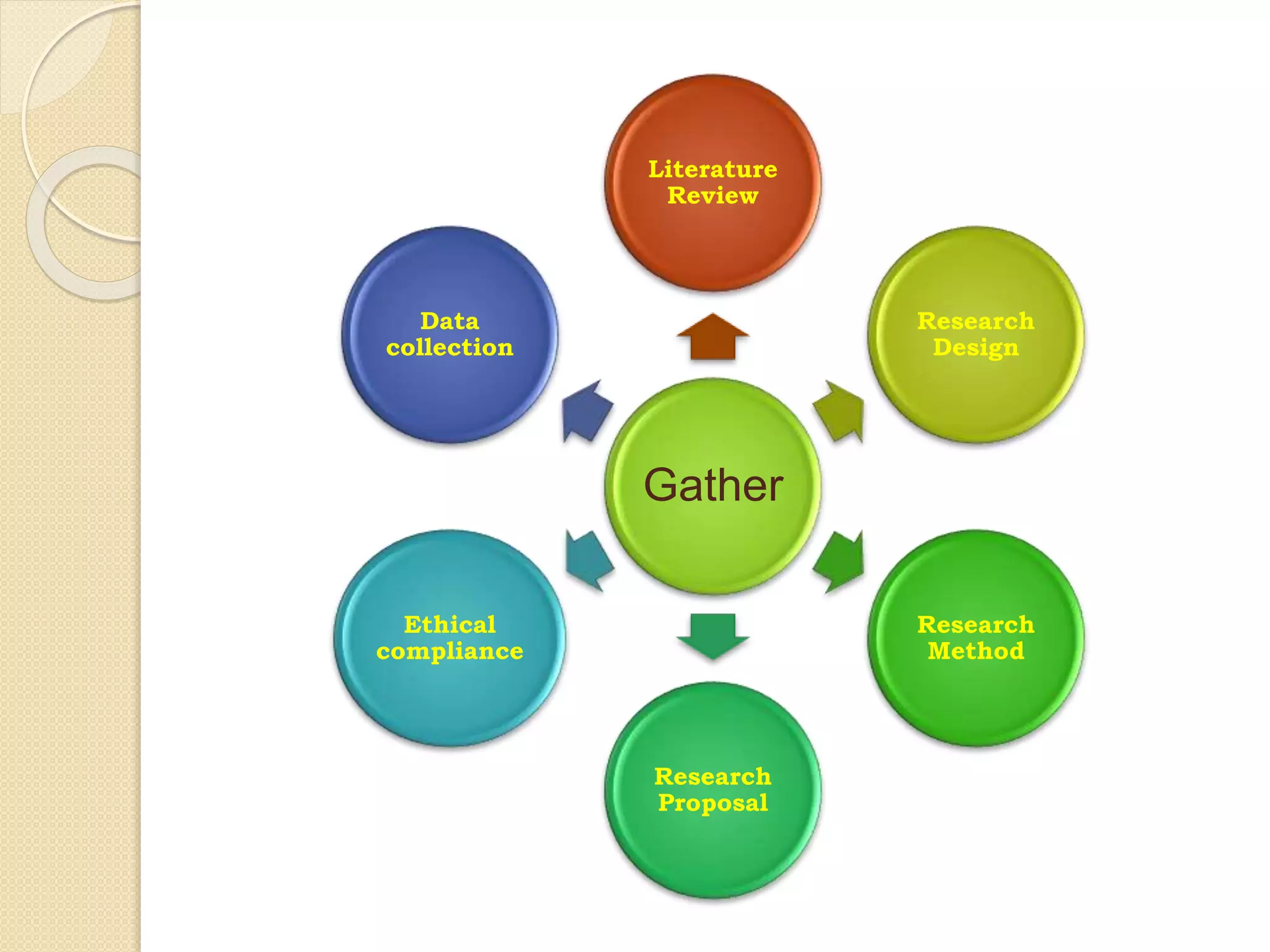
Gather
Literature
Review
Research
Design
Research
Method
Research
Proposal
Ethical
compliance
Data
collection
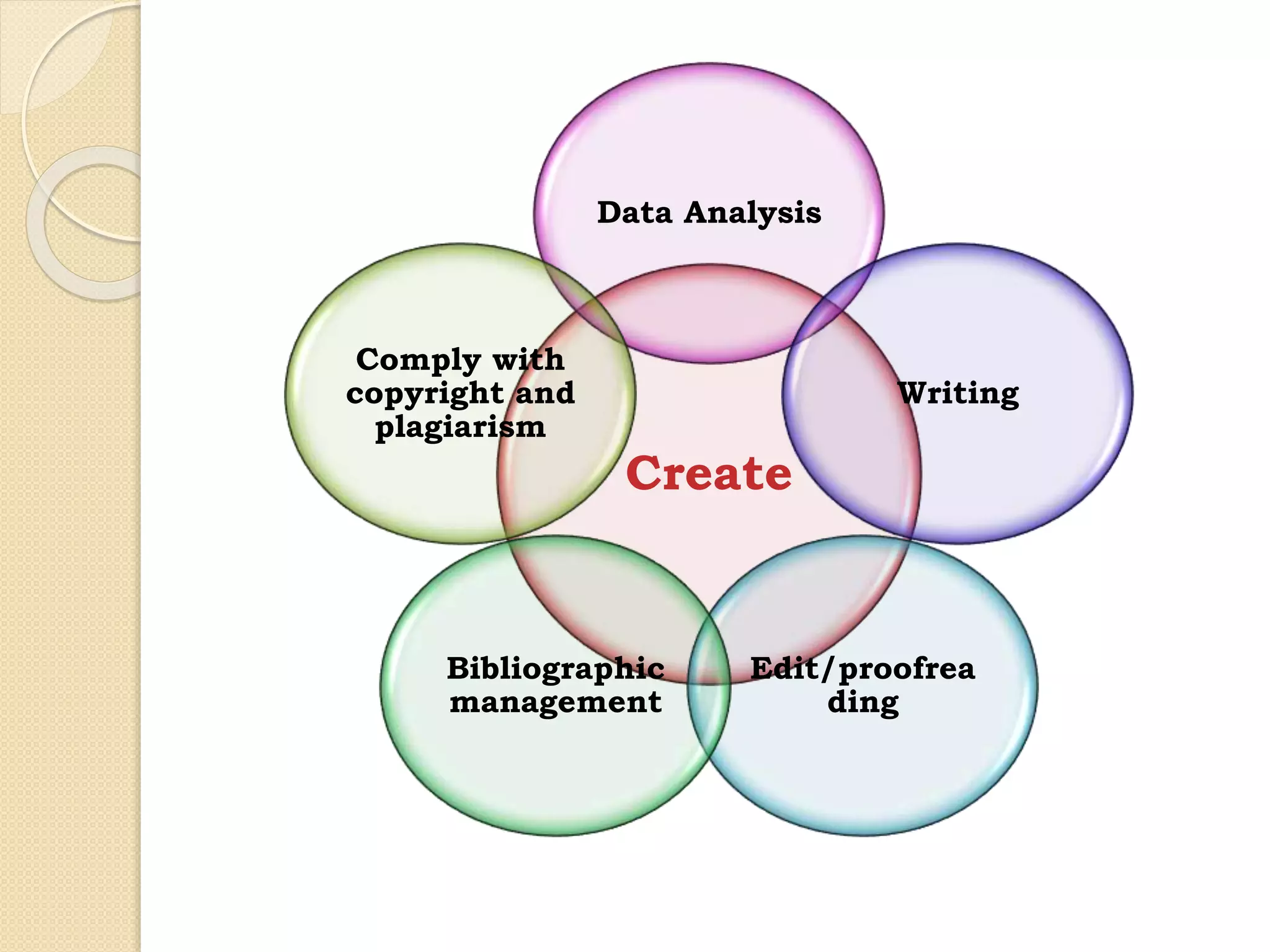
Create
Data Analysis
Writing
Edit/proofrea
ding
Bibliographic
management
Comply with
copyright and
plagiarism
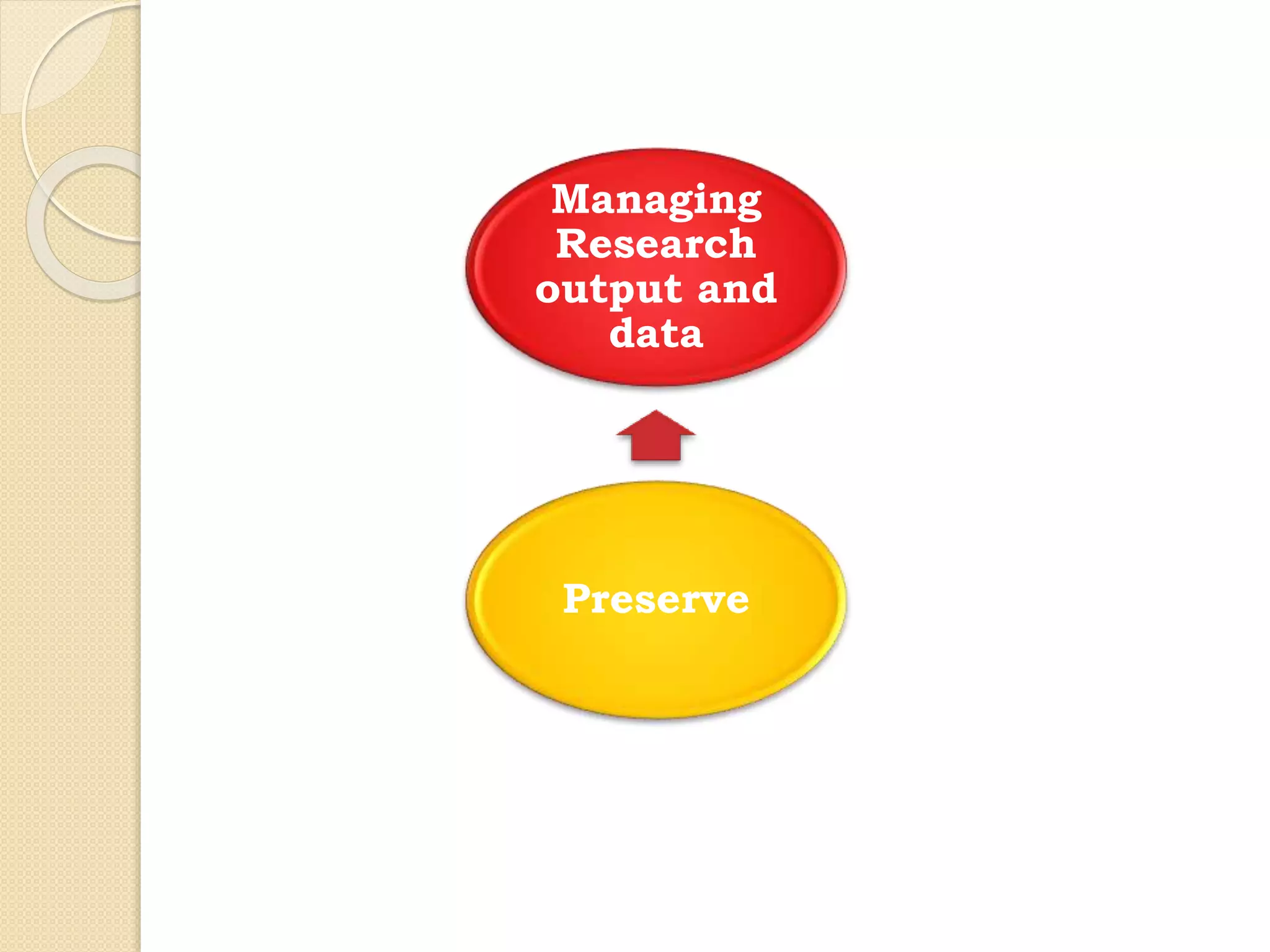
Preserve
Managing
Research
output and
data
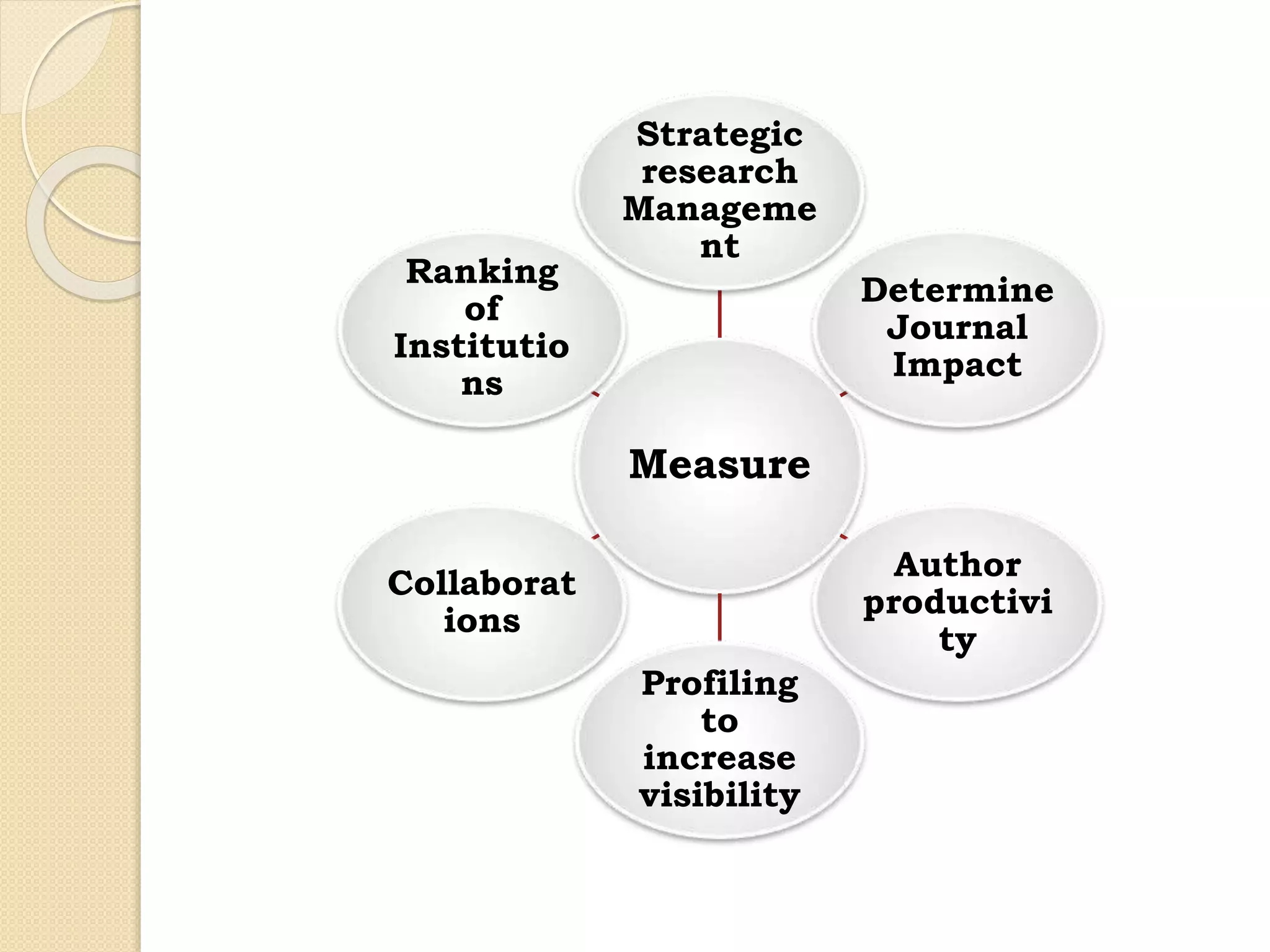
Measure
Strategic
research
Manageme
nt
Determine
Journal
Impact
Author
productivi
ty
Profiling
to
increase
visibility
Collaborat
ions
Ranking
of
Institutio
ns
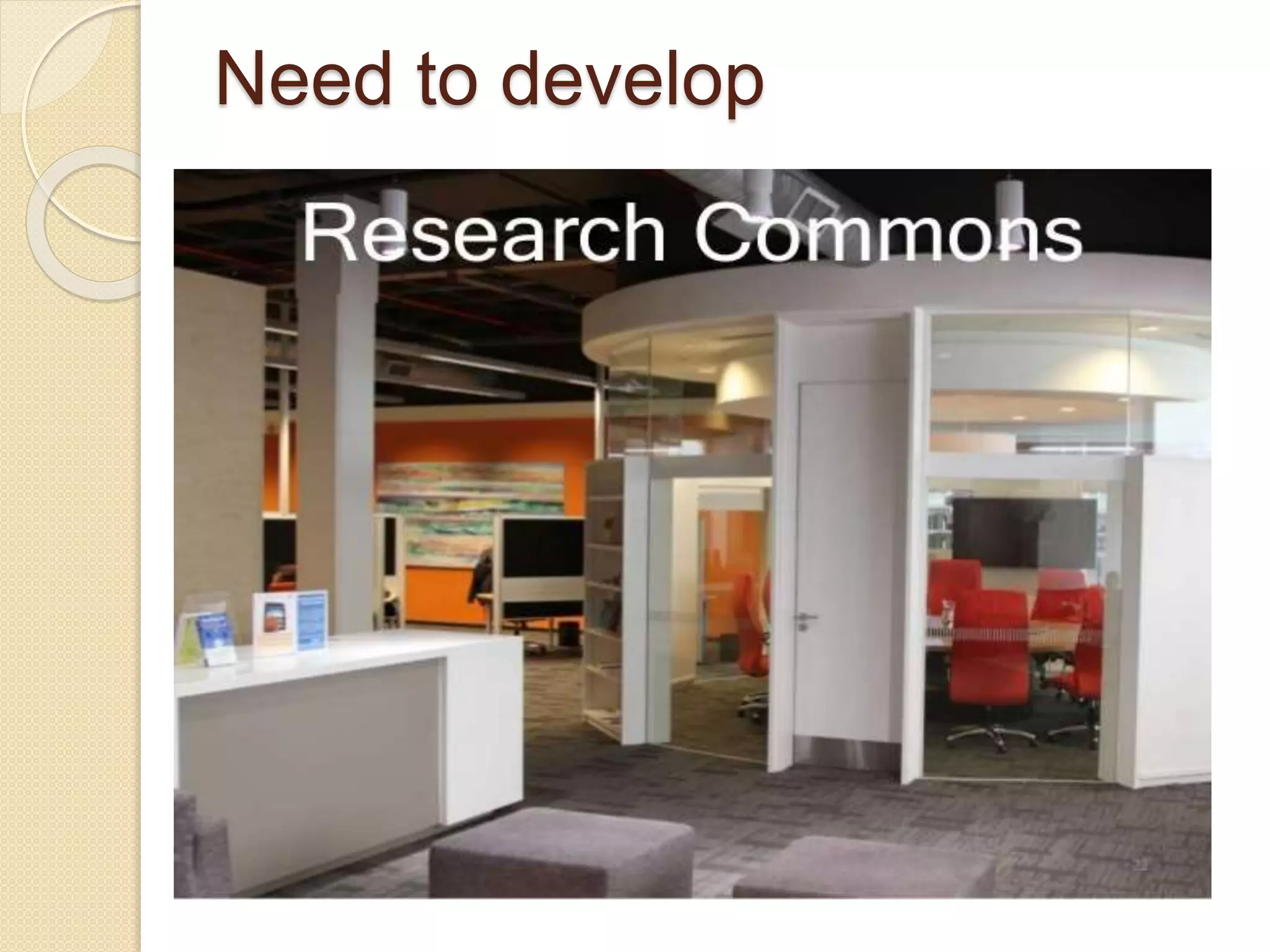
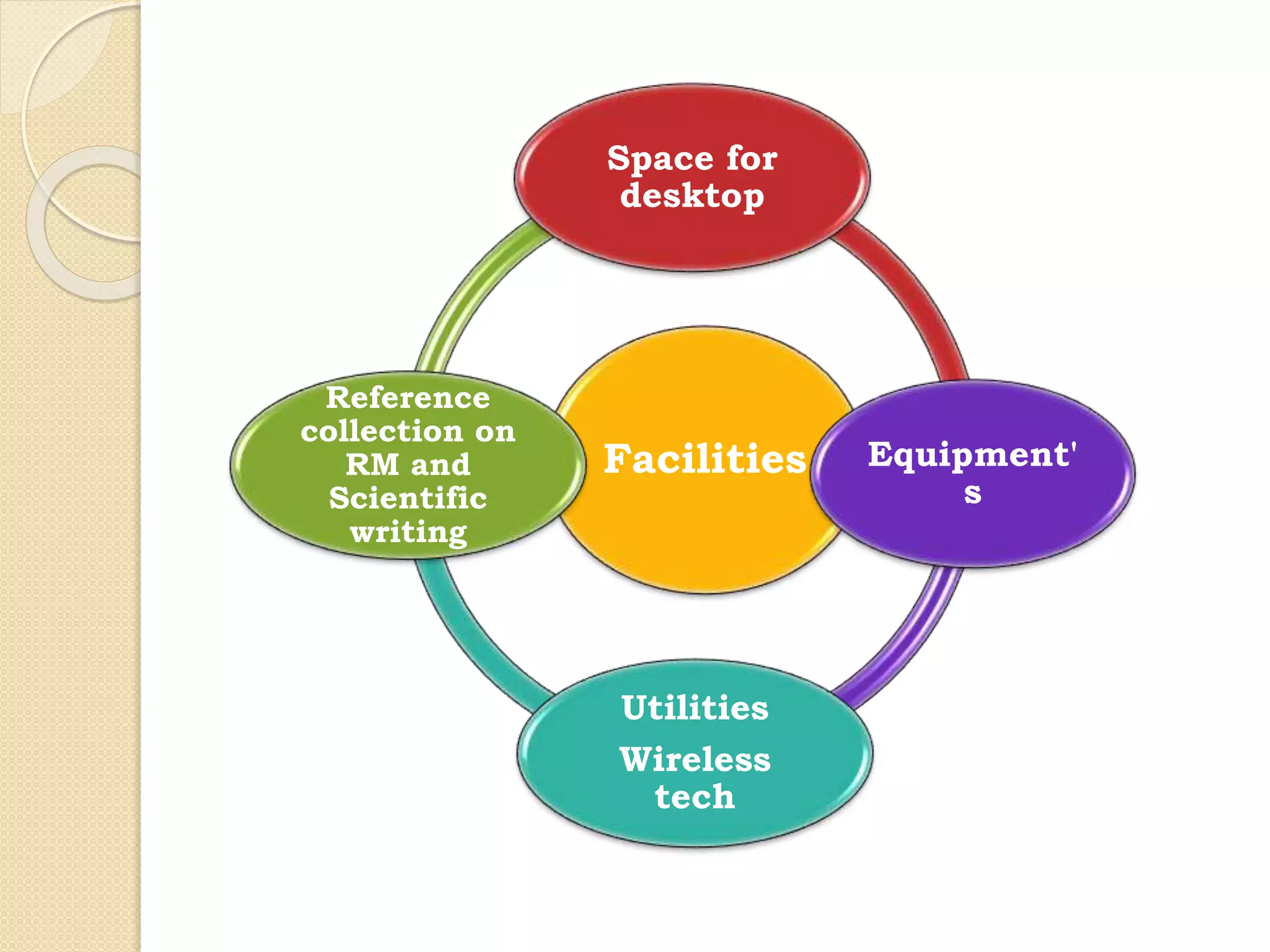
Need to develop
Facilities
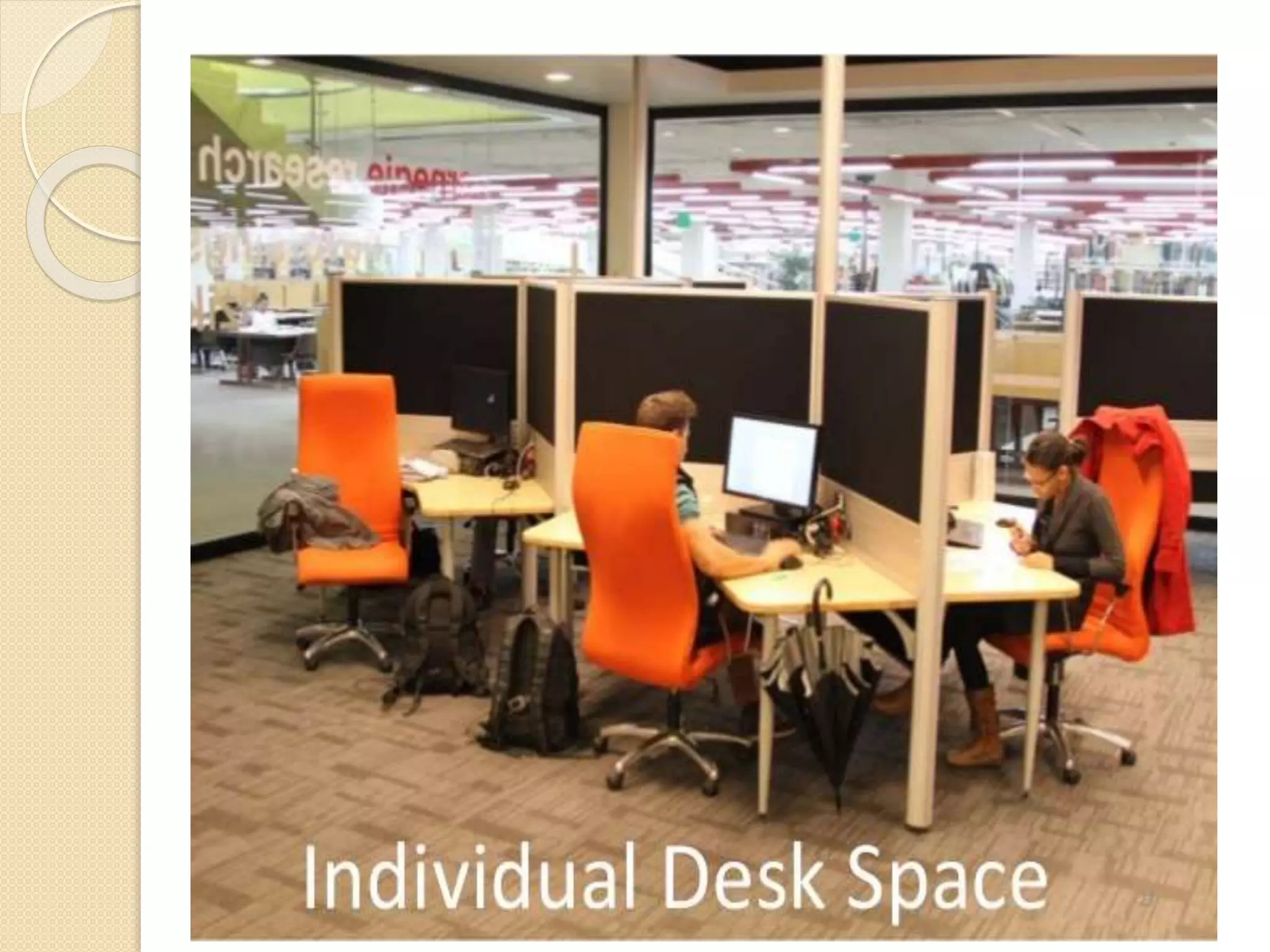
Space for
desktop
Equipment'
s
Utilities
Wireless
tech
Reference
collection on
RM and
Scientific
writing
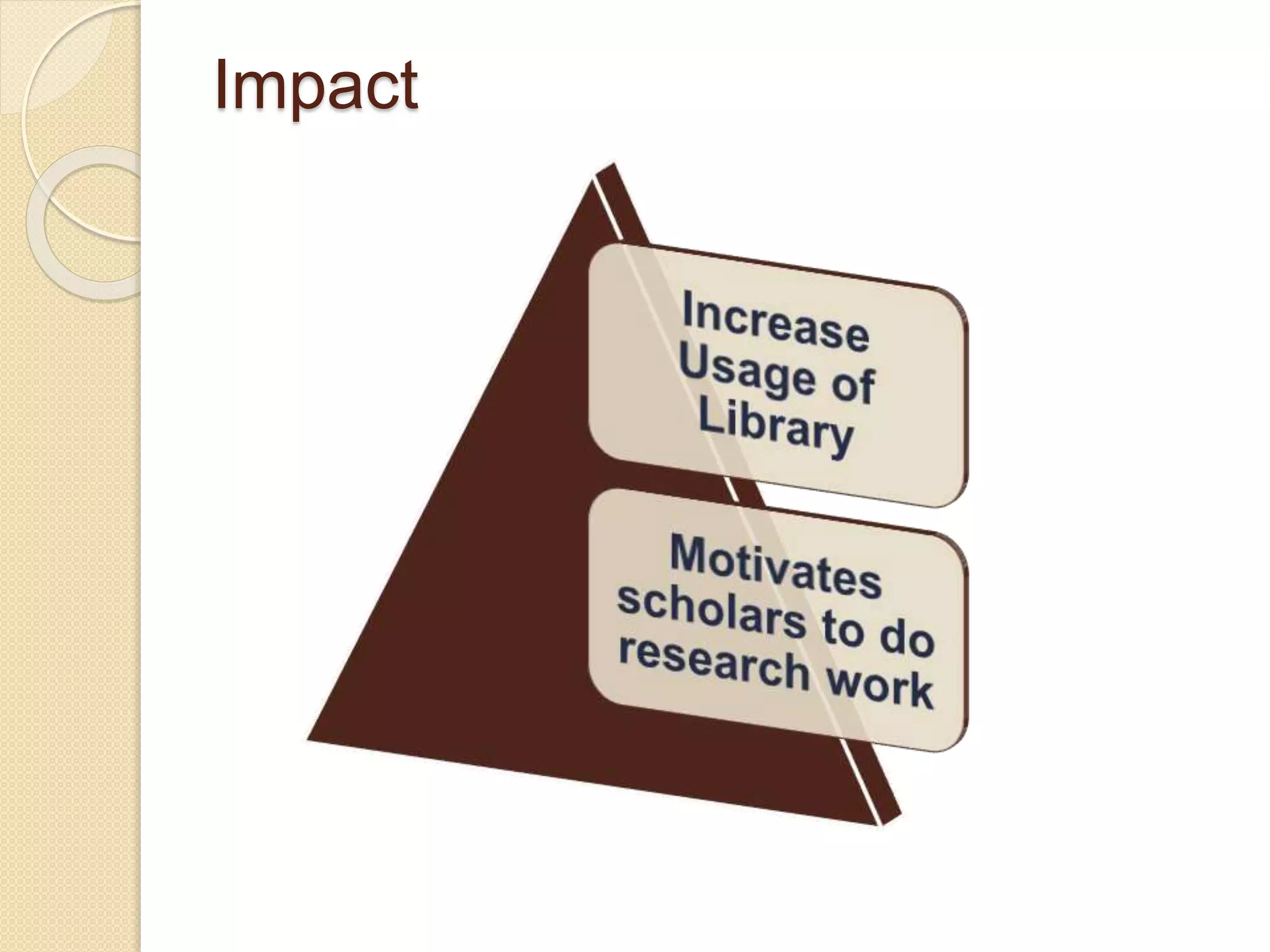
Impact
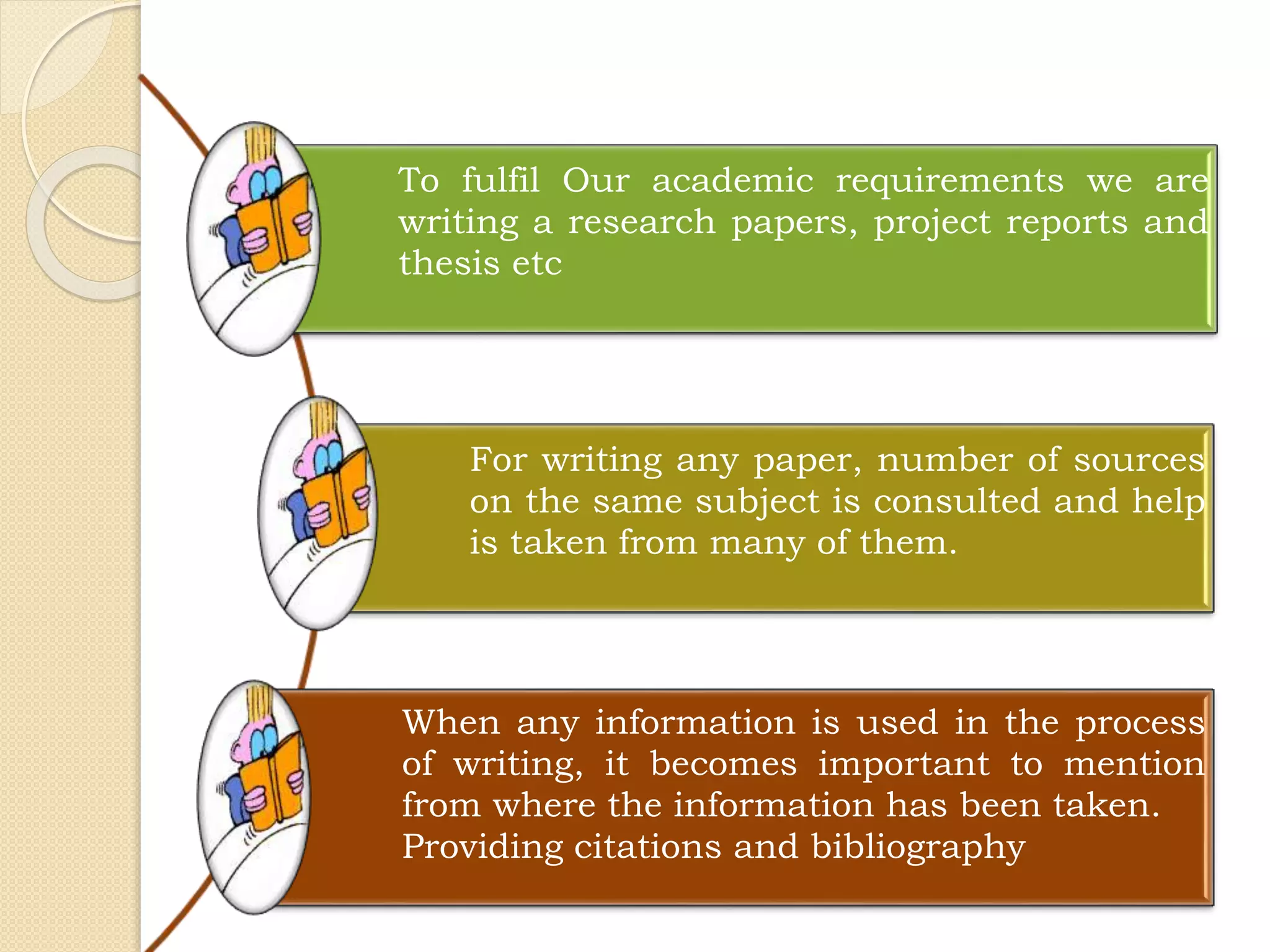
To fulfil Our academic requirements we are
writing a research papers, project reports and
thesis etc
For writing any paper, number of sources
on the same subject is consulted and help
is taken from many of them.
When any information is used in the process
of writing, it becomes important to mention
from where the information has been taken.
Providing citations and bibliography
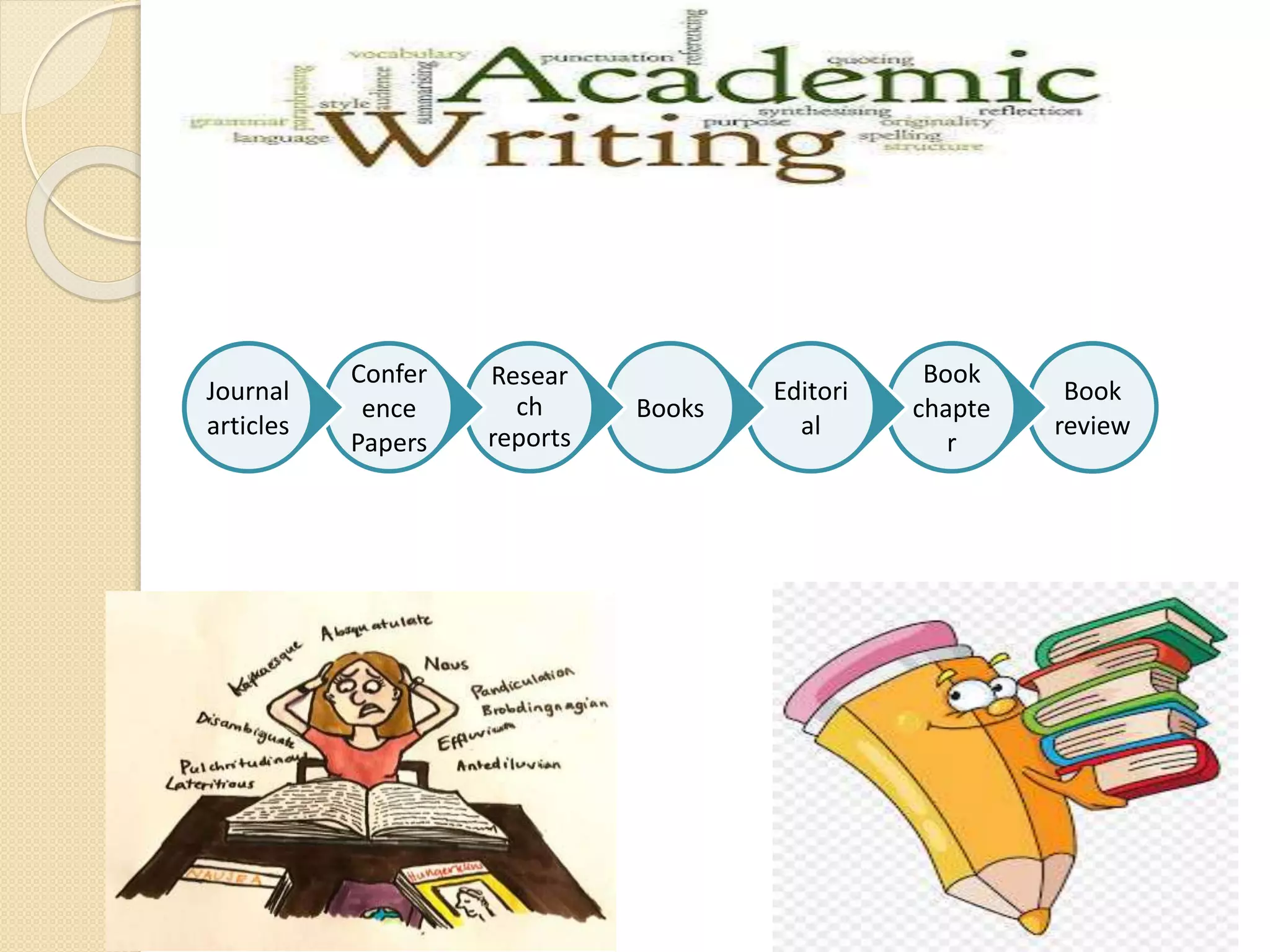
Book
review
Book
chapte
r
Editori
al
Books
Resear
ch
reports
Confer
ence
Papers
Journal
articles
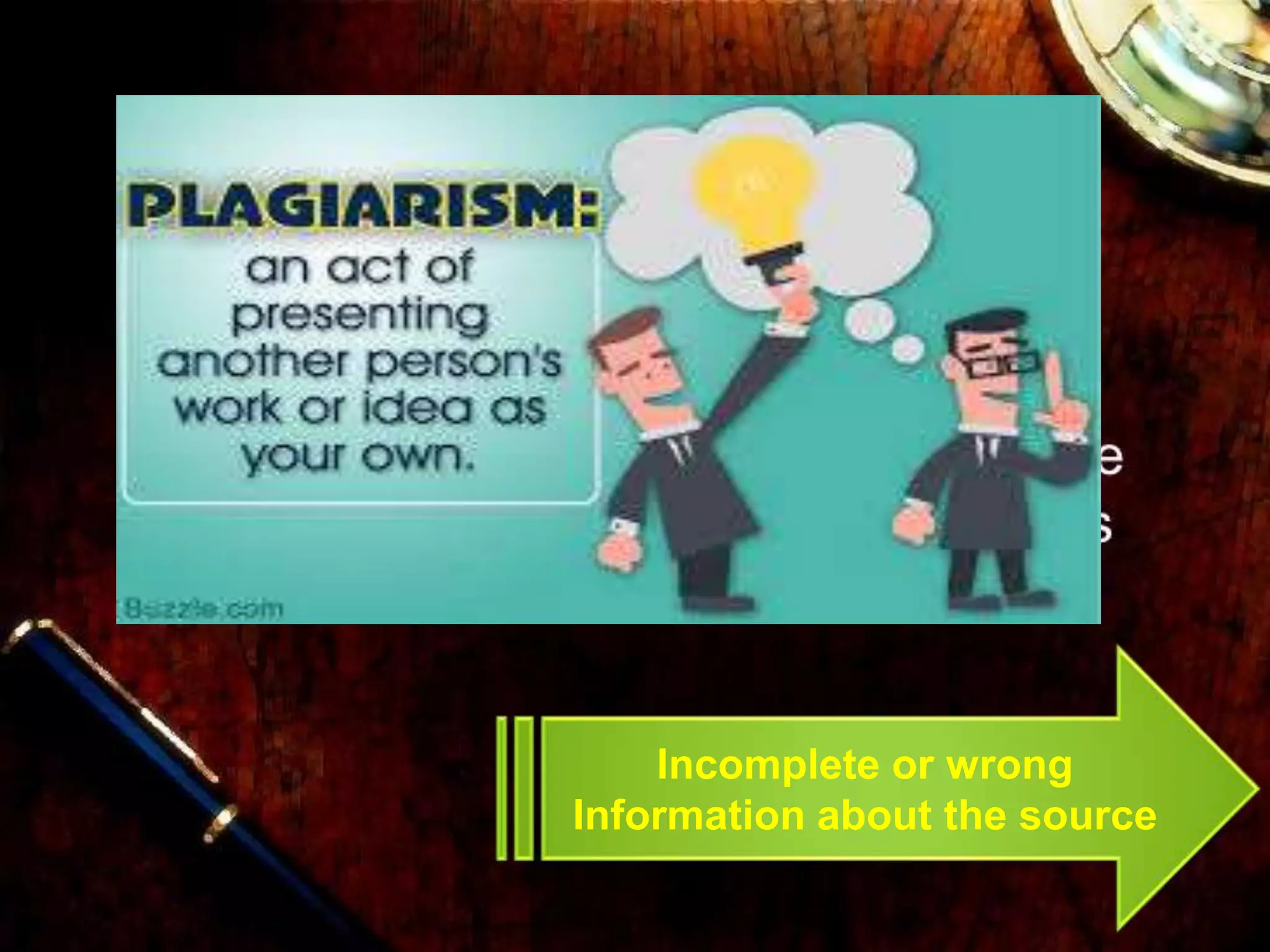
Incomplete or wrong
Information about the source
Are You Using Reference
Management
Software/Tools?
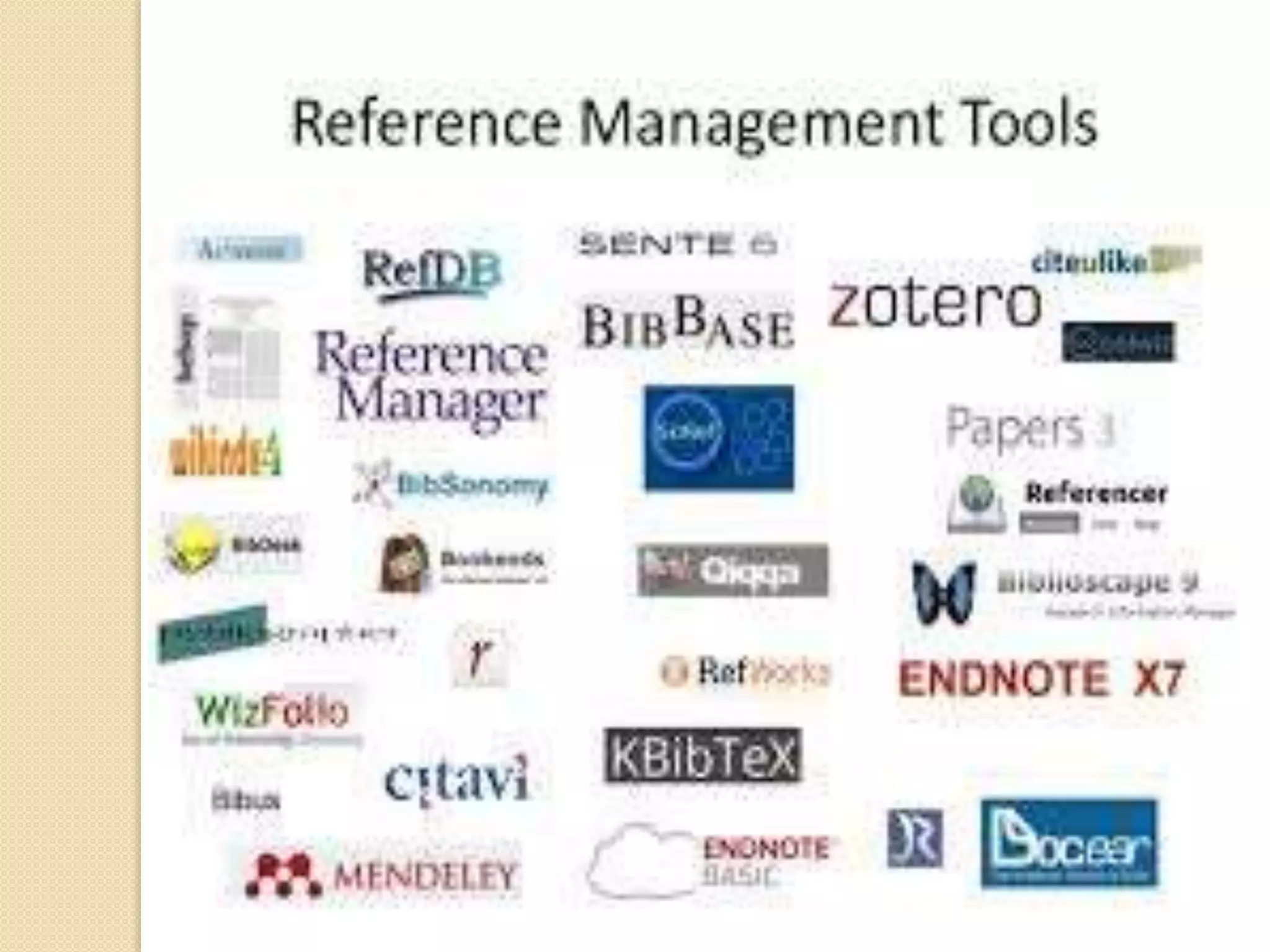
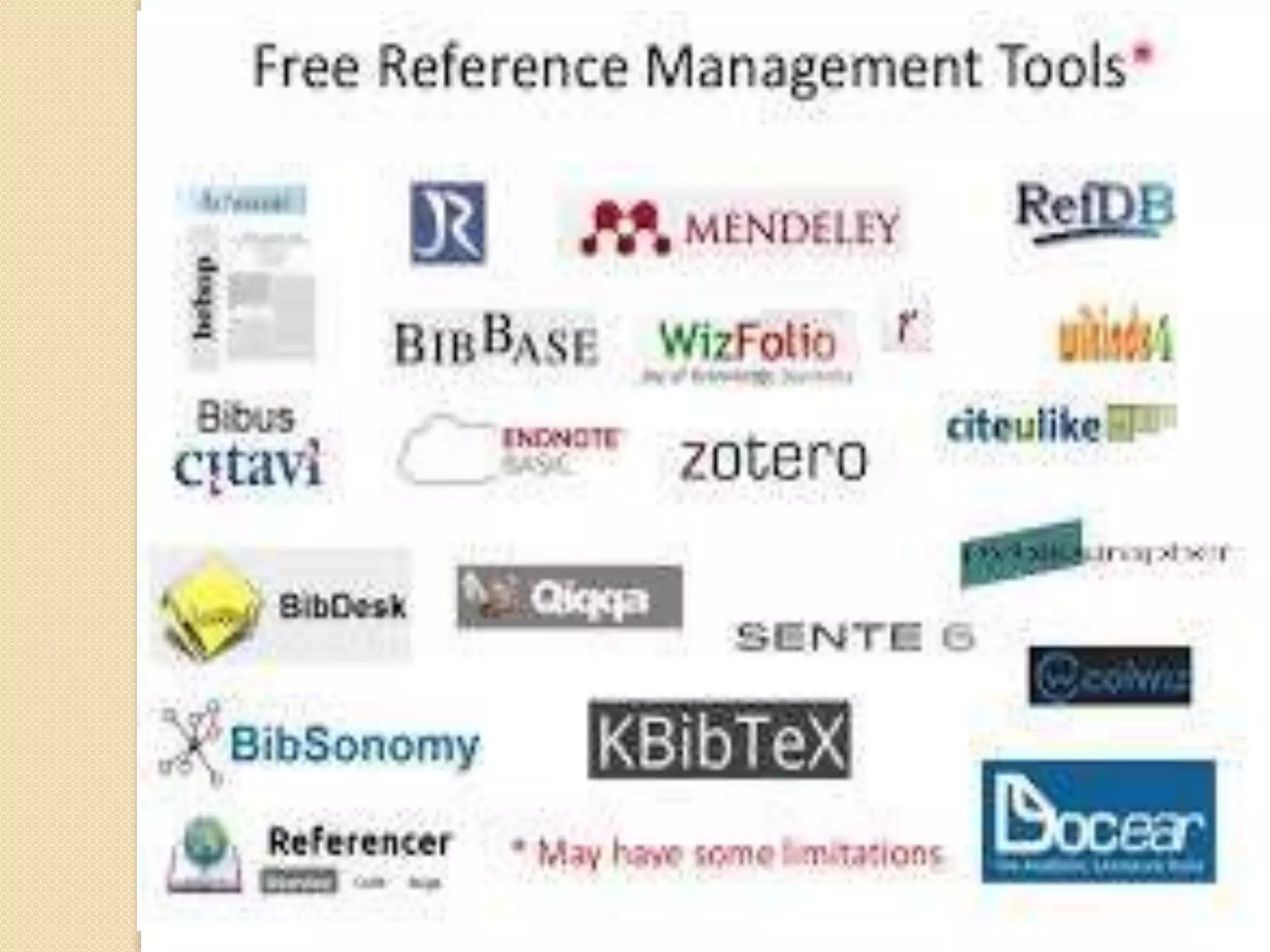
Which RMT you are Using?
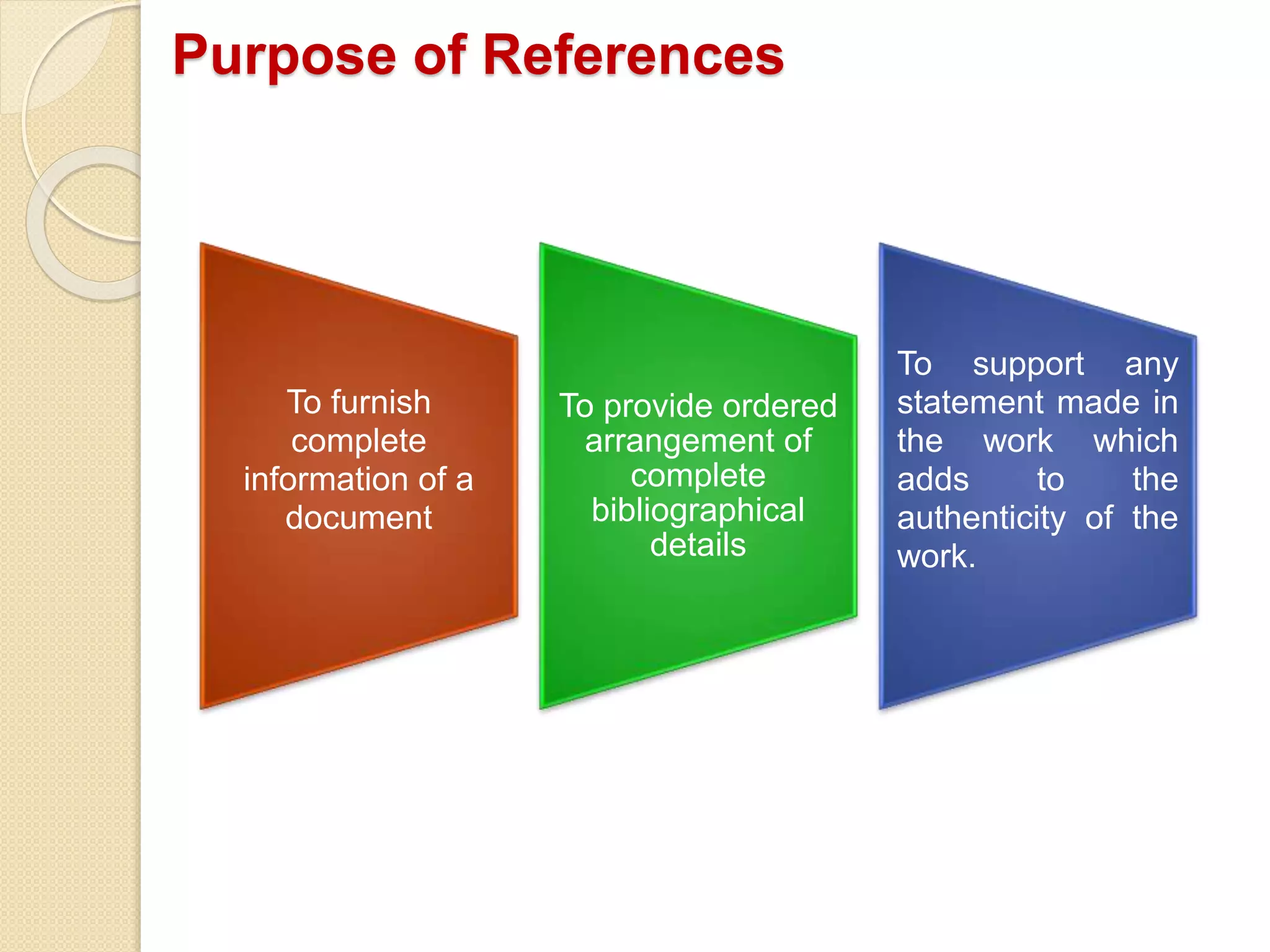
Purpose of References
To furnish
complete
information of a
document
To provide ordered
arrangement of
complete
bibliographical
details
To support any
statement made in
the work which
adds to the
authenticity of the
work.
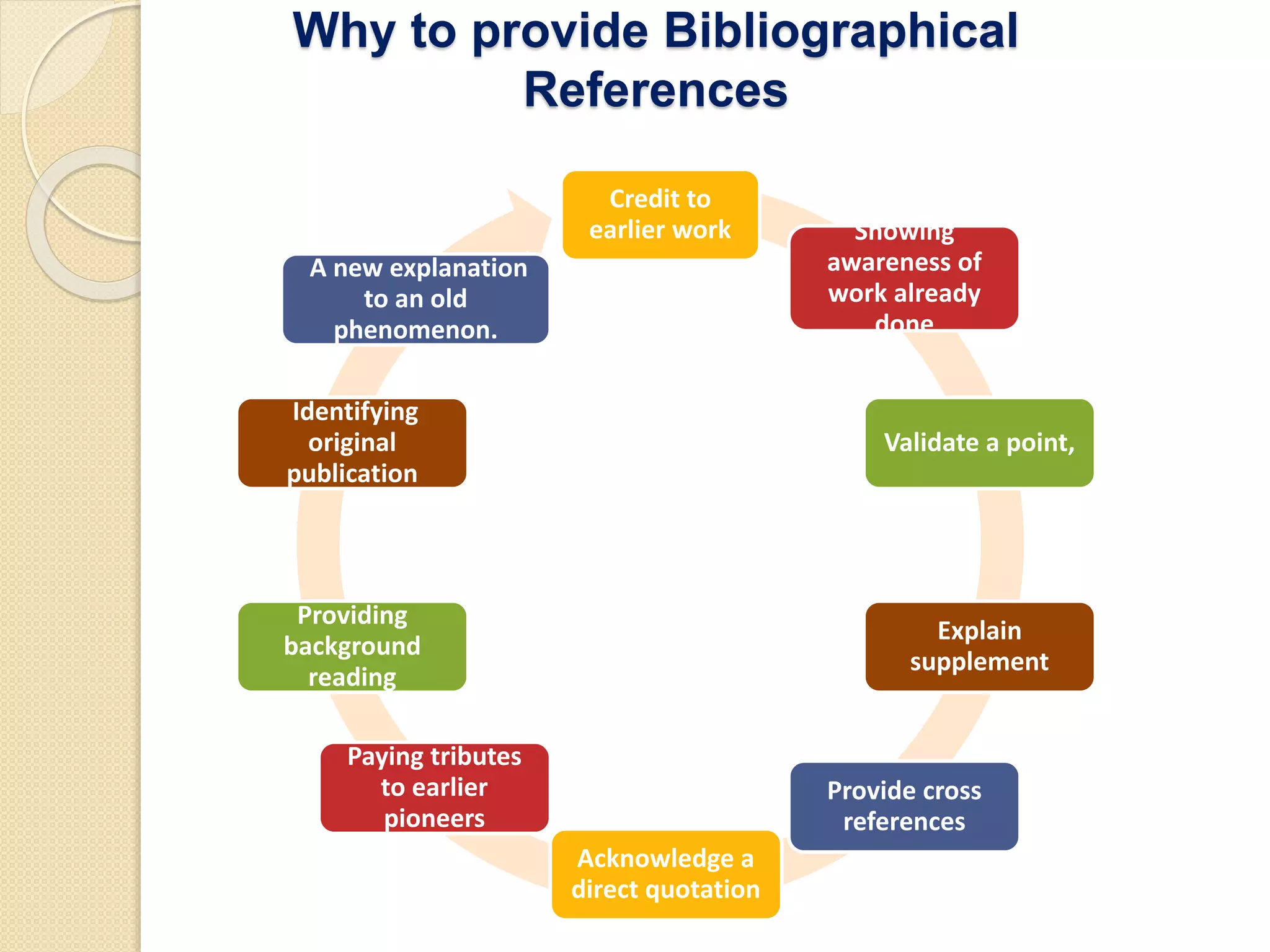
Why to provide Bibliographical
References
Credit to
earlier work Showing
awareness of
work already
done
Validate a point,
Explain
supplement
Provide cross
references
Acknowledge a
direct quotation
Paying tributes
to earlier
pioneers
Providing
background
reading
Identifying
original
publication
A new explanation
to an old
phenomenon.
What is RMS ?
• Citation of any research work is an integral part.
• Collecting, reading, managing and inserting citation is time
consuming task.
• We come across lot of publication which are relevant to our
research area.
• However, it is bit difficult for us to remember which research
work we had refered for our ongoing research.
• Reference Management System allows researchers to
collect, organize and insert citations while writng research
report.
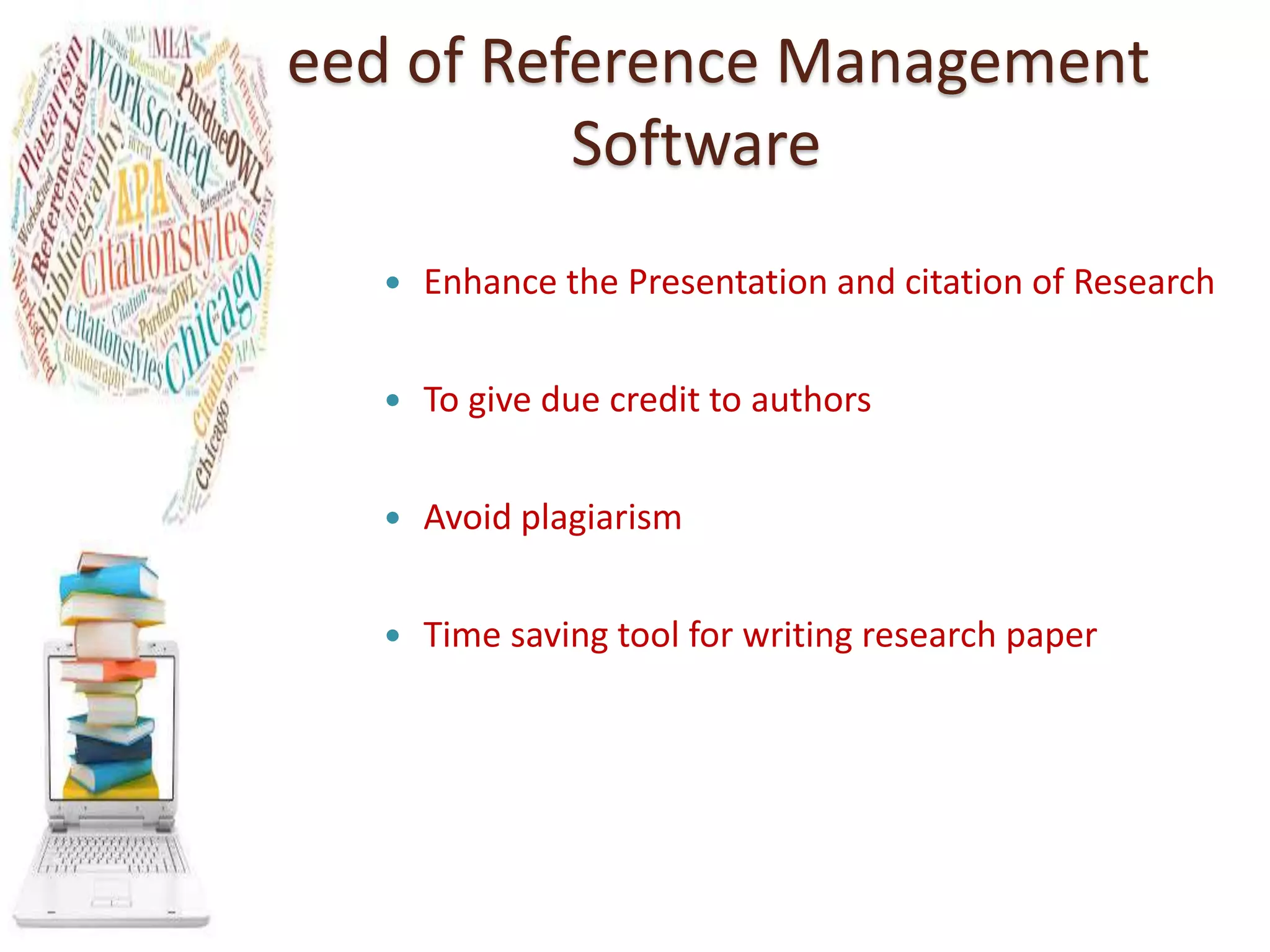
Need of Reference Management
Software
 Enhance the Presentation and citation of Research
 To give due credit to authors
 Avoid plagiarism
 Time saving tool for writing research paper
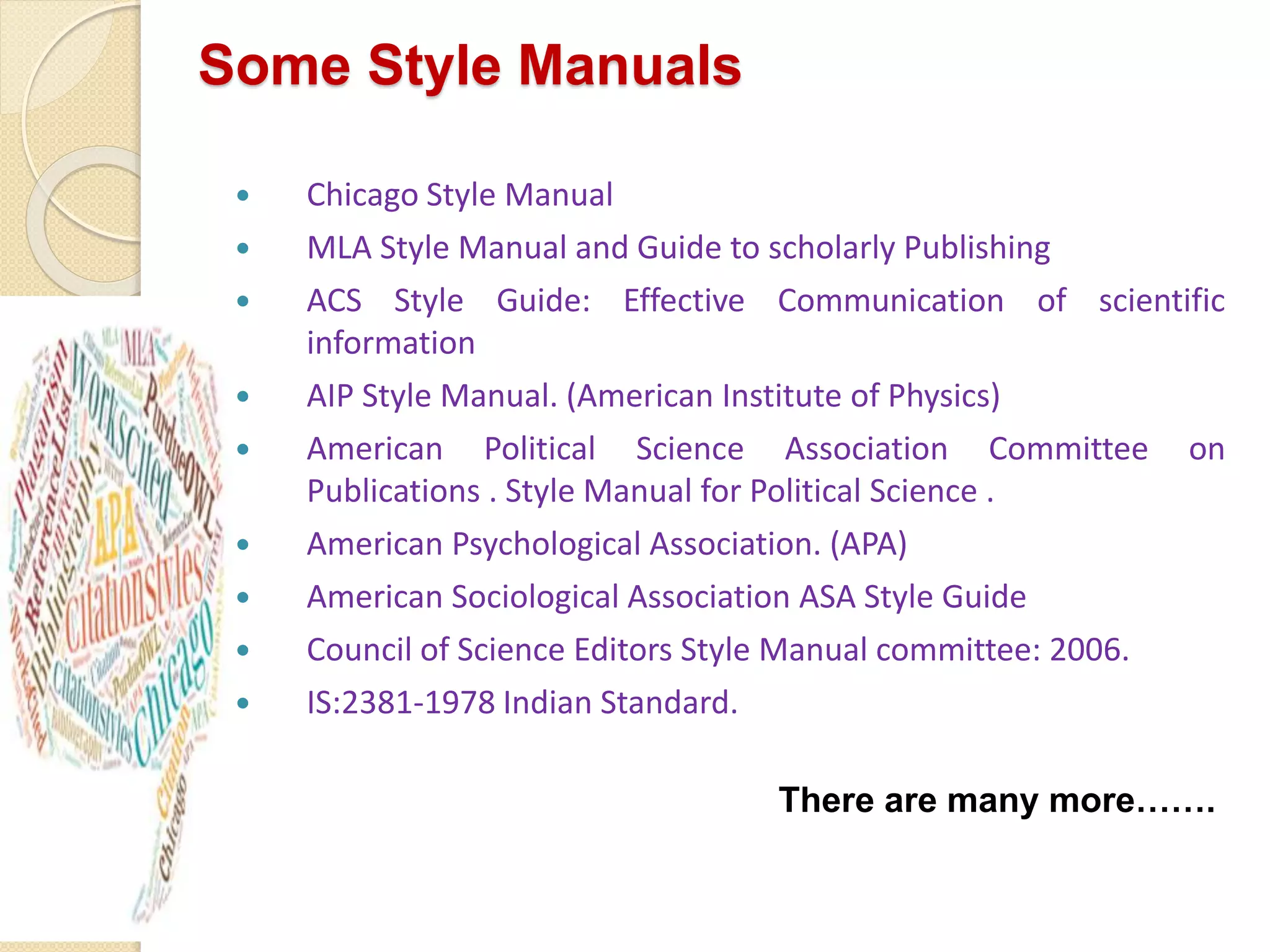
Some Style Manuals
 Chicago Style Manual
 MLA Style Manual and Guide to scholarly Publishing
 ACS Style Guide: Effective Communication of scientific
information
 AIP Style Manual. (American Institute of Physics)
 American Political Science Association Committee on
Publications . Style Manual for Political Science .
 American Psychological Association. (APA)
 American Sociological Association ASA Style Guide
 Council of Science Editors Style Manual committee: 2006.
 IS:2381-1978 Indian Standard.
There are many more…….
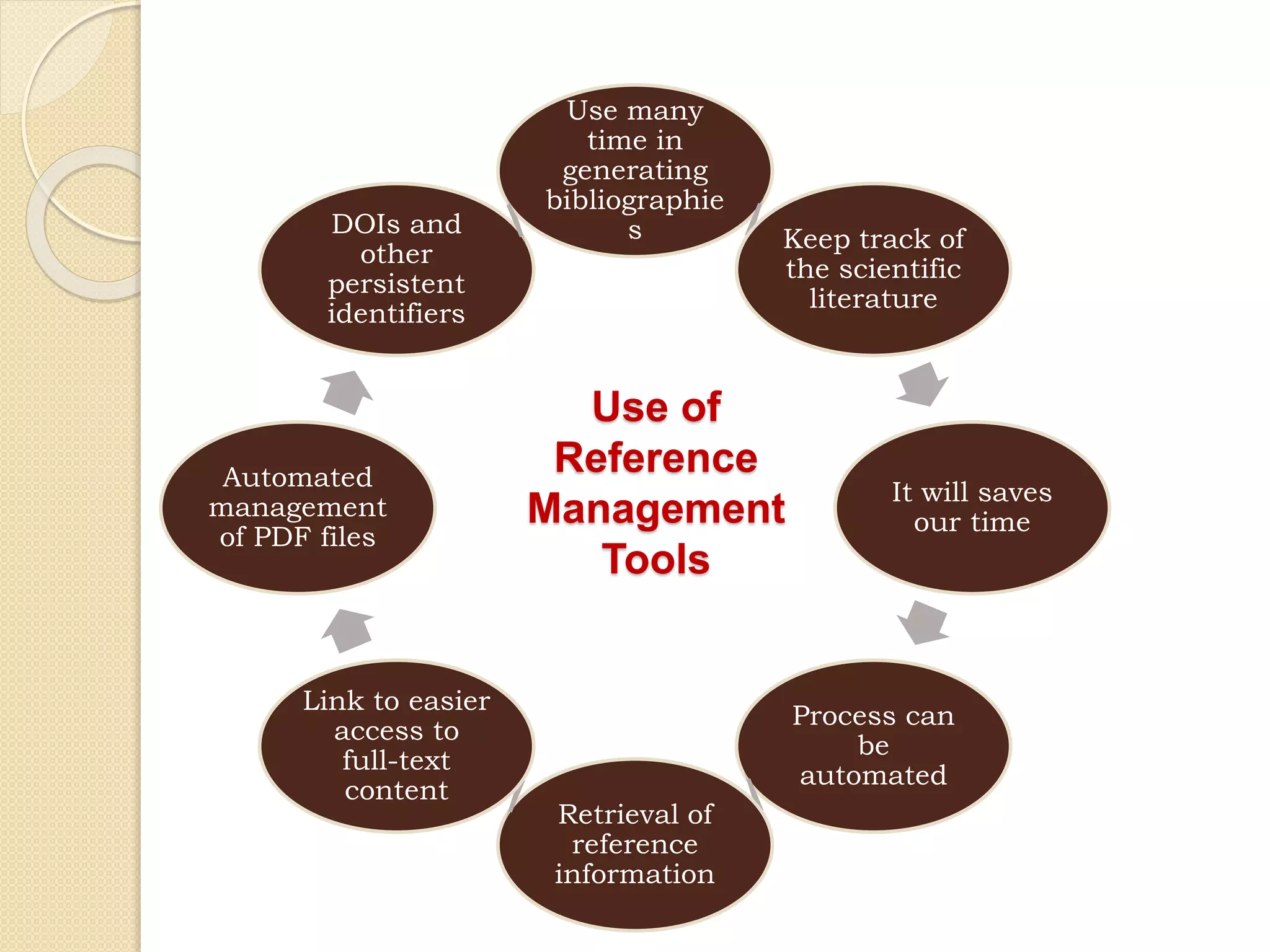
Use of
Reference
Management
Tools
Use many
time in
generating
bibliographie
s Keep track of
the scientific
literature
It will saves
our time
Process can
be
automated
Retrieval of
reference
information
Link to easier
access to
full-text
content
Automated
management
of PDF files
DOIs and
other
persistent
identifiers
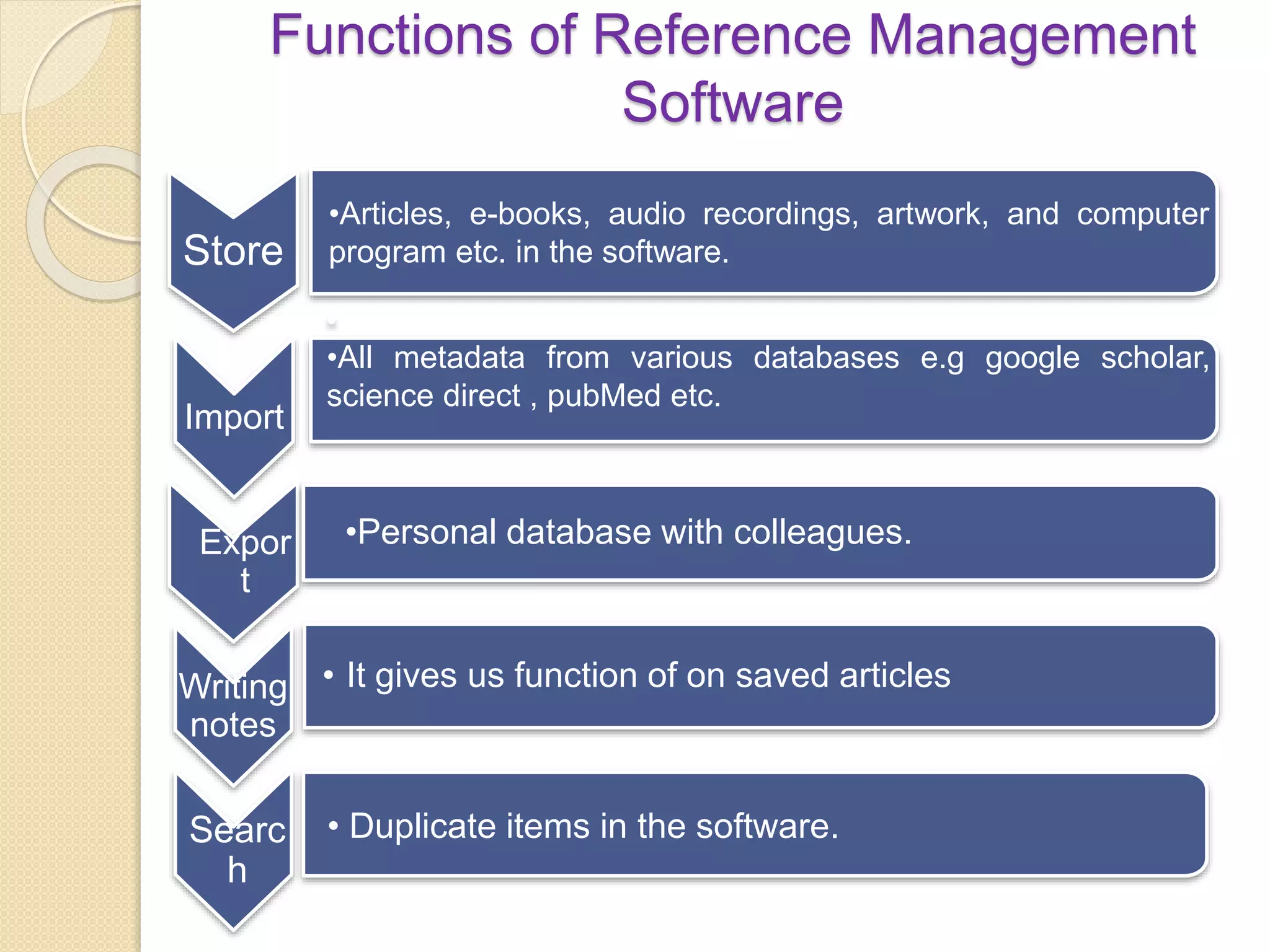
Functions of Reference Management
Software
Store
•Articles, e-books, audio recordings, artwork, and computer
program etc. in the software.
Import
•
•All metadata from various databases e.g google scholar,
science direct , pubMed etc.
Expor
t
•Personal database with colleagues.
Writing
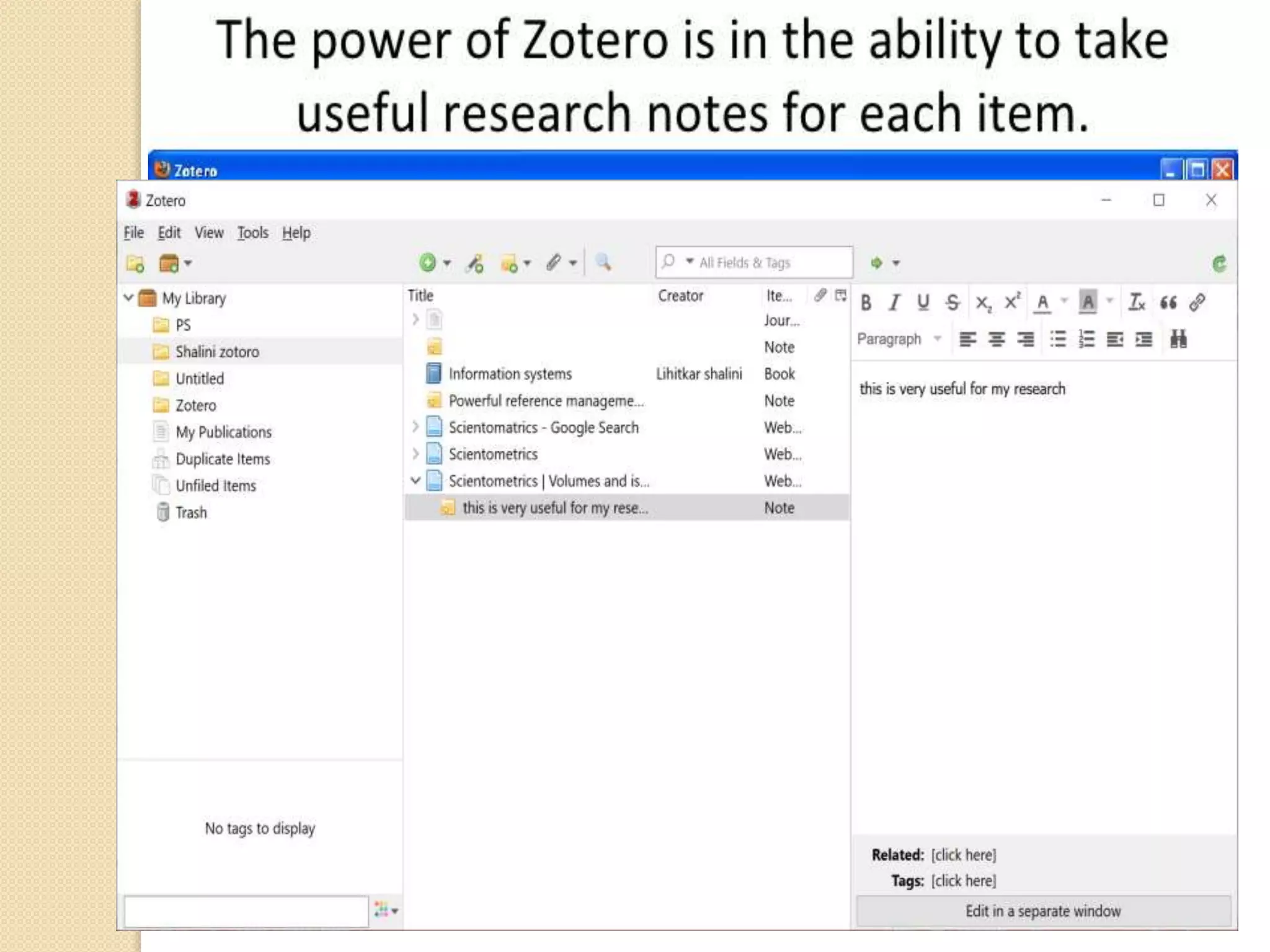
notes
• It gives us function of on saved articles
Searc
h
• Duplicate items in the software.
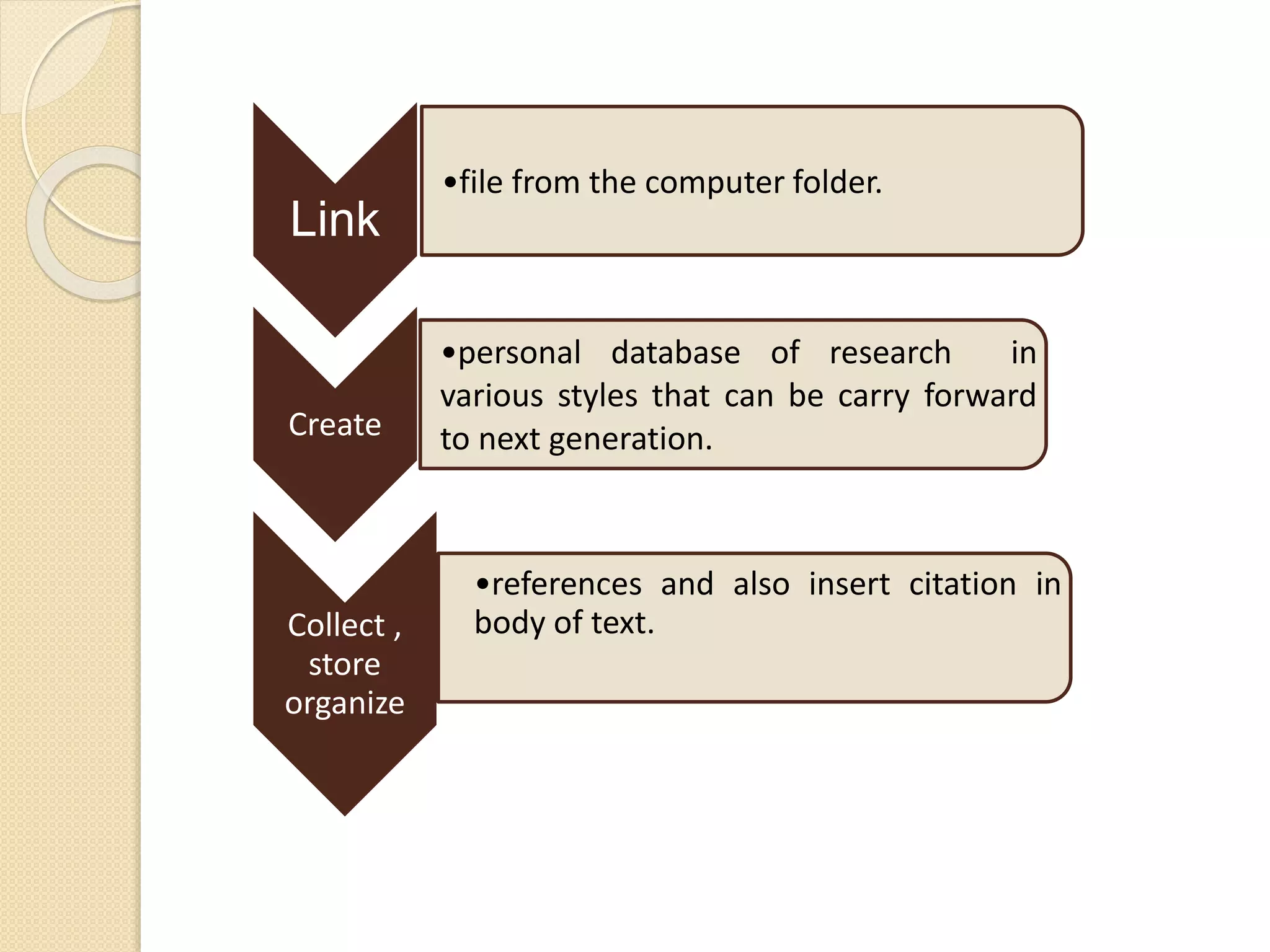
Link
•file from the computer folder.
Create
•personal database of research in
various styles that can be carry forward
to next generation.
Collect ,
store
organize
•references and also insert citation in
body of text.
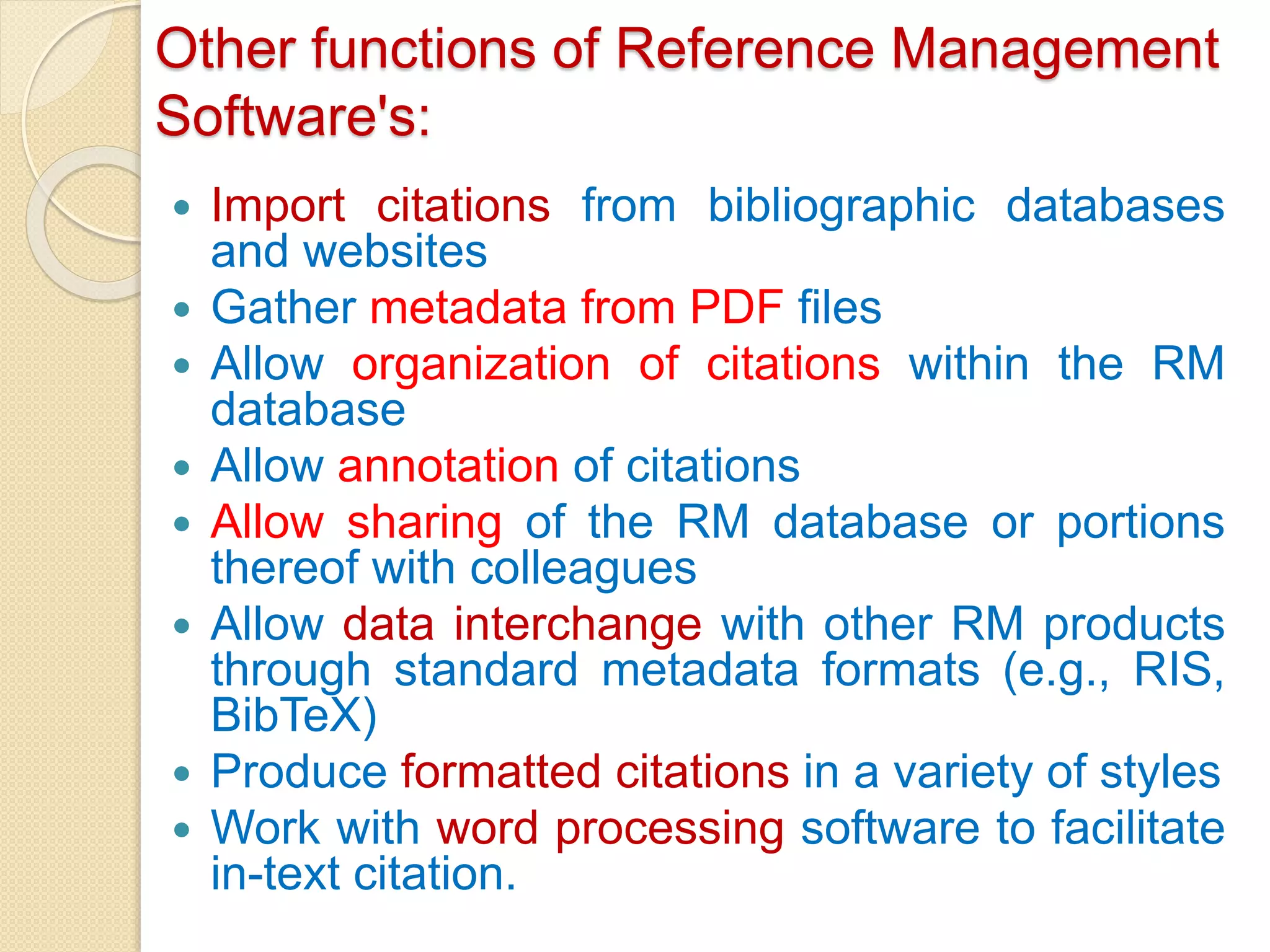
Other functions of Reference Management
Software's:
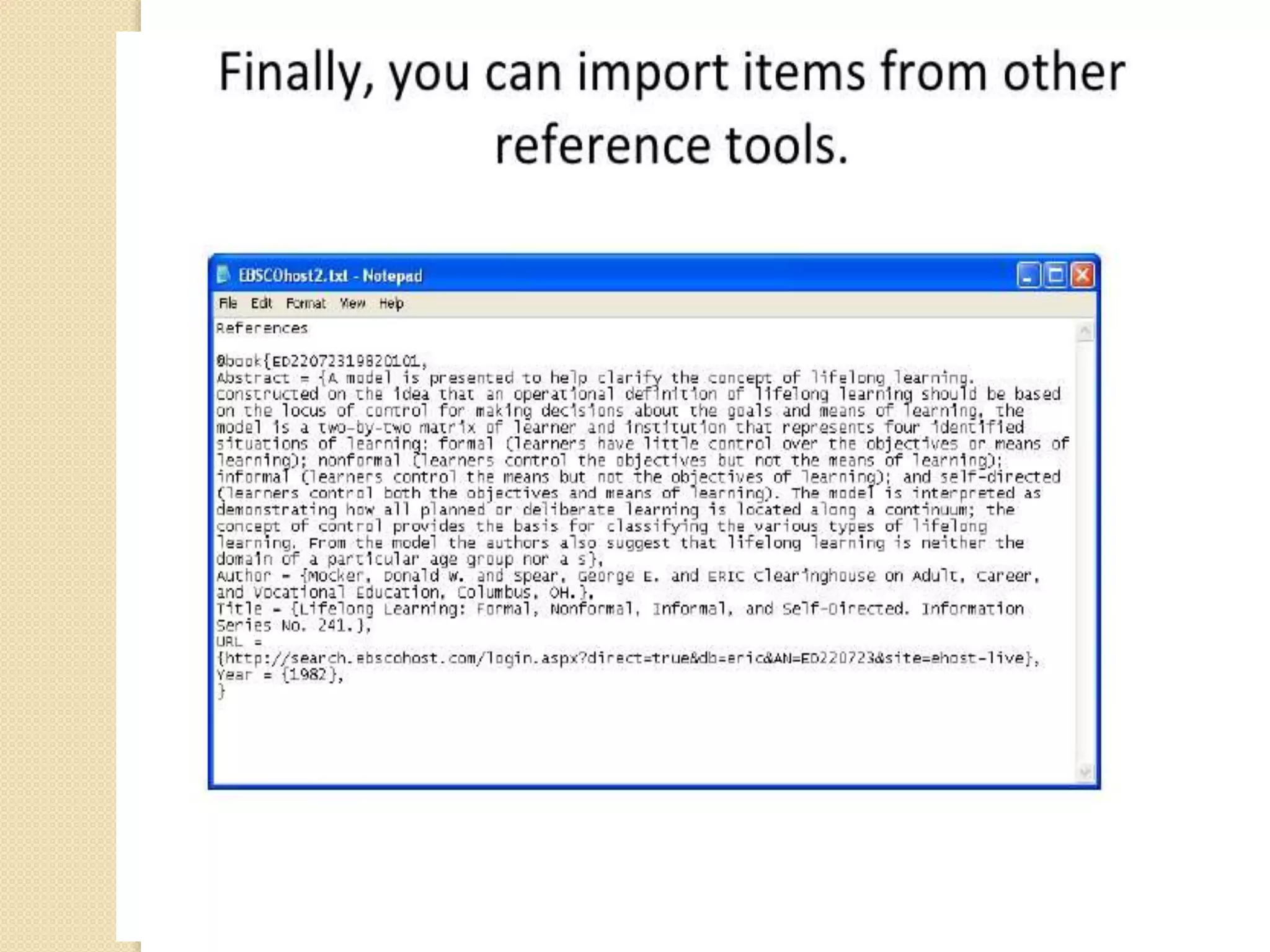
 Import citations from bibliographic databases
and websites
 Gather metadata from PDF files
 Allow organization of citations within the RM
database
 Allow annotation of citations
 Allow sharing of the RM database or portions
thereof with colleagues
 Allow data interchange with other RM products
through standard metadata formats (e.g., RIS,
BibTeX)
 Produce formatted citations in a variety of styles
 Work with word processing software to facilitate
in-text citation.
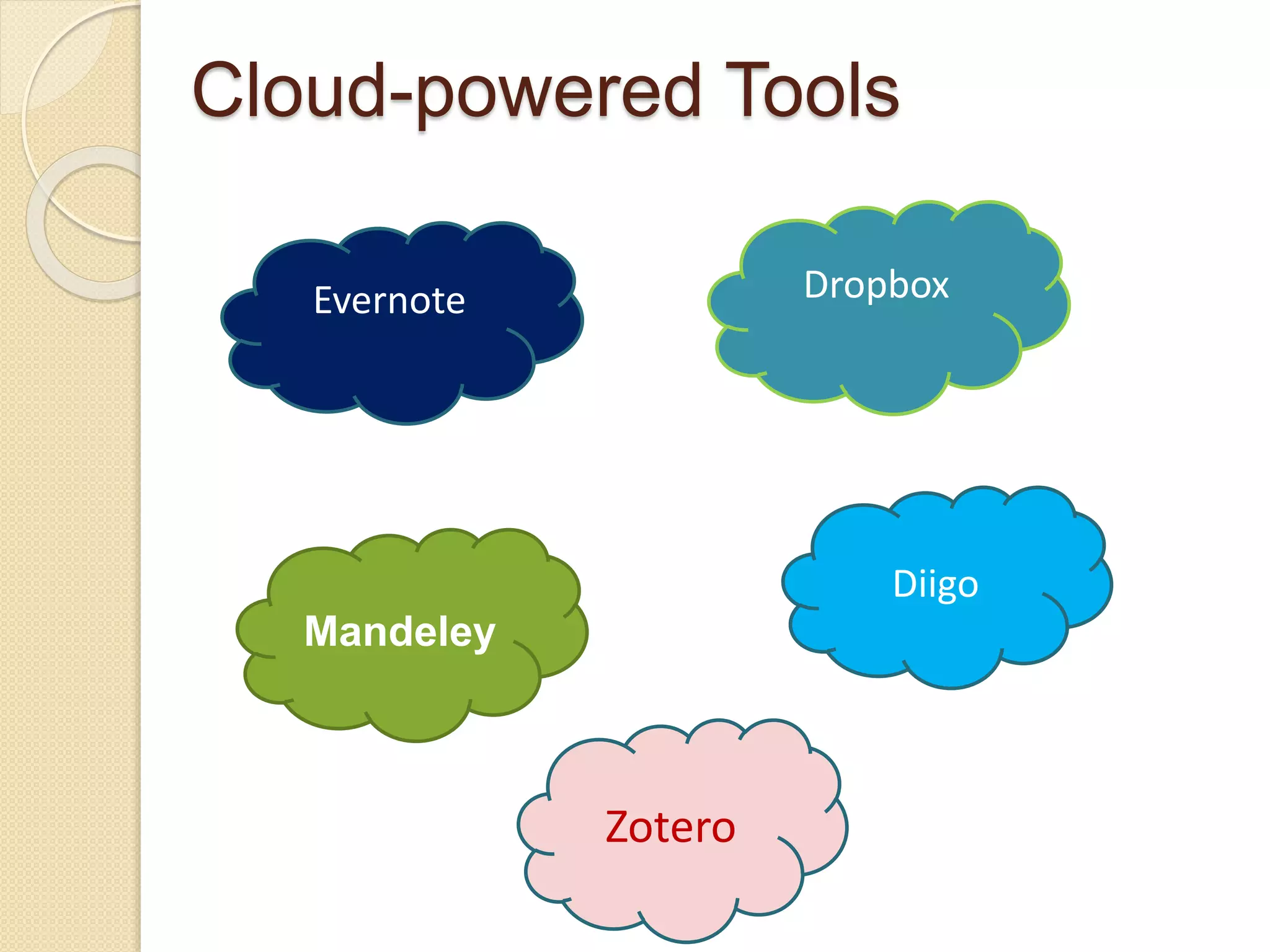
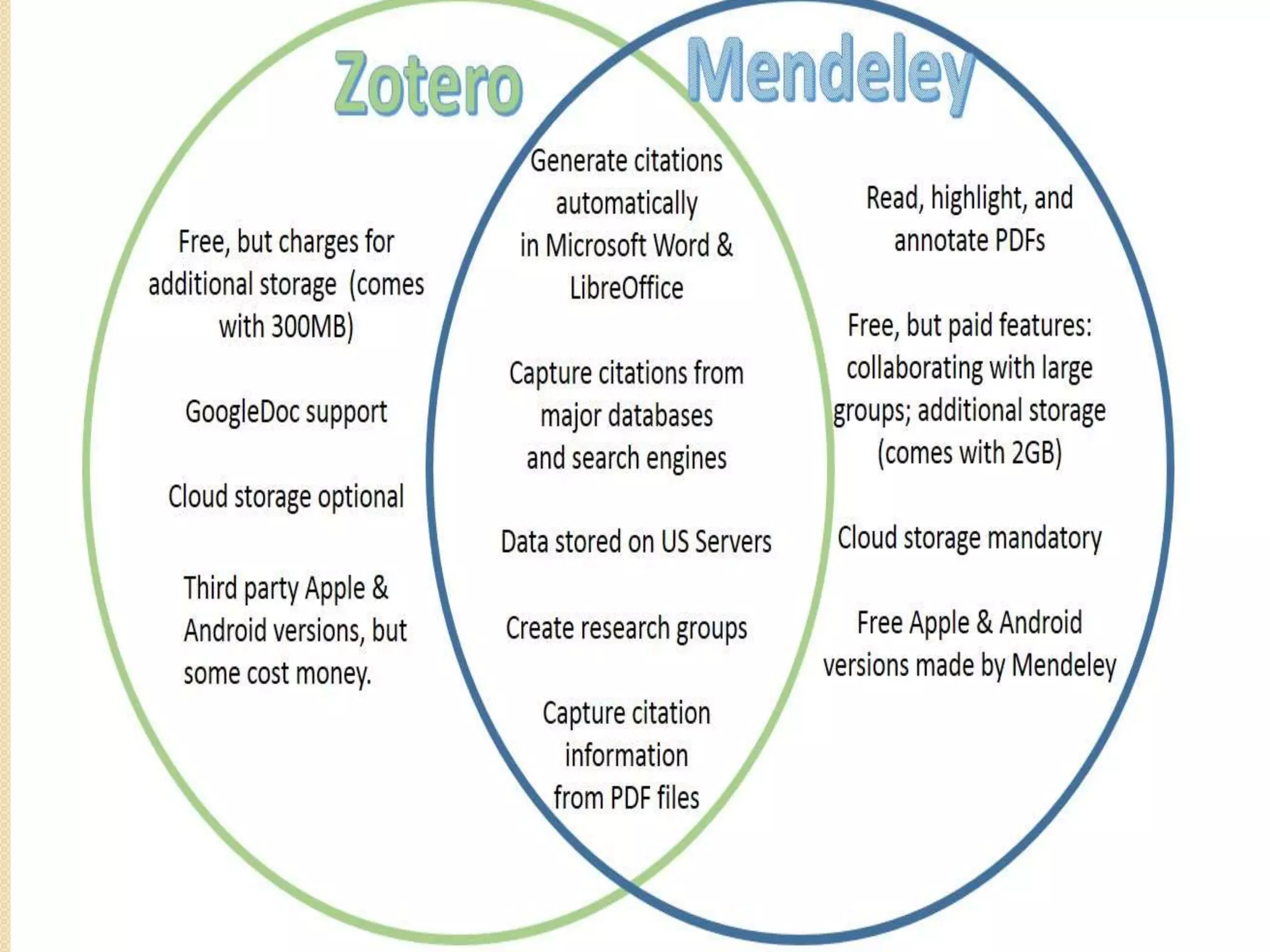
Cloud-powered Tools
Evernote
Diigo
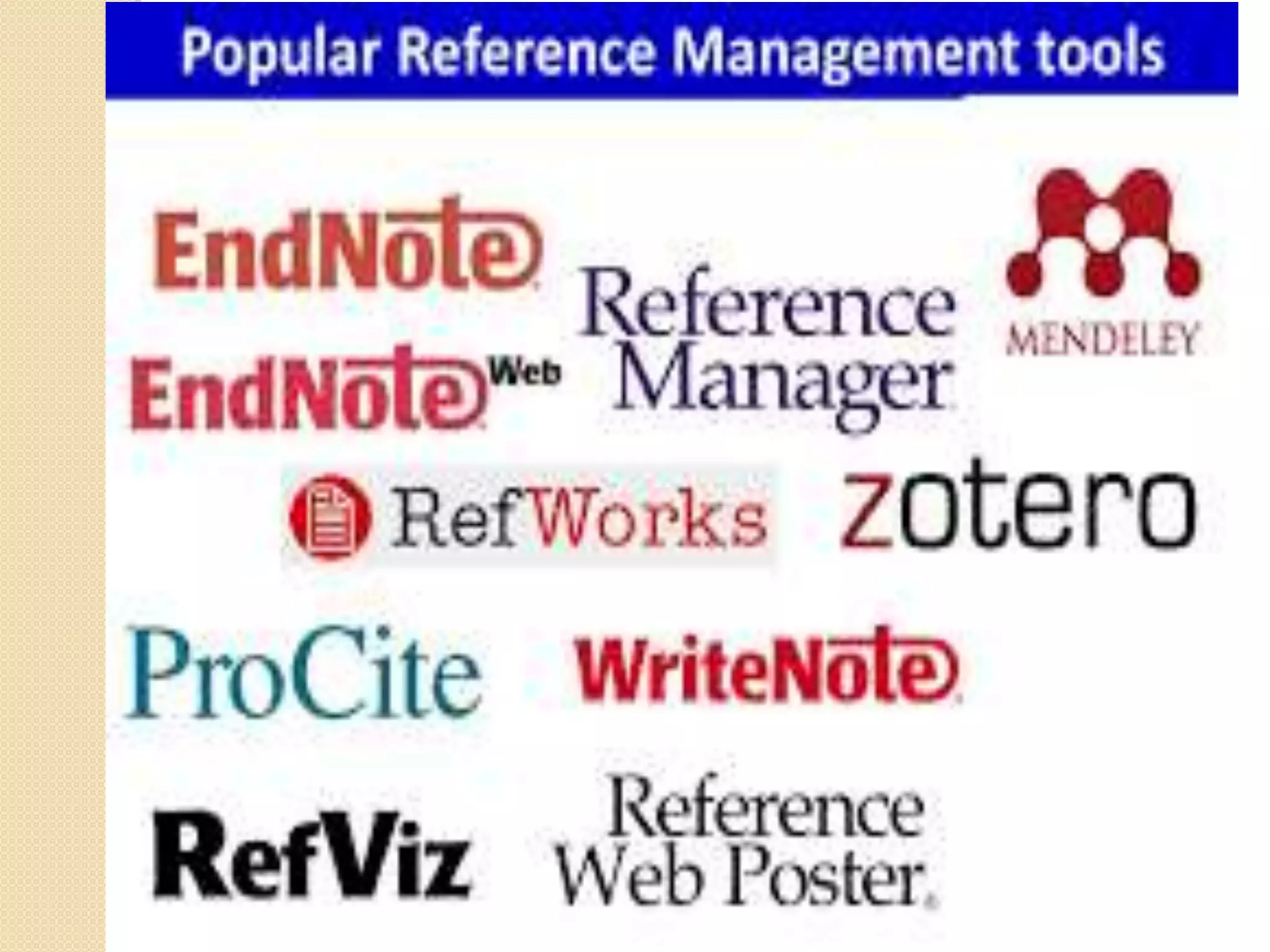
Zotero
Dropbox
Mandeley
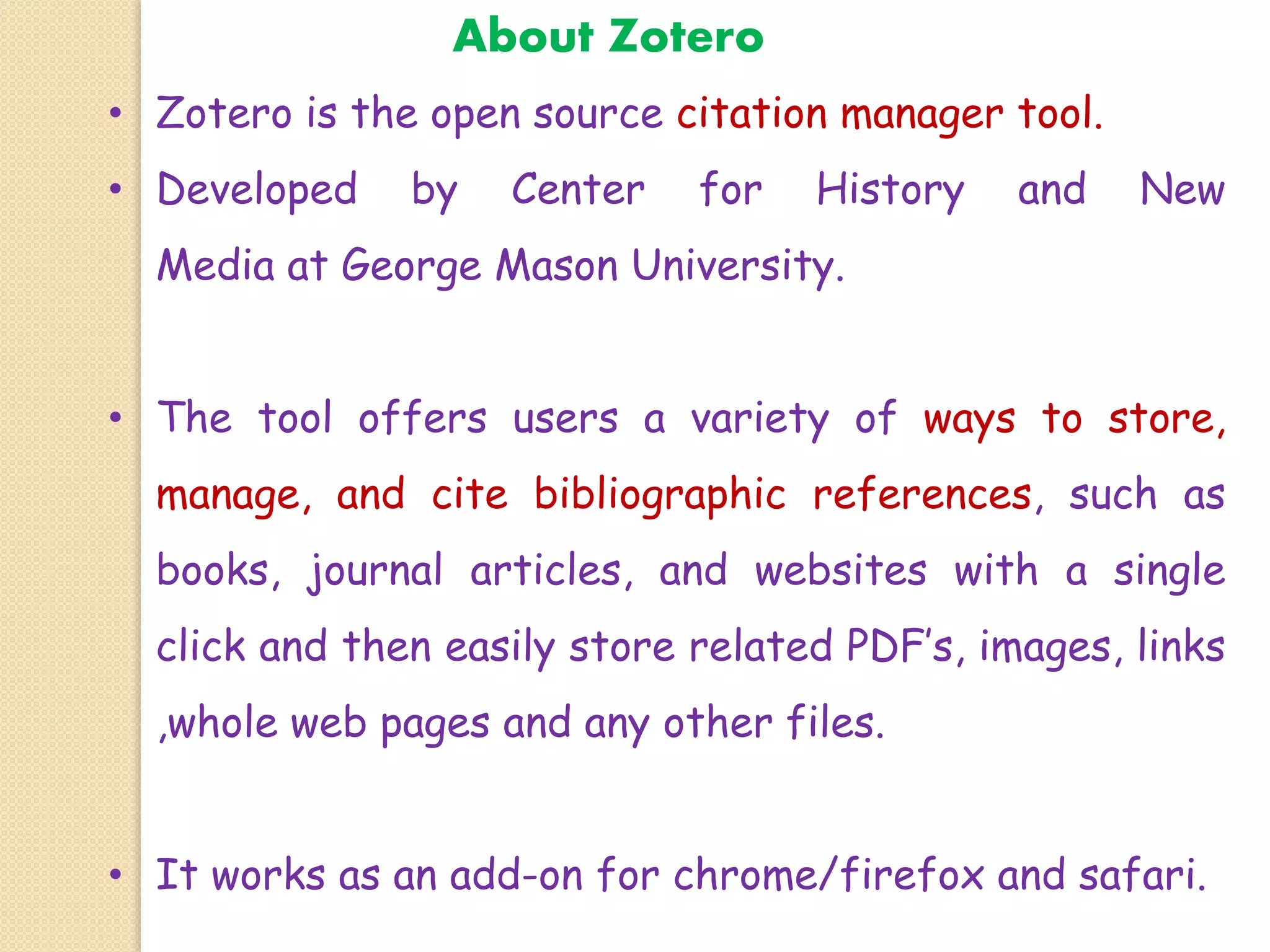
About Zotero
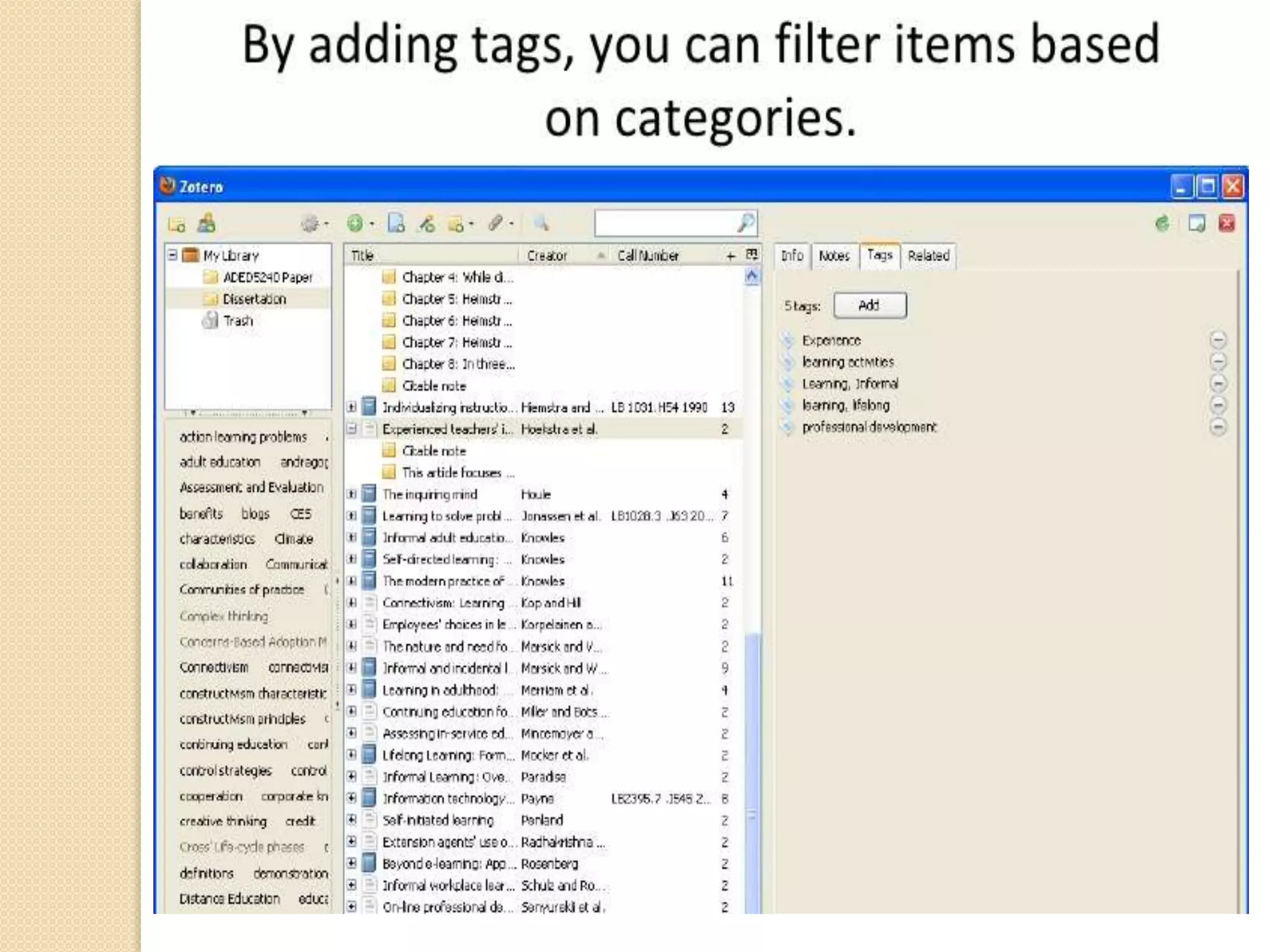
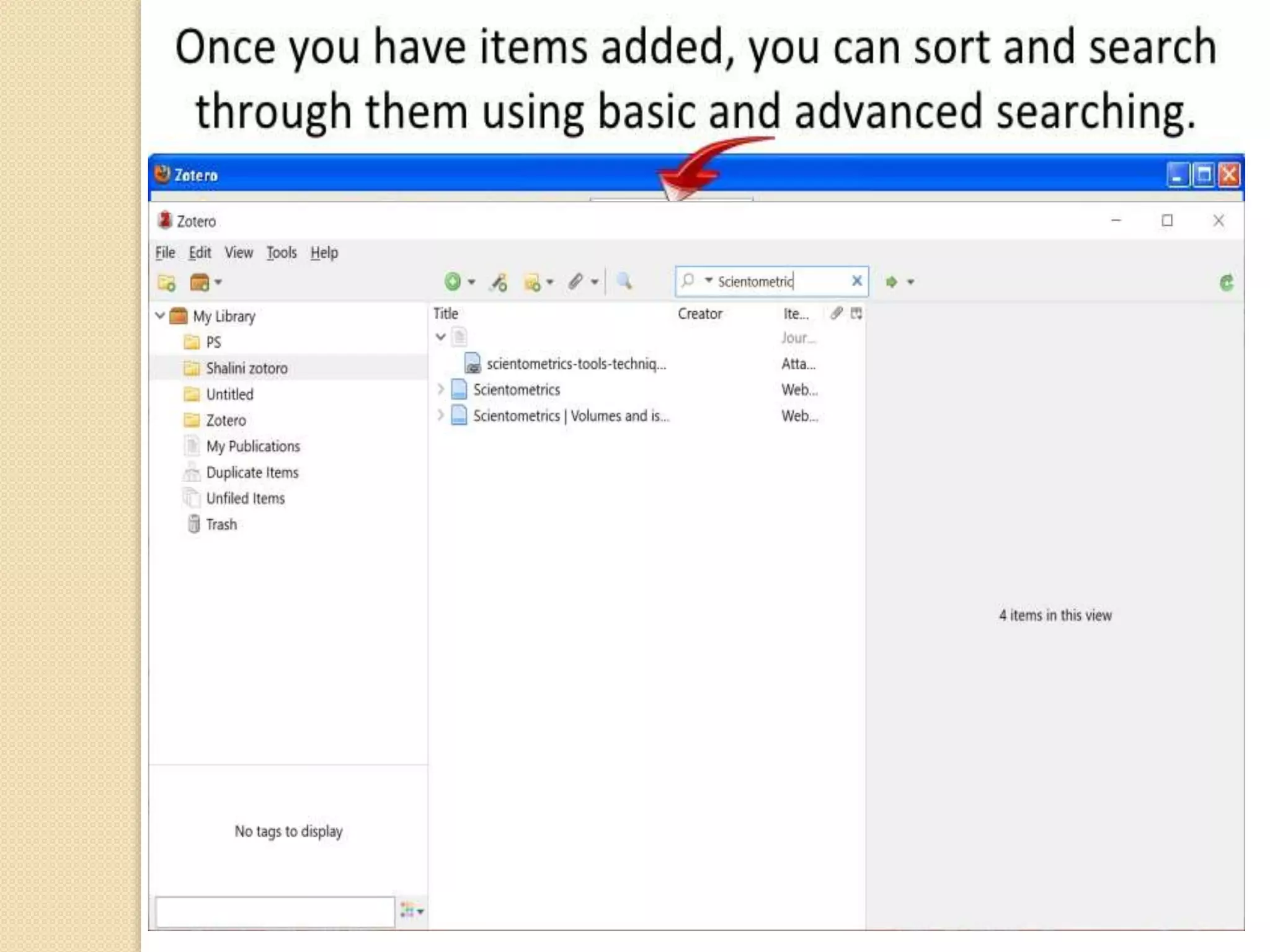
• Zotero is the open source citation manager tool.
• Developed by Center for History and New
Media at George Mason University.
• The tool offers users a variety of ways to store,
manage, and cite bibliographic references, such as
books, journal articles, and websites with a single
click and then easily store related PDF’s, images, links
,whole web pages and any other files.
• It works as an add-on for chrome/firefox and safari.
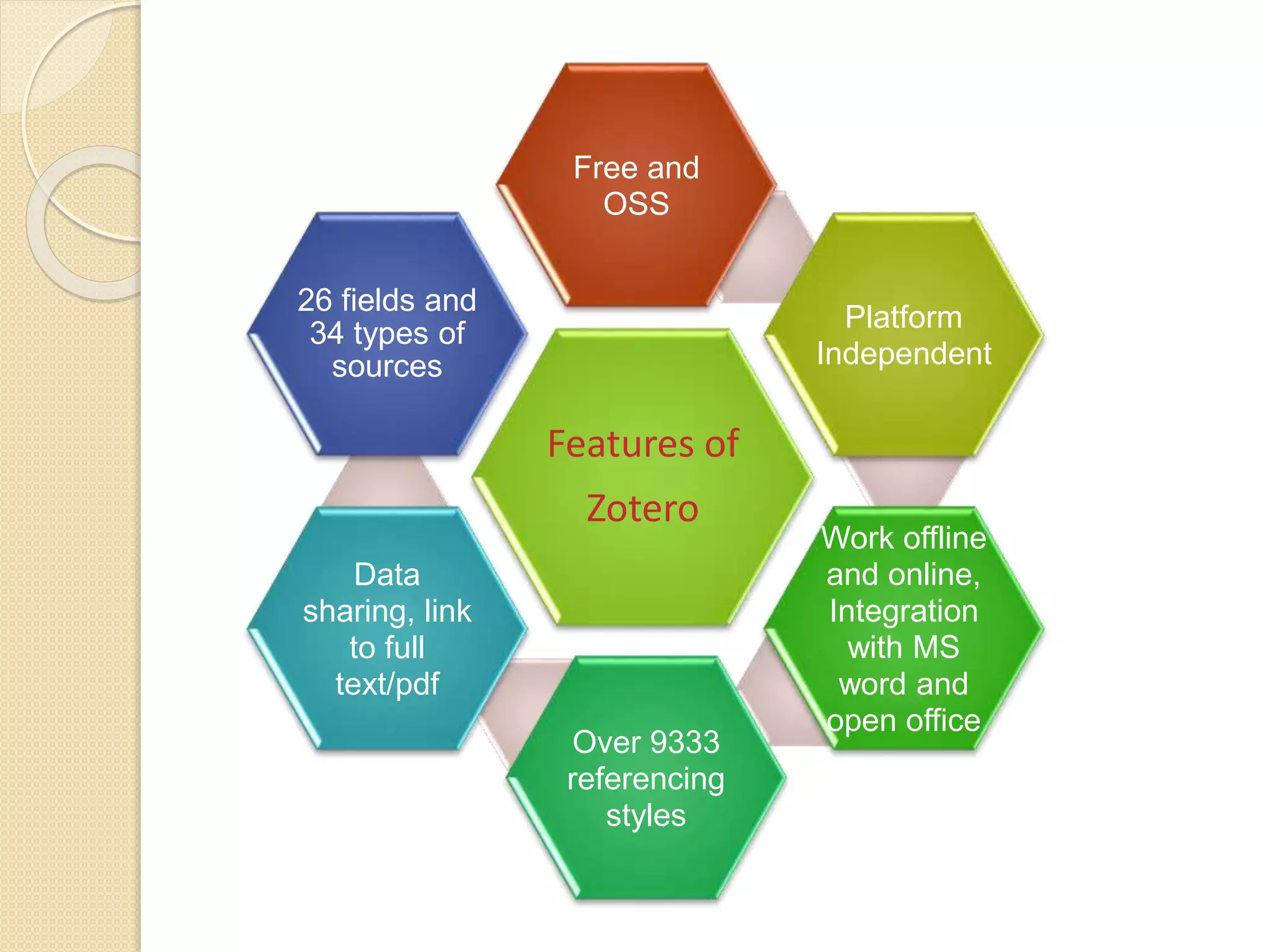
Features of
Zotero
Free and
OSS
Platform
Independent
Work offline
and online,
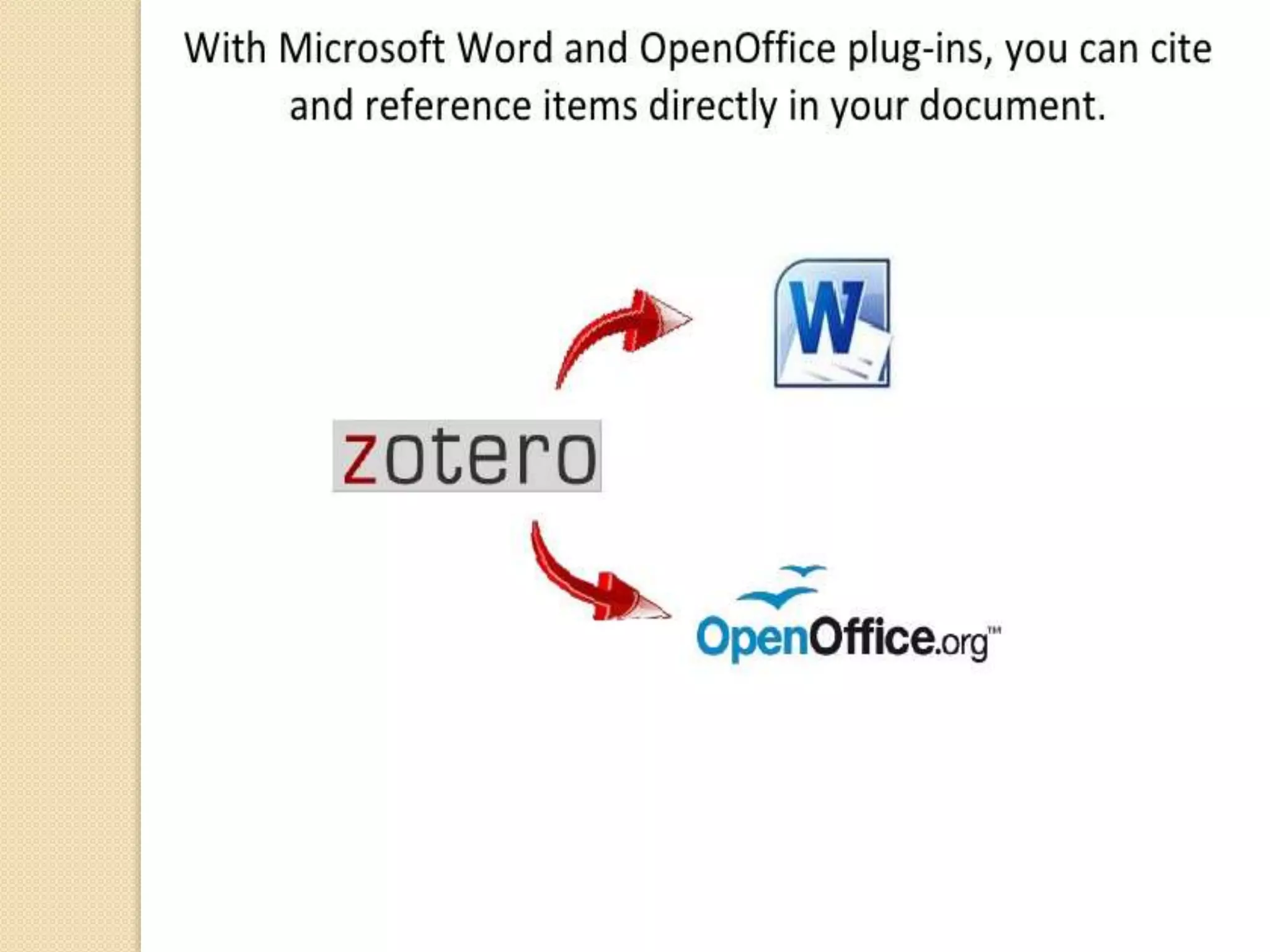
Integration
with MS
word and
open office
Over 9333
referencing
styles
Data
sharing, link
to full
text/pdf
26 fields and
34 types of
sources
Zotero
Step-by-Step Guide
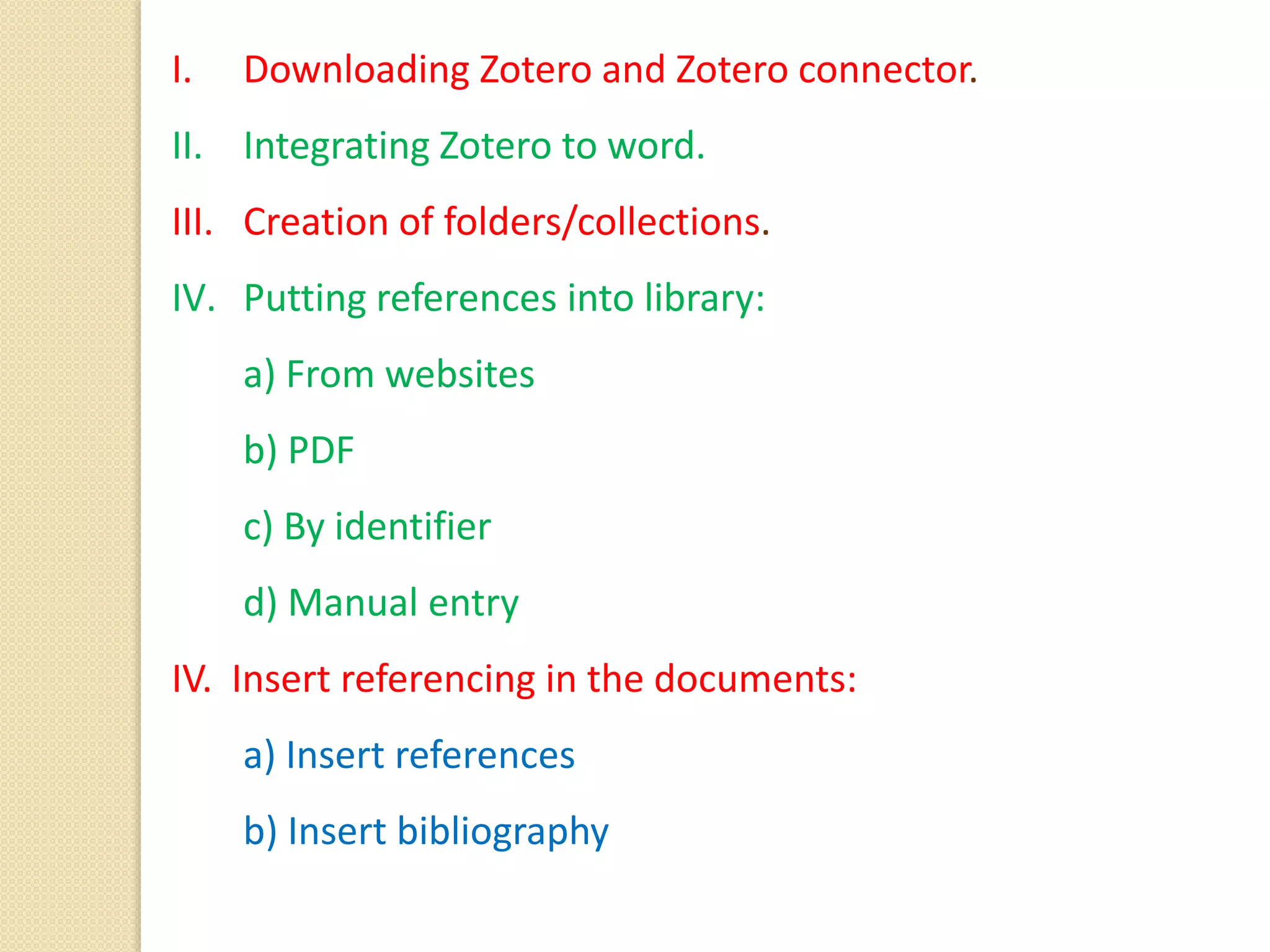
I. Downloading Zotero and Zotero connector.
II. Integrating Zotero to word.
III. Creation of folders/collections.
IV. Putting references into library:
a) From websites
b) PDF
c) By identifier
d) Manual entry
IV. Insert referencing in the documents:
a) Insert references
b) Insert bibliography
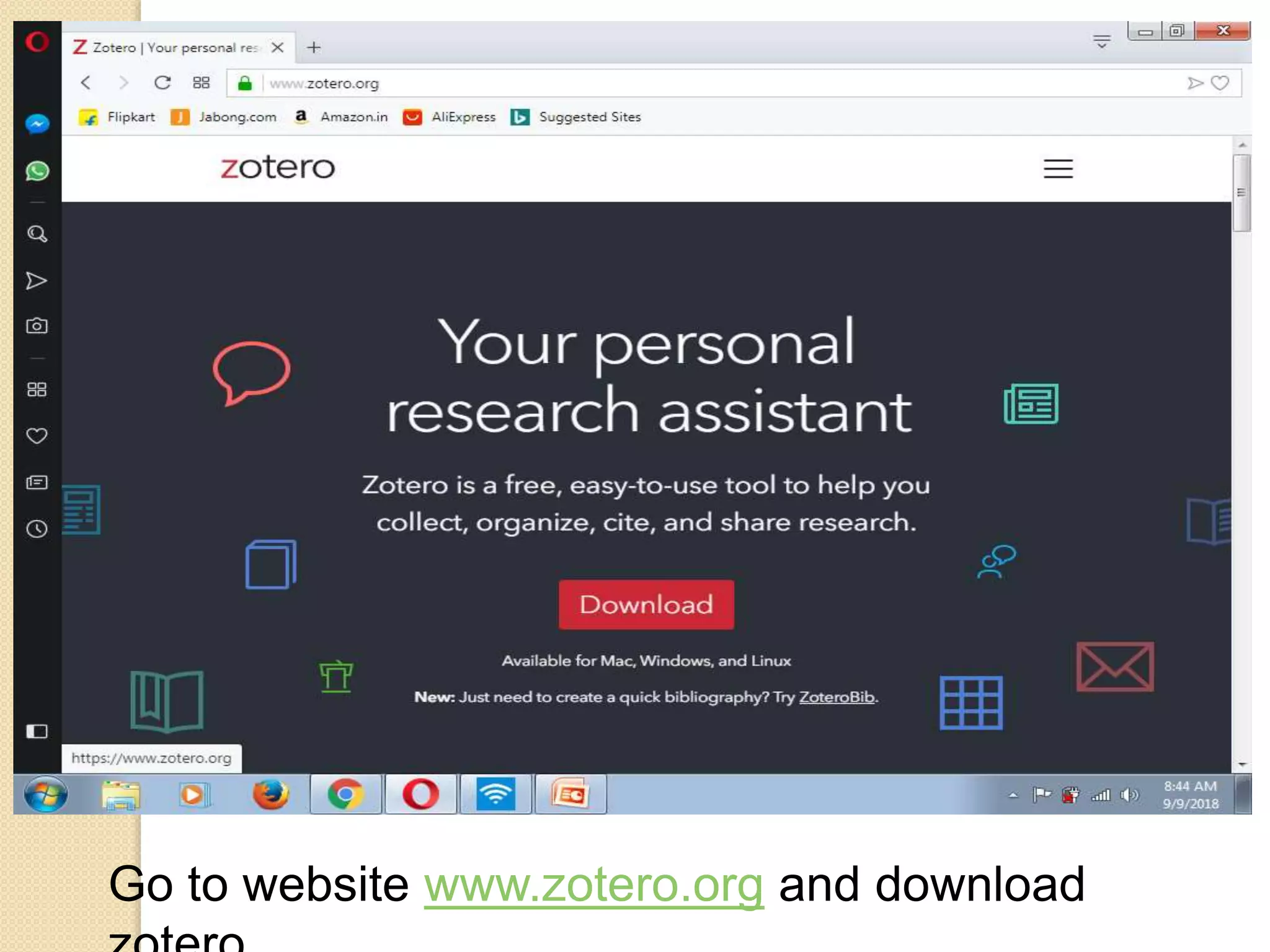
Go to website www.zotero.org and download
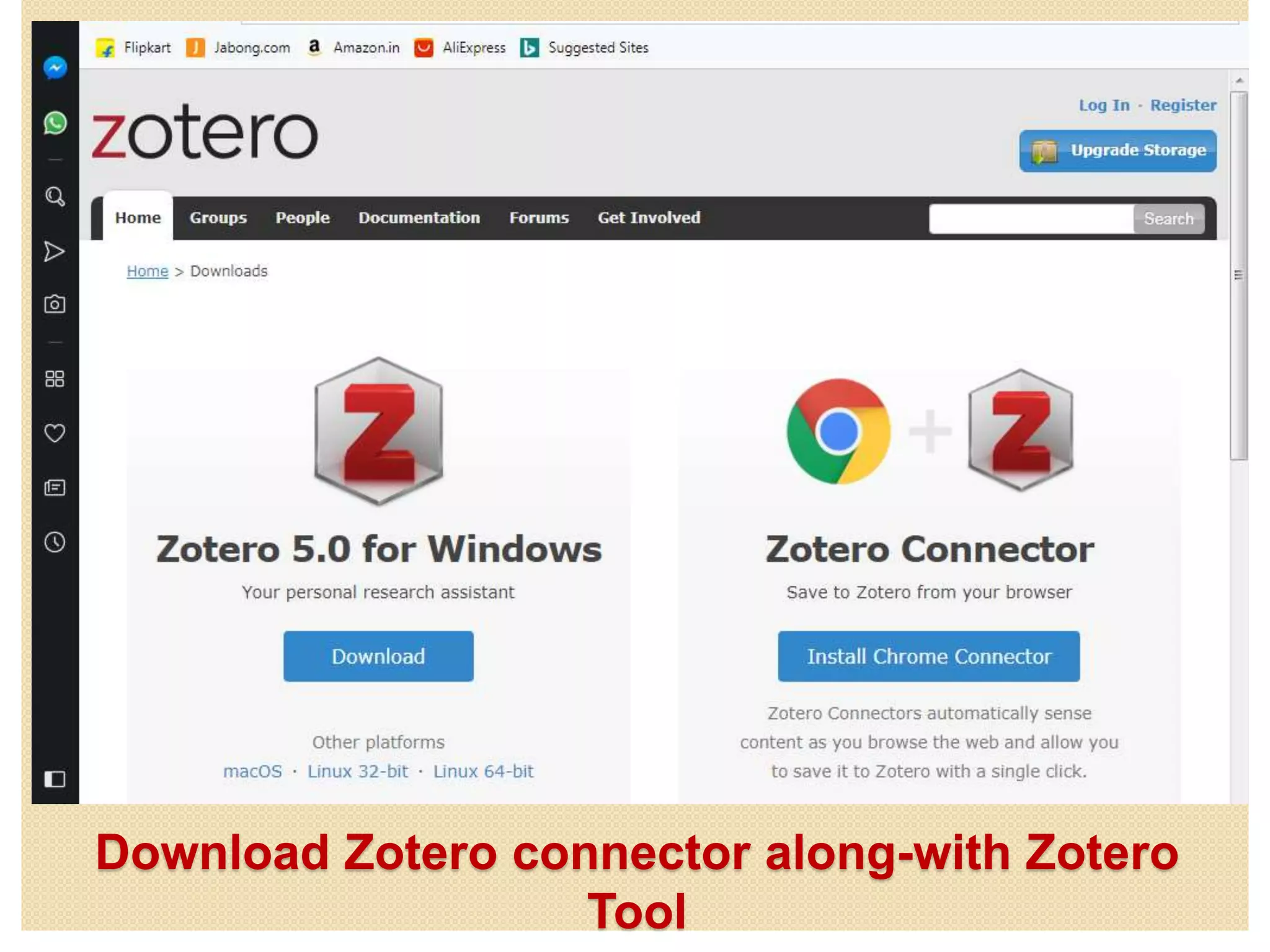
Download Zotero connector along-with Zotero
Tool
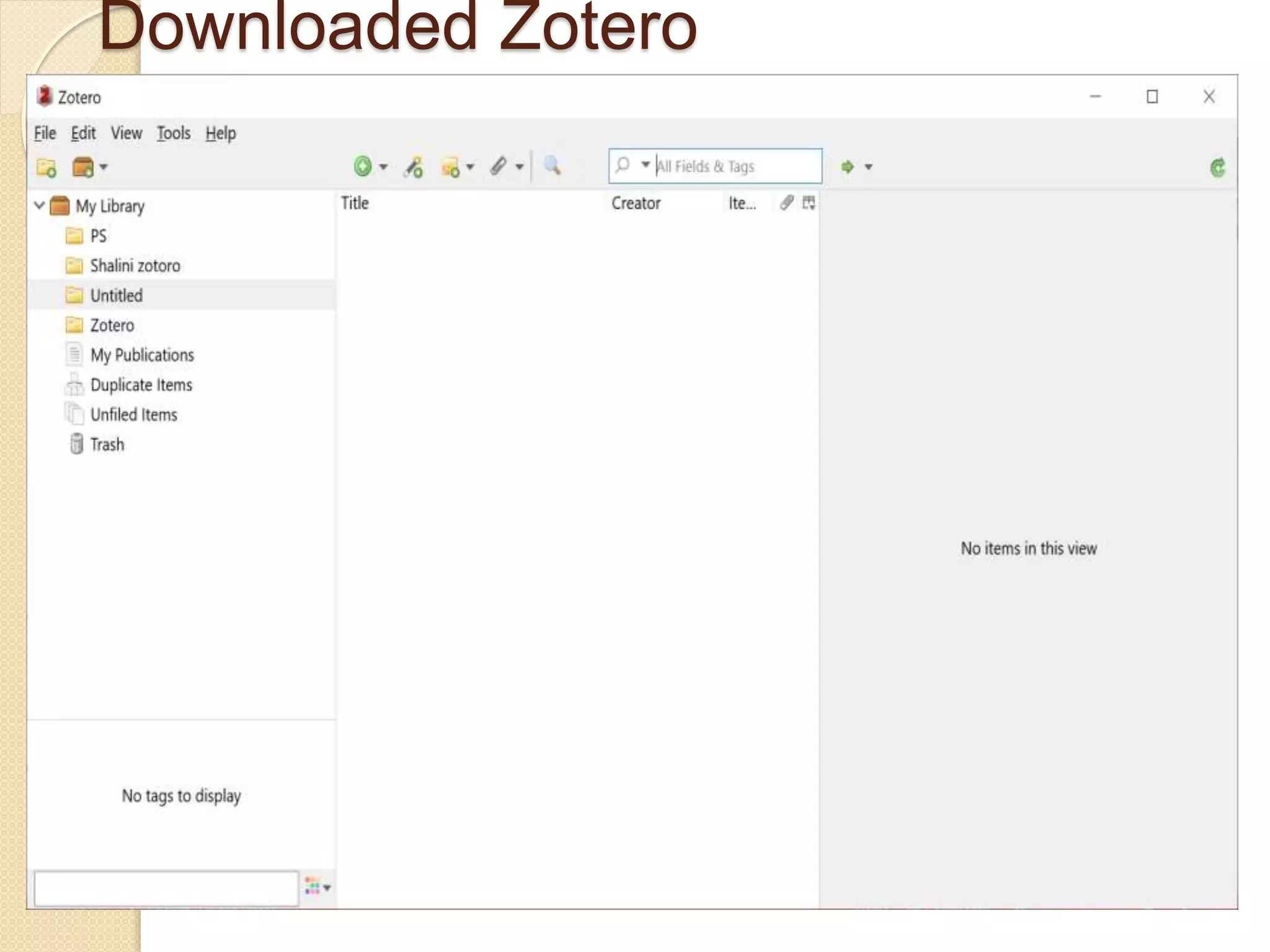
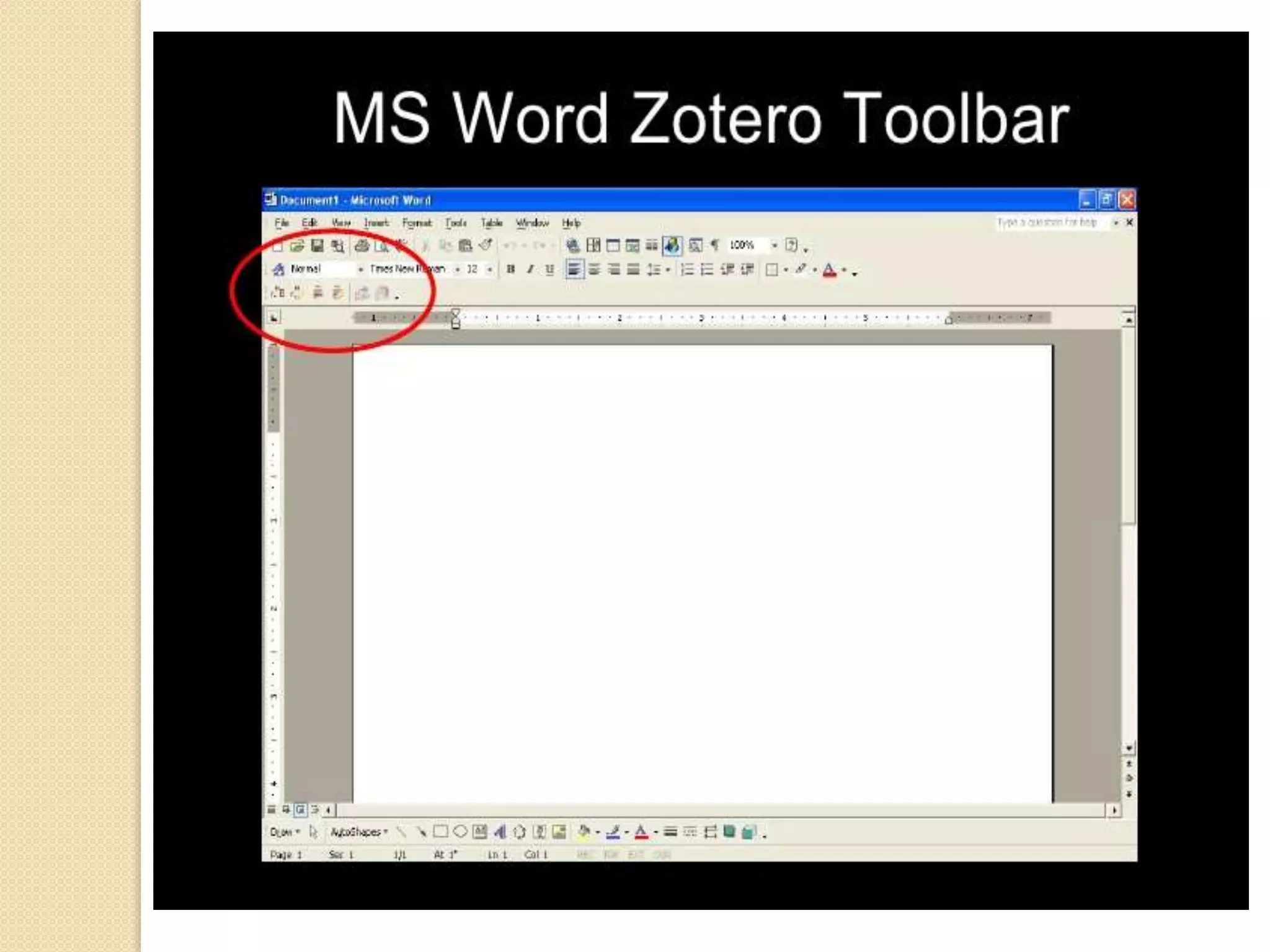
Downloaded Zotero
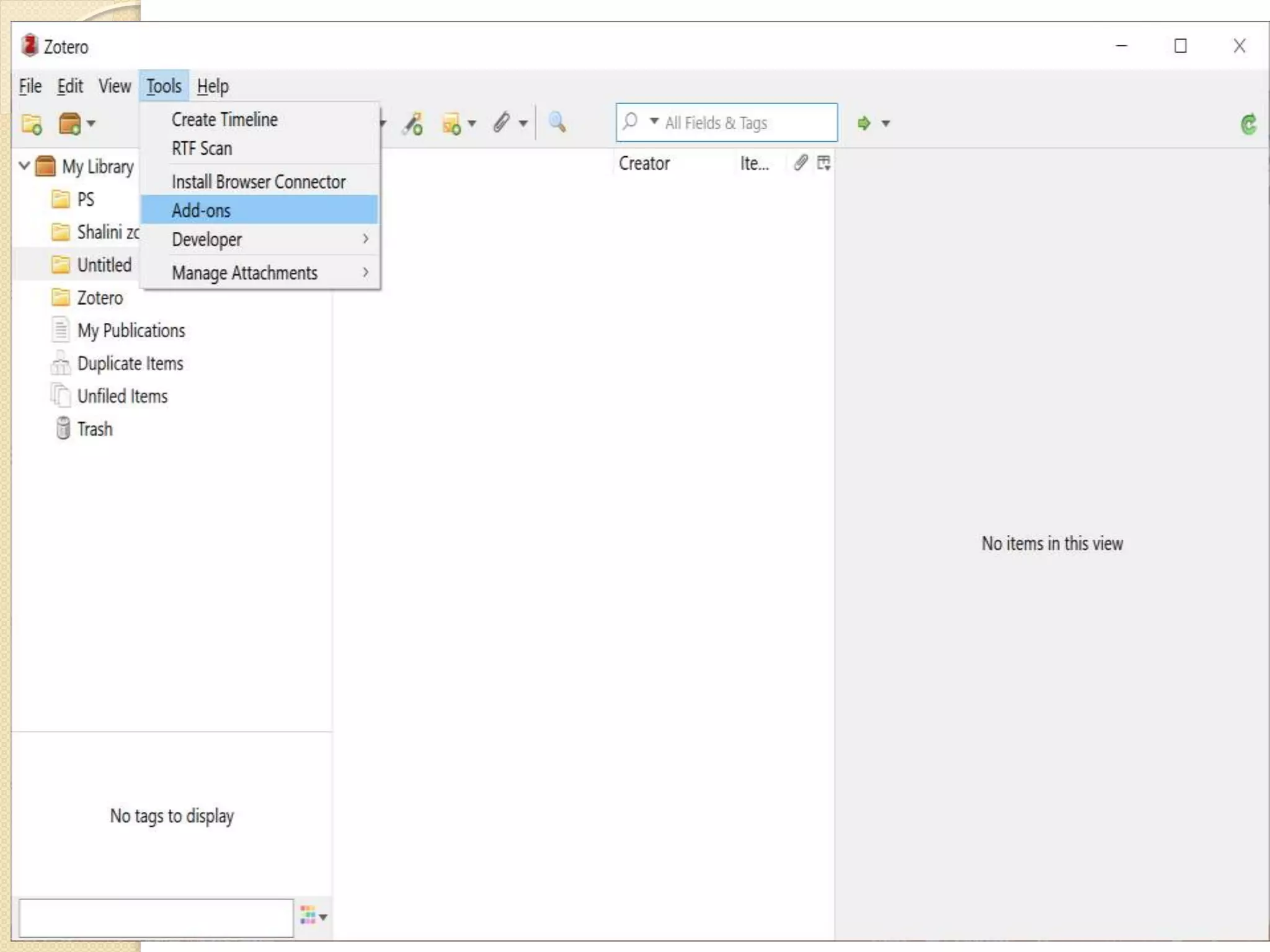
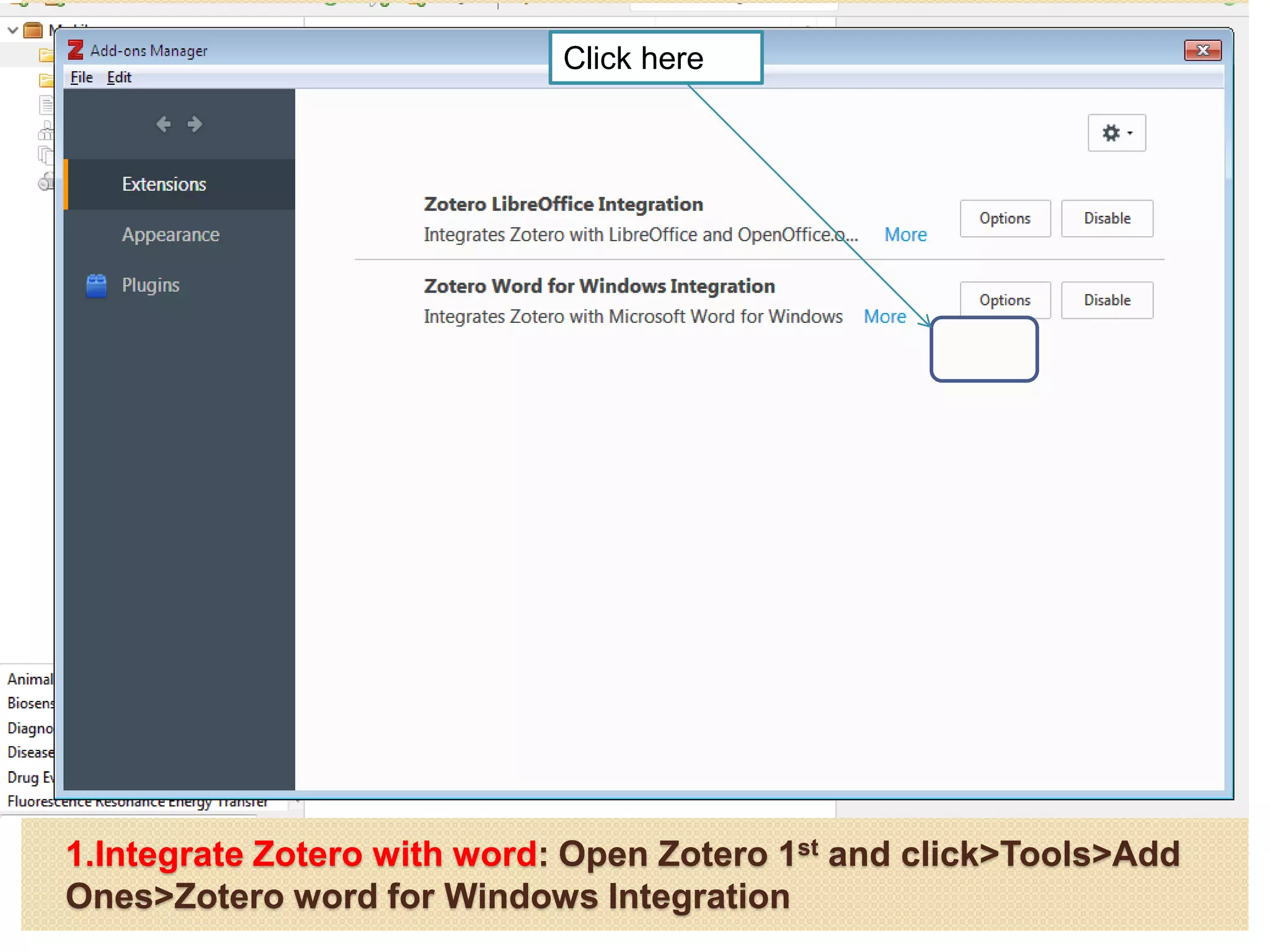
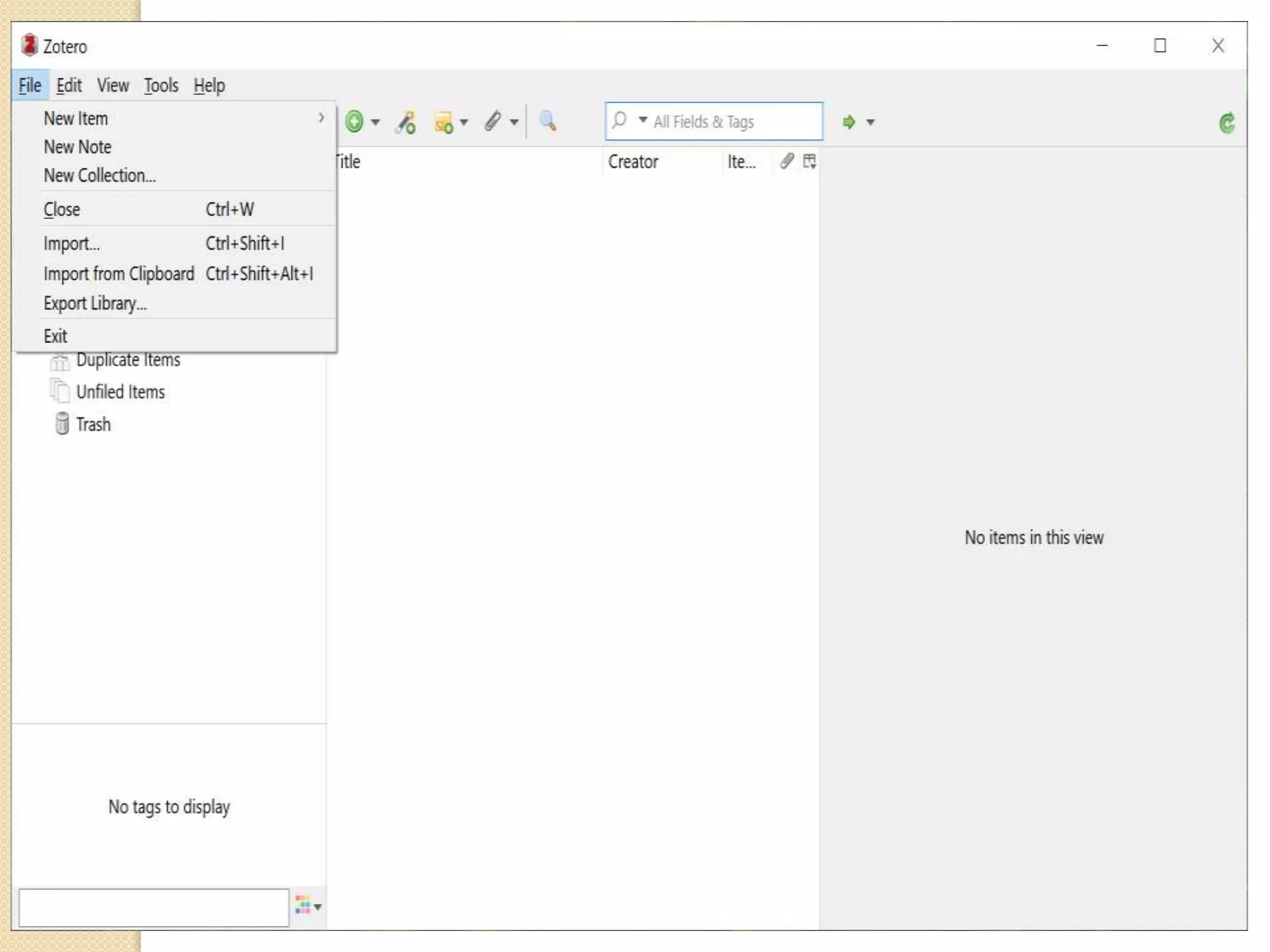
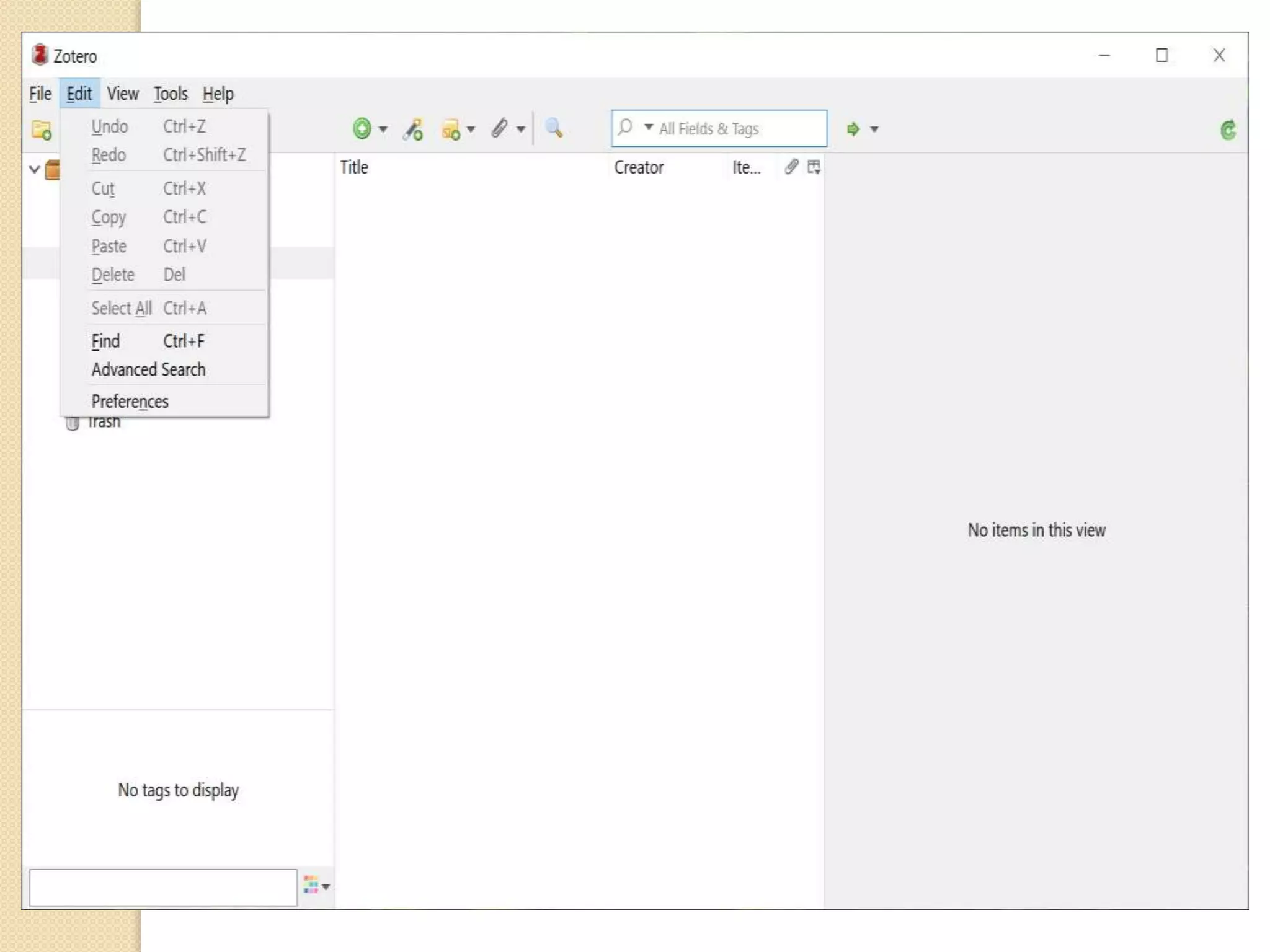
1.Integrate Zotero with word: Open Zotero 1st and click>Tools>Add
Ones>Zotero word for Windows Integration
Click here
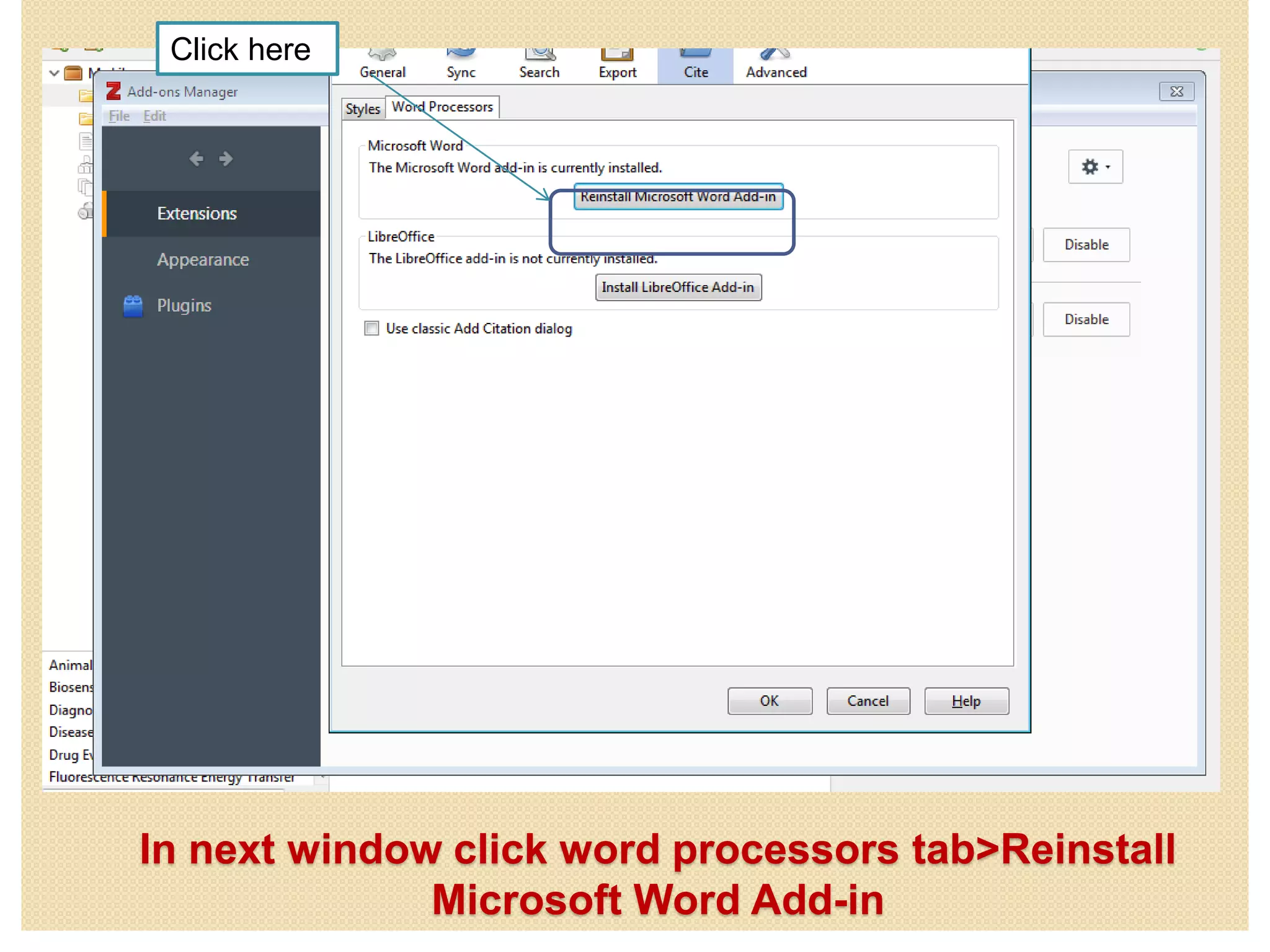
In next window click word processors tab>Reinstall
Microsoft Word Add-in
Click here
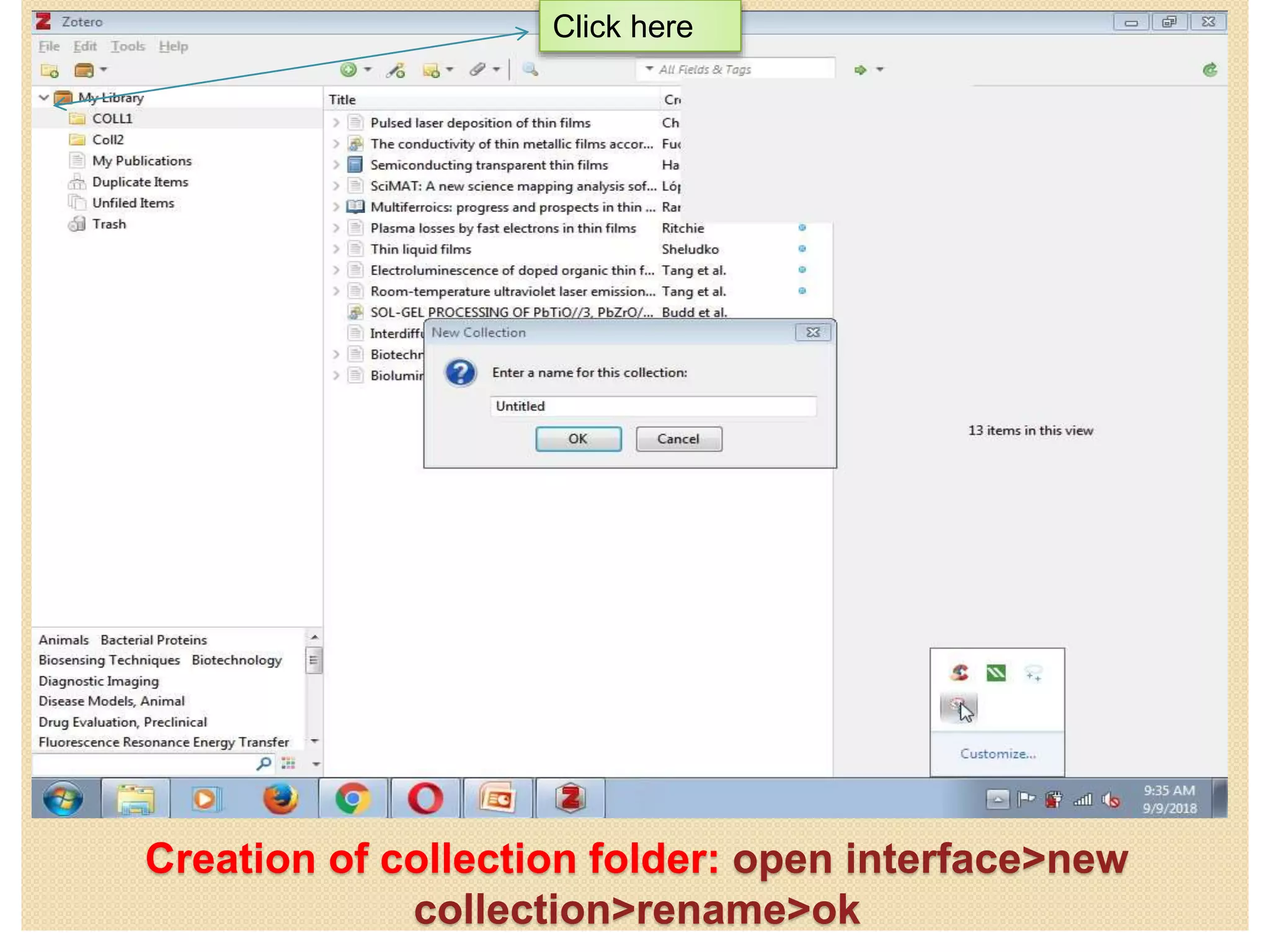
Creation of collection folder: open interface>new
collection>rename>ok
Click here
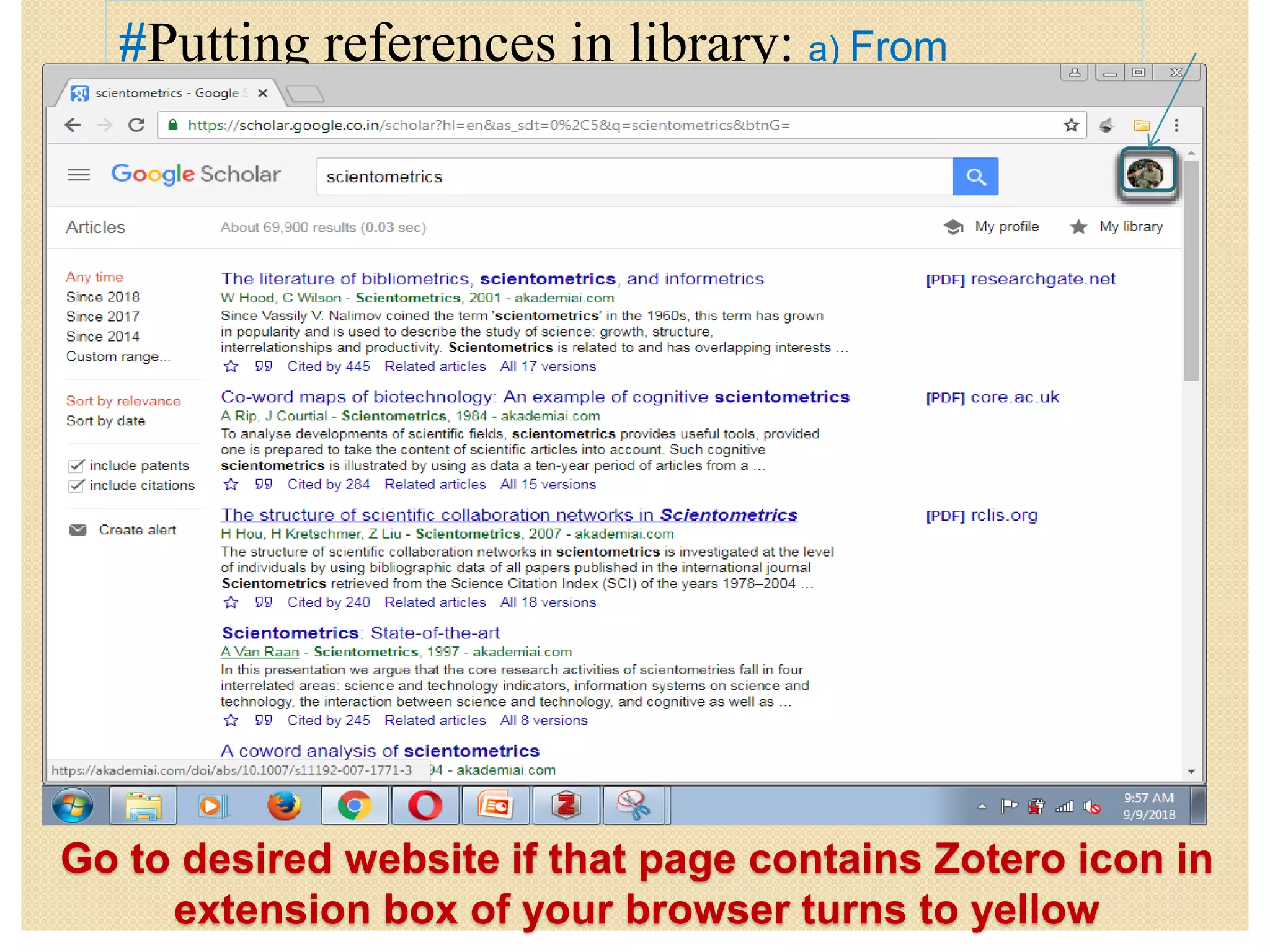
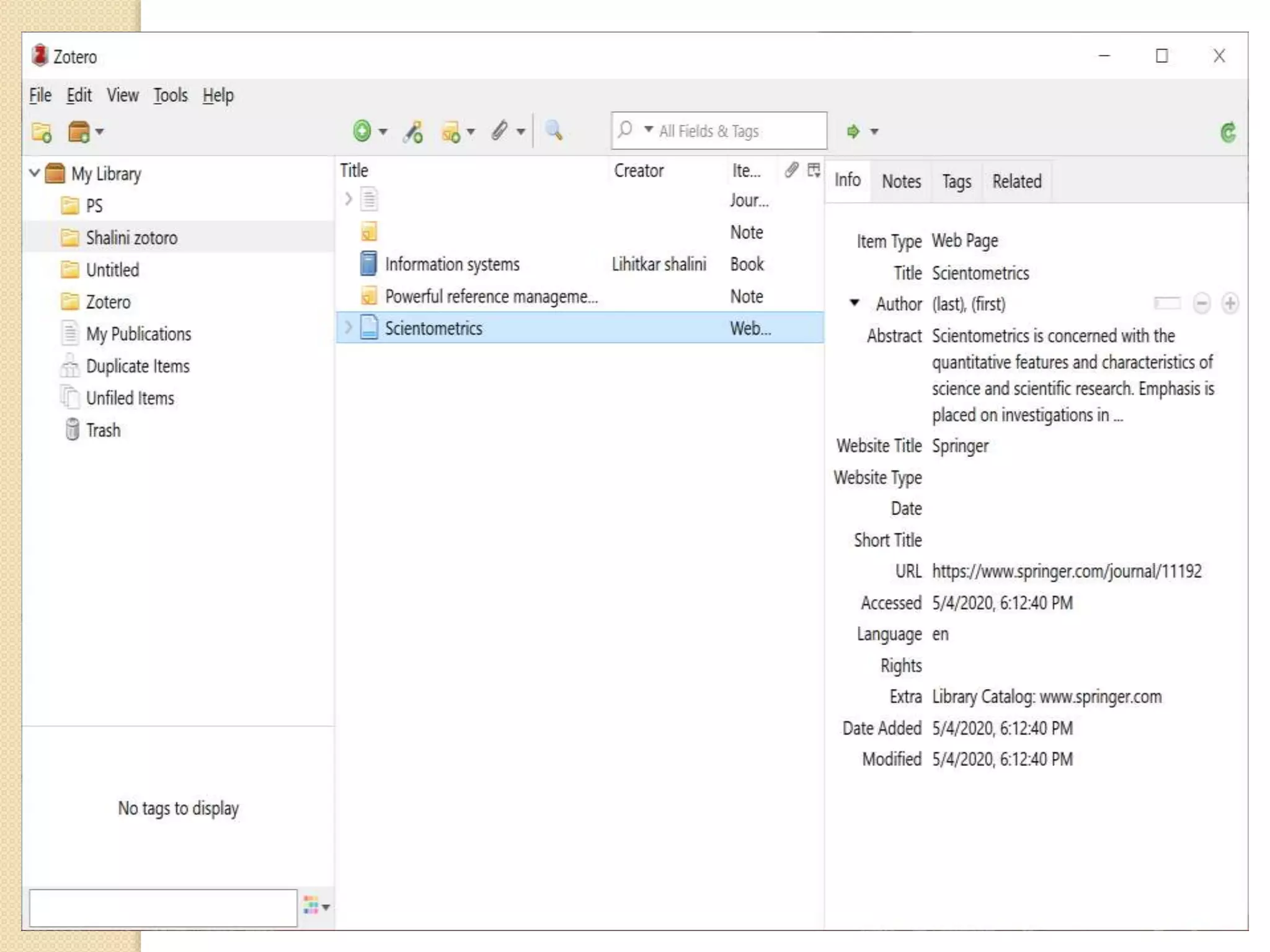
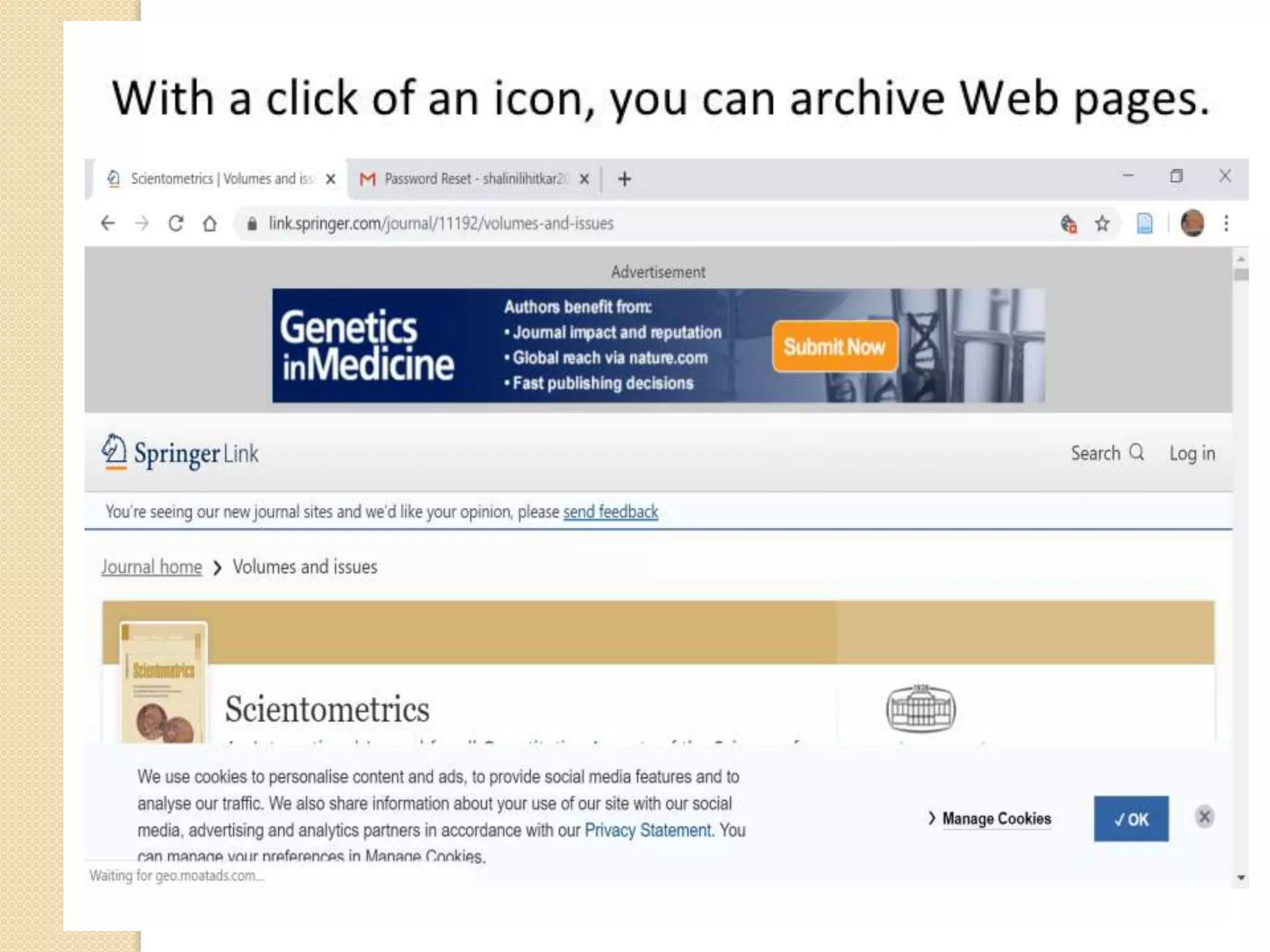
Go to desired website if that page contains Zotero icon in
extension box of your browser turns to yellow
#Putting references in library: a) From
Websites
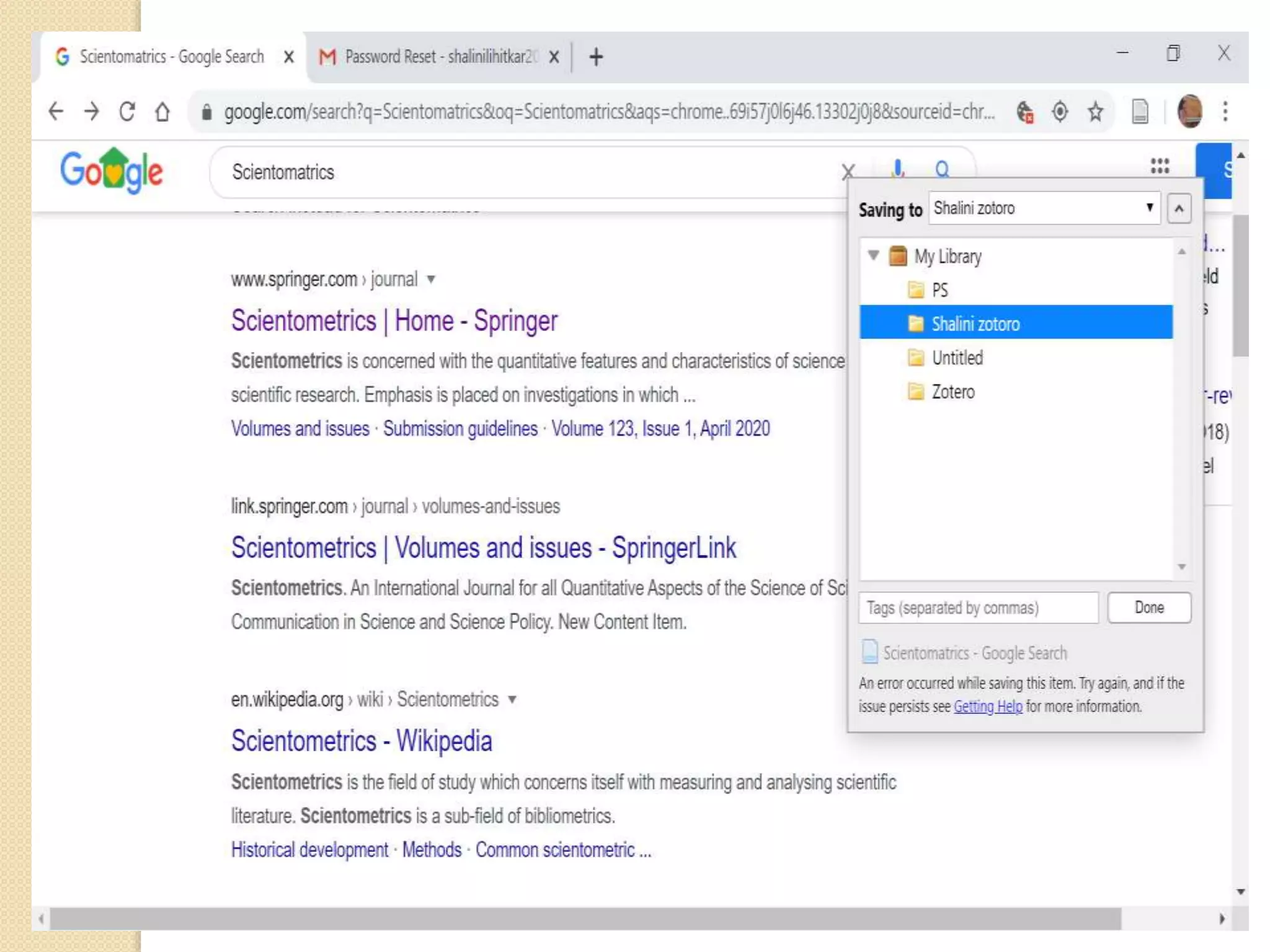
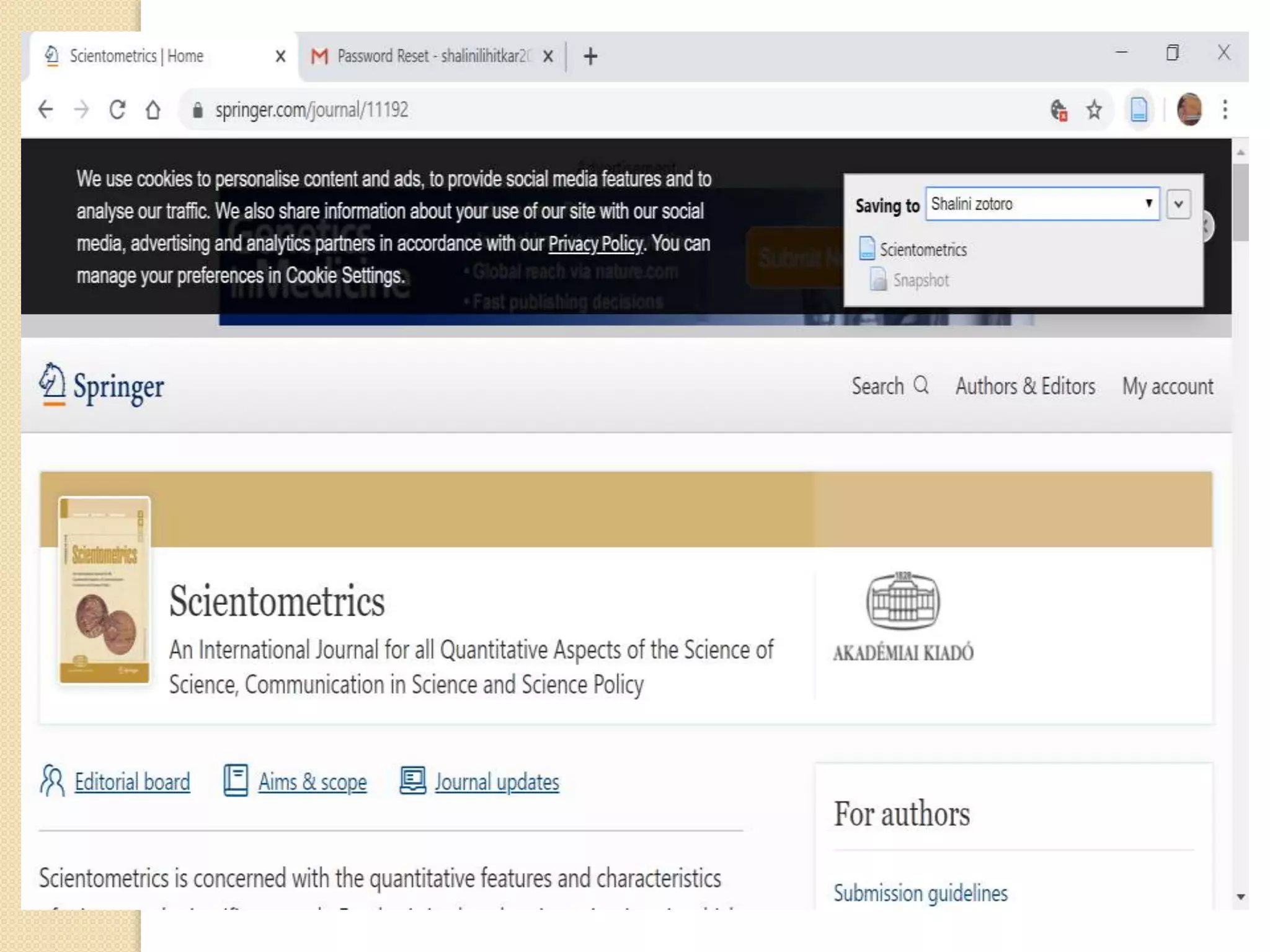
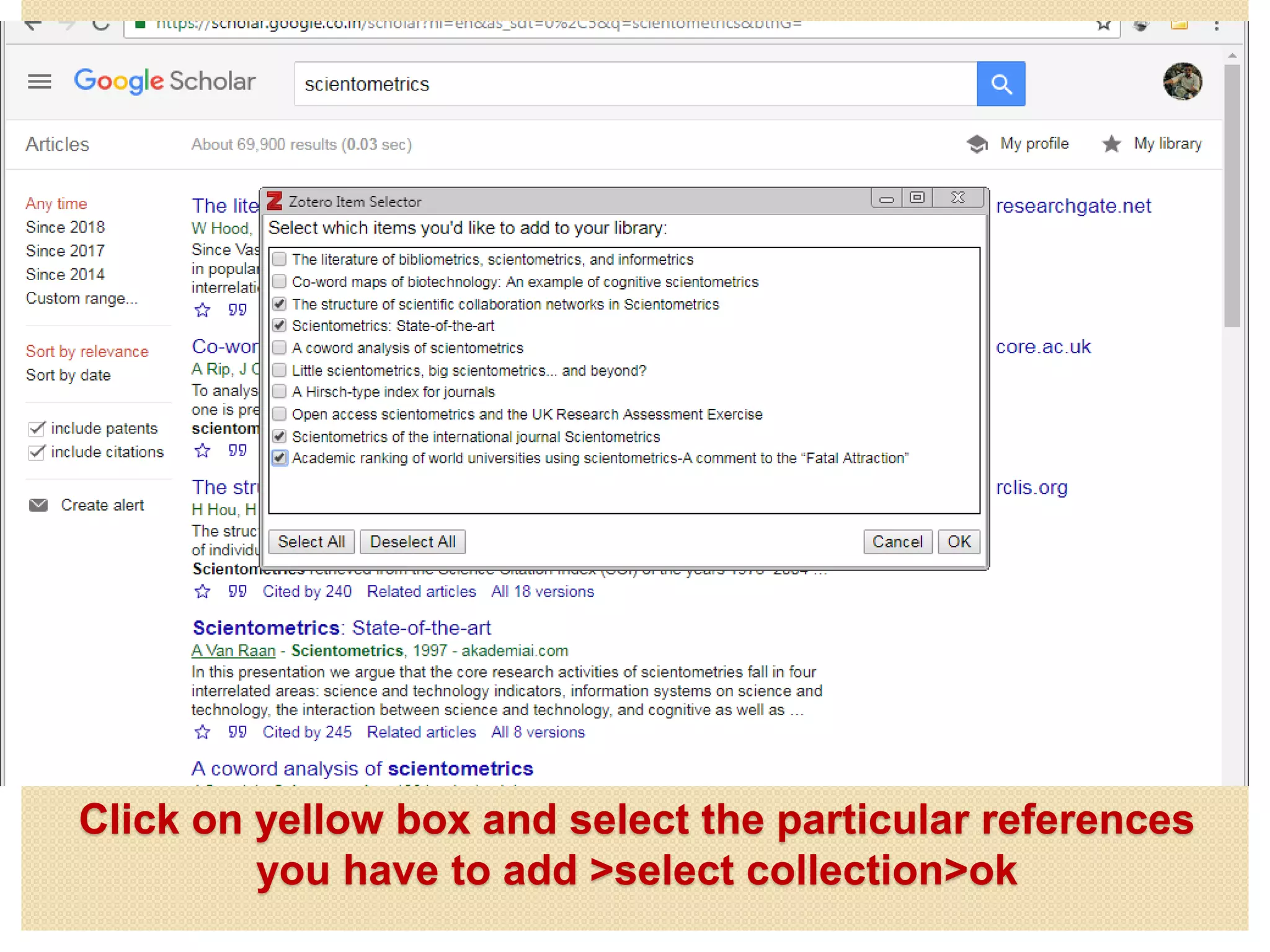
Click on yellow box and select the particular references
you have to add >select collection>ok
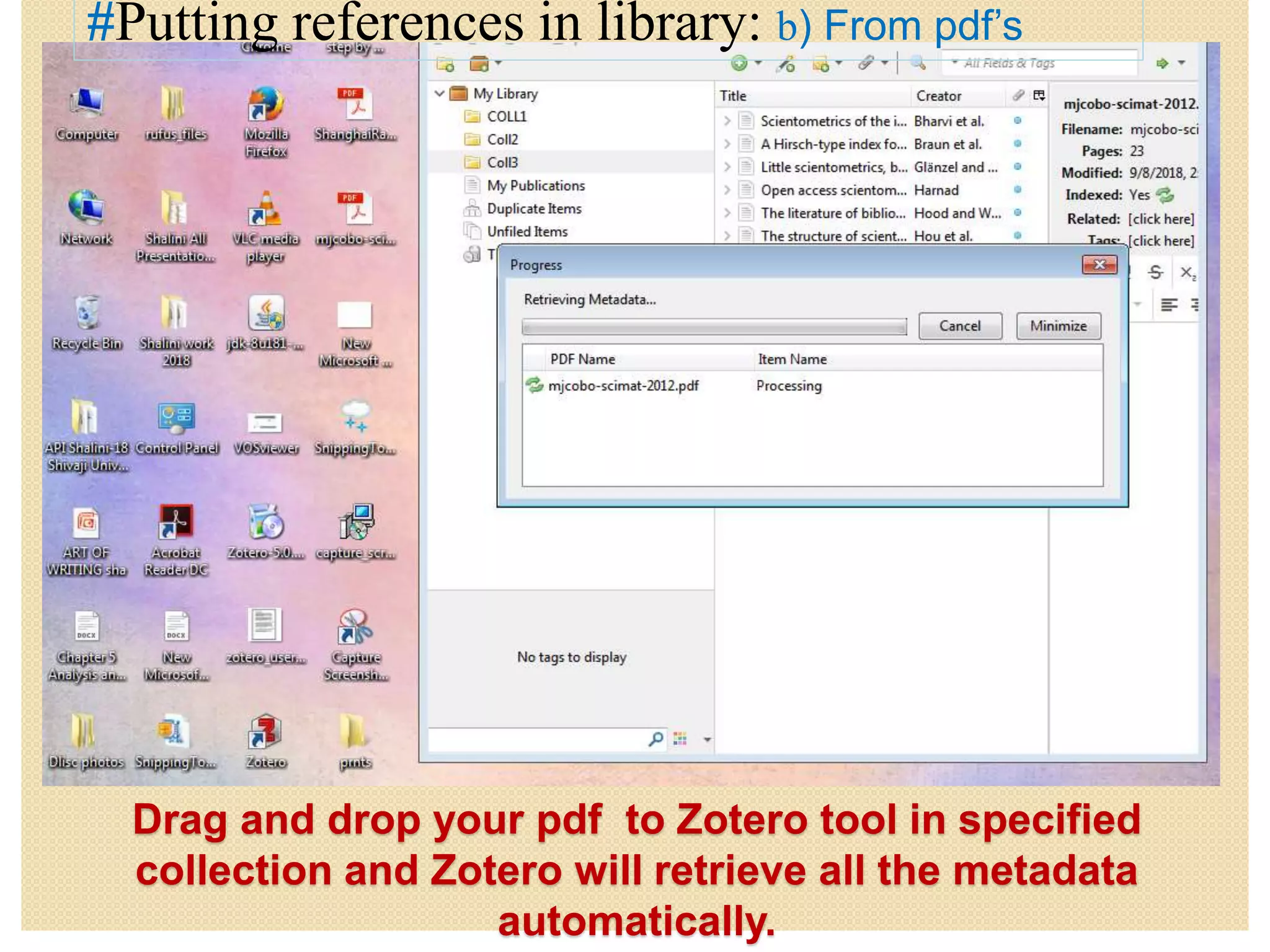
Drag and drop your pdf to Zotero tool in specified
collection and Zotero will retrieve all the metadata
automatically.
#Putting references in library: b) From pdf’s
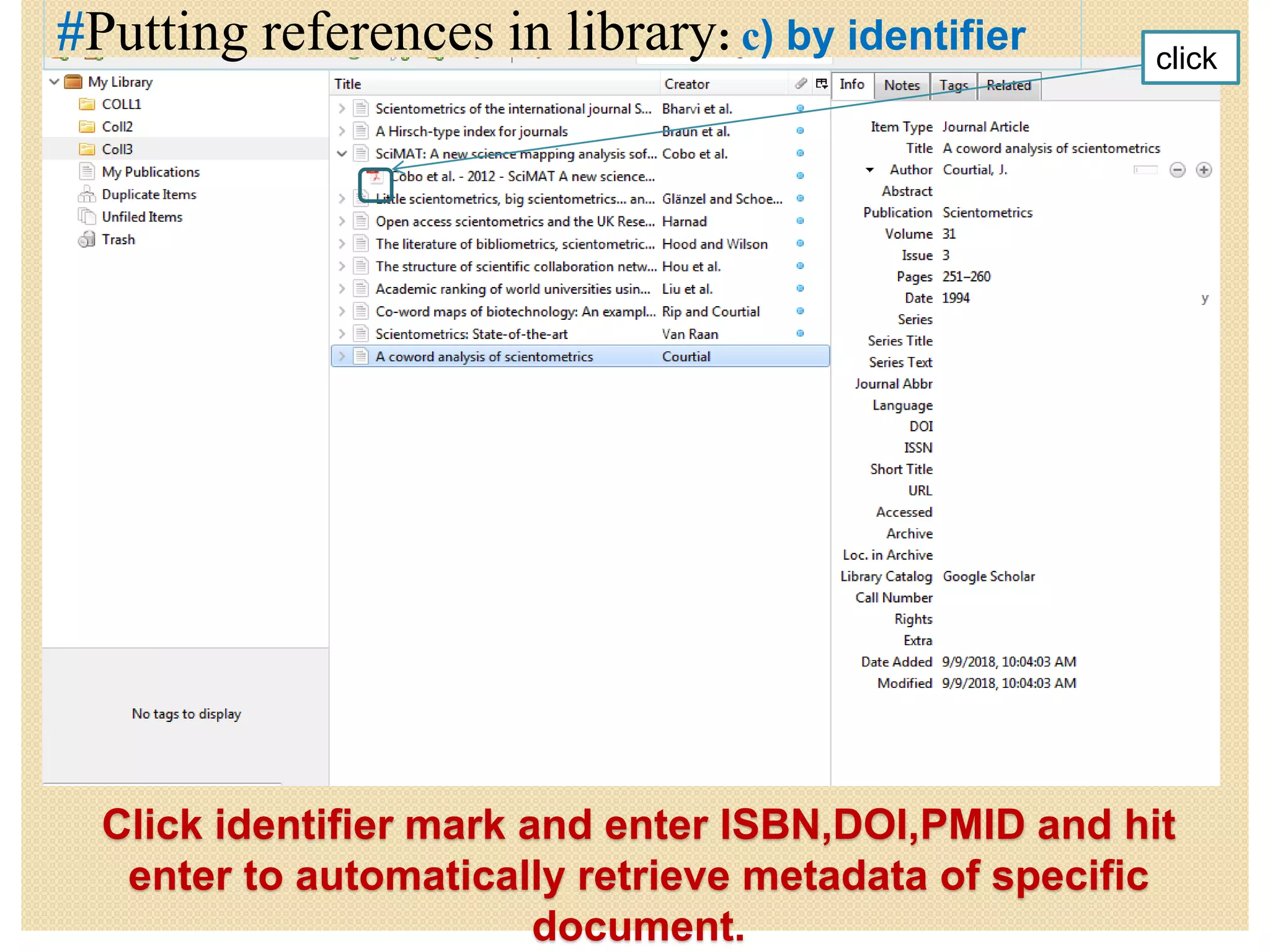
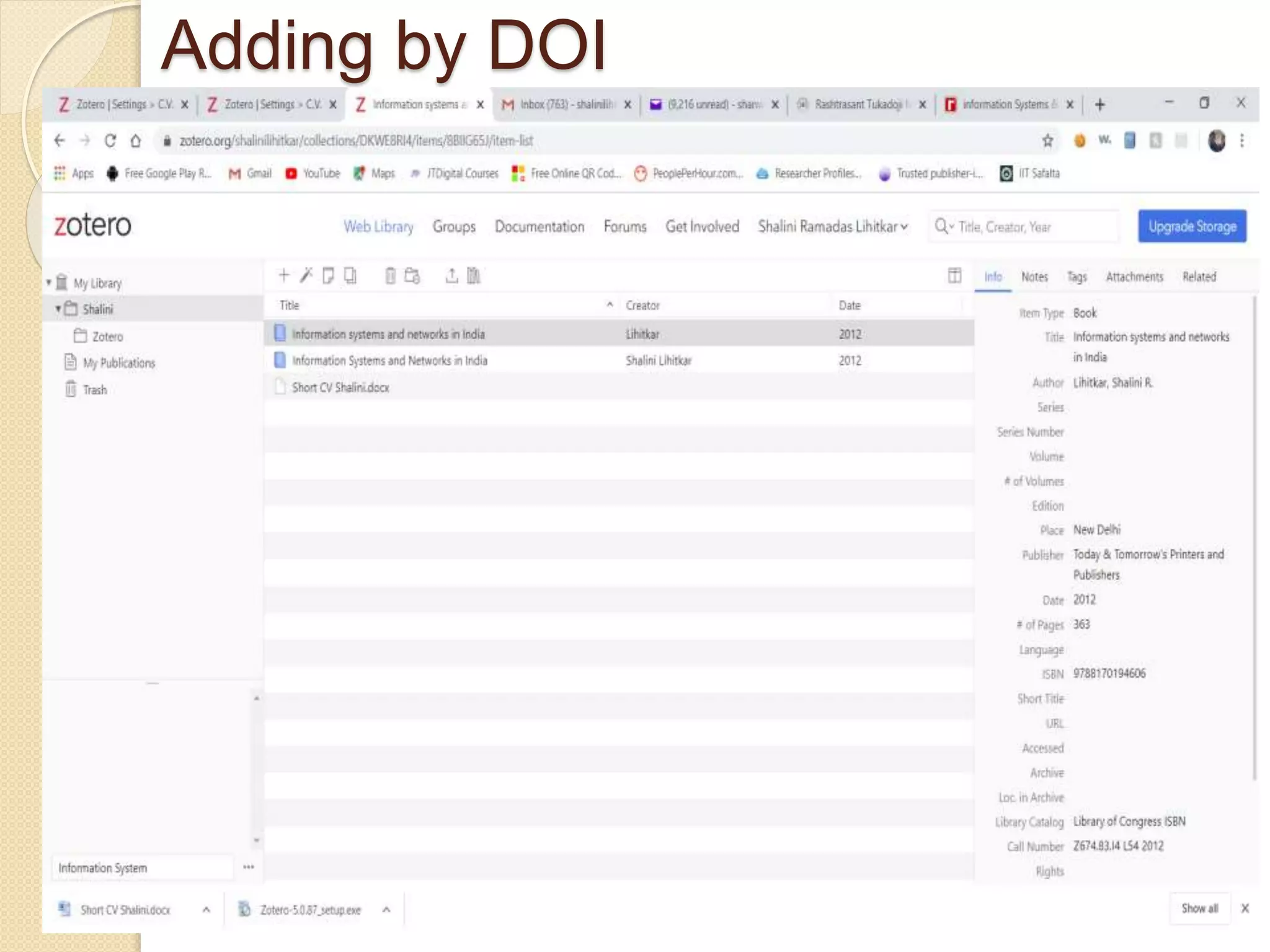
Click identifier mark and enter ISBN,DOI,PMID and hit
enter to automatically retrieve metadata of specific
document.
#Putting references in library: c) by identifier click
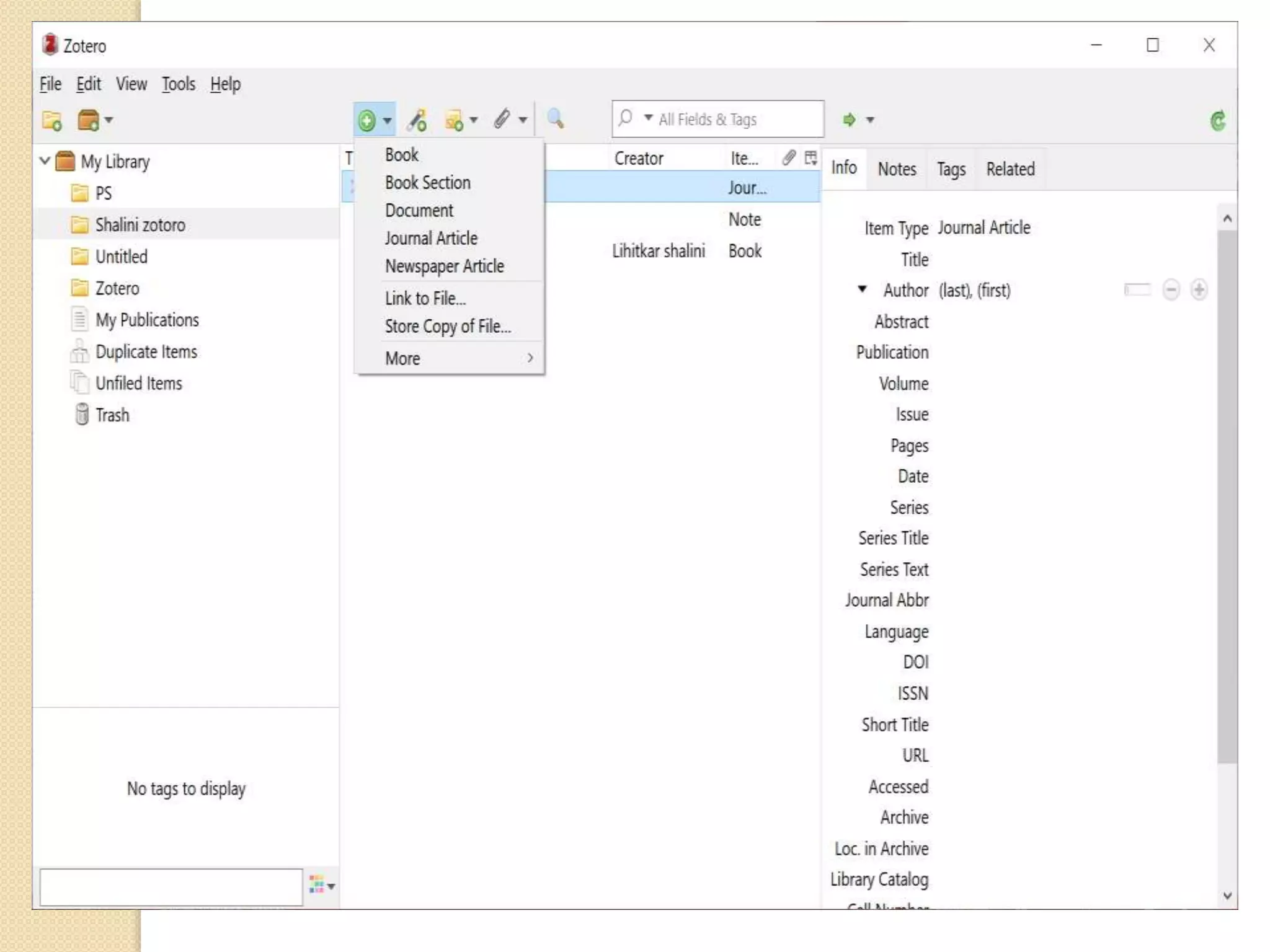
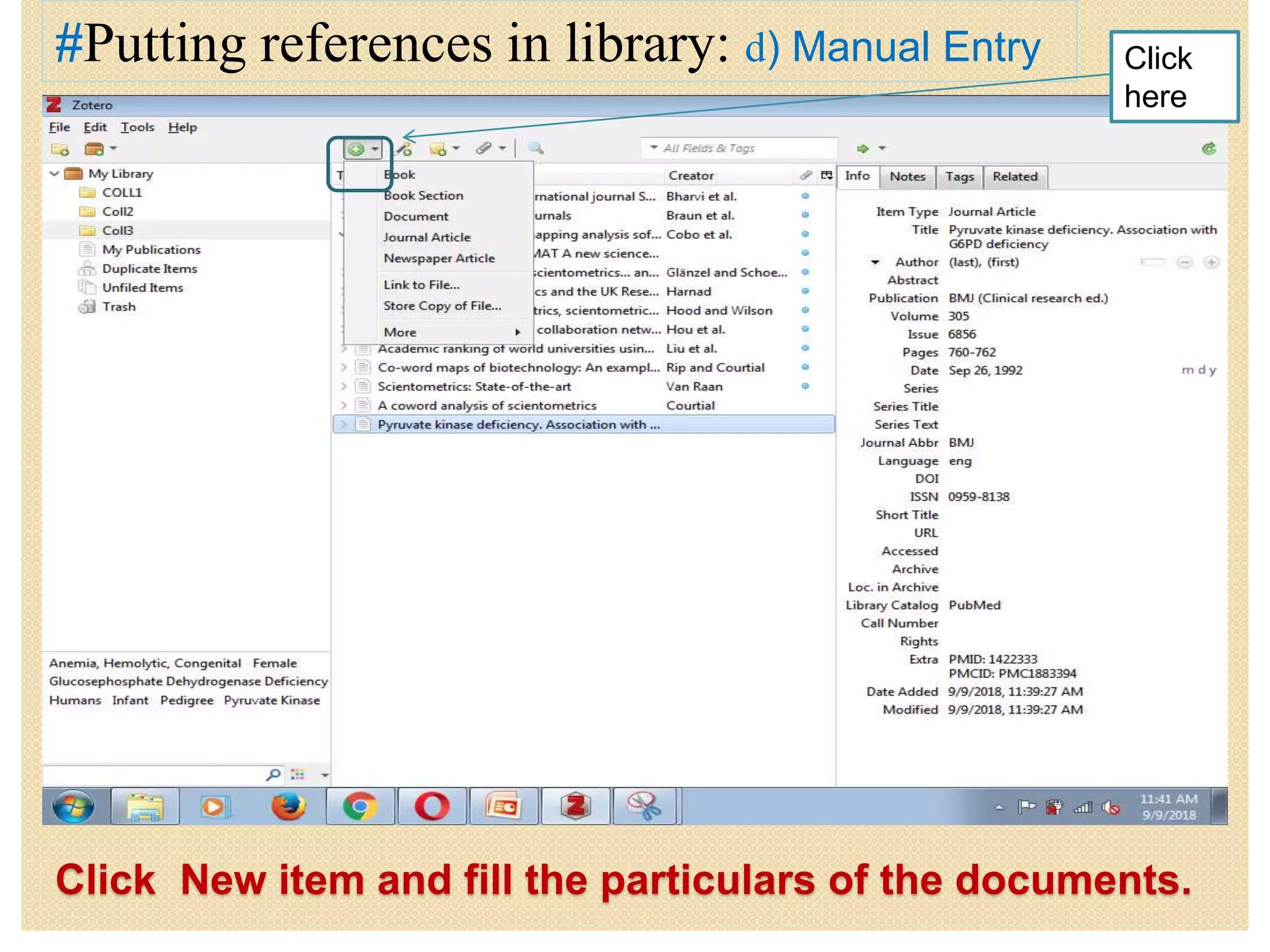
Click New item and fill the particulars of the documents.
#Putting references in library: d) Manual Entry Click
here
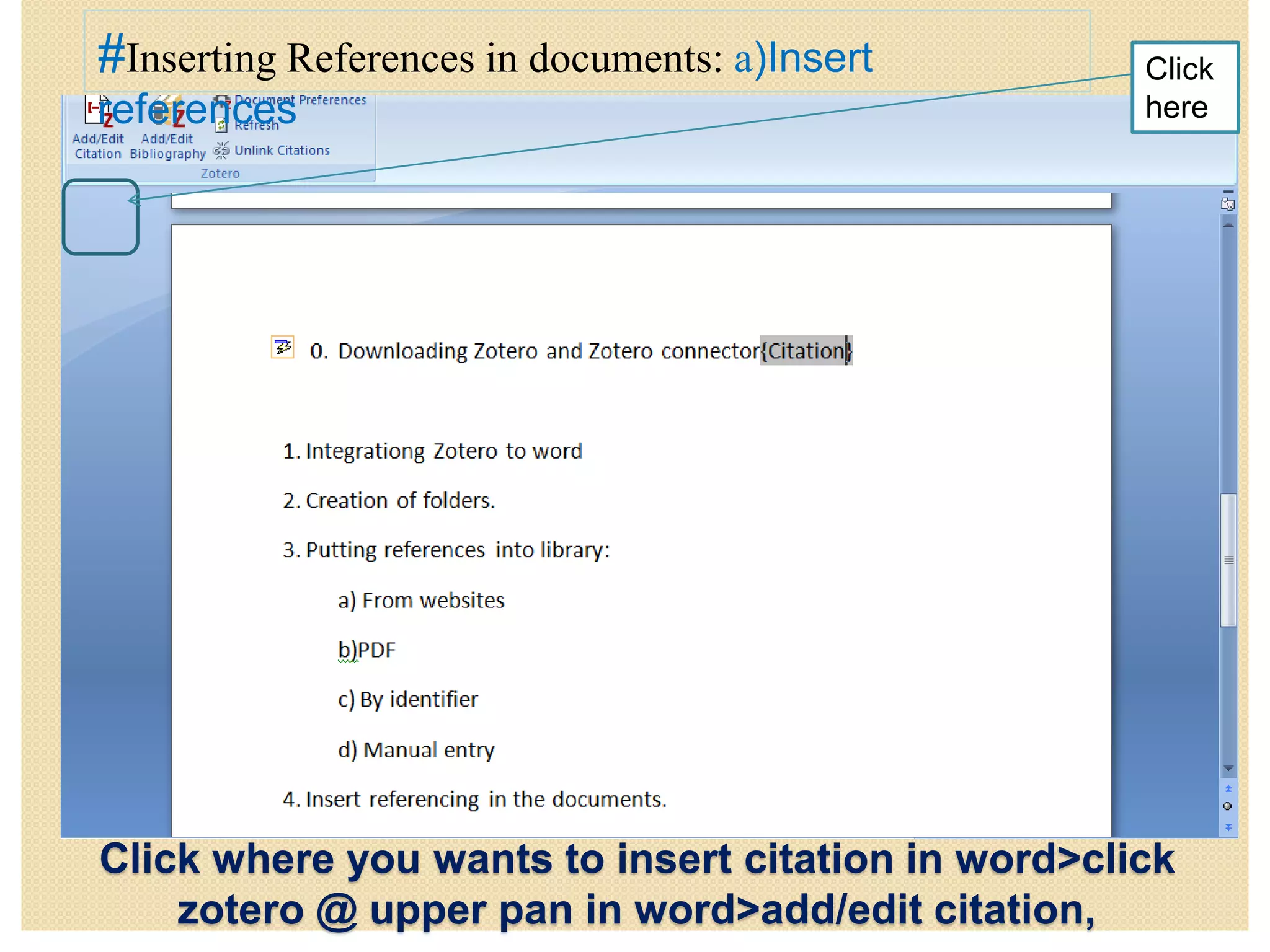
Click where you wants to insert citation in word>click
zotero @ upper pan in word>add/edit citation,
#Inserting References in documents: a)Insert
references
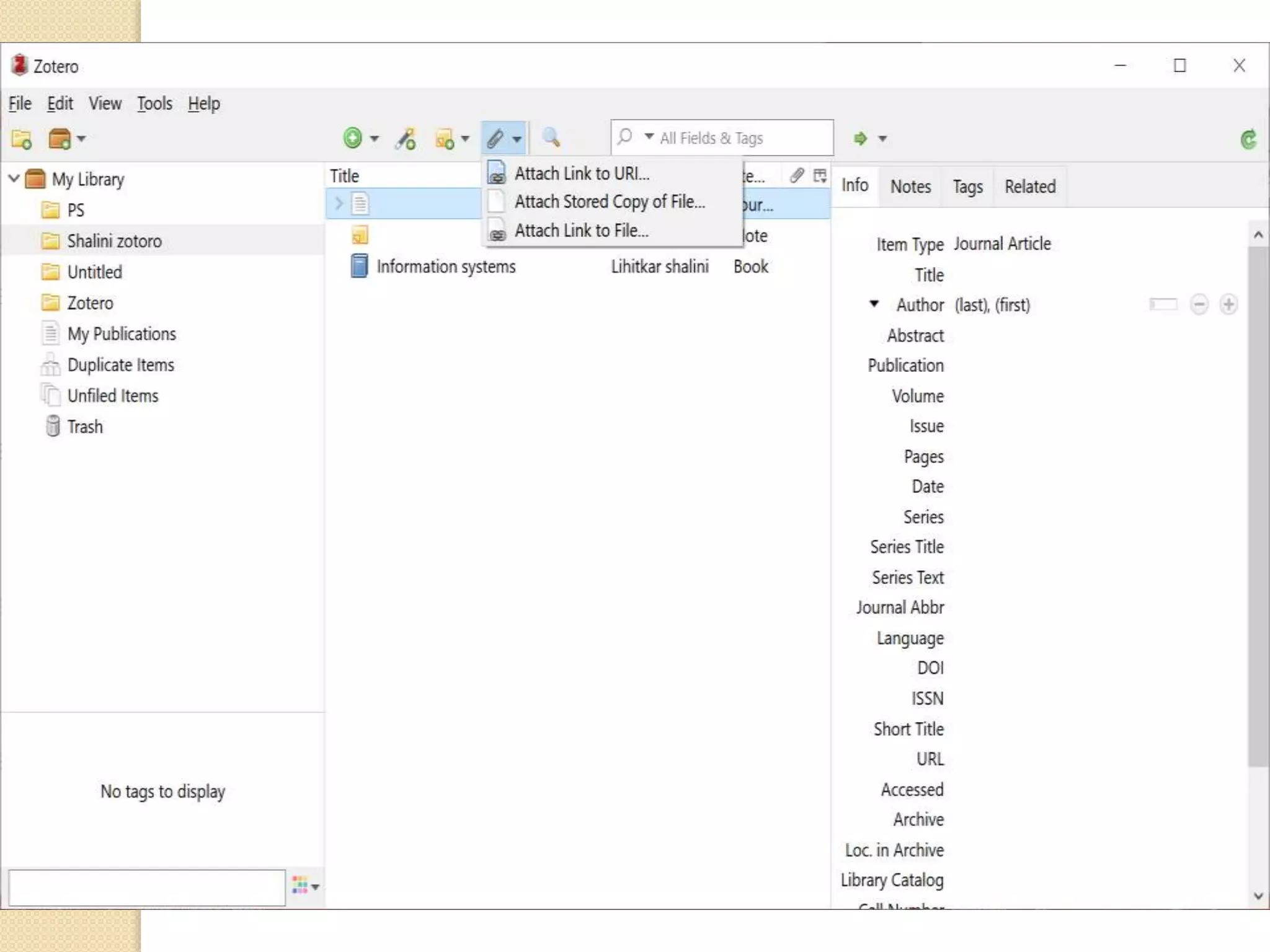
Click
here
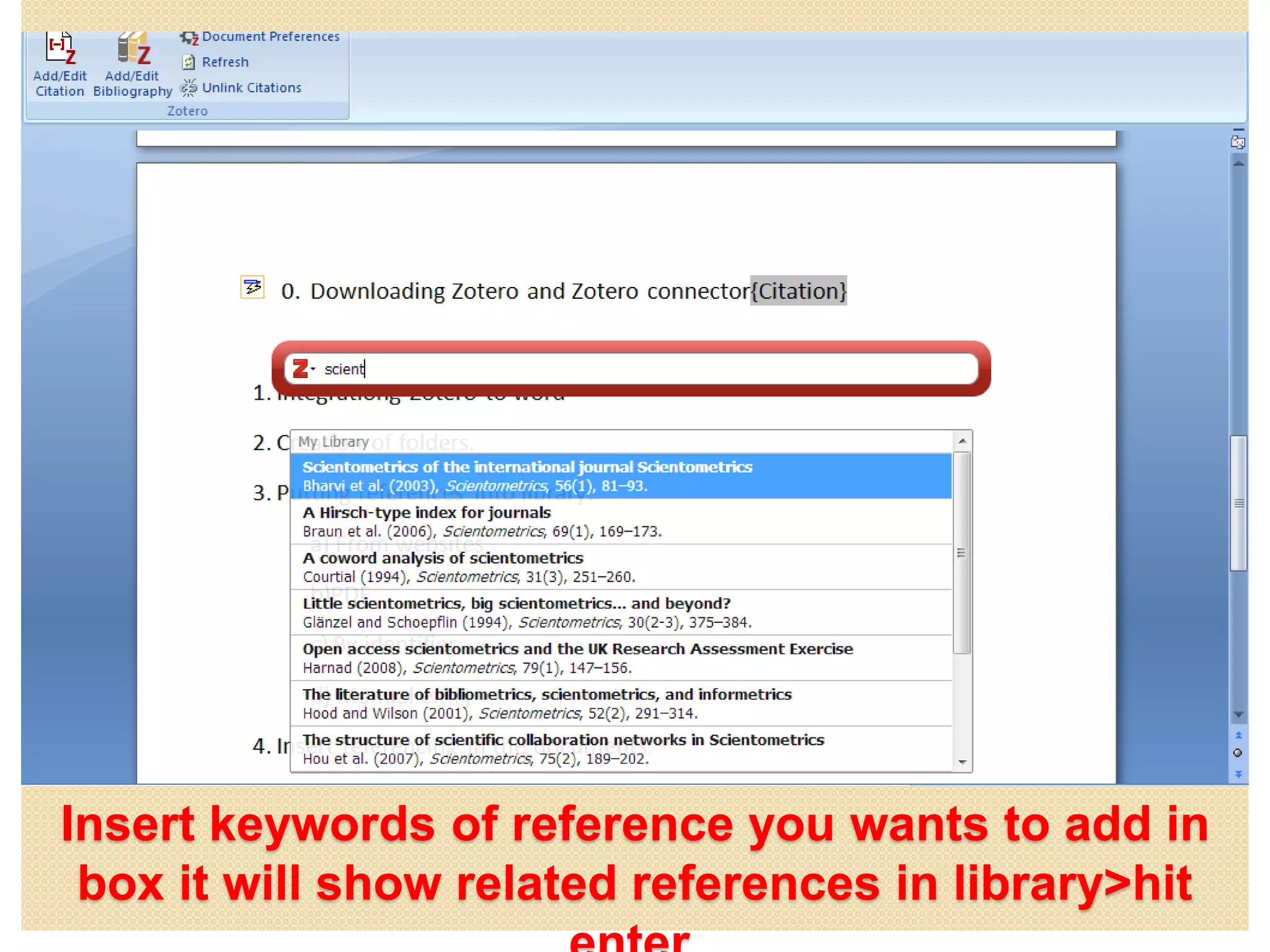
Insert keywords of reference you wants to add in
box it will show related references in library>hit
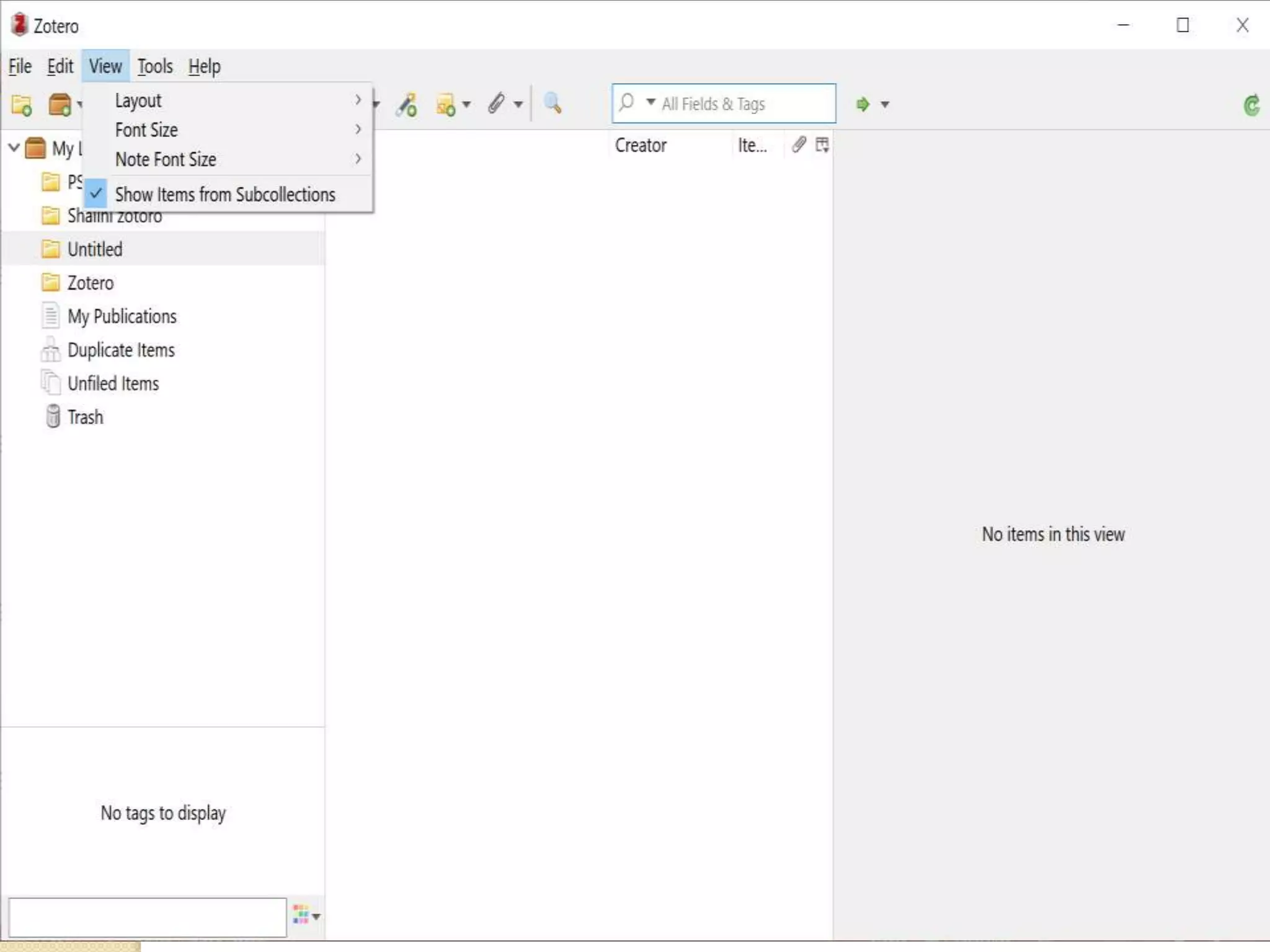
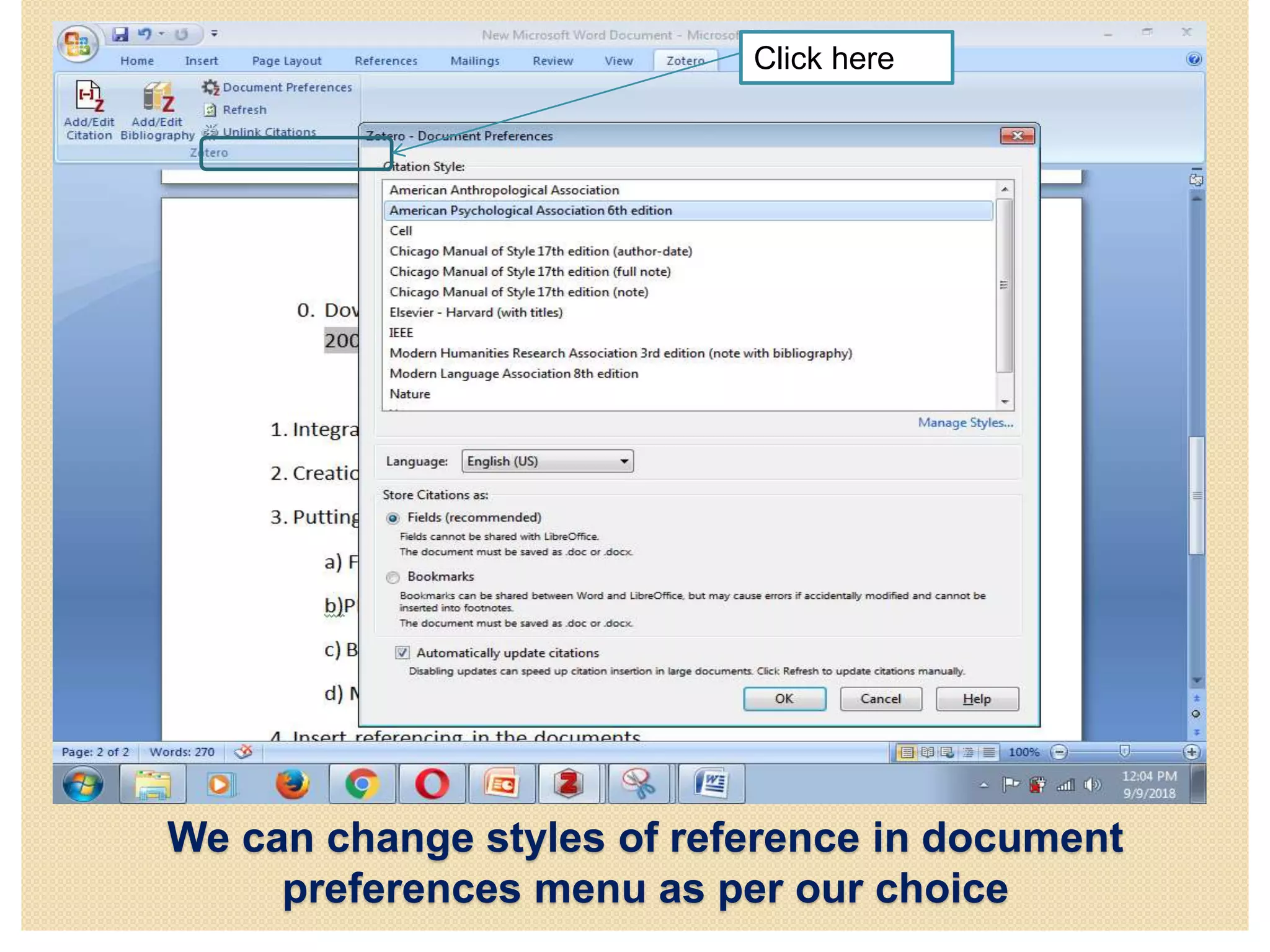
We can change styles of reference in document
preferences menu as per our choice
Click here
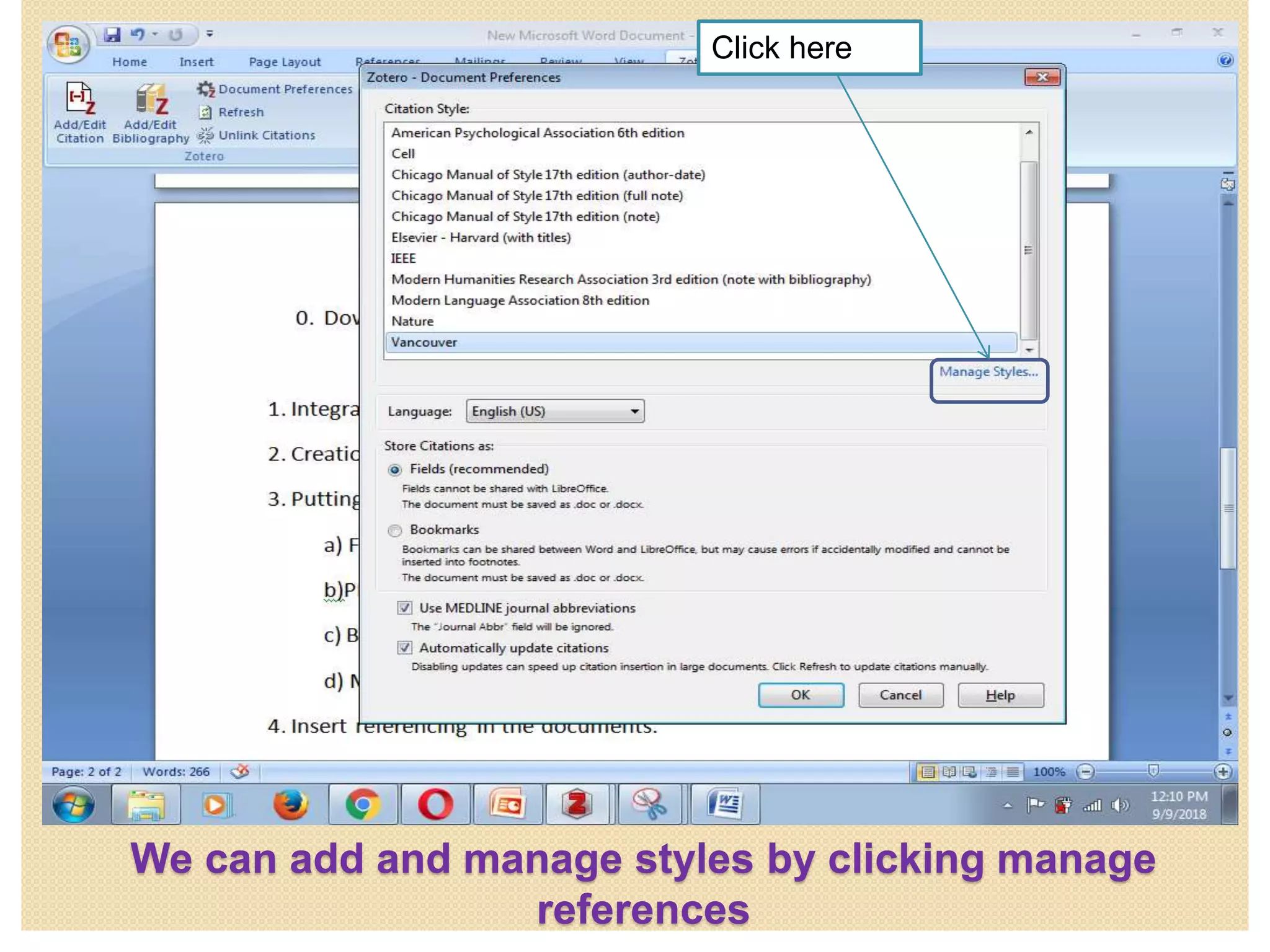
We can add and manage styles by clicking manage
references
Click here
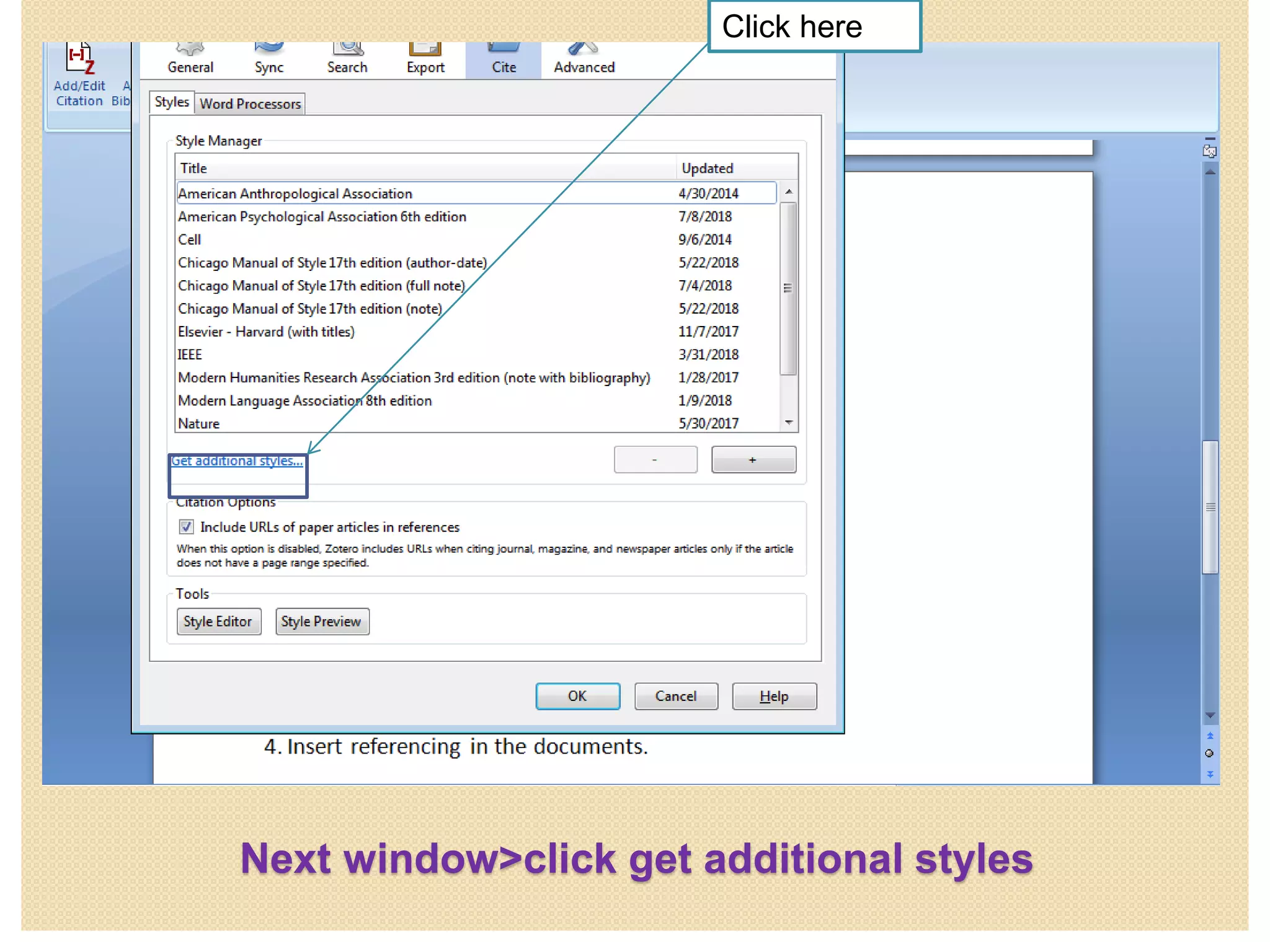
Next window>click get additional styles
Click here
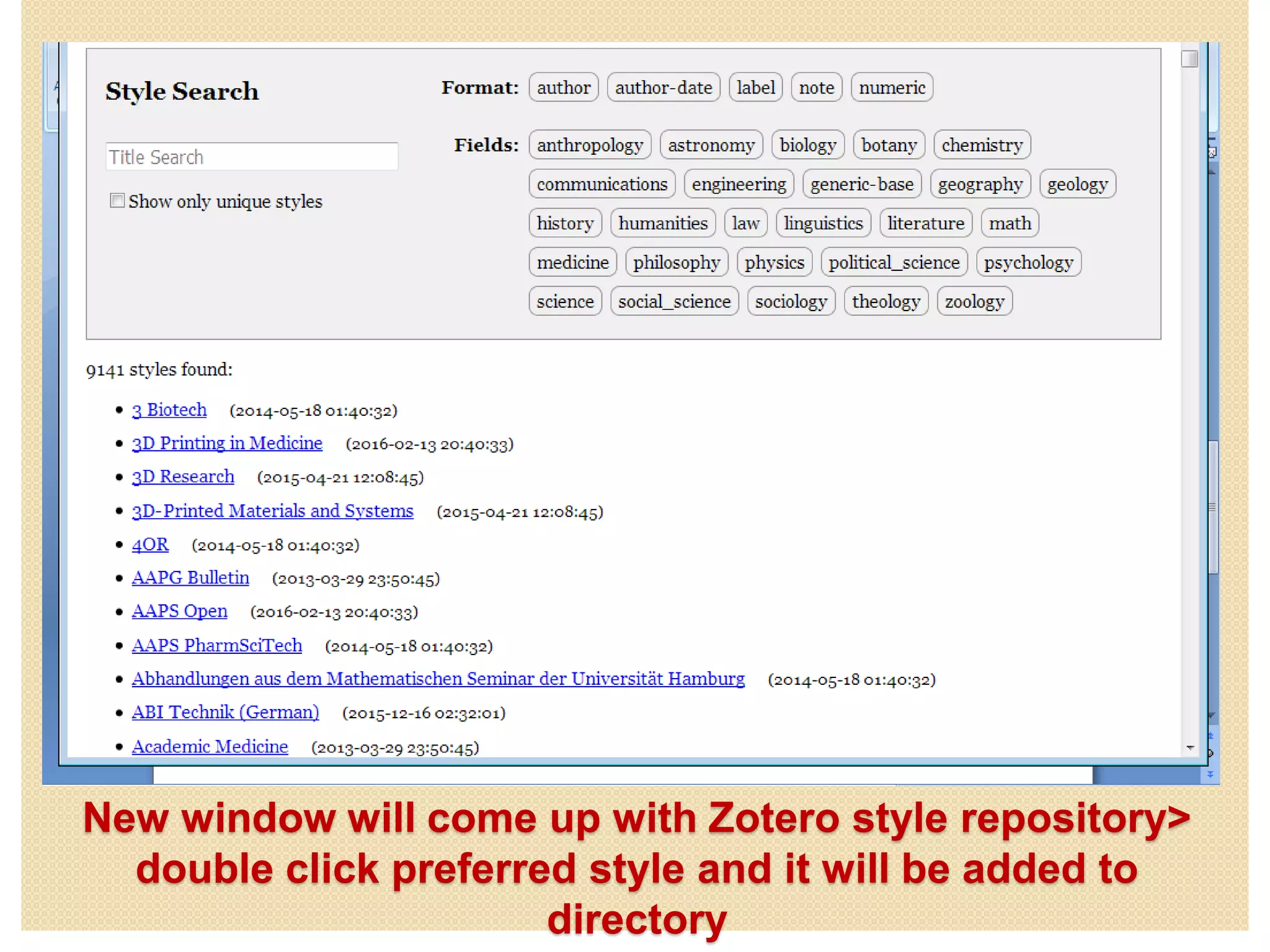
New window will come up with Zotero style repository>
double click preferred style and it will be added to
directory
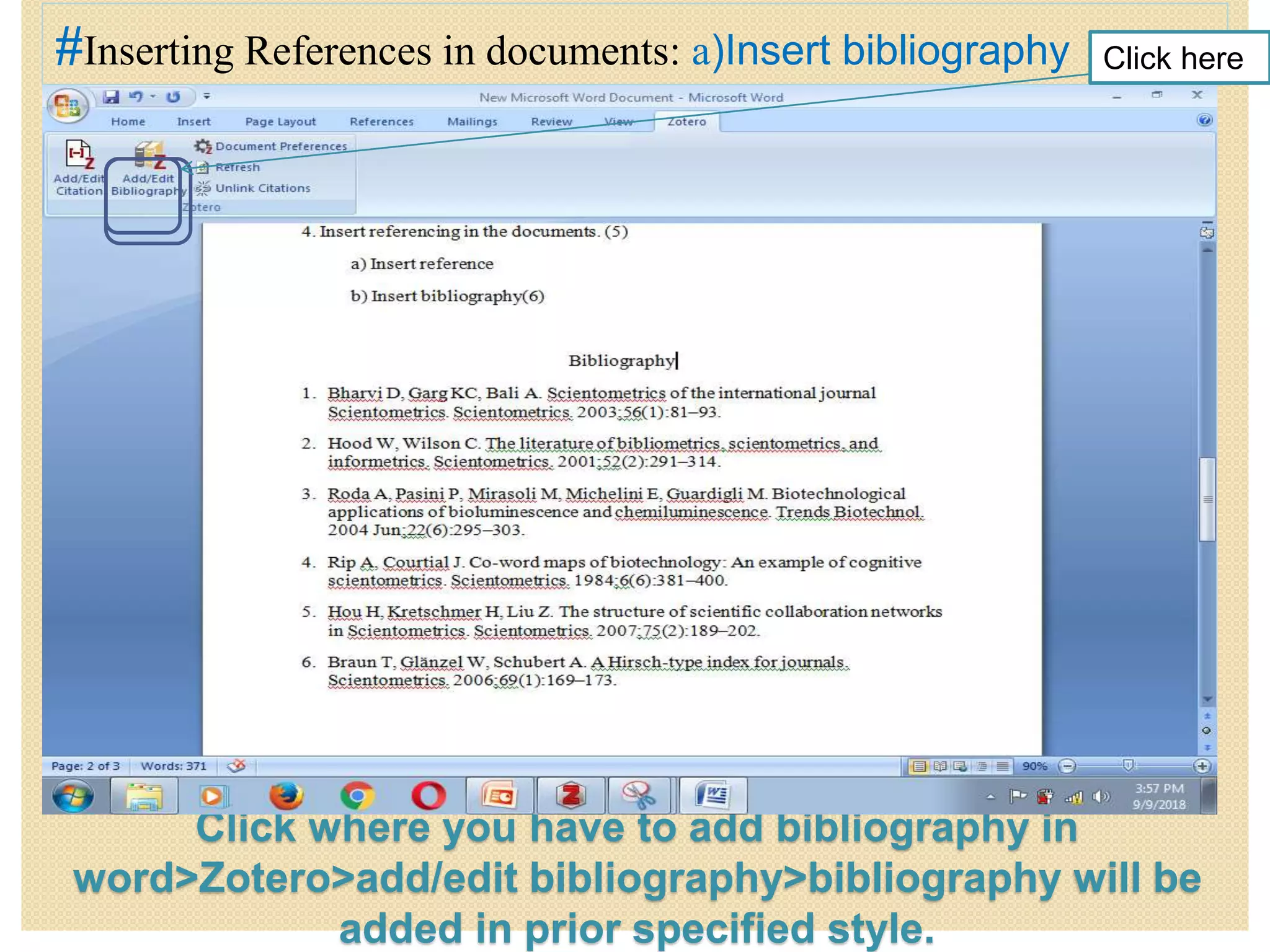
Click where you have to add bibliography in
word>Zotero>add/edit bibliography>bibliography will be
added in prior specified style.
#Inserting References in documents: a)Insert bibliography Click here
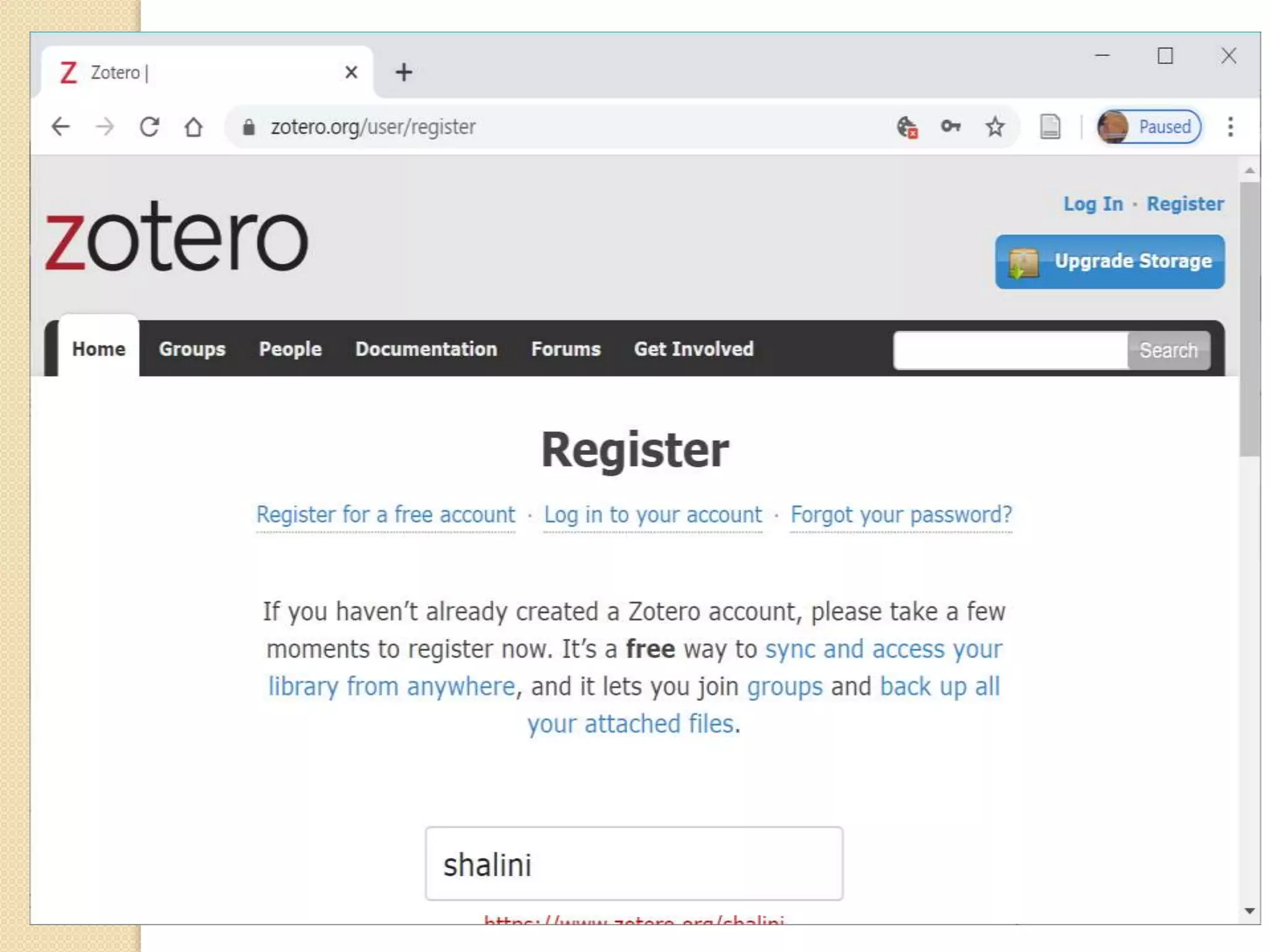
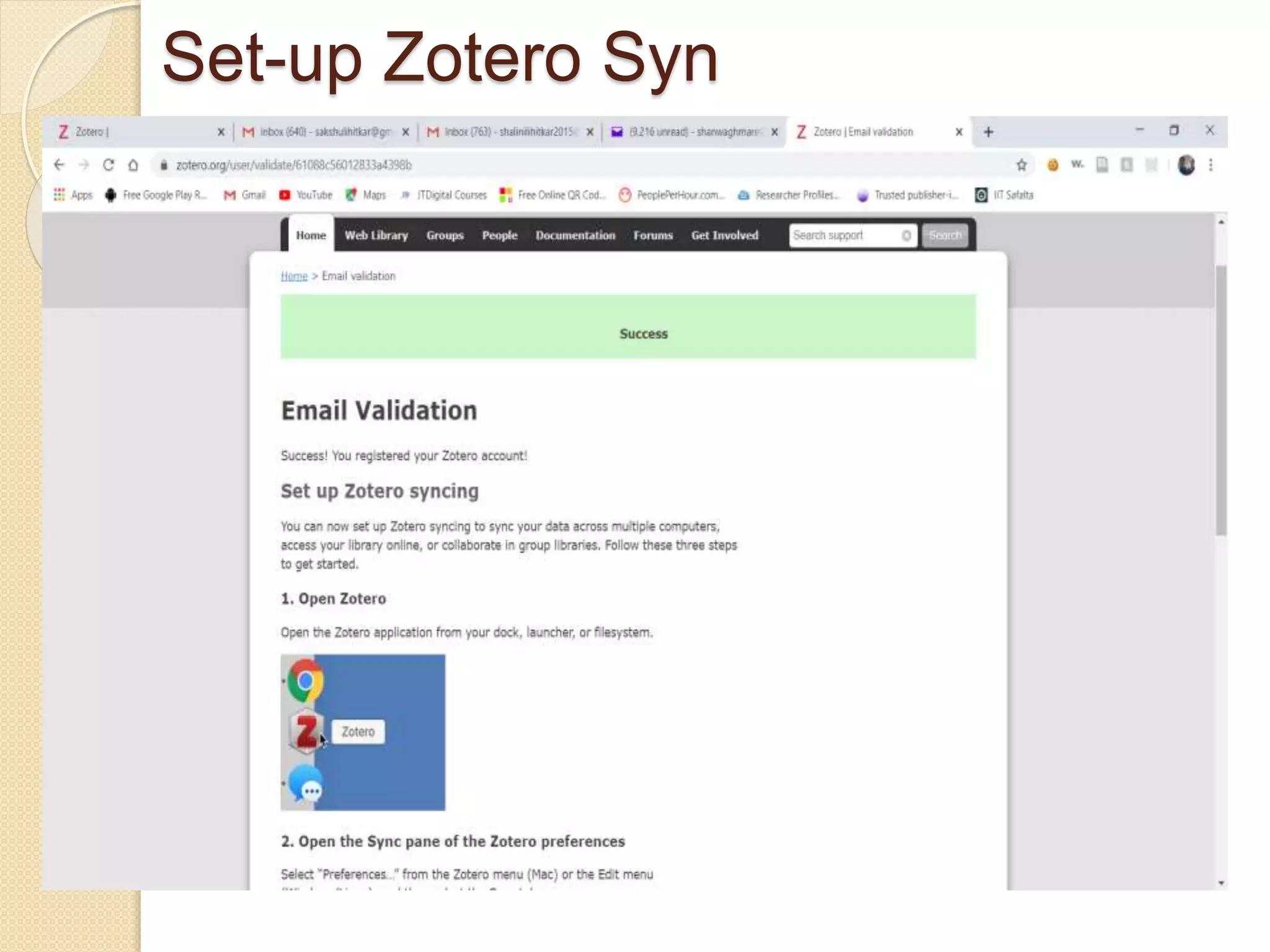
Zotero Web Account
• On www.zotero.org you can create a Zotero account.
• You need a Zotero account to synchronize your library,
participate in groups, or post to the support forums.
• Data synchronization transfers library items, notes, links, tags,
etc.—everything except attachment files—between your local
computer and the Zotero servers, allowing you to work with your
data from any computer with the Zotero extension.
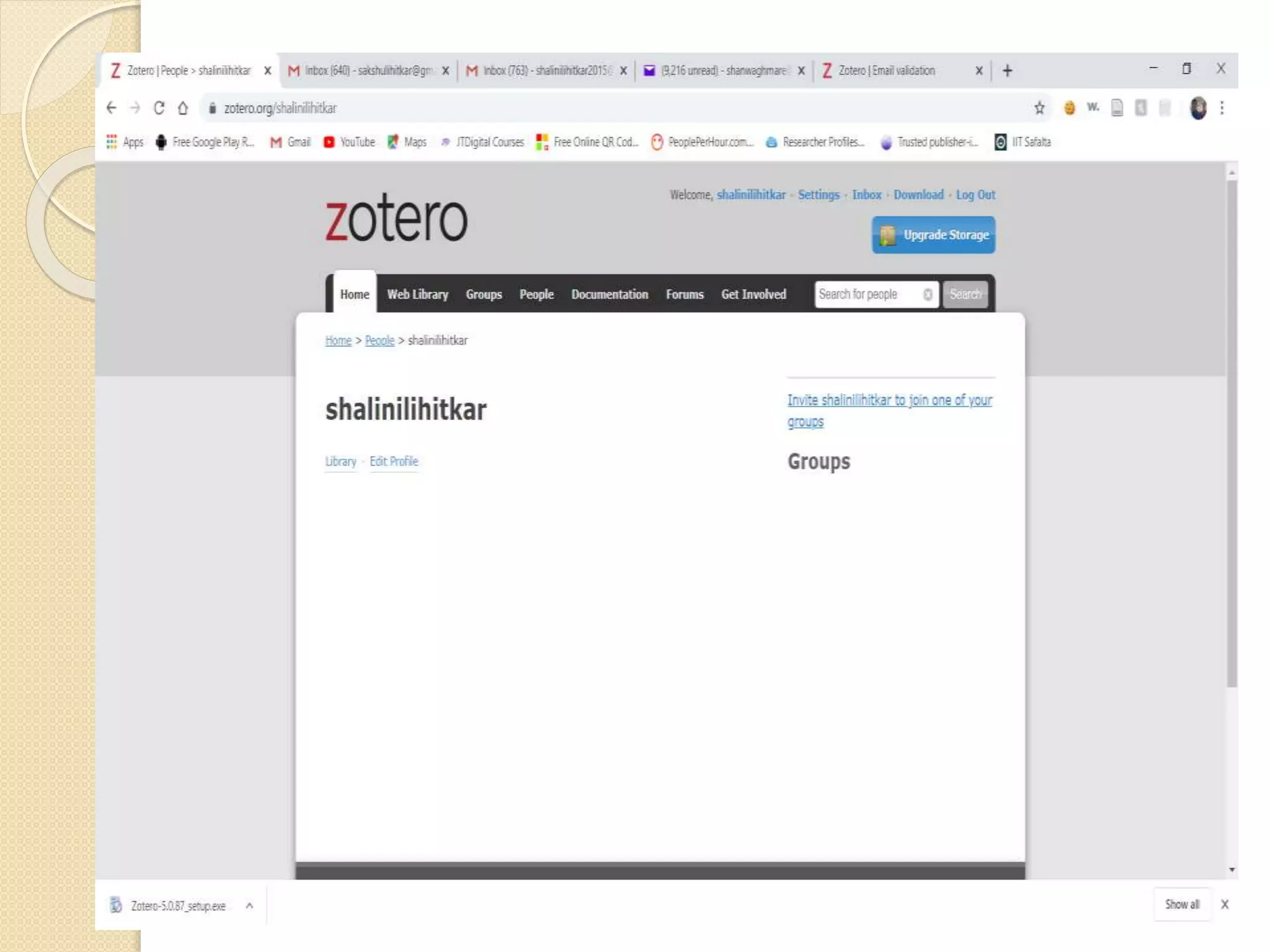
• It also allows you to view your library online on www.zotero.org.
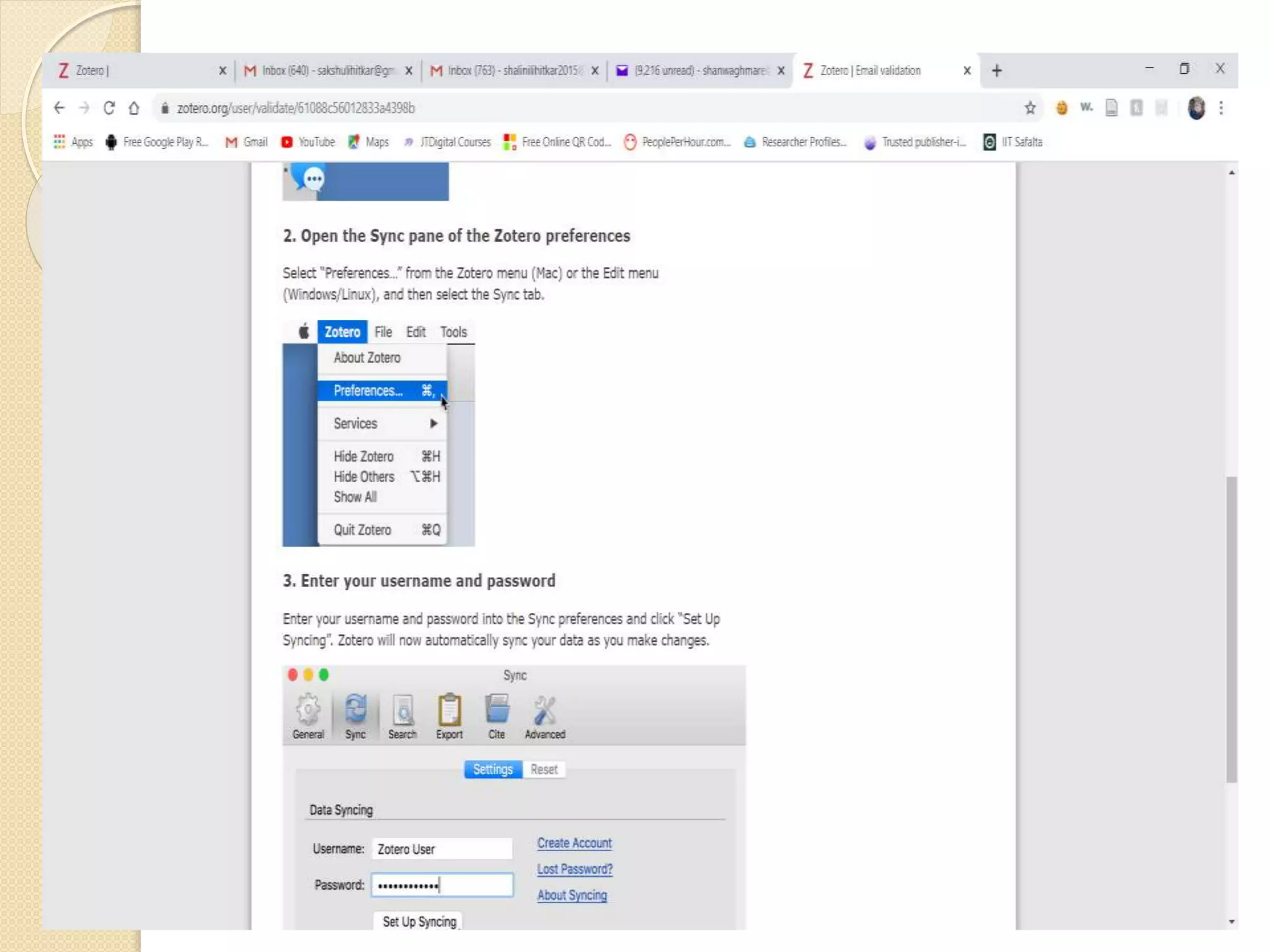
• To synchronize your data with the Zotero web server, open
Zotero's Sync preferences tab and enter your login information in
the Zotero Sync Server section.
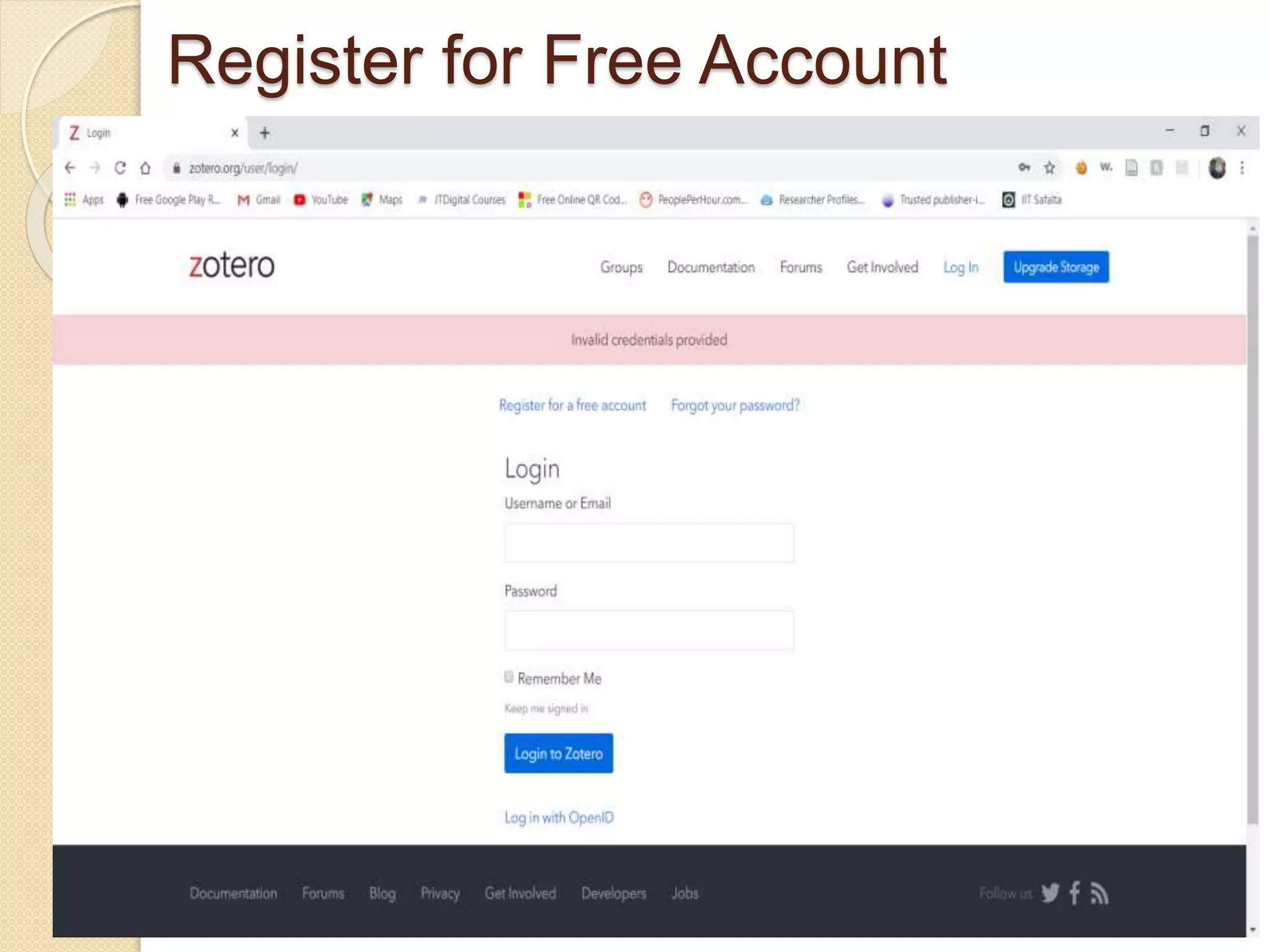
Register for Free Account
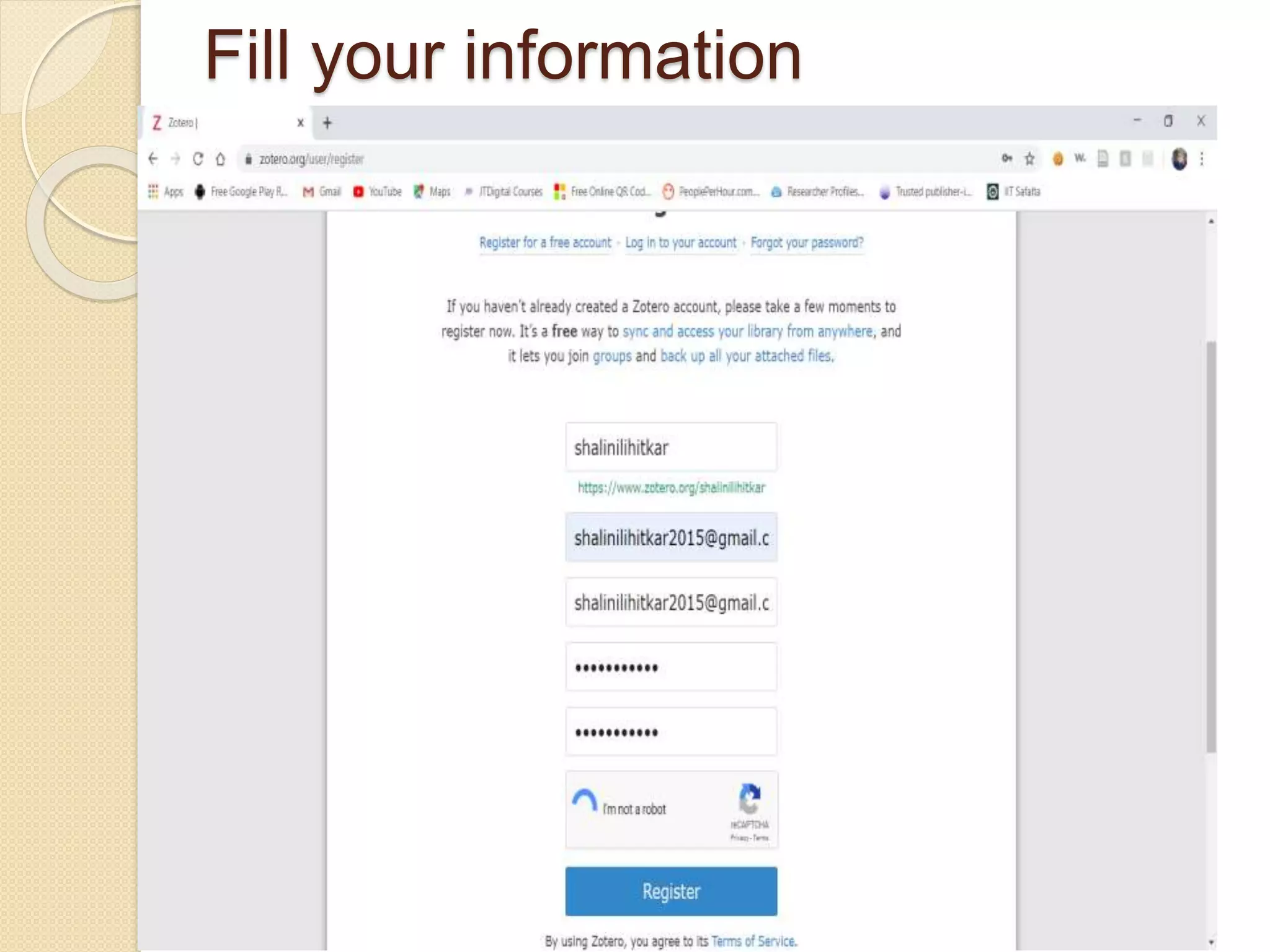
Fill your information
Set-up Zotero Syn
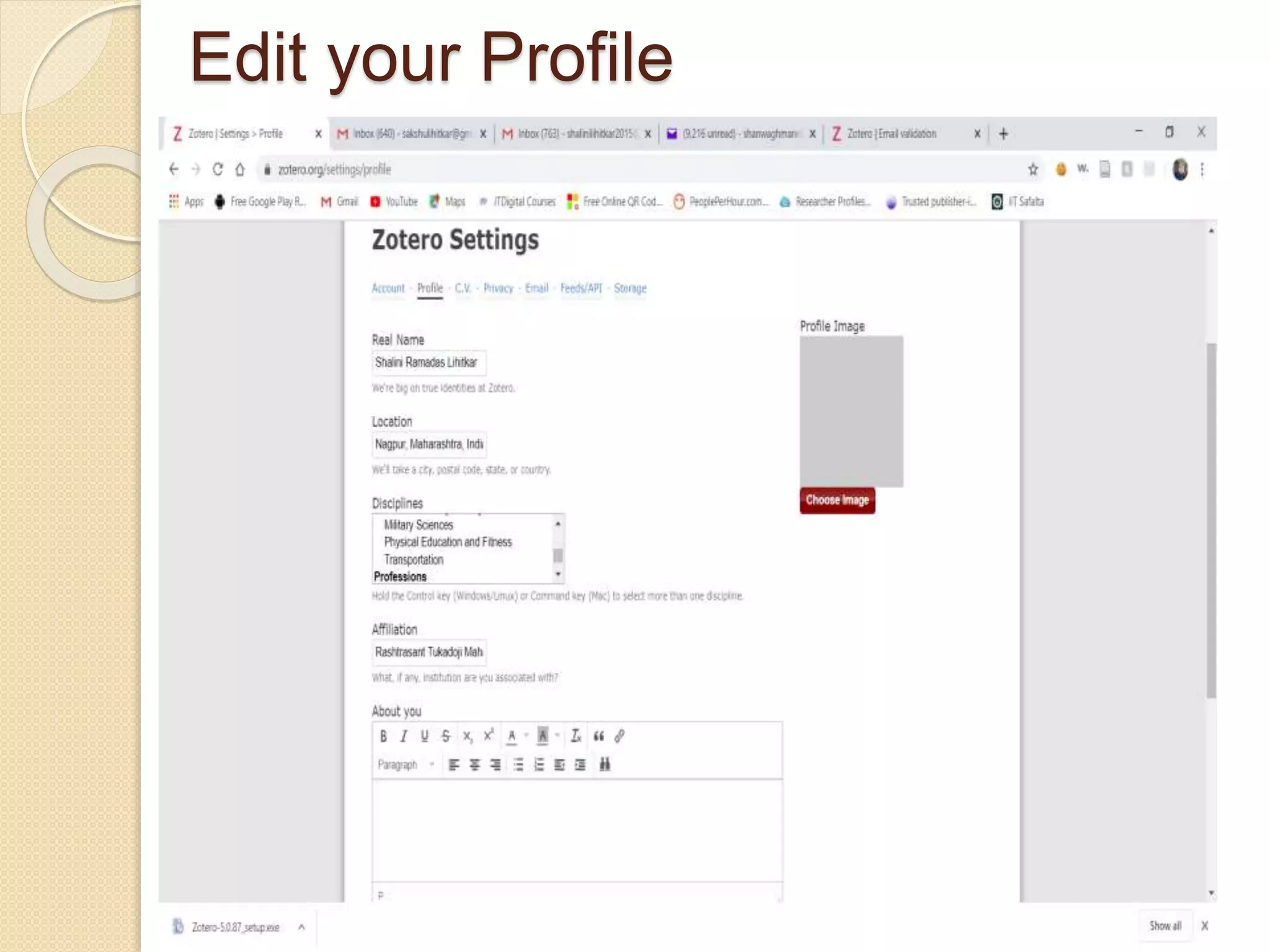
Edit your Profile
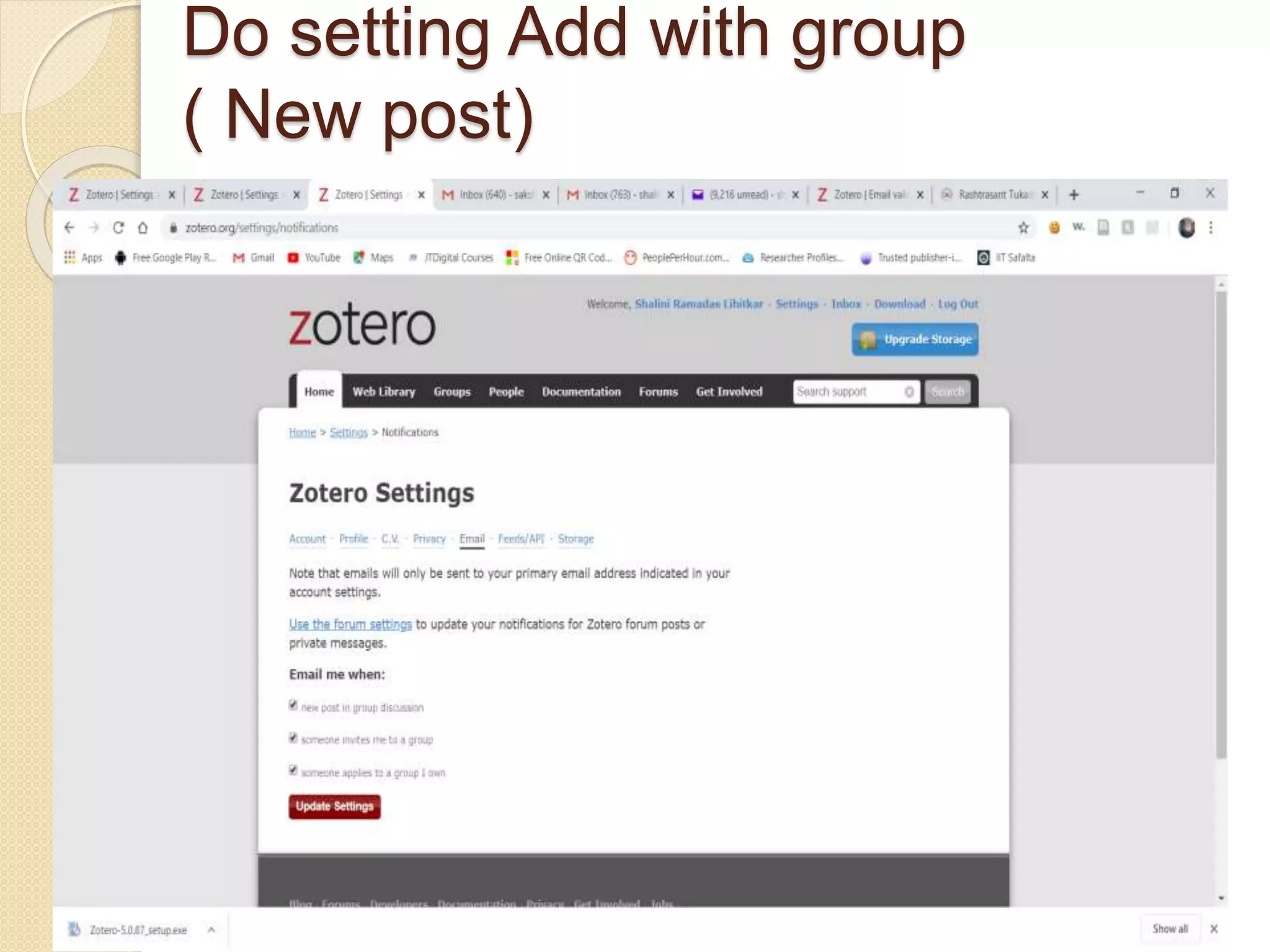
Do setting Add with group
( New post)
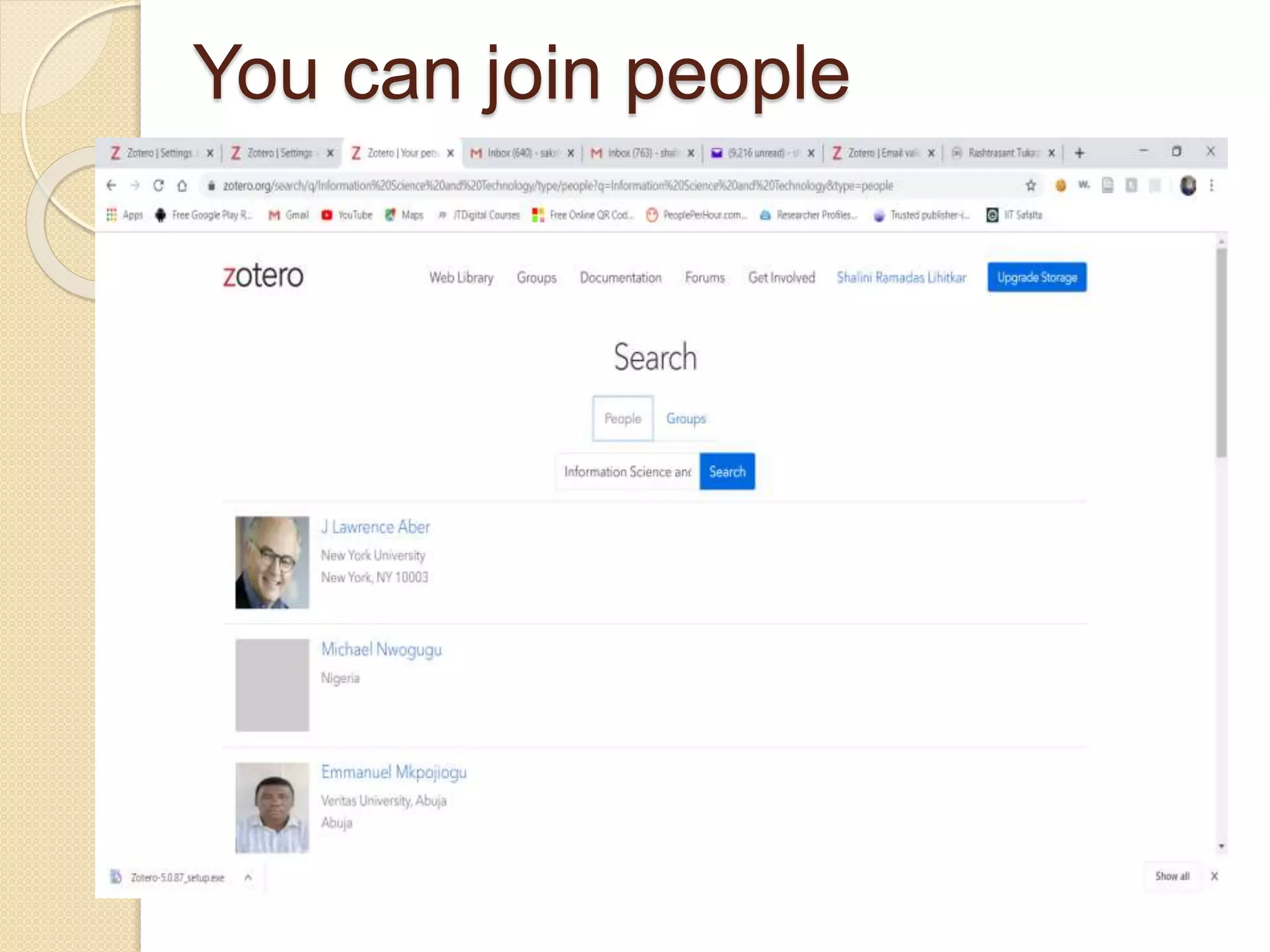
You can join people
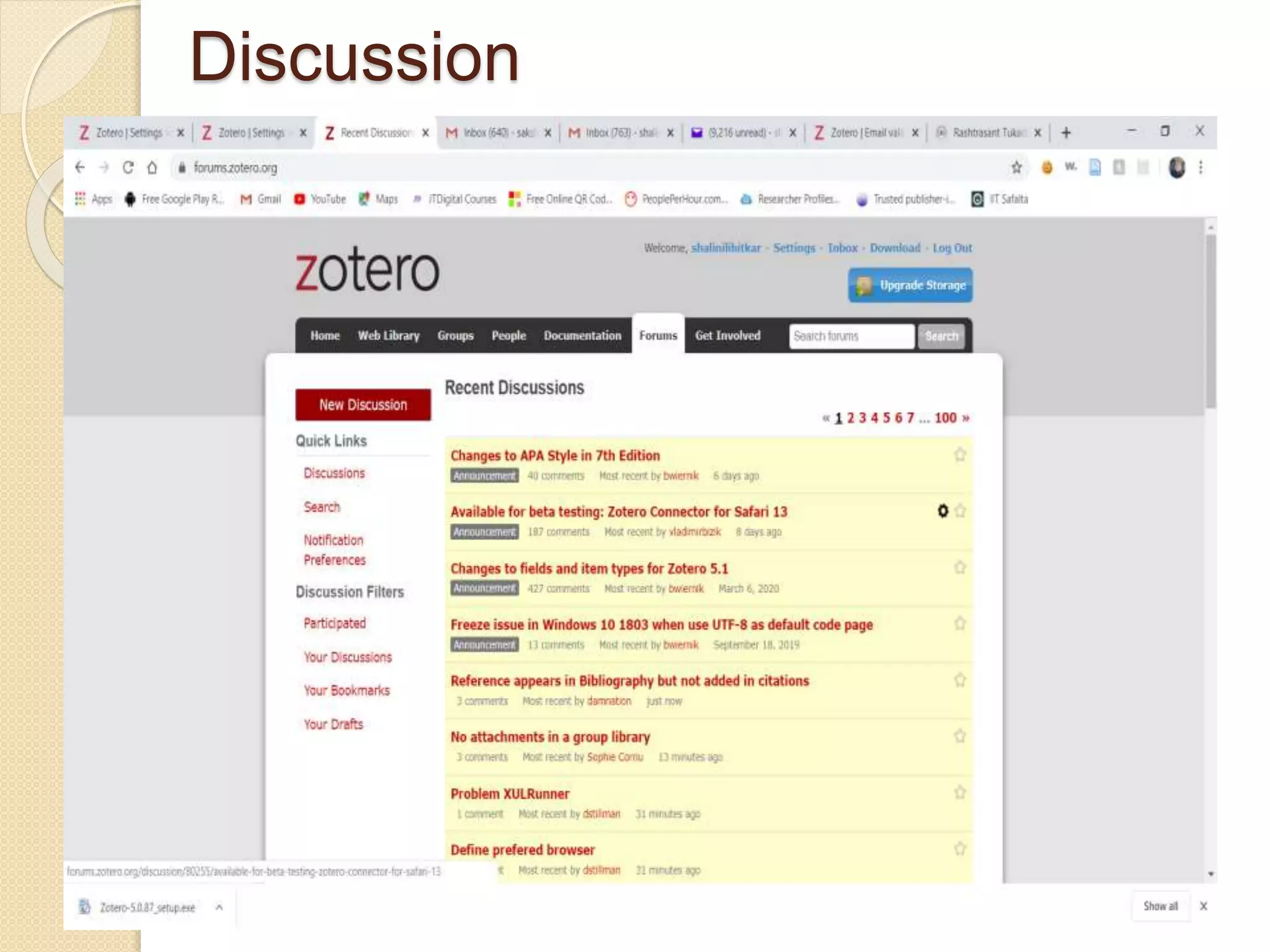
Discussion
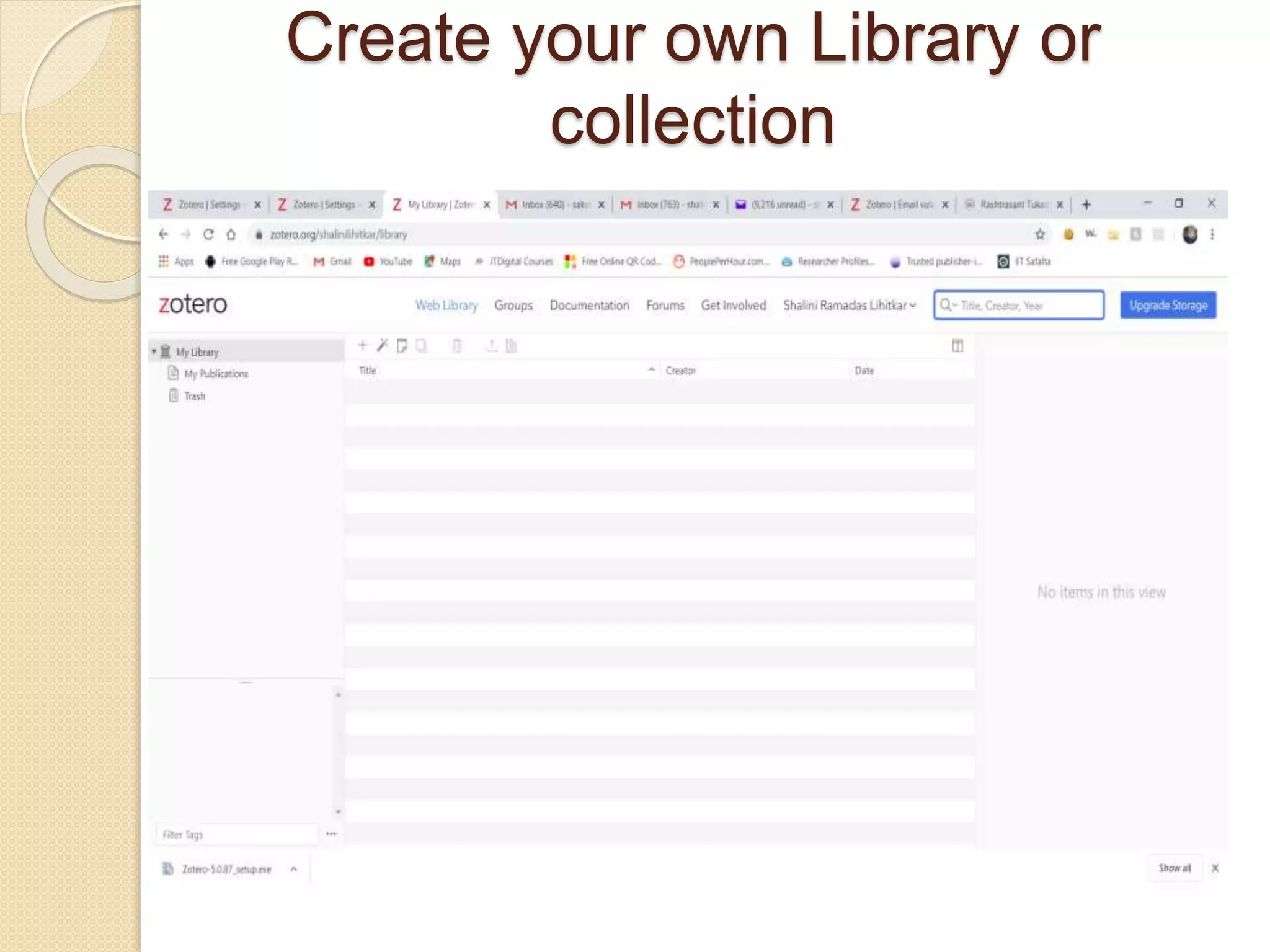
Create your own Library or
collection
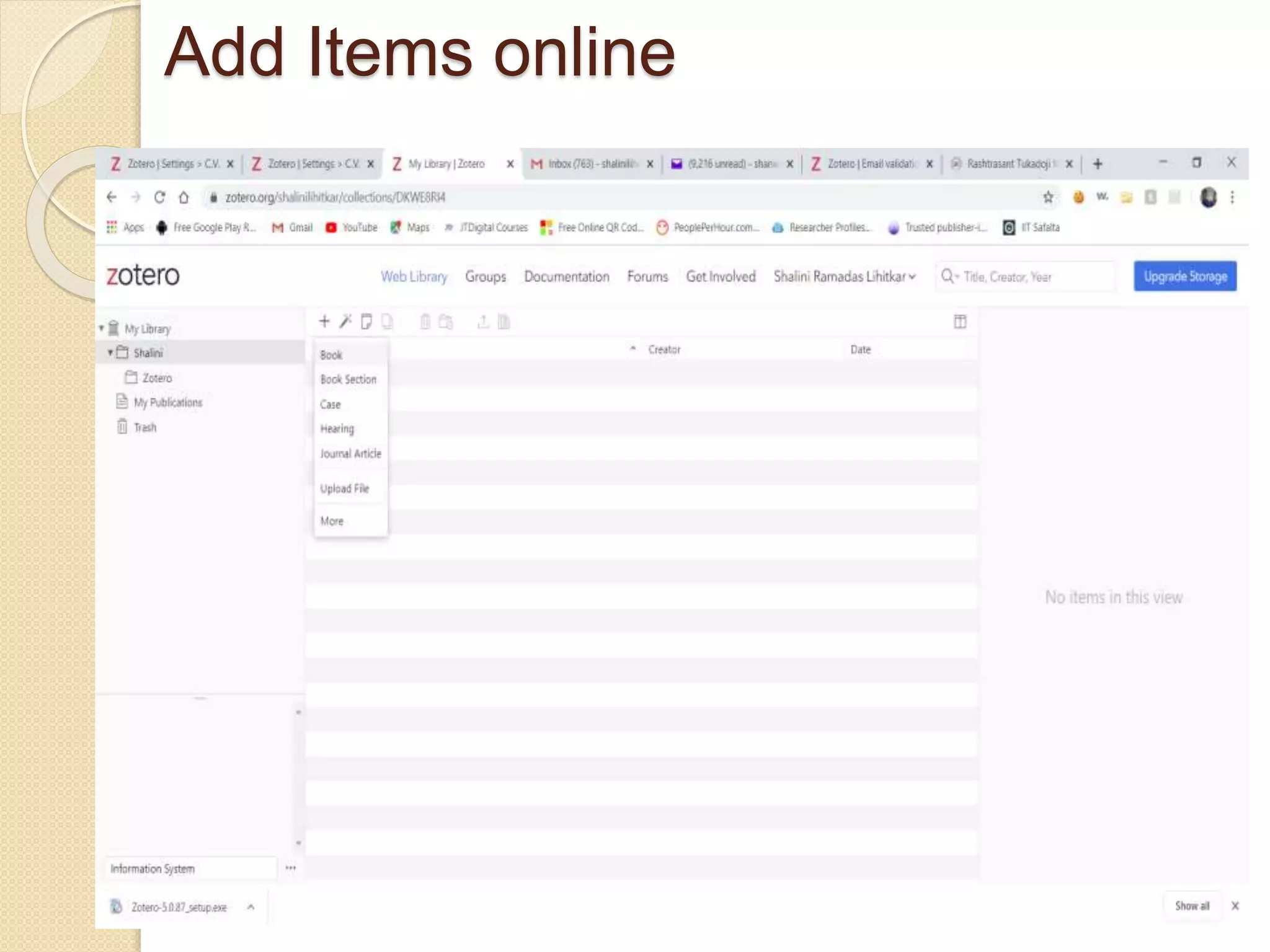
Add Items online
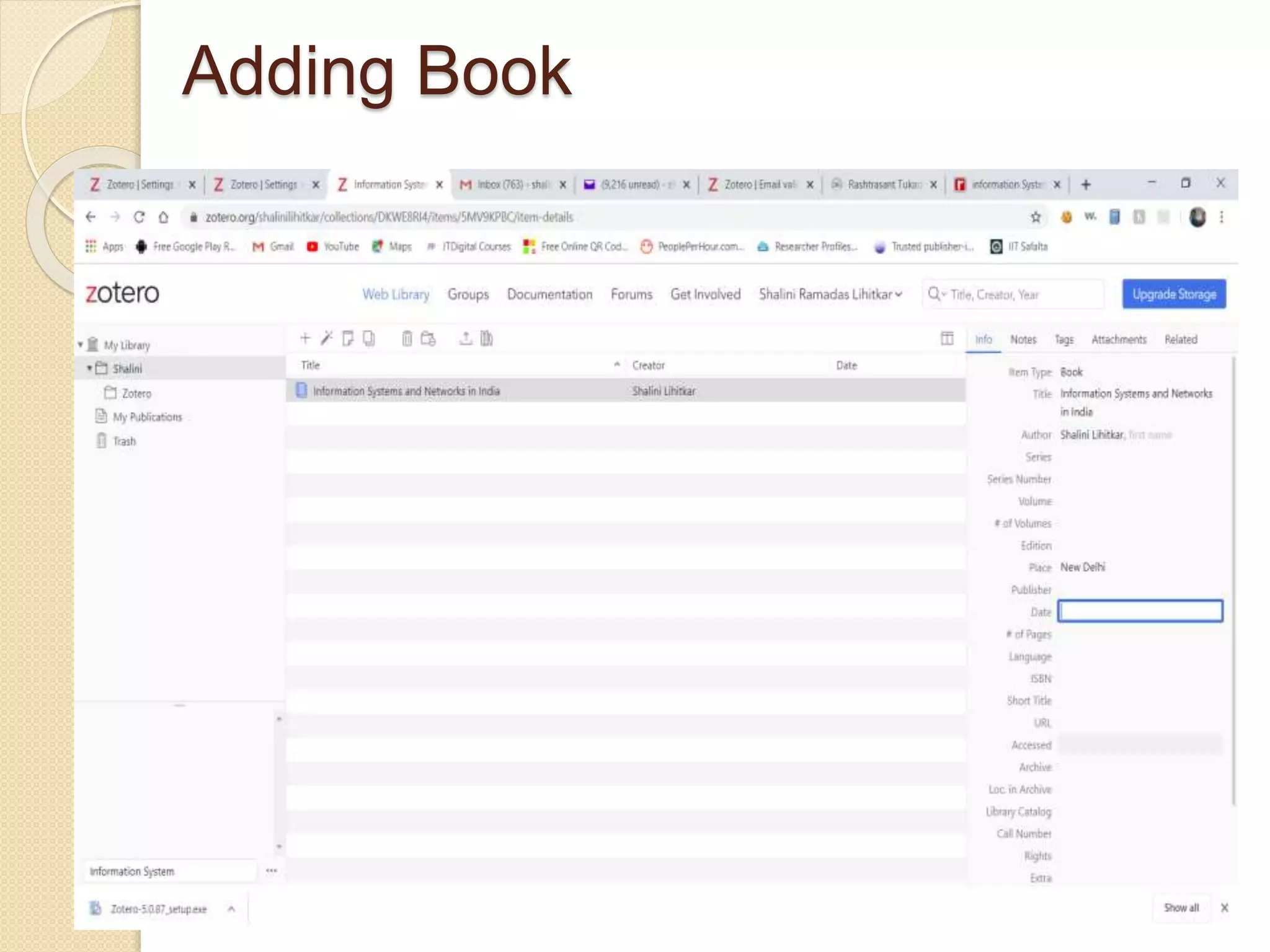
Adding Book
Adding by DOI
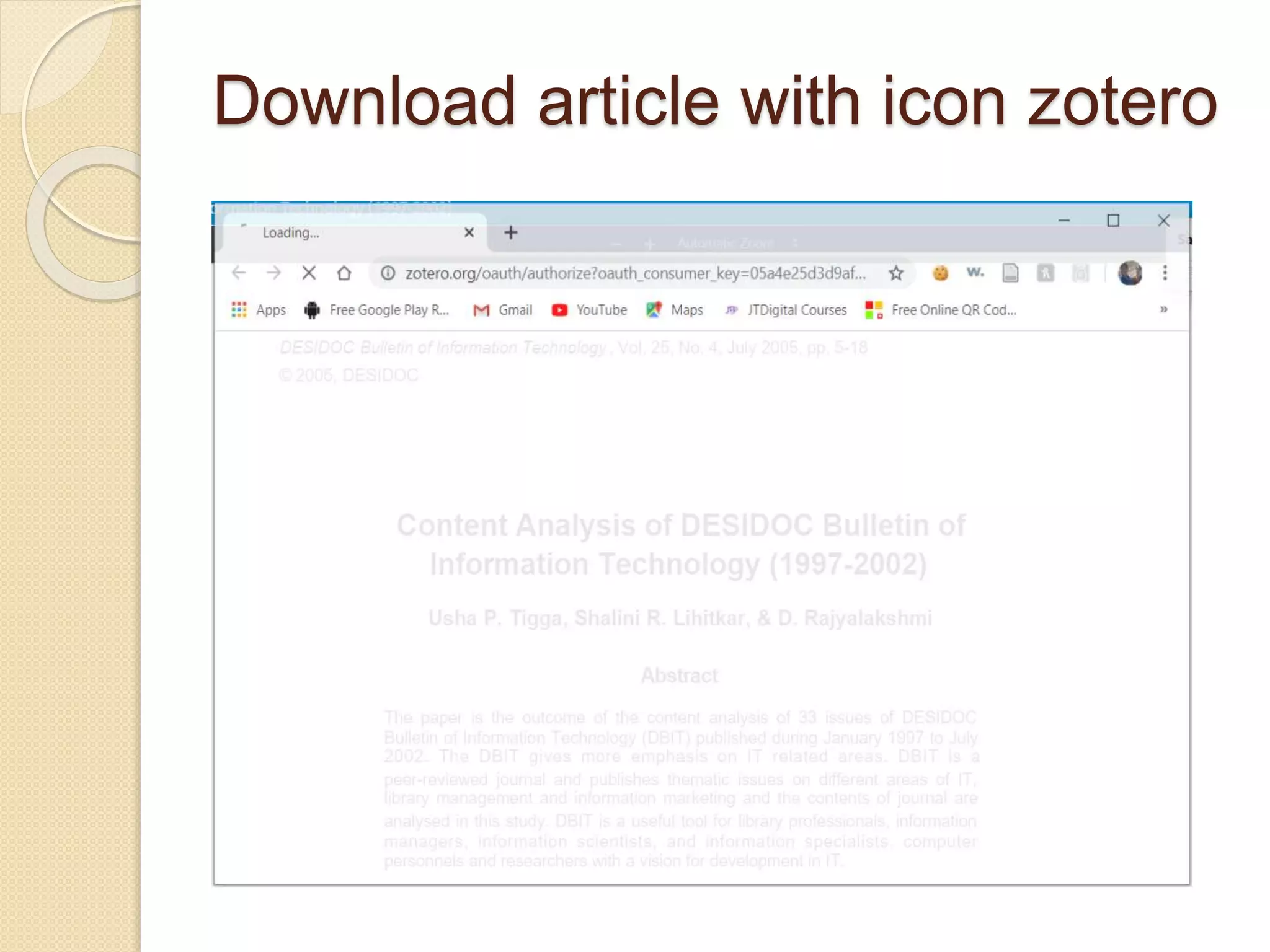
Download article with icon zotero
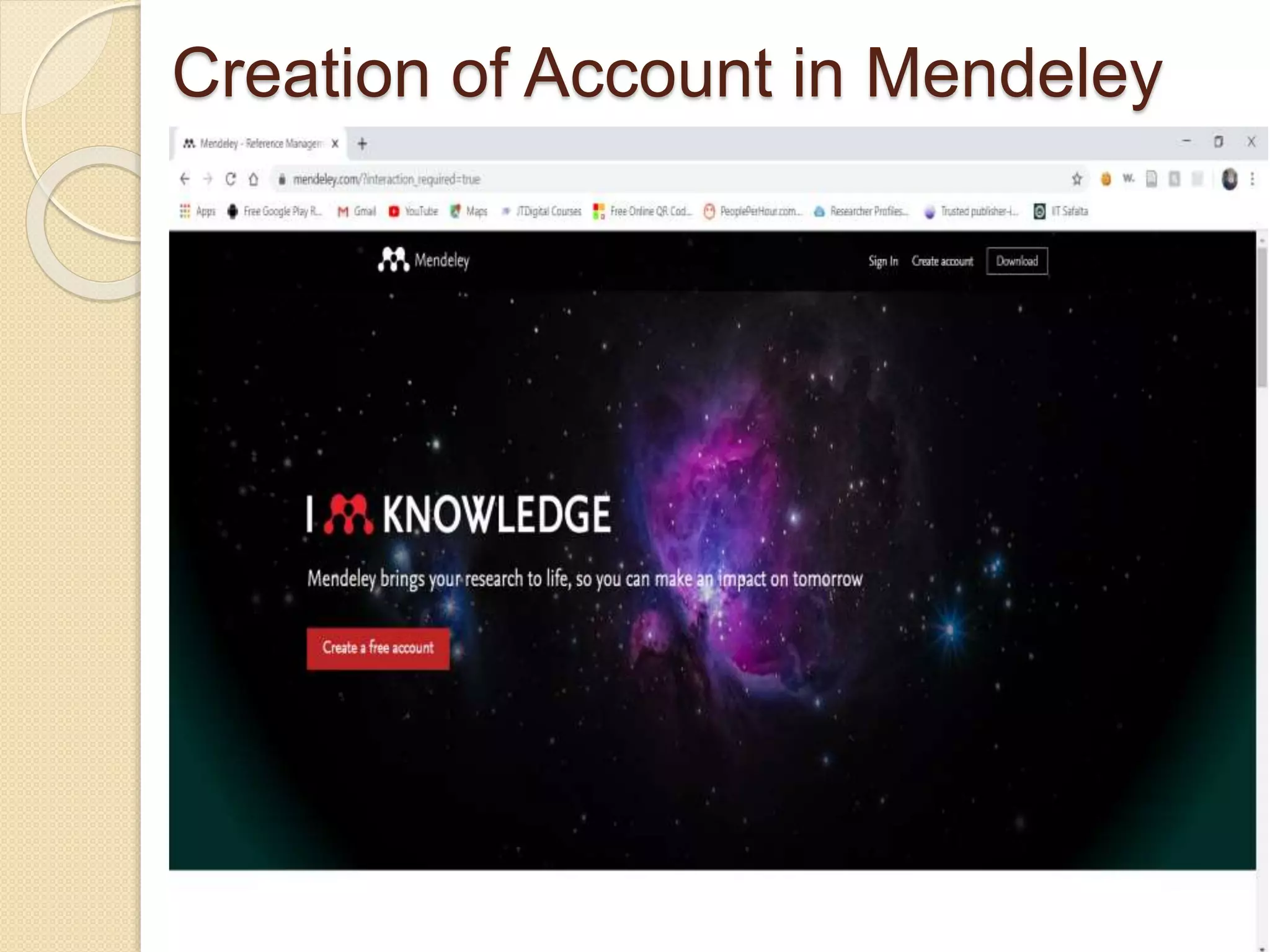
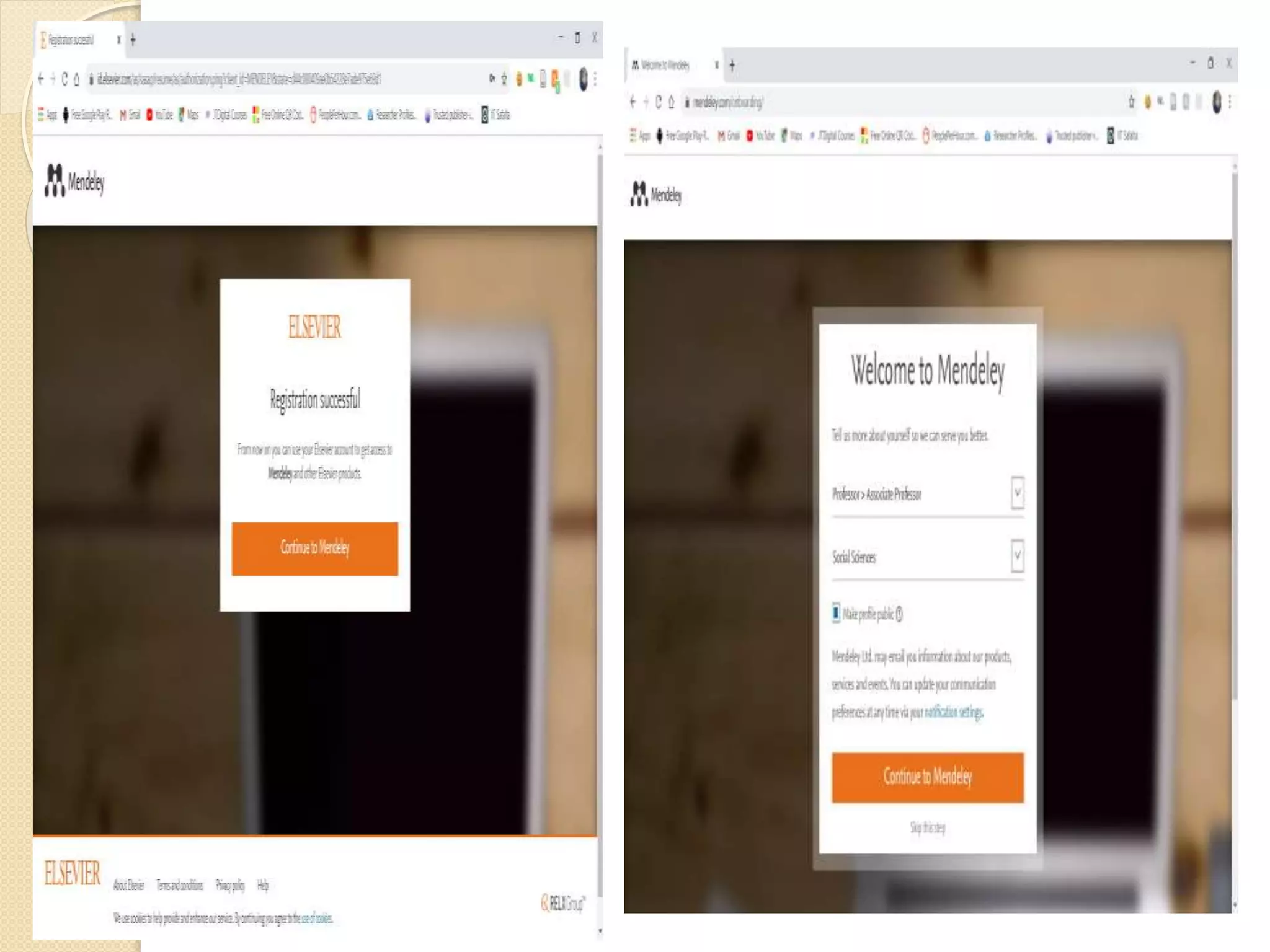
Creation of Account in Mendeley
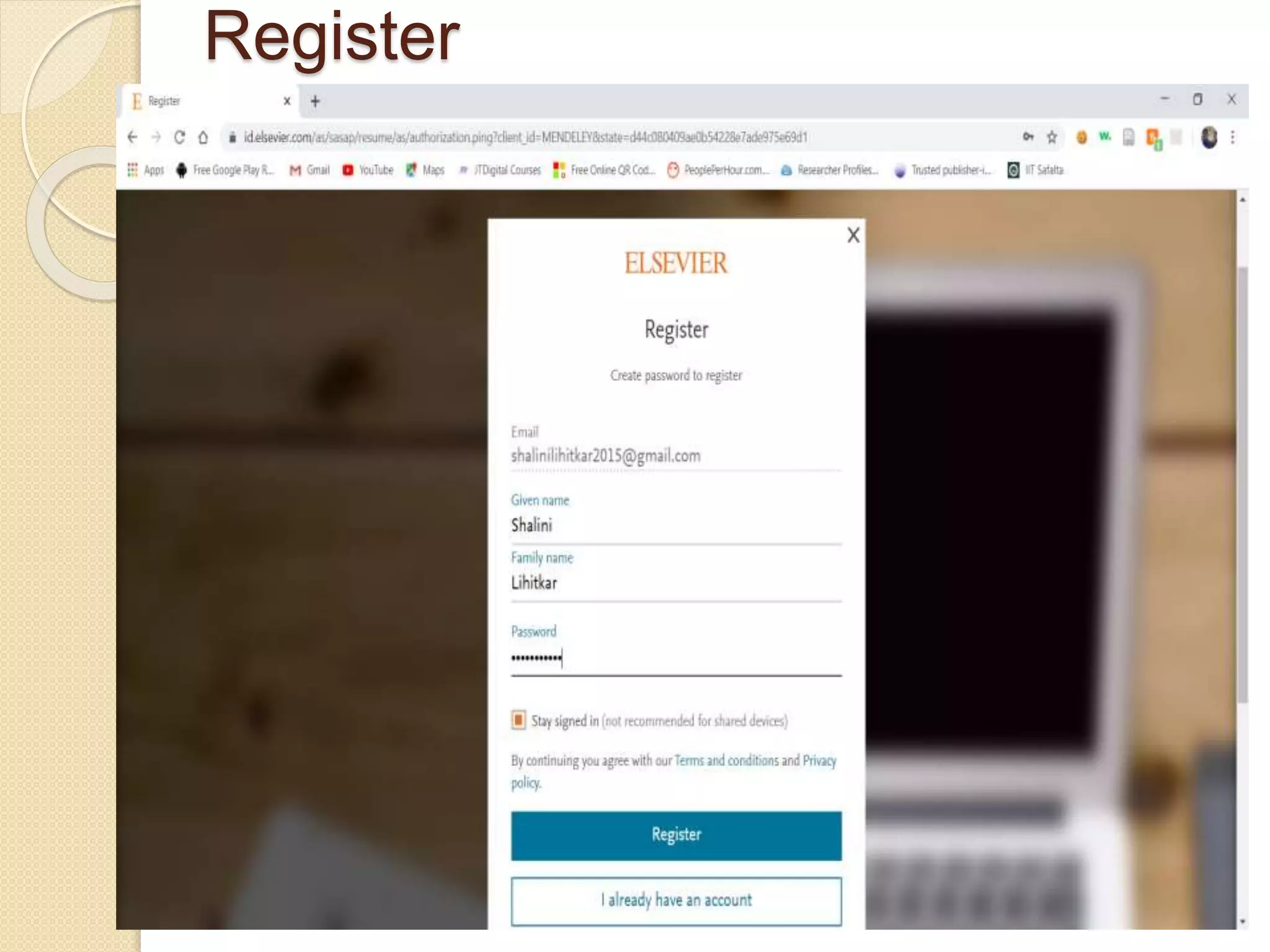
Register
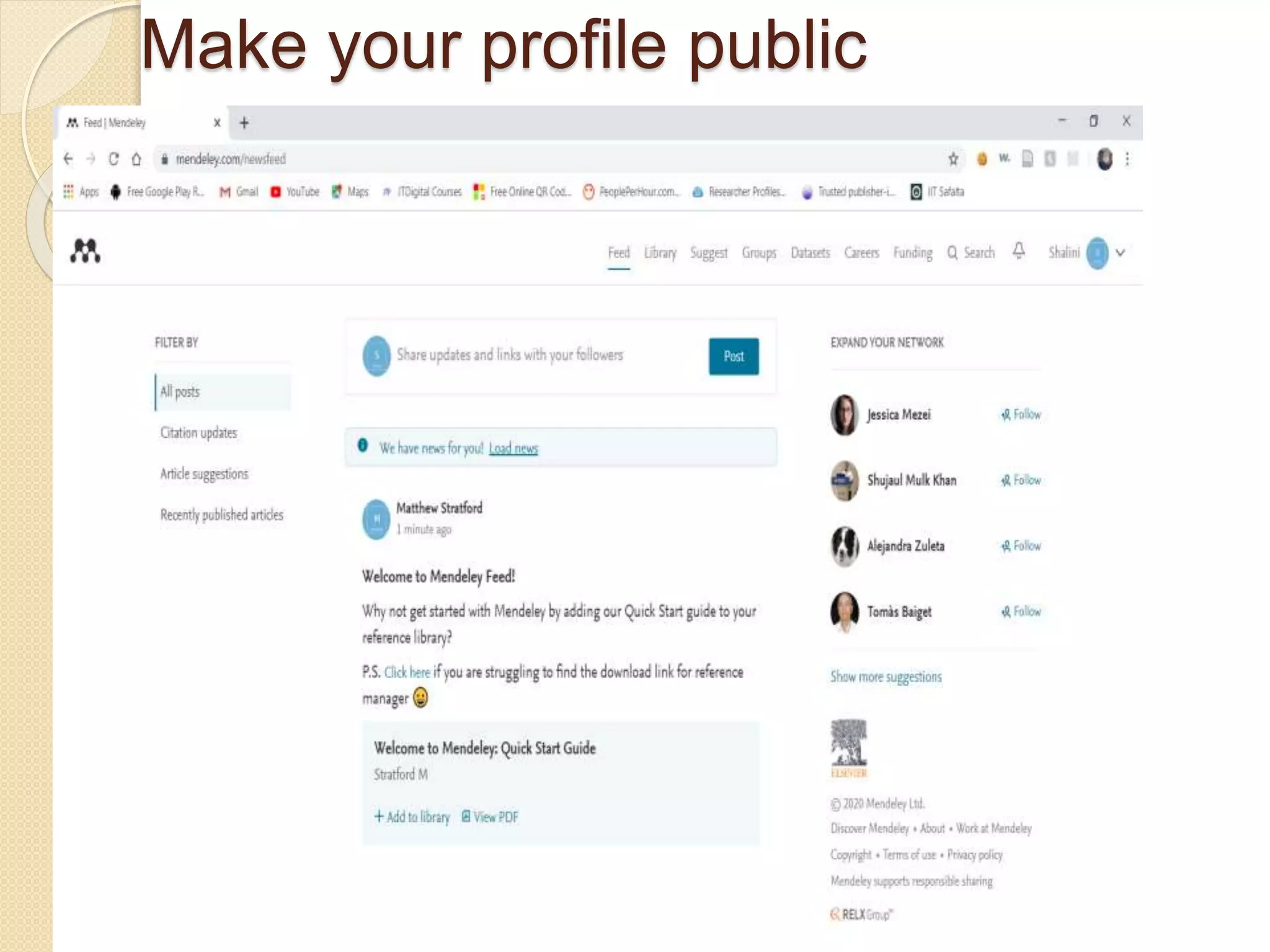
Make your profile public
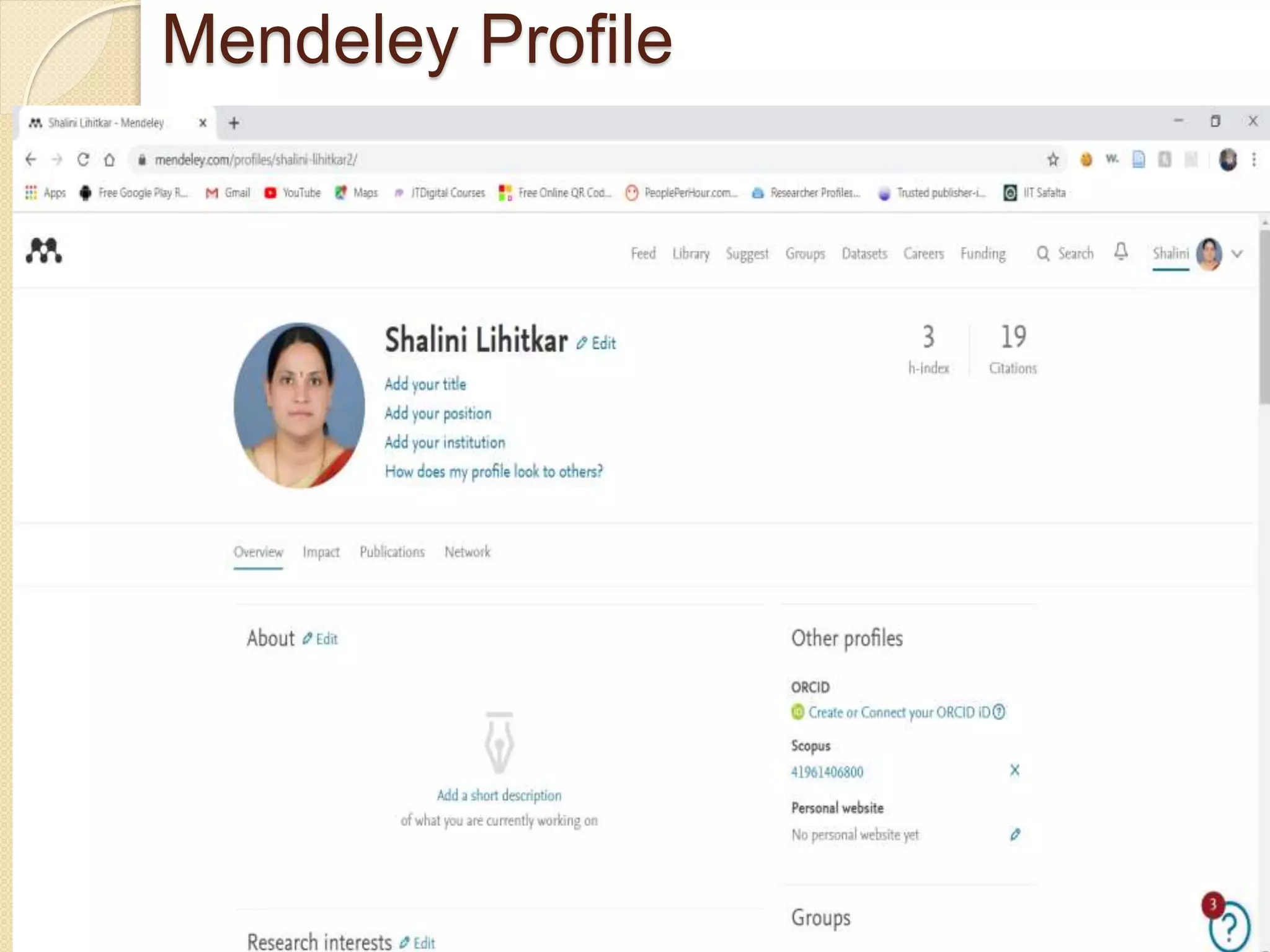
Mendeley Profile
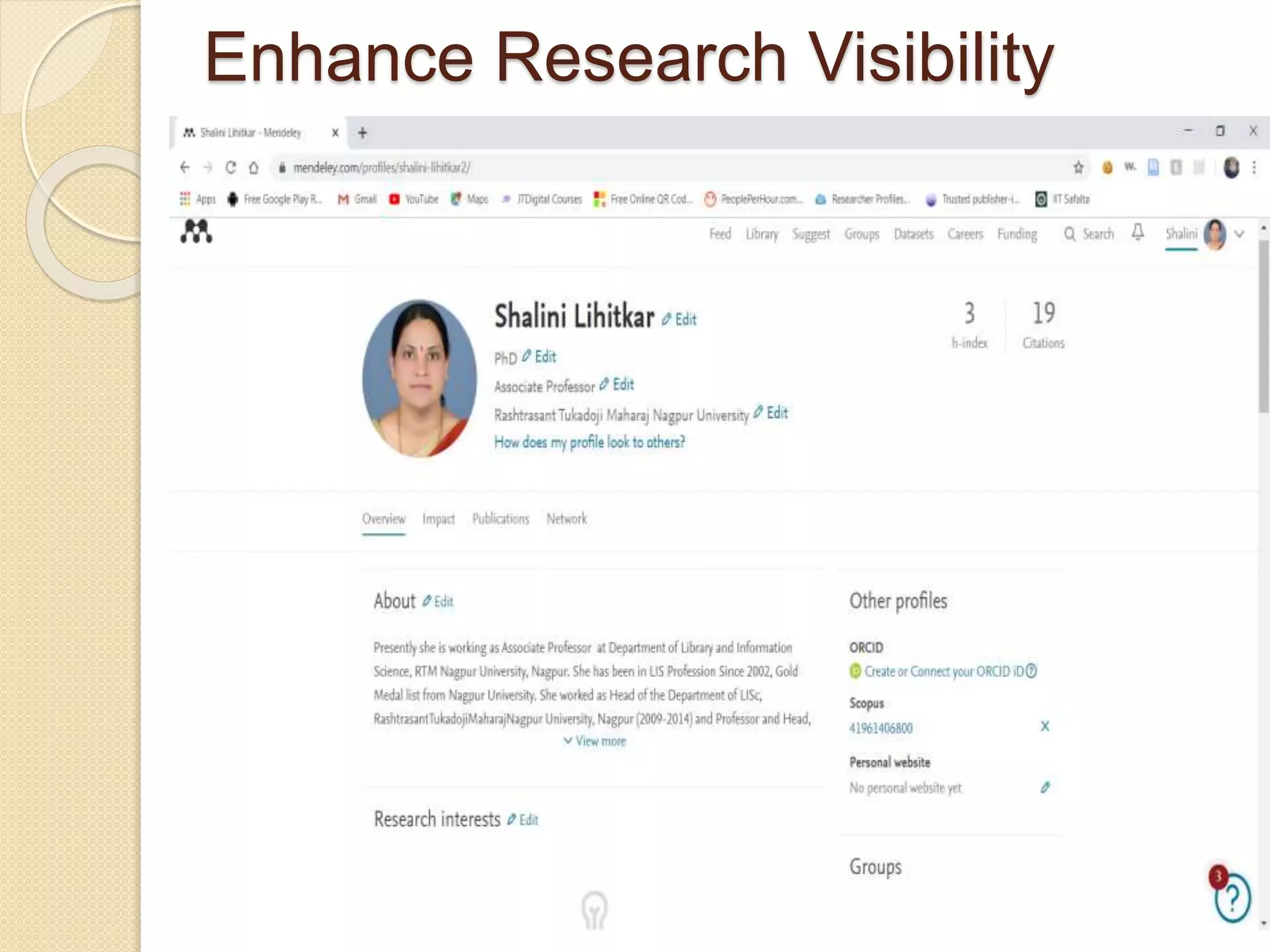
Enhance Research Visibility
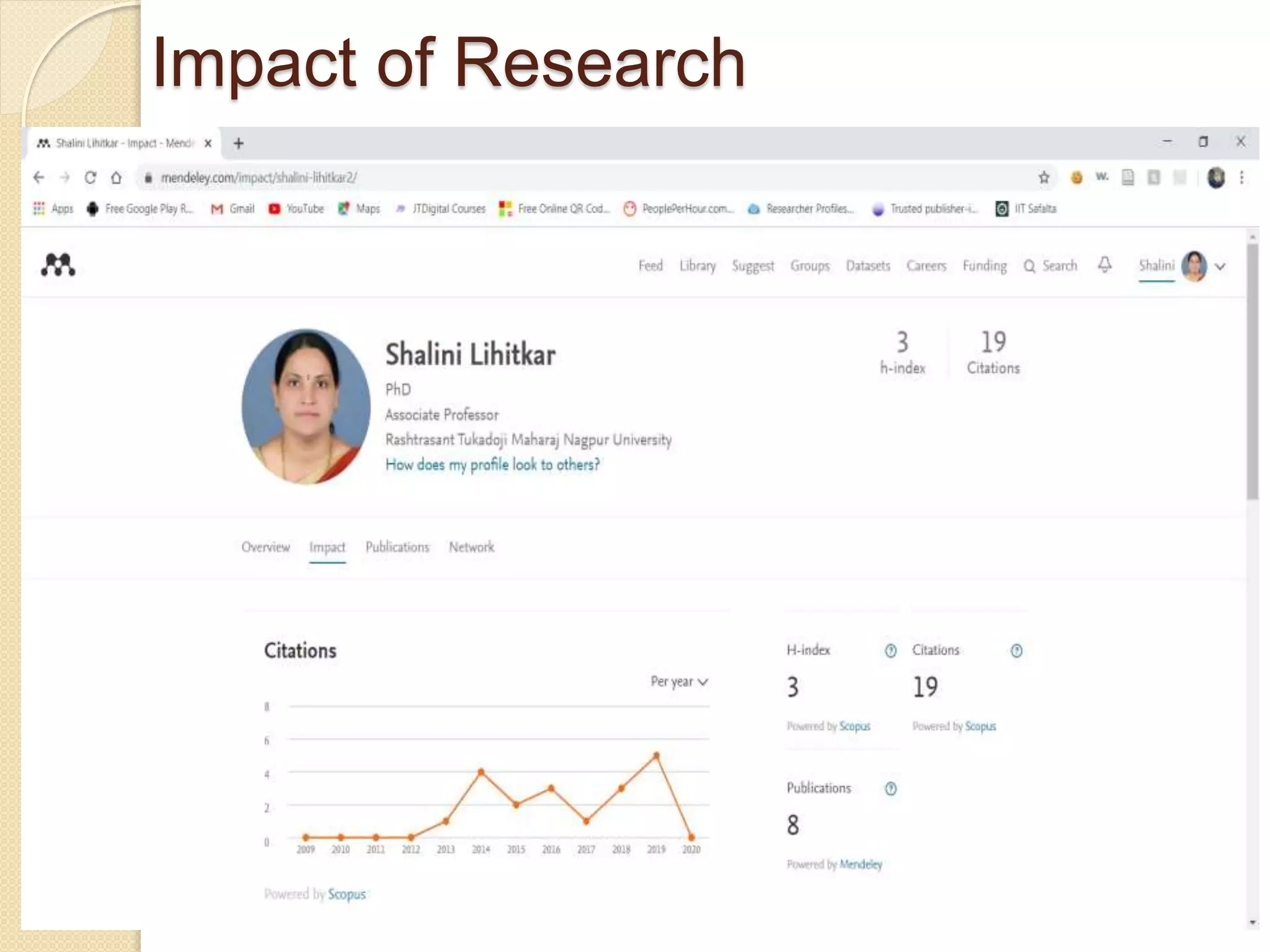
Impact of Research
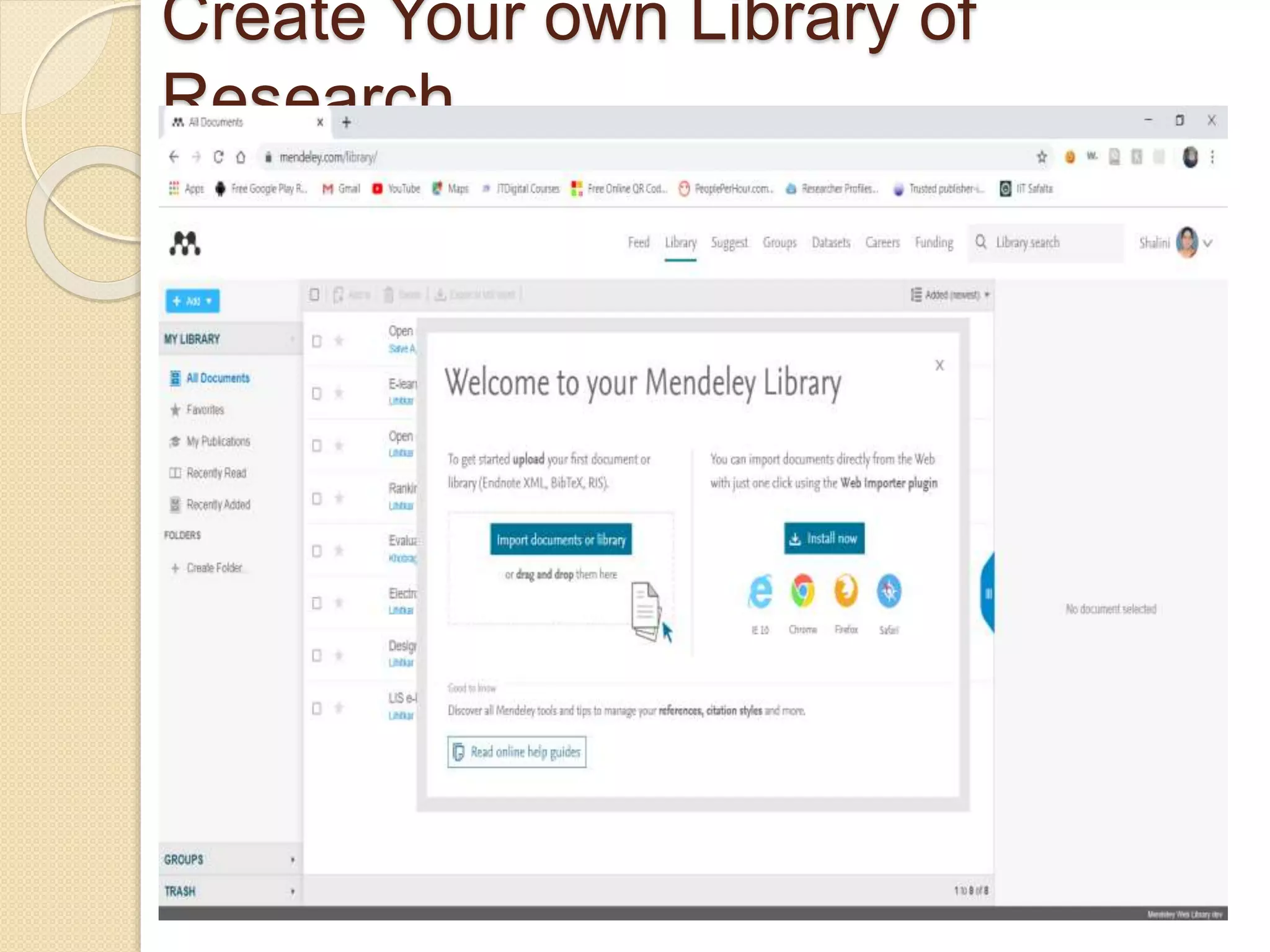
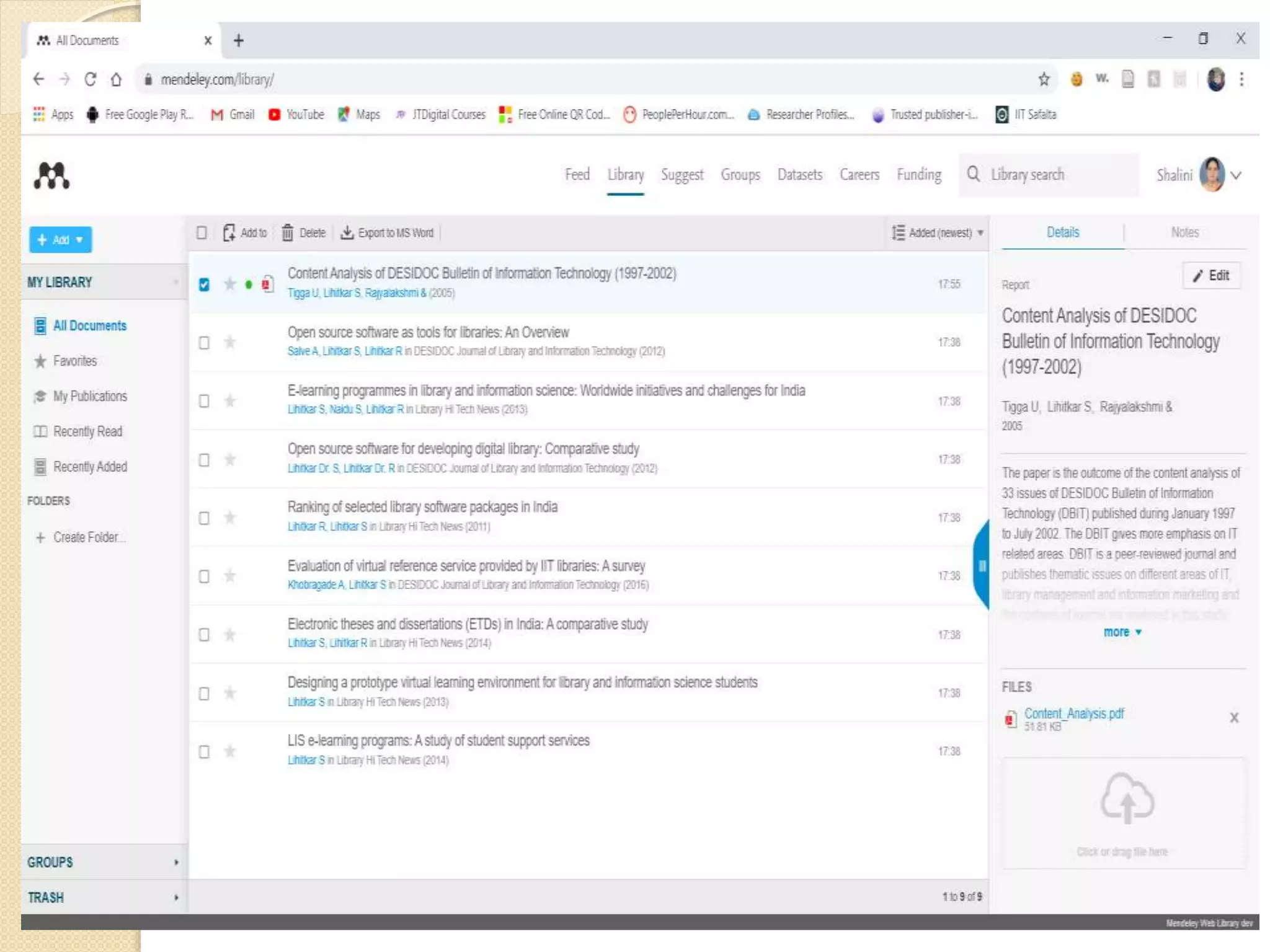
Create Your own Library of
Research
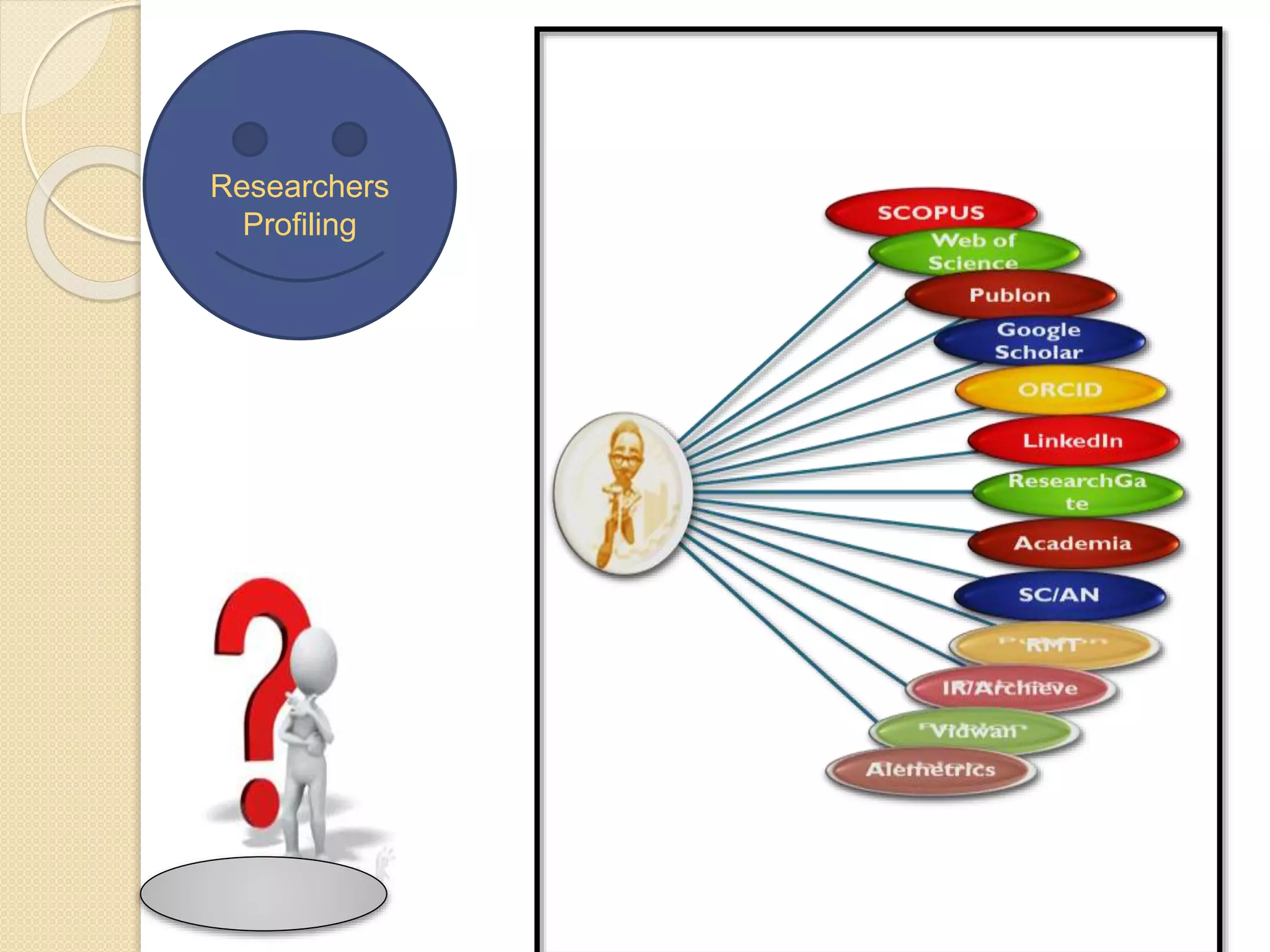
Researchers
Profiling
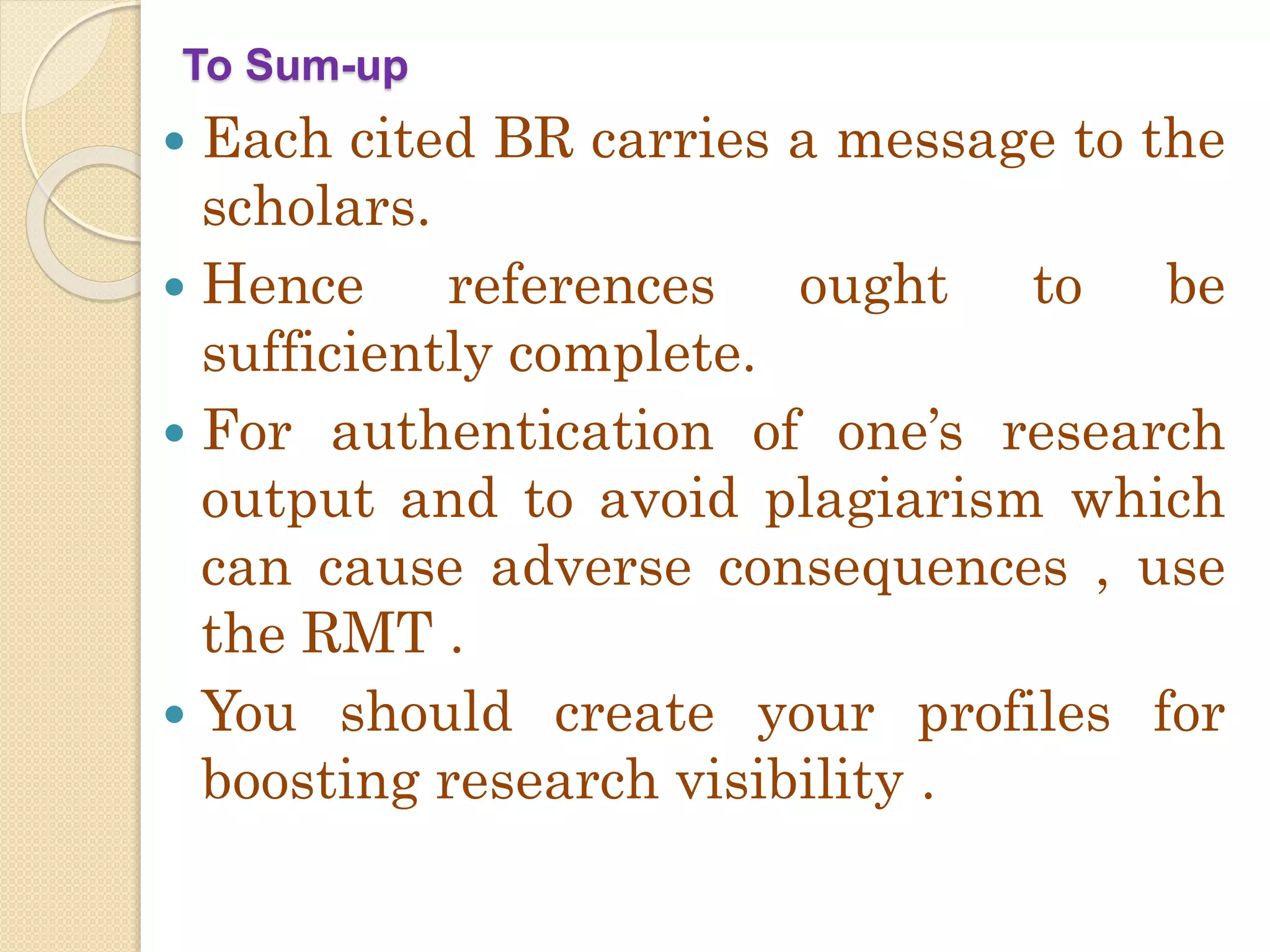
To Sum-up
 Each cited BR carries a message to the
scholars.
 Hence references ought to be
sufficiently complete.
 For authentication of one’s research
output and to avoid plagiarism which
can cause adverse consequences , use
the RMT .
 You should create your profiles for
boosting research visibility .
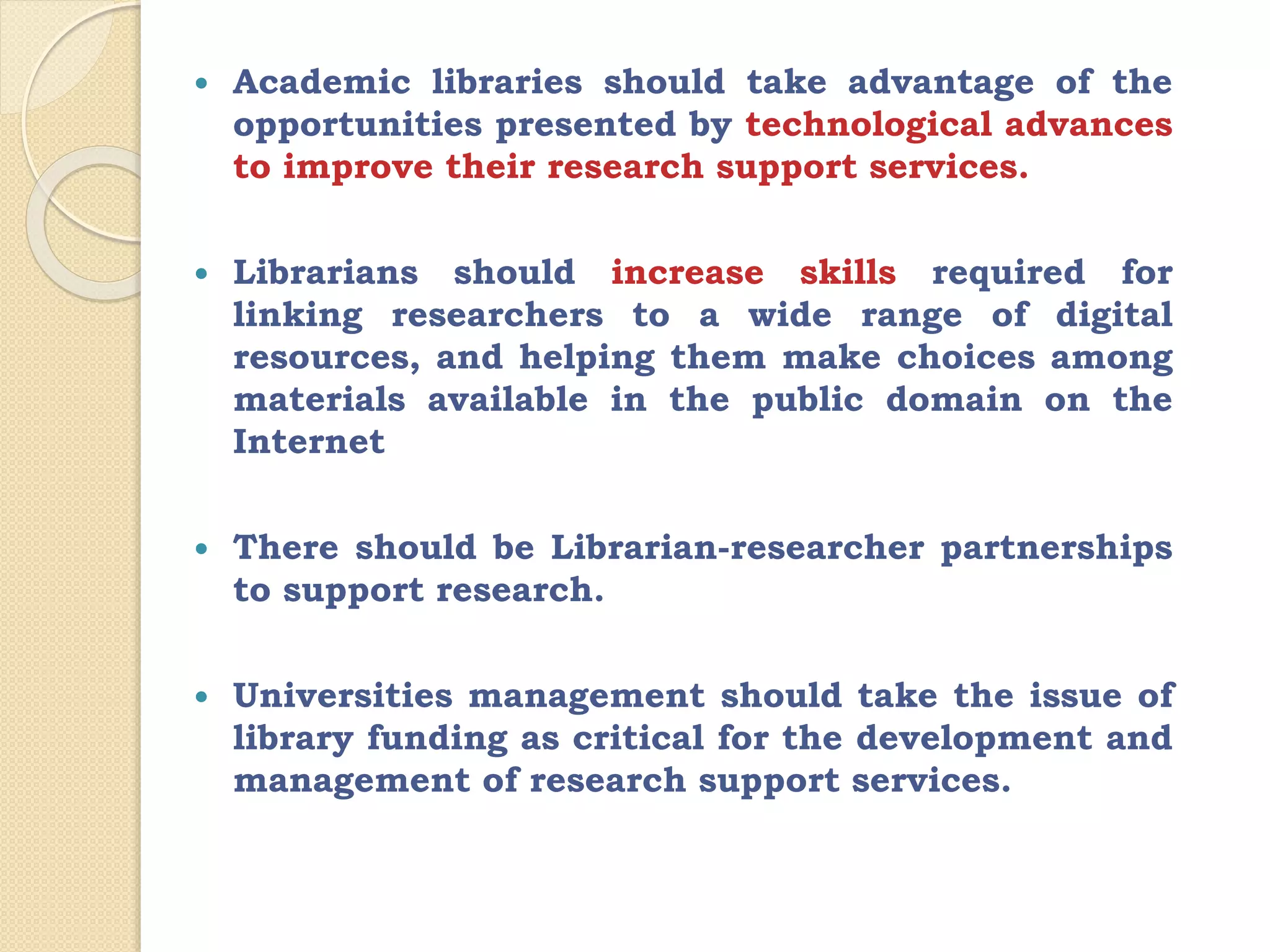
 Academic libraries should take advantage of the
opportunities presented by technological advances
to improve their research support services.
 Librarians should increase skills required for
linking researchers to a wide range of digital
resources, and helping them make choices among
materials available in the public domain on the
Internet
 There should be Librarian-researcher partnerships
to support research.
 Universities management should take the issue of
library funding as critical for the development and
management of research support services.
Stay home and
healthy
Enjoy online
learning
Let’s pray
for each
other to
have a
day filled
with
happiness,
health,
safety,
peace and
love.

Research Support Service through Reference Management Tools zotero and mandeley ,aaldi

  • 1.
    Research Support Services throughReference Management Tools By Dr. Shalini R. Lihitkar (Former Professor and Head) Shivaji University, Kolhapur, Maharashtra Department of Library and Information Science, Rashtrasant Tukadoji Maharaj Nagpur University, Nagpur 09823886717 shalinilihitkar2015@gmail.com
  • 2.
    Research IDs https://orcid.org/0000-0002-4150-5174 Scopus AuthorID : 41961406800 Web of Science ResearcherID is AAN-6596-2020 PublonsID: 3623907 https://scholar.google.com/citations?user=0dJJRRMAAAAJ&hl=en https://www.researchgate.net/profile/Dr_Shalini_Lihitkar https://vidwan.inflibnet.ac.in//profile/42016 https://profiles.impactstory.org/u/0000-0002-4150-5174 Zotero ID https://www.zotero.org/shalinilihitkar/library Mendeley IDhttps://www.mendeley.com/profiles/shalini-lihitkar2/ Many more………
  • 3.
  • 4.
    “Advancement is somethingthat the human society can neither unwished nor wish against”
  • 5.
    Transforming the AKRCto Meet the Challenges of COVID-19 •Essential in University Environment •Servers as Major determinant of Educational quality of an institutions Research To support teaching, learning and research. By providing research collections, services, data literacy training and research data management. Academic Libraries •Significant services •In the context of e- research and data- intensive research •Promoting scientific discovery. Resear ch Suppor t Servic es Change the Mindset Turn challenges into Opportunities Right time to enhance the image of LIS Profession.
  • 6.
    RSS Divided intoSeven Aspects • Organization, storage, preservation, and sharing of data collected and used in a research project… Research Data Management • Range of practices through which research outputs are distributed online, free of cost or other access barriers. Open Access • Includes the process of creating and evaluating scholarly content, disseminating it to the scholarly community ... Scholarly Publishing • Research impact is often measured using quantitative methods such as citation counts, the h-index, and journal impact factors. Research Impact Measurement • Research Guides Librarian recommended resources & research tips tailored to users topic. · Resource/Research Guides • Developing a search strategy, Finding sources for paper or projects, literature review, Managing references and about style ,dentifying experts on a topic. Research Consultation •Journals, Statistical tools ,RMT, Plagiarism Tools … Research Tools Recommendation
  • 7.
  • 9.
    Prepare Background reading/ looking for ideas Deciding on aTopic Formulating a Research questions Securing Funding Planning the project Identifying skills deficits and planning to learn
  • 10.
  • 11.
  • 12.
  • 13.
  • 14.
  • 15.
  • 21.
  • 23.
    To fulfil Ouracademic requirements we are writing a research papers, project reports and thesis etc For writing any paper, number of sources on the same subject is consulted and help is taken from many of them. When any information is used in the process of writing, it becomes important to mention from where the information has been taken. Providing citations and bibliography
  • 26.
  • 28.
  • 29.
    Are You UsingReference Management Software/Tools? Which RMT you are Using?
  • 30.
    Purpose of References Tofurnish complete information of a document To provide ordered arrangement of complete bibliographical details To support any statement made in the work which adds to the authenticity of the work.
  • 31.
    Why to provideBibliographical References Credit to earlier work Showing awareness of work already done Validate a point, Explain supplement Provide cross references Acknowledge a direct quotation Paying tributes to earlier pioneers Providing background reading Identifying original publication A new explanation to an old phenomenon.
  • 32.
    What is RMS? • Citation of any research work is an integral part. • Collecting, reading, managing and inserting citation is time consuming task. • We come across lot of publication which are relevant to our research area. • However, it is bit difficult for us to remember which research work we had refered for our ongoing research. • Reference Management System allows researchers to collect, organize and insert citations while writng research report.
  • 33.
    Need of ReferenceManagement Software  Enhance the Presentation and citation of Research  To give due credit to authors  Avoid plagiarism  Time saving tool for writing research paper
  • 37.
    Some Style Manuals Chicago Style Manual  MLA Style Manual and Guide to scholarly Publishing  ACS Style Guide: Effective Communication of scientific information  AIP Style Manual. (American Institute of Physics)  American Political Science Association Committee on Publications . Style Manual for Political Science .  American Psychological Association. (APA)  American Sociological Association ASA Style Guide  Council of Science Editors Style Manual committee: 2006.  IS:2381-1978 Indian Standard. There are many more…….
  • 38.
    Use of Reference Management Tools Use many timein generating bibliographie s Keep track of the scientific literature It will saves our time Process can be automated Retrieval of reference information Link to easier access to full-text content Automated management of PDF files DOIs and other persistent identifiers
  • 39.
    Functions of ReferenceManagement Software Store •Articles, e-books, audio recordings, artwork, and computer program etc. in the software. Import • •All metadata from various databases e.g google scholar, science direct , pubMed etc. Expor t •Personal database with colleagues. Writing notes • It gives us function of on saved articles Searc h • Duplicate items in the software.
  • 40.
    Link •file from thecomputer folder. Create •personal database of research in various styles that can be carry forward to next generation. Collect , store organize •references and also insert citation in body of text.
  • 41.
    Other functions ofReference Management Software's:  Import citations from bibliographic databases and websites  Gather metadata from PDF files  Allow organization of citations within the RM database  Allow annotation of citations  Allow sharing of the RM database or portions thereof with colleagues  Allow data interchange with other RM products through standard metadata formats (e.g., RIS, BibTeX)  Produce formatted citations in a variety of styles  Work with word processing software to facilitate in-text citation.
  • 42.
  • 44.
    About Zotero • Zoterois the open source citation manager tool. • Developed by Center for History and New Media at George Mason University. • The tool offers users a variety of ways to store, manage, and cite bibliographic references, such as books, journal articles, and websites with a single click and then easily store related PDF’s, images, links ,whole web pages and any other files. • It works as an add-on for chrome/firefox and safari.
  • 45.
    Features of Zotero Free and OSS Platform Independent Workoffline and online, Integration with MS word and open office Over 9333 referencing styles Data sharing, link to full text/pdf 26 fields and 34 types of sources
  • 46.
  • 47.
    I. Downloading Zoteroand Zotero connector. II. Integrating Zotero to word. III. Creation of folders/collections. IV. Putting references into library: a) From websites b) PDF c) By identifier d) Manual entry IV. Insert referencing in the documents: a) Insert references b) Insert bibliography
  • 48.
    Go to websitewww.zotero.org and download
  • 49.
    Download Zotero connectoralong-with Zotero Tool
  • 50.
  • 52.
    1.Integrate Zotero withword: Open Zotero 1st and click>Tools>Add Ones>Zotero word for Windows Integration Click here
  • 53.
    In next windowclick word processors tab>Reinstall Microsoft Word Add-in Click here
  • 62.
    Creation of collectionfolder: open interface>new collection>rename>ok Click here
  • 63.
    Go to desiredwebsite if that page contains Zotero icon in extension box of your browser turns to yellow #Putting references in library: a) From Websites
  • 67.
    Click on yellowbox and select the particular references you have to add >select collection>ok
  • 68.
    Drag and dropyour pdf to Zotero tool in specified collection and Zotero will retrieve all the metadata automatically. #Putting references in library: b) From pdf’s
  • 69.
    Click identifier markand enter ISBN,DOI,PMID and hit enter to automatically retrieve metadata of specific document. #Putting references in library: c) by identifier click
  • 70.
    Click New itemand fill the particulars of the documents. #Putting references in library: d) Manual Entry Click here
  • 80.
    Click where youwants to insert citation in word>click zotero @ upper pan in word>add/edit citation, #Inserting References in documents: a)Insert references Click here
  • 81.
    Insert keywords ofreference you wants to add in box it will show related references in library>hit
  • 82.
    We can changestyles of reference in document preferences menu as per our choice Click here
  • 83.
    We can addand manage styles by clicking manage references Click here
  • 84.
    Next window>click getadditional styles Click here
  • 85.
    New window willcome up with Zotero style repository> double click preferred style and it will be added to directory
  • 86.
    Click where youhave to add bibliography in word>Zotero>add/edit bibliography>bibliography will be added in prior specified style. #Inserting References in documents: a)Insert bibliography Click here
  • 87.
    Zotero Web Account •On www.zotero.org you can create a Zotero account. • You need a Zotero account to synchronize your library, participate in groups, or post to the support forums. • Data synchronization transfers library items, notes, links, tags, etc.—everything except attachment files—between your local computer and the Zotero servers, allowing you to work with your data from any computer with the Zotero extension. • It also allows you to view your library online on www.zotero.org. • To synchronize your data with the Zotero web server, open Zotero's Sync preferences tab and enter your login information in the Zotero Sync Server section.
  • 88.
  • 89.
  • 90.
  • 93.
  • 94.
    Do setting Addwith group ( New post)
  • 95.
  • 96.
  • 97.
    Create your ownLibrary or collection
  • 98.
  • 99.
  • 100.
  • 101.
  • 103.
  • 104.
  • 106.
  • 107.
  • 108.
  • 109.
  • 110.
    Create Your ownLibrary of Research
  • 112.
  • 114.
    To Sum-up  Eachcited BR carries a message to the scholars.  Hence references ought to be sufficiently complete.  For authentication of one’s research output and to avoid plagiarism which can cause adverse consequences , use the RMT .  You should create your profiles for boosting research visibility .
  • 115.
     Academic librariesshould take advantage of the opportunities presented by technological advances to improve their research support services.  Librarians should increase skills required for linking researchers to a wide range of digital resources, and helping them make choices among materials available in the public domain on the Internet  There should be Librarian-researcher partnerships to support research.  Universities management should take the issue of library funding as critical for the development and management of research support services.
  • 118.
    Stay home and healthy Enjoyonline learning Let’s pray for each other to have a day filled with happiness, health, safety, peace and love.