
Quick & Slick Series: Blogging Tips for BeginnersHow and Why to Add a Blog to your Web Site
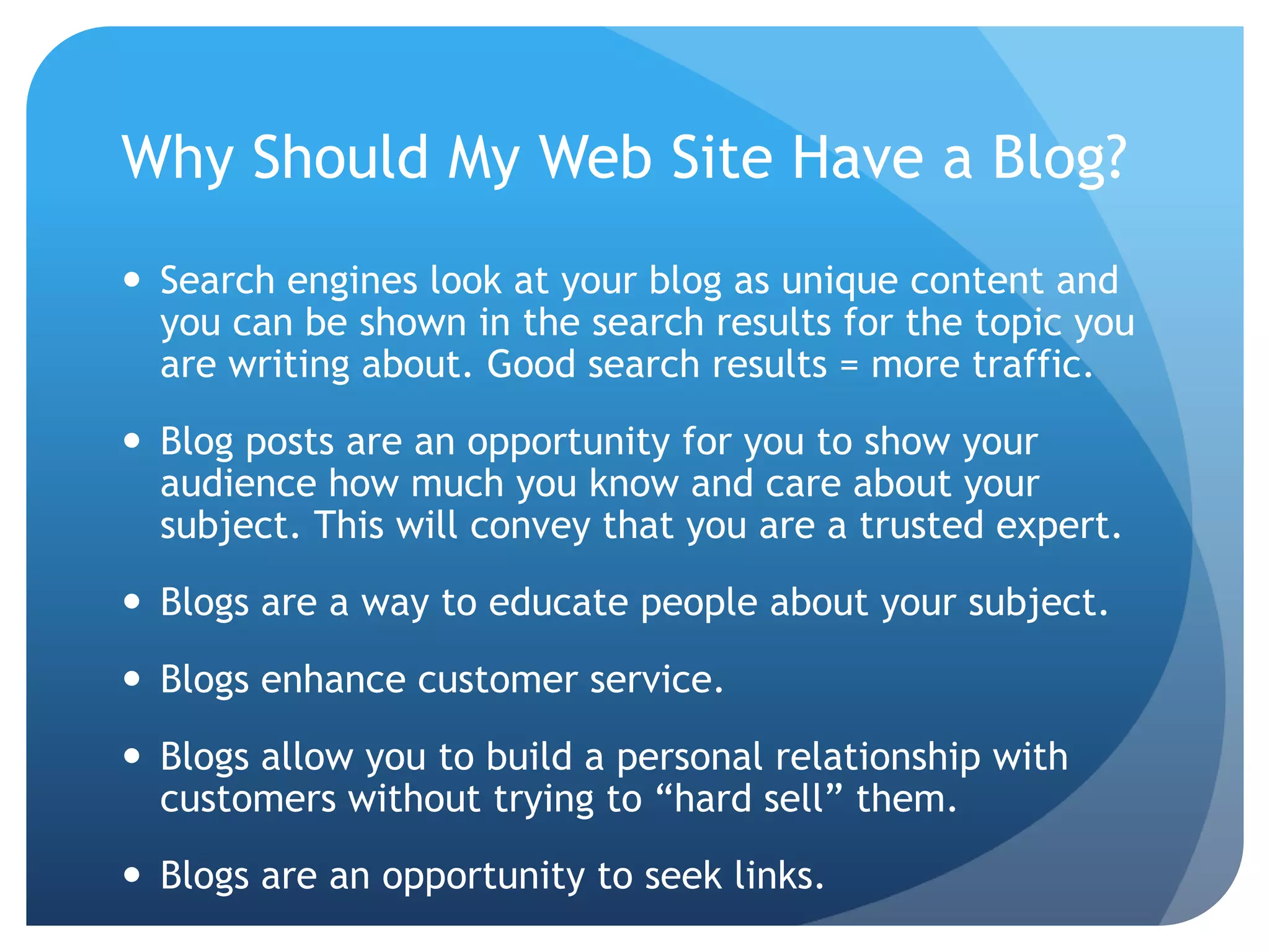
Why Should My Web Site Have a Blog?Search engines look at your blog as unique content and you can be shown in the search results for the topic you are writing about. Good search results = more traffic.Blog posts are an opportunity for you to show your audience how much you know and care about your subject. This will convey that you are a trusted expert.Blogs are a way to educate people about your subject.Blogs enhance customer service.Blogs allow you to build a personal relationship with customers without trying to “hard sell” them.Blogs are an opportunity to seek links.
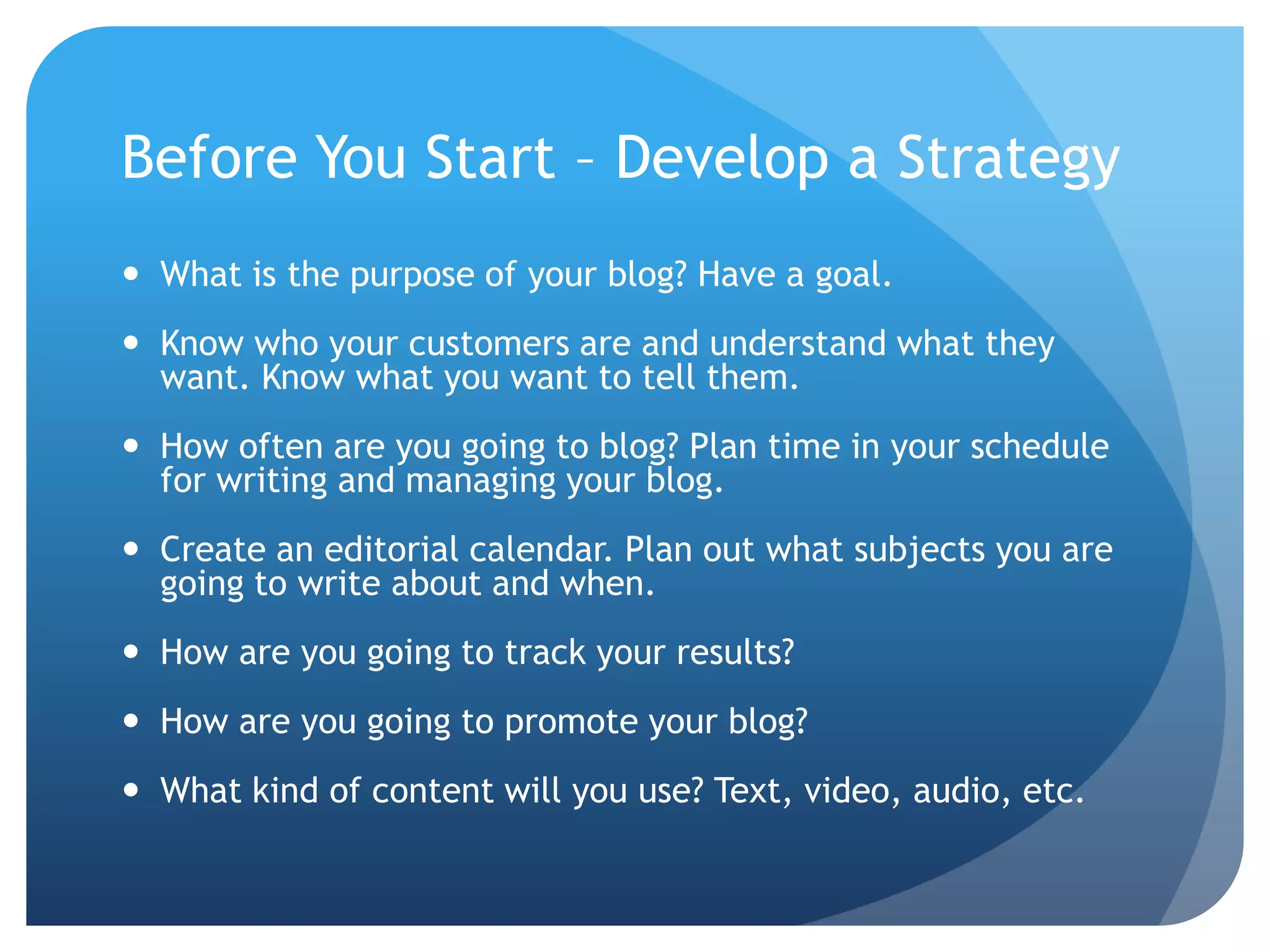
Before You Start – Develop a StrategyWhat is the purpose of your blog? Have a goal. Know who your customers are and understand what they want. Know what you want to tell them.How often are you going to blog? Plan time in your schedule for writing and managing your blog.Create an editorial calendar. Plan out what subjects you are going to write about and when.How are you going to track your results?How are you going to promote your blog?What kind of content will you use? Text, video, audio, etc.
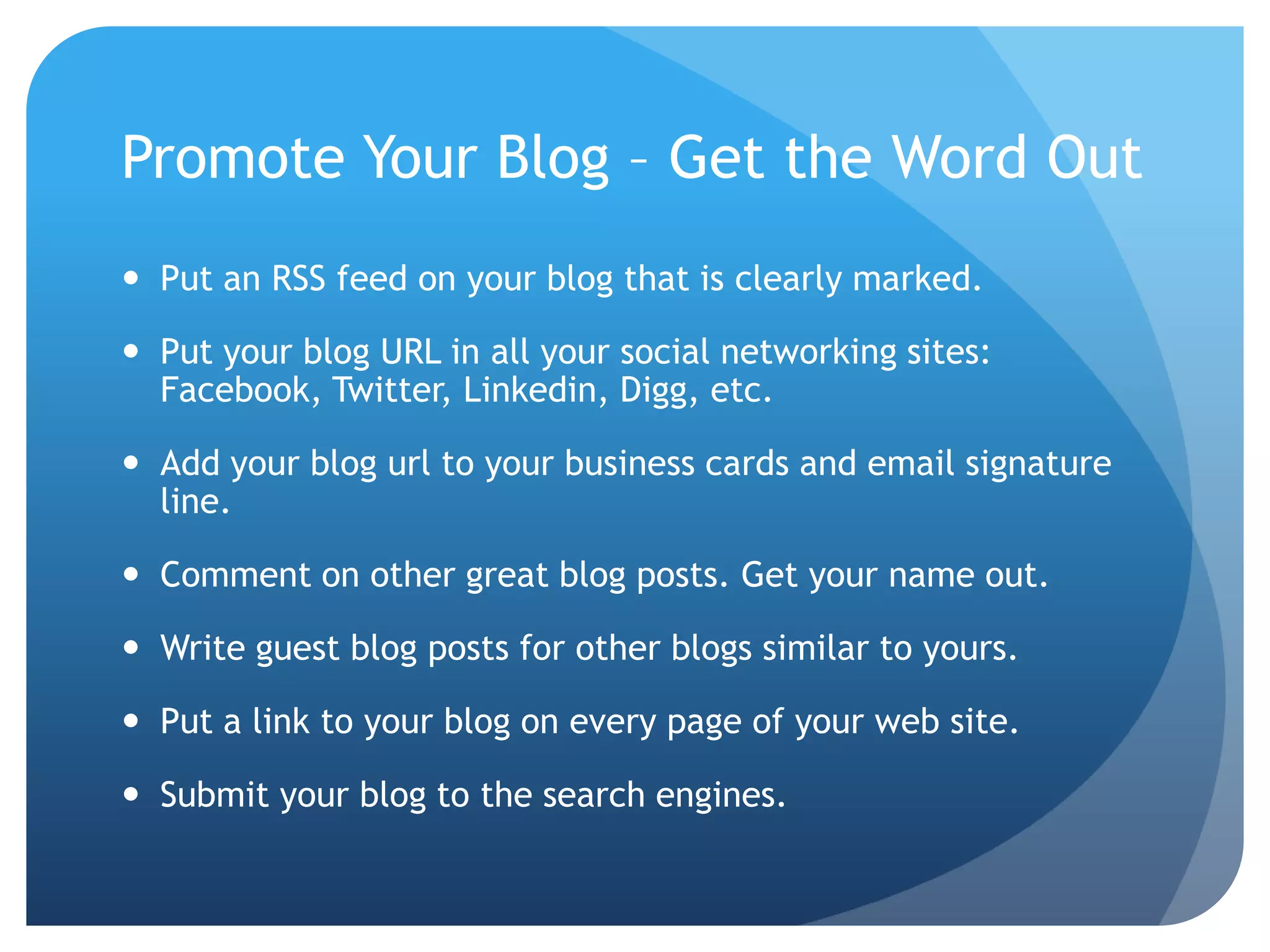
Promote Your Blog – Get the Word OutPut an RSS feed on your blog that is clearly marked.Put your blog URL in all your social networking sites: Facebook, Twitter, Linkedin, Digg, etc.Add your blog url to your business cards and email signature line.Comment on other great blog posts. Get your name out.Write guest blog posts for other blogs similar to yours.Put a link to your blog on every page of your web site.Submit your blog to the search engines.
Blog Posts Come in Many Shapes & SizesKinds of posts: interviews, how-to’s, news type, information, list post, top 10Video postsAudio posts / podcastsImagesSlideShare presentationScreencasts (recorded video session)
What to Write AboutEvents and news in your industryLook on Yahoo Answers or Linkedin for questions to answerSolve your customer’s problems / answer their questions Ideas, concepts, how-to’s on your product or serviceAdd your opinion to what other blogs in your industry are talking aboutFavorites and resourcesBook reviewCover a meeting, conference, or eventAsk your readers what they want you to write about
Blogging BasicsBlog in a conversational tone, in your own voice. Use images to add interest. Strive for blog posts of about 250 to 700 words.Use clean, search engine friendly urls with keywords related to your post, not a bunch of numbers, dates, or junk.Use tags and categories with keywords relevant to your post.Use keywords. Pick them before you write your blog post.Use keywords in your title, title tag, and content.Cross link to other blog posts and pages of your web site.Include a call to action. What do you want the reader to do?
Copywriting TipsUse a compelling title. 10 seconds to grab their interest.Use words your visitors would use. Don’t use geek speak or professional jargon.Use emotion.Include a call to action.Keep it simple. Write it. Read it. Edit it. Repeat.
Track Your Blog’s Progress# of comments# of links / trackbacksIs the post searchable on Google? For what keywords?# of retweets# of new subscribers to your RSS feed (use Feedburner)Track this information in a spreadsheet weekly or every 2 weeks. You’ll see what subjects generate the most interest.
Bibliography & Suggested Resources“Blogging to Drive Business” by Eric Butow & Rebecca Bollwitt“The New Rules of Marketing & PR” by David Meerman Scott“Social Media 101” by Chris BroganTechnorati.comBloglines.comBlogExplosion.com and BlogClicker.comDigg.com
Join our Free community for more in the Quick and Slick Series on How to Make Your Online Business Better.Visit us at:www.TheURLdr.com

Quick & Slick: Blogging Tips for Beginners

  • 1.
    Quick & SlickSeries: Blogging Tips for BeginnersHow and Why to Add a Blog to your Web Site
  • 2.
    Why Should MyWeb Site Have a Blog?Search engines look at your blog as unique content and you can be shown in the search results for the topic you are writing about. Good search results = more traffic.Blog posts are an opportunity for you to show your audience how much you know and care about your subject. This will convey that you are a trusted expert.Blogs are a way to educate people about your subject.Blogs enhance customer service.Blogs allow you to build a personal relationship with customers without trying to “hard sell” them.Blogs are an opportunity to seek links.
  • 3.
    Before You Start– Develop a StrategyWhat is the purpose of your blog? Have a goal. Know who your customers are and understand what they want. Know what you want to tell them.How often are you going to blog? Plan time in your schedule for writing and managing your blog.Create an editorial calendar. Plan out what subjects you are going to write about and when.How are you going to track your results?How are you going to promote your blog?What kind of content will you use? Text, video, audio, etc.
  • 4.
    Promote Your Blog– Get the Word OutPut an RSS feed on your blog that is clearly marked.Put your blog URL in all your social networking sites: Facebook, Twitter, Linkedin, Digg, etc.Add your blog url to your business cards and email signature line.Comment on other great blog posts. Get your name out.Write guest blog posts for other blogs similar to yours.Put a link to your blog on every page of your web site.Submit your blog to the search engines.
  • 5.
    Blog Posts Comein Many Shapes & SizesKinds of posts: interviews, how-to’s, news type, information, list post, top 10Video postsAudio posts / podcastsImagesSlideShare presentationScreencasts (recorded video session)
  • 6.
    What to WriteAboutEvents and news in your industryLook on Yahoo Answers or Linkedin for questions to answerSolve your customer’s problems / answer their questions Ideas, concepts, how-to’s on your product or serviceAdd your opinion to what other blogs in your industry are talking aboutFavorites and resourcesBook reviewCover a meeting, conference, or eventAsk your readers what they want you to write about
  • 7.
    Blogging BasicsBlog ina conversational tone, in your own voice. Use images to add interest. Strive for blog posts of about 250 to 700 words.Use clean, search engine friendly urls with keywords related to your post, not a bunch of numbers, dates, or junk.Use tags and categories with keywords relevant to your post.Use keywords. Pick them before you write your blog post.Use keywords in your title, title tag, and content.Cross link to other blog posts and pages of your web site.Include a call to action. What do you want the reader to do?
  • 8.
    Copywriting TipsUse acompelling title. 10 seconds to grab their interest.Use words your visitors would use. Don’t use geek speak or professional jargon.Use emotion.Include a call to action.Keep it simple. Write it. Read it. Edit it. Repeat.
  • 9.
    Track Your Blog’sProgress# of comments# of links / trackbacksIs the post searchable on Google? For what keywords?# of retweets# of new subscribers to your RSS feed (use Feedburner)Track this information in a spreadsheet weekly or every 2 weeks. You’ll see what subjects generate the most interest.
  • 10.
    Bibliography & SuggestedResources“Blogging to Drive Business” by Eric Butow & Rebecca Bollwitt“The New Rules of Marketing & PR” by David Meerman Scott“Social Media 101” by Chris BroganTechnorati.comBloglines.comBlogExplosion.com and BlogClicker.comDigg.com
  • 11.
    Join our Freecommunity for more in the Quick and Slick Series on How to Make Your Online Business Better.Visit us at:www.TheURLdr.com