Case Study
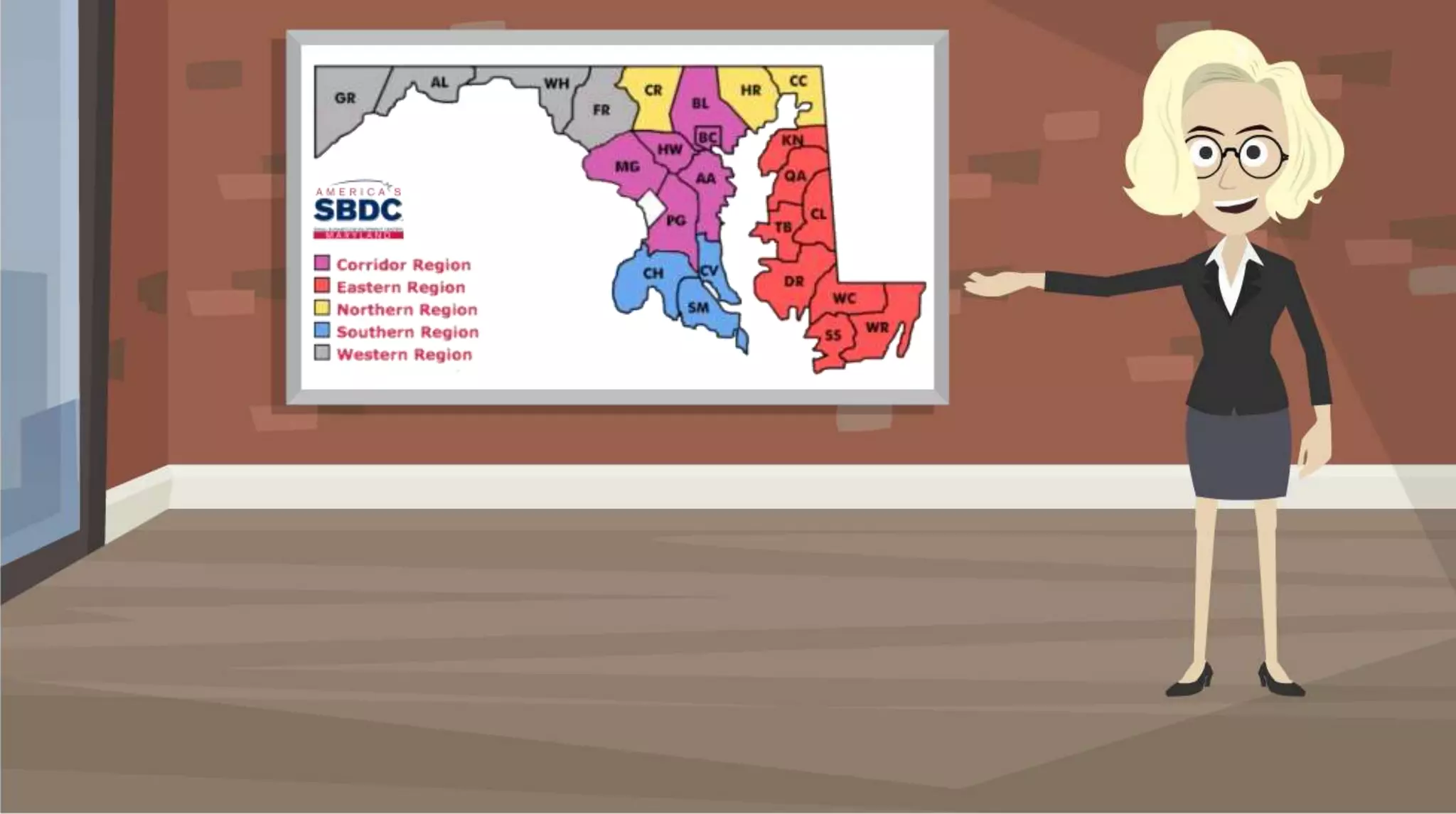
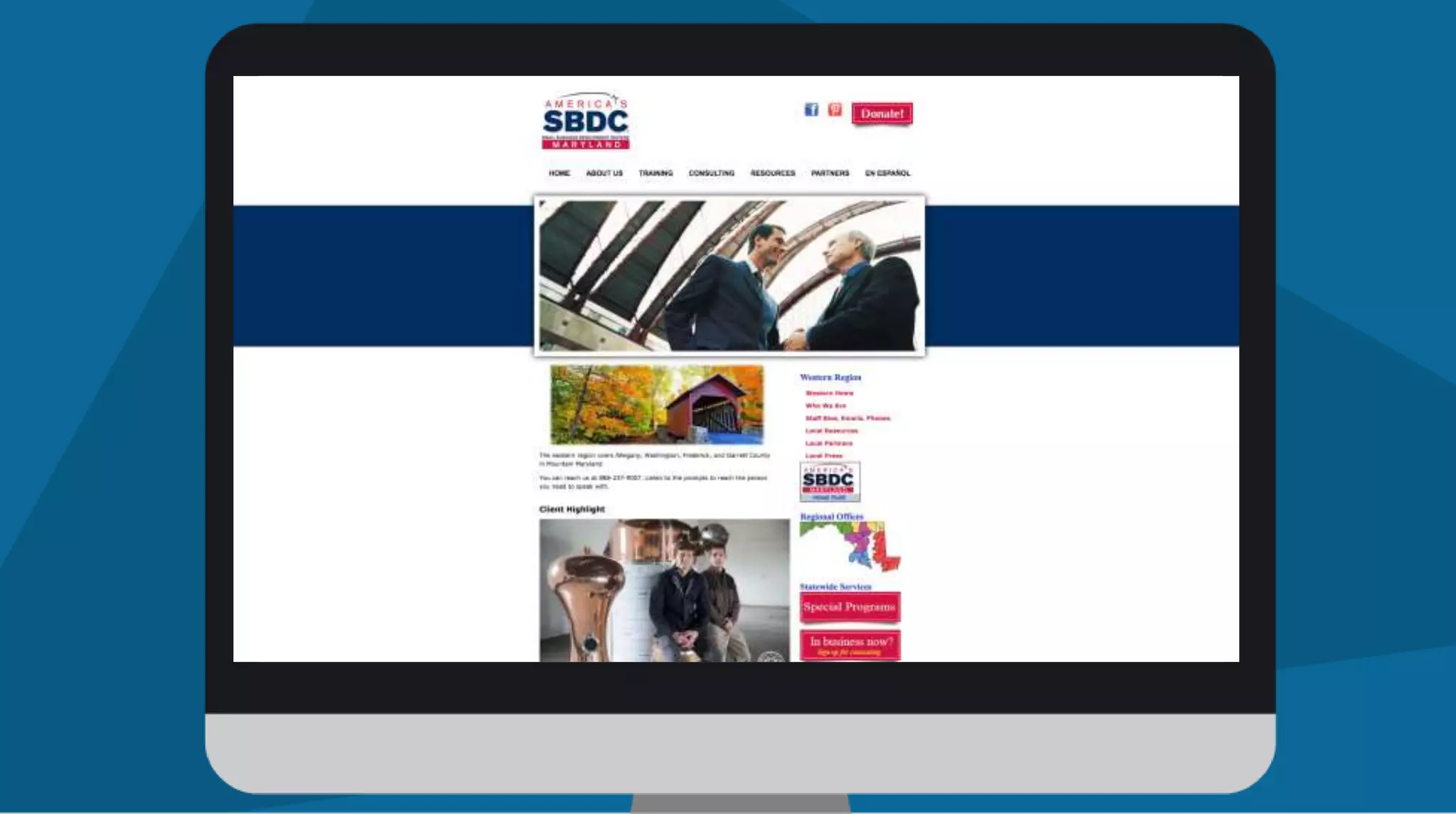
SBDC Western Region of Maryland
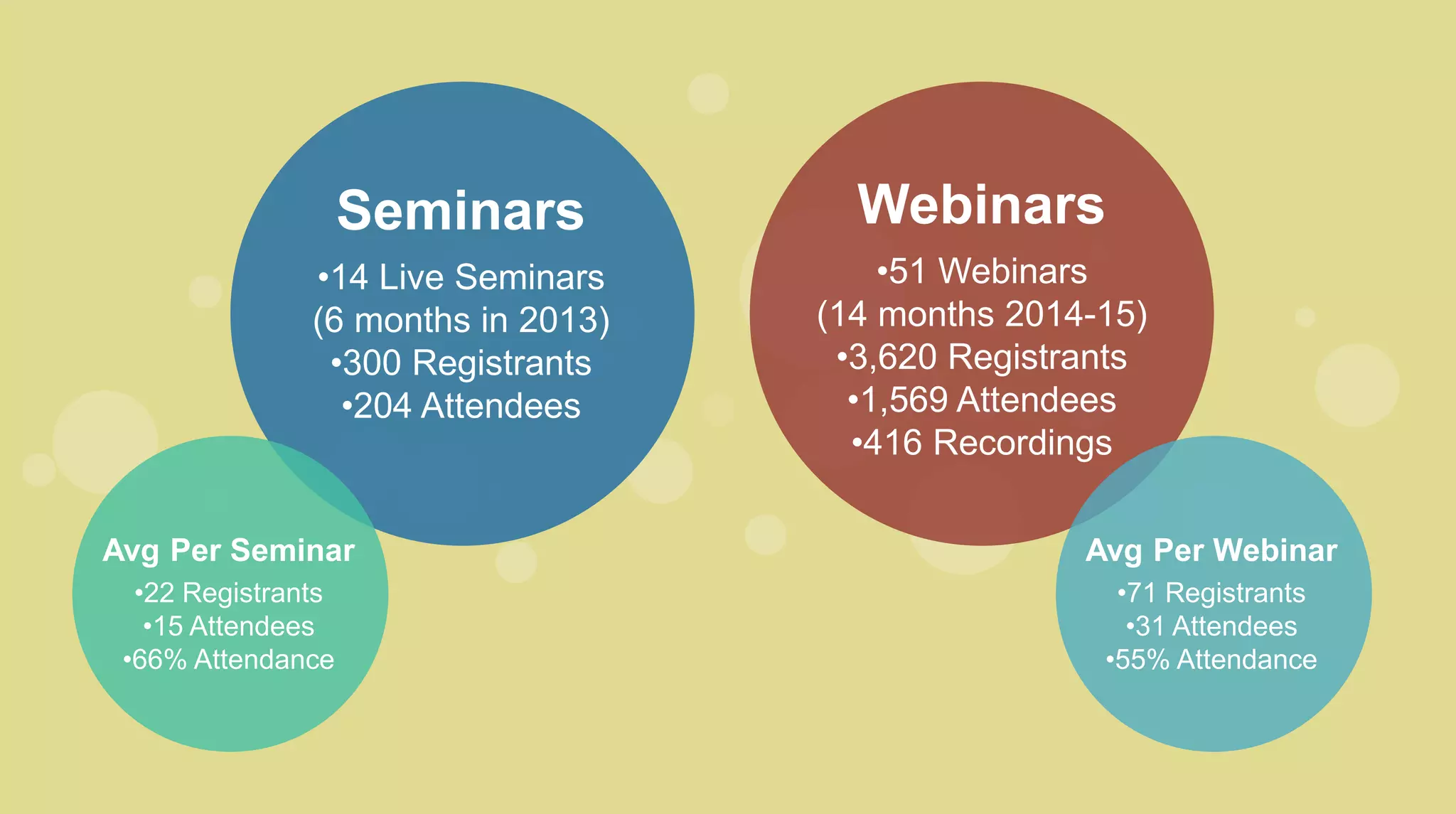
Seminars
•14 Live Seminars
(6 months in 2013)
•300 Registrants
•204 Attendees
Avg Per Seminar
•22 Registrants
•15 Attendees
•66% Attendance
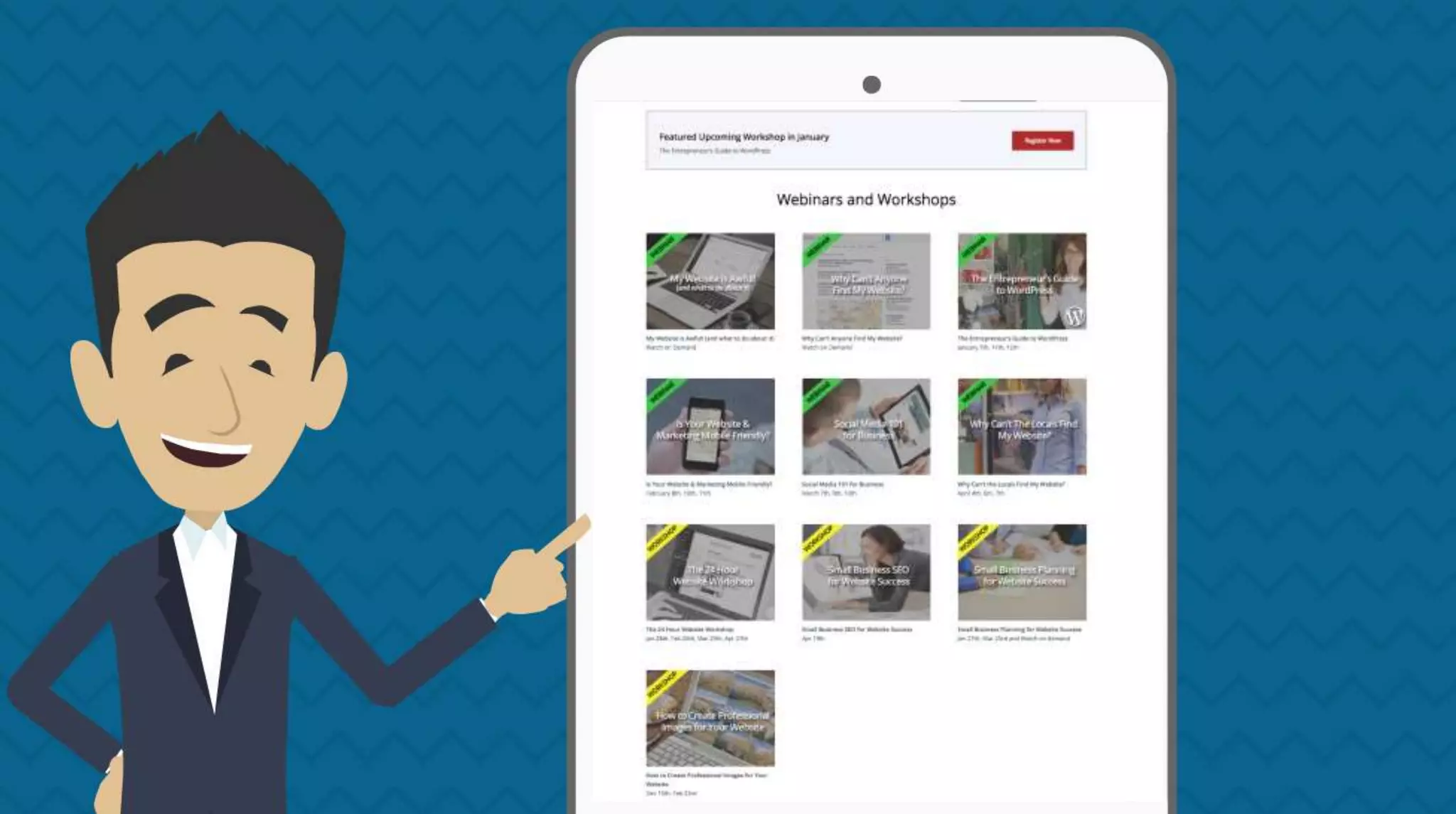
Webinars
•51 Webinars
(14 months 2014-15)
•3,620 Registrants
•1,569 Attendees
•416 Recordings
Avg Per Webinar
•71 Registrants
•31 Attendees
•55% Attendance
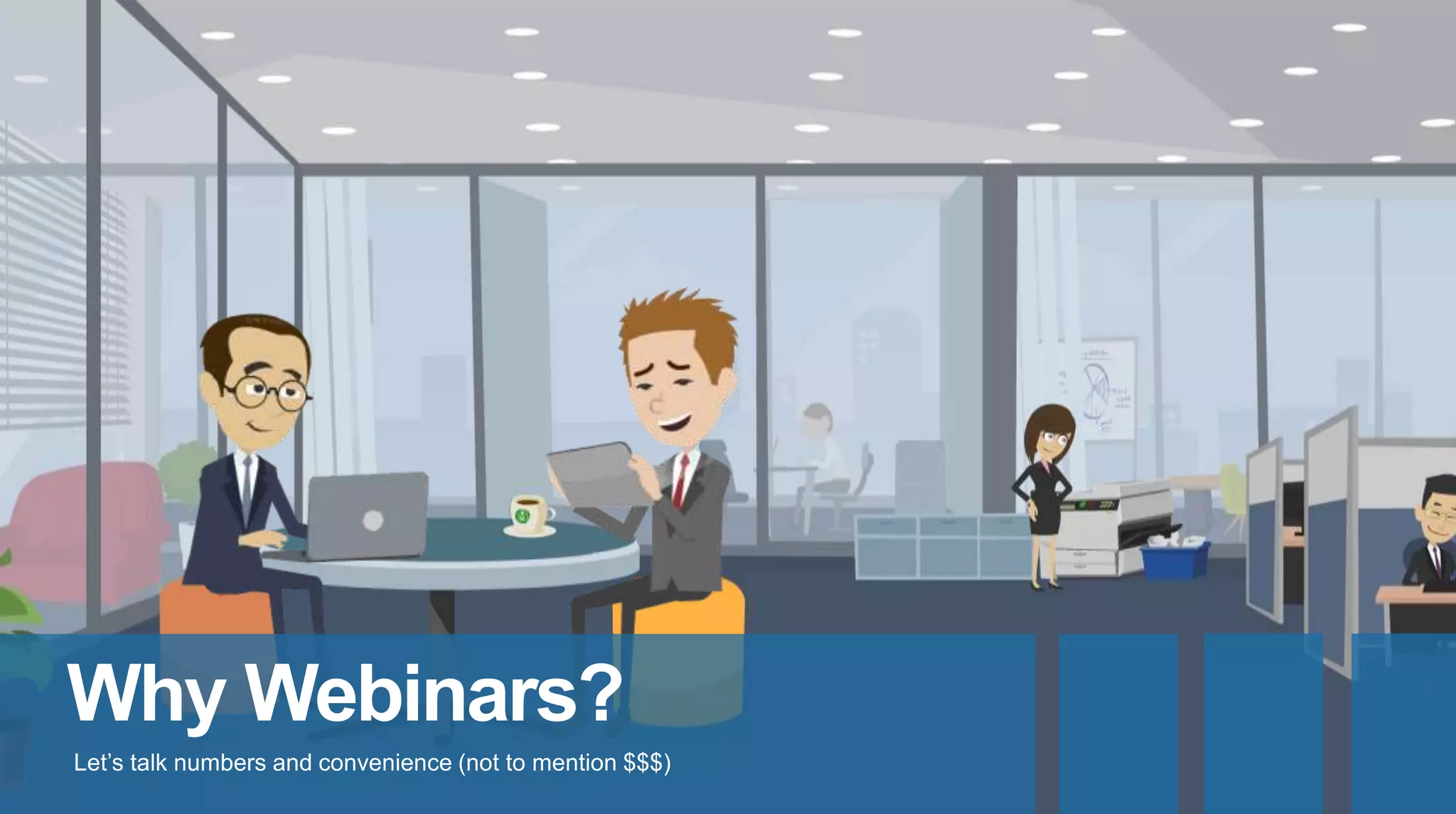
Why Webinars?
Let’s talk numbers and convenience (not to mention $$$)
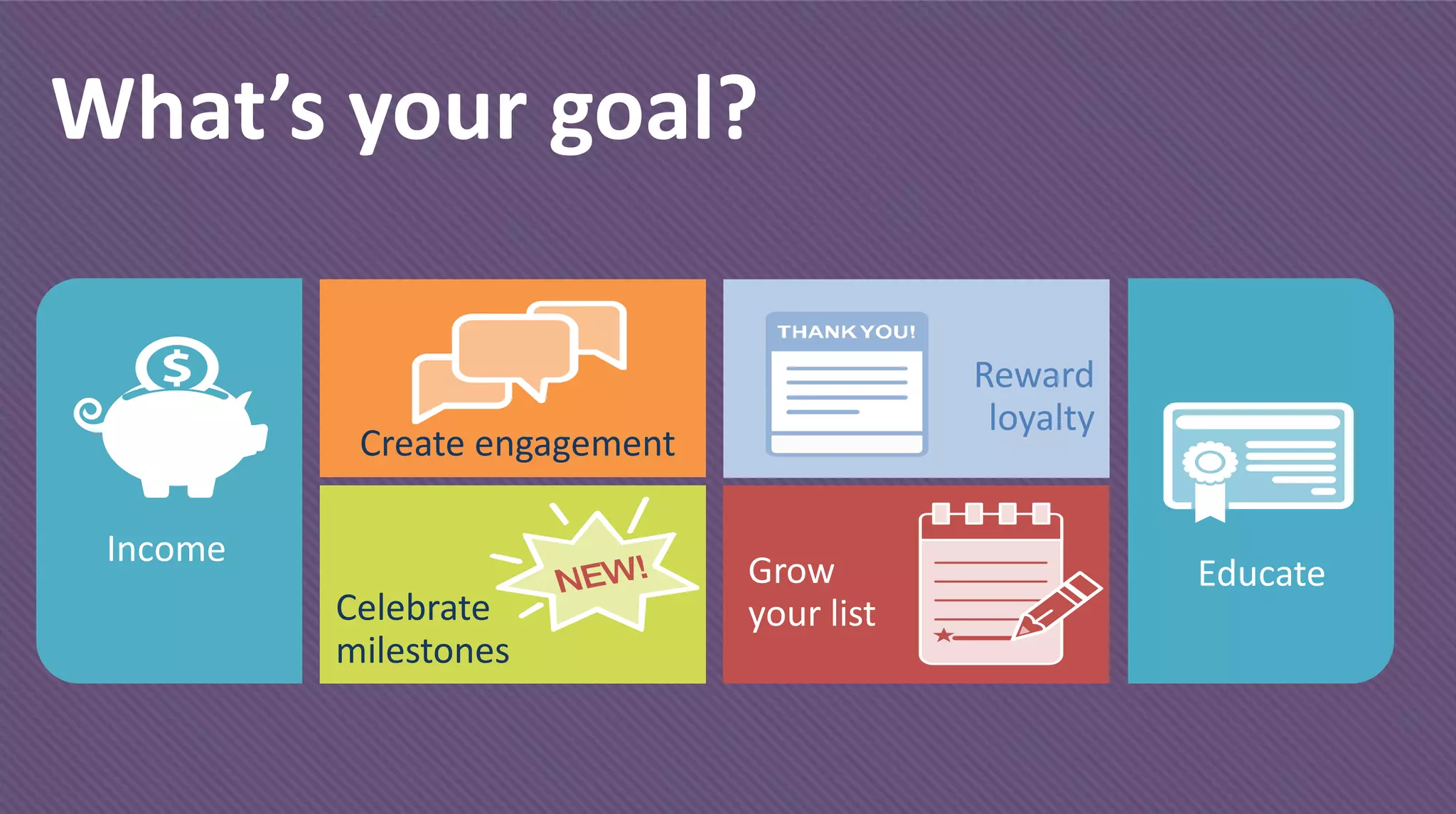
What’s your goal?
Income
Create engagement
Celebrate
milestones
Reward
loyalty
Grow
your list
Educate
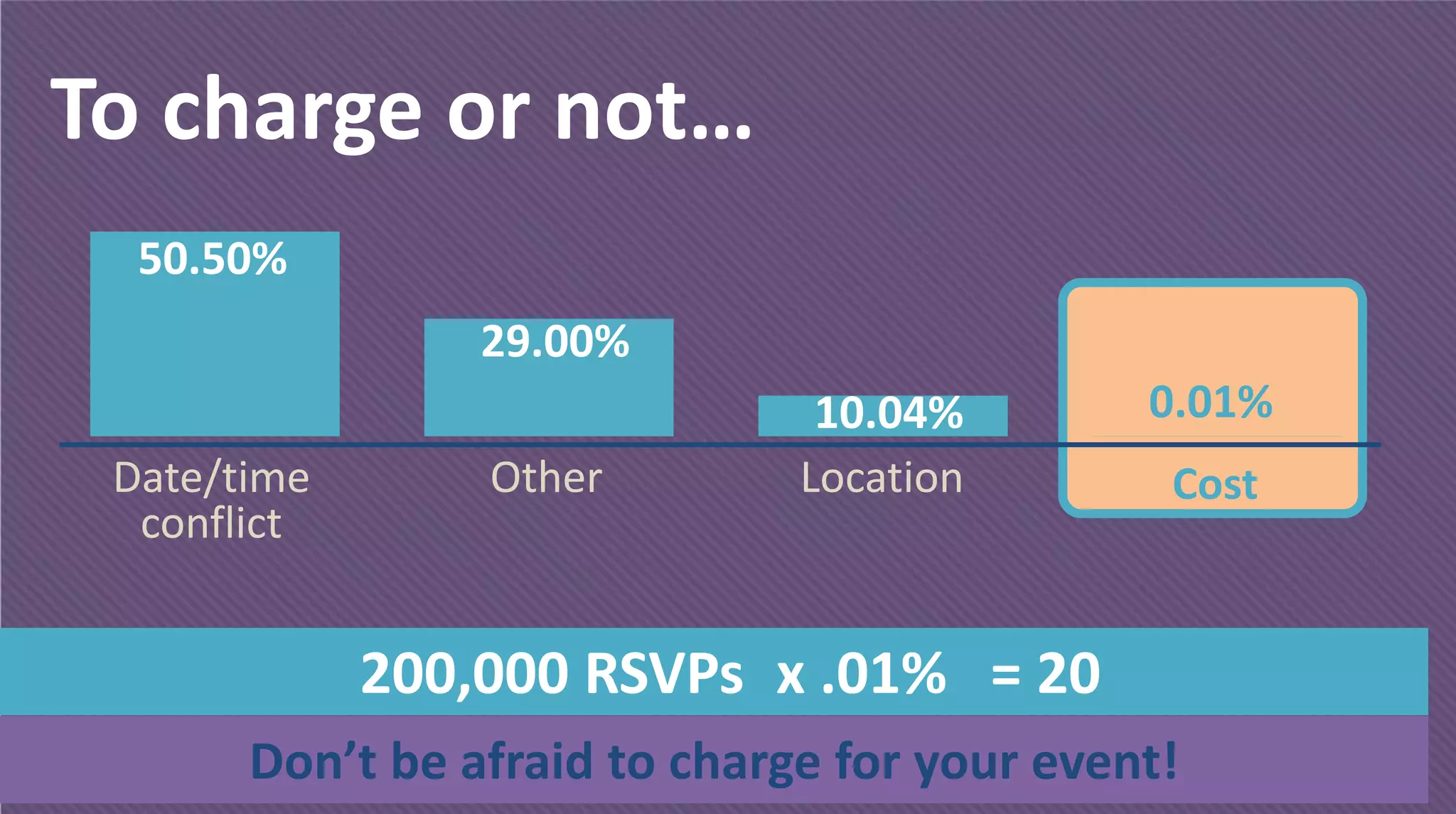
To charge or not…
Don’t be afraid to charge for your event!
Date/time
conflict
LocationOther Cost
200,000 RSVPs x .01% = 20
50.50%
29.00%
10.04% 0.01%
Webinar Topics
What material should be webinars?
1
Ask clients with a
questionnaire
2
Ask clients on
social media
3
Top 5 attended live
presentations
4
Live presentations
you give over and
over
5
Top 5 problems or
pain points clients
have
6
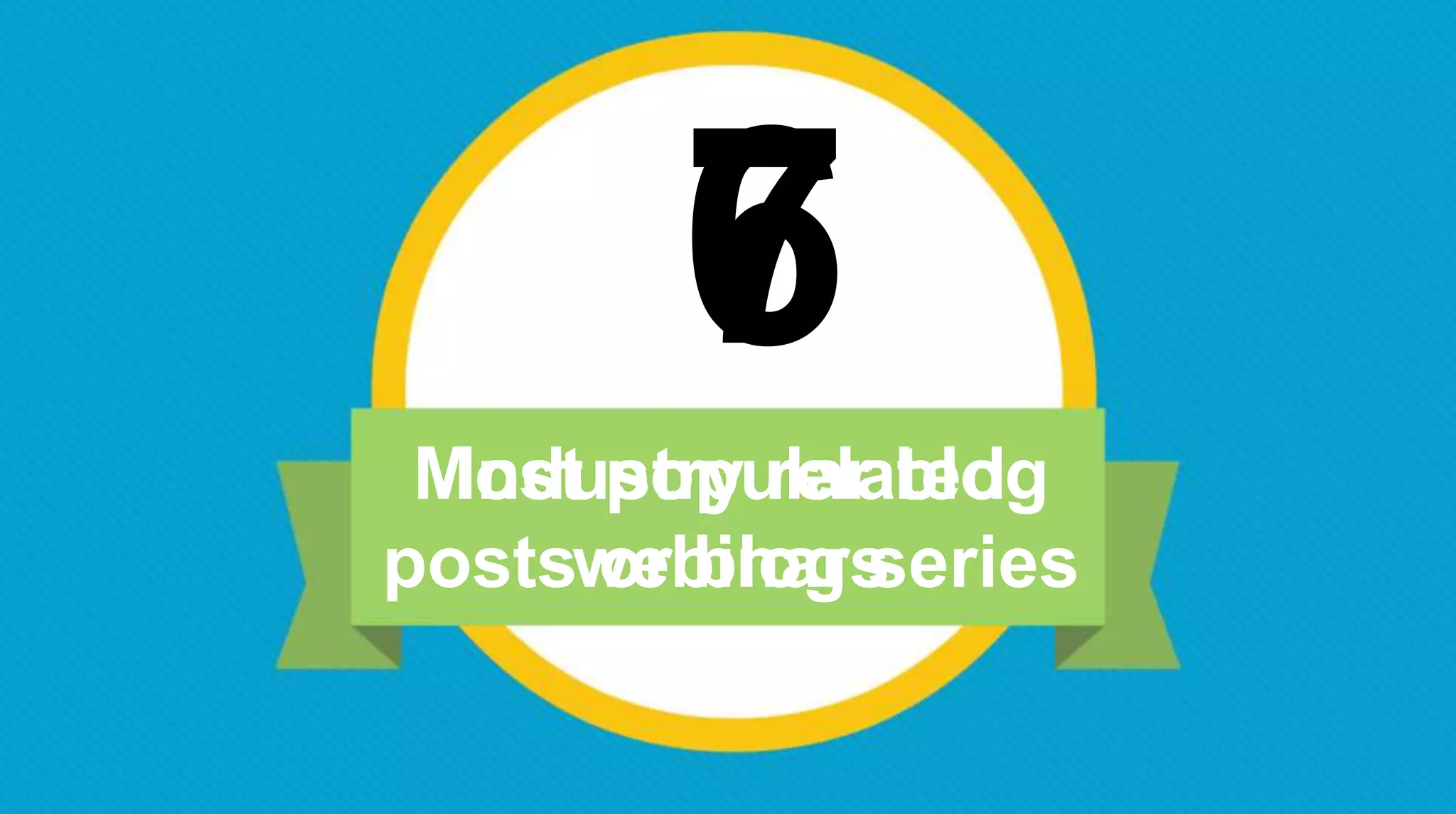
Most popular blog
posts or blog series
7
Industry related
webinars
Converting Live Events
Where do you start?
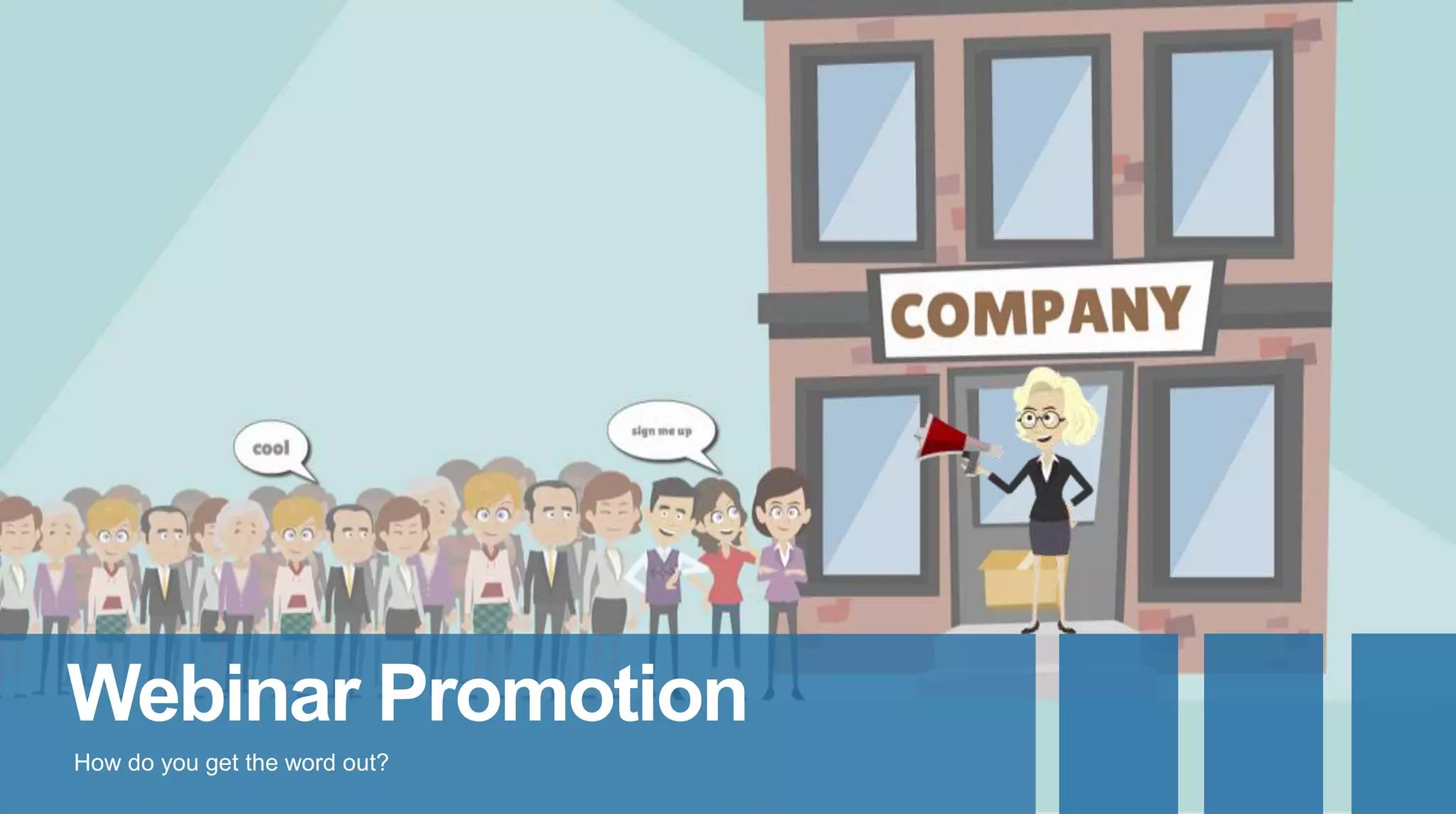
Webinar Promotion
How do you get the word out?
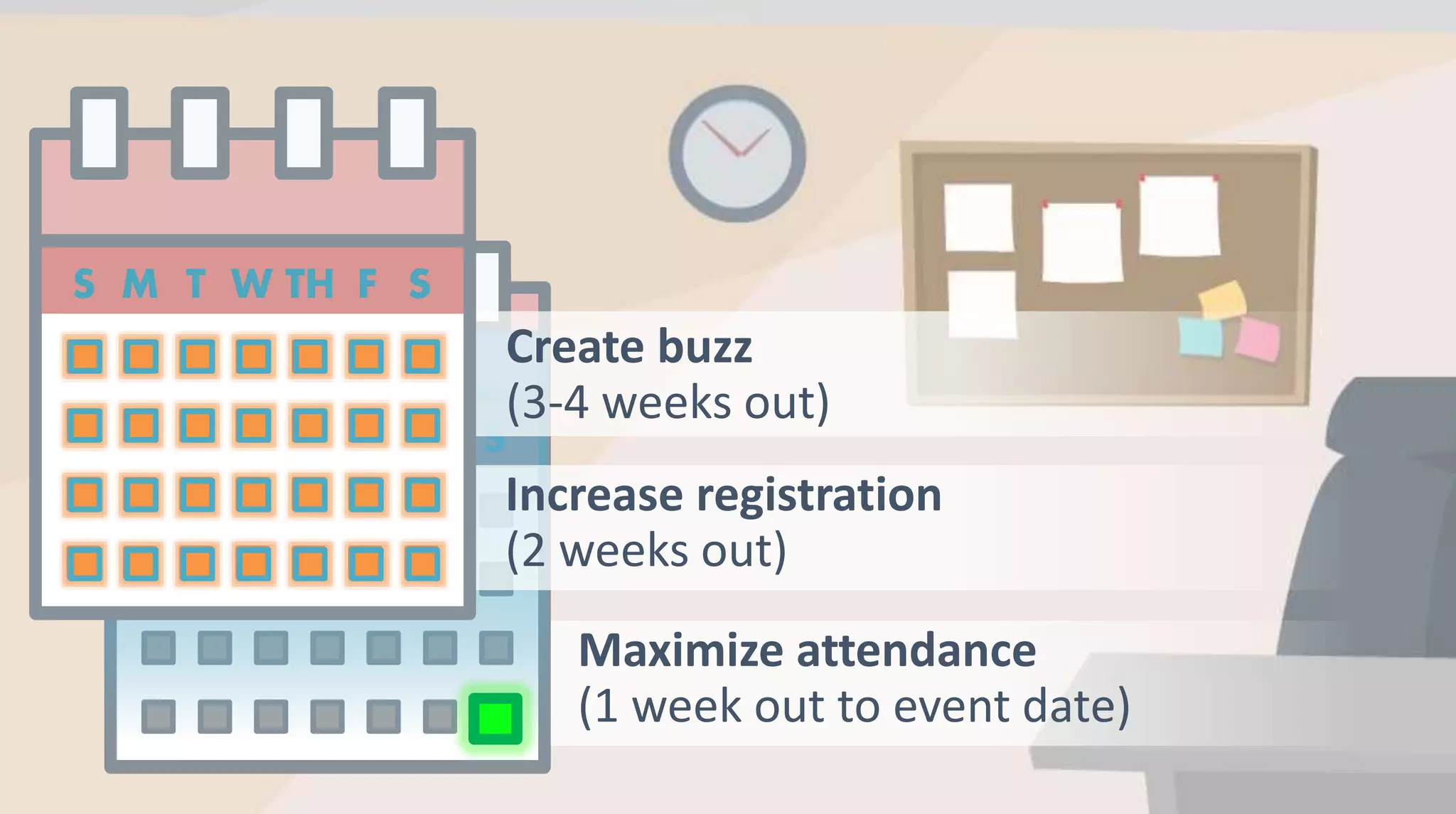
Create buzz
(3-4 weeks out)
Increase registration
(2 weeks out)
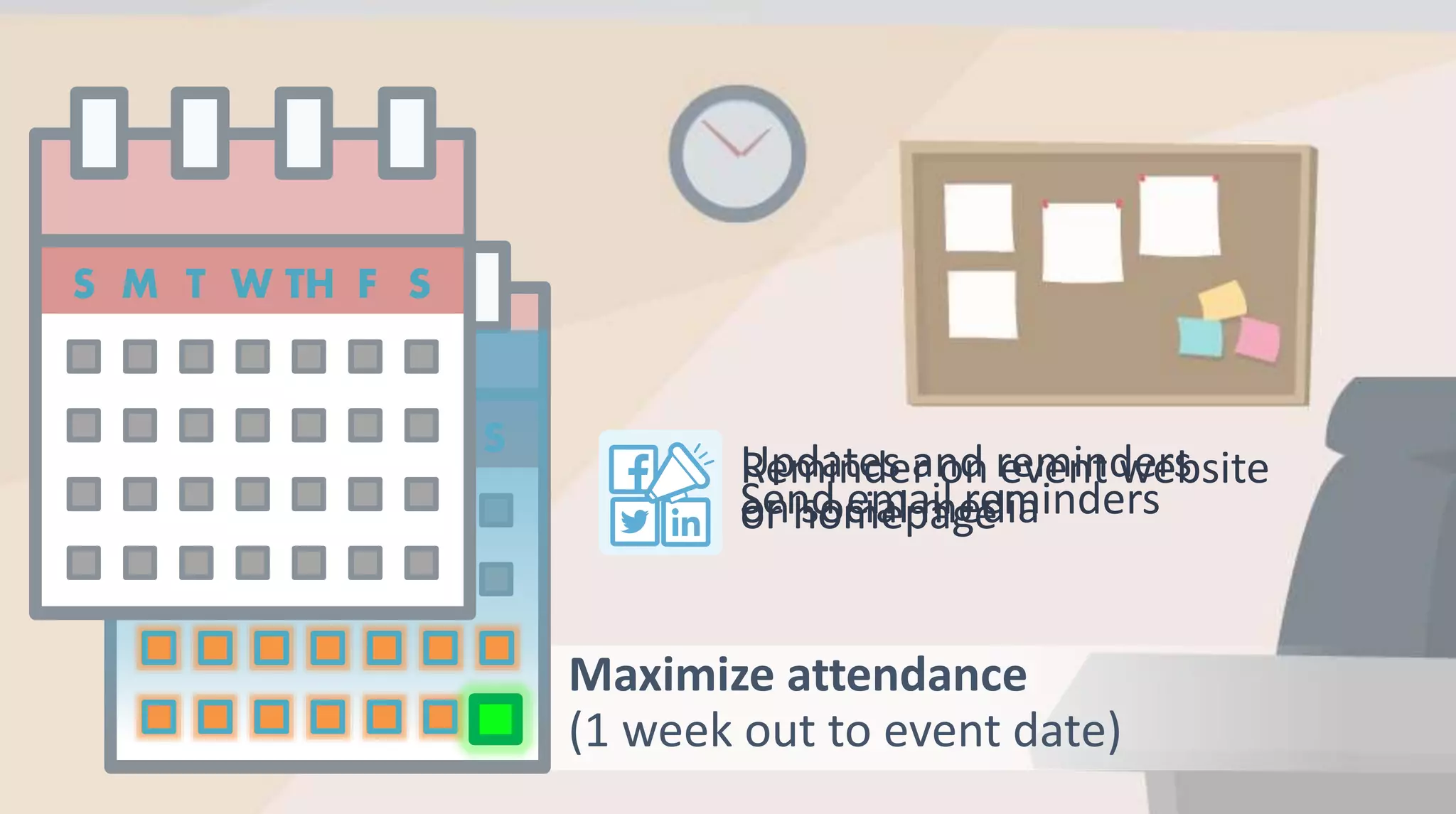
Maximize attendance
(1 week out to event date)
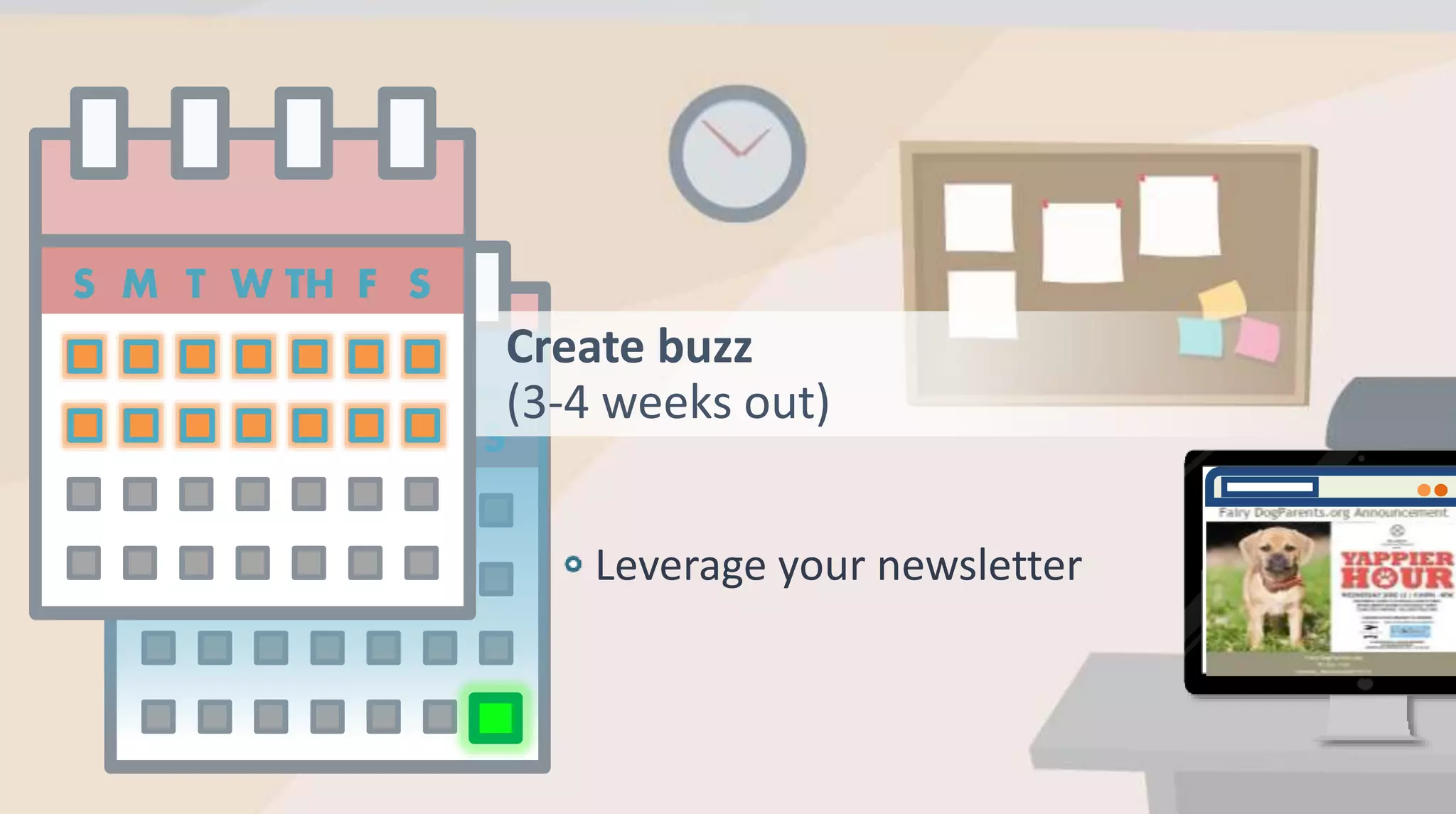
Create buzz
(3-4 weeks out)
Leverage your newsletter
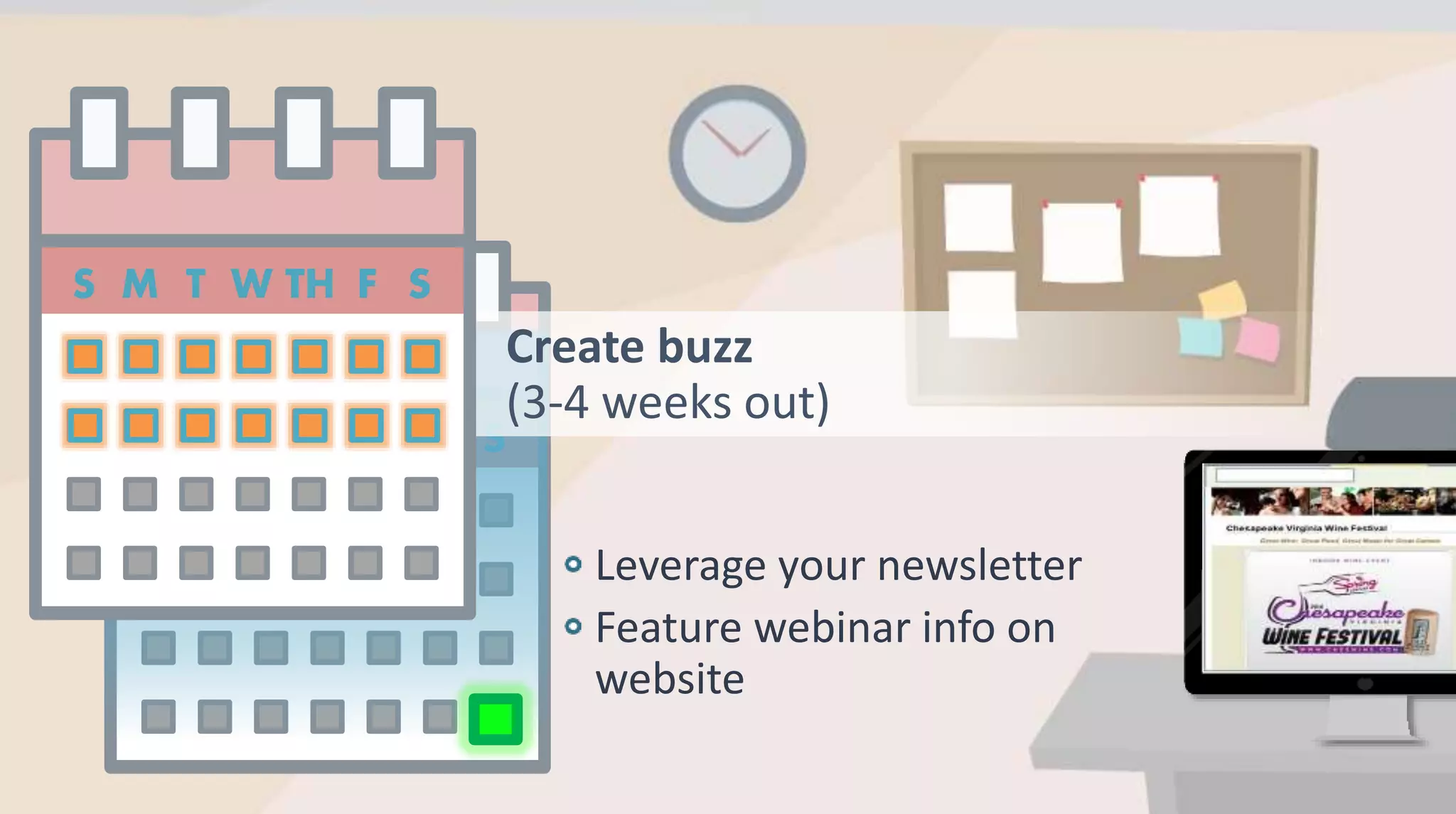
Create buzz
(3-4 weeks out)
Leverage your newsletter
Feature webinar info on
website
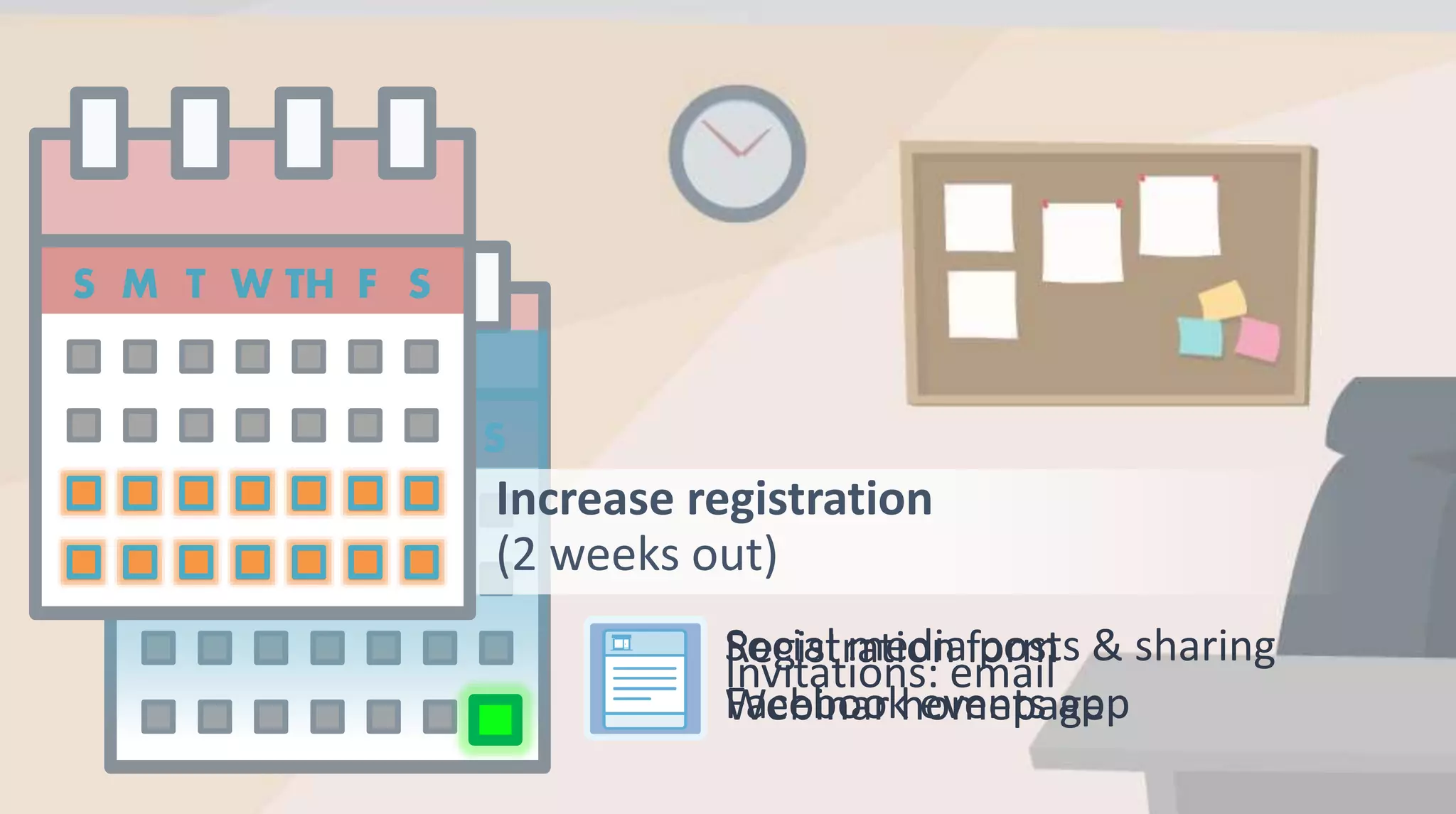
Increase registration
(2 weeks out)
Social media posts & sharing
Facebook events app
Invitations: email
Registration form
Webinar homepage
Maximize attendance
(1 week out to event date)
Reminder on event website
or homepageSend email reminders
Updates and reminders
on social media
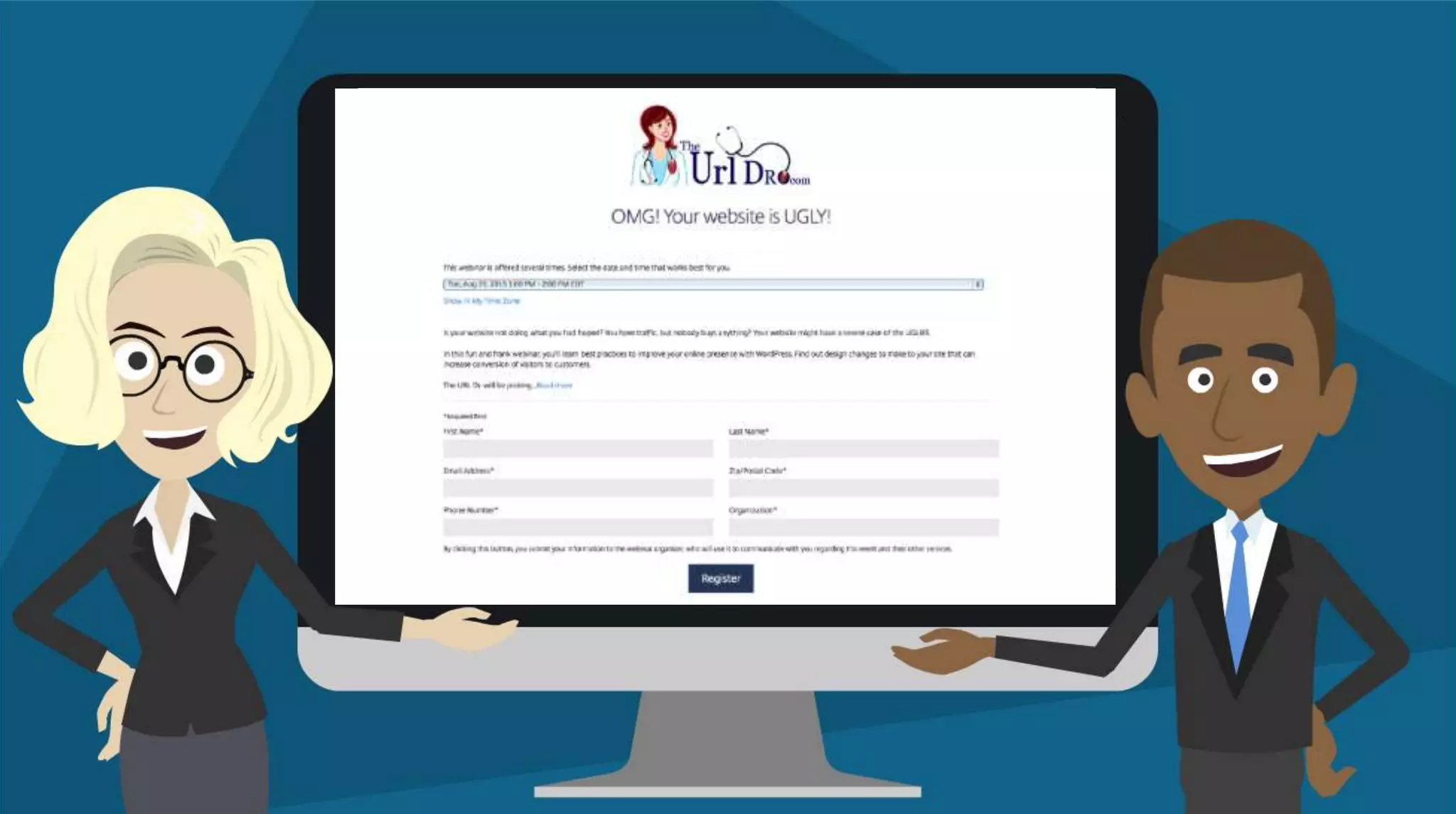
Online Registration
How to get people to register for your webinar
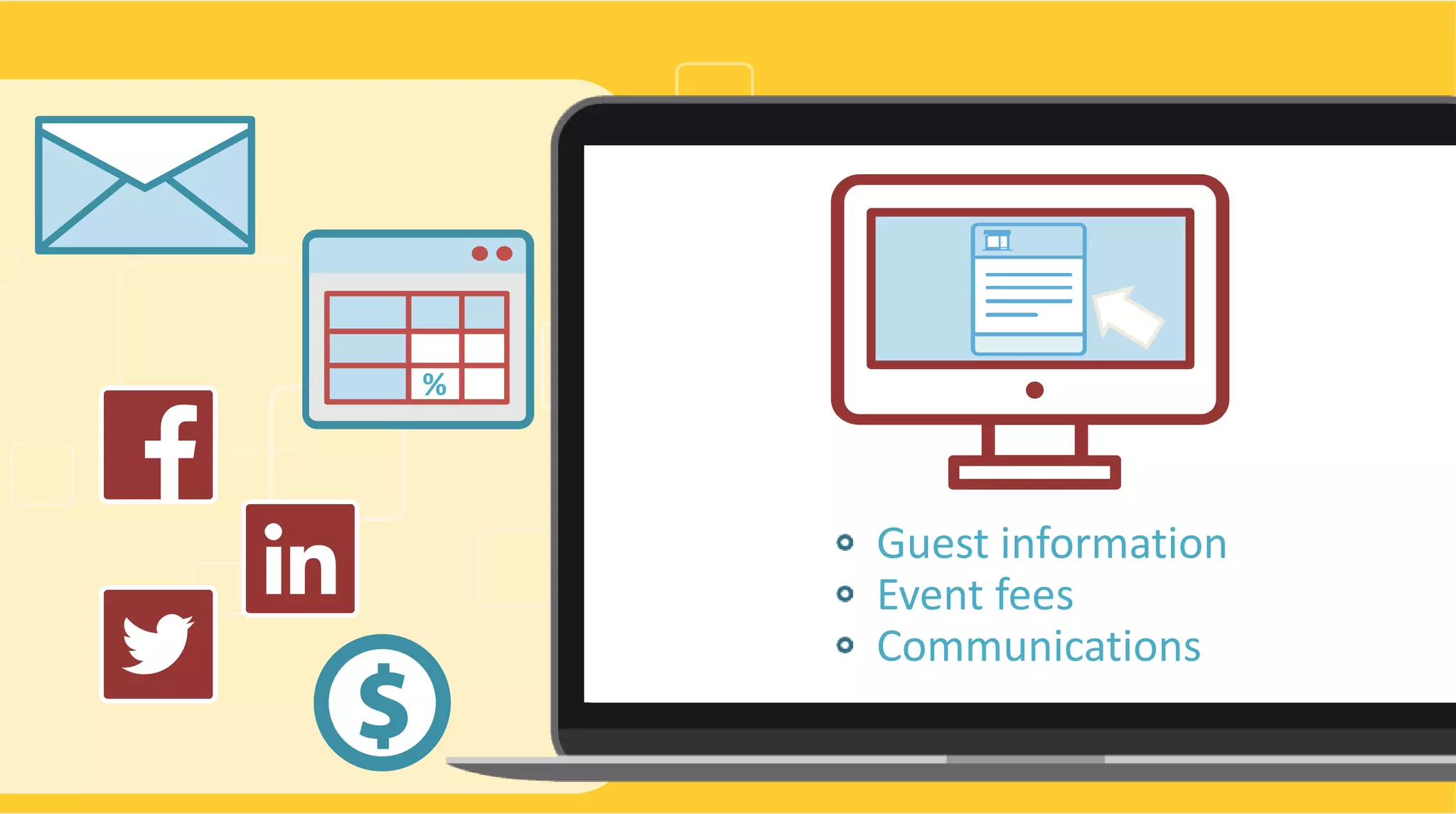
Guest information
Event fees
Communications
%
Easier.
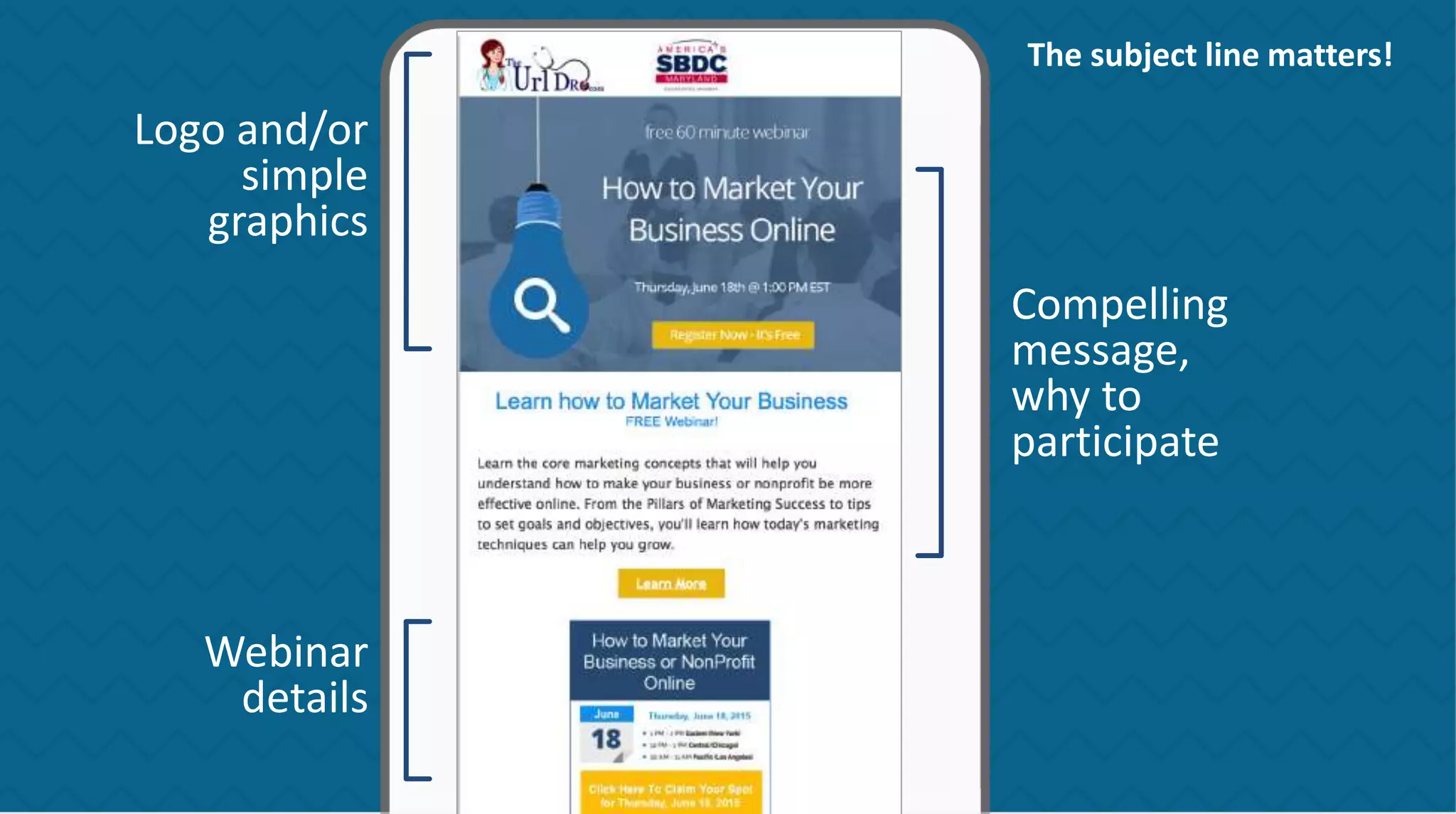
Logo and/or
simple
graphics
Webinar
details
Compelling
message,
why to
participate
The subject line matters!
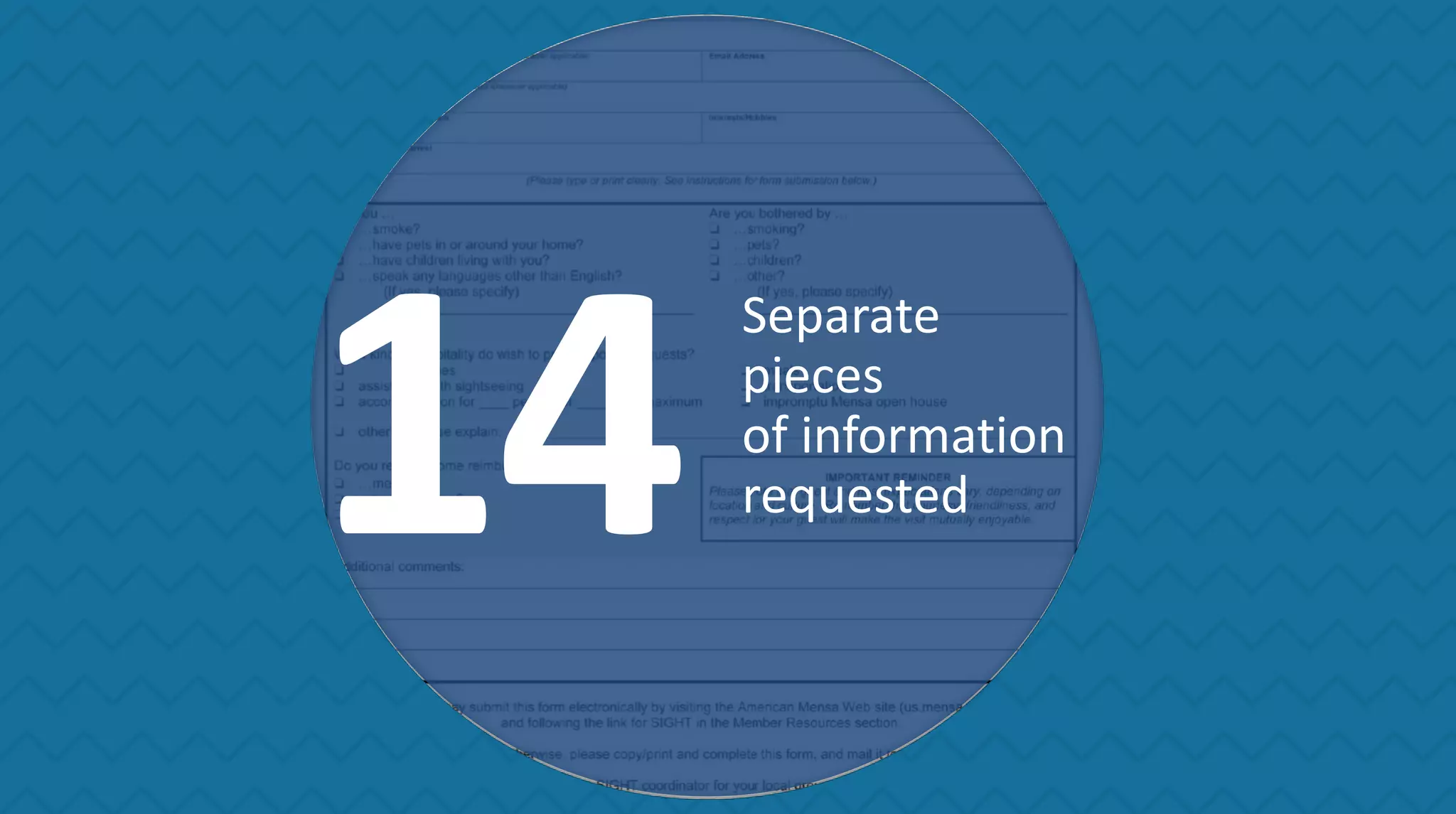
14
Separate
pieces
of information
requested
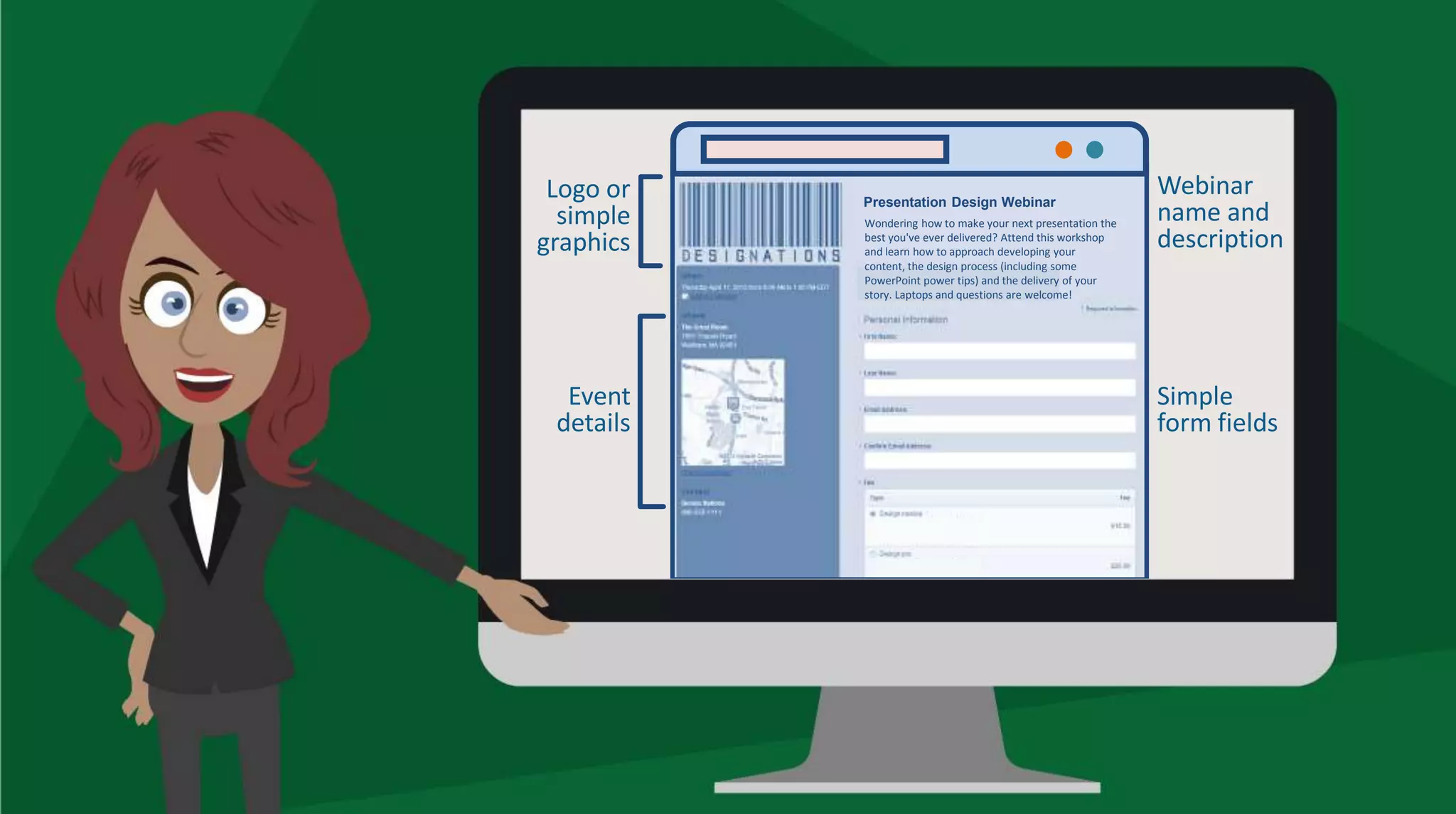
Presentation Design Webinar
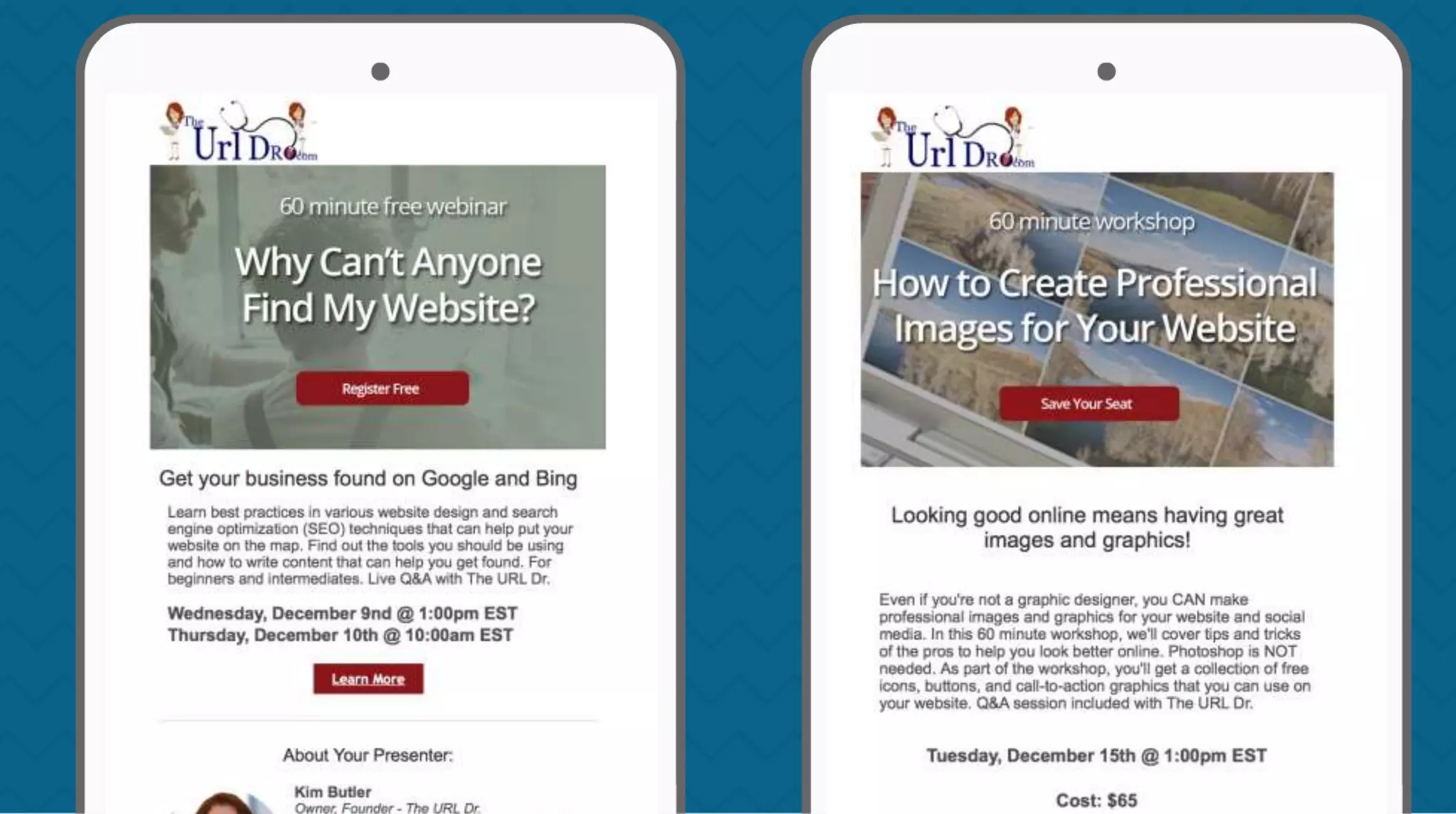
Wondering how to make your next presentation the
best you've ever delivered? Attend this workshop
and learn how to approach developing your
content, the design process (including some
PowerPoint power tips) and the delivery of your
story. Laptops and questions are welcome!
Logo or
simple
graphics
Event
details
Webinar
name and
description
Simple
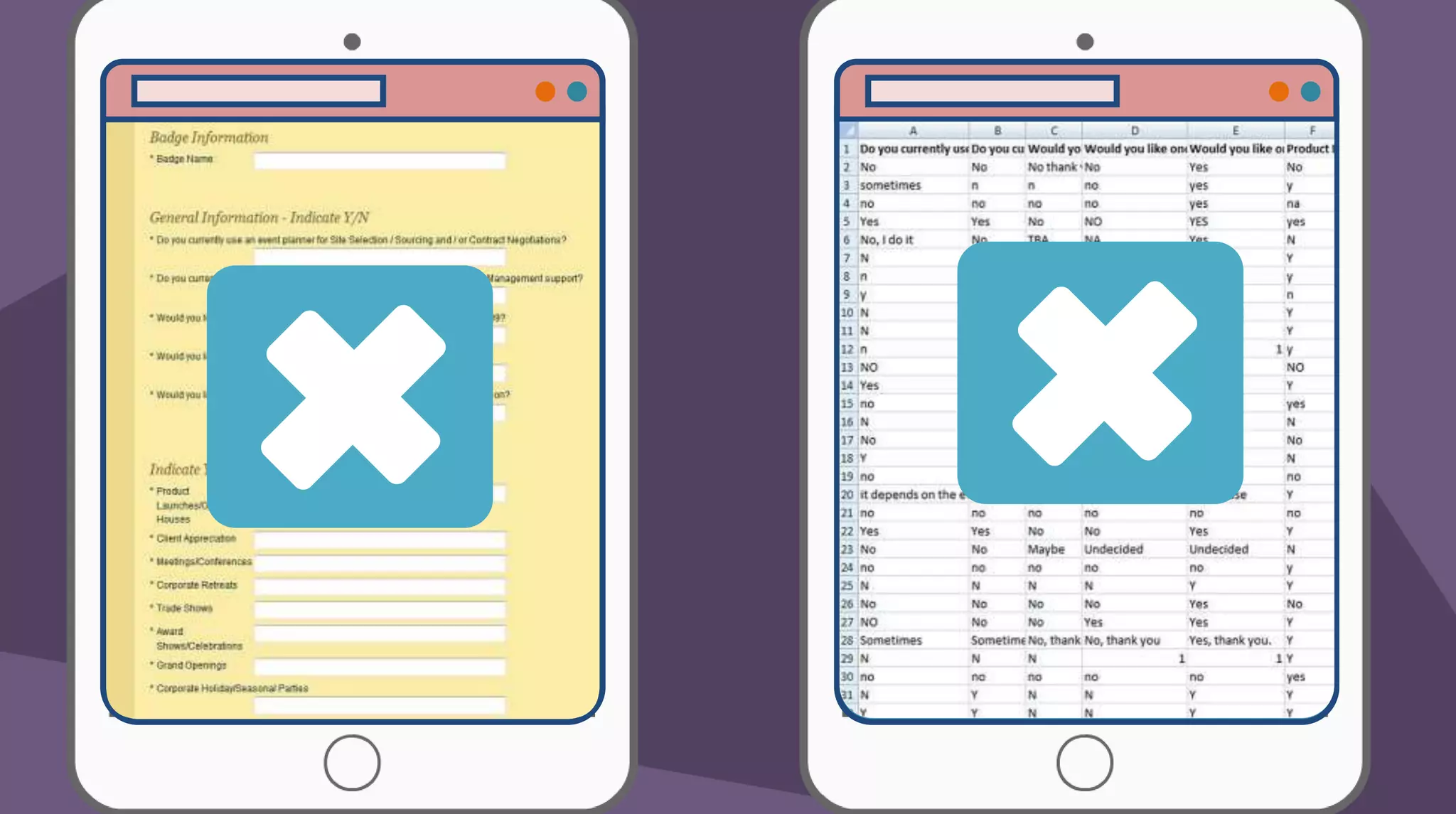
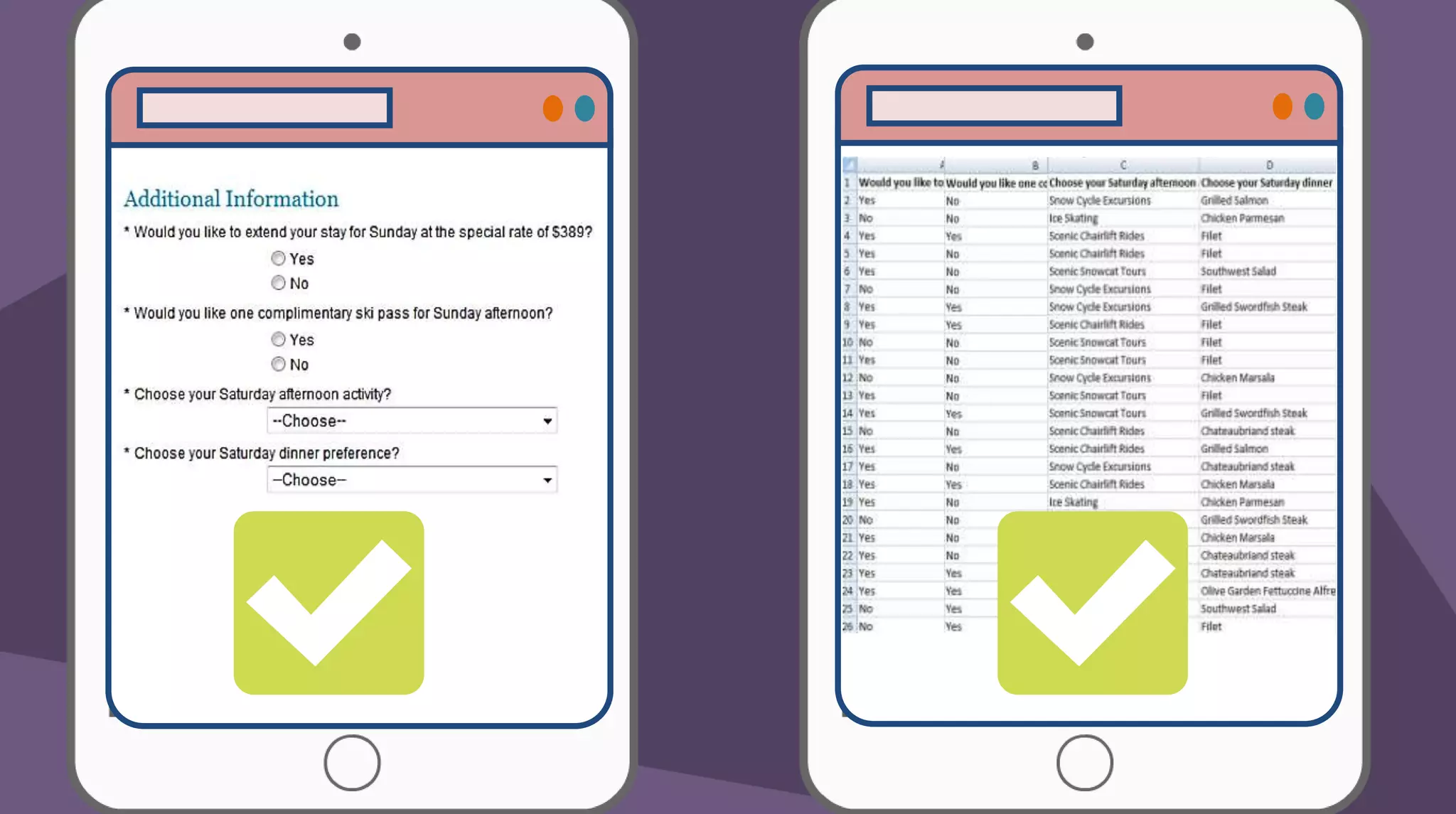
form fields
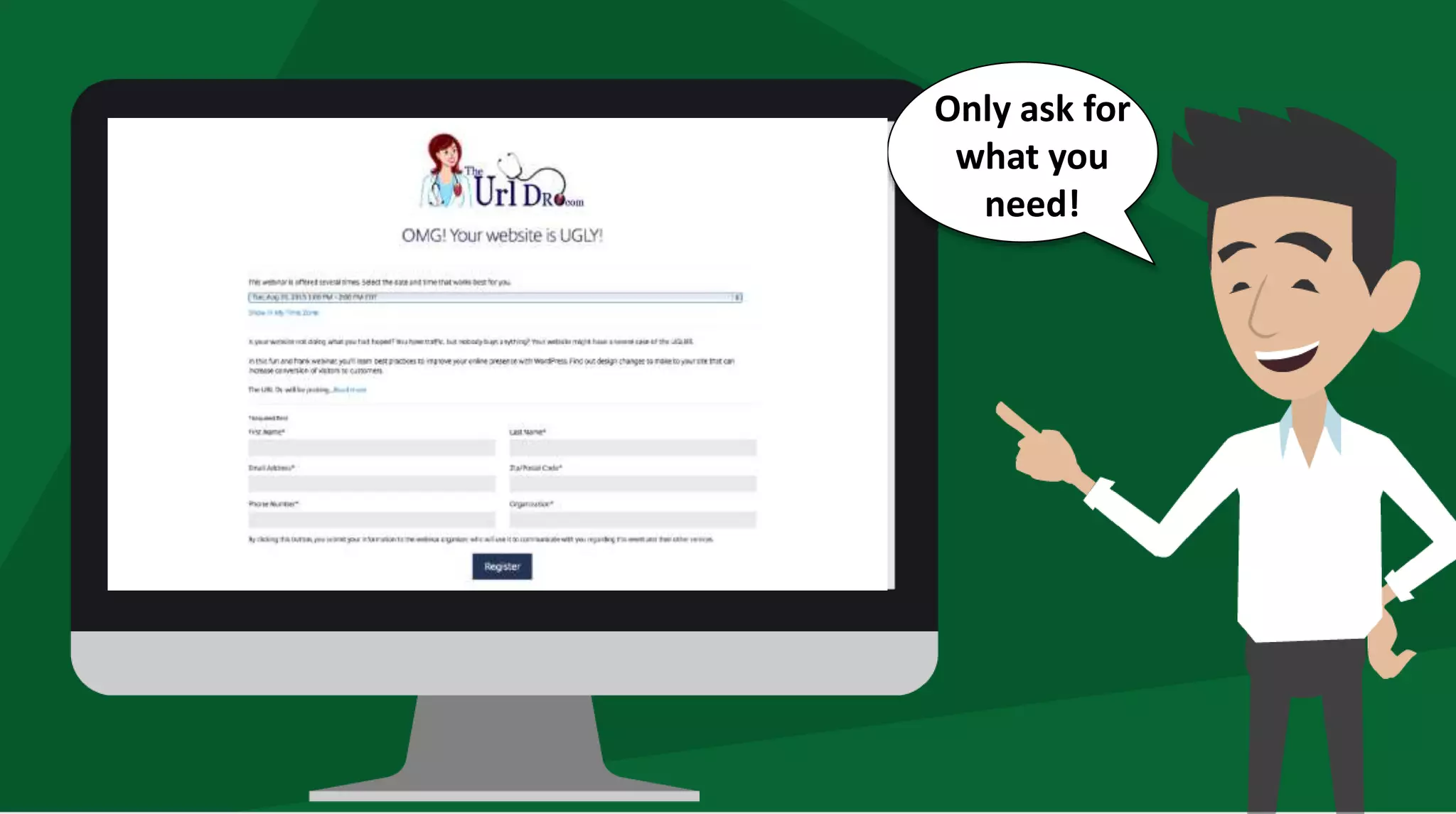
Only ask for
what you
need!
2
1
3
2
1
3
You have the
information.
Now what?
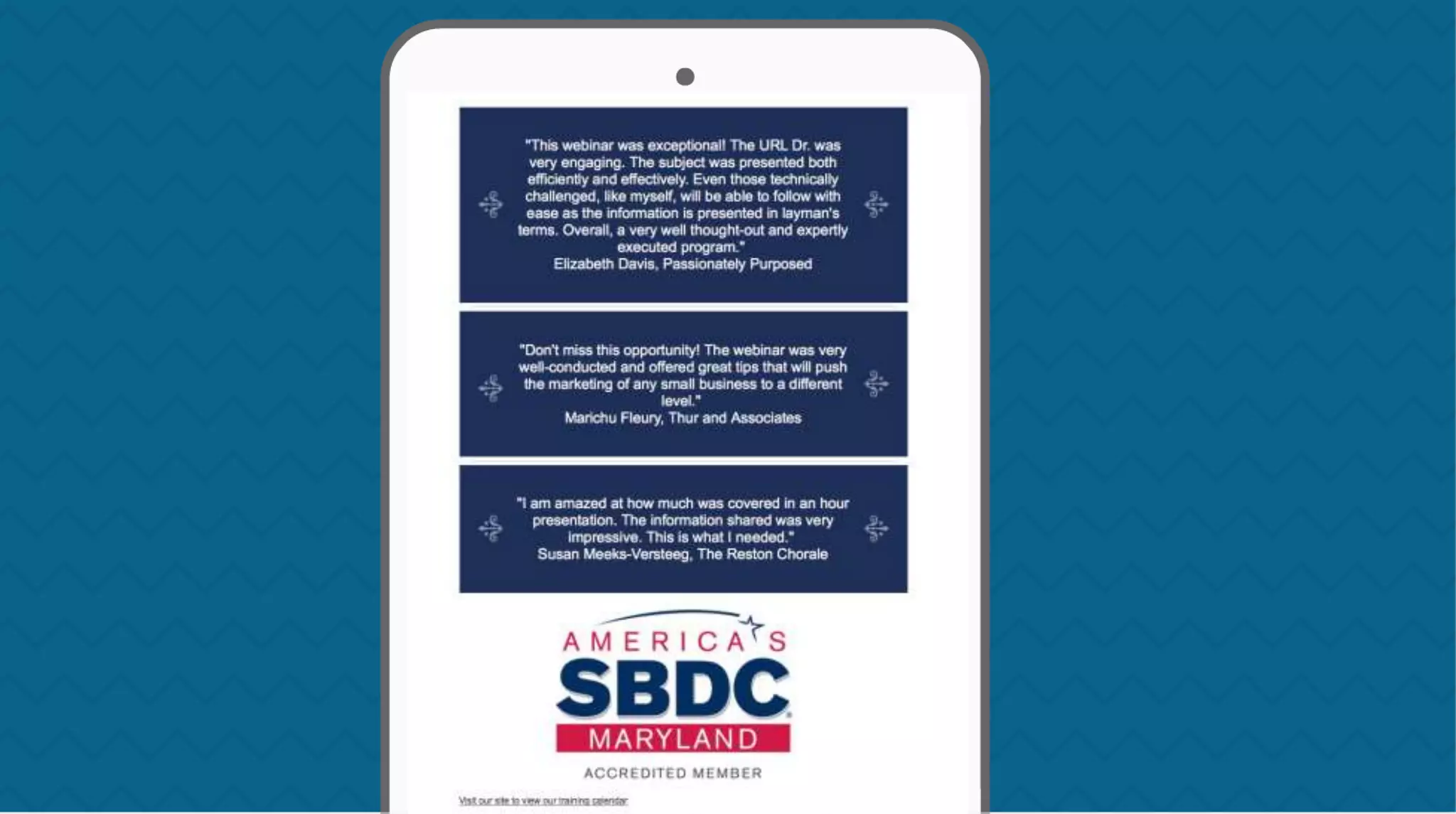
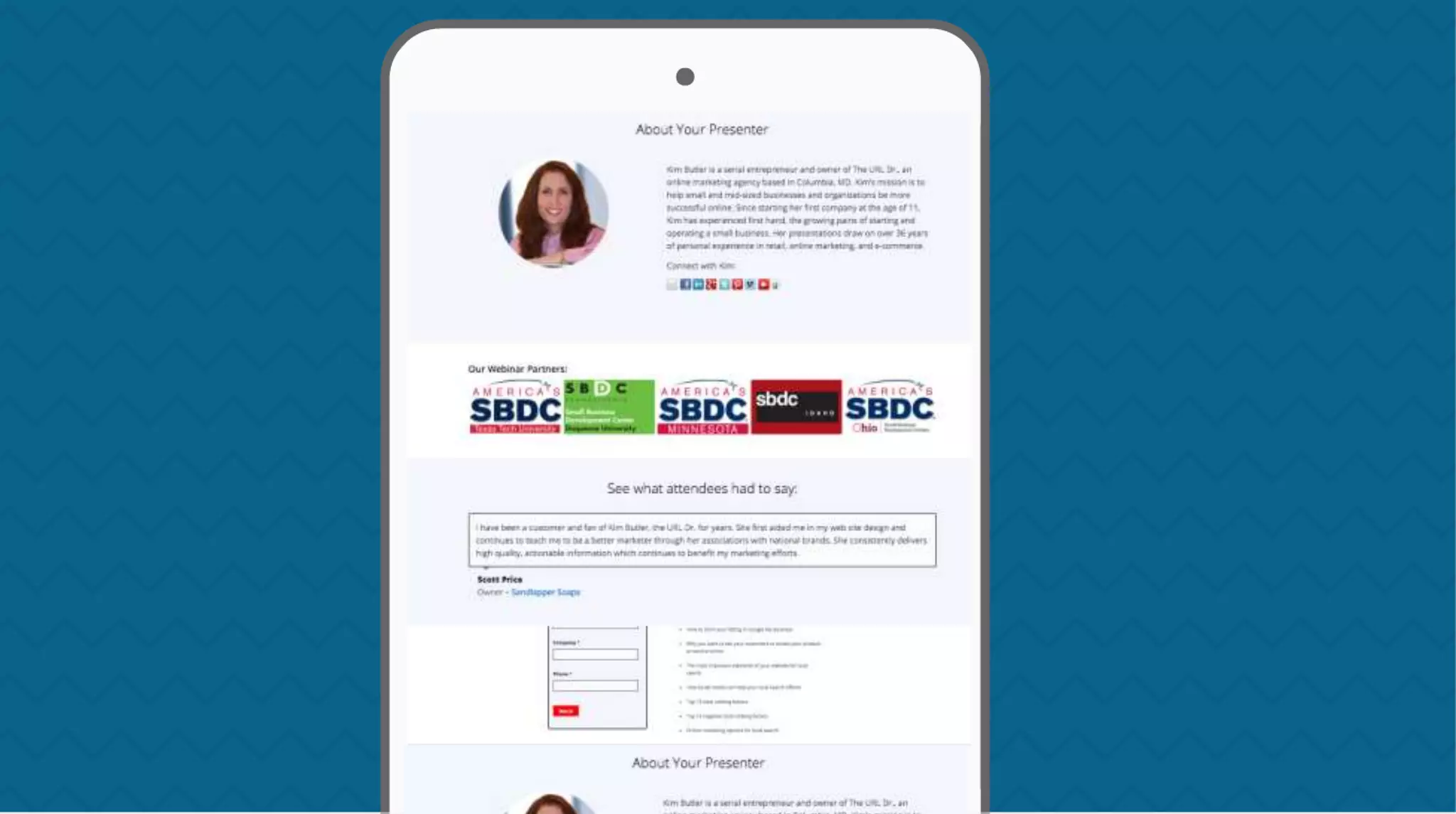
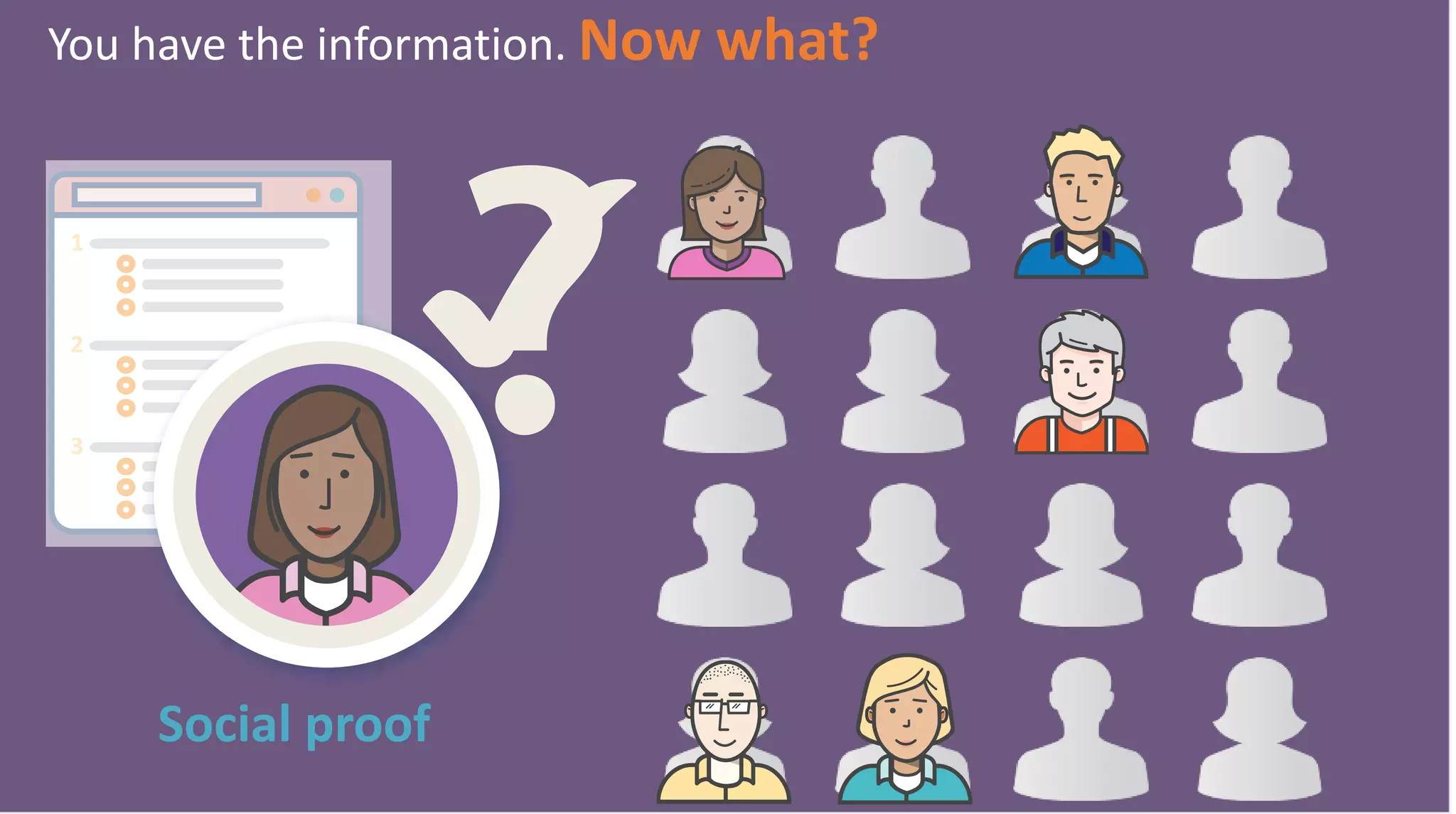
Social proof
2
1
3
You have the information. Now what?
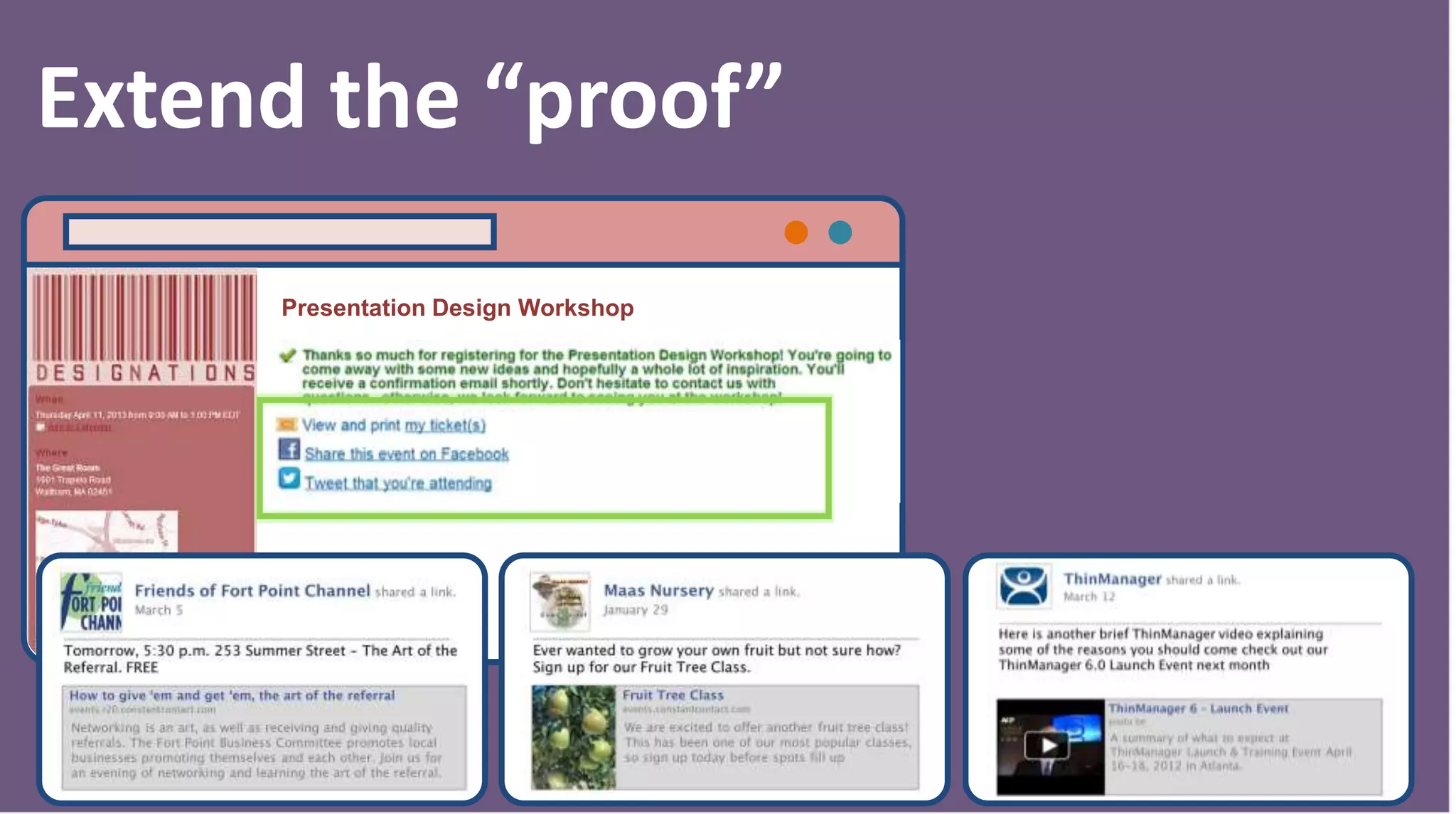
Presentation Design Workshop
Extend the “proof”
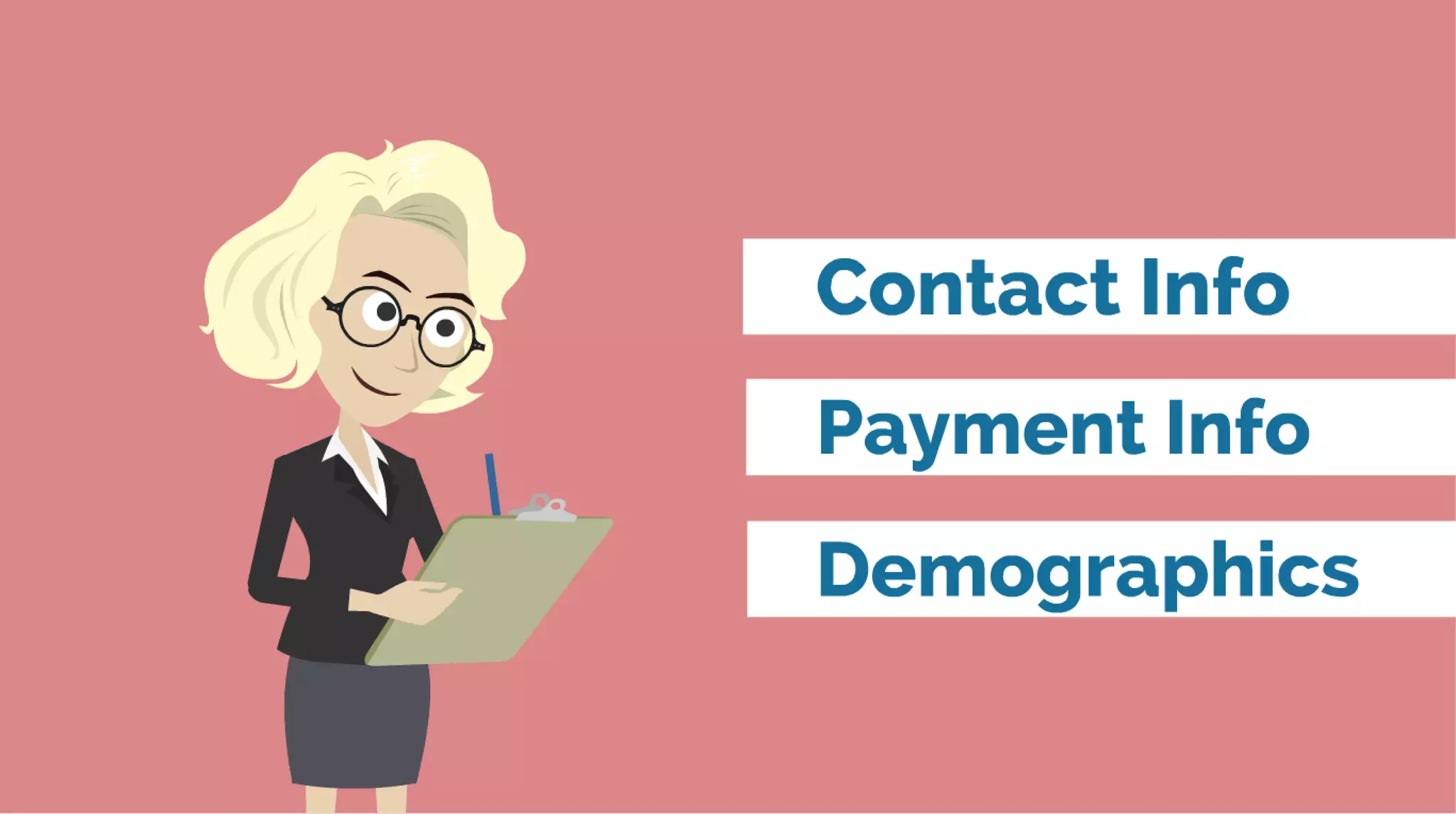
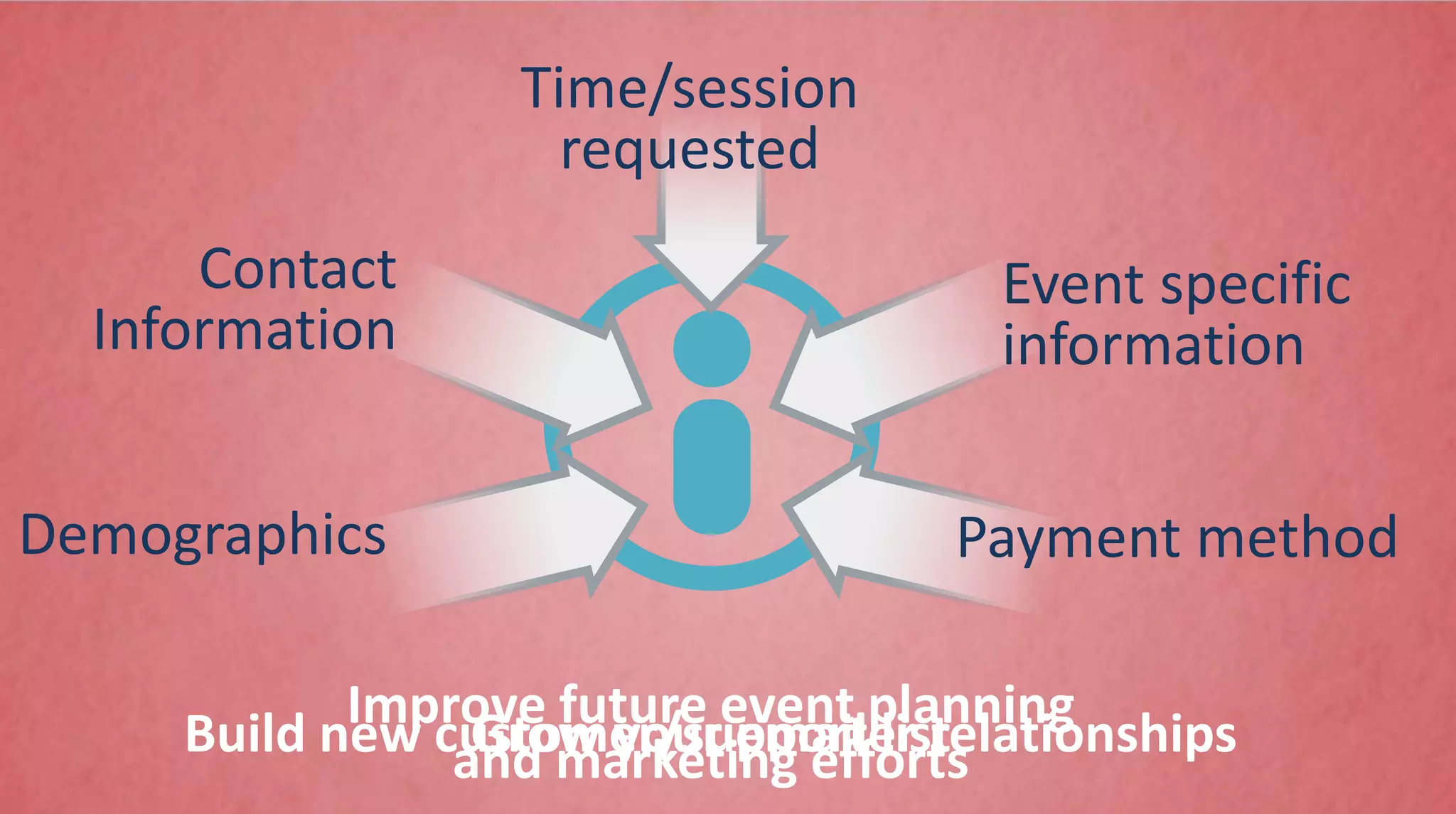
Demographics
Contact
Information
Time/session
requested
Event specific
information
Payment method
Improve future event planning
and marketing effortsBuild new customer/supporter relationshipsGrow your email list
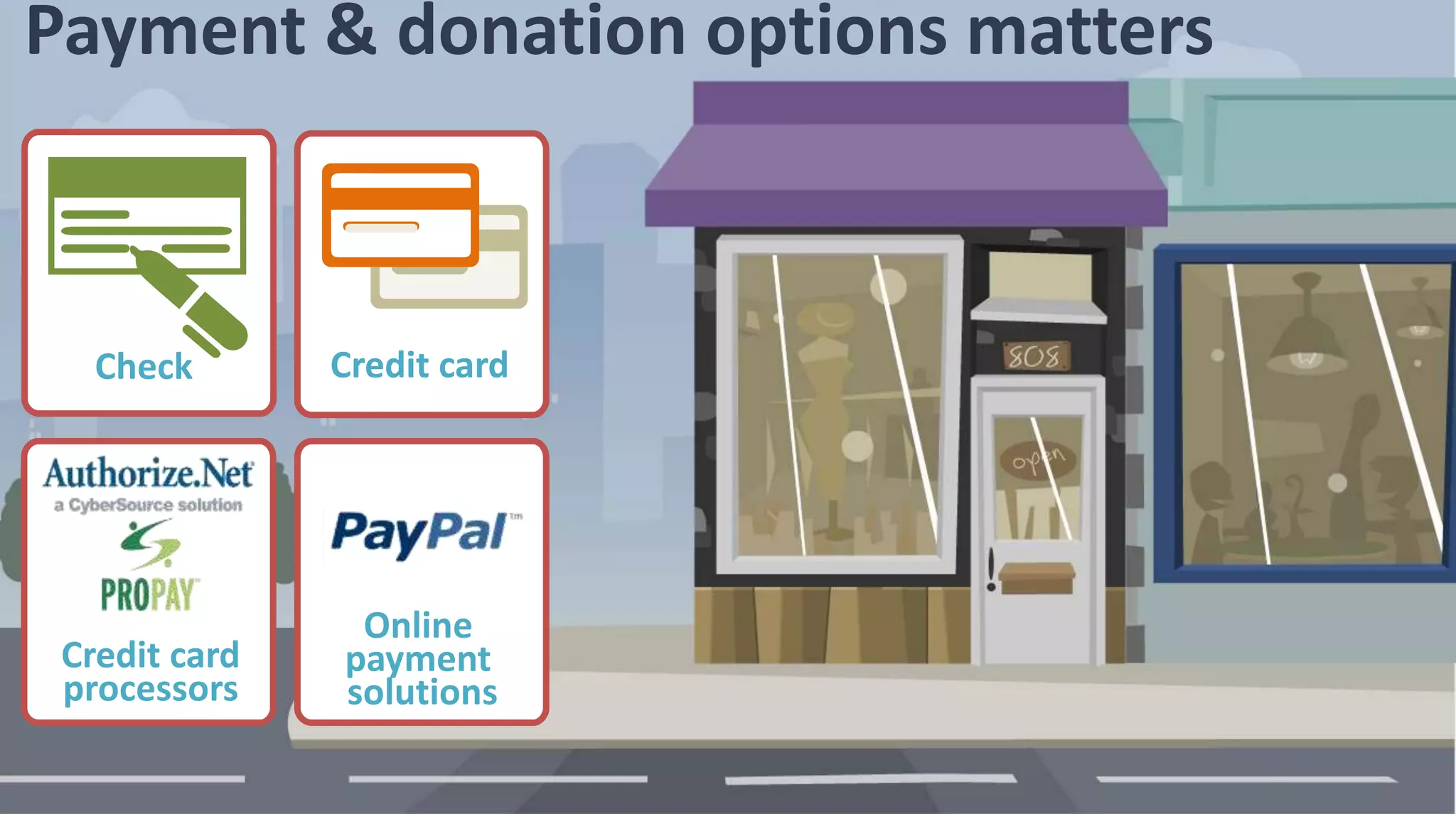
Credit cardCheck
Online
payment
solutions
Credit card
processors
Payment & donation options matters
Credit cardCheck
Online
payment
solutions
Credit card
processors
Payment & donation options matters
Post Webinar Follow Up
What to do after the webinar
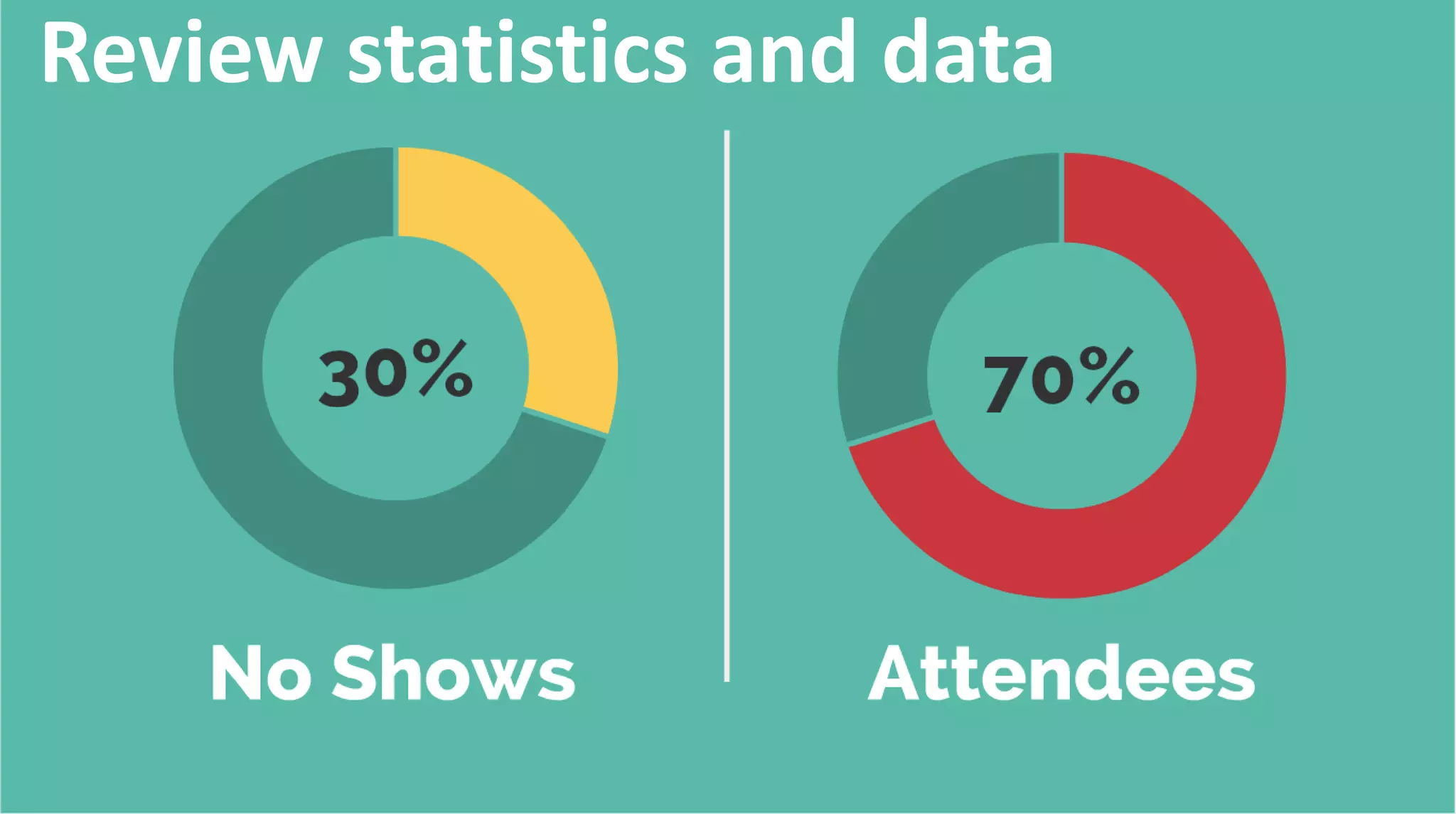
Review statistics and data
Ask to Share
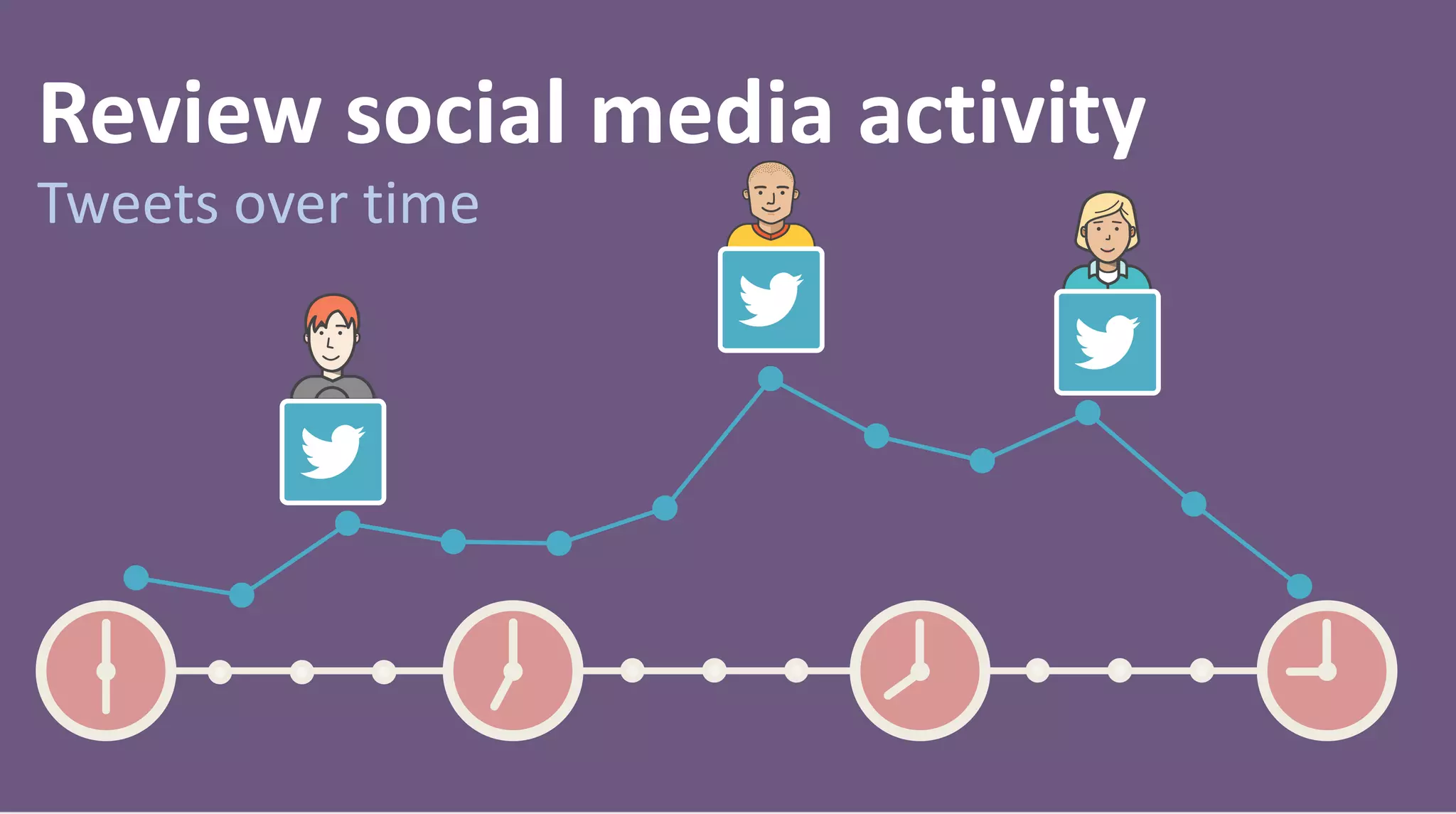
Review social media activity
Tweets over time
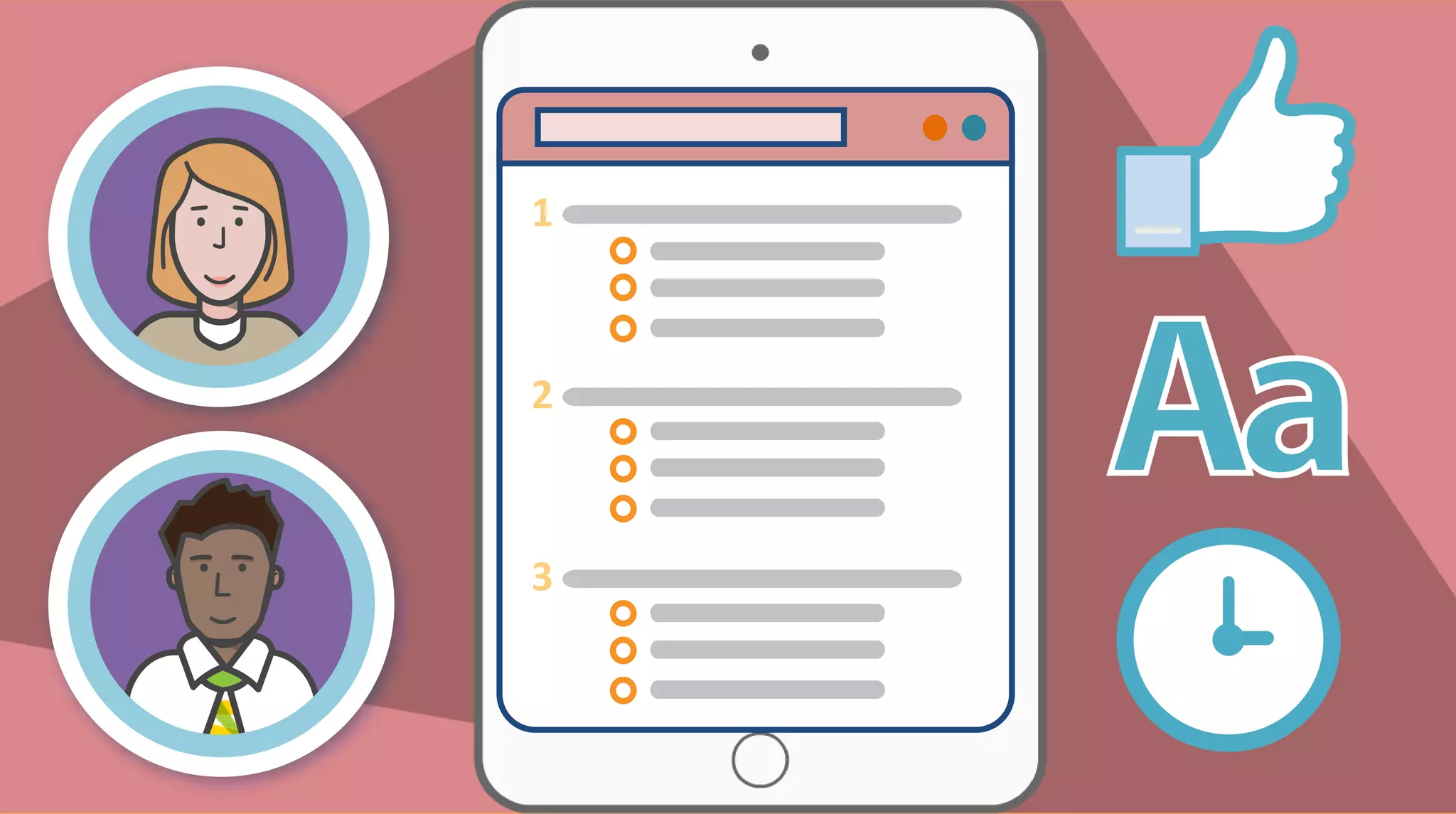
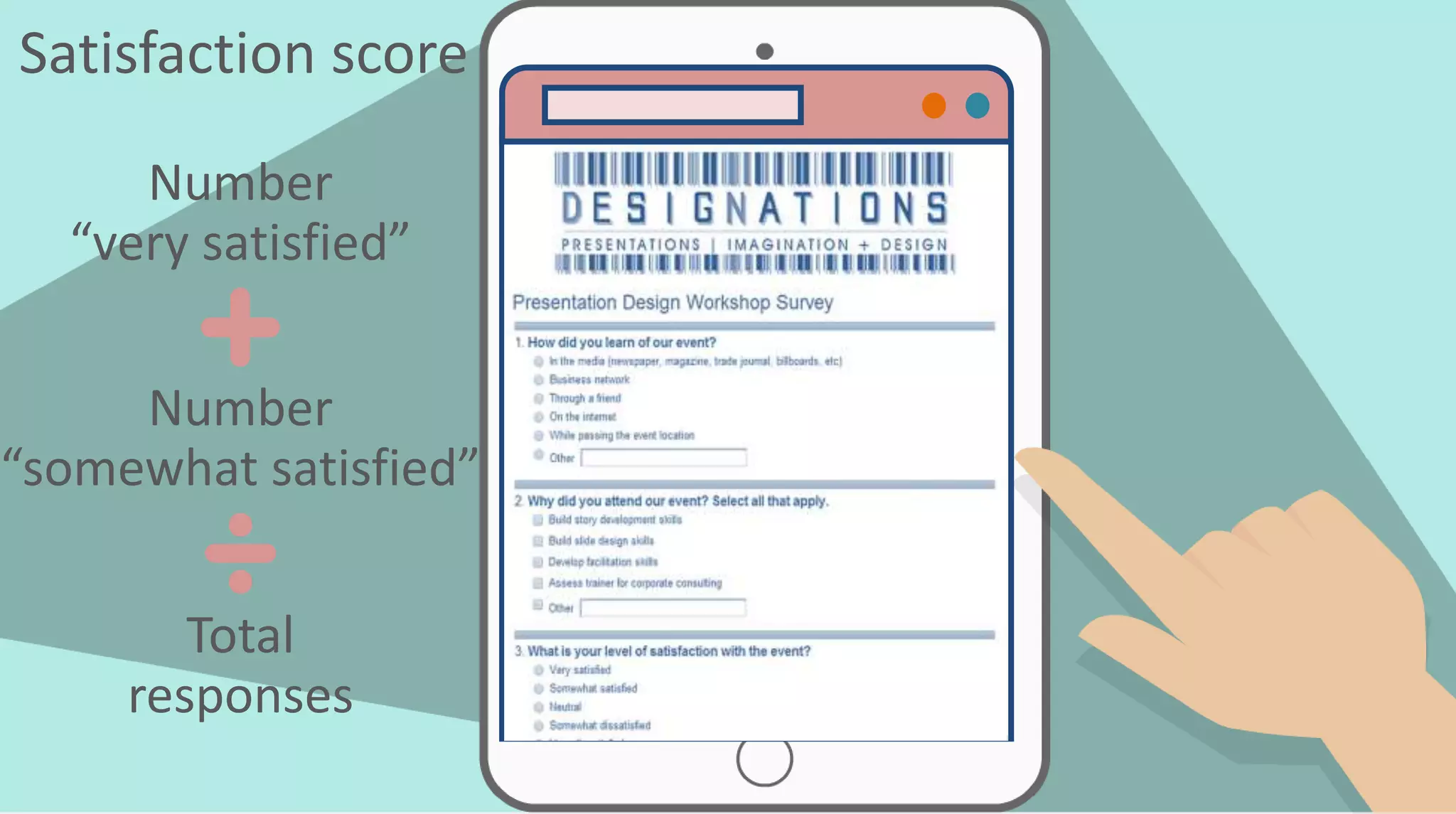
Satisfaction score
Number
“very satisfied”
Number
“somewhat satisfied”
Total
responses
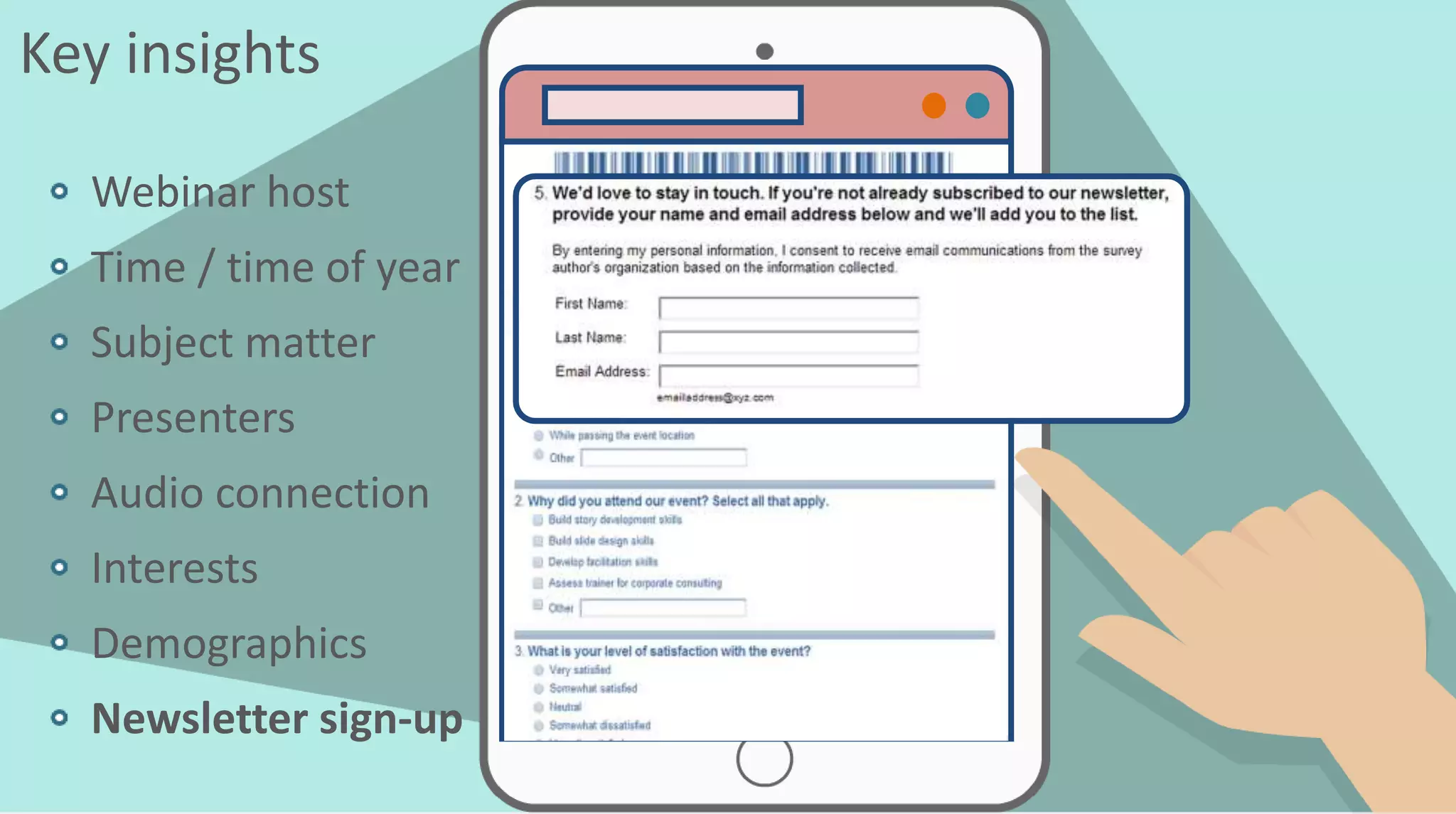
Key insights
Webinar host
Time / time of year
Subject matter
Presenters
Audio connection
Interests
Demographics
Newsletter sign-up
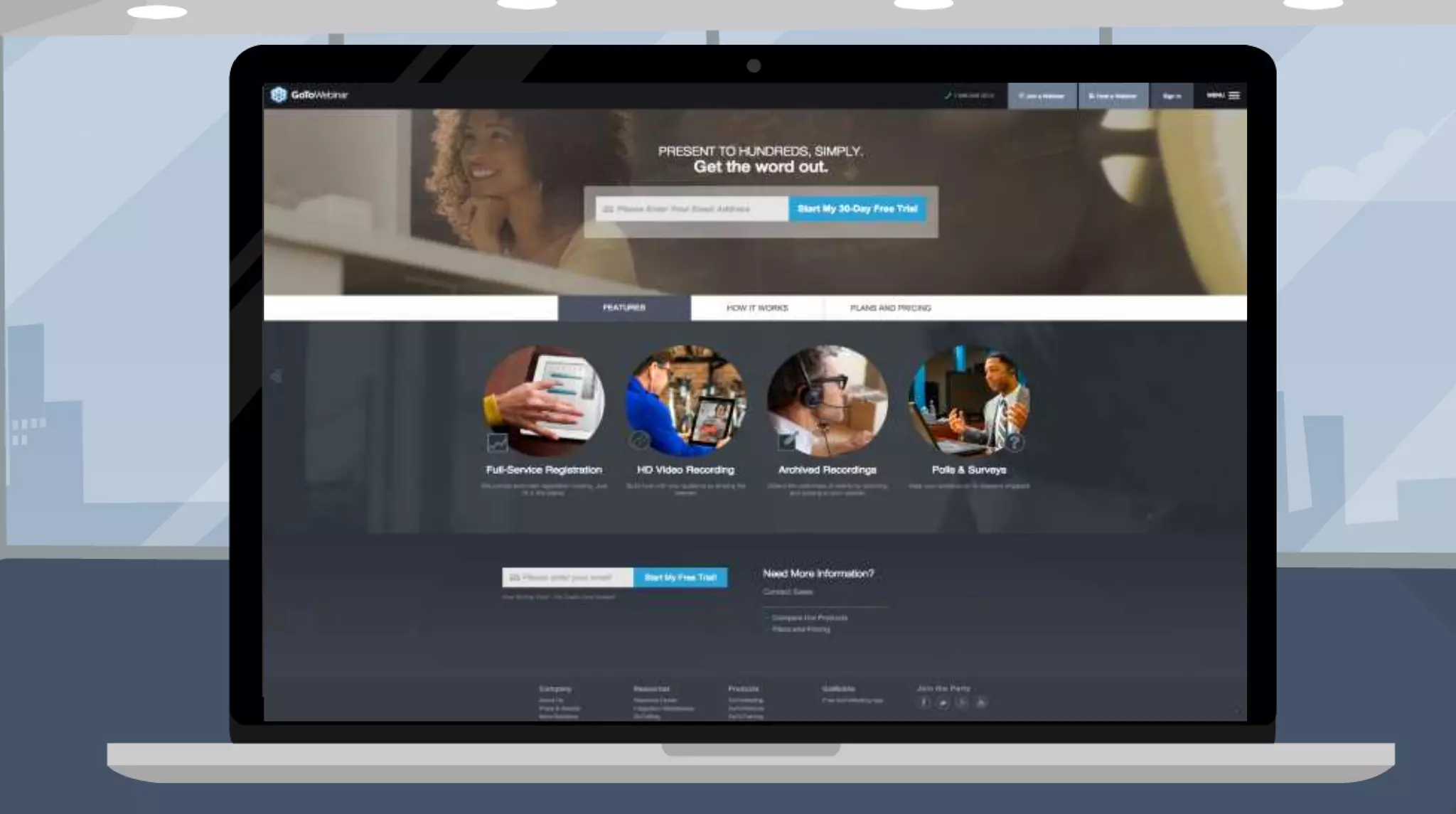
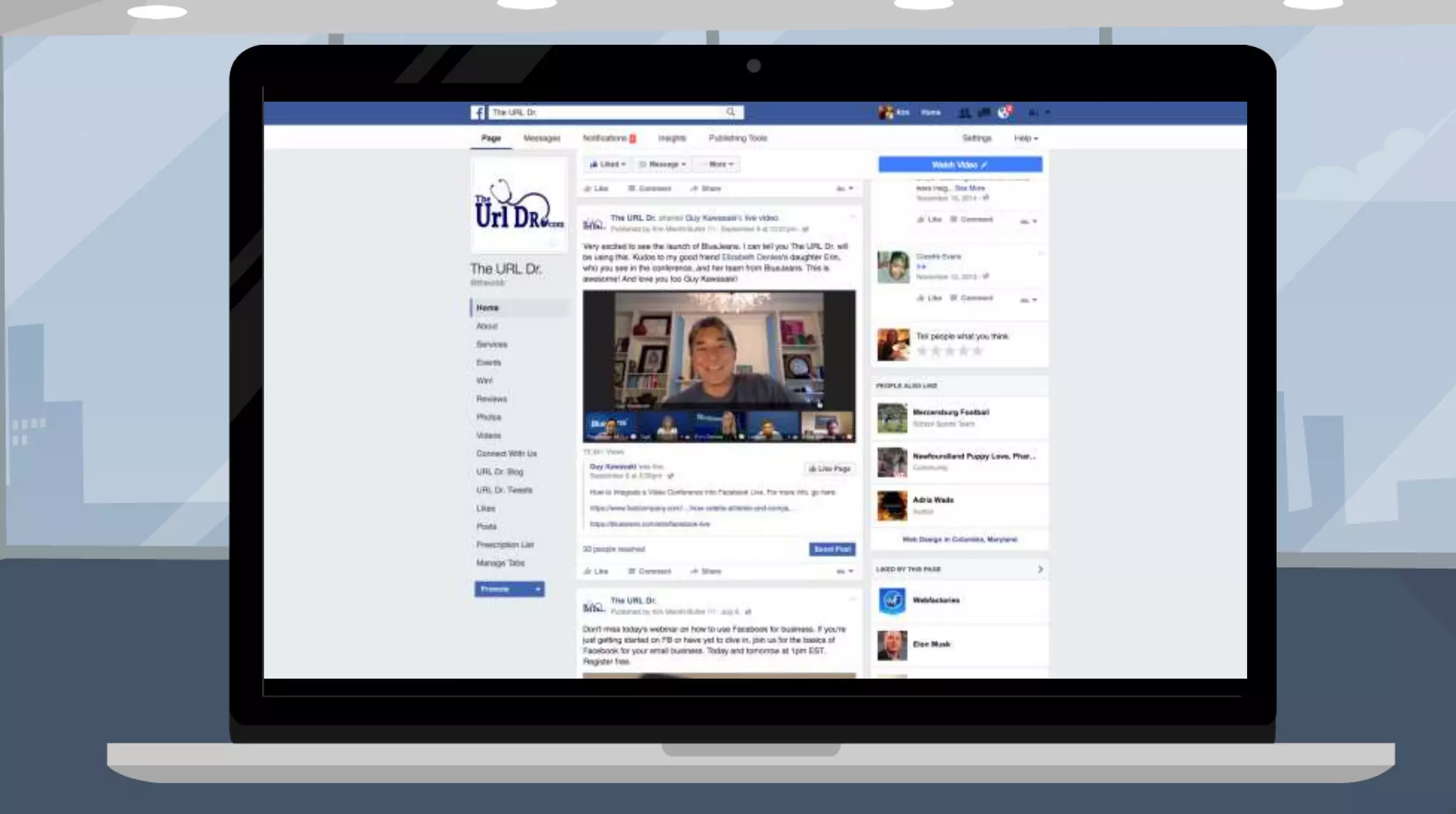
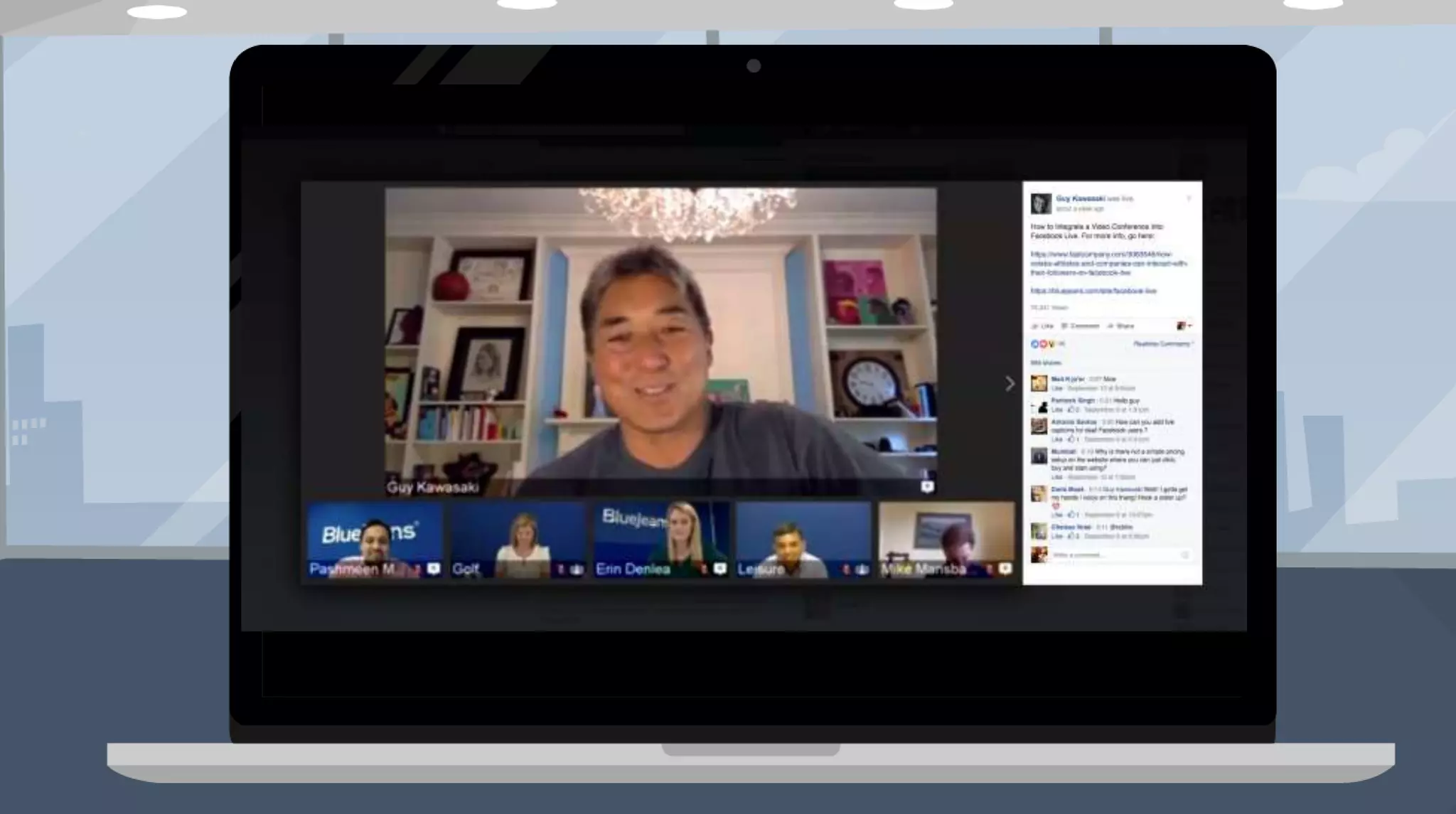
Tools
Making your life easier with the right tools
Next Steps
Where do you go from here?
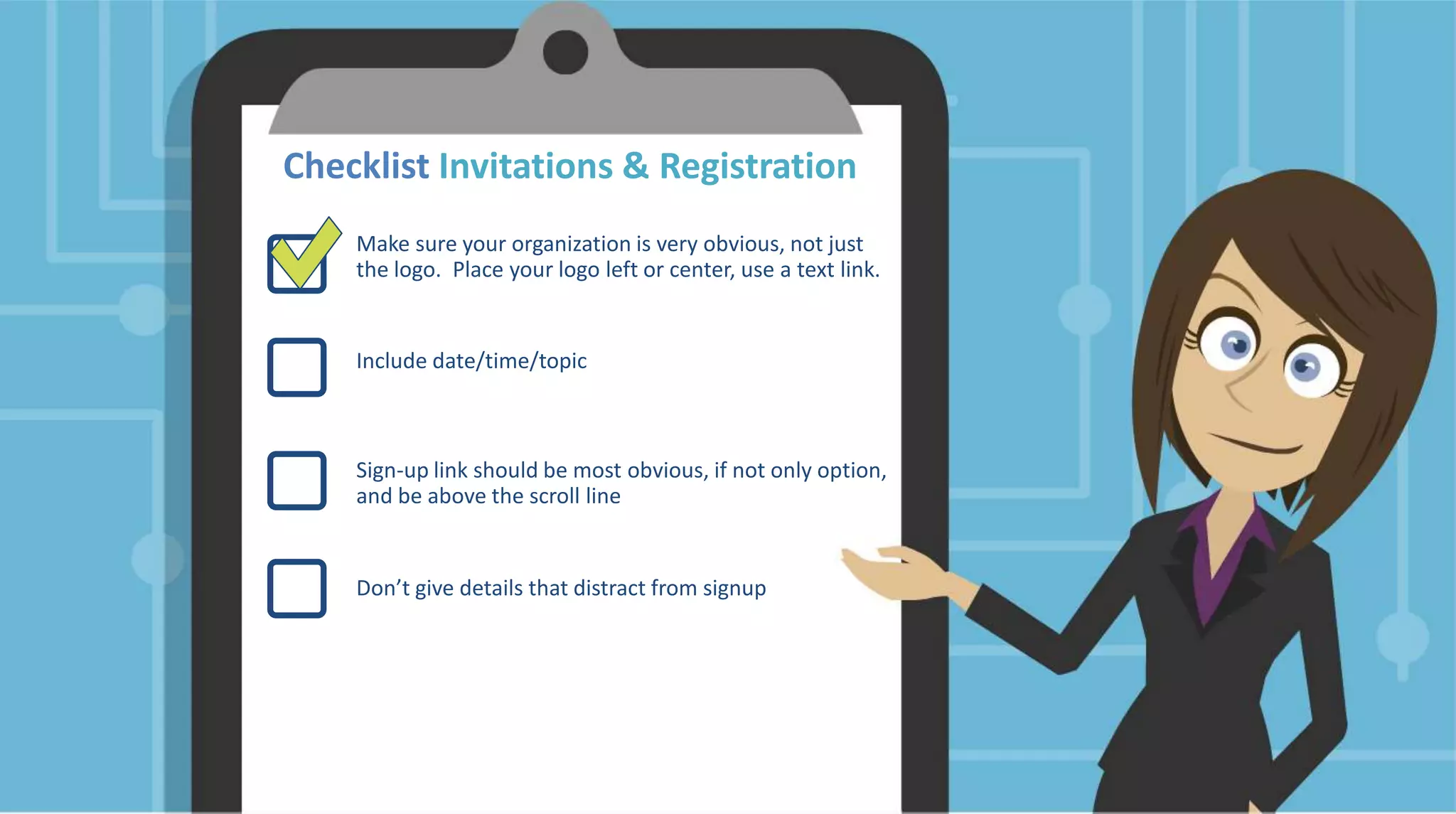
Checklist Invitations & Registration
Make sure your organization is very obvious, not just
the logo. Place your logo left or center, use a text link.
Include date/time/topic
Sign-up link should be most obvious, if not only option,
and be above the scroll line
Don’t give details that distract from signup
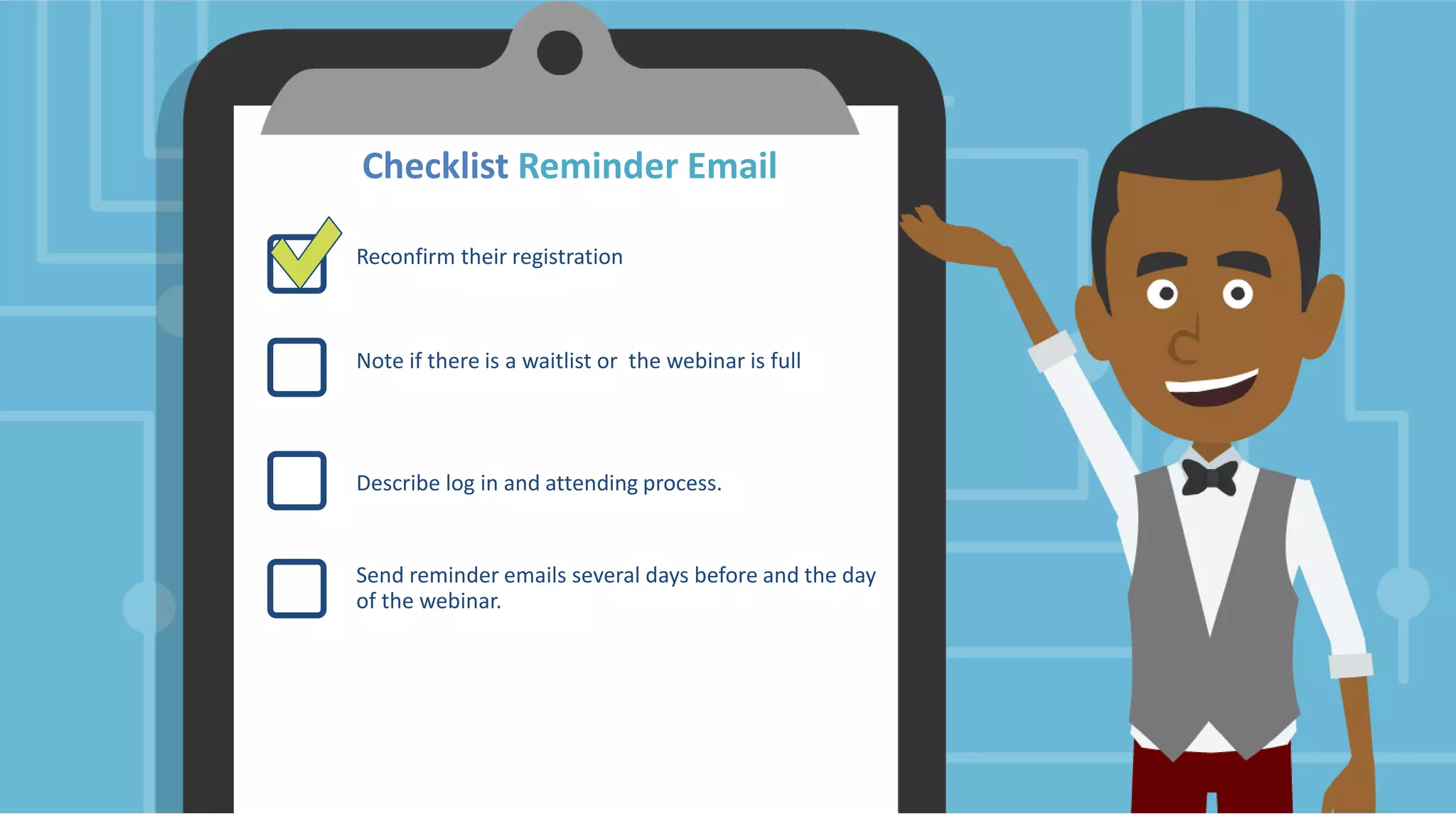
Checklist Reminder Email
Reconfirm their registration
Note if there is a waitlist or the webinar is full
Describe log in and attending process.
Send reminder emails several days before and the day
of the webinar.
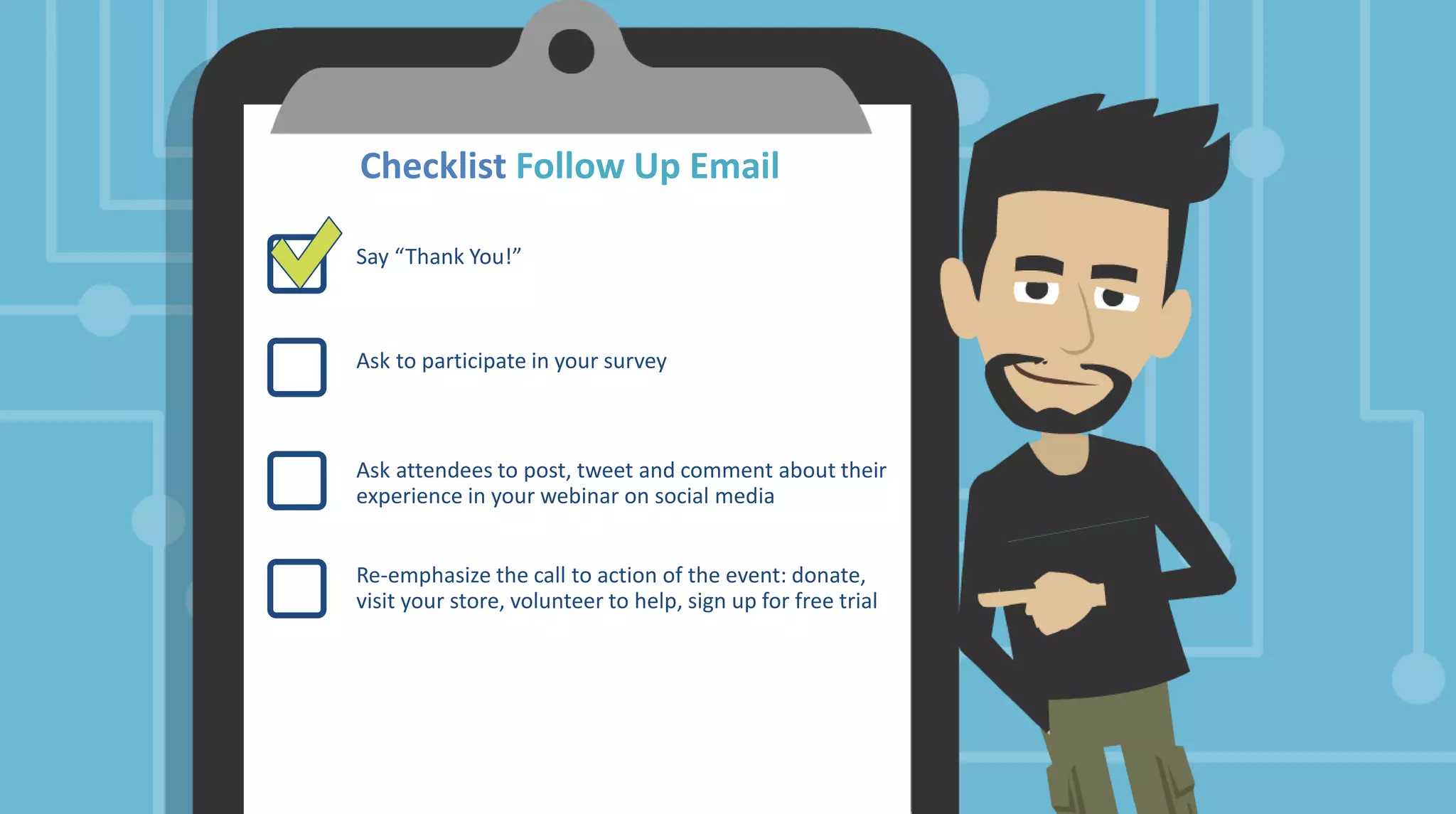
Checklist Follow Up Email
Say “Thank You!”
Ask to participate in your survey
Ask attendees to post, tweet and comment about their
experience in your webinar on social media
Re-emphasize the call to action of the event: donate,
visit your store, volunteer to help, sign up for free trial
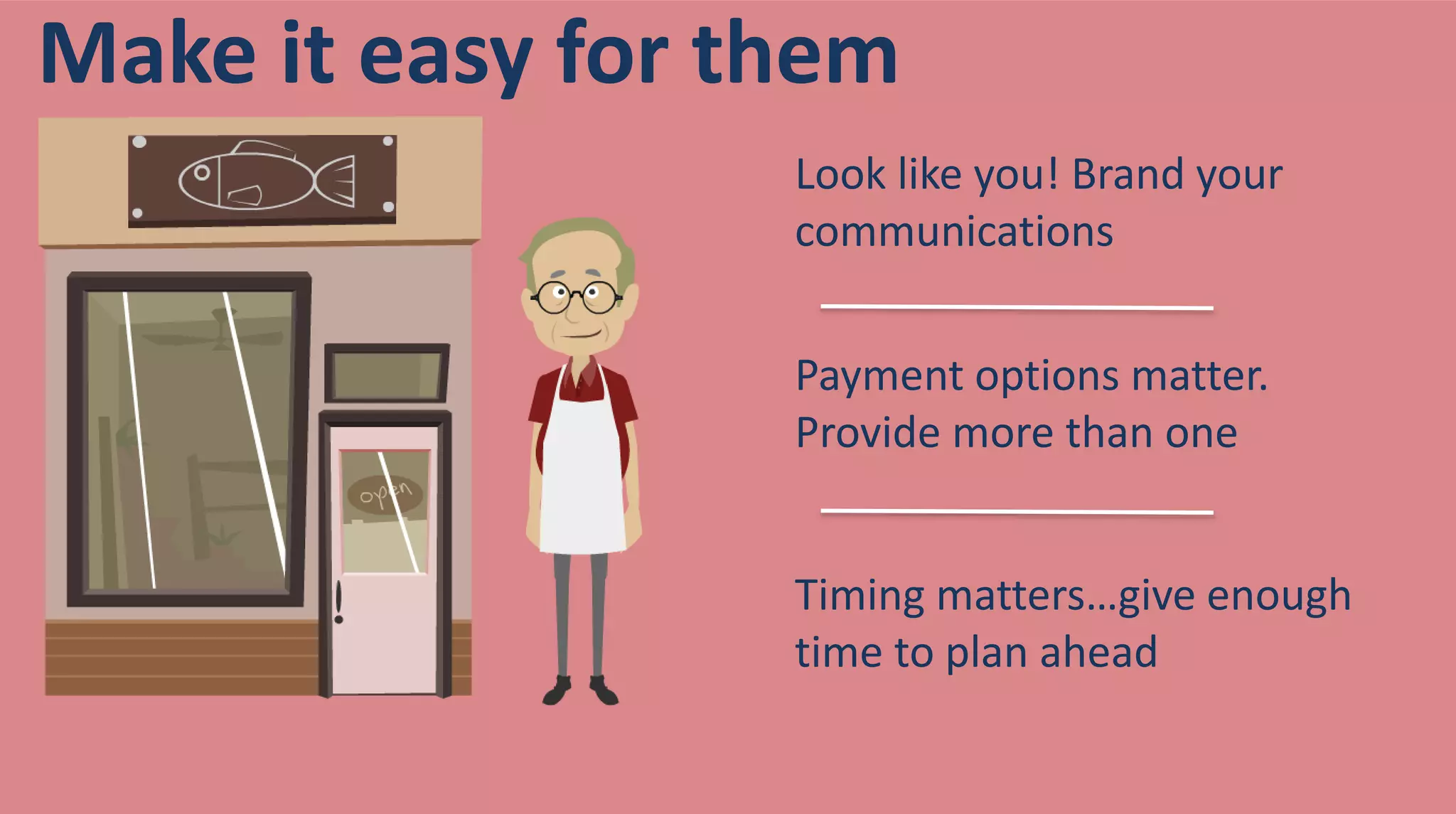
Look like you! Brand your
communications
Payment options matter.
Provide more than one
Timing matters…give enough
time to plan ahead
Make it easy for them
• In the mobile app, select the workshop
you attended.
• Scroll Down and Select Workshop Survey.
• Enter your ratings and comments
• Select Finish.
Don’t forget to rate this workshop in the
Conference APP
How to Kick Off a Webinar Program

How to Kick Off a Webinar Program