Download as PDF, PPTX
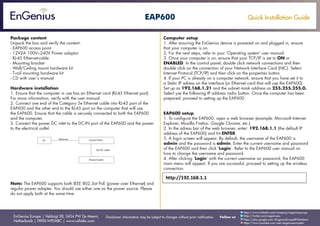
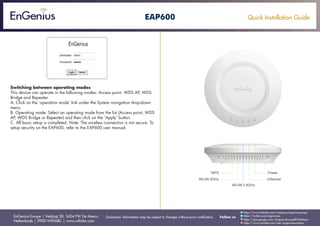

This document provides instructions for installing and setting up an EnGenius EAP600 access point. It lists the package contents and describes how to connect the access point to a computer via Ethernet cable and power adapter. It then gives steps to configure the computer's TCP/IP settings and access the access point's web interface using the default IP address. Finally, it explains how to switch between the access point's different operating modes.


