Download as PDF, PPTX

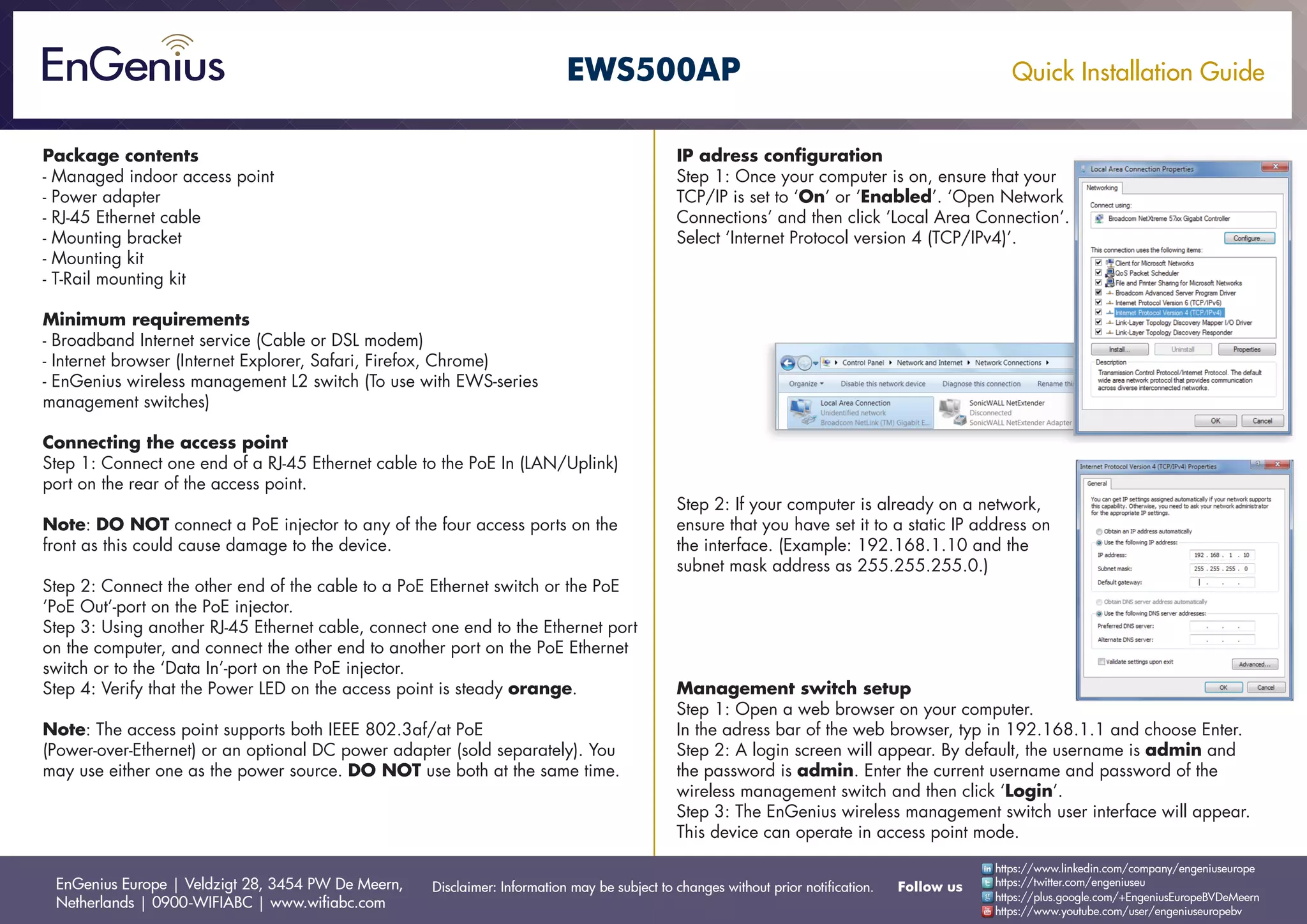
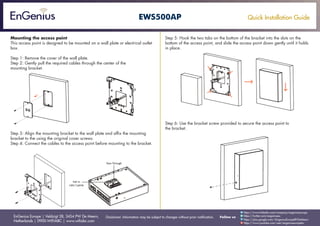
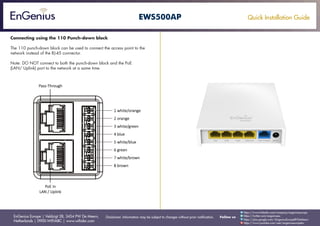

This document provides instructions for quickly installing an EnGenius EWS500AP managed indoor access point. It outlines unpacking the contents, minimum system requirements, connecting the access point to a PoE switch via Ethernet cable, configuring the IP address and management switch, mounting the access point to a wall or outlet box, and connecting it using a 110 punch-down block as an alternative to the Ethernet port. The instructions are separated into clear steps to guide the user through the swift setup and deployment of the new access point.


