Download to read offline
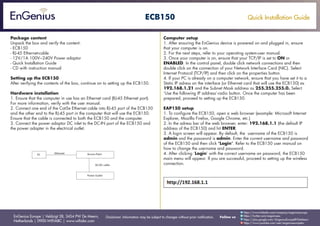
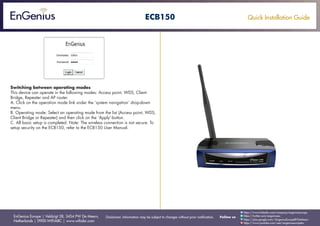

This document provides a quick installation guide for setting up the ECB150 Ethernet to wireless access point. It lists the package contents and instructions for hardware installation which includes connecting an Ethernet cable from the ECB150 to a computer and powering on the device. It also provides steps for configuring the computer's TCP/IP settings and accessing the ECB150's web interface using the default IP address to complete setup. Additional information is given on switching between different operating modes of the access point.


