Download as PDF, PPTX
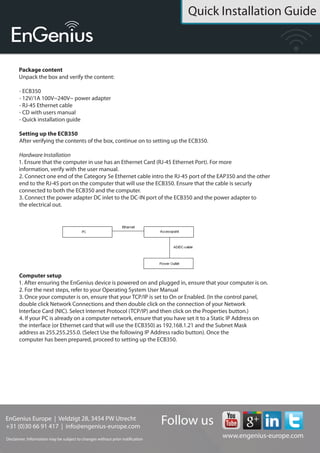
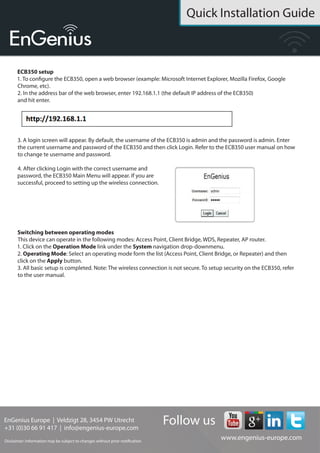

This quick installation guide provides instructions for setting up the EnGenius ECB350 Ethernet wireless access point. It lists the package contents and instructs the user to connect the ECB350 to a computer via Ethernet cable and power adapter. It then provides steps to configure the computer's TCP/IP settings and access the ECB350's web interface using the default IP address to complete setup of the wireless access point. It also notes that the ECB350 can operate in different wireless modes and switching between these is done through the web interface.


