Quick dive into WebVR
Janne Aukia — 27 Oct 2016
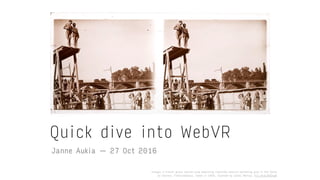
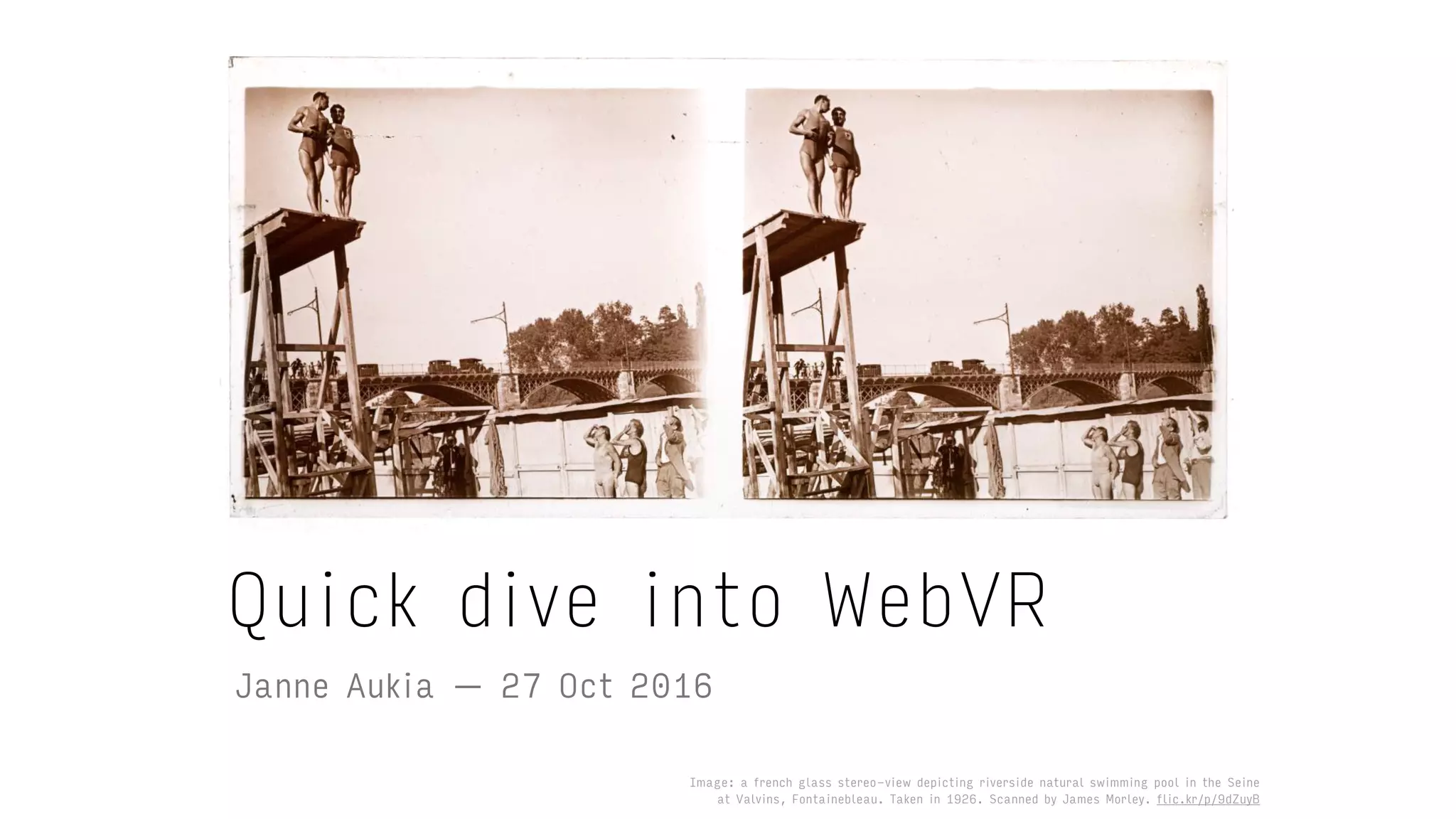
Image: a french glass stereo-view depicting riverside natural swimming pool in the Seine 

at Valvins, Fontainebleau. Taken in 1926. Scanned by James Morley. flic.kr/p/9dZuyB
Oculus rift by Musavvir Ahmed from the Noun Project.

thenounproject.com/term/oculus-rift/165712
I’m a UX designer / JS dev with
interest in VR, data visualisation and
machine learning. I work with startups
and agile teams.
About me
My interest in VR 1/2
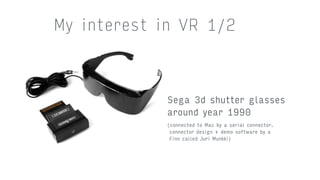
Sega 3d shutter glasses

around year 1990
(connected to Mac by a serial connector.
connector design + demo software by a 

Finn called Juri Munkki)
My interest in VR 2/2
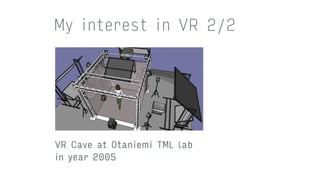
VR Cave at Otaniemi TML lab

in year 2005
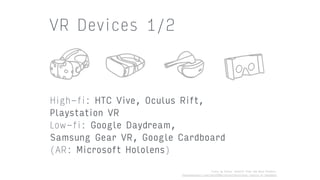
High-fi: HTC Vive, Oculus Rift,
Playstation VR
Low-fi: Google Daydream,
Samsung Gear VR, Google Cardboard
(AR: Microsoft Hololens)
VR Devices 1/2
Icons by Arthur Schmitt from the Noun Project.

thenounproject.com/tart2000/collection/virtual-reality-vr-headsets
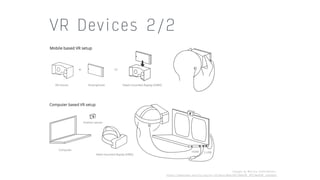
VR Devices 2/2
Images by Mozilla Contributors.

https://developer.mozilla.org/en-US/docs/Web/API/WebVR_API/WebVR_concepts
Unreal Engine (C++)
Unity (C#)
WebVR (JS)
VR Programming
“Always bet on JS” — Brendan Eich
WebVR
WebVR is an experimental JavaScript
API that provides access to Virtual
Reality devices in a browser.
A W3C Community Group spec on the way
to standardization.
WebGL + pose tracking + stereoscopic
rendering + vr controllers
WebVR: browsers
WebVR being developed for Chrome,
Firefox, IE Edge and Samsung Internet
Browser. Facebook is making a WebVR
browser for Oculus as well.
HTC Vive supported only in experimental
Chrome builds and Firefox nightly.
More info: https://hacks.mozilla.org/2016/03/
introducing-the-webvr-1-0-api-proposal/
Exciting times: WebVR API, tools, browsers
and hardware are in a state of constant flux.
Photo by Michelle Tribe.

flic.kr/p/8onKq9
WebVR: how to start
Starting point: webvr.info
High-fi: Experimental Chrome + HTC
Vive + Windows
Low-fi: Samsung Gear VR or similar. Or
a mobile phone + WebVR polyfill. Or
build a native app with CocoonJS etc.
1. Query for VR displays
2. Present to the VR display
3. Render
4. Input VR controllers (gamepad API)
WebVR API overview
https://iswebvrready.org/
WebVR API: rendering
navigator.getVRDisplays().then(function(displays)	{	
		if	(!displays.length)	return;	
		vrDisplay	=	displays.length[0];	
}).catch(function	(err)	{	
		console.error('Could	not	get	VRDisplays',	err.stack);	
});	
//	WebVR	introduces	a	special,	over	60FPS	version,	
//	of	the	requestAnimationFrame!	
vrDisplay.requestAnimationFrame(loop);	
function	loop()	{	
		//	set	up	for	the	next	frame	
		vrDisplay.requestAnimationFrame(loop);	
		//	get	HMD	position/orientation	
		var	pose	=	vrDisplay.getPose();	
		if(vrDisplay.isPresenting)	{	
				//	render	scene	for	each	eye	
				renderScene(pose,	"left");	
				renderScene(pose,	"right");	
		}	
		vrDisplay.submitFrame(pose);	
}
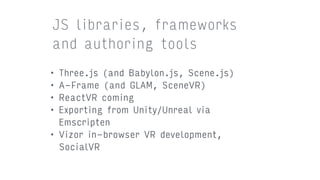
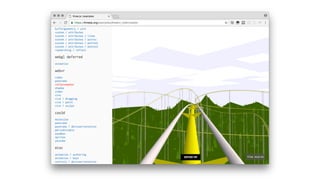
• Three.js (and Babylon.js, Scene.js)
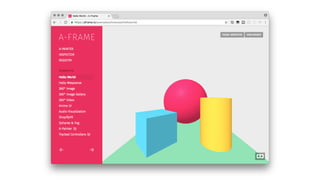
• A-Frame (and GLAM, SceneVR)
• ReactVR coming
• Exporting from Unity/Unreal via
Emscripten
• Vizor in-browser VR development,
SocialVR
JS libraries, frameworks
and authoring tools
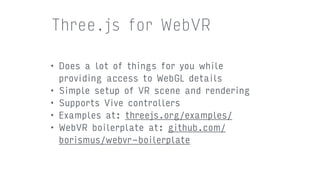
• Does a lot of things for you while
providing access to WebGL details
• Simple setup of VR scene and rendering
• Supports Vive controllers
• Examples at: threejs.org/examples/
• WebVR boilerplate at: github.com/
borismus/webvr-boilerplate
Three.js for WebVR
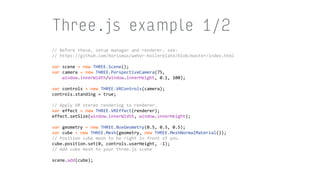
Three.js example 1/2
//	Before	these,	setup	manager	and	renderer,	see:	
//	https://github.com/borismus/webvr-boilerplate/blob/master/index.html	
var	scene	=	new	THREE.Scene();	
var	camera	=	new	THREE.PerspectiveCamera(75,	

				window.innerWidth/window.innerHeight,	0.1,	100);	
var	controls	=	new	THREE.VRControls(camera);	
controls.standing	=	true;	
//	Apply	VR	stereo	rendering	to	renderer.	
var	effect	=	new	THREE.VREffect(renderer);	
effect.setSize(window.innerWidth,	window.innerHeight);	
var	geometry	=	new	THREE.BoxGeometry(0.5,	0.5,	0.5);	
var	cube	=	new	THREE.Mesh(geometry,	new	THREE.MeshNormalMaterial());	
//	Position	cube	mesh	to	be	right	in	front	of	you.	
cube.position.set(0,	controls.userHeight,	-1);	
//	Add	cube	mesh	to	your	three.js	scene	
scene.add(cube);
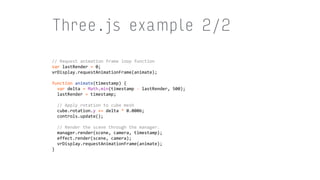
Three.js example 2/2
//	Request	animation	frame	loop	function	
var	lastRender	=	0;	
vrDisplay.requestAnimationFrame(animate);	
function	animate(timestamp)	{	
		var	delta	=	Math.min(timestamp	-	lastRender,	500);	
		lastRender	=	timestamp;	
			
		//	Apply	rotation	to	cube	mesh	
		cube.rotation.y	+=	delta	*	0.0006;	
		controls.update();	
			
		//	Render	the	scene	through	the	manager.	
		manager.render(scene,	camera,	timestamp);	
		effect.render(scene,	camera);	
		vrDisplay.requestAnimationFrame(animate);	
}
• WebVR emulator for Chrome might also come
in handy, find it at: https://webvr.info/
• Ray Input is a JavaScript library that
provides an input abstraction for interacting
with 3D VR content in the browser: https://
github.com/borismus/ray-input
• WebVR replayer for Vive controller
simulation/testing https://github.com/
mrdoob/webvr-replayer
Practical tools
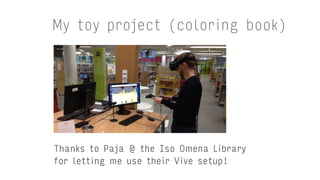
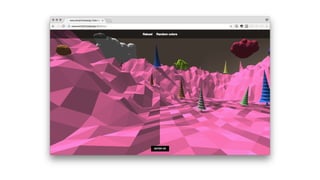
My toy project (coloring book)
Thanks to Paja @ the Iso Omena Library 

for letting me use their Vive setup!
Other demos / material.
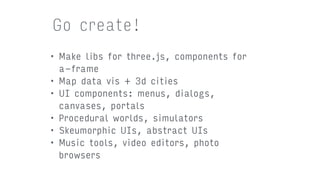
• Make libs for three.js, components for
a-frame
• Map data vis + 3d cities
• UI components: menus, dialogs,
canvases, portals
• Procedural worlds, simulators
• Skeumorphic UIs, abstract UIs
• Music tools, video editors, photo
browsers
Go create!

Quick dive into WebVR