Media Technologies That We Used
Research At the start of our product we obviously had to find a song that we could work with for this we used a website called                                                        ,                            ,we also could of choose from many other websites, one of them is newgrounds. The reasons we had to use these websites is because we had to use unsigned and non-copyrighted  songs. Once we had the song we could then move onto further research about the artist and the song. For this we used social network sites like                                           and                                  . To get a greater understanding of the genre that the song is in we used search engines such as                                  and            and                     .  We did all this on a Imac which is made by….
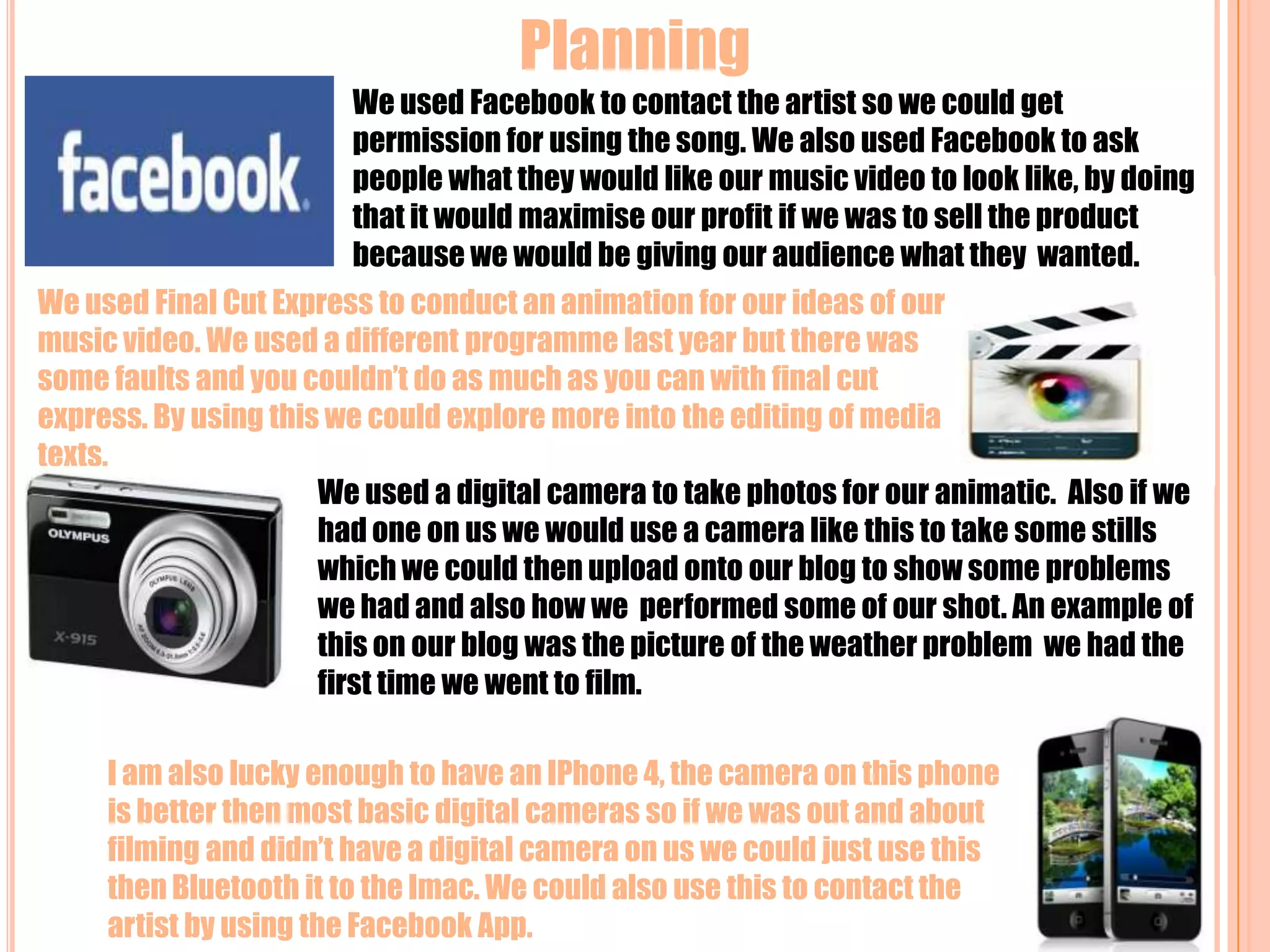
Planning We used Facebook to contact the artist so we could get permission for using the song. We also used Facebook to ask people what they would like our music video to look like, by doing that it would maximise our profit if we was to sell the product because we would be giving our audience what they  wanted.We used Final Cut Express to conduct an animation for our ideas of our music video. We used a different programme last year but there was some faults and you couldn’t do as much as you can with final cut express. By using this we could explore more into the editing of media texts.We used a digital camera to take photos for our animatic. Also if we had one on us we would use a camera like this to take some stills which we could then upload onto our blog to show some problems we had and also how we  performed some of our shot. An example of this on our blog was the picture of the weather problem  we had the first time we went to film.I am also lucky enough to have an IPhone 4, the camera on this phone is better then most basic digital cameras so if we was out and about filming and didn’t have a digital camera on us we could just use this  then Bluetooth it to the Imac. We could also use this to contact the artist by using the Facebook App.
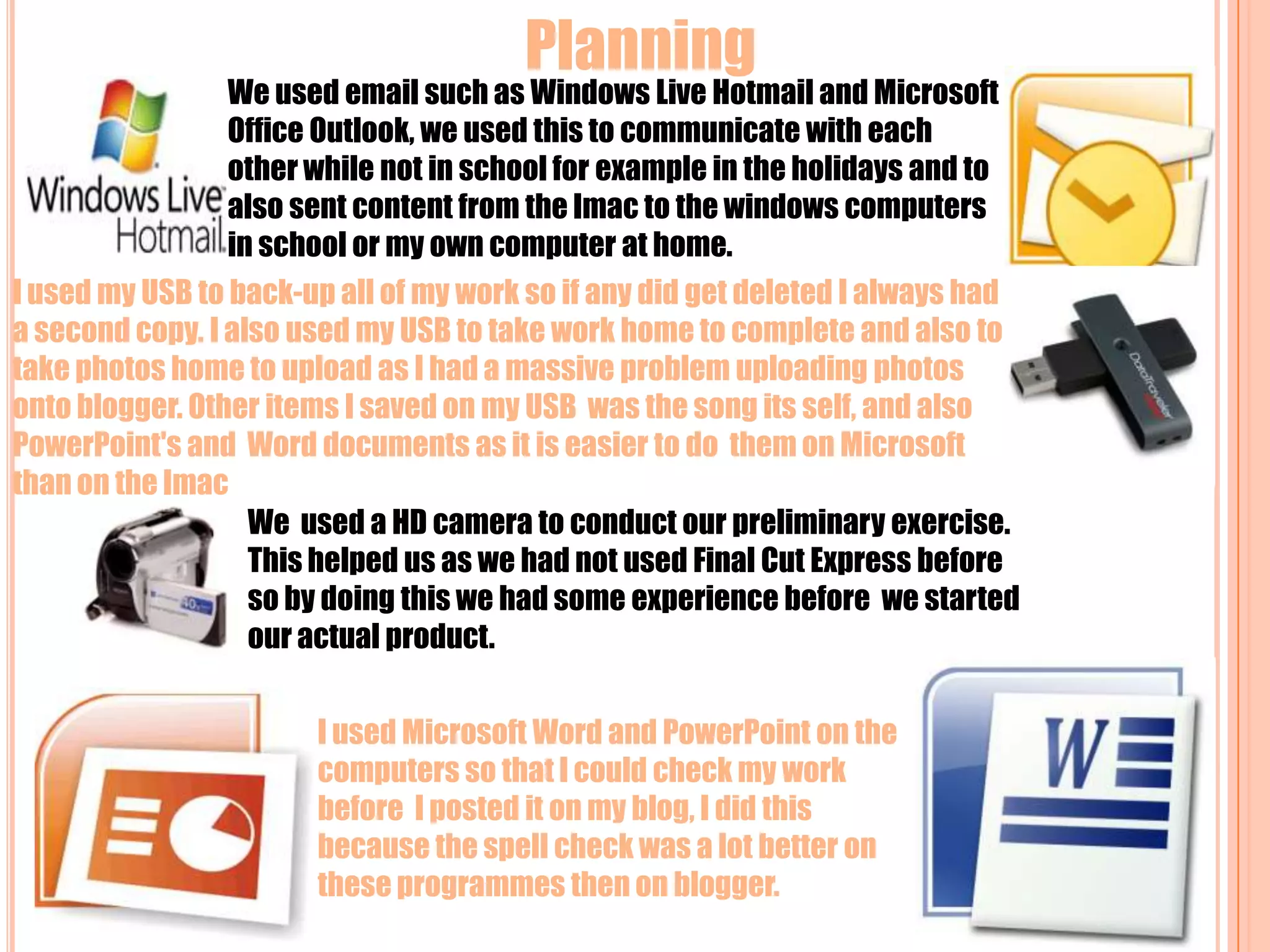
 Planning  We used email such as Windows Live Hotmail and Microsoft Office Outlook, we used this to communicate with each other while not in school for example in the holidays and to also sent content from the Imac to the windows computers in school or my own computer at home.I used my USB to back-up all of my work so if any did get deleted I always had a second copy. I also used my USB to take work home to complete and also to take photos home to upload as I had a massive problem uploading photos onto blogger. Other items I saved on my USB  was the song its self, and also PowerPoint's and  Word documents as it is easier to do  them on Microsoft than on the Imac We  used a HD camera to conduct our preliminary exercise. This helped us as we had not used Final Cut Express before so by doing this we had some experience before  we started our actual product.  I used Microsoft Word and PowerPoint on the computers so that I could check my work before  I posted it on my blog, I did this because the spell check was a lot better on these programmes then on blogger.
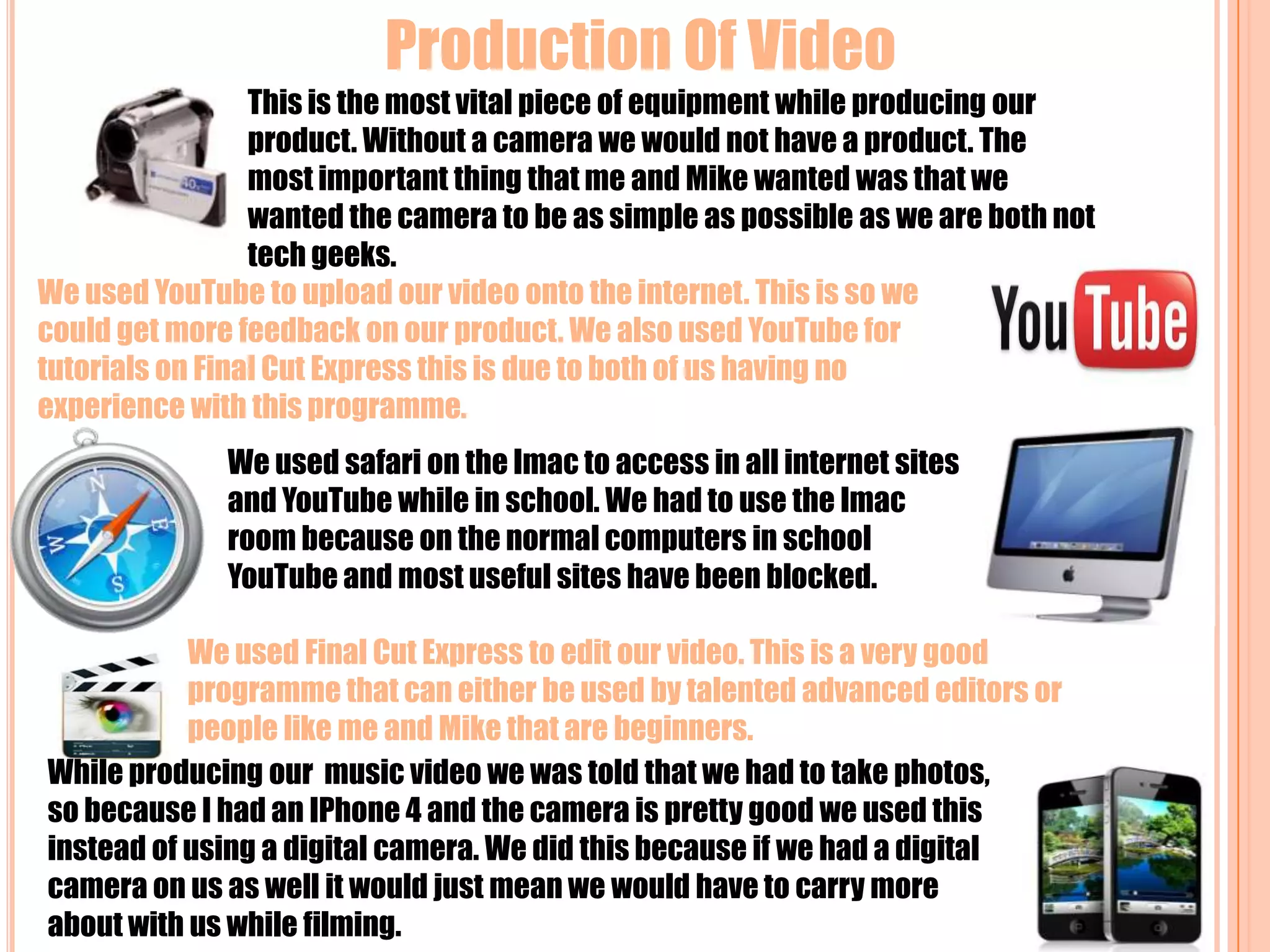
Production Of Video  This is the most vital piece of equipment while producing our product. Without a camera we would not have a product. The most important thing that me and Mike wanted was that we wanted the camera to be as simple as possible as we are both not tech geeks. We used YouTube to upload our video onto the internet. This is so we could get more feedback on our product. We also used YouTube for tutorials on Final Cut Express this is due to both of us having no experience with this programme.We used safari on the Imac to access in all internet sites and YouTube while in school. We had to use the Imac room because on the normal computers in school YouTube and most useful sites have been blocked.We used Final Cut Express to edit our video. This is a very good programme that can either be used by talented advanced editors or people like me and Mike that are beginners.While producing our  music video we was told that we had to take photos, so because I had an IPhone 4 and the camera is pretty good we used this instead of using a digital camera. We did this because if we had a digital camera on us as well it would just mean we would have to carry more about with us while filming.
Production Of Magazine Advert and Digi-PakI used a site called Piknik this is so we could ad different effects to both the advert and the digi-pak. This website is very simple to use and is easy to pick up. This is what the bulk of the advert and digi-pak was made on.We used safari on the Imac to find out about other digi-paks and also to get a template for our own digi-pak. This was important because we didn’t want our digi-pak to have no meaning so we wanted to use ideas from artists like ours. An example of this is the cigarette lighter, we got this idea from “The Streets”.I also used paint on the windows computer. This is because sometime it is quicker to use this if I want to cut a photo then try to use the other programmes that I am not as familiar with. This saved time because if I was trying to do something like that on Photoshop I would probably have to ask for help or watch a tutorial.I also used Photoshop while creating my advert and digi-pak, this is because on this programme I can layer my work allowing me to put photos on top of each other without looking untidy or tacky. Even though this programme is complicated for what I wanted to use it for it was fine, I only needed to watch the basics on YouTube.I used YouTube for tutorials on how to use new programmes to me.
 Evaluation This is a site called survey Monkey, it allows you to create a survey which you can then post on blogs, Facebook and etc to get audience feedback. You post it by using the surveys HTML code. It gives you the feedback so it saves you a lot of time, if I was to manually do this it could take weeks to receive the information and then process it into charts.I used a site called Slide Share so that I could post this PowerPoint on my blog. It is very good and very simple. It allows me to also use new technology in my blog that other people may not use. I used all these websites (Facebook, YouTube and Blogger) to get feedback from my audience on how they think my video was so I know how to improve it.

Question 4

  • 1.
  • 2.
    Research At thestart of our product we obviously had to find a song that we could work with for this we used a website called , ,we also could of choose from many other websites, one of them is newgrounds. The reasons we had to use these websites is because we had to use unsigned and non-copyrighted songs. Once we had the song we could then move onto further research about the artist and the song. For this we used social network sites like and . To get a greater understanding of the genre that the song is in we used search engines such as and and . We did all this on a Imac which is made by….
  • 3.
    Planning We usedFacebook to contact the artist so we could get permission for using the song. We also used Facebook to ask people what they would like our music video to look like, by doing that it would maximise our profit if we was to sell the product because we would be giving our audience what they wanted.We used Final Cut Express to conduct an animation for our ideas of our music video. We used a different programme last year but there was some faults and you couldn’t do as much as you can with final cut express. By using this we could explore more into the editing of media texts.We used a digital camera to take photos for our animatic. Also if we had one on us we would use a camera like this to take some stills which we could then upload onto our blog to show some problems we had and also how we performed some of our shot. An example of this on our blog was the picture of the weather problem we had the first time we went to film.I am also lucky enough to have an IPhone 4, the camera on this phone is better then most basic digital cameras so if we was out and about filming and didn’t have a digital camera on us we could just use this then Bluetooth it to the Imac. We could also use this to contact the artist by using the Facebook App.
  • 4.
    Planning We used email such as Windows Live Hotmail and Microsoft Office Outlook, we used this to communicate with each other while not in school for example in the holidays and to also sent content from the Imac to the windows computers in school or my own computer at home.I used my USB to back-up all of my work so if any did get deleted I always had a second copy. I also used my USB to take work home to complete and also to take photos home to upload as I had a massive problem uploading photos onto blogger. Other items I saved on my USB was the song its self, and also PowerPoint's and Word documents as it is easier to do them on Microsoft than on the Imac We used a HD camera to conduct our preliminary exercise. This helped us as we had not used Final Cut Express before so by doing this we had some experience before we started our actual product. I used Microsoft Word and PowerPoint on the computers so that I could check my work before I posted it on my blog, I did this because the spell check was a lot better on these programmes then on blogger.
  • 5.
    Production Of Video This is the most vital piece of equipment while producing our product. Without a camera we would not have a product. The most important thing that me and Mike wanted was that we wanted the camera to be as simple as possible as we are both not tech geeks. We used YouTube to upload our video onto the internet. This is so we could get more feedback on our product. We also used YouTube for tutorials on Final Cut Express this is due to both of us having no experience with this programme.We used safari on the Imac to access in all internet sites and YouTube while in school. We had to use the Imac room because on the normal computers in school YouTube and most useful sites have been blocked.We used Final Cut Express to edit our video. This is a very good programme that can either be used by talented advanced editors or people like me and Mike that are beginners.While producing our music video we was told that we had to take photos, so because I had an IPhone 4 and the camera is pretty good we used this instead of using a digital camera. We did this because if we had a digital camera on us as well it would just mean we would have to carry more about with us while filming.
  • 6.
    Production Of MagazineAdvert and Digi-PakI used a site called Piknik this is so we could ad different effects to both the advert and the digi-pak. This website is very simple to use and is easy to pick up. This is what the bulk of the advert and digi-pak was made on.We used safari on the Imac to find out about other digi-paks and also to get a template for our own digi-pak. This was important because we didn’t want our digi-pak to have no meaning so we wanted to use ideas from artists like ours. An example of this is the cigarette lighter, we got this idea from “The Streets”.I also used paint on the windows computer. This is because sometime it is quicker to use this if I want to cut a photo then try to use the other programmes that I am not as familiar with. This saved time because if I was trying to do something like that on Photoshop I would probably have to ask for help or watch a tutorial.I also used Photoshop while creating my advert and digi-pak, this is because on this programme I can layer my work allowing me to put photos on top of each other without looking untidy or tacky. Even though this programme is complicated for what I wanted to use it for it was fine, I only needed to watch the basics on YouTube.I used YouTube for tutorials on how to use new programmes to me.
  • 7.
    Evaluation Thisis a site called survey Monkey, it allows you to create a survey which you can then post on blogs, Facebook and etc to get audience feedback. You post it by using the surveys HTML code. It gives you the feedback so it saves you a lot of time, if I was to manually do this it could take weeks to receive the information and then process it into charts.I used a site called Slide Share so that I could post this PowerPoint on my blog. It is very good and very simple. It allows me to also use new technology in my blog that other people may not use. I used all these websites (Facebook, YouTube and Blogger) to get feedback from my audience on how they think my video was so I know how to improve it.