TECHNOLOGY
QUESTION 4
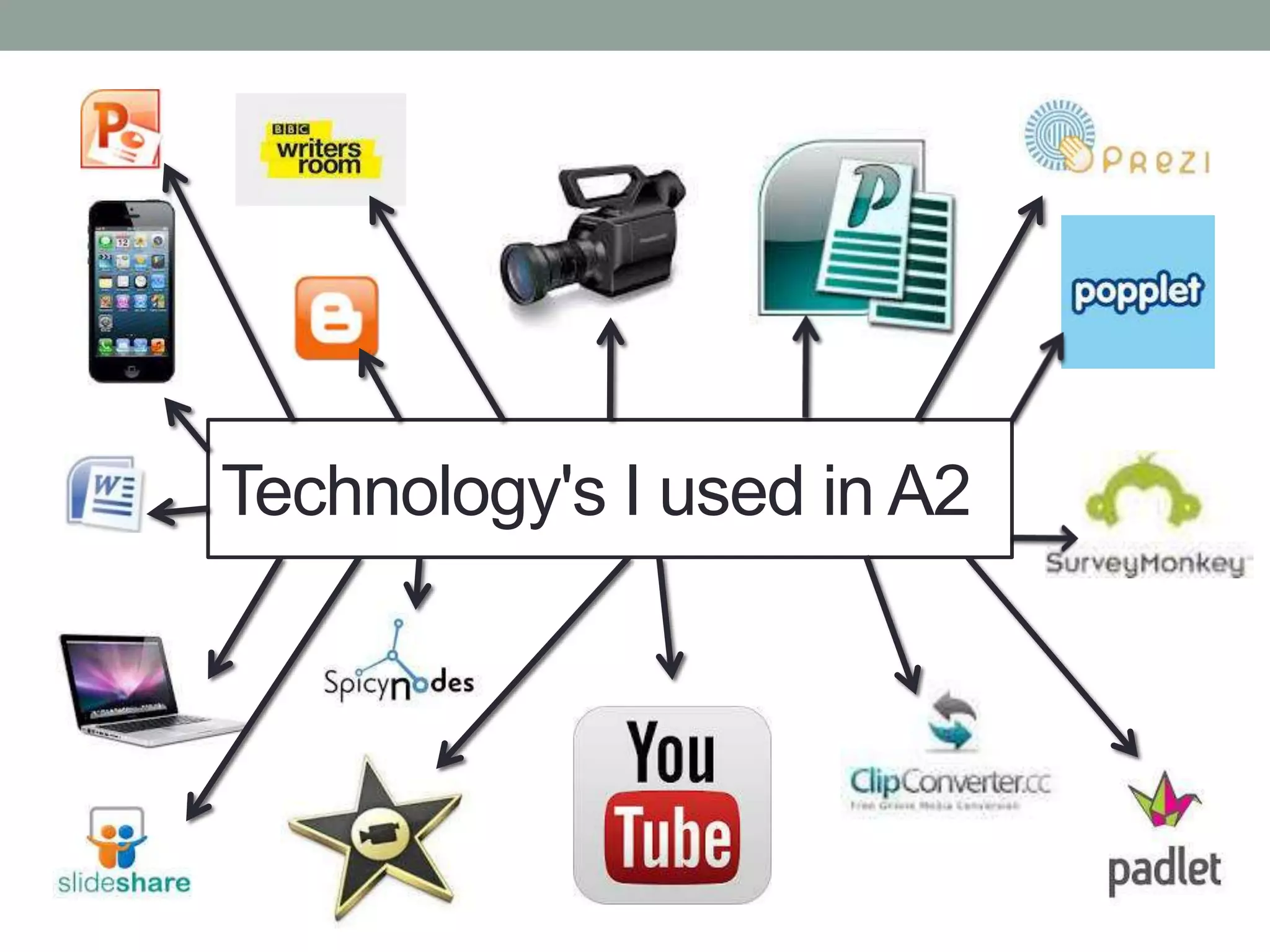
Technology's I used in A2
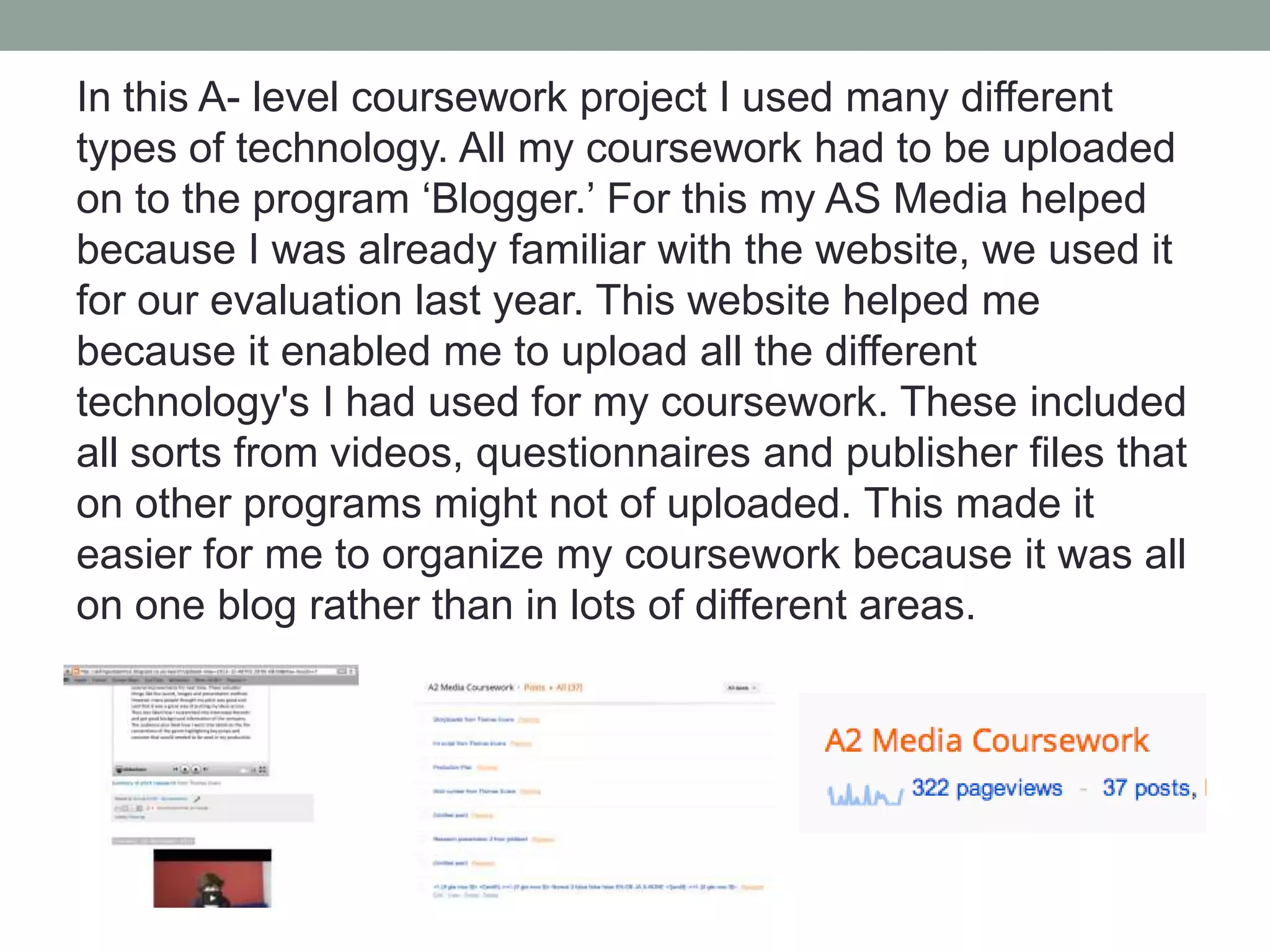
In this A- level coursework project I used many different
types of technology. All my coursework had to be uploaded
on to the program ‘Blogger.’ For this my AS Media helped
because I was already familiar with the website, we used it
for our evaluation last year. This website helped me
because it enabled me to upload all the different
technology's I had used for my coursework. These included
all sorts from videos, questionnaires and publisher files that
on other programs might not of uploaded. This made it
easier for me to organize my coursework because it was all
on one blog rather than in lots of different areas.
The main Microsoft programs I used throughout the
course included Word, Powerpoint and Publisher. I used
word to write up one of my audience feedback and
uploaded it to my blog. I like using word because it is the
most simple program to just write on. If all I want to do it
write then word would be my first choice because its
simple but effective. On word I learned if I want to insert
an image, how to crop it effectively and remove the
background of the image. This made my work look much
more professional and to a better standard.
Another Microsoft program I used in my
coursework was PowerPoint. I used this on
several occasions to visually show my
target audience what I had done.
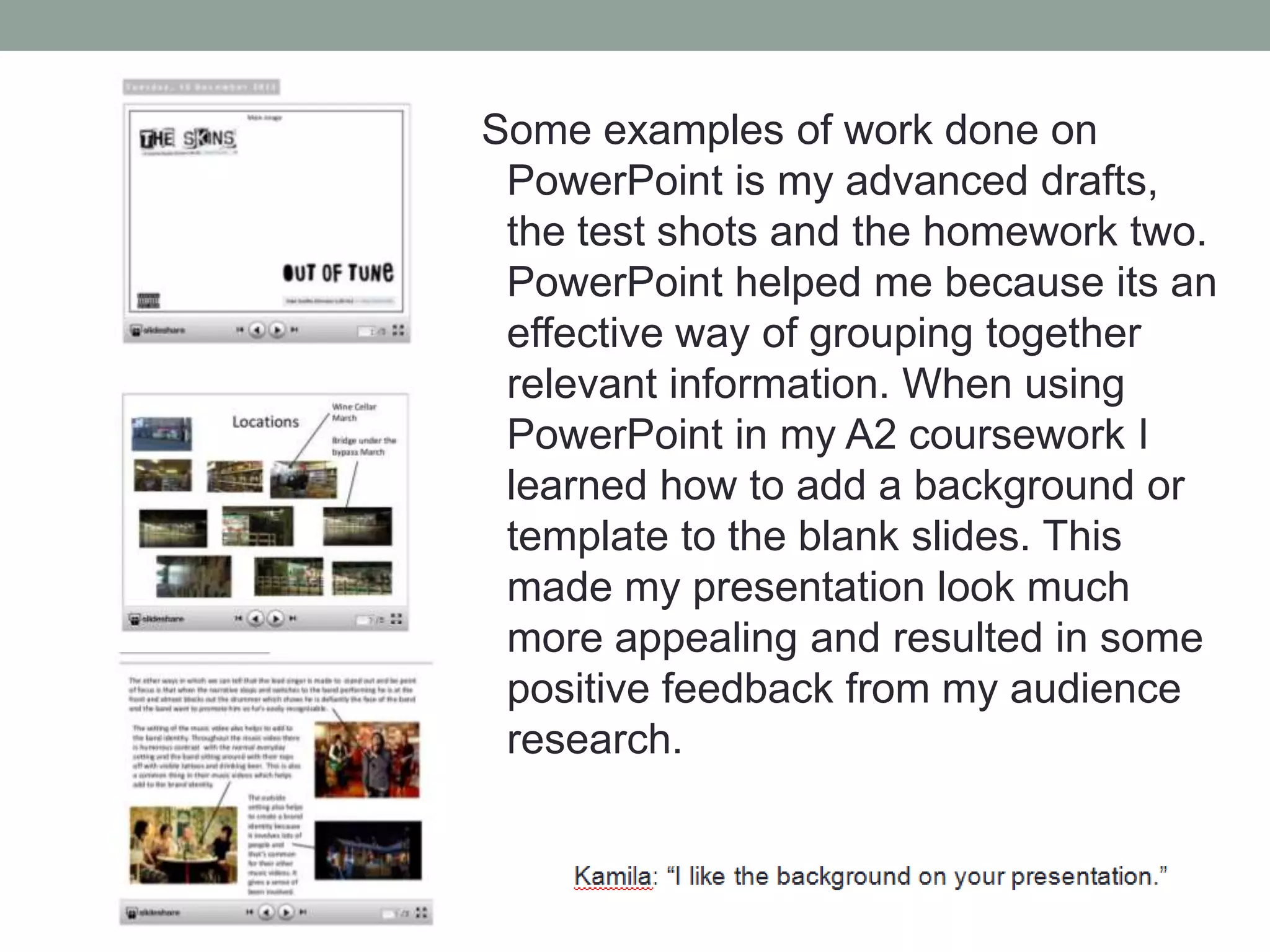
Some examples of work done on
PowerPoint is my advanced drafts,
the test shots and the homework two.
PowerPoint helped me because its an
effective way of grouping together
relevant information. When using
PowerPoint in my A2 coursework I
learned how to add a background or
template to the blank slides. This
made my presentation look much
more appealing and resulted in some
positive feedback from my audience
research.
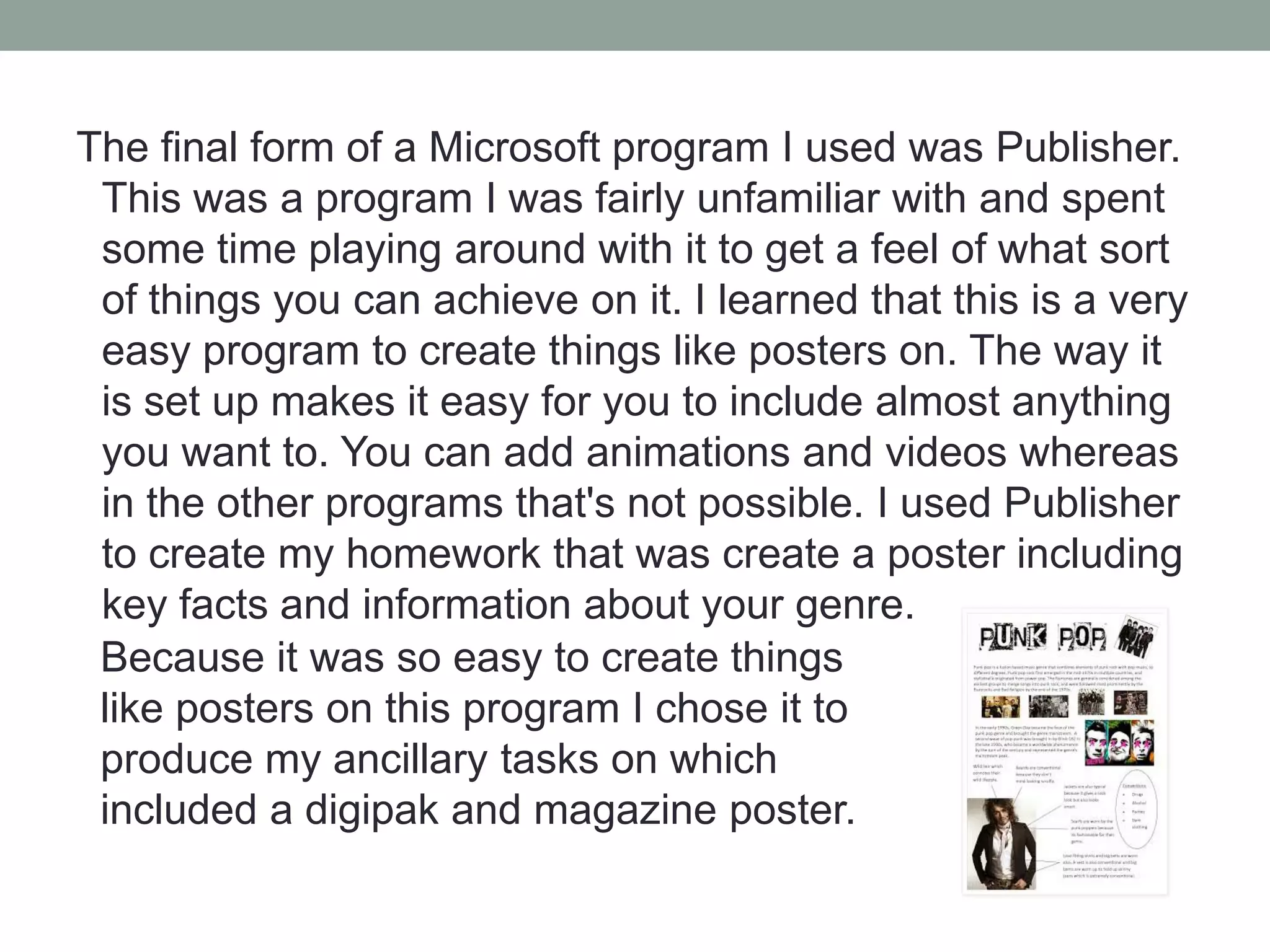
The final form of a Microsoft program I used was Publisher.
This was a program I was fairly unfamiliar with and spent
some time playing around with it to get a feel of what sort
of things you can achieve on it. I learned that this is a very
easy program to create things like posters on. The way it
is set up makes it easy for you to include almost anything
you want to. You can add animations and videos whereas
in the other programs that's not possible. I used Publisher
to create my homework that was create a poster including
key facts and information about your genre.
Because it was so easy to create things
like posters on this program I chose it to
produce my ancillary tasks on which
included a digipak and magazine poster.
During my A2 coursework I obviously had to use practical technology such as
Macs, my iPhone and a HD video camera. I had to use the Mac to edit all our
footage and put it all together to create our music video. Not only this but
almost the whole of my work was done on a Mac. Thankfully I have one at
home and we used them for our AS productions so I knew fairly well how to
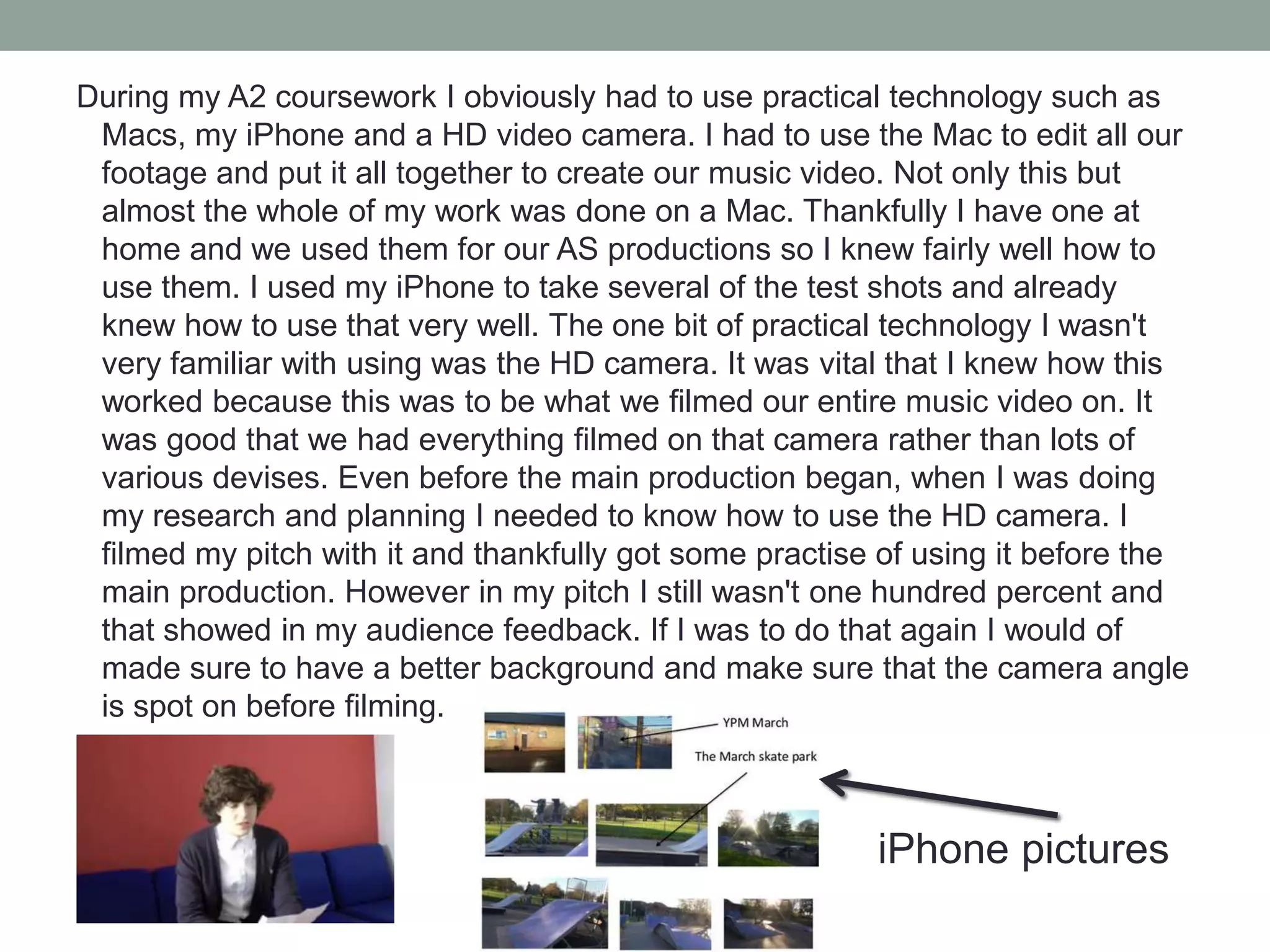
use them. I used my iPhone to take several of the test shots and already
knew how to use that very well. The one bit of practical technology I wasn't
very familiar with using was the HD camera. It was vital that I knew how this
worked because this was to be what we filmed our entire music video on. It
was good that we had everything filmed on that camera rather than lots of
various devises. Even before the main production began, when I was doing
my research and planning I needed to know how to use the HD camera. I
filmed my pitch with it and thankfully got some practise of using it before the
main production. However in my pitch I still wasn't one hundred percent and
that showed in my audience feedback. If I was to do that again I would of
made sure to have a better background and make sure that the camera angle
is spot on before filming.

iPhone pictures
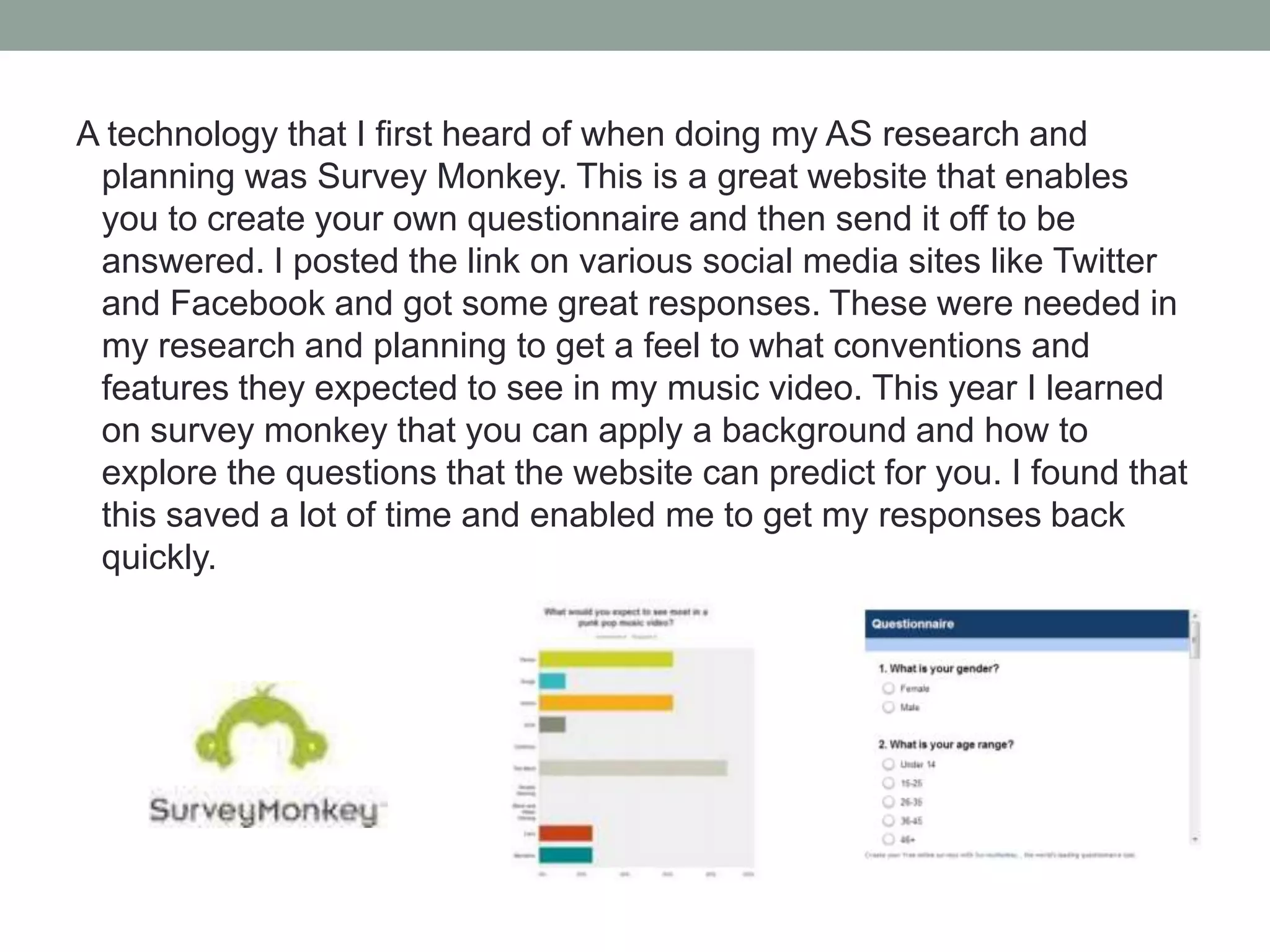
A technology that I first heard of when doing my AS research and
planning was Survey Monkey. This is a great website that enables
you to create your own questionnaire and then send it off to be
answered. I posted the link on various social media sites like Twitter
and Facebook and got some great responses. These were needed in
my research and planning to get a feel to what conventions and
features they expected to see in my music video. This year I learned
on survey monkey that you can apply a background and how to
explore the questions that the website can predict for you. I found that
this saved a lot of time and enabled me to get my responses back
quickly.
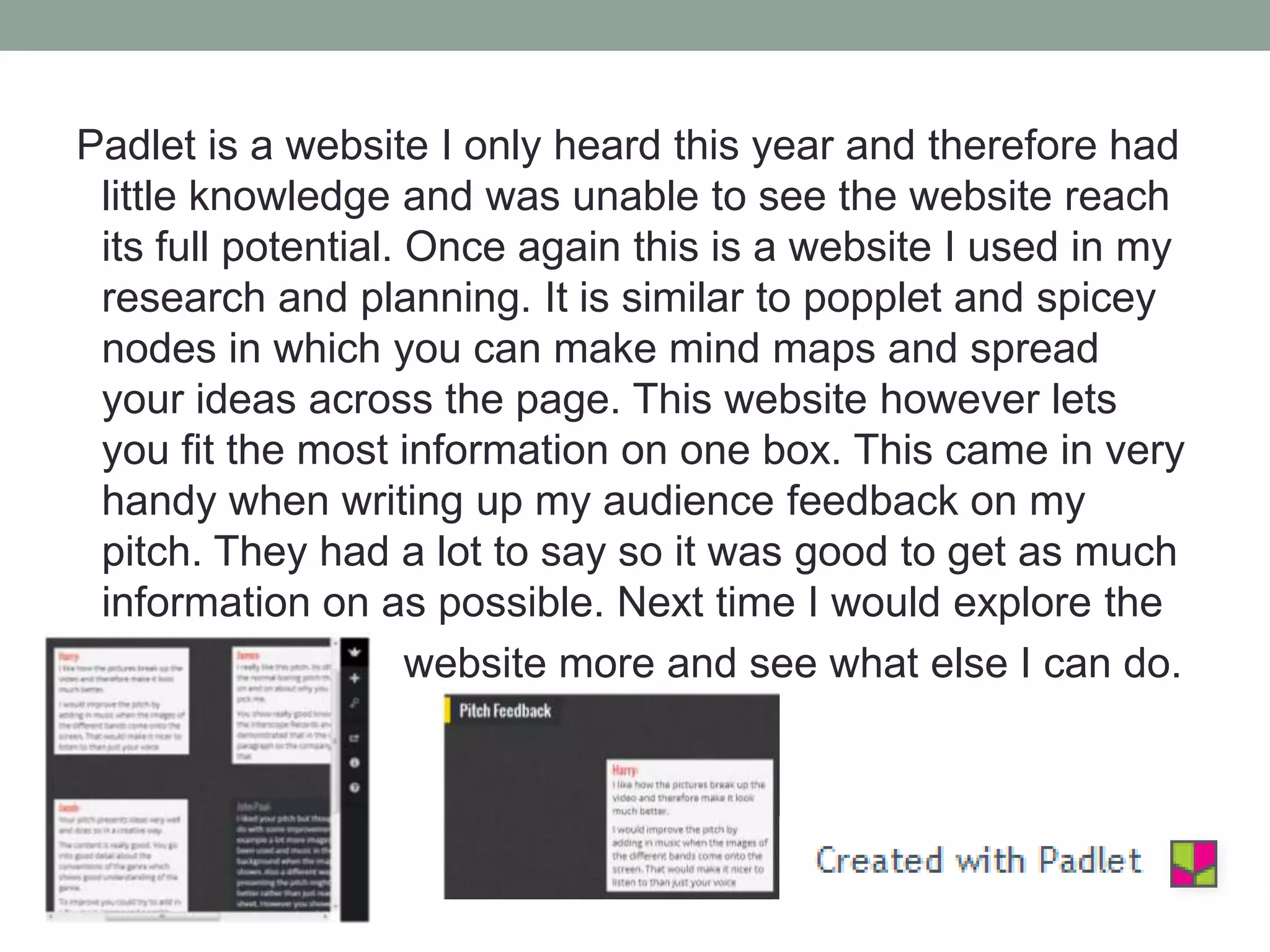
Padlet is a website I only heard this year and therefore had
little knowledge and was unable to see the website reach
its full potential. Once again this is a website I used in my
research and planning. It is similar to popplet and spicey
nodes in which you can make mind maps and spread
your ideas across the page. This website however lets
you fit the most information on one box. This came in very
handy when writing up my audience feedback on my
pitch. They had a lot to say so it was good to get as much
information on as possible. Next time I would explore the
website more and see what else I can do.
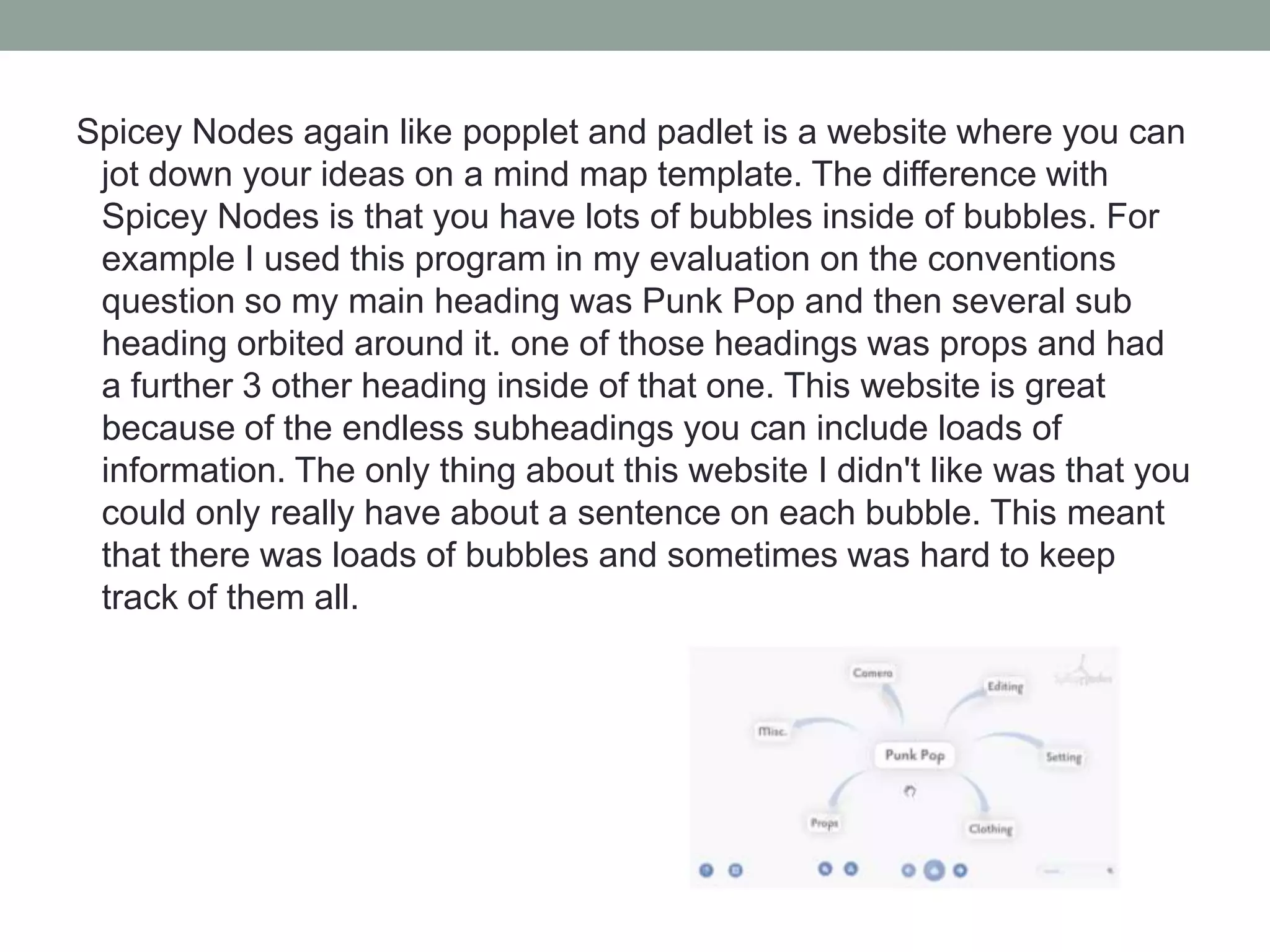
Spicey Nodes again like popplet and padlet is a website where you can
jot down your ideas on a mind map template. The difference with
Spicey Nodes is that you have lots of bubbles inside of bubbles. For
example I used this program in my evaluation on the conventions
question so my main heading was Punk Pop and then several sub
heading orbited around it. one of those headings was props and had
a further 3 other heading inside of that one. This website is great
because of the endless subheadings you can include loads of
information. The only thing about this website I didn't like was that you
could only really have about a sentence on each bubble. This meant
that there was loads of bubbles and sometimes was hard to keep
track of them all.
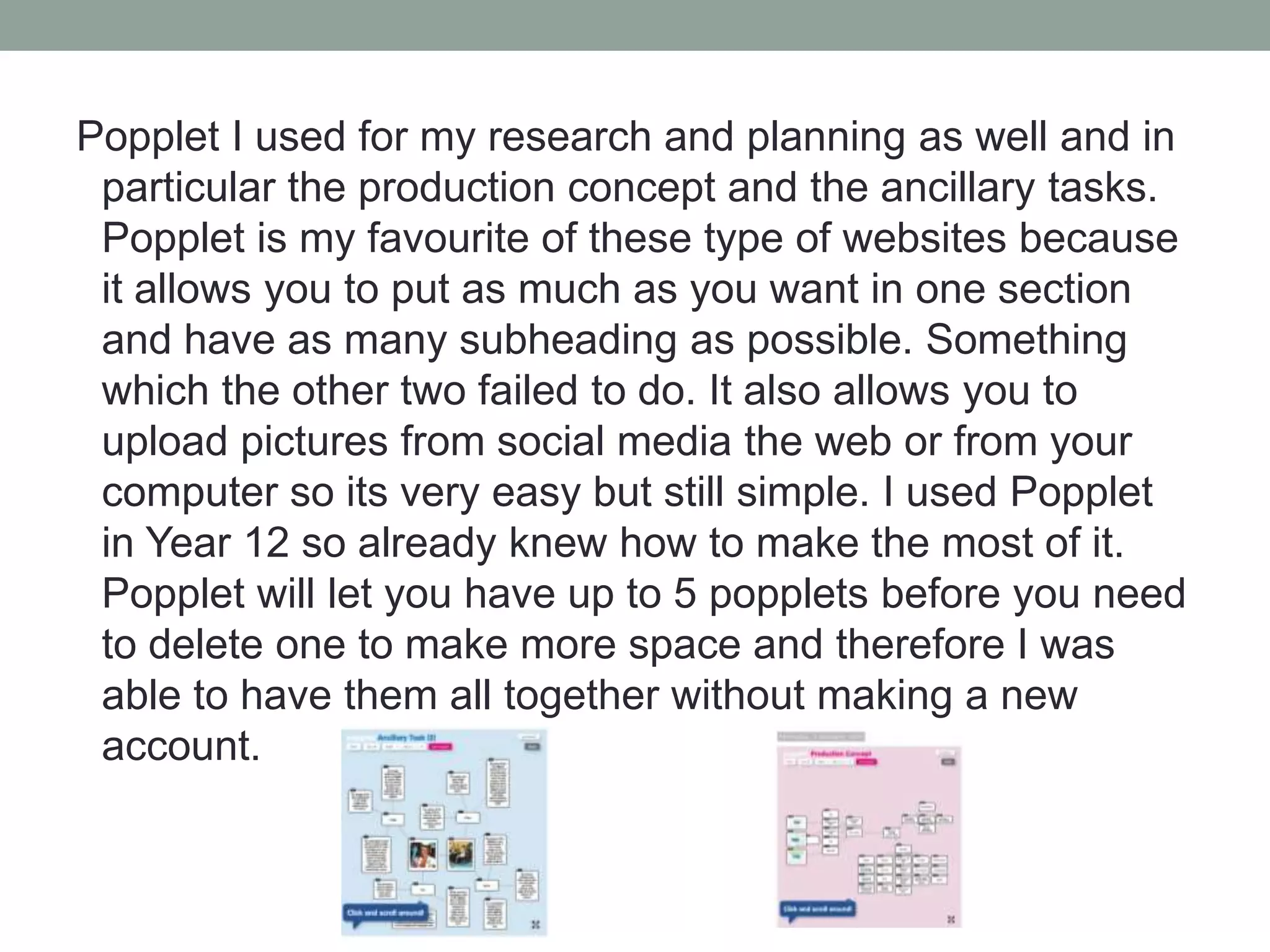
Popplet I used for my research and planning as well and in
particular the production concept and the ancillary tasks.
Popplet is my favourite of these type of websites because
it allows you to put as much as you want in one section
and have as many subheading as possible. Something
which the other two failed to do. It also allows you to
upload pictures from social media the web or from your
computer so its very easy but still simple. I used Popplet
in Year 12 so already knew how to make the most of it.
Popplet will let you have up to 5 popplets before you need
to delete one to make more space and therefore I was
able to have them all together without making a new
account.
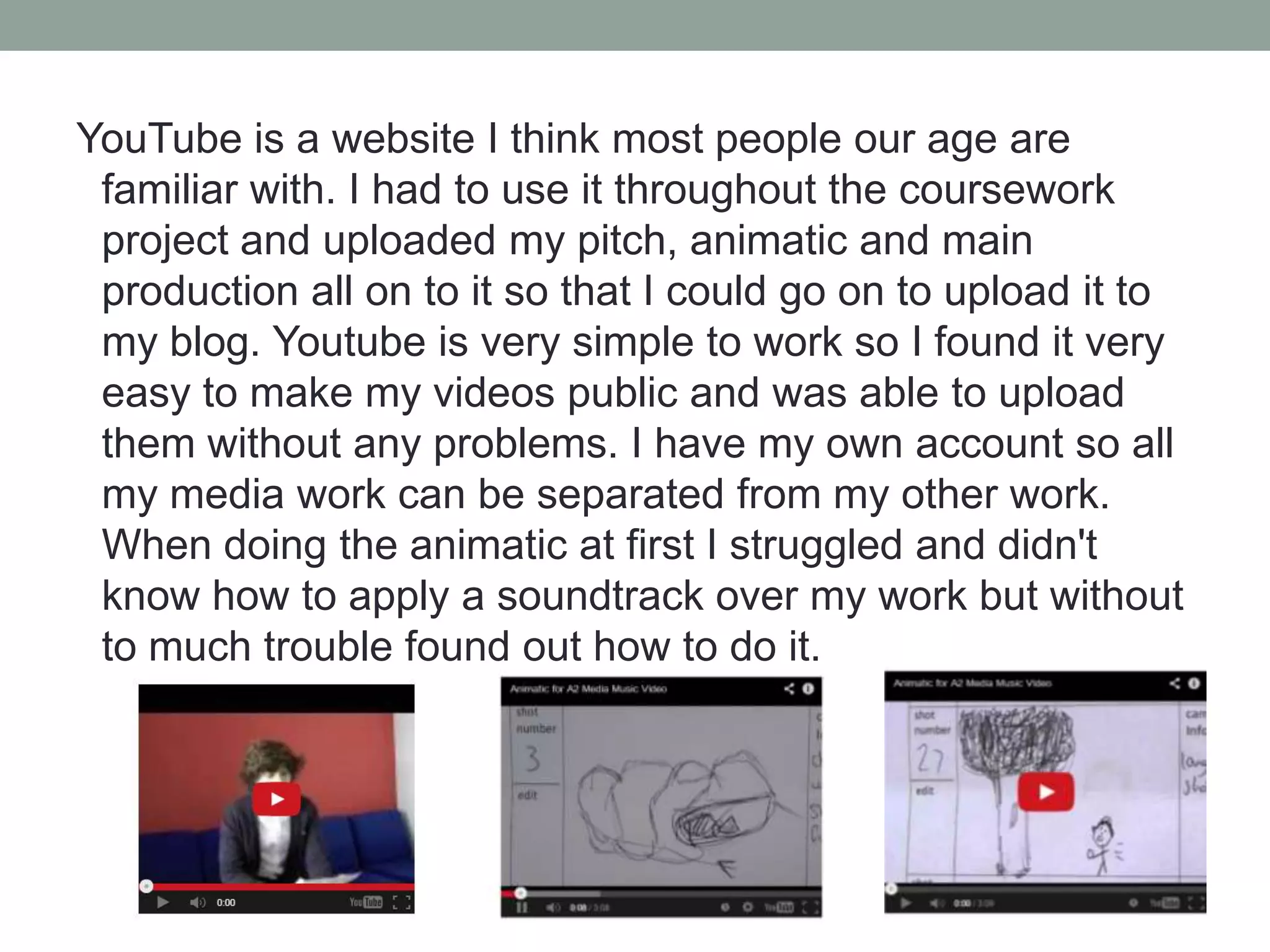
YouTube is a website I think most people our age are
familiar with. I had to use it throughout the coursework
project and uploaded my pitch, animatic and main
production all on to it so that I could go on to upload it to
my blog. Youtube is very simple to work so I found it very
easy to make my videos public and was able to upload
them without any problems. I have my own account so all
my media work can be separated from my other work.
When doing the animatic at first I struggled and didn't
know how to apply a soundtrack over my work but without
to much trouble found out how to do it.
BBC Writers Room is a website that's part of the BBC and
wants to show people how to write scripts. When me and
Charles visited this website we were met with a clear
template which we used as the foundations of our own
script. We found this really helpful because we had like
everybody else in the class minimal experience of writing
scripts.
iMovie is the program on the Macs that me and Charles
best felt would be best for editing our videos. Every single
second of footage went though this program, not just the
main production but the pitch and the animatic too.
Thankfully I have a Mac at home so had some basic
knowledge already. I think that iMovie is a great program
because it stores all your videos on the program without
you needing to remove them to start another production.
The only problem we found when using this was that
some effects we planned on adding in were difficult and
stressful to apply. We overcame this however and worked
it out in the end.
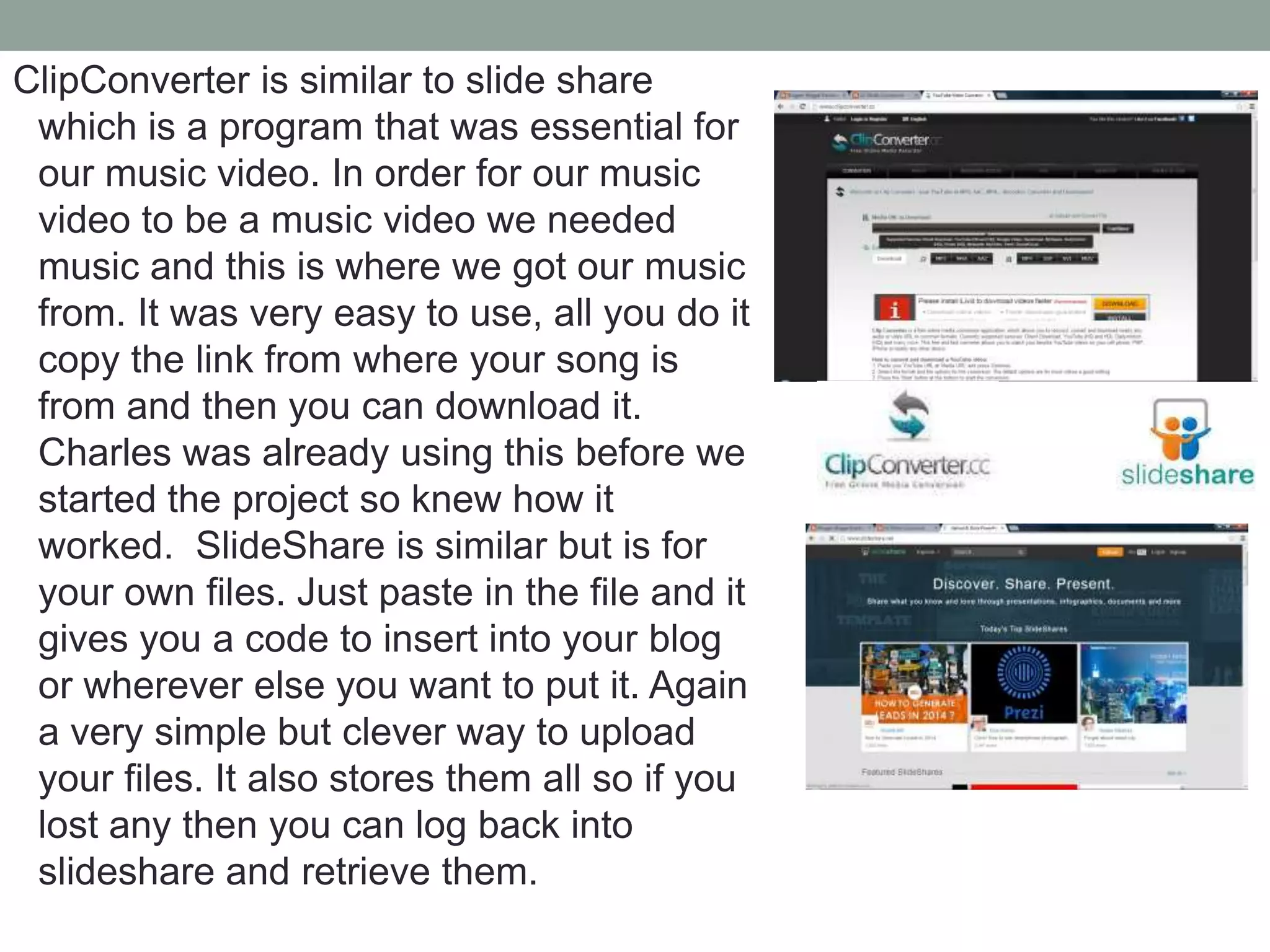
ClipConverter is similar to slide share
which is a program that was essential for
our music video. In order for our music
video to be a music video we needed
music and this is where we got our music
from. It was very easy to use, all you do it
copy the link from where your song is
from and then you can download it.
Charles was already using this before we
started the project so knew how it
worked. SlideShare is similar but is for
your own files. Just paste in the file and it
gives you a code to insert into your blog
or wherever else you want to put it. Again
a very simple but clever way to upload
your files. It also stores them all so if you
lost any then you can log back into
slideshare and retrieve them.

Technology question

  • 1.
  • 2.
  • 3.
    In this A-level coursework project I used many different types of technology. All my coursework had to be uploaded on to the program ‘Blogger.’ For this my AS Media helped because I was already familiar with the website, we used it for our evaluation last year. This website helped me because it enabled me to upload all the different technology's I had used for my coursework. These included all sorts from videos, questionnaires and publisher files that on other programs might not of uploaded. This made it easier for me to organize my coursework because it was all on one blog rather than in lots of different areas.
  • 4.
    The main Microsoftprograms I used throughout the course included Word, Powerpoint and Publisher. I used word to write up one of my audience feedback and uploaded it to my blog. I like using word because it is the most simple program to just write on. If all I want to do it write then word would be my first choice because its simple but effective. On word I learned if I want to insert an image, how to crop it effectively and remove the background of the image. This made my work look much more professional and to a better standard. Another Microsoft program I used in my coursework was PowerPoint. I used this on several occasions to visually show my target audience what I had done.
  • 5.
    Some examples ofwork done on PowerPoint is my advanced drafts, the test shots and the homework two. PowerPoint helped me because its an effective way of grouping together relevant information. When using PowerPoint in my A2 coursework I learned how to add a background or template to the blank slides. This made my presentation look much more appealing and resulted in some positive feedback from my audience research.
  • 6.
    The final formof a Microsoft program I used was Publisher. This was a program I was fairly unfamiliar with and spent some time playing around with it to get a feel of what sort of things you can achieve on it. I learned that this is a very easy program to create things like posters on. The way it is set up makes it easy for you to include almost anything you want to. You can add animations and videos whereas in the other programs that's not possible. I used Publisher to create my homework that was create a poster including key facts and information about your genre. Because it was so easy to create things like posters on this program I chose it to produce my ancillary tasks on which included a digipak and magazine poster.
  • 7.
    During my A2coursework I obviously had to use practical technology such as Macs, my iPhone and a HD video camera. I had to use the Mac to edit all our footage and put it all together to create our music video. Not only this but almost the whole of my work was done on a Mac. Thankfully I have one at home and we used them for our AS productions so I knew fairly well how to use them. I used my iPhone to take several of the test shots and already knew how to use that very well. The one bit of practical technology I wasn't very familiar with using was the HD camera. It was vital that I knew how this worked because this was to be what we filmed our entire music video on. It was good that we had everything filmed on that camera rather than lots of various devises. Even before the main production began, when I was doing my research and planning I needed to know how to use the HD camera. I filmed my pitch with it and thankfully got some practise of using it before the main production. However in my pitch I still wasn't one hundred percent and that showed in my audience feedback. If I was to do that again I would of made sure to have a better background and make sure that the camera angle is spot on before filming. iPhone pictures
  • 8.
    A technology thatI first heard of when doing my AS research and planning was Survey Monkey. This is a great website that enables you to create your own questionnaire and then send it off to be answered. I posted the link on various social media sites like Twitter and Facebook and got some great responses. These were needed in my research and planning to get a feel to what conventions and features they expected to see in my music video. This year I learned on survey monkey that you can apply a background and how to explore the questions that the website can predict for you. I found that this saved a lot of time and enabled me to get my responses back quickly.
  • 9.
    Padlet is awebsite I only heard this year and therefore had little knowledge and was unable to see the website reach its full potential. Once again this is a website I used in my research and planning. It is similar to popplet and spicey nodes in which you can make mind maps and spread your ideas across the page. This website however lets you fit the most information on one box. This came in very handy when writing up my audience feedback on my pitch. They had a lot to say so it was good to get as much information on as possible. Next time I would explore the website more and see what else I can do.
  • 10.
    Spicey Nodes againlike popplet and padlet is a website where you can jot down your ideas on a mind map template. The difference with Spicey Nodes is that you have lots of bubbles inside of bubbles. For example I used this program in my evaluation on the conventions question so my main heading was Punk Pop and then several sub heading orbited around it. one of those headings was props and had a further 3 other heading inside of that one. This website is great because of the endless subheadings you can include loads of information. The only thing about this website I didn't like was that you could only really have about a sentence on each bubble. This meant that there was loads of bubbles and sometimes was hard to keep track of them all.
  • 11.
    Popplet I usedfor my research and planning as well and in particular the production concept and the ancillary tasks. Popplet is my favourite of these type of websites because it allows you to put as much as you want in one section and have as many subheading as possible. Something which the other two failed to do. It also allows you to upload pictures from social media the web or from your computer so its very easy but still simple. I used Popplet in Year 12 so already knew how to make the most of it. Popplet will let you have up to 5 popplets before you need to delete one to make more space and therefore I was able to have them all together without making a new account.
  • 12.
    YouTube is awebsite I think most people our age are familiar with. I had to use it throughout the coursework project and uploaded my pitch, animatic and main production all on to it so that I could go on to upload it to my blog. Youtube is very simple to work so I found it very easy to make my videos public and was able to upload them without any problems. I have my own account so all my media work can be separated from my other work. When doing the animatic at first I struggled and didn't know how to apply a soundtrack over my work but without to much trouble found out how to do it.
  • 13.
    BBC Writers Roomis a website that's part of the BBC and wants to show people how to write scripts. When me and Charles visited this website we were met with a clear template which we used as the foundations of our own script. We found this really helpful because we had like everybody else in the class minimal experience of writing scripts.
  • 14.
    iMovie is theprogram on the Macs that me and Charles best felt would be best for editing our videos. Every single second of footage went though this program, not just the main production but the pitch and the animatic too. Thankfully I have a Mac at home so had some basic knowledge already. I think that iMovie is a great program because it stores all your videos on the program without you needing to remove them to start another production. The only problem we found when using this was that some effects we planned on adding in were difficult and stressful to apply. We overcame this however and worked it out in the end.
  • 15.
    ClipConverter is similarto slide share which is a program that was essential for our music video. In order for our music video to be a music video we needed music and this is where we got our music from. It was very easy to use, all you do it copy the link from where your song is from and then you can download it. Charles was already using this before we started the project so knew how it worked. SlideShare is similar but is for your own files. Just paste in the file and it gives you a code to insert into your blog or wherever else you want to put it. Again a very simple but clever way to upload your files. It also stores them all so if you lost any then you can log back into slideshare and retrieve them.